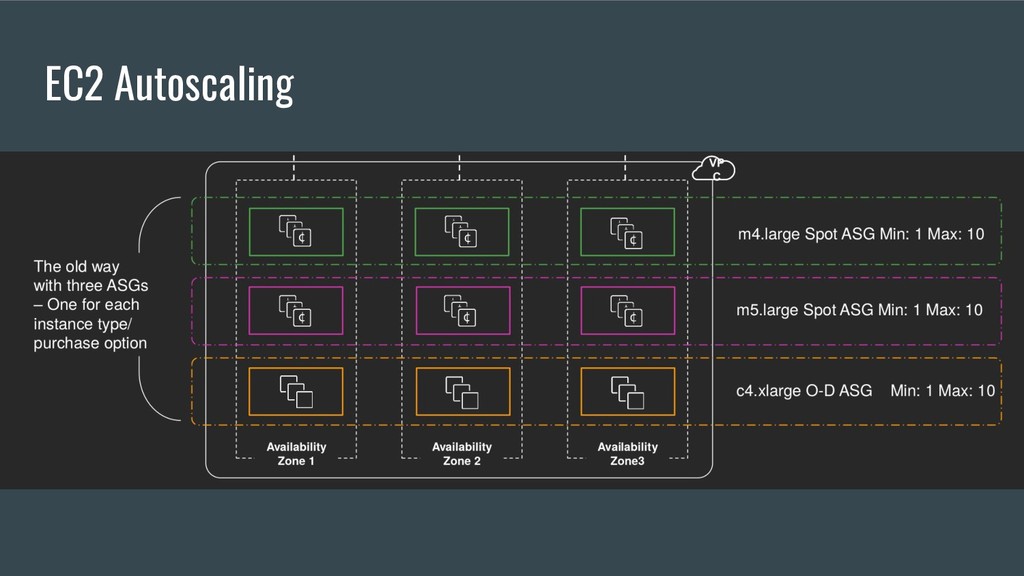
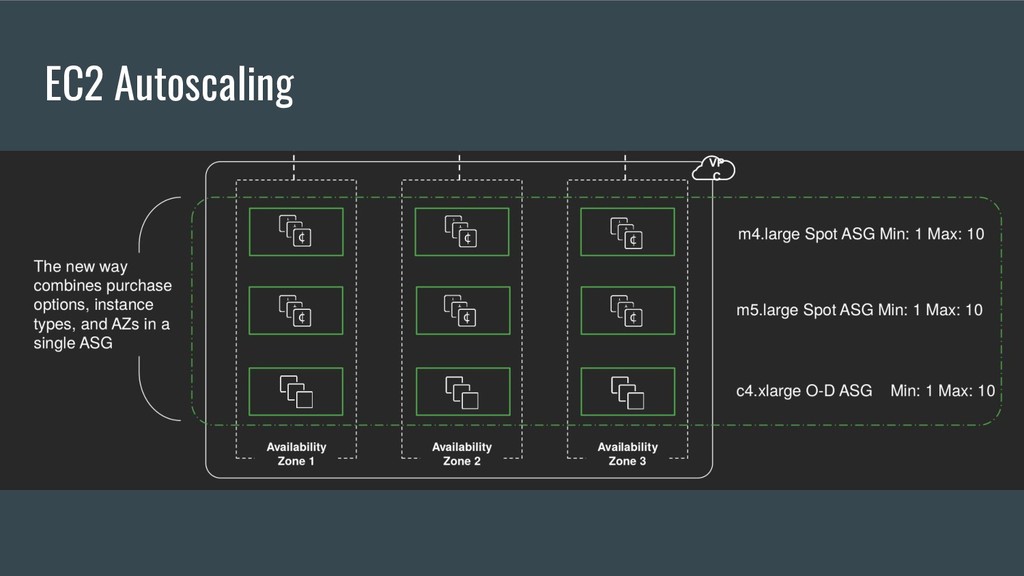
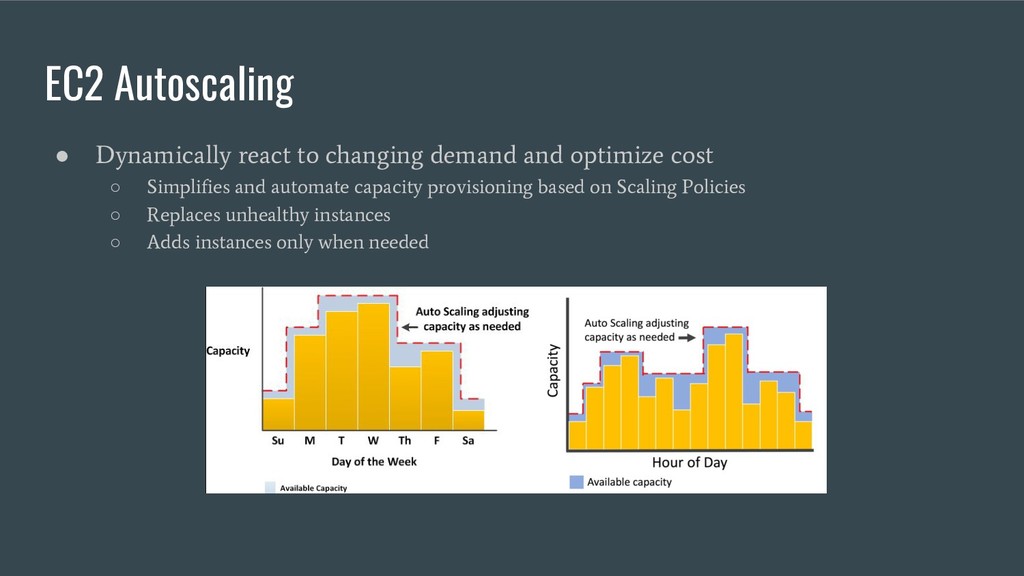
Not announced at re:invent • Just a small blog post on 2018-11-14 ◦ https://aws.amazon.com/blogs/aws/new-ec2-auto-scaling-groups-with-multiple-instance-types-purch ase-options/ • Workshop at re:invent ◦ CMP402 Running Amazon EC2 Workloads at Scale ◦ https://github.com/awslabs/ec2-spot-labs/tree/master/workshops/running-amazon-ec2-workloads-at- scale
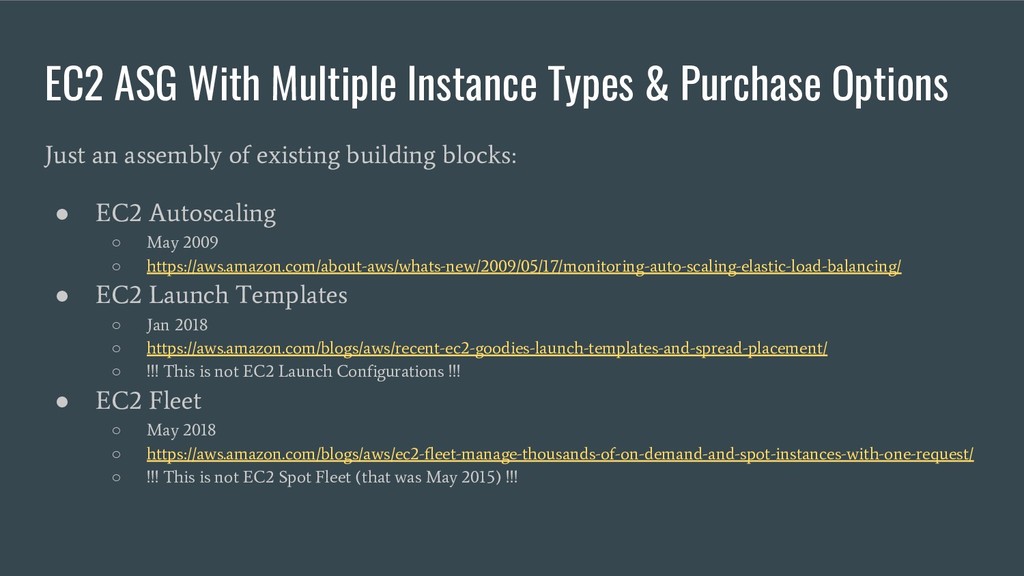
an assembly of existing building blocks: • EC2 Autoscaling ◦ May 2009 ◦ https://aws.amazon.com/about-aws/whats-new/2009/05/17/monitoring-auto-scaling-elastic-load-balancing/ • EC2 Launch Templates ◦ Jan 2018 ◦ https://aws.amazon.com/blogs/aws/recent-ec2-goodies-launch-templates-and-spread-placement/ ◦ !!! This is not EC2 Launch Configurations !!! • EC2 Fleet ◦ May 2018 ◦ https://aws.amazon.com/blogs/aws/ec2-fleet-manage-thousands-of-on-demand-and-spot-instances-with-one-request/ ◦ !!! This is not EC2 Spot Fleet (that was May 2015) !!!
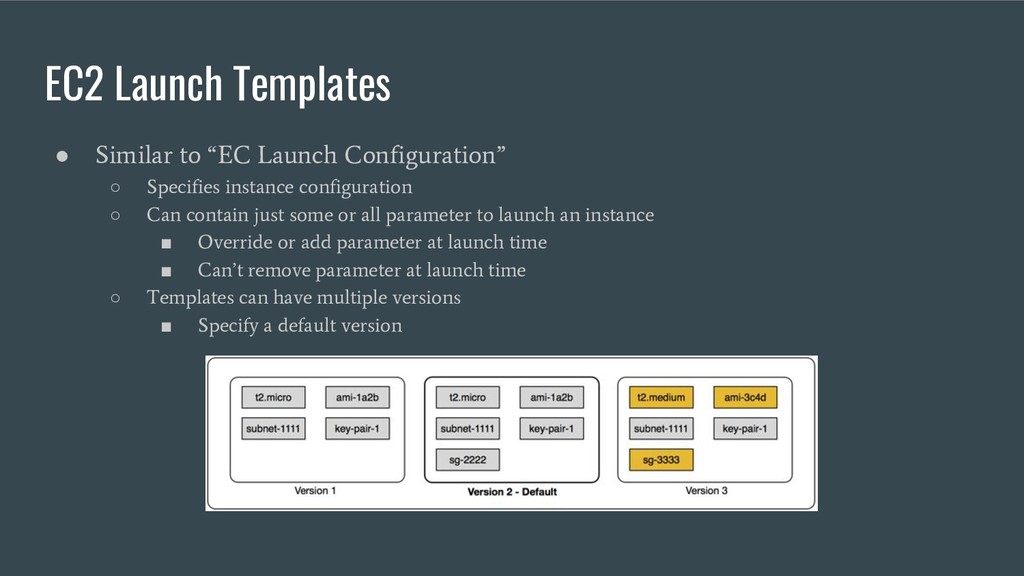
Specifies instance configuration ◦ Can contain just some or all parameter to launch an instance ▪ Override or add parameter at launch time ▪ Can’t remove parameter at launch time ◦ Templates can have multiple versions ▪ Specify a default version
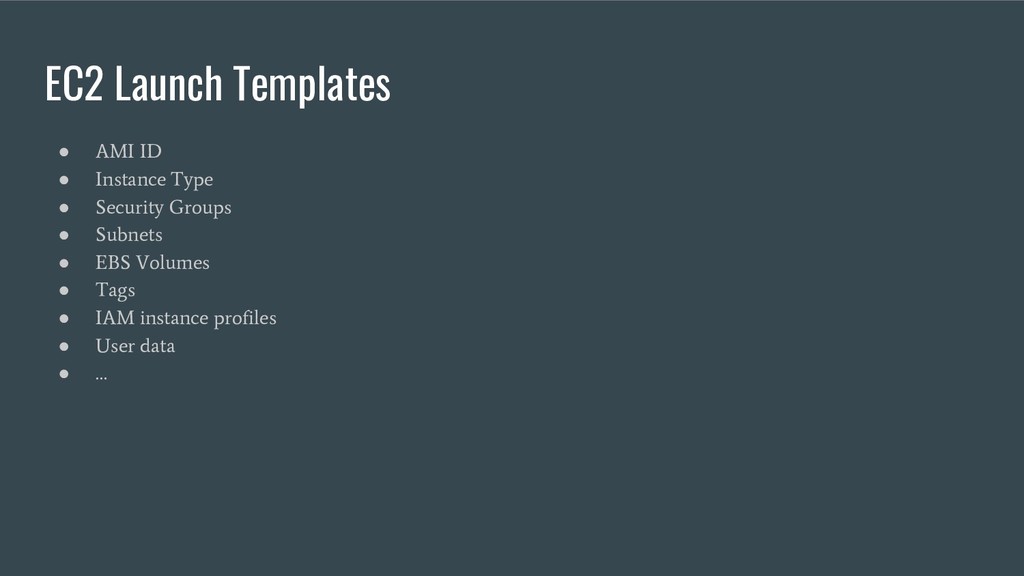
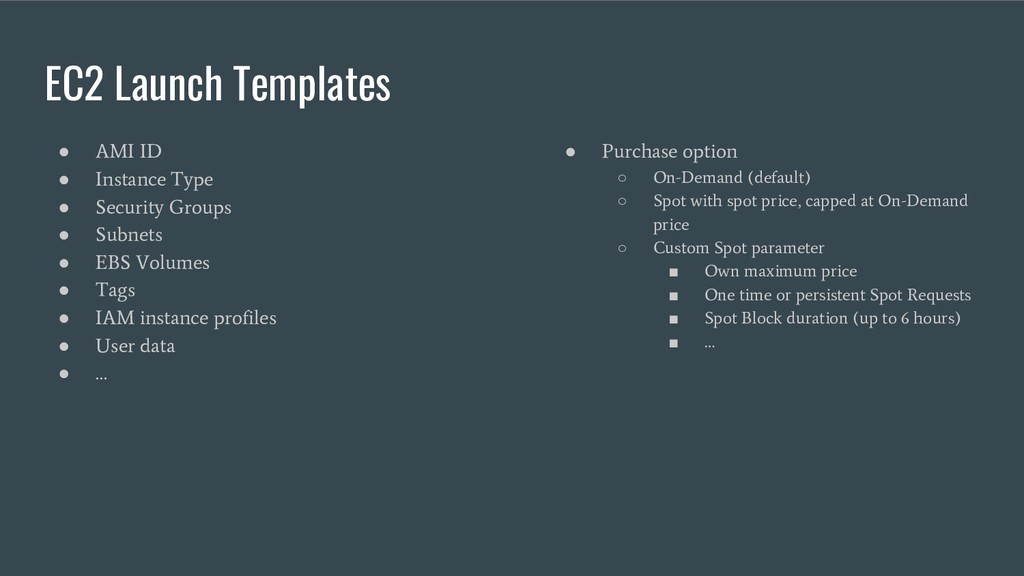
Security Groups • Subnets • EBS Volumes • Tags • IAM instance profiles • User data • … • Purchase option ◦ On-Demand (default) ◦ Spot with spot price, capped at On-Demand price ◦ Custom Spot parameter ▪ Own maximum price ▪ One time or persistent Spot Requests ▪ Spot Block duration (up to 6 hours) ▪ …
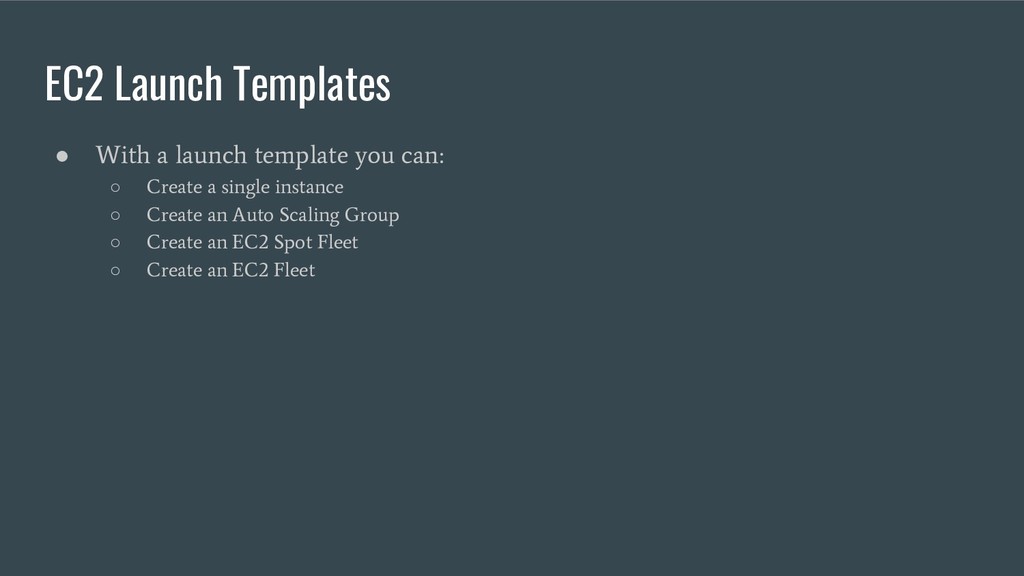
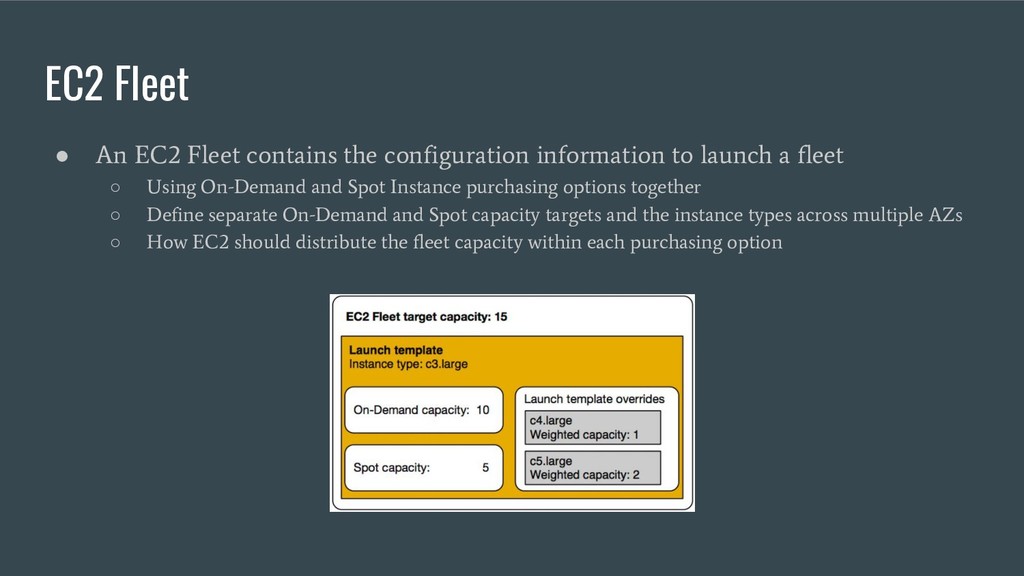
to launch a fleet ◦ Using On-Demand and Spot Instance purchasing options together ◦ Define separate On-Demand and Spot capacity targets and the instance types across multiple AZs ◦ How EC2 should distribute the fleet capacity within each purchasing option
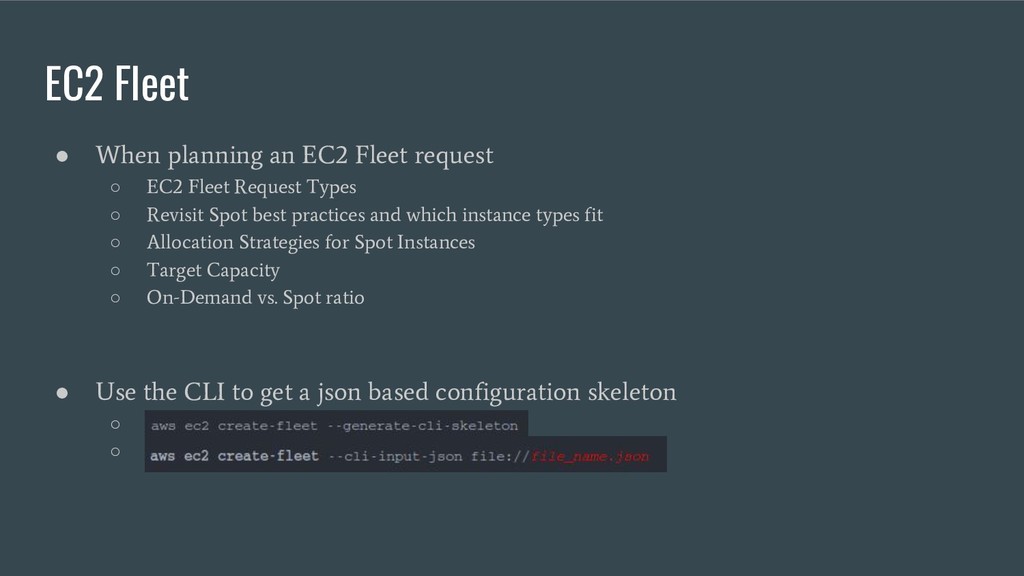
EC2 Fleet Request Types ◦ Revisit Spot best practices and which instance types fit ◦ Allocation Strategies for Spot Instances ◦ Target Capacity ◦ On-Demand vs. Spot ratio • Use the CLI to get a json based configuration skeleton ◦ ◦
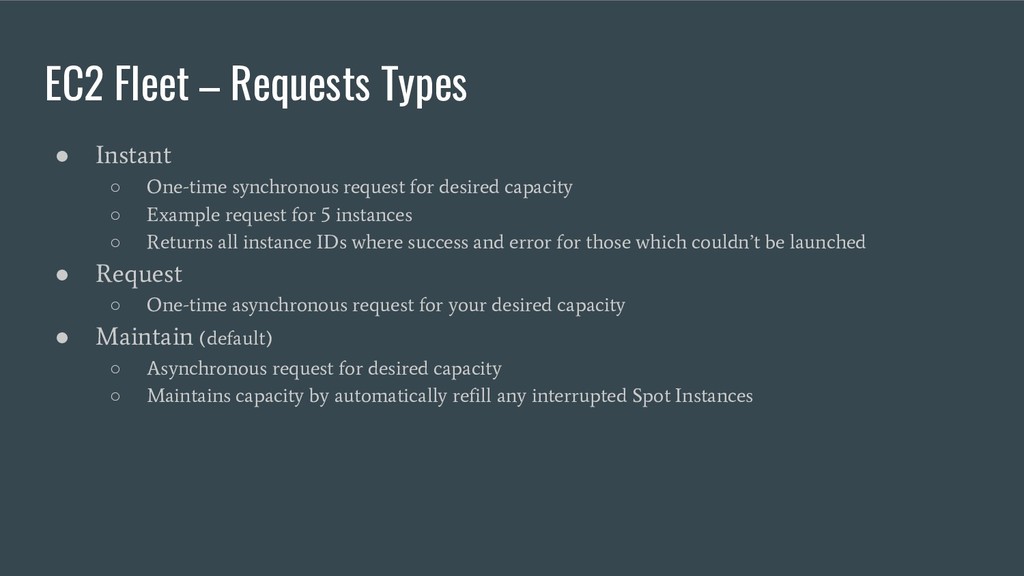
request for desired capacity ◦ Example request for 5 instances ◦ Returns all instance IDs where success and error for those which couldn’t be launched • Request ◦ One-time asynchronous request for your desired capacity • Maintain (default) ◦ Asynchronous request for desired capacity ◦ Maintains capacity by automatically refill any interrupted Spot Instances
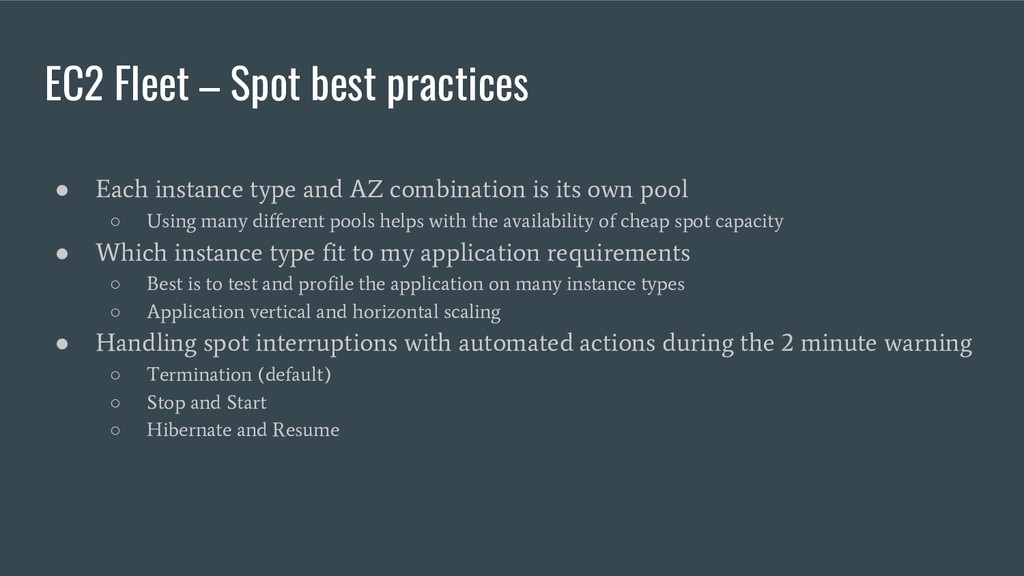
and AZ combination is its own pool ◦ Using many different pools helps with the availability of cheap spot capacity • Which instance type fit to my application requirements ◦ Best is to test and profile the application on many instance types ◦ Application vertical and horizontal scaling • Handling spot interruptions with automated actions during the 2 minute warning ◦ Termination (default) ◦ Stop and Start ◦ Hibernate and Resume
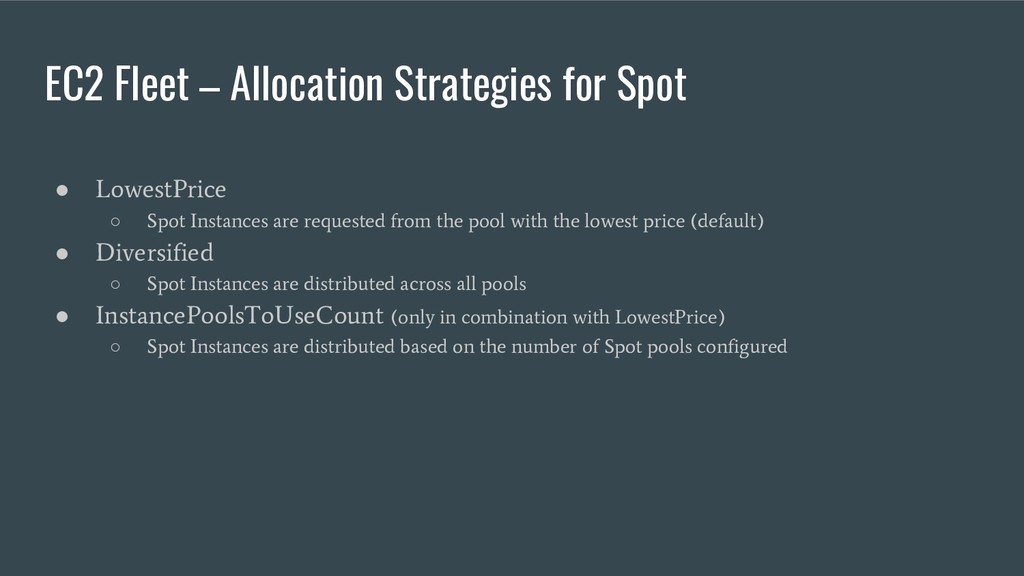
Spot Instances are requested from the pool with the lowest price (default) • Diversified ◦ Spot Instances are distributed across all pools • InstancePoolsToUseCount (only in combination with LowestPrice) ◦ Spot Instances are distributed based on the number of Spot pools configured
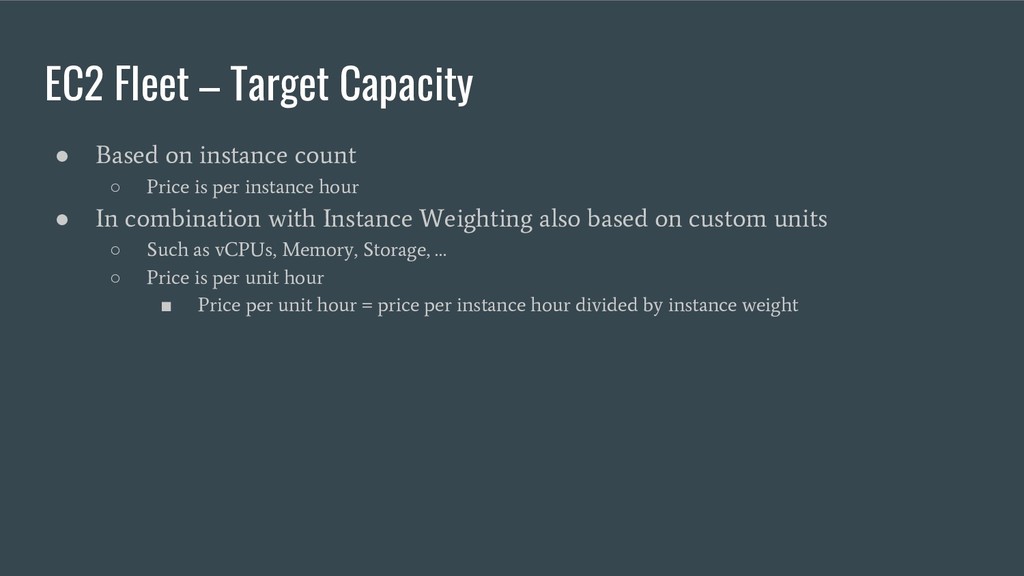
◦ Price is per instance hour • In combination with Instance Weighting also based on custom units ◦ Such as vCPUs, Memory, Storage, … ◦ Price is per unit hour ▪ Price per unit hour = price per instance hour divided by instance weight
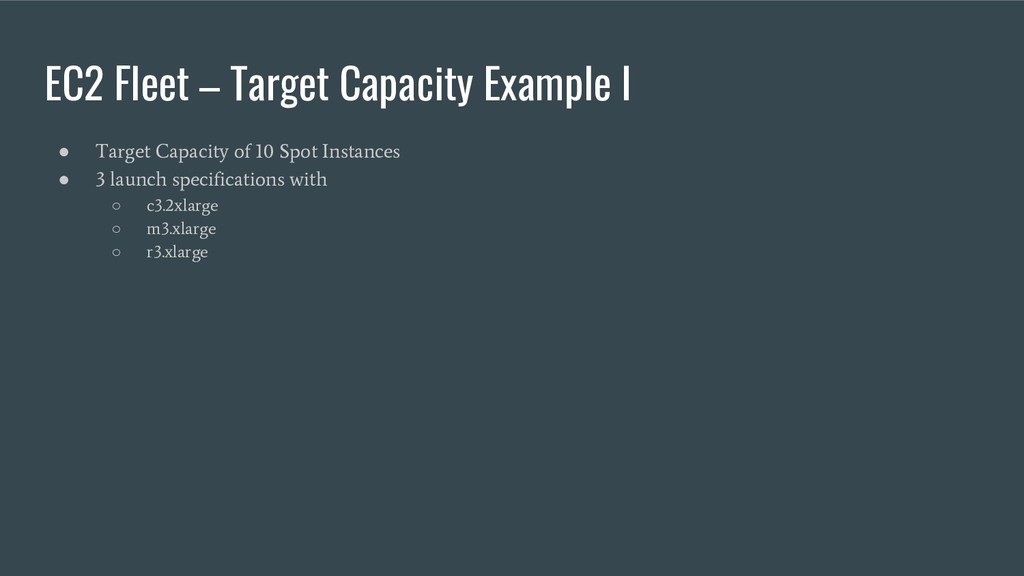
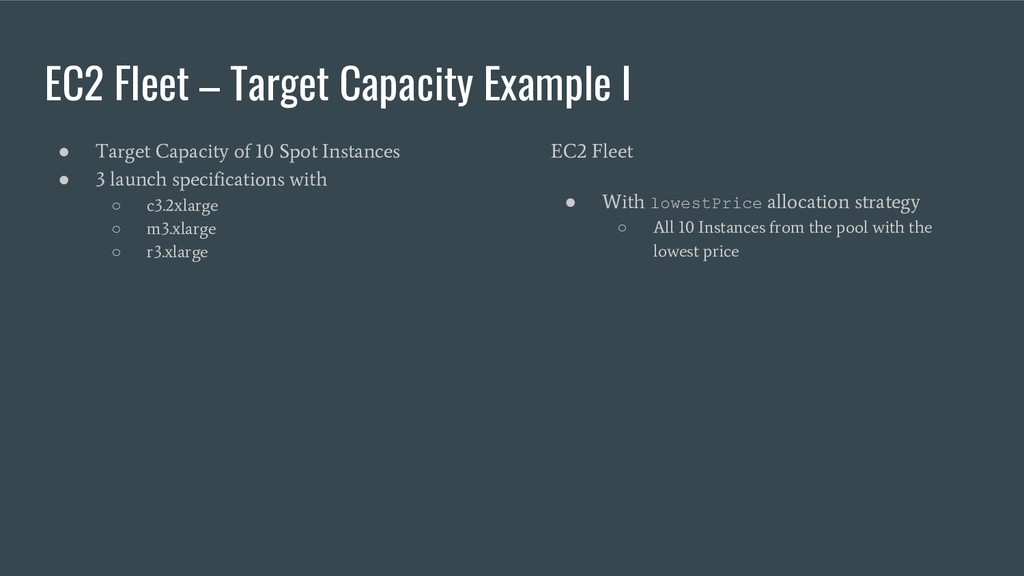
of 10 Spot Instances • 3 launch specifications with ◦ c3.2xlarge ◦ m3.xlarge ◦ r3.xlarge EC2 Fleet • With lowestPrice allocation strategy ◦ All 10 Instances from the pool with the lowest price
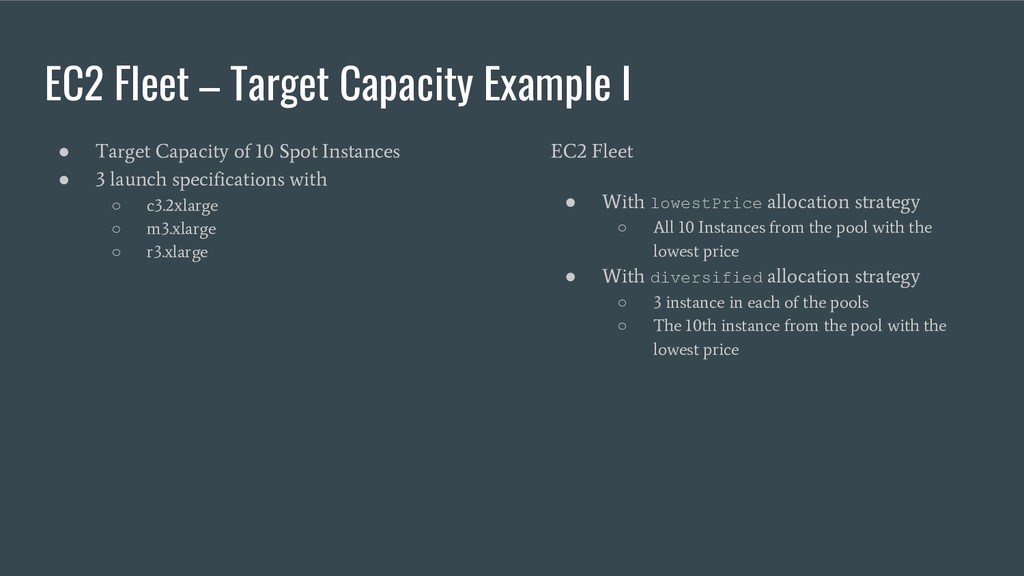
of 10 Spot Instances • 3 launch specifications with ◦ c3.2xlarge ◦ m3.xlarge ◦ r3.xlarge EC2 Fleet • With lowestPrice allocation strategy ◦ All 10 Instances from the pool with the lowest price • With diversified allocation strategy ◦ 3 instance in each of the pools ◦ The 10th instance from the pool with the lowest price
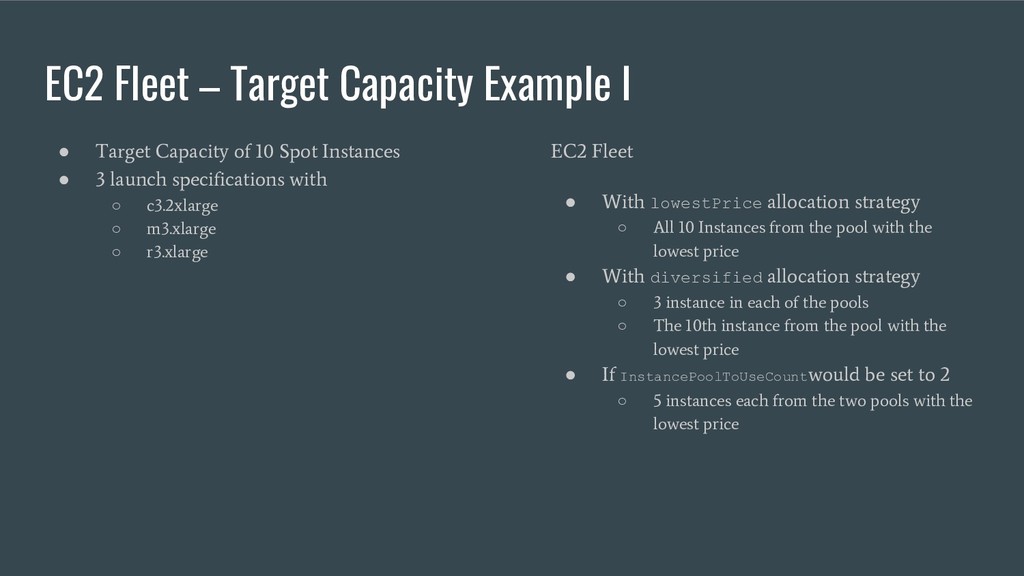
of 10 Spot Instances • 3 launch specifications with ◦ c3.2xlarge ◦ m3.xlarge ◦ r3.xlarge EC2 Fleet • With lowestPrice allocation strategy ◦ All 10 Instances from the pool with the lowest price • With diversified allocation strategy ◦ 3 instance in each of the pools ◦ The 10th instance from the pool with the lowest price • If InstancePoolToUseCount would be set to 2 ◦ 5 instances each from the two pools with the lowest price
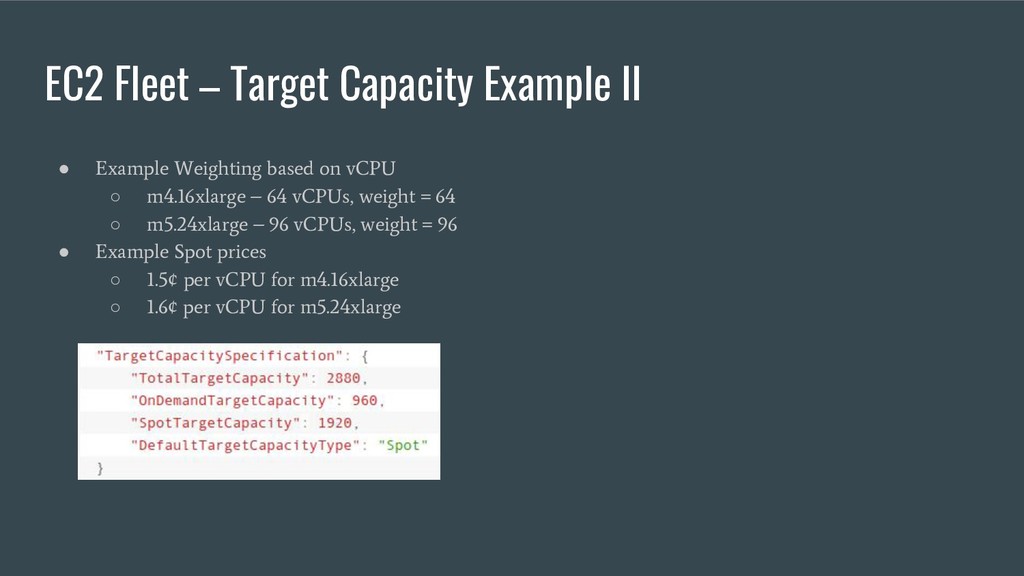
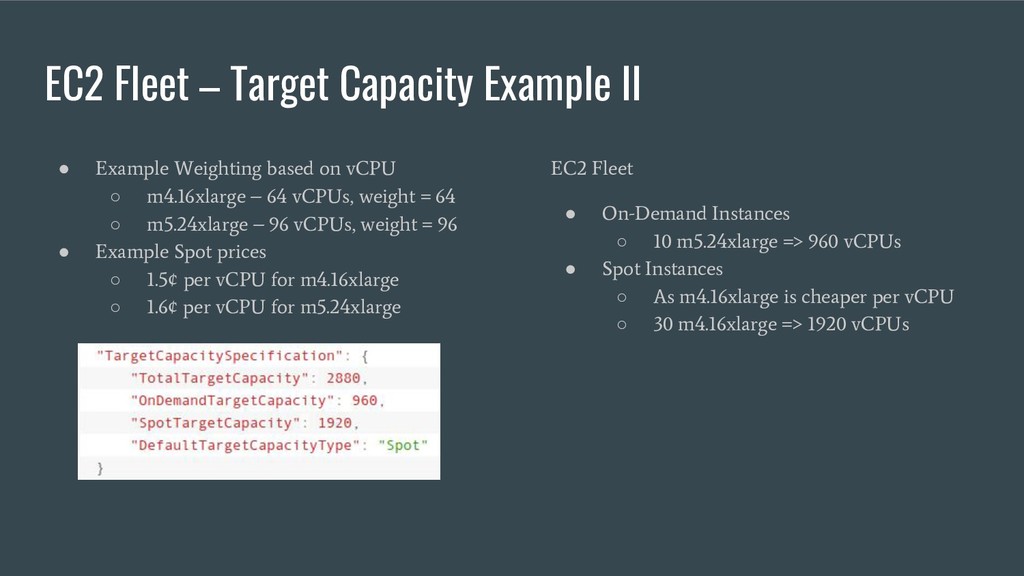
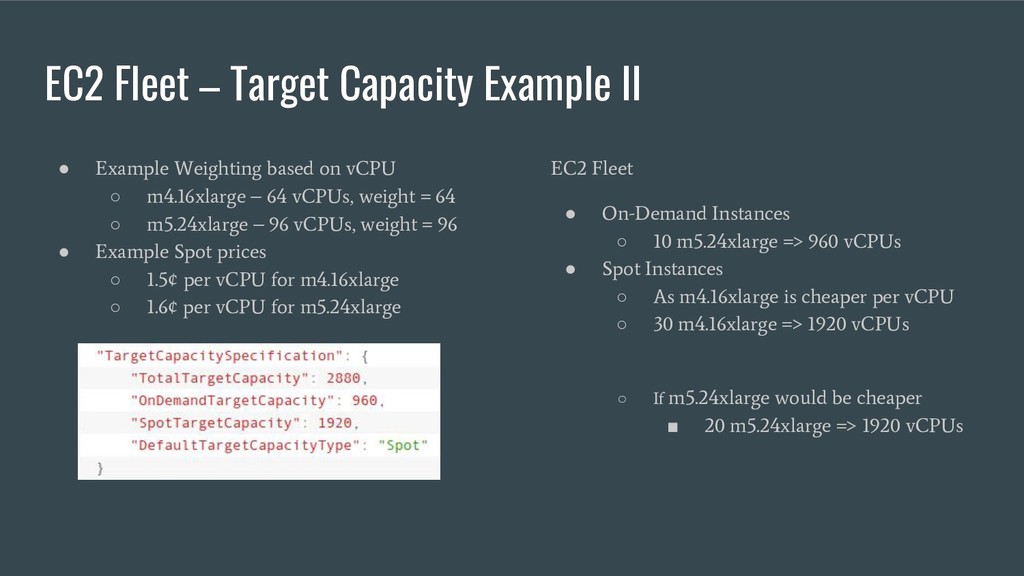
based on vCPU ◦ m4.16xlarge – 64 vCPUs, weight = 64 ◦ m5.24xlarge – 96 vCPUs, weight = 96 • Example Spot prices ◦ 1.5¢ per vCPU for m4.16xlarge ◦ 1.6¢ per vCPU for m5.24xlarge
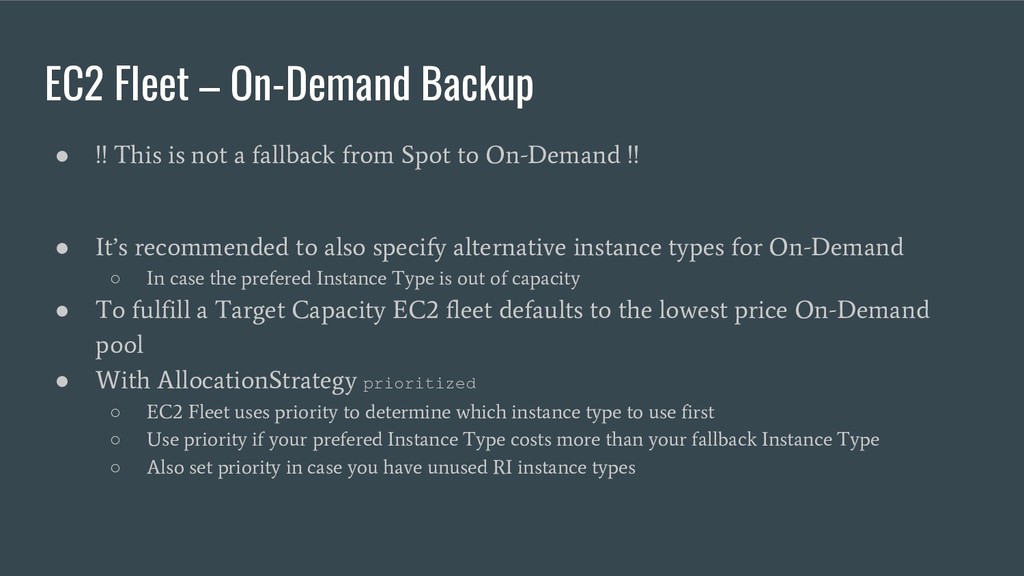
a fallback from Spot to On-Demand !! • It’s recommended to also specify alternative instance types for On-Demand ◦ In case the prefered Instance Type is out of capacity • To fulfill a Target Capacity EC2 fleet defaults to the lowest price On-Demand pool • With AllocationStrategy prioritized ◦ EC2 Fleet uses priority to determine which instance type to use first ◦ Use priority if your prefered Instance Type costs more than your fallback Instance Type ◦ Also set priority in case you have unused RI instance types
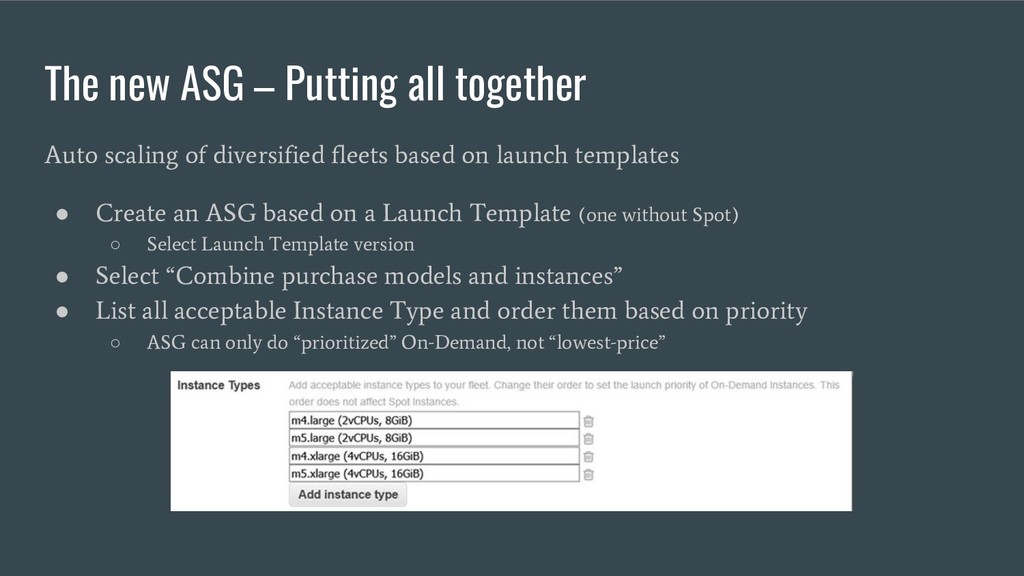
diversified fleets based on launch templates • Create an ASG based on a Launch Template (one without Spot) ◦ Select Launch Template version • Select “Combine purchase models and instances” • List all acceptable Instance Type and order them based on priority ◦ ASG can only do “prioritized” On-Demand, not “lowest-price”
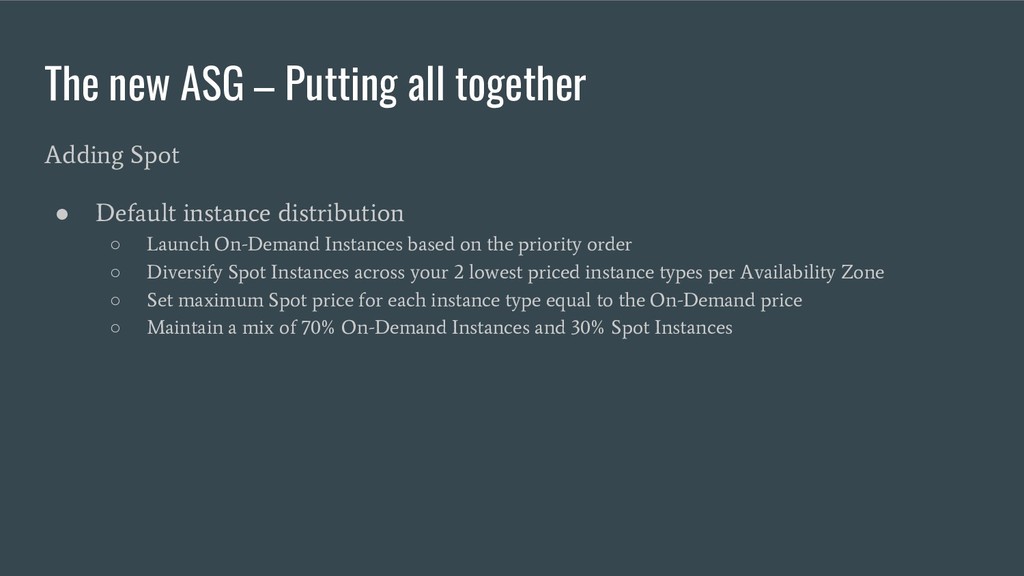
Default instance distribution ◦ Launch On-Demand Instances based on the priority order ◦ Diversify Spot Instances across your 2 lowest priced instance types per Availability Zone ◦ Set maximum Spot price for each instance type equal to the On-Demand price ◦ Maintain a mix of 70% On-Demand Instances and 30% Spot Instances
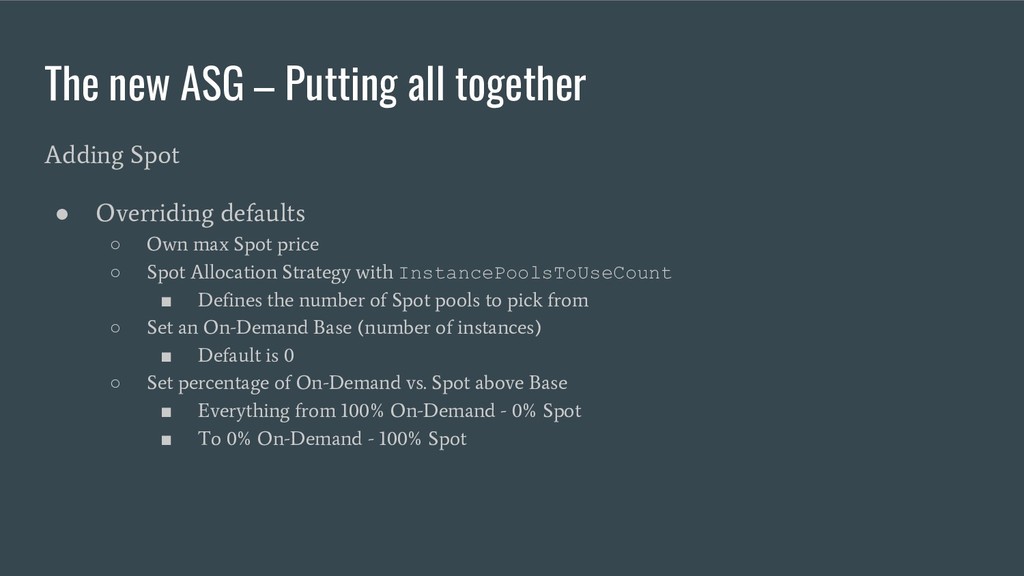
Overriding defaults ◦ Own max Spot price ◦ Spot Allocation Strategy with InstancePoolsToUseCount ▪ Defines the number of Spot pools to pick from ◦ Set an On-Demand Base (number of instances) ▪ Default is 0 ◦ Set percentage of On-Demand vs. Spot above Base ▪ Everything from 100% On-Demand - 0% Spot ▪ To 0% On-Demand - 100% Spot
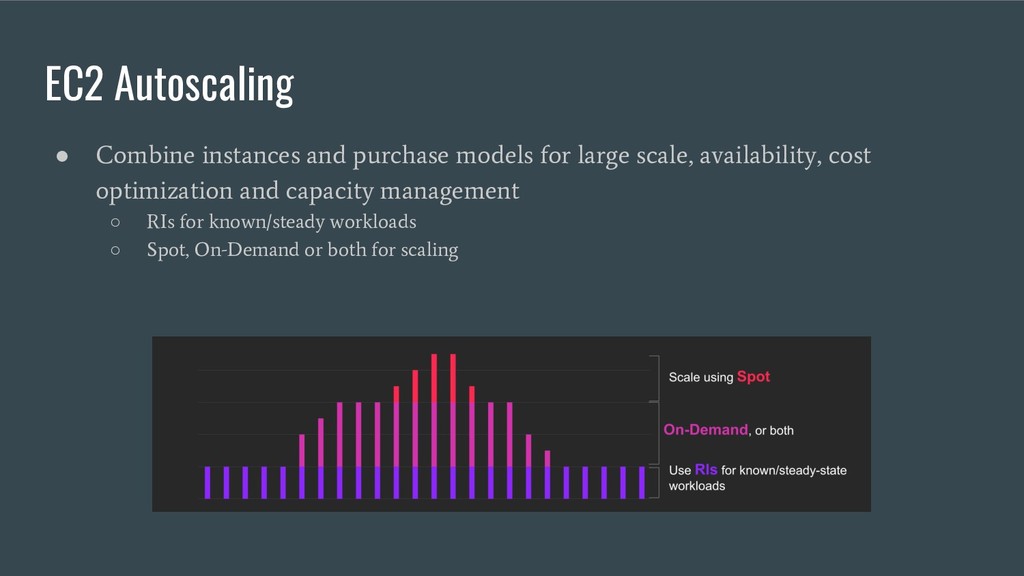
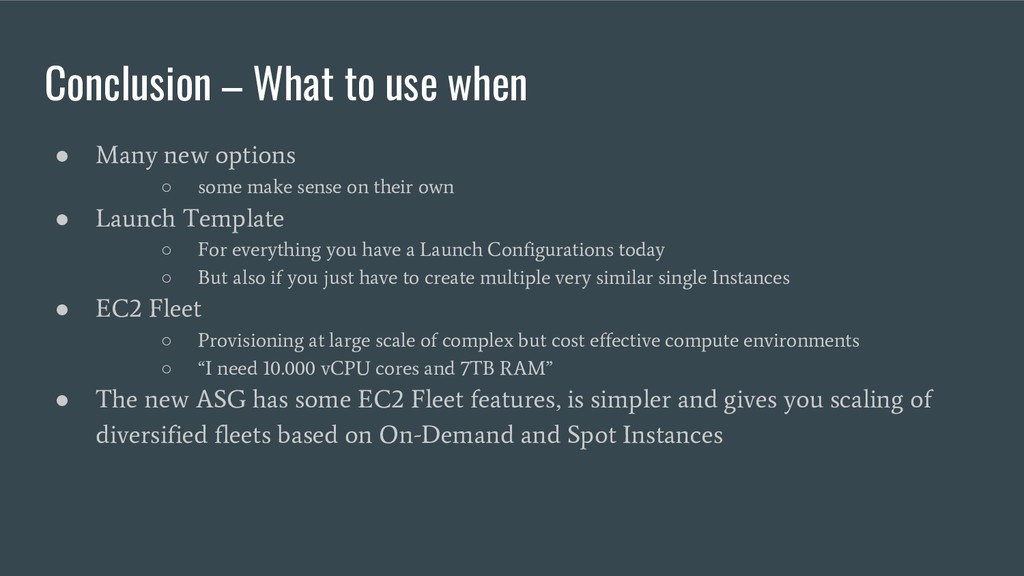
◦ some make sense on their own • Launch Template ◦ For everything you have a Launch Configurations today ◦ But also if you just have to create multiple very similar single Instances • EC2 Fleet ◦ Provisioning at large scale of complex but cost effective compute environments ◦ “I need 10.000 vCPU cores and 7TB RAM” • The new ASG has some EC2 Fleet features, is simpler and gives you scaling of diversified fleets based on On-Demand and Spot Instances


 aruetten
 y0hgi
y0hgi
 usanchuu
 ezaki
ezaki
 yamanoku
 yu23ki14
 kizawa2020
 yahonda
 sansan33
 bitkey
 takuroabe
 yuuuuuuu168
 hiracky16
 reverentgeek
 tammyeverts
 asonas
 mongodb
 aleyda
 eileencodes
 marcelosomers
 andyhume
 skipperchong
 gr2m
gr2m
 jonoalderson
 wayneb77