Upgrade to Pro — share decks privately, control downloads, hide ads and more …

METEOR

Sponsored · Your Podcast. Everywhere. Effortlessly. Share. Educate. Inspire. Entertain. You do you. We'll handle the rest. →

 METEOR

One of the quickest way to MVP your idea

Avatar for Ashish Pandey

Ashish Pandey

February 13, 2016

Other Decks in Programming

Transcript

  1. METEOR One of the quickest way to MVP your idea

    Ashish Pandey https://ashishapy.com @ashishapy (Business Consultant)
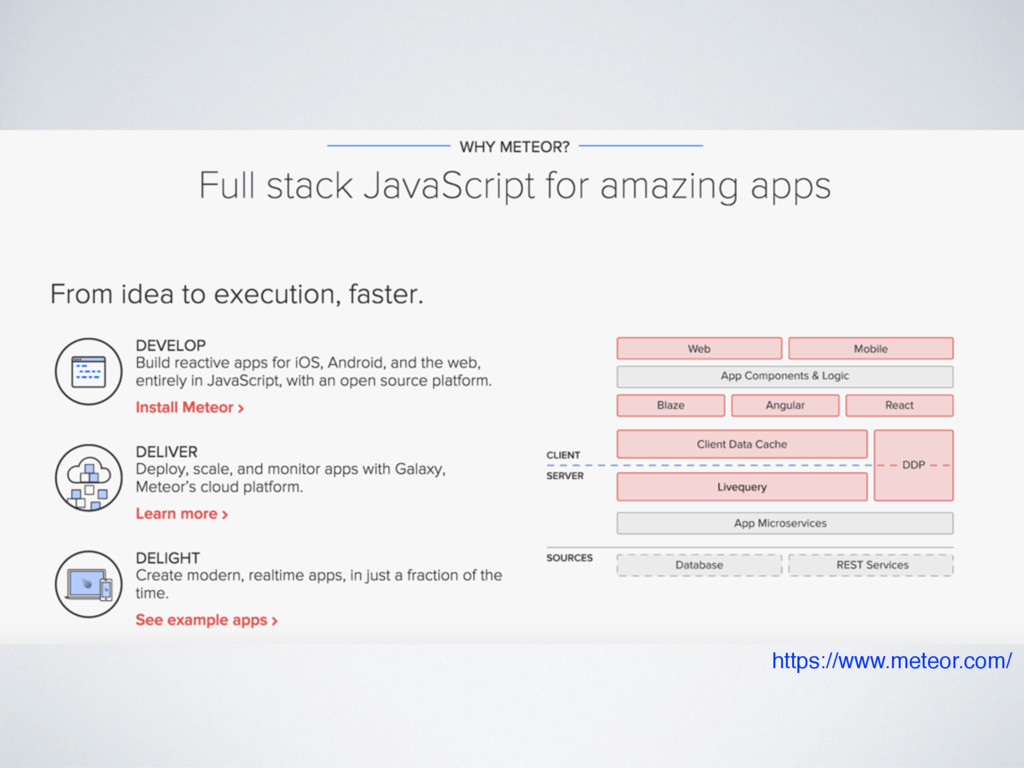
  2. AGENDA • An Idea • Why Meteor? • Get started

    & coding • Demo • When not to use Meteor • Alternatives • Questions
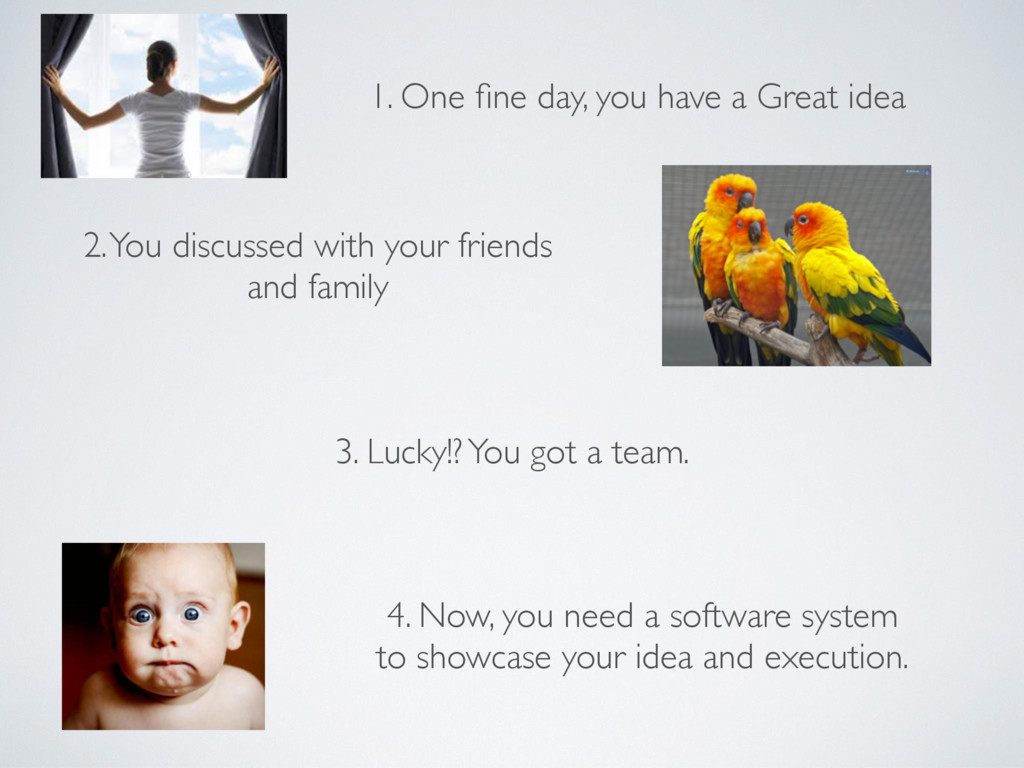
  3. 1. One fine day, you have a Great idea 2.

    You discussed with your friends and family 3. Lucky!? You got a team. 4. Now, you need a software system to showcase your idea and execution.
  4. System but constraints… • Limited fund / money. • Lack

    of resources. • Skills / knowledge needed for software building. • Good but least expensive IT infrastructure. • Need application, not a static website.
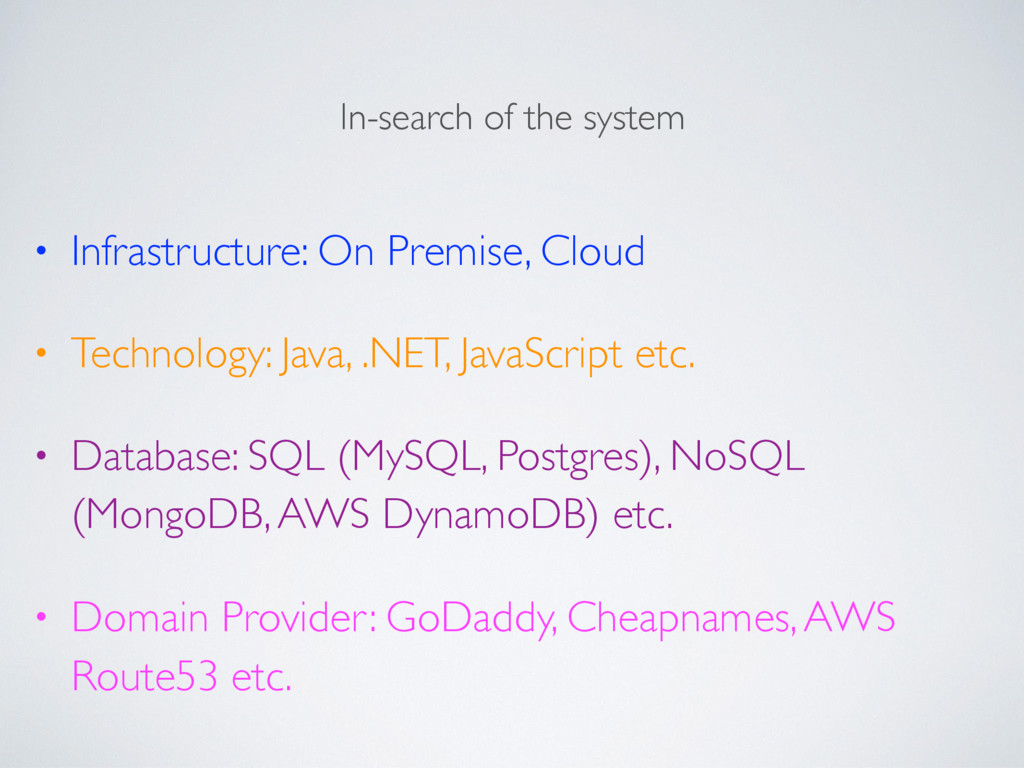
  5. In-search of the system • Infrastructure: On Premise, Cloud •

    Technology: Java, .NET, JavaScript etc. • Database: SQL (MySQL, Postgres), NoSQL (MongoDB, AWS DynamoDB) etc. • Domain Provider: GoDaddy, Cheapnames, AWS Route53 etc.
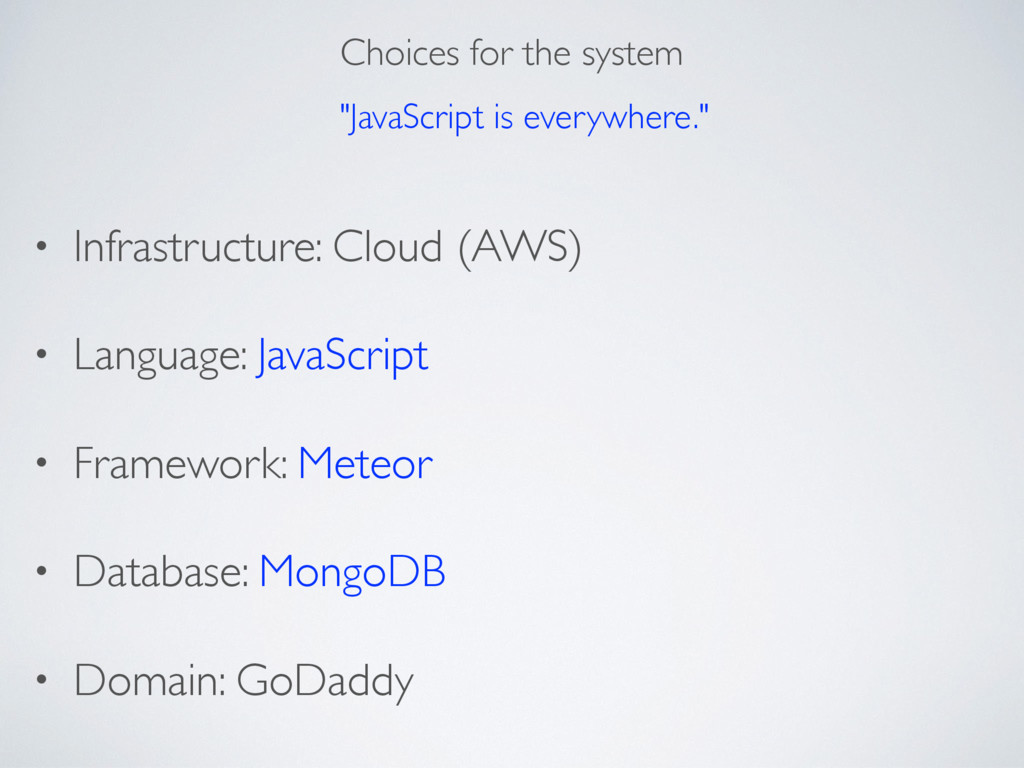
  6. Choices for the system • Infrastructure: Cloud (AWS) • Language:

    JavaScript • Framework: Meteor • Database: MongoDB • Domain: GoDaddy "JavaScript is everywhere."
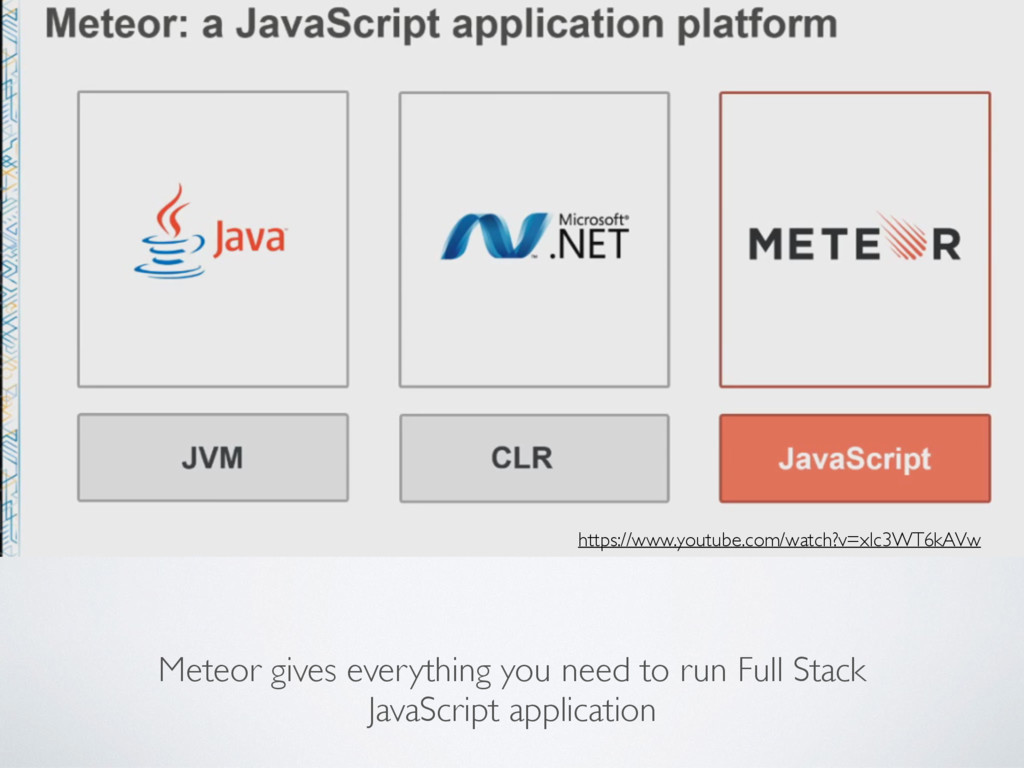
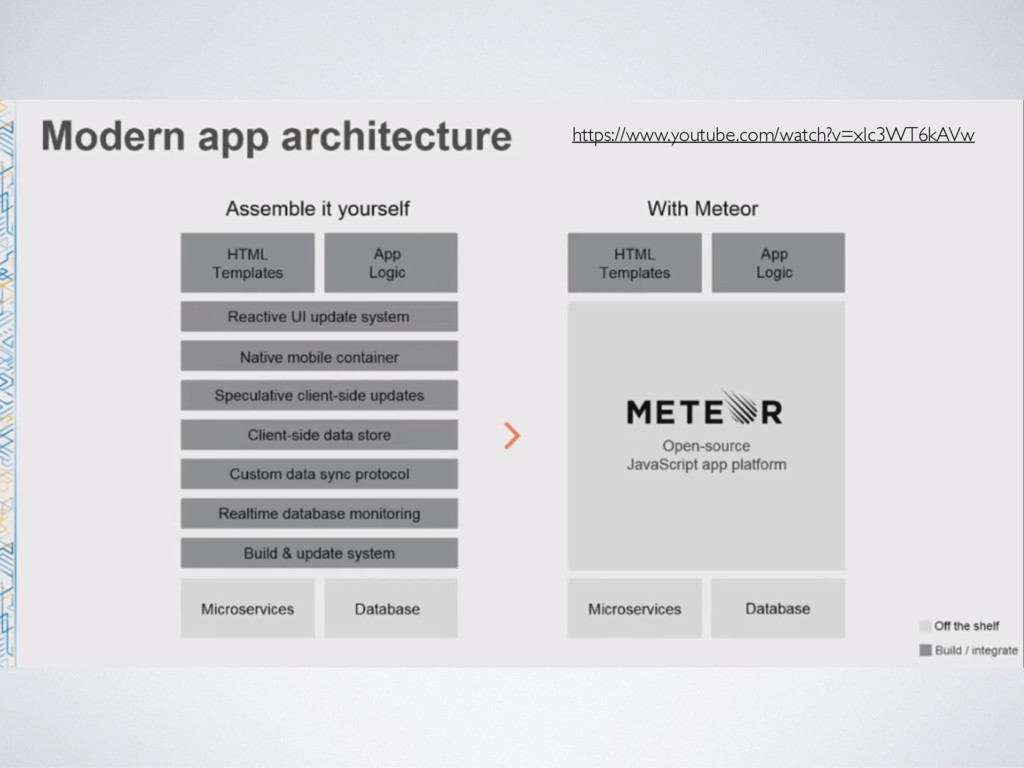
  7. Meteor gives everything you need to run Full Stack JavaScript

    application https://www.youtube.com/watch?v=xIc3WT6kAVw
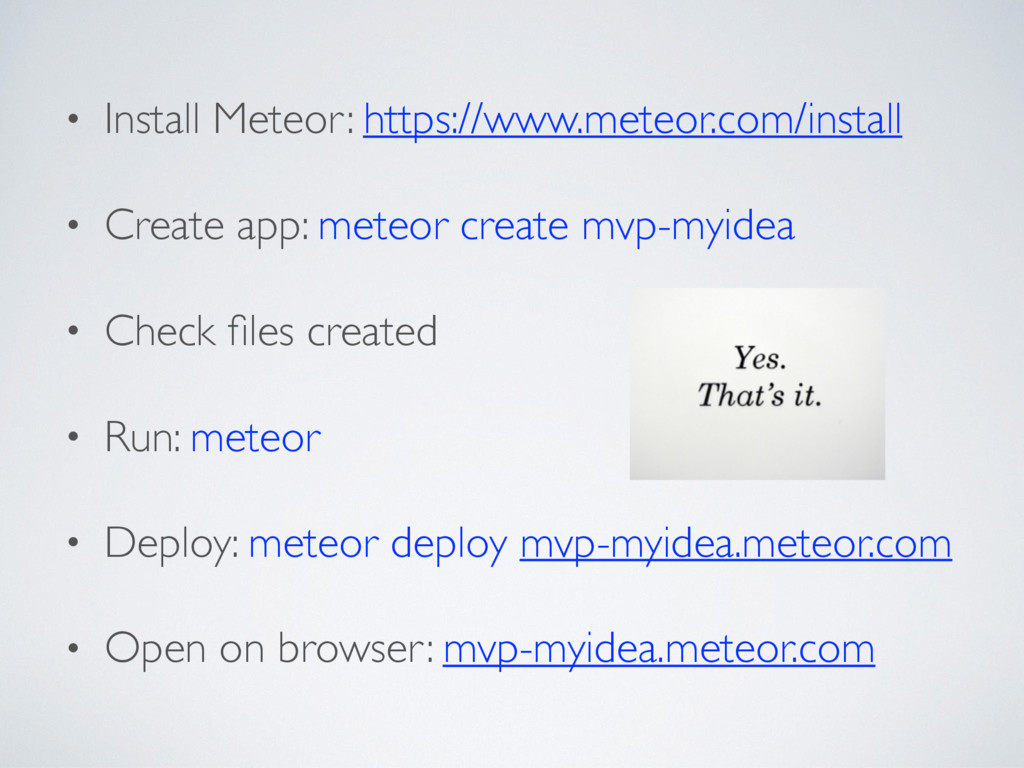
  8. • Install Meteor: https://www.meteor.com/install • Create app: meteor create mvp-myidea

    • Check files created • Run: meteor • Deploy: meteor deploy mvp-myidea.meteor.com • Open on browser: mvp-myidea.meteor.com
  9. OK, WHAT ELSE DO YOU NEED? • Meet industry standard

    security practice • Beautiful & responsive UI • Sign in / out & Sign up • Administration / CMS • Store user data • System should be able to send email • May be some analytics
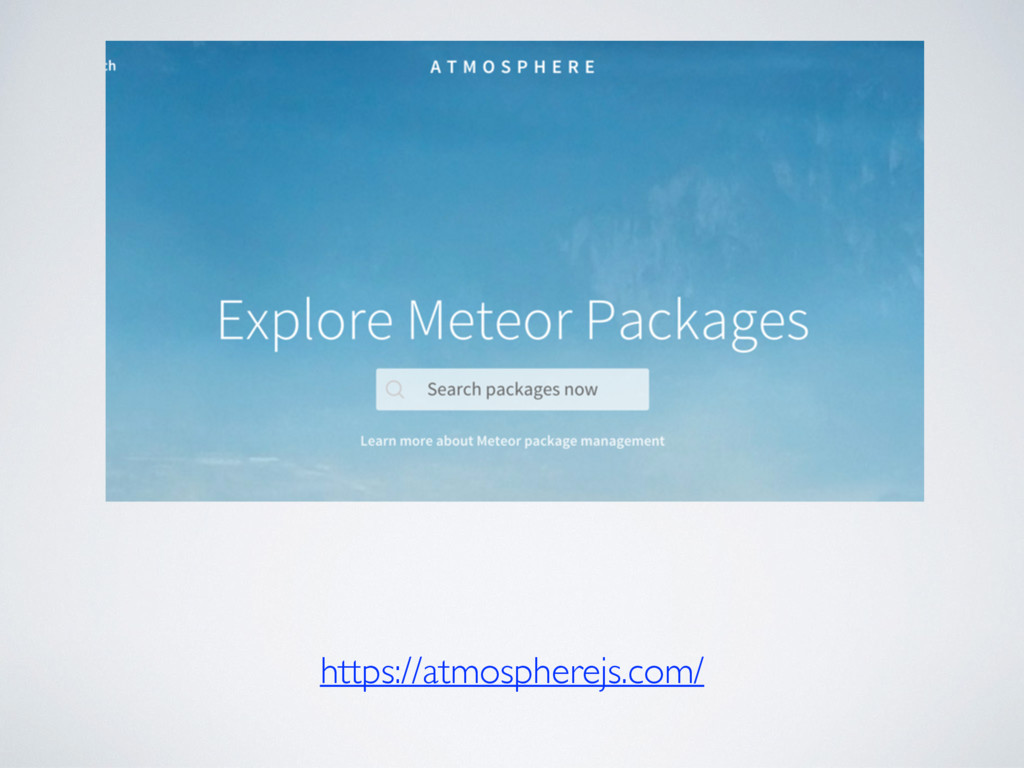
  10. BASIC SETUP • Check package already installed: meteor list •

    Remove “For prototyping only” packages. • Install a router package (FlowRouter) • Install a UI package (Bootstrap & fontawesome) • Setup email (Mailgun) • Get certificate (LetsEncrypt) • Must visit & use as reference http://guide.meteor.com/
  11. ACCOUNT Sign in / out & Sign up • Check

    package already installed: meteor list • meteor add accounts-password • meteor add accounts-ui accounts-facebook accounts-google • meteor add useraccounts:bootstrap useraccounts:flow-routing • Configure it. • Must check: http://guide.meteor.com/accounts.html
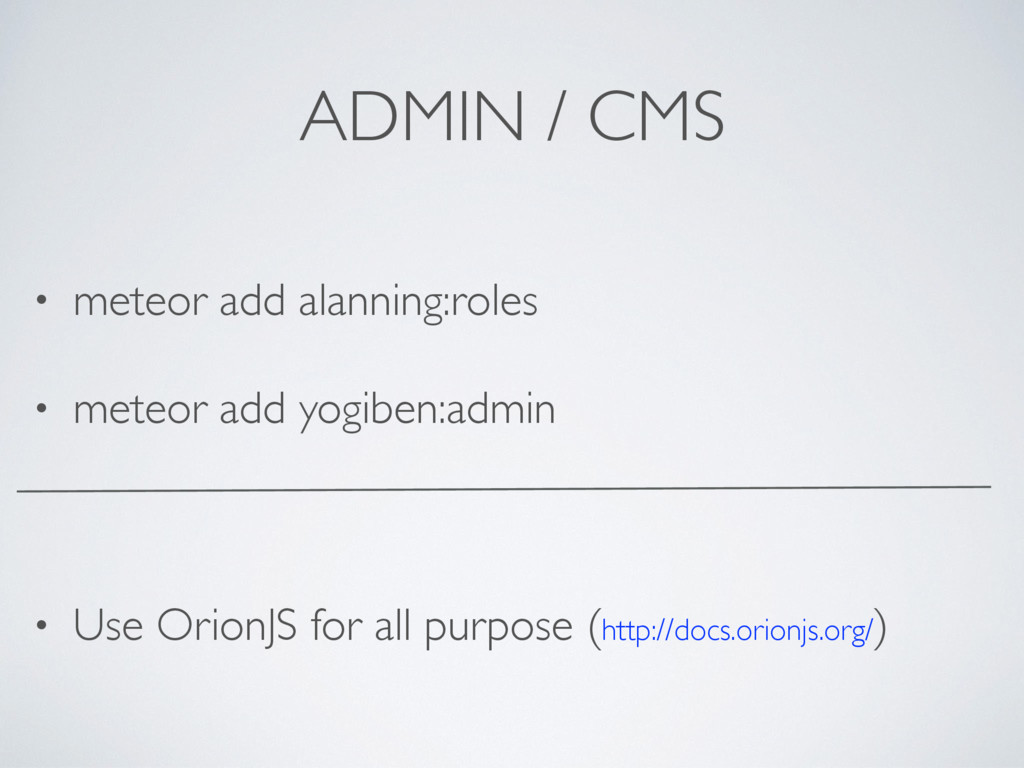
  12. ADMIN / CMS • meteor add alanning:roles • meteor add

    yogiben:admin • Use OrionJS for all purpose (http://docs.orionjs.org/)
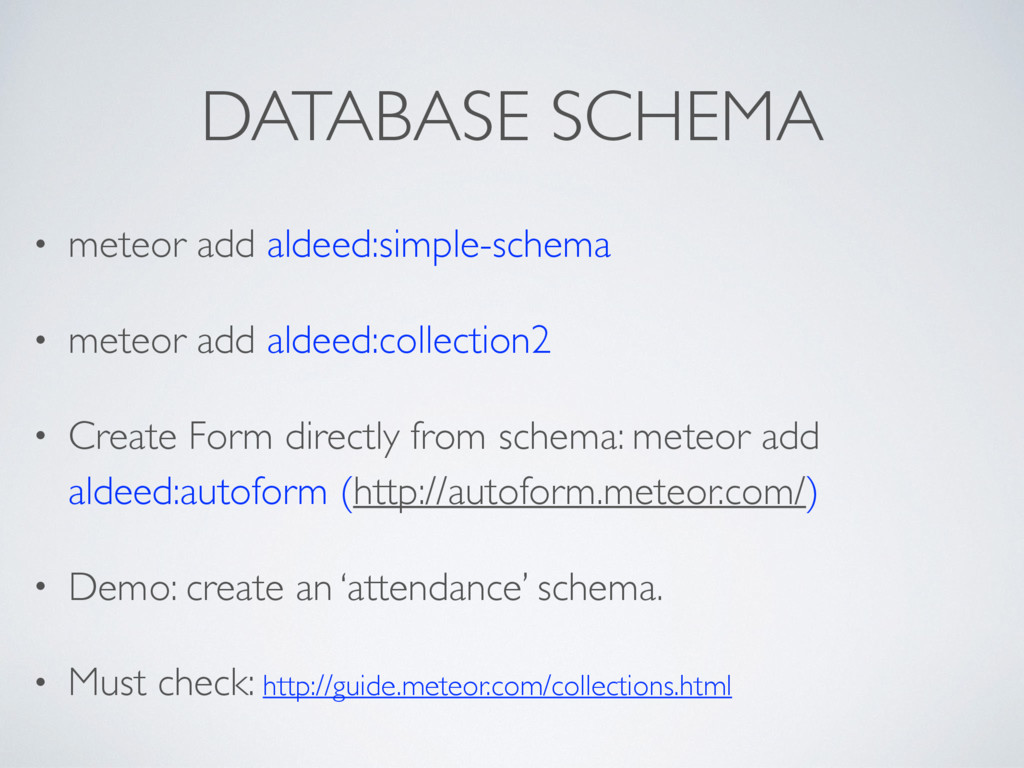
  13. DATABASE SCHEMA • meteor add aldeed:simple-schema • meteor add aldeed:collection2

    • Create Form directly from schema: meteor add aldeed:autoform (http://autoform.meteor.com/) • Demo: create an ‘attendance’ schema. • Must check: http://guide.meteor.com/collections.html
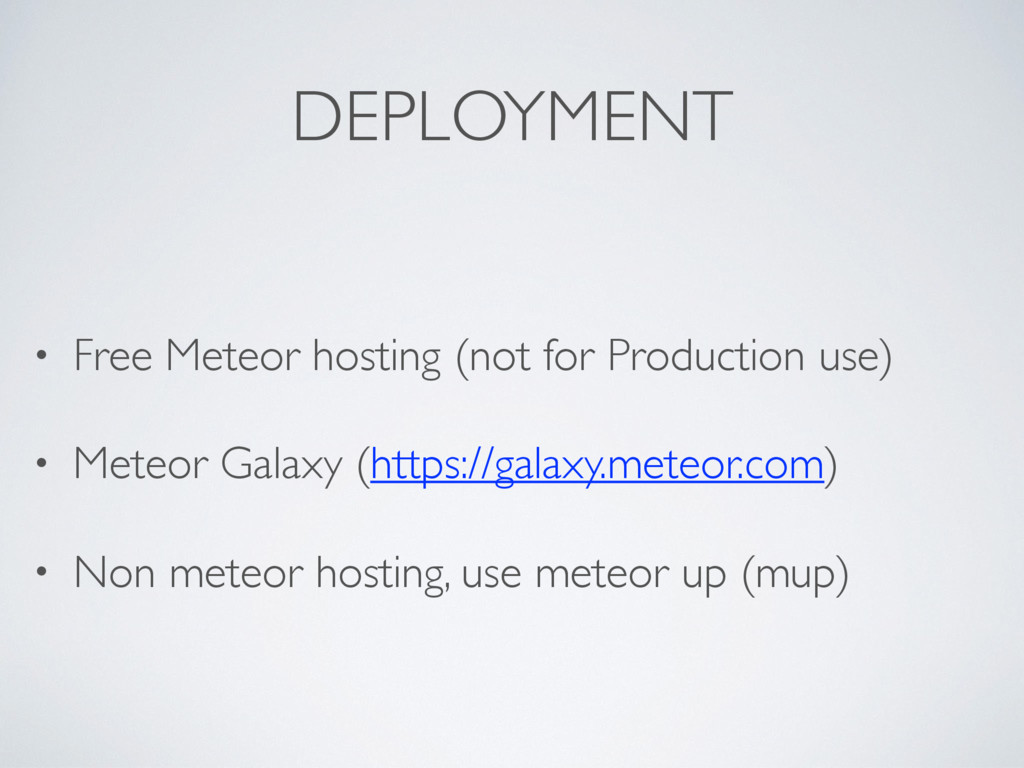
  14. DEPLOYMENT • Free Meteor hosting (not for Production use) •

    Meteor Galaxy (https://galaxy.meteor.com) • Non meteor hosting, use meteor up (mup)
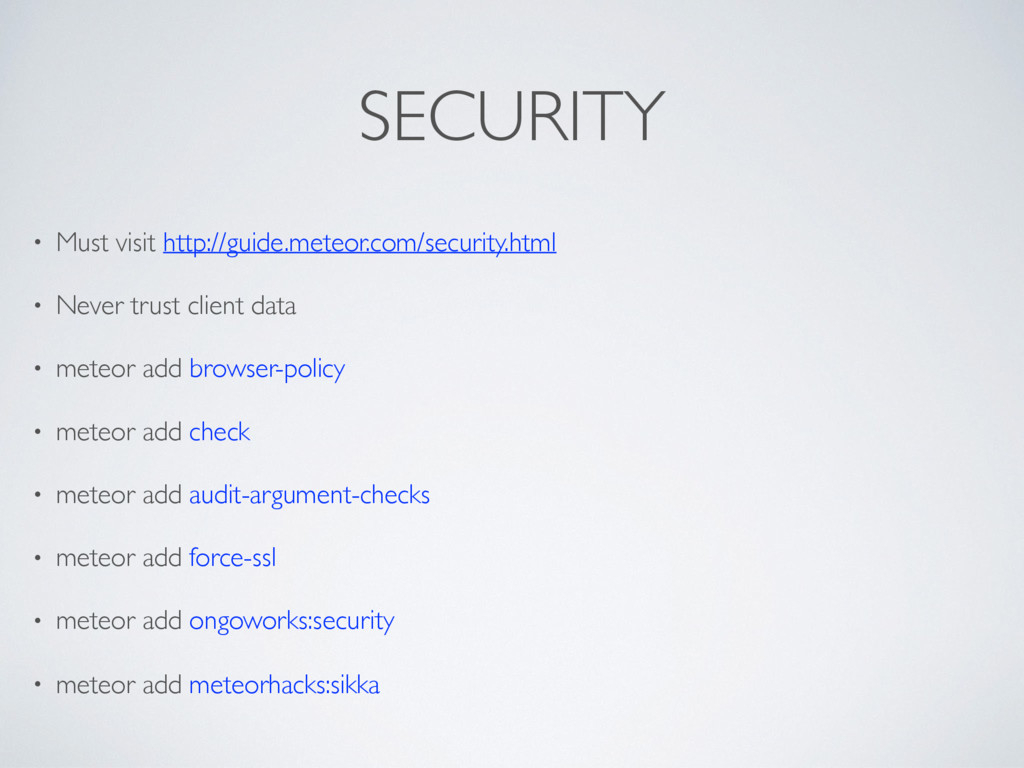
  15. SECURITY • Must visit http://guide.meteor.com/security.html • Never trust client data

    • meteor add browser-policy • meteor add check • meteor add audit-argument-checks • meteor add force-ssl • meteor add ongoworks:security • meteor add meteorhacks:sikka
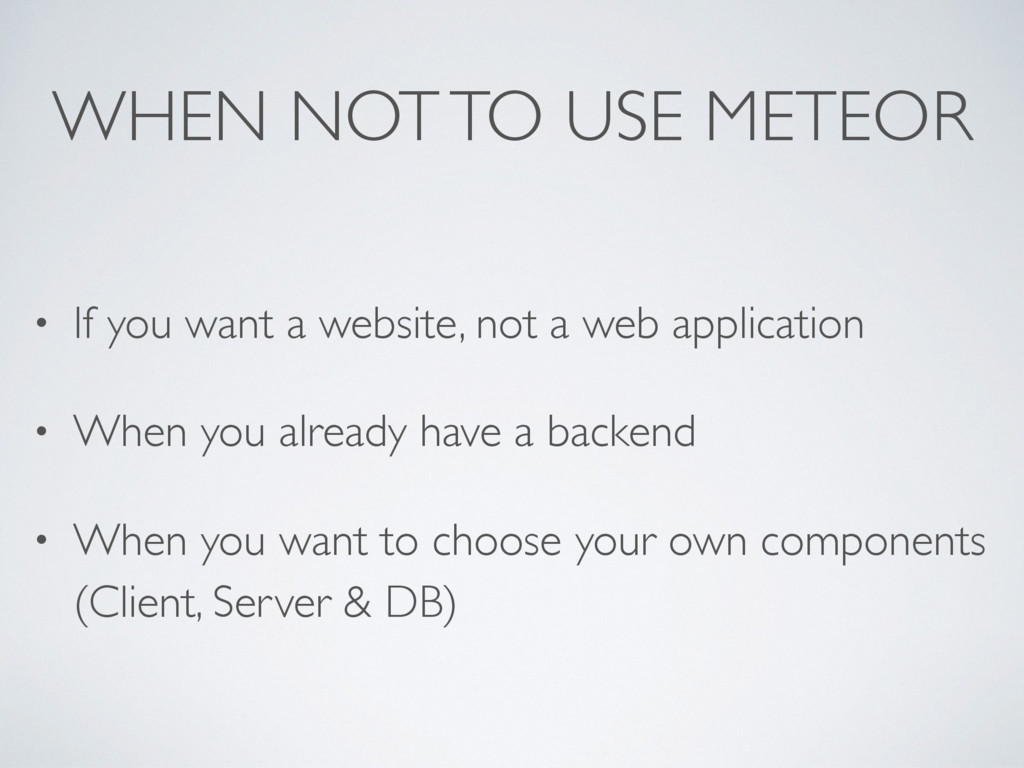
  16. WHEN NOT TO USE METEOR • If you want a

    website, not a web application • When you already have a backend • When you want to choose your own components (Client, Server & DB)
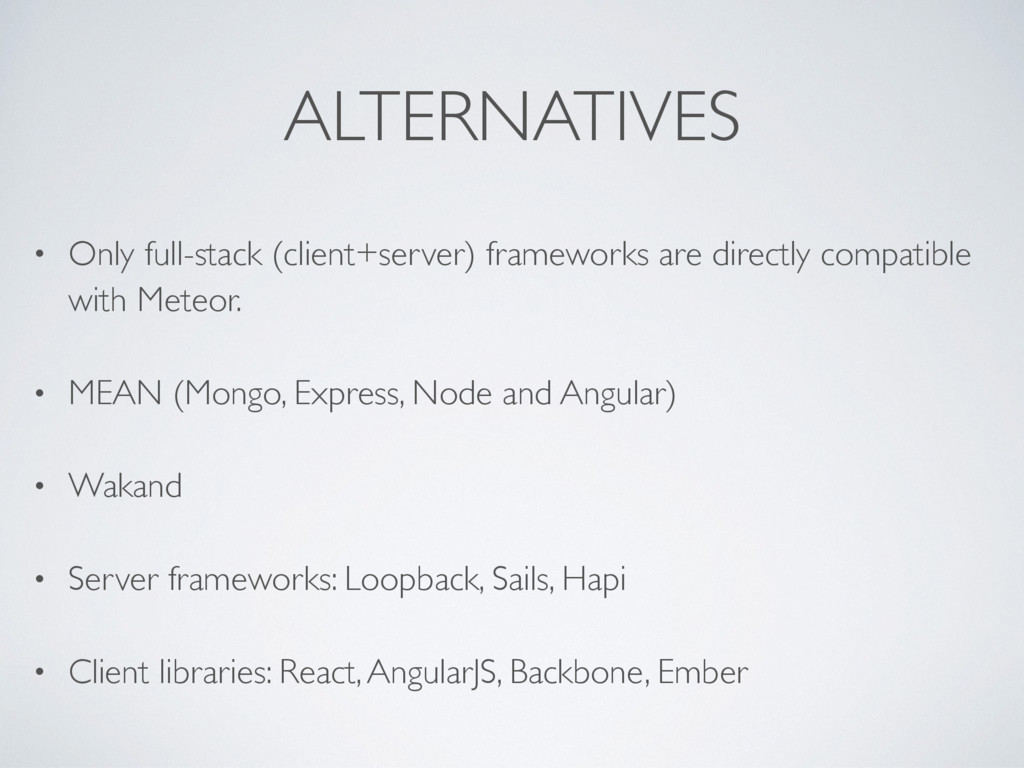
  17. ALTERNATIVES • Only full-stack (client+server) frameworks are directly compatible with

    Meteor. • MEAN (Mongo, Express, Node and Angular) • Wakand • Server frameworks: Loopback, Sails, Hapi • Client libraries: React, AngularJS, Backbone, Ember
  18. Actually, this is how we build With almost no prior

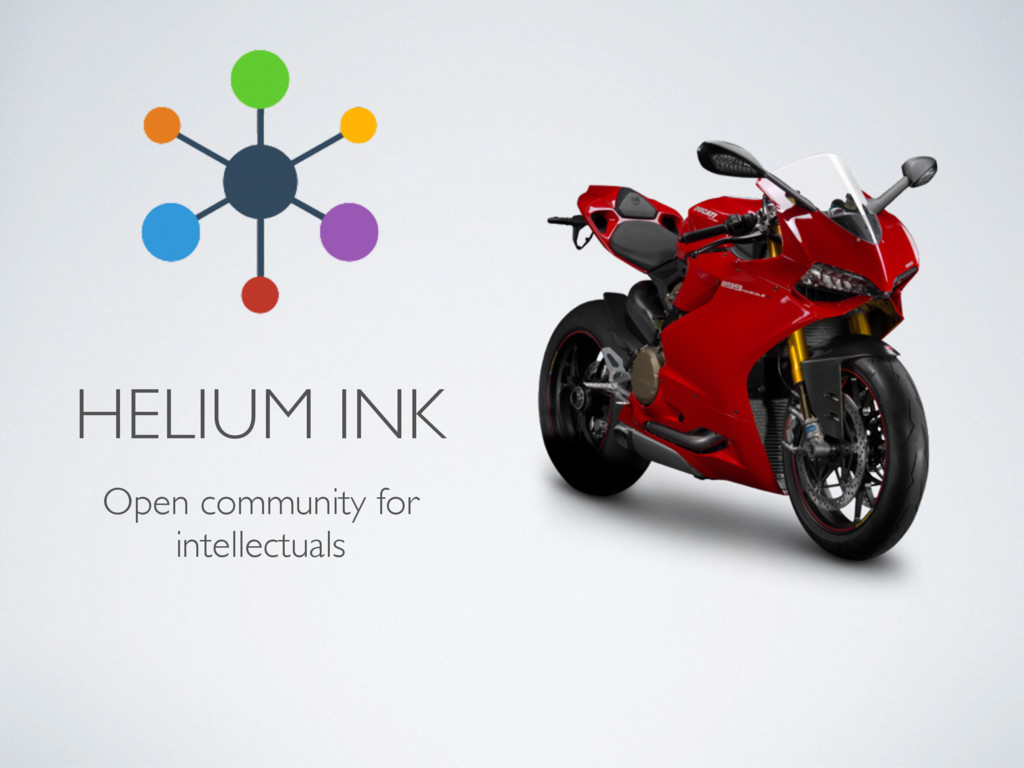
    experience of building web-app within few months by one developer https://www.heliumink.org It’s not just a theory…
  19. WHAT I AM DOING NOW & NEXT • Mobile App

    (React Native) • Microservice Architecture & Docker • Cyber security • Sometimes IO T