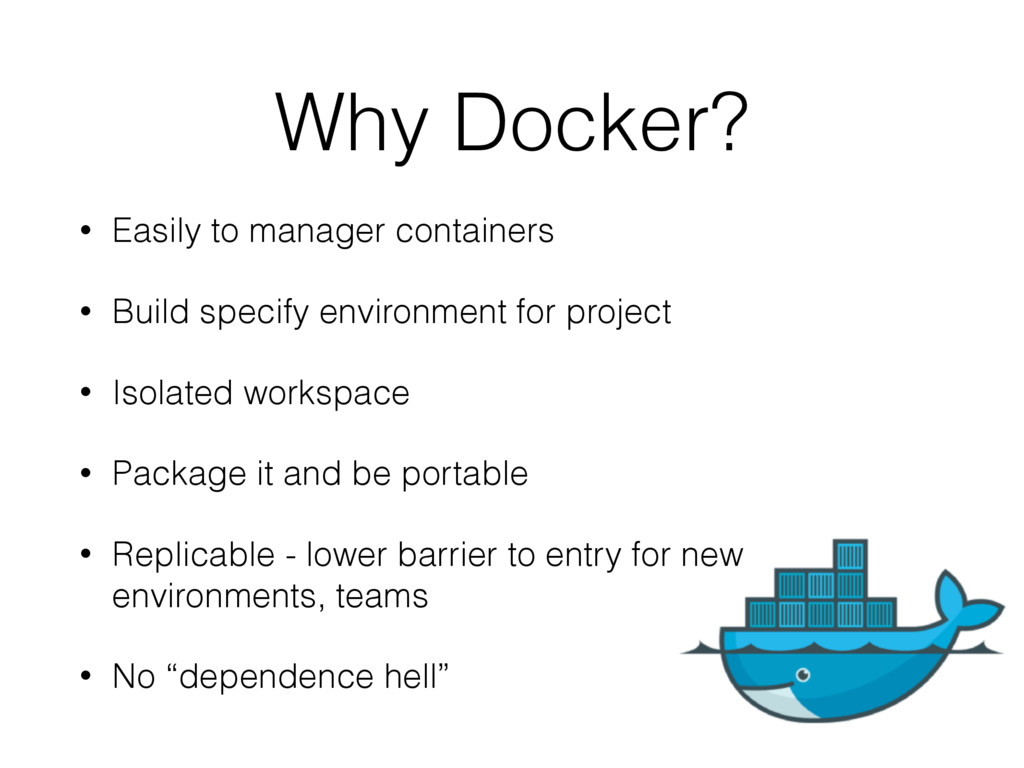
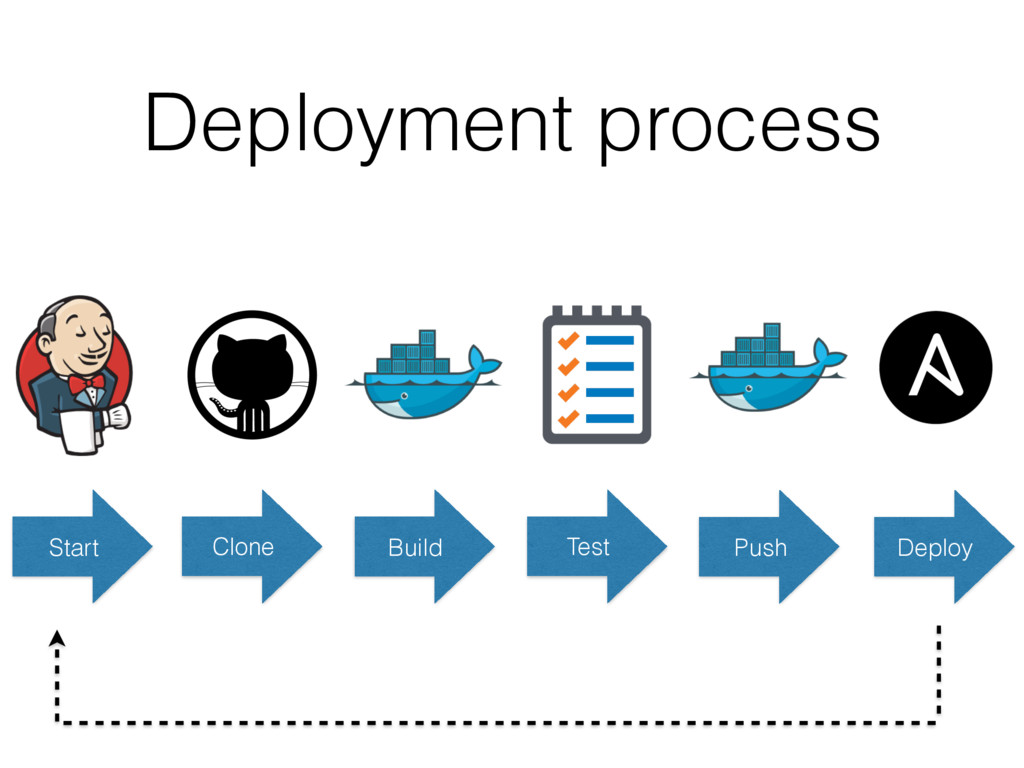
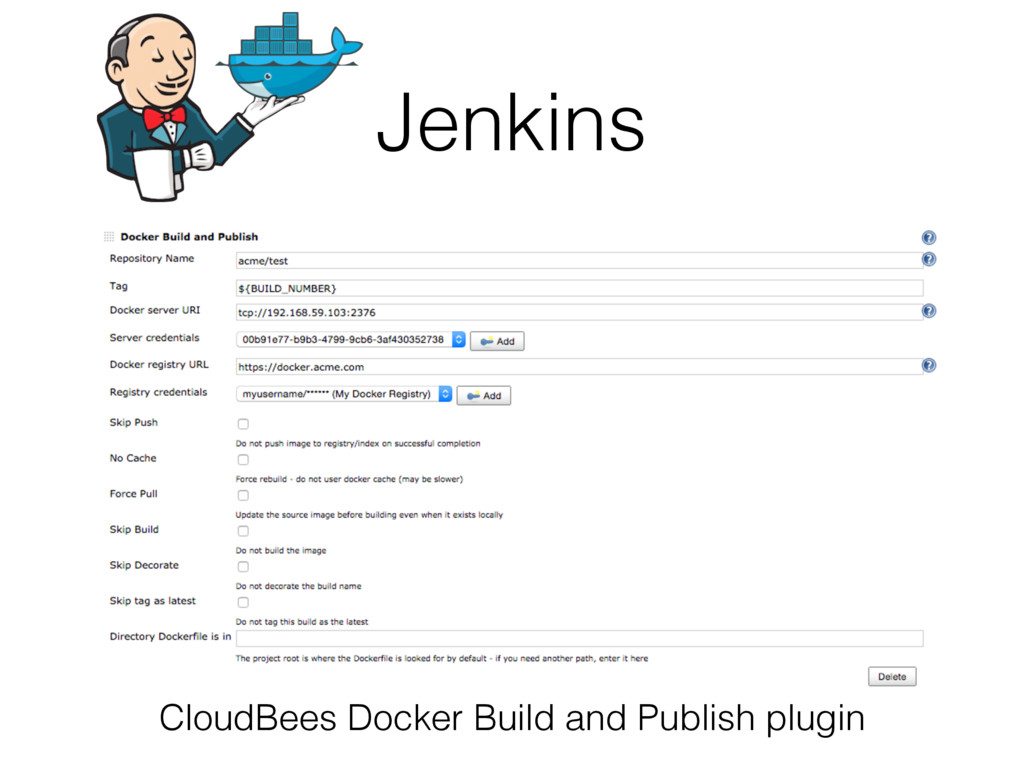
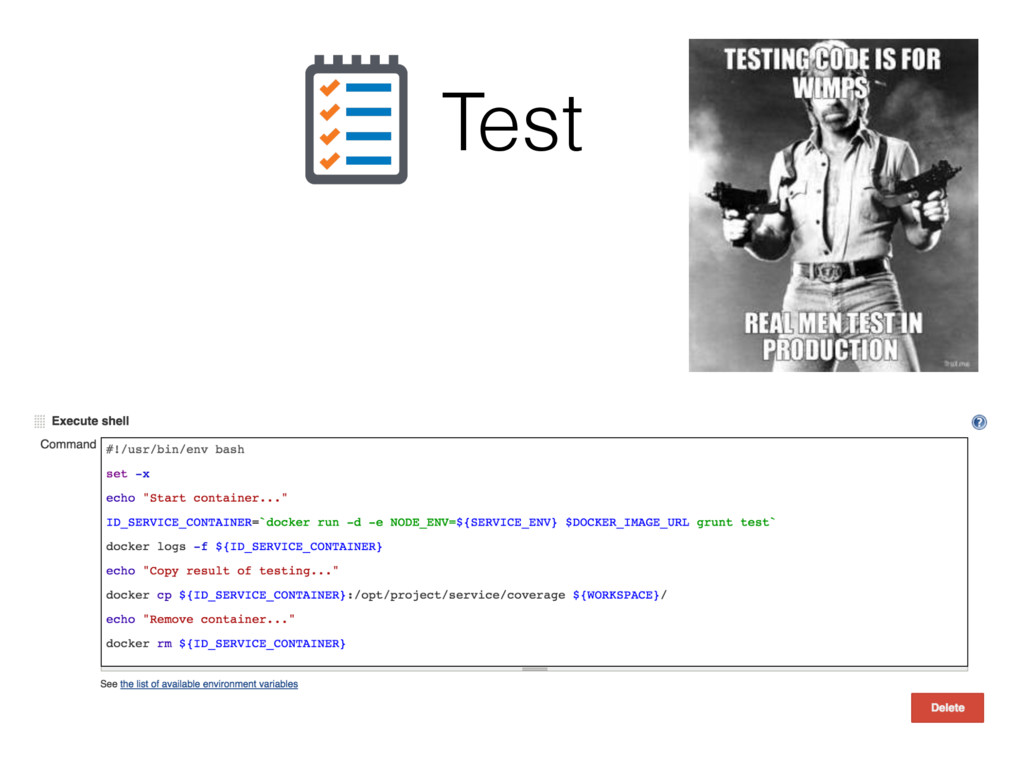
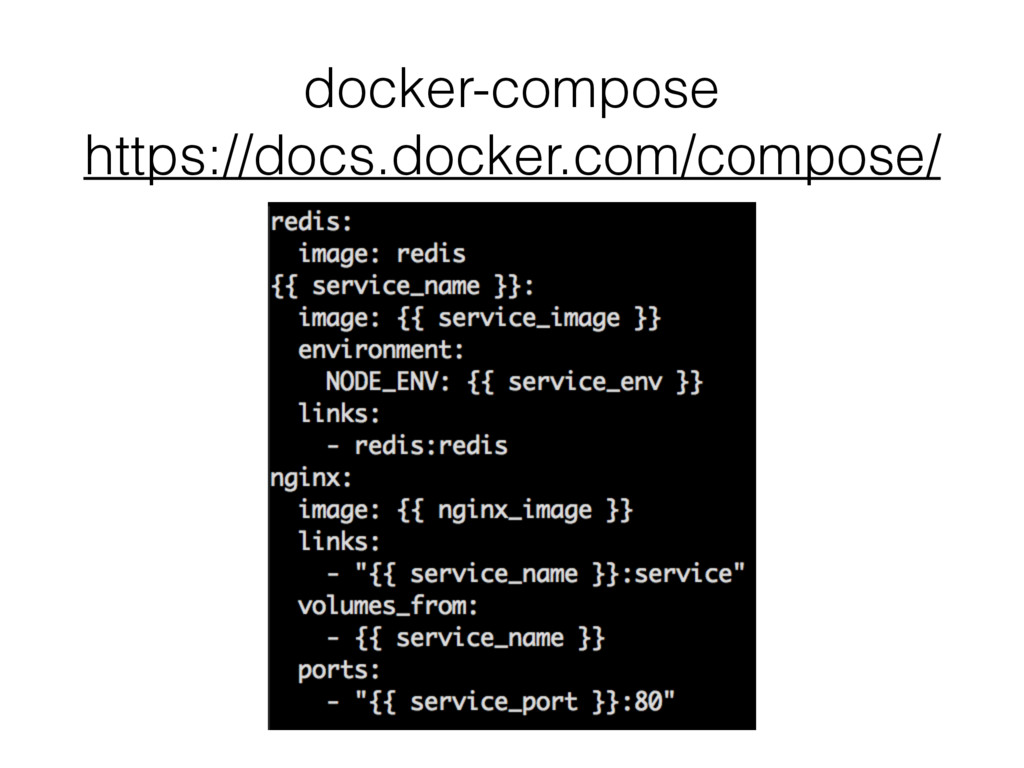
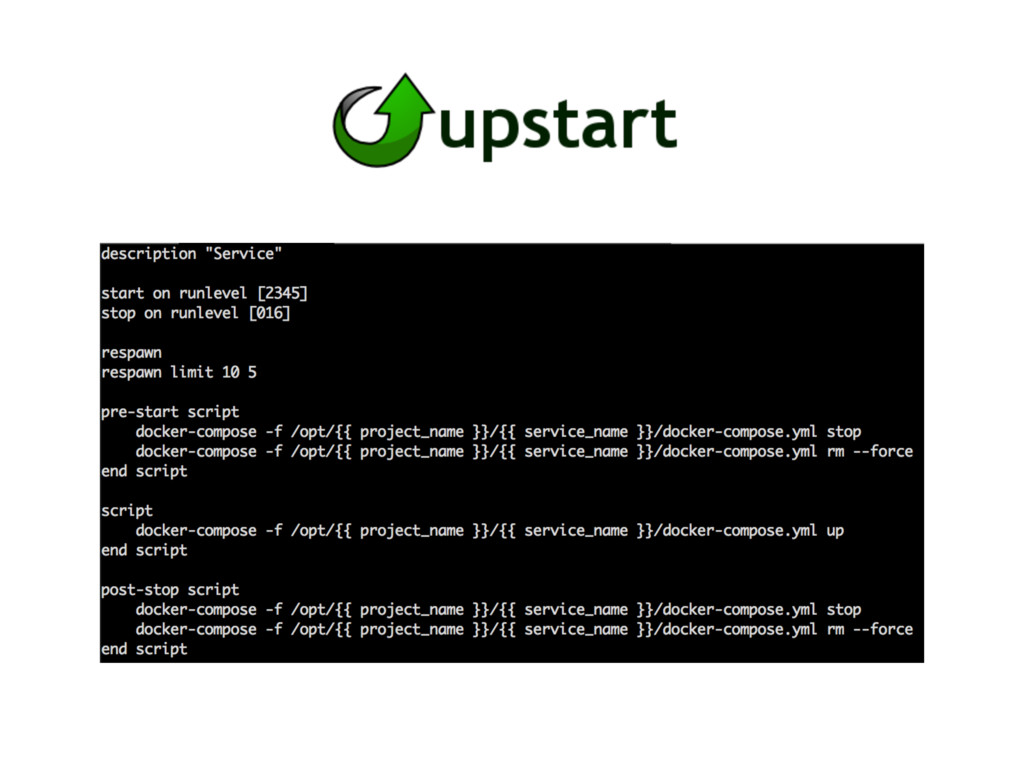
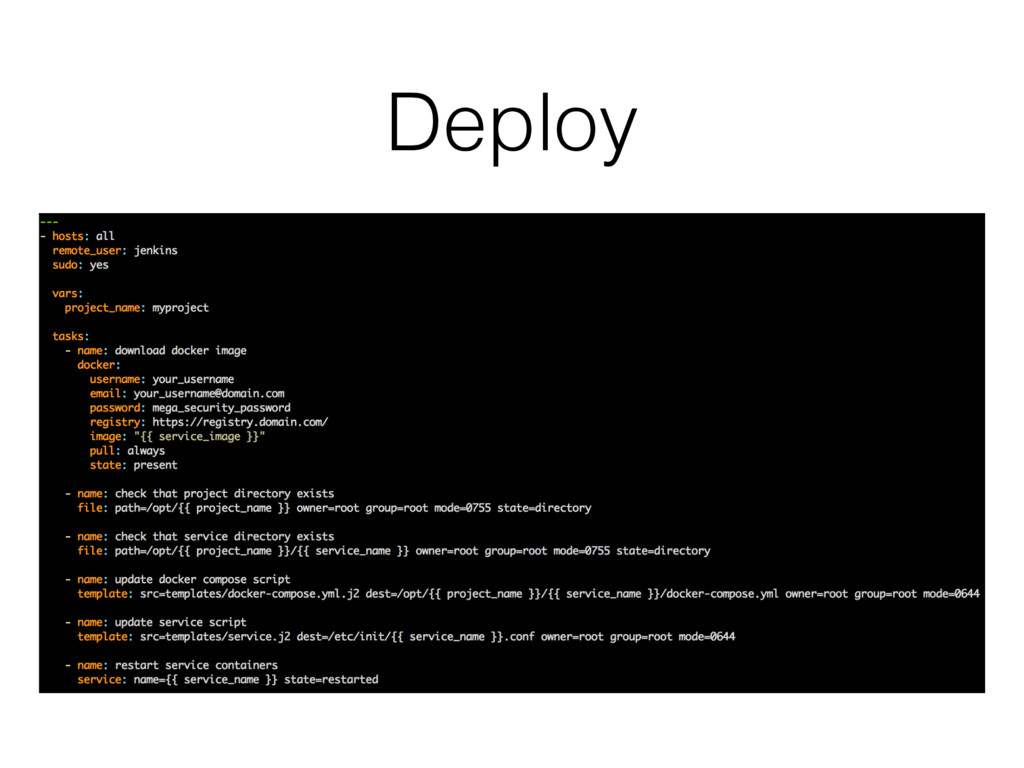
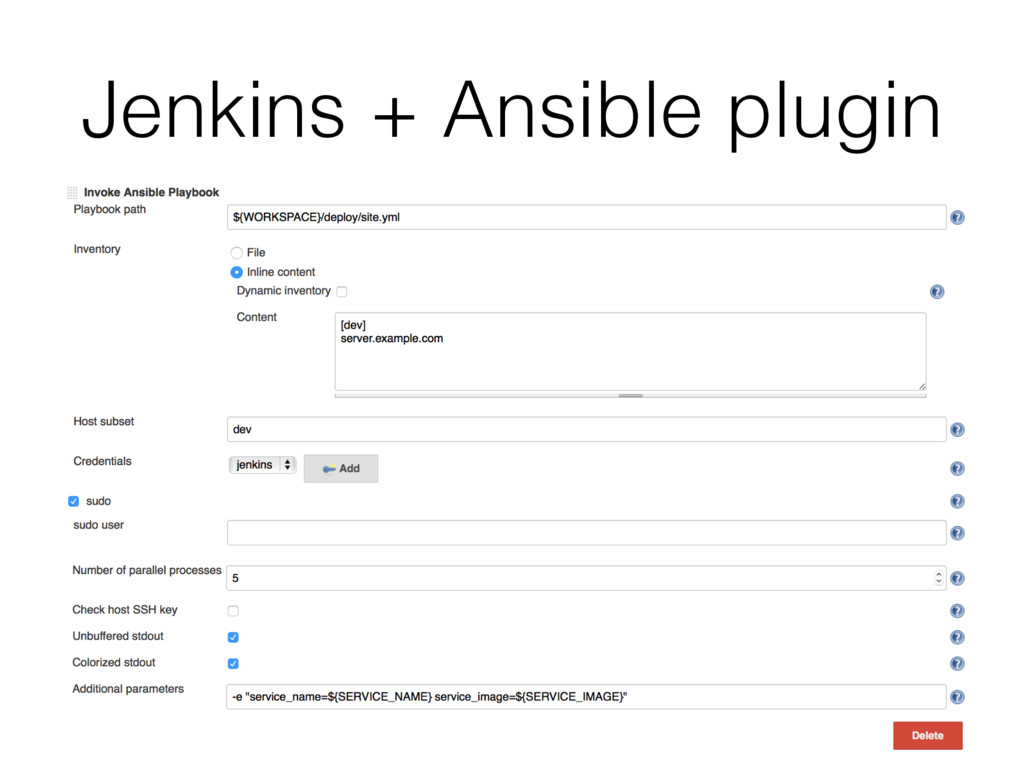
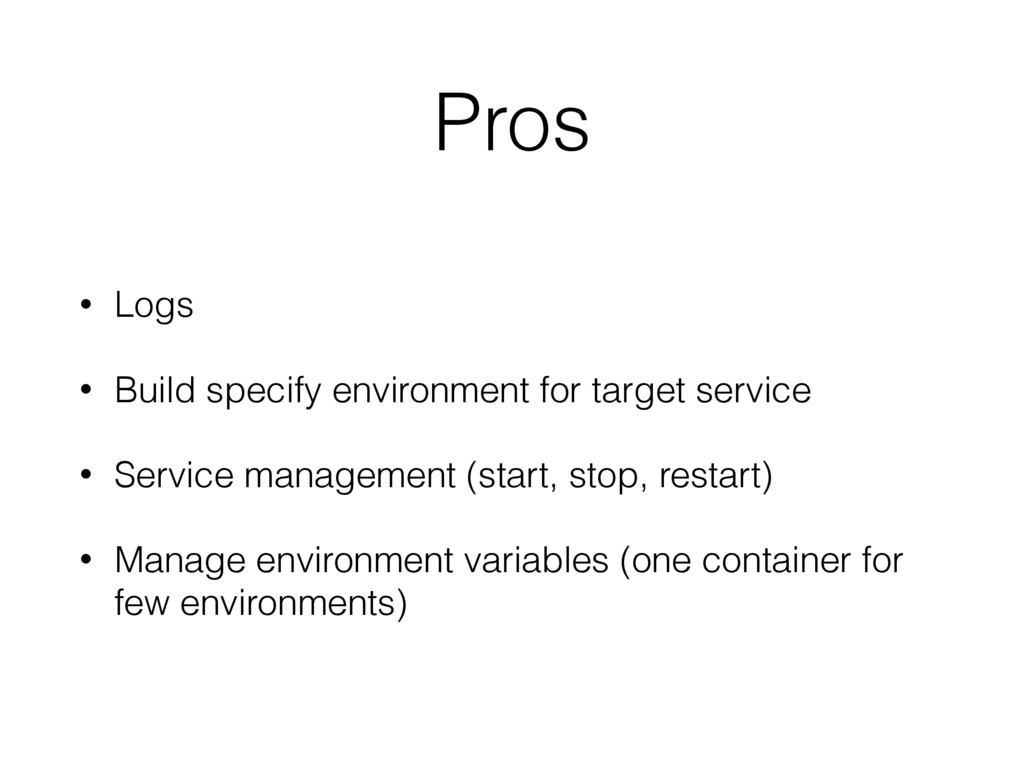
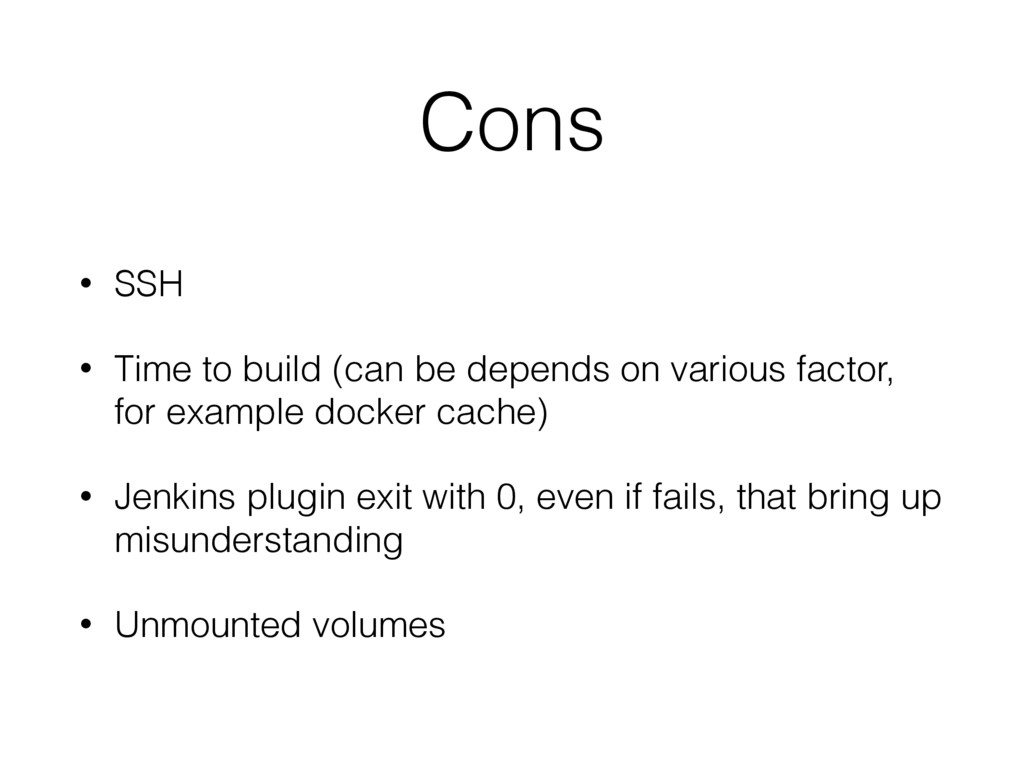
environment for project • Isolated workspace • Package it and be portable • Replicable - lower barrier to entry for new environments, teams • No “dependence hell”
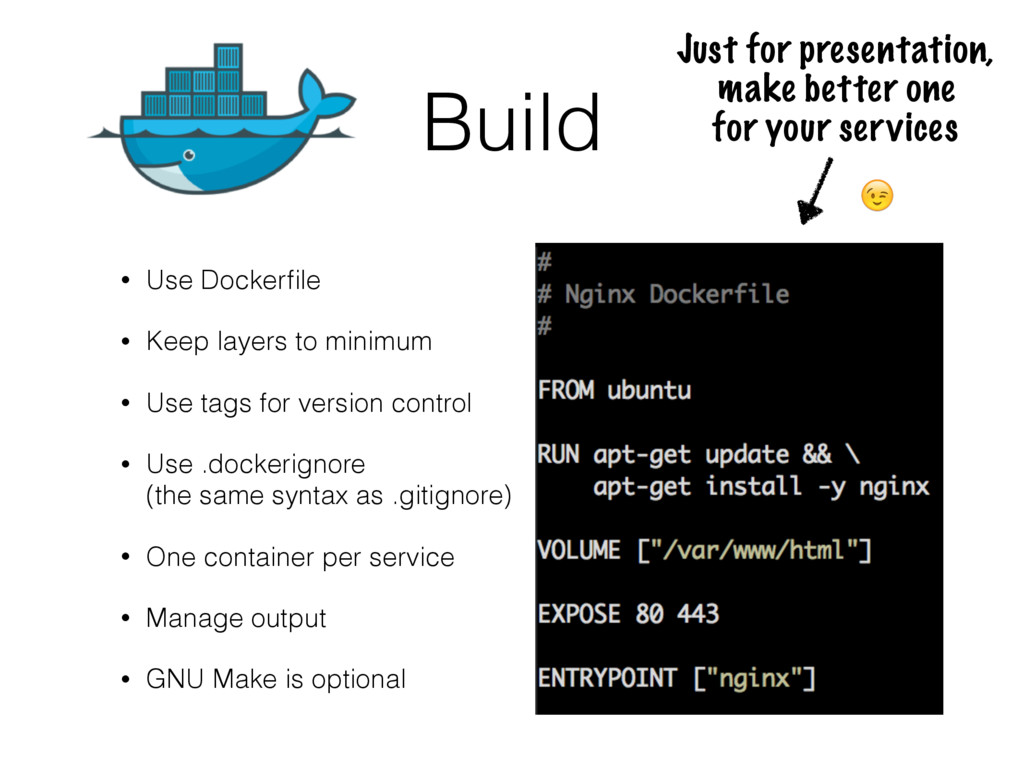
Use tags for version control • Use .dockerignore (the same syntax as .gitignore) • One container per service • Manage output • GNU Make is optional Just for presentation, make better one for your services

 SiteGround - Reliable hosting with speed, security, and support you can count on.


 prog893
 gogutan
 kworkdev
 codmoninc
 gionn
gionn
 ivry_presentationmaterials
 kash1064
 masakiokuda
 yut0naga1_fa
 keeg
keeg
 iktakahiro
.png) codatum
codatum
 jct
jct
 inesmontani
 techseoconnect
 reverentgeek
 cassininazir
 szymonslowik
 nwiizo
 samanthasiow
 maggiecrowley
 axbom
axbom
 aleyda