Upgrade to Pro — share decks privately, control downloads, hide ads and more …

UI Testing con EarlGrey

Sponsored · Ship Features Fearlessly Turn features on and off without deploys. Used by thousands of Ruby developers. →

UI Testing con EarlGrey

Presentación realizada para el meetup iOS Love del 24 de julio de 2018.

Proyecto de ejemplo: https://github.com/bastianX6/earlgrey-example

Avatar for Bastián Véliz

Bastián Véliz

July 25, 2018

More Decks by Bastián Véliz

Other Decks in Programming

Transcript

  1. UI TESTING CON EARLGREY AGENDA ▸ ¿Qué es EarlGrey? ▸

    Ventajas y desventajas ▸ API ▸ Demo
  2. UI TESTING CON EARLGREY EARLGREY ▸ UI Testing framework creado

    por Google. ▸ Utilizada en sus propias aplicaciones: Youtube, Calendar, Photos, entre otras. ▸ Liberada en 2016 como biblioteca de código abierto.
  3. UI TESTING CON EARLGREY CARACTERÍSTICAS PRINCIPALES ▸ Sincronización incorporada. ▸

    Comprobación automática de visibilidad antes de realizar acciones. ▸ Diseño flexible.
  4. UI TESTING CON EARLGREY VENTAJAS ▸ Ejecutado en target de

    Unit Test. ▸ Acceso directo a memoria, clases y protocolos de la aplicación. ▸ Espera automáticamente por peticiones de red. ▸ Flexible a cambios en la interfaz gráfica. ▸ Consistencia en resultados al correr test en local versus entornos de integración continua.
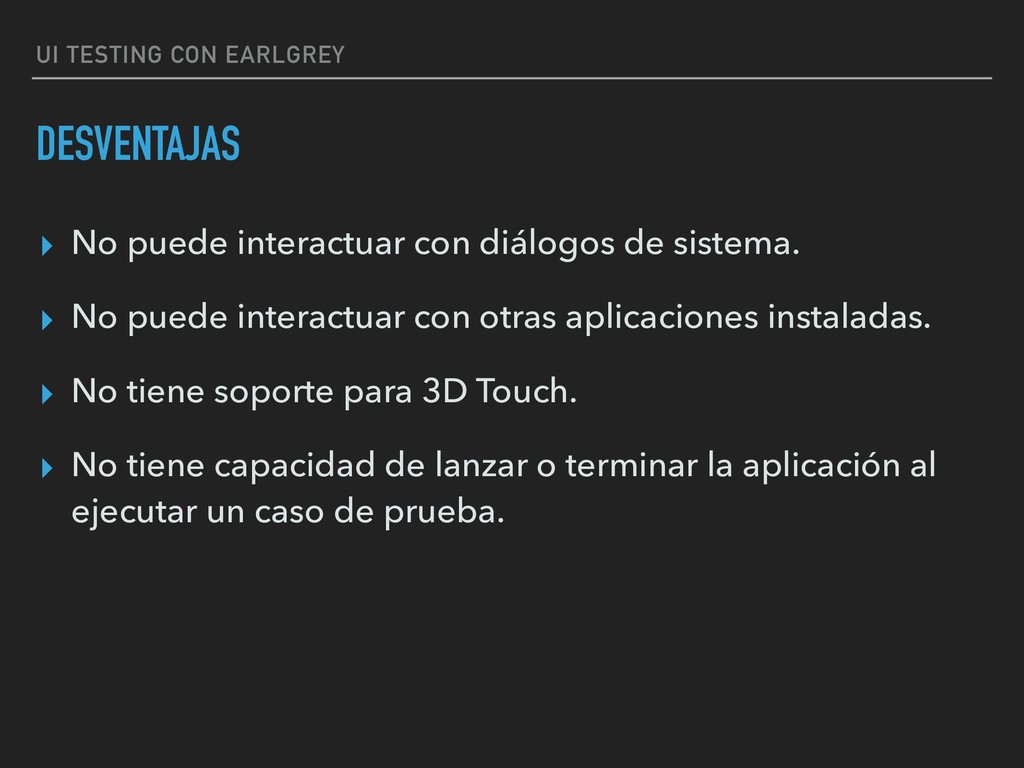
  5. UI TESTING CON EARLGREY DESVENTAJAS ▸ No puede interactuar con

    diálogos de sistema. ▸ No puede interactuar con otras aplicaciones instaladas. ▸ No tiene soporte para 3D Touch. ▸ No tiene capacidad de lanzar o terminar la aplicación al ejecutar un caso de prueba.
  6. API

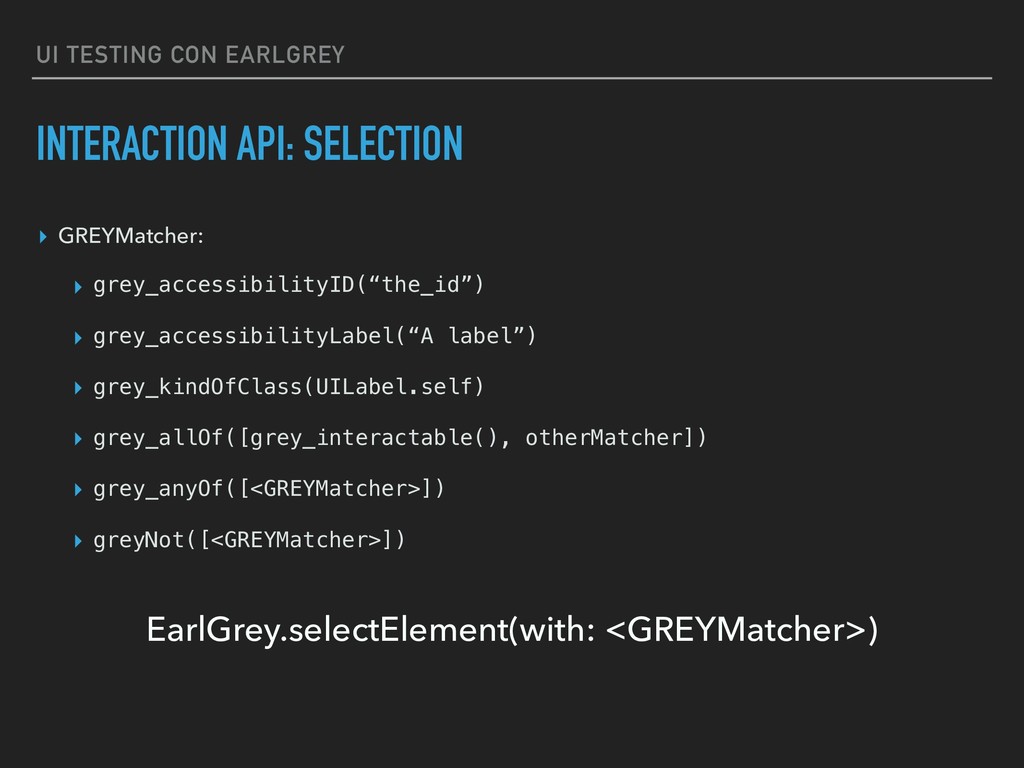
  7. UI TESTING CON EARLGREY INTERACTION API: SELECTION ▸ GREYMatcher: ▸

    grey_accessibilityID(“the_id”) ▸ grey_accessibilityLabel(“A label”) ▸ grey_kindOfClass(UILabel.self) ▸ grey_allOf([grey_interactable(), otherMatcher]) ▸ grey_anyOf([<GREYMatcher>]) ▸ greyNot([<GREYMatcher>]) EarlGrey.selectElement(with: <GREYMatcher>)
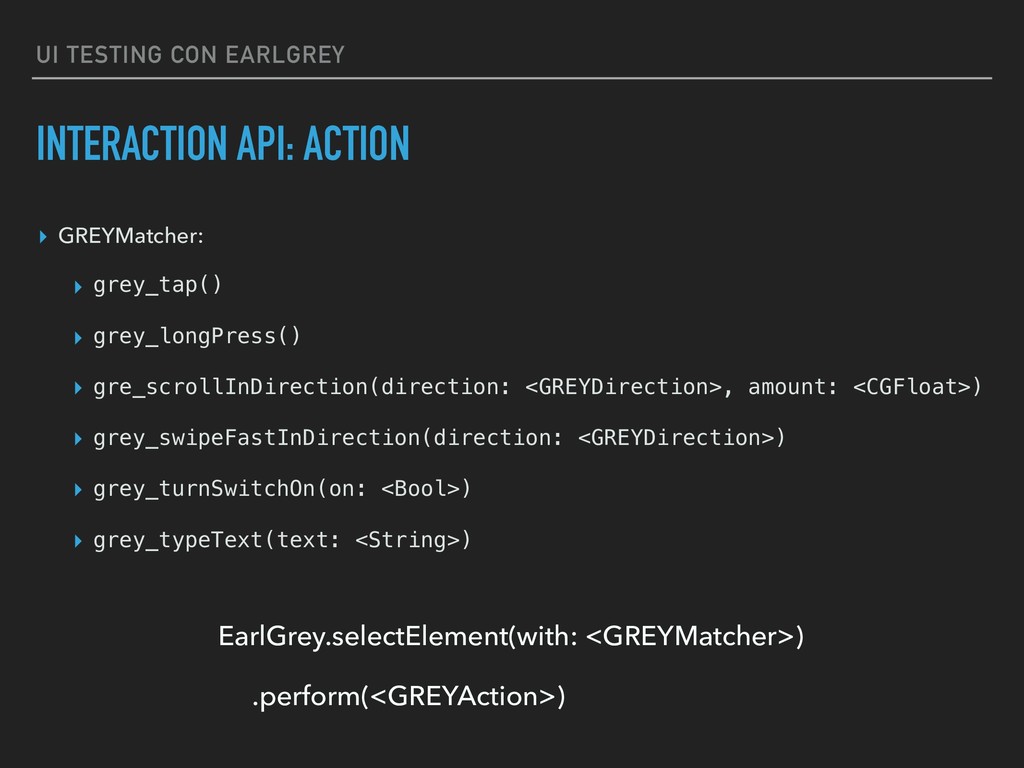
  8. UI TESTING CON EARLGREY INTERACTION API: ACTION ▸ GREYMatcher: ▸

    grey_tap() ▸ grey_longPress() ▸ gre_scrollInDirection(direction: <GREYDirection>, amount: <CGFloat>) ▸ grey_swipeFastInDirection(direction: <GREYDirection>) ▸ grey_turnSwitchOn(on: <Bool>) ▸ grey_typeText(text: <String>) EarlGrey.selectElement(with: <GREYMatcher>) .perform(<GREYAction>)
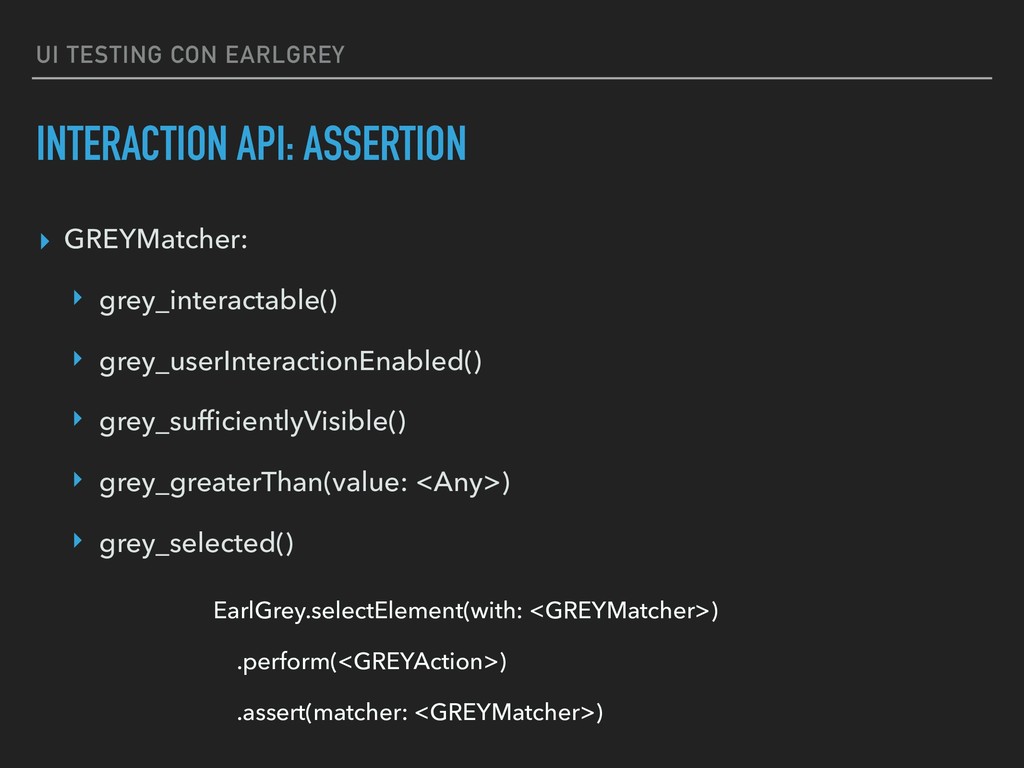
  9. UI TESTING CON EARLGREY INTERACTION API: ASSERTION ▸ GREYMatcher: ‣

    grey_interactable() ‣ grey_userInteractionEnabled() ‣ grey_sufficientlyVisible() ‣ grey_greaterThan(value: <Any>) ‣ grey_selected() EarlGrey.selectElement(with: <GREYMatcher>) .perform(<GREYAction>) .assert(matcher: <GREYMatcher>)
  10. UI TESTING CON EARLGREY REFERENCIAS ▸ EarlGrey - Github: https://github.com/google/EarlGrey

    ▸ UITesting with EarlGrey - Shyam Bhat: https:// www.slideshare.net/bhatshyam/ui-testing-with-earl-grey ▸ Sencha - Github: https://github.com/SchibstedSpain/ Sencha