Upgrade to Pro — share decks privately, control downloads, hide ads and more …

Unit Testing and Mocking in Swift (MDevCon 2016)

Unit Testing and Mocking in Swift (MDevCon 2016)

Having a lot of code that depends on iOS UI frameworks can make it difficult to write reliable unit tests. As Swift replaces Objective-C as the iOS language of choice, it becomes more difficult to mock out dependencies in tests. In this talk, I’ll dissect some testing issues and demonstrate fixing an unreliable sample test suite. We’ll discuss what makes unit tests unreliable, how to make them more stable with dependency injection, and some techniques for writing testable code.

Avatar for Ben Asher

Ben Asher

March 18, 2016

More Decks by Ben Asher

Other Decks in Programming

Transcript

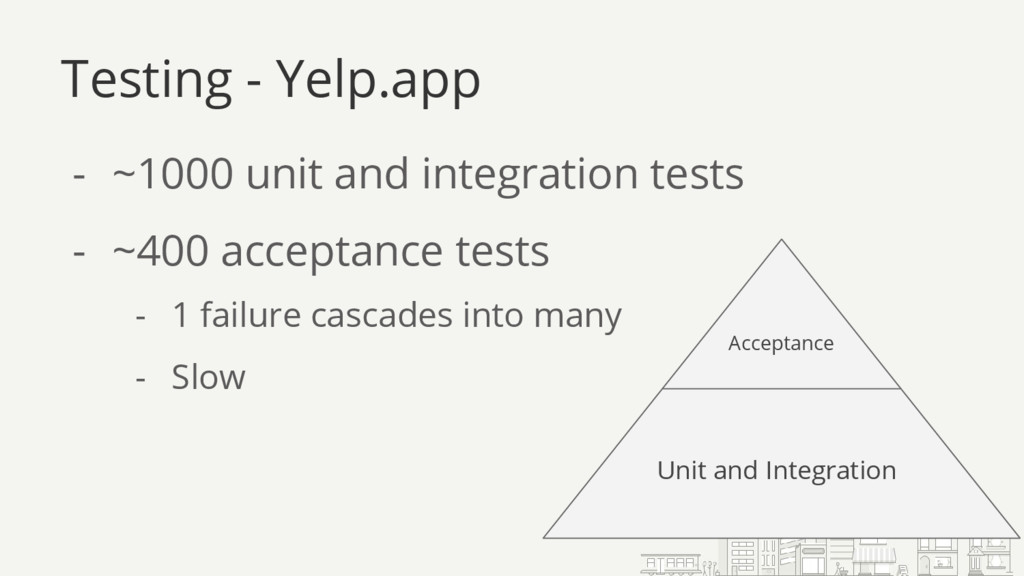
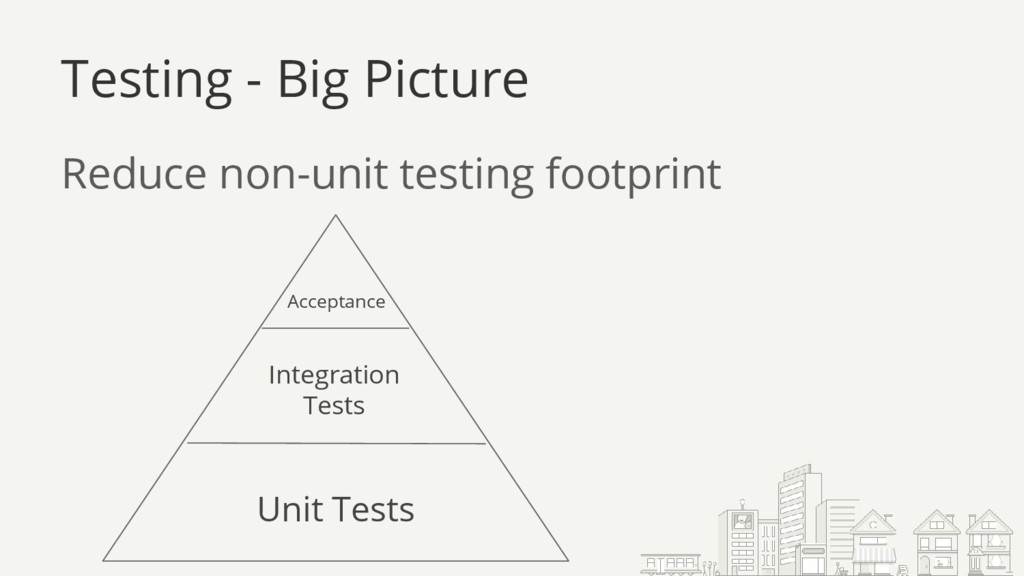
  1. Testing - Yelp.app - ~1000 unit and integration tests -

    ~400 acceptance tests Acceptance Unit and Integration - 1 failure cascades into many - Slow
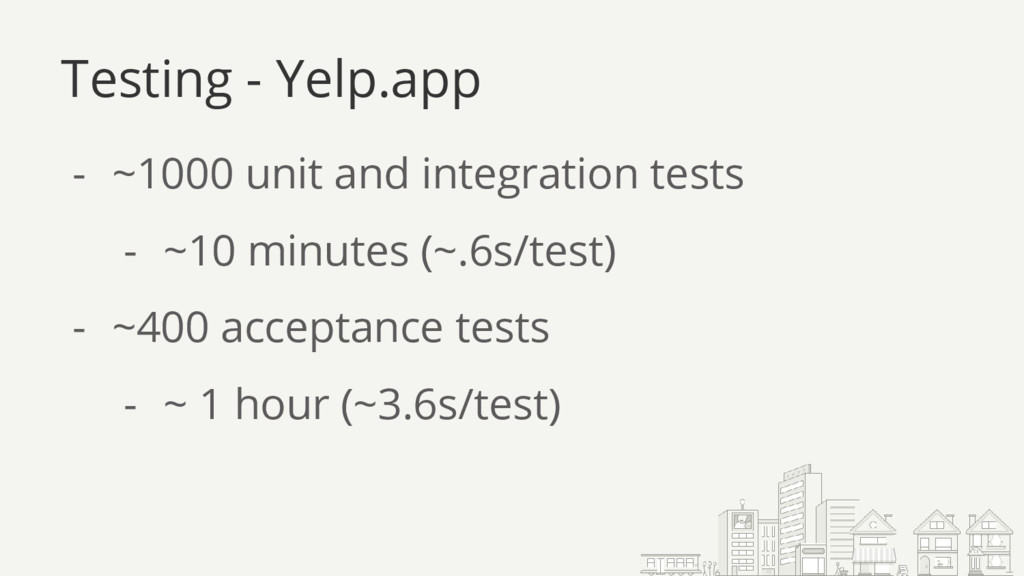
  2. - ~1000 unit and integration tests - ~10 minutes (~.6s/test)

    - ~400 acceptance tests - ~ 1 hour (~3.6s/test) Testing - Yelp.app
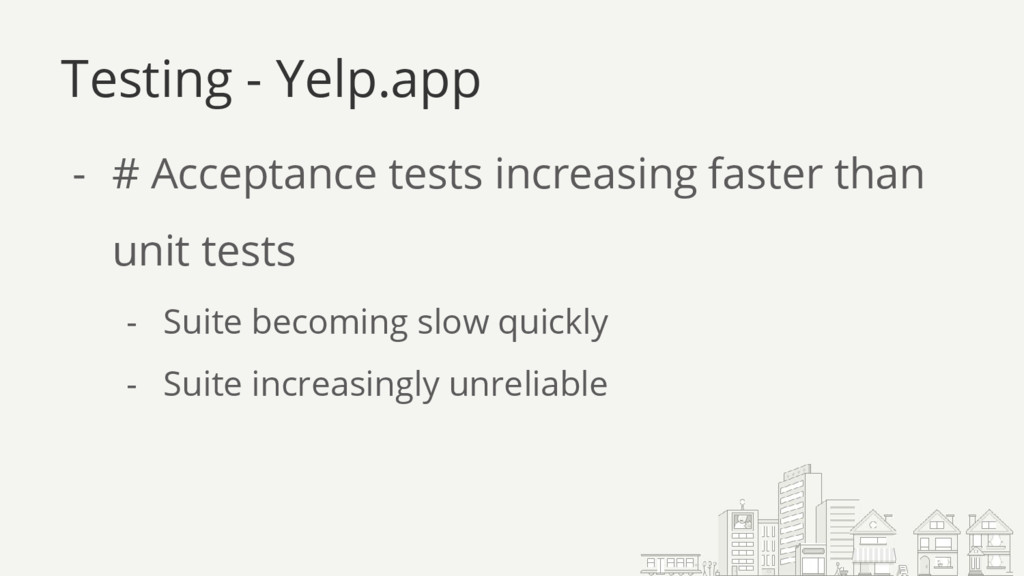
  3. Testing - Yelp.app - # Acceptance tests increasing faster than

    unit tests - Suite becoming slow quickly - Suite increasingly unreliable
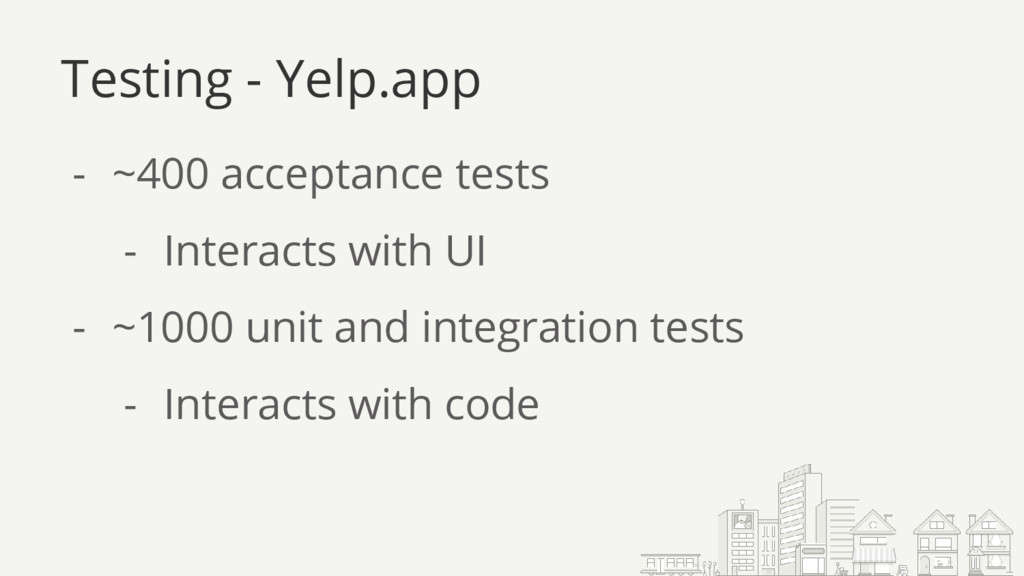
  4. Testing - Yelp.app - ~400 acceptance tests - Interacts with

    UI - ~1000 unit and integration tests - Interacts with code
  5. - Isolate testable code - Mock dependencies for unit tests

    - Reduce Non-Unit Test Footprint Unit Testing
  6. Unit Testing - Isolation 1. What behavior do I want

    to test? 2. What code is it not my job to test? 2 questions:
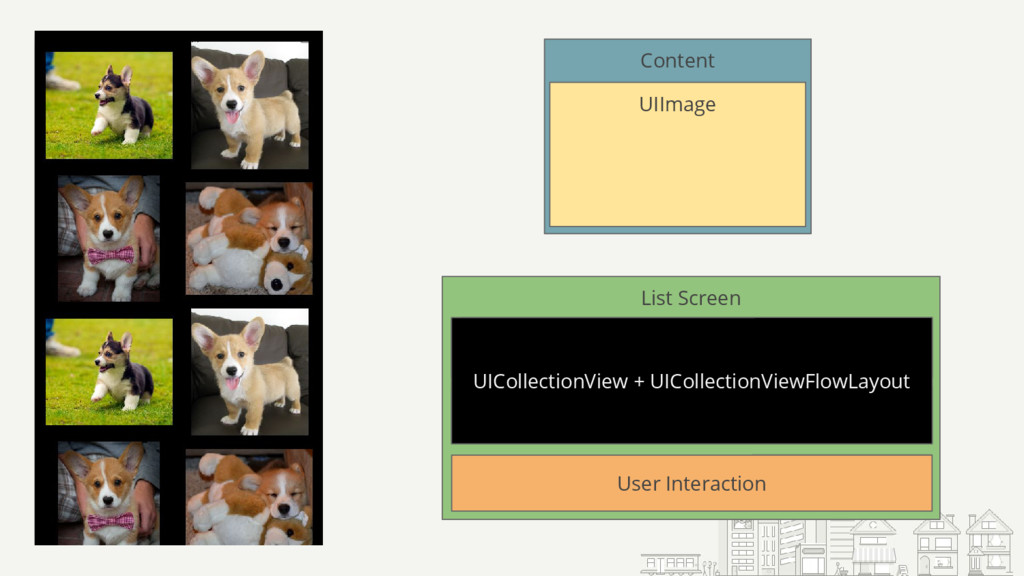
  7. Simple iOS App - Lists some content - User can

    interact with content Unit Testing - Isolation
  8. Demo: Corgi Collection View Unit Testing - Isolation What behavior

    do I want to test? What code is it not my job to test?
  9. Unit Testing - Dependencies 1. What behavior do I want

    to test? 2. What code is it not my job to test? 2 questions:
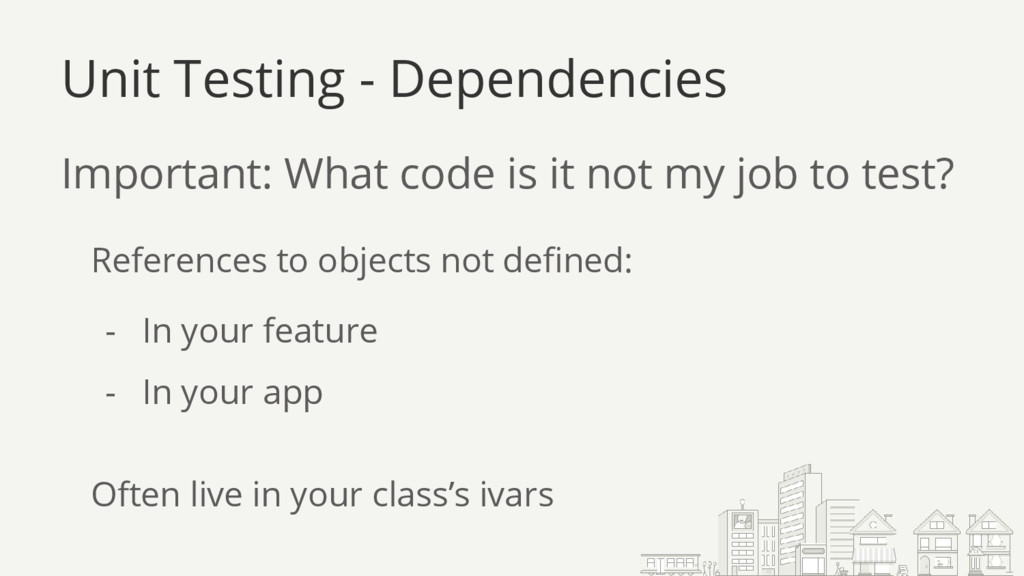
  10. Important: What code is it not my job to test?

    Unit Testing - Dependencies Often live in your class’s ivars References to objects not defined: - In your feature - In your app
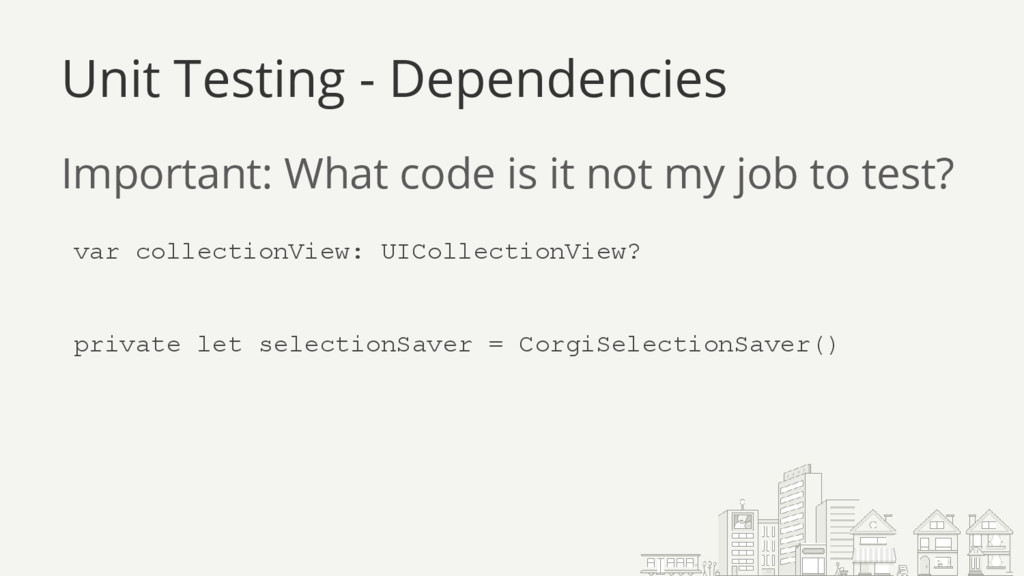
  11. Important: What code is it not my job to test?

    Unit Testing - Dependencies var collectionView: UICollectionView? private let selectionSaver = CorgiSelectionSaver()
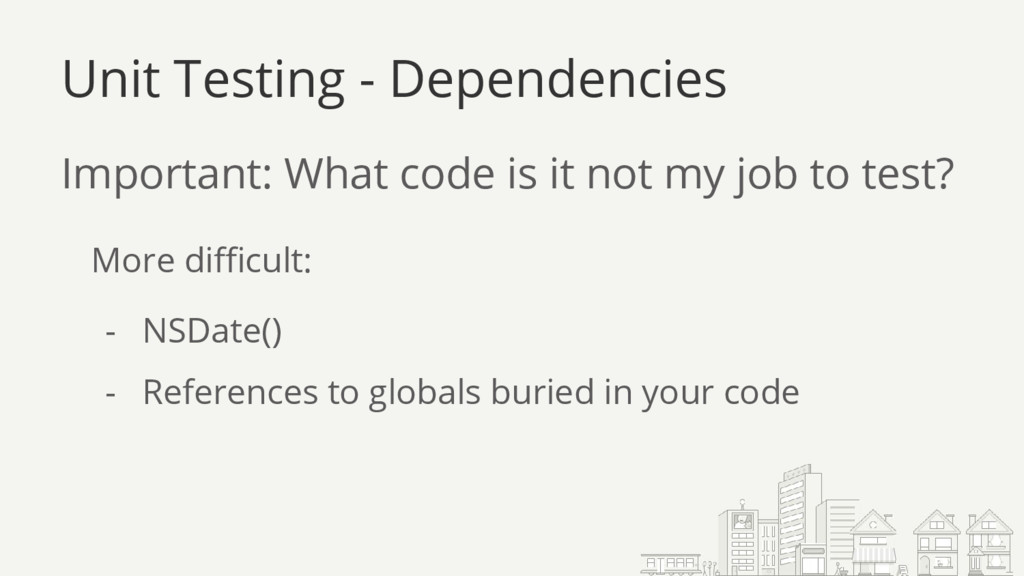
  12. Important: What code is it not my job to test?

    Unit Testing - Dependencies More difficult: - NSDate() - References to globals buried in your code
  13. Problem: Logic has dependency Solution: Mocks! - Object that looks

    like your dependency, but doesn’t do that much Unit Testing - Dependencies
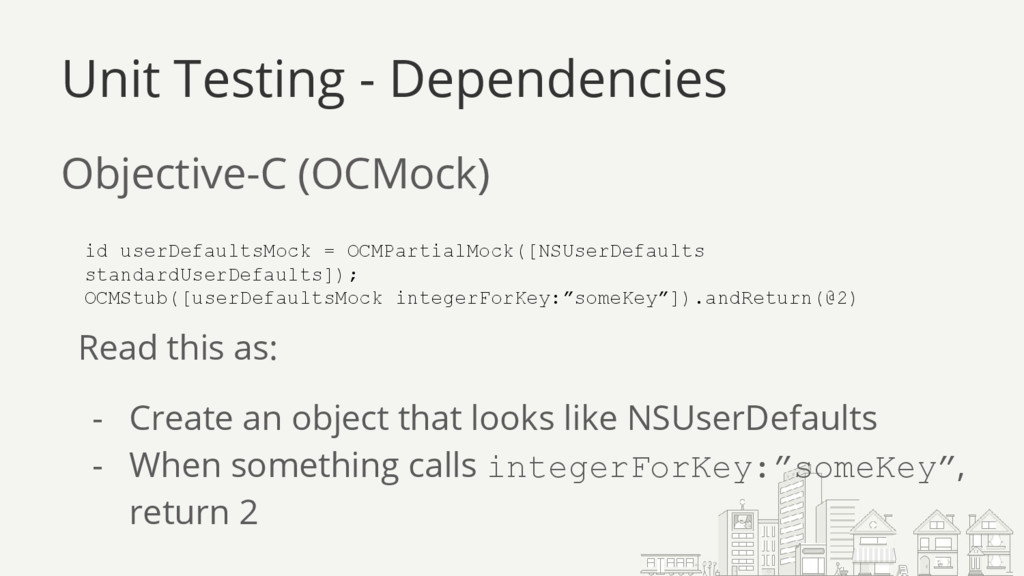
  14. Objective-C (OCMock) Unit Testing - Dependencies id userDefaultsMock = OCMPartialMock([NSUserDefaults

    standardUserDefaults]); OCMStub([userDefaultsMock integerForKey:”someKey”]).andReturn(@2) Read this as: - Create an object that looks like NSUserDefaults - When something calls integerForKey:”someKey”, return 2
  15. Objective-C - [UIApplication sharedApplication] - Parts of UIApplication are thread

    safe - Background task APIs - Once you mock it, no longer the case Unit Testing - Dependencies
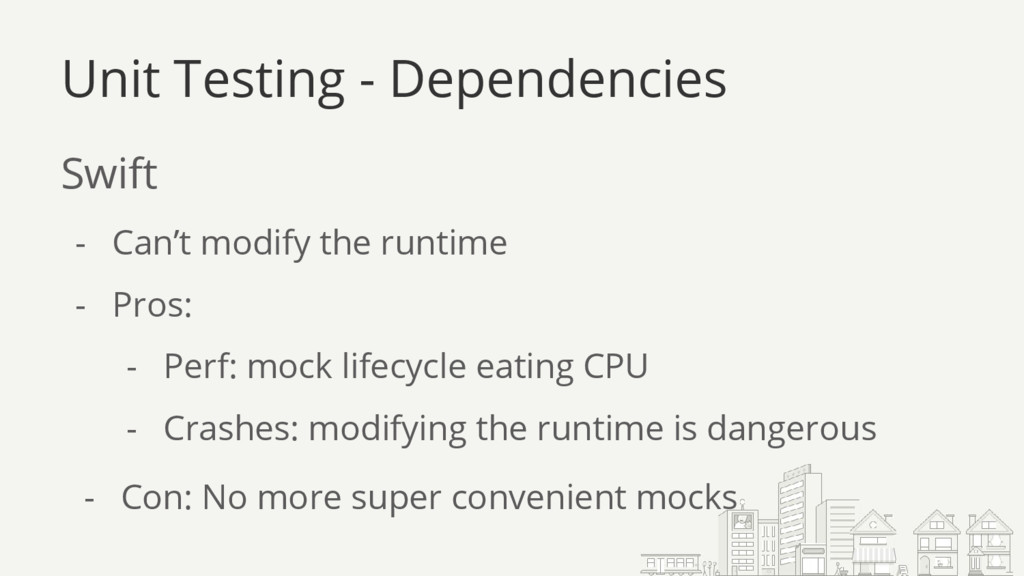
  16. Unit Testing - Dependencies Swift - Can’t modify the runtime

    - Pros: - Perf: mock lifecycle eating CPU - Crashes: modifying the runtime is dangerous - Con: No more super convenient mocks
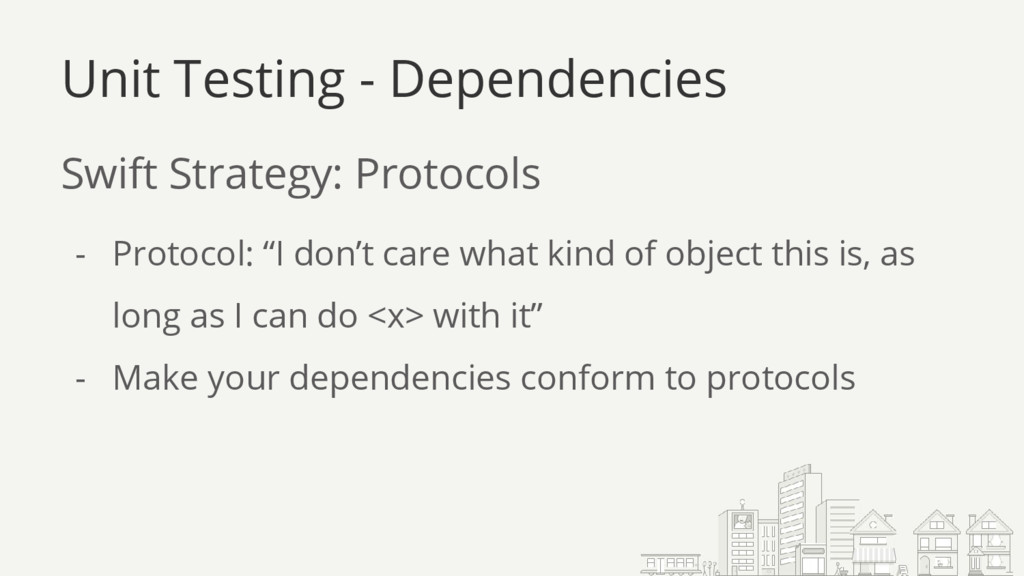
  17. - Protocol: “I don’t care what kind of object this

    is, as long as I can do <x> with it” - Make your dependencies conform to protocols Unit Testing - Dependencies Swift Strategy: Protocols
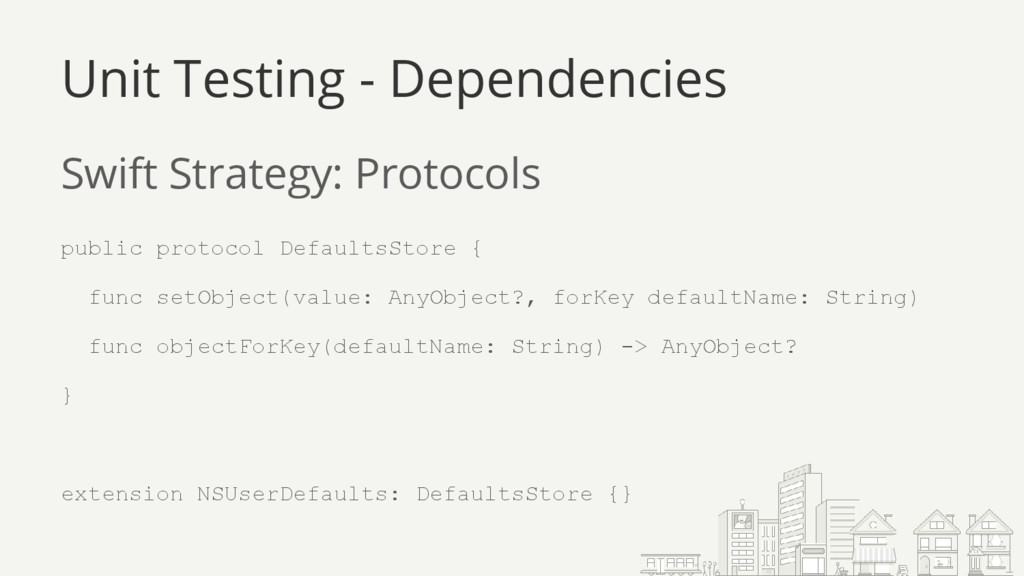
  18. Swift Strategy: Protocols public protocol DefaultsStore { func setObject(value: AnyObject?,

    forKey defaultName: String) func objectForKey(defaultName: String) -> AnyObject? } extension NSUserDefaults: DefaultsStore {} Unit Testing - Dependencies
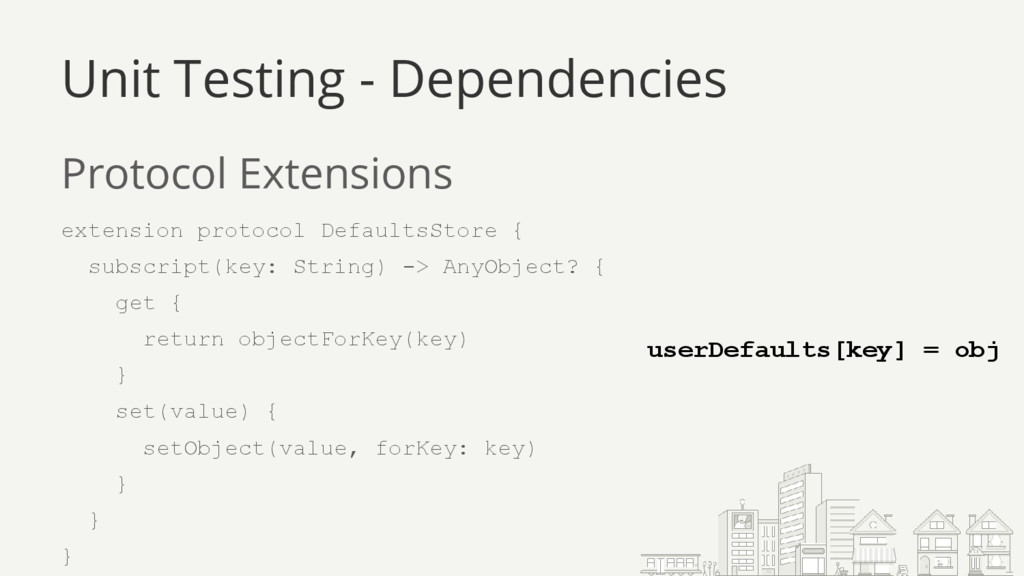
  19. Protocol Extensions extension protocol DefaultsStore { subscript(key: String) -> AnyObject?

    { get { return objectForKey(key) } set(value) { setObject(value, forKey: key) } } } Unit Testing - Dependencies userDefaults[key] = obj
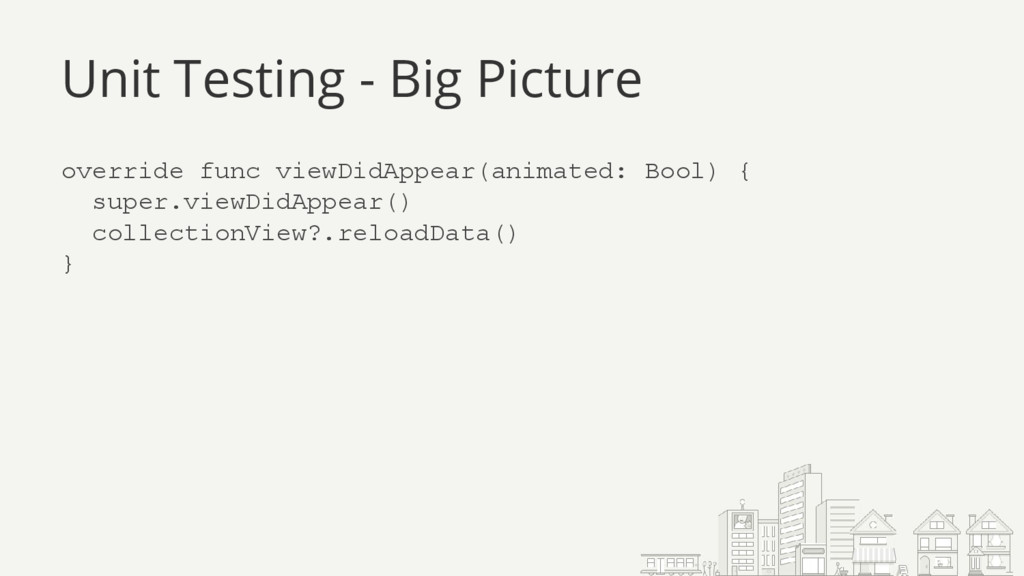
  20. Unit Testing - Big Picture override func viewDidAppear(animated: Bool) {

    super.viewDidAppear() collectionView?.reloadData() }
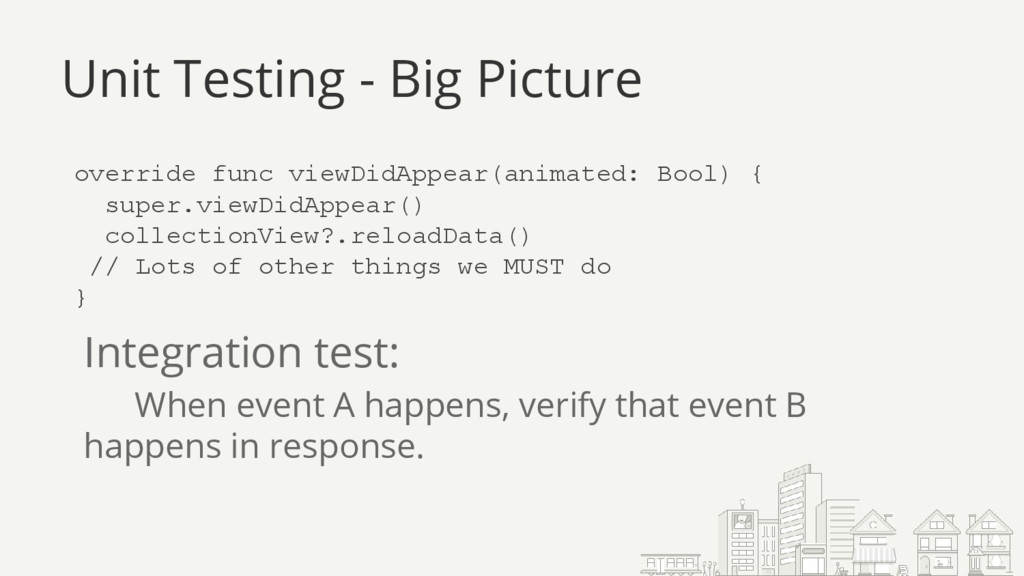
  21. Unit Testing - Big Picture override func viewDidAppear(animated: Bool) {

    super.viewDidAppear() collectionView?.reloadData() // Lots of other things we MUST do } Integration test: When event A happens, verify that event B happens in response.
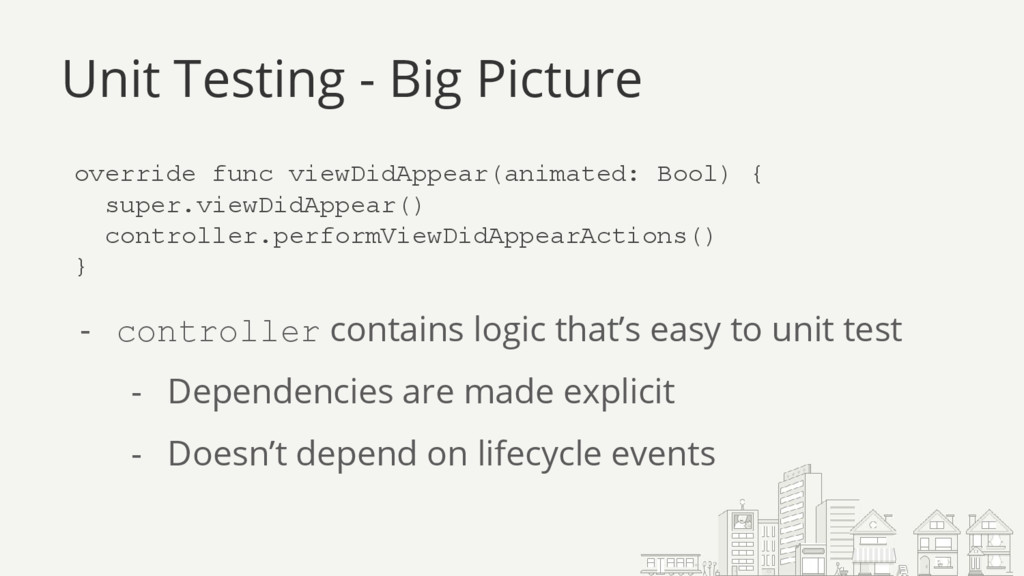
  22. Unit Testing - Big Picture override func viewDidAppear(animated: Bool) {

    super.viewDidAppear() controller.performViewDidAppearActions() } - controller contains logic that’s easy to unit test - Dependencies are made explicit - Doesn’t depend on lifecycle events
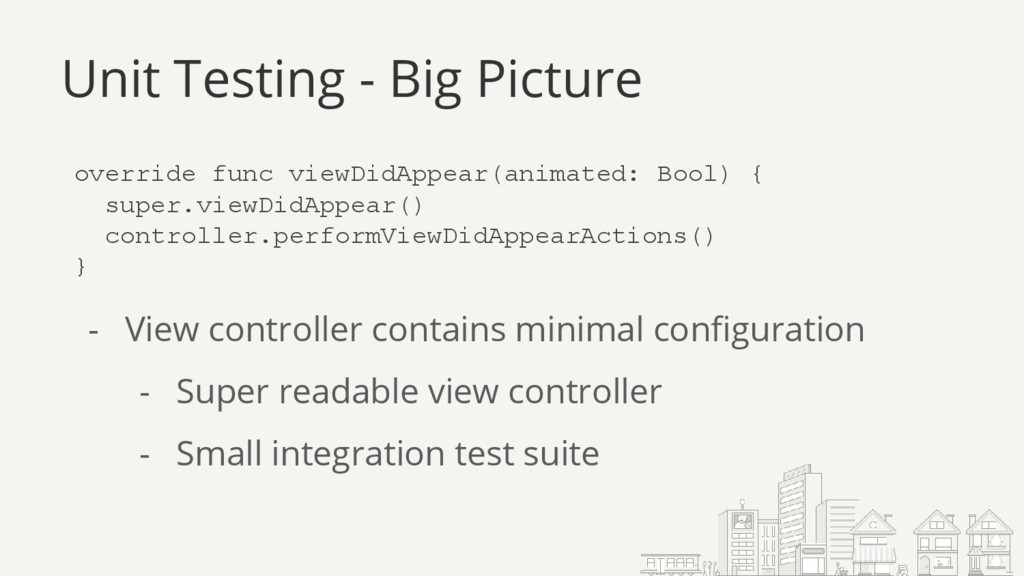
  23. Unit Testing - Big Picture override func viewDidAppear(animated: Bool) {

    super.viewDidAppear() controller.performViewDidAppearActions() } - View controller contains minimal configuration - Super readable view controller - Small integration test suite
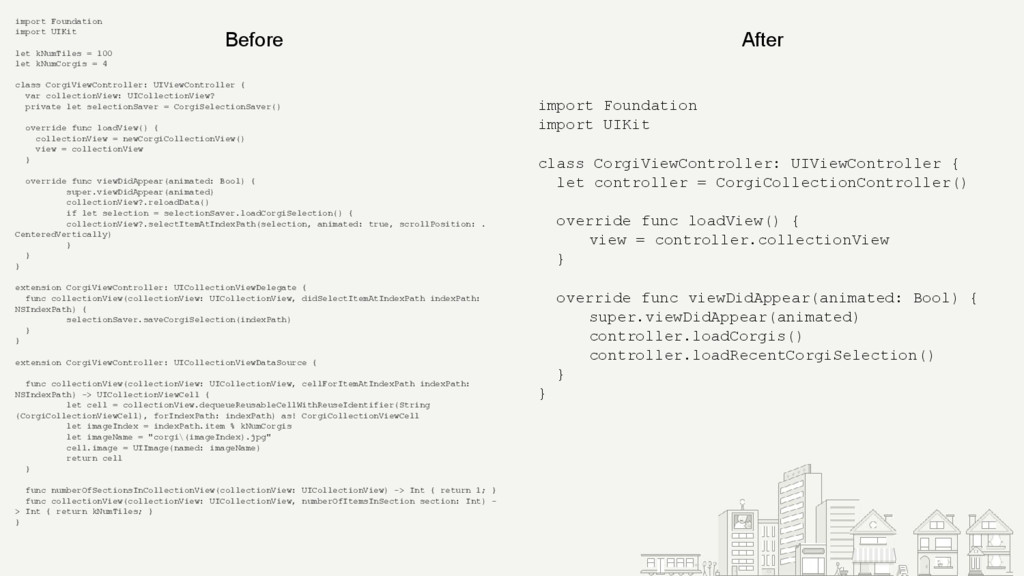
  24. import Foundation import UIKit class CorgiViewController: UIViewController { let controller

    = CorgiCollectionController() override func loadView() { view = controller.collectionView } override func viewDidAppear(animated: Bool) { super.viewDidAppear(animated) controller.loadCorgis() controller.loadRecentCorgiSelection() } } import Foundation import UIKit let kNumTiles = 100 let kNumCorgis = 4 class CorgiViewController: UIViewController { var collectionView: UICollectionView? private let selectionSaver = CorgiSelectionSaver() override func loadView() { collectionView = newCorgiCollectionView() view = collectionView } override func viewDidAppear(animated: Bool) { super.viewDidAppear(animated) collectionView?.reloadData() if let selection = selectionSaver.loadCorgiSelection() { collectionView?.selectItemAtIndexPath(selection, animated: true, scrollPosition: . CenteredVertically) } } } extension CorgiViewController: UICollectionViewDelegate { func collectionView(collectionView: UICollectionView, didSelectItemAtIndexPath indexPath: NSIndexPath) { selectionSaver.saveCorgiSelection(indexPath) } } extension CorgiViewController: UICollectionViewDataSource { func collectionView(collectionView: UICollectionView, cellForItemAtIndexPath indexPath: NSIndexPath) -> UICollectionViewCell { let cell = collectionView.dequeueReusableCellWithReuseIdentifier(String (CorgiCollectionViewCell), forIndexPath: indexPath) as! CorgiCollectionViewCell let imageIndex = indexPath.item % kNumCorgis let imageName = "corgi\(imageIndex).jpg" cell.image = UIImage(named: imageName) return cell } func numberOfSectionsInCollectionView(collectionView: UICollectionView) -> Int { return 1; } func collectionView(collectionView: UICollectionView, numberOfItemsInSection section: Int) - > Int { return kNumTiles; } } Before After
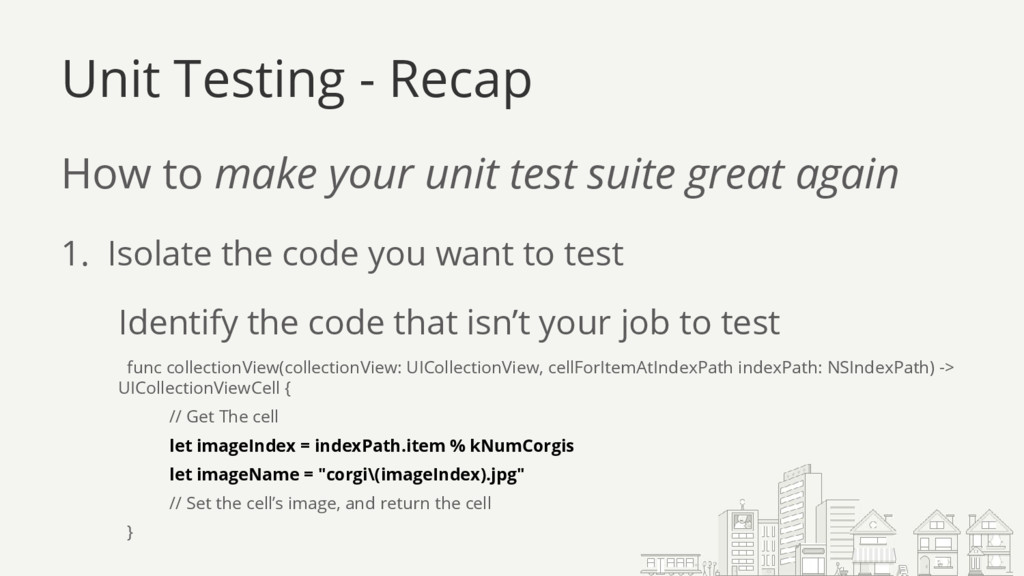
  25. Unit Testing - Recap How to make your unit test

    suite great again 1. Isolate the code you want to test Identify the code that isn’t your job to test func collectionView(collectionView: UICollectionView, cellForItemAtIndexPath indexPath: NSIndexPath) -> UICollectionViewCell { // Get The cell let imageIndex = indexPath.item % kNumCorgis let imageName = "corgi\(imageIndex).jpg" // Set the cell’s image, and return the cell }
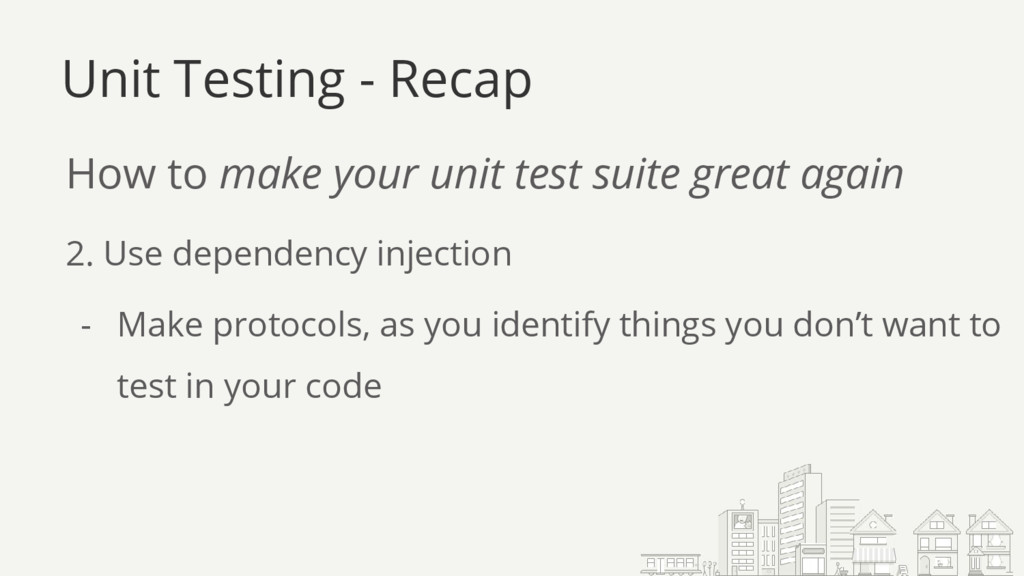
  26. Unit Testing - Recap How to make your unit test

    suite great again 2. Use dependency injection - Make protocols, as you identify things you don’t want to test in your code
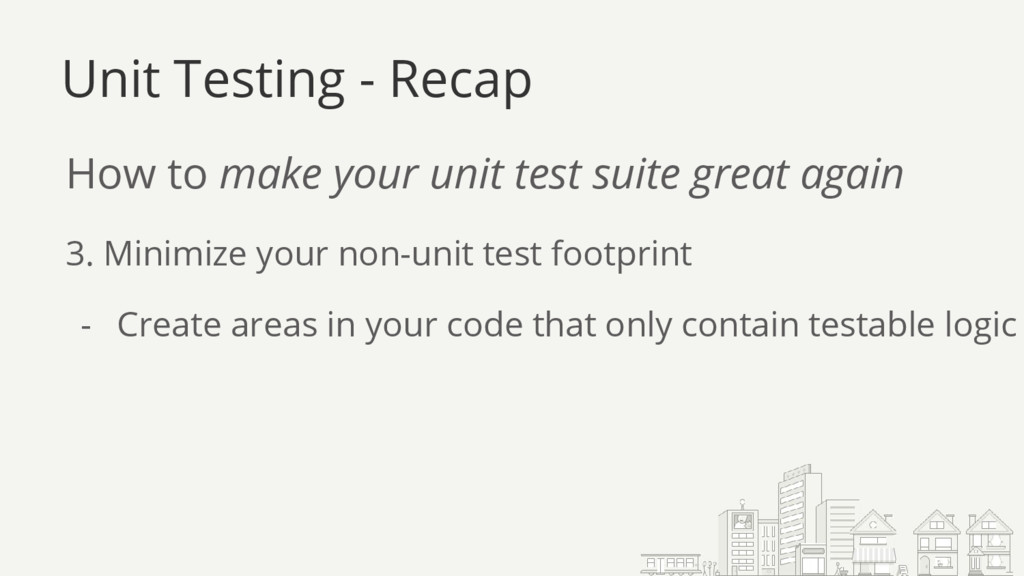
  27. Unit Testing - Recap How to make your unit test

    suite great again 3. Minimize your non-unit test footprint - Create areas in your code that only contain testable logic
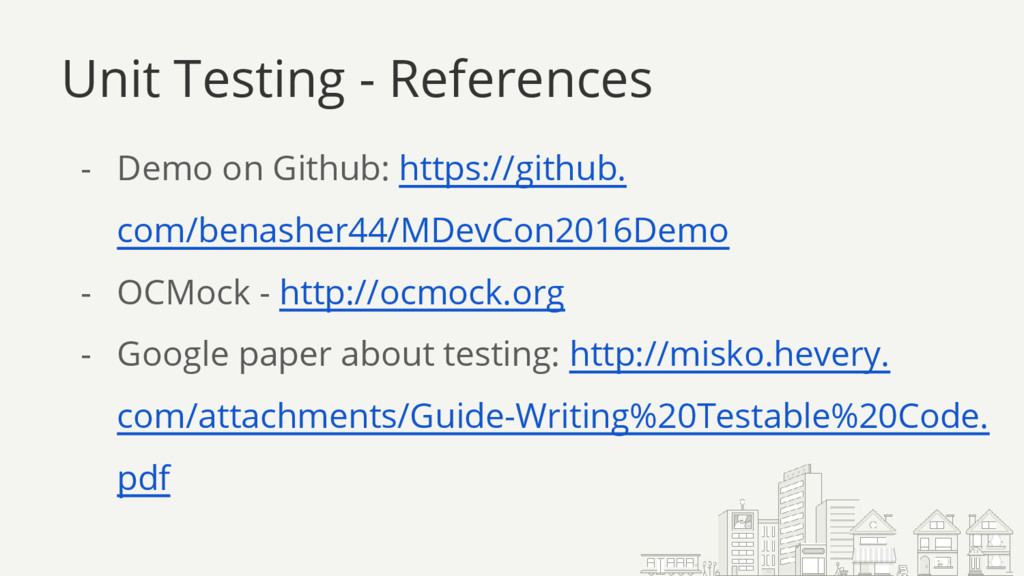
  28. Unit Testing - References - Demo on Github: https://github. com/benasher44/MDevCon2016Demo

    - OCMock - http://ocmock.org - Google paper about testing: http://misko.hevery. com/attachments/Guide-Writing%20Testable%20Code. pdf