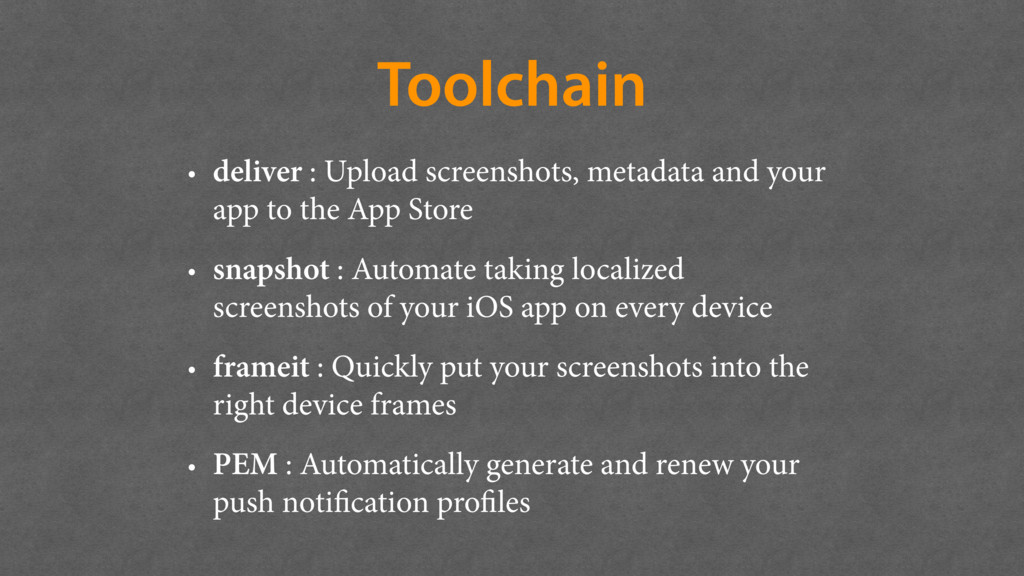
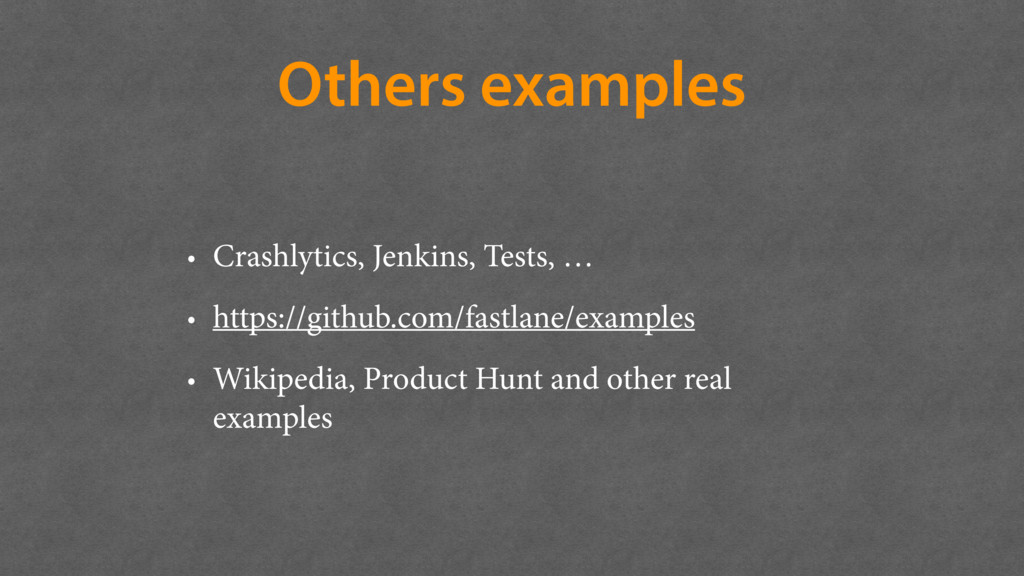
to the App Store • snapshot : Automate taking localized screenshots of your iOS app on every device • frameit : Quickly put your screenshots into the right device frames • PEM : Automatically generate and renew your push notification profiles
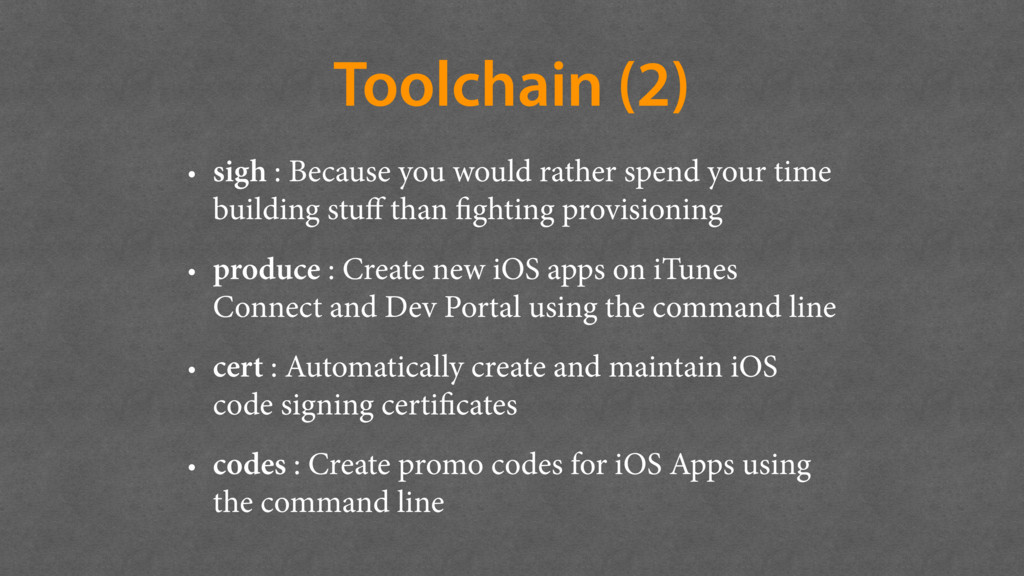
your time building stuff than fighting provisioning • produce : Create new iOS apps on iTunes Connect and Dev Portal using the command line • cert : Automatically create and maintain iOS code signing certificates • codes : Create promo codes for iOS Apps using the command line
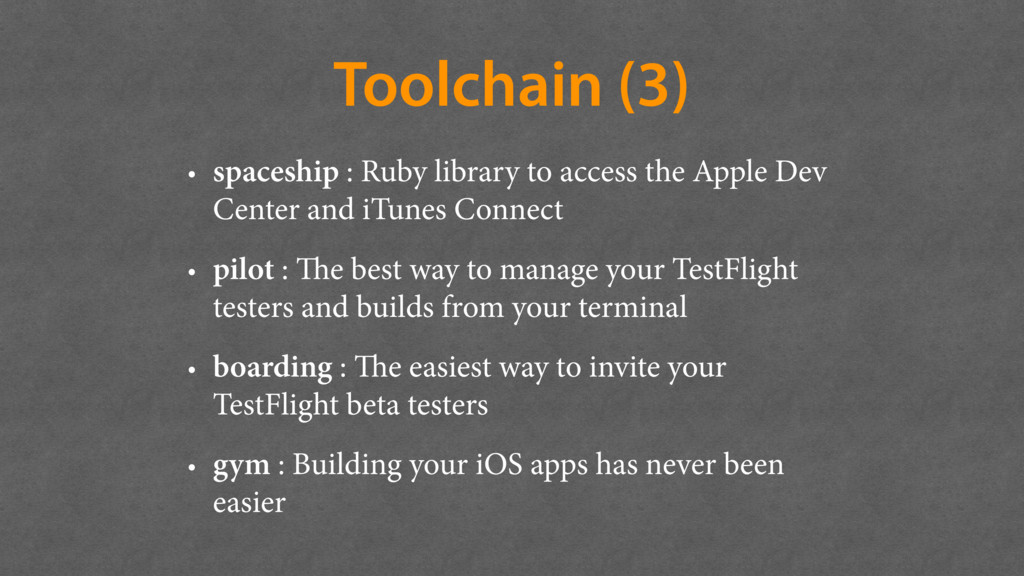
Apple Dev Center and iTunes Connect • pilot : The best way to manage your TestFlight testers and builds from your terminal • boarding : The easiest way to invite your TestFlight beta testers • gym : Building your iOS apps has never been easier
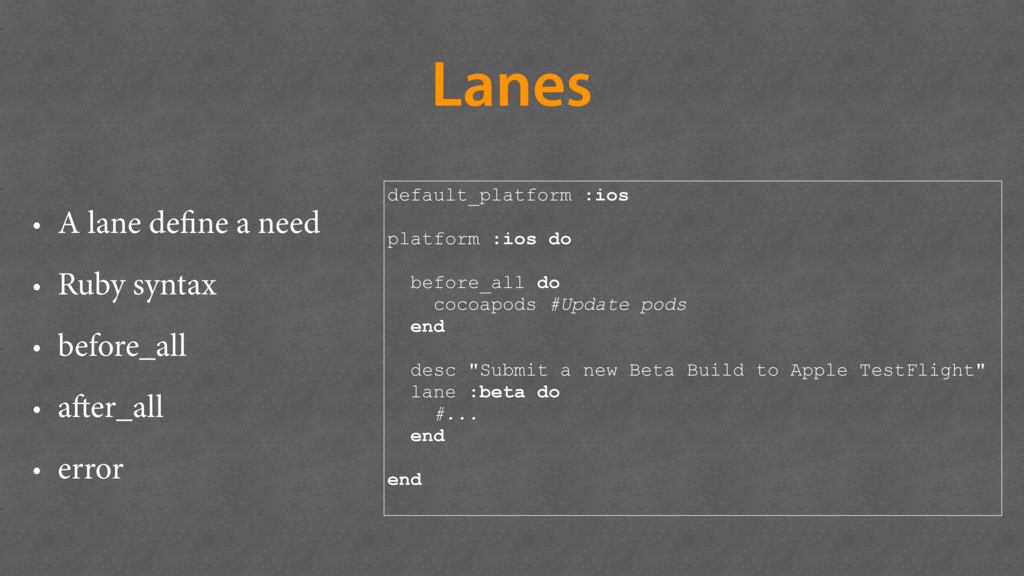
• before_all • after_all • error default_platform :ios platform :ios do before_all do cocoapods #Update pods end desc "Submit a new Beta Build to Apple TestFlight" lane :beta do #... end end
queryDiskCacheForKey:myCacheKey done:^(UIImage *image) { // image is not nil if image was found }]; Query cache (lookup the disk cache if an image can't be found in the memory cache) [[SDImageCache sharedImageCache] storeImage:myImage forKey:myCacheKey]; Store image
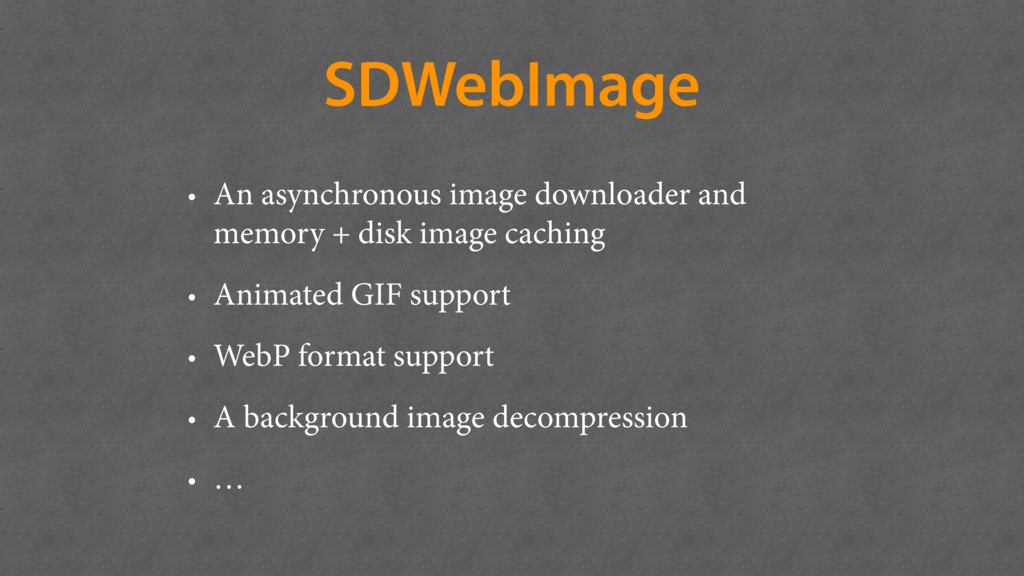
and disk caching (since iOS5) of raw HTTP responses • SDWebImage caches the UIImage representation in memory and store the original compressed image file on disk • https://github.com/bpoplauschi/ ImageCachingBenchmark


 benjamindigeon
 econanringo
 artoy
artoy
 panda728
 y0hgi
y0hgi
 tmikov2023
 findyinc
 rollbear
 optim
optim
 marcoroth
 rshindo
 sorah
sorah
 ichirokano2
 inesmontani
 codingconduct
 lfama
lfama
 bkeepers
 sachag
 irinanazarova
.png) helenjbeal
helenjbeal
 asonas
 joshbly
 aleyda
 yeseniaperezcruz
 nmsamuel






![Usage [imageView sd_setImageWithURL:[NSURL URLWithString:@"http://www.domain.com/path/to/image.jpg"] placeholderImage:[UIImage imageNamed:@"placeholder.png"]]; Standard [imageView sd_setImageWithURL:[NSURL URLWithString:@"http://www.domain.com/path/to/image.jpg"]](https://files.speakerdeck.com/presentations/844633fe6ceb4ff7bb24c7ac48d28a6d/slide_16.jpg)
![Using cache directly SDImageCache *imageCache = [[SDImageCache alloc] initWithNamespace:@"myNamespace"]; [imageCache](https://files.speakerdeck.com/presentations/844633fe6ceb4ff7bb24c7ac48d28a6d/slide_17.jpg)