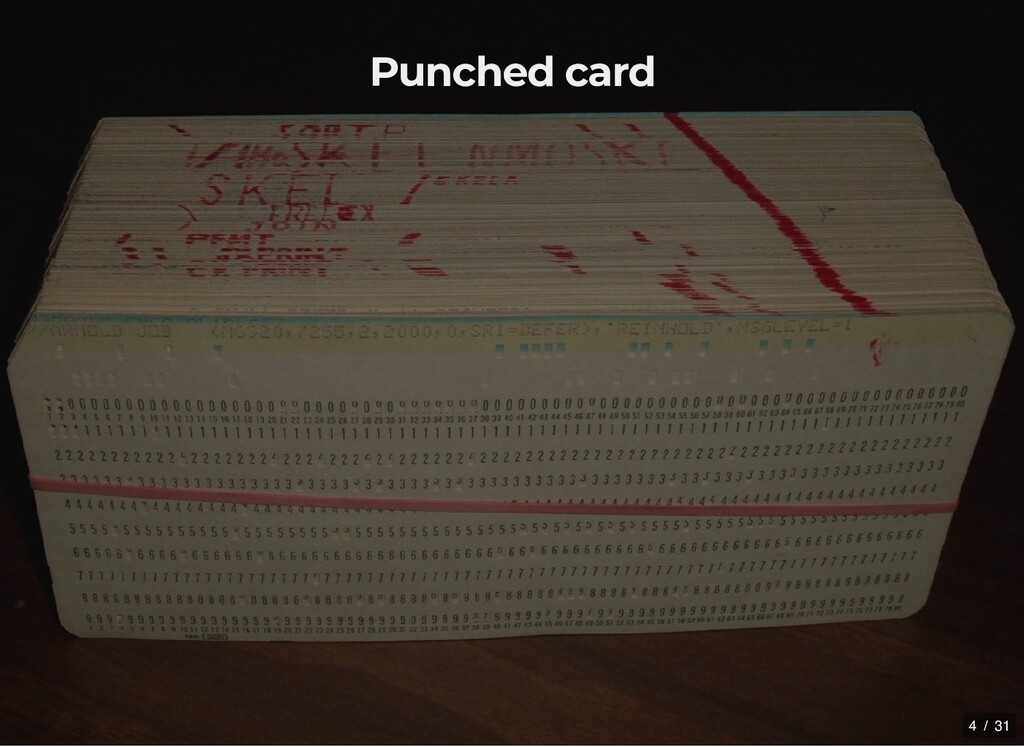
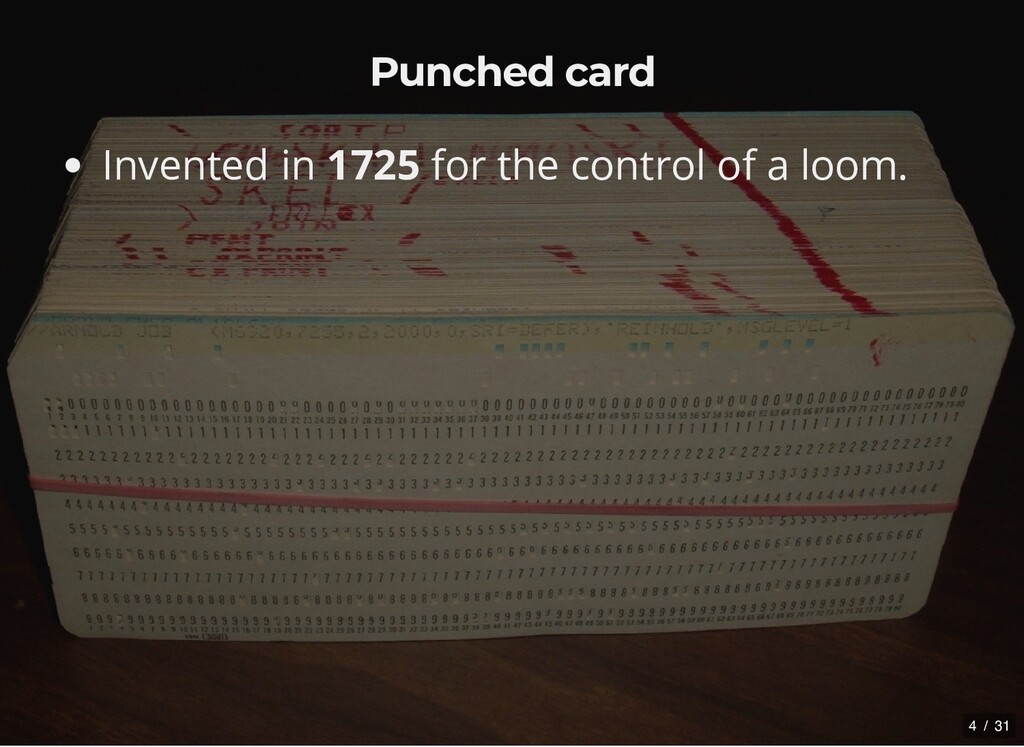
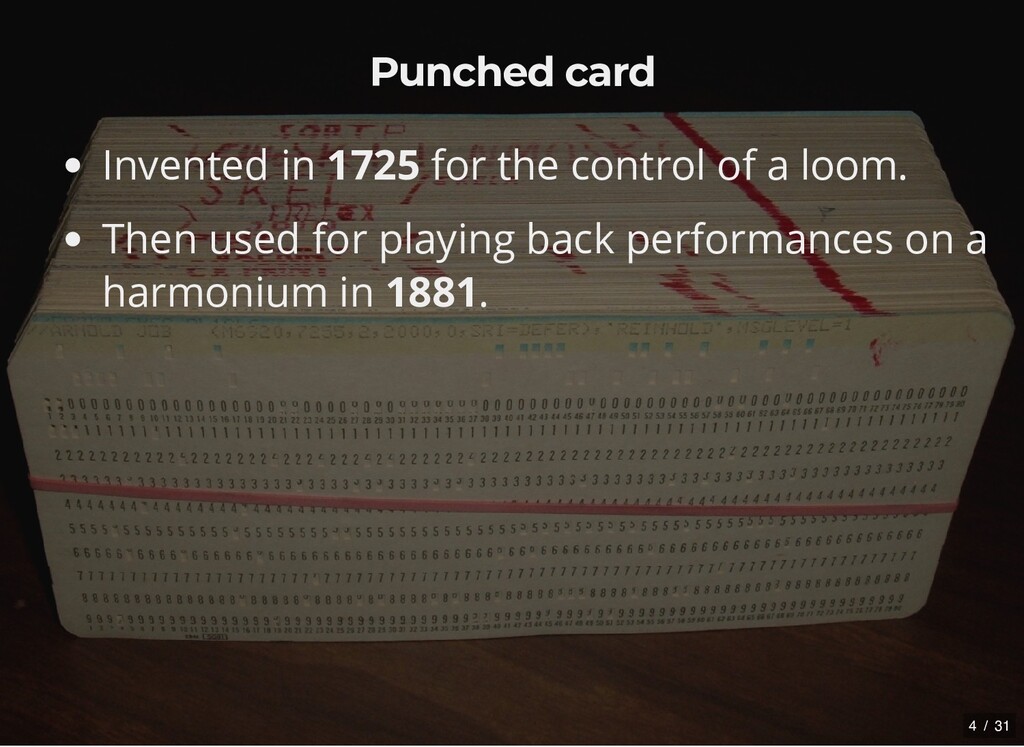
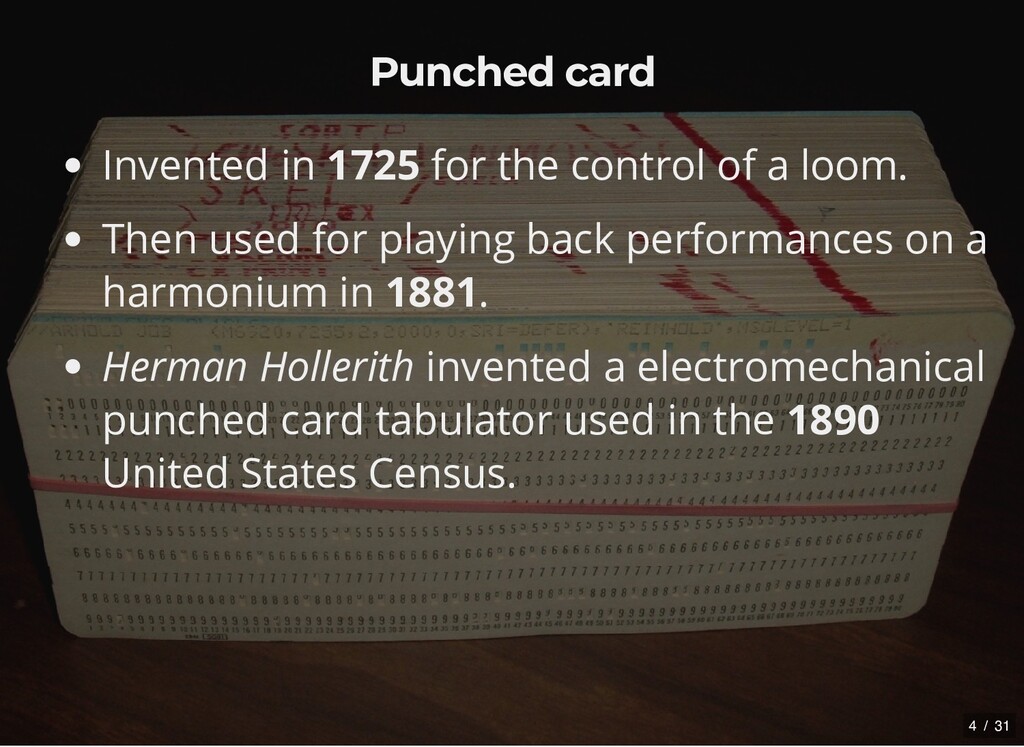
loom. Then used for playing back performances on a harmonium in 1881. Herman Hollerith invented a electromechanical punched card tabulator used in the 1890 United States Census. 4 / 31
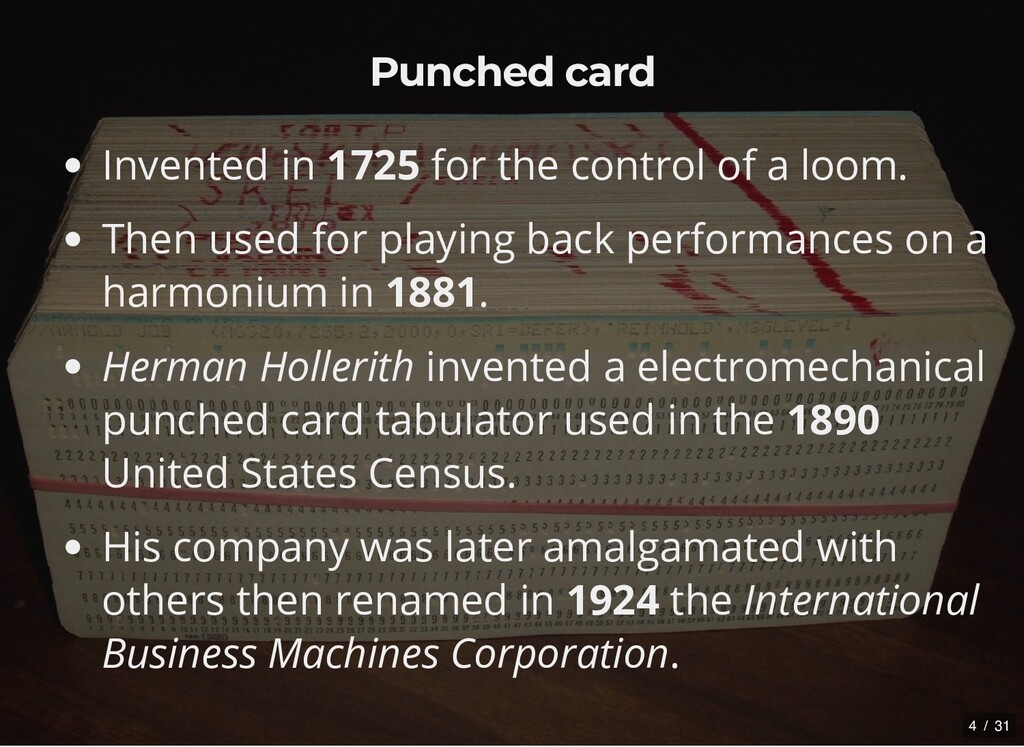
loom. Then used for playing back performances on a harmonium in 1881. Herman Hollerith invented a electromechanical punched card tabulator used in the 1890 United States Census. His company was later amalgamated with others then renamed in 1924 the International Business Machines Corporation. 4 / 31
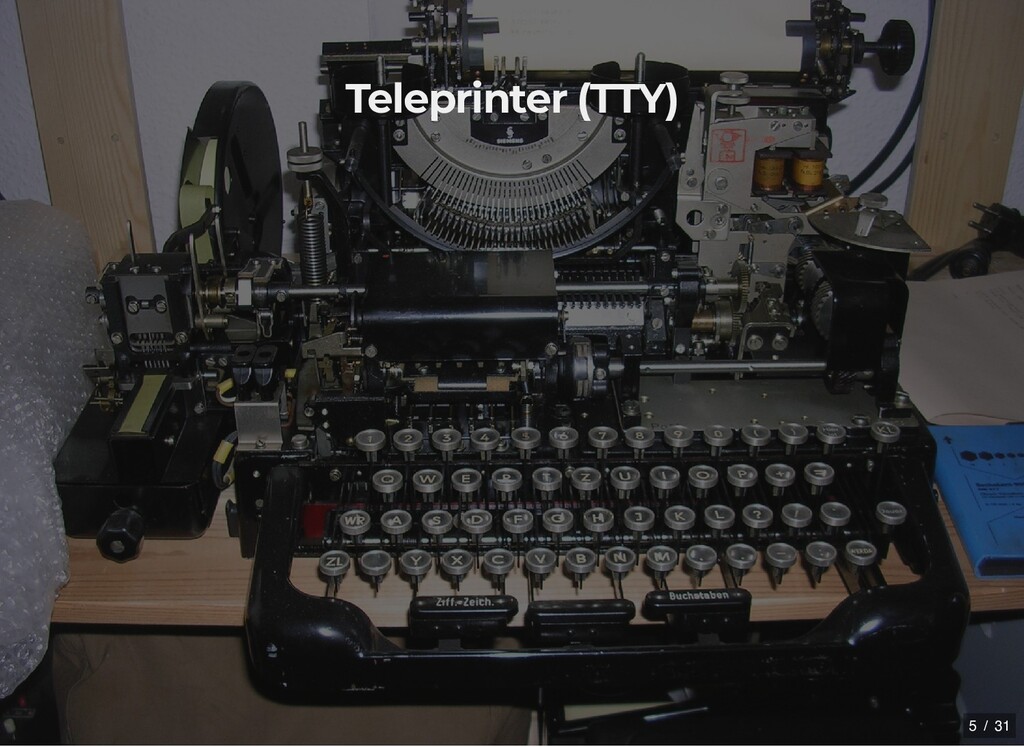
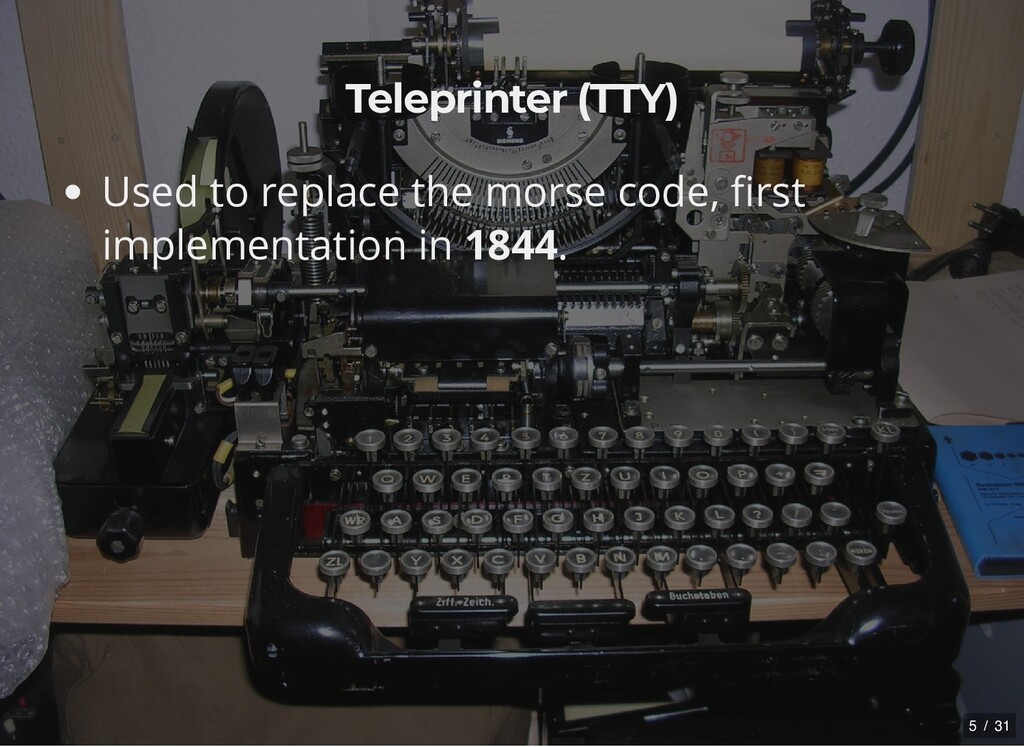
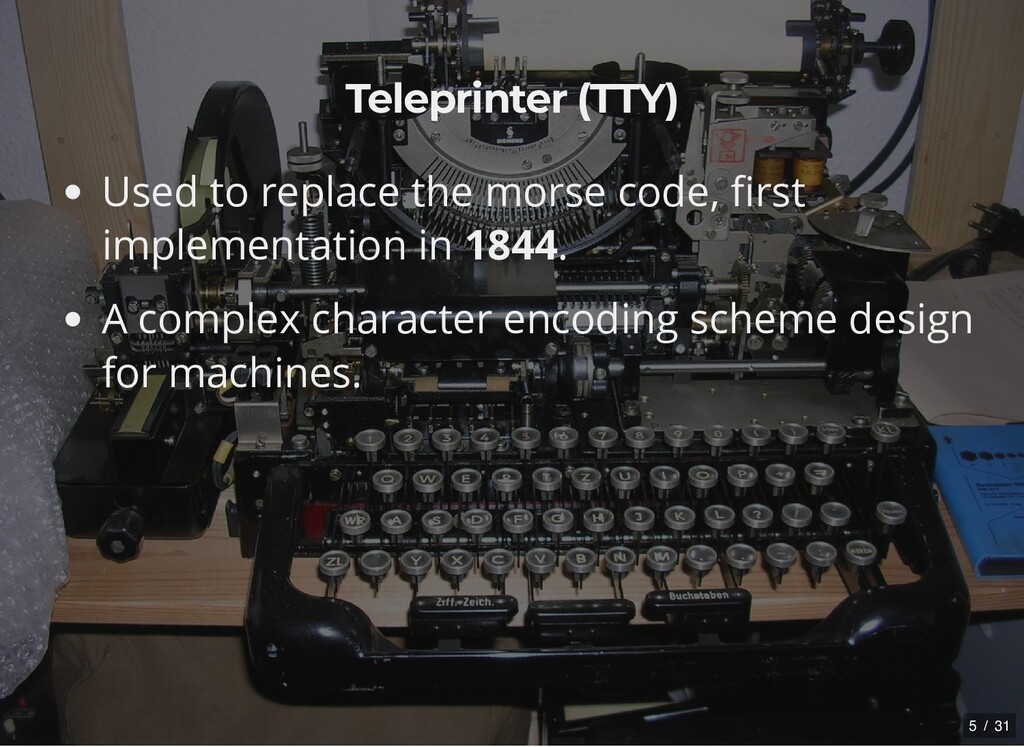
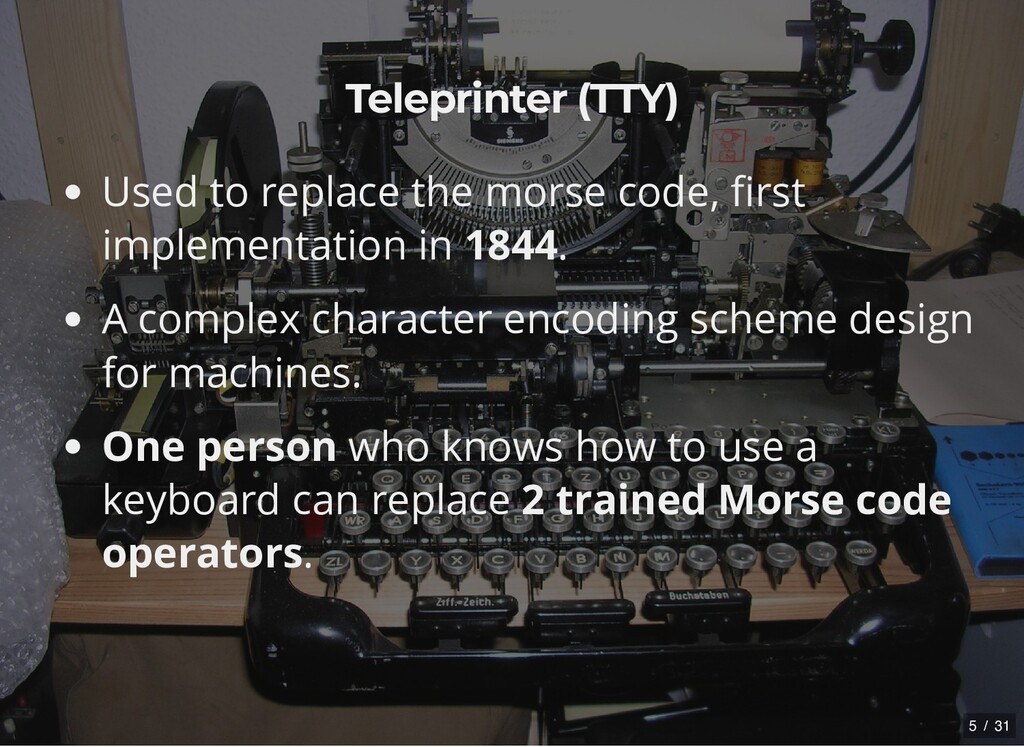
in 1844. A complex character encoding scheme design for machines. One person who knows how to use a keyboard can replace 2 trained Morse code operators. 5 / 31
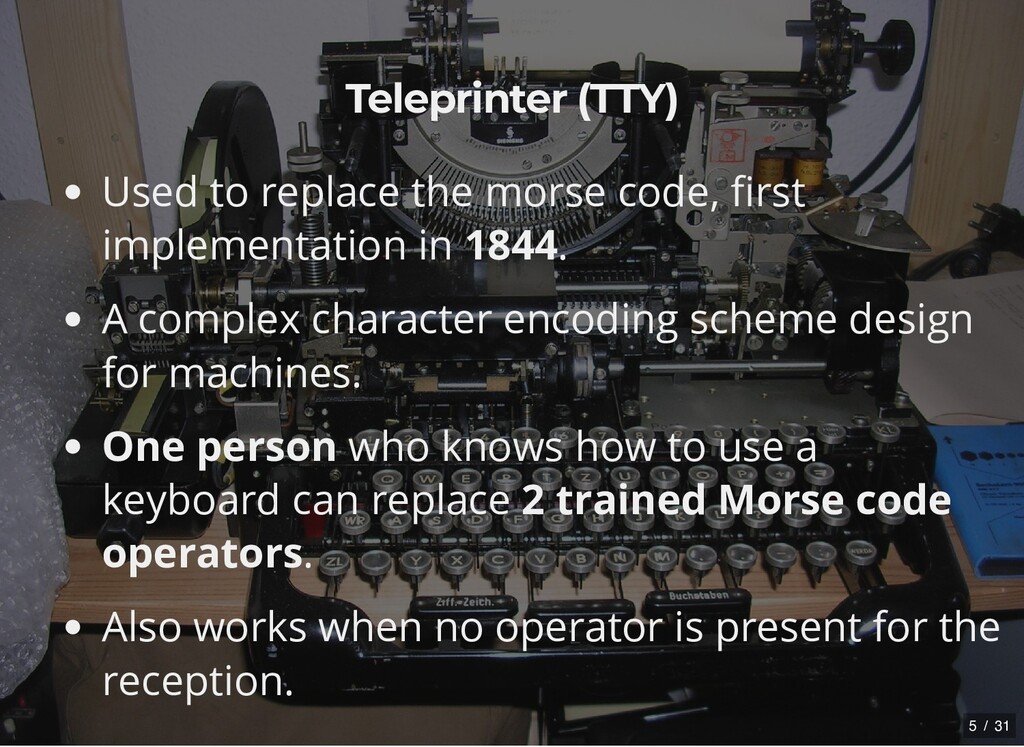
in 1844. A complex character encoding scheme design for machines. One person who knows how to use a keyboard can replace 2 trained Morse code operators. Also works when no operator is present for the reception. 5 / 31
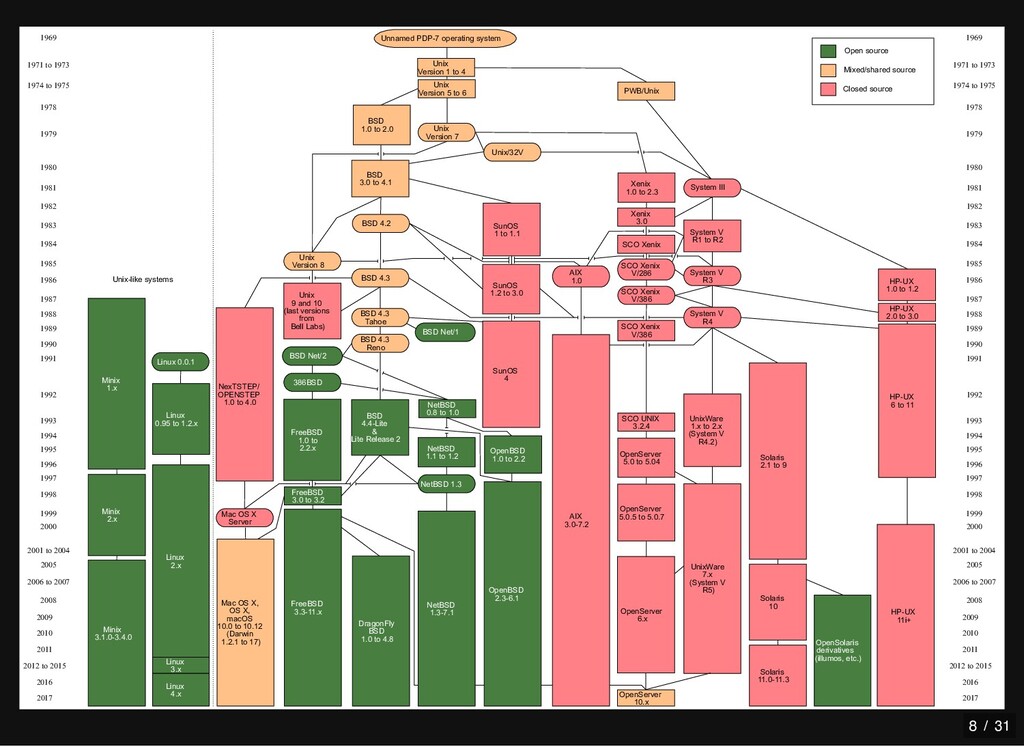
1971 to 1973 1974 to 1975 1978 1979 1980 1981 1982 1983 1984 1985 1986 1987 1988 1989 1990 1991 1992 1993 1994 1995 1996 1997 1998 1999 2000 2001 to 2004 2006 to 2007 2008 2005 2009 2010 2011 2012 to 2015 2016 2017 Open source Mixed/shared source Closed source HP-UX 1.0 to 1.2 OpenSolaris & derivatives (illumos, etc.) System III System V R1 to R2 OpenServer 5.0.5 to 5.0.7 OpenServer 5.0 to 5.04 SCO UNIX 3.2.4 SCO Xenix V/386 SCO Xenix V/386 SCO Xenix V/286 SCO Xenix Xenix 3.0 Xenix 1.0 to 2.3 PWB/Unix AIX 1.0 AIX 3.0-7.2 OpenBSD 2.3-6.1 OpenBSD 1.0 to 2.2 SunOS 1.2 to 3.0 SunOS 1 to 1.1 Unix/32V Unix Version 1 to 4 Unix Version 5 to 6 Unix Version 7 Unnamed PDP-7 operating system BSD 1.0 to 2.0 BSD 3.0 to 4.1 BSD 4.2 Unix Version 8 Unix 9 and 10 (last versions from Bell Labs) NexTSTEP/ OPENSTEP 1.0 to 4.0 Mac OS X Server Mac OS X, OS X, macOS 10.0 to 10.12 (Darwin 1.2.1 to 17) Minix 1.x Minix 2.x Minix 3.1.0-3.4.0 Linux 2.x Linux 0.95 to 1.2.x Linux 0.0.1 BSD 4.4-Lite & Lite Release 2 NetBSD 0.8 to 1.0 NetBSD 1.1 to 1.2 NetBSD 1.3 NetBSD 1.3-7.1 FreeBSD 1.0 to 2.2.x 386BSD BSD Net/2 Solaris 10 Solaris 11.0-11.3 System V R4 Solaris 2.1 to 9 BSD 4.3 SunOS 4 HP-UX 2.0 to 3.0 HP-UX 6 to 11 System V R3 UnixWare 1.x to 2.x (System V R4.2) BSD 4.3 Tahoe BSD 4.3 Reno FreeBSD 3.0 to 3.2 FreeBSD 3.3-11.x Linux 3.x Linux 4.x OpenServer 10.x 1969 1971 to 1973 1974 to 1975 1978 1979 1980 1981 1982 1983 1984 1985 1986 1987 1988 1989 1990 1991 1992 1993 1994 1995 1996 1997 1998 1999 2000 2001 to 2004 2006 to 2007 2008 2005 2009 2010 2011 2012 to 2015 2016 2017 DragonFly BSD 1.0 to 4.8 BSD Net/1 Unix-like systems 8 / 31
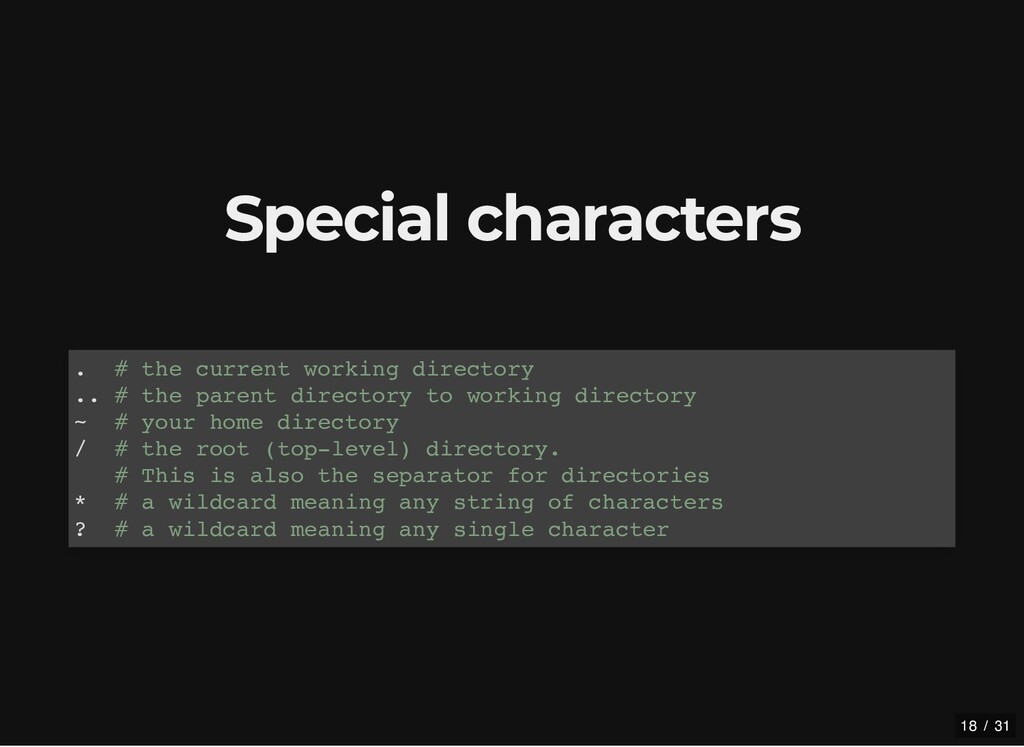
the parent directory to working directory ~ # your home directory / # the root (top-level) directory. # This is also the separator for directories * # a wildcard meaning any string of characters ? # a wildcard meaning any single character 18 / 31
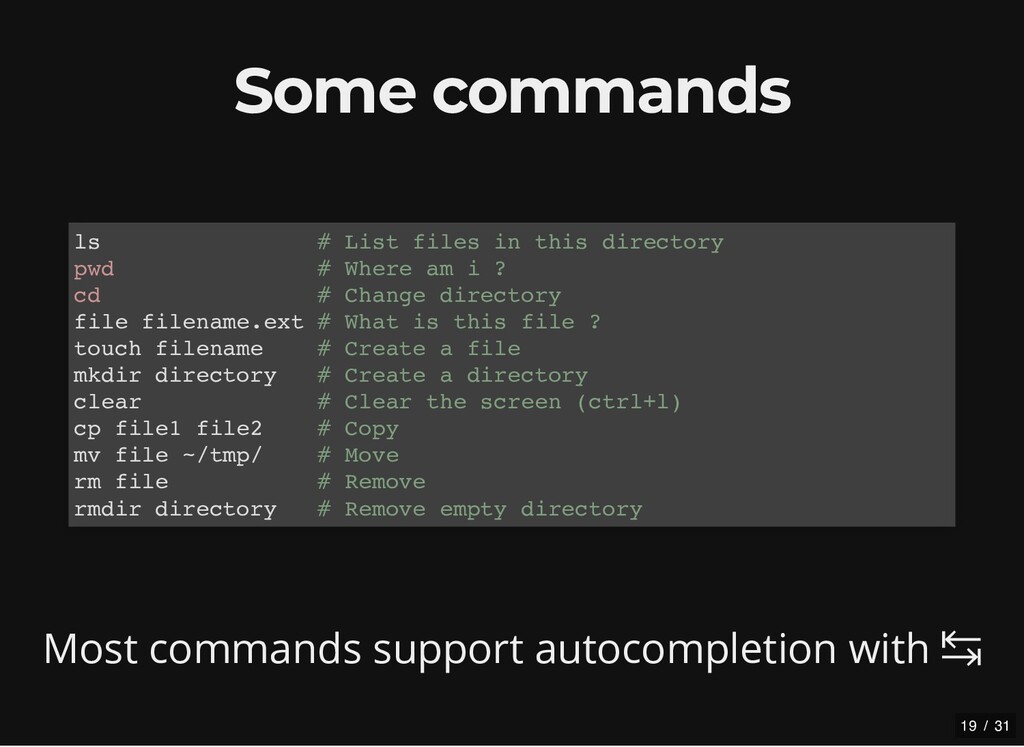
List files in this directory pwd # Where am i ? cd # Change directory file filename.ext # What is this file ? touch filename # Create a file mkdir directory # Create a directory clear # Clear the screen (ctrl+l) cp file1 file2 # Copy mv file ~/tmp/ # Move rm file # Remove rmdir directory # Remove empty directory 19 / 31


 benjamindigeon
 morizo_1984
 naokihaba
 takai
takai
 skydoves
 clockmaker
 oku053
 timakin
 kishida
 o0h
o0h
 deka_morita
 sylph01
 ivargrimstad
 tapps
tapps
 stuffmc
 honzajavorek
 sstephenson
 skipperchong
 caitiem20
 inesmontani
 ryanjones
 akademiya2063
 katarinadahlin
 rkendrick25
 tammyeverts