Upgrade to Pro — share decks privately, control downloads, hide ads and more …

lecture13.pdf

Sponsored · Your Podcast. Everywhere. Effortlessly. Share. Educate. Inspire. Entertain. You do you. We'll handle the rest.
Avatar for William Albritton William Albritton
September 14, 2014
110

 lecture13.pdf

Avatar for William Albritton

William Albritton

September 14, 2014
Tweet

Transcript

  1. Container Classes • For the rest of the semester, we

    will be studying container classes, which are classes that contains objects of other classes • We want the container class to be flexible as possible, so we can store any type (class) of data • A class can have a generic type by using the type (class) as a parameter
  2. Generic Class • When the program is compiled, the compiler

    uses text replacement to fill in the name of the actual class • In the class definition, we use the generic type (class) • We use the specific type (class) when we instantiate the container object that uses the particular type
  3. Generic Type Syntax • Three steps to make a generic

    class • Step #1: Use <T> after the name of the class in class definition • public class TwoThings<T, C>{. . .} • Can actually use any letter • In this case, T stands for “Type” • You might use C for “Class”, E for “Element”, etc.
  4. Generic Type Syntax • Step #2: Substitute T for the

    class’s name for object declaration, return type, and parameter type in class definition • Object declaration • private T item1;
  5. Generic Type Syntax • Return type • public T getItem1()

    {return item1;} • Parameter type • public void setItem1(T itemA) { item1 = itemA; }
  6. Generic Type Syntax • Step #3: Use <ClassName> as an

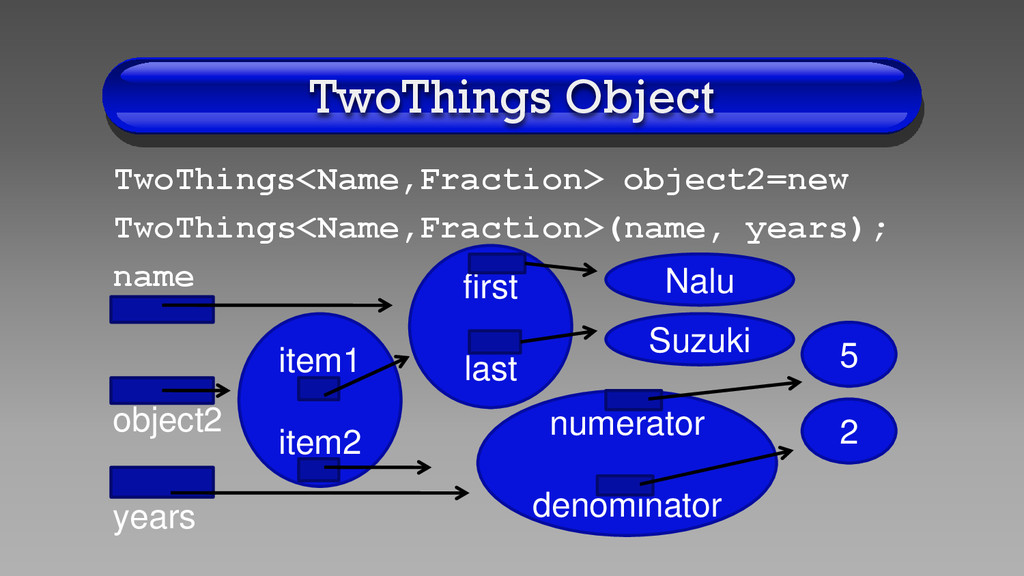
    argument after the name of the generic class for object instantiation • TwoThings<String, Integer> object1 = new TwoThings<String, Integer>("Nami", 25); • TwoThings<Name, Fraction> object2 = new TwoThings<Name, Fraction> (name, years);
  7. Generic Type Example • See the very simple container class

    TwoThings.java on class web page • Generic class TwoThings can store objects of any two classes • In the main() method, object1 stores a String and an Integer, while object2 stores a Name and a Fraction
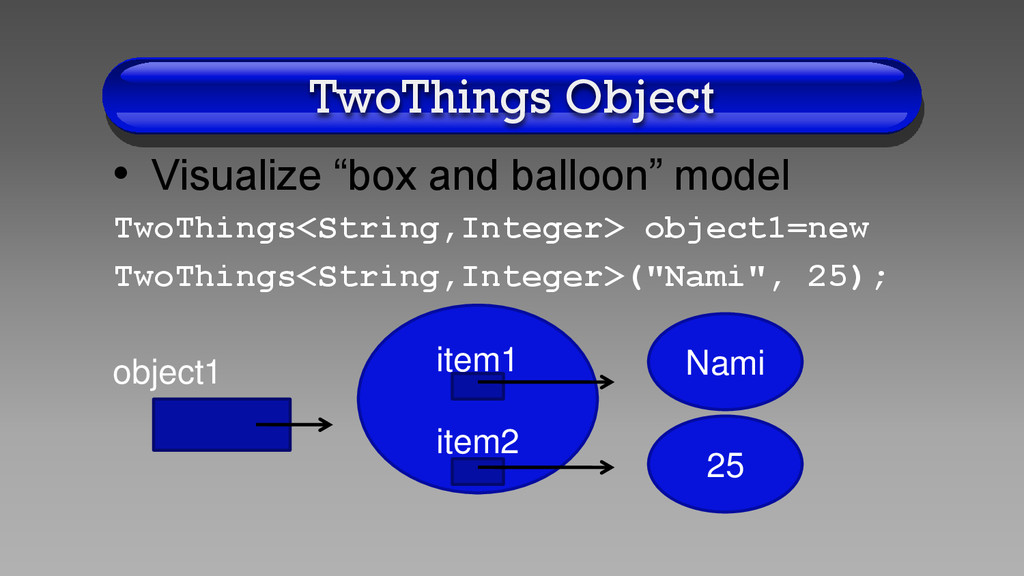
  8. TwoThings Object • Visualize “box and balloon” model TwoThings<String,Integer> object1=new

    TwoThings<String,Integer>("Nami", 25); object1 item1 item2 Nami 25
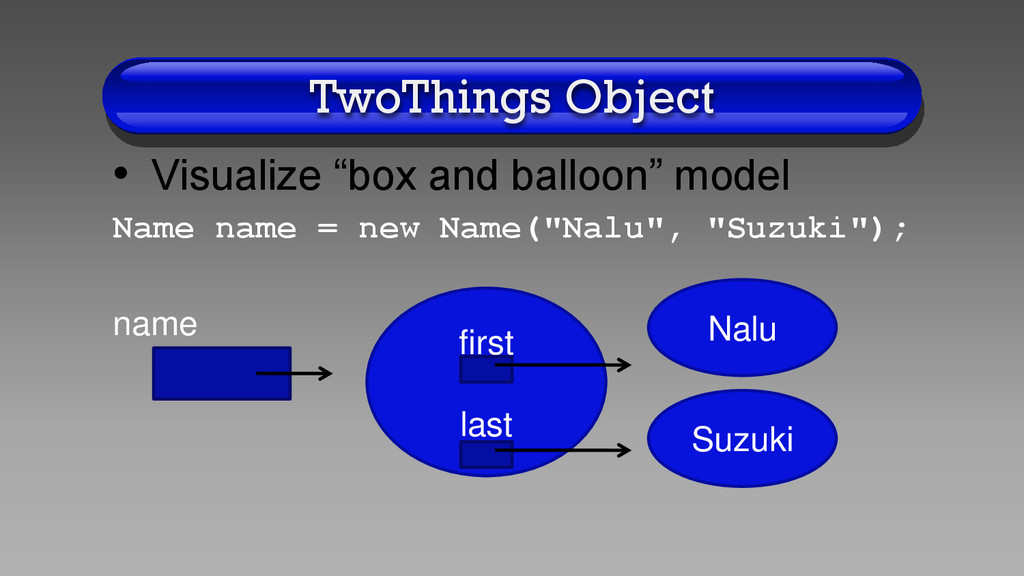
  9. TwoThings Object • Visualize “box and balloon” model Name name

    = new Name("Nalu", "Suzuki"); name first last Nalu Suzuki
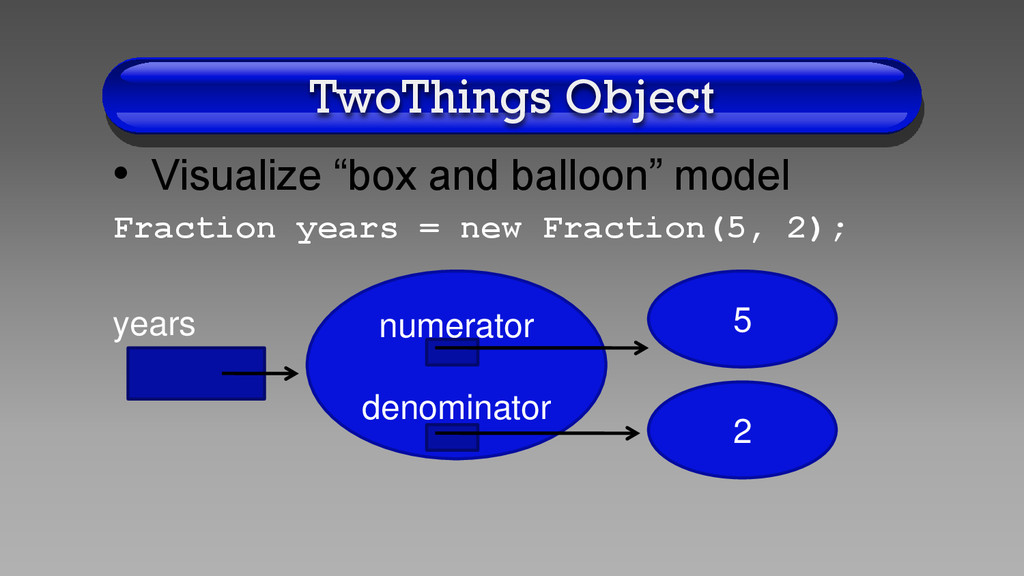
  10. TwoThings Object • Visualize “box and balloon” model Fraction years

    = new Fraction(5, 2); years numerator denominator 5 2
  11. What Is a Stack? • A stack data structure has

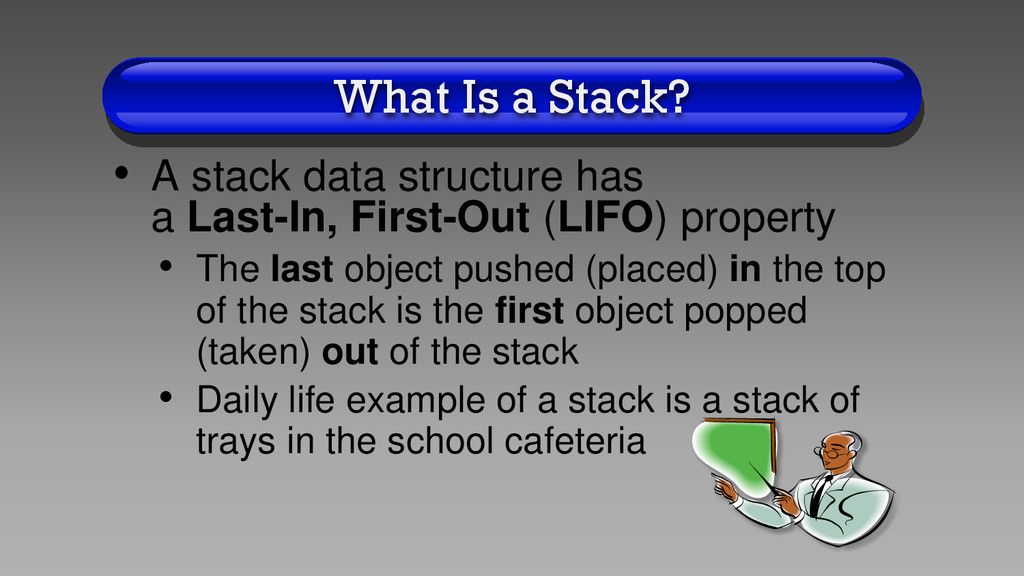
    a Last-In, First-Out (LIFO) property • The last object pushed (placed) in the top of the stack is the first object popped (taken) out of the stack • Daily life example of a stack is a stack of trays in the school cafeteria
  12. Stack Code • See interface StackInterface.java for a list of

    Stack method prototypes • See class ArrayStack.java for the class definition which includes the method definitions as well as a client program in the main() method
  13. Stack Methods • Boolean empty() • Is the stack empty?

    • T peek() throws EmptyStackException • Retrieve (does NOT remove) an object’s address from top of stack • If no elements on stack, then will throw an EmptyStackException
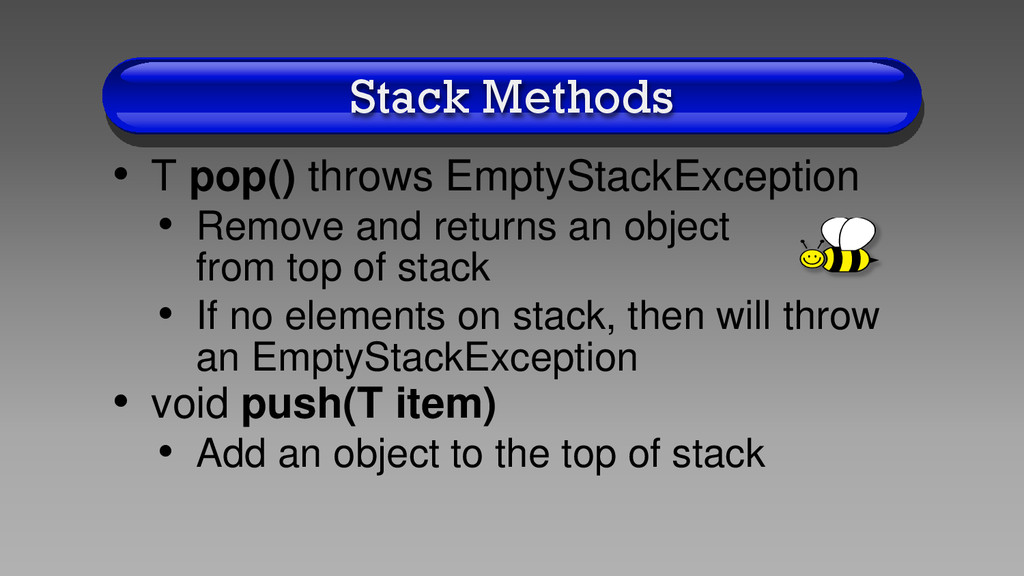
  14. Stack Methods • T pop() throws EmptyStackException • Remove and

    returns an object from top of stack • If no elements on stack, then will throw an EmptyStackException • void push(T item) • Add an object to the top of stack
  15. Stack Implementation • One way to implement a stack is

    as an array • Push and pop to the end of the array • See class ArrayStack.java on the class web page • The main() method of this class has a driver program that tests all of the methods of the ArrayStack
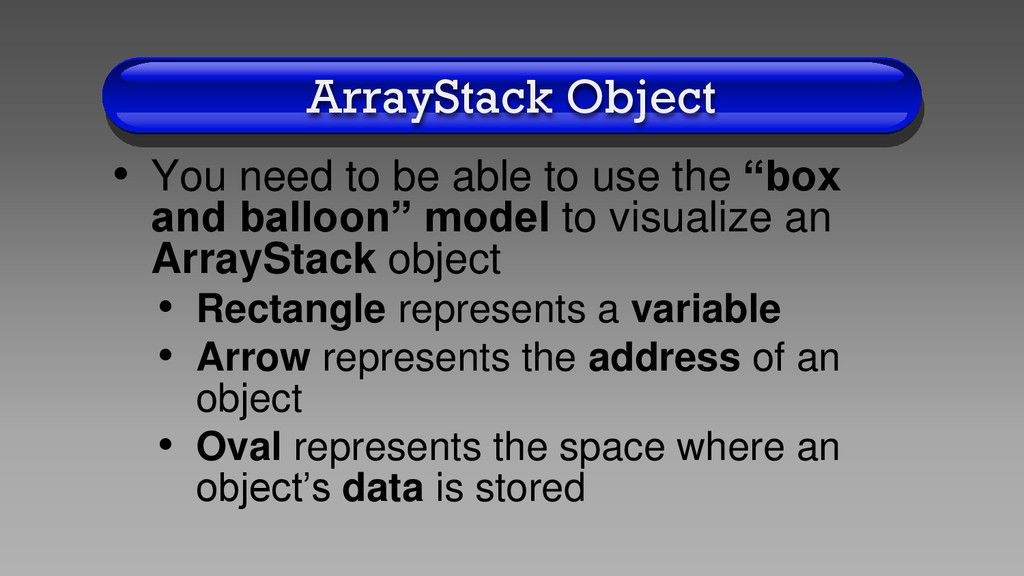
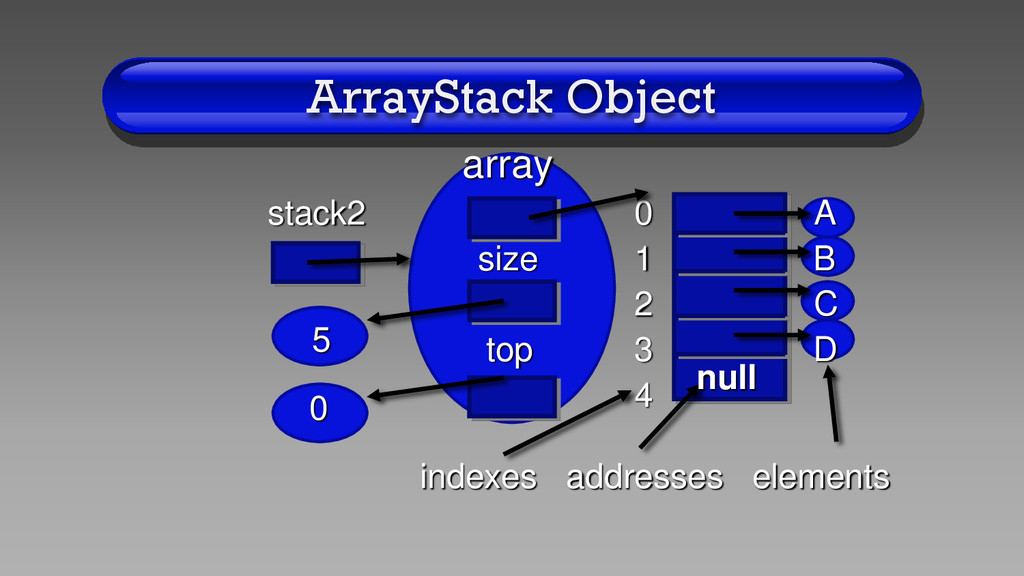
  16. ArrayStack Object • You need to be able to use

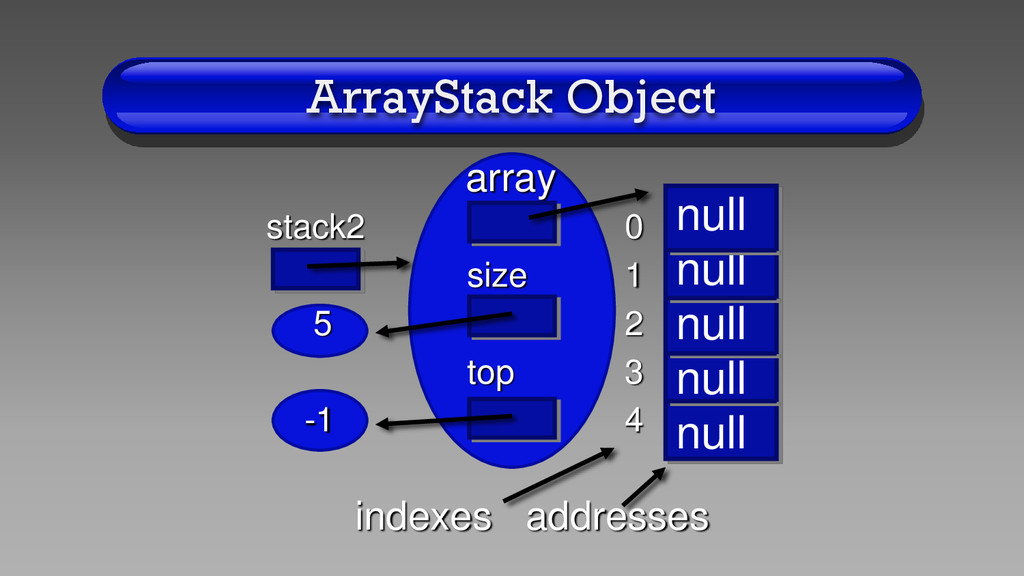
    the “box and balloon” model to visualize an ArrayStack object • Rectangle represents a variable • Arrow represents the address of an object • Oval represents the space where an object’s data is stored
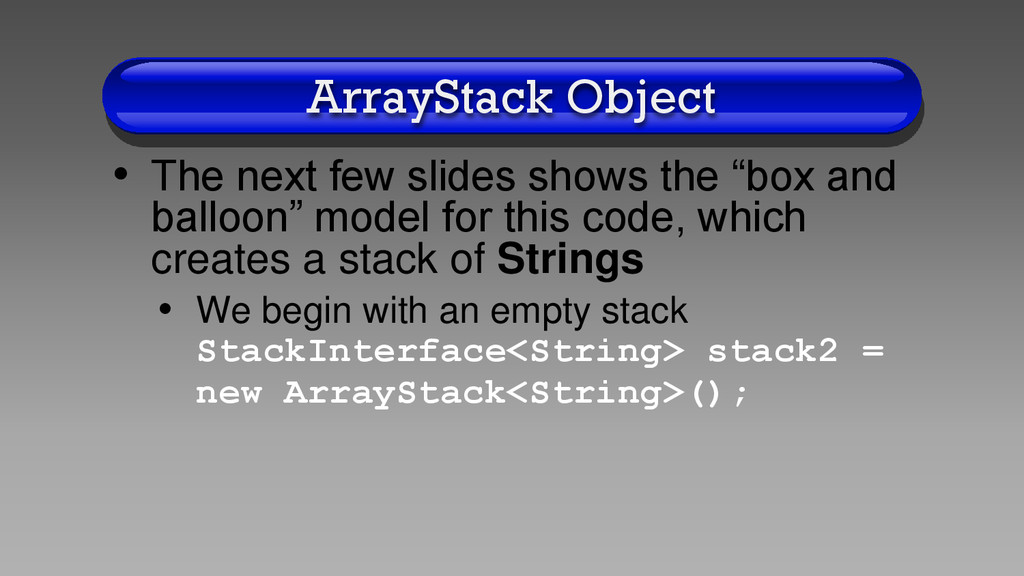
  17. ArrayStack Object • The next few slides shows the “box

    and balloon” model for this code, which creates a stack of Strings • We begin with an empty stack StackInterface<String> stack2 = new ArrayStack<String>();
  18. ArrayStack Object array stack2 0 size 1 5 2 top

    3 -1 4 indexes addresses null null null null null
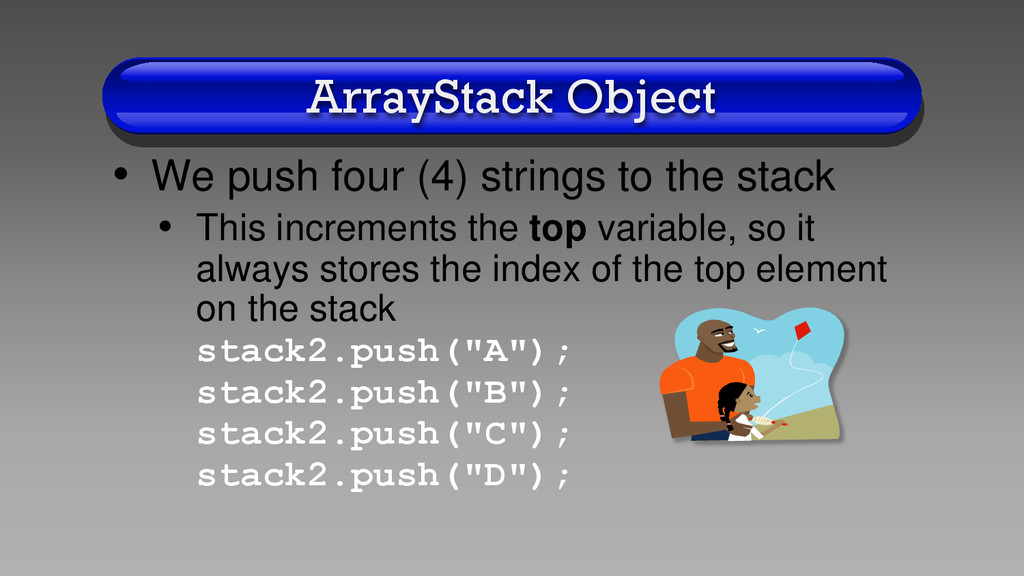
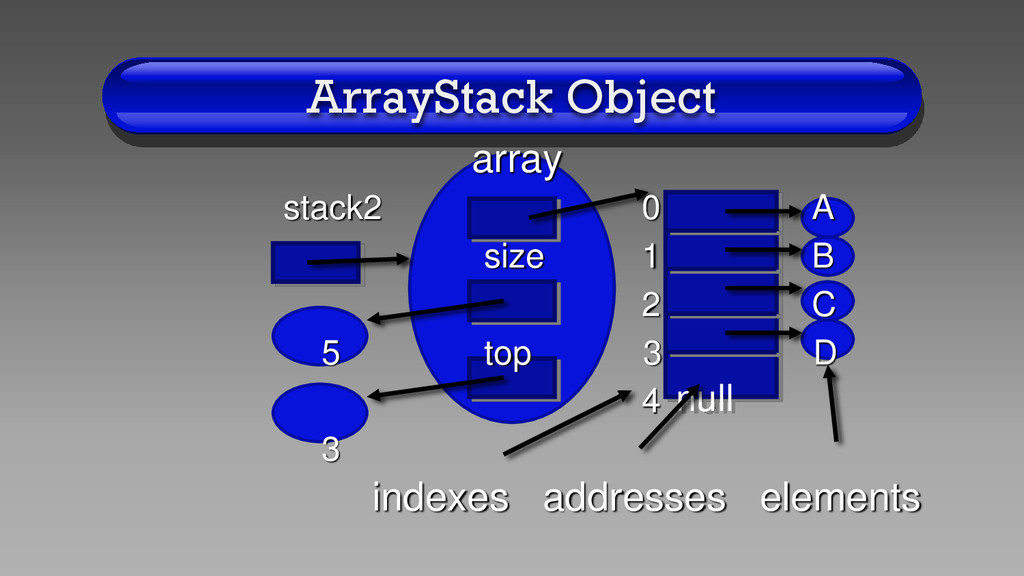
  19. ArrayStack Object • We push four (4) strings to the

    stack • This increments the top variable, so it always stores the index of the top element on the stack stack2.push("A"); stack2.push("B"); stack2.push("C"); stack2.push("D");
  20. ArrayStack Object null array stack2 0 A size 1 B

    2 C 5 top 3 D 4 3 indexes addresses elements
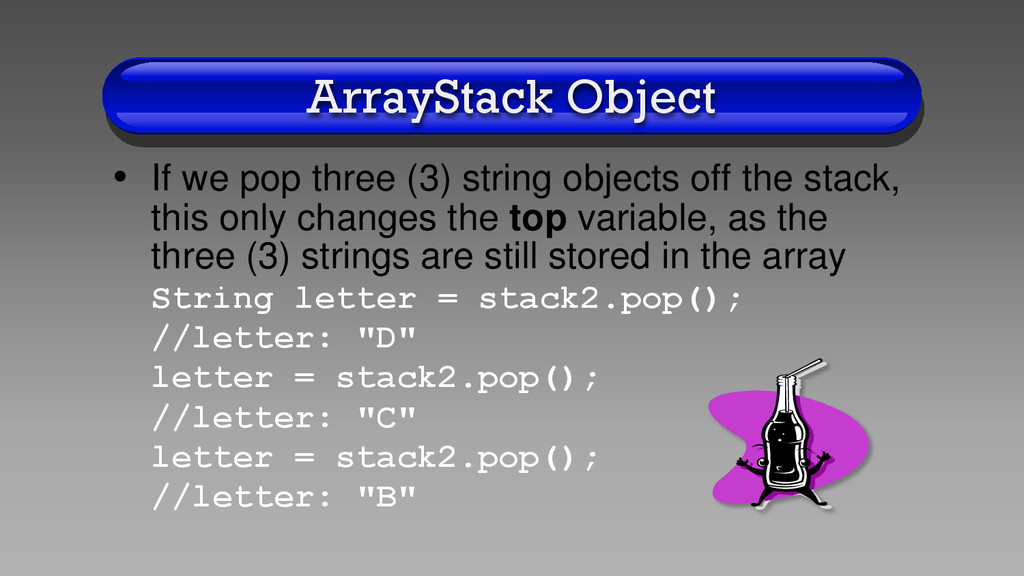
  21. ArrayStack Object • If we pop three (3) string objects

    off the stack, this only changes the top variable, as the three (3) strings are still stored in the array String letter = stack2.pop(); //letter: "D" letter = stack2.pop(); //letter: "C" letter = stack2.pop(); //letter: "B"
  22. array stack2 0 A size 1 B 2 C top

    3 D 4 ArrayStack Object 5 0 indexes addresses elements null
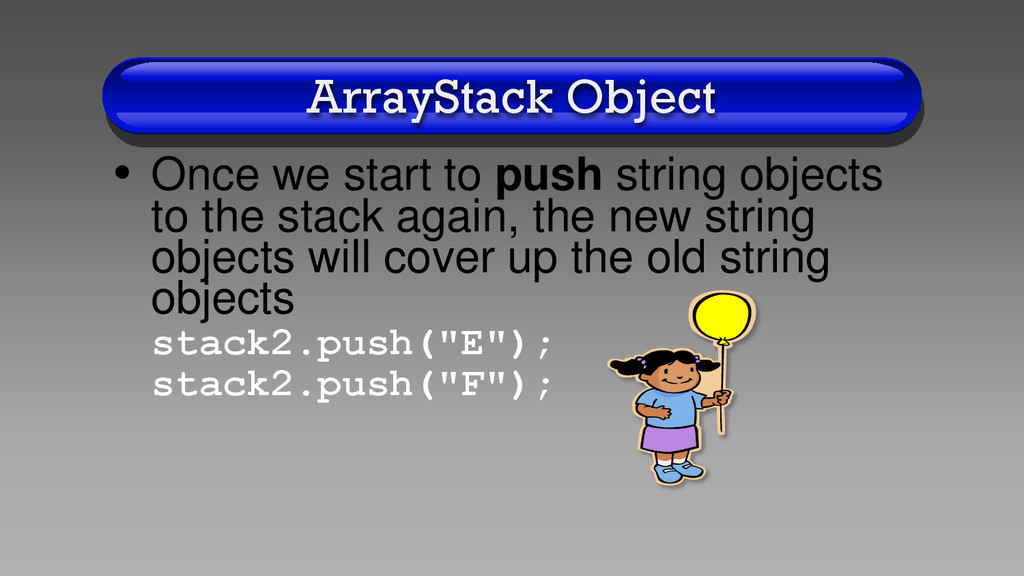
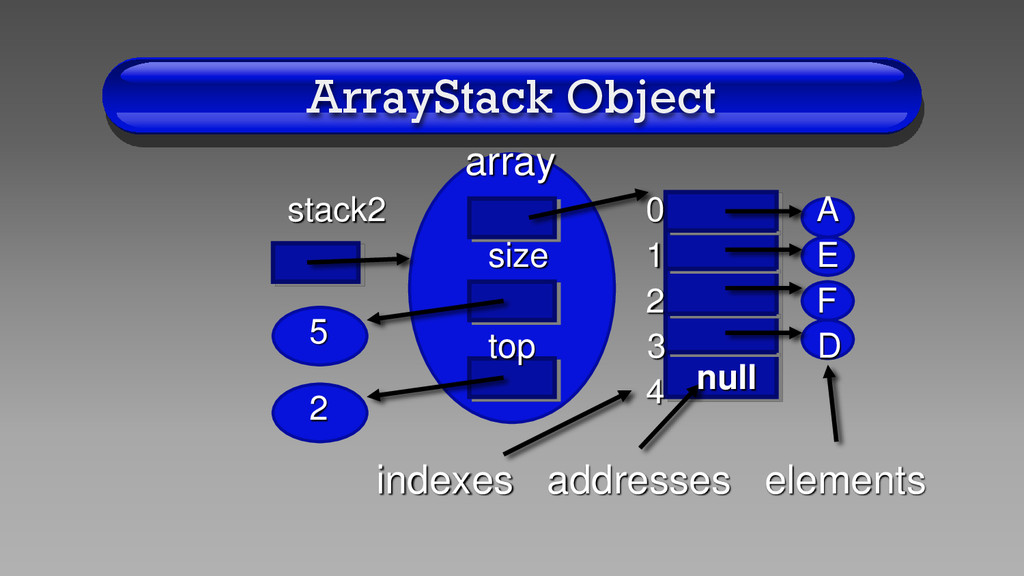
  23. ArrayStack Object • Once we start to push string objects

    to the stack again, the new string objects will cover up the old string objects stack2.push("E"); stack2.push("F");
  24. ArrayStack Object array stack2 0 A size 1 E 2

    F top 3 D 4 indexes addresses elements null 5 2
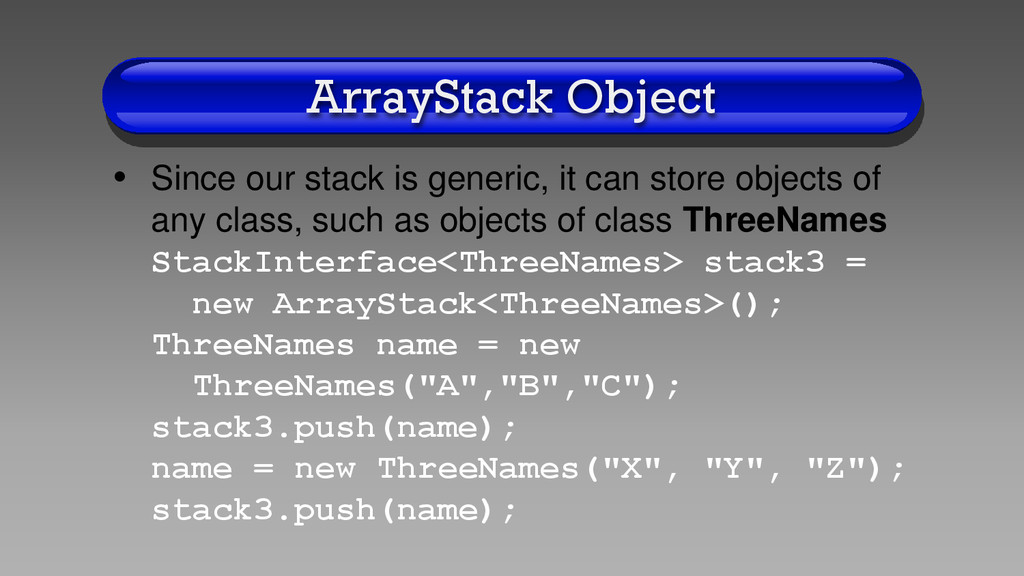
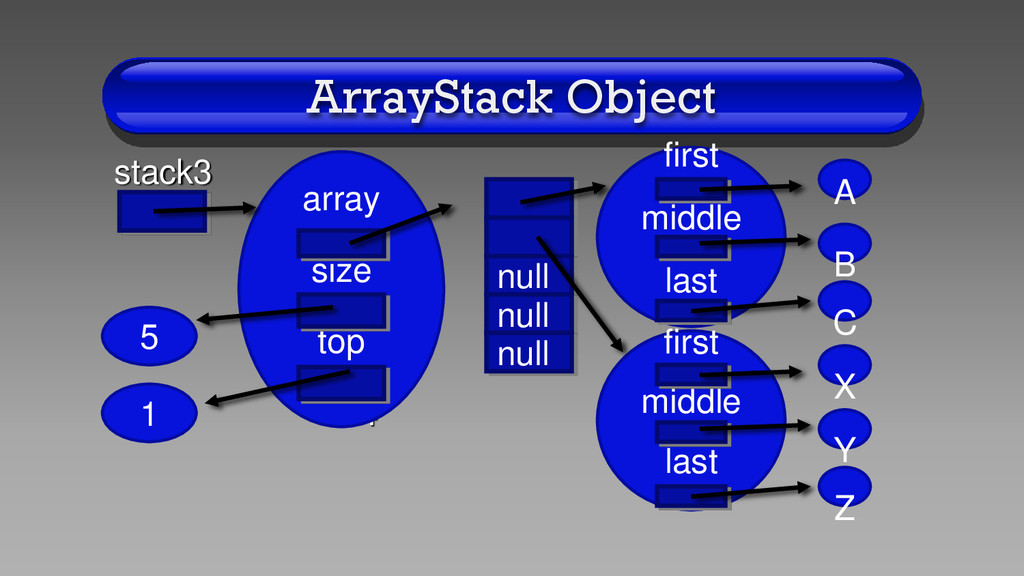
  25. ArrayStack Object • Since our stack is generic, it can

    store objects of any class, such as objects of class ThreeNames StackInterface<ThreeNames> stack3 = new ArrayStack<ThreeNames>(); ThreeNames name = new ThreeNames("A","B","C"); stack3.push(name); name = new ThreeNames("X", "Y", "Z"); stack3.push(name);
  26. stack3 0 1 2 3 4 ArrayStack Object first middle

    last 1 5 array size top null null null first middle last A B C X Y Z
  27. Big-O Break • The Big-O for method empty(), peek(), and

    pop() is O(1) • As you can see in the code for these methods, no looping occurs
  28. Big-O Break • The Big-O for method push() is a

    little complicated • In the worst case, Big-O is O(n) because System.arraycopy() copies all n elements into a new array • However, method push() takes time proportional to n at most once every n times, so on average (amortized) Big-O is O(1)
  29. Print Backwards • Because a stack has a LIFO (last-in,

    first-out) property, we can use a stack to print out a string backwards • See program BackwardLines.java, which takes an input file from the command line and prints each line backwards to the output window
  30. Algebraic Expressions • Stacks are used by the Java compiler

    to evaluate algebraic expressions • In order to understand how this works, we need to review the basics of how to calculate an integer expression
  31. Operator Precedence • Precedence means that certain operators are evaluated

    before others 1. ( ): parentheses have highest precedence 2. *, /, %: multiplication, division, and modulus are next 3. +, -: addition and subtraction have the lowest precedence
  32. Operator Precedence • If operators next to each other have

    the same precedence, the equation is evaluated from left to right • 3+4*5 is evaluated (3+(4*5)) • Because * has higher precedence than + • 3+4-5 is evaluated ((3+4)-5) • Because + and - have the same precedence
  33. Operator Precedence • 2*3+4-5%6/7 is evaluated (((2*3)+4)-((5%6)/7)) • Because *

    has higher precedence than +, + and - have the same precedence, % has higher precedence than -, and % and / have the same precedence
  34. Algebraic Expressions • Although humans are good at evaluating infix

    expressions, computers are good at evaluating postfix expressions • Infix expression: 1 + 2 • Postfix expression: 1 2 +
  35. Algebraic Expressions • Computers are better at evaluating postfix expressions,

    because postfix expressions have no parentheses, and have no precedence rules, so they are very simple to evaluate
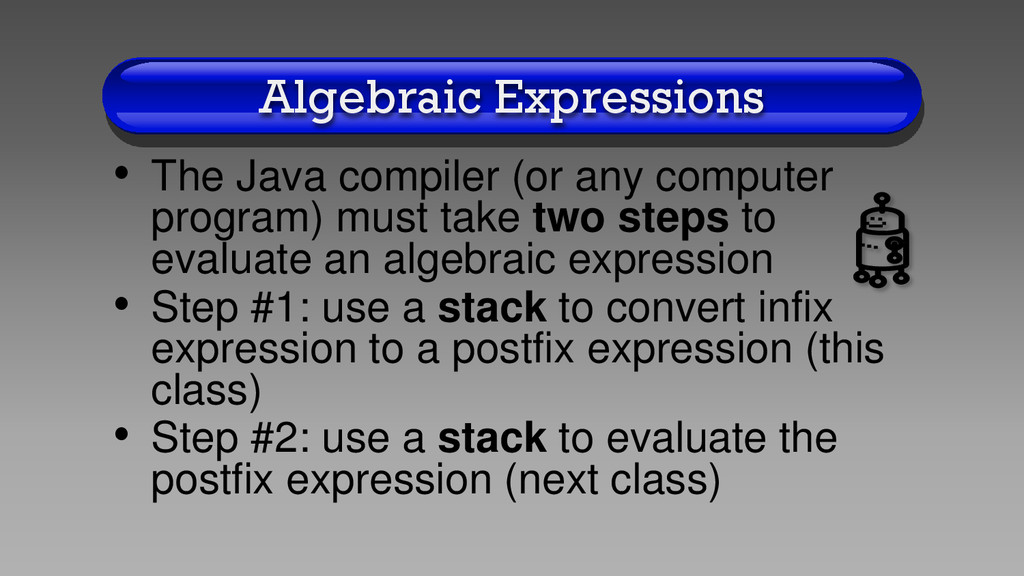
  36. Algebraic Expressions • The Java compiler (or any computer program)

    must take two steps to evaluate an algebraic expression • Step #1: use a stack to convert infix expression to a postfix expression (this class) • Step #2: use a stack to evaluate the postfix expression (next class)
  37. Infix to Postfix • Computer algorithm to convert infix expression

    to postfix expression • To simply the algorithm, we will assume that the expression is fully parenthesized, has only single digit integers, and has only the 5 integer operations (*, /, %, +, -)
  38. Infix to Postfix Algorithm 1. Input is a string which

    contains the infix integer expression 2. Loop from the 0th position to the last position in the input string a. Isolate a single character string from the input string b. If the character string is a left parenthesis "(", push it on the stack
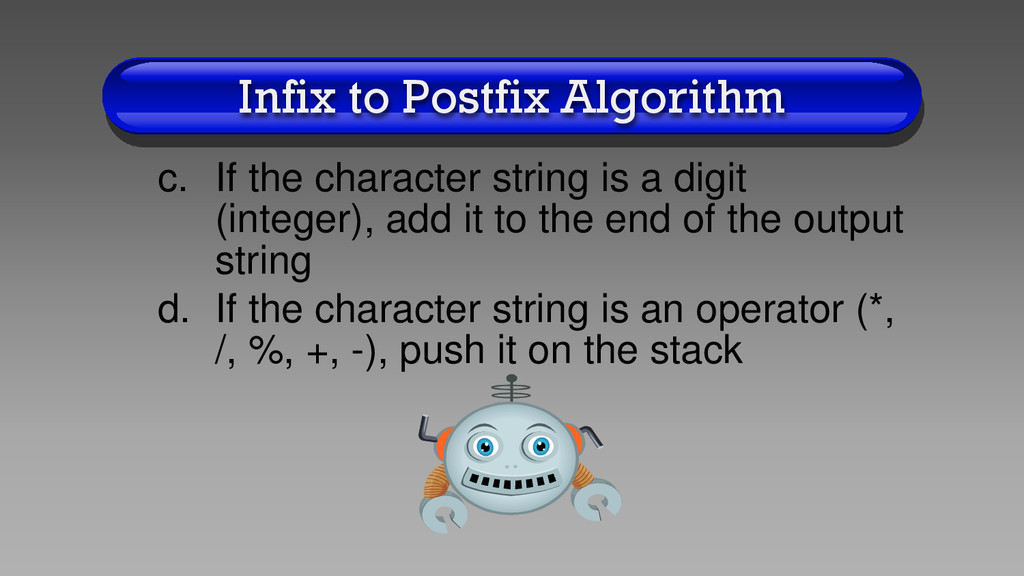
  39. Infix to Postfix Algorithm c. If the character string is

    a digit (integer), add it to the end of the output string d. If the character string is an operator (*, /, %, +, -), push it on the stack
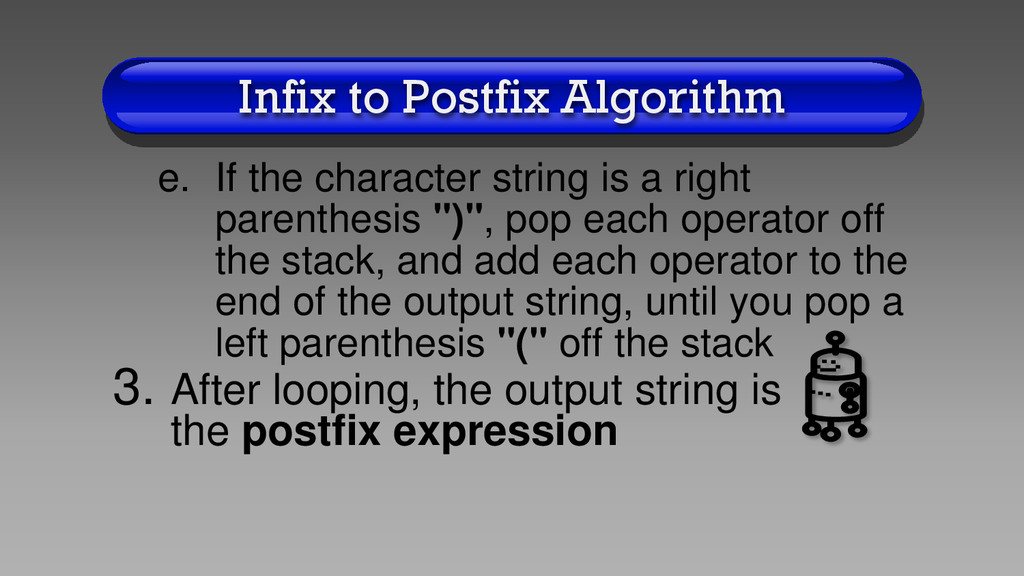
  40. Infix to Postfix Algorithm e. If the character string is

    a right parenthesis ")", pop each operator off the stack, and add each operator to the end of the output string, until you pop a left parenthesis "(" off the stack 3. After looping, the output string is the postfix expression
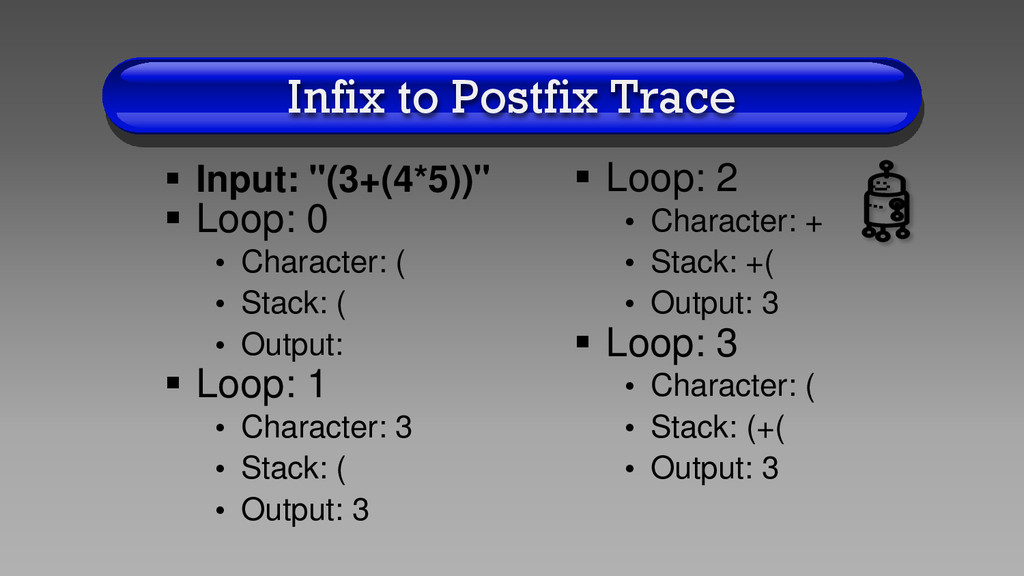
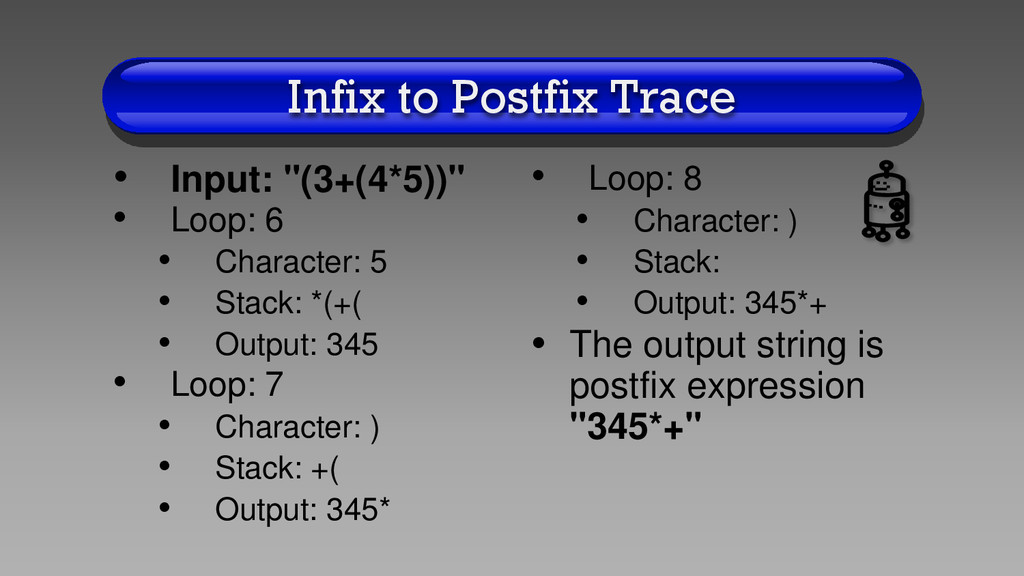
  41. Infix to Postfix Trace  Input: "(3+(4*5))"  Loop: 0

    • Character: ( • Stack: ( • Output:  Loop: 1 • Character: 3 • Stack: ( • Output: 3  Loop: 2 • Character: + • Stack: +( • Output: 3  Loop: 3 • Character: ( • Stack: (+( • Output: 3
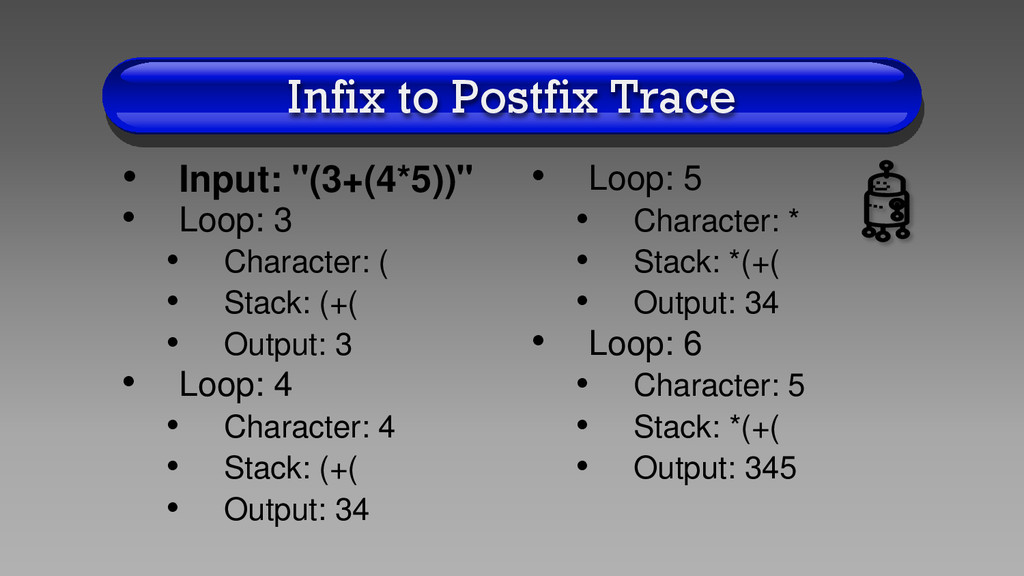
  42. Infix to Postfix Trace • Input: "(3+(4*5))" • Loop: 3

    • Character: ( • Stack: (+( • Output: 3 • Loop: 4 • Character: 4 • Stack: (+( • Output: 34 • Loop: 5 • Character: * • Stack: *(+( • Output: 34 • Loop: 6 • Character: 5 • Stack: *(+( • Output: 345
  43. Infix to Postfix Trace • Input: "(3+(4*5))" • Loop: 6

    • Character: 5 • Stack: *(+( • Output: 345 • Loop: 7 • Character: ) • Stack: +( • Output: 345* • Loop: 8 • Character: ) • Stack: • Output: 345*+ • The output string is postfix expression "345*+"
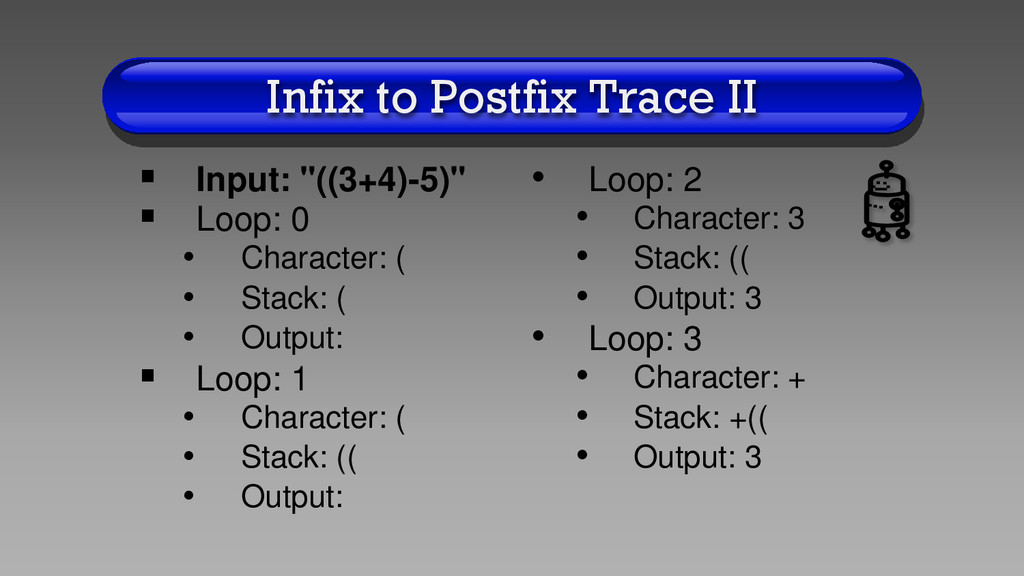
  44. Infix to Postfix Trace II  Input: "((3+4)-5)"  Loop:

    0 • Character: ( • Stack: ( • Output:  Loop: 1 • Character: ( • Stack: (( • Output: • Loop: 2 • Character: 3 • Stack: (( • Output: 3 • Loop: 3 • Character: + • Stack: +(( • Output: 3
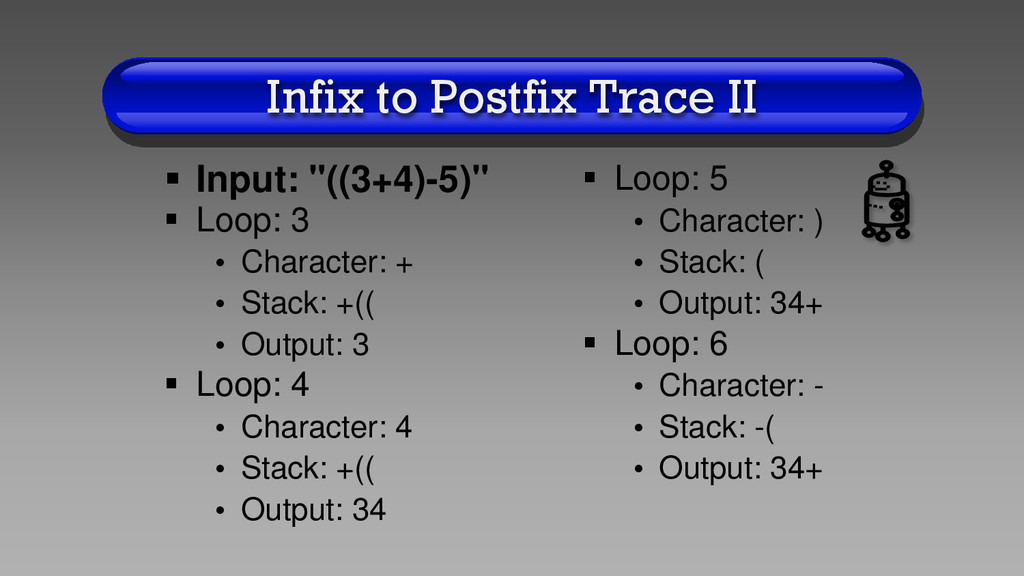
  45. Infix to Postfix Trace II  Input: "((3+4)-5)"  Loop:

    3 • Character: + • Stack: +(( • Output: 3  Loop: 4 • Character: 4 • Stack: +(( • Output: 34  Loop: 5 • Character: ) • Stack: ( • Output: 34+  Loop: 6 • Character: - • Stack: -( • Output: 34+
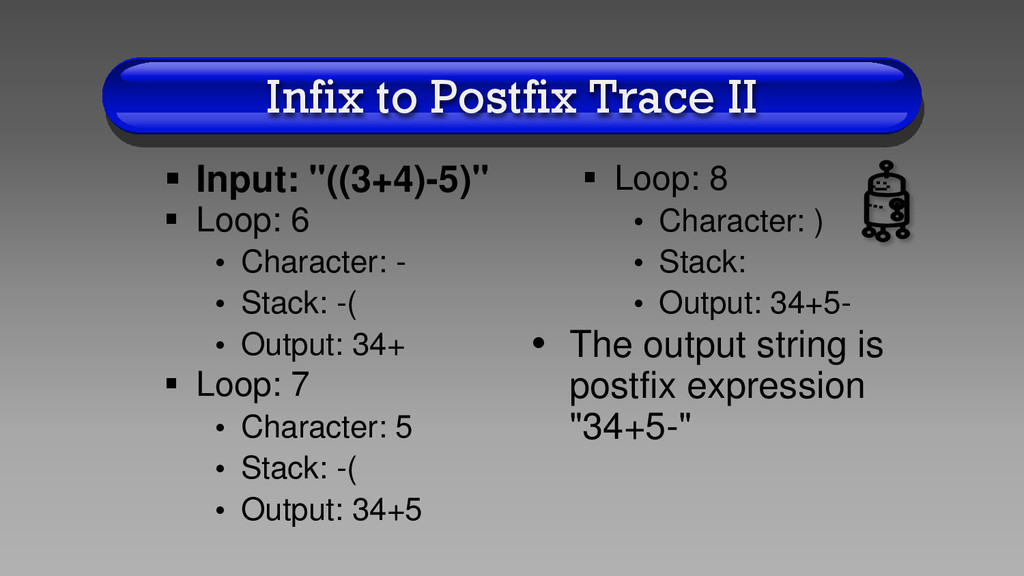
  46. Infix to Postfix Trace II  Input: "((3+4)-5)"  Loop:

    6 • Character: - • Stack: -( • Output: 34+  Loop: 7 • Character: 5 • Stack: -( • Output: 34+5  Loop: 8 • Character: ) • Stack: • Output: 34+5- • The output string is postfix expression "34+5-"
  47. Memory Defragmenter • Generic types • Using an array to

    implement a stack • Converting from infix to postfix expression
  48. Task Manager • Before the next class, you need to:

    1.Do the assignment corresponding to this lecture 2.Email me any questions you may have about the material 3.Turn in the assignment before the next lecture