Share
Embed
Annual Pro sale · Save $30
Have presentations of your own?
Share with private links, password protection, and more control over your work.
Transcript
45 slides
-
Memory Upload • Method add() and display methods • Method
remove() of class BinarySearchTree • Big-O of BinarySearchTree methods • Reading and writing to the database for the Menu class -
Add Method Algorithm 1. Base case 1: if tree is
empty or at end of a leaf a. Return the new node 2. Base case 2: if the new item is already in the tree a. Throw an exception, because no duplicate values are allowed -
Add Method Algorithm 3. Recursive case 1: if the new
item belongs somewhere in the left subtree a. Add it to the left subtree 4. Recursive case 2: if the new item belongs somewhere in the right subtree a. Add it to the right subtree -
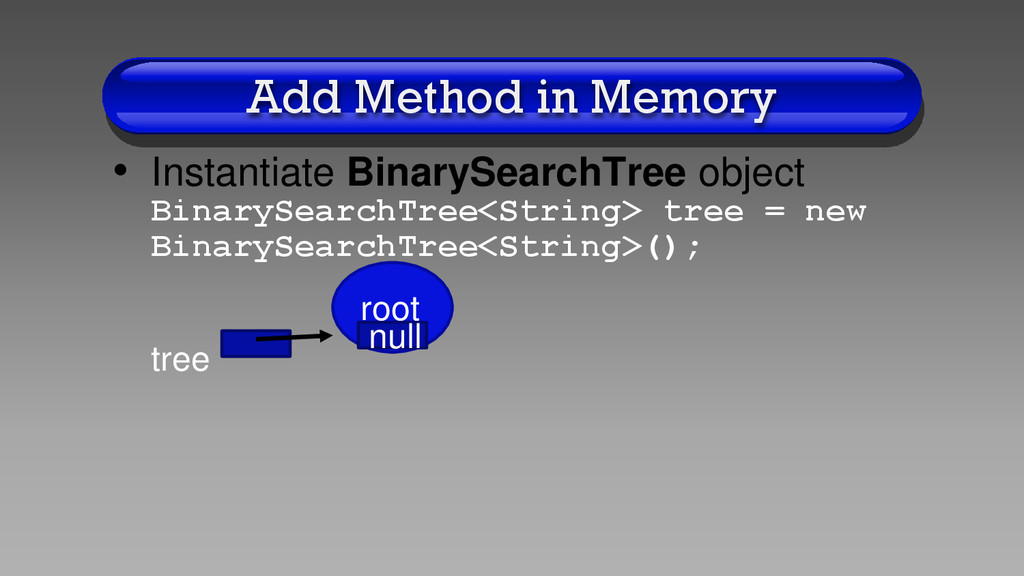
Add Method in Memory • Instantiate BinarySearchTree object BinarySearchTree<String> tree
= new BinarySearchTree<String>(); tree root null -
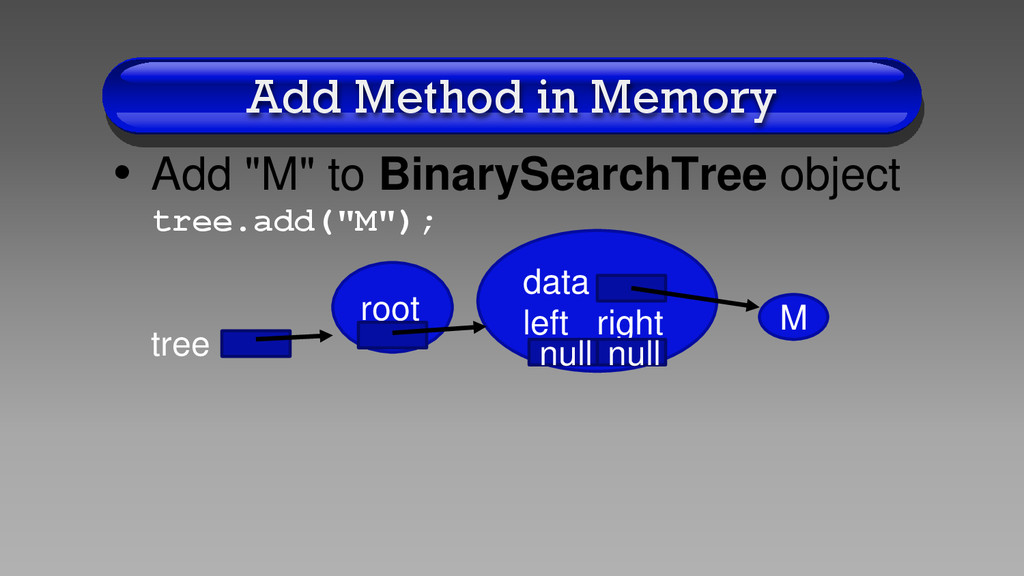
Add Method in Memory • Add "M" to BinarySearchTree object
tree.add("M"); tree root data left right null null M -
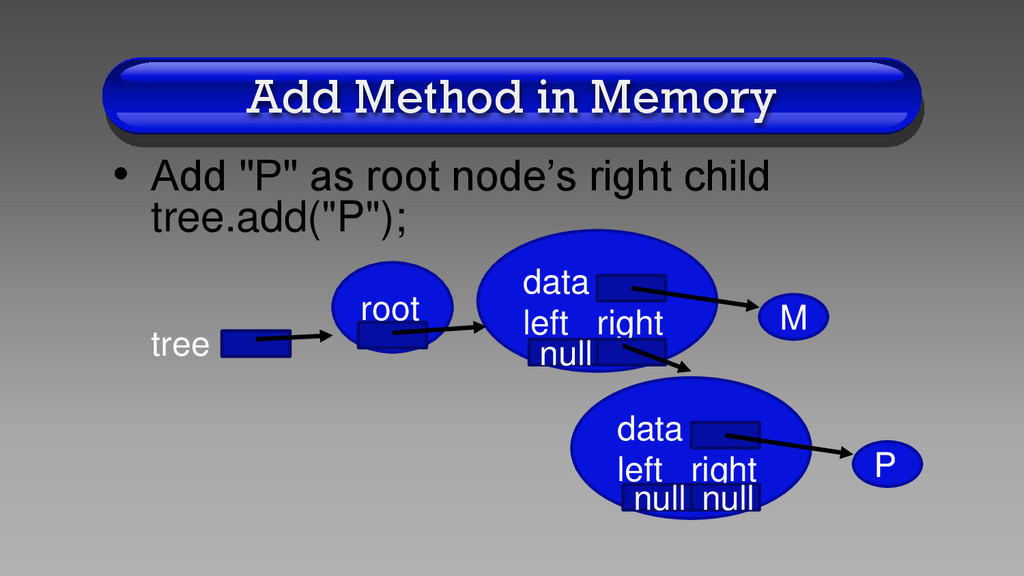
Add Method in Memory • Add "P" as root node’s
right child tree.add("P"); root data left right null M data left right null null P tree -
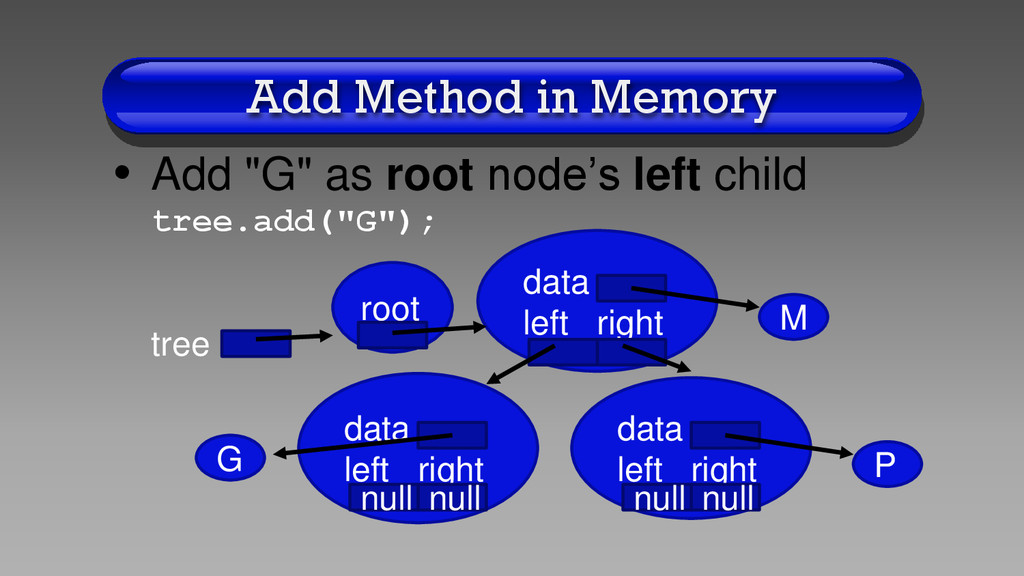
tree Add Method in Memory • Add "G" as root
node’s left child tree.add("G"); root data left right M data left right null null P data left right null null G -
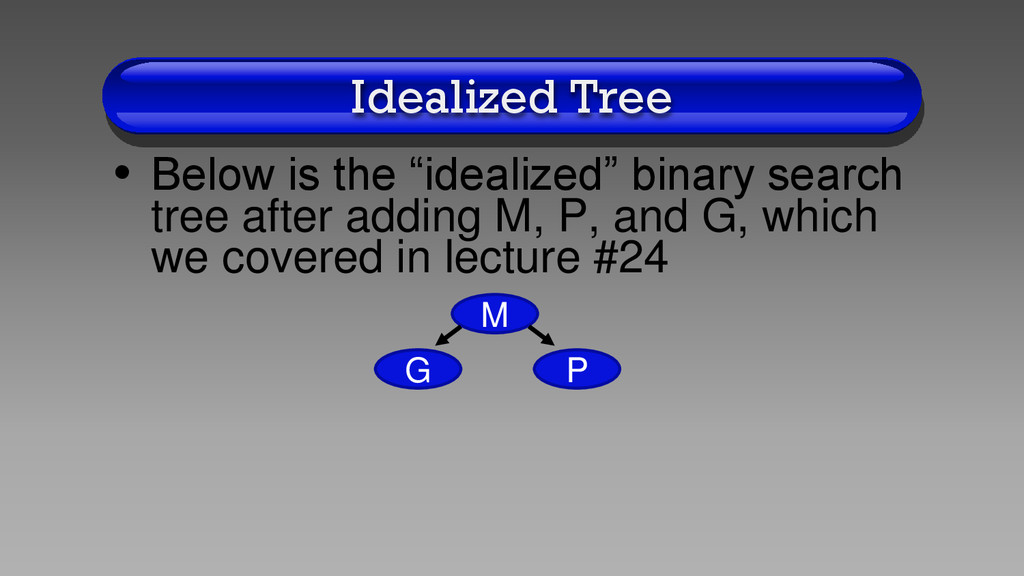
Idealized Tree • Below is the “idealized” binary search tree
after adding M, P, and G, which we covered in lecture #24 M G P -
Binary Search Tree Display • We can display a Binary
Search Tree by using any of the 3 recursive traversal algorithms • InOrder traversal is done by the toString() method, which calls the private recursive method inOrder() -
Binary Search Tree Display • PreOrder and PostOrder traversals are
done by the methods preOrder() and postOrder(), which have overloaded private recursive methods by the same name -
Binary Search Tree Display • The only real difference between
methods preOrder(), inOrder(), and postOrder() are the order of the recursive method calls in each method definition • Check out the code of these 3 methods to see the very small difference between them -
Binary Search Tree Display • All the traversals are done
by private recursive methods, because we need access to the root, which is private and should not be accessed outside the class • In order to use the private root as a parameter, a public method must call a private method with the root as a parameter -
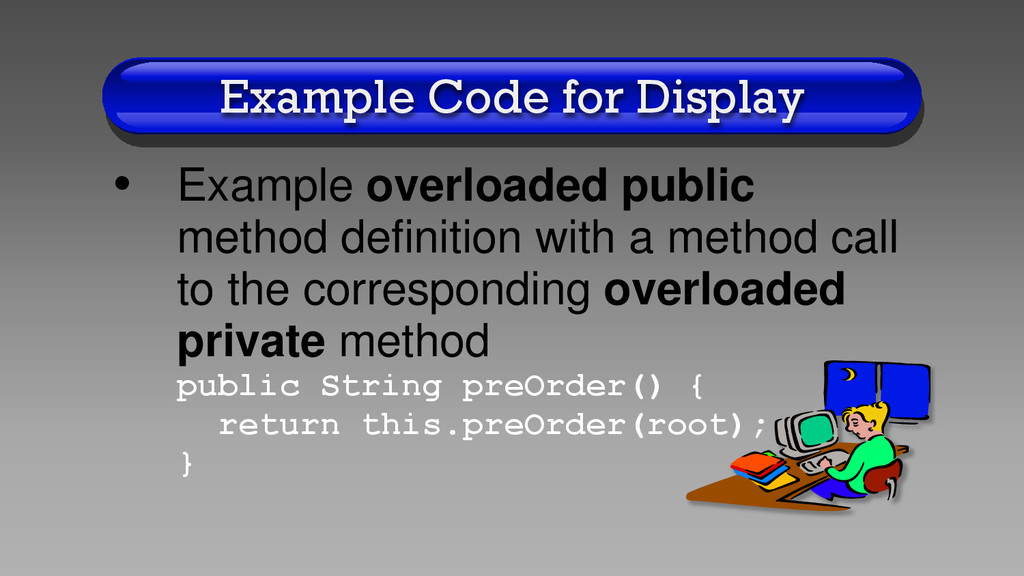
Example Code for Display • Example overloaded public method definition
with a method call to the corresponding overloaded private method public String preOrder() { return this.preOrder(root); } -
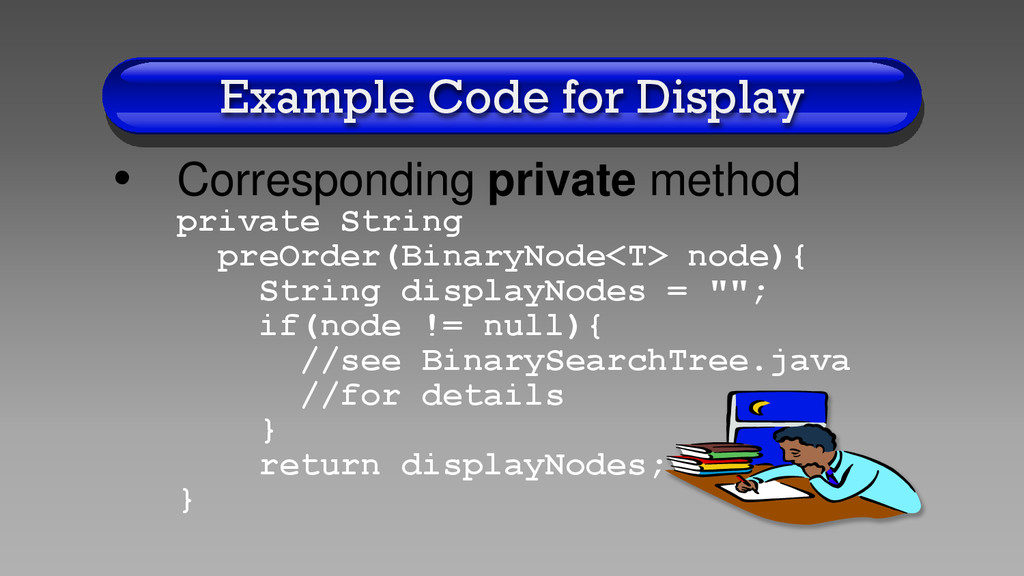
Example Code for Display • Corresponding private method private String
preOrder(BinaryNode<T> node){ String displayNodes = ""; if(node != null){ //see BinarySearchTree.java //for details } return displayNodes; } -
Overloading vs. Overriding • Overloading occurs in one (1) class
that has two (2) or more methods with the same name, but with a different number of parameters, and/or different types of parameters • Usually, one method is called by the other overloaded methods -
Overloading vs. Overriding • Overriding occurs in two (2) or
more classes related by inheritance that each have one (1) method with the same name, same number of parameters, same type of parameters, and same return type, but the methods have different code in the method body -
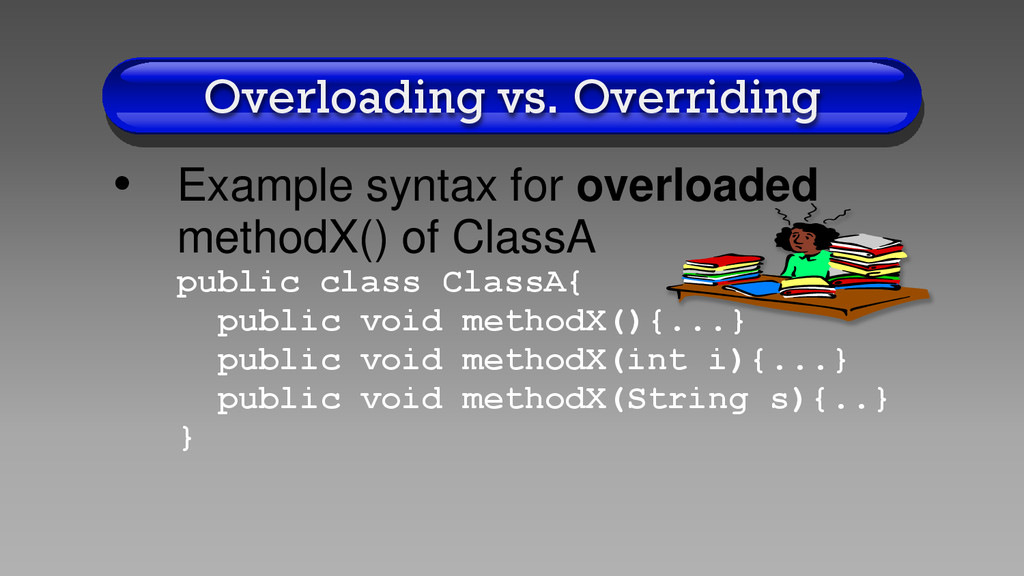
Overloading vs. Overriding • Example syntax for overloaded methodX() of
ClassA public class ClassA{ public void methodX(){...} public void methodX(int i){...} public void methodX(String s){..} } -
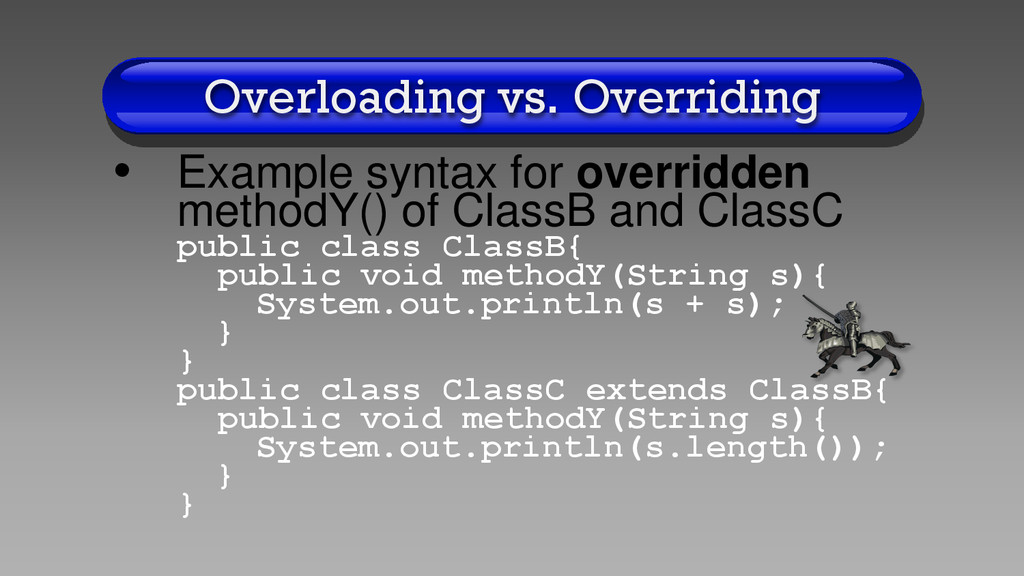
Overloading vs. Overriding • Example syntax for overridden methodY() of
ClassB and ClassC public class ClassB{ public void methodY(String s){ System.out.println(s + s); } } public class ClassC extends ClassB{ public void methodY(String s){ System.out.println(s.length()); } } -
Overloading vs. Overriding • We saw overriding with method add()
of superclass LinkedList and subclass OrderedLinkedList • The code for add() of superclass LinkedList adds to the END of list • The code for add() of subclass OrderedLinkedList adds to list in ALPHABETICAL (ascending) order -
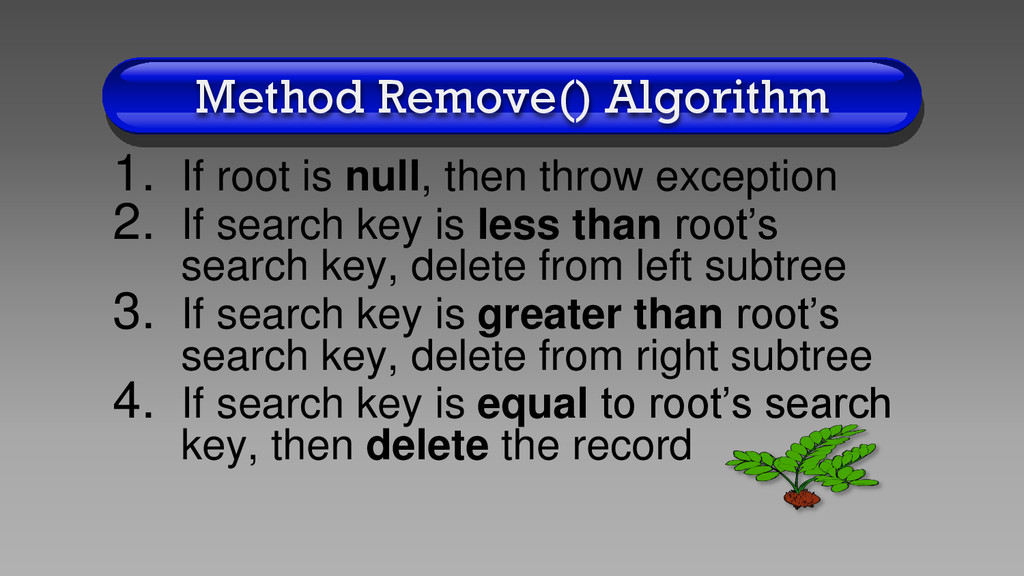
Method Remove() Algorithm 1. If root is null, then throw
exception 2. If search key is less than root’s search key, delete from left subtree 3. If search key is greater than root’s search key, delete from right subtree 4. If search key is equal to root’s search key, then delete the record -
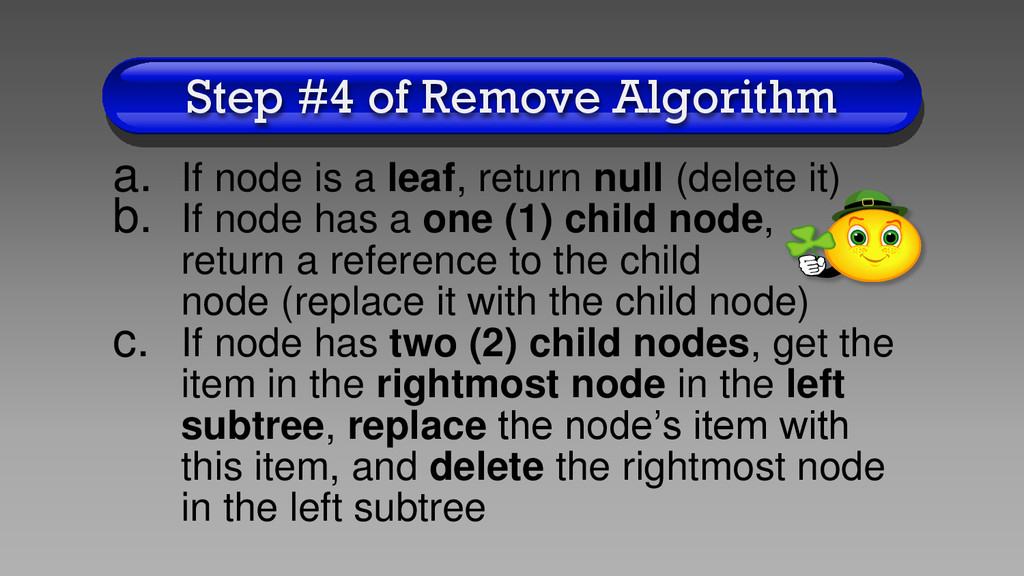
Step #4 of Remove Algorithm a. If node is a
leaf, return null (delete it) b. If node has a one (1) child node, return a reference to the child node (replace it with the child node) c. If node has two (2) child nodes, get the item in the rightmost node in the left subtree, replace the node’s item with this item, and delete the rightmost node in the left subtree -
Method Remove() Code • We have 3 overloaded remove() methods
and 2 private methods • These 5 methods break the removal process into smaller, more manageable parts -
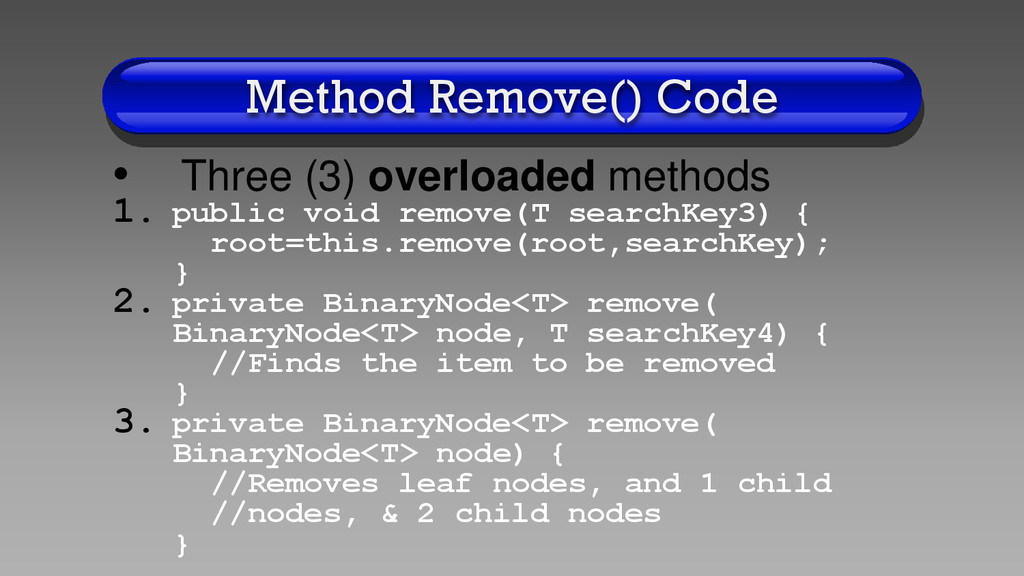
Method Remove() Code • Three (3) overloaded methods 1. public
void remove(T searchKey3) { root=this.remove(root,searchKey); } 2. private BinaryNode<T> remove( BinaryNode<T> node, T searchKey4) { //Finds the item to be removed } 3. private BinaryNode<T> remove( BinaryNode<T> node) { //Removes leaf nodes, and 1 child //nodes, & 2 child nodes } -
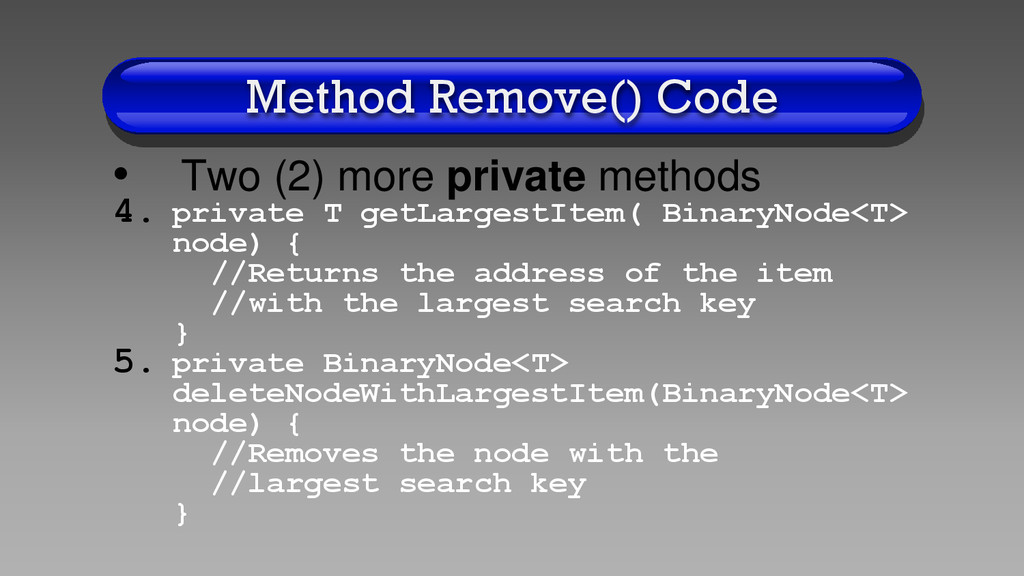
Method Remove() Code • Two (2) more private methods 4.
private T getLargestItem( BinaryNode<T> node) { //Returns the address of the item //with the largest search key } 5. private BinaryNode<T> deleteNodeWithLargestItem(BinaryNode<T> node) { //Removes the node with the //largest search key } -
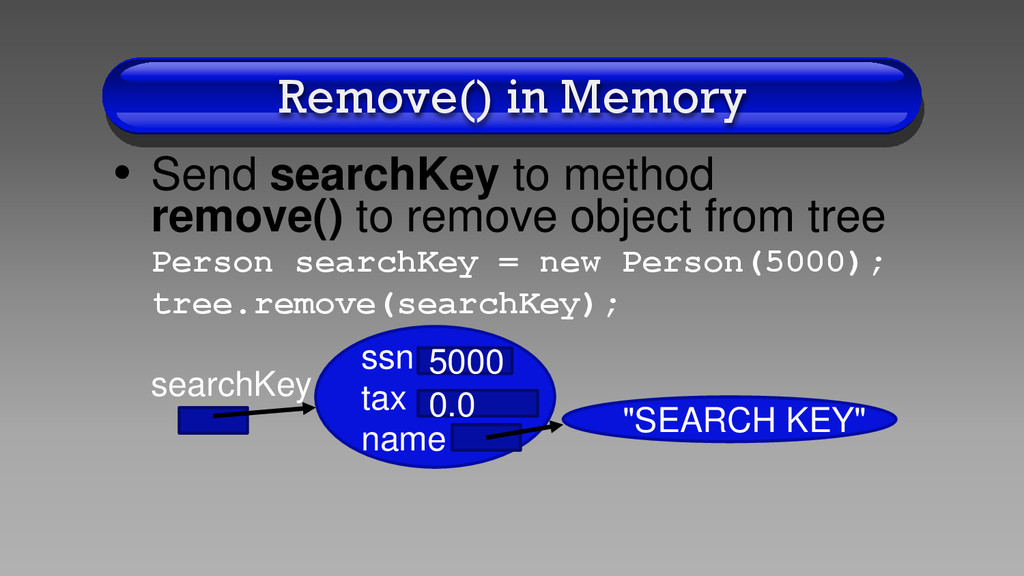
Remove() in Memory • Send searchKey to method remove() to
remove object from tree Person searchKey = new Person(5000); tree.remove(searchKey); searchKey ssn tax name 5000 0.0 "SEARCH KEY" -
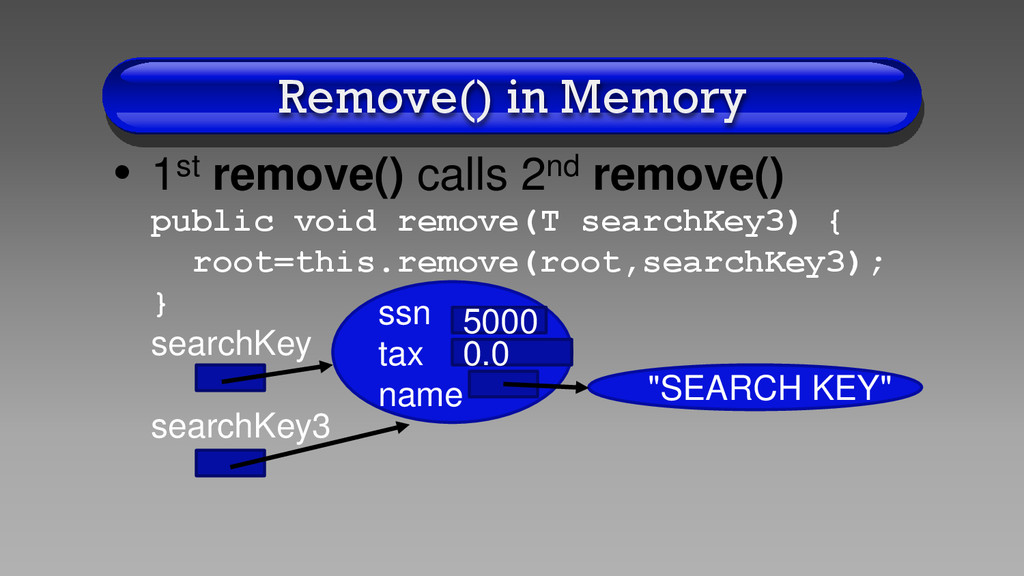
Remove() in Memory • 1st remove() calls 2nd remove() public
void remove(T searchKey3) { root=this.remove(root,searchKey3); } searchKey searchKey3 ssn tax name 5000 0.0 "SEARCH KEY" -
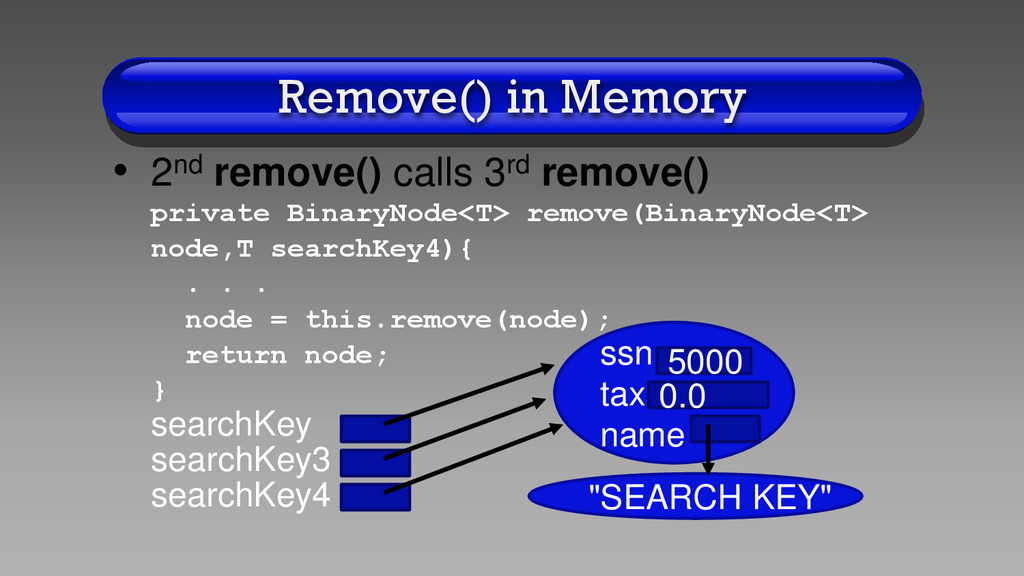
Remove() in Memory • 2nd remove() calls 3rd remove() private
BinaryNode<T> remove(BinaryNode<T> node,T searchKey4){ . . . node = this.remove(node); return node; } searchKey searchKey3 searchKey4 ssn tax name 5000 0.0 "SEARCH KEY" -
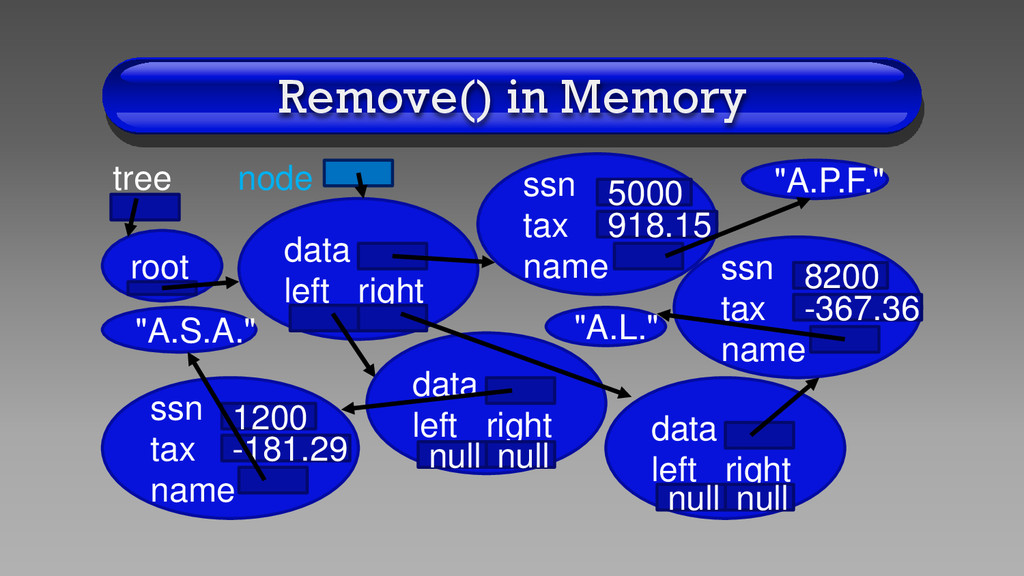
Remove() in Memory tree node root data left right ssn
tax name 5000 918.15 "A.P.F." ssn tax name 1200 -181.29 "A.S.A." data left right null null data left right null null ssn tax name 8200 -367.36 "A.L." -
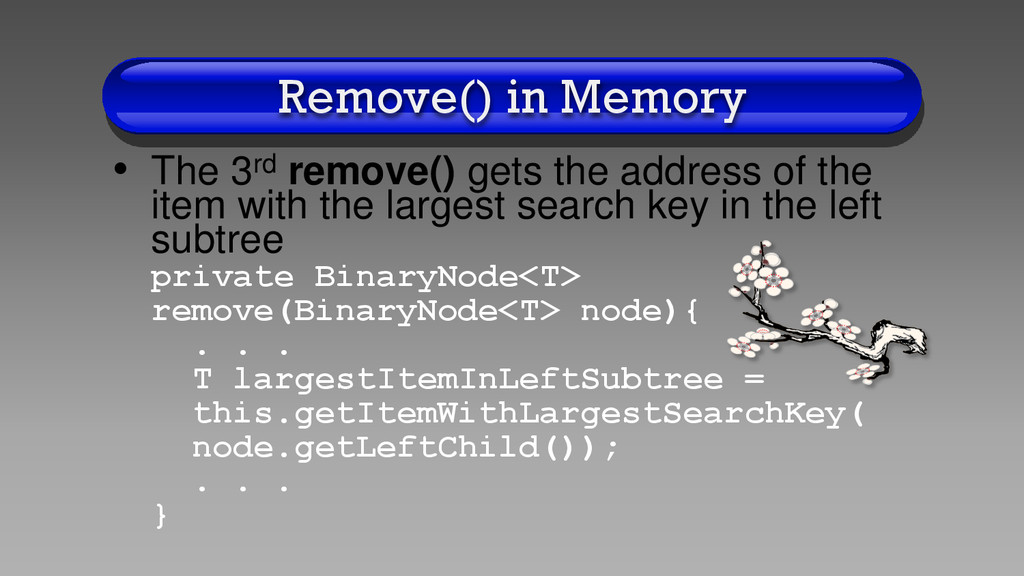
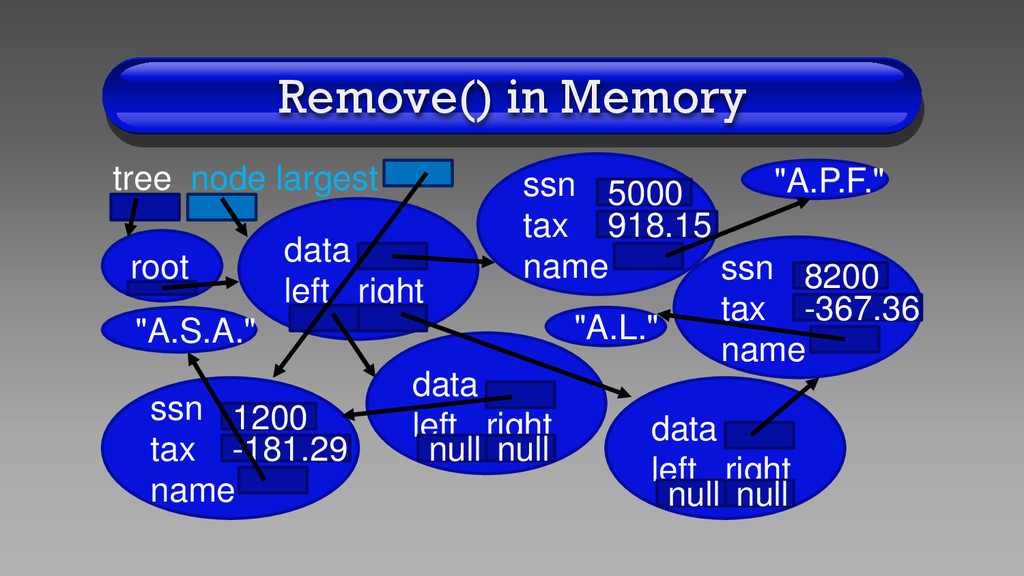
Remove() in Memory • The 3rd remove() gets the address
of the item with the largest search key in the left subtree private BinaryNode<T> remove(BinaryNode<T> node){ . . . T largestItemInLeftSubtree = this.getItemWithLargestSearchKey( node.getLeftChild()); . . . } -
Remove() in Memory tree node largest root data left right
ssn tax name 5000 918.15 "A.P.F." ssn tax name 1200 -181.29 "A.S.A." data left right null null data left right null null ssn tax name 8200 -367.36 "A.L." -
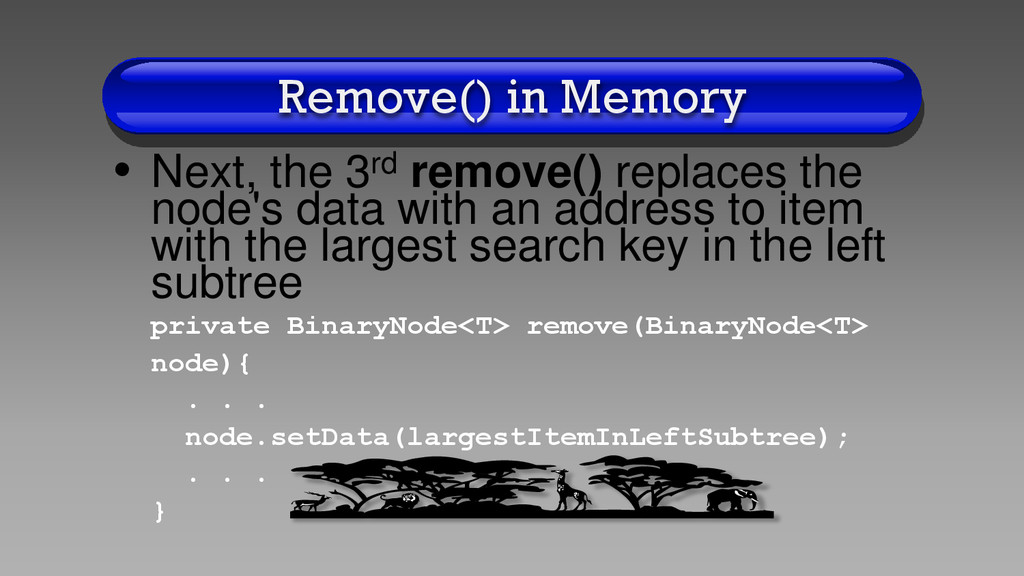
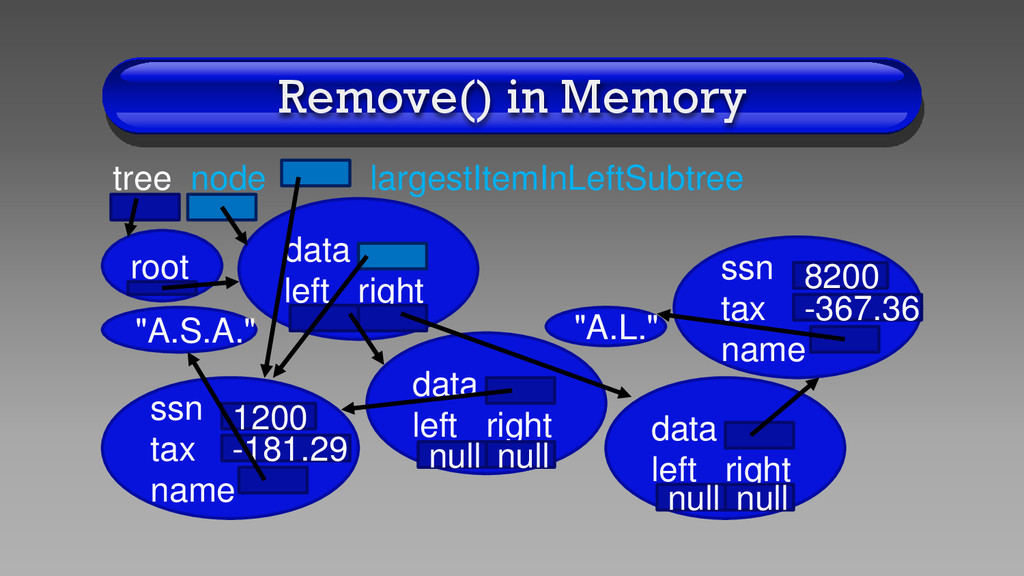
Remove() in Memory • Next, the 3rd remove() replaces the
node's data with an address to item with the largest search key in the left subtree private BinaryNode<T> remove(BinaryNode<T> node){ . . . node.setData(largestItemInLeftSubtree); . . . } -
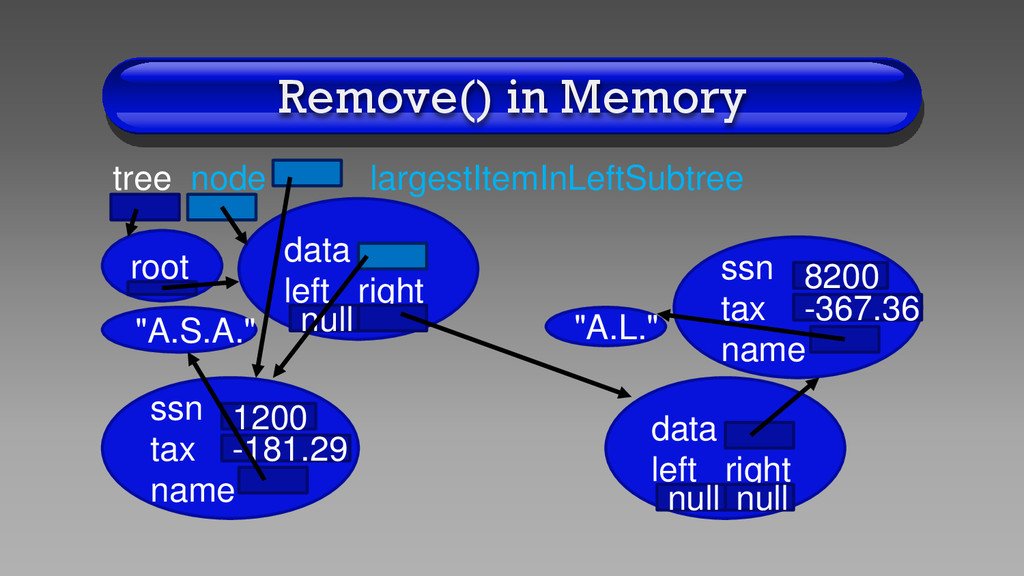
Remove() in Memory tree node largestItemInLeftSubtree root data left right
ssn tax name 1200 -181.29 "A.S.A." data left right null null data left right null null ssn tax name 8200 -367.36 "A.L." -
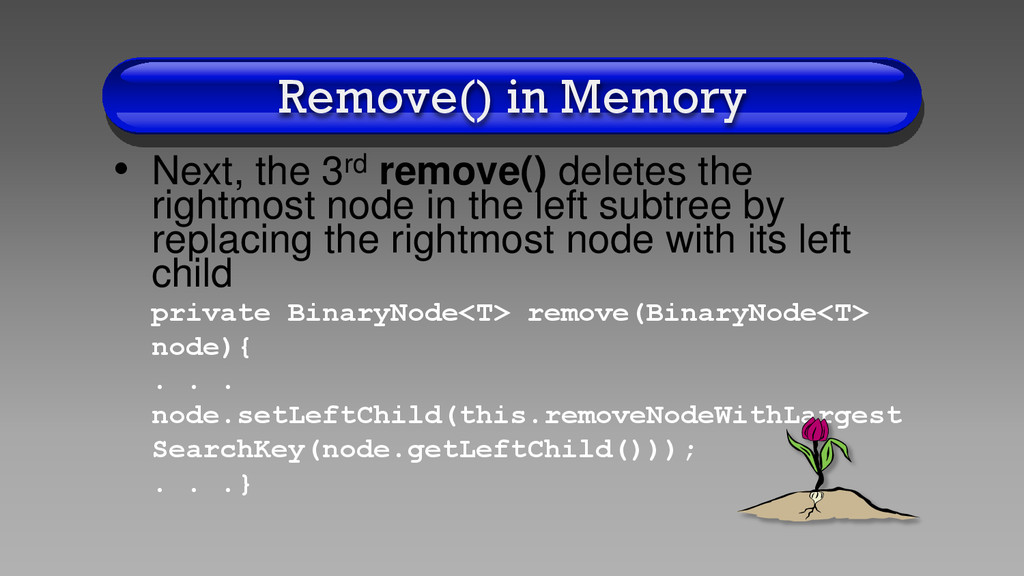
Remove() in Memory • Next, the 3rd remove() deletes the
rightmost node in the left subtree by replacing the rightmost node with its left child private BinaryNode<T> remove(BinaryNode<T> node){ . . . node.setLeftChild(this.removeNodeWithLargest SearchKey(node.getLeftChild())); . . .} -
Remove() in Memory tree node largestItemInLeftSubtree root data left right
null ssn tax name 1200 -181.29 "A.S.A." data left right null null ssn tax name 8200 -367.36 "A.L." -
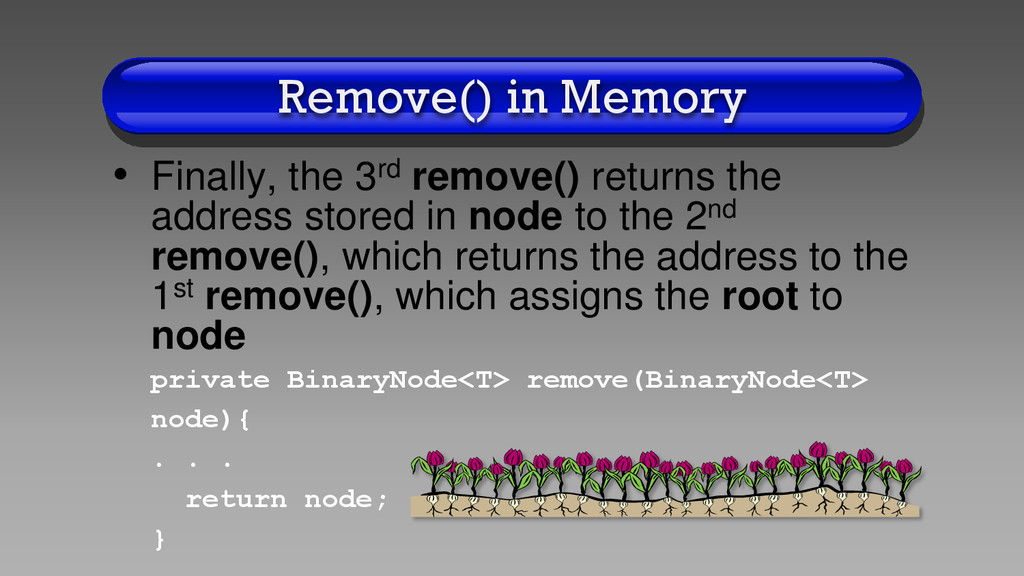
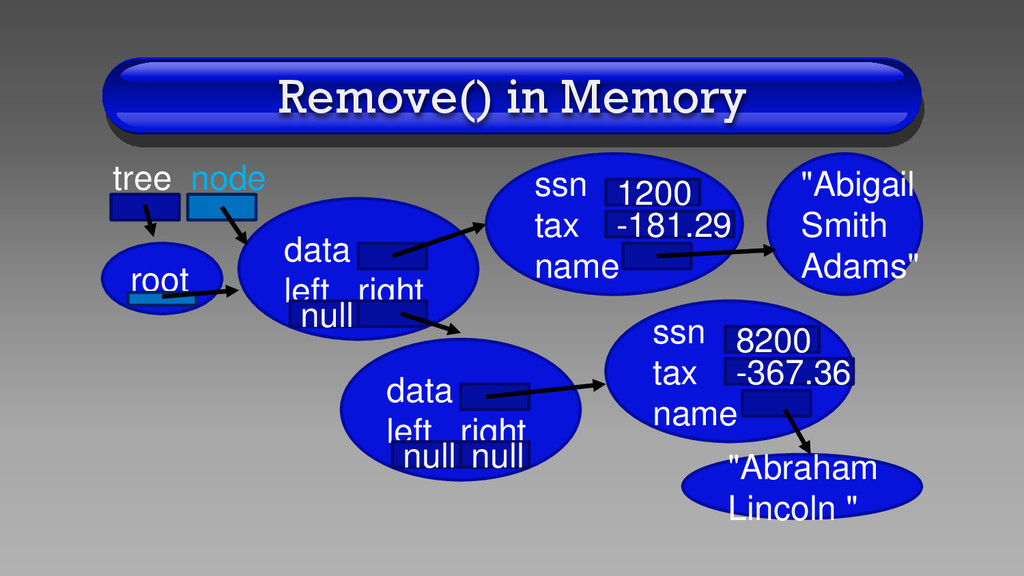
Remove() in Memory • Finally, the 3rd remove() returns the
address stored in node to the 2nd remove(), which returns the address to the 1st remove(), which assigns the root to node private BinaryNode<T> remove(BinaryNode<T> node){ . . . return node; } -
Remove() in Memory tree node root data left right null
ssn tax name 1200 -181.29 "Abigail Smith Adams" data left right null null ssn tax name 8200 -367.36 "Abraham Lincoln " -
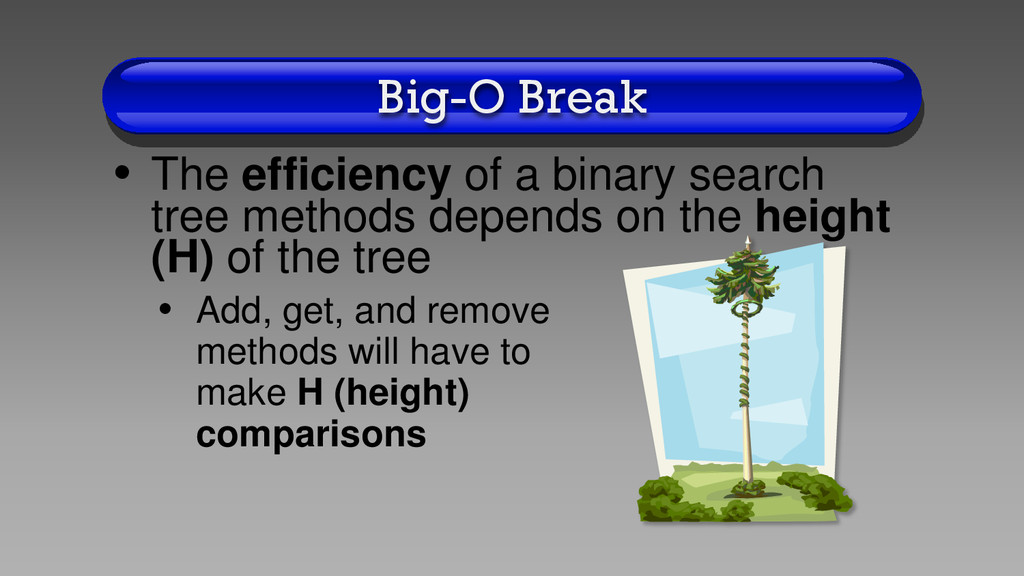
Big-O Break • The efficiency of a binary search tree
methods depends on the height (H) of the tree • Add, get, and remove methods will have to make H (height) comparisons -
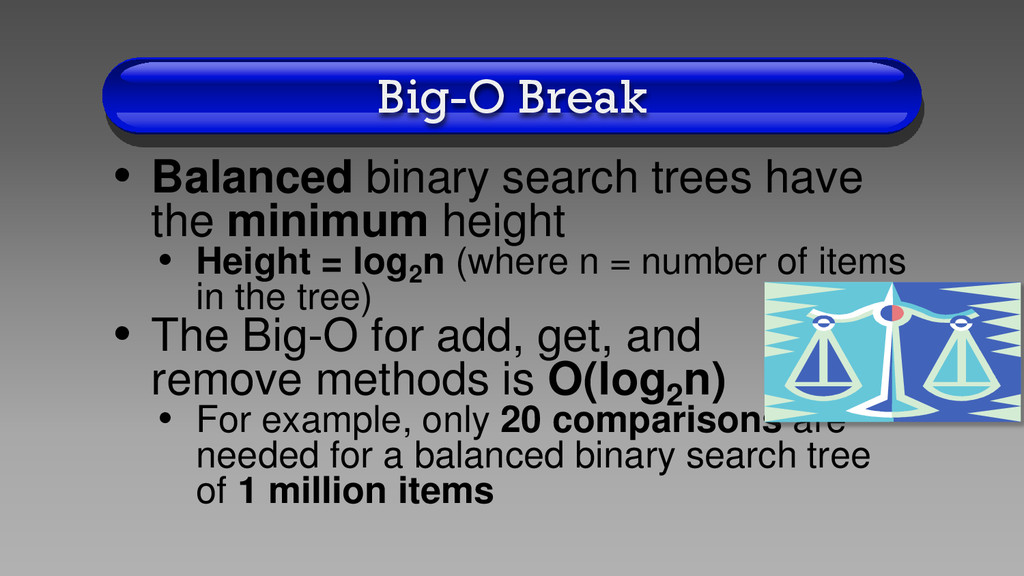
Big-O Break • Balanced binary search trees have the minimum
height • Height = log2 n (where n = number of items in the tree) • The Big-O for add, get, and remove methods is O(log2 n) • For example, only 20 comparisons are needed for a balanced binary search tree of 1 million items -
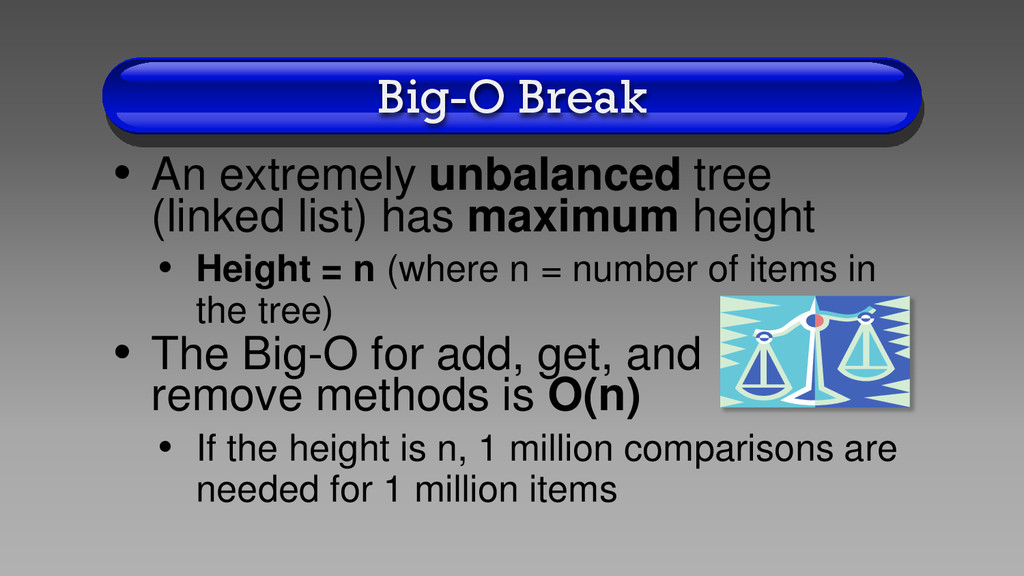
Big-O Break • An extremely unbalanced tree (linked list) has
maximum height • Height = n (where n = number of items in the tree) • The Big-O for add, get, and remove methods is O(n) • If the height is n, 1 million comparisons are needed for 1 million items -
Big-O Break • Of course the displays methods are all
O(n), because we have to visit every node in the tree • Displays methods: preOrder(), inOrder(), and postOrder() • Whether the tree is balanced or unbalanced does NOT change the Big-O for the display methods -
Reading from the Database • Class Menu loads data from
file presidents.csv and stores the records as Person objects in the tree, which is a BinarySearchTree • The issue is to keep the tree balanced • The original online file has the SSN stored at random, so the tree is only slightly unbalanced -
Writing to the Database • When class Menu writes the
data in the tree back to file presidents.csv, the preOrder() method is used • This will preserve the structure of the tree when the program is run again • You can also put the records into alphabetical order based on the names • But, if you order the records based on SSN, the tree will become a linked list -
Memory Defragmenter • Methods add(), display and remove() of class
BinarySearchTree • Big-O for methods of class BinarySearchTree • Reading and writing to president.csv file for Menu class -
Task Manager • Before the due date, you need to:
1.Do the assignment corresponding to this lecture 2.Email me any questions you may have about the material 3.Turn in the assignment before the due date