Upgrade to PRO for Only $50/Year—Limited-Time Offer! 🔥

2019-07-23 - &droid - Postmates Android Tech Talks

2019-07-23 - &droid - Postmates Android Tech Talks

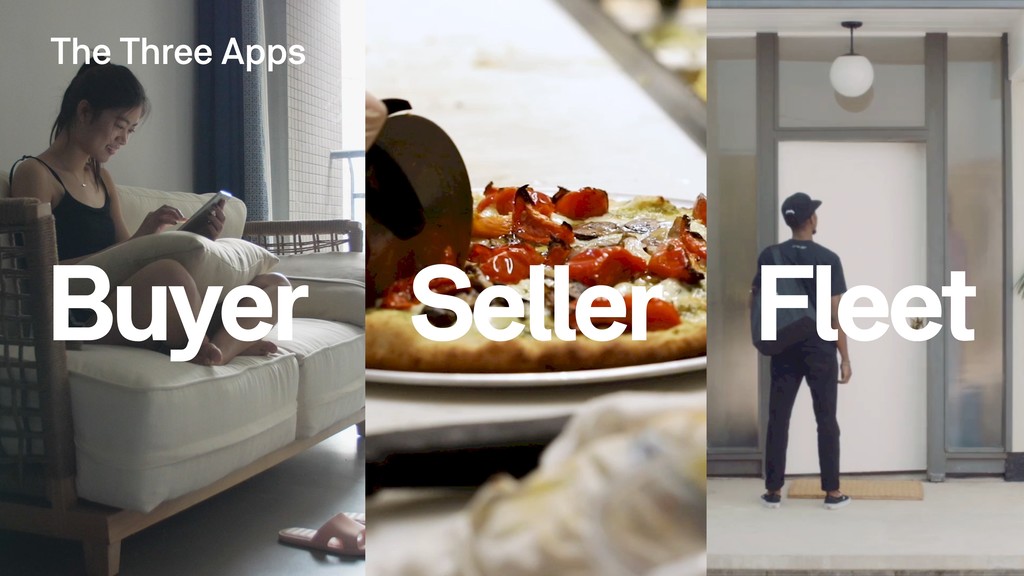
Learn more about the exciting (and sometimes challenging) experiences of Postmates Software Engineers. Talks were presented by our three Android development teams.

- Building Better APIs with gRPC (Fleet - Veeren Mandalia and Parth Mehta)
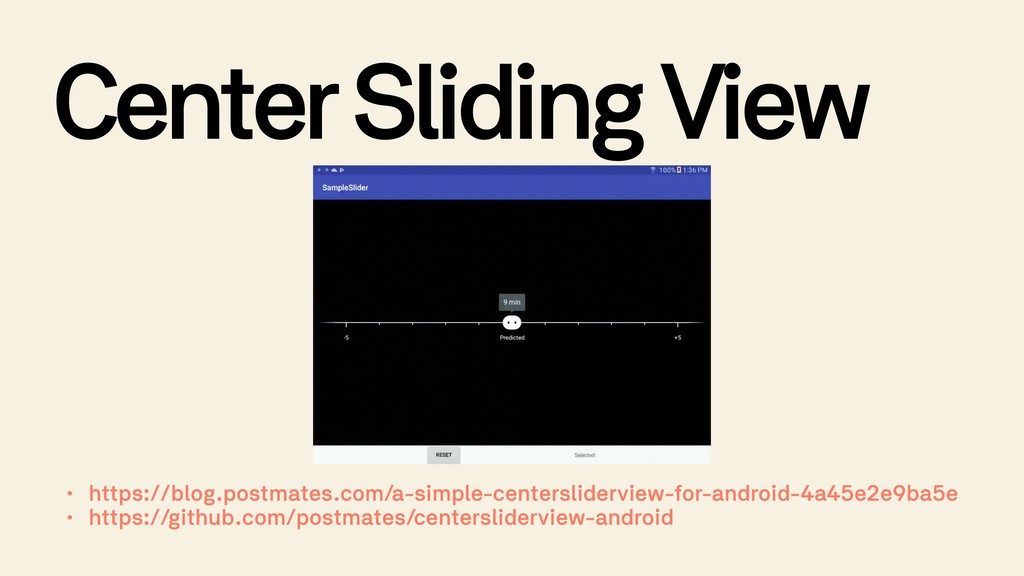
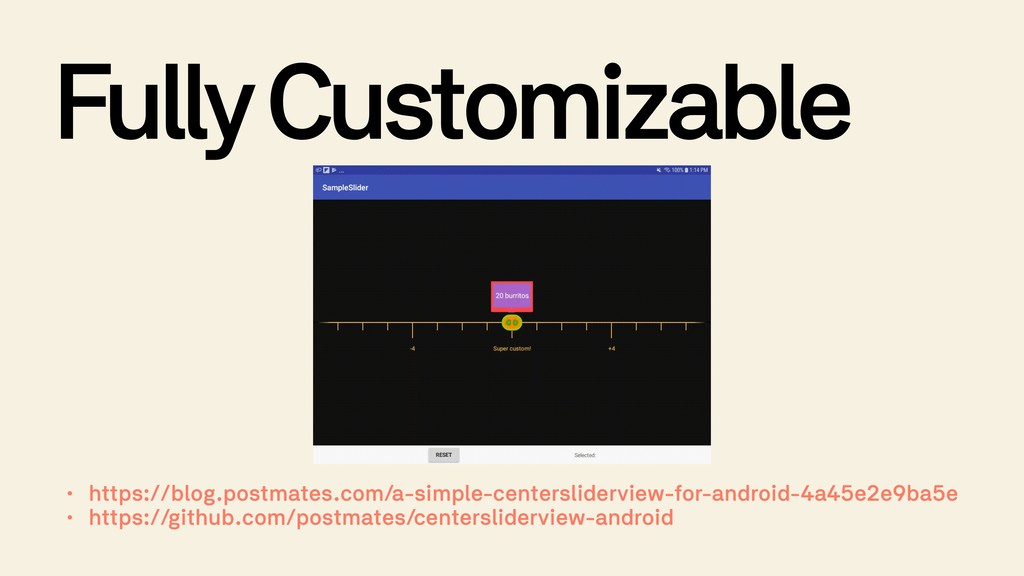
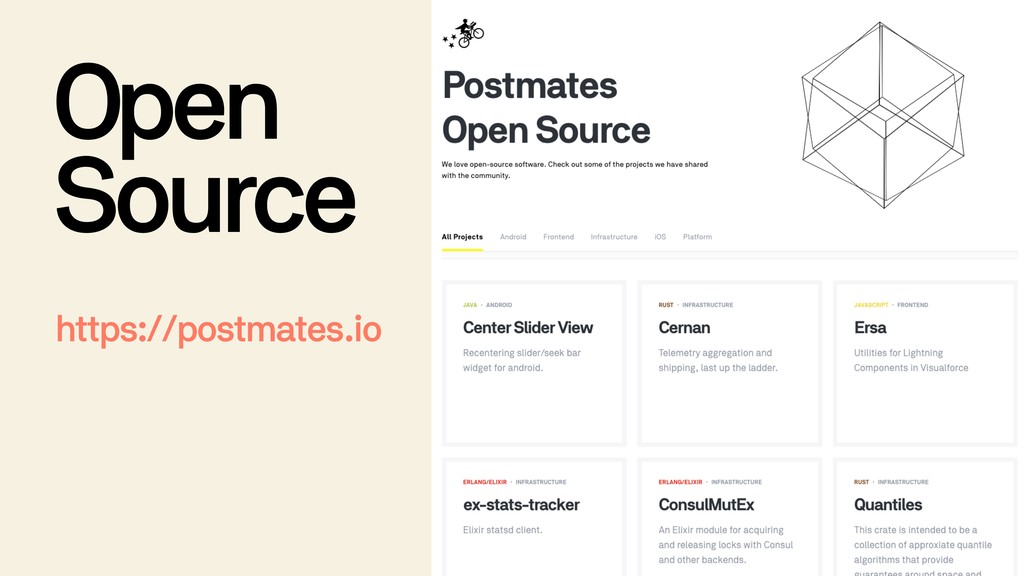
- Open Source Demo: Center Slider View (Seller - James Lee)
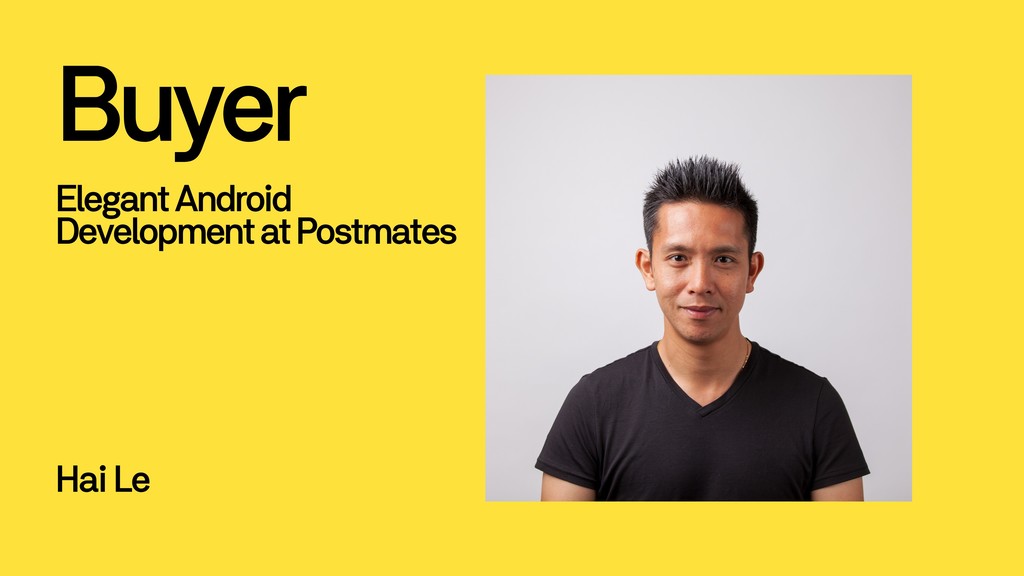
- Elegant Android Development at Postmates (Buyer - Hai Le and Gaurav Murti)

Avatar for Bianca Curutan

Bianca Curutan

July 23, 2019
Tweet

Other Decks in Programming

Transcript

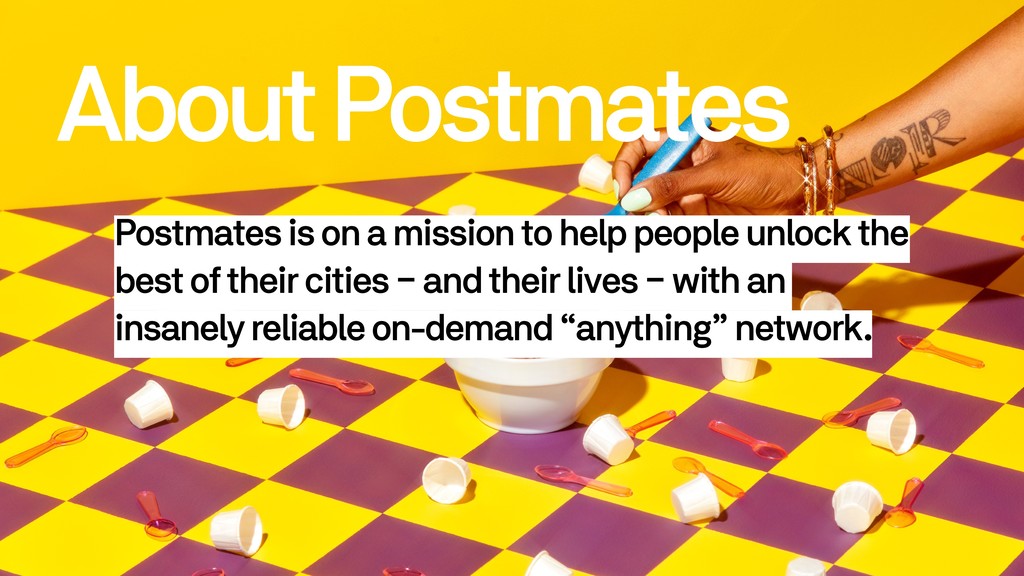
  1. About Postmates Postmates is on a mission to help people

    unlock the best of their cities – and their lives – with an insanely reliable on-demand “anything” network.
  2. By the Numbers 4 Major Offices (SFO - BNA -

    SEA - MEX) 1,300 Employees 3,500 Cities 500K Merchants 140K Couriers Per Week 6.5M Deliveries Per Month
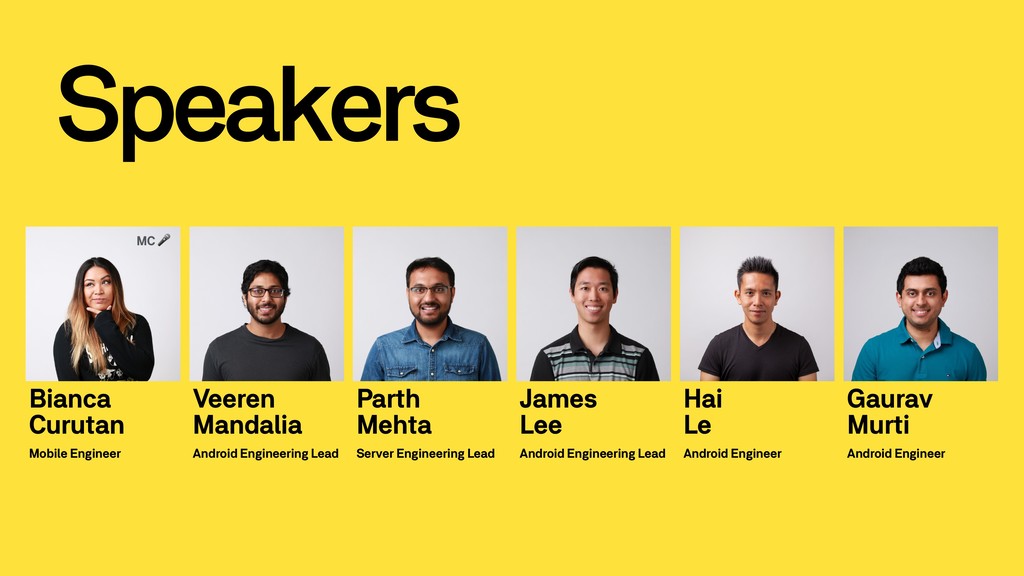
  3. Speakers James 
 Lee Android Engineering Lead Veeren Mandalia Android

    Engineering Lead Hai 
 Le Android Engineer Parth 
 Mehta Server Engineering Lead Gaurav 
 Murti Android Engineer Bianca Curutan Mobile Engineer MC
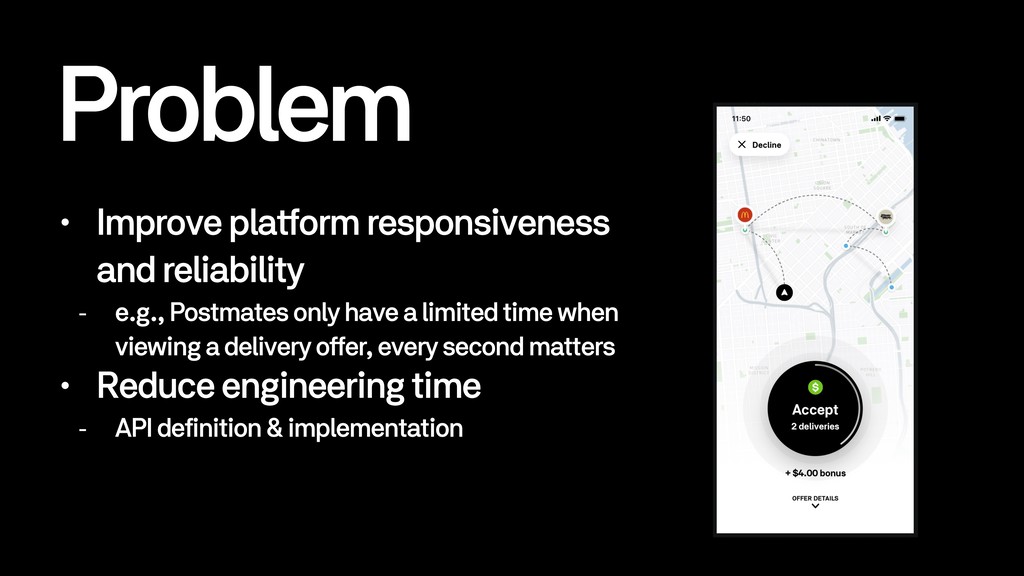
  4. Problem • Improve platform responsiveness and reliability - e.g., Postmates

    only have a limited time when viewing a delivery offer, every second matters • Reduce engineering time - API definition & implementation
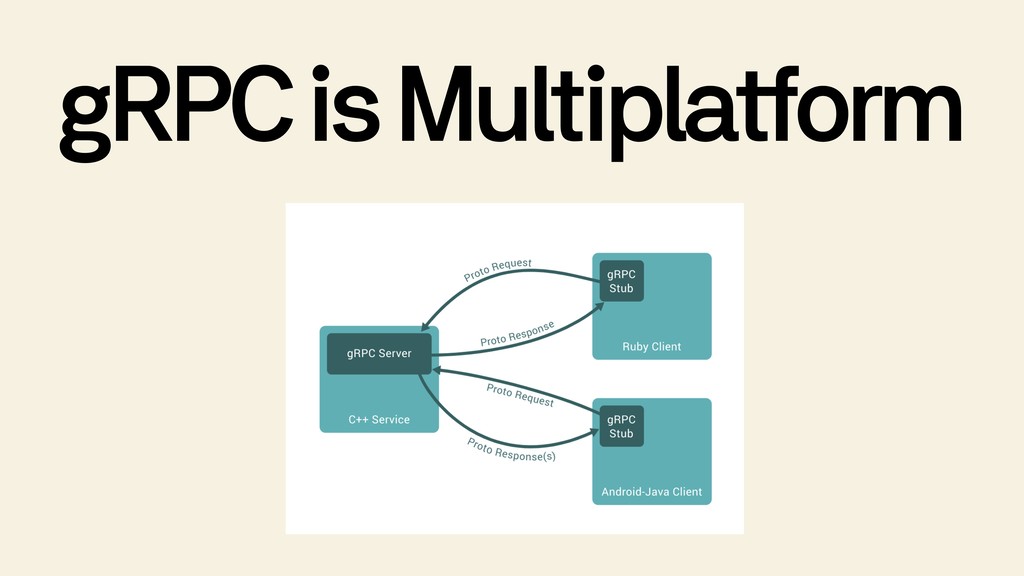
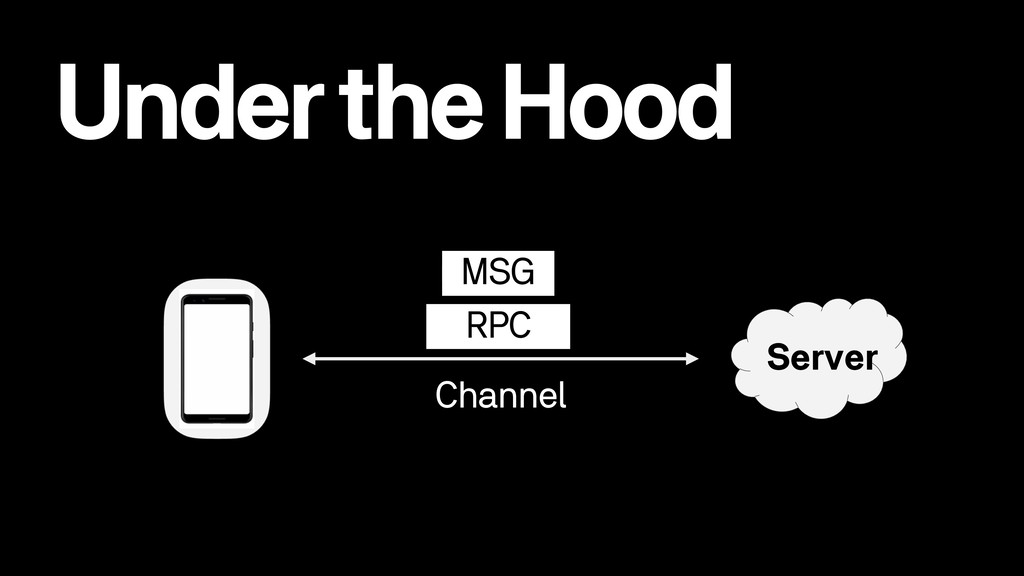
  5. • Remote Procedure Call-based • High performance because of multiplexing

    and compression • Open source • Multiplatform
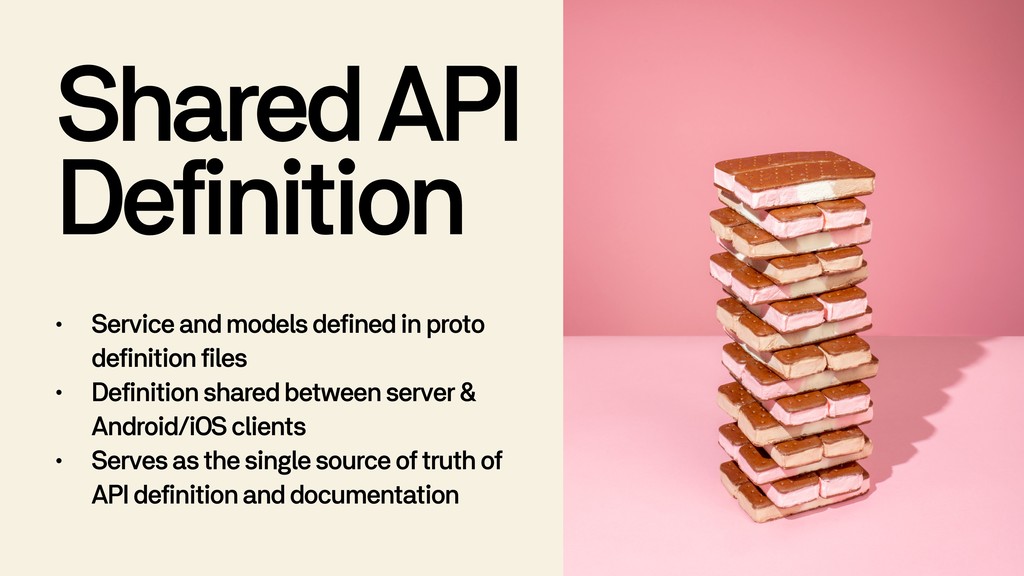
  6. Shared API Definition • Service and models defined in proto

    definition files • Definition shared between server & Android/iOS clients • Serves as the single source of truth of API definition and documentation
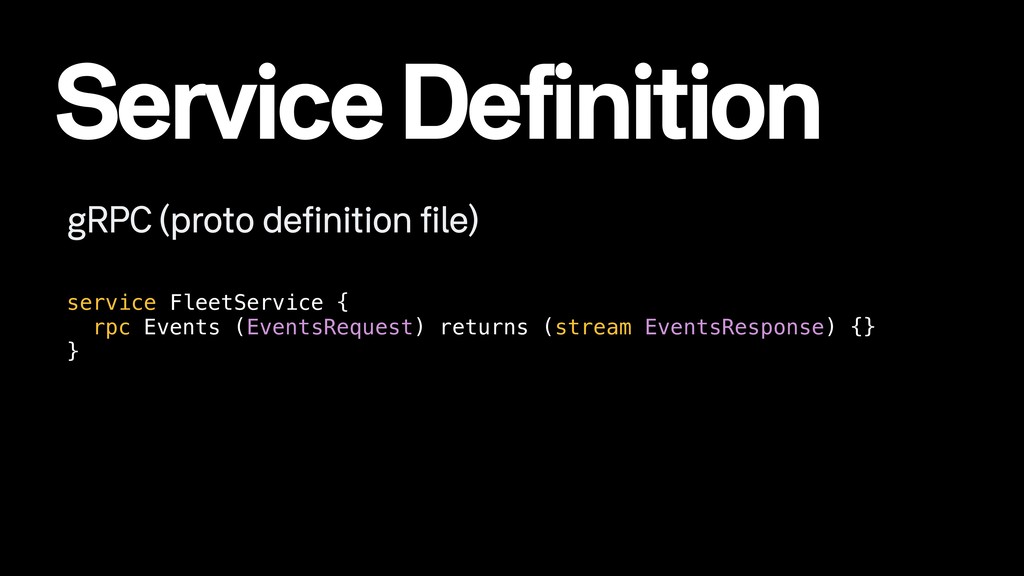
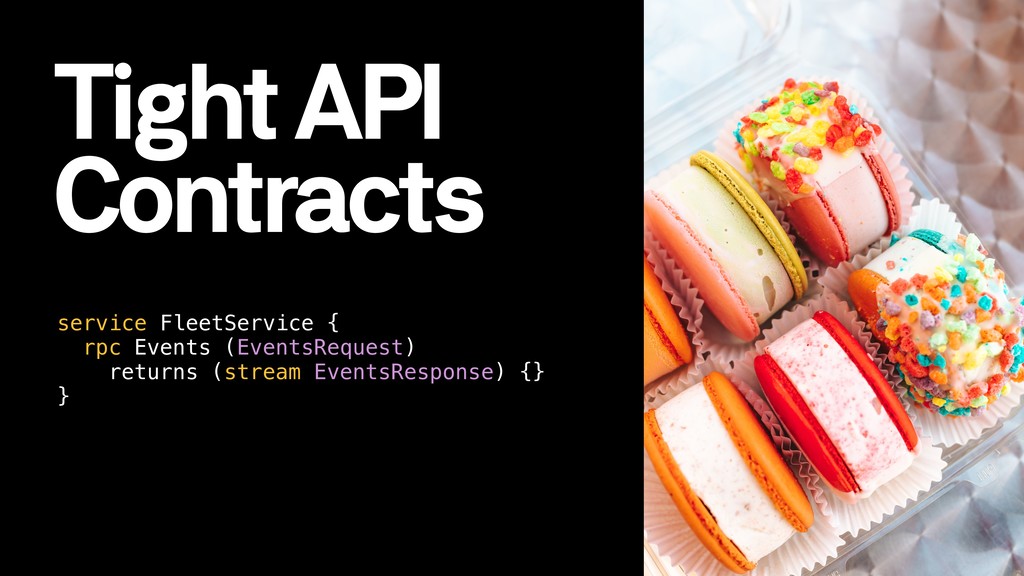
  7. Service Definition gRPC (proto definition file) service FleetService { rpc

    Events (EventsRequest) returns (stream EventsResponse) {} }
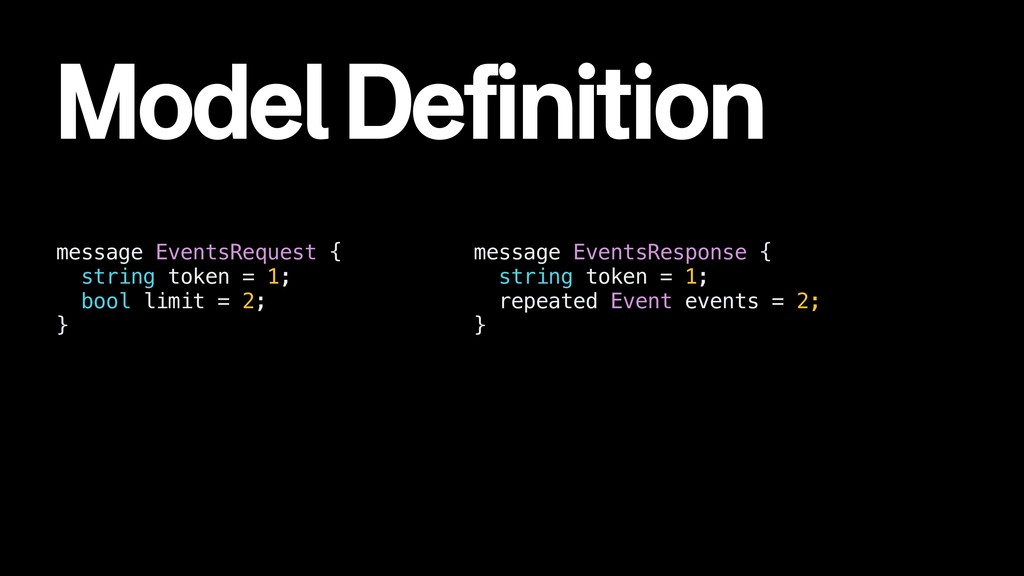
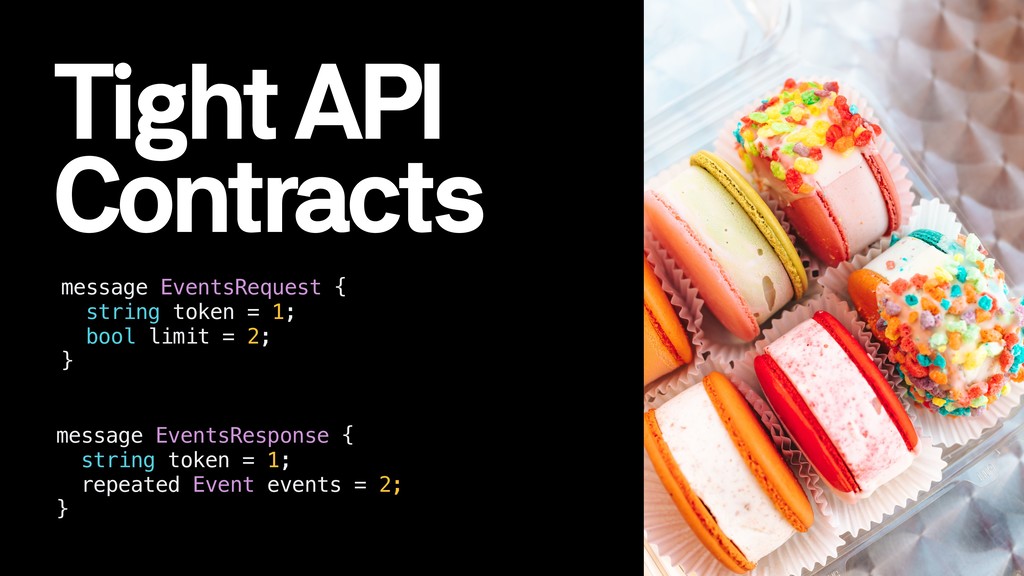
  8. Model Definition message EventsResponse { string token = 1; repeated

    Event events = 2; } message EventsRequest { string token = 1; bool limit = 2; }
  9. Tight API Contracts message EventsResponse { string token = 1;

    repeated Event events = 2; } message EventsRequest { string token = 1; bool limit = 2; }
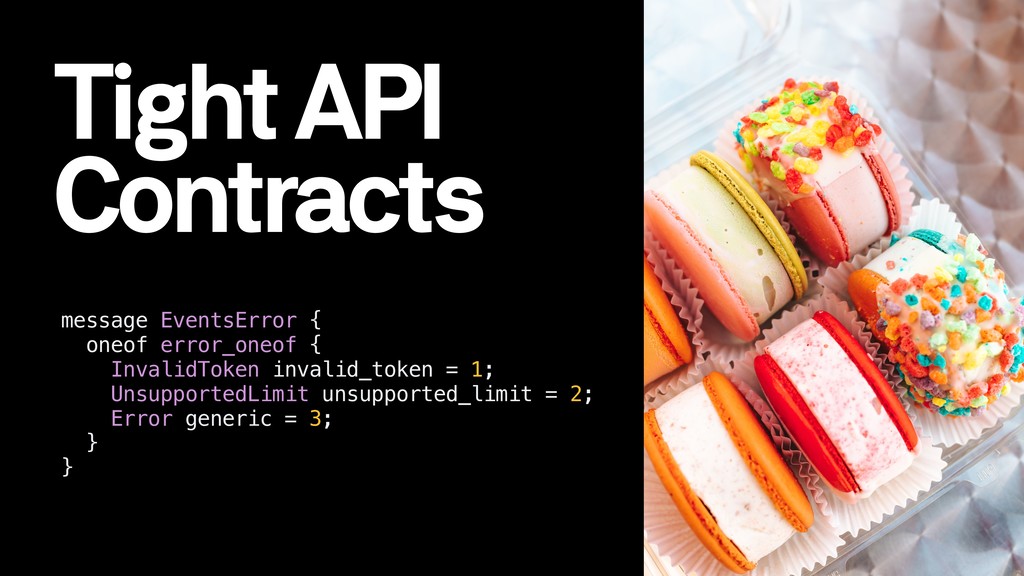
  10. Tight API Contracts message EventsError { oneof error_oneof { InvalidToken

    invalid_token = 1; UnsupportedLimit unsupported_limit = 2; Error generic = 3; } }
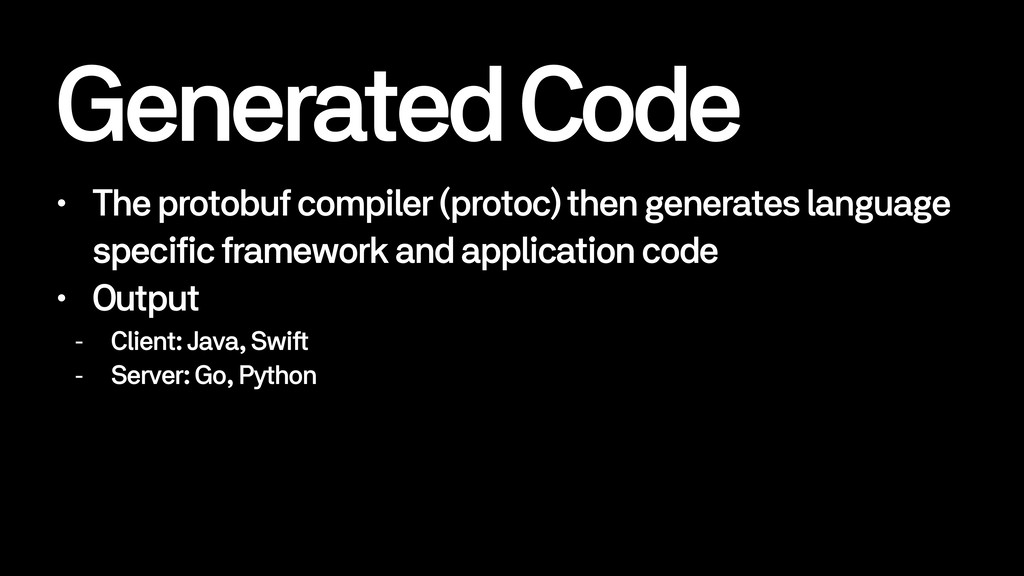
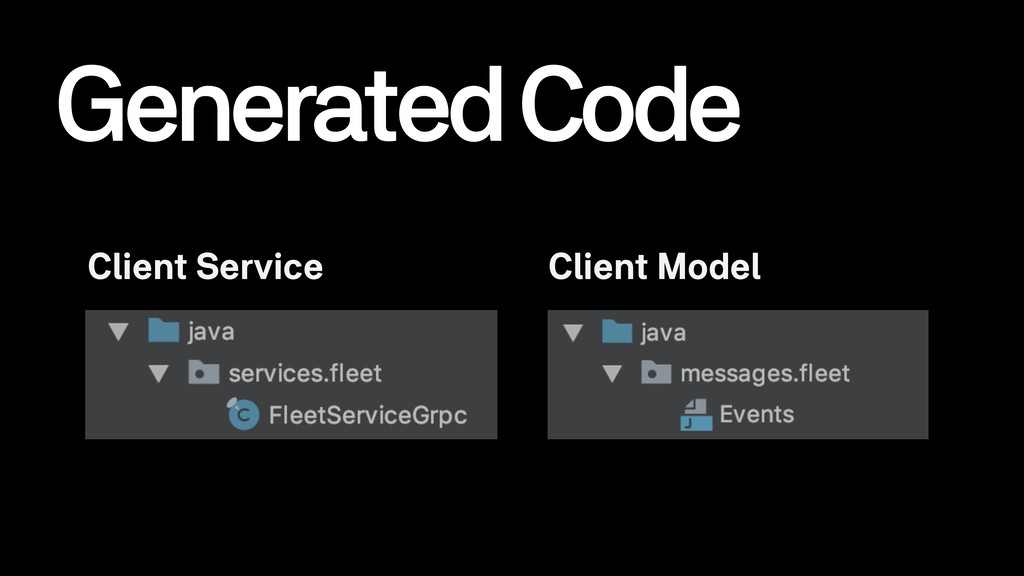
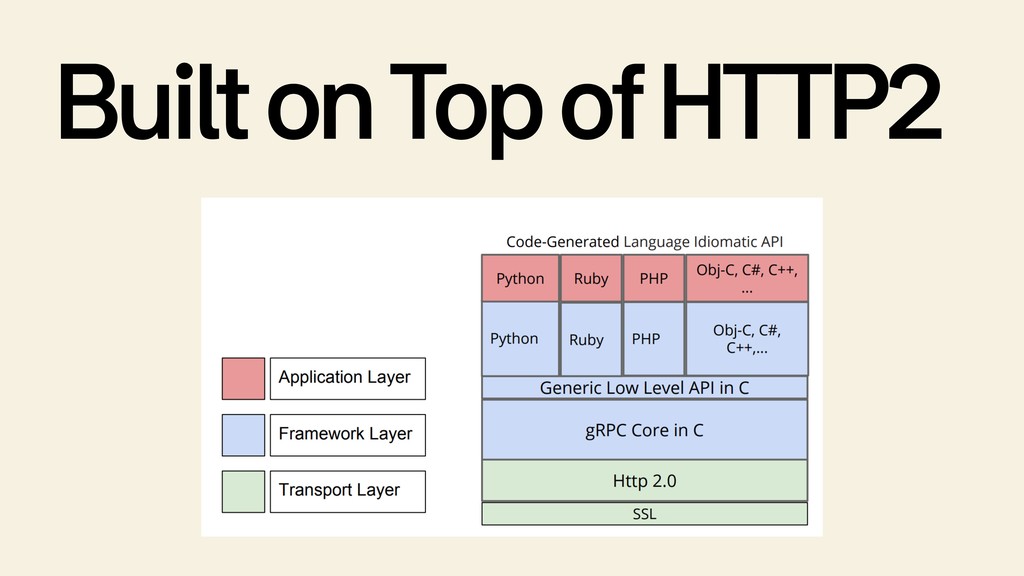
  11. Generated Code • The protobuf compiler (protoc) then generates language

    specific framework and application code • Output - Client: Java, Swift - Server: Go, Python
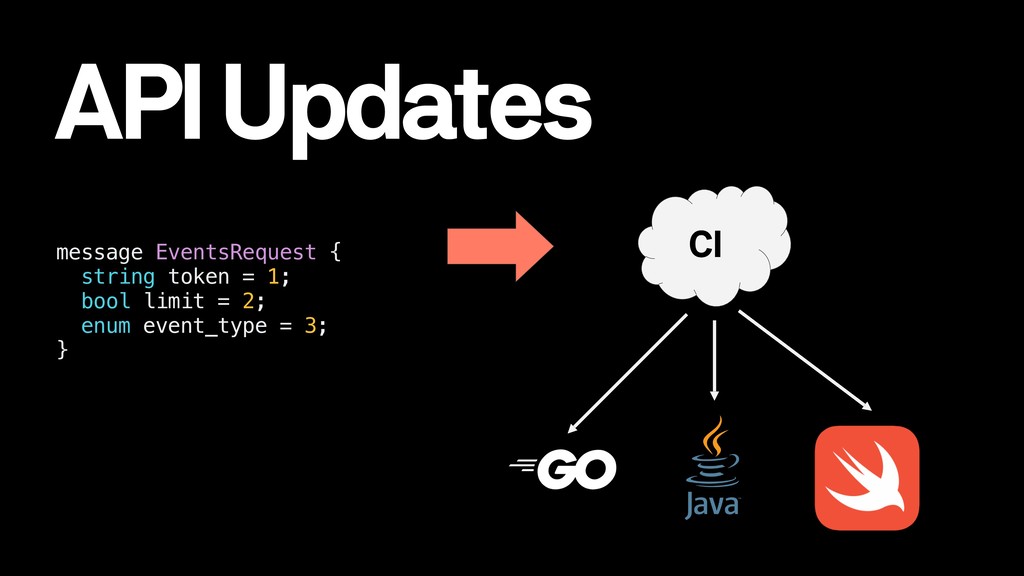
  12. API Updates CI CI message EventsRequest { string token =

    1; bool limit = 2; enum event_type = 3; }
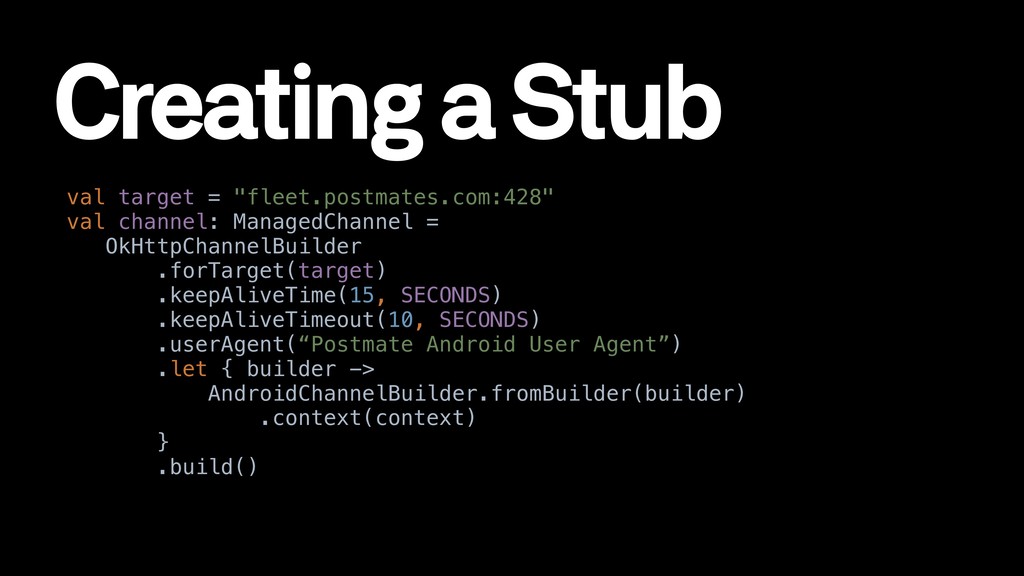
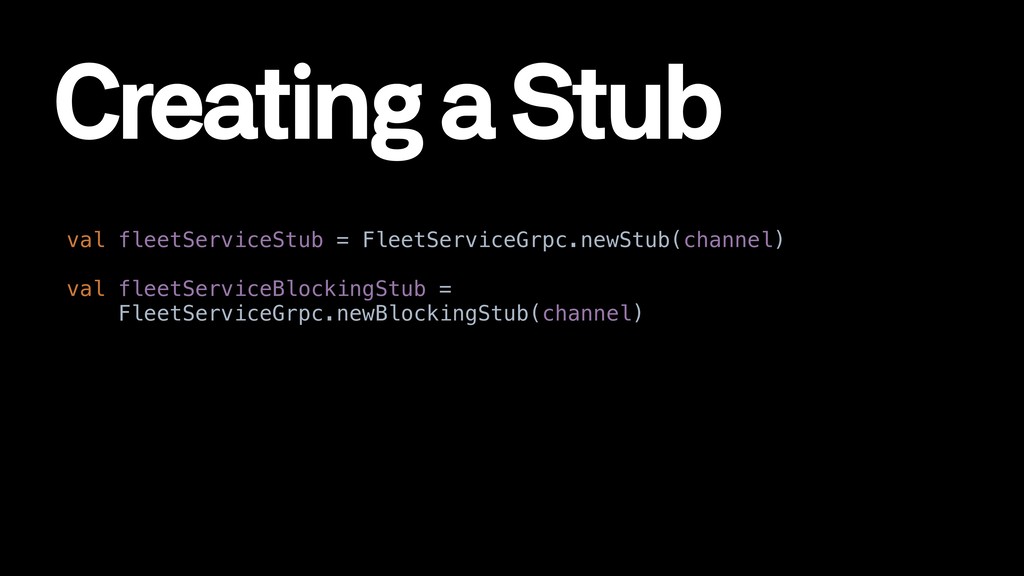
  13. Creating a Stub val target = "fleet.postmates.com:428" val channel: ManagedChannel

    = OkHttpChannelBuilder .forTarget(target) .keepAliveTime(15, SECONDS) .keepAliveTimeout(10, SECONDS) .userAgent(“Postmate Android User Agent”) .let { builder -> AndroidChannelBuilder.fromBuilder(builder) .context(context) } .build()
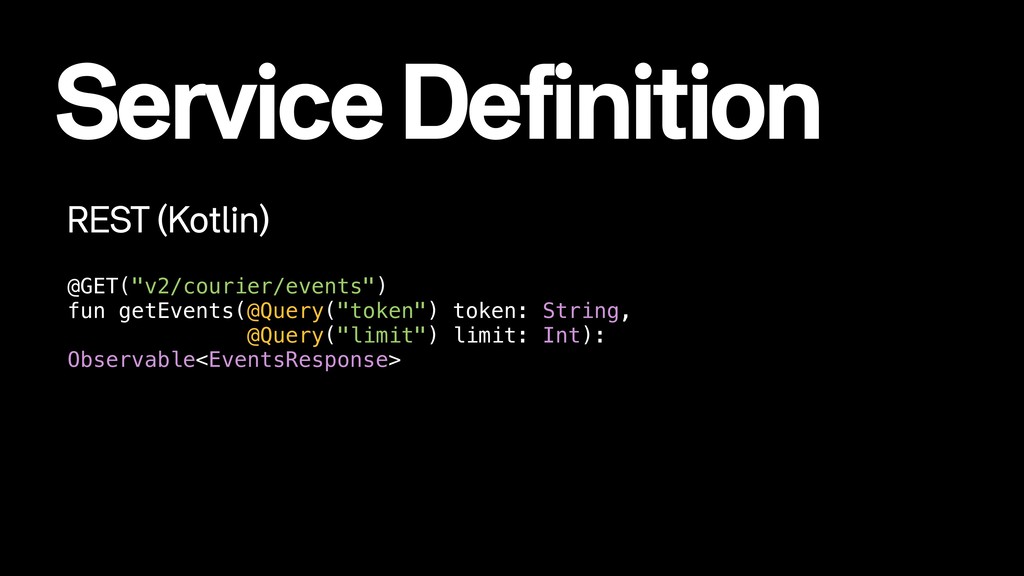
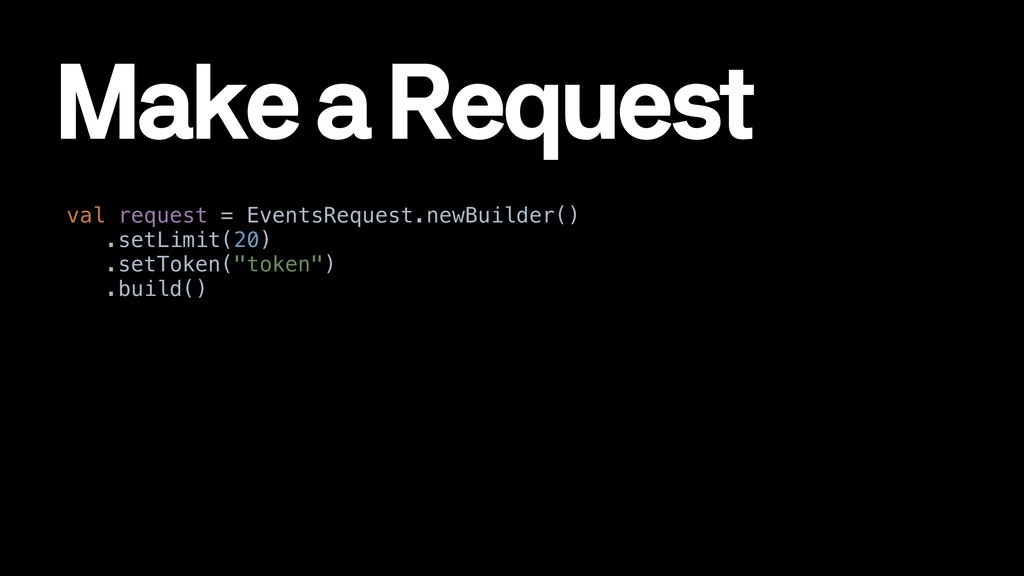
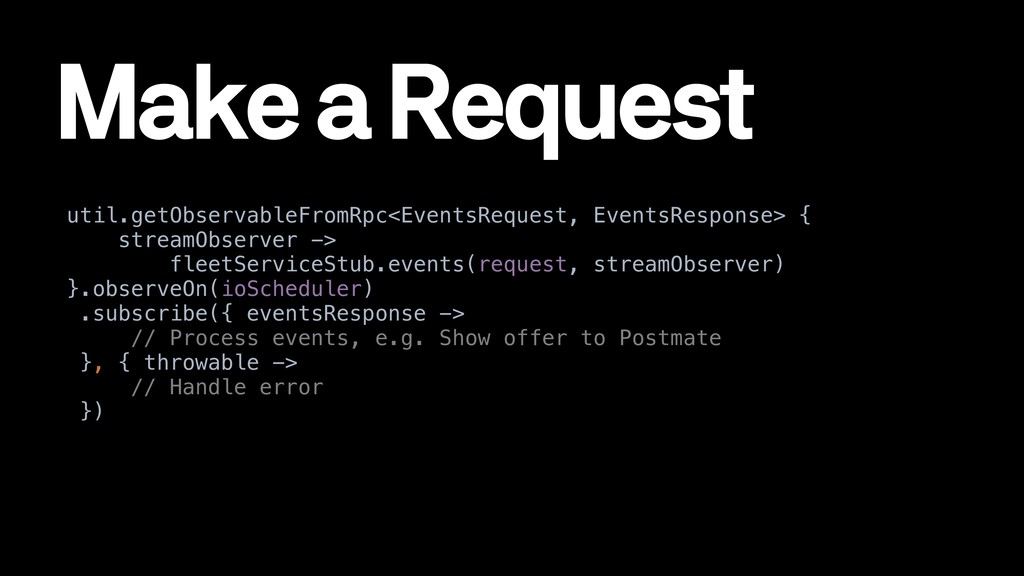
  14. Make a Request util.getObservableFromRpc<EventsRequest, EventsResponse> { streamObserver -> fleetServiceStub.events(request, streamObserver)

    }.observeOn(ioScheduler) .subscribe({ eventsResponse -> // Process events, e.g. Show offer to Postmate }, { throwable -> // Handle error })
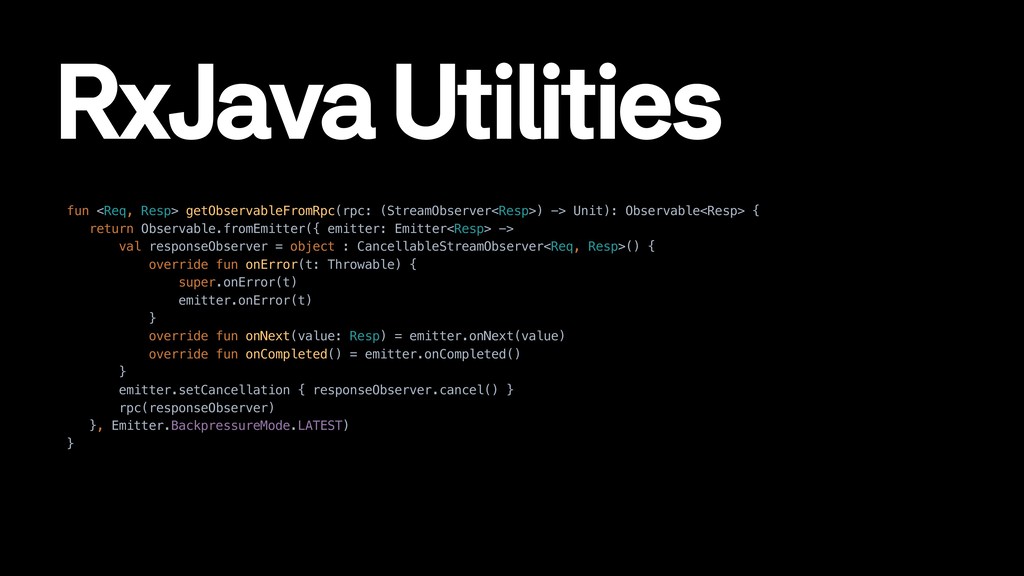
  15. RxJava Utilities fun <Req, Resp> getObservableFromRpc(rpc: (StreamObserver<Resp>) -> Unit): Observable<Resp>

    { return Observable.fromEmitter({ emitter: Emitter<Resp> -> val responseObserver = object : CancellableStreamObserver<Req, Resp>() { override fun onError(t: Throwable) { super.onError(t) emitter.onError(t) } override fun onNext(value: Resp) = emitter.onNext(value) override fun onCompleted() = emitter.onCompleted() } emitter.setCancellation { responseObserver.cancel() } rpc(responseObserver) }, Emitter.BackpressureMode.LATEST) }
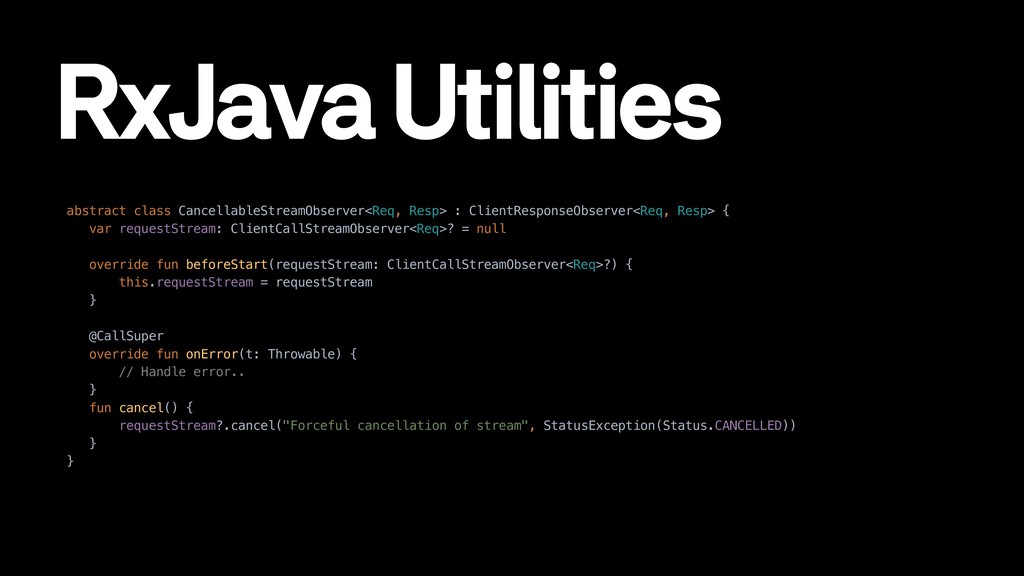
  16. RxJava Utilities abstract class CancellableStreamObserver<Req, Resp> : ClientResponseObserver<Req, Resp> {

    var requestStream: ClientCallStreamObserver<Req>? = null override fun beforeStart(requestStream: ClientCallStreamObserver<Req>?) { this.requestStream = requestStream } @CallSuper override fun onError(t: Throwable) { // Handle error.. } fun cancel() { requestStream?.cancel("Forceful cancellation of stream", StatusException(Status.CANCELLED)) } }
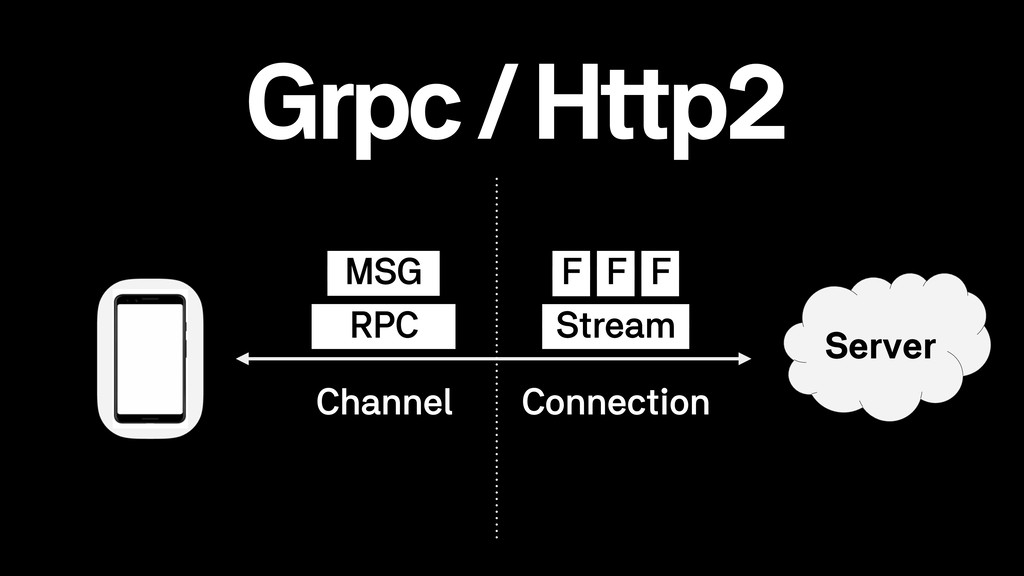
  17. Performance Multiplexing • Multiple ongoing RPCs over a single connection

    Compact over the wire • Protobuf over the wire • Compression
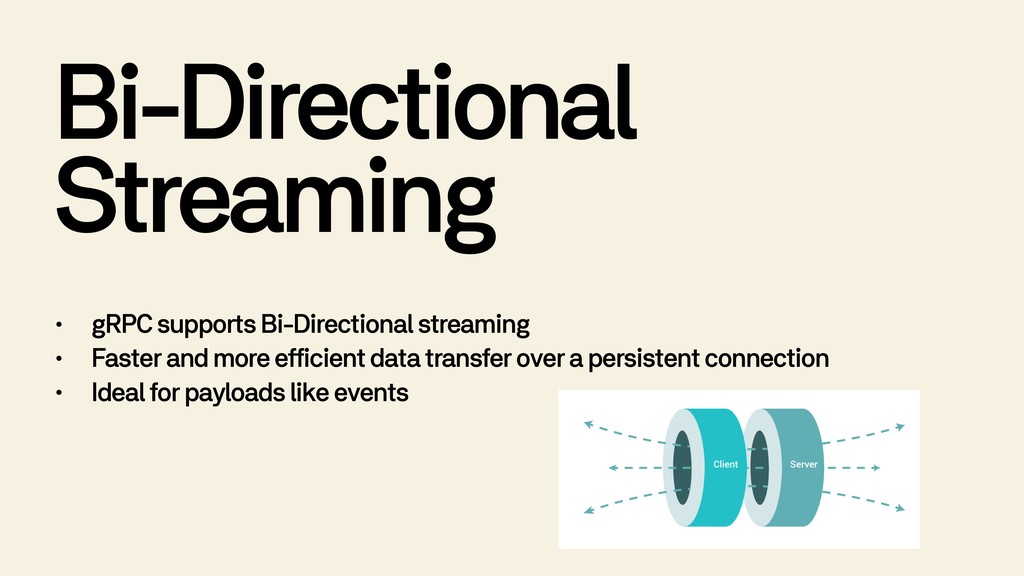
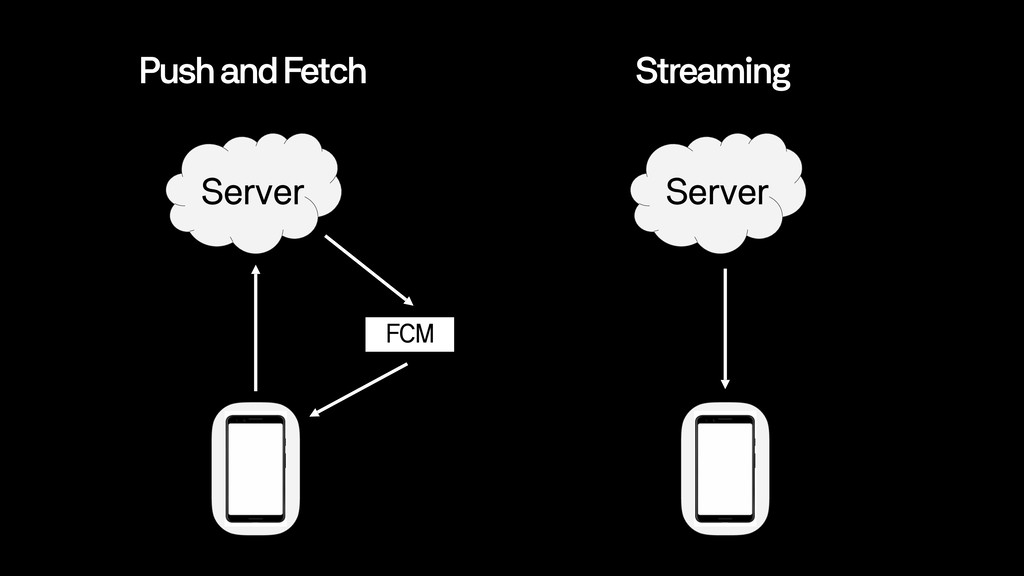
  18. Bi-Directional Streaming • gRPC supports Bi-Directional streaming • Faster and

    more efficient data transfer over a persistent connection • Ideal for payloads like events
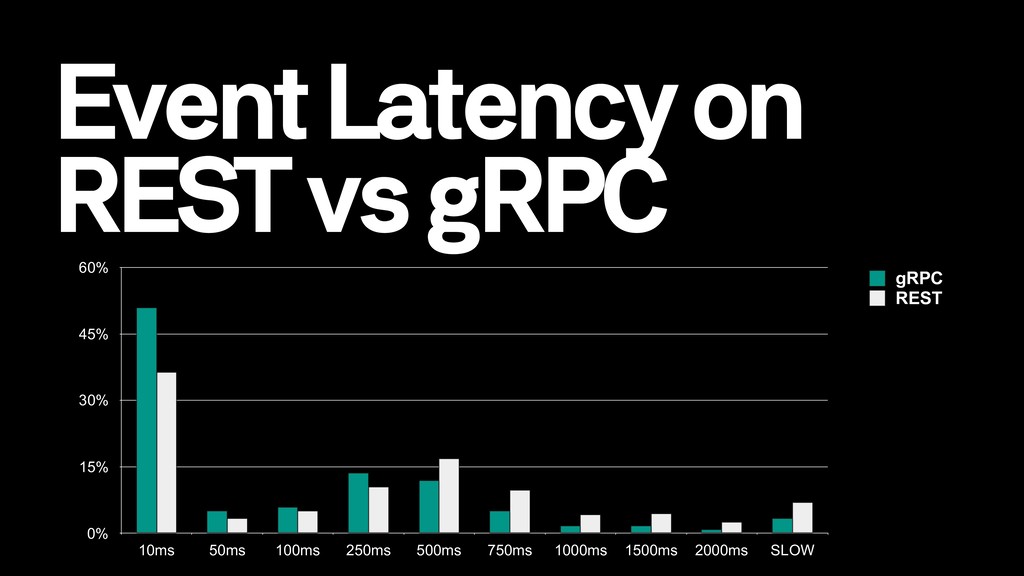
  19. Event Latency on REST vs gRPC 0% 15% 30% 45%

    60% 10ms 50ms 100ms 250ms 500ms 750ms 1000ms 1500ms 2000ms SLOW gRPC REST
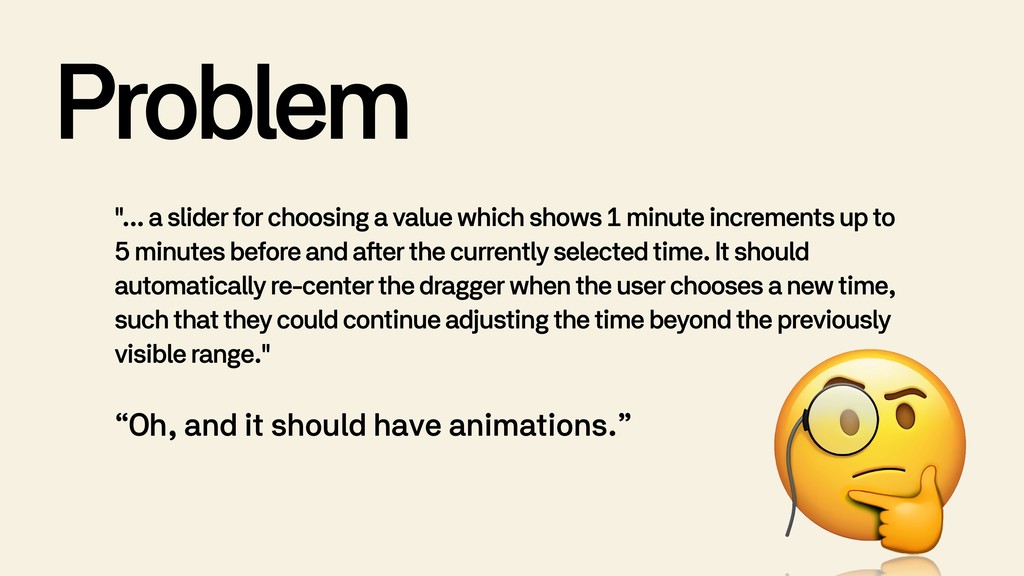
  20. Problem "... a slider for choosing a value which shows

    1 minute increments up to 5 minutes before and after the currently selected time. It should automatically re-center the dragger when the user chooses a new time, such that they could continue adjusting the time beyond the previously visible range." “Oh, and it should have animations.”
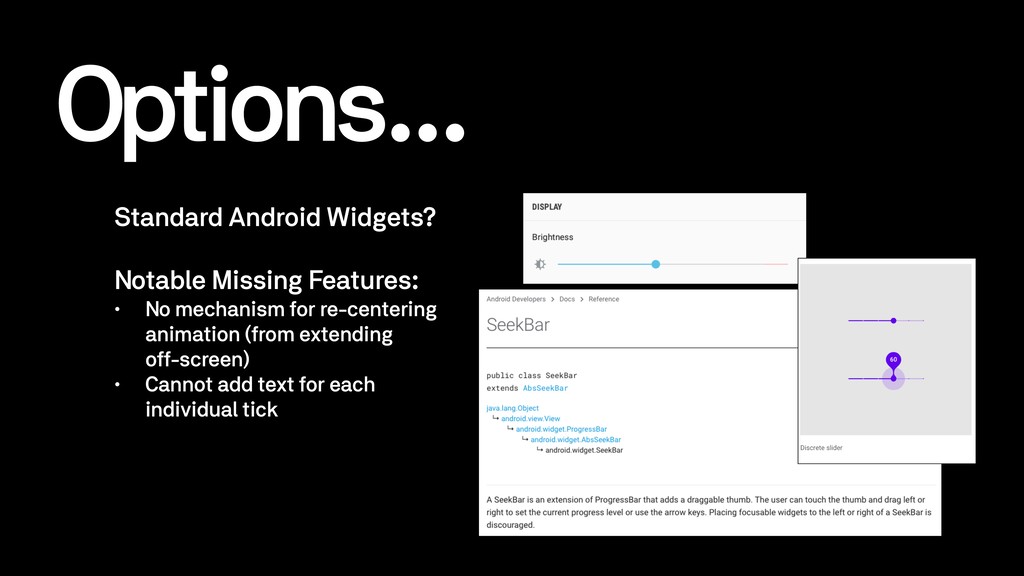
  21. Options... Standard Android Widgets? Notable Missing Features: • No mechanism

    for re-centering animation (from extending 
 off-screen) • Cannot add text for each individual tick
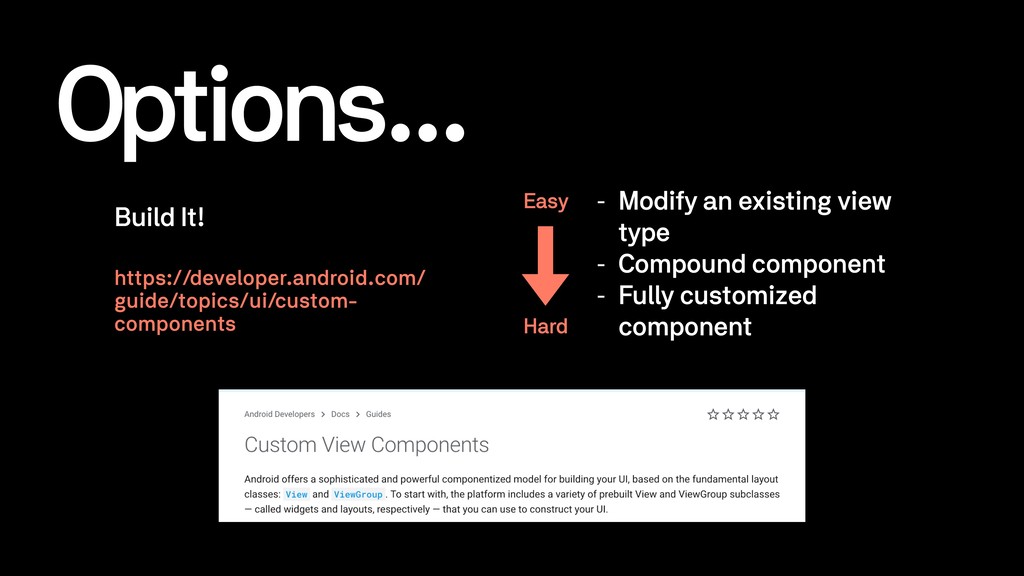
  22. Options... Build It! https://developer.android.com/ guide/topics/ui/custom- components Easy Hard - Modify

    an existing view type - Compound component - Fully customized component
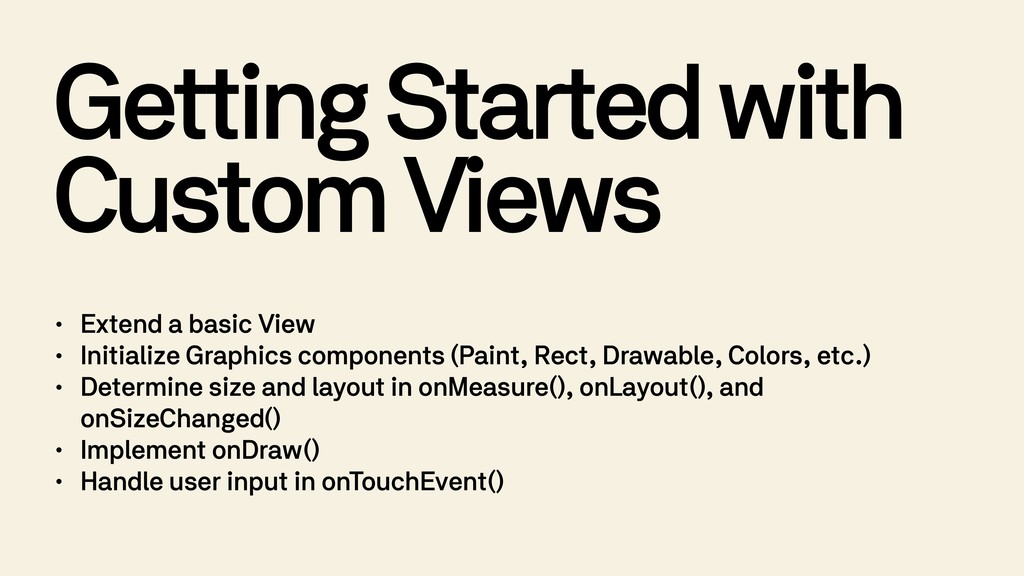
  23. Getting Started with Custom Views • Extend a basic View

    • Initialize Graphics components (Paint, Rect, Drawable, Colors, etc.) • Determine size and layout in onMeasure(), onLayout(), and onSizeChanged() • Implement onDraw() • Handle user input in onTouchEvent()
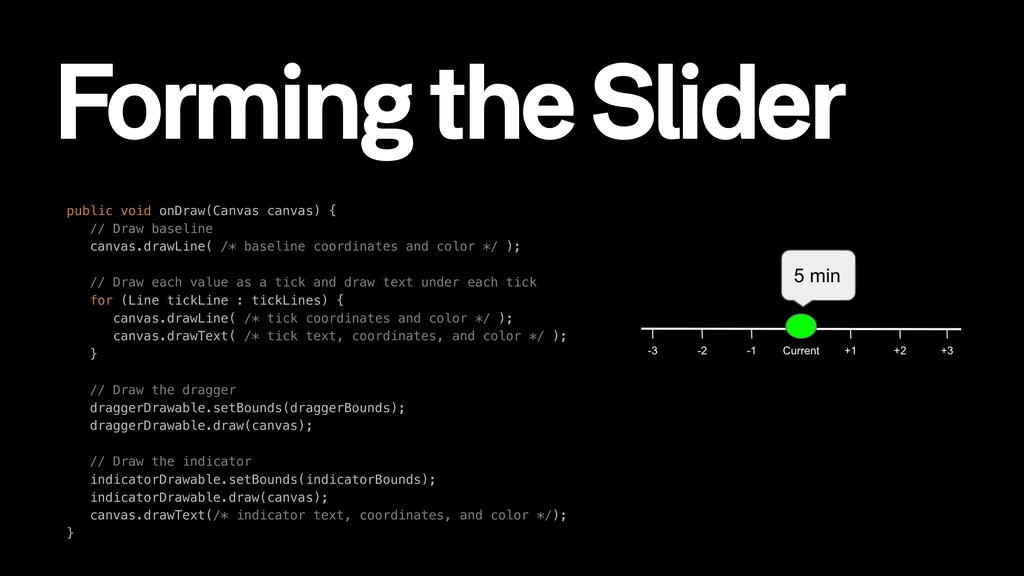
  24. public void onDraw(Canvas canvas) {
 // Draw baseline
 canvas.drawLine( /*

    baseline coordinates and color */ );
 
 // Draw each value as a tick and draw text under each tick
 for (Line tickLine : tickLines) {
 canvas.drawLine( /* tick coordinates and color */ );
 canvas.drawText( /* tick text, coordinates, and color */ );
 }
 
 // Draw the dragger draggerDrawable.setBounds(draggerBounds);
 draggerDrawable.draw(canvas);
 
 // Draw the indicator indicatorDrawable.setBounds(indicatorBounds);
 indicatorDrawable.draw(canvas); canvas.drawText(/* indicator text, coordinates, and color */);
 } Forming the Slider
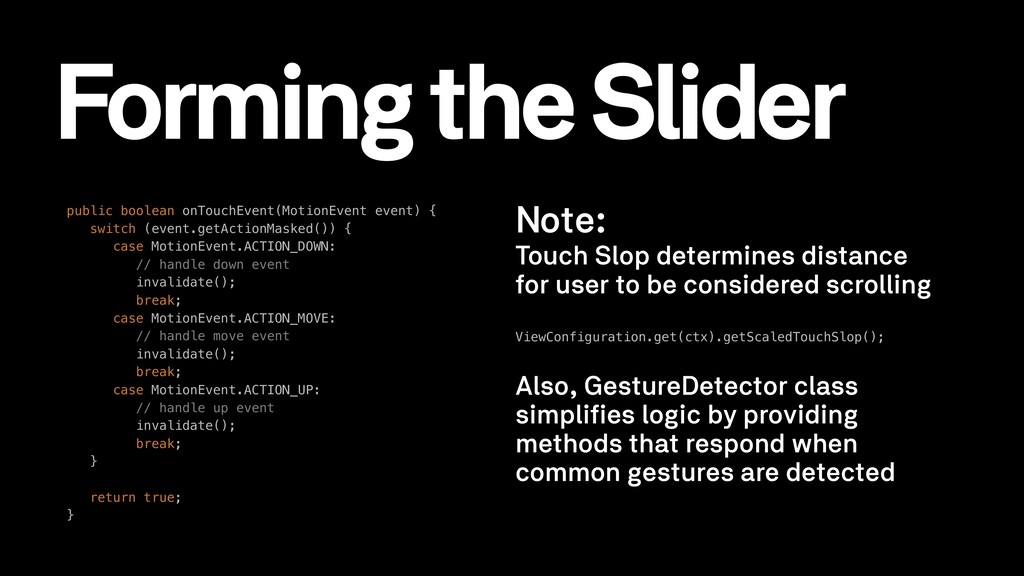
  25. public boolean onTouchEvent(MotionEvent event) {
 switch (event.getActionMasked()) {
 case MotionEvent.ACTION_DOWN:


    // handle down event invalidate(); break;
 case MotionEvent.ACTION_MOVE:
 // handle move event invalidate();
 break;
 case MotionEvent.ACTION_UP:
 // handle up event invalidate();
 break;
 } 
 return true;
 } Note: Touch Slop determines distance for user to be considered scrolling ViewConfiguration.get(ctx).getScaledTouchSlop(); Also, GestureDetector class simplifies logic by providing methods that respond when common gestures are detected Forming the Slider
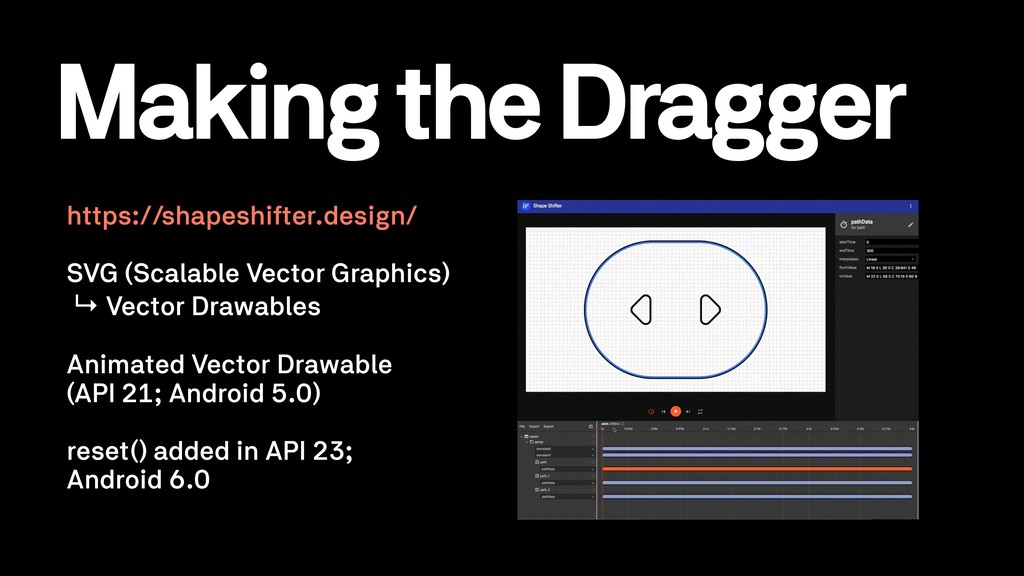
  26. https://shapeshifter.design/ SVG (Scalable Vector Graphics) ↳ Vector Drawables Animated Vector

    Drawable
 (API 21; Android 5.0)
 
 reset() added in API 23; Android 6.0 Making the Dragger
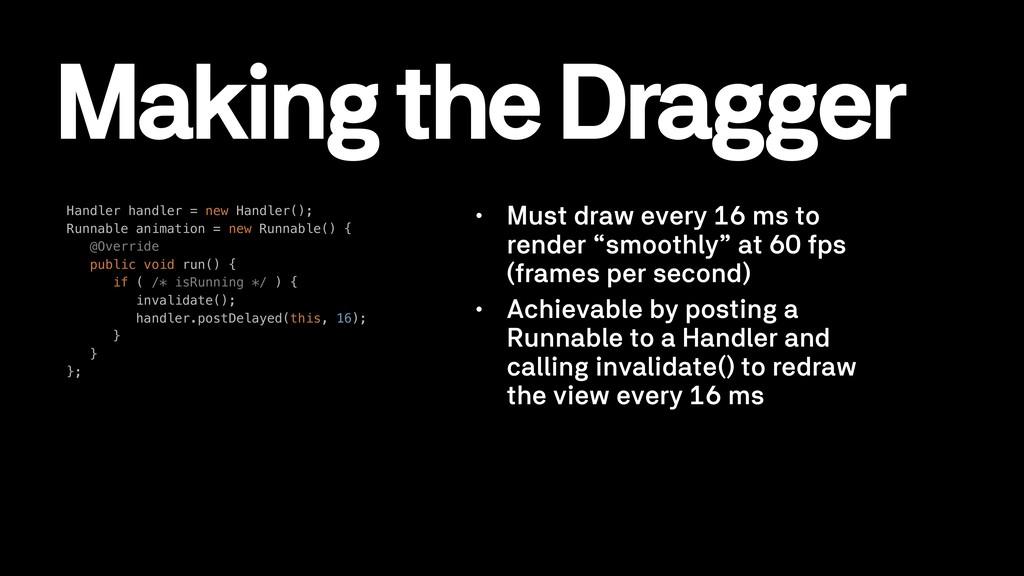
  27. Handler handler = new Handler();
 Runnable animation = new Runnable()

    {
 @Override
 public void run() {
 if ( /* isRunning */ ) {
 invalidate();
 handler.postDelayed(this, 16);
 }
 }
 }; • Must draw every 16 ms to render “smoothly” at 60 fps (frames per second) • Achievable by posting a Runnable to a Handler and calling invalidate() to redraw the view every 16 ms Making the Dragger
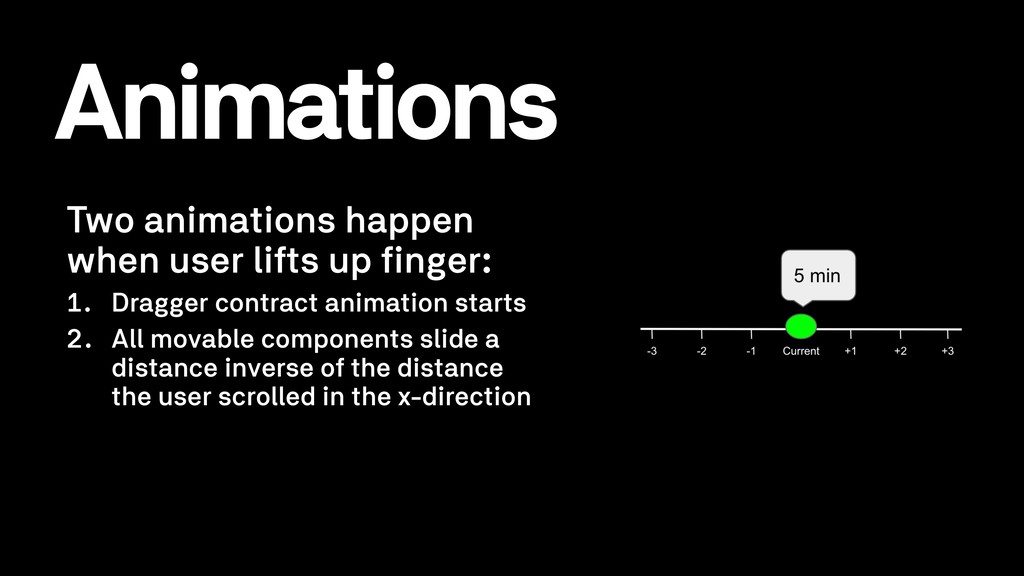
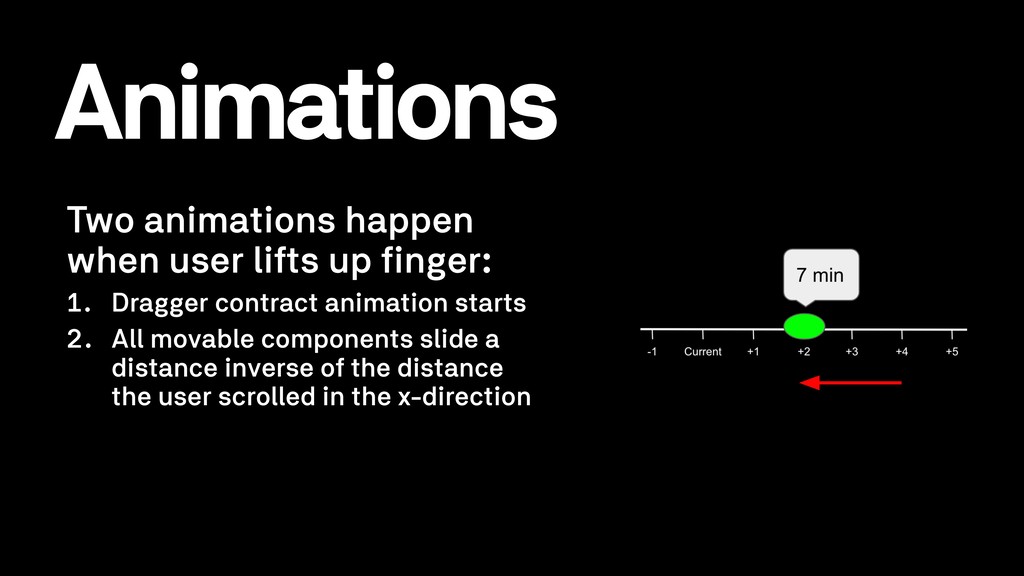
  28. Two animations happen when user lifts up finger: 1. Dragger

    contract animation starts 2. All movable components slide a distance inverse of the distance the user scrolled in the x-direction Animations
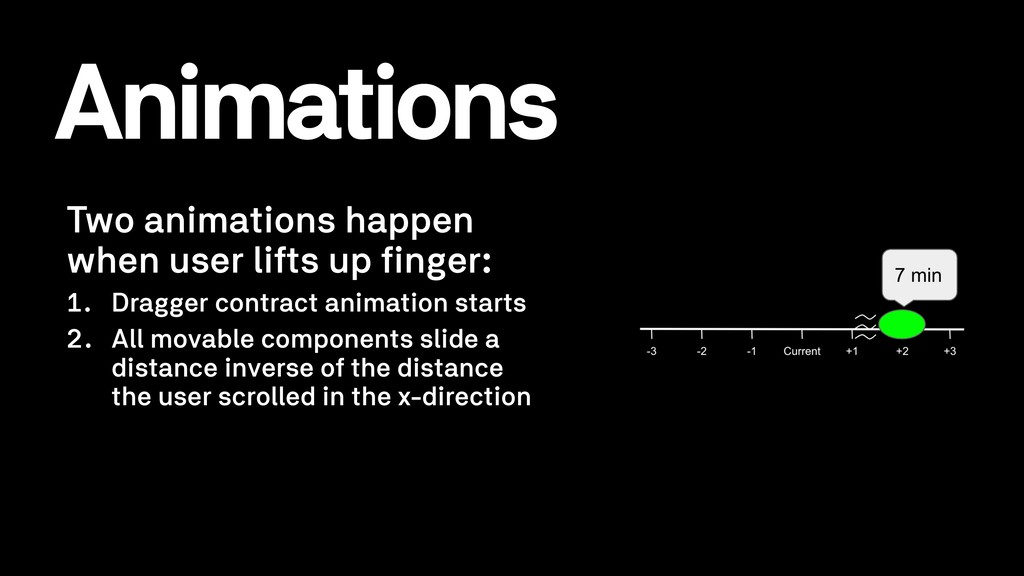
  29. Two animations happen when user lifts up finger: 1. Dragger

    contract animation starts 2. All movable components slide a distance inverse of the distance the user scrolled in the x-direction Animations
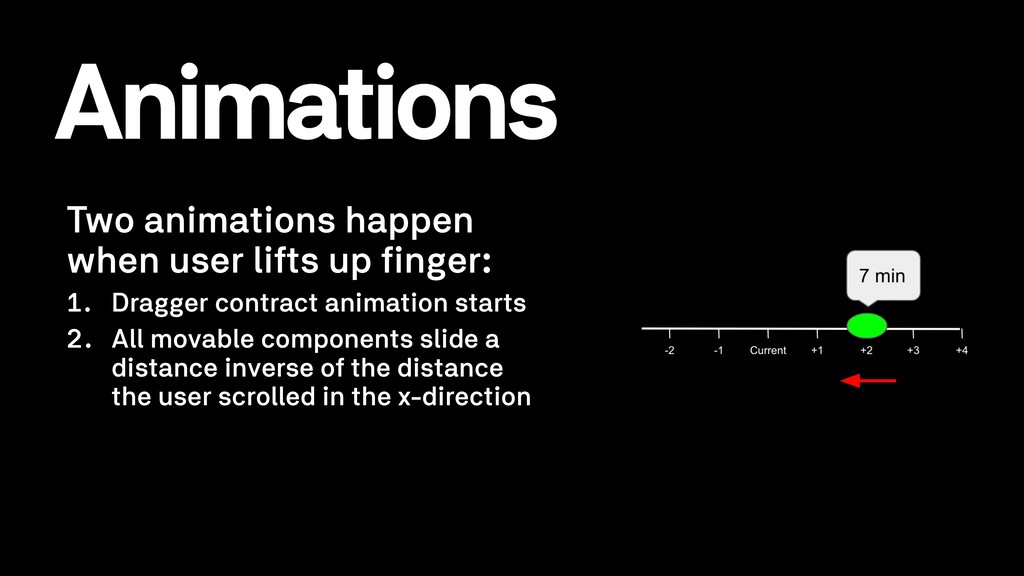
  30. Animations Two animations happen when user lifts up finger: 1.

    Dragger contract animation starts 2. All movable components slide a distance inverse of the distance the user scrolled in the x-direction
  31. Two animations happen when user lifts up finger: 1. Dragger

    contract animation starts 2. All movable components slide a distance inverse of the distance the user scrolled in the x-direction Animations
  32. Polish • Customizable and overridable properties • Gradients to fade

    at the edge of the view • Snapping the dragger and indicator to the nearest discrete tick • Interpolator (overshoot feels more real than linear)
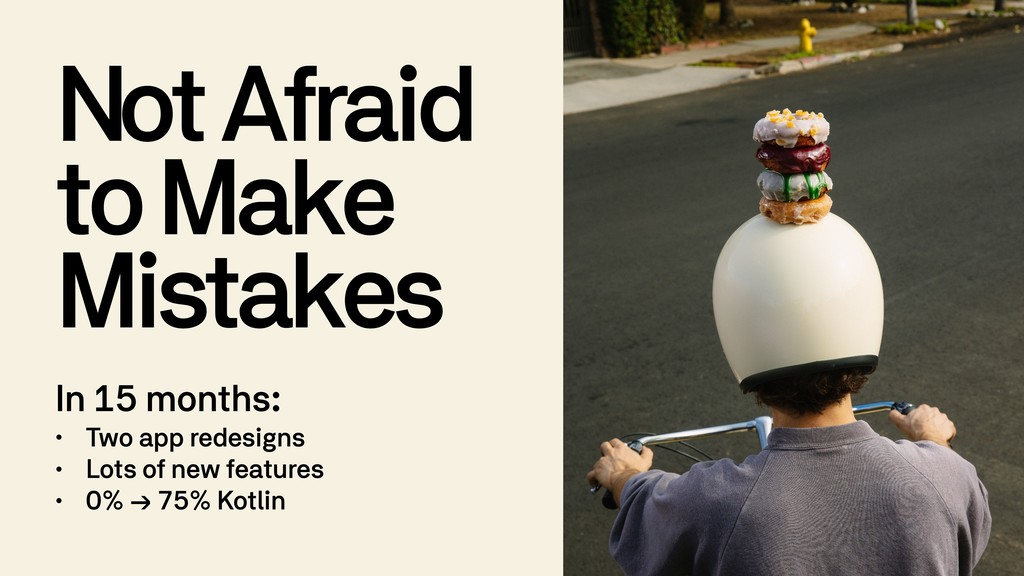
  33. Not Afraid to Make Mistakes In 15 months: • Two

    app redesigns • Lots of new features • 0% → 75% Kotlin
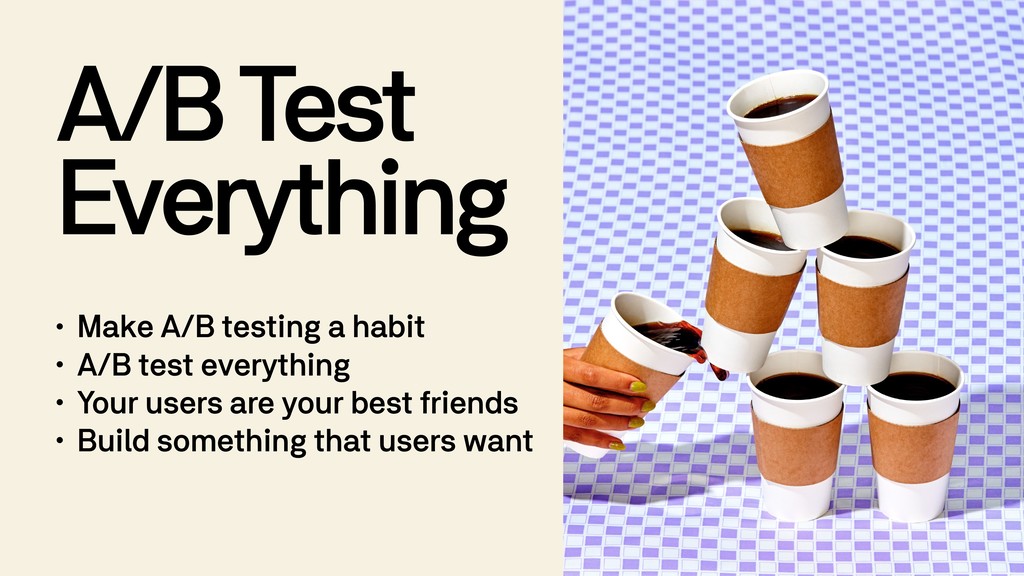
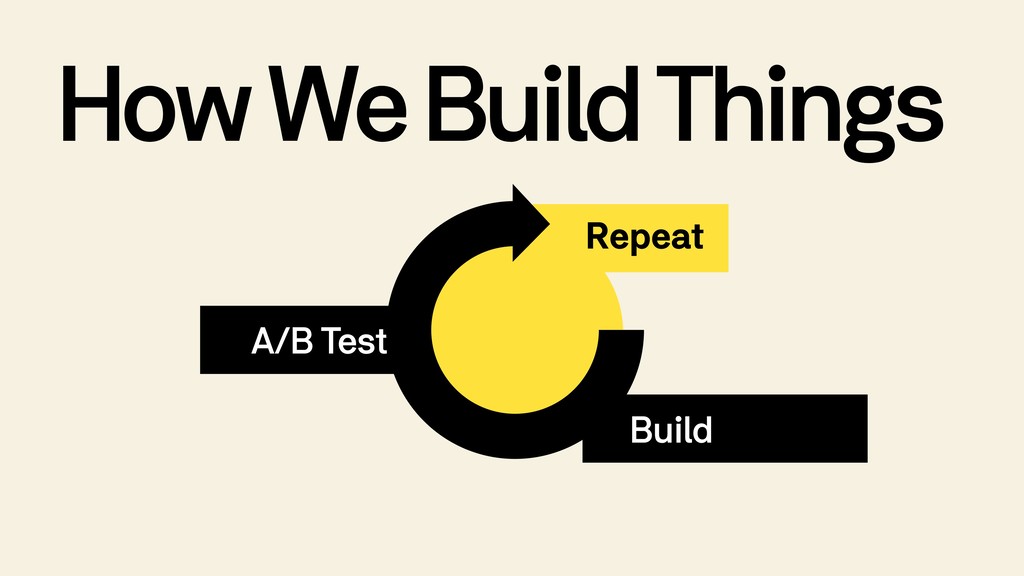
  34. A/B Test Everything • Make A/B testing a habit •

    A/B test everything • Your users are your best friends • Build something that users want
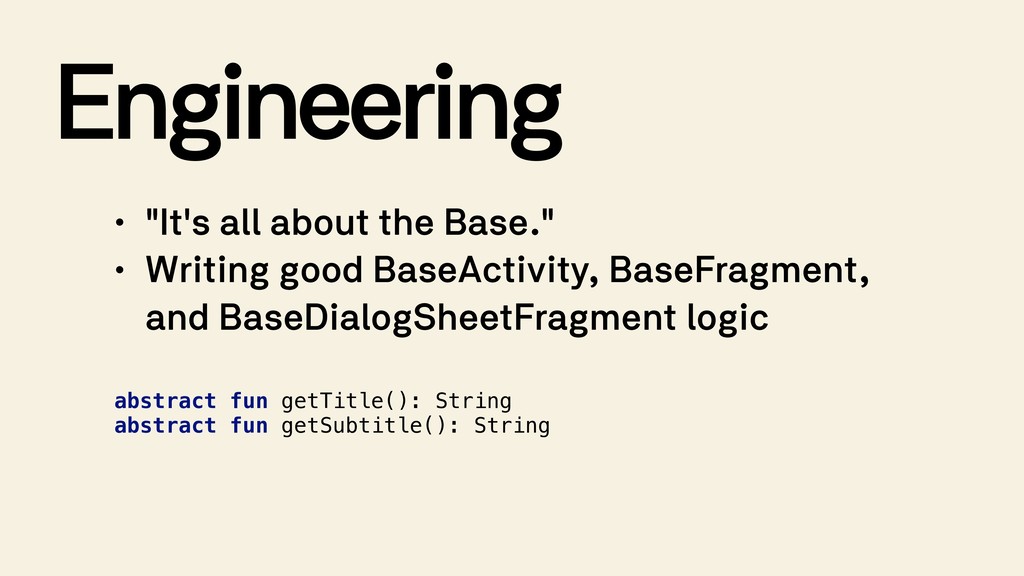
  35. Engineering • "It's all about the Base." • Writing good

    BaseActivity, BaseFragment, and BaseDialogSheetFragment logic abstract fun getTitle(): String abstract fun getSubtitle(): String
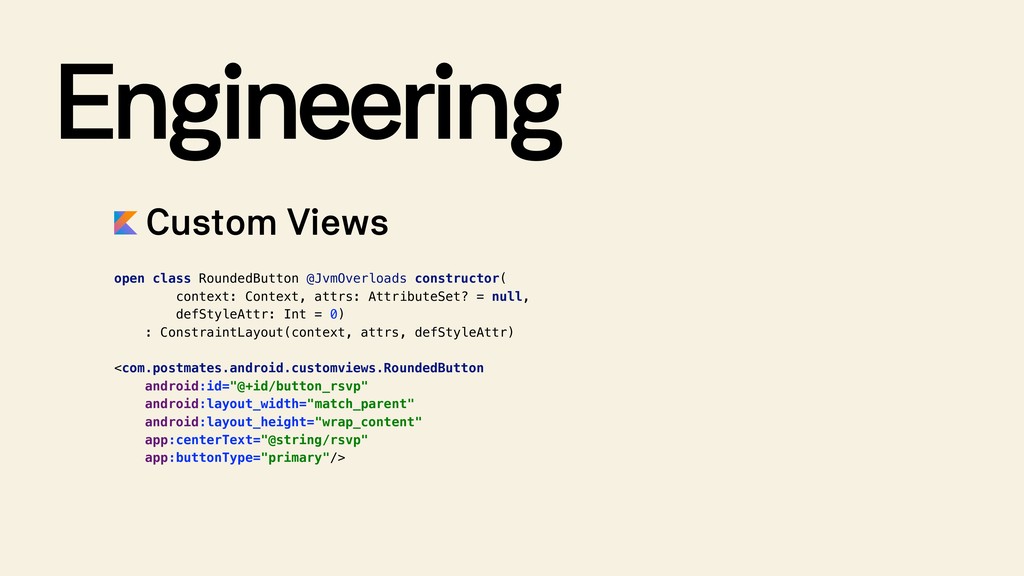
  36. Engineering Custom Views open class RoundedButton @JvmOverloads constructor( context: Context,

    attrs: AttributeSet? = null, 
 defStyleAttr: Int = 0) : ConstraintLayout(context, attrs, defStyleAttr) <com.postmates.android.customviews.RoundedButton android:id="@+id/button_rsvp" android:layout_width="match_parent" android:layout_height="wrap_content" app:centerText="@string/rsvp" app:buttonType="primary"/>