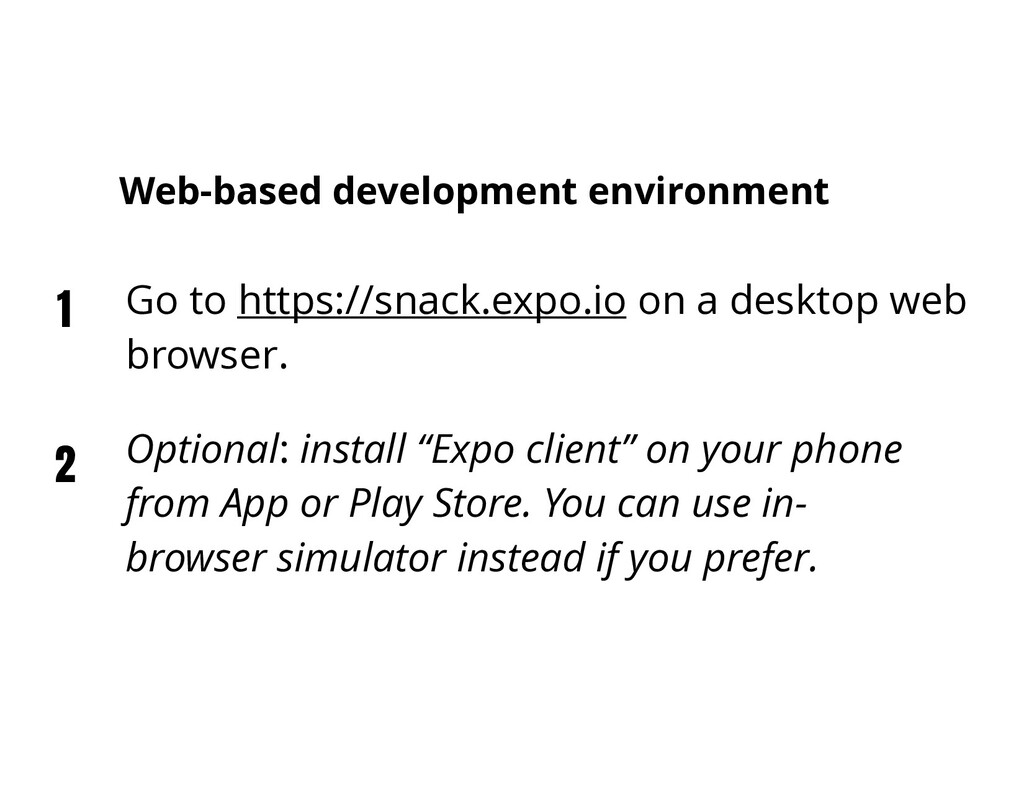
Play Store. You can use in- browser simulator instead if you prefer. 1 2 Go to https://snack.expo.io on a desktop web browser. Web-based development environment
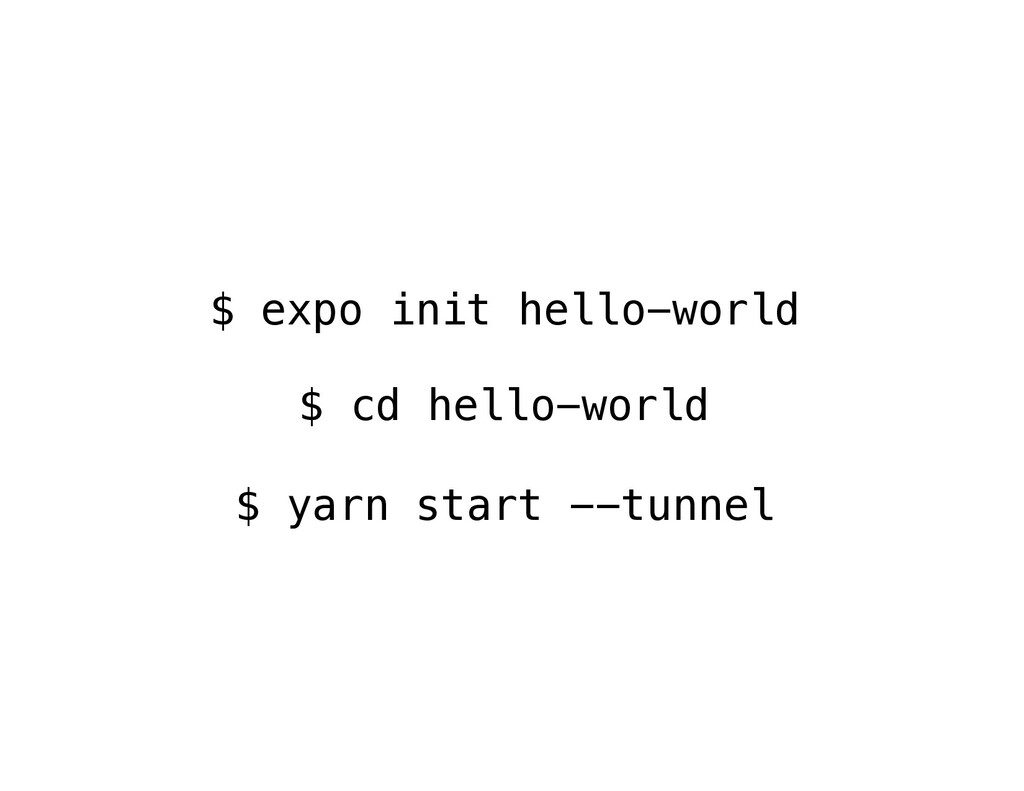
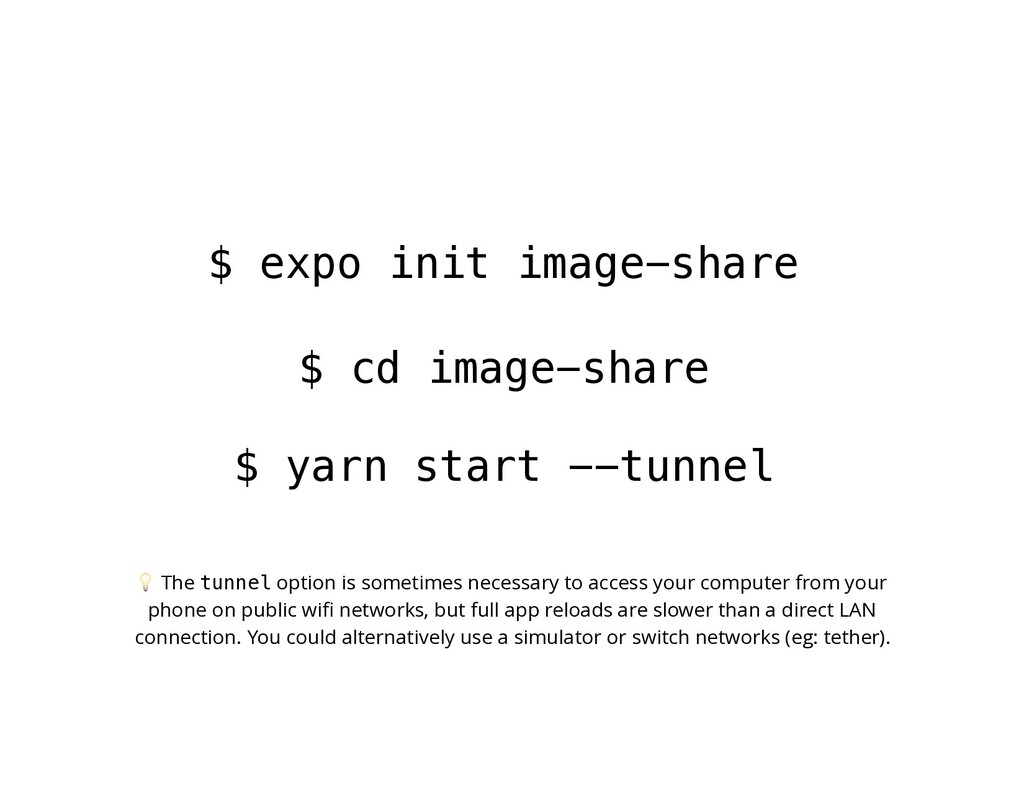
--tunnel The tunnel option is sometimes necessary to access your computer from your phone on public wifi networks, but full app reloads are slower than a direct LAN connection. You could alternatively use a simulator or switch networks (eg: tether).
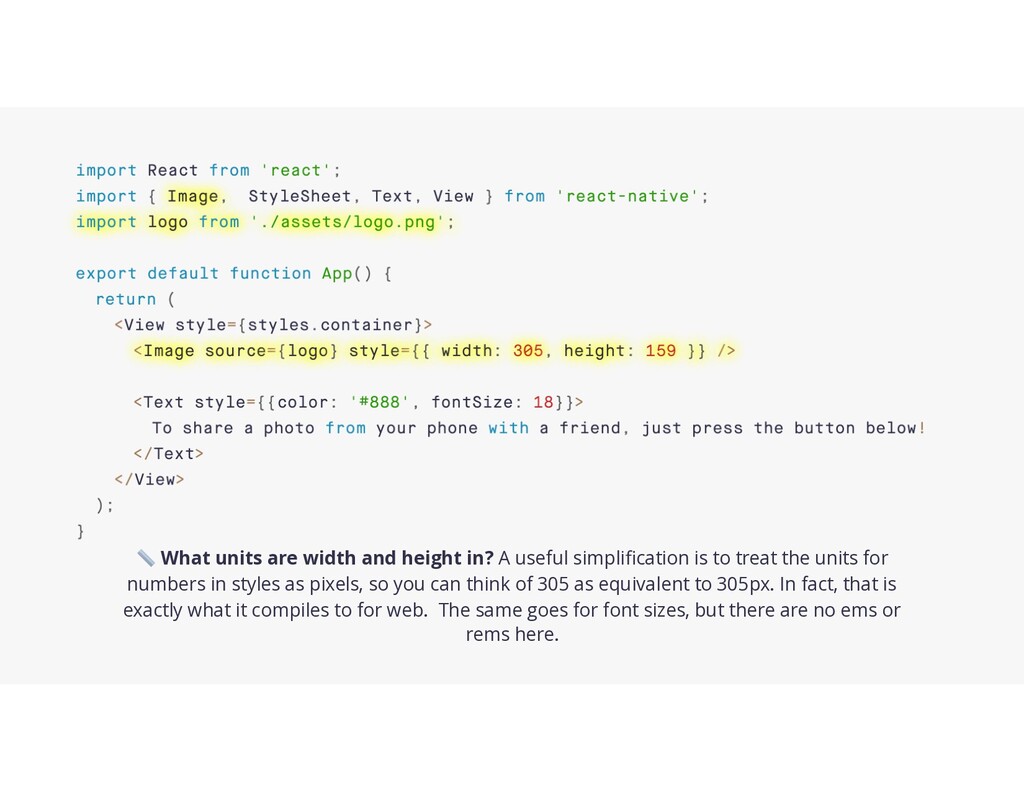
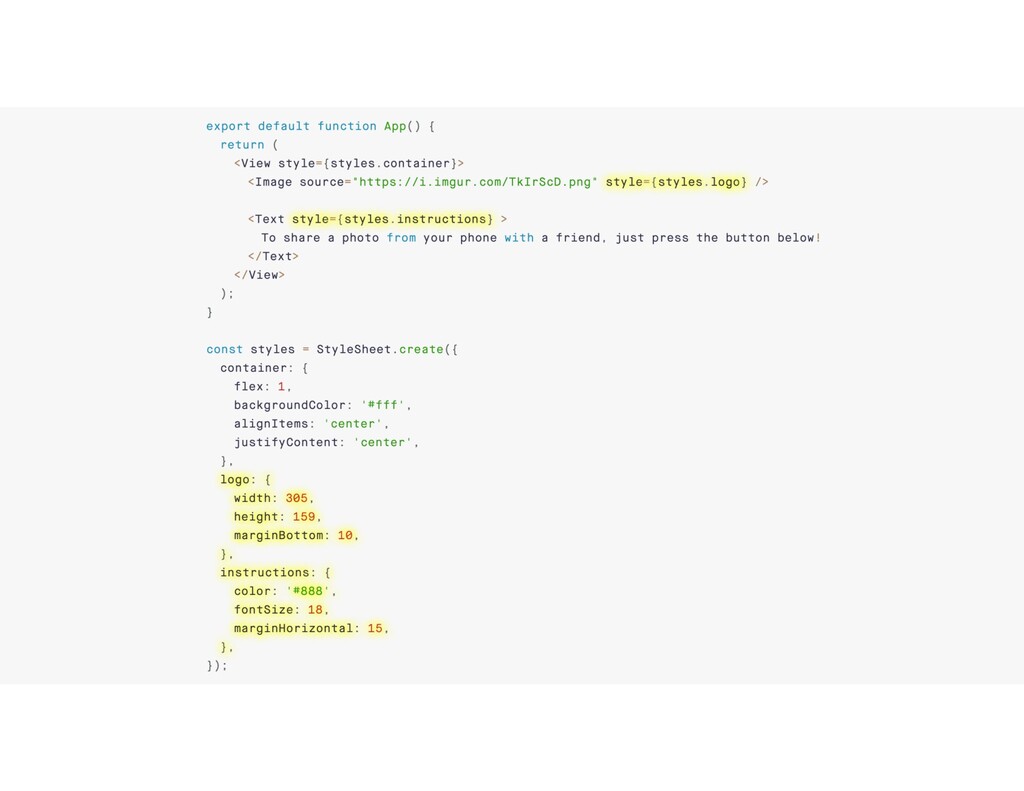
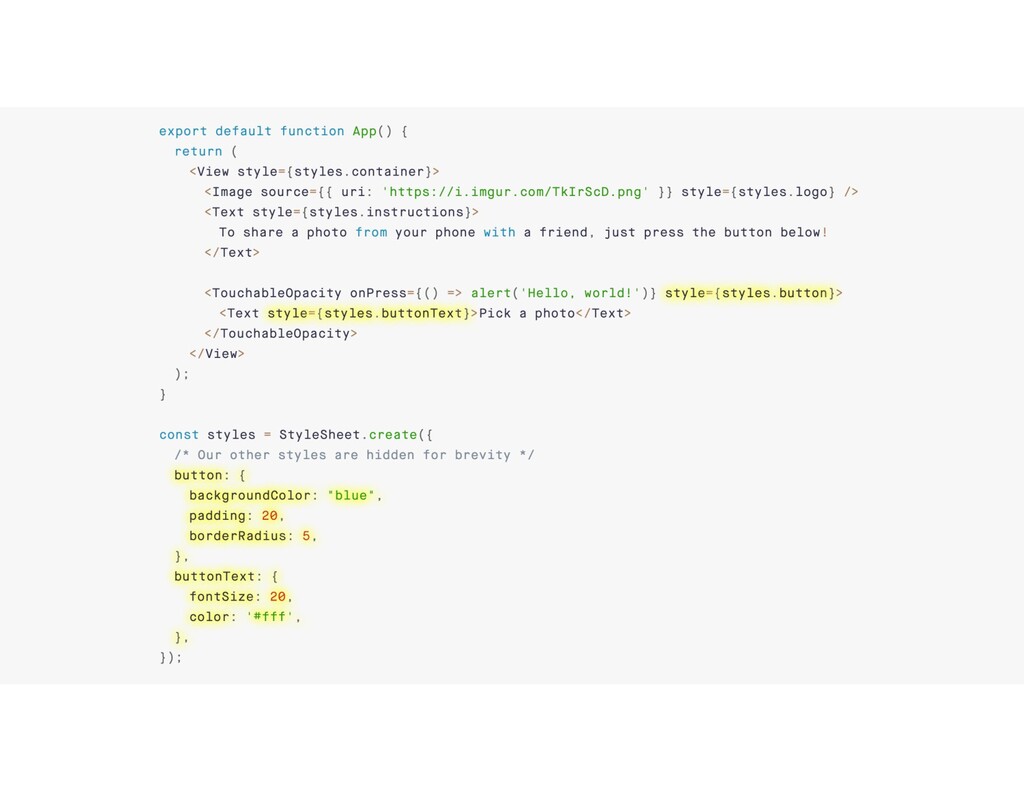
is to treat the units for numbers in styles as pixels, so you can think of 305 as equivalent to 305px. In fact, that is exactly what it compiles to for web. The same goes for font sizes, but there are no ems or rems here.
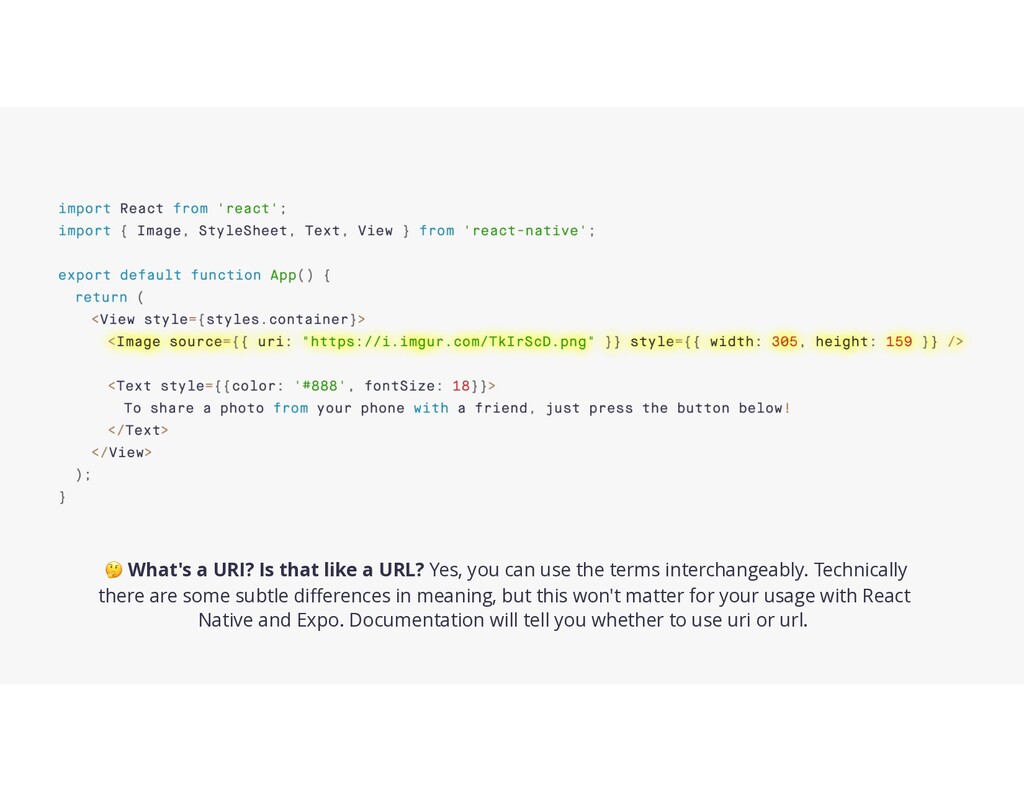
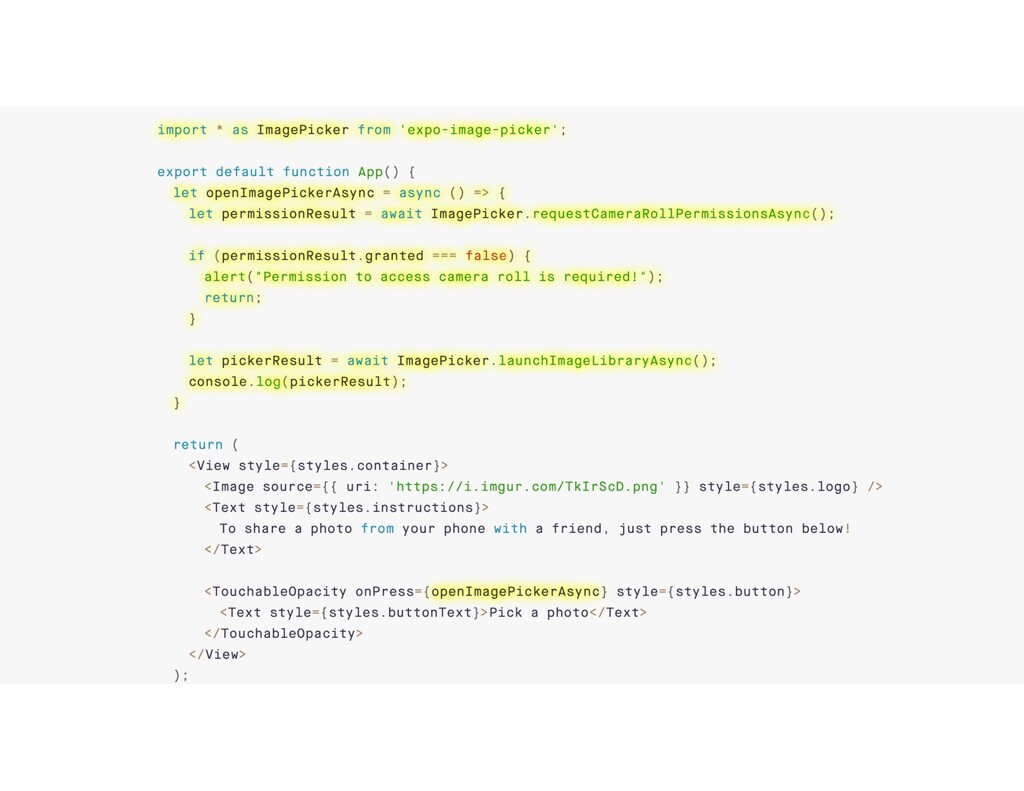
can use the terms interchangeably. Technically there are some subtle differences in meaning, but this won't matter for your usage with React Native and Expo. Documentation will tell you whether to use uri or url.
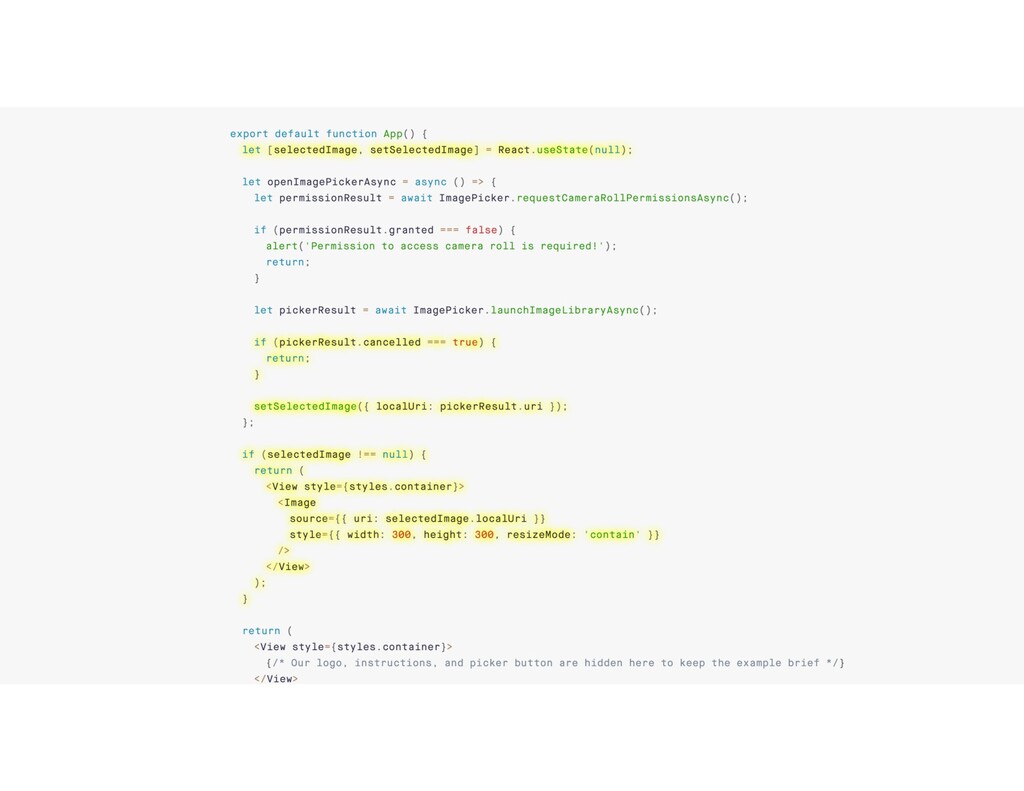
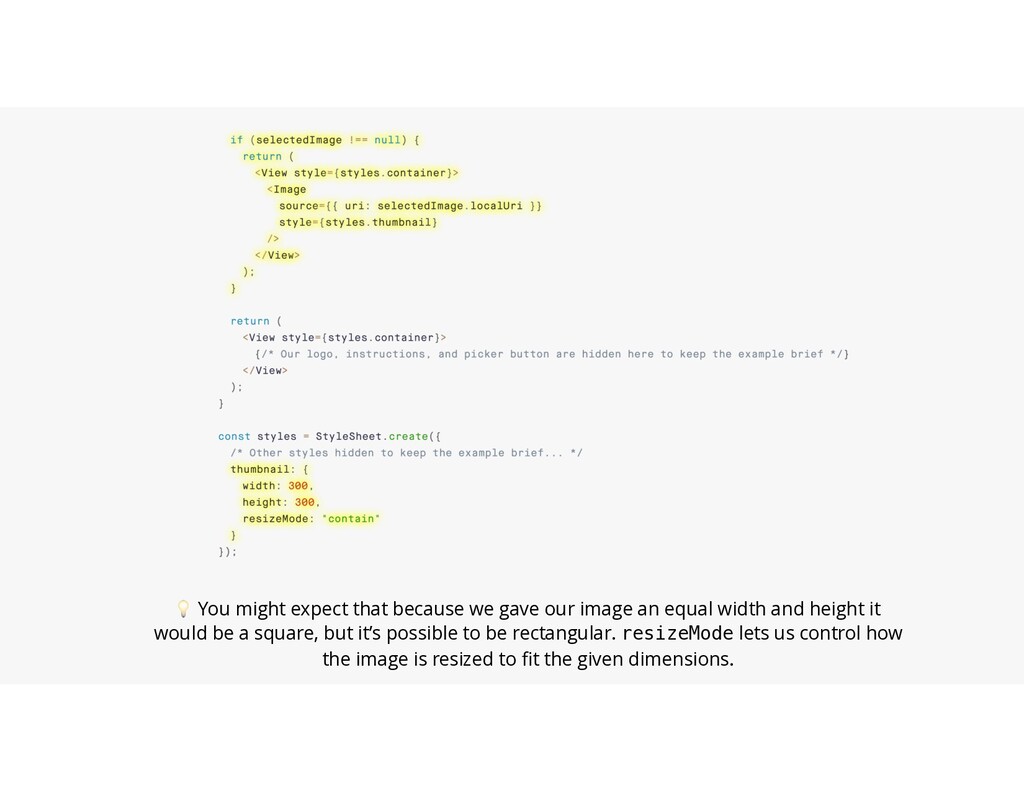
equal width and height it would be a square, but it’s possible to be rectangular. resizeMode lets us control how the image is resized to fit the given dimensions.
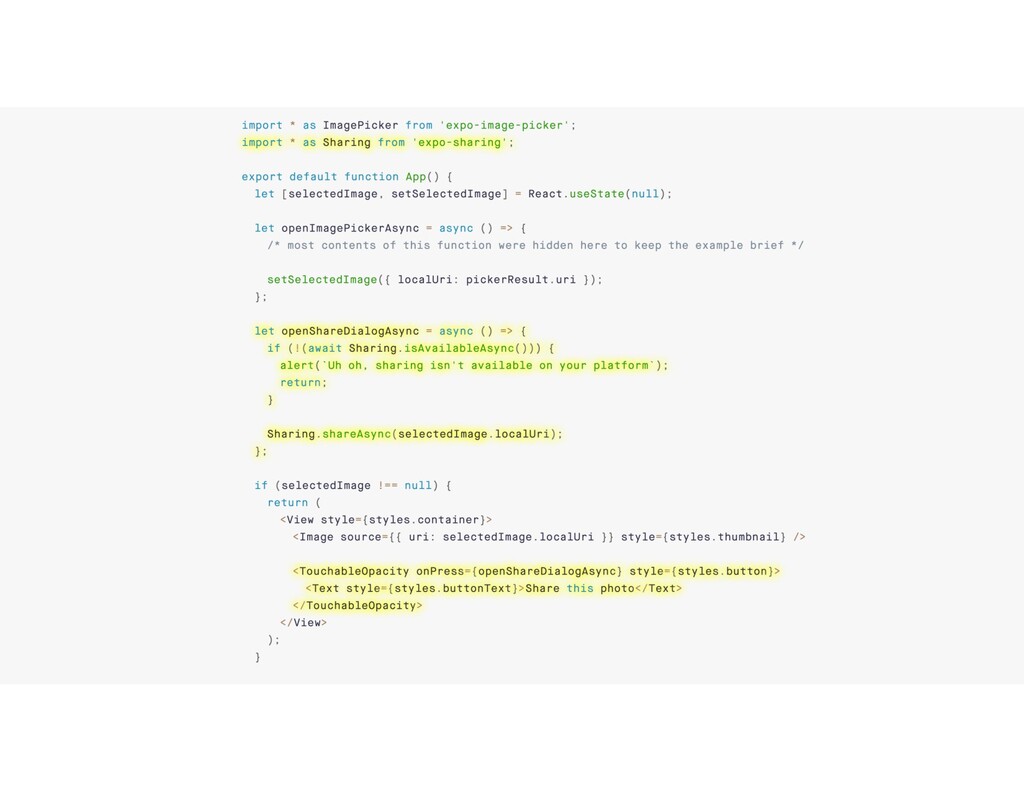
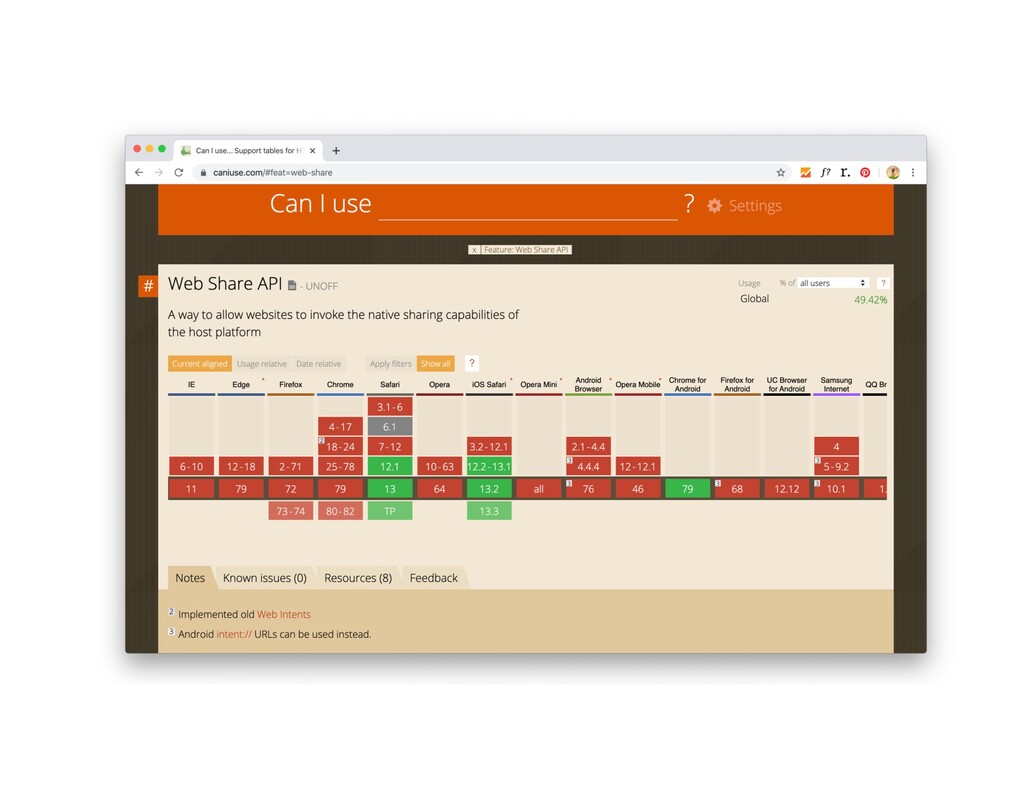
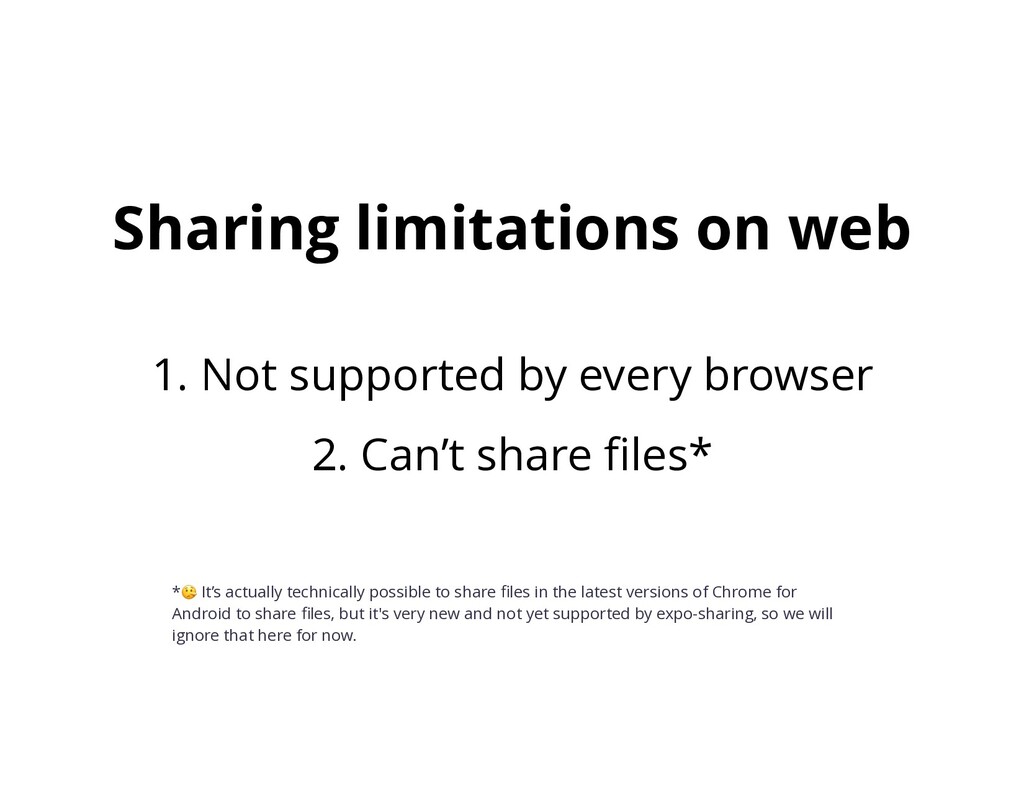
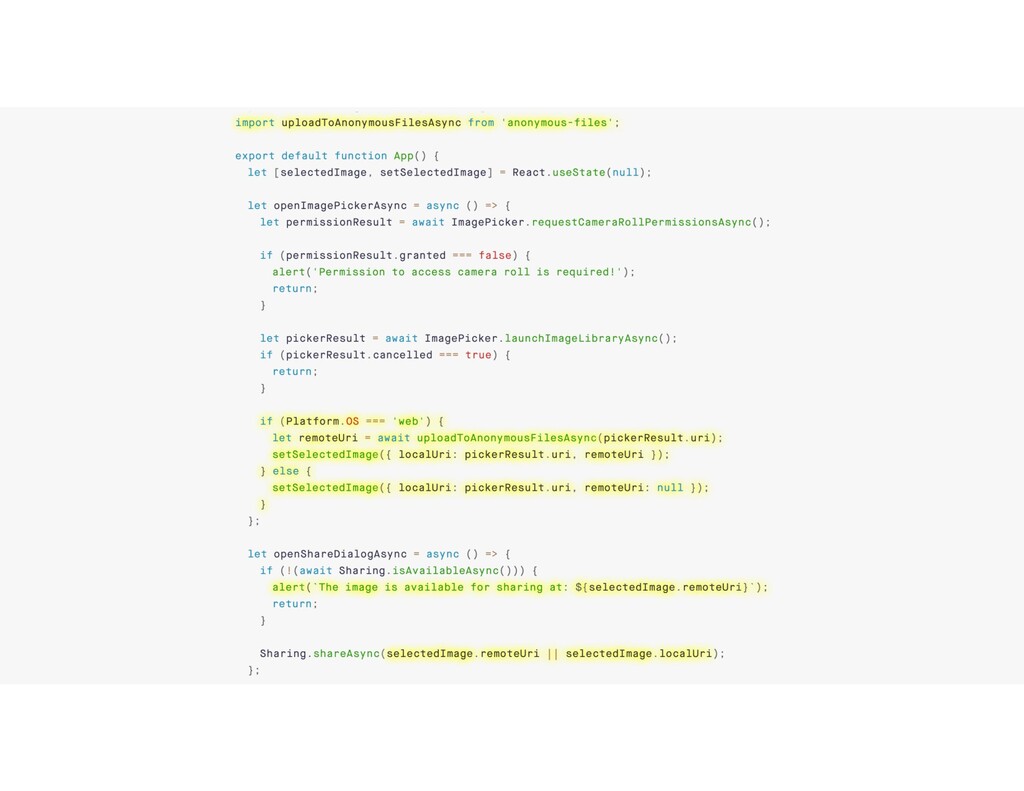
latest versions of Chrome for Android to share files, but it's very new and not yet supported by expo-sharing, so we will ignore that here for now. 1. Not supported by every browser 2. Can’t share files* Sharing limitations on web
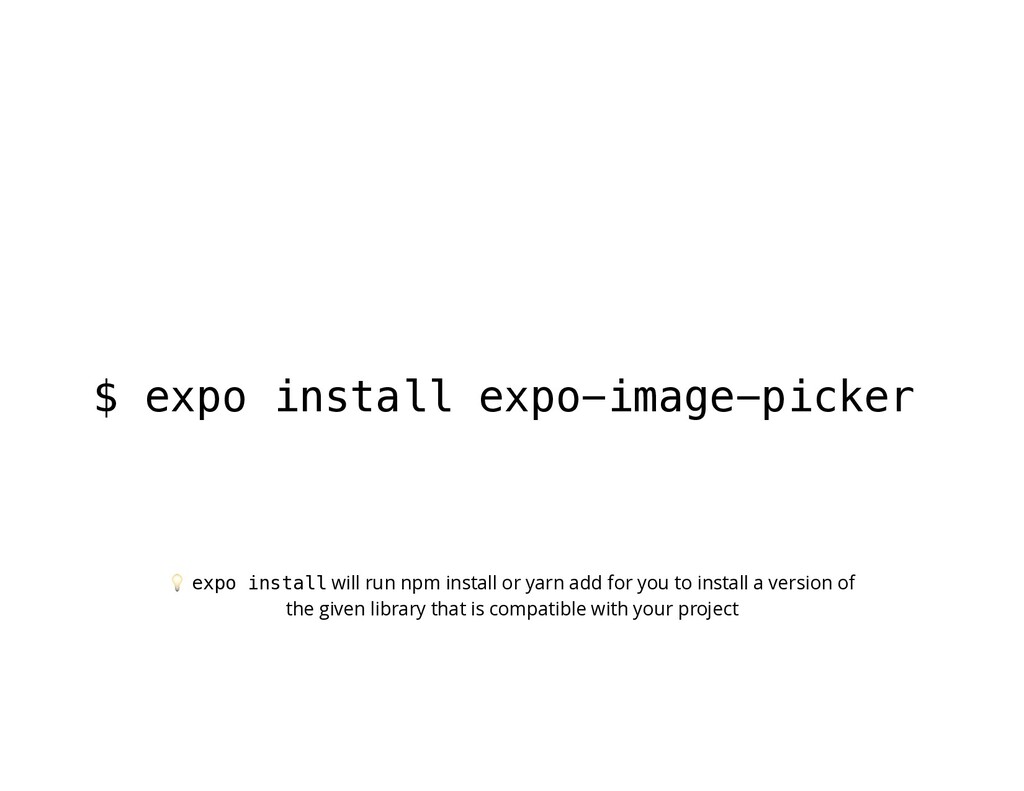
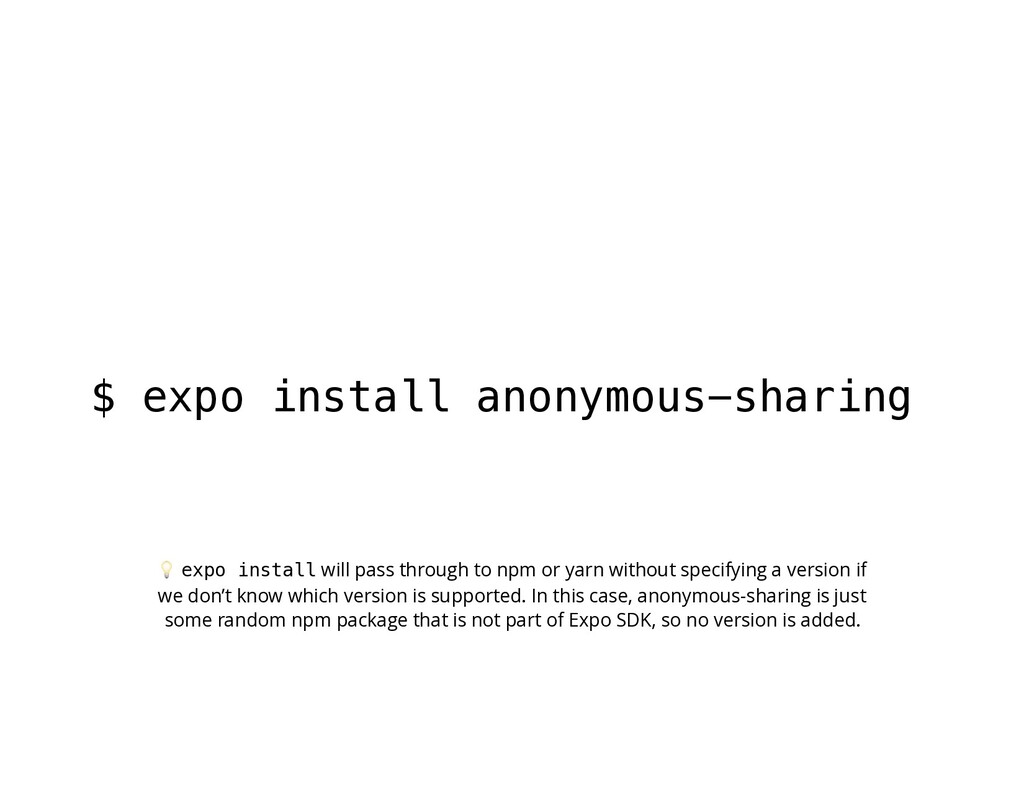
npm or yarn without specifying a version if we don’t know which version is supported. In this case, anonymous-sharing is just some random npm package that is not part of Expo SDK, so no version is added.
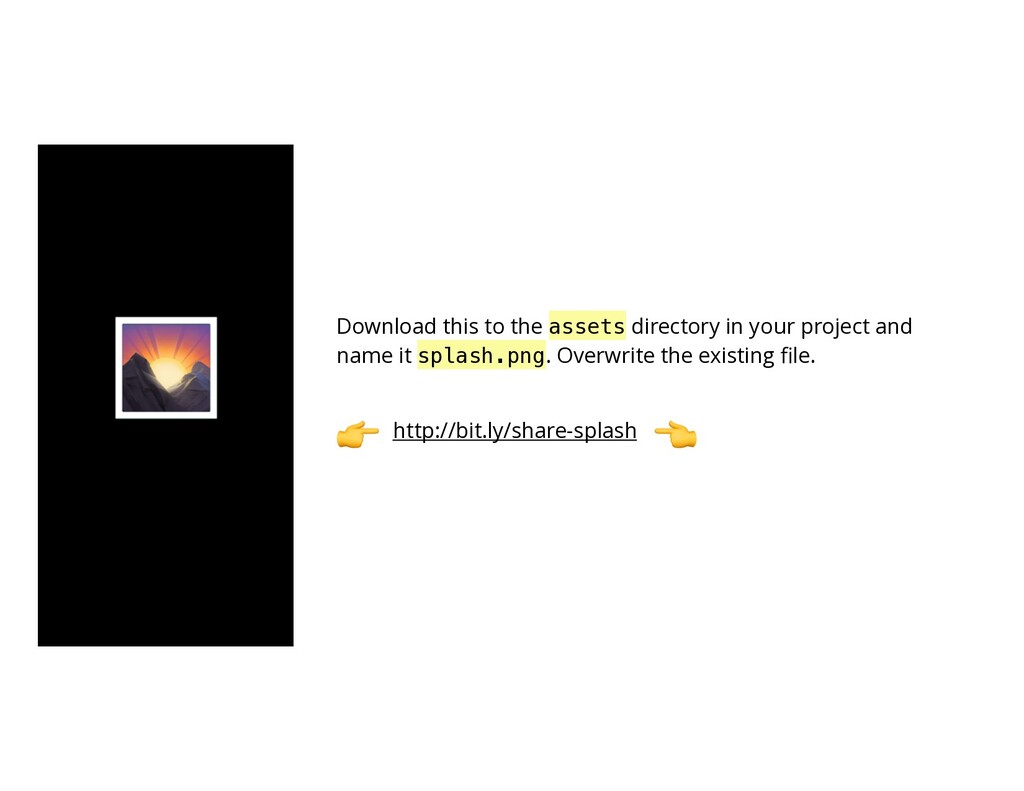
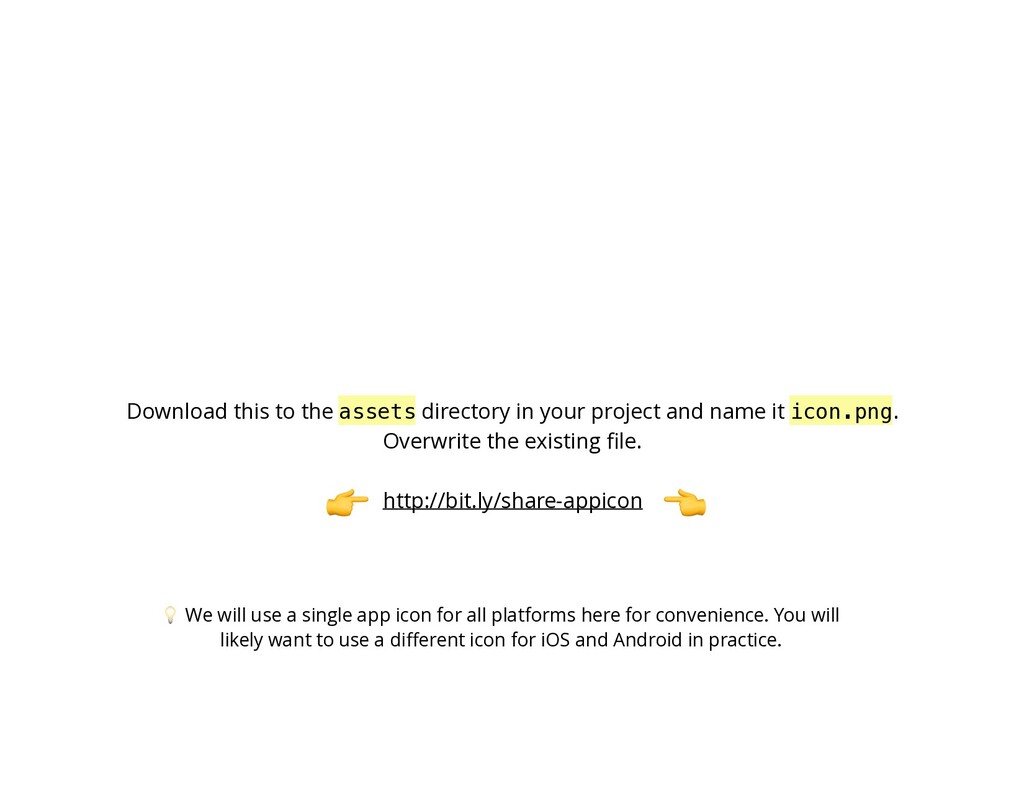
and name it icon.png. Overwrite the existing file. We will use a single app icon for all platforms here for convenience. You will likely want to use a different icon for iOS and Android in practice.


 brentvatne
 gogutan
 oikon48
 shogo4131
 mohab1
 takahashim
 pfn
pfn
 jozono
 sh_fk2
 sansantech
 gionn
gionn
 kakehashi
 satoshi7
 mongodb
 jonyablonski
 csswizardry
 productmarketing
 inesmontani
 tammyeverts
 bermonpainter
 lauravandoore
 garrettdimon
 caitiem20
 rasagy
 tanoku