Upgrade to Pro — share decks privately, control downloads, hide ads and more …

What's next for React Native and Expo

Avatar for Brent Vatne Brent Vatne
November 14, 2018

What's next for React Native and Expo

Avatar for Brent Vatne

Brent Vatne

November 14, 2018

More Decks by Brent Vatne

Other Decks in Technology

Transcript

  1. ☀

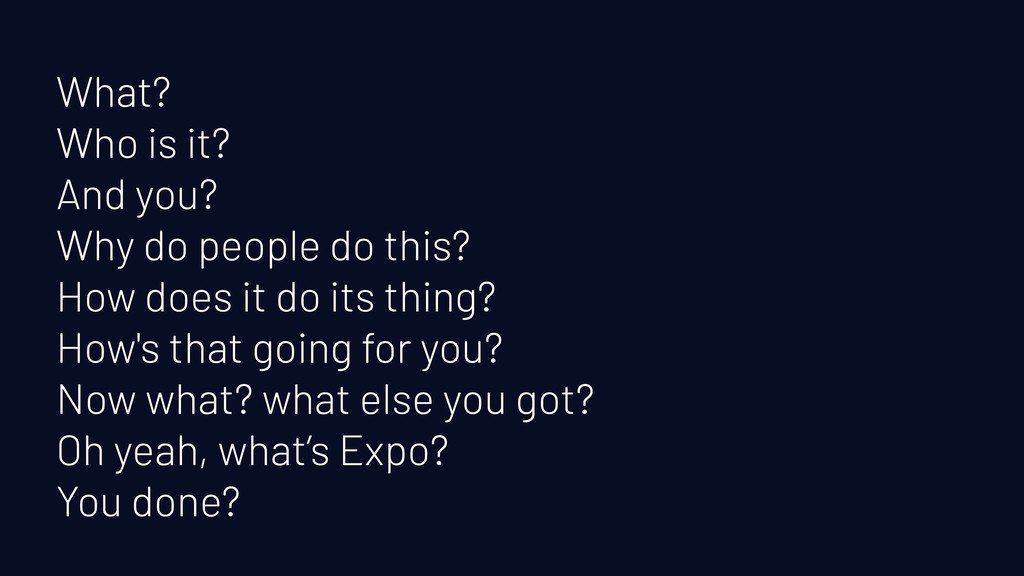
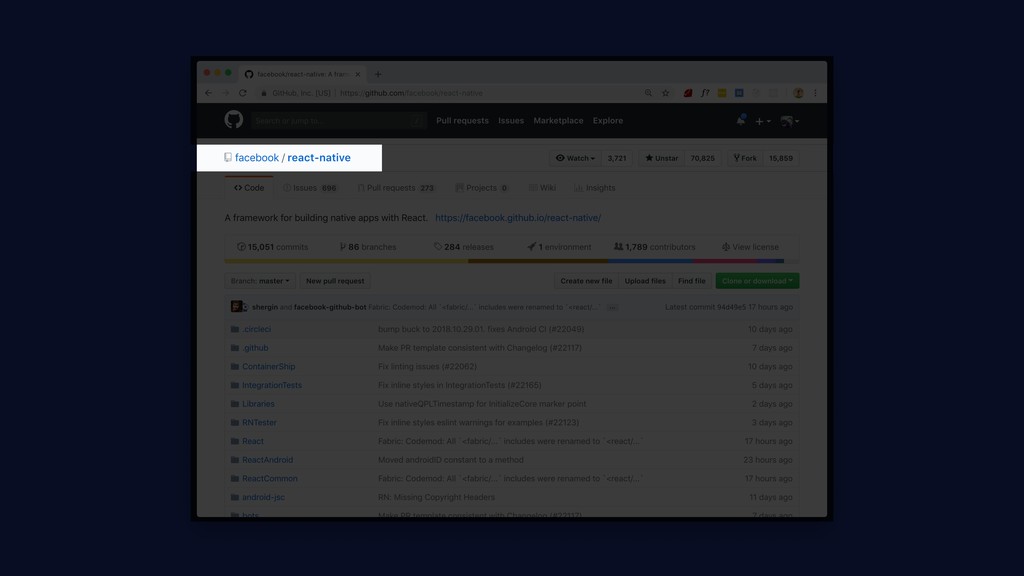
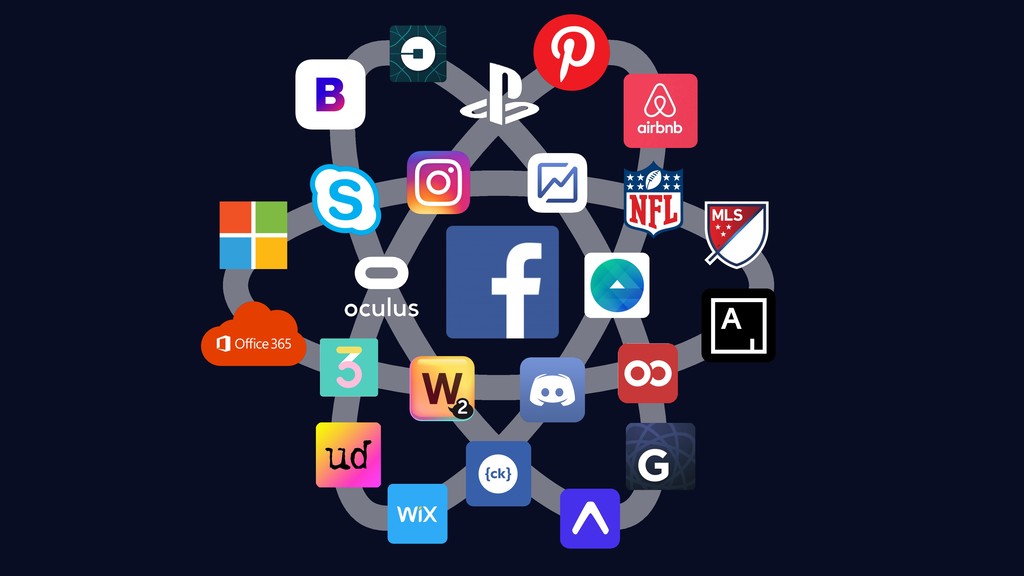
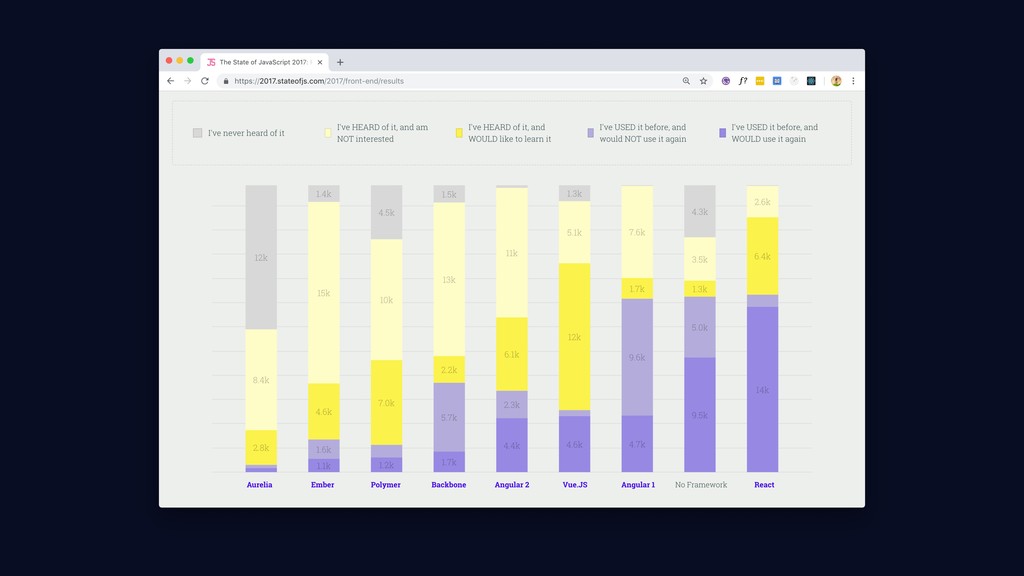
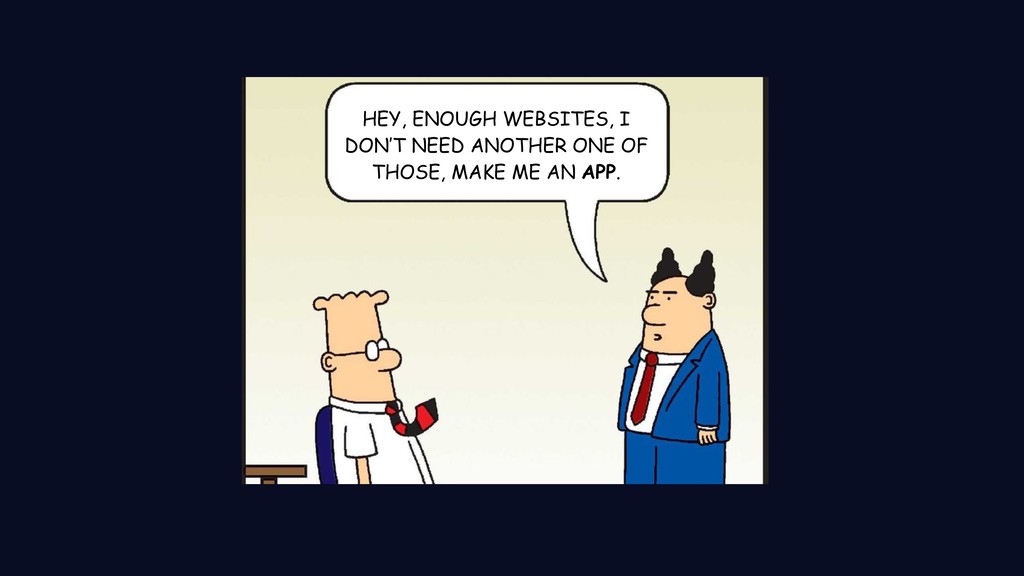
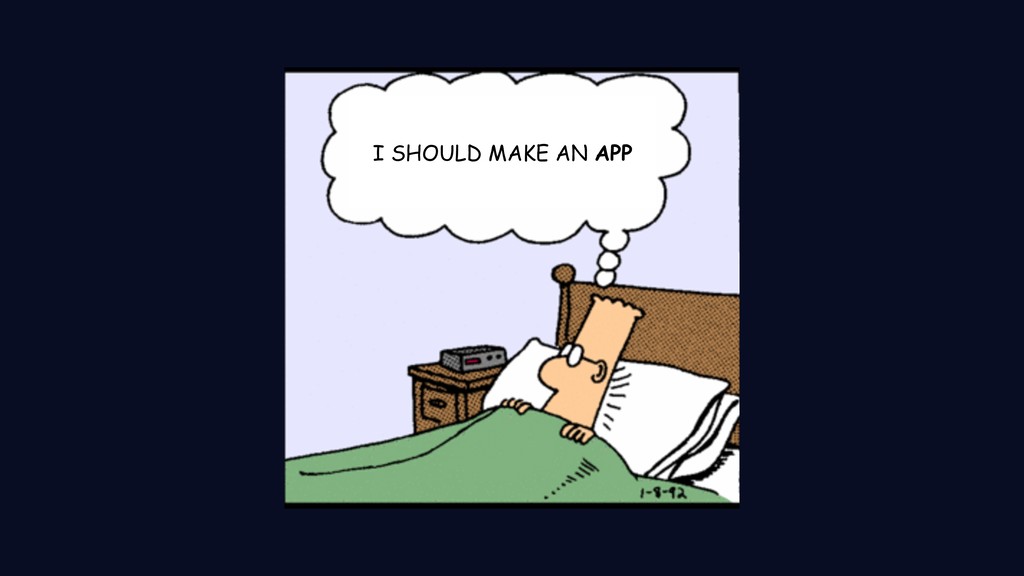
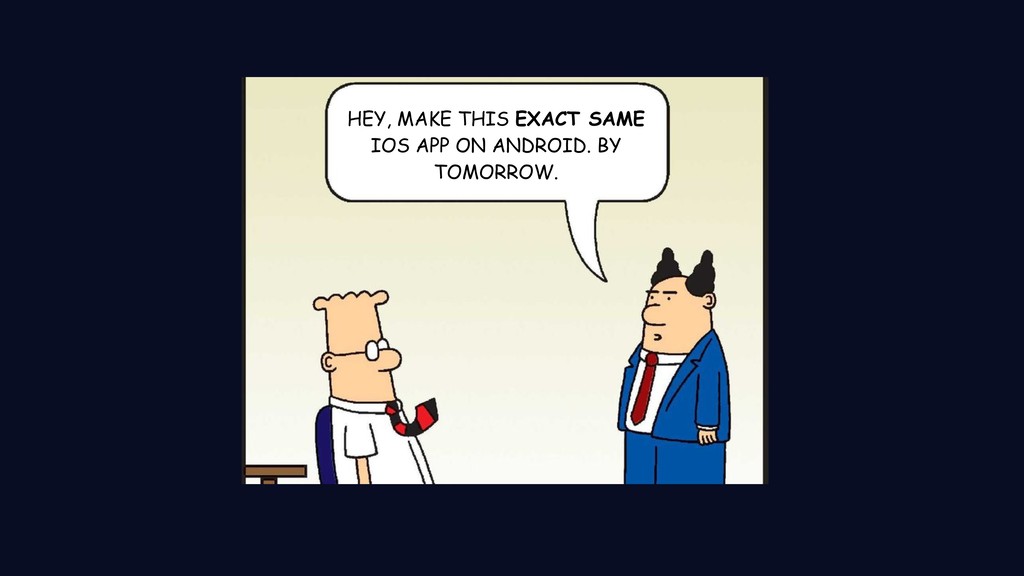
  2. What? Who is it? And you? Why do people do

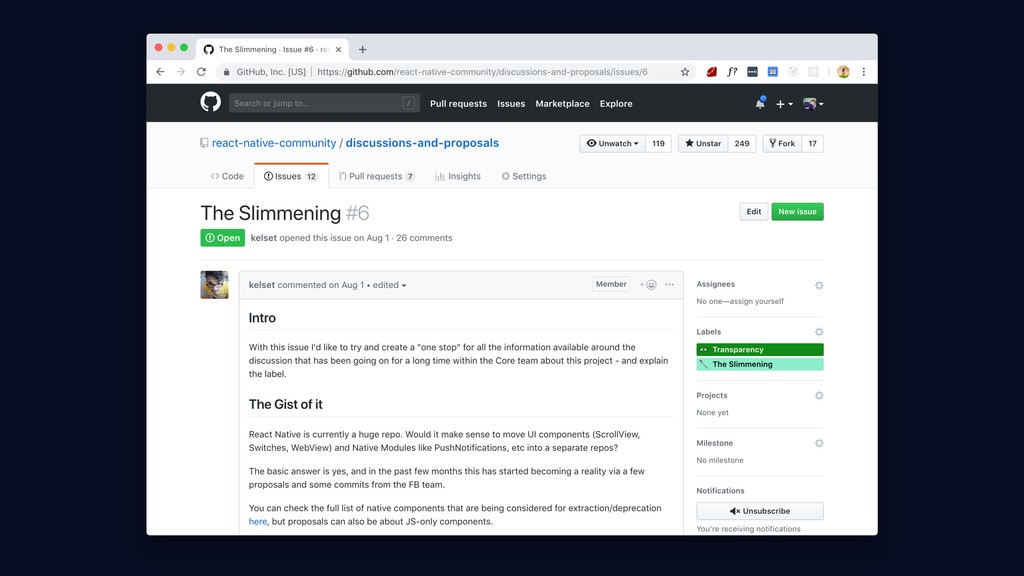
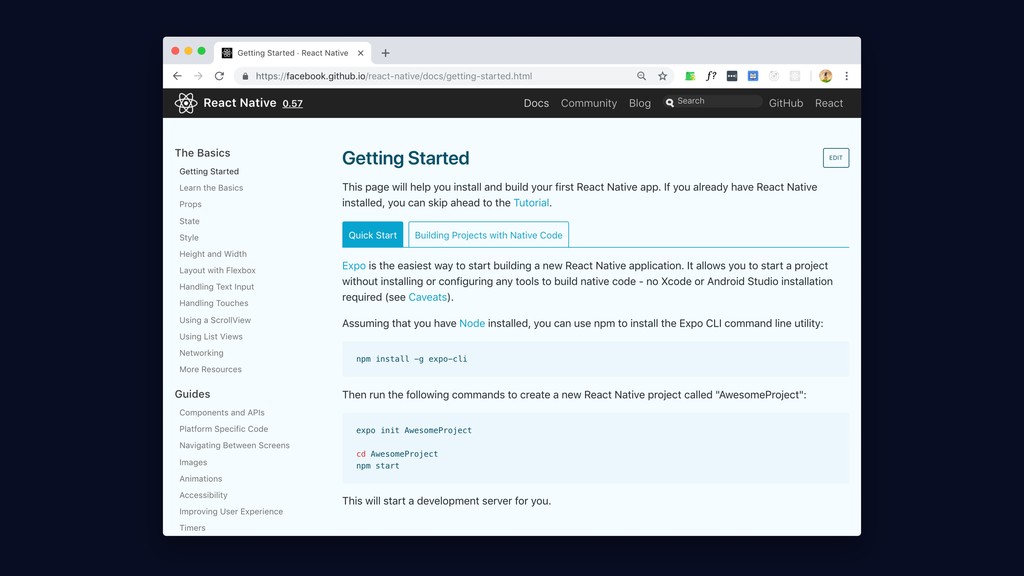
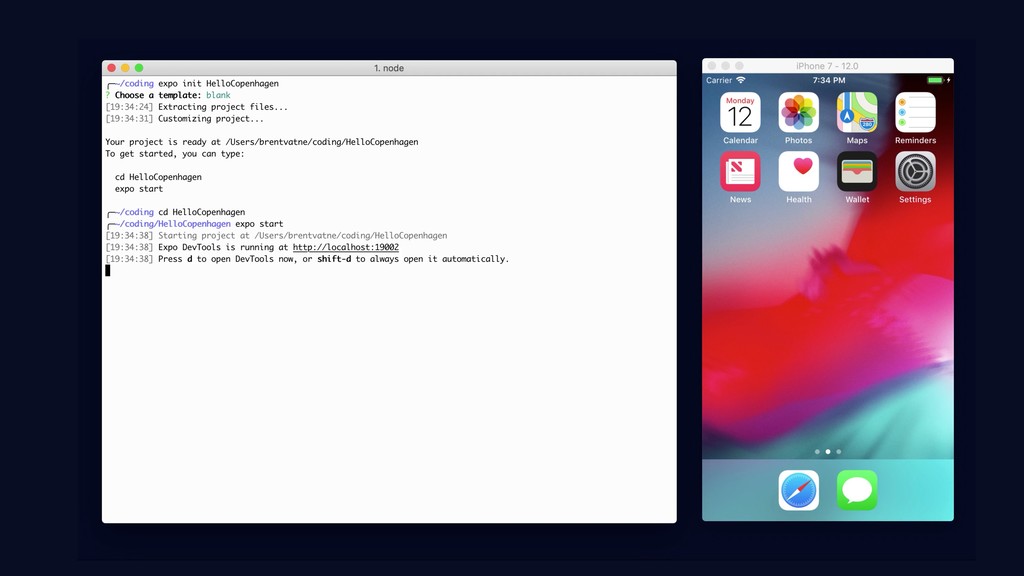
    this? How does it do its thing? How's that going for you? Now what? what else you got? Oh yeah, what’s Expo? You done?
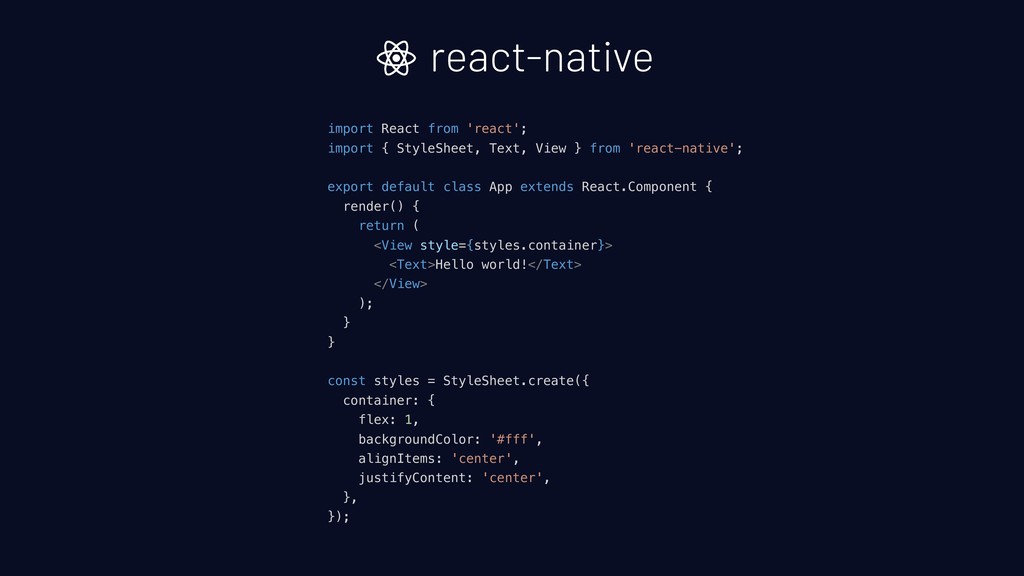
  3. import React from 'react'; import { StyleSheet, Text, View }

    from 'react-native'; export default class App extends React.Component { render() { return ( <View style={styles.container}> <Text>Hello world!</Text> </View> ); } } const styles = StyleSheet.create({ container: { flex: 1, backgroundColor: '#fff', alignItems: 'center', justifyContent: 'center', }, }); react-native
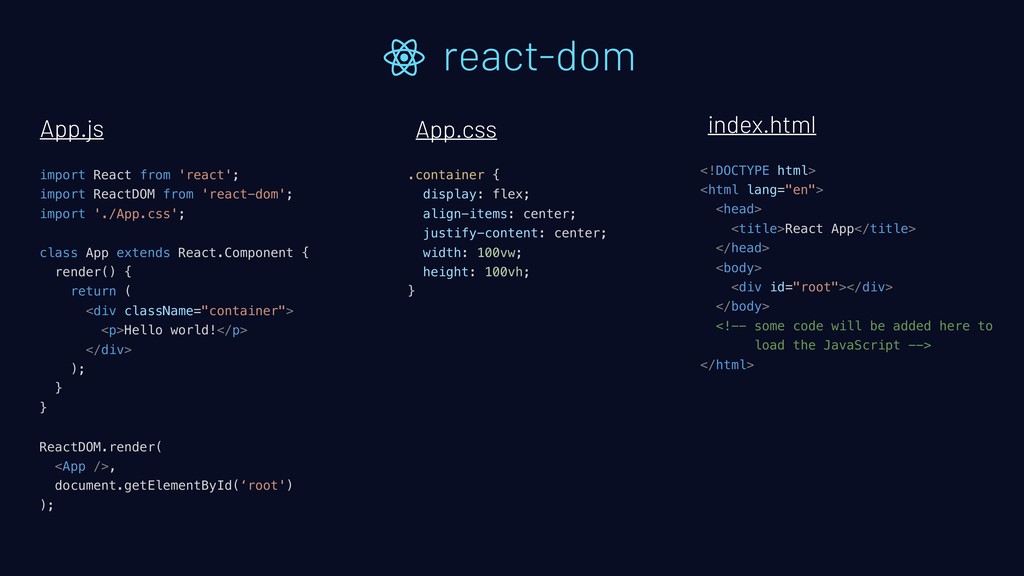
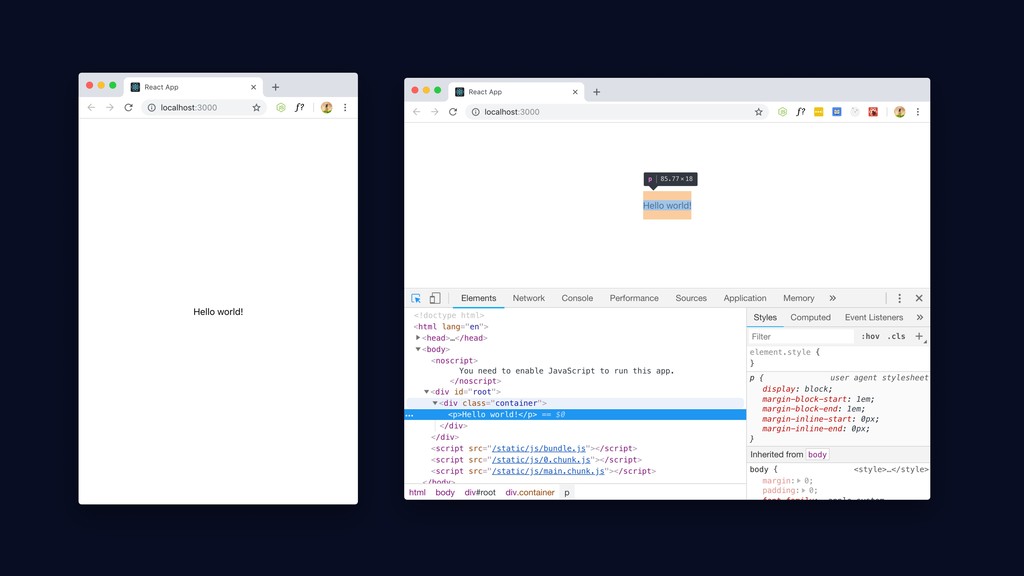
  4. import React from 'react'; import ReactDOM from 'react-dom'; import './App.css';

    class App extends React.Component { render() { return ( <div className="container"> <p>Hello world!</p> </div> ); } } ReactDOM.render( <App />, document.getElementById(‘root') ); react-dom App.js App.css index.html .container { display: flex; align-items: center; justify-content: center; width: 100vw; height: 100vh; } <!DOCTYPE html> <html lang="en"> <head> <title>React App</title> </head> <body> <div id="root"></div> </body> <!-- some code will be added here to load the JavaScript --> </html>
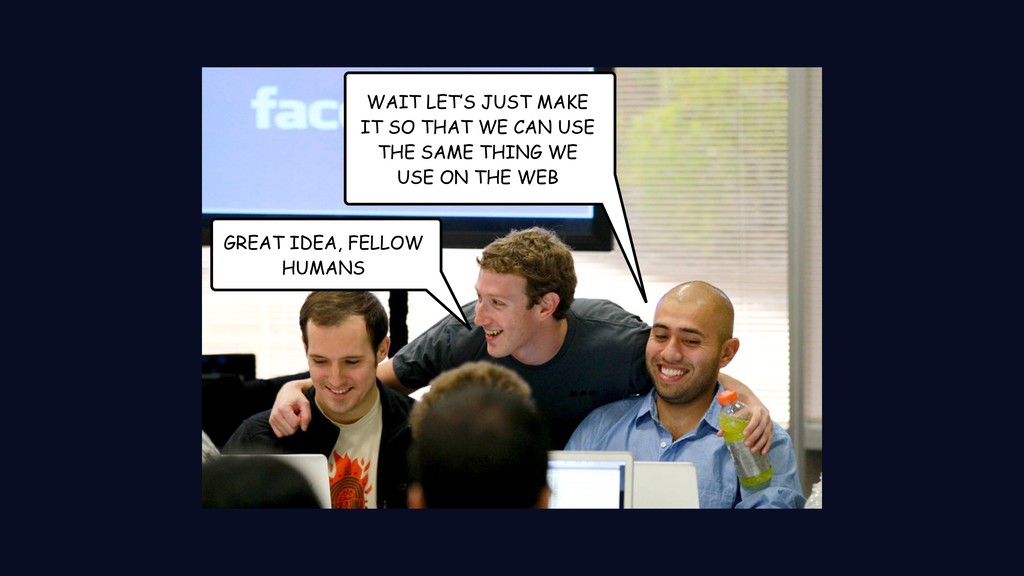
  5. WAIT LET’S JUST MAKE IT SO THAT WE CAN USE

    THE SAME THING WE USE ON THE WEB GREAT IDEA, FELLOW HUMANS
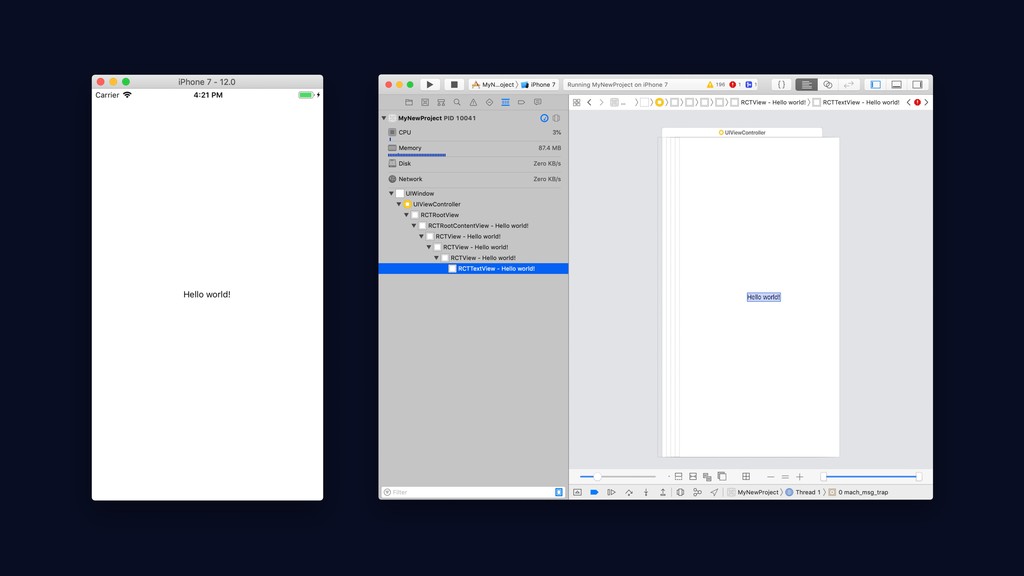
  6. “What you get out of React Native is not the

    same as a website - the things on the screen that you see and touch are the same things that you would get if you made it with the tools for iOS, Android, or Windows” - me, if I didn't fumble the line, a few minutes ago.
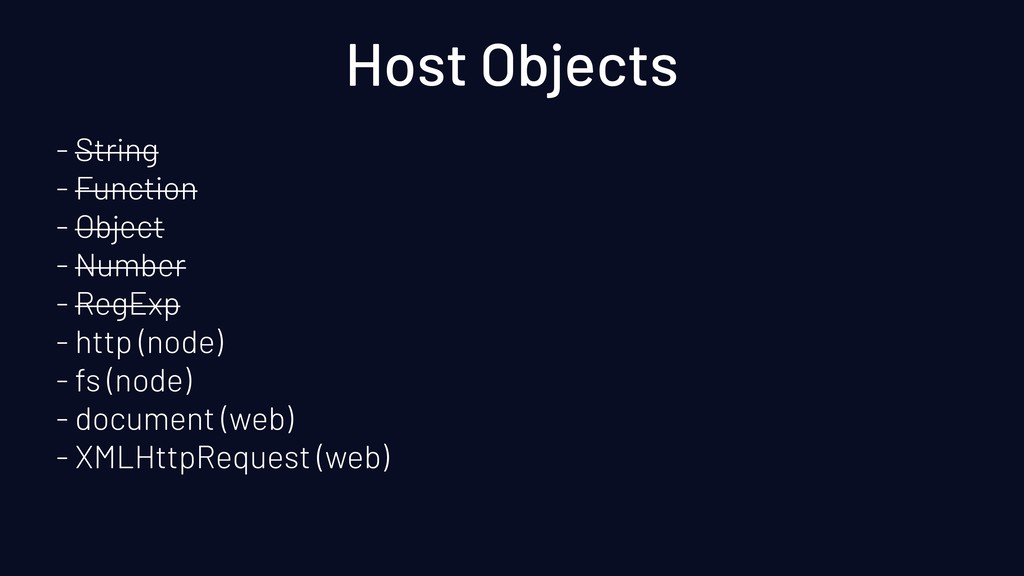
  7. Host Objects - String - Function - Object - Number

    - RegExp - http (node) - fs (node) - document (web) - XMLHttpRequest (web)
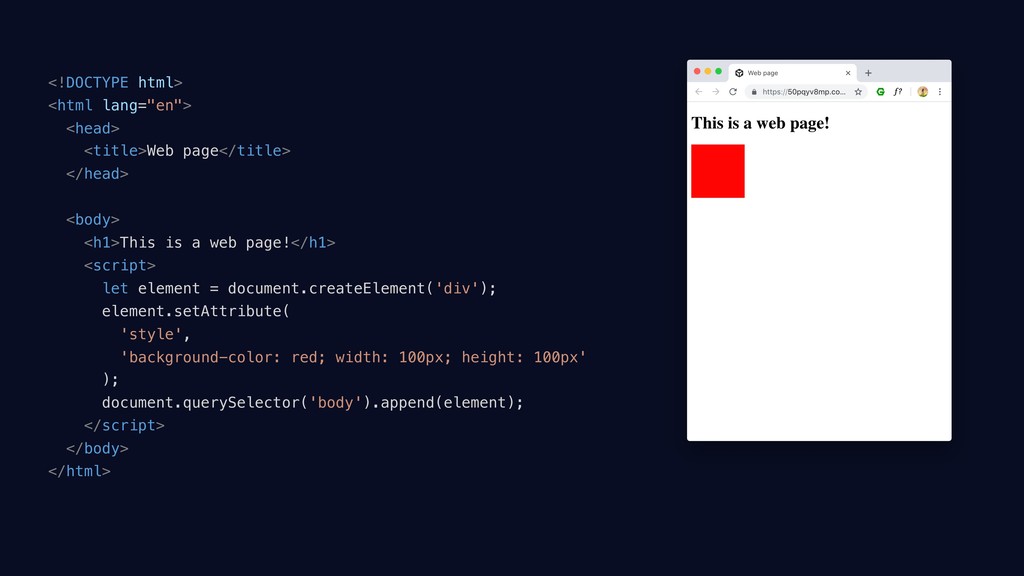
  8. <!DOCTYPE html> <html lang="en"> <head> <title>Web page</title> </head> <body> <h1>This

    is a web page!</h1> <script> let element = document.createElement('div'); element.setAttribute( 'style', 'background-color: red; width: 100px; height: 100px' ); document.querySelector('body').append(element); </script> </body> </html>
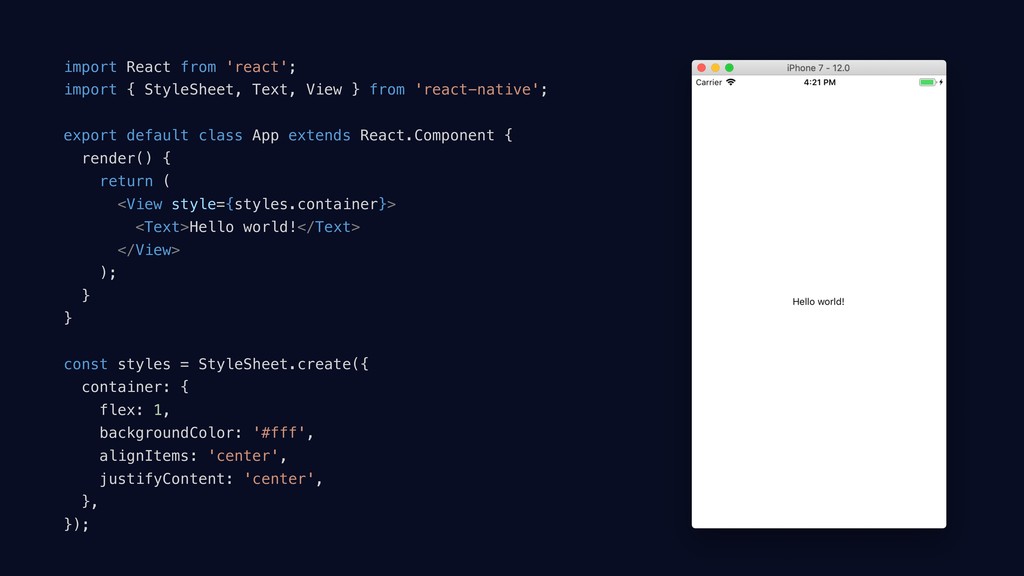
  9. import React from 'react'; import { StyleSheet, Text, View }

    from 'react-native'; export default class App extends React.Component { render() { return ( <View style={styles.container}> <Text>Hello world!</Text> </View> ); } } const styles = StyleSheet.create({ container: { flex: 1, backgroundColor: '#fff', alignItems: 'center', justifyContent: 'center', }, });
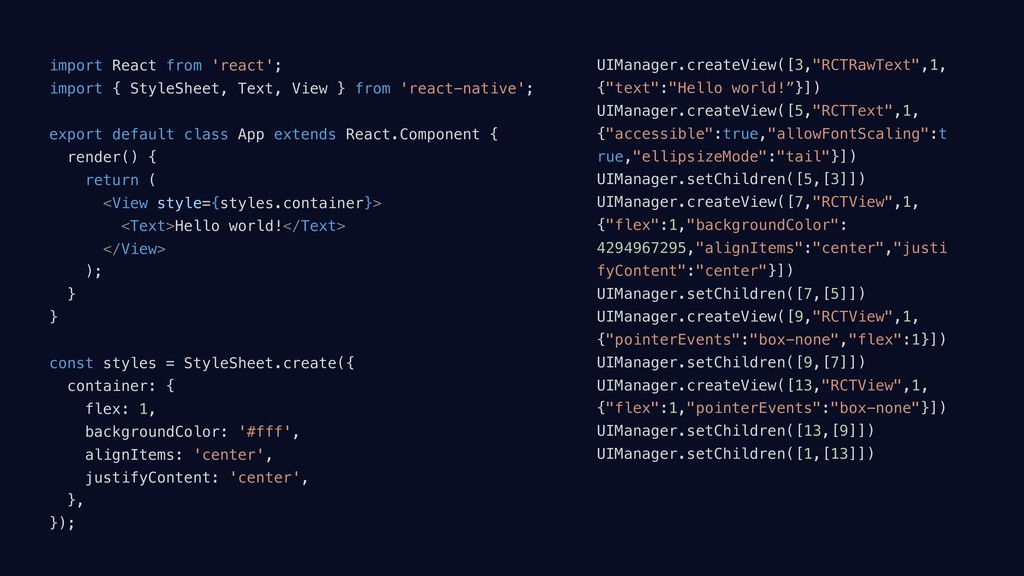
  10. import React from 'react'; import { StyleSheet, Text, View }

    from 'react-native'; export default class App extends React.Component { render() { return ( <View style={styles.container}> <Text>Hello world!</Text> </View> ); } } const styles = StyleSheet.create({ container: { flex: 1, backgroundColor: '#fff', alignItems: 'center', justifyContent: 'center', }, }); UIManager.createView([3,"RCTRawText",1, {"text":"Hello world!”}]) UIManager.createView([5,"RCTText",1, {"accessible":true,"allowFontScaling":t rue,"ellipsizeMode":"tail"}]) UIManager.setChildren([5,[3]]) UIManager.createView([7,"RCTView",1, {"flex":1,"backgroundColor": 4294967295,"alignItems":"center","justi fyContent":"center"}]) UIManager.setChildren([7,[5]]) UIManager.createView([9,"RCTView",1, {"pointerEvents":"box-none","flex":1}]) UIManager.setChildren([9,[7]]) UIManager.createView([13,"RCTView",1, {"flex":1,"pointerEvents":"box-none"}]) UIManager.setChildren([13,[9]]) UIManager.setChildren([1,[13]])
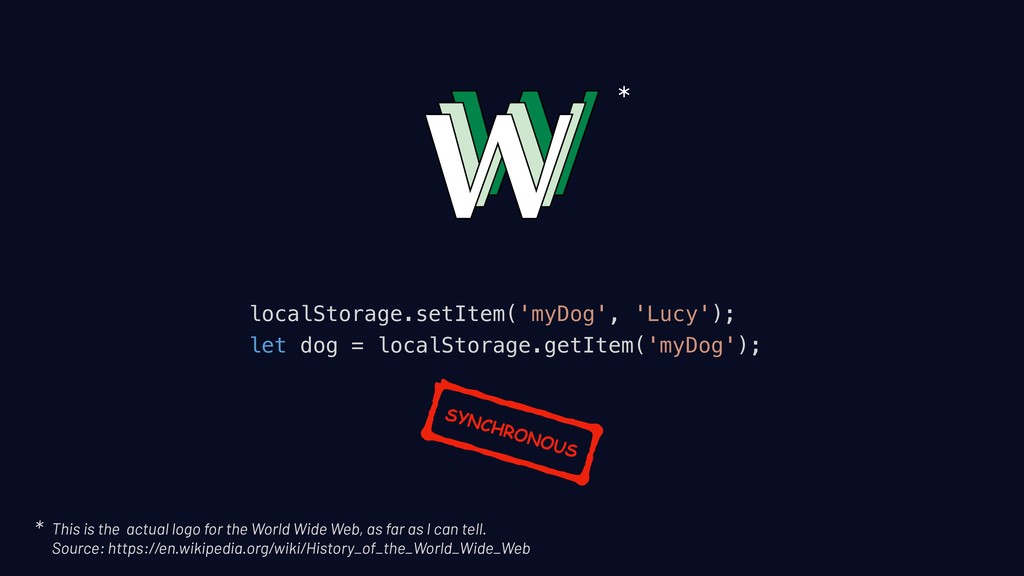
  11. localStorage.setItem('myDog', 'Lucy'); let dog = localStorage.getItem('myDog'); * This is the

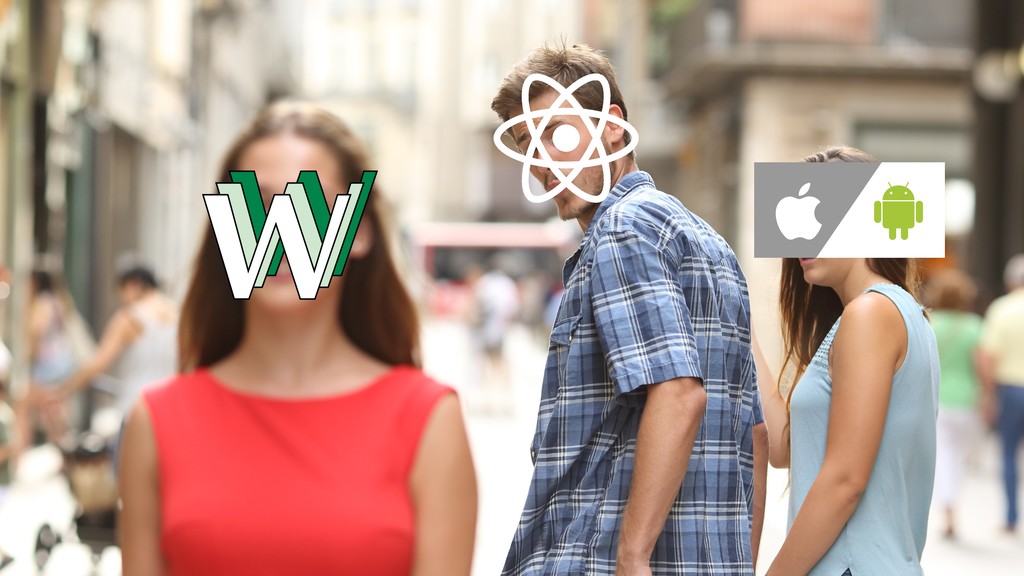
    actual logo for the World Wide Web, as far as I can tell.
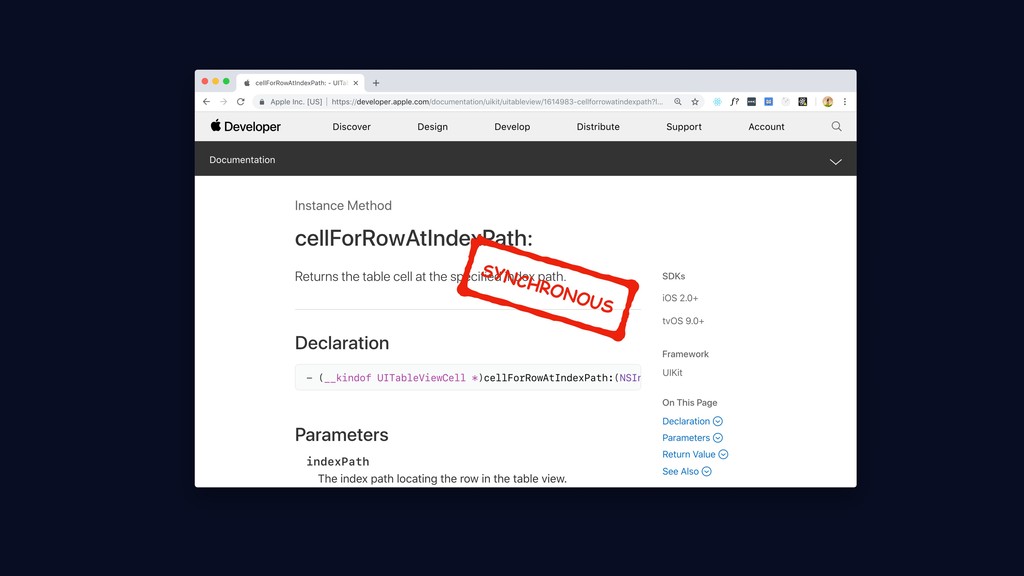
 Source: https://en.wikipedia.org/wiki/History_of_the_World_Wide_Web * SYNCHRONOUS
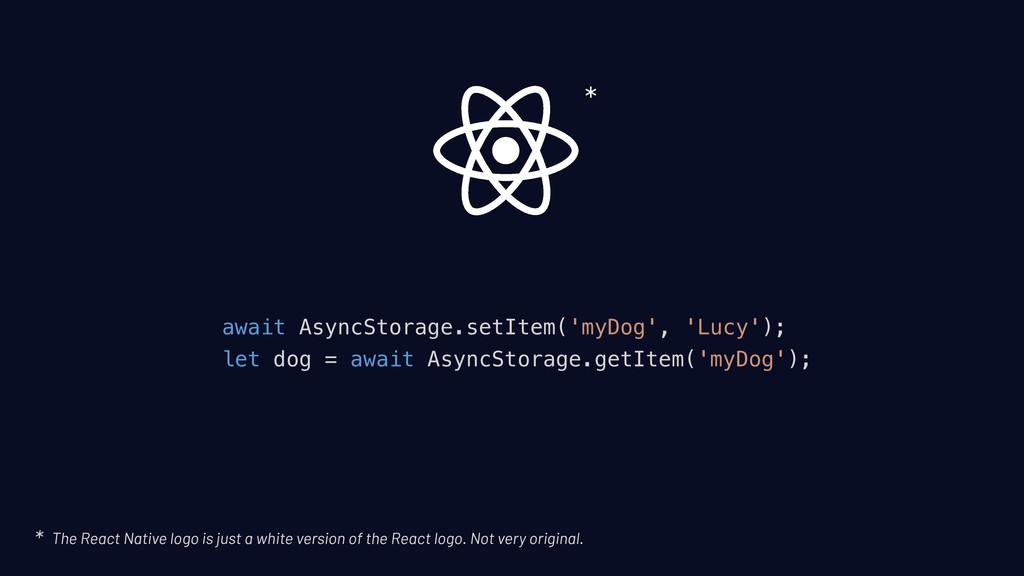
  12. await AsyncStorage.setItem('myDog', 'Lucy'); let dog = await AsyncStorage.getItem('myDog'); * The

    React Native logo is just a white version of the React logo. Not very original. *
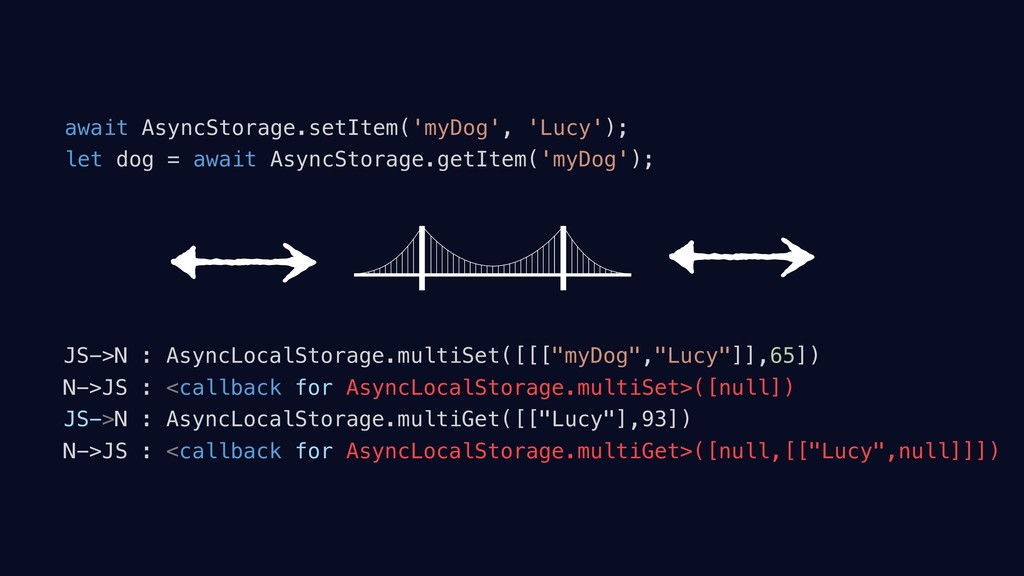
  13. await AsyncStorage.setItem('myDog', 'Lucy'); let dog = await AsyncStorage.getItem('myDog'); JS->N :

    AsyncLocalStorage.multiSet([[["myDog","Lucy"]],65]) N->JS : <callback for AsyncLocalStorage.multiSet>([null]) JS->N : AsyncLocalStorage.multiGet([["Lucy"],93]) N->JS : <callback for AsyncLocalStorage.multiGet>([null,[["Lucy",null]]])
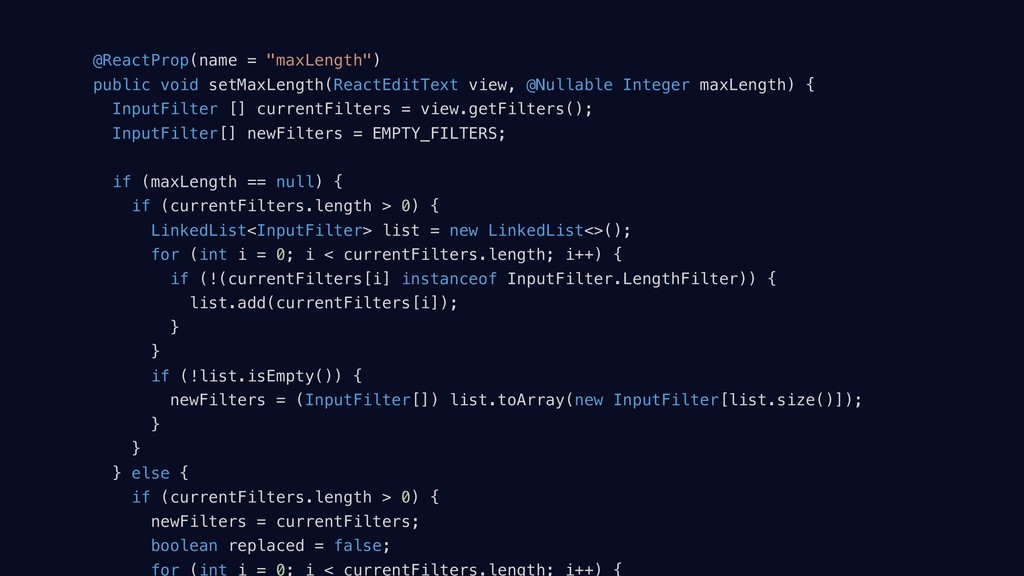
  14. @ReactProp(name = "maxLength") public void setMaxLength(ReactEditText view, @Nullable Integer maxLength)

    { InputFilter [] currentFilters = view.getFilters(); InputFilter[] newFilters = EMPTY_FILTERS; if (maxLength == null) { if (currentFilters.length > 0) { LinkedList<InputFilter> list = new LinkedList<>(); for (int i = 0; i < currentFilters.length; i++) { if (!(currentFilters[i] instanceof InputFilter.LengthFilter)) { list.add(currentFilters[i]); } } if (!list.isEmpty()) { newFilters = (InputFilter[]) list.toArray(new InputFilter[list.size()]); } } } else { if (currentFilters.length > 0) { newFilters = currentFilters; boolean replaced = false; for (int i = 0; i < currentFilters.length; i++) {
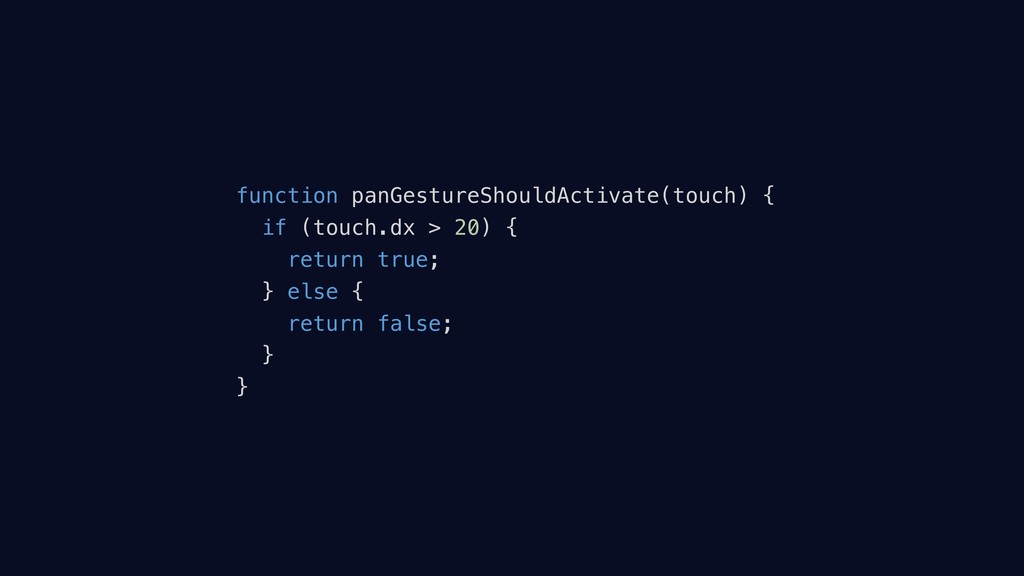
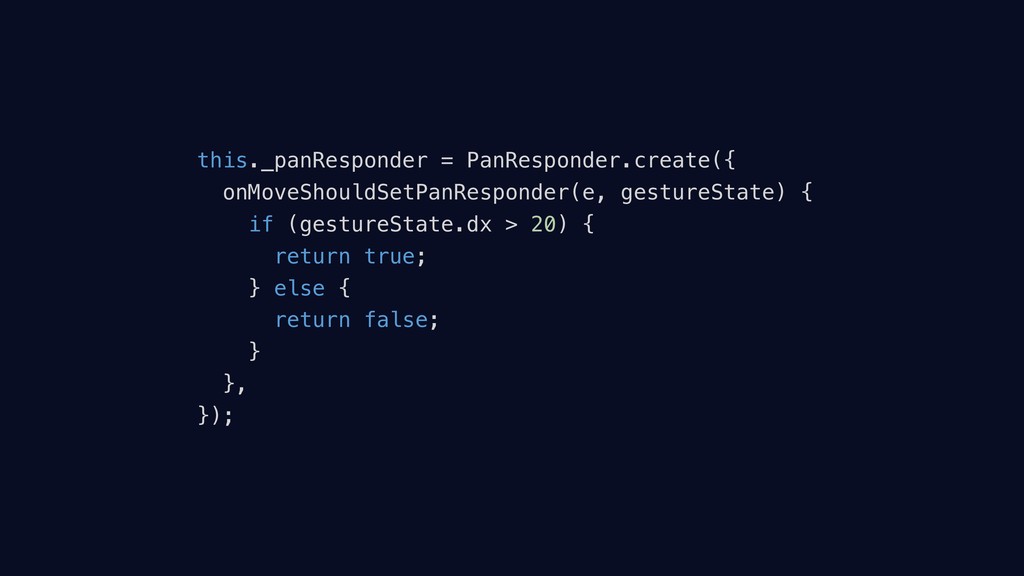
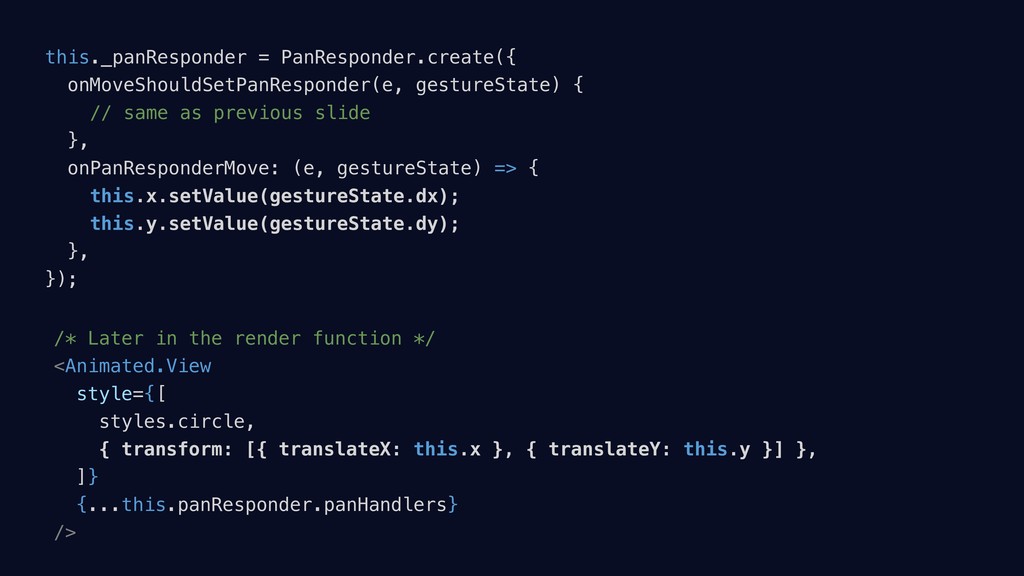
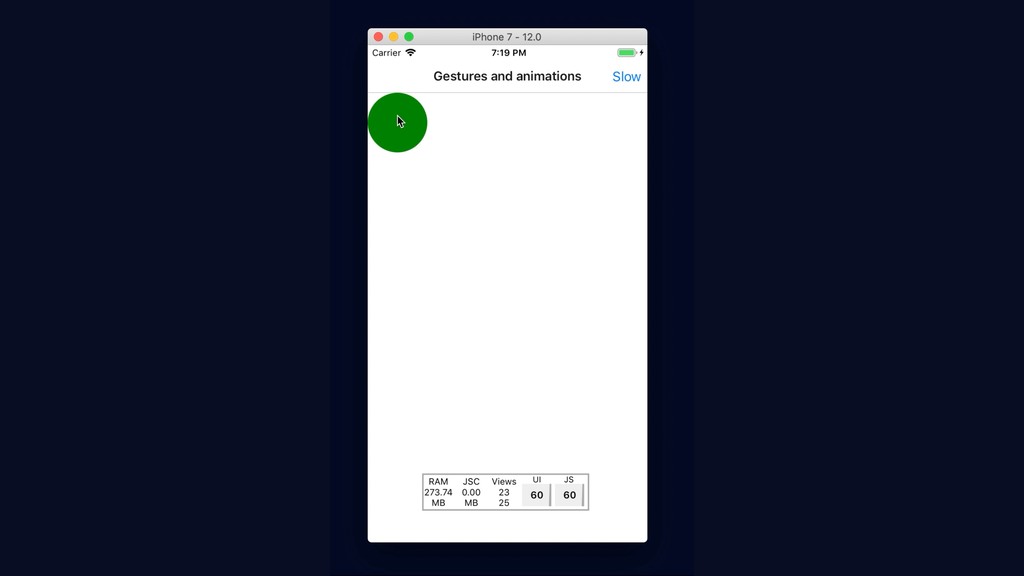
  15. this._panResponder = PanResponder.create({ onMoveShouldSetPanResponder(e, gestureState) { // same as previous

    slide }, onPanResponderMove: (e, gestureState) => { this.x.setValue(gestureState.dx); this.y.setValue(gestureState.dy); }, }); /* Later in the render function */ <Animated.View style={[ styles.circle, { transform: [{ translateX: this.x }, { translateY: this.y }] }, ]} {...this.panResponder.panHandlers} />
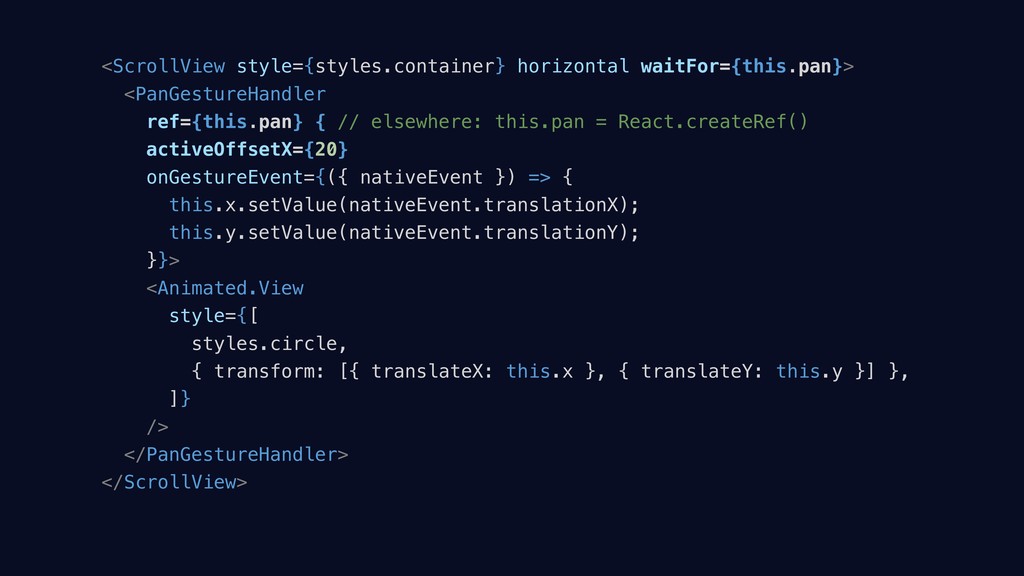
  16. <ScrollView style={styles.container} horizontal waitFor={this.pan}> <PanGestureHandler ref={this.pan} { // elsewhere: this.pan

    = React.createRef() activeOffsetX={20} onGestureEvent={({ nativeEvent }) => { this.x.setValue(nativeEvent.translationX); this.y.setValue(nativeEvent.translationY); }}> <Animated.View style={[ styles.circle, { transform: [{ translateX: this.x }, { translateY: this.y }] }, ]} /> </PanGestureHandler> </ScrollView>
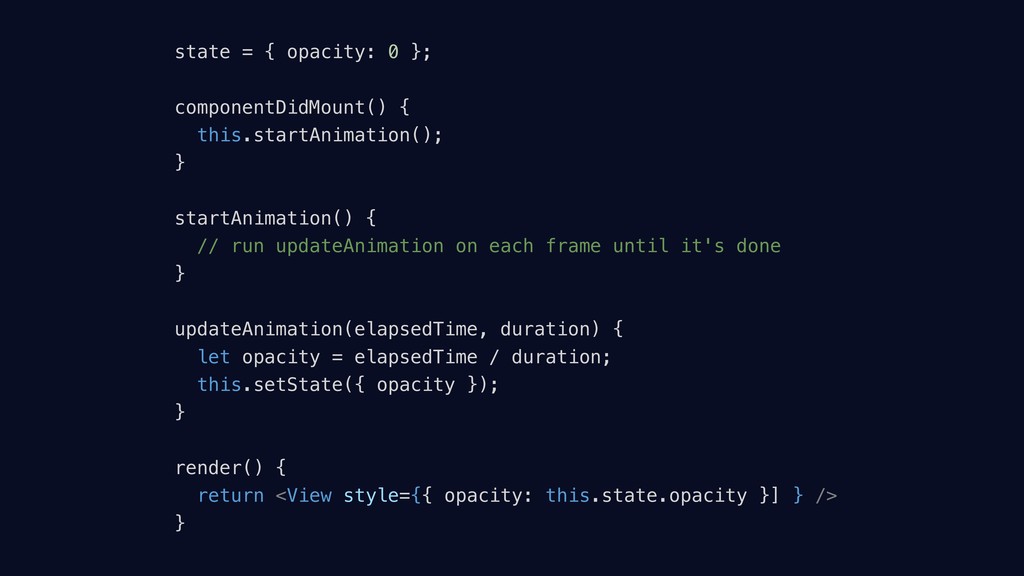
  17. state = { opacity: 0 }; componentDidMount() { this.startAnimation(); }

    startAnimation() { // run updateAnimation on each frame until it's done } updateAnimation(elapsedTime, duration) { let opacity = elapsedTime / duration; this.setState({ opacity }); } render() { return <View style={{ opacity: this.state.opacity }] } /> }
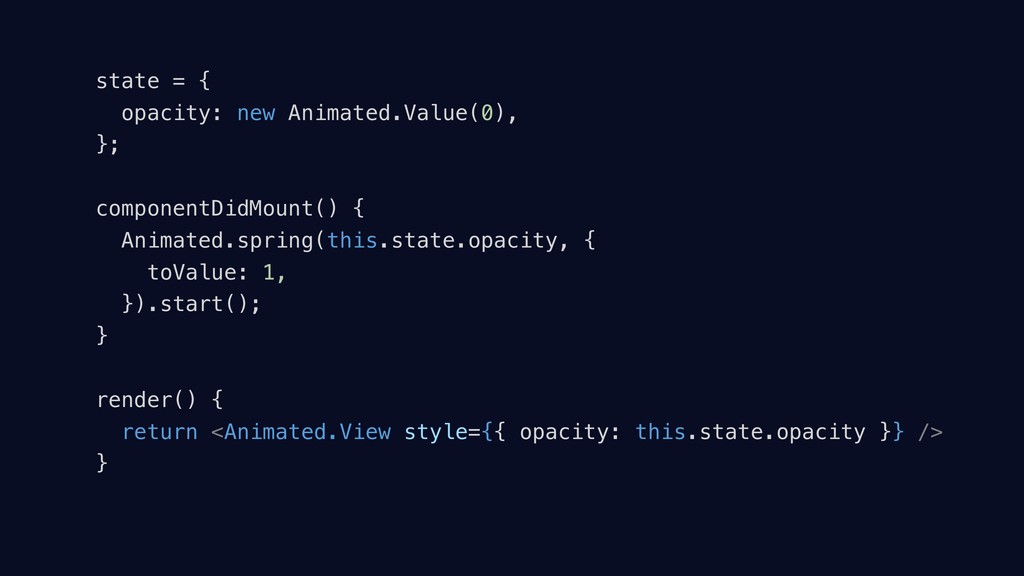
  18. state = { opacity: new Animated.Value(0), }; componentDidMount() { Animated.spring(this.state.opacity,

    { toValue: 1, }).start(); } render() { return <Animated.View style={{ opacity: this.state.opacity }} /> }
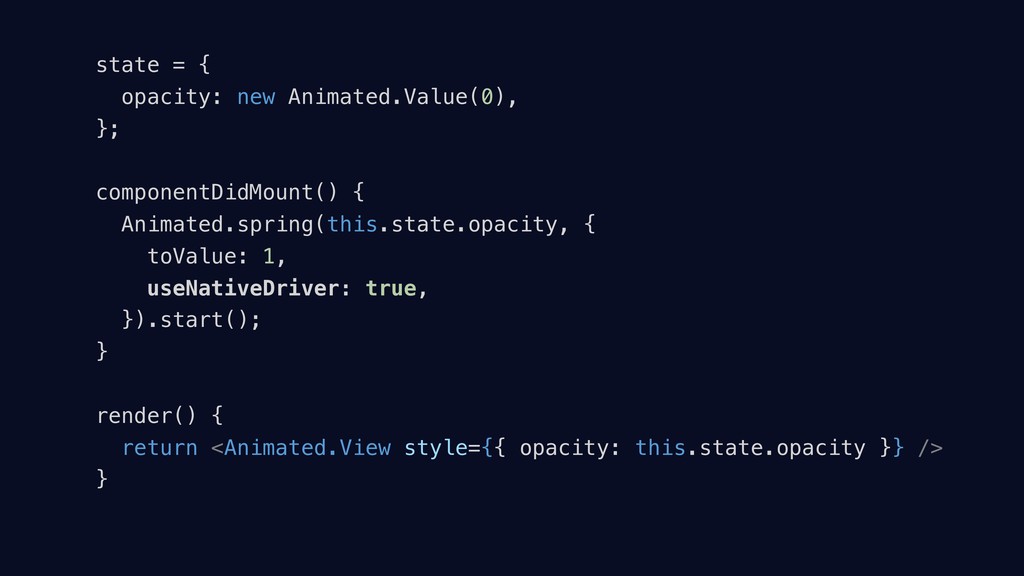
  19. state = { opacity: new Animated.Value(0), }; componentDidMount() { Animated.spring(this.state.opacity,

    { toValue: 1, useNativeDriver: true, }).start(); } render() { return <Animated.View style={{ opacity: this.state.opacity }} /> }
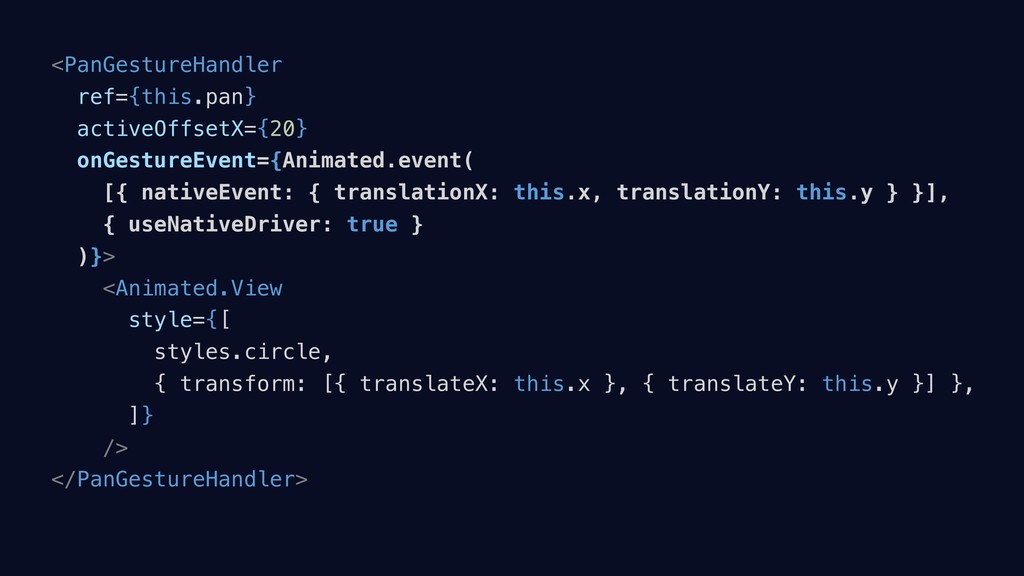
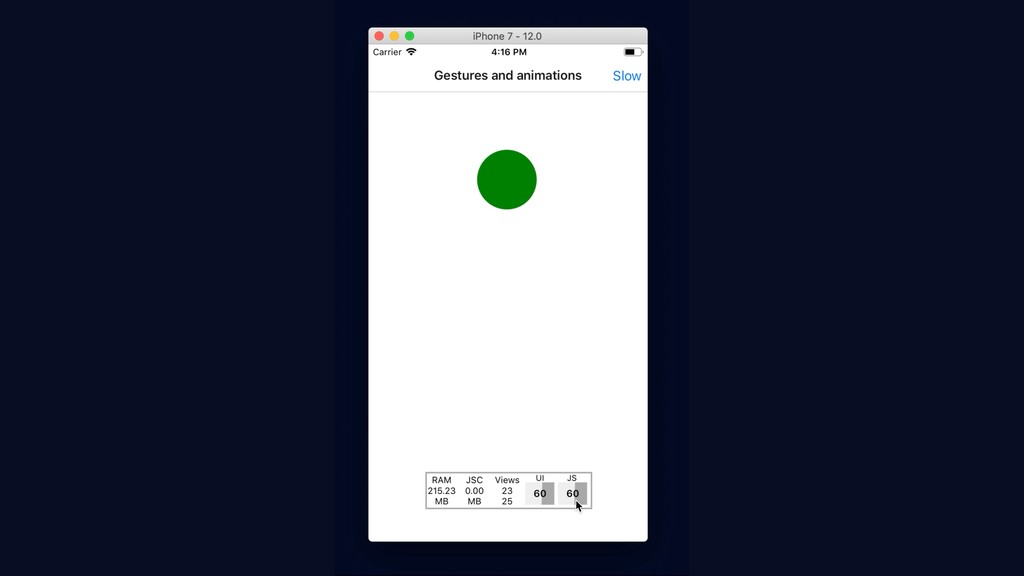
  20. <PanGestureHandler ref={this.pan} activeOffsetX={20} onGestureEvent={Animated.event( [{ nativeEvent: { translationX: this.x, translationY:

    this.y } }], { useNativeDriver: true } )}> <Animated.View style={[ styles.circle, { transform: [{ translateX: this.x }, { translateY: this.y }] }, ]} /> </PanGestureHandler>
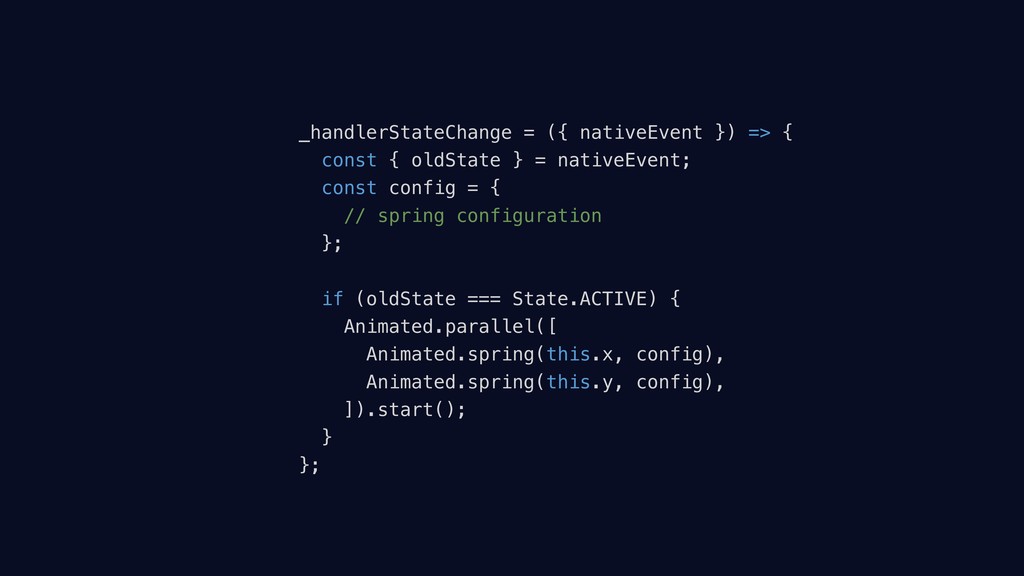
  21. _handlerStateChange = ({ nativeEvent }) => { const { oldState

    } = nativeEvent; const config = { // spring configuration }; if (oldState === State.ACTIVE) { Animated.parallel([ Animated.spring(this.x, config), Animated.spring(this.y, config), ]).start(); } };
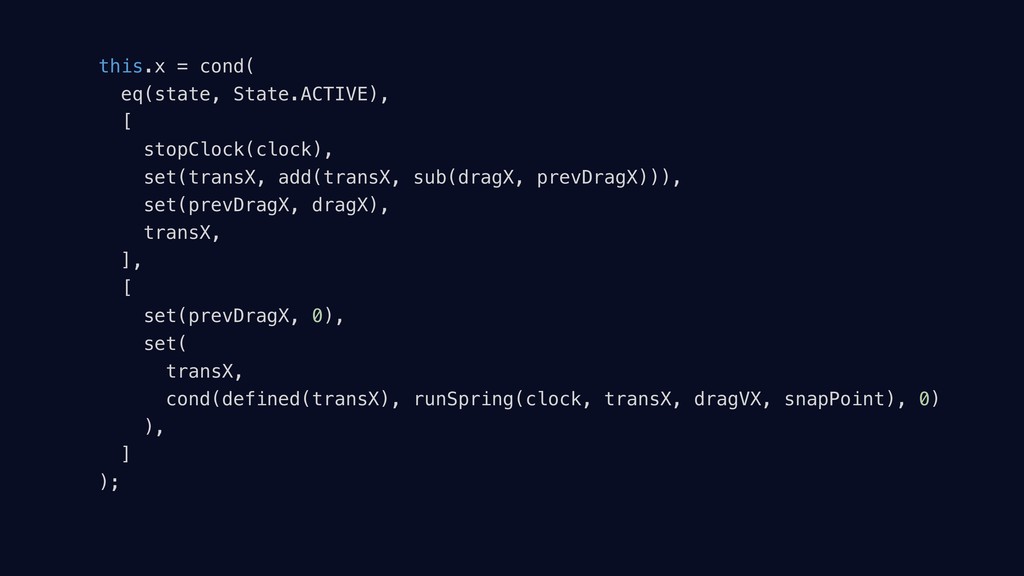
  22. this.x = cond( eq(state, State.ACTIVE), [ stopClock(clock), set(transX, add(transX, sub(dragX,

    prevDragX))), set(prevDragX, dragX), transX, ], [ set(prevDragX, 0), set( transX, cond(defined(transX), runSpring(clock, transX, dragVX, snapPoint), 0) ), ] );
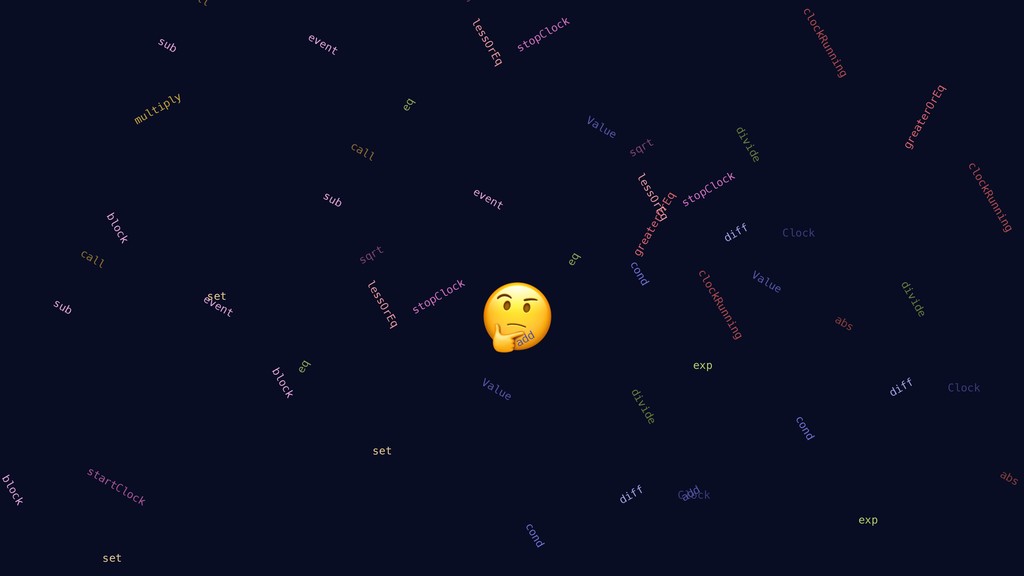
  23. event block cond diff divide eq call set clockRunning greaterOrEq

    lessOrEq sqrt stopClock sub Clock Value event block add cond diff divide eq exp ll set abs clockRunning lessOrEq stopClock sub Clock Value event block add cond diff divide eq exp call multiply set abs clockRunning greaterOrEq lessOrEq sqrt startClock stopClock sub Clock Value
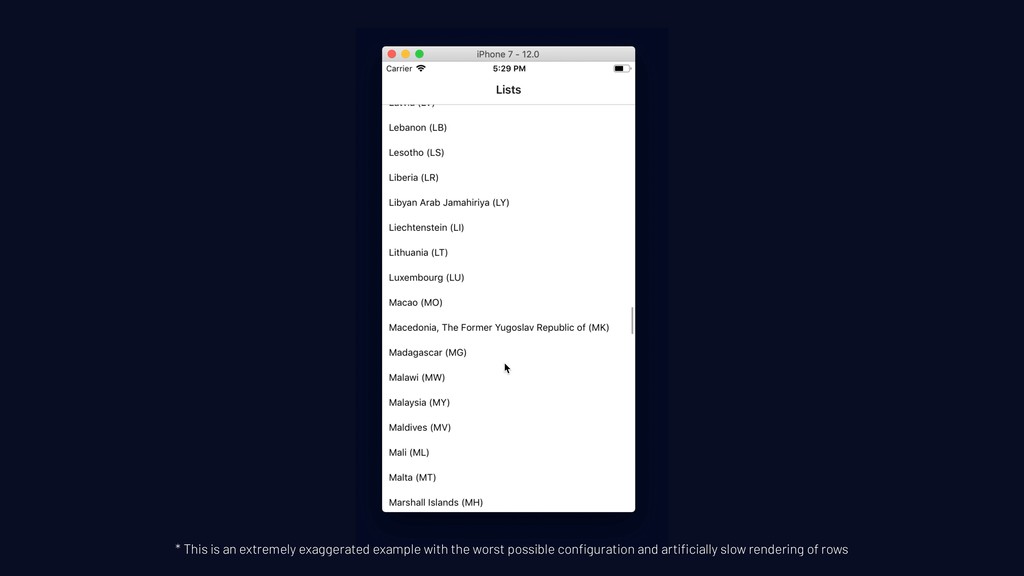
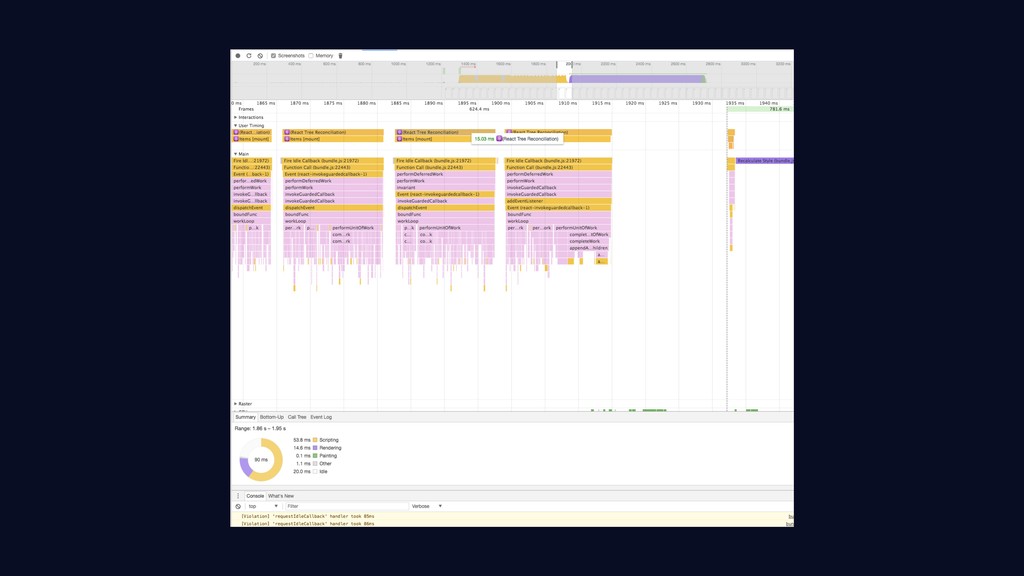
  24. * This is an extremely exaggerated example with the worst

    possible configuration and artificially slow rendering of rows
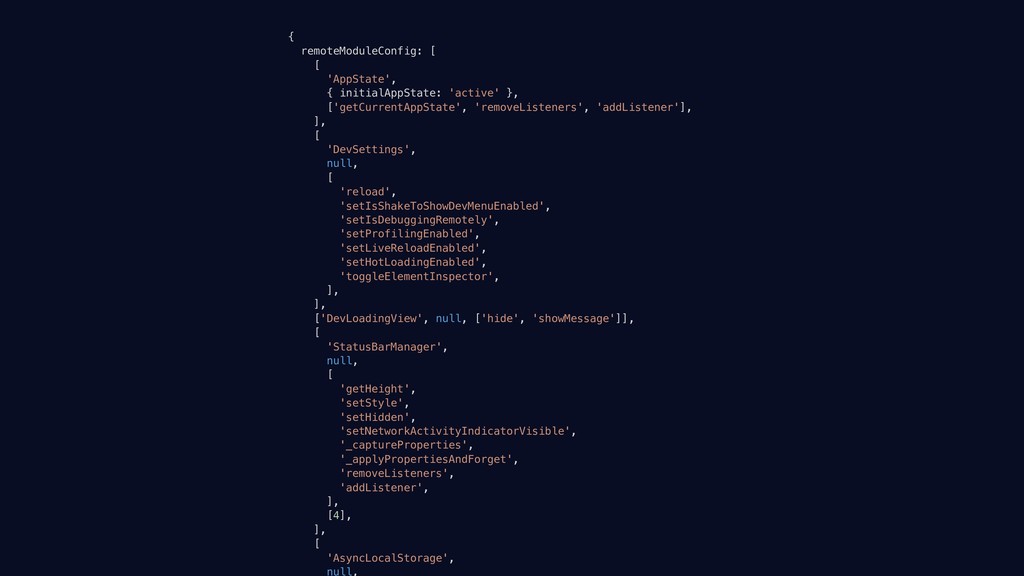
  25. { remoteModuleConfig: [ [ 'AppState', { initialAppState: 'active' }, ['getCurrentAppState',

    'removeListeners', 'addListener'], ], [ 'DevSettings', null, [ 'reload', 'setIsShakeToShowDevMenuEnabled', 'setIsDebuggingRemotely', 'setProfilingEnabled', 'setLiveReloadEnabled', 'setHotLoadingEnabled', 'toggleElementInspector', ], ], ['DevLoadingView', null, ['hide', 'showMessage']], [ 'StatusBarManager', null, [ 'getHeight', 'setStyle', 'setHidden', 'setNetworkActivityIndicatorVisible', '_captureProperties', '_applyPropertiesAndForget', 'removeListeners', 'addListener', ], [4], ], [ 'AsyncLocalStorage', null,
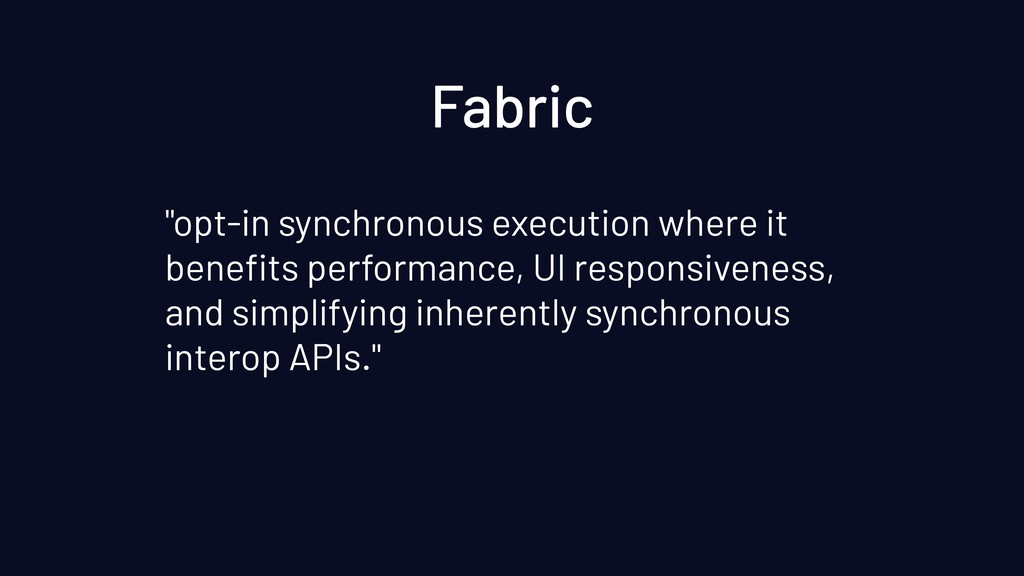
  26. "opt-in synchronous execution where it benefits performance, UI responsiveness, and

    simplifying inherently synchronous interop APIs." Fabric
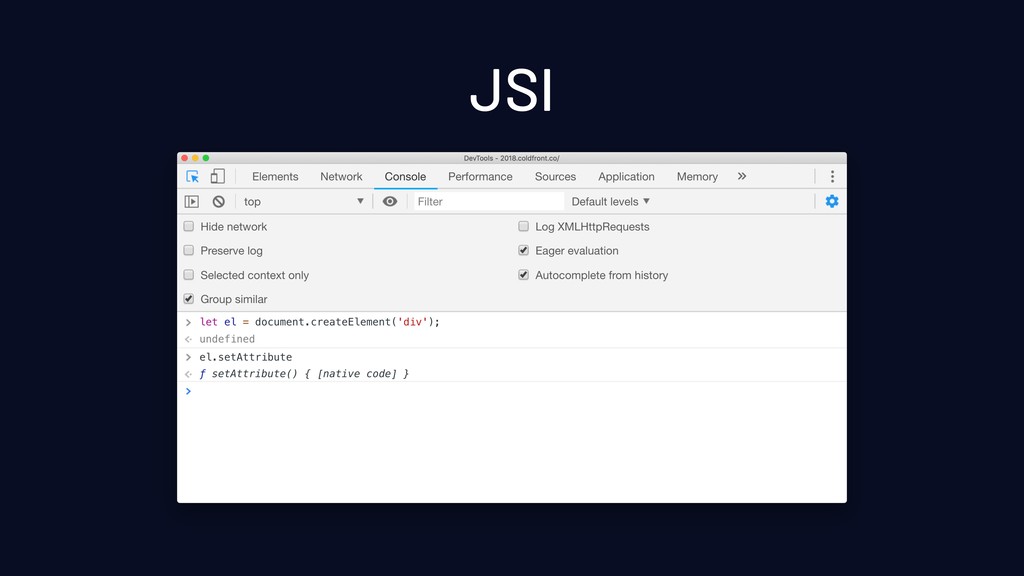
  27. JSI

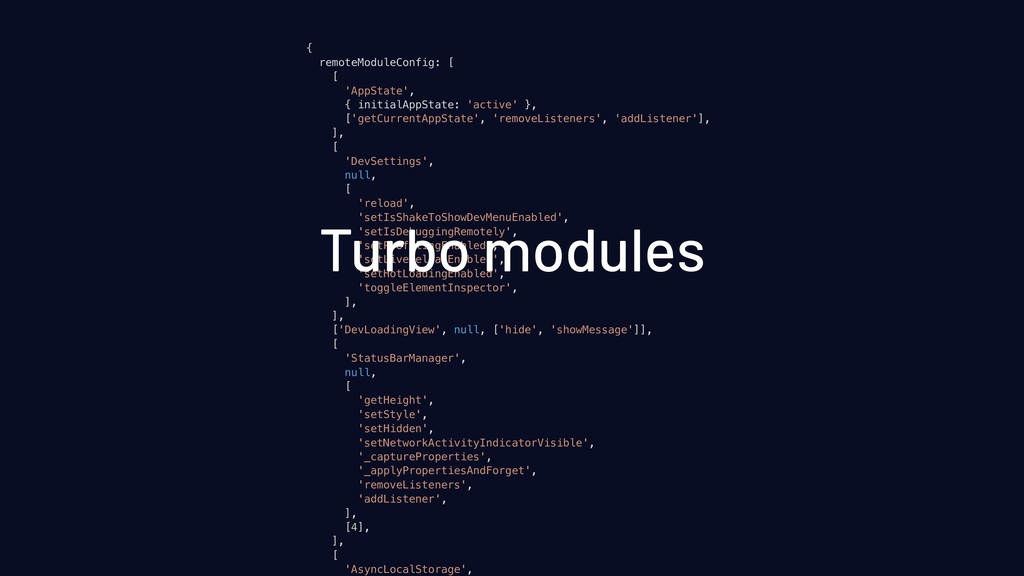
  28. { remoteModuleConfig: [ [ 'AppState', { initialAppState: 'active' }, ['getCurrentAppState',

    'removeListeners', 'addListener'], ], [ 'DevSettings', null, [ 'reload', 'setIsShakeToShowDevMenuEnabled', 'setIsDebuggingRemotely', 'setProfilingEnabled', 'setLiveReloadEnabled', 'setHotLoadingEnabled', 'toggleElementInspector', ], ], ['DevLoadingView', null, ['hide', 'showMessage']], [ 'StatusBarManager', null, [ 'getHeight', 'setStyle', 'setHidden', 'setNetworkActivityIndicatorVisible', '_captureProperties', '_applyPropertiesAndForget', 'removeListeners', 'addListener', ], [4], ], [ 'AsyncLocalStorage', Turbo modules