Share
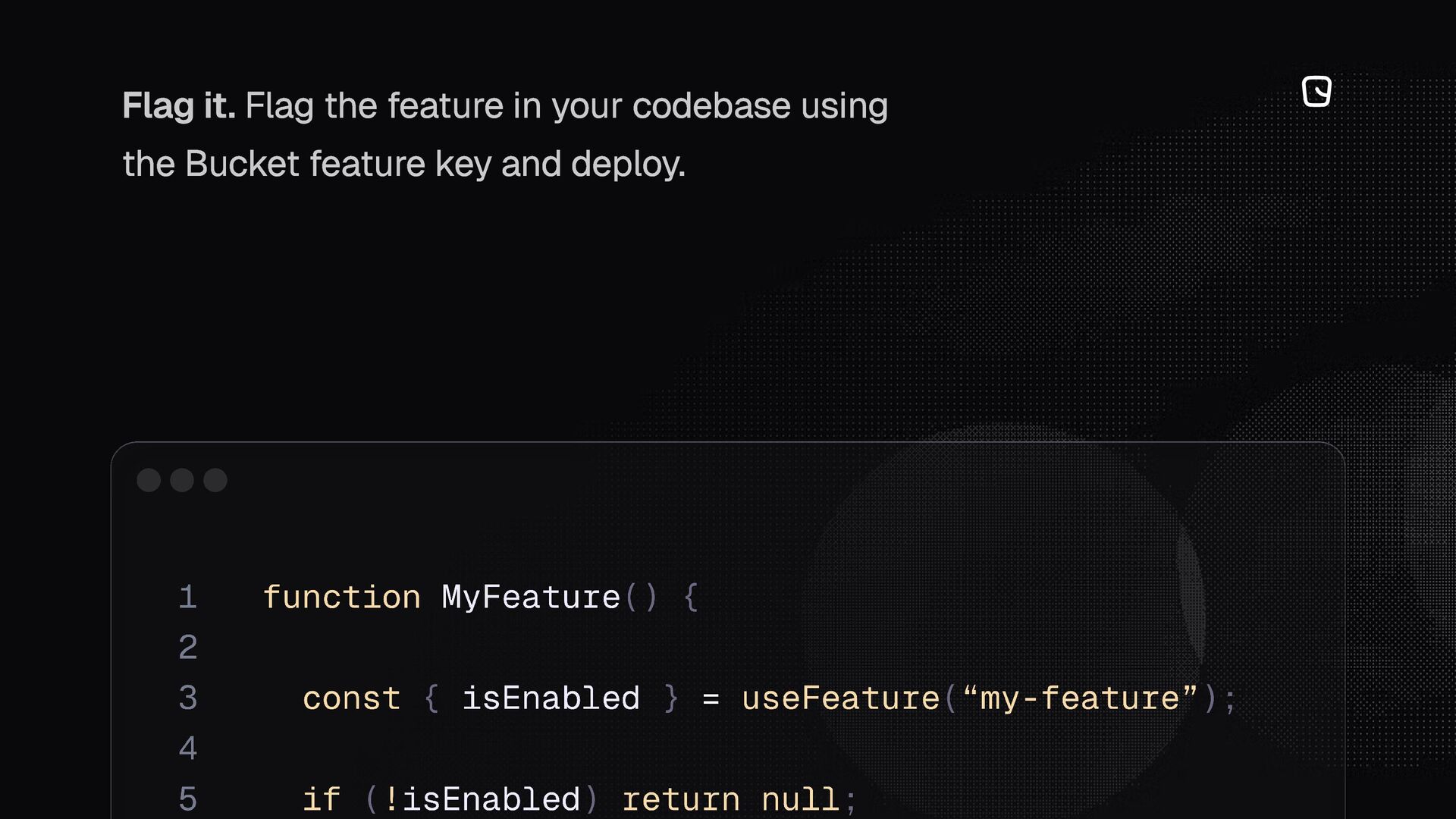
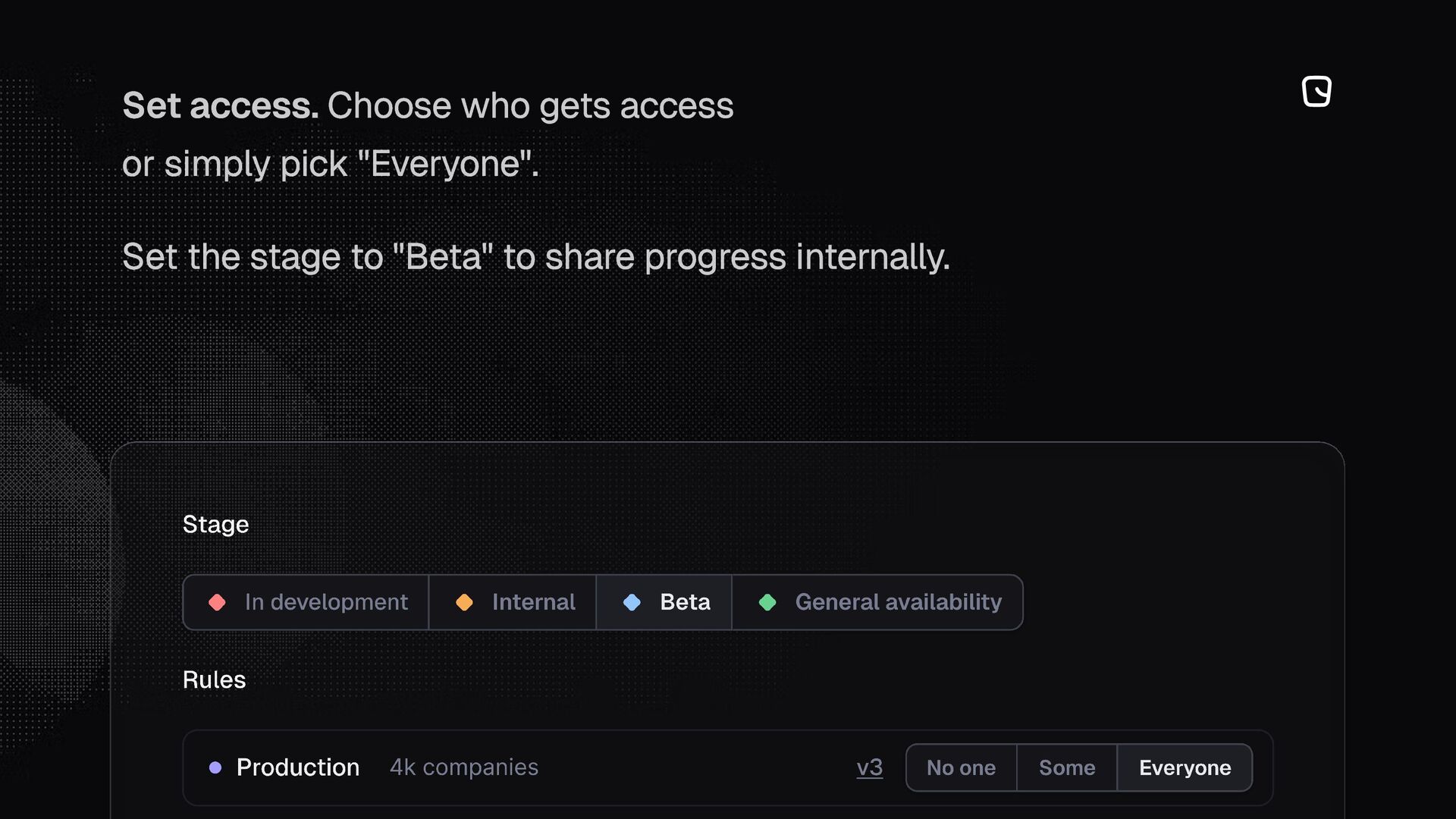
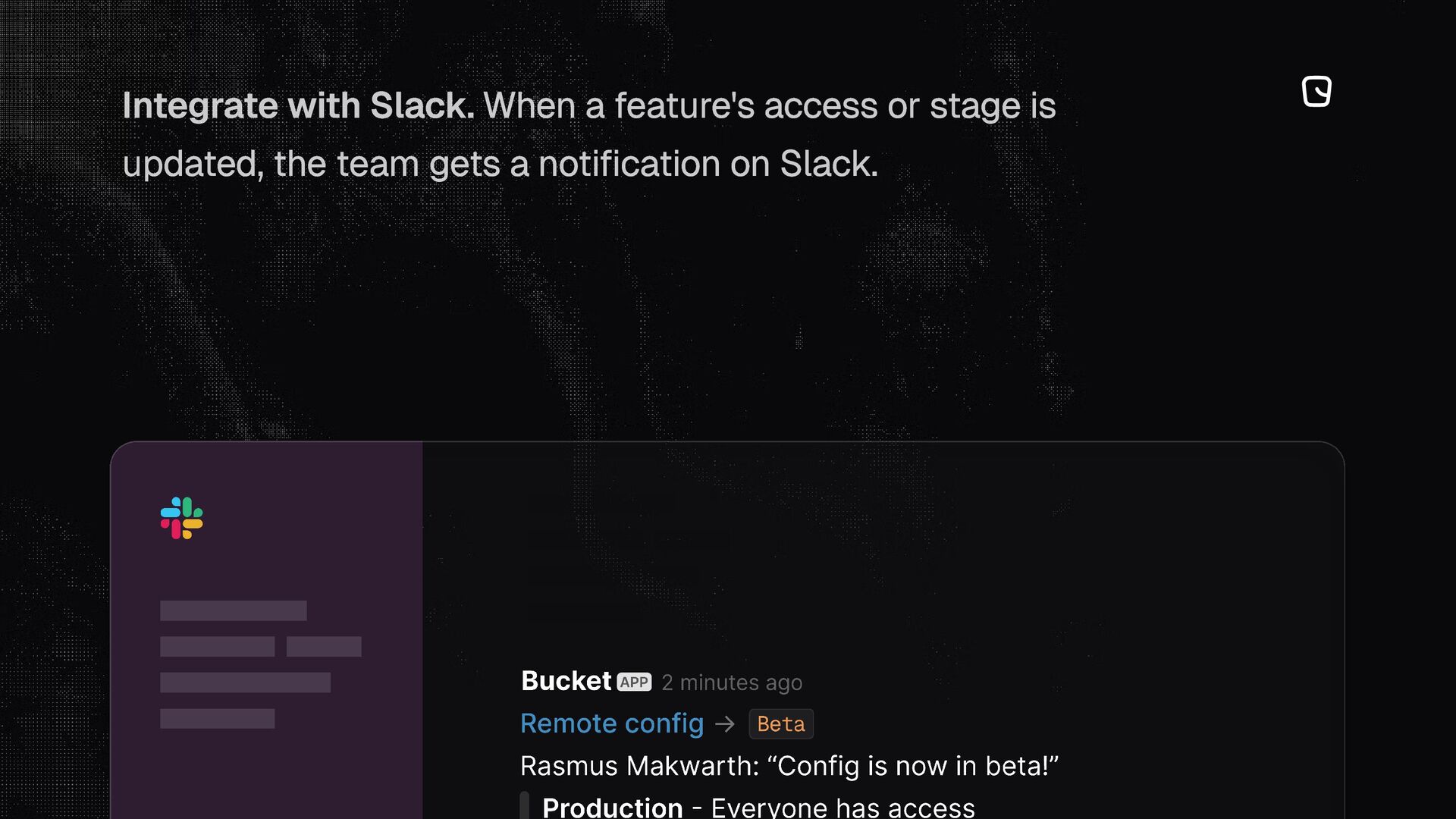
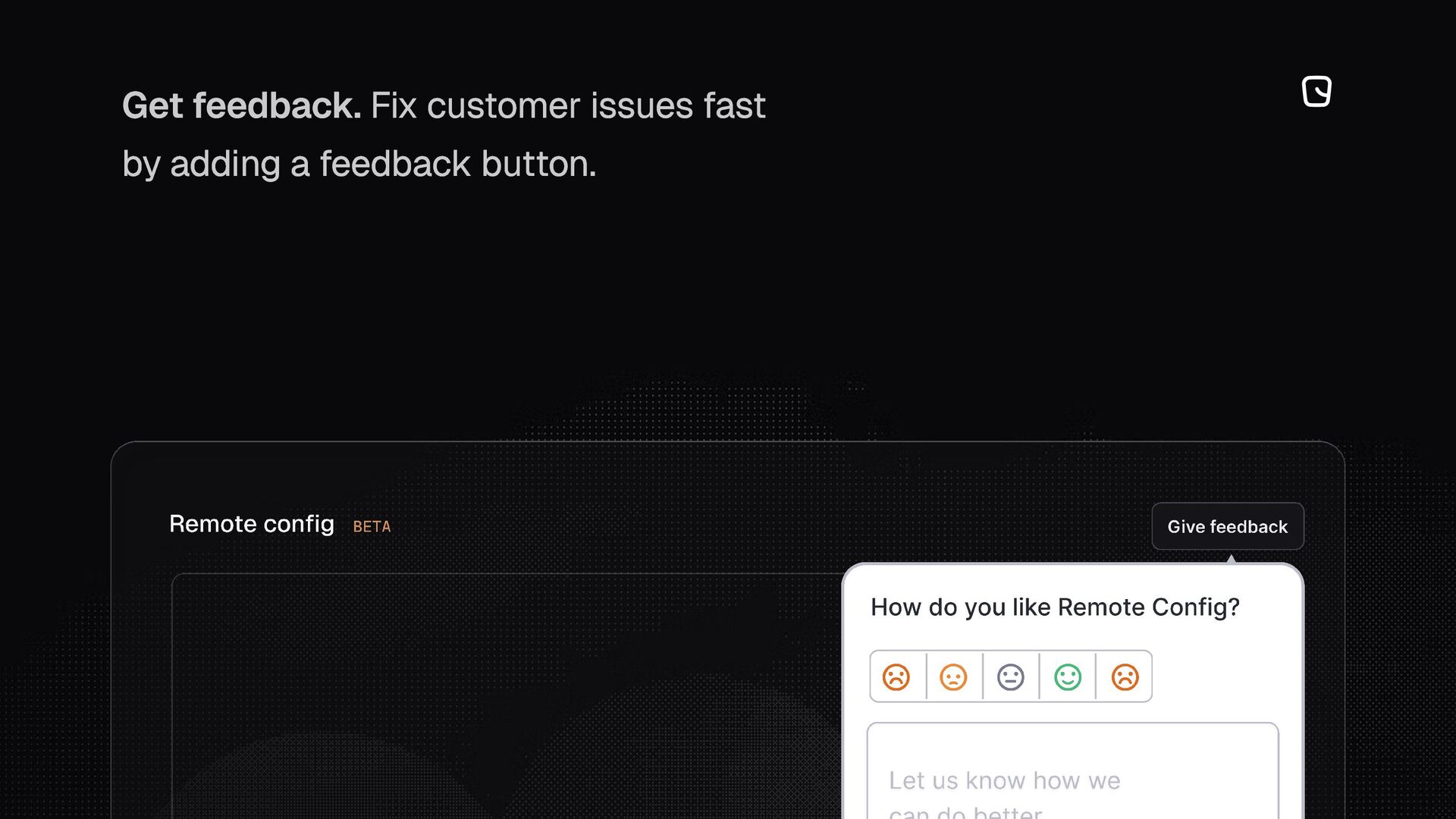
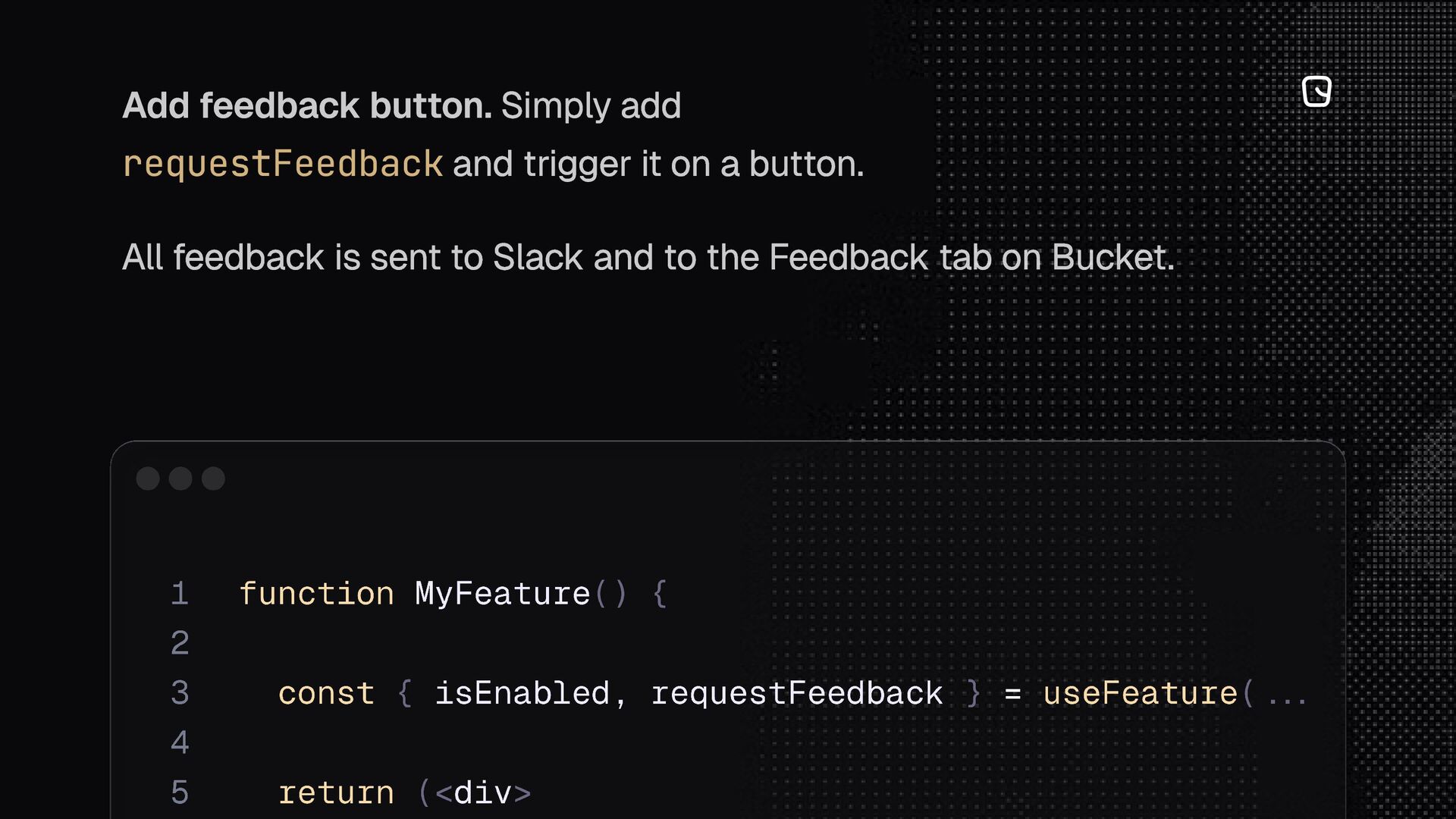
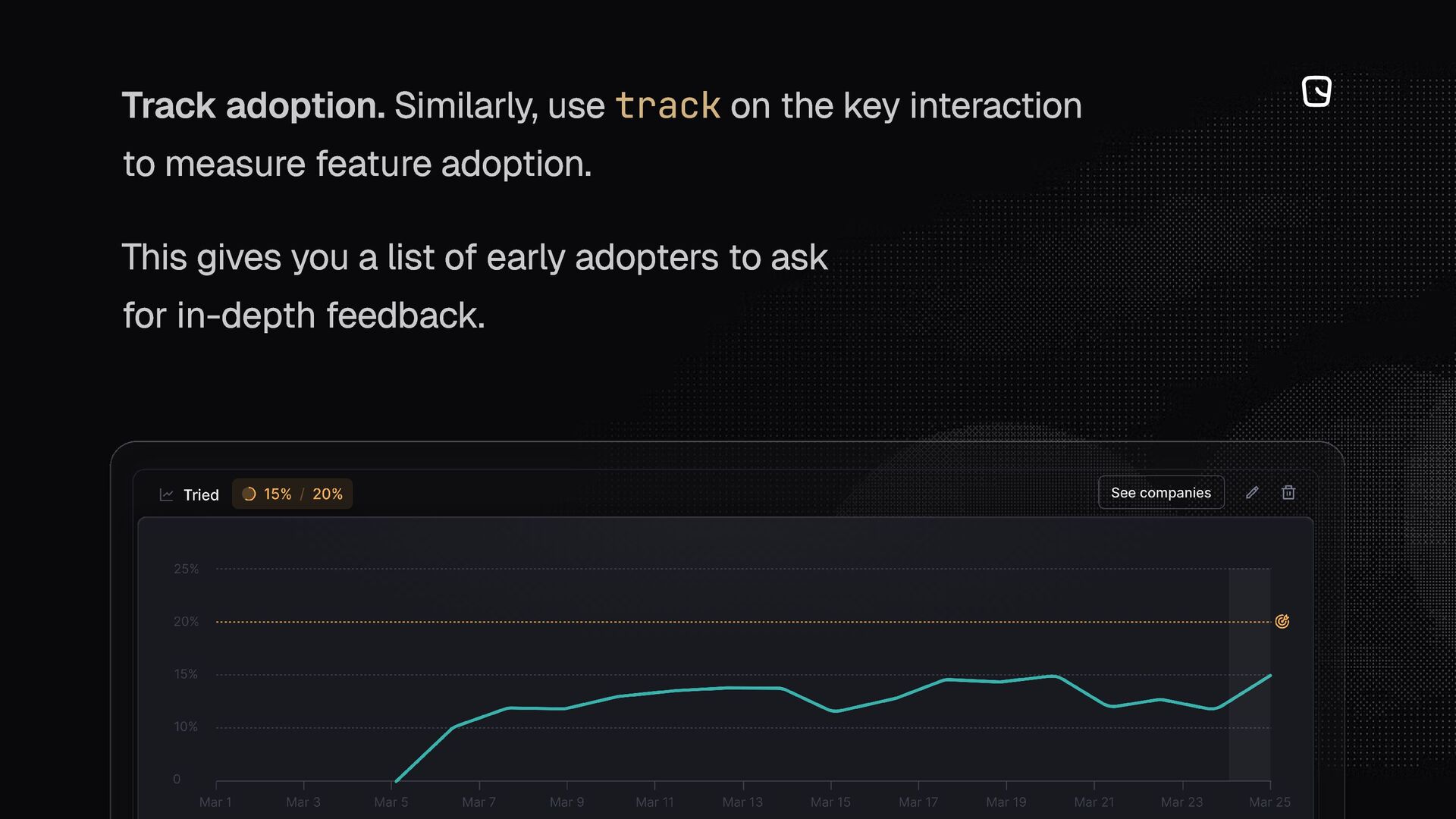
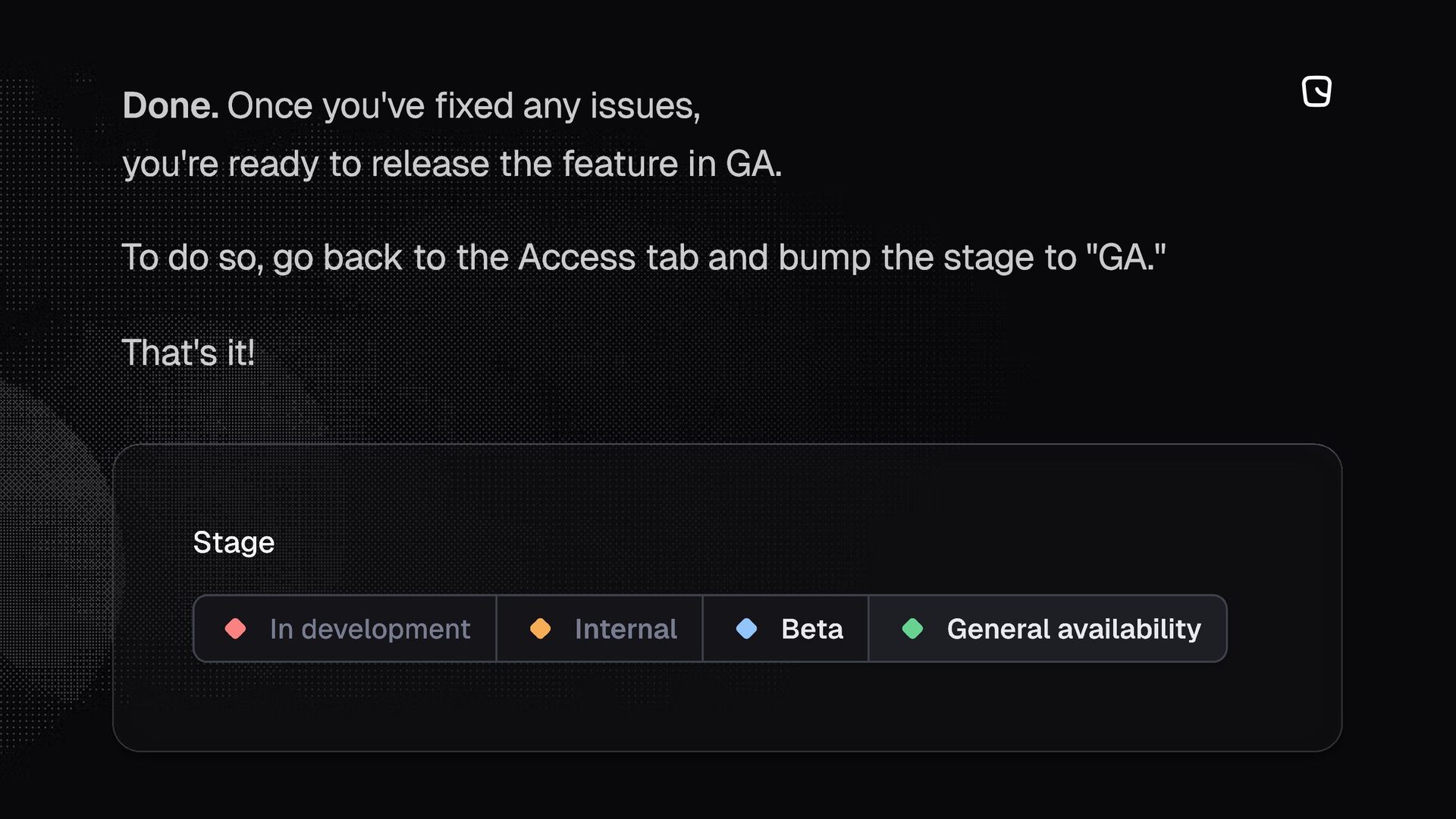
How we roll out beta features in React and collect early feedback using feature flags in Bucket, step-by-step.
To get started, go to bucket.co.


 lef237
 neuecc
 mixplace
 sylph01
 clockmaker
 lynnswap
 panda728
 sorah
sorah
 nokomoro3
 yutobara
 a_matsuda
 yuta_onishi_97
 mza
mza
 gurzu
gurzu
 baasie
 stephenakadiri
 jnunemaker
 wjessup
 afnizarnur
 kneath
 jonoalderson
 destraynor
 samtorres
 aarron