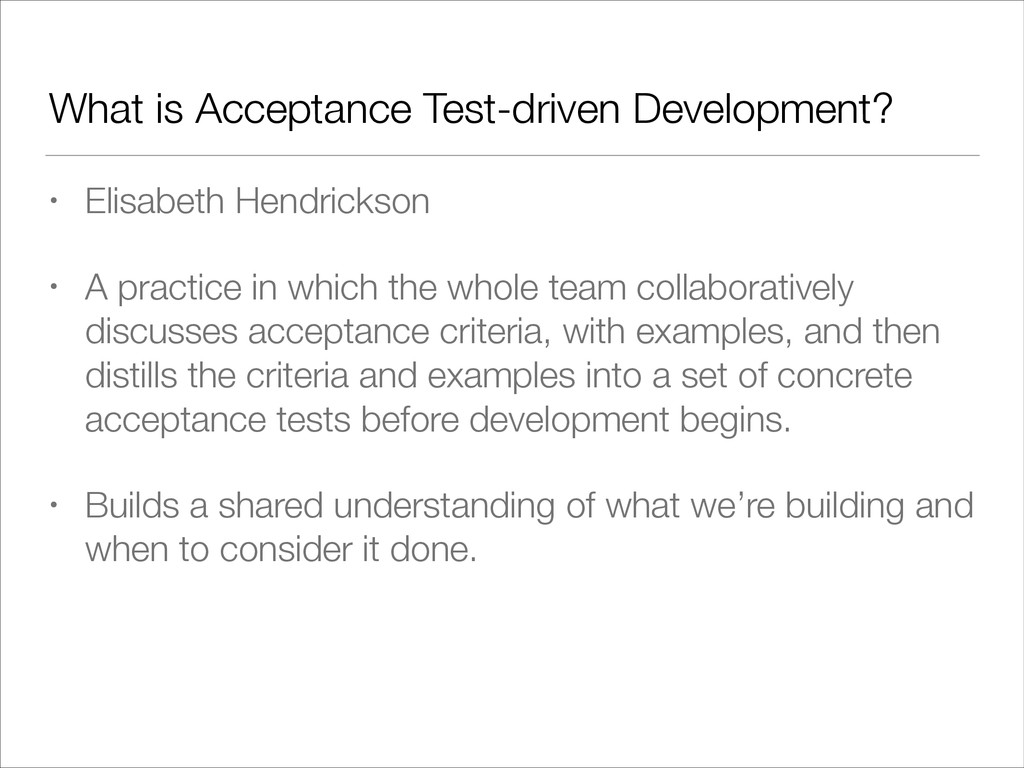
practice in which the whole team collaboratively discusses acceptance criteria, with examples, and then distills the criteria and examples into a set of concrete acceptance tests before development begins. • Builds a shared understanding of what we’re building and when to consider it done.
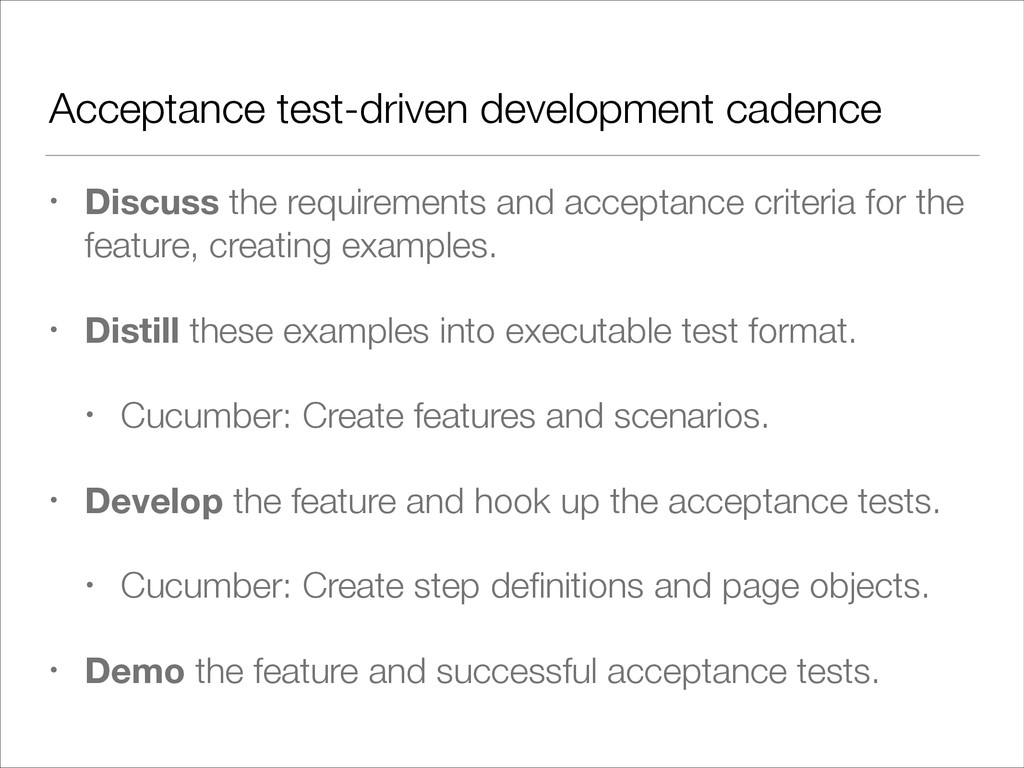
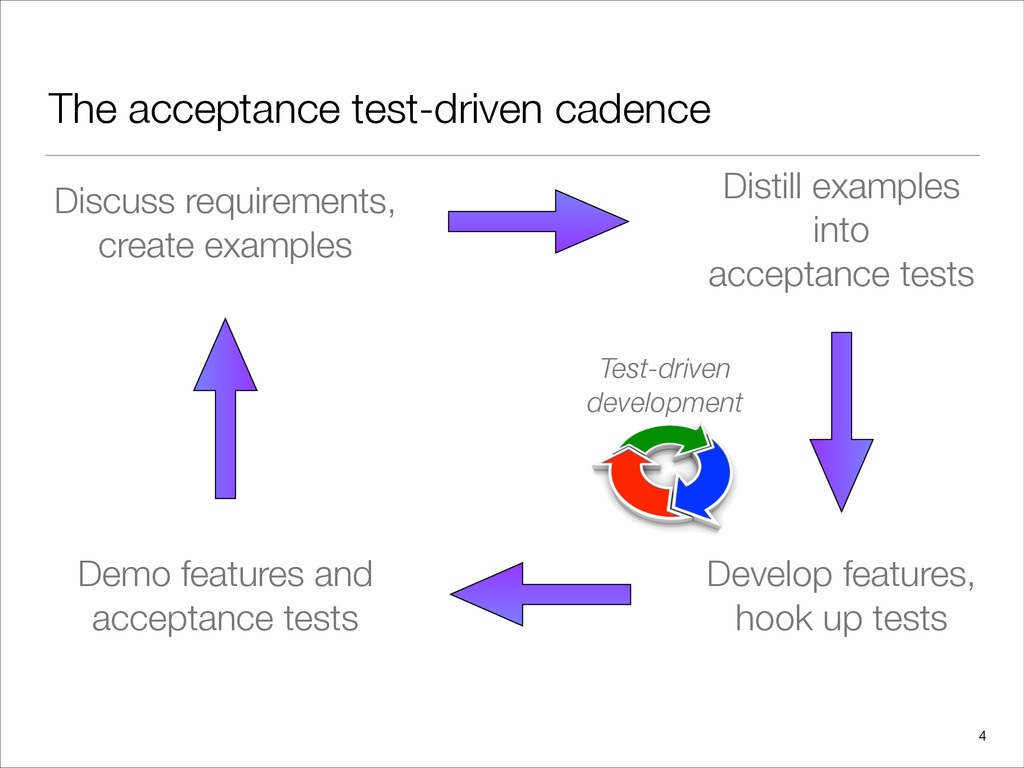
criteria for the feature, creating examples. • Distill these examples into executable test format. • Cucumber: Create features and scenarios. • Develop the feature and hook up the acceptance tests. • Cucumber: Create step definitions and page objects. • Demo the feature and successful acceptance tests.
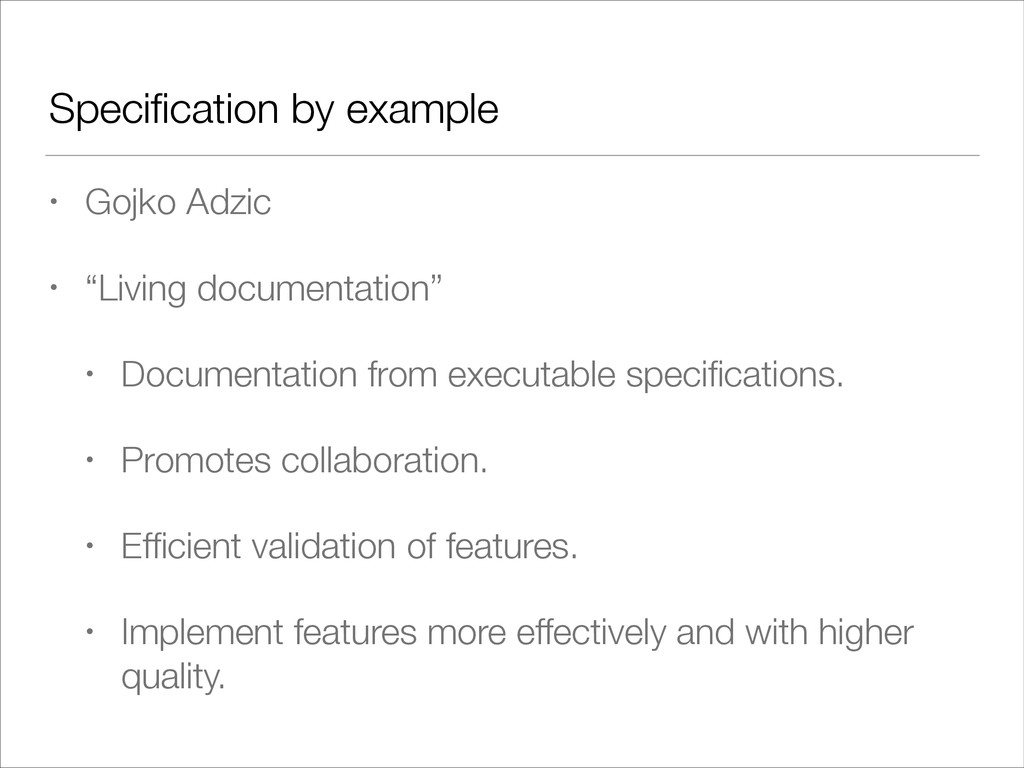
Documentation from executable specifications. • Promotes collaboration. • Efficient validation of features. • Implement features more effectively and with higher quality.
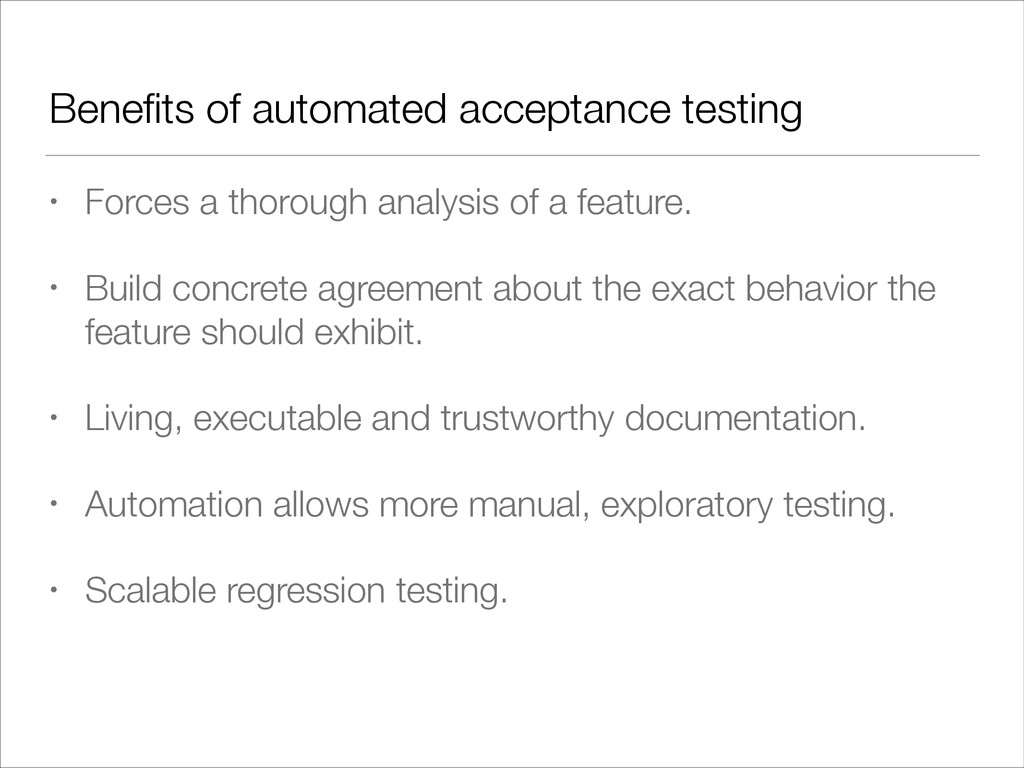
of a feature. • Build concrete agreement about the exact behavior the feature should exhibit. • Living, executable and trustworthy documentation. • Automation allows more manual, exploratory testing. • Scalable regression testing.
Supports Domain-Specific Languages (DSLs) and other compact syntax so your code becomes easy to read and maintain. • Seamlessly integrates with existing Java classes, libraries, and frameworks. • Compiles directly to standard JVM bytecode.
web pages • Handling user input • Finding and interrogating the DOM • JavaScript execution • org.openqa.selenium.WebDriver is the the key Java interface against which tests should be written.
elegant jQuery-like content selection engine. • Built with Groovy, providing an easy to use DSL. • Useful for scripting, scraping and general automation of web browsers. • Integrates nicely with Cucumber-jvm.
Chromium. • Consists of three separate pieces: • The browser itself (“chrome") • Language bindings provided by the Selenium project ("the driver”) • Bridge server between "chrome" and the “driver" (the chromedriver binary, referred to as the “server"). • Developed by members of the Chromium and WebDriver teams.
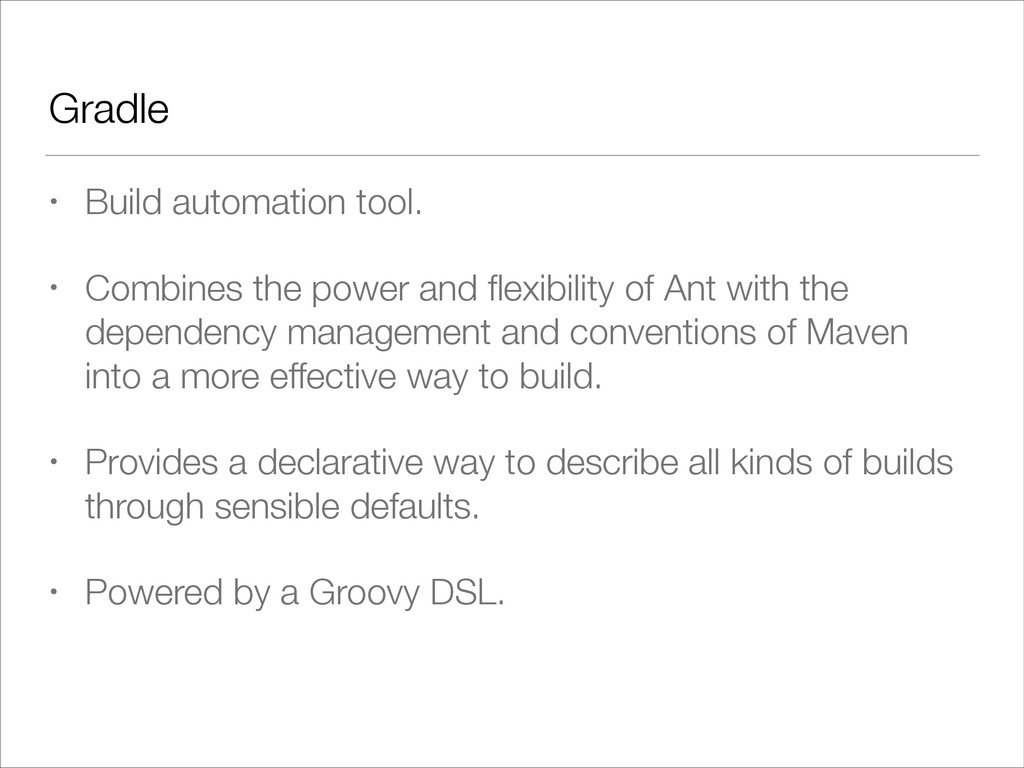
flexibility of Ant with the dependency management and conventions of Maven into a more effective way to build. • Provides a declarative way to describe all kinds of builds through sensible defaults. • Powered by a Groovy DSL.
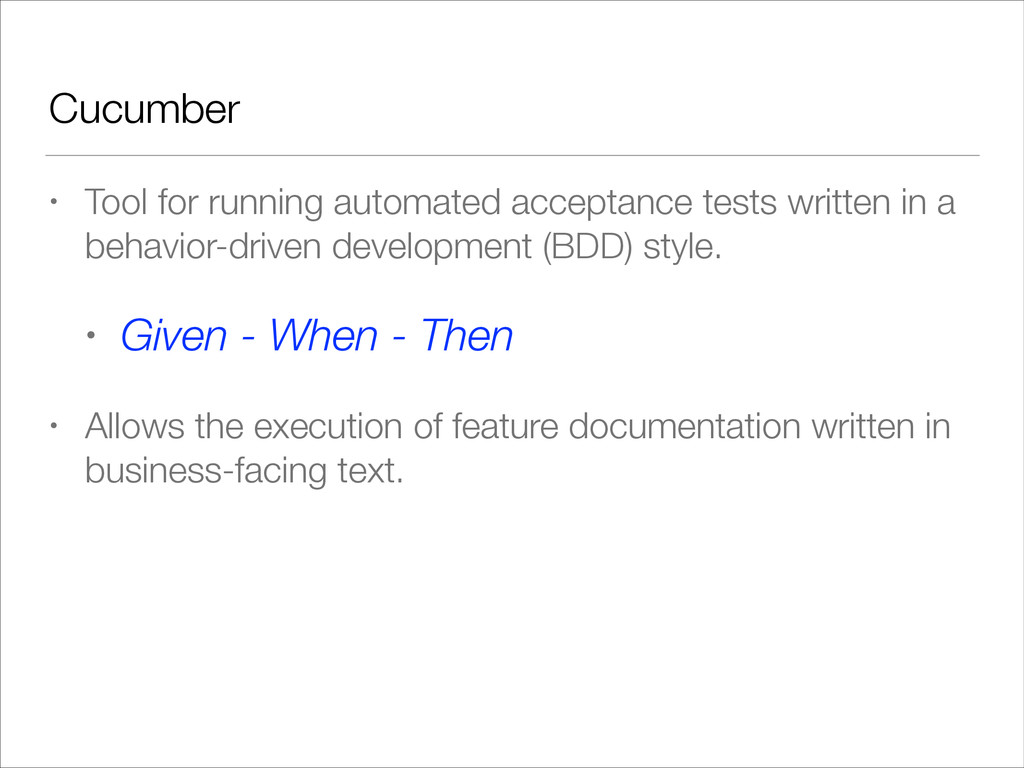
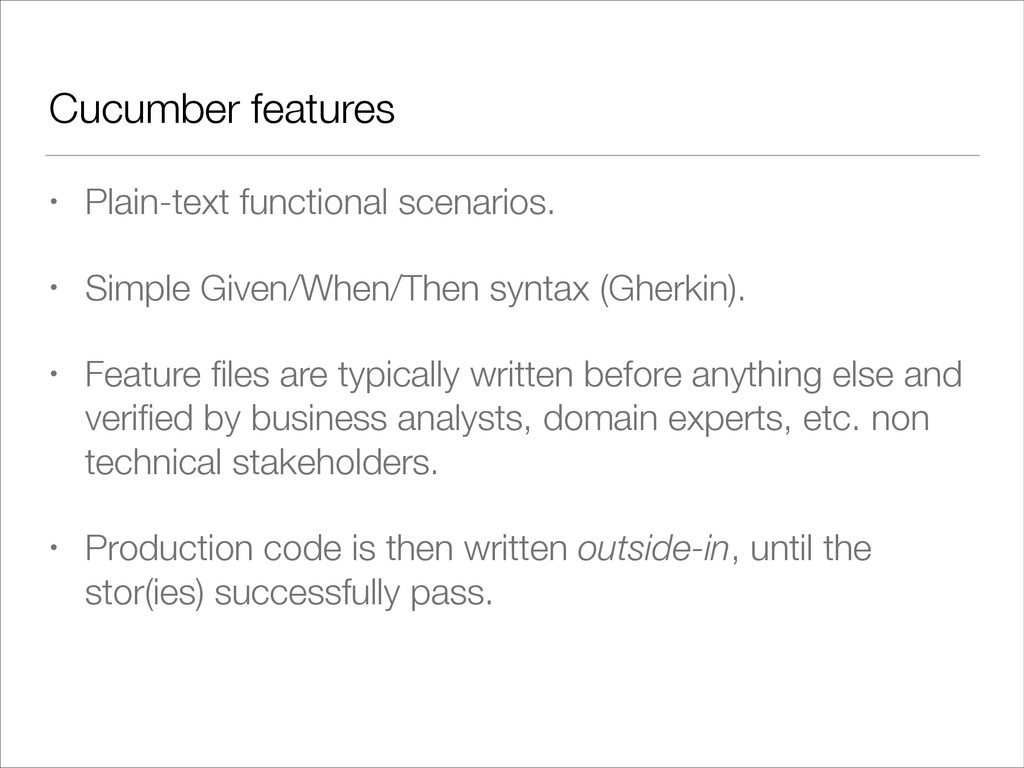
(Gherkin). • Feature files are typically written before anything else and verified by business analysts, domain experts, etc. non technical stakeholders. • Production code is then written outside-in, until the stor(ies) successfully pass.
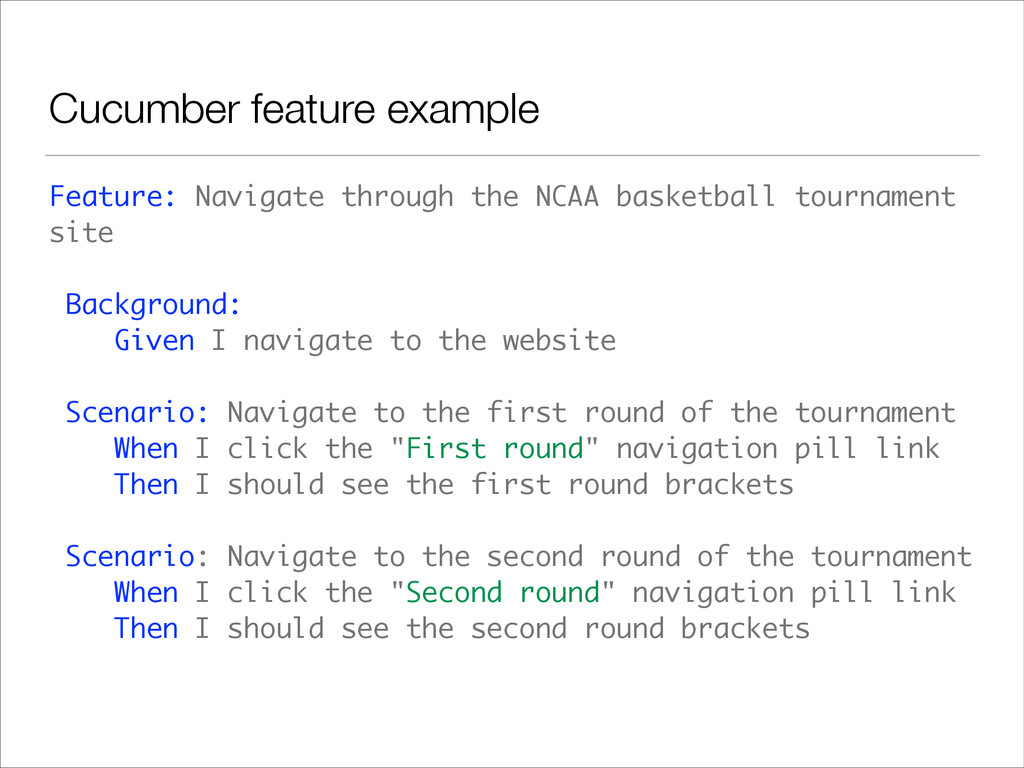
site Background: Given I navigate to the website Scenario: Navigate to the first round of the tournament When I click the "First round" navigation pill link Then I should see the first round brackets Scenario: Navigate to the second round of the tournament When I click the "Second round" navigation pill link Then I should see the second round brackets
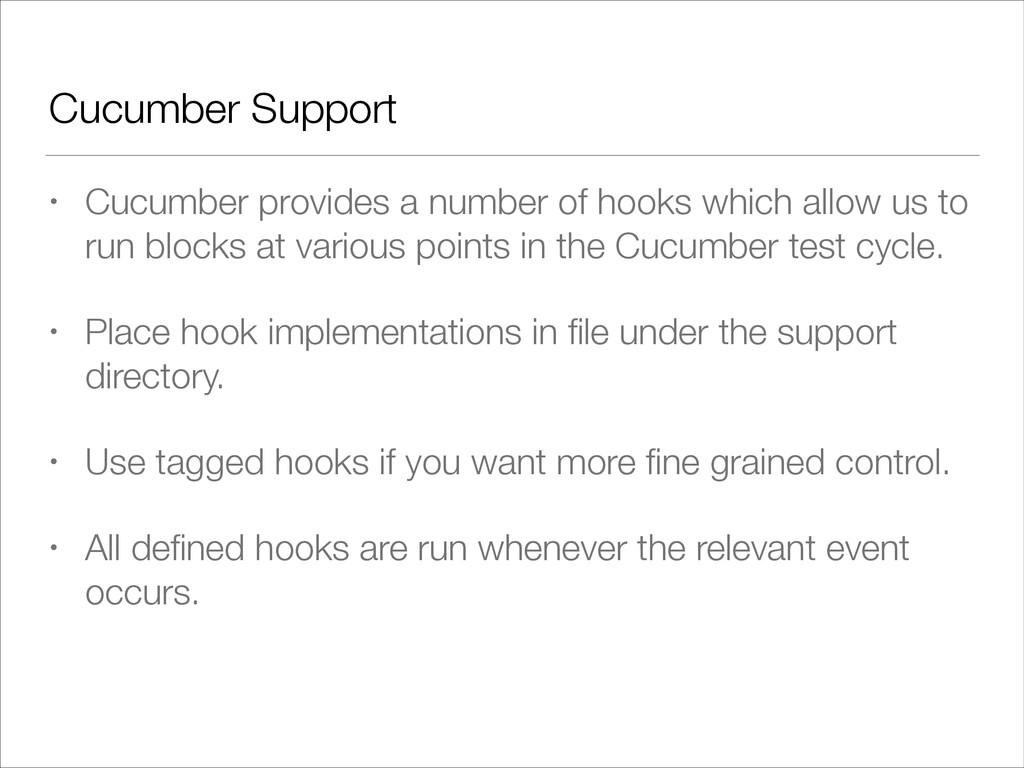
allow us to run blocks at various points in the Cucumber test cycle. • Place hook implementations in file under the support directory. • Use tagged hooks if you want more fine grained control. • All defined hooks are run whenever the relevant event occurs.
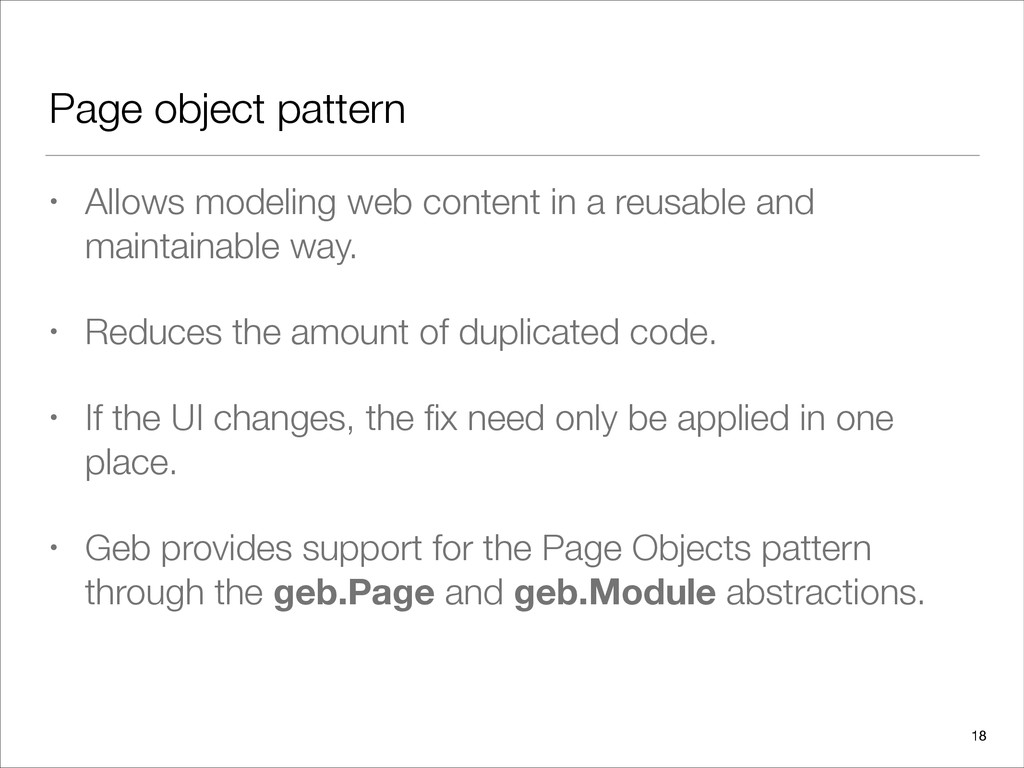
reusable and maintainable way. • Reduces the amount of duplicated code. • If the UI changes, the fix need only be applied in one place. • Geb provides support for the Page Objects pattern through the geb.Page and geb.Module abstractions. 18
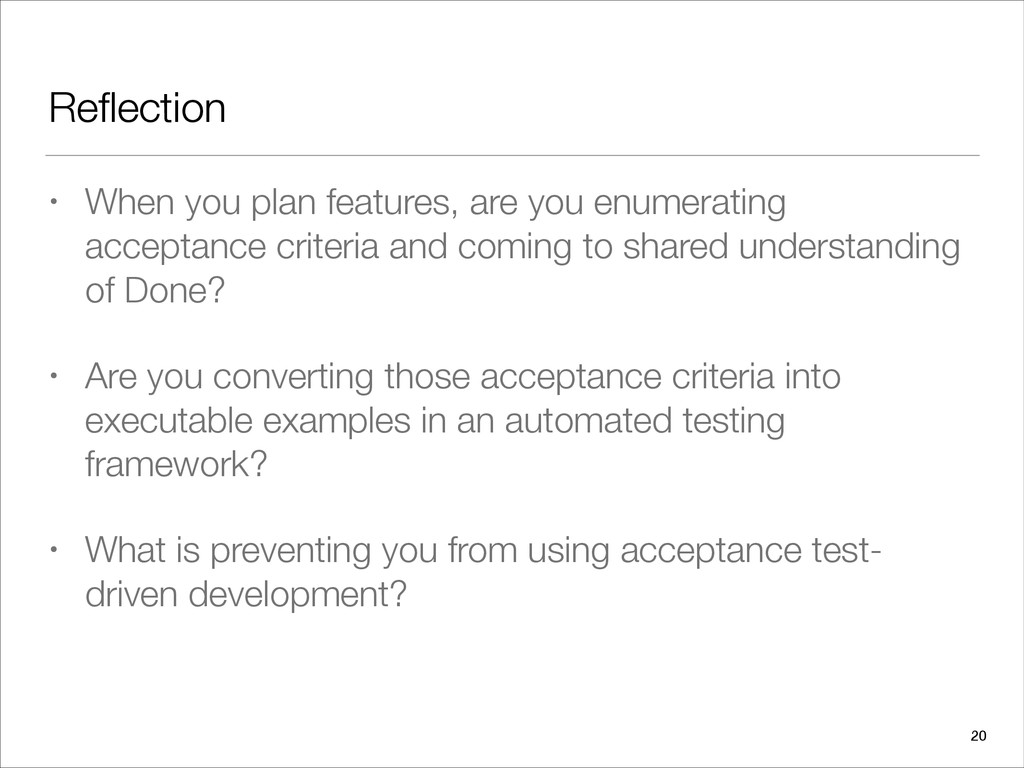
criteria and coming to shared understanding of Done? • Are you converting those acceptance criteria into executable examples in an automated testing framework? • What is preventing you from using acceptance test- driven development? 20


 rshindo
 akase244
 dske104
 irinanazarova
 nabondance
 n_takehata
 prota
prota
 iwatsukayura
 sylph01
 minodriven
 syumai
 eed3si9n
 ryanjones
 livdayseo
 mraible
 cassininazir
 lara
lara
 letsgokoyo
 aleyda
 thekraken
 rkendrick25
![Thank you! • Christopher Bartling • @cbartling • [email protected] 23](https://files.speakerdeck.com/presentations/4b2981e08bbf013176a22aa5bb8c7ef3/slide_22.jpg)