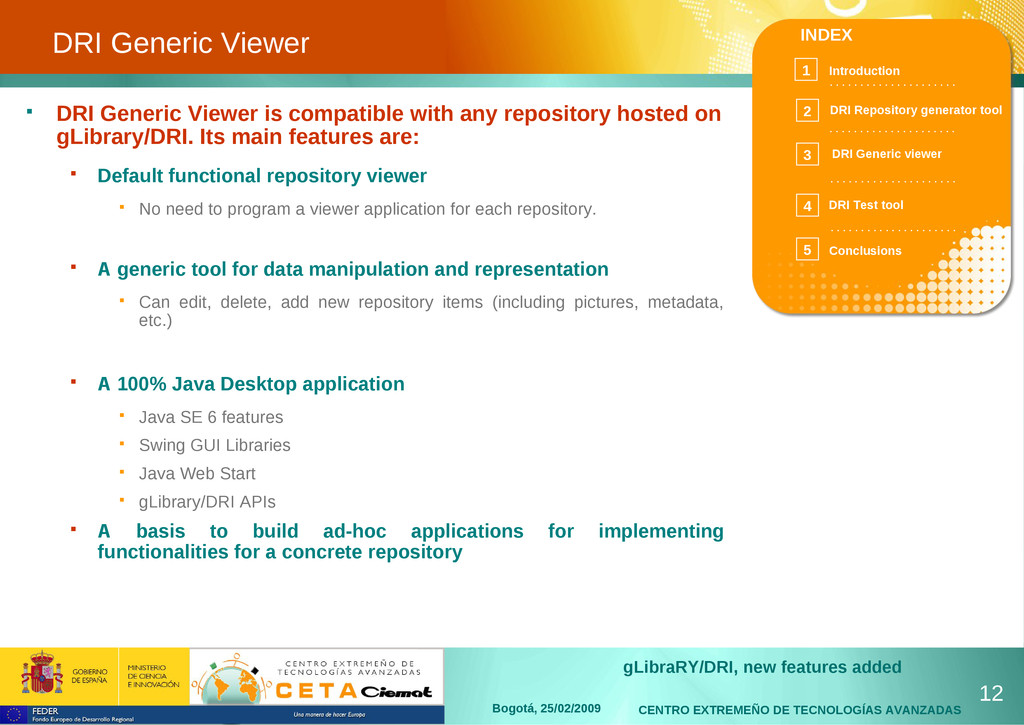
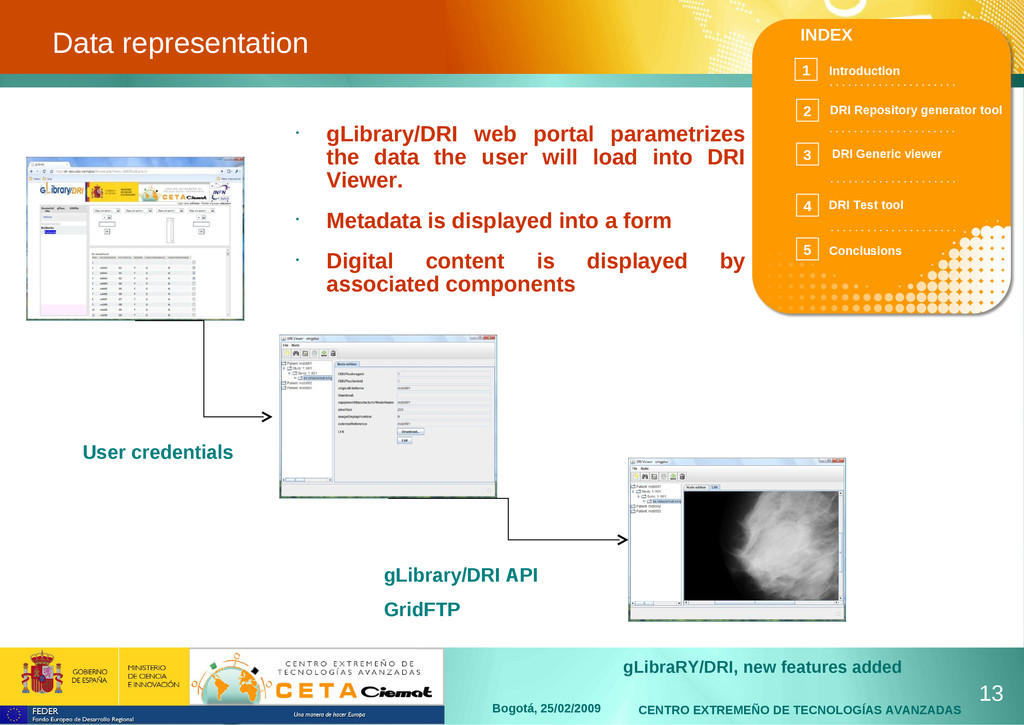
25/02/2009 INDEX Introduction 1 . . . . . . . . . . . . . . . . . . . . . . . . . . . . . . . . . . . . . . . . . . . . . . . . . . . . . . . . . . . . . . . . . . . . . . . . . . . . . . . . . . . . 2 3 4 5 DRI Repository generator tool DRI Generic viewer DRI Test tool Conclusions Introduction gLibrary/DRI is a framework for developing, hosting and managing digital repositories on Grid eInfrastructures. It has effectively reduced the cost of hosting new repositories and thus enlarging their number The extensions presented on this work are focused to allow efficient mgmnt of large numbers of repositories: The process of generation of new repositories has been strongly simplified A generic viewer has been developed. It allows users to browse and view any piece of data of any repository. It can be used also as the basis for extending it to a more specific viewer. Newly generated repository can be quickly and automatically tested to assure its correct working without manually testing all use cases. 3
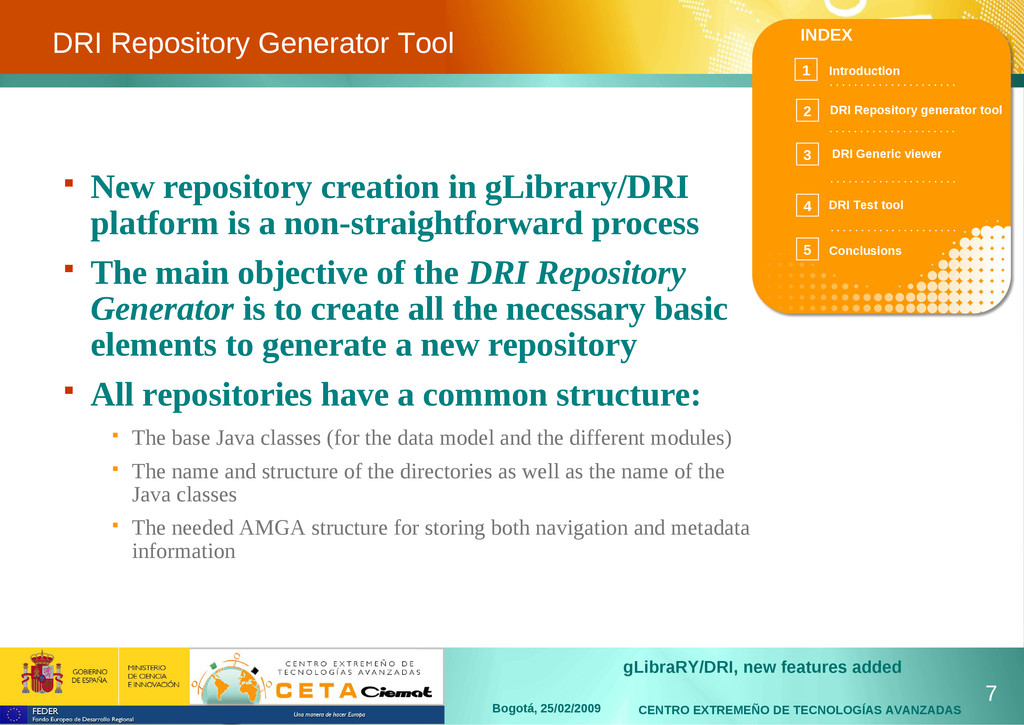
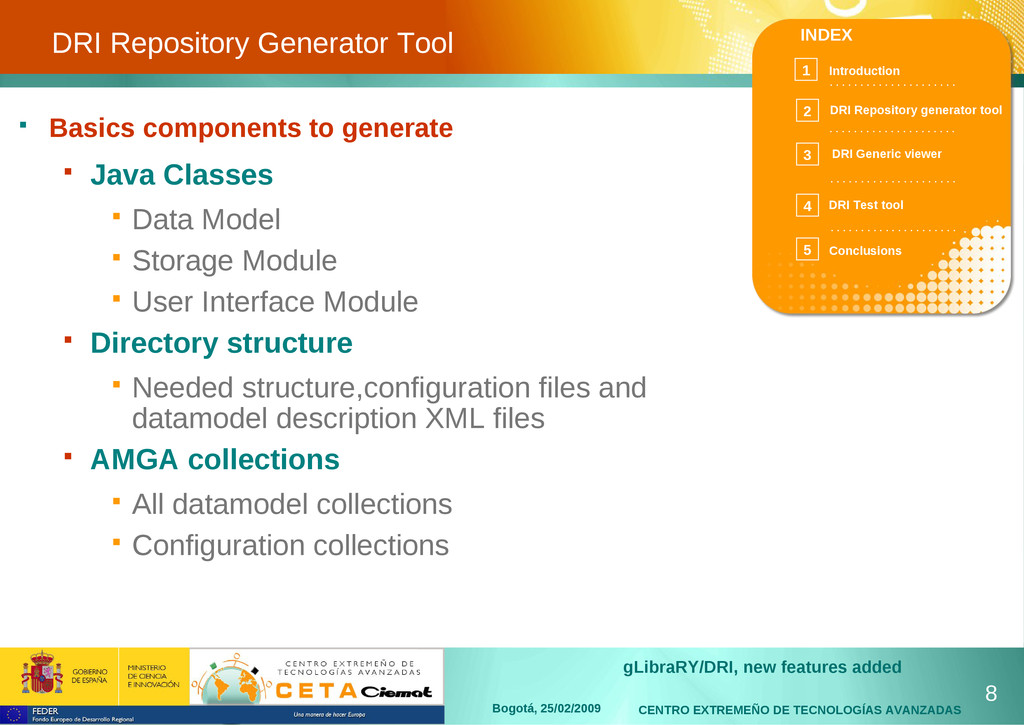
25/02/2009 INDEX Introduction 1 . . . . . . . . . . . . . . . . . . . . . . . . . . . . . . . . . . . . . . . . . . . . . . . . . . . . . . . . . . . . . . . . . . . . . . . . . . . . . . . . . . . . 2 3 4 5 DRI Repository generator tool DRI Generic viewer DRI Test tool Conclusions DRI Repository Generator Tool New repository creation in gLibrary/DRI platform is a non-straightforward process The main objective of the DRI Repository Generator is to create all the necessary basic elements to generate a new repository All repositories have a common structure: The base Java classes (for the data model and the different modules) The name and structure of the directories as well as the name of the Java classes The needed AMGA structure for storing both navigation and metadata information 7
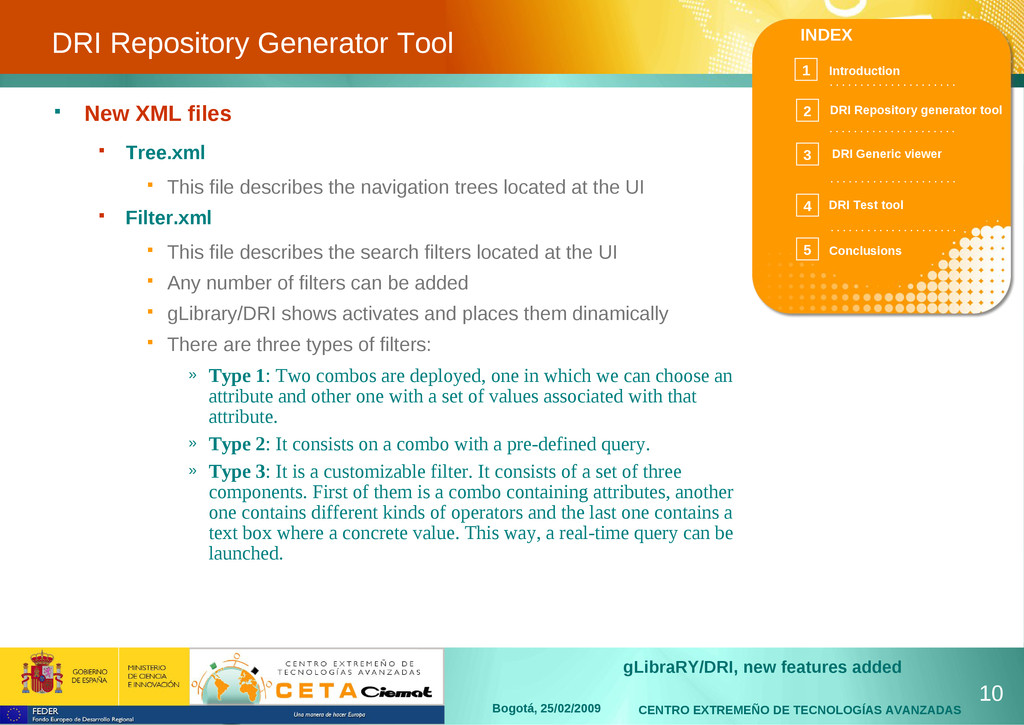
25/02/2009 INDEX Introduction 1 . . . . . . . . . . . . . . . . . . . . . . . . . . . . . . . . . . . . . . . . . . . . . . . . . . . . . . . . . . . . . . . . . . . . . . . . . . . . . . . . . . . . 2 3 4 5 DRI Repository generator tool DRI Generic viewer DRI Test tool Conclusions DRI Repository Generator Tool New XML files Tree.xml This file describes the navigation trees located at the UI Filter.xml This file describes the search filters located at the UI Any number of filters can be added gLibrary/DRI shows activates and places them dinamically There are three types of filters: » Type 1: Two combos are deployed, one in which we can choose an attribute and other one with a set of values associated with that attribute. » Type 2: It consists on a combo with a pre-defined query. » Type 3: It is a customizable filter. It consists of a set of three components. First of them is a combo containing attributes, another one contains different kinds of operators and the last one contains a text box where a concrete value. This way, a real-time query can be launched. 10
25/02/2009 INDEX Introduction 1 . . . . . . . . . . . . . . . . . . . . . . . . . . . . . . . . . . . . . . . . . . . . . . . . . . . . . . . . . . . . . . . . . . . . . . . . . . . . . . . . . . . . 2 3 4 5 DRI Repository generator tool DRI Generic viewer DRI Test tool Conclusions DRI Test tool overview 16 The automatic testing tool checks infrastructure coherence and repository working. Needs for a test environment: Growth of the gLibrary/DRI platform components Can be quite tedious and inefficient process to verify the functionality of a new repository or application deployed having to flow through all its options. Checks the components working status... Focuses specially on those components more probable to give a system global failure. ...and reports about the results given May be in two ways, a short one, or a longer one. Main objetive: To check automatically the basic platform components giving quick response of the correct working of them.
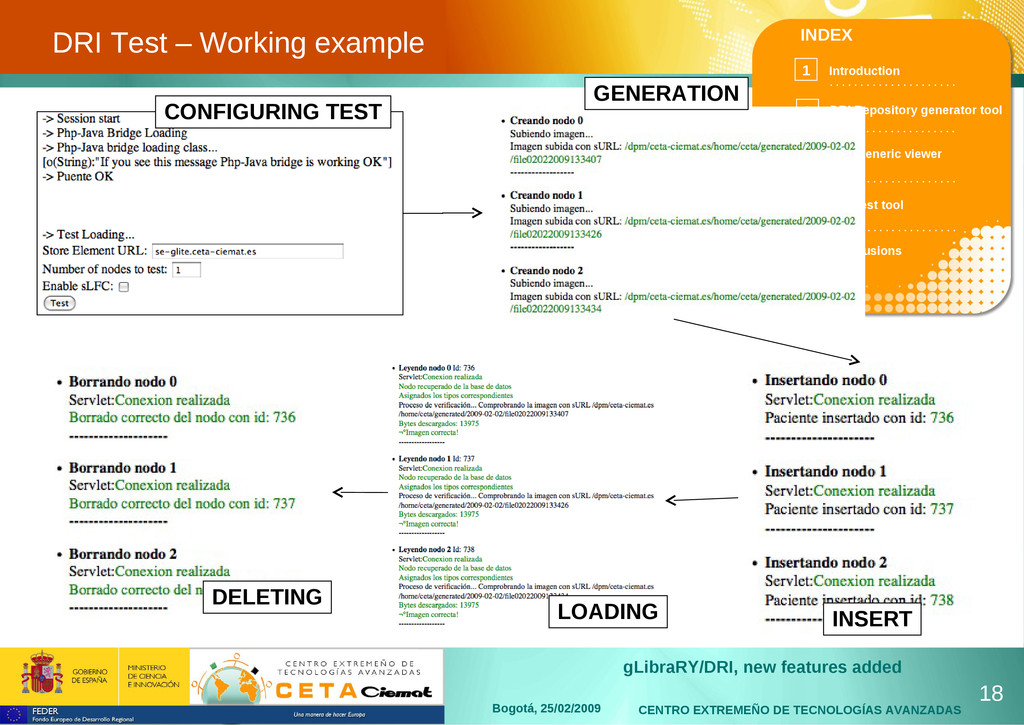
25/02/2009 INDEX Introduction 1 . . . . . . . . . . . . . . . . . . . . . . . . . . . . . . . . . . . . . . . . . . . . . . . . . . . . . . . . . . . . . . . . . . . . . . . . . . . . . . . . . . . . 2 3 4 5 DRI Repository generator tool DRI Generic viewer DRI Test tool Conclusions DRI Test architecture Layers Structure of the test environment is similar to gLibrary/DRI platform The internal processes the test performs are quite similar to the steps a normal user would perform in a complete use case in which he access to the repository by uploading and then saving a complete-structure node, including those data marked as LFN which will be stored on the SE. Two main parts: The entry point, which includes testing the login applet, the application server testing and the PHP-Java Bridge. The other part is aimed to test the whole gLibrary/DRI and repositories deployed at the platform and focusing on the functionality of the core operations, such us insert, load and remove a certain number of nodes. The test check also APIs gLibrary/DRI platform (LFC, Servlet, etc) The test is aimed to repository providers for checking the integrity of their repositories 17
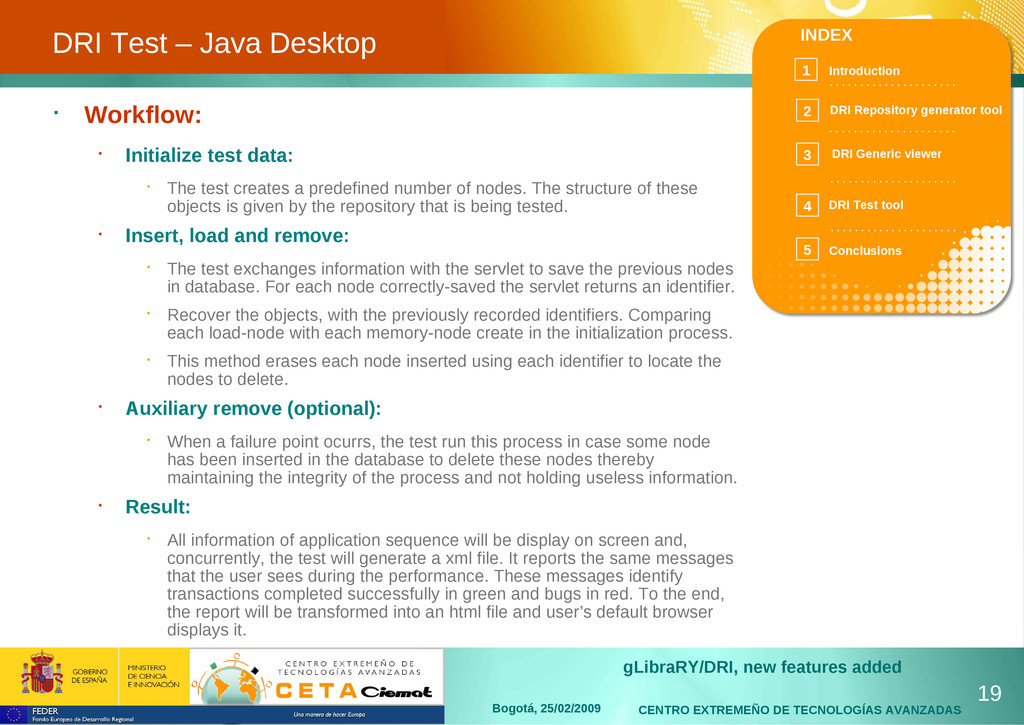
25/02/2009 INDEX Introduction 1 . . . . . . . . . . . . . . . . . . . . . . . . . . . . . . . . . . . . . . . . . . . . . . . . . . . . . . . . . . . . . . . . . . . . . . . . . . . . . . . . . . . . 2 3 4 5 DRI Repository generator tool DRI Generic viewer DRI Test tool Conclusions DRI Test – Java Desktop 19 Workflow: Initialize test data: The test creates a predefined number of nodes. The structure of these objects is given by the repository that is being tested. Insert, load and remove: The test exchanges information with the servlet to save the previous nodes in database. For each node correctly-saved the servlet returns an identifier. Recover the objects, with the previously recorded identifiers. Comparing each load-node with each memory-node create in the initialization process. This method erases each node inserted using each identifier to locate the nodes to delete. Auxiliary remove (optional): When a failure point ocurrs, the test run this process in case some node has been inserted in the database to delete these nodes thereby maintaining the integrity of the process and not holding useless information. Result: All information of application sequence will be display on screen and, concurrently, the test will generate a xml file. It reports the same messages that the user sees during the performance. These messages identify transactions completed successfully in green and bugs in red. To the end, the report will be transformed into an html file and user’s default browser displays it.


 cetaciemat
 ryomasumura
 kentaitakura
 mikimhk
 institutdelelevage
 naok615
 shunk031
 hf149
hf149
 upura
upura
 ayaniwa
 butchi
 takasehideki
 sergeychernyshev
 iamctodd
 ryanjones
 takai
takai
 kristinabergwall1
 jonrohan
 aleyda
 eileencodes
 hatefulcrawdad
 katiecoart
 jonoalderson