Upgrade to Pro — share decks privately, control downloads, hide ads and more …

Engineering the Future with the Uber Developer ...

Engineering the Future with the Uber Developer Platform (iOT)

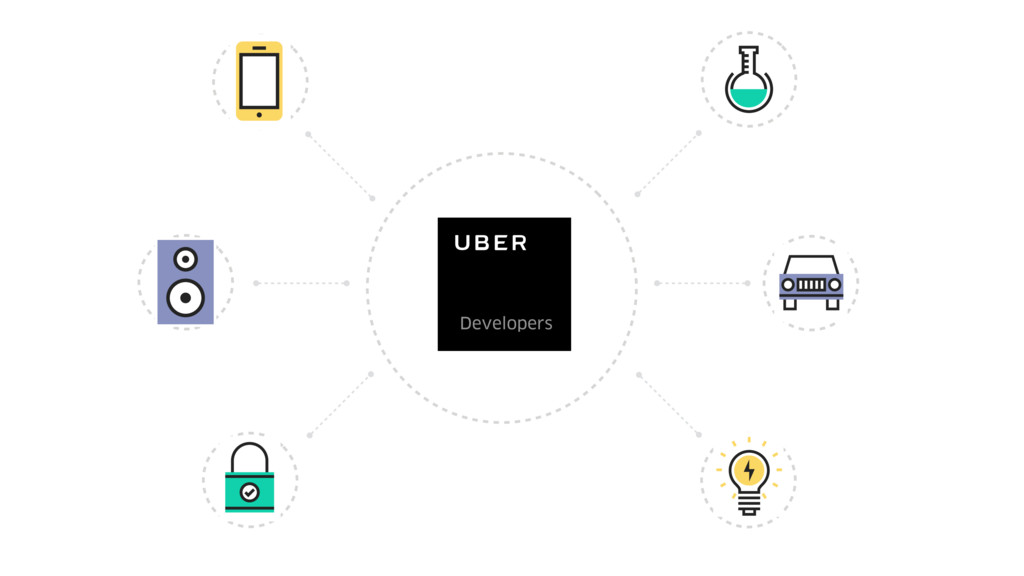
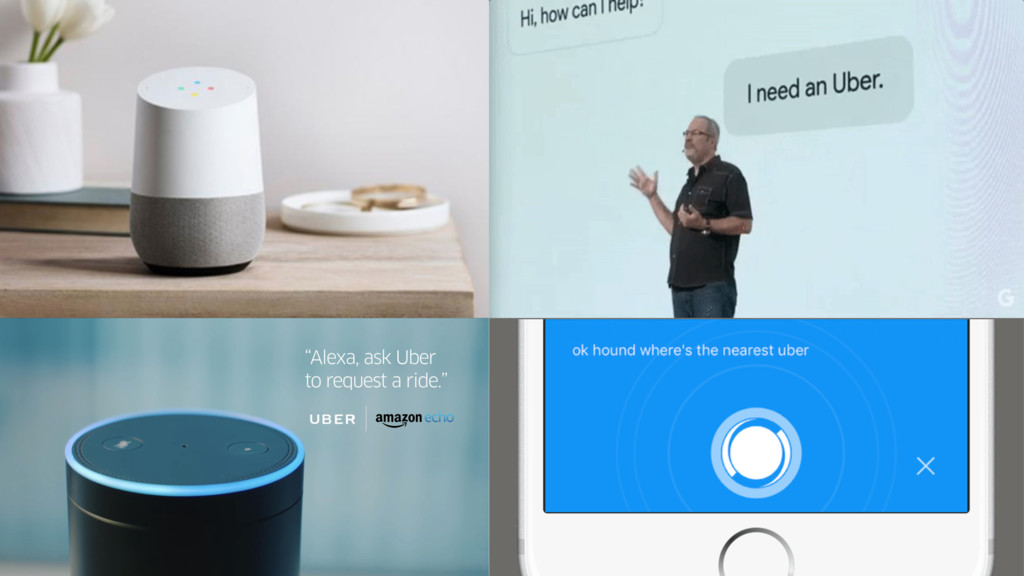
Learn about the Uber Developer Platform and how it fits into a world run by intelligent algorithms, invisible interfaces and automated machinery. We'll dive deep into the Trip Experiences API and talk about conversational agents, smartwatch interfaces and what's possible with smart home integrations. In this talk, Charlyn Gonda (@chardane), Uber Developer Advocate will outline how Uber APIs empower developers to connect bits and atoms by providing transportation through IoT services and reach customers while they're on the go.

Avatar for Charlyn G

Charlyn G

May 23, 2017

Other Decks in Technology

Transcript

  1. 3
  2. 4

  3. 5

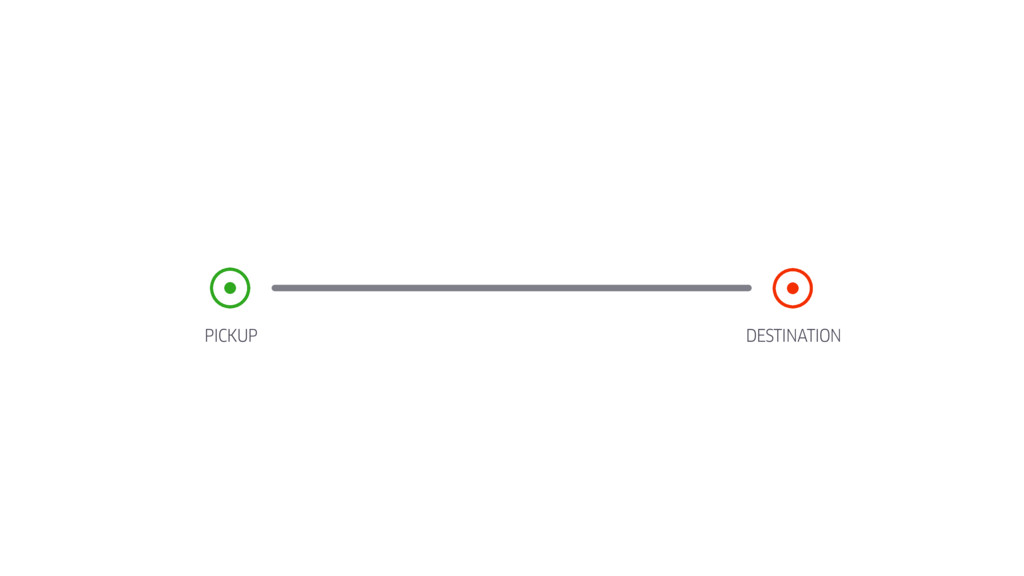
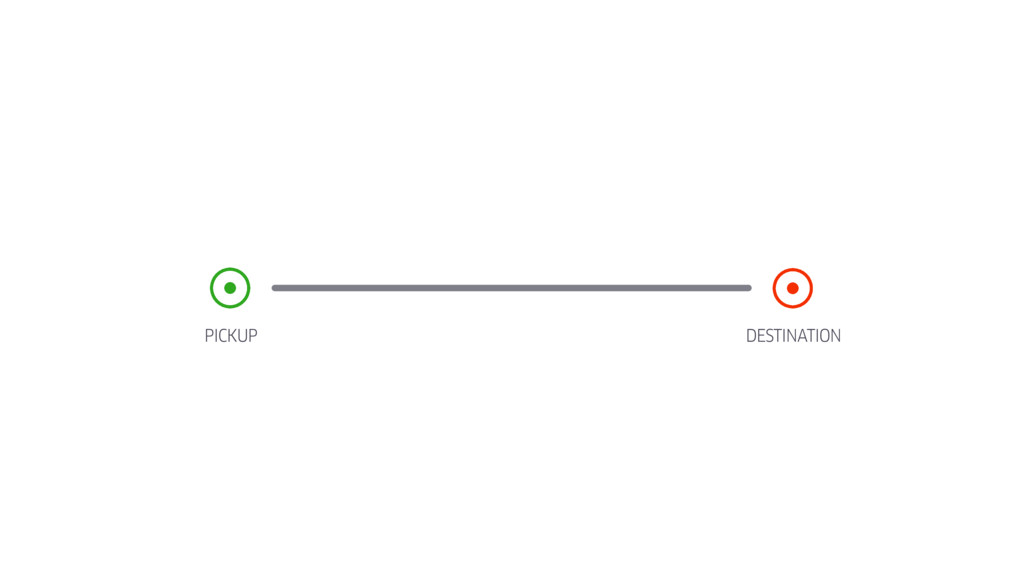
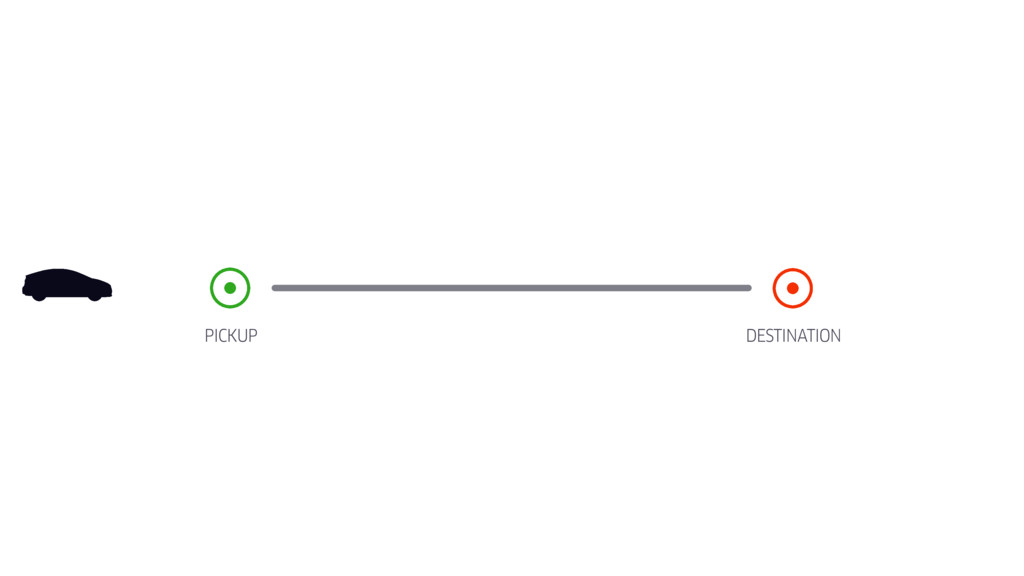
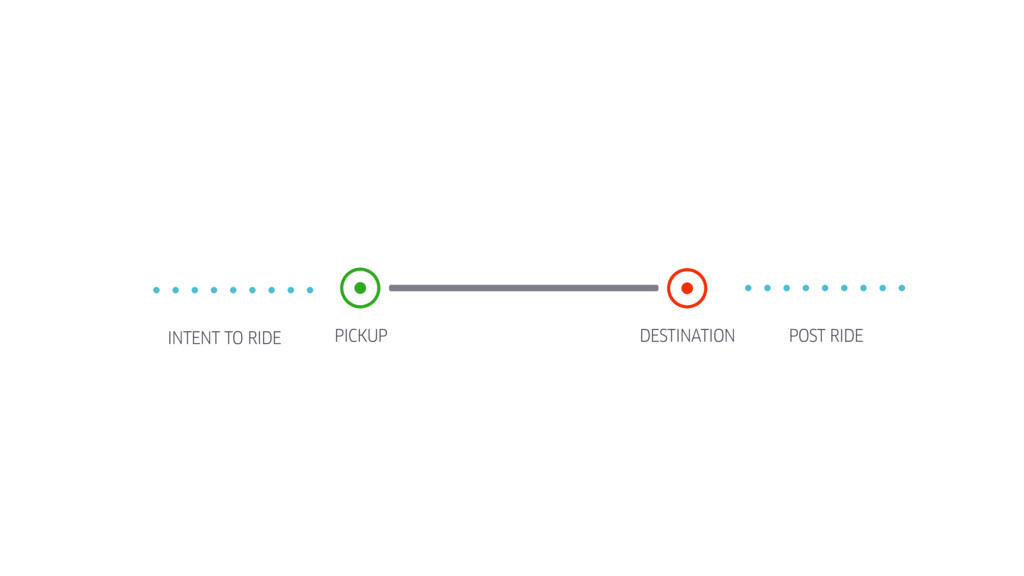
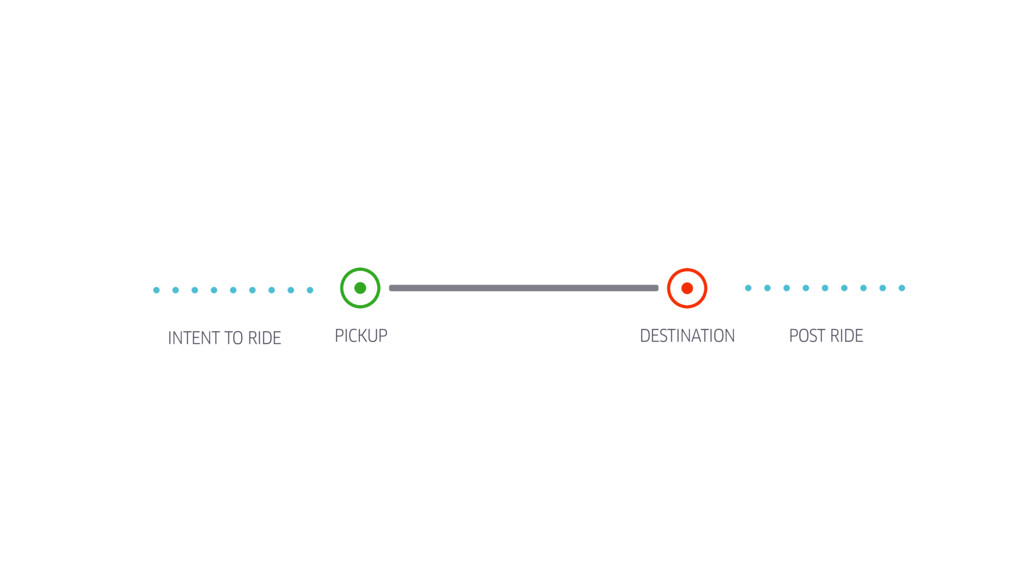
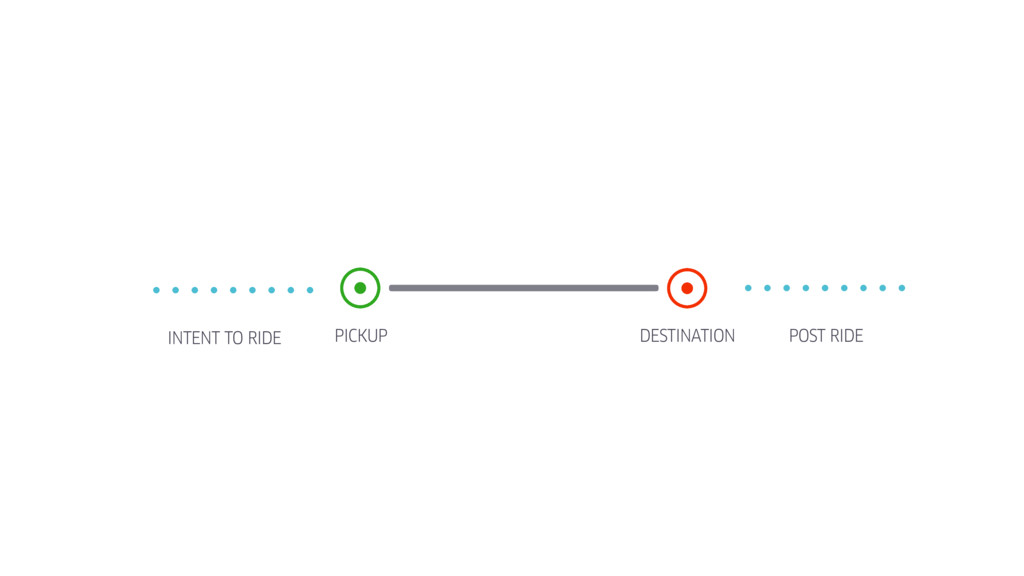
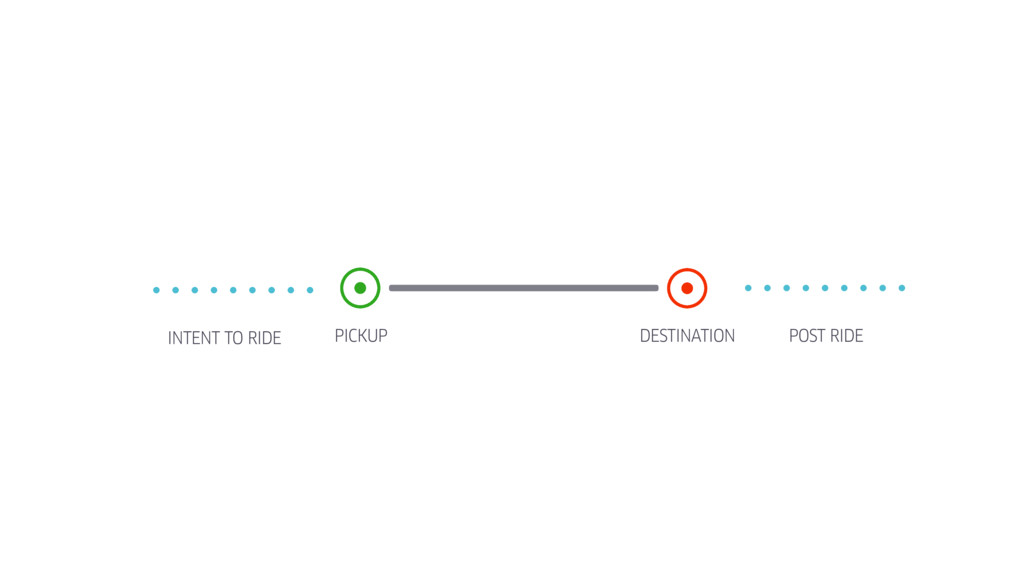
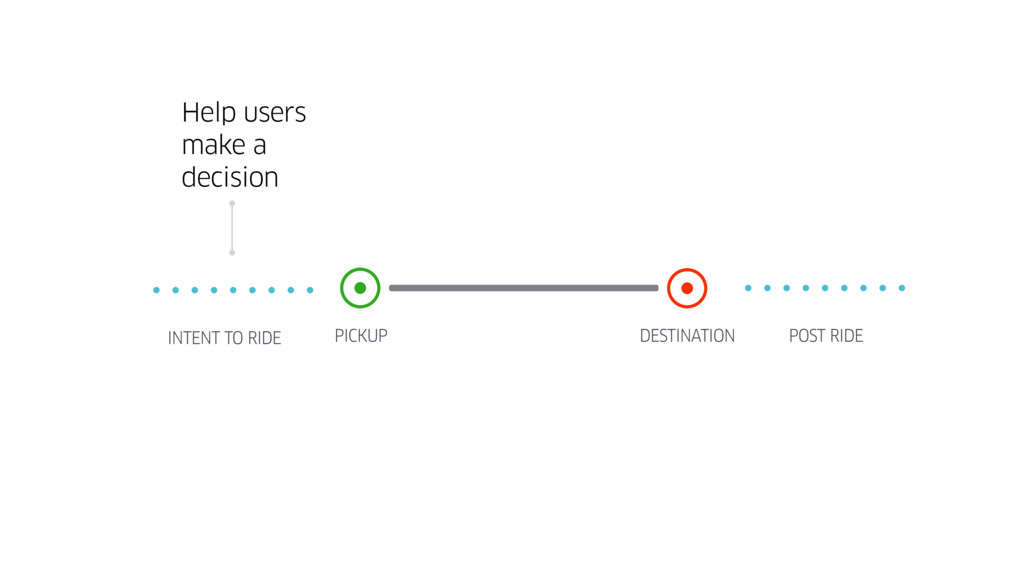
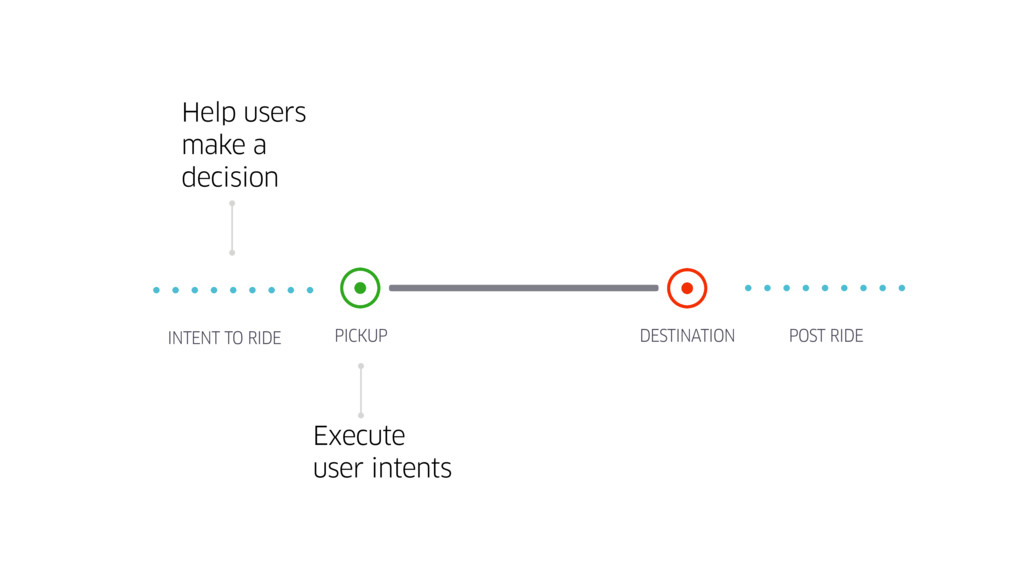
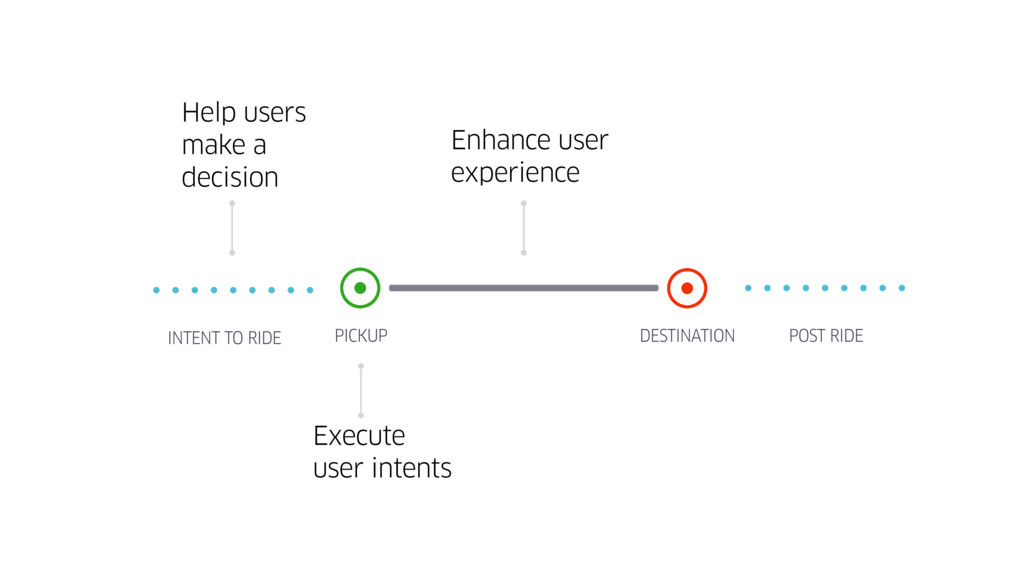
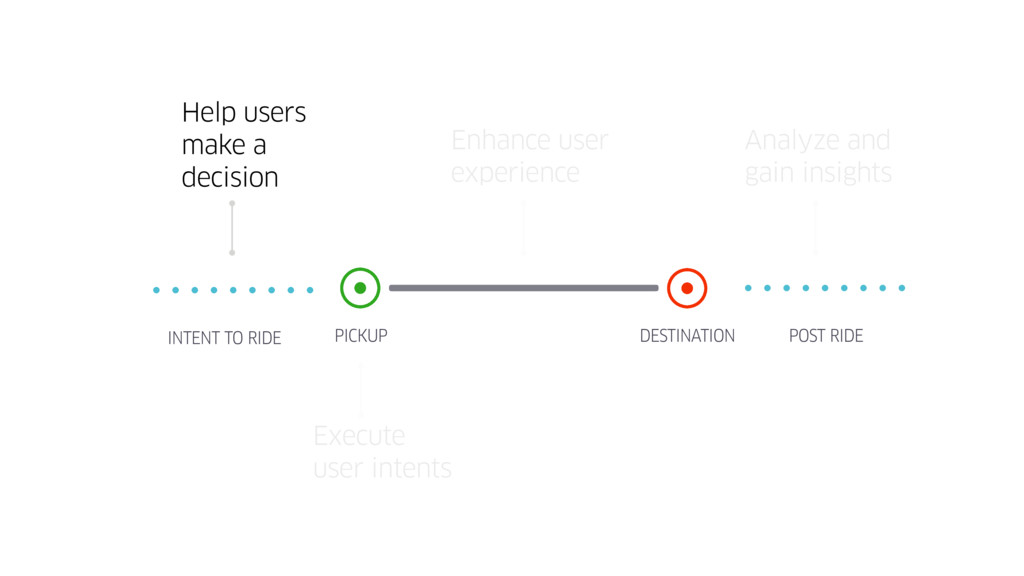
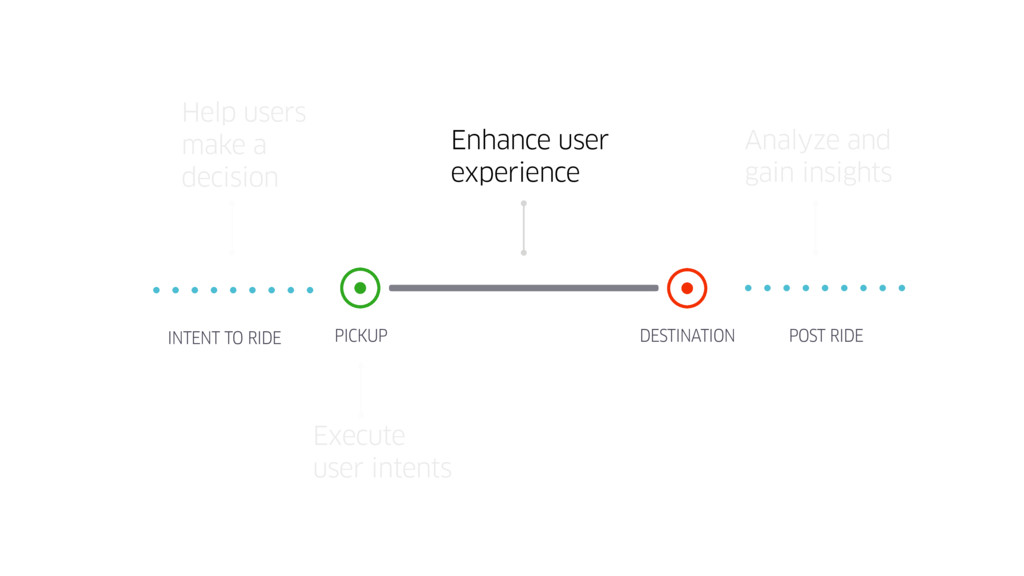
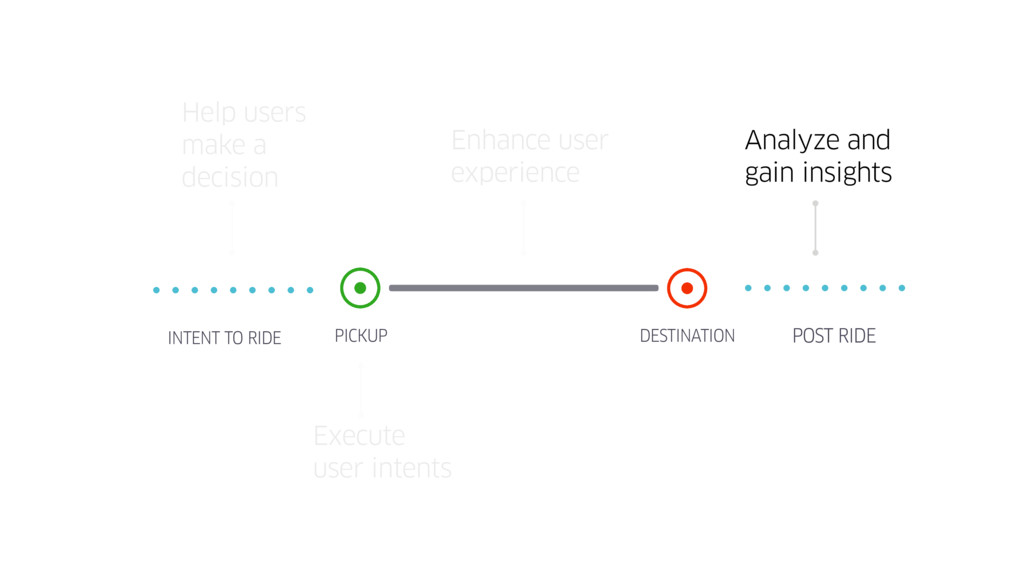
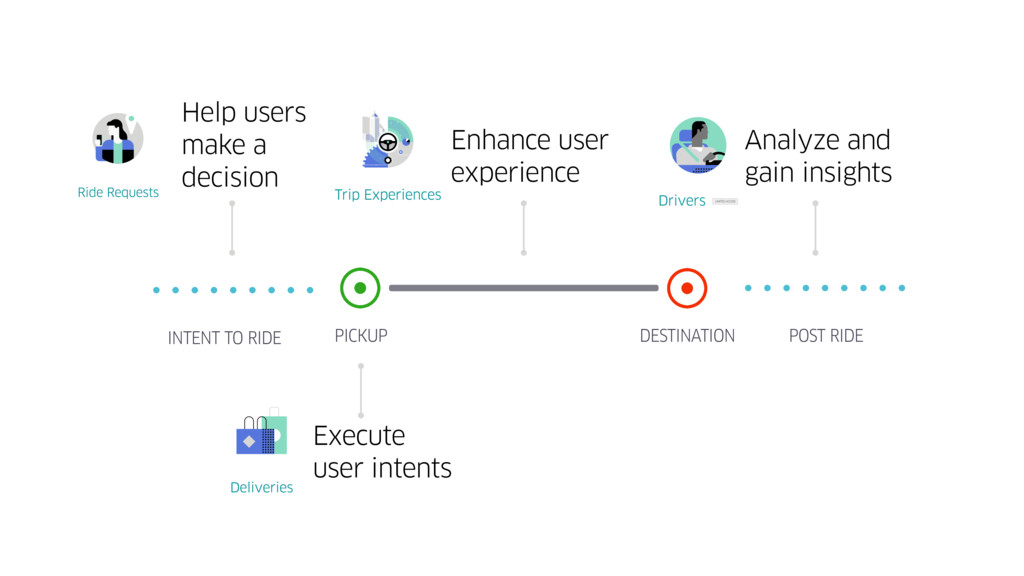
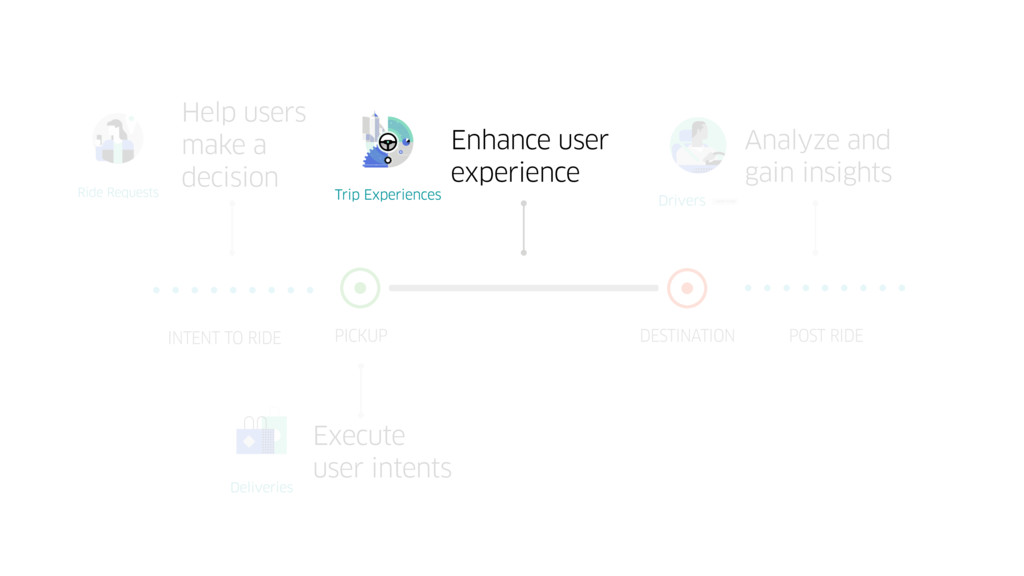
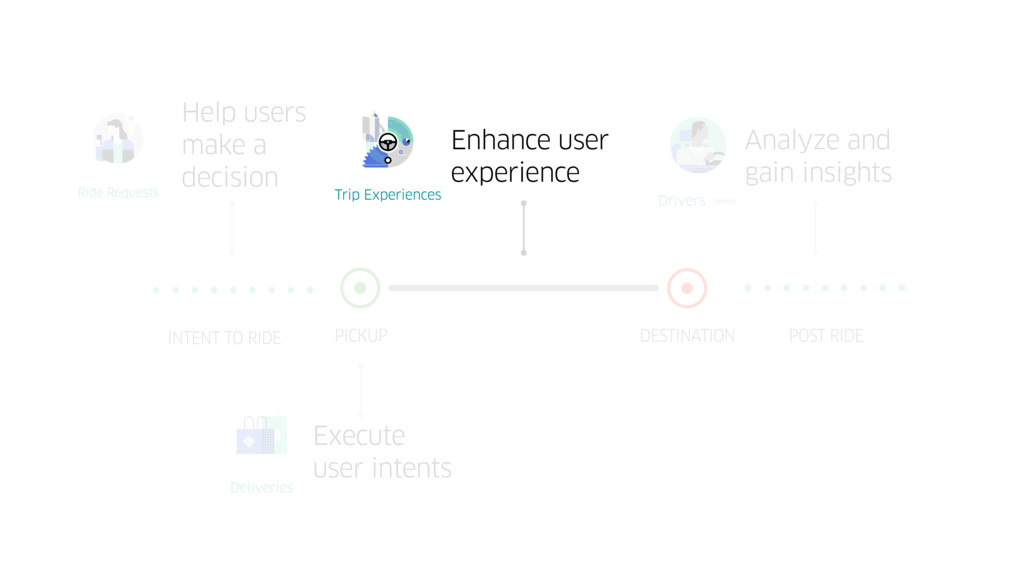
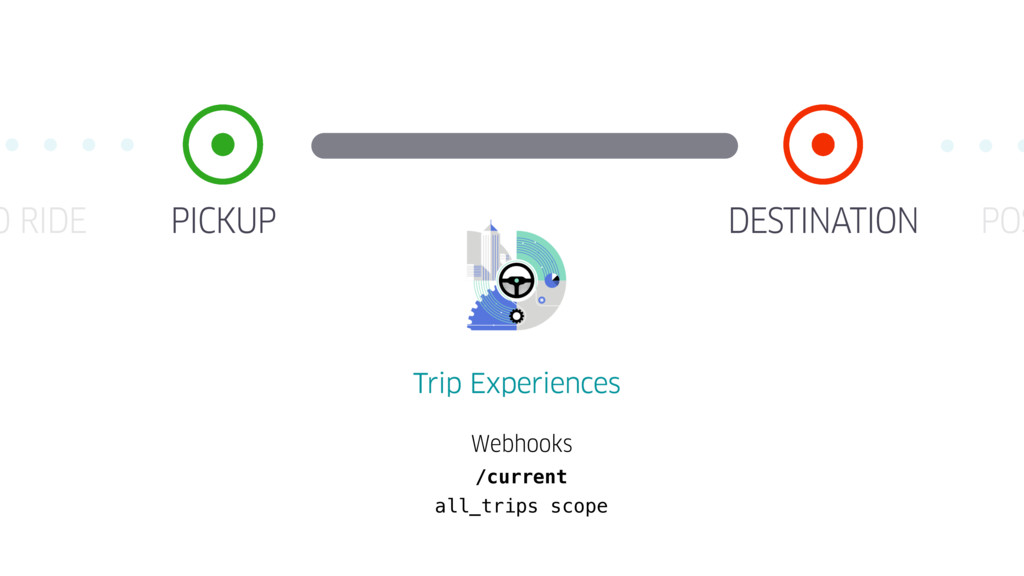
  4. PICKUP DESTINATION INTENT TO RIDE POST RIDE Help users make

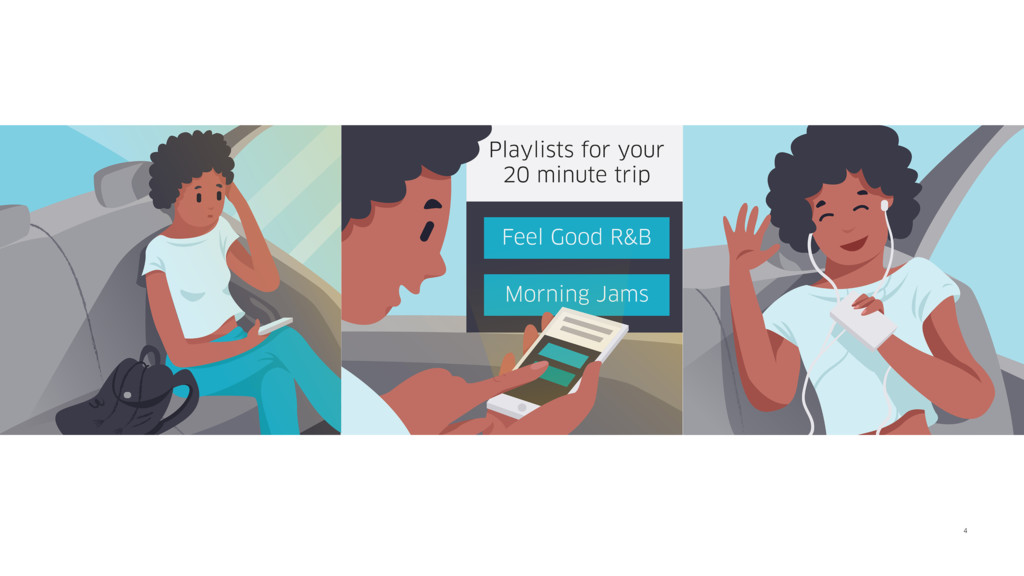
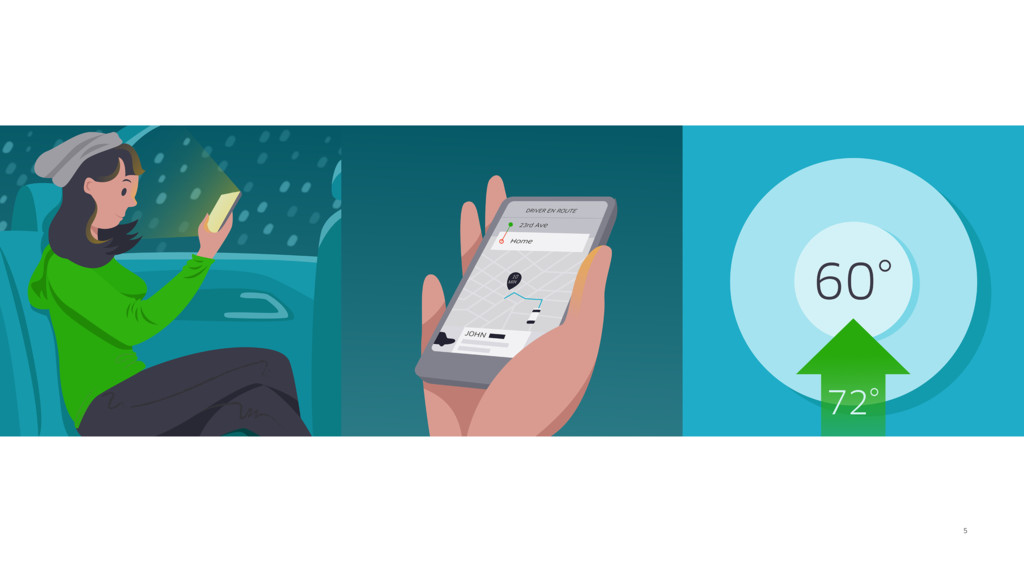
    a decision Execute user intents Enhance user experience
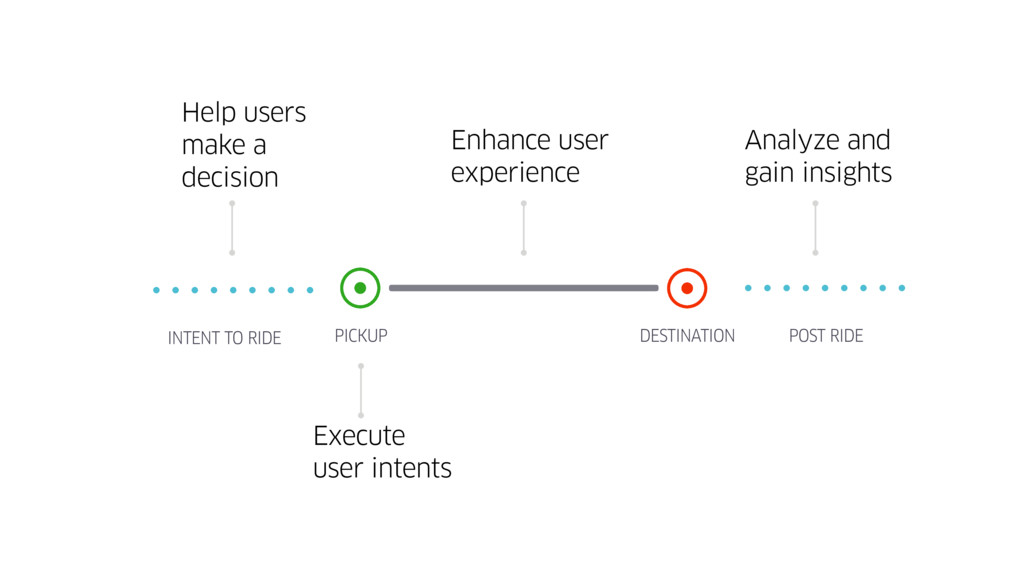
  5. PICKUP DESTINATION INTENT TO RIDE POST RIDE Help users make

    a decision Execute user intents Enhance user experience Analyze and gain insights
  6. PICKUP DESTINATION INTENT TO RIDE POST RIDE Help users make

    a decision Execute user intents Enhance user experience Analyze and gain insights
  7. PICKUP DESTINATION INTENT TO RIDE POST RIDE Help users make

    a decision Execute user intents Enhance user experience Analyze and gain insights
  8. PICKUP DESTINATION INTENT TO RIDE POST RIDE Help users make

    a decision Execute user intents Enhance user experience Analyze and gain insights
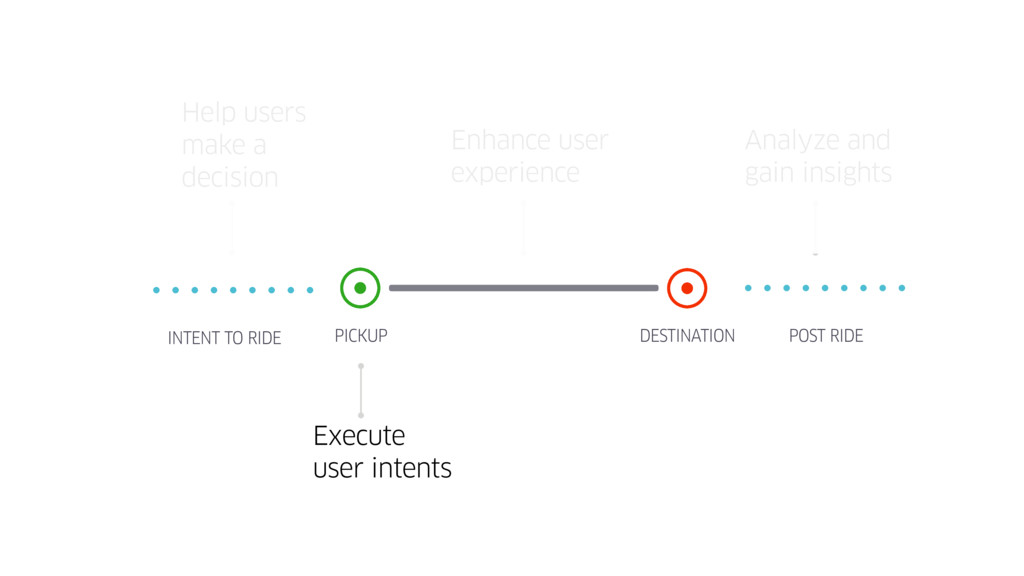
  9. PICKUP DESTINATION INTENT TO RIDE Help users make a decision

    Execute user intents Enhance user experience Analyze and gain insights POST RIDE
  10. PICKUP DESTINATION INTENT TO RIDE POST RIDE Help users make

    a decision Execute user intents Enhance user experience Analyze and gain insights
  11. PICKUP DESTINATION INTENT TO RIDE POST RIDE Help users make

    a decision Execute user intents Enhance user experience Analyze and gain insights
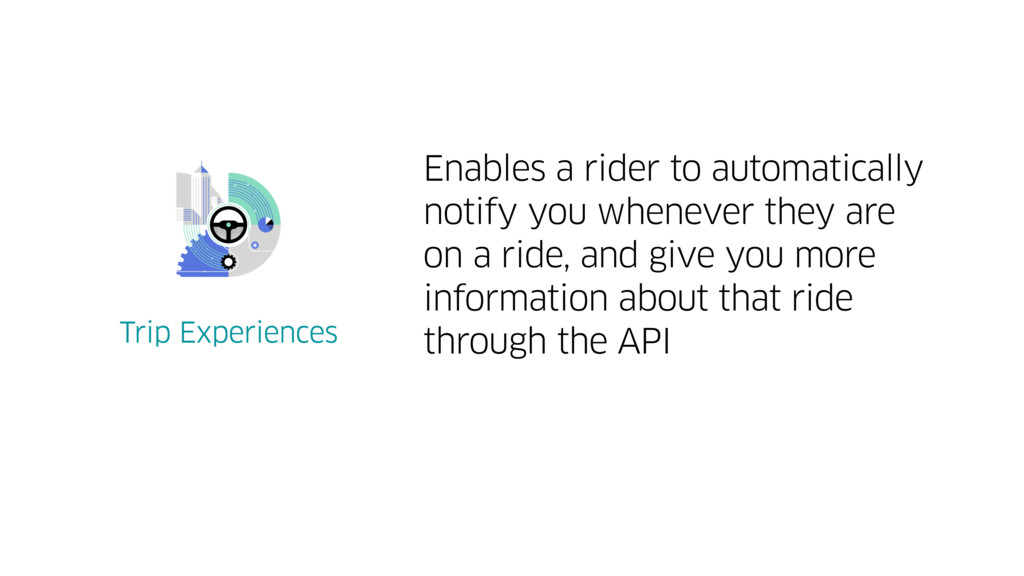
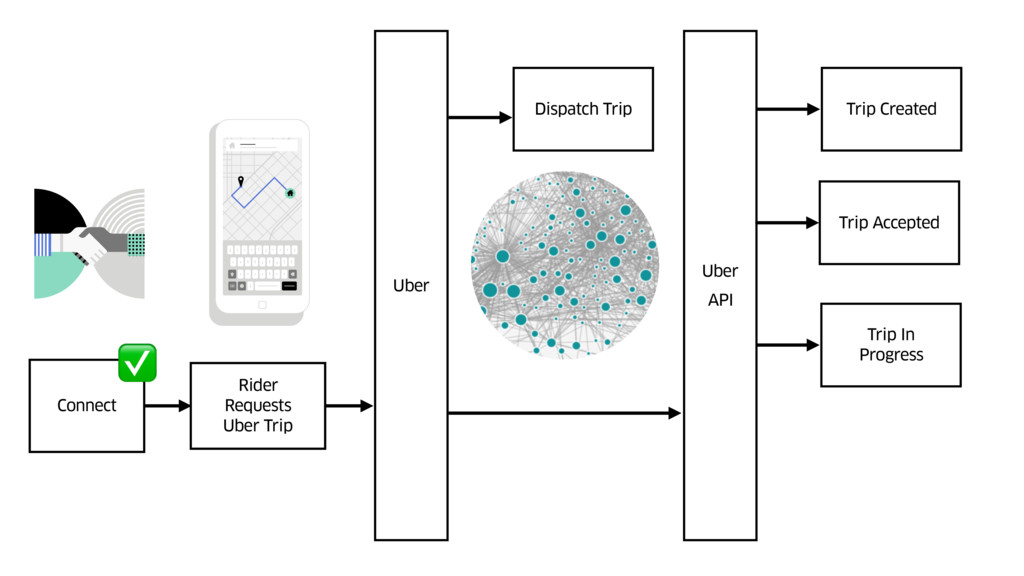
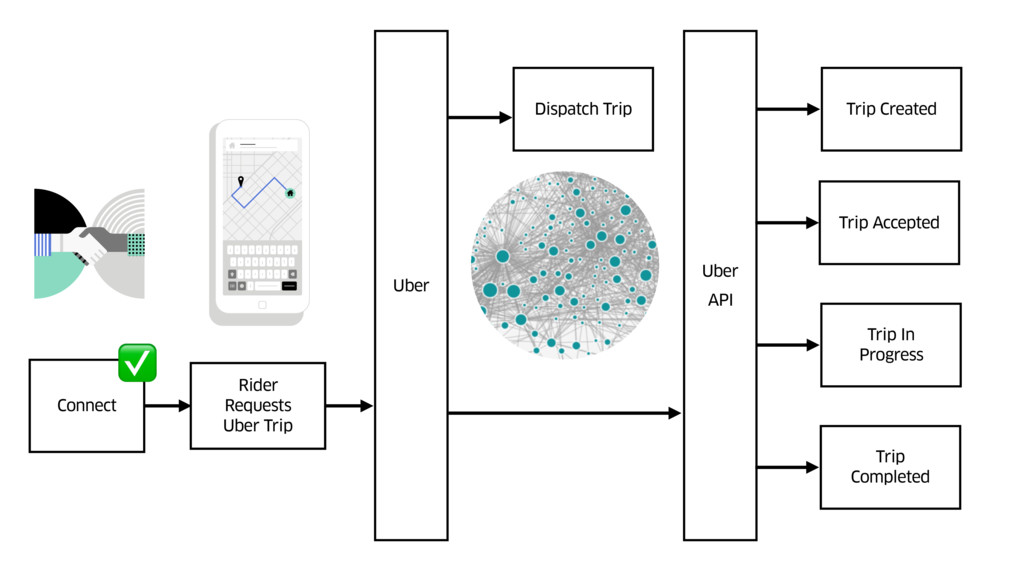
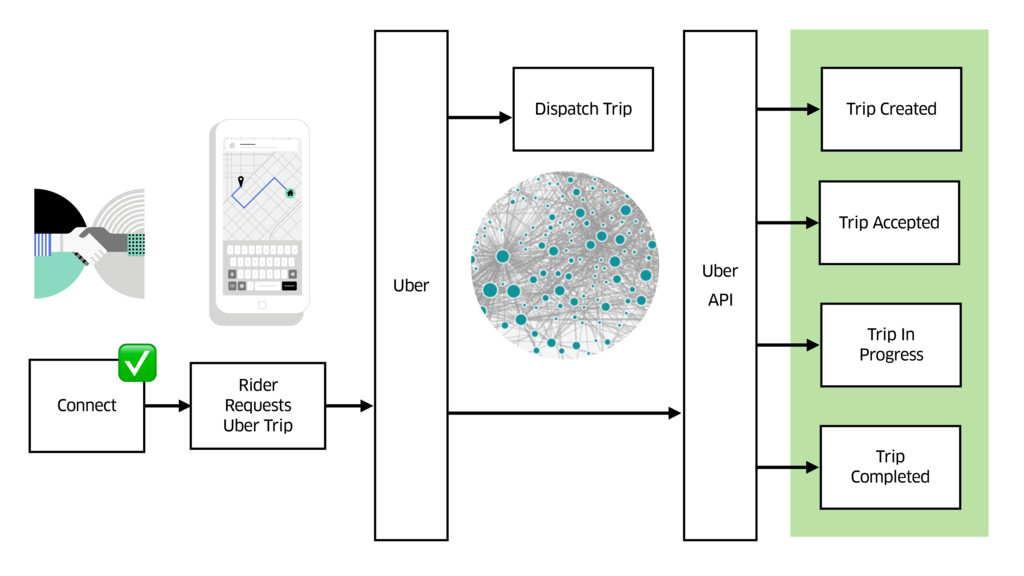
  12. Enables a rider to automatically notify you whenever they are

    on a ride, and give you more information about that ride through the API
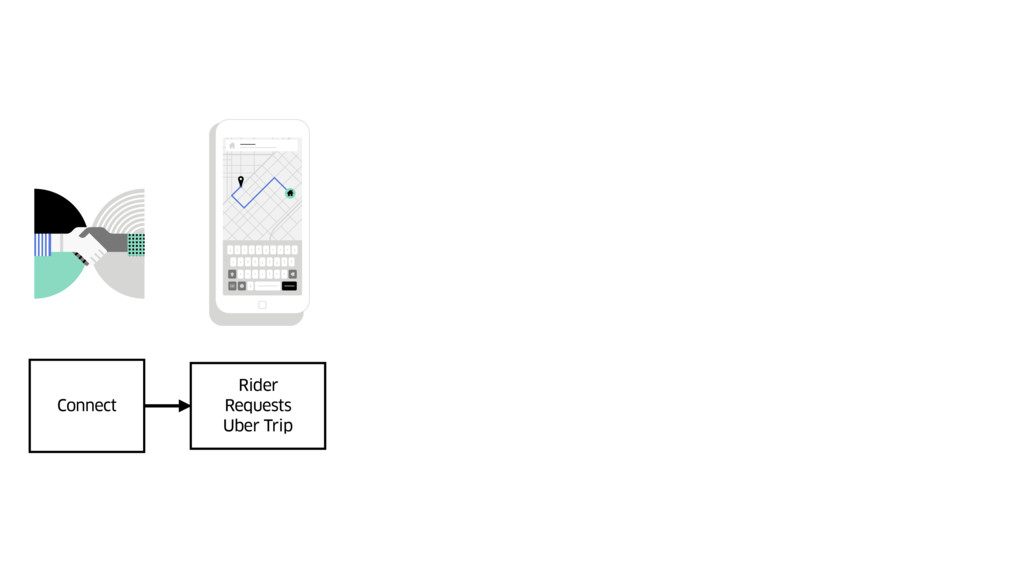
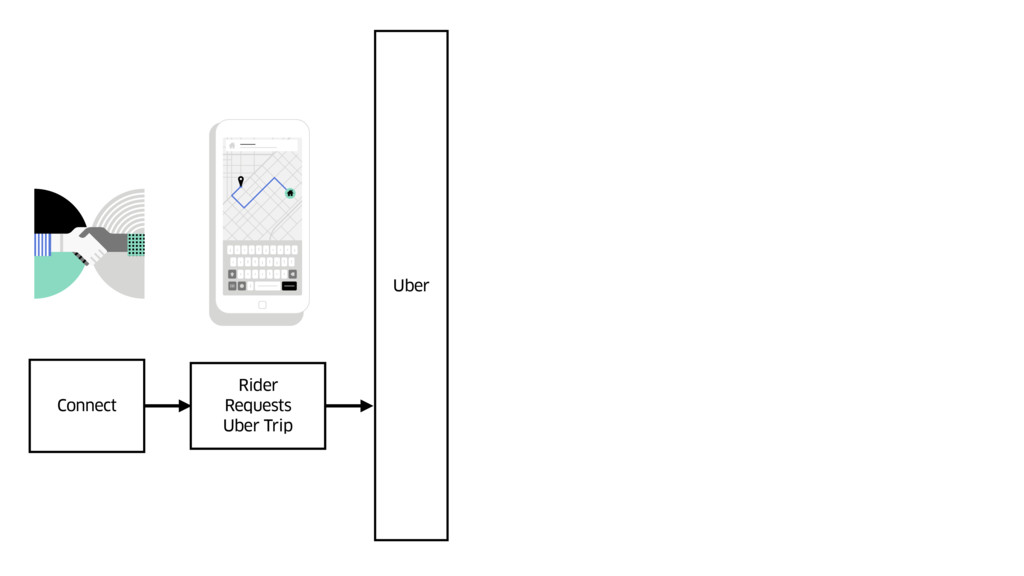
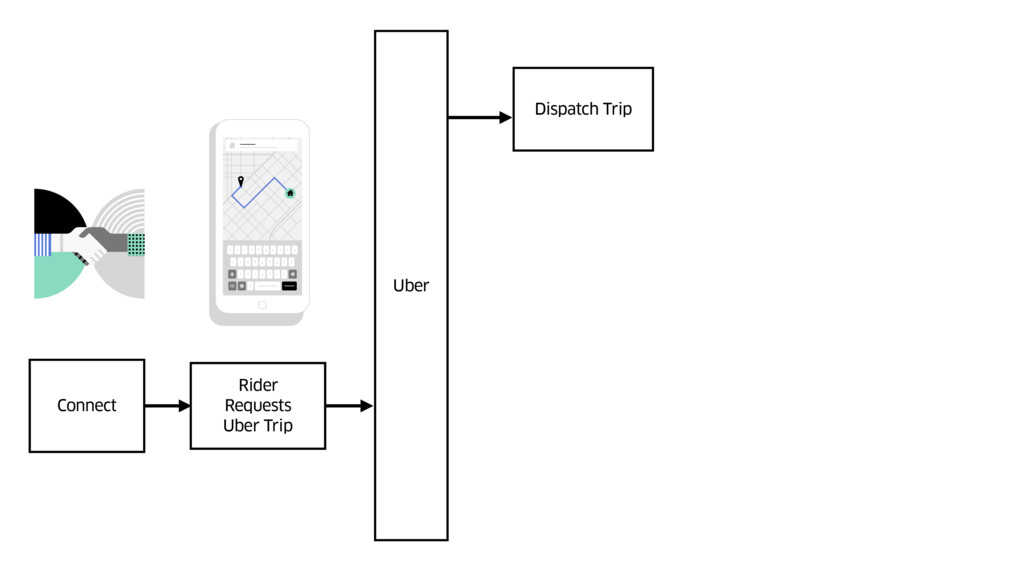
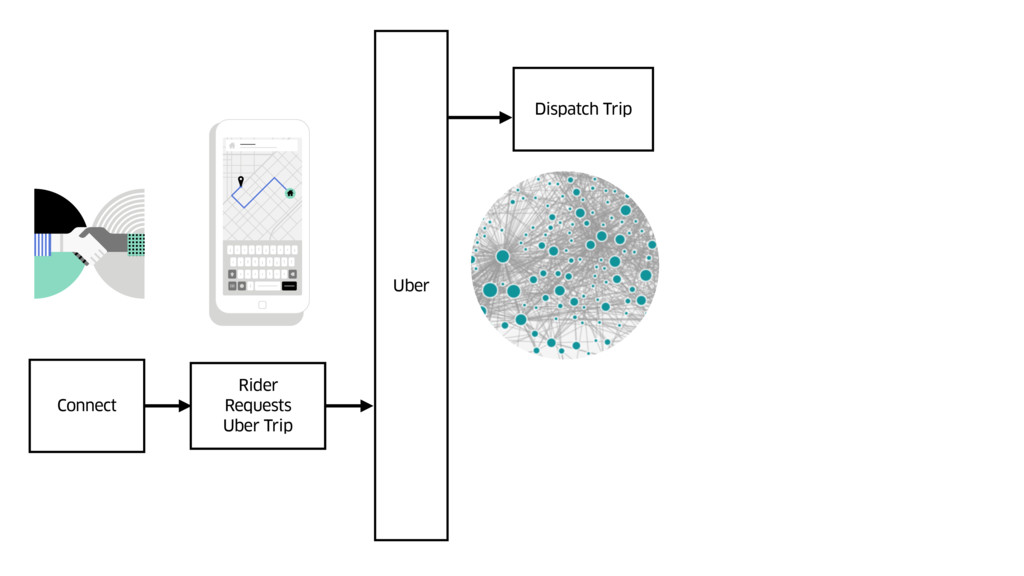
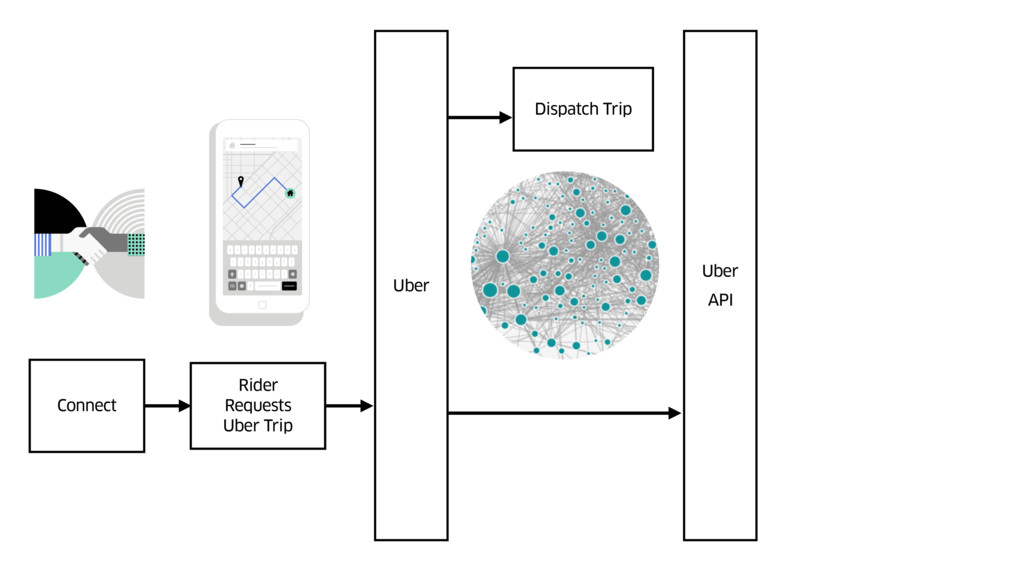
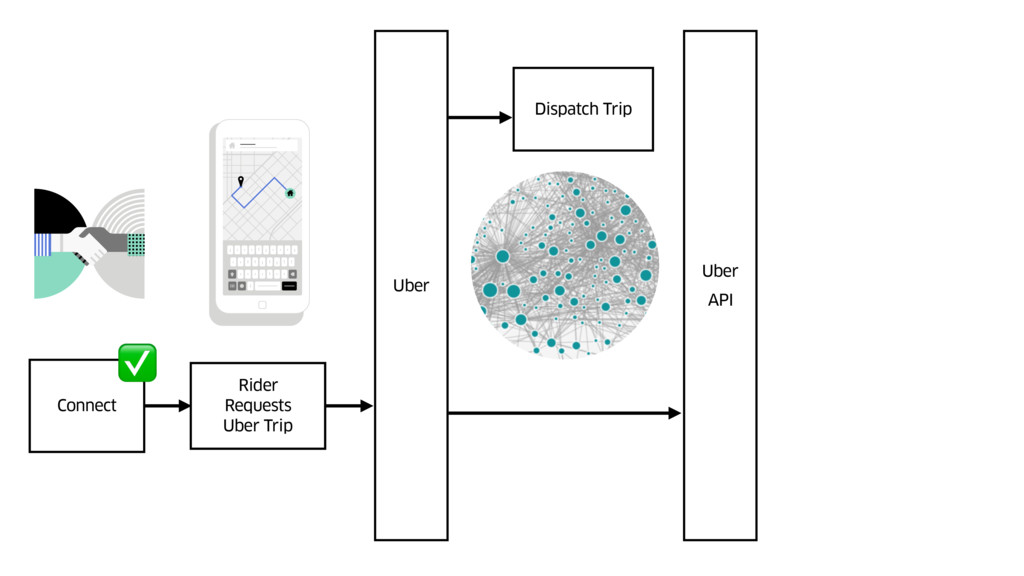
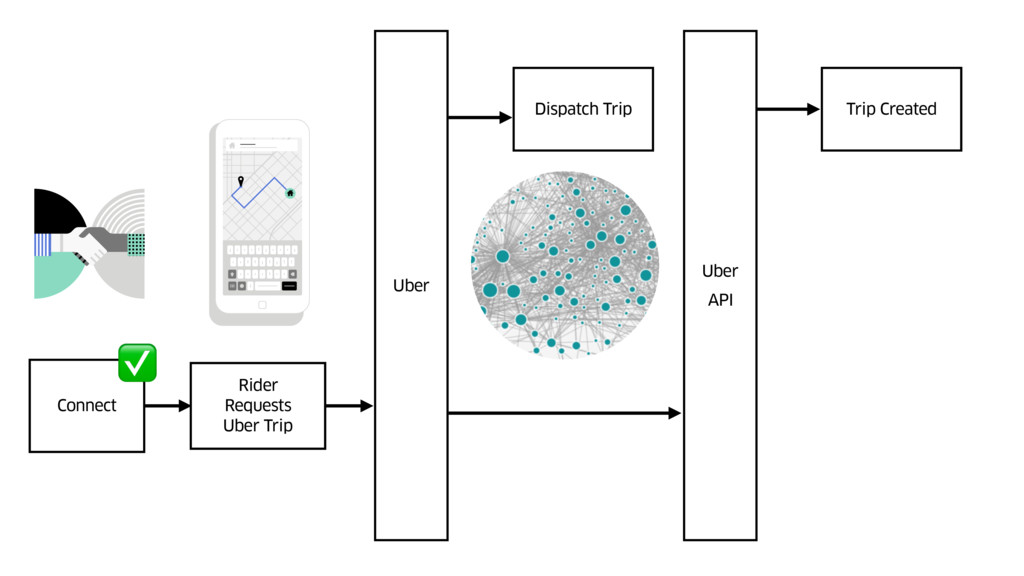
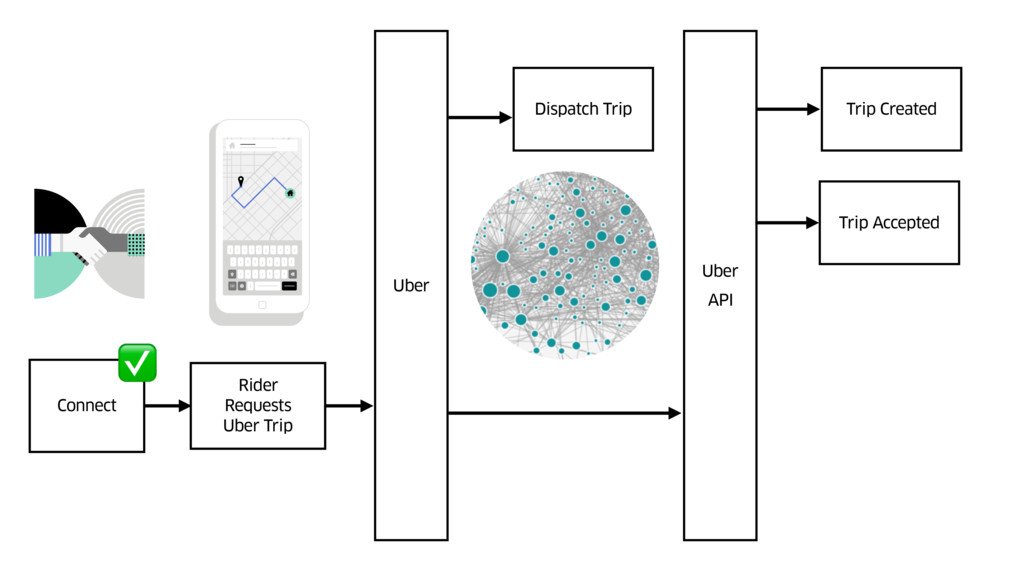
  13. Connect Rider Requests Uber Trip Uber Dispatch Trip Uber API

    Trip Created Trip Accepted Trip In Progress ✅
  14. Connect Rider Requests Uber Trip Uber Dispatch Trip Uber API

    Trip Created Trip Accepted Trip In Progress Trip Completed ✅
  15. Connect Rider Requests Uber Trip Uber Dispatch Trip Uber API

    Trip Created Trip Accepted Trip In Progress Trip Completed ✅
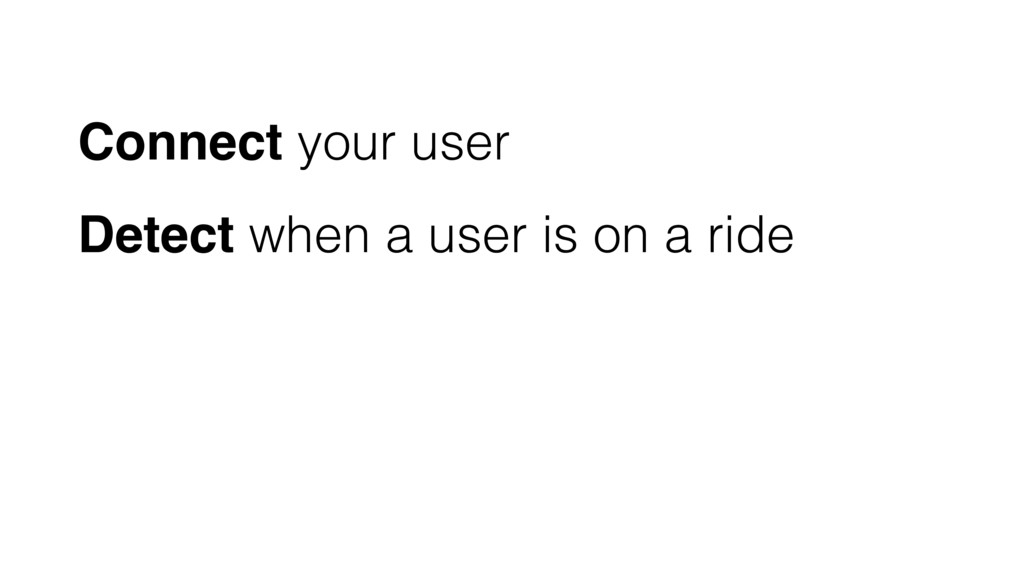
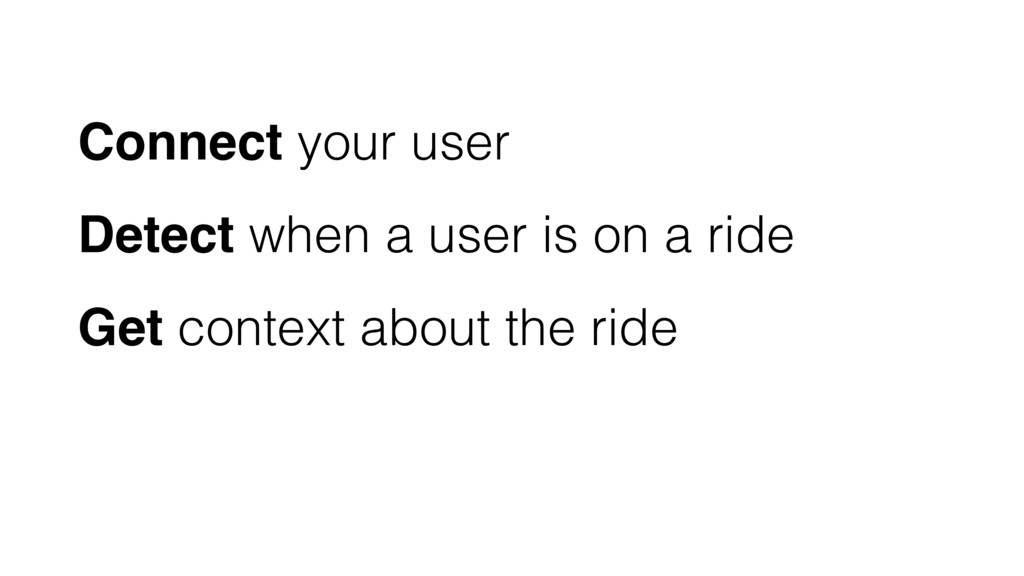
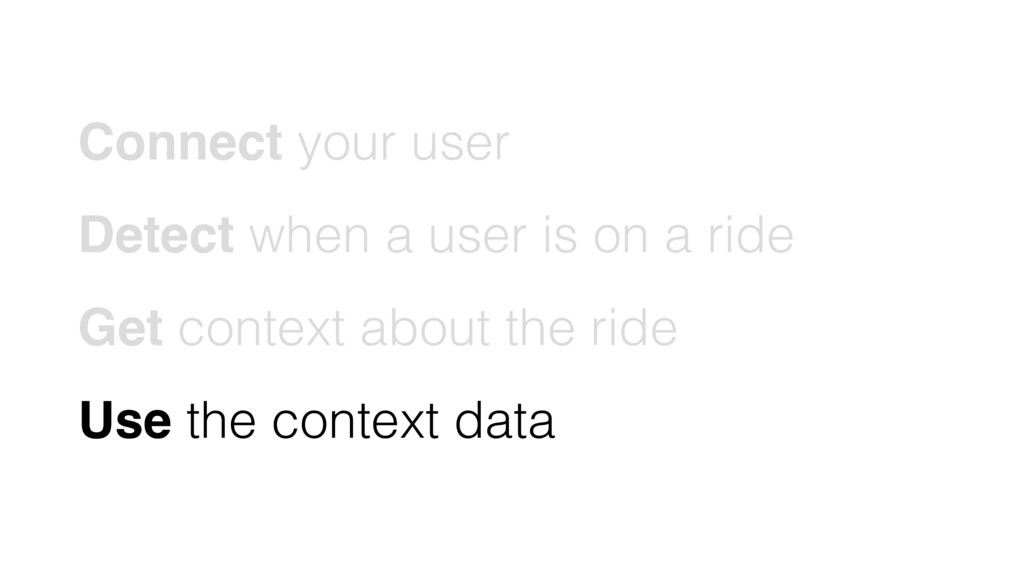
  16. Connect your user Detect when a user is on a

    ride Get context about the ride
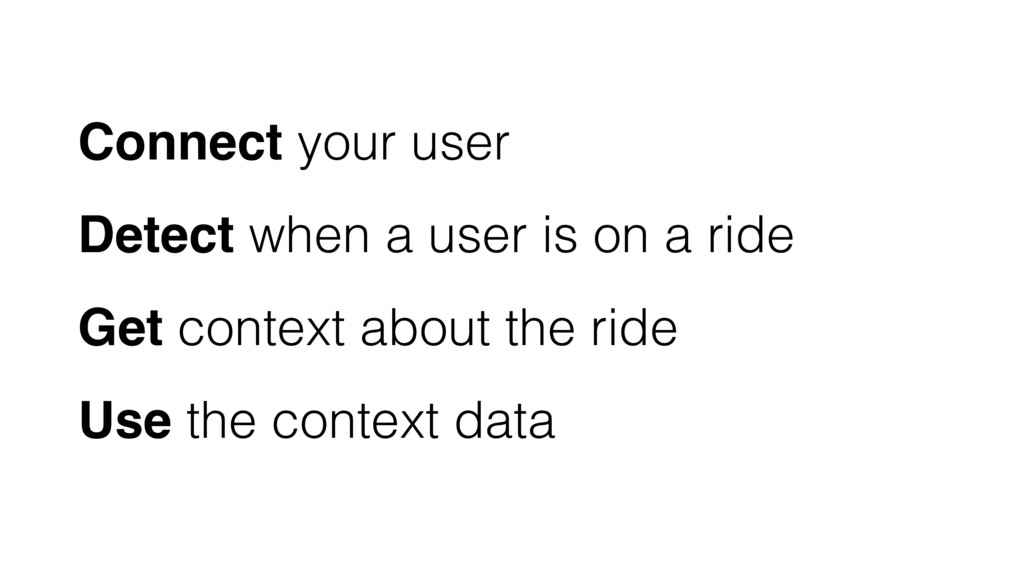
  17. Connect your user Detect when a user is on a

    ride Get context about the ride Use the context data
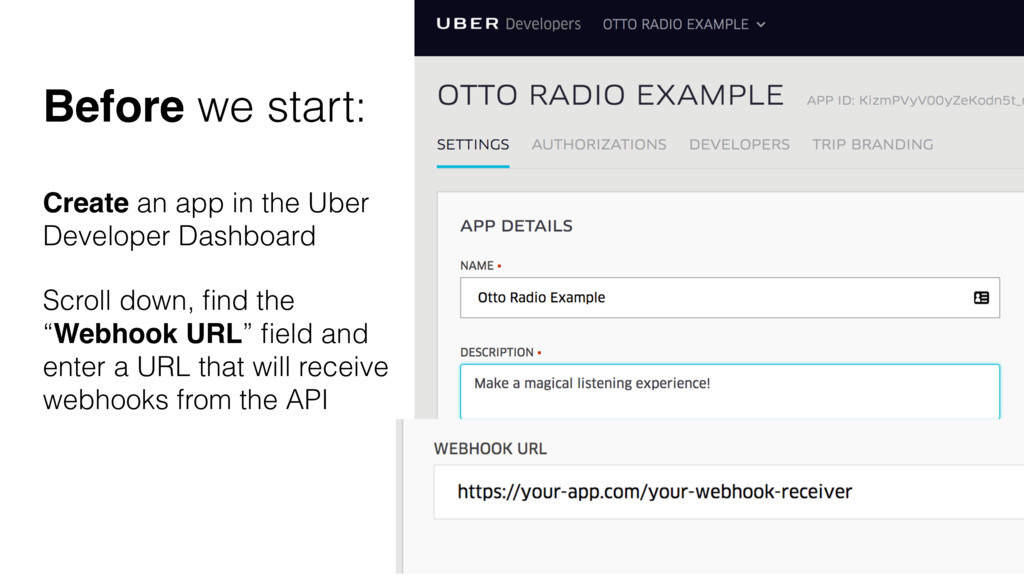
  18. Create an app in the Uber Developer Dashboard Scroll down,

    find the “Webhook URL” field and enter a URL that will receive webhooks from the API Before we start:
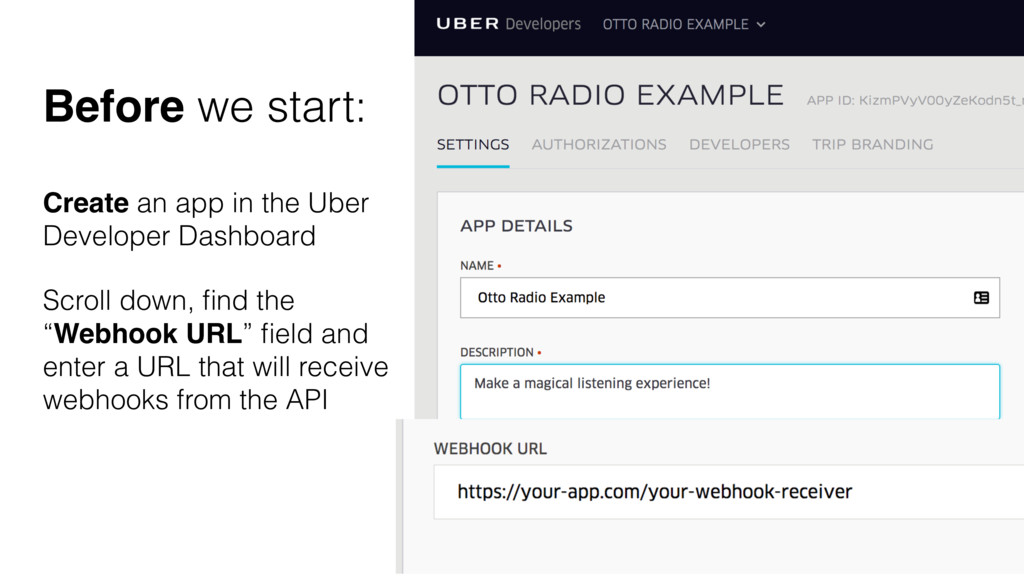
  19. Create an app in the Uber Developer Dashboard Scroll down,

    find the “Webhook URL” field and enter a URL that will receive webhooks from the API Before we start:
  20. Connect your user Detect when a user is on a

    ride Get context about the ride Use the context data
  21. Let them securely sign in with their Uber account username

    and password • OAuth 2.0 • Single Sign On Connect your user
  22. Let them securely sign in with their Uber account username

    and password • OAuth 2.0 • Single Sign On Connect your user
  23. Let them securely sign in with their Uber account username

    and password • OAuth 2.0 • Single Sign On Connect your user
  24. Let them securely sign in with their Uber account username

    and password • OAuth 2.0 • Single Sign On Connect your user
  25. Let them securely sign in with their Uber account username

    and password • OAuth 2.0 • Single Sign On Connect your user
  26. Connect your user Detect when a user is on a

    ride Get context about the ride Use the context data
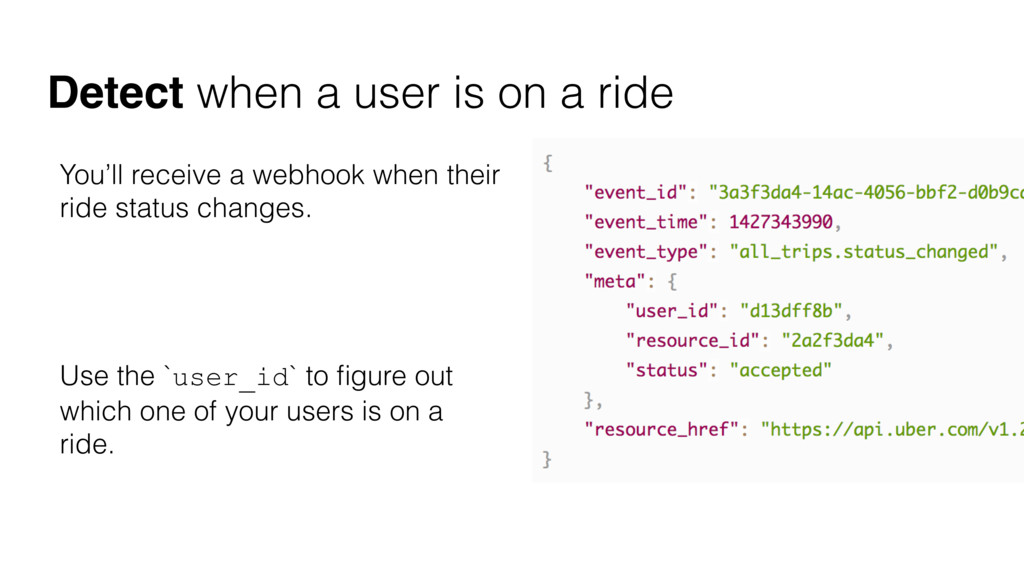
  27. You’ll receive a webhook when their ride status changes. Use

    the `user_id` to figure out which one of your users is on a ride. Detect when a user is on a ride
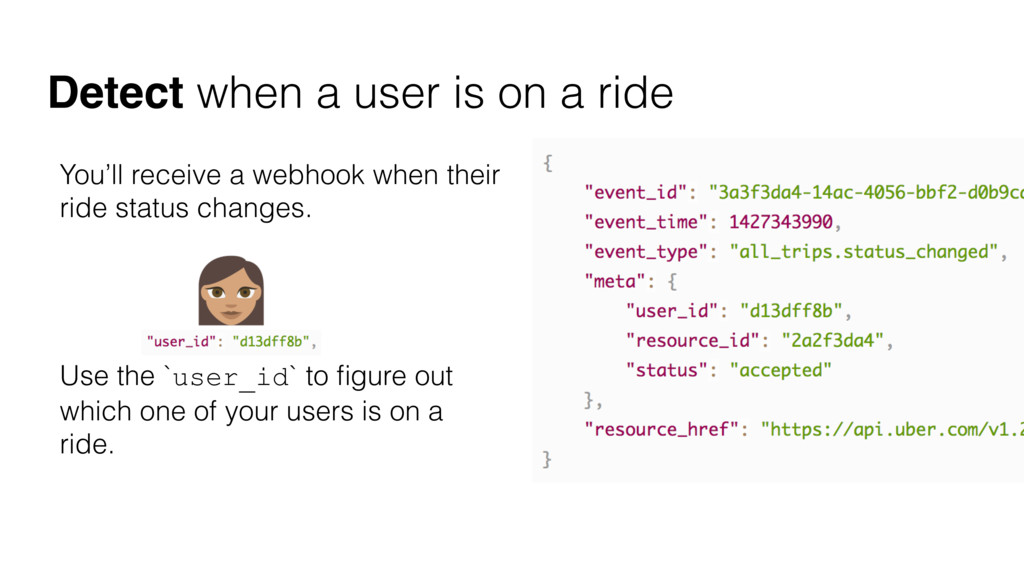
  28. You’ll receive a webhook when their ride status changes. Use

    the `user_id` to figure out which one of your users is on a ride. Detect when a user is on a ride
  29. Connect your user Detect when a user is on a

    ride Get context about the ride Use the context data
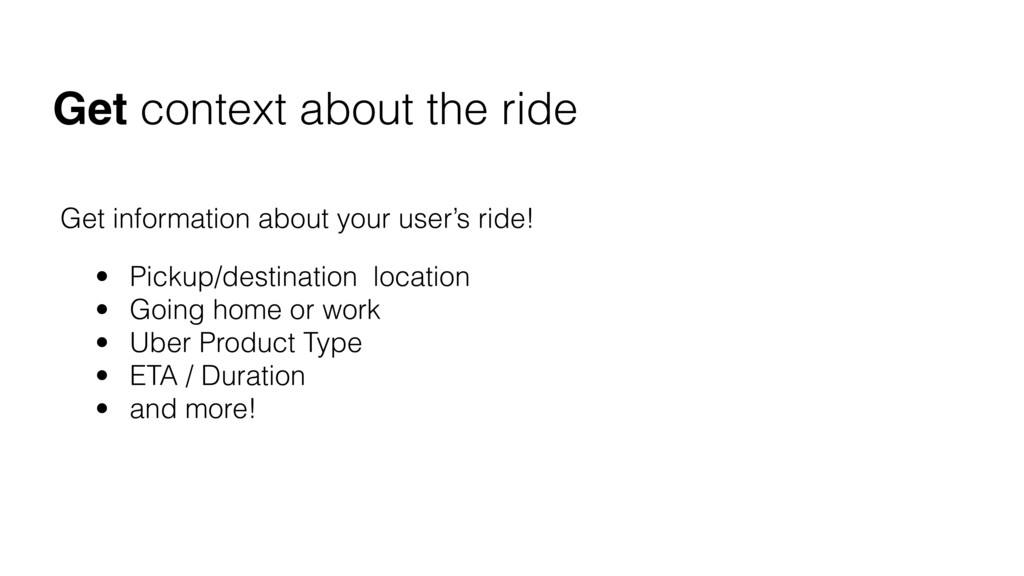
  30. Get information about your user’s ride! • Pickup/destination location •

    Going home or work • Uber Product Type • ETA / Duration • and more! Get context about the ride
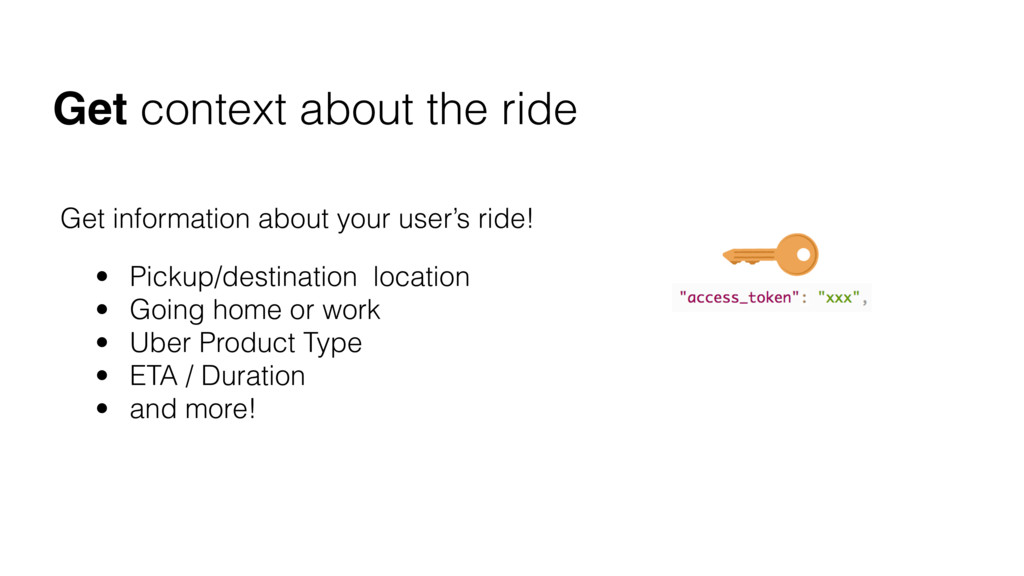
  31. Get information about your user’s ride! • Pickup/destination location •

    Going home or work • Uber Product Type • ETA / Duration • and more! Get context about the ride
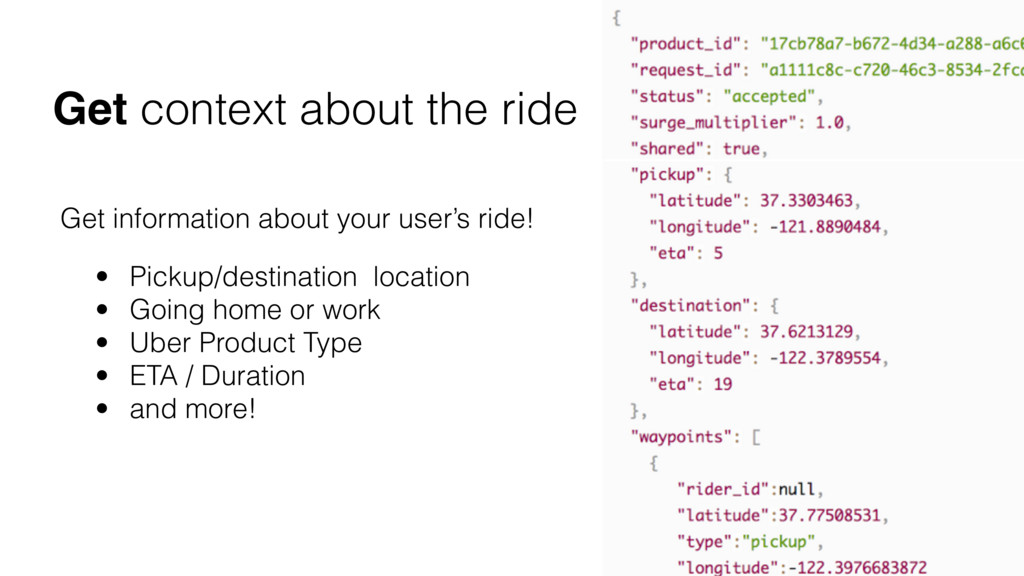
  32. Get information about your user’s ride! • Pickup/destination location •

    Going home or work • Uber Product Type • ETA / Duration • and more! Get context about the ride
  33. Connect your user Detect when a user is on a

    ride Get context about the ride Use the context data
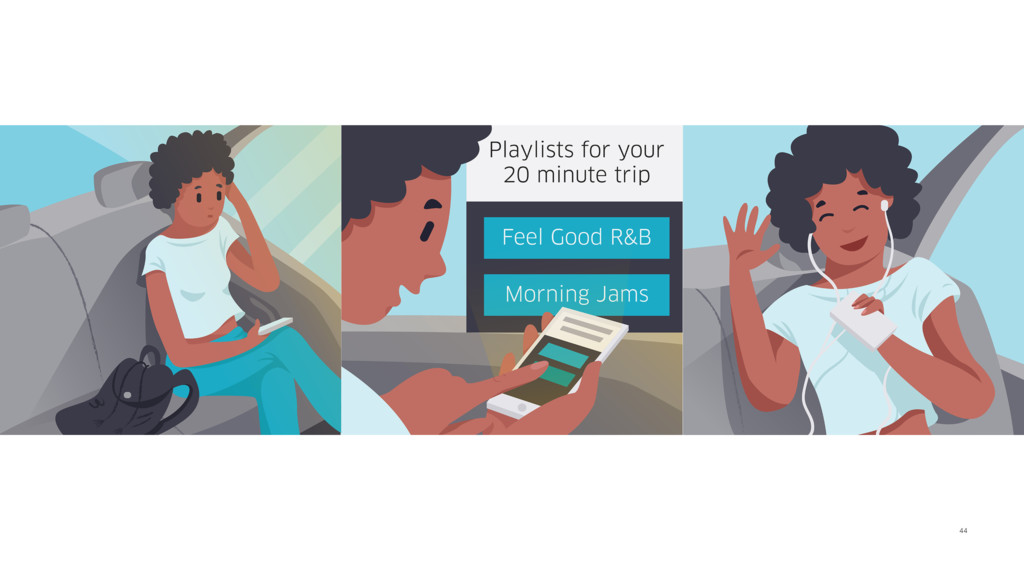
  34. 44

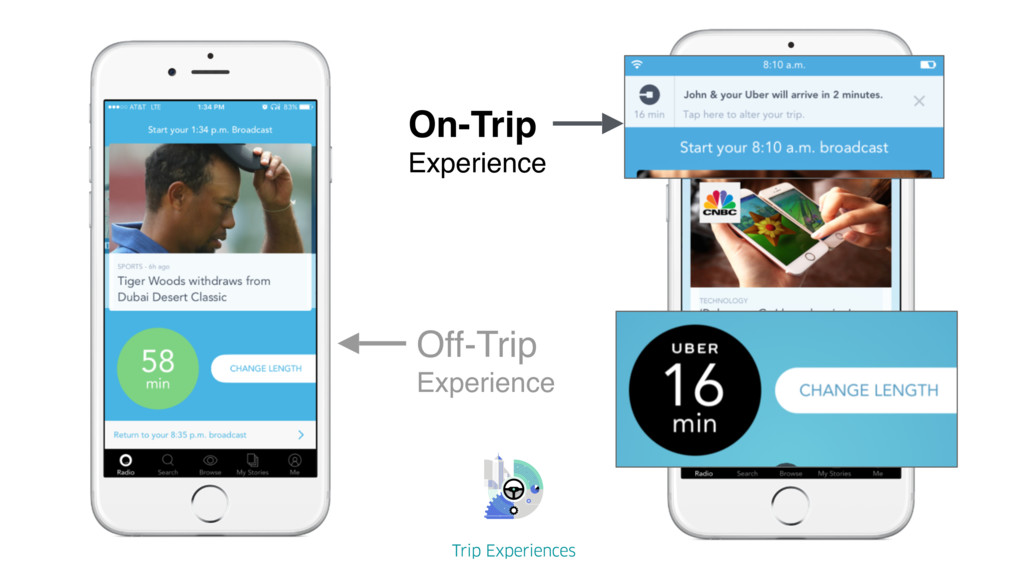
  35. 47

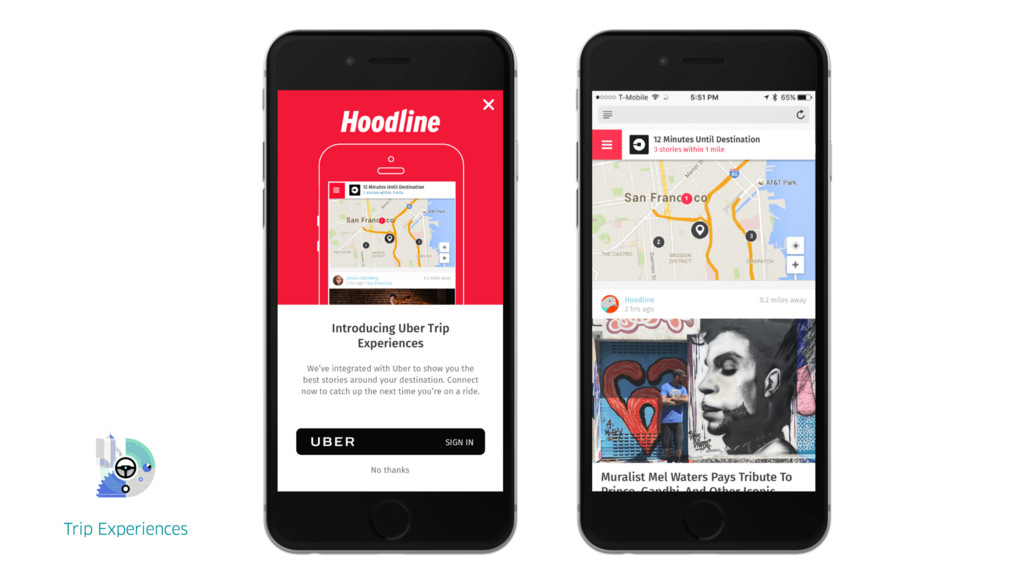
  36. 48

  37. PICKUP DESTINATION INTENT TO RIDE POST RIDE Help users make

    a decision Execute user intents Enhance user experience Analyze and gain insights
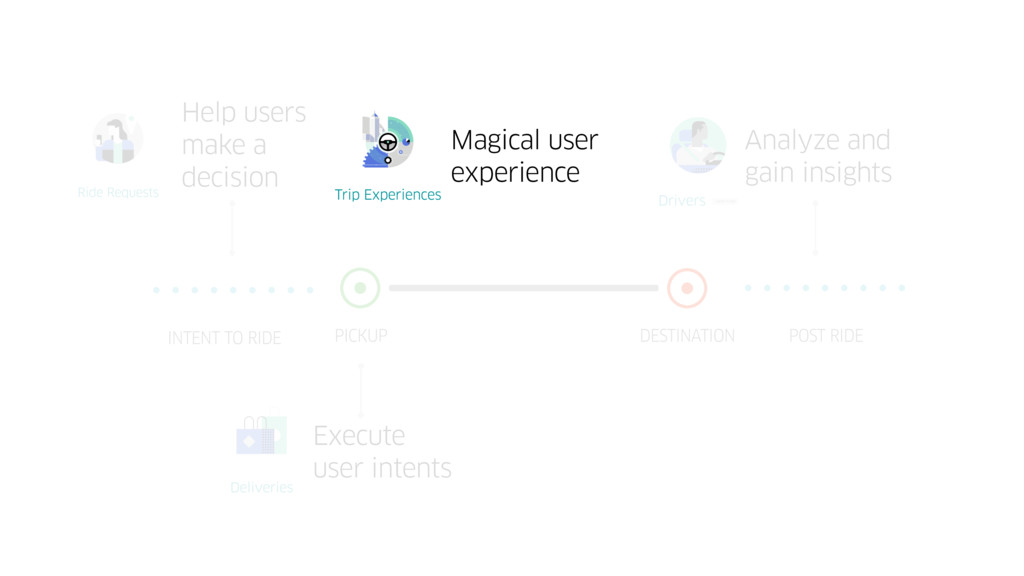
  38. PICKUP DESTINATION INTENT TO RIDE POST RIDE Help users make

    a decision Execute user intents Analyze and gain insights Magical user experience