Upgrade to Pro — share decks privately, control downloads, hide ads and more …

Top Five (5) Things to Consider Before Migratin...

Top Five (5) Things to Consider Before Migrating a Site to WordPress

This presentation discusses top five things to consider before migrating an existing site to WordPress:

1) Transfer of SEO Ranks and Assets;
2) Native Approach Vs Copy-Paste Approach;
3) Complete Control of New Site from WordPress Dashboard;
4) Full Compatibility with WordPress Plugins and Widgets;
5) Complete Transfer of Content and Functionality (and Design if applicable).

In addition, the document comments on use of the automated conversion software for the WordPress Migration Jobs.

Avatar for CMSHelpLive

CMSHelpLive

July 15, 2014

Other Decks in Programming

Transcript

  1. Top Five (5) Things To Consider Before You Migrate Your

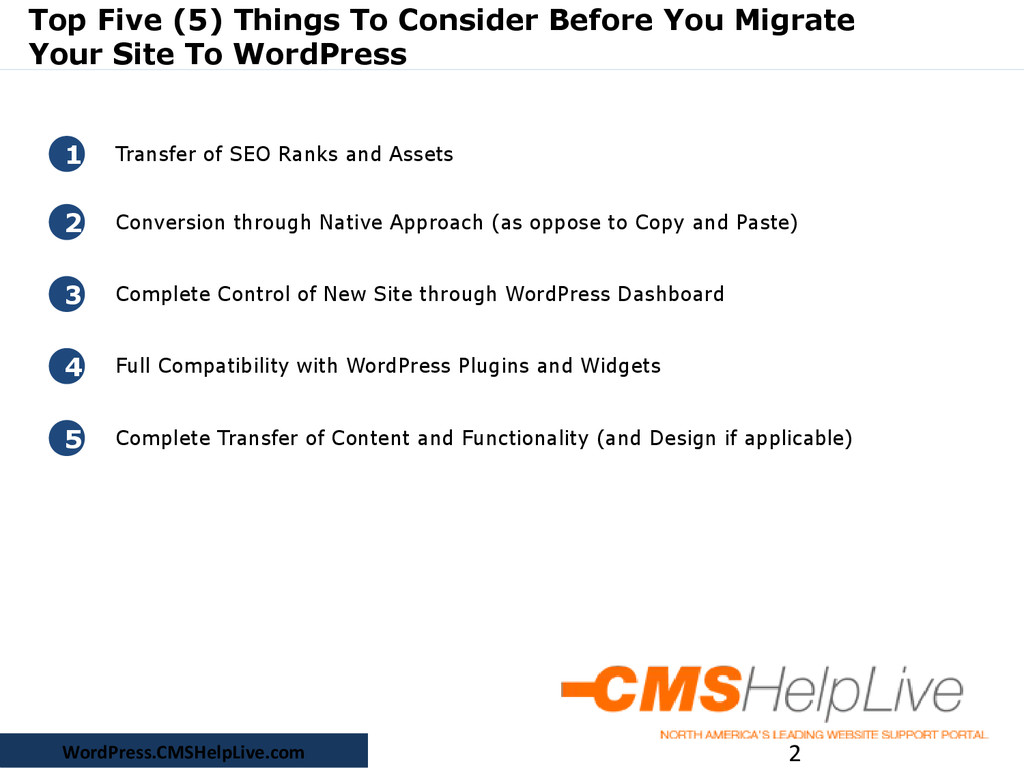
    Site To WordPress 2 1 Transfer of SEO Ranks and Assets 2 Conversion through Native Approach (as oppose to Copy and Paste) 3 Complete Control of New Site through WordPress Dashboard 4 Full Compatibility with WordPress Plugins and Widgets 5 Complete Transfer of Content and Functionality (and Design if applicable) WordPress.CMSHelpLive.com
  2. 1. Transfer of SEO Ranks and Assets 3 WordPress has

    its own URL and link structure. Therefore when a site is converted to WordPress, the site’s URLs change. If your old URLs go AWOL, Search Engine will remove them from its index when it crawls the site after conversion. Simply put, your page ranks will take a dive! Similarly if you have back-links from other sites or blogs, they will start giving potential visitors 404 errors. You may realise the traffic dropping suddenly. A WordPress Conversion Expert can take care of above issues by the perfect execution of 301 redirections - the safest method to pass page ranks and visitors from old URLs to your new URLs. WordPress.CMSHelpLive.com
  3. 2. Conversion through Native Approach (as oppose to Copy and

    Paste) 4 WordPress site can by incorrectly setup (by inexperienced developer), where HTML, CSS and code snippets are just copy-paste into pages, posts and widgets. Such a site is a pain to manage, and takes all the fun out of WordPress. This conversion approach is cheap and easier to implement - all it takes is copying and pasting HTML stuff (or importing through basic scripts) from your old site into the WordPress pages. Contrarily, everything should be "constructed" in WordPress so that you can edit the site with few simple clicks. After all, that’s one of the reason you wanted to move to WordPress, right? WordPress.CMSHelpLive.com
  4. 3. Complete Control of New Site through WordPress Dashboard 5

    WordPress has a lot of features - it can install plugins, display widgets, show blogs and pages and what not. These are all made possible through lot of connections between its front facing side and its dashboard. If these connections are not well established, managing it will become too tiresome. In fact, you will want everything on its front end to be controlled by dashboard buttons and editors. That's where its real power lies. WordPress.CMSHelpLive.com
  5. 4. Full Compatibility with WordPress Plugins and Widgets 6 WordPress

    is not just about blogs. Widgets and plugin, like apps, are installed inside your WordPress site to enhance its functionality. In short, WordPress can be as functionally rich as any site on the internet! Widgets and Plugins are functional when the foundation of WordPress template is strong. WordPress template needs to be setup correctly or things will simply not work out. All WordPress templates has widget positions where the widgets are displayed. In all likeliness, your old site design is not made with WordPress in mind. Make sure the new site is! A WordPress Conversion expert will explore your site design and transform it into something that "works" with WordPress. WordPress.CMSHelpLive.com
  6. 5. Complete Transfer of Content and Functionality (and Design if

    applicable) 7 By default WordPress comes with limited set of functionality. If your old site has functionality such as contact form, user registration, business directory or any other vertical market application, it cannot be ported over to WordPress by simple migration. A WordPress Conversion Expert will make sure all such functionality is moved on to your WordPress site using popular WordPress plugins. Once the site is ready and everything will be right where it should be - you can start with confidence WordPress.CMSHelpLive.com
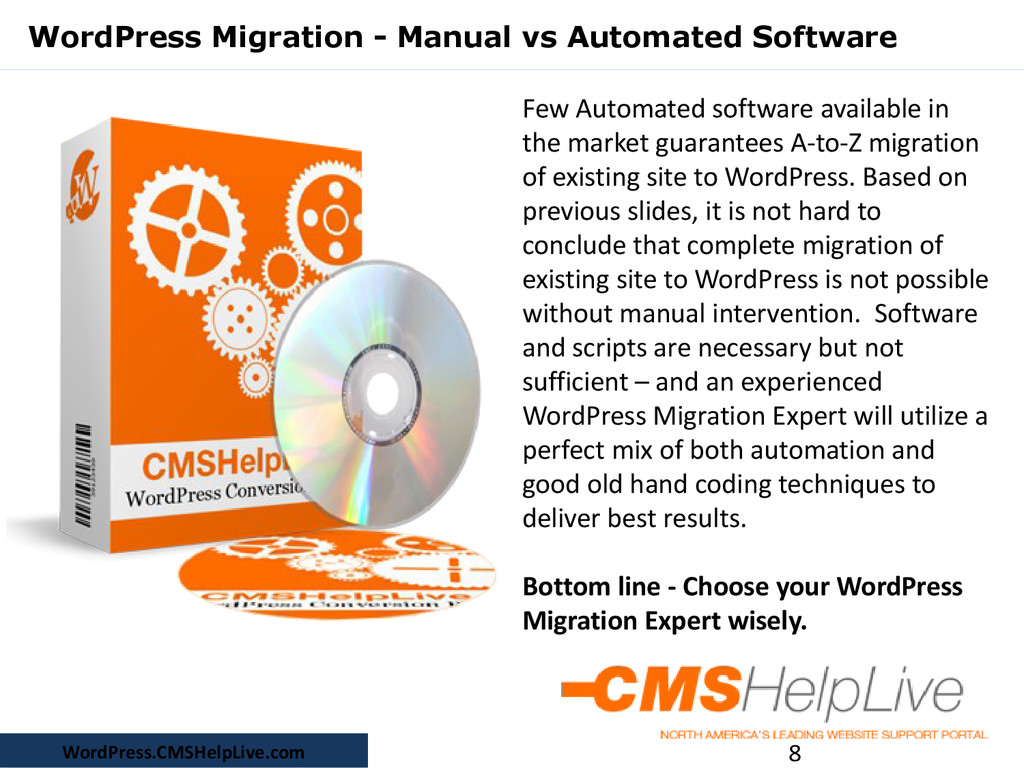
  7. WordPress Migration - Manual vs Automated Software 8 Few Automated

    software available in the market guarantees A-to-Z migration of existing site to WordPress. Based on previous slides, it is not hard to conclude that complete migration of existing site to WordPress is not possible without manual intervention. Software and scripts are necessary but not sufficient – and an experienced WordPress Migration Expert will utilize a perfect mix of both automation and good old hand coding techniques to deliver best results. Bottom line - Choose your WordPress Migration Expert wisely. WordPress.CMSHelpLive.com