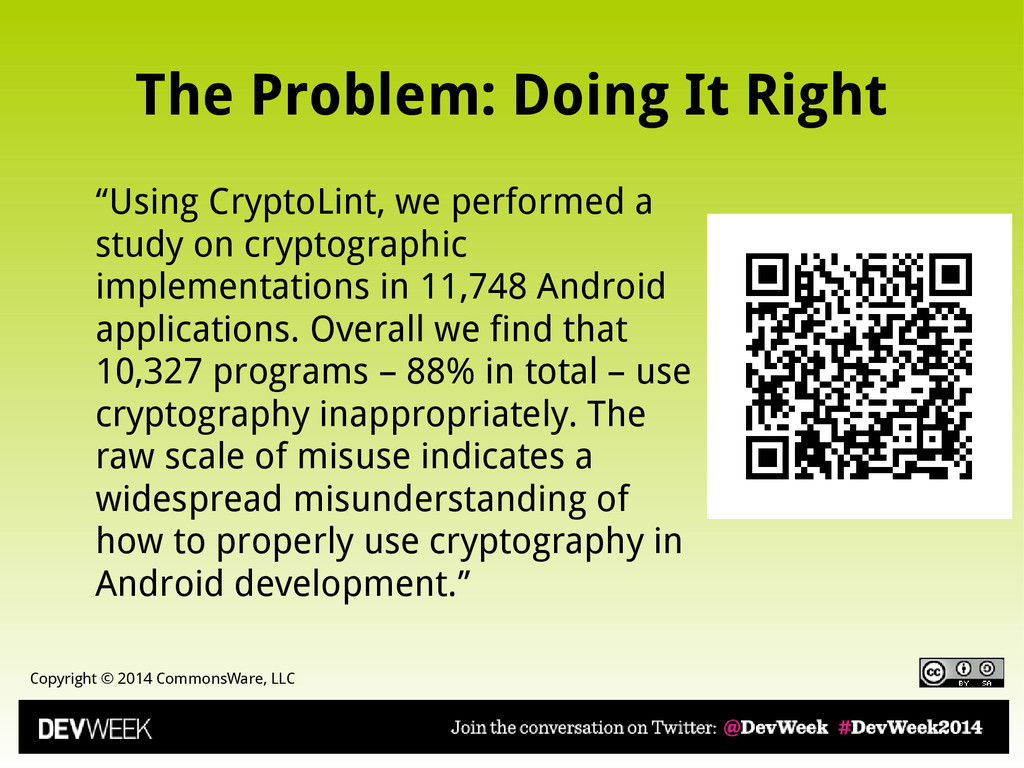
“Using CryptoLint, we performed a study on cryptographic implementations in 11,748 Android applications. Overall we find that 10,327 programs – 88% in total – use cryptography inappropriately. The raw scale of misuse indicates a widespread misunderstanding of how to properly use cryptography in Android development.”
Normally, “It Just Works” • Custom TrustManager • Self-signed certificates • Private certificate authority – Or other cases when root certificate not recognized by all versions of Android • DO NOT BLINDLY ACCEPT EVERYTHING • FTC suits against Fandango, Credit Karma
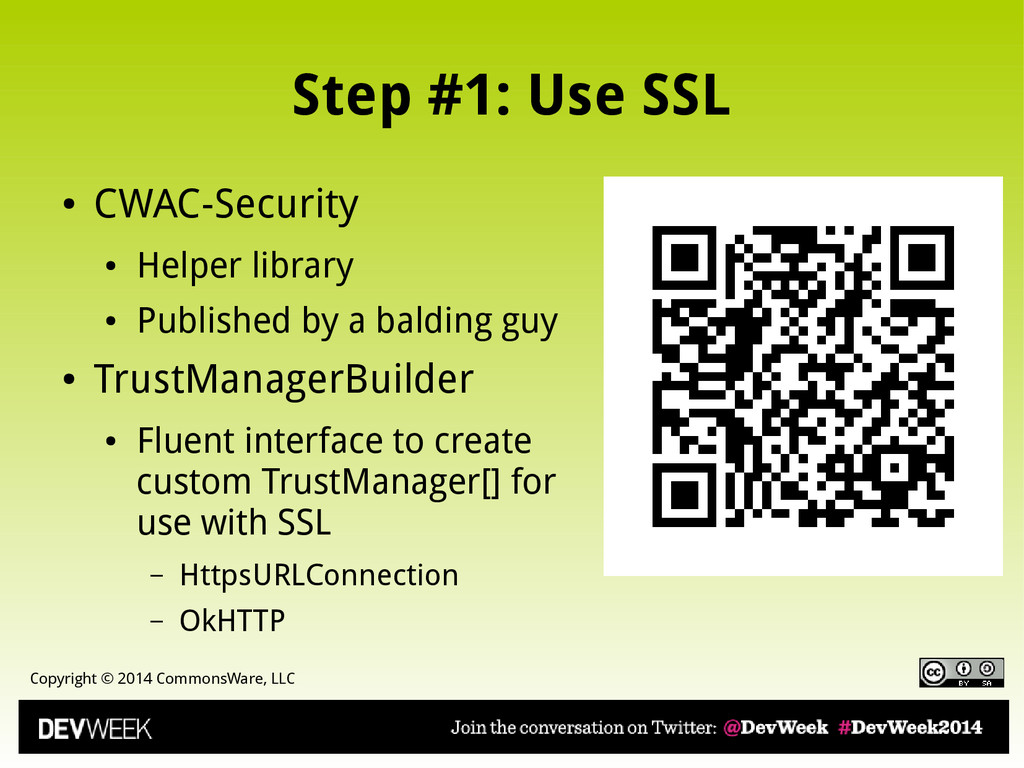
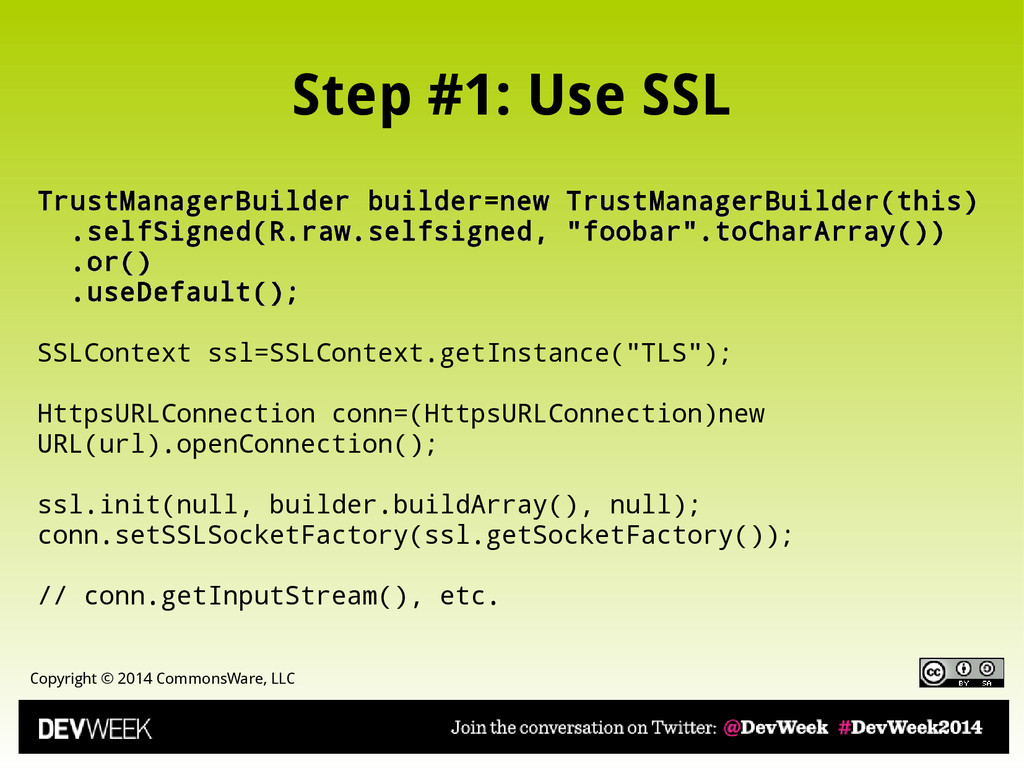
CWAC-Security • Helper library • Published by a balding guy • TrustManagerBuilder • Fluent interface to create custom TrustManager[] for use with SSL – HttpsURLConnection – OkHTTP
• MITM = Man in the Middle • Or Martian in the Middle, if you prefer • Typical Implementation • You ask for HTTPS connection • One is supplied... by MITM proxy, not end server • MITM proxy now has access to decrypted communications
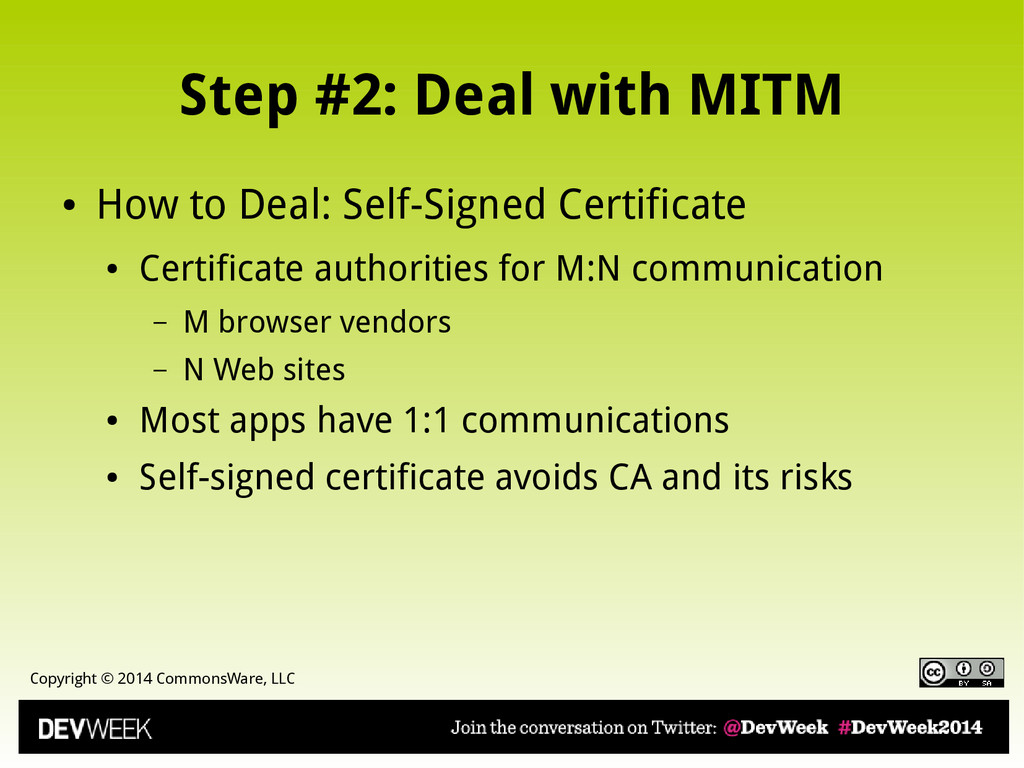
• How to Deal: Self-Signed Certificate • Certificate authorities for M:N communication – M browser vendors – N Web sites • Most apps have 1:1 communications • Self-signed certificate avoids CA and its risks
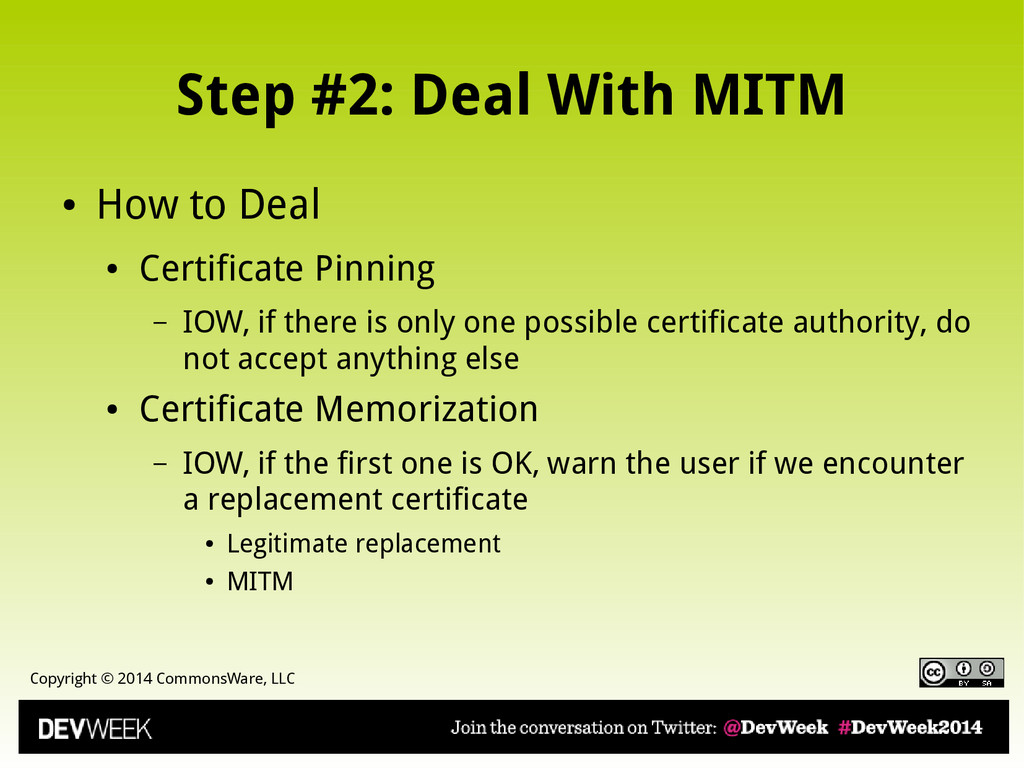
• How to Deal • Certificate Pinning – IOW, if there is only one possible certificate authority, do not accept anything else • Certificate Memorization – IOW, if the first one is OK, warn the user if we encounter a replacement certificate • Legitimate replacement • MITM
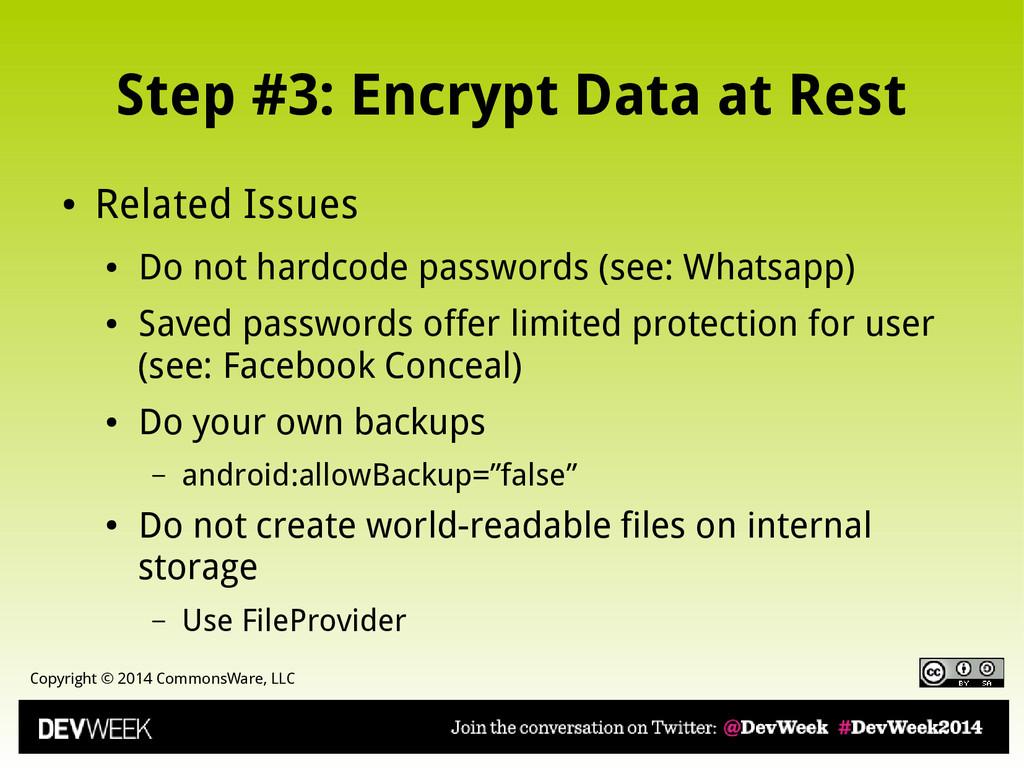
Rest • Related Issues • Do not hardcode passwords (see: Whatsapp) • Saved passwords offer limited protection for user (see: Facebook Conceal) • Do your own backups – android:allowBackup=”false” • Do not create world-readable files on internal storage – Use FileProvider
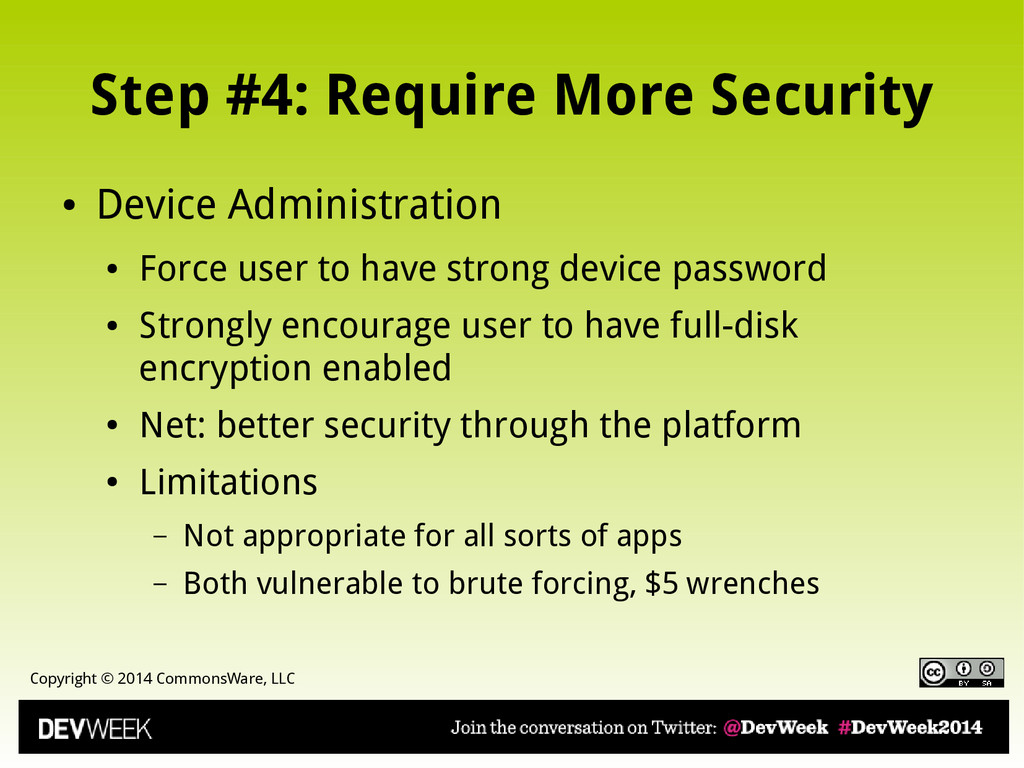
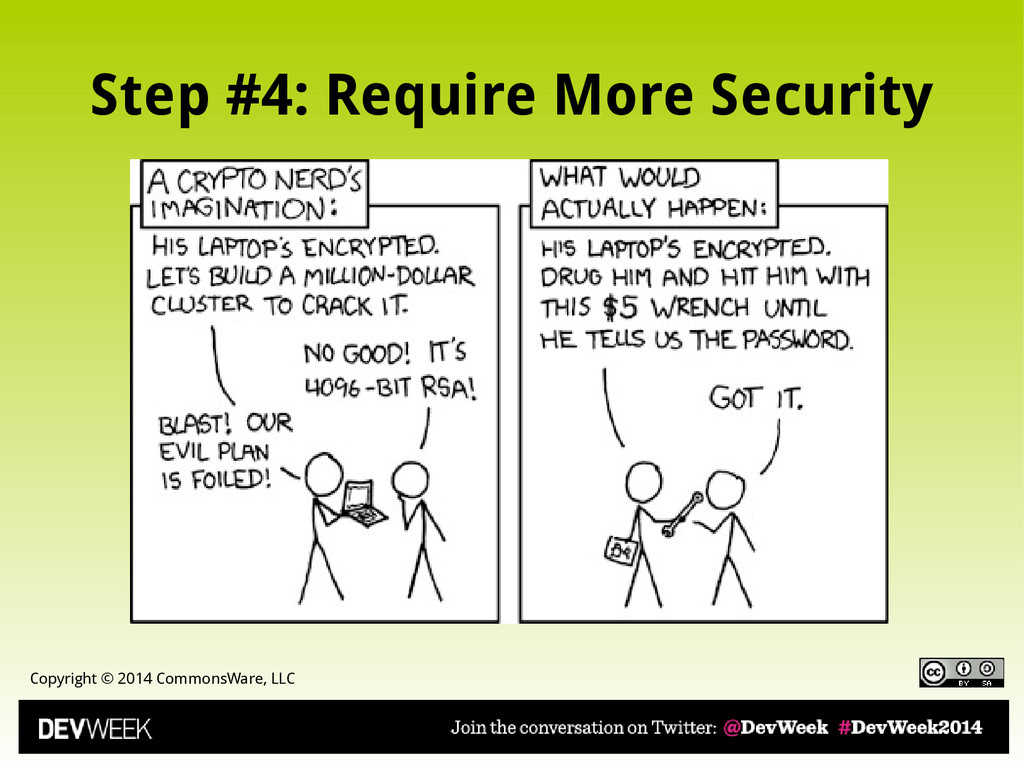
• Device Administration • Force user to have strong device password • Strongly encourage user to have full-disk encryption enabled • Net: better security through the platform • Limitations – Not appropriate for all sorts of apps – Both vulnerable to brute forcing, $5 wrenches
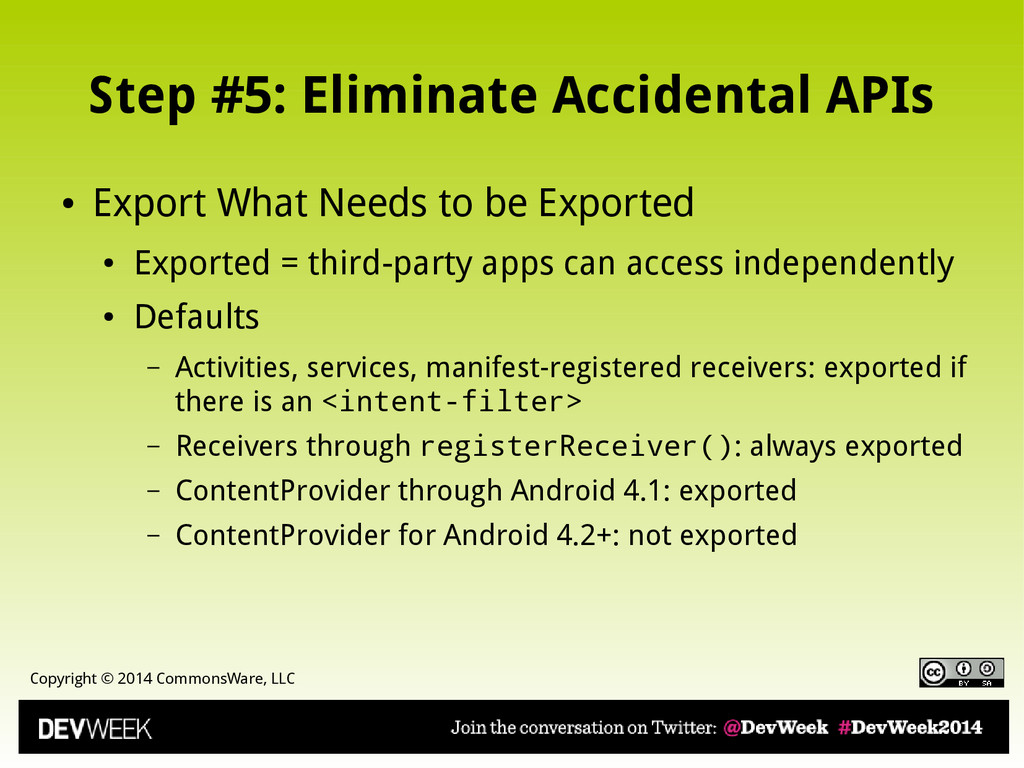
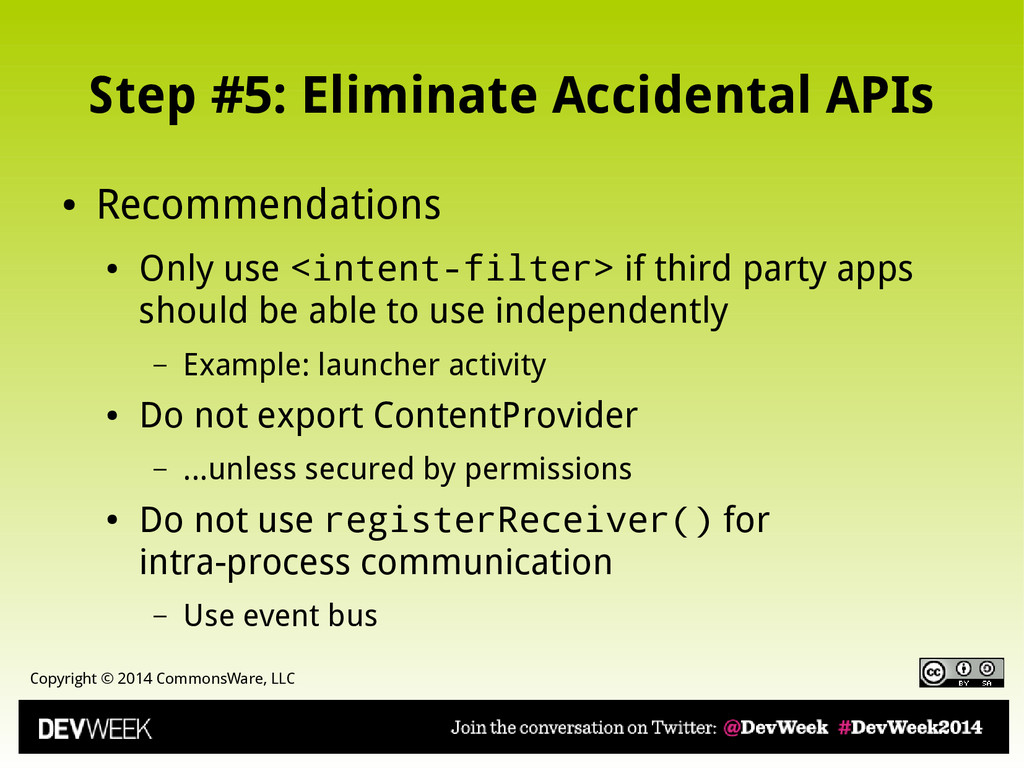
• Export What Needs to be Exported • Exported = third-party apps can access independently • Defaults – Activities, services, manifest-registered receivers: exported if there is an <intent-filter> – Receivers through registerReceiver(): always exported – ContentProvider through Android 4.1: exported – ContentProvider for Android 4.2+: not exported
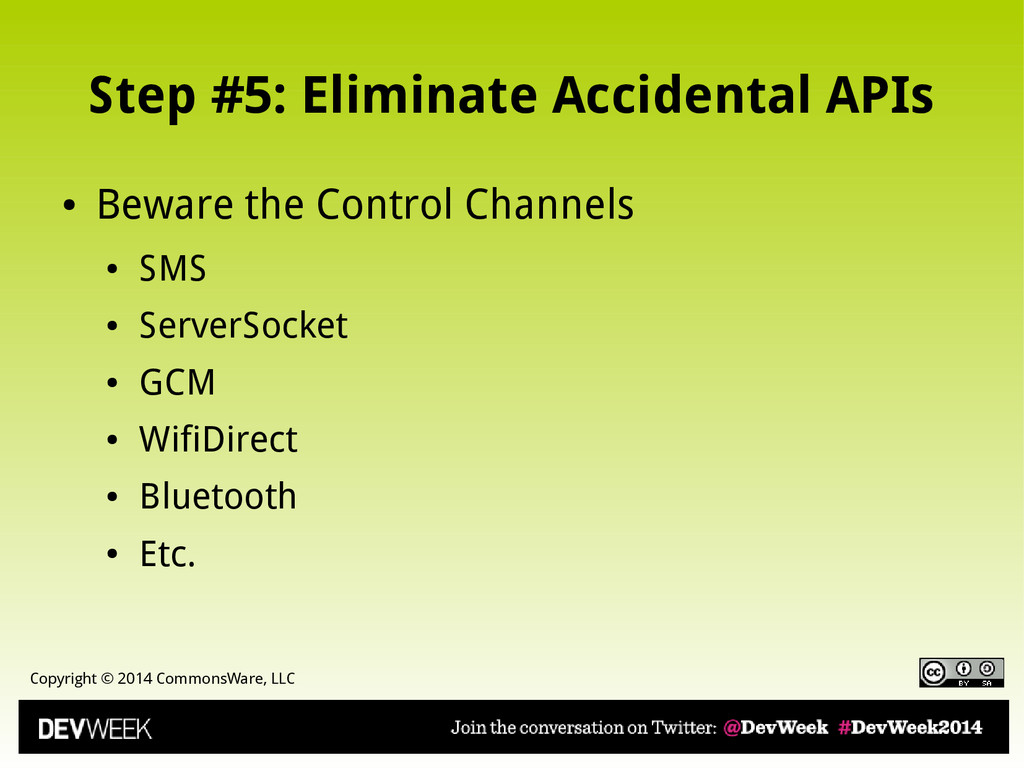
• Recommendations • Only use <intent-filter> if third party apps should be able to use independently – Example: launcher activity • Do not export ContentProvider – ...unless secured by permissions • Do not use registerReceiver() for intra-process communication – Use event bus
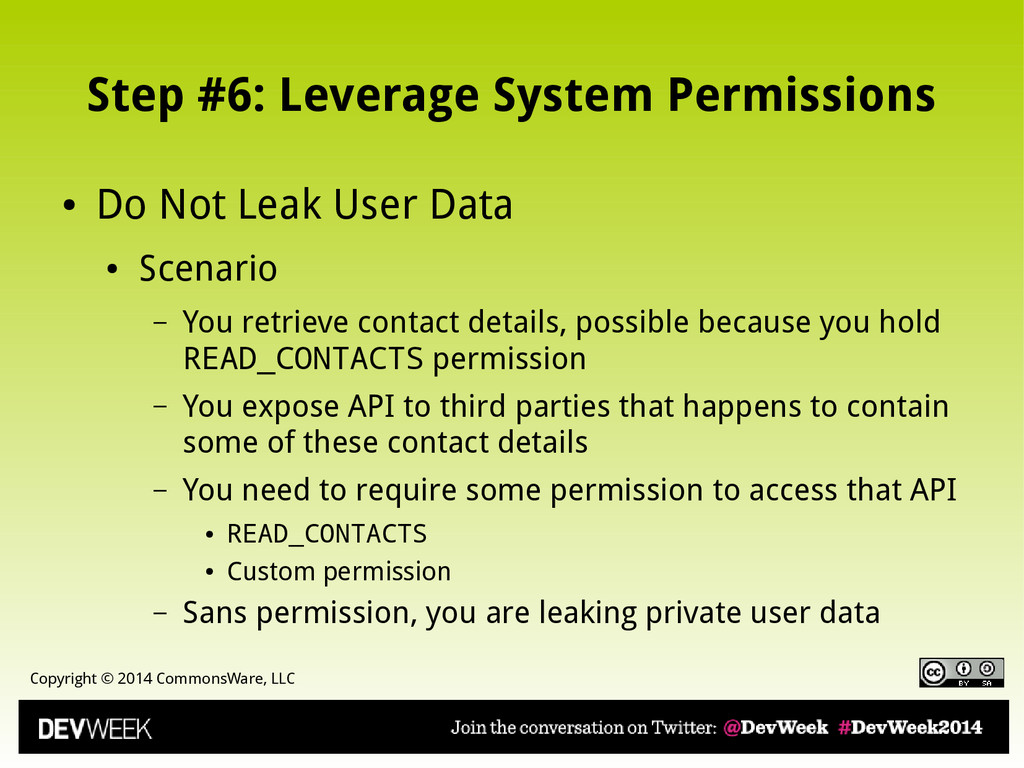
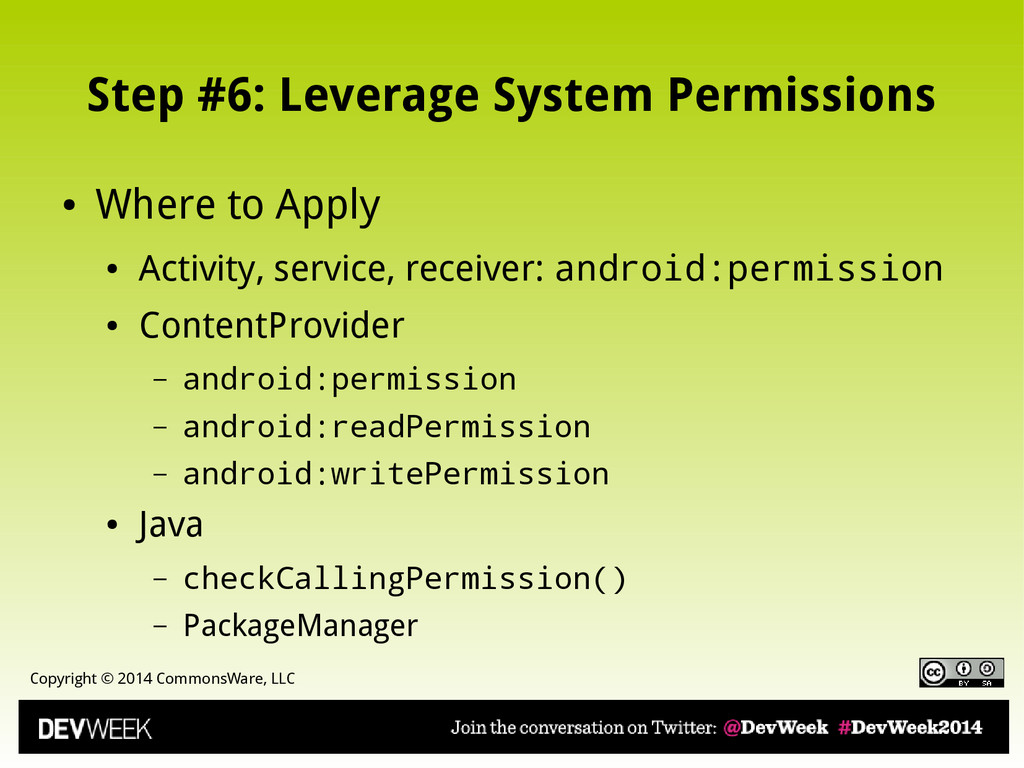
• Do Not Leak User Data • Scenario – You retrieve contact details, possible because you hold READ_CONTACTS permission – You expose API to third parties that happens to contain some of these contact details – You need to require some permission to access that API • READ_CONTACTS • Custom permission – Sans permission, you are leaking private user data
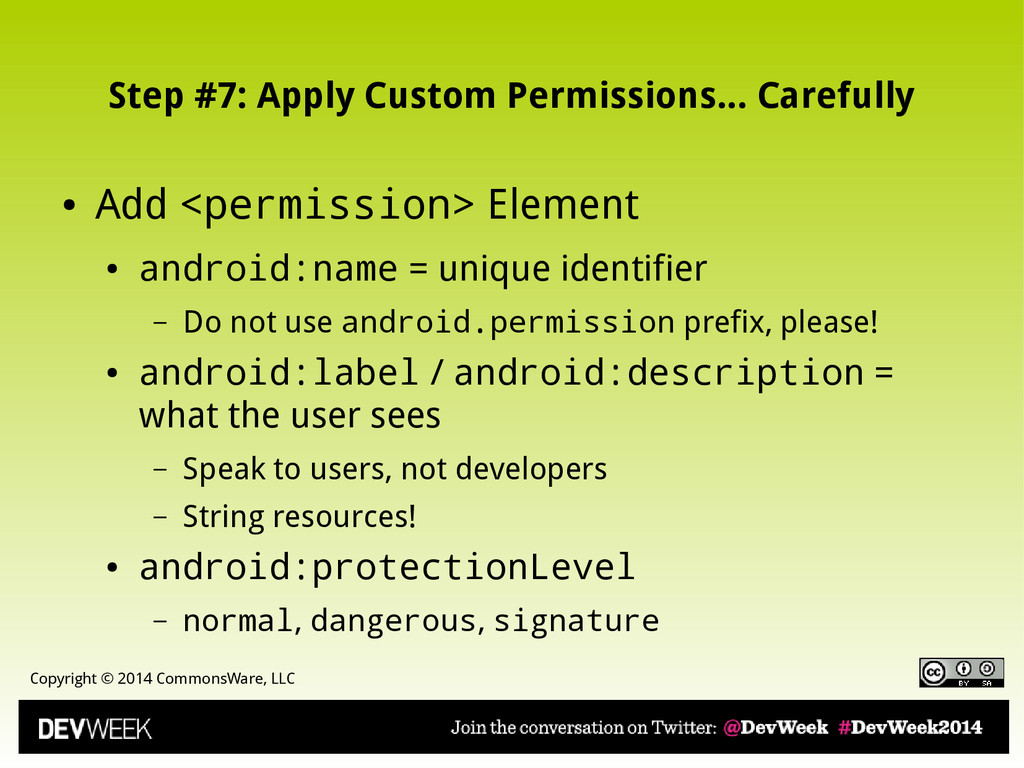
Carefully • Add <permission> Element • android:name = unique identifier – Do not use android.permission prefix, please! • android:label / android:description = what the user sees – Speak to users, not developers – String resources! • android:protectionLevel – normal, dangerous, signature
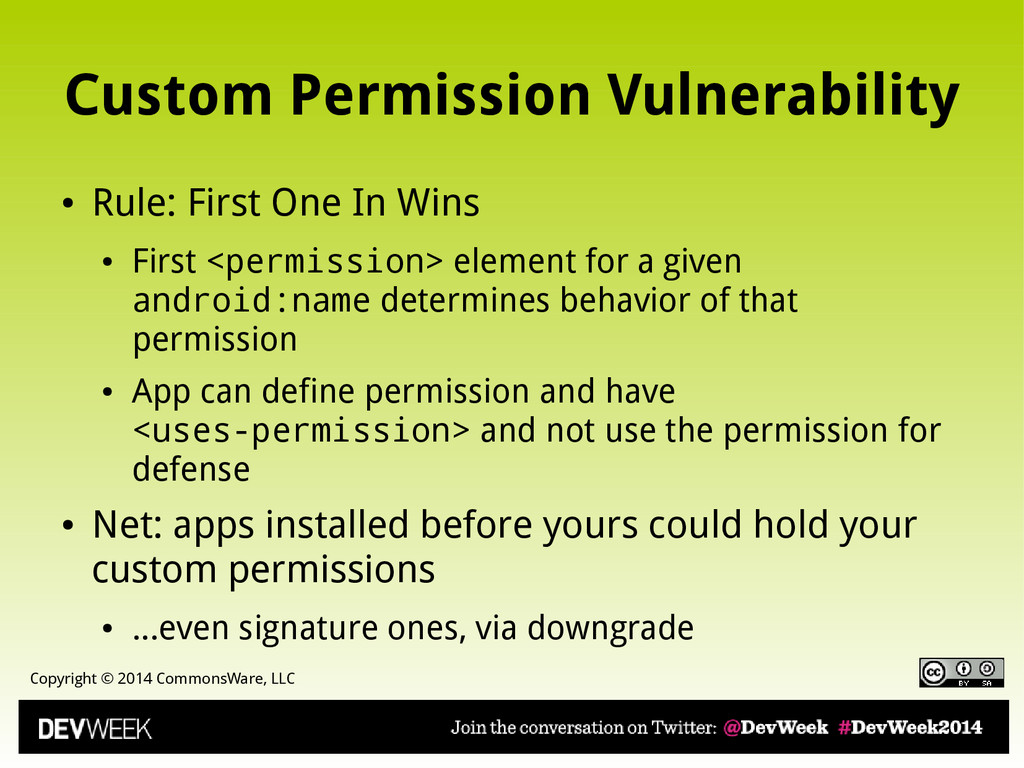
First One In Wins • First <permission> element for a given android:name determines behavior of that permission • App can define permission and have <uses-permission> and not use the permission for defense • Net: apps installed before yours could hold your custom permissions • ...even signature ones, via downgrade
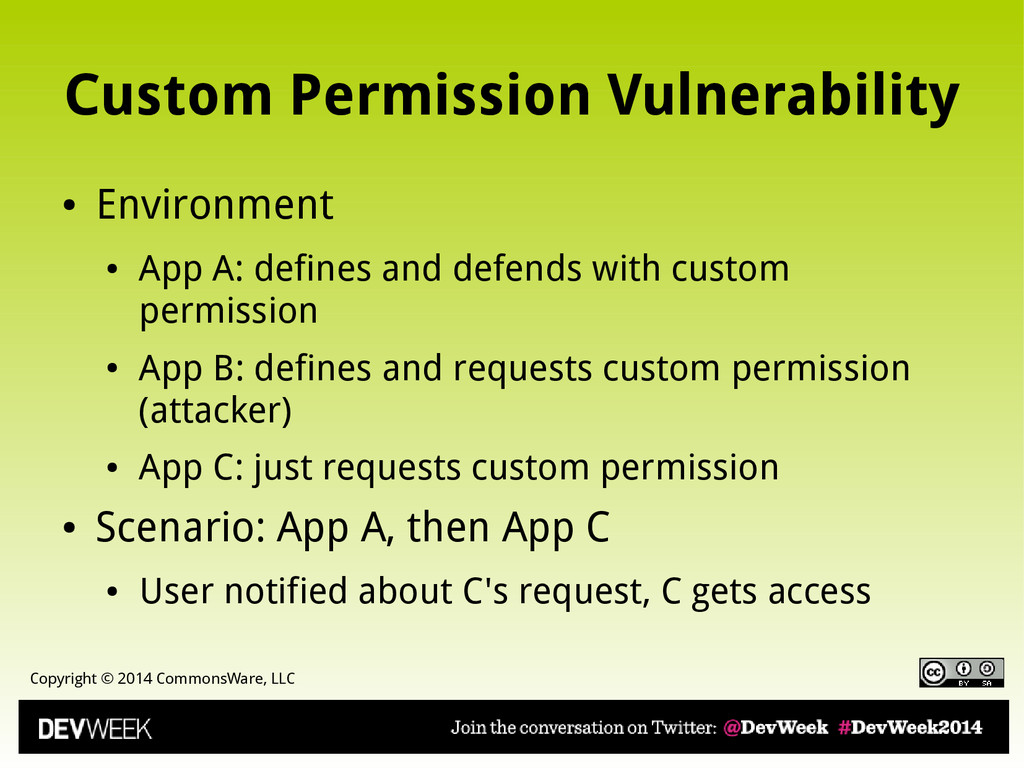
• App A: defines and defends with custom permission • App B: defines and requests custom permission (attacker) • App C: just requests custom permission • Scenario: App A, then App C • User notified about C's request, C gets access
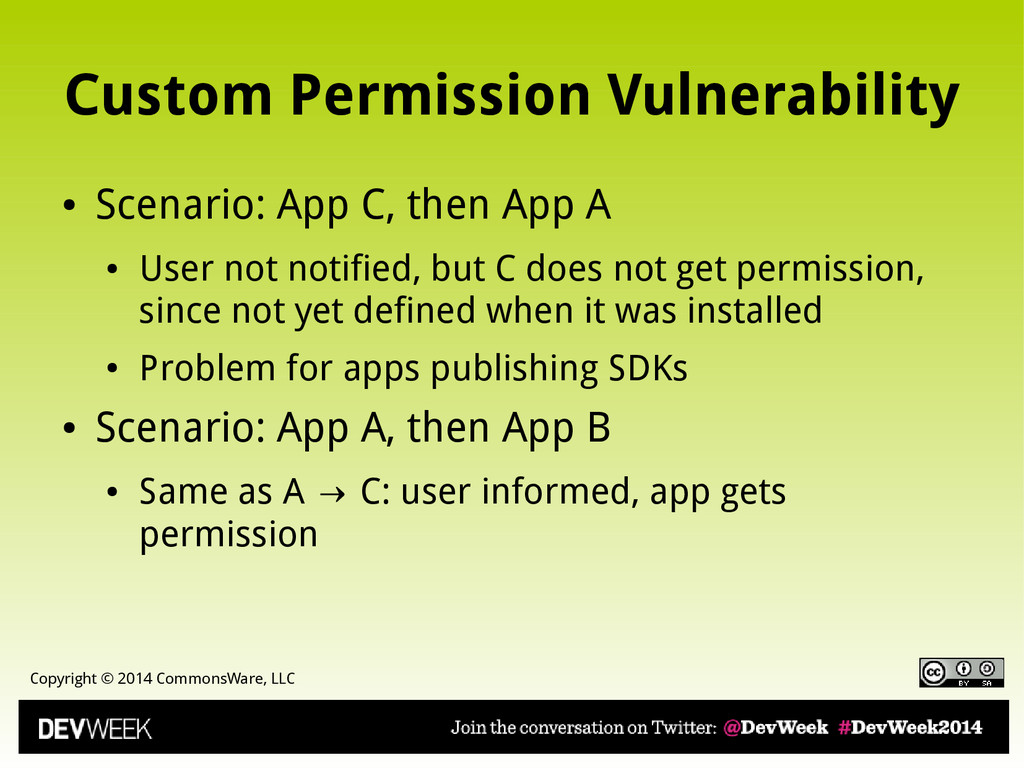
App C, then App A • User not notified, but C does not get permission, since not yet defined when it was installed • Problem for apps publishing SDKs • Scenario: App A, then App B • Same as A C: user informed, app gets → permission
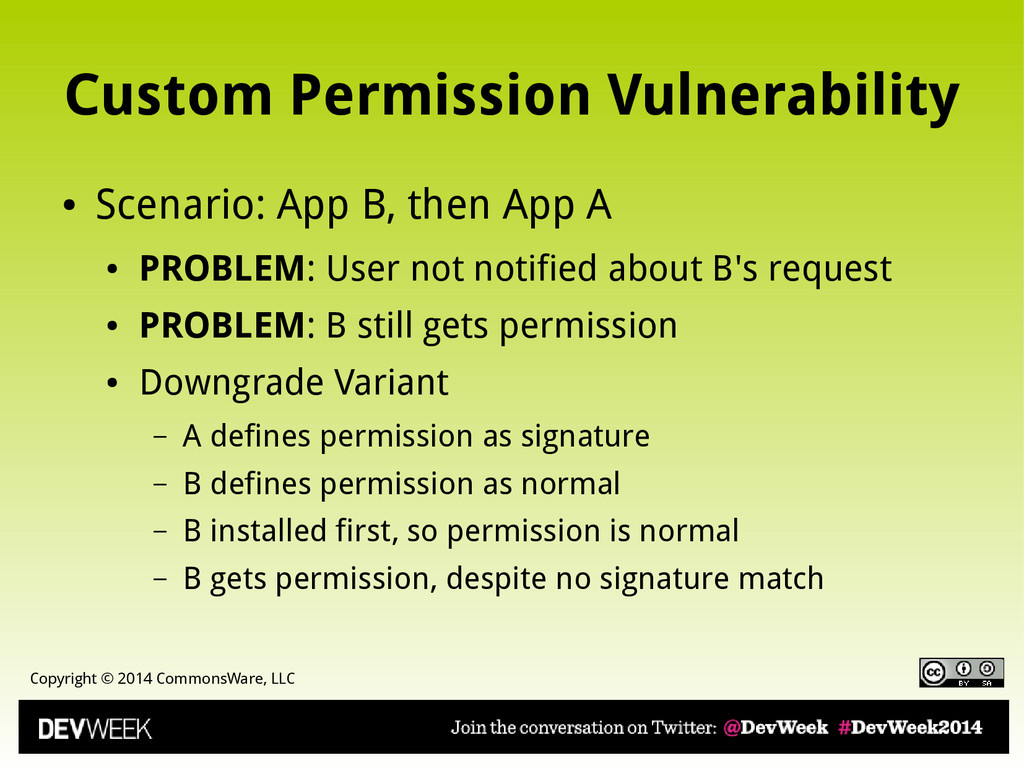
App B, then App A • PROBLEM: User not notified about B's request • PROBLEM: B still gets permission • Downgrade Variant – A defines permission as signature – B defines permission as normal – B installed first, so permission is normal – B gets permission, despite no signature match
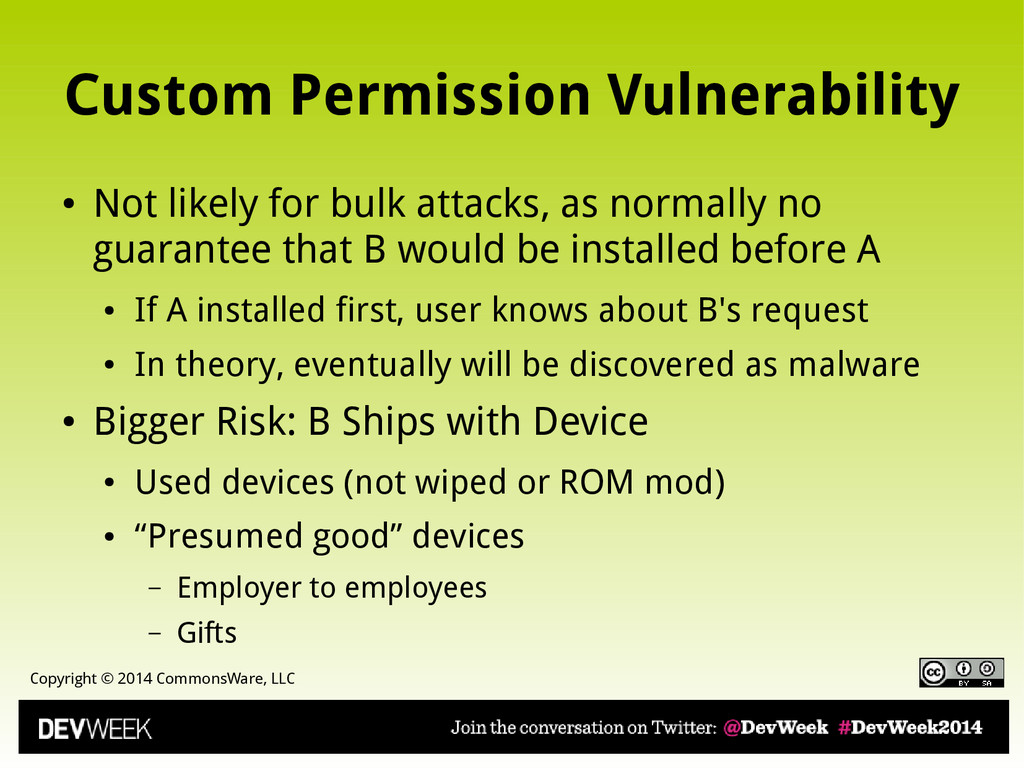
likely for bulk attacks, as normally no guarantee that B would be installed before A • If A installed first, user knows about B's request • In theory, eventually will be discovered as malware • Bigger Risk: B Ships with Device • Used devices (not wiped or ROM mod) • “Presumed good” devices – Employer to employees – Gifts
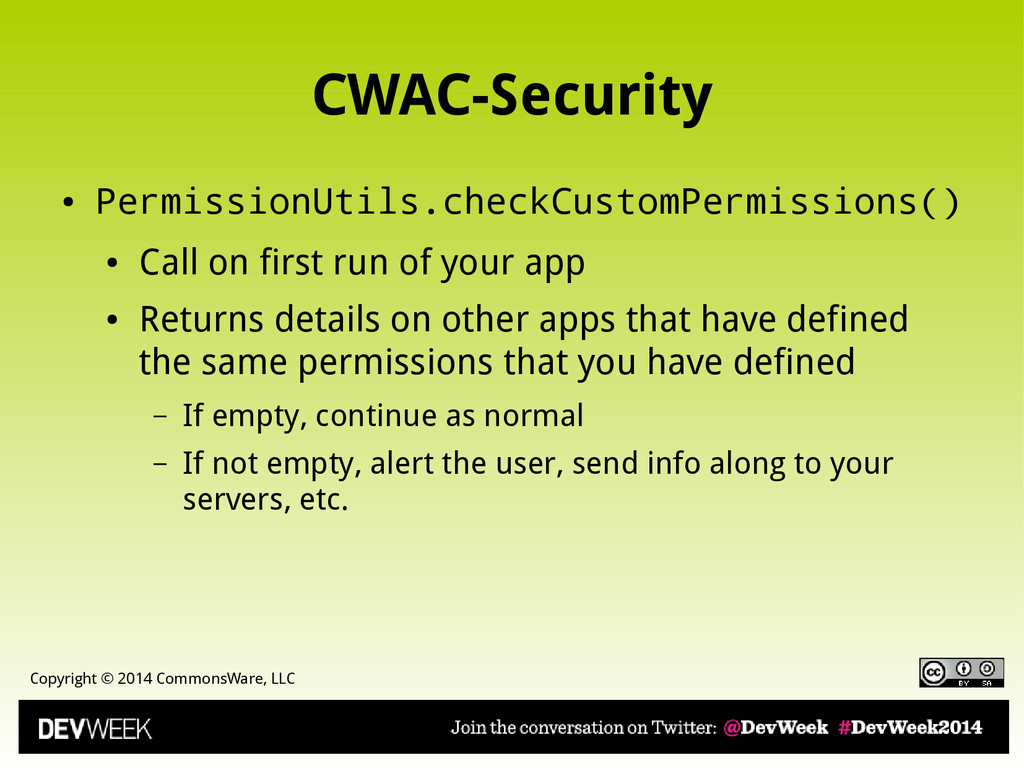
on first run of your app • Returns details on other apps that have defined the same permissions that you have defined – If empty, continue as normal – If not empty, alert the user, send info along to your servers, etc.
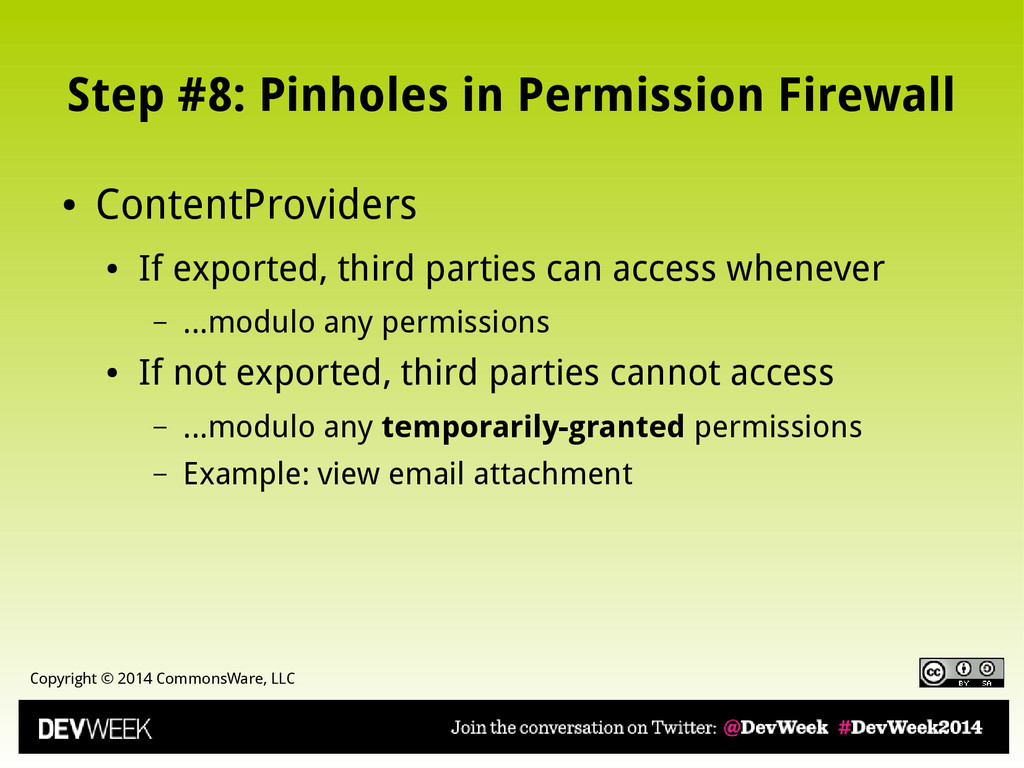
Firewall • ContentProviders • If exported, third parties can access whenever – ...modulo any permissions • If not exported, third parties cannot access – ...modulo any temporarily-granted permissions – Example: view email attachment
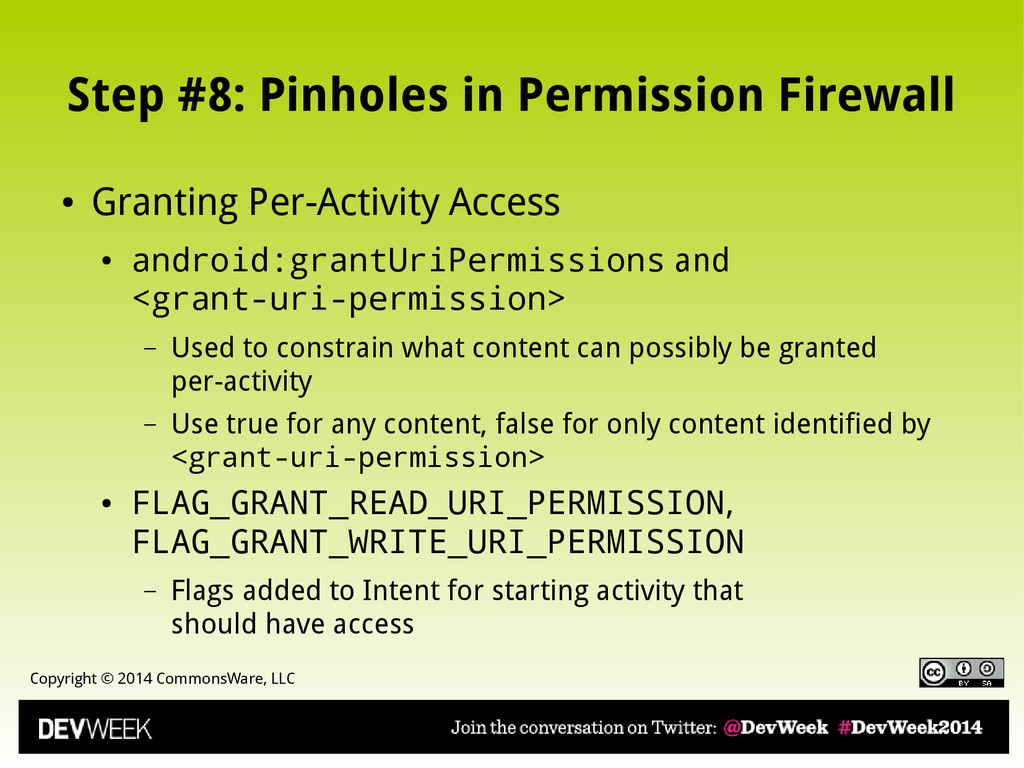
Firewall • Granting Per-Activity Access • android:grantUriPermissions and <grant-uri-permission> – Used to constrain what content can possibly be granted per-activity – Use true for any content, false for only content identified by <grant-uri-permission> • FLAG_GRANT_READ_URI_PERMISSION, FLAG_GRANT_WRITE_URI_PERMISSION – Flags added to Intent for starting activity that should have access
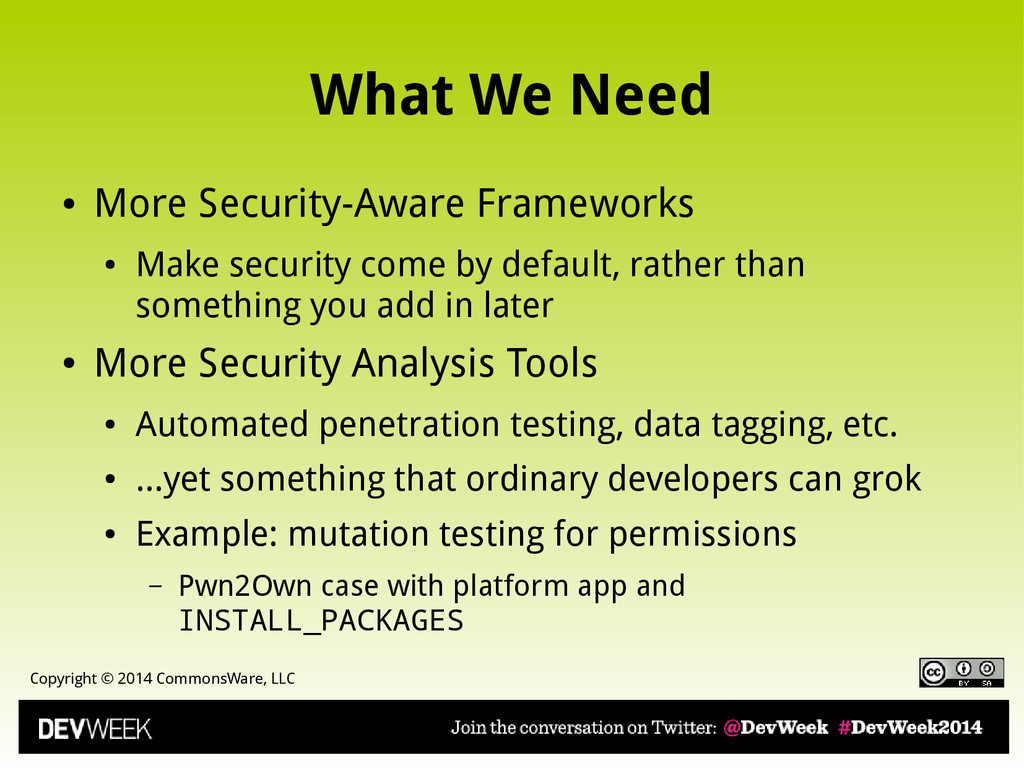
Security-Aware Frameworks • Make security come by default, rather than something you add in later • More Security Analysis Tools • Automated penetration testing, data tagging, etc. • ...yet something that ordinary developers can grok • Example: mutation testing for permissions – Pwn2Own case with platform app and INSTALL_PACKAGES
Federation, Fewer Silos • Minimize risks from monoculture, “snake oil” • More User Awareness • What is the “lock icon” for apps? • More Evangelism to Developers • As not everybody attended DevWeek 2014, alas
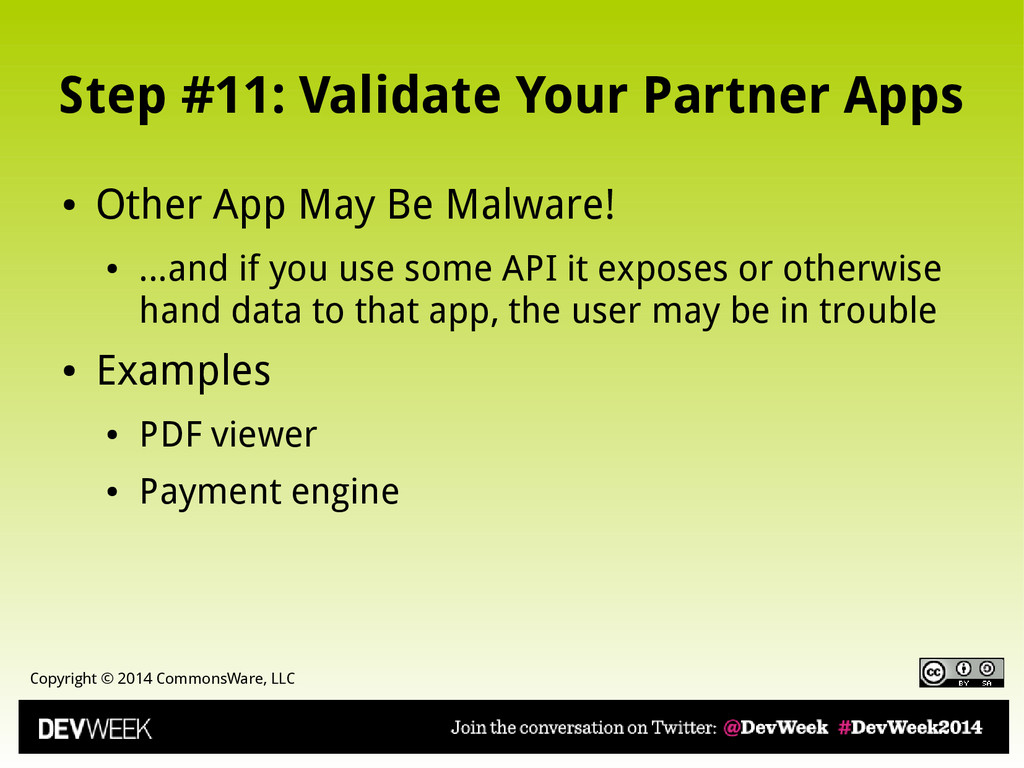
Apps • Other App May Be Malware! • ...and if you use some API it exposes or otherwise hand data to that app, the user may be in trouble • Examples • PDF viewer • Payment engine
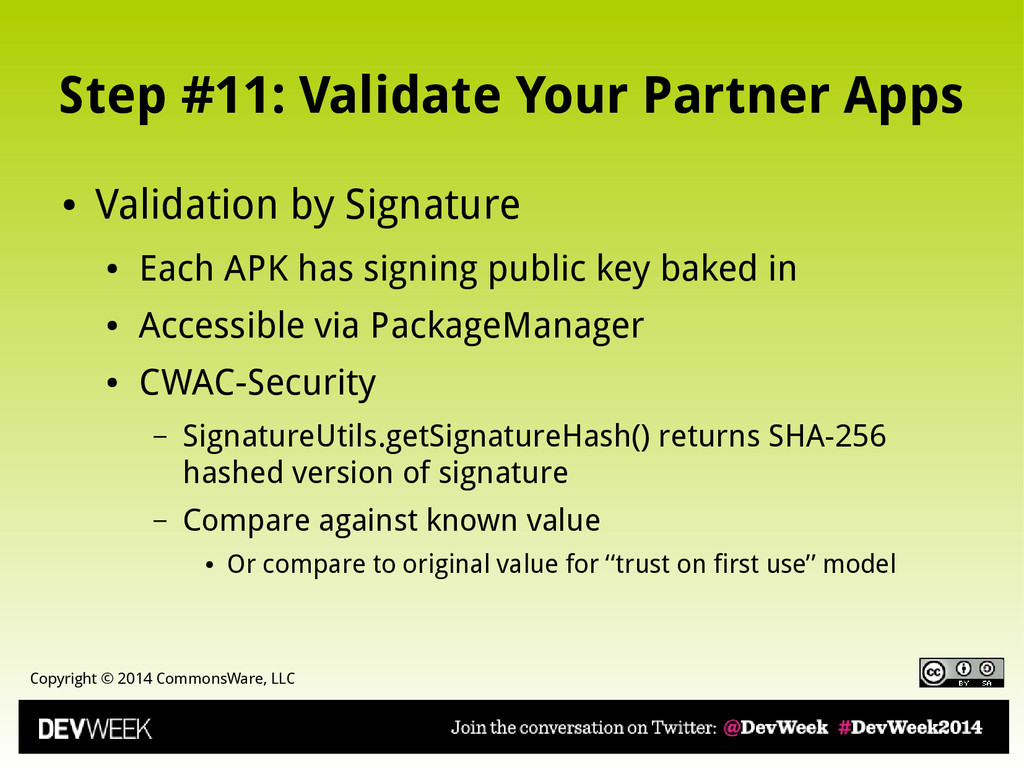
Apps • Validation by Signature • Each APK has signing public key baked in • Accessible via PackageManager • CWAC-Security – SignatureUtils.getSignatureHash() returns SHA-256 hashed version of signature – Compare against known value • Or compare to original value for “trust on first use” model
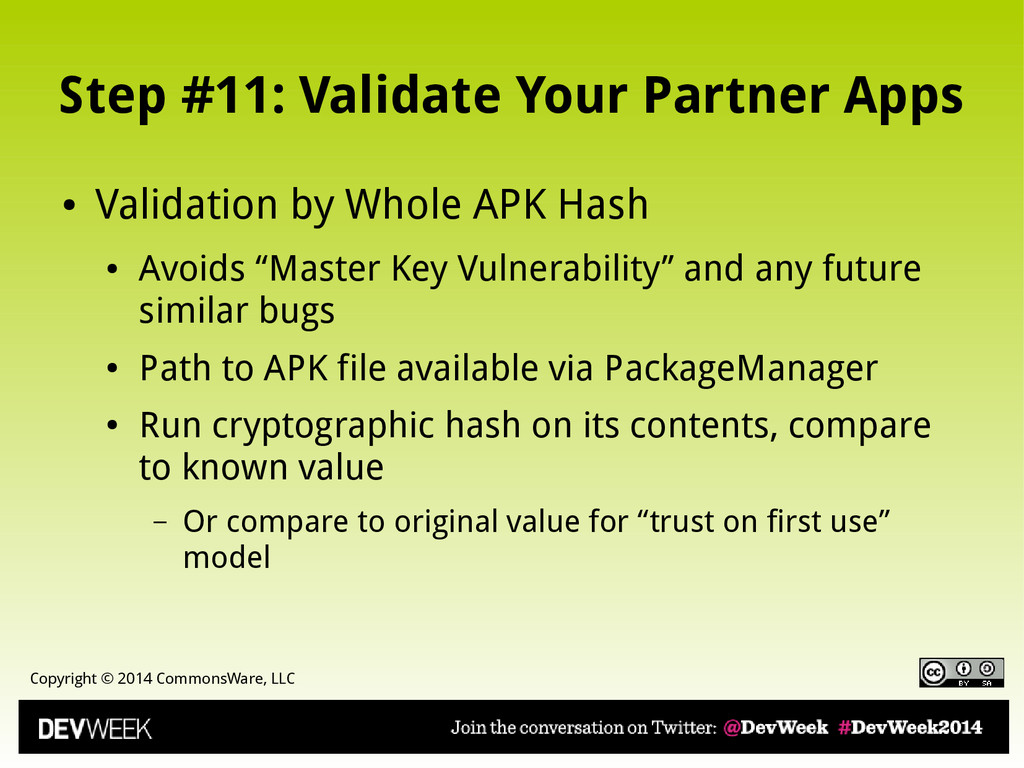
Apps • Validation by Whole APK Hash • Avoids “Master Key Vulnerability” and any future similar bugs • Path to APK file available via PackageManager • Run cryptographic hash on its contents, compare to known value – Or compare to original value for “trust on first use” model


 commonsguy
 neuecc
 texmeijin
 yutobara
 nabondance
 ryu1013
 uyuki234
 naokihaba
 kishida
 sylph01
 akihisaikeda
 gonta
gonta
 palkan
 katarinadahlin
 madoxten
 akademiya2063
 sachag
 addyosmani
 denniskardys
 inesmontani
 techseoconnect
 baasie
 chriscoyier
 thoeni