Performance, Accessibility, & Maintainability - An intro to Front-End Architecture
A slideshow explaining the tenets of Front-End Architecture and where they fall in front-end development. UPDATED SLIDES, CODE EXAMPLES, & LINKS COMING SOON.
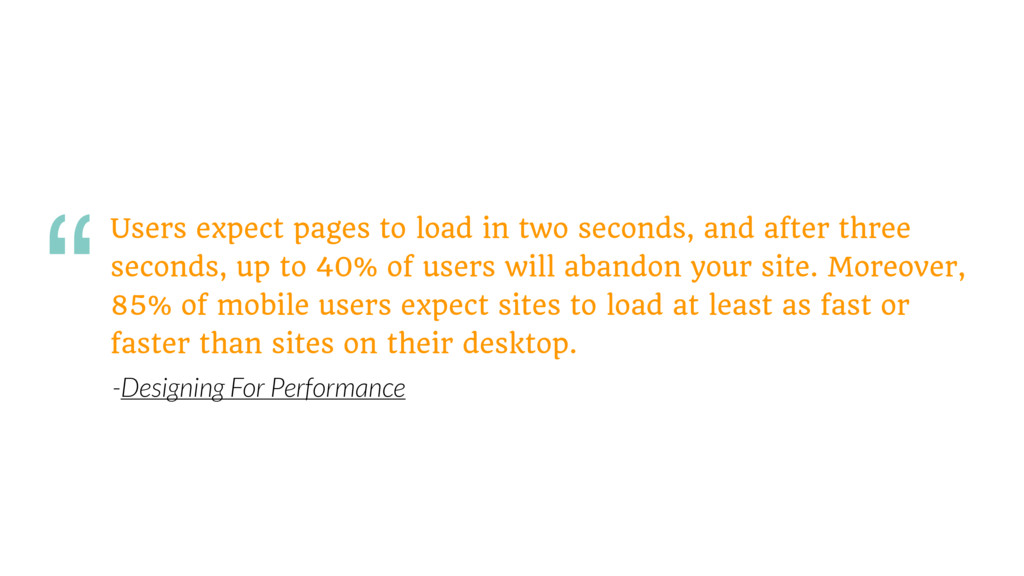
three seconds, up to 40% of users will abandon your site. Moreover, 85% of mobile users expect sites to load at least as fast or faster than sites on their desktop. “ -Designing For Performance
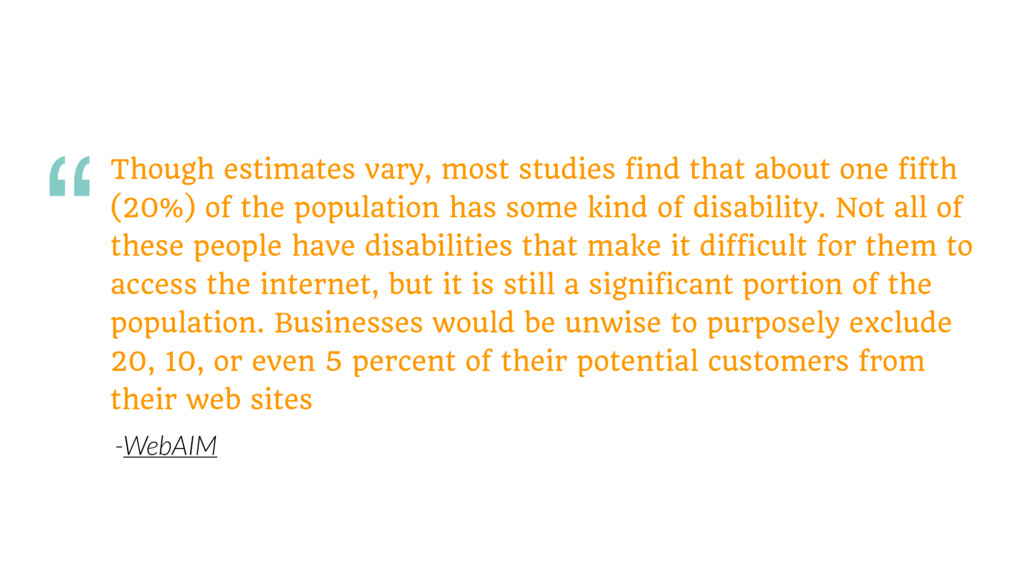
(20%) of the population has some kind of disability. Not all of these people have disabilities that make it difficult for them to access the internet, but it is still a significant portion of the population. Businesses would be unwise to purposely exclude 20, 10, or even 5 percent of their potential customers from their web sites “ -WebAIM
your conversion rates. We need to be planning for performance before development. It needs to be shaped into our entire organization’s culture before it can truly reap its benefits.
or impossible for many people with disabilities to use the web. Accessibility also plays a part in conversion rates, so we need to be promoting accessibility throughout the design and development process.
strive for more standardized and maintainable codebases to combat performance and accessibility issues. A cleaner codebase will allow current and future developers to understand the project as a whole, which should minify code repetition and code bloat.
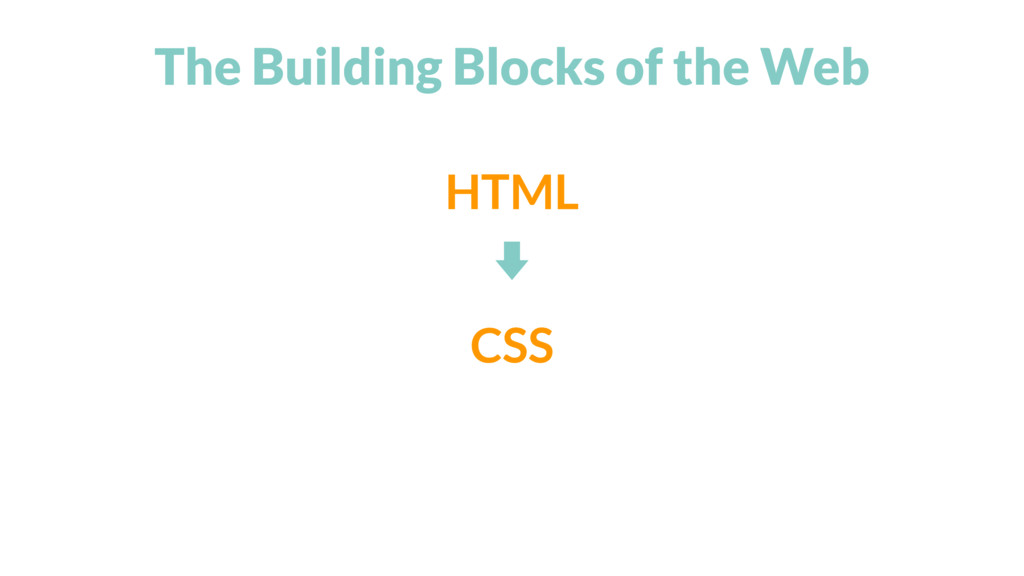
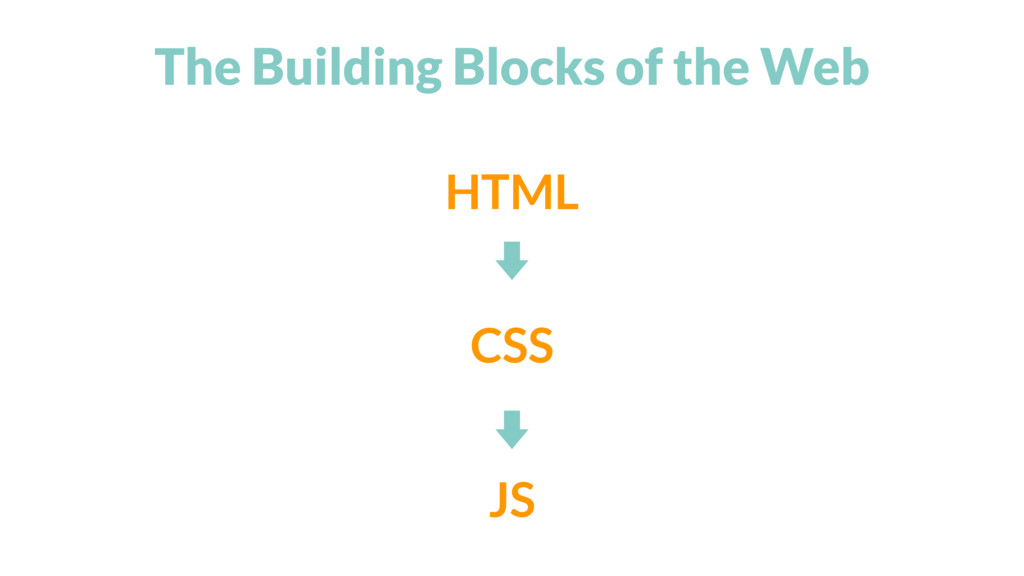
and maintain websites or web apps using the building blocks of the web — HTML, CSS, JS. A Front-end Architect has the same role but is also in charge of performance, accessibility, and the maintainability of the project for present and future developers.
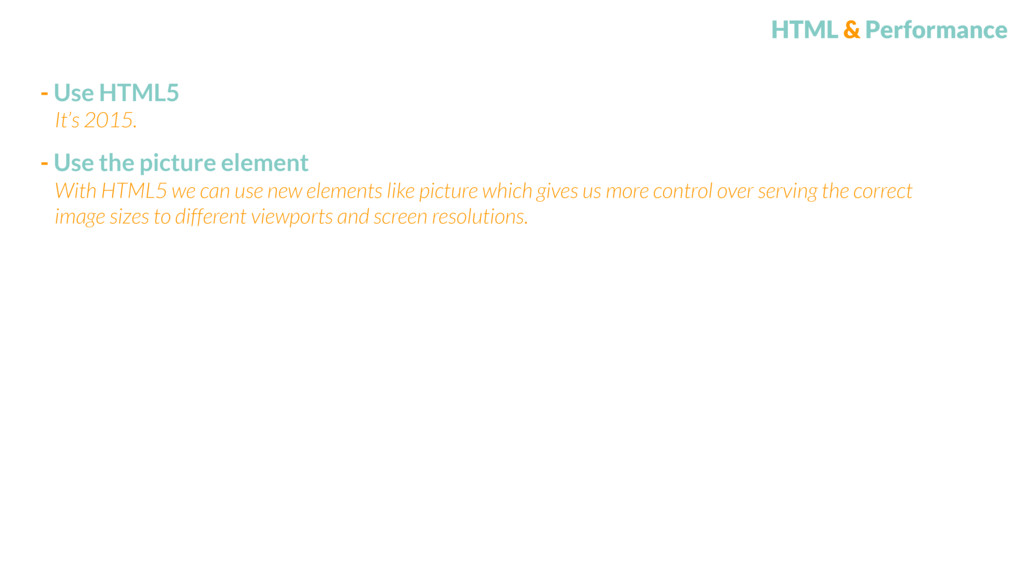
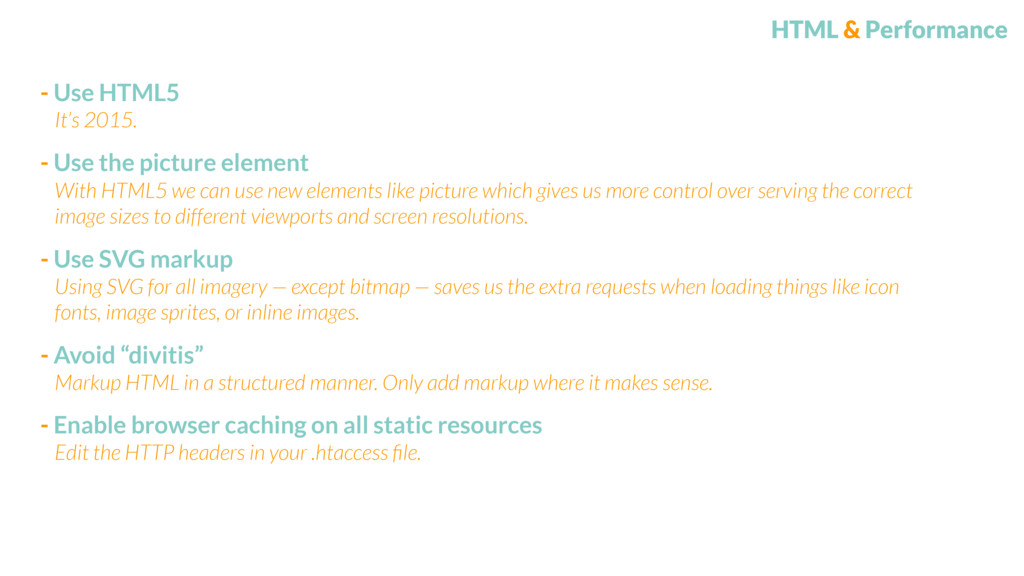
element With HTML5 we can use new elements like picture which gives us more control over serving the correct image sizes to different viewports and screen resolutions. It’s 2015.
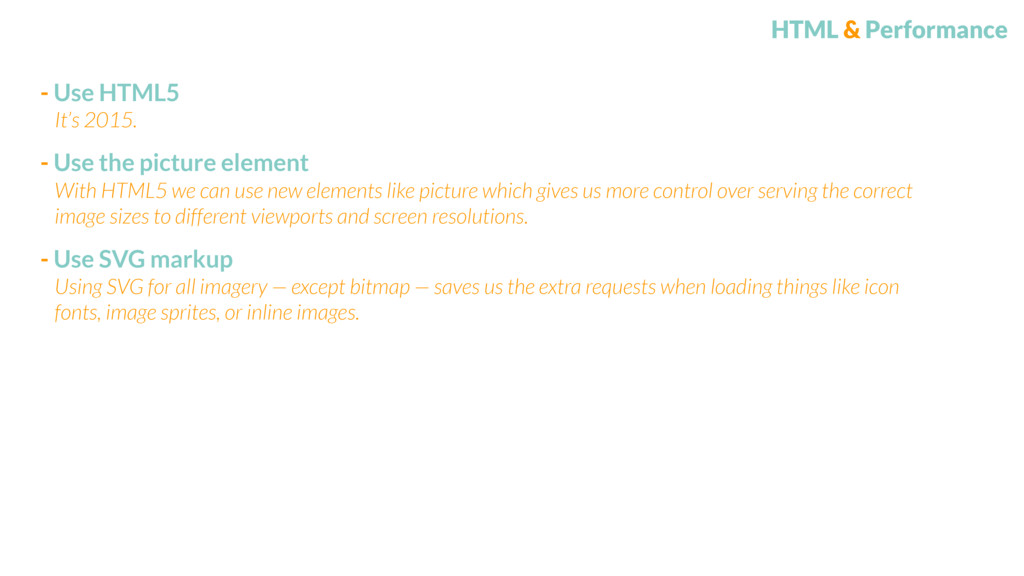
element - Use SVG markup With HTML5 we can use new elements like picture which gives us more control over serving the correct image sizes to different viewports and screen resolutions. Using SVG for all imagery — except bitmap — saves us the extra requests when loading things like icon fonts, image sprites, or inline images. It’s 2015.
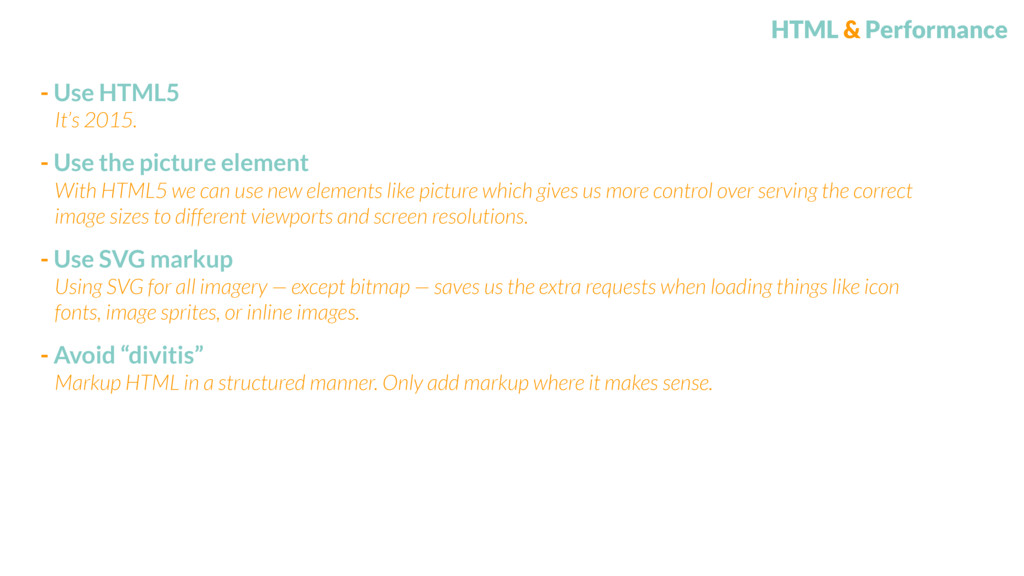
element - Use SVG markup With HTML5 we can use new elements like picture which gives us more control over serving the correct image sizes to different viewports and screen resolutions. Using SVG for all imagery — except bitmap — saves us the extra requests when loading things like icon fonts, image sprites, or inline images. - Avoid “divitis” Markup HTML in a structured manner. Only add markup where it makes sense. It’s 2015.
element - Use SVG markup With HTML5 we can use new elements like picture which gives us more control over serving the correct image sizes to different viewports and screen resolutions. Using SVG for all imagery — except bitmap — saves us the extra requests when loading things like icon fonts, image sprites, or inline images. - Avoid “divitis” Markup HTML in a structured manner. Only add markup where it makes sense. It’s 2015. - Enable browser caching on all static resources Edit the HTTP headers in your .htaccess file.
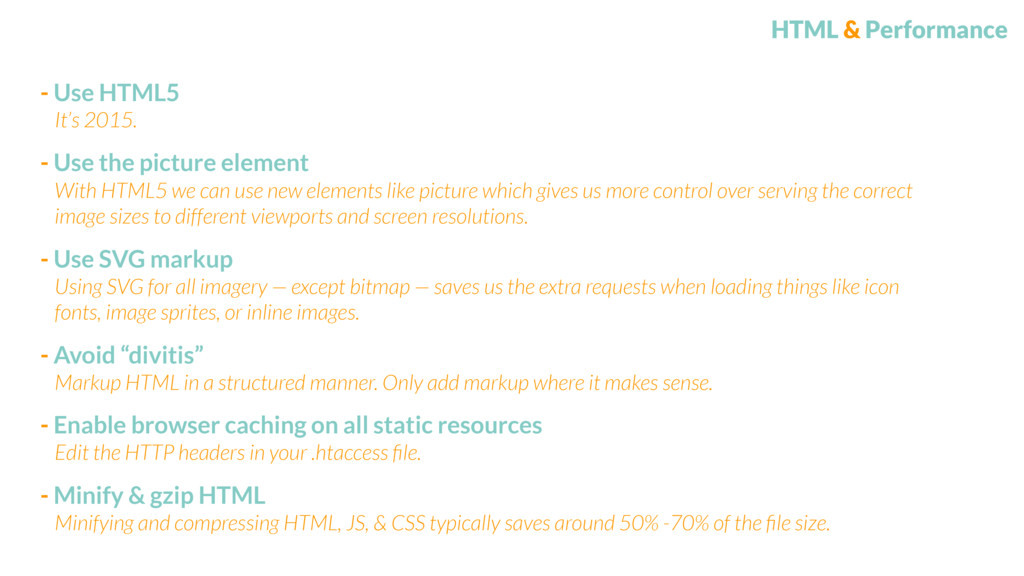
element - Use SVG markup With HTML5 we can use new elements like picture which gives us more control over serving the correct image sizes to different viewports and screen resolutions. Using SVG for all imagery — except bitmap — saves us the extra requests when loading things like icon fonts, image sprites, or inline images. - Avoid “divitis” Markup HTML in a structured manner. Only add markup where it makes sense. It’s 2015. - Enable browser caching on all static resources Edit the HTTP headers in your .htaccess file. - Minify & gzip HTML Minifying and compressing HTML, JS, & CSS typically saves around 50% -70% of the file size.
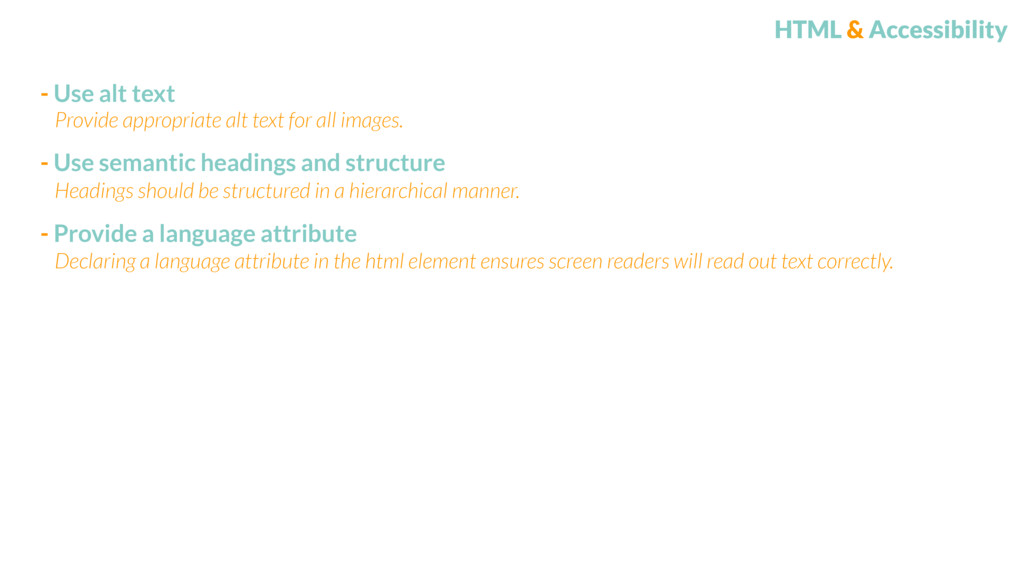
headings and structure - Provide a language attribute Headings should be structured in a hierarchical manner. Declaring a language attribute in the html element ensures screen readers will read out text correctly. Provide appropriate alt text for all images.
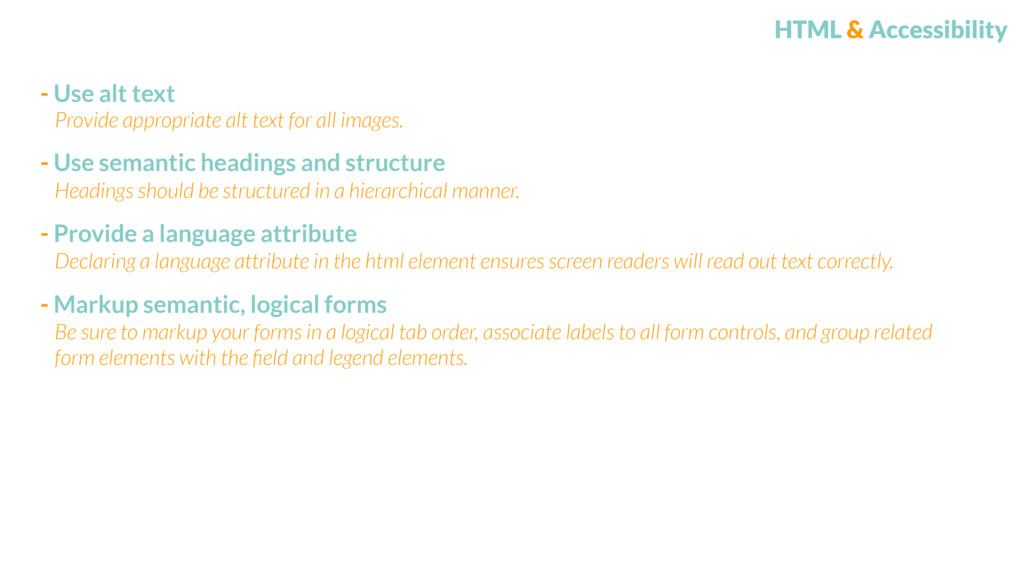
headings and structure - Provide a language attribute Headings should be structured in a hierarchical manner. Declaring a language attribute in the html element ensures screen readers will read out text correctly. - Markup semantic, logical forms Be sure to markup your forms in a logical tab order, associate labels to all form controls, and group related form elements with the field and legend elements. Provide appropriate alt text for all images.
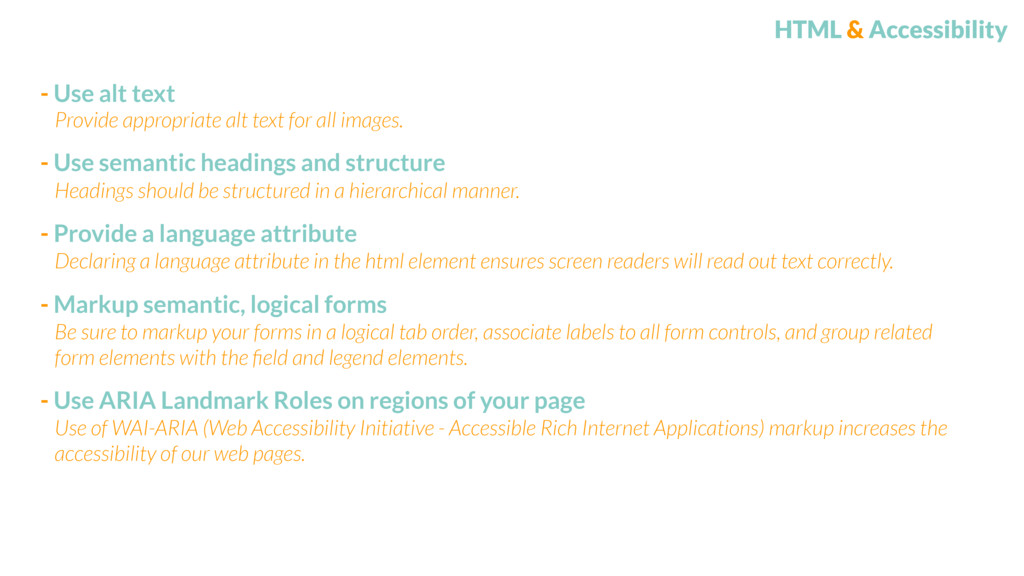
headings and structure - Provide a language attribute Headings should be structured in a hierarchical manner. Declaring a language attribute in the html element ensures screen readers will read out text correctly. - Markup semantic, logical forms Be sure to markup your forms in a logical tab order, associate labels to all form controls, and group related form elements with the field and legend elements. Provide appropriate alt text for all images. - Use ARIA Landmark Roles on regions of your page Use of WAI-ARIA (Web Accessibility Initiative - Accessible Rich Internet Applications) markup increases the accessibility of our web pages.
style-guide Use a living style-guide or pattern library to document components and their corresponding markup Document all changes somewhere other developers will know to look. Be sure to note what you changed and why.
style-guide - Write HTML in a descriptive, modular fashion Use a living style-guide or pattern library to document components and their corresponding markup. We should be writing our HTML so that we can easily read and understand what it does without knowing the context of it. Document all changes somewhere other developers will know to look. Be sure to note what you changed and why.
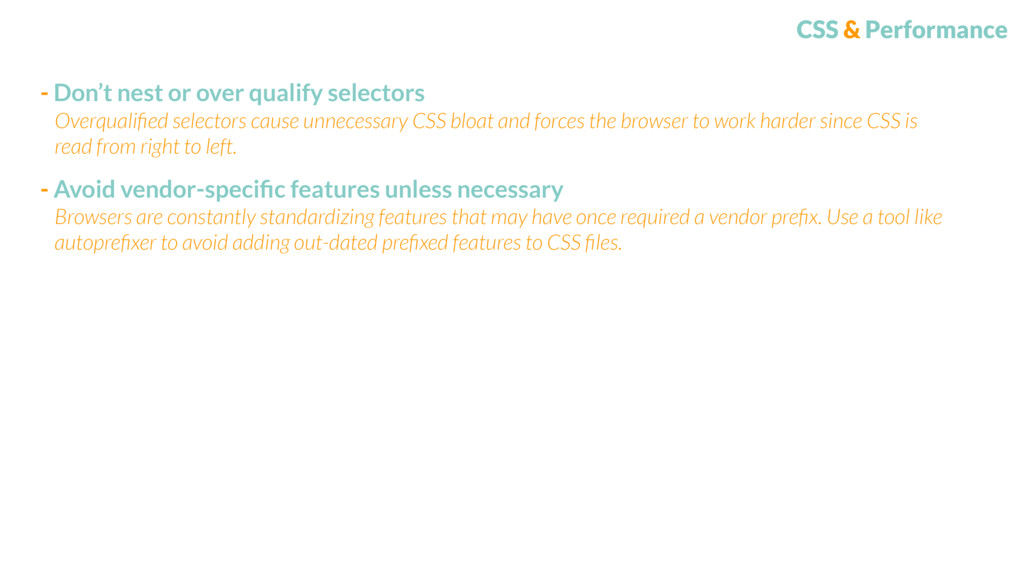
- Avoid vendor-specific features unless necessary Overqualified selectors cause unnecessary CSS bloat and forces the browser to work harder since CSS is read from right to left. Browsers are constantly standardizing features that may have once required a vendor prefix. Use a tool like autoprefixer to avoid adding out-dated prefixed features to CSS files.
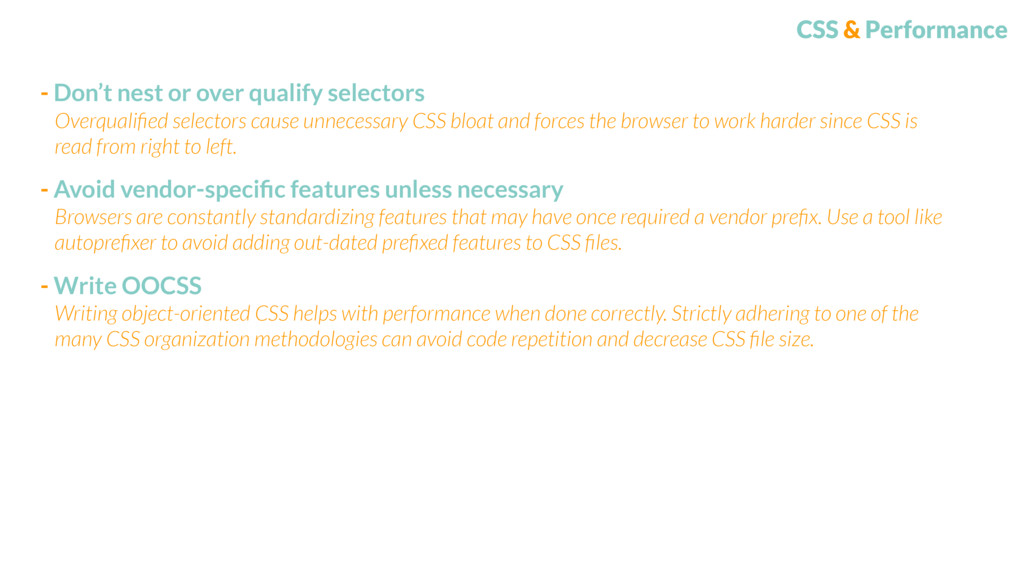
- Avoid vendor-specific features unless necessary Overqualified selectors cause unnecessary CSS bloat and forces the browser to work harder since CSS is read from right to left. Browsers are constantly standardizing features that may have once required a vendor prefix. Use a tool like autoprefixer to avoid adding out-dated prefixed features to CSS files. - Write OOCSS Writing object-oriented CSS helps with performance when done correctly. Strictly adhering to one of the many CSS organization methodologies can avoid code repetition and decrease CSS file size.
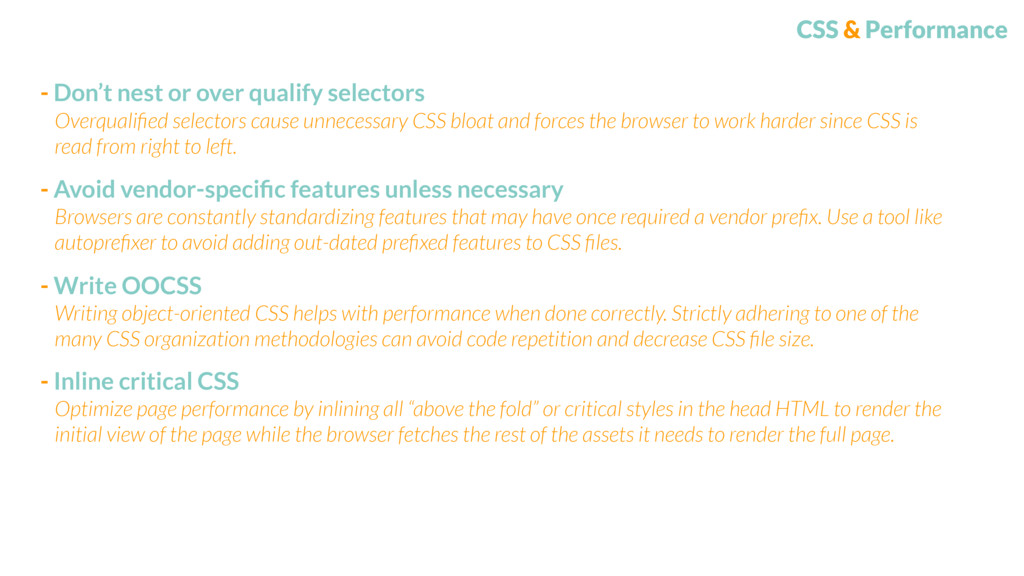
- Avoid vendor-specific features unless necessary Overqualified selectors cause unnecessary CSS bloat and forces the browser to work harder since CSS is read from right to left. Browsers are constantly standardizing features that may have once required a vendor prefix. Use a tool like autoprefixer to avoid adding out-dated prefixed features to CSS files. - Write OOCSS Writing object-oriented CSS helps with performance when done correctly. Strictly adhering to one of the many CSS organization methodologies can avoid code repetition and decrease CSS file size. - Inline critical CSS Optimize page performance by inlining all “above the fold” or critical styles in the head HTML to render the initial view of the page while the browser fetches the rest of the assets it needs to render the full page.
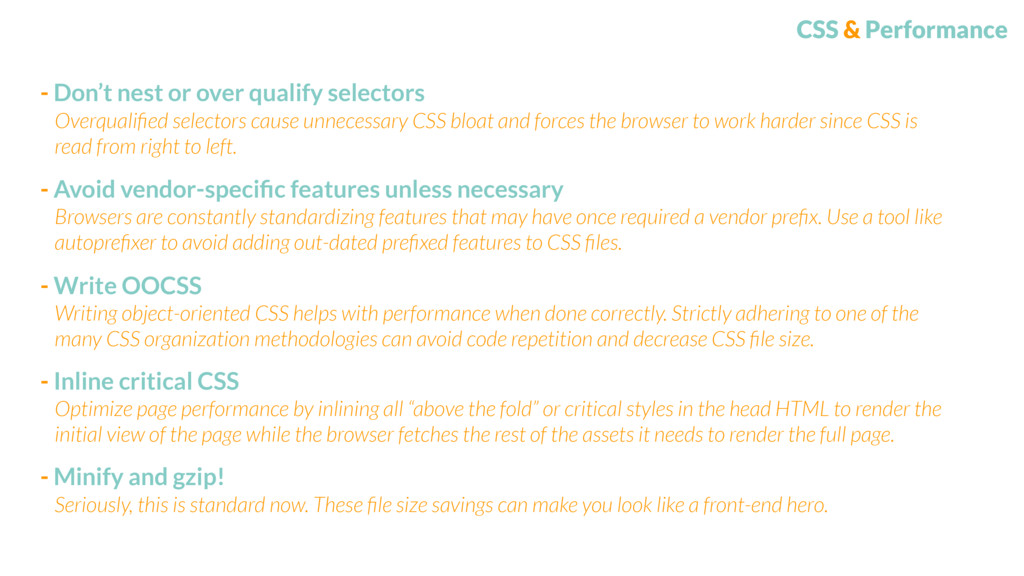
- Avoid vendor-specific features unless necessary Overqualified selectors cause unnecessary CSS bloat and forces the browser to work harder since CSS is read from right to left. Browsers are constantly standardizing features that may have once required a vendor prefix. Use a tool like autoprefixer to avoid adding out-dated prefixed features to CSS files. - Write OOCSS Writing object-oriented CSS helps with performance when done correctly. Strictly adhering to one of the many CSS organization methodologies can avoid code repetition and decrease CSS file size. - Inline critical CSS Optimize page performance by inlining all “above the fold” or critical styles in the head HTML to render the initial view of the page while the browser fetches the rest of the assets it needs to render the full page. - Minify and gzip! Seriously, this is standard now. These file size savings can make you look like a front-end hero.
Link styling should be consistent and recognizable. Giving links a focus state will allow users to tab through a group of links and know where they are at.
- Provide sufficient contrast on background and foreground colors Proper contrast ensures readability for everyone. Link styling should be consistent and recognizable. Giving links a focus state will allow users to tab through a group of links and know where they are at.
- Provide sufficient contrast on background and foreground colors Proper contrast ensures readability for everyone. - Hide text properly Screen readers can’t access any content that has ‘display:none;’ When necessary, use off-screen positioning or clipping to hide content from visual users only. Screen readers will still be able to access this type of hidden content. Link styling should be consistent and recognizable. Giving links a focus state will allow users to tab through a group of links and know where they are at.
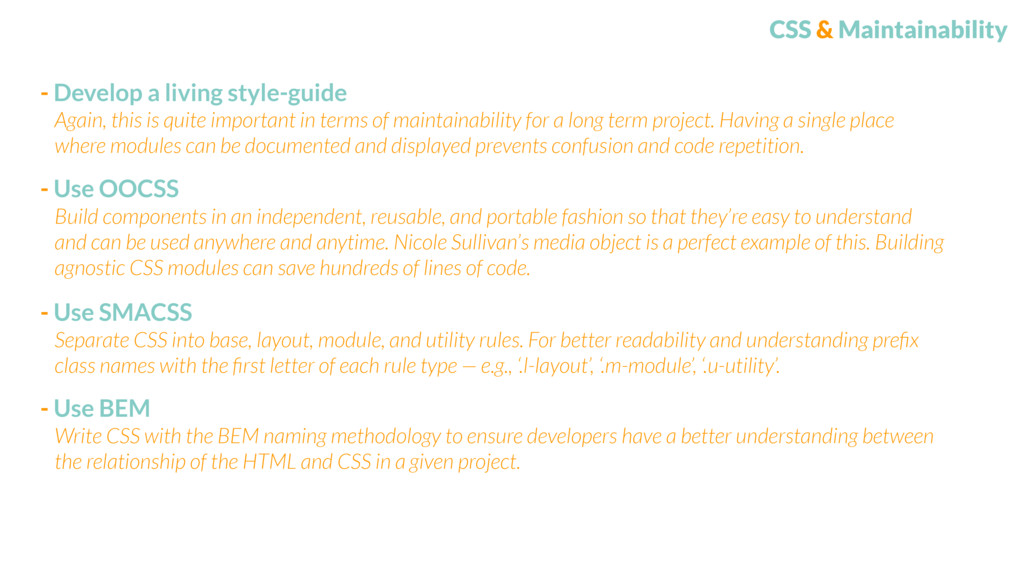
is quite important in terms of maintainability for a long term project. Having a single place where modules can be documented and displayed prevents confusion and code repetition.
OOCSS Build components in an independent, reusable, and portable fashion so that they’re easy to understand and can be used anywhere and anytime. Nicole Sullivan’s media object is a perfect example of this. Building agnostic CSS modules can save hundreds of lines of code. Again, this is quite important in terms of maintainability for a long term project. Having a single place where modules can be documented and displayed prevents confusion and code repetition.
OOCSS Build components in an independent, reusable, and portable fashion so that they’re easy to understand and can be used anywhere and anytime. Nicole Sullivan’s media object is a perfect example of this. Building agnostic CSS modules can save hundreds of lines of code. - Use SMACSS Separate CSS into base, layout, module, and utility rules. For better readability and understanding prefix class names with the first letter of each rule type — e.g., ‘.l-layout’, ‘.m-module’, ‘.u-utility’. Again, this is quite important in terms of maintainability for a long term project. Having a single place where modules can be documented and displayed prevents confusion and code repetition.
OOCSS Build components in an independent, reusable, and portable fashion so that they’re easy to understand and can be used anywhere and anytime. Nicole Sullivan’s media object is a perfect example of this. Building agnostic CSS modules can save hundreds of lines of code. - Use SMACSS Separate CSS into base, layout, module, and utility rules. For better readability and understanding prefix class names with the first letter of each rule type — e.g., ‘.l-layout’, ‘.m-module’, ‘.u-utility’. Again, this is quite important in terms of maintainability for a long term project. Having a single place where modules can be documented and displayed prevents confusion and code repetition. - Use BEM Write CSS with the BEM naming methodology to ensure developers have a better understanding between the relationship of the HTML and CSS in a given project.
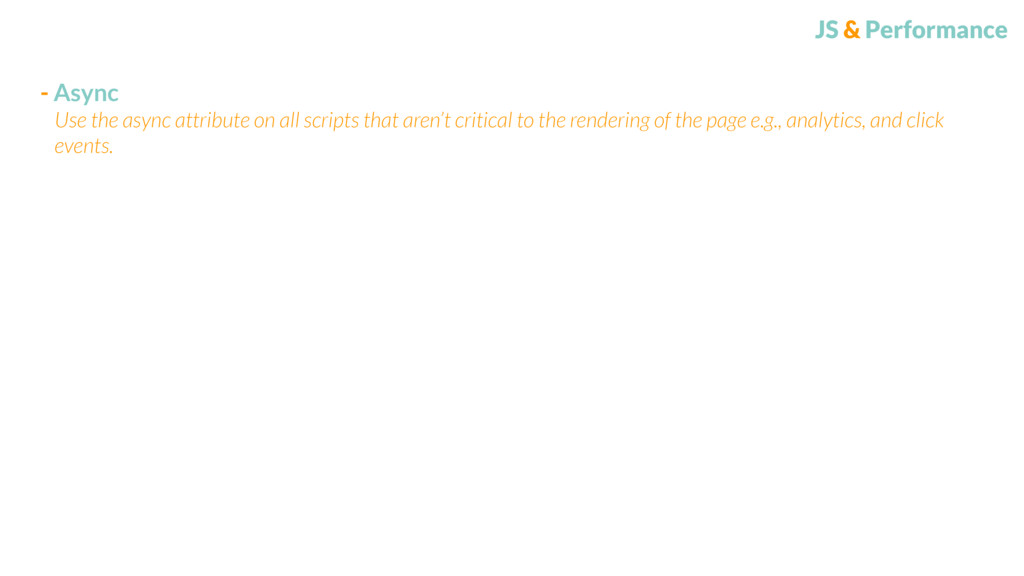
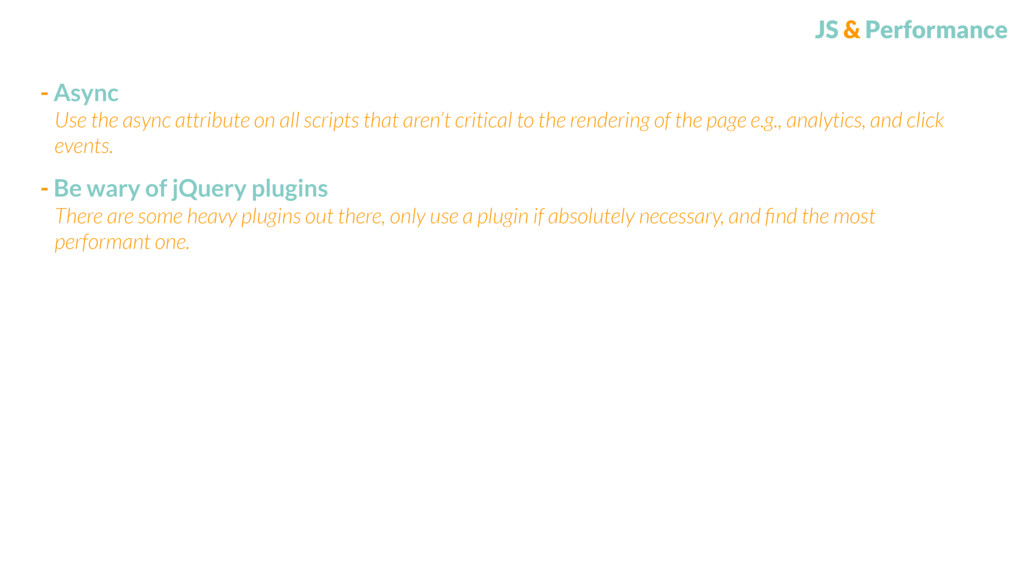
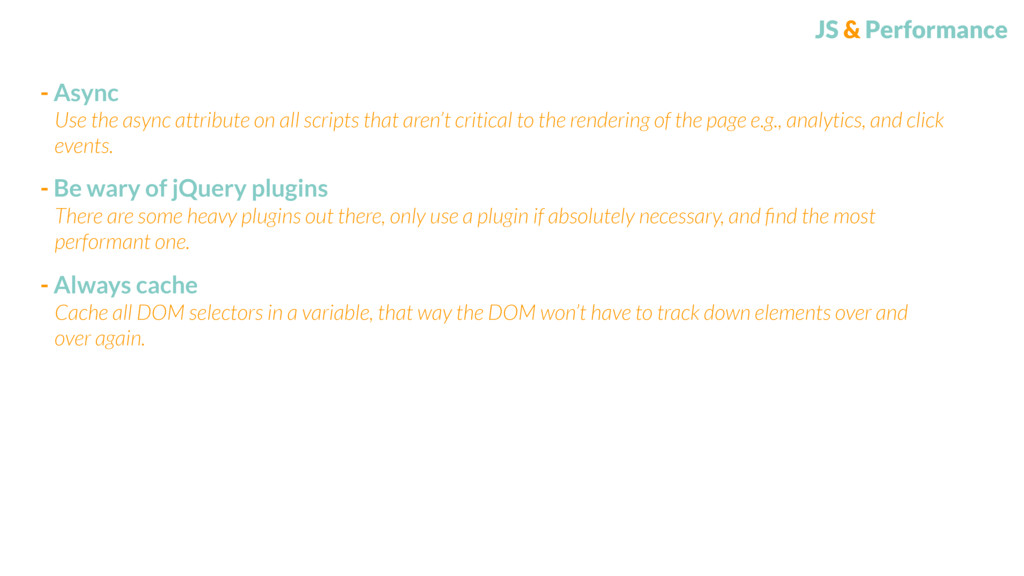
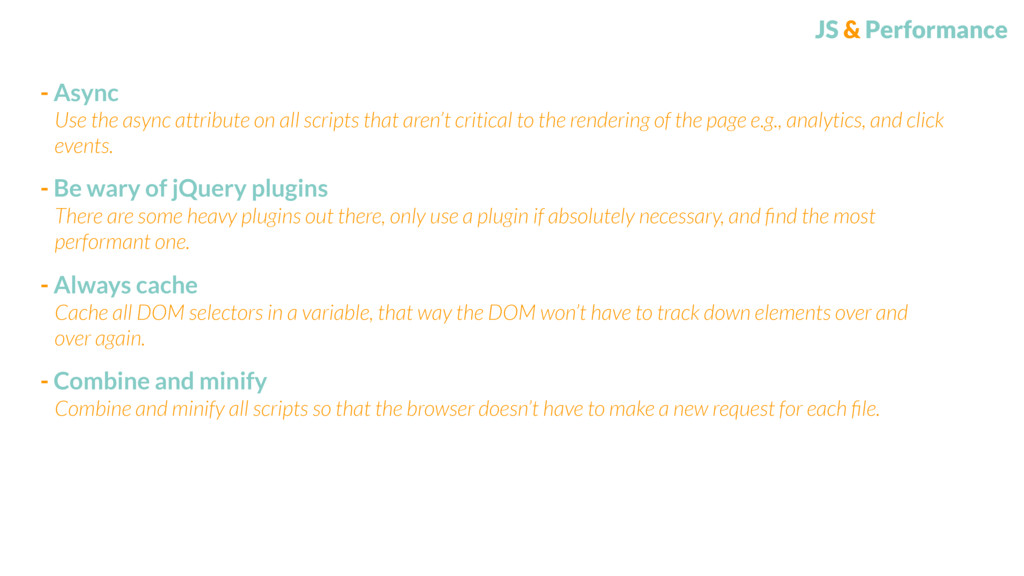
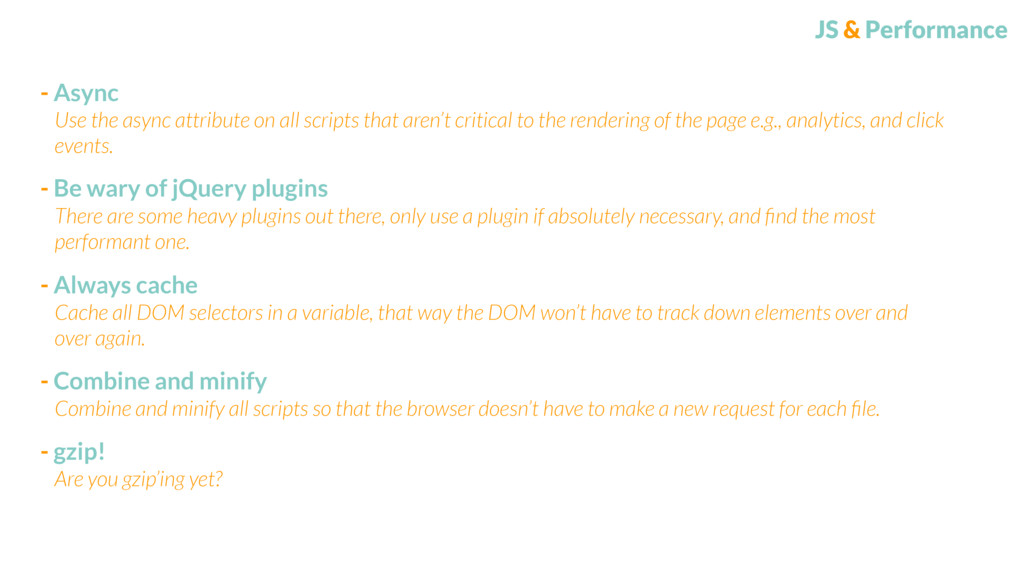
plugins There are some heavy plugins out there, only use a plugin if absolutely necessary, and find the most performant one. Use the async attribute on all scripts that aren’t critical to the rendering of the page e.g., analytics, and click events.
plugins There are some heavy plugins out there, only use a plugin if absolutely necessary, and find the most performant one. - Always cache Cache all DOM selectors in a variable, that way the DOM won’t have to track down elements over and over again. Use the async attribute on all scripts that aren’t critical to the rendering of the page e.g., analytics, and click events.
plugins There are some heavy plugins out there, only use a plugin if absolutely necessary, and find the most performant one. - Always cache Cache all DOM selectors in a variable, that way the DOM won’t have to track down elements over and over again. Use the async attribute on all scripts that aren’t critical to the rendering of the page e.g., analytics, and click events. - Combine and minify Combine and minify all scripts so that the browser doesn’t have to make a new request for each file.
plugins There are some heavy plugins out there, only use a plugin if absolutely necessary, and find the most performant one. - Always cache Cache all DOM selectors in a variable, that way the DOM won’t have to track down elements over and over again. Use the async attribute on all scripts that aren’t critical to the rendering of the page e.g., analytics, and click events. - Combine and minify Combine and minify all scripts so that the browser doesn’t have to make a new request for each file. - gzip! Are you gzip’ing yet?
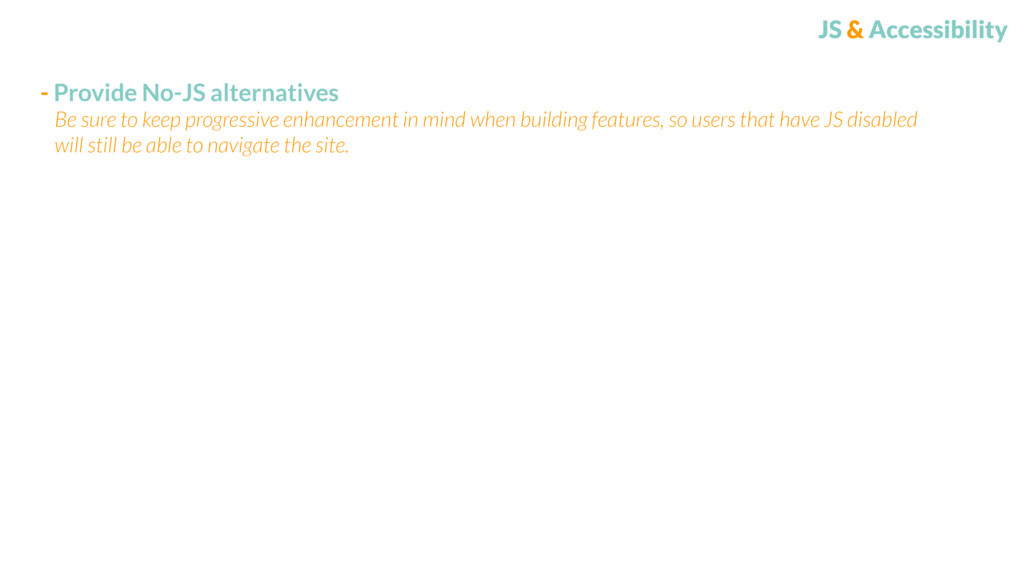
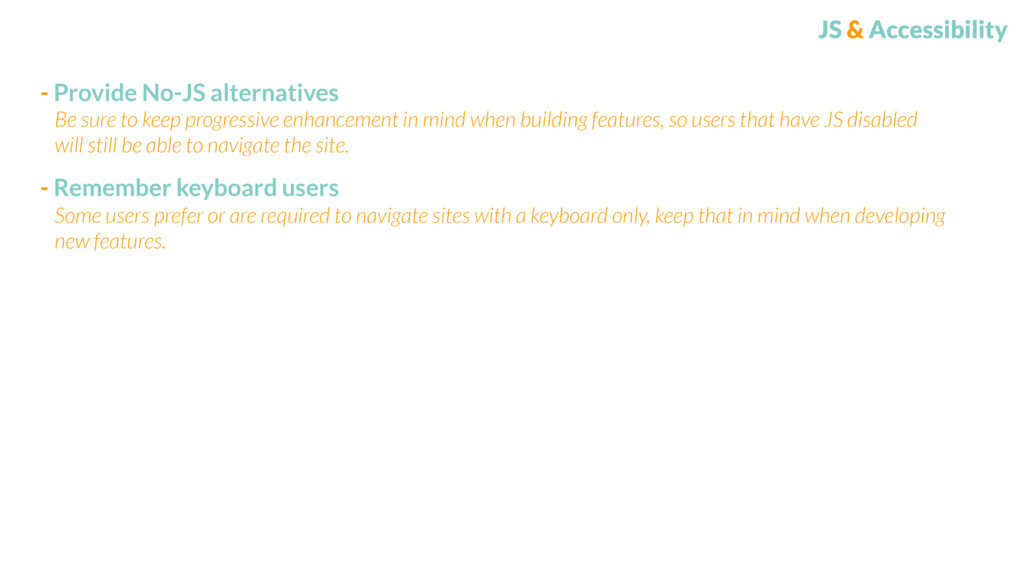
users Some users prefer or are required to navigate sites with a keyboard only, keep that in mind when developing new features. Be sure to keep progressive enhancement in mind when building features, so users that have JS disabled will still be able to navigate the site.
code Don’t repeat yourself. Make code as reusable as possible, make sure it’s easy to understand, troubleshoot, and refactor. Choose a code style and naming conventions for JS and stick to them, it’ll make refactoring a lot easier in the future.
code Don’t repeat yourself. Make code as reusable as possible, make sure it’s easy to understand, troubleshoot, and refactor. - Document JS can get sloppy and unmaintainable real fast. Be sure to document things that may need explaining or fixing later down the road. Choose a code style and naming conventions for JS and stick to them, it’ll make refactoring a lot easier in the future.
to architecting a performant, accessible, and maintainable front- end. Don’t get too caught up in choosing which method or practice you should be following, just choose one and be sure to stick by it. It’ll help you, your client/organization, and your users tremendously.