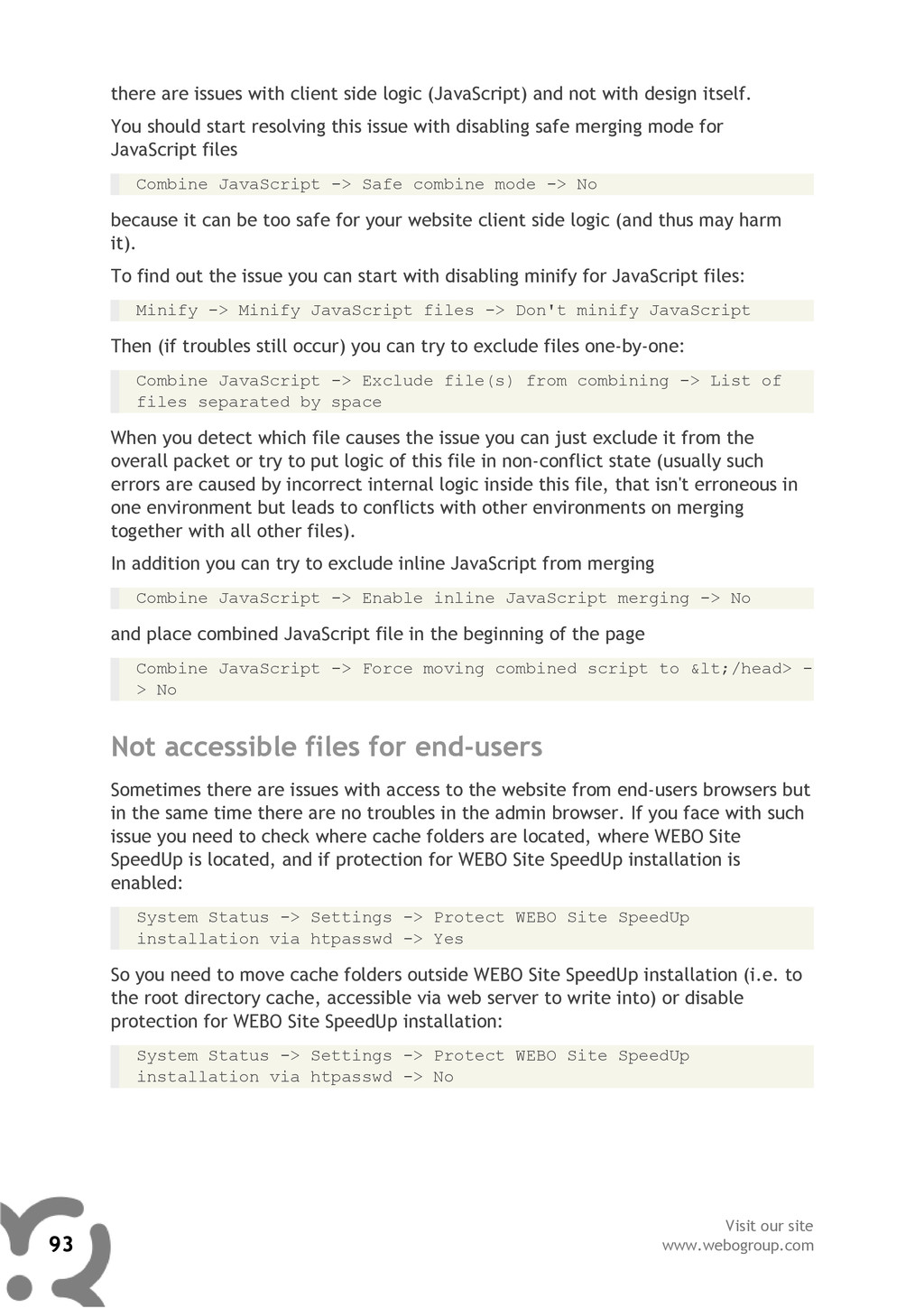
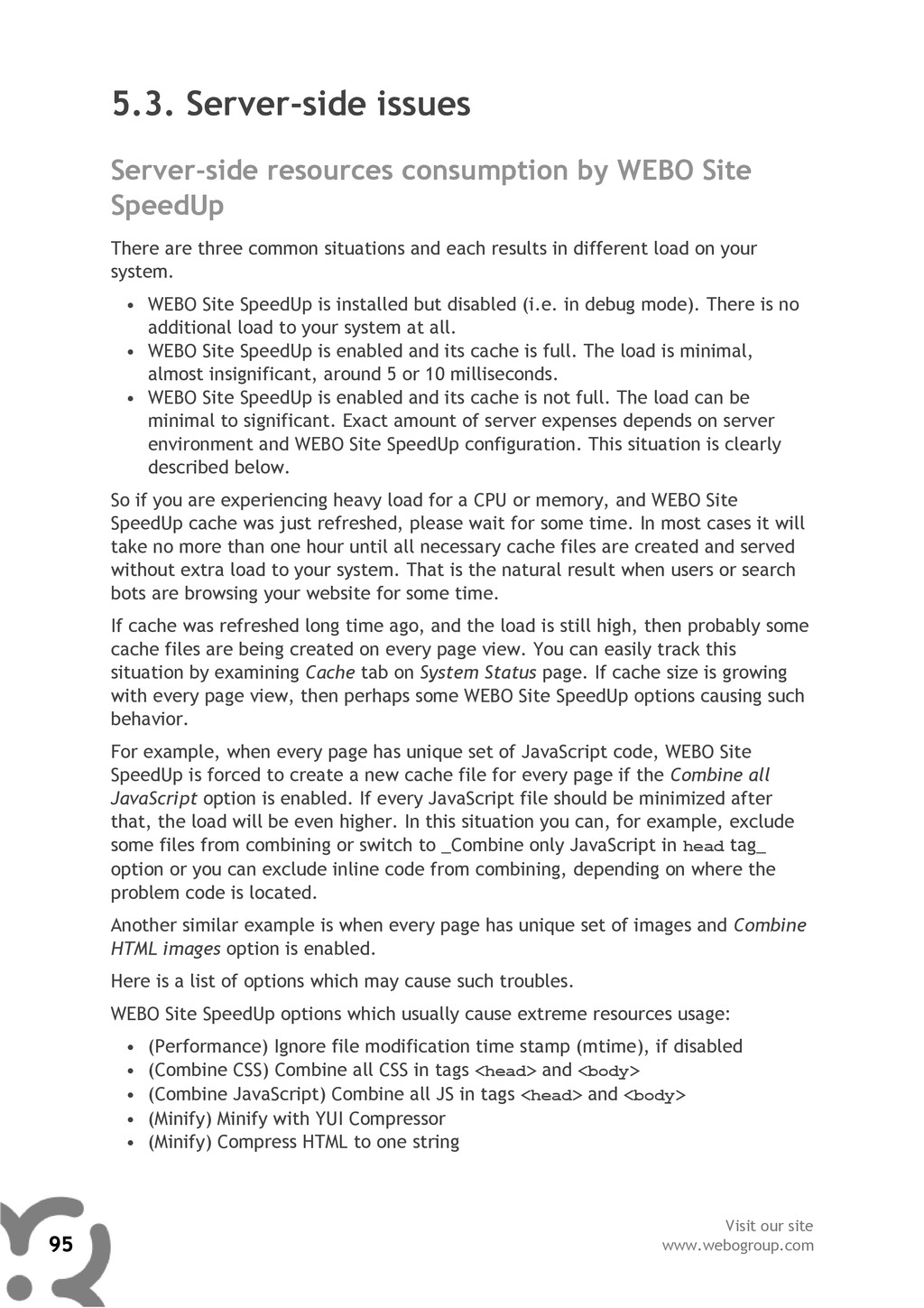
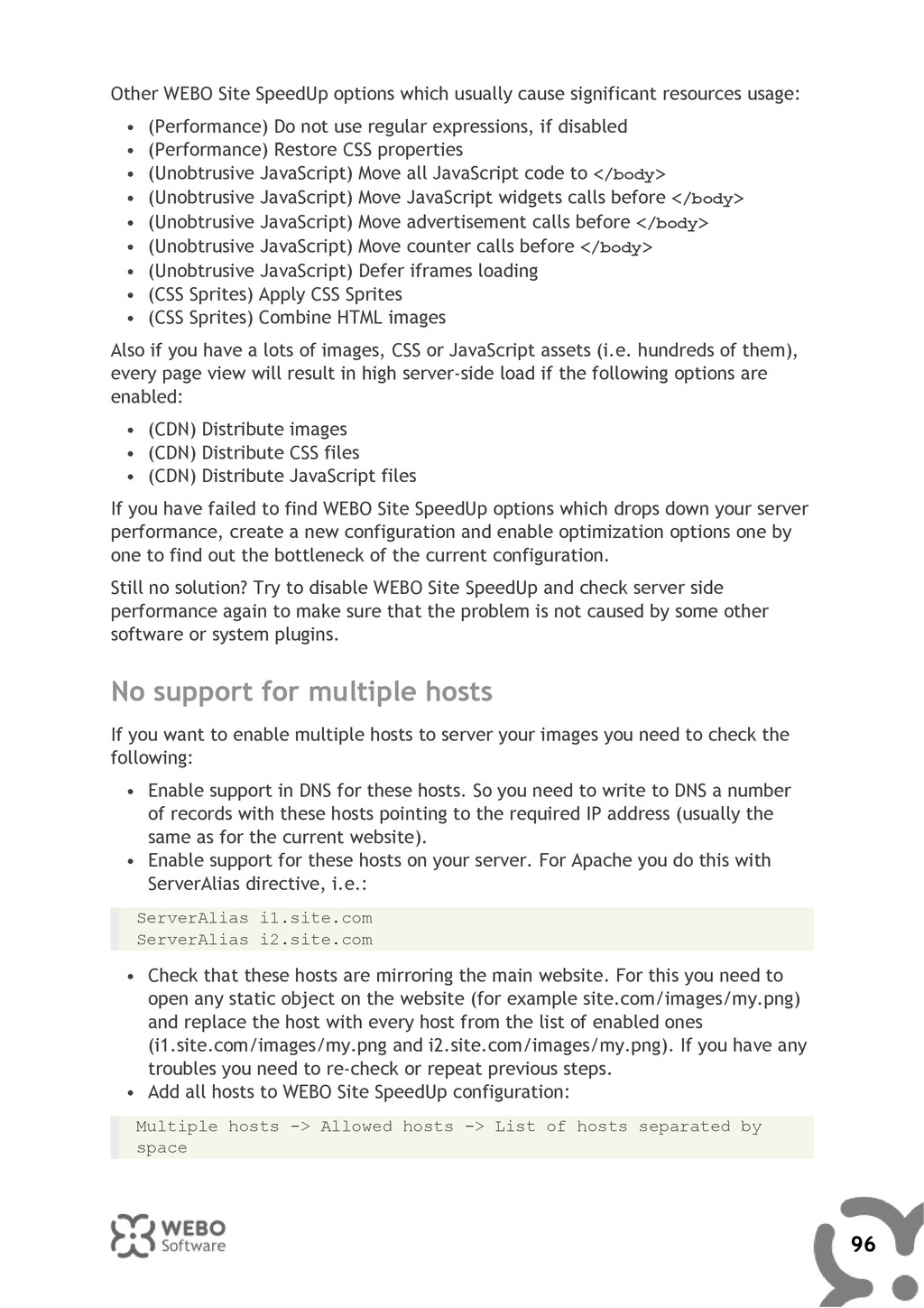
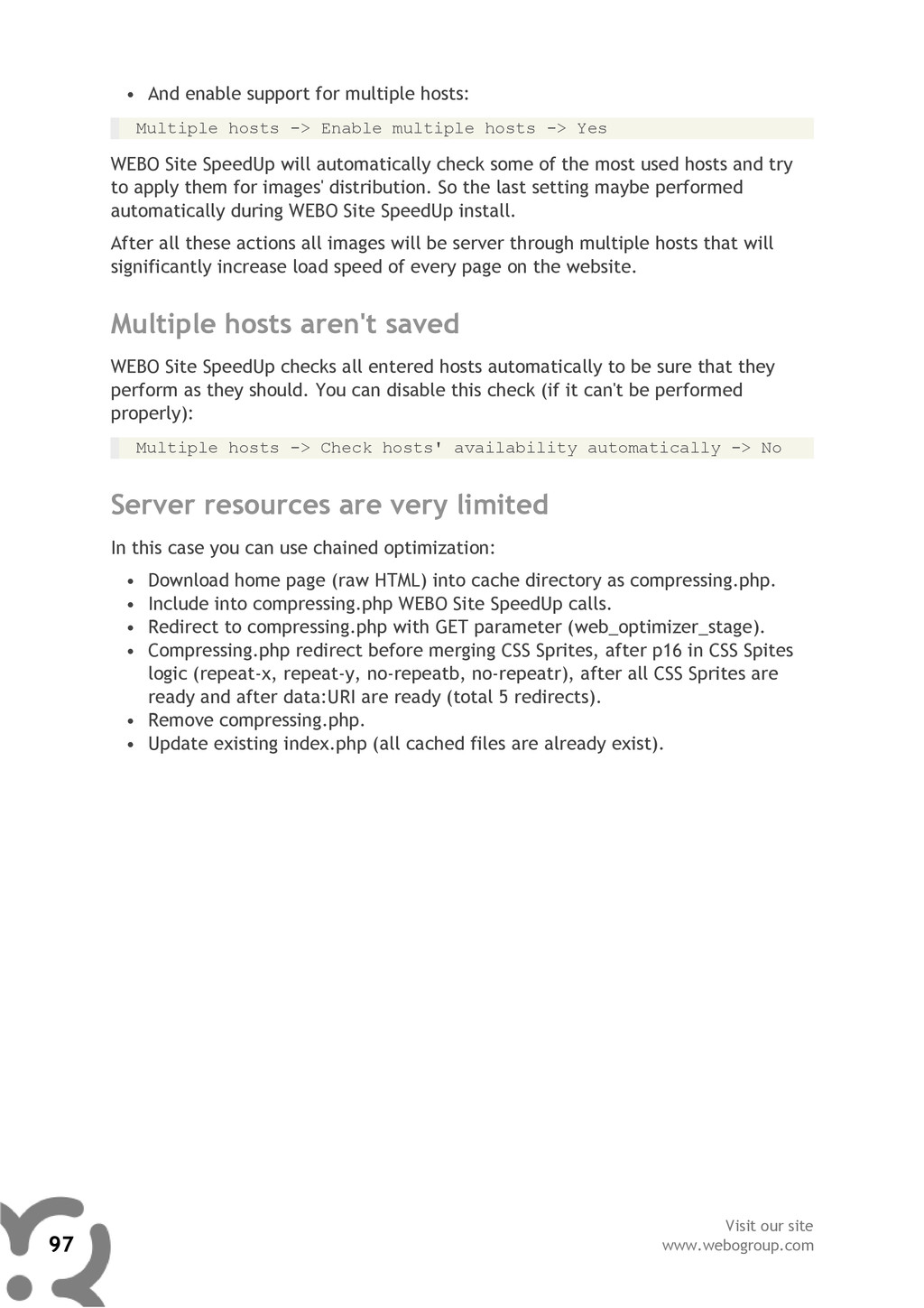
Extract the directory: /web-optimizer/ to the /components/com_webositespeedup/ directory • Extract the following files: weboptimizer.php webositespeedup.xml to the /plugins/system/ directory • Extract the file: WeboMySql.php to the /libraries/joomla/database/database/ directory • Run this query for your Joomla! database (don't forget to replace with your database prefix): INSERT INTO `[[dbprefix]]components` (`name`, `link`, `menuid`, `parent`, `admin_menu_link`, `admin_menu_alt`, `option`, `ordering`, `admin_menu_img`, `iscore`, `params`, `enabled`) VALUES ('WEBO Site SpeedUp', 'option=com_webositespeedup', 0, 0, 'option=com_webositespeedup', 'WEBO Site SpeedUp', 'com_webositespeedup', 0, '../components/com_webositespeedup/web- optimizer/favicon.ico', 0, '', 1); INSERT INTO `[[dbprefix]]plugins` (`name`, `element`, `folder`, `access`, `ordering`, `published`, `iscore`, `client_id`, `checked_out`, `checked_out_time`, `params`) VALUES ('System - WEBO Site SpeedUp', 'weboptimizer', 'system', 0, 2, 1, 0, 0, 0, '0000-00-00 00:00:00', ''); • Change the dbtype value in /configuration.php file (replace asterisk with your previous dbtype value) var $dbtype = 'WeboMySql';//* You should get this, for example: var $dbtype = 'WeboMySql';//mysqli • Open file /components/com_webositespeedup/web-optimizer/ config.webo.php and set the following values: 23 Visit our site www.webogroup.com


 jonoalderson
 szymonslowik
 cassininazir
 portentint
 mojombo
 aleyda
 chrislema
 productmarketing
 reverentgeek
 carmenintech
 shlominoach


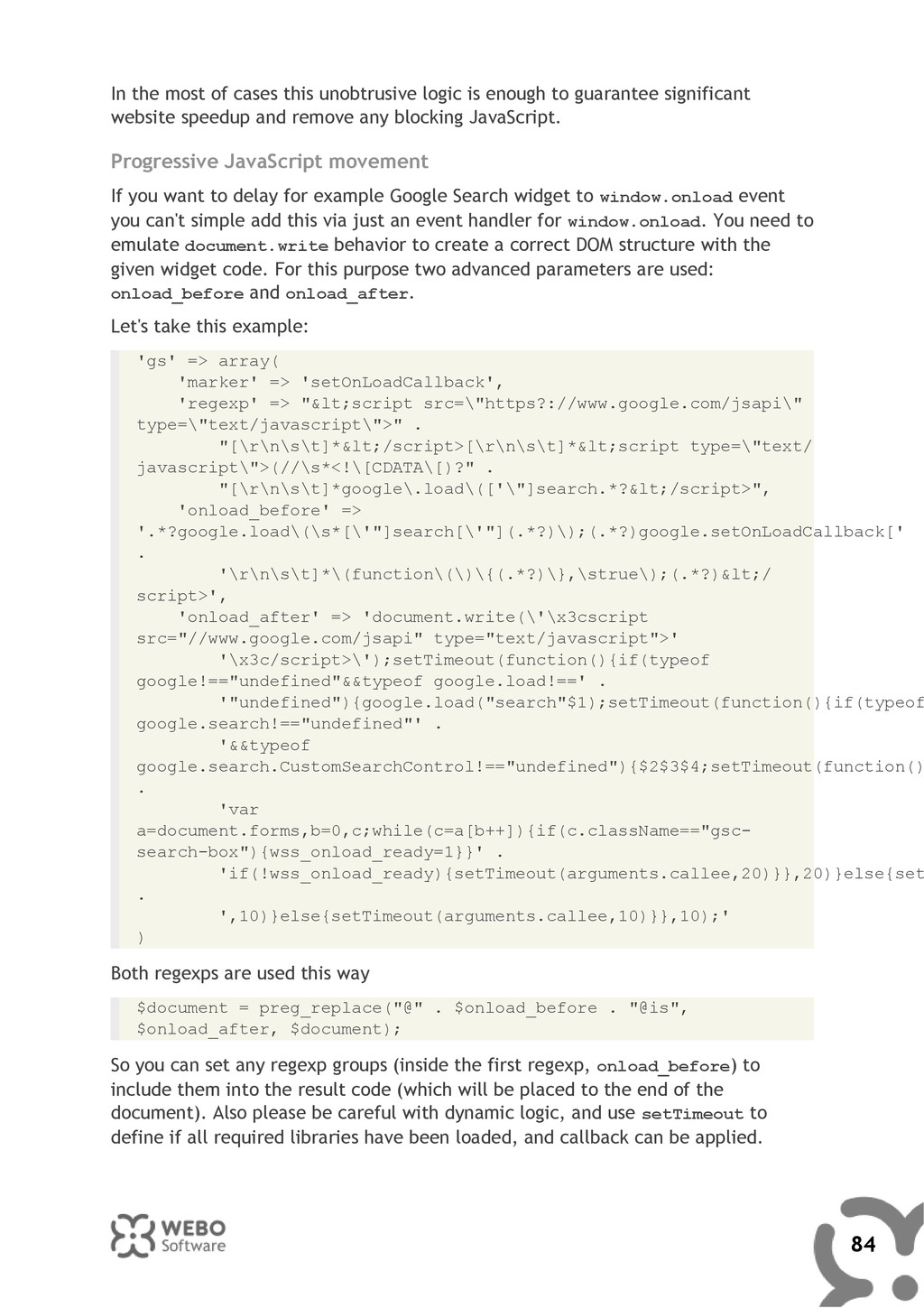
![$compress_options['password'] = "[[random valid password hash]]"; $compress_options['host'] = ""; $compress_options['document_root']](https://files.speakerdeck.com/presentations/4eaa4d65b6ac580054006d4f/slide_23.jpg)






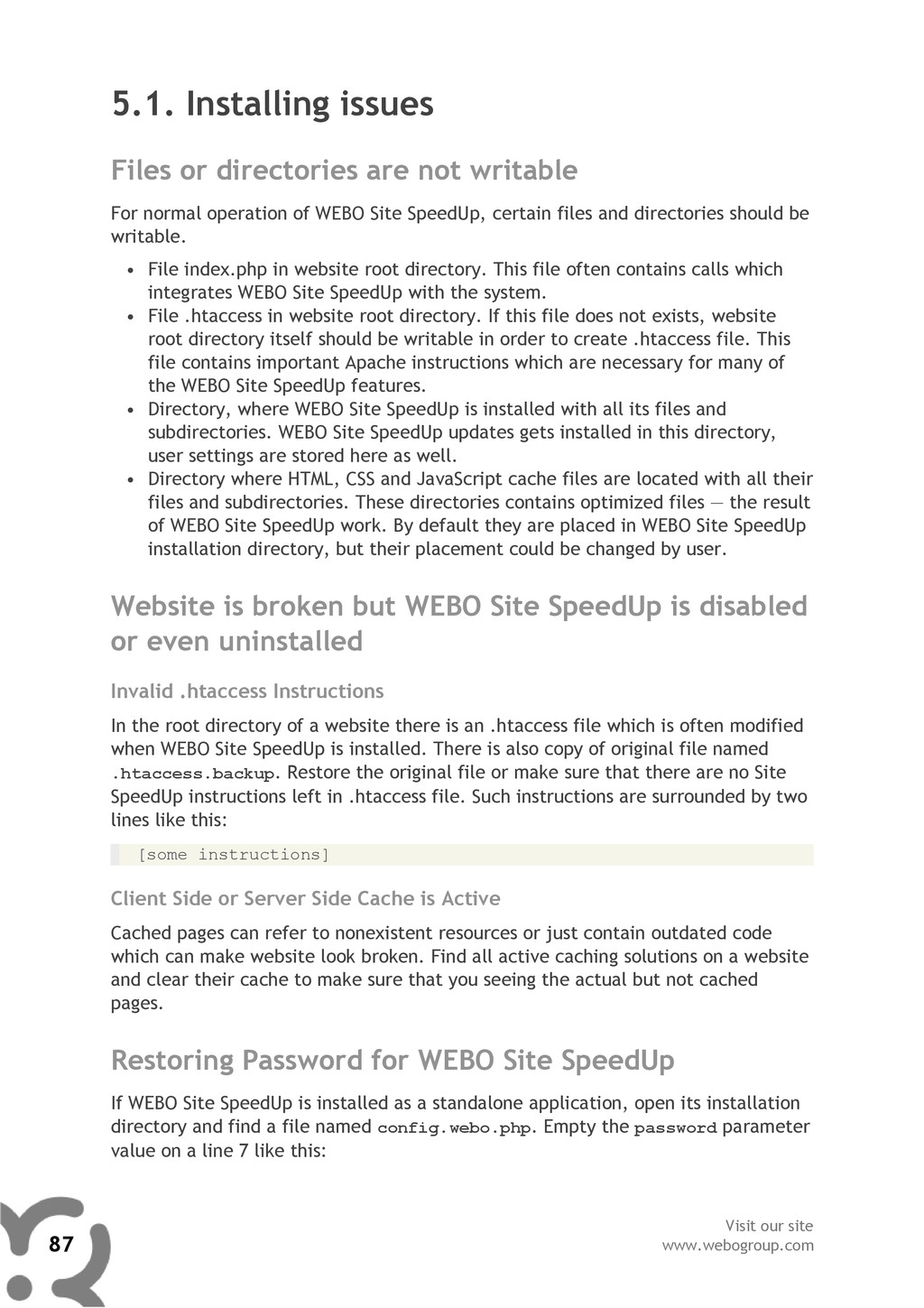
![$compress_options['password'] = ""; Open WEBO Site SpeedUp admin interface afterwards](https://files.speakerdeck.com/presentations/4eaa4d65b6ac580054006d4f/slide_87.jpg)