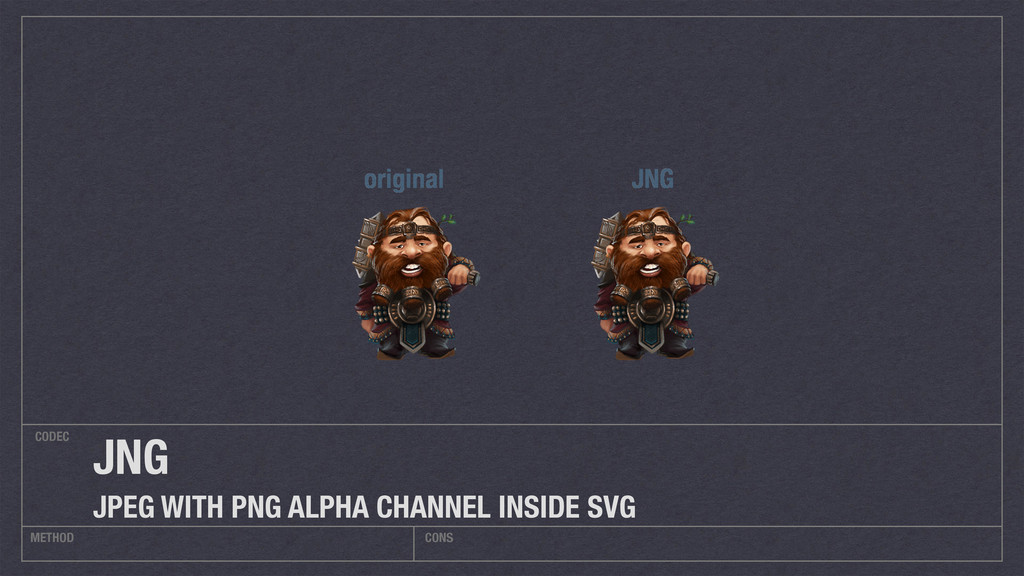
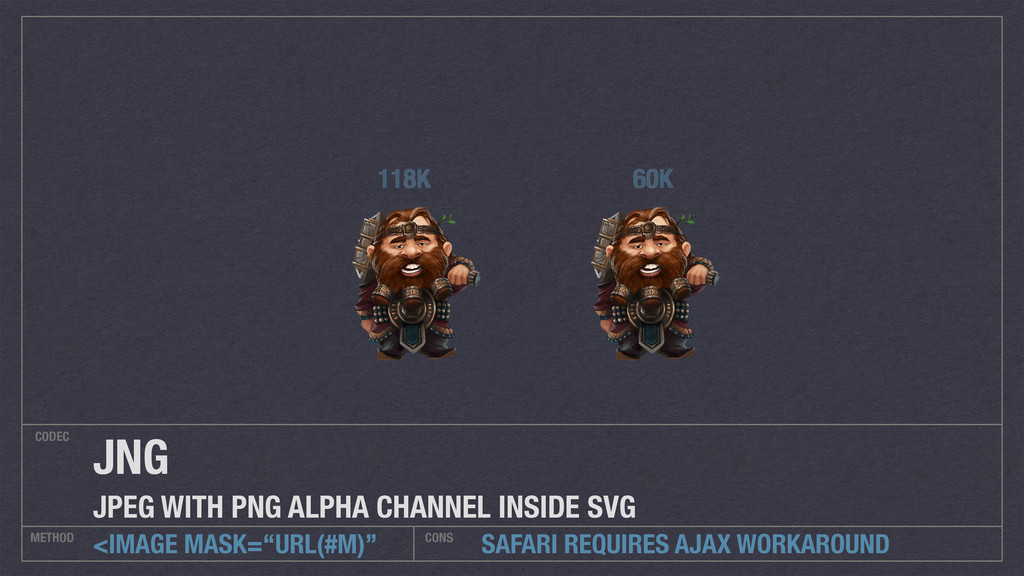
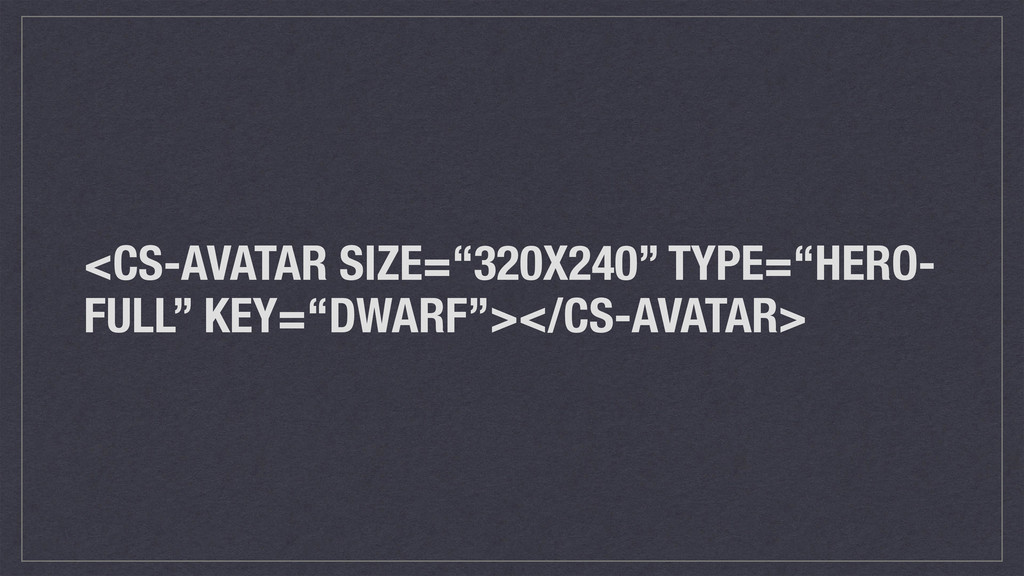
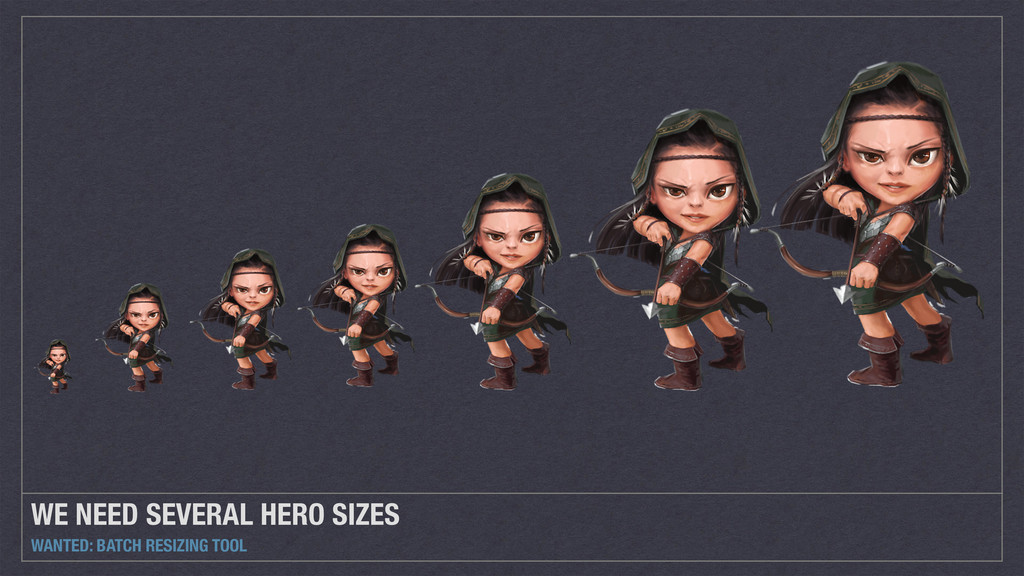
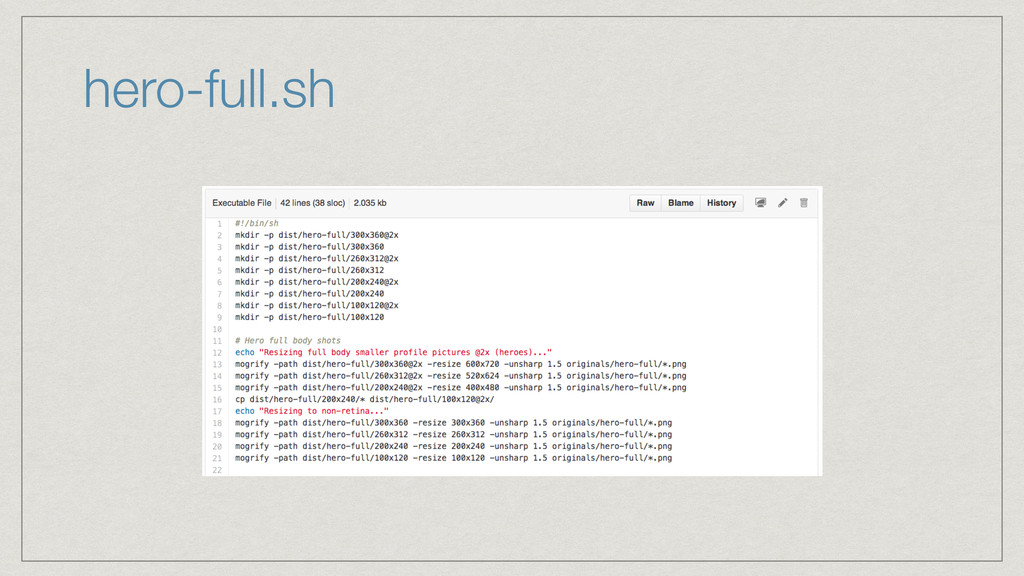
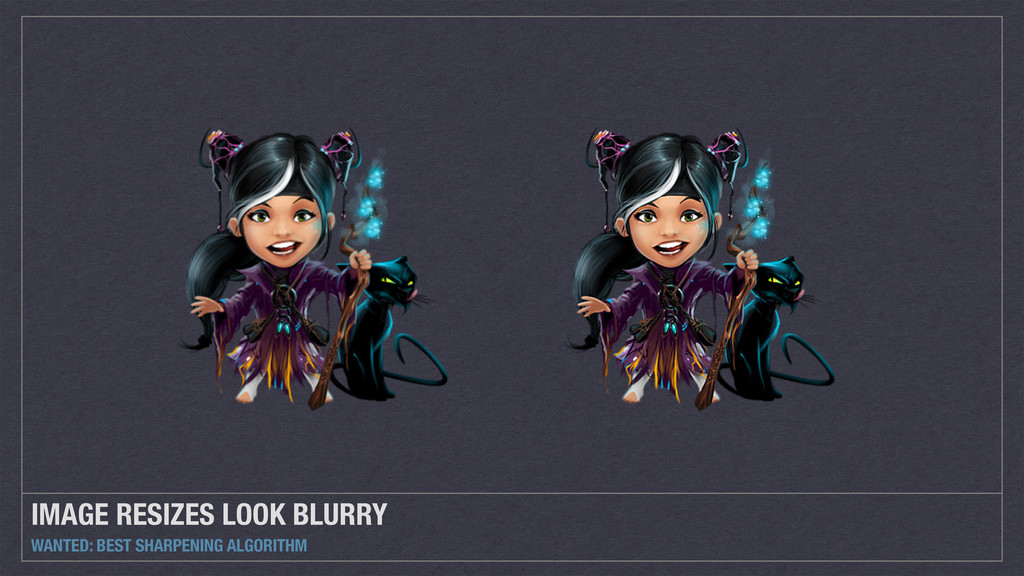
Images on the web need to look sharp on displays with very high DPI, while still small enough to download fast. When you have many assets, it becomes cumbersome to manually resize and export all of them.
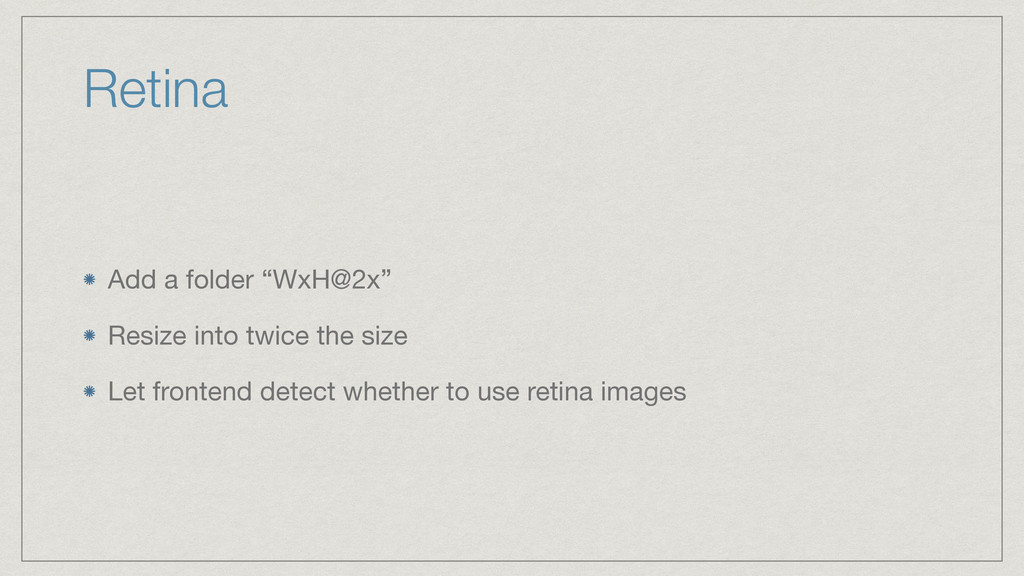
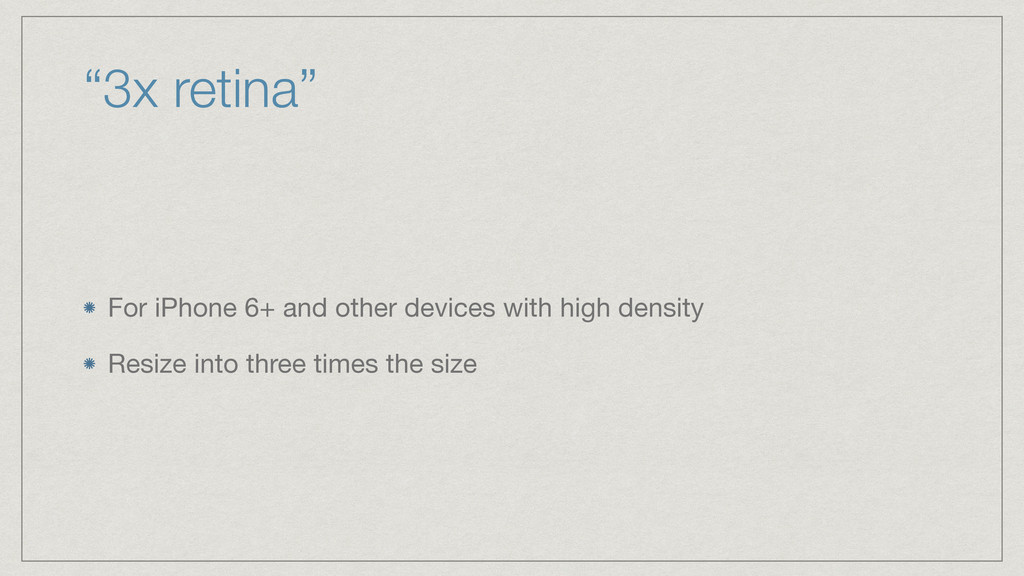
With the new iPhone 6+, the need for "retina" alternative images is even bigger. Now you might even want to supply both a "@2x" image and a "@3x" image.
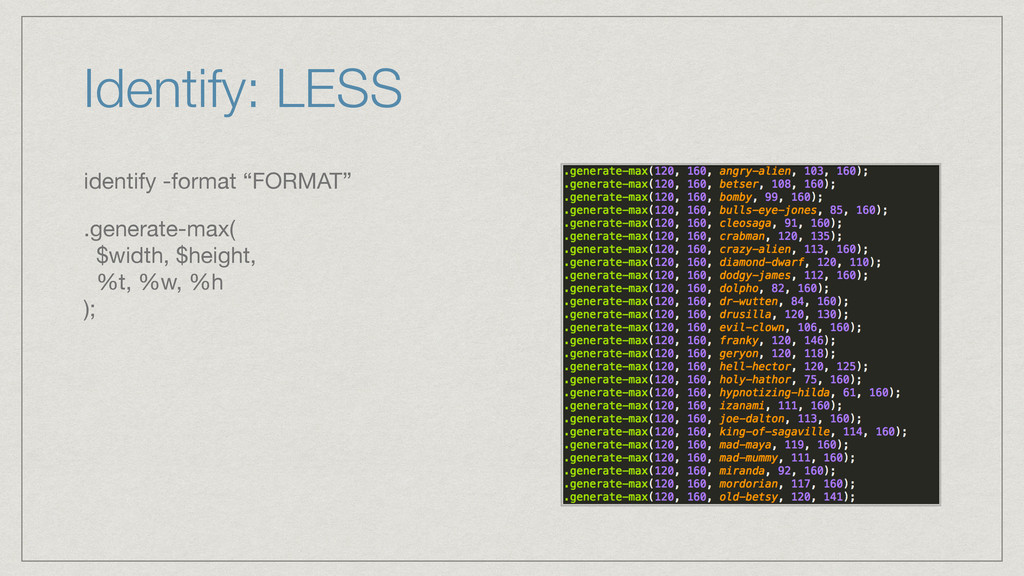
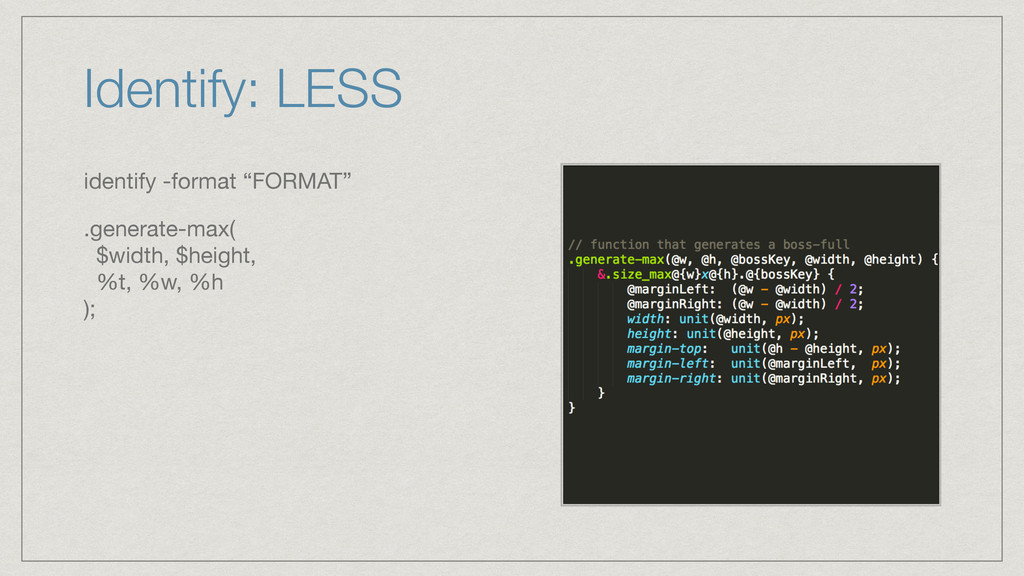
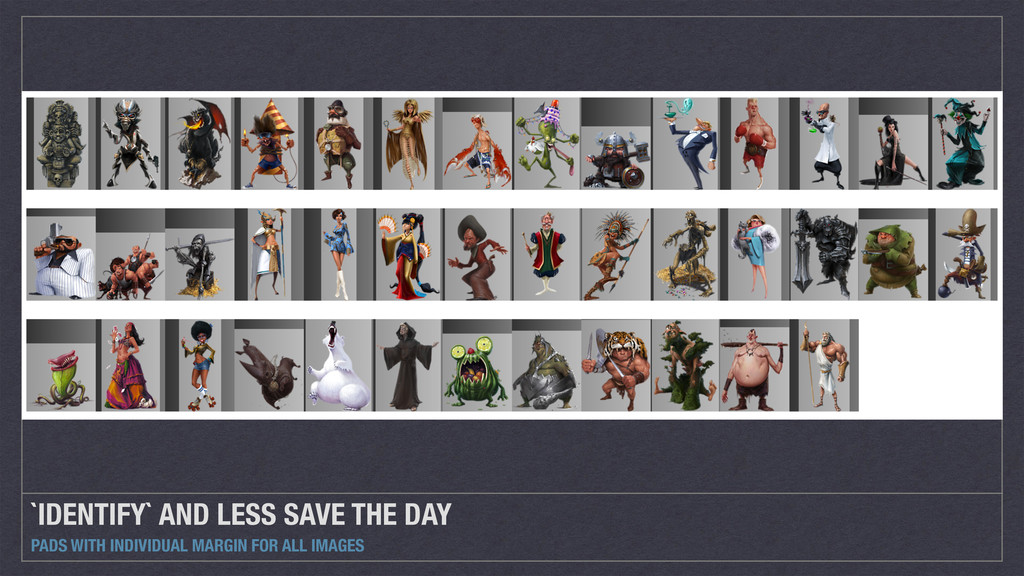
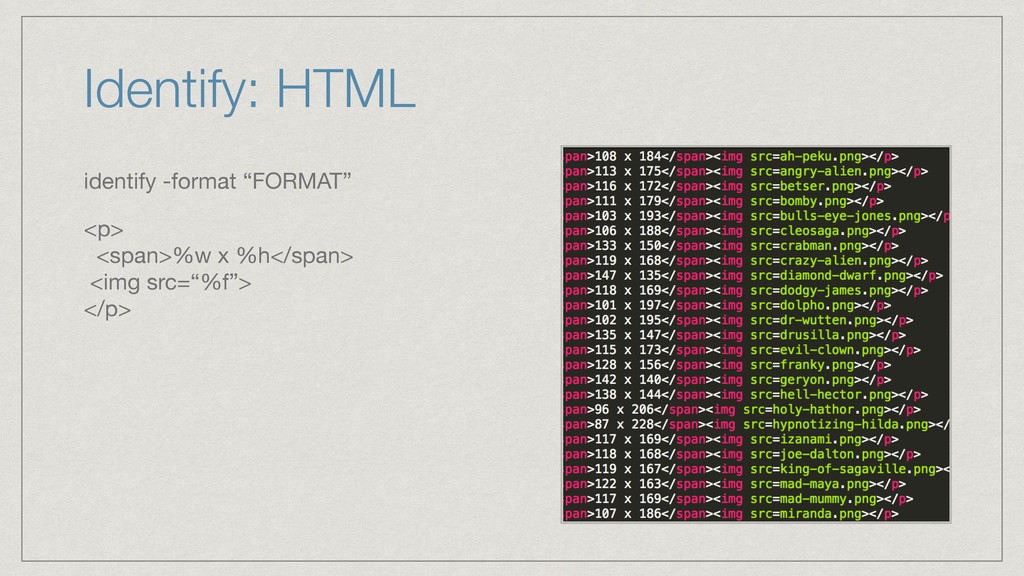
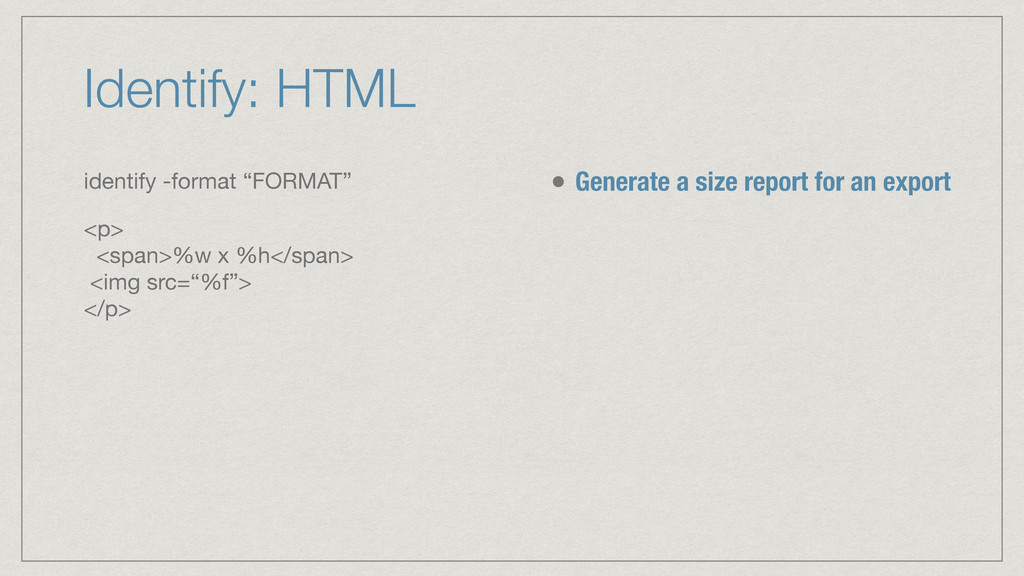
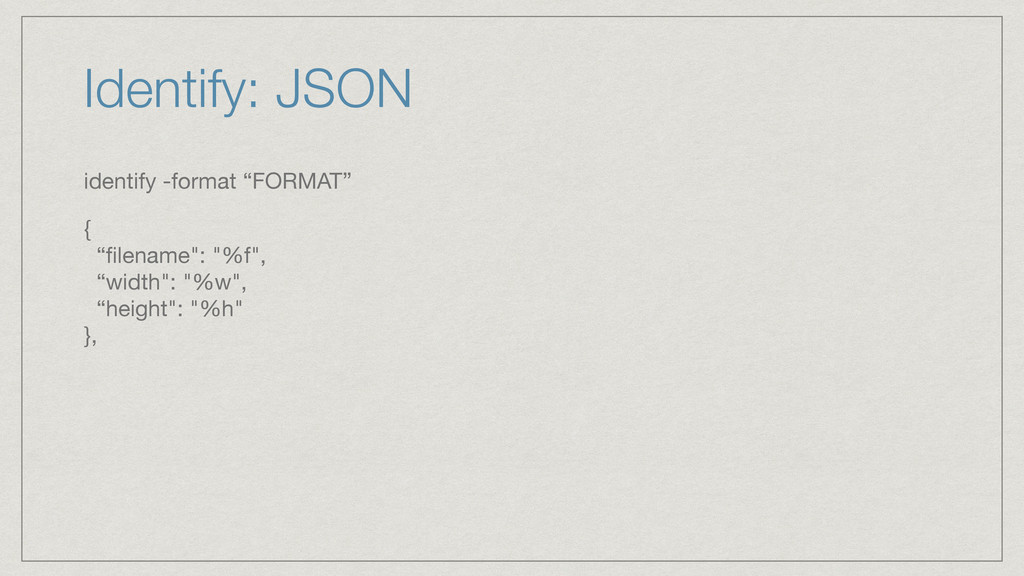
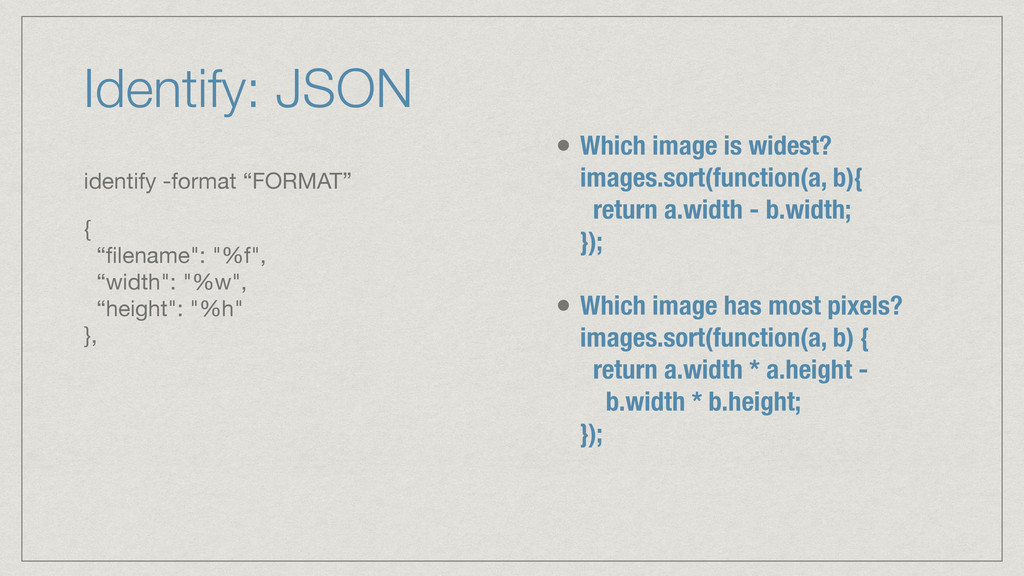
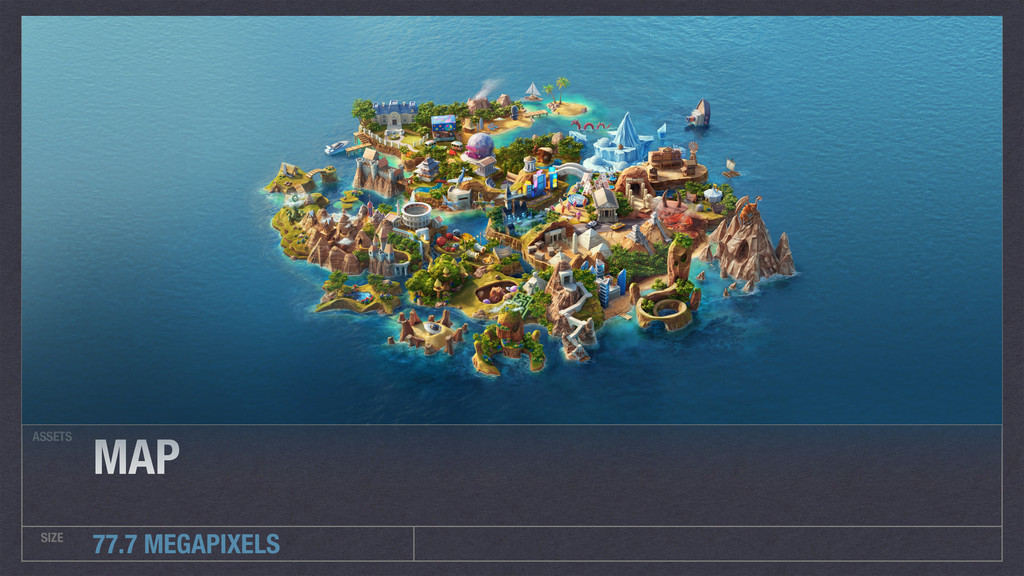
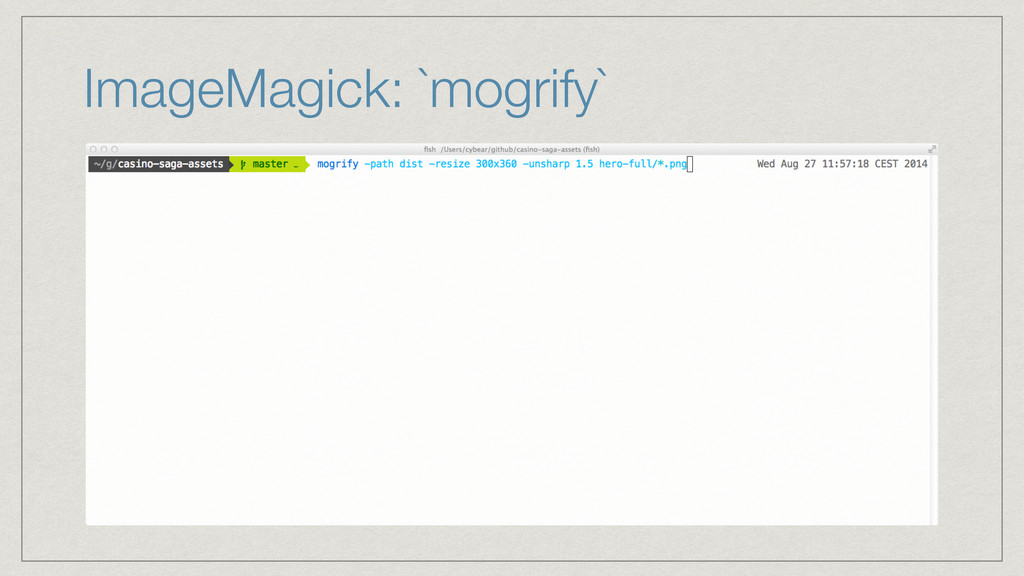
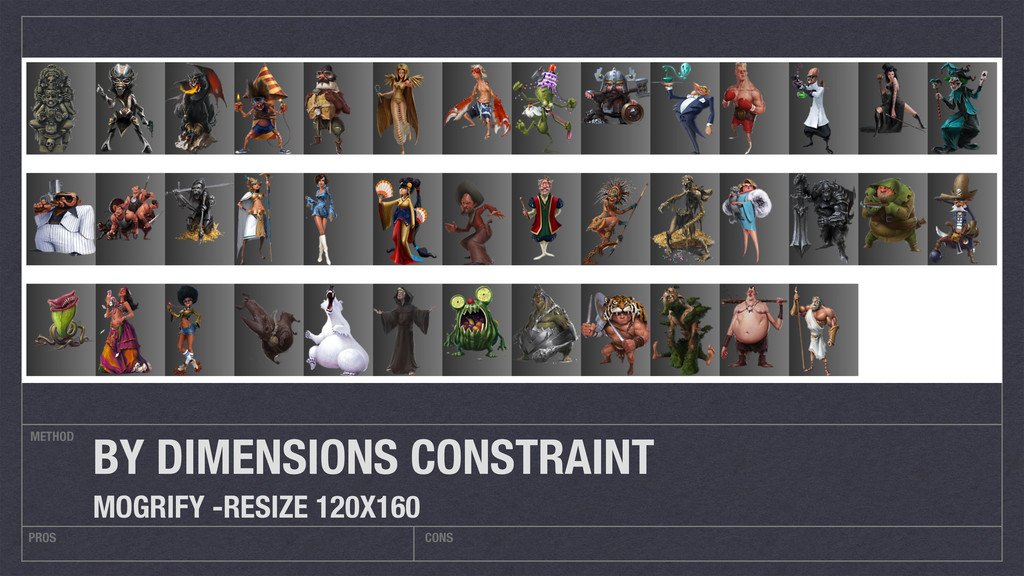
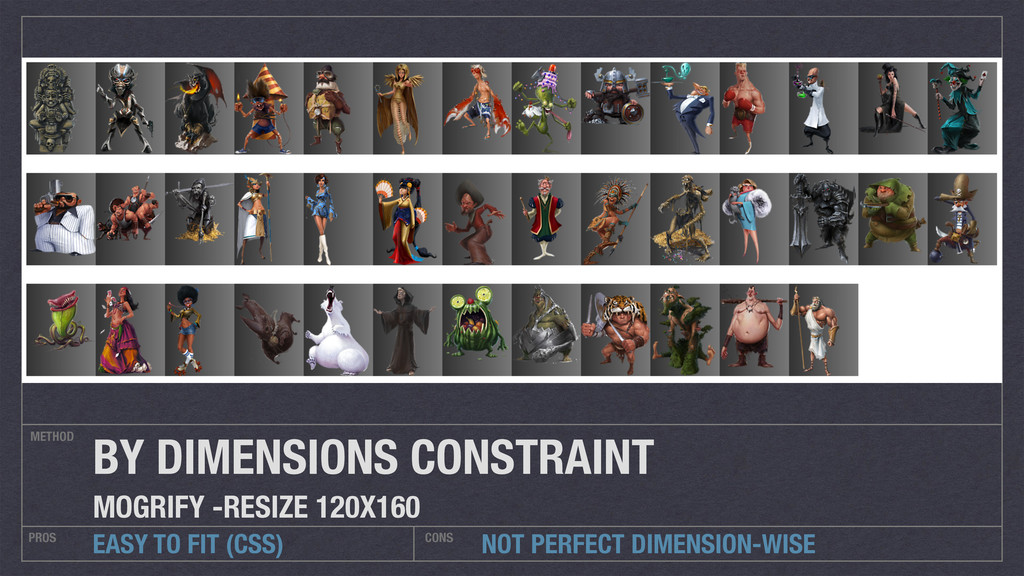
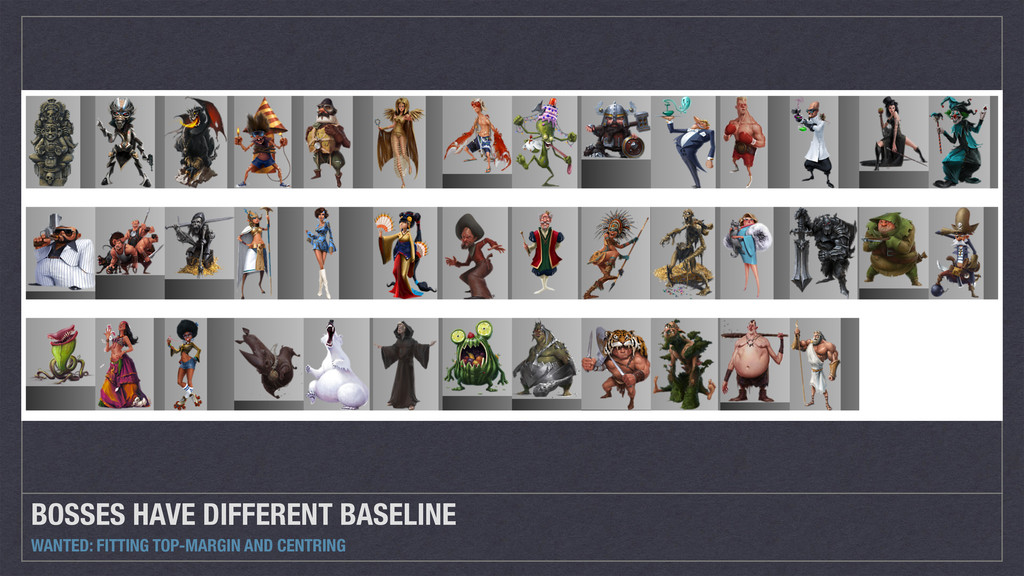
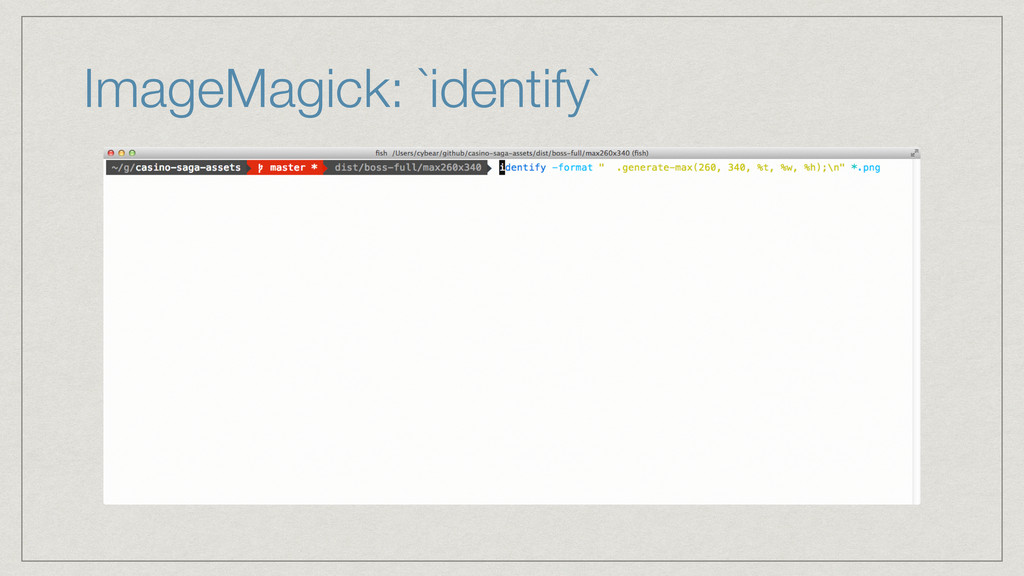
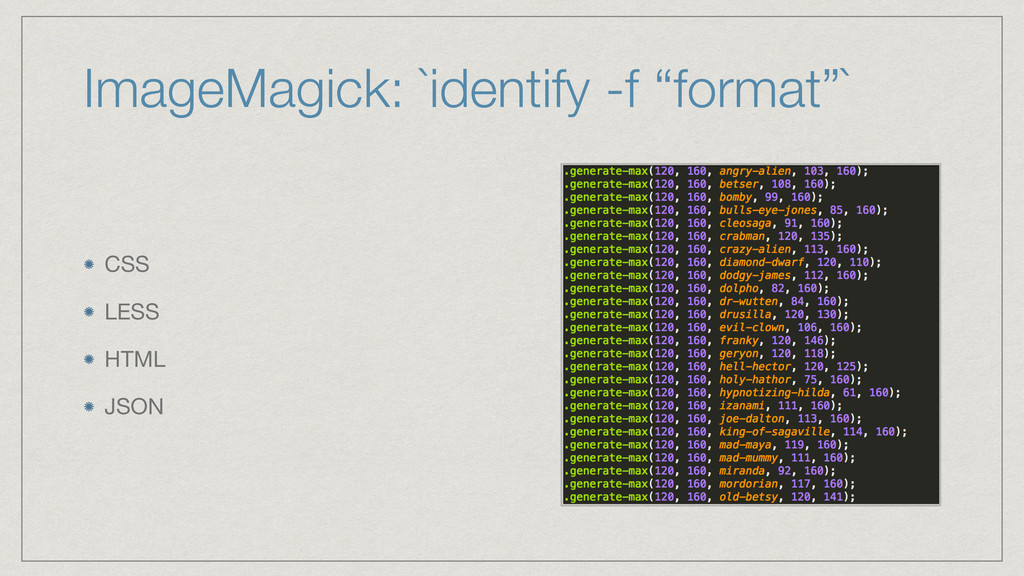
From my examples, you will be able to solve some common problems using ImageMagick's tools `convert`, `mogrify` and `identify`.


 colorful12
 deka_morita
 rkaga
rkaga
 artoy
artoy
 iwatsukayura
 naokihaba
 hschwentner
 moro
moro
 tanahiro2010
 yukiny
 mofurune
 inesmontani
 mfonobong
 quramy
 raygrieselhuber
 codingconduct
 iamctodd
 bermonpainter
 greggifford
 morganepeng
.png) helenjbeal
helenjbeal
 frankvandijk
 tammyeverts






![Identify: CSS identify -format “FORMAT” .%t { width:%[w]px; height:%[h]px; }](https://files.speakerdeck.com/presentations/21369bfd9b764e34872d889b68ec7b6f/slide_28.jpg)