Upgrade to Pro — share decks privately, control downloads, hide ads and more …

Introduction to Flutter

Introduction to Flutter

An introductory talk to Flutter Johann and I presented during a GDG meetup in Erlangen.

Avatar for Stefan Blos

Stefan Blos

July 25, 2019

More Decks by Stefan Blos

Other Decks in Technology

Transcript

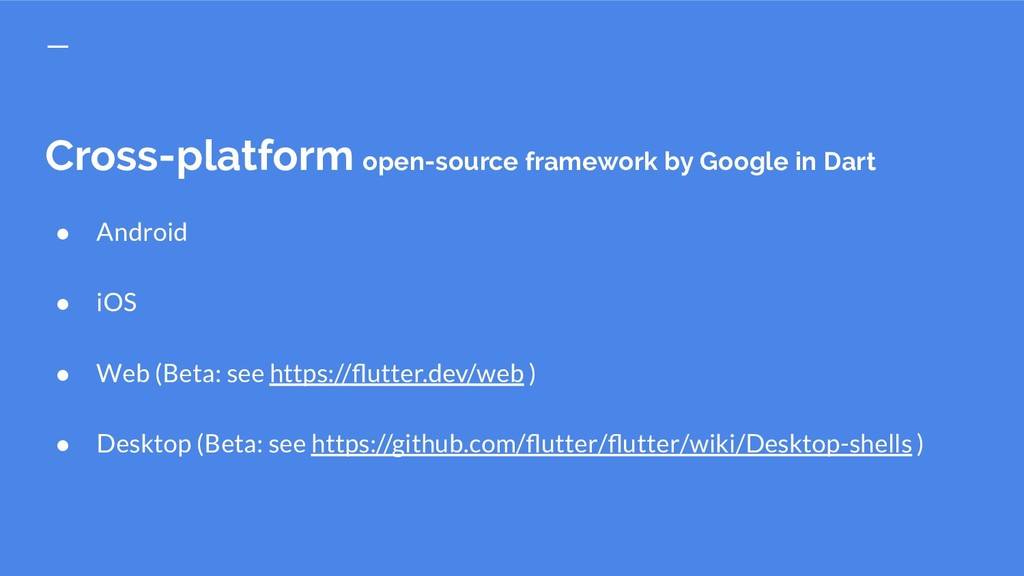
  1. Cross-platform open-source framework by Google in Dart • Android •

    iOS • Web (Beta: see https://flutter.dev/web ) • Desktop (Beta: see https://github.com/flutter/flutter/wiki/Desktop-shells )
  2. Cross-platform open-source framework by Google in Dart • Available on

    GitHub • All code is shared and visible to everyone • Development process is open • https://github.com/flutter/flutter
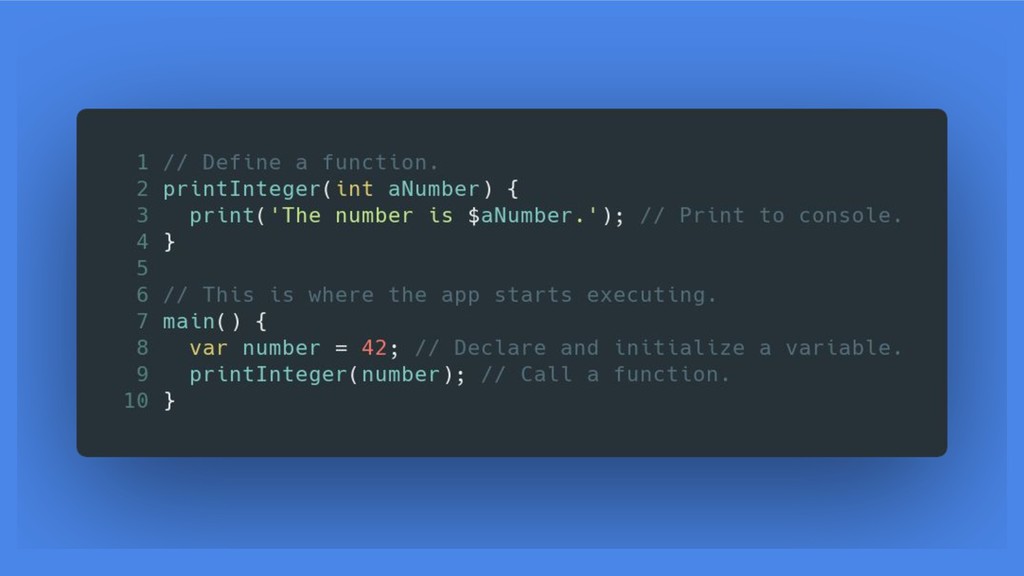
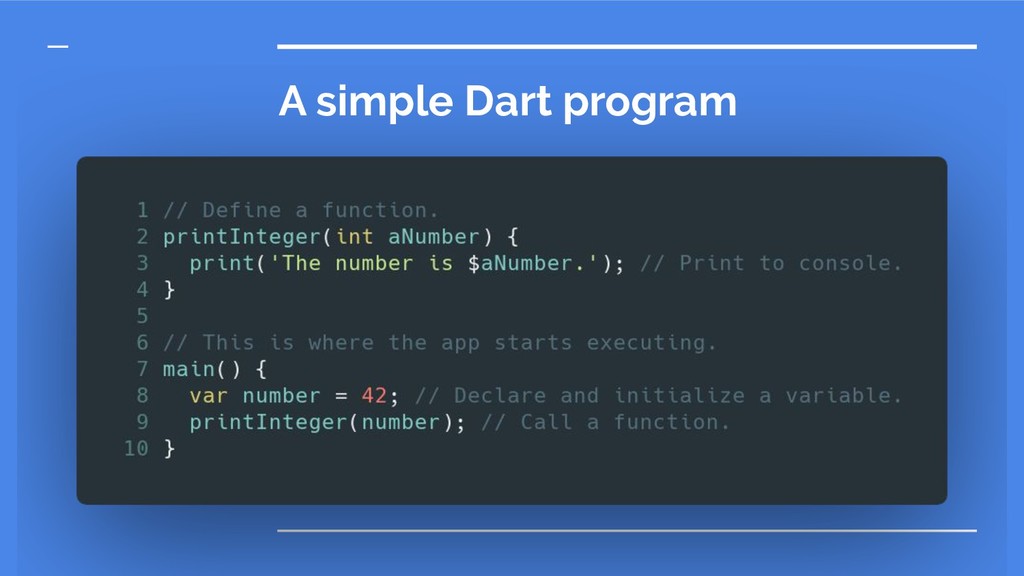
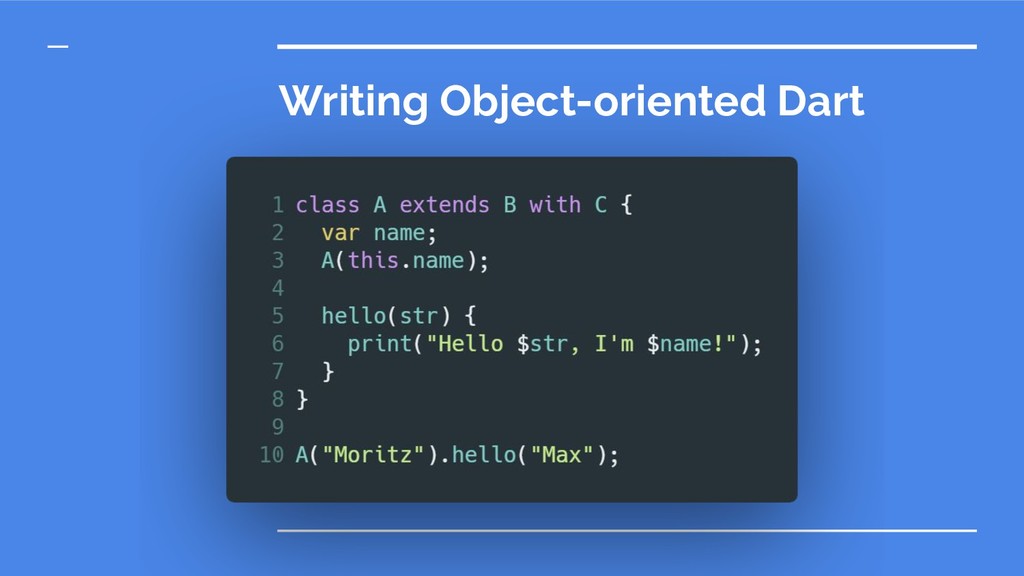
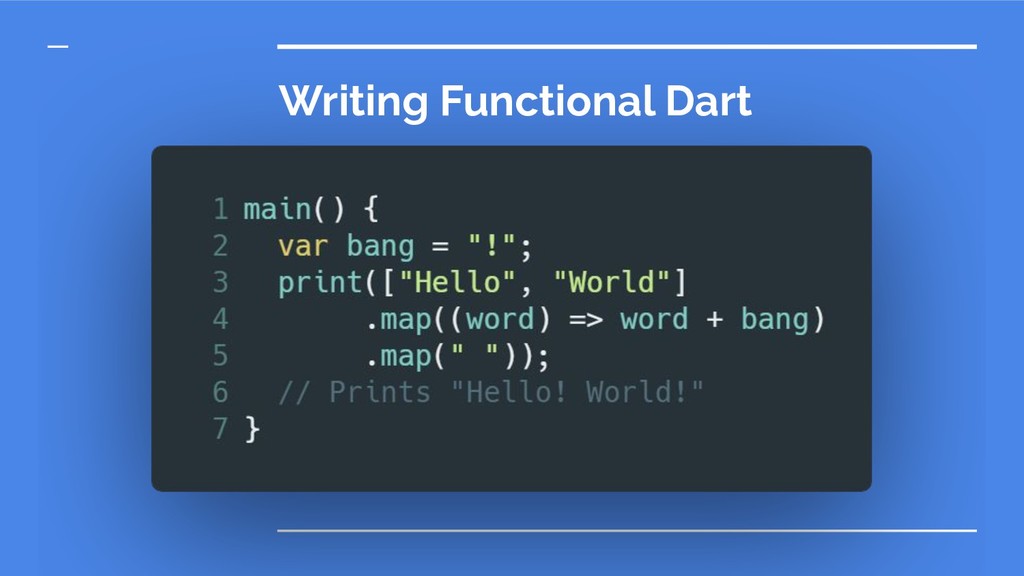
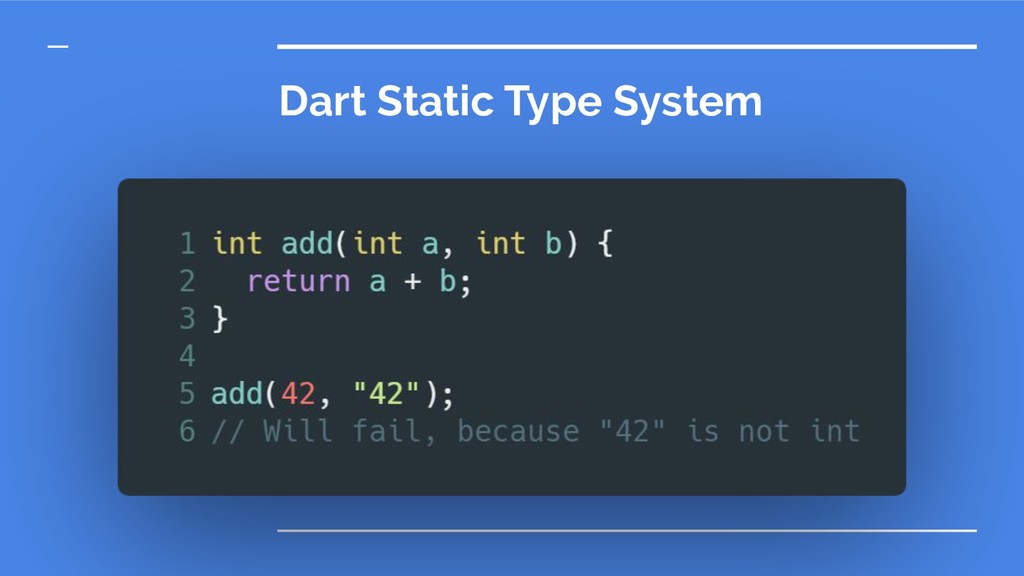
  3. Cross-platform open-source framework by Google in Dart • Language developed

    by Google • Very similar to Java / C# / JavaScript • Multi-Platform • Optimized for Flutter • Easy to learn
  4. Who is using it? • Hamilton-Musical: over 1M Downloads •

    Xianyu by Alibaba: over 50M Download • More at: https://itsallwidgets.com/
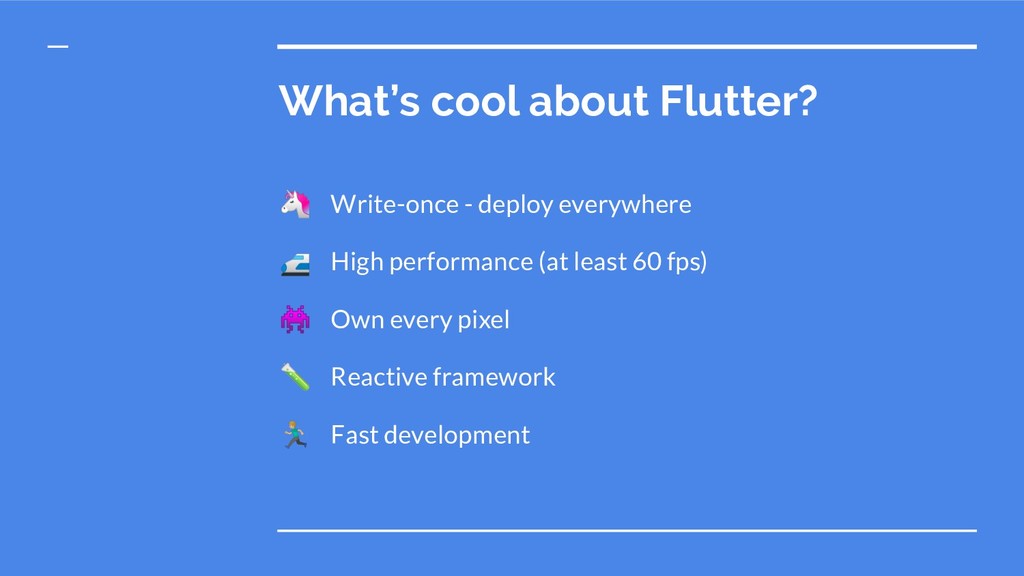
  5. What’s cool about Flutter? Write-once - deploy everywhere High performance

    (at least 60 fps) Own every pixel Reactive framework ‍♂ Fast development
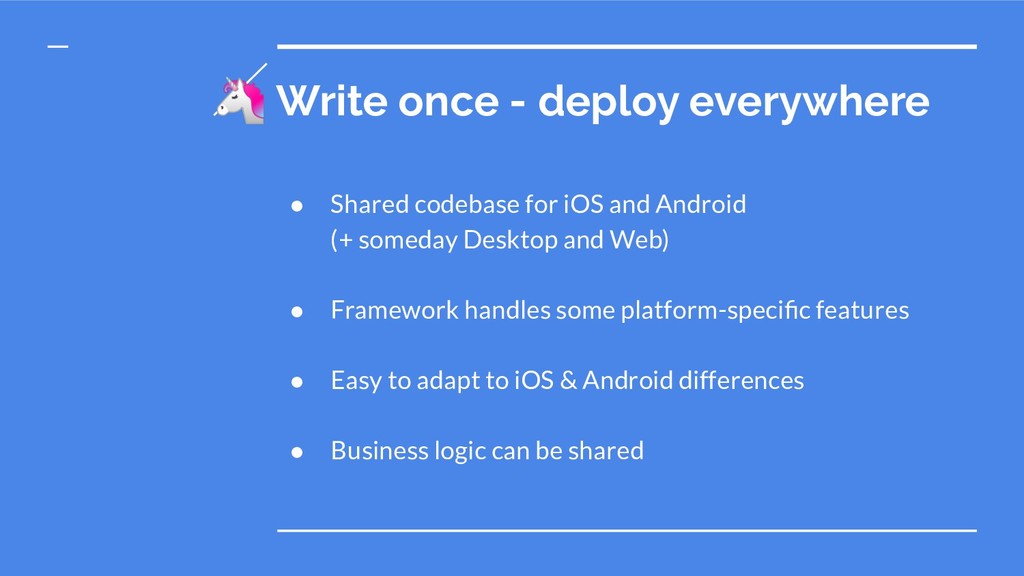
  6. Write once - deploy everywhere • Shared codebase for iOS

    and Android (+ someday Desktop and Web) • Framework handles some platform-specific features • Easy to adapt to iOS & Android differences • Business logic can be shared
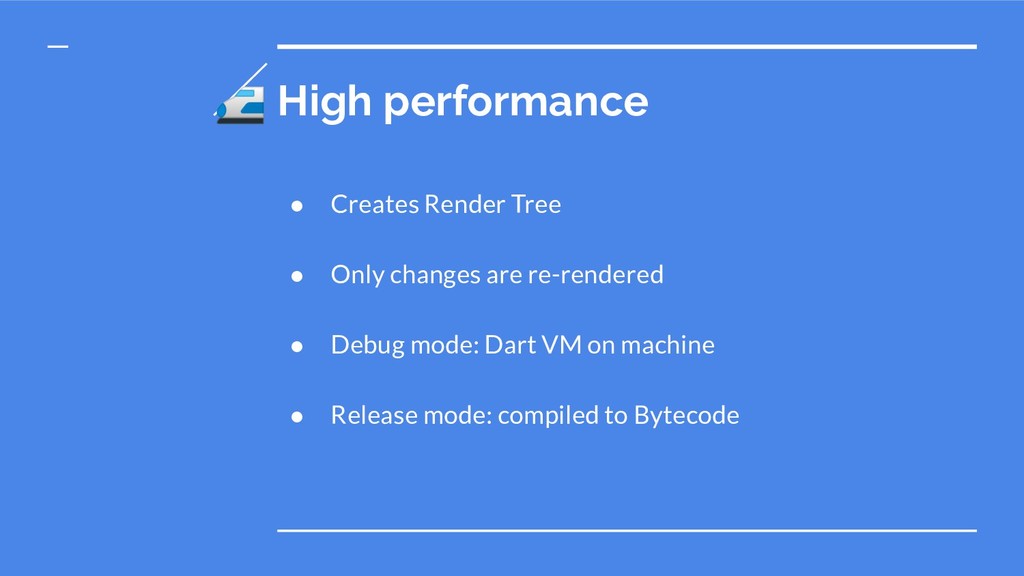
  7. High performance • Creates Render Tree • Only changes are

    re-rendered • Debug mode: Dart VM on machine • Release mode: compiled to Bytecode
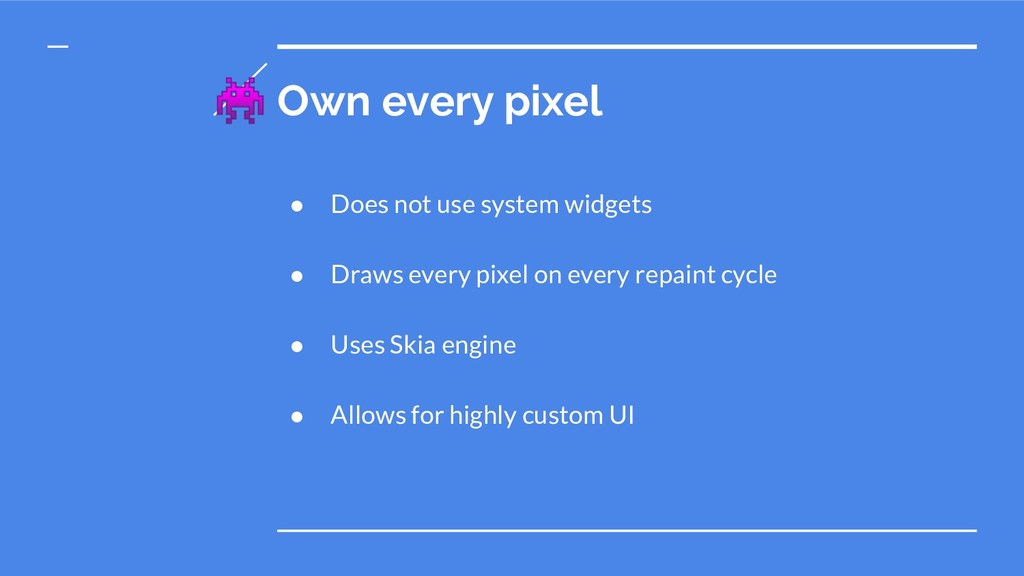
  8. Own every pixel • Does not use system widgets •

    Draws every pixel on every repaint cycle • Uses Skia engine • Allows for highly custom UI
  9. Reactive framework • Traditional approach: imperative programming • Complicated state

    handling • Concept of continuous streams of actions that affect state of the app • “React” to changes in the stream
  10. ‍♂ Fast development • One codebase allows for fast development

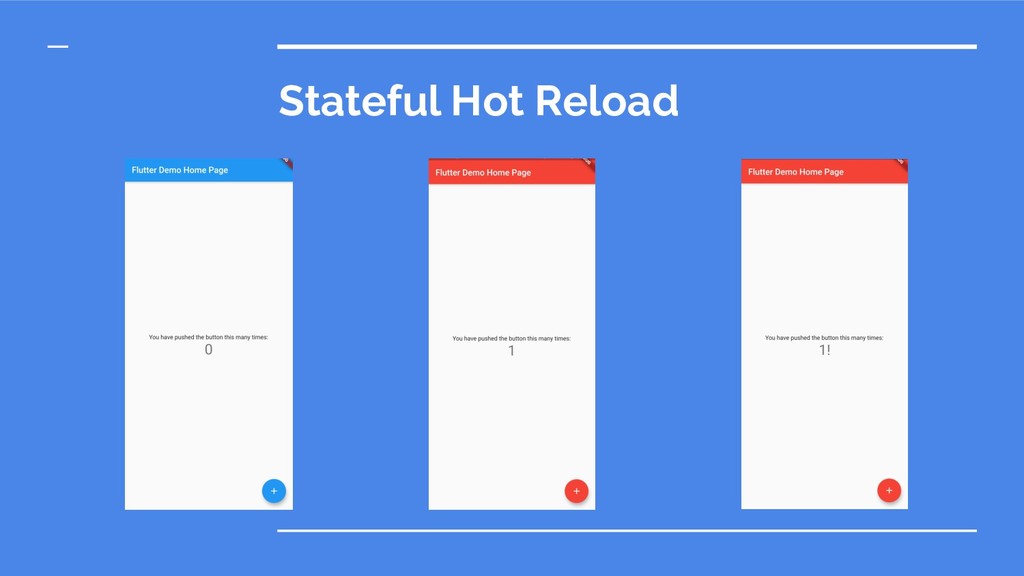
    cycles • Features can be developed for multiple platforms simultaneously • Good support for CI and CD • Hot Reload is amazing for both UI work and logic
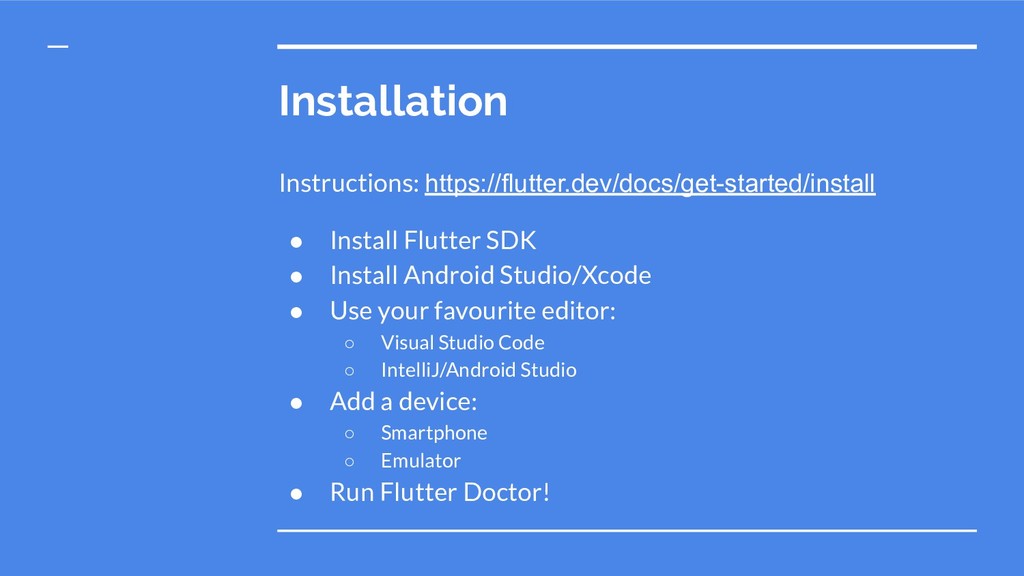
  11. Installation Instructions: https://flutter.dev/docs/get-started/install • Install Flutter SDK • Install Android

    Studio/Xcode • Use your favourite editor: ◦ Visual Studio Code ◦ IntelliJ/Android Studio • Add a device: ◦ Smartphone ◦ Emulator • Run Flutter Doctor!
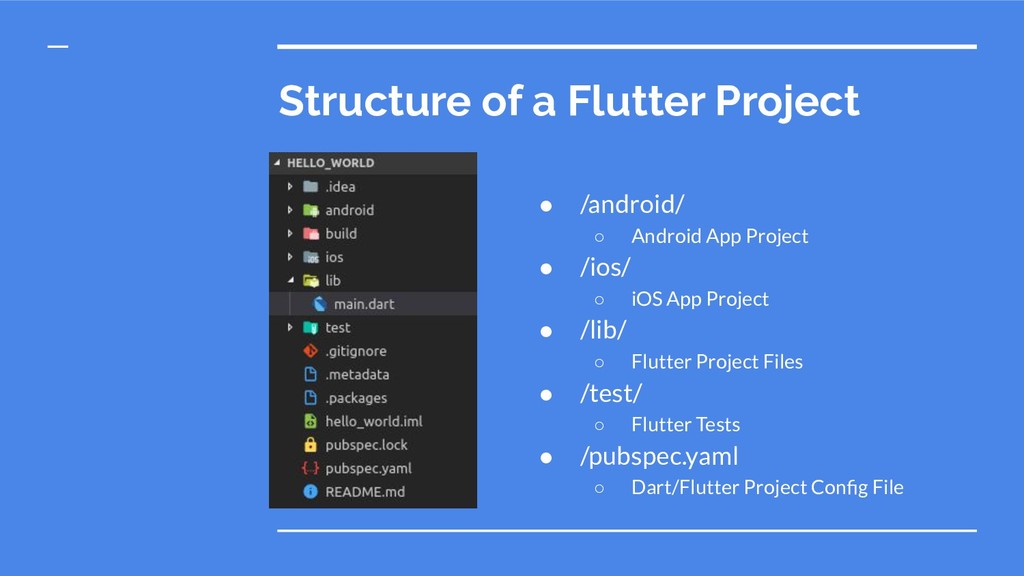
  12. Structure of a Flutter Project • /android/ ◦ Android App

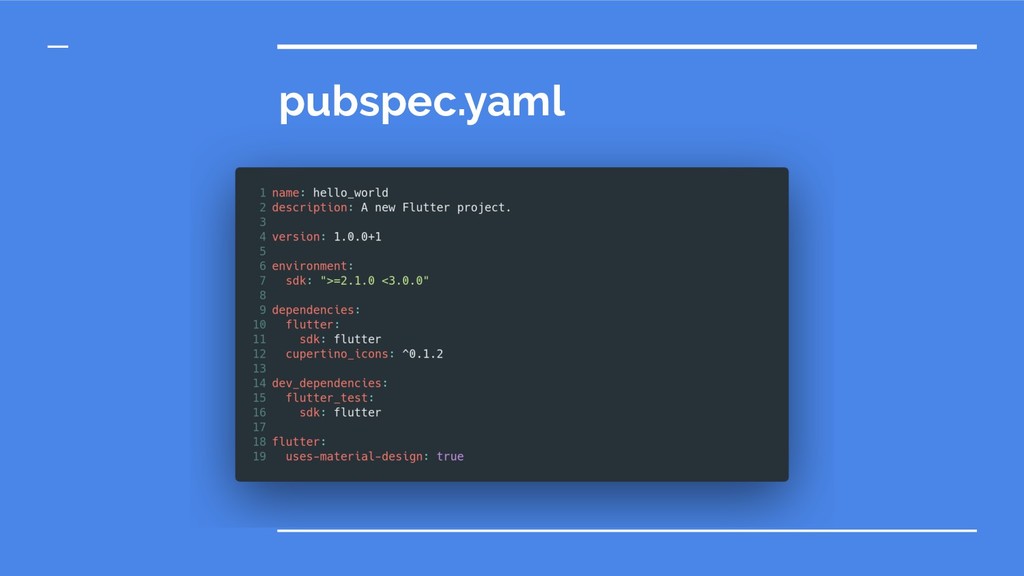
    Project • /ios/ ◦ iOS App Project • /lib/ ◦ Flutter Project Files • /test/ ◦ Flutter Tests • /pubspec.yaml ◦ Dart/Flutter Project Config File
  13. Widget - The hearth of Flutter • Every component of

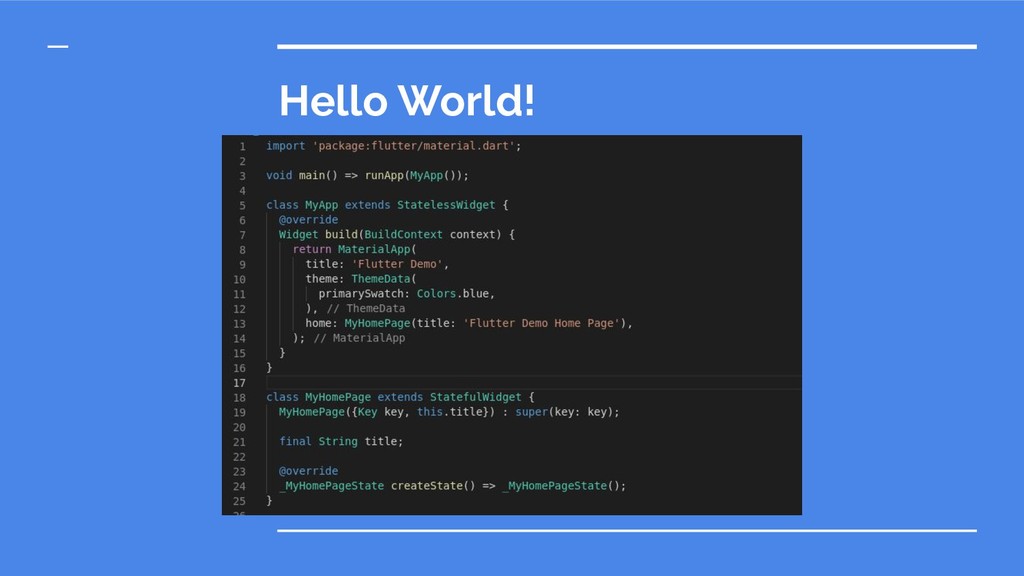
    an application (or the app itself) • Define the layout and content of your app • Every widget is built out of smaller widgets • Usually stateless or stateful
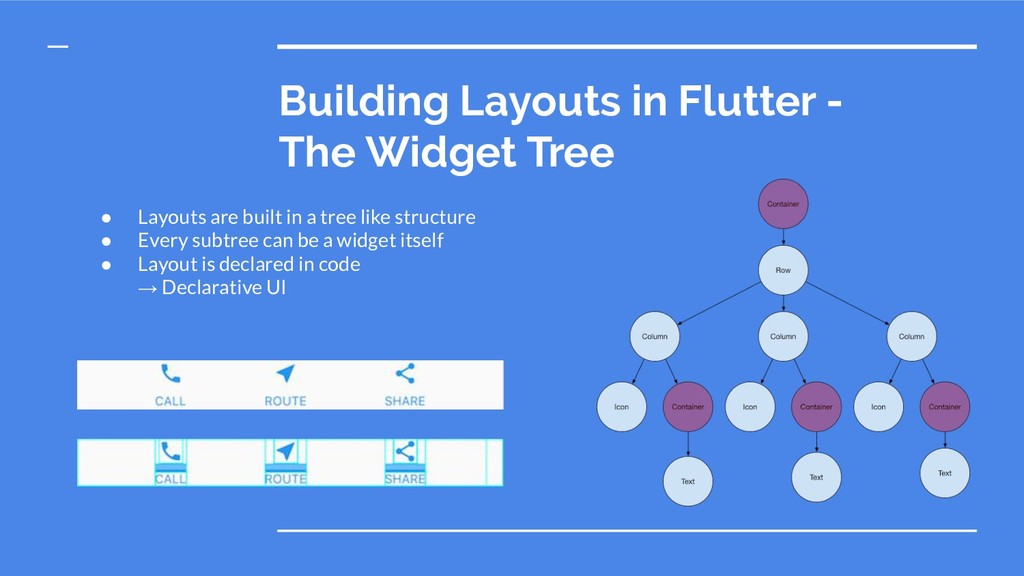
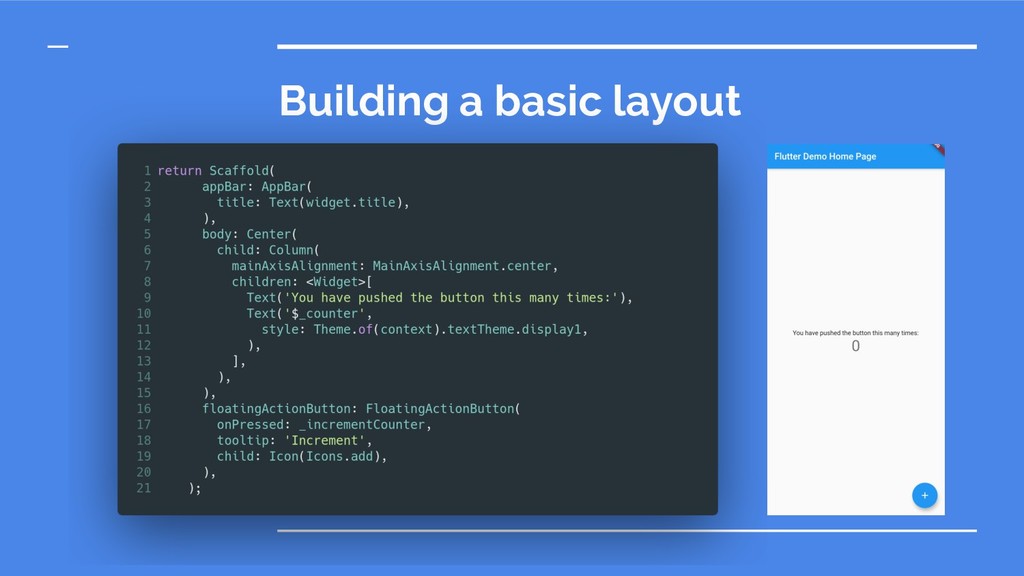
  14. Building Layouts in Flutter - The Widget Tree • Layouts

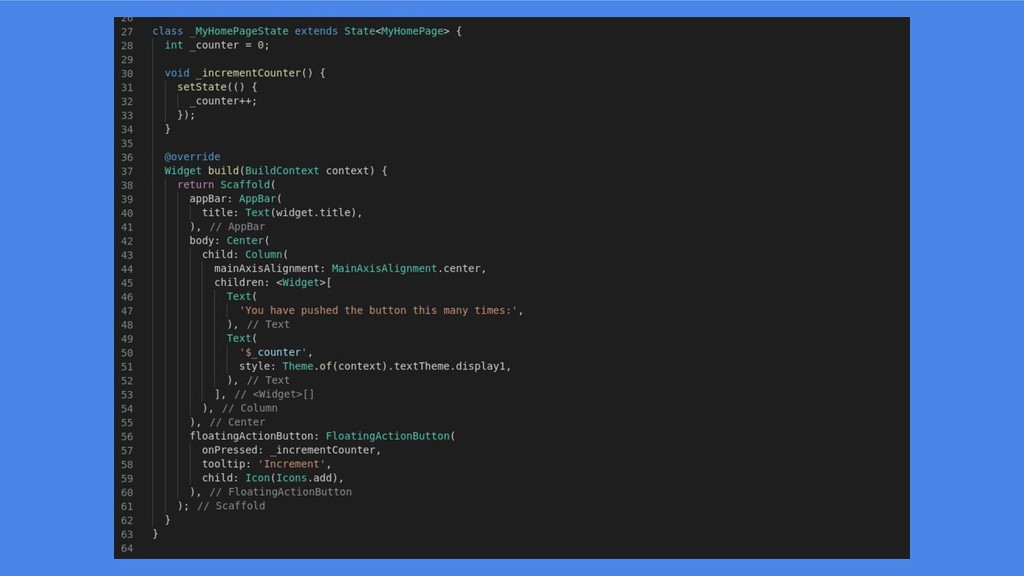
    are built in a tree like structure • Every subtree can be a widget itself • Layout is declared in code → Declarative UI
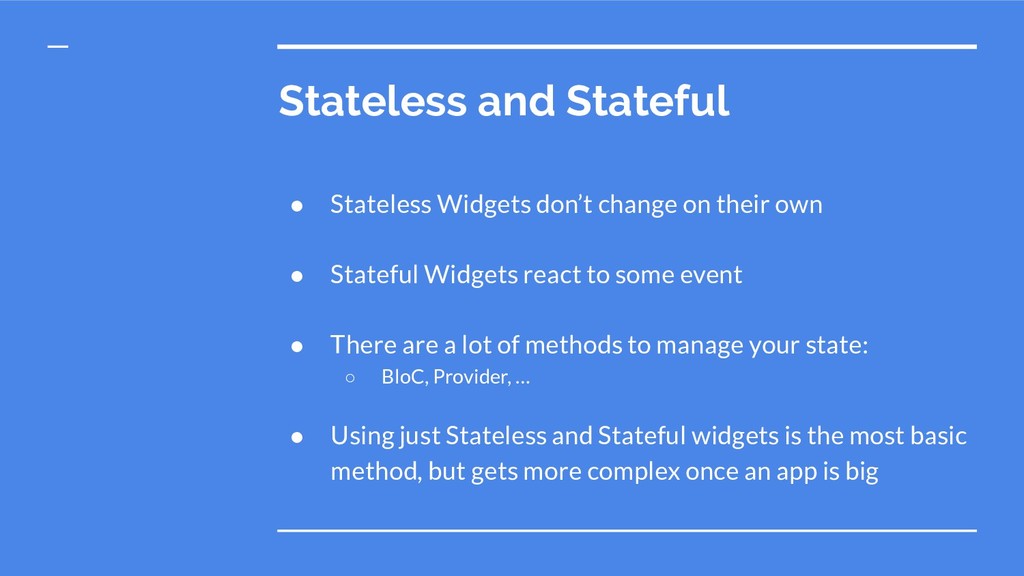
  15. Stateless and Stateful • Stateless Widgets don’t change on their

    own • Stateful Widgets react to some event • There are a lot of methods to manage your state: ◦ BloC, Provider, … • Using just Stateless and Stateful widgets is the most basic method, but gets more complex once an app is big
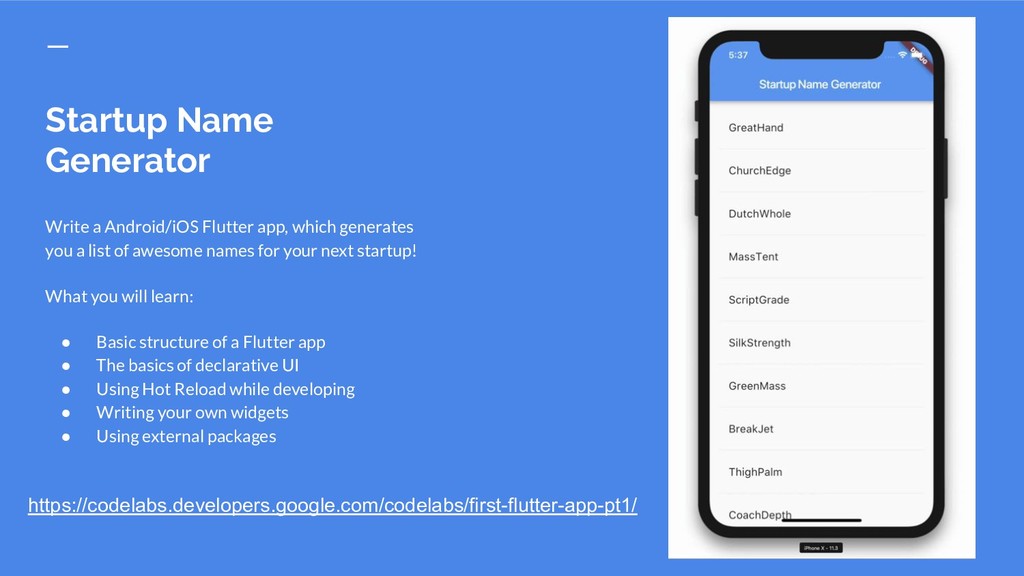
  16. Startup Name Generator Write a Android/iOS Flutter app, which generates

    you a list of awesome names for your next startup! What you will learn: • Basic structure of a Flutter app • The basics of declarative UI • Using Hot Reload while developing • Writing your own widgets • Using external packages https://codelabs.developers.google.com/codelabs/first-flutter-app-pt1/
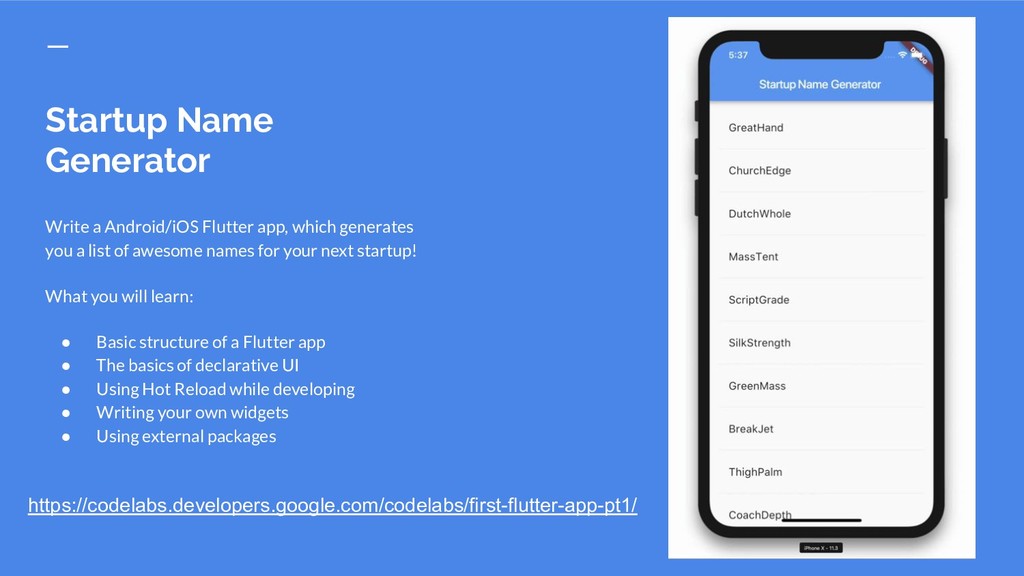
  17. Startup Name Generator Write a Android/iOS Flutter app, which generates

    you a list of awesome names for your next startup! What you will learn: • Basic structure of a Flutter app • The basics of declarative UI • Using Hot Reload while developing • Writing your own widgets • Using external packages https://codelabs.developers.google.com/codelabs/first-flutter-app-pt1/
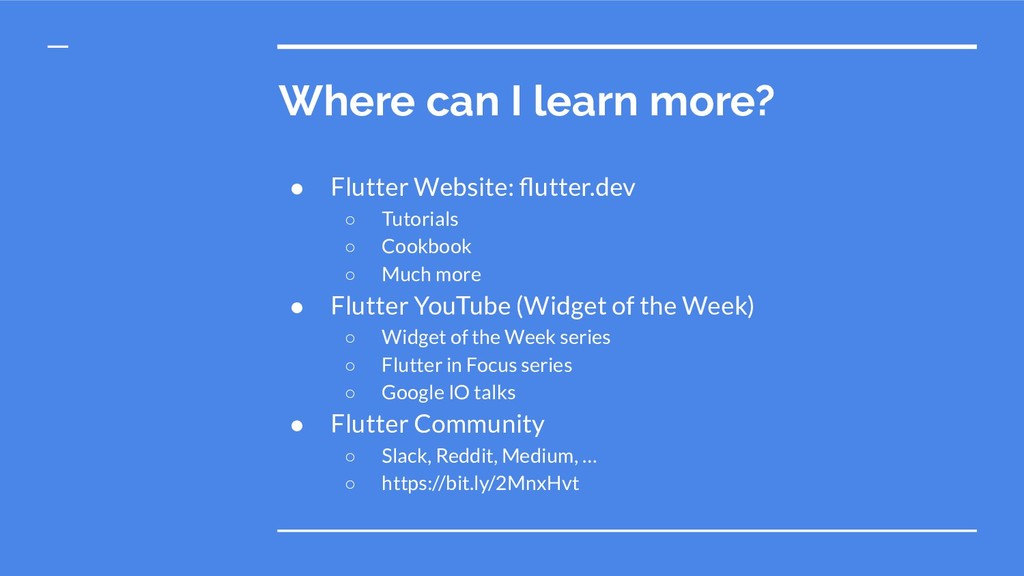
  18. Where can I learn more? • Flutter Website: flutter.dev ◦

    Tutorials ◦ Cookbook ◦ Much more • Flutter YouTube (Widget of the Week) ◦ Widget of the Week series ◦ Flutter in Focus series ◦ Google IO talks • Flutter Community ◦ Slack, Reddit, Medium, … ◦ https://bit.ly/2MnxHvt