Upgrade to Pro — share decks privately, control downloads, hide ads and more …

Animations are cool, right?

Animations are cool, right?

We sometimes assume animations are great and everybody loves them. So we should fill up our apps with more, and more, and more of them. Right?

That amazing loading animation you saw on Lottiefiles? Put it in!
That clever, very artistic transition from Dribble? Sign me up!

Well, it's not that easy. Animations and transitions should always carry meaning. Just adding them for the sake of it can bloat our apps and create a bad user experience (UX) if we are trying to be too cute about them.

In this talk Amos (Design-Expert turned Developer Relations Engineer) and Stefan (Developer Experience Engineer aiming to be a design-minded developer) want to talk about what purpose animations and transitions serve and what careful thoughts should go into their implementation. We will guide developers/designers/everybody to use animations judiciously to build connections between the content of apps and users. In particular, we will dive into how animations can be used appropriately/consistently to provide feedback, show status information, and direct attention or guide users.

We're both very passionate about SwiftUI and purposeful app animations. So we want to also give a few best (and worst) practices and show how to create some sample animations that guide the user and improve the UX at the same time.

Avatar for Stefan Blos

Stefan Blos

August 17, 2022

More Decks by Stefan Blos

Other Decks in Technology

Transcript

  1. G E T S T R E A M .

    I O Animations are cool, right?
  2. G E T S T R E A M .

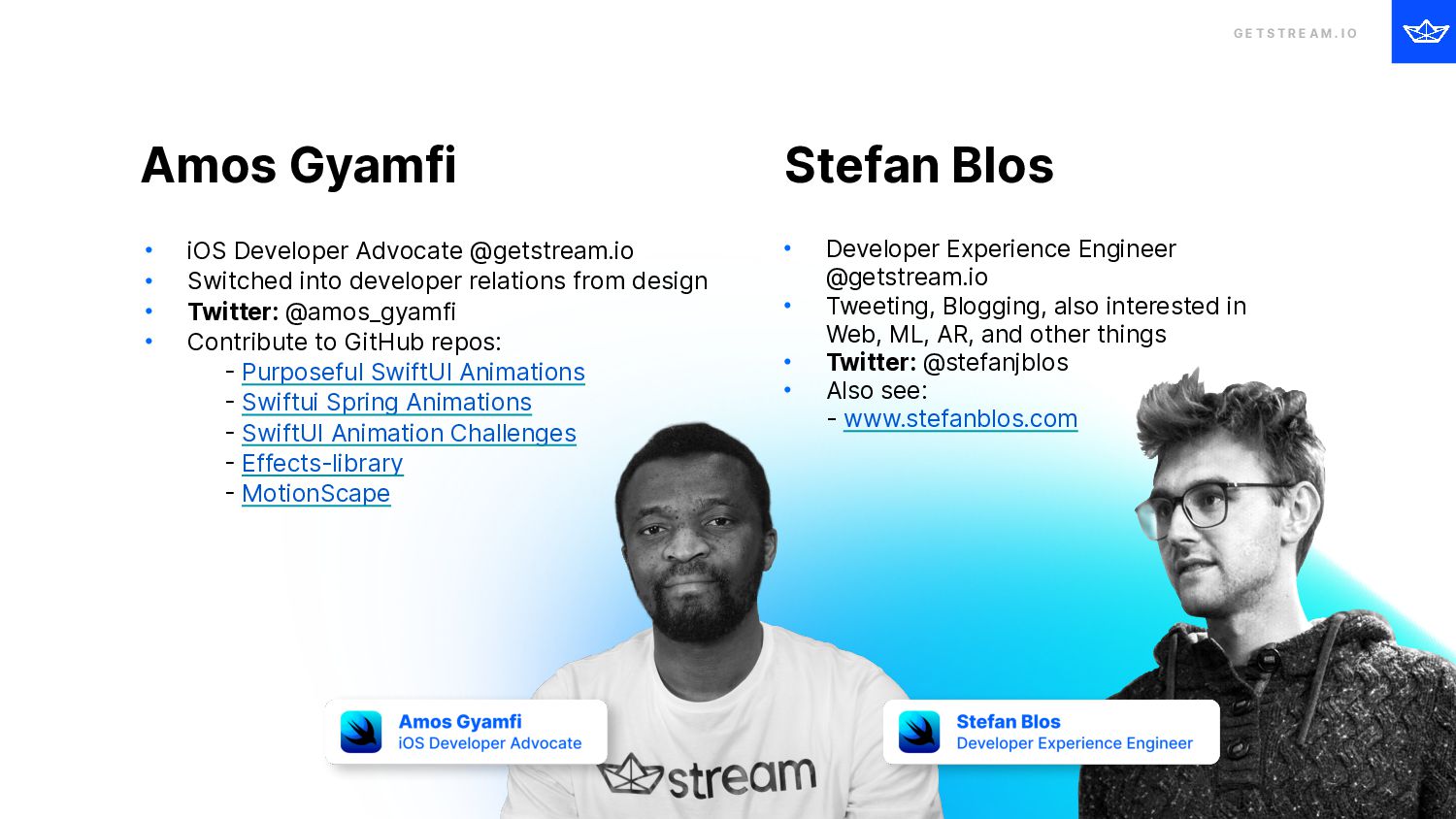
    I O Amos Gyamfi • iOS Developer Advocate @getstream.io • Switched into developer relations from design • Twitter: @amos_gyamfi • Contribute to GitHub repos: 
 - Purposeful SwiftUI Animations 
 - Swiftui Spring Animations 
 - SwiftUI Animation Challenges 
 - Effects-library 
 - MotionScape Stefan Blos • Developer Experience Engineer @getstream.io • Tweeting, Blogging, also interested in Web, ML, AR, and other things • Twitter: @stefanjblos • Also see: 
 - www.stefanblos.com
  3. G E T S T R E A M .

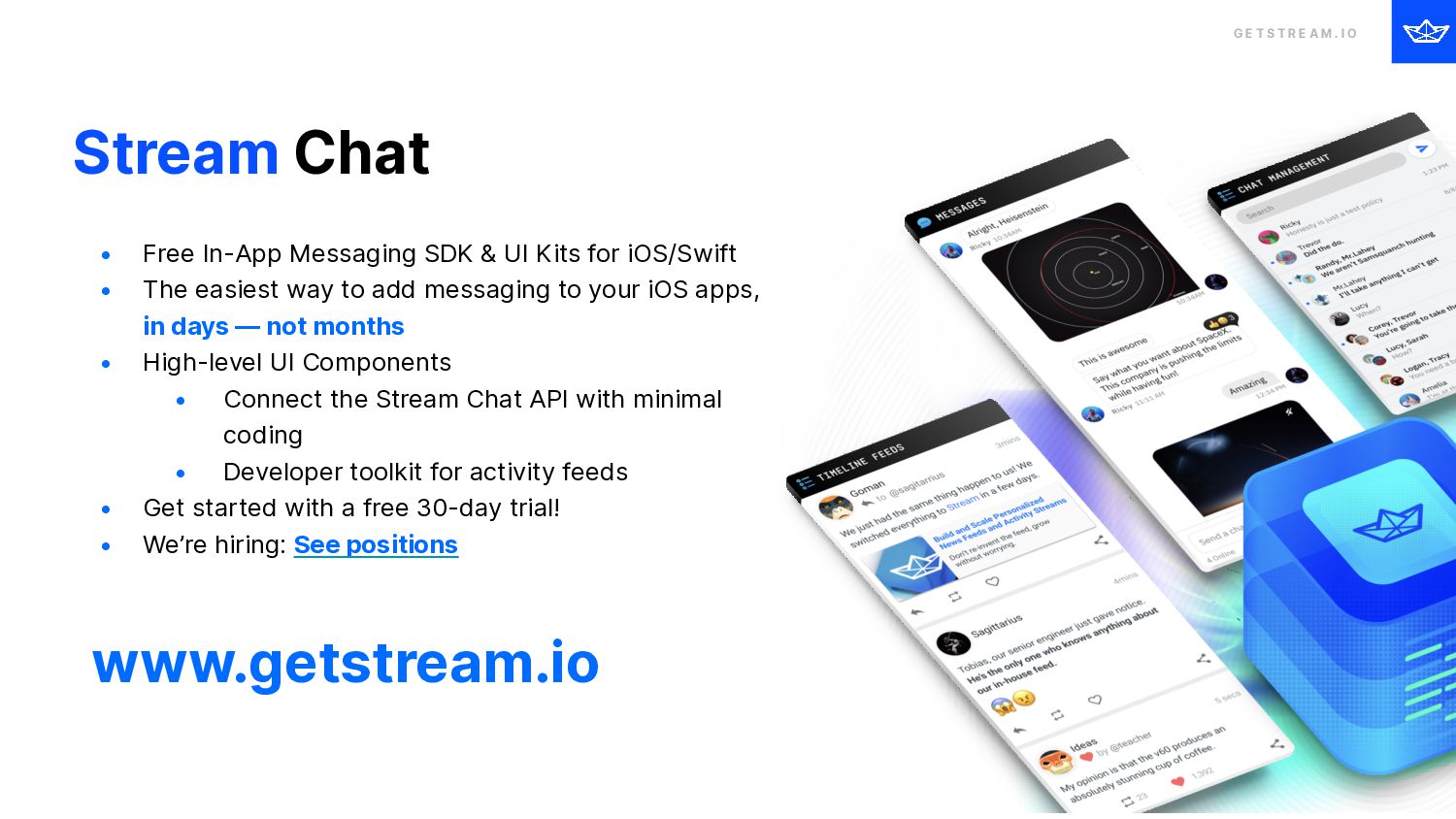
    I O Stream Chat • Free In-App Messaging SDK & UI Kits for iOS/Swift • The easiest way to add messaging to your iOS apps, 
 in days — not months • High-level UI Components • Connect the Stream Chat API with minimal coding • Developer toolkit for activity feeds • Get started with a free 30-day trial! • We’re hiring: See positions www.getstream.io
  4. G E T S T R E A M .

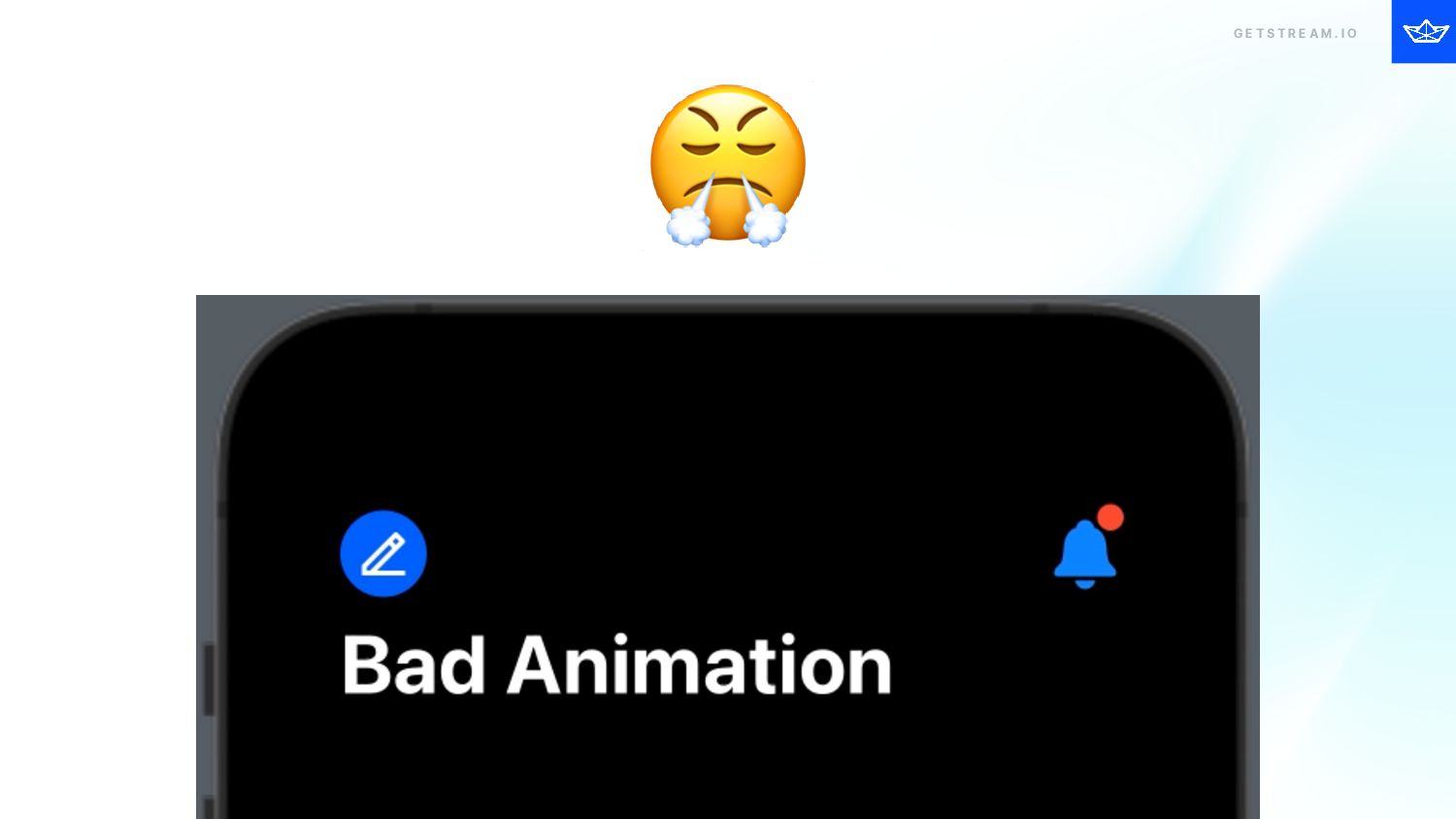
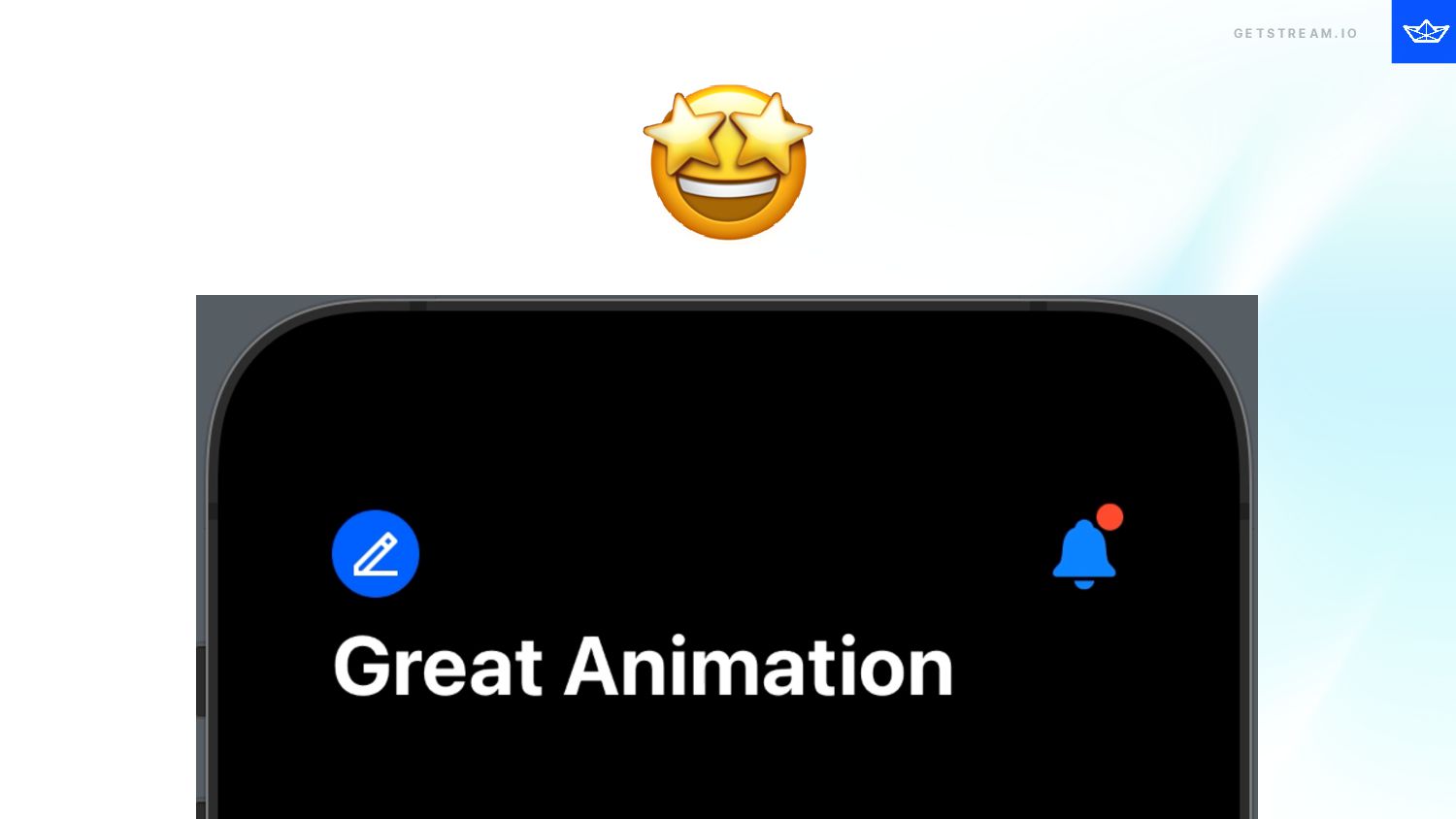
    I O Why are we here? ☯ We like nice animations, but there also bad ones 🧠 Best practices 🆒 How to make your apps better with animations 🫵 Show examples and discuss why they are good/bad
  5. G E T S T R E A M .

    I O How can you build great animations yourself? 🤔 How to build animations with e.g. SwiftUI 🏎 How things (should) move ⏰ Timing, easing, and pacing
  6. G E T S T R E A M .

    I O ⚠ Disclaimer
  7. G E T S T R E A M .

    I O Why? A N I M AT I O N S
  8. G E T S T R E A M .

    I O Meaning Purpose +
  9. G E T S T R E A M .

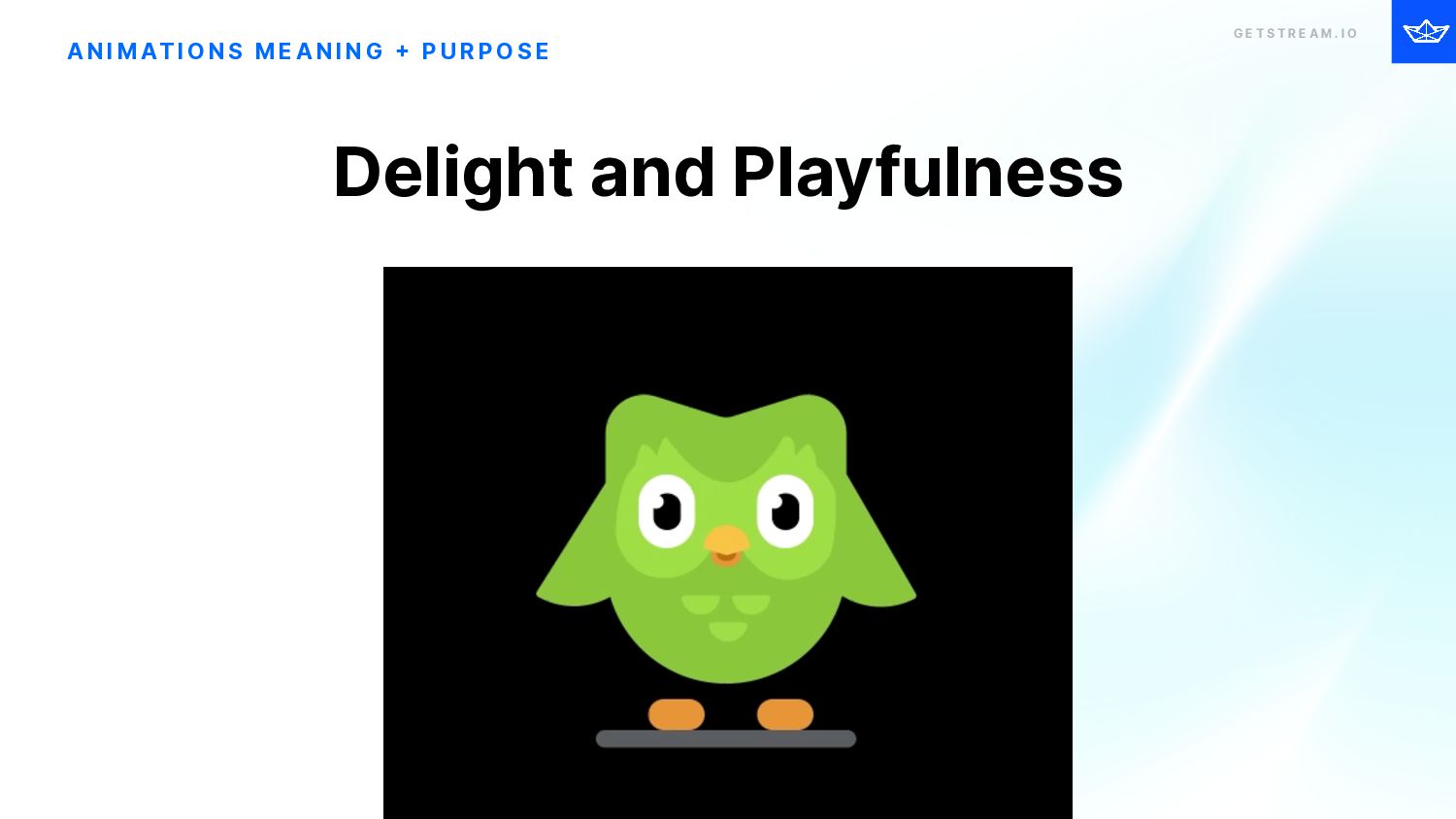
    I O A N I M AT I O N S M E A N I N G + P U R P O S E Delight and Playfulness
  10. GETSTREAM.IO G E T S T R E A M

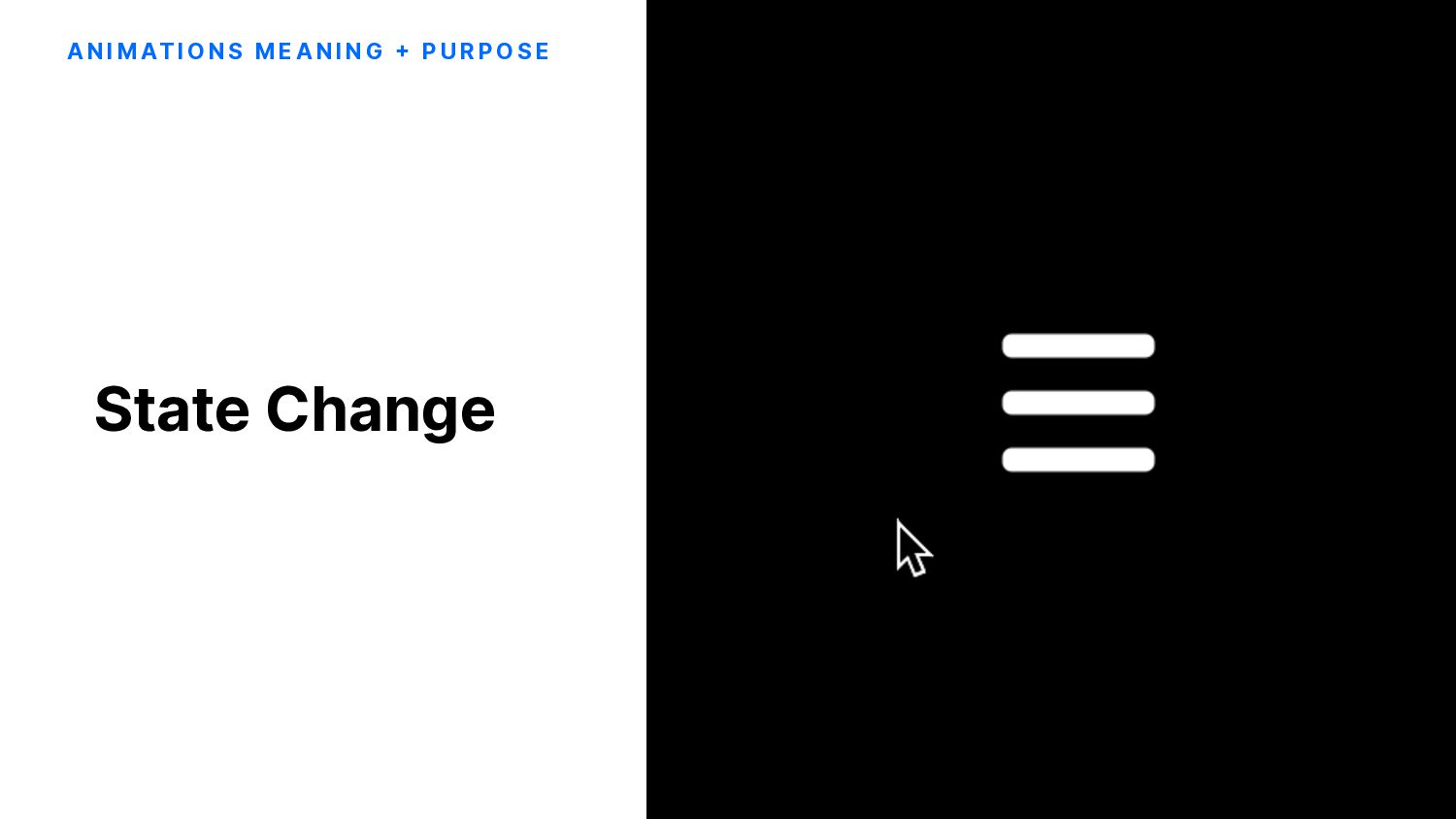
    . I O State Change A N I M AT I O N S M E A N I N G + P U R P O S E
  11. G E T S T R E A M .

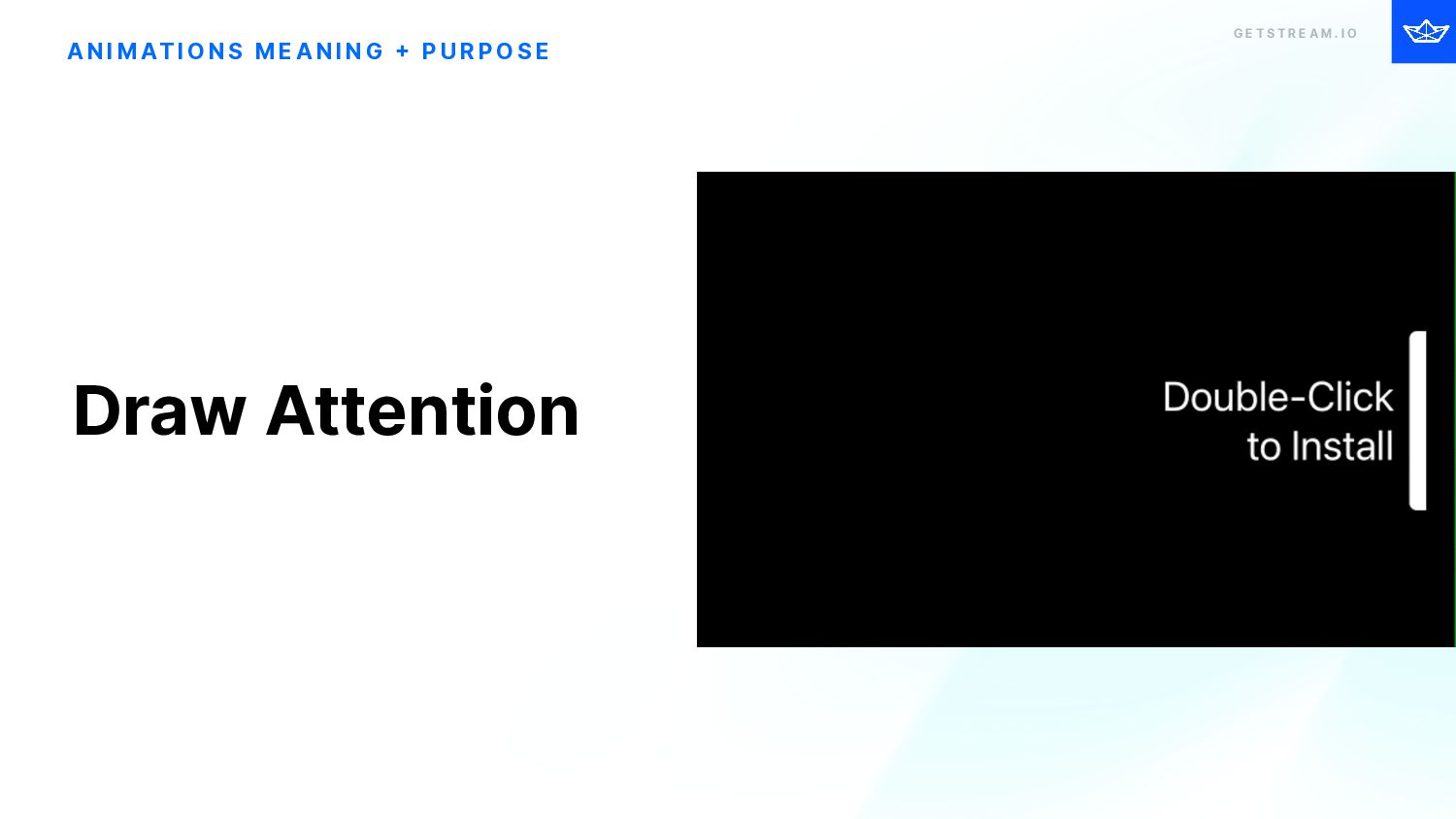
    I O Draw Attention A N I M AT I O N S M E A N I N G + P U R P O S E
  12. G E T S T R E A M .

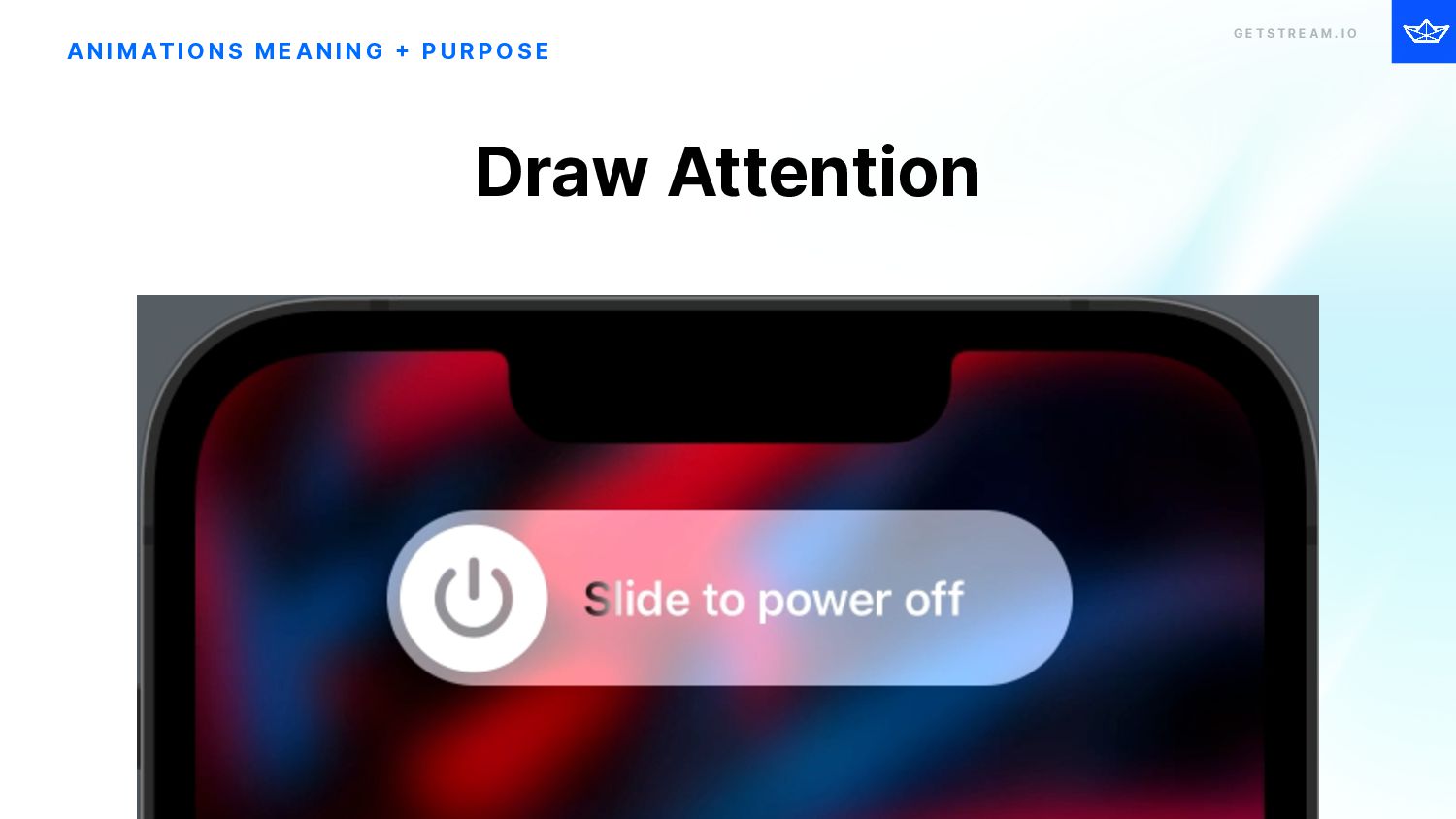
    I O Draw Attention A N I M AT I O N S M E A N I N G + P U R P O S E
  13. G E T S T R E A M .

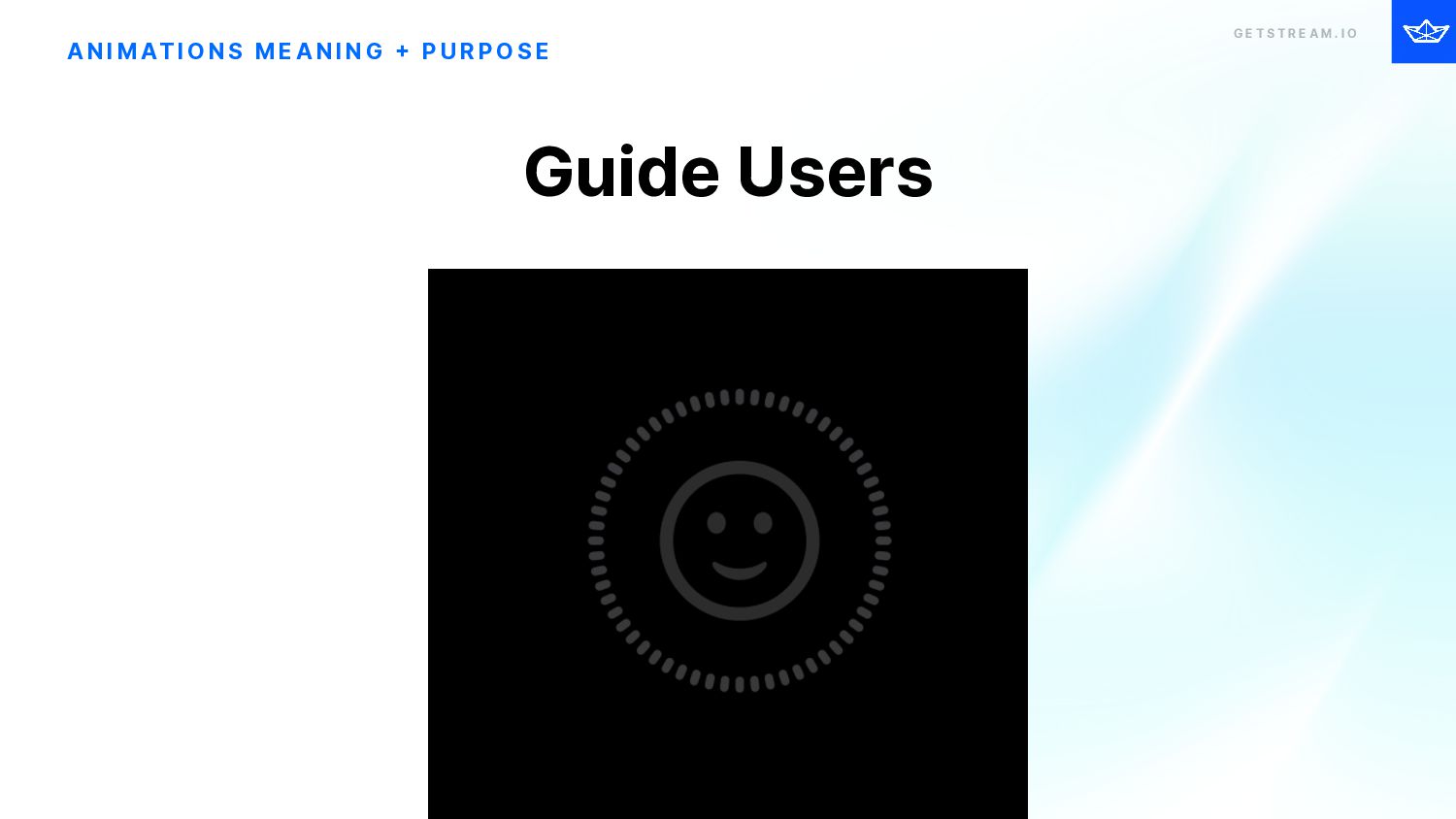
    I O Guide Users A N I M AT I O N S M E A N I N G + P U R P O S E
  14. G E T S T R E A M .

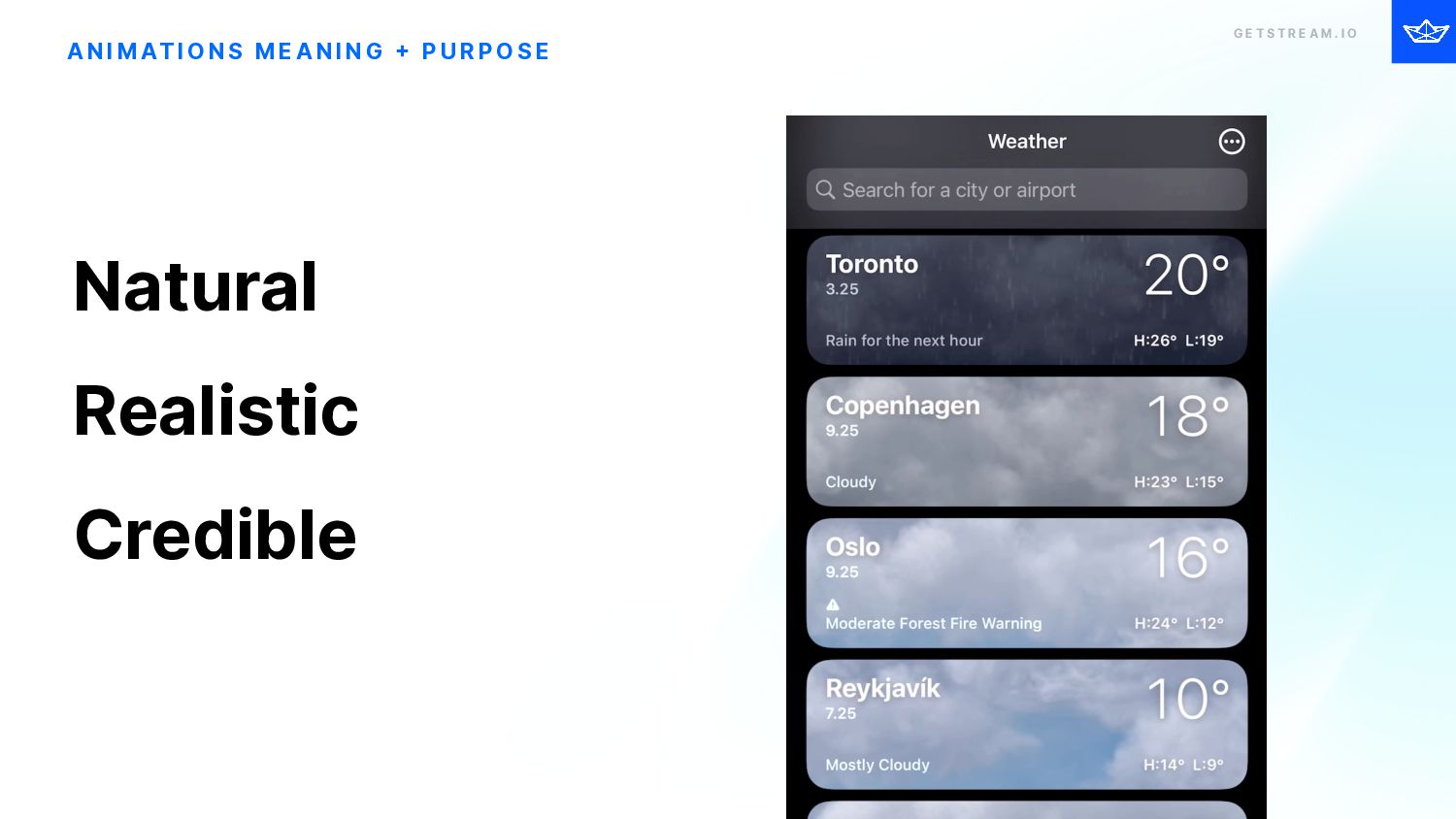
    I O A N I M AT I O N S M E A N I N G + P U R P O S E Natural Realistic Credible
  15. G E T S T R E A M .

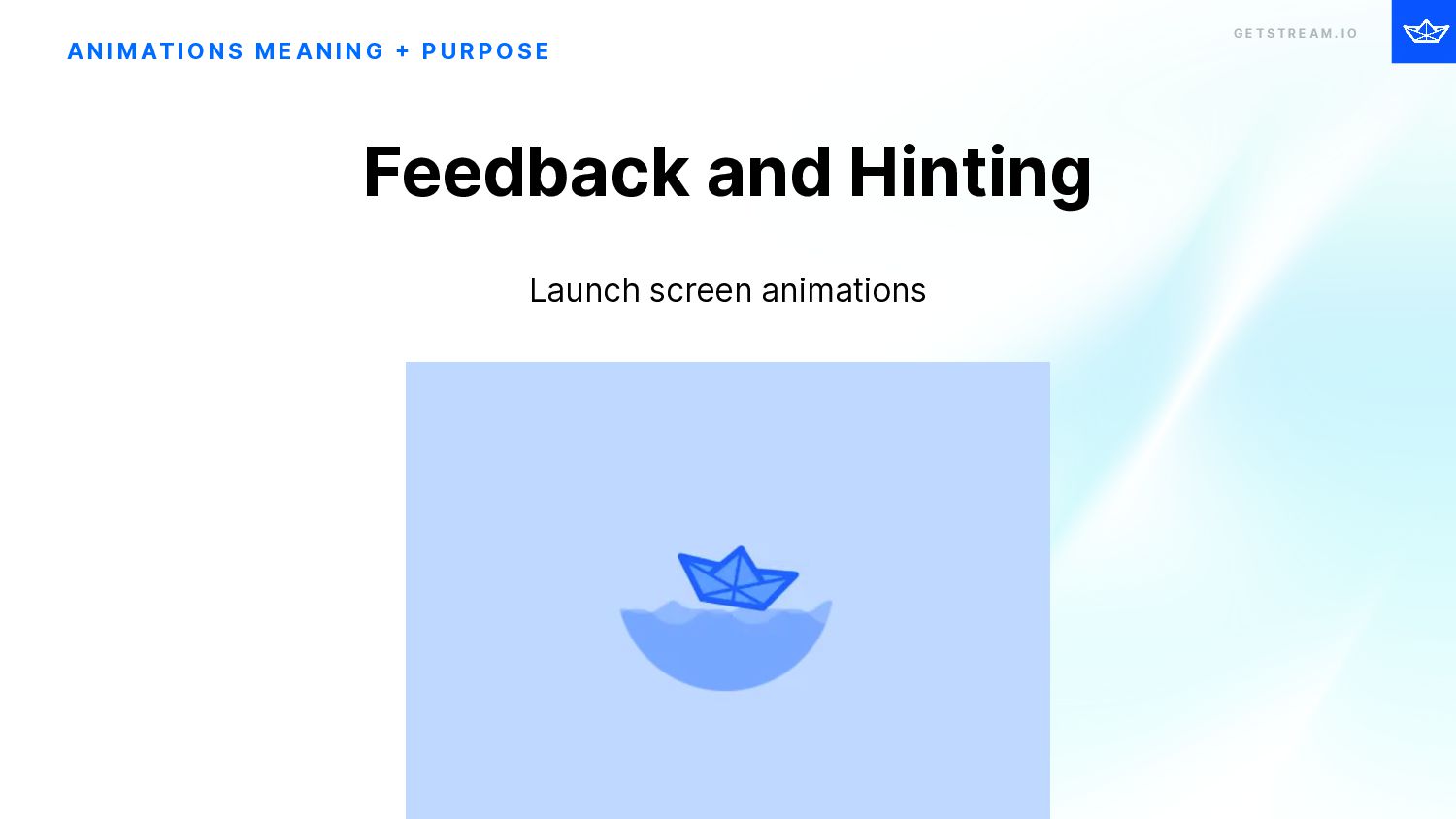
    I O A N I M AT I O N S M E A N I N G + P U R P O S E Launch screen animations Feedback and Hinting
  16. G E T S T R E A M .

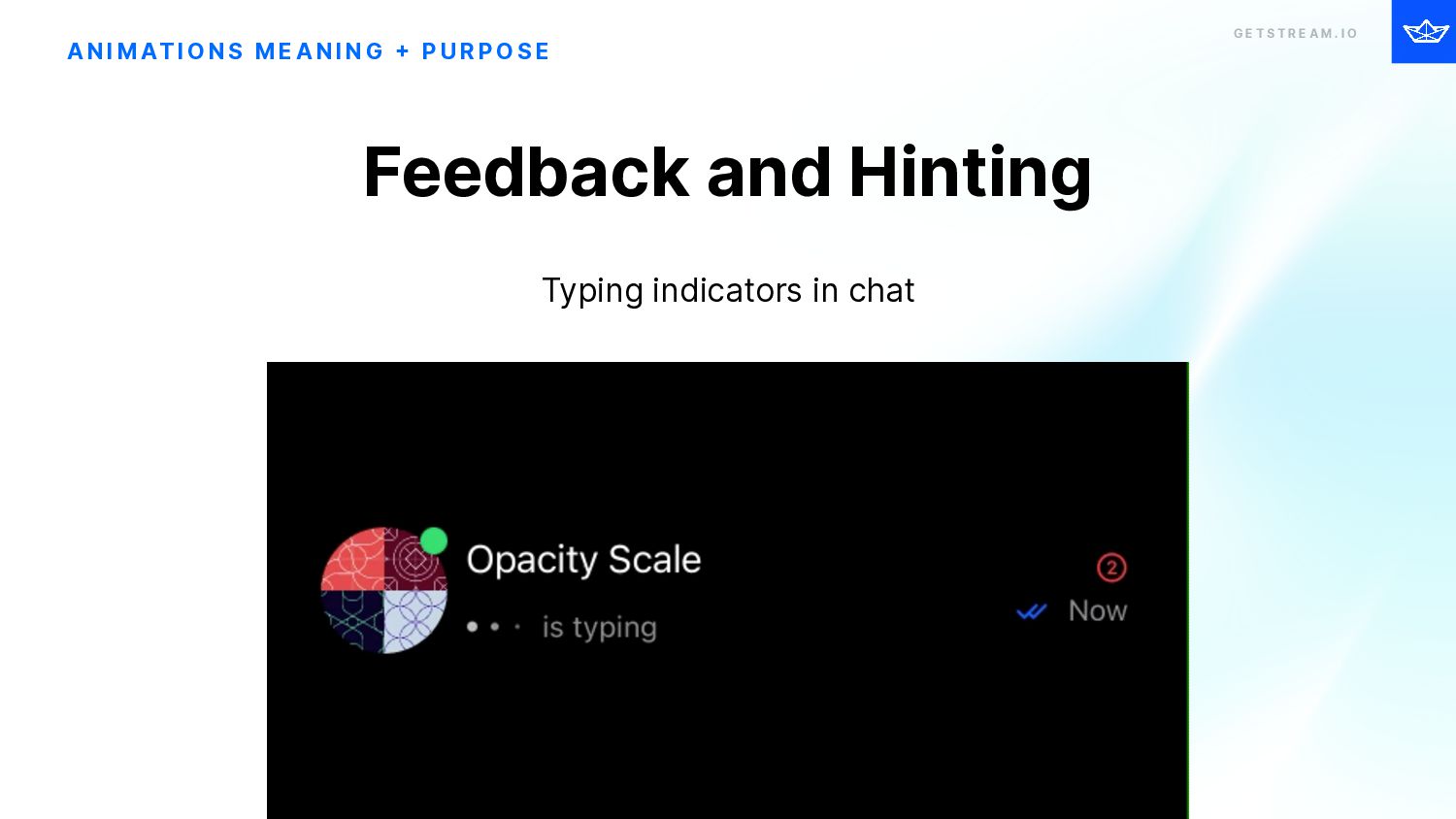
    I O A N I M AT I O N S M E A N I N G + P U R P O S E Typing indicators in chat Feedback and Hinting
  17. G E T S T R E A M .

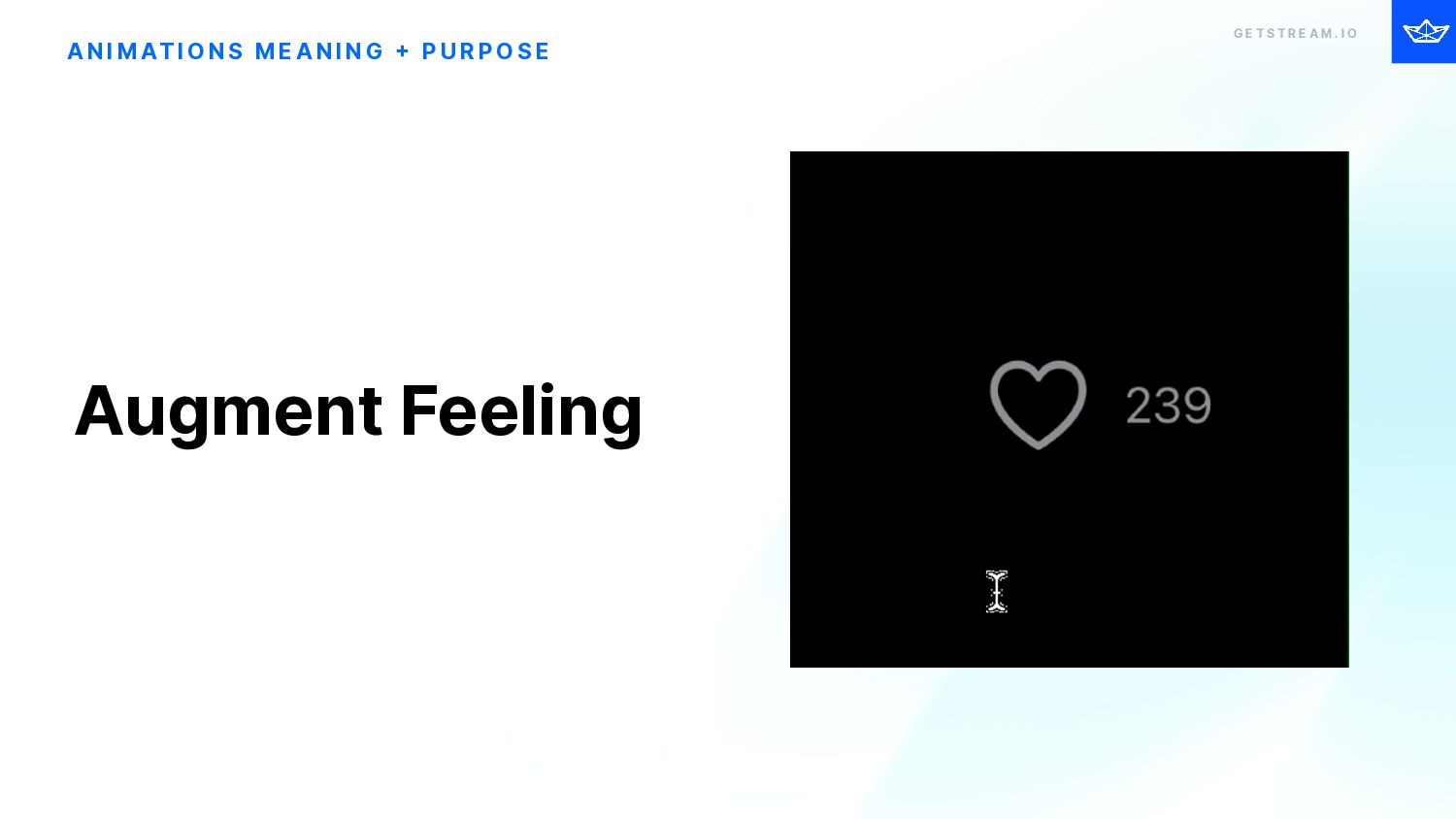
    I O A N I M AT I O N S M E A N I N G + P U R P O S E Augment Feeling
  18. G E T S T R E A M .

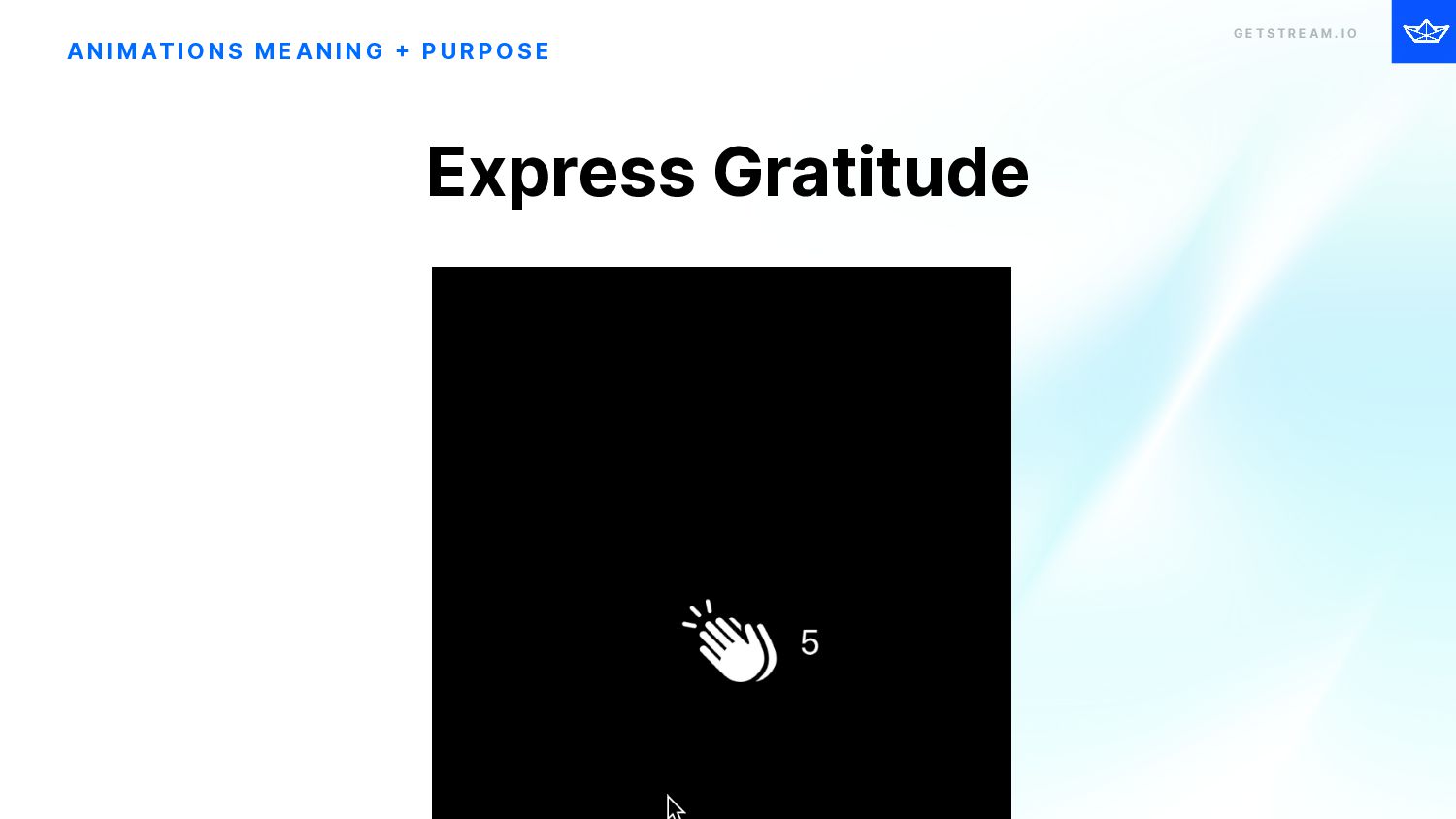
    I O Express Gratitude A N I M AT I O N S M E A N I N G + P U R P O S E
  19. G E T S T R E A M .

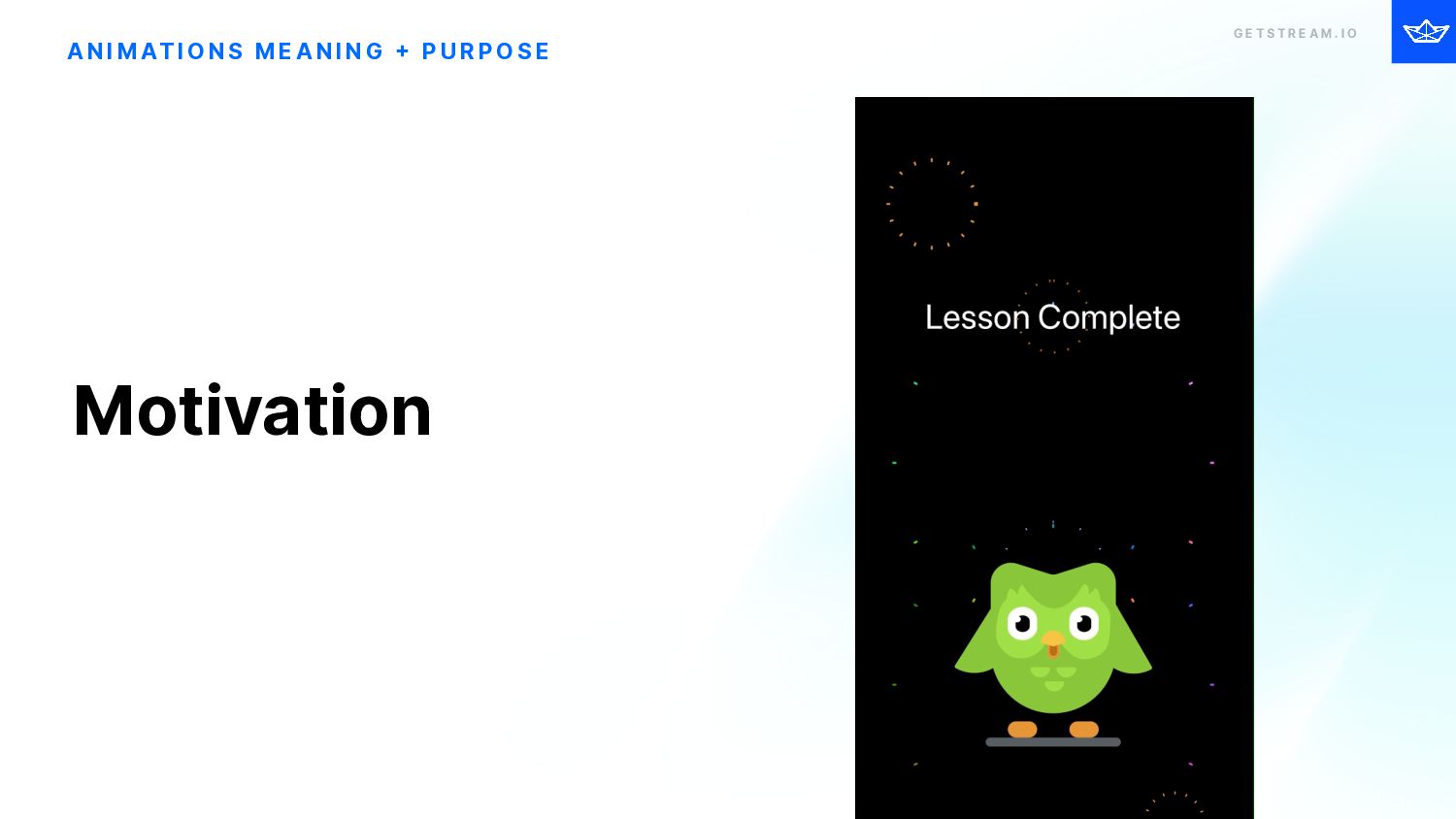
    I O A N I M AT I O N S M E A N I N G + P U R P O S E Motivation
  20. G E T S T R E A M .

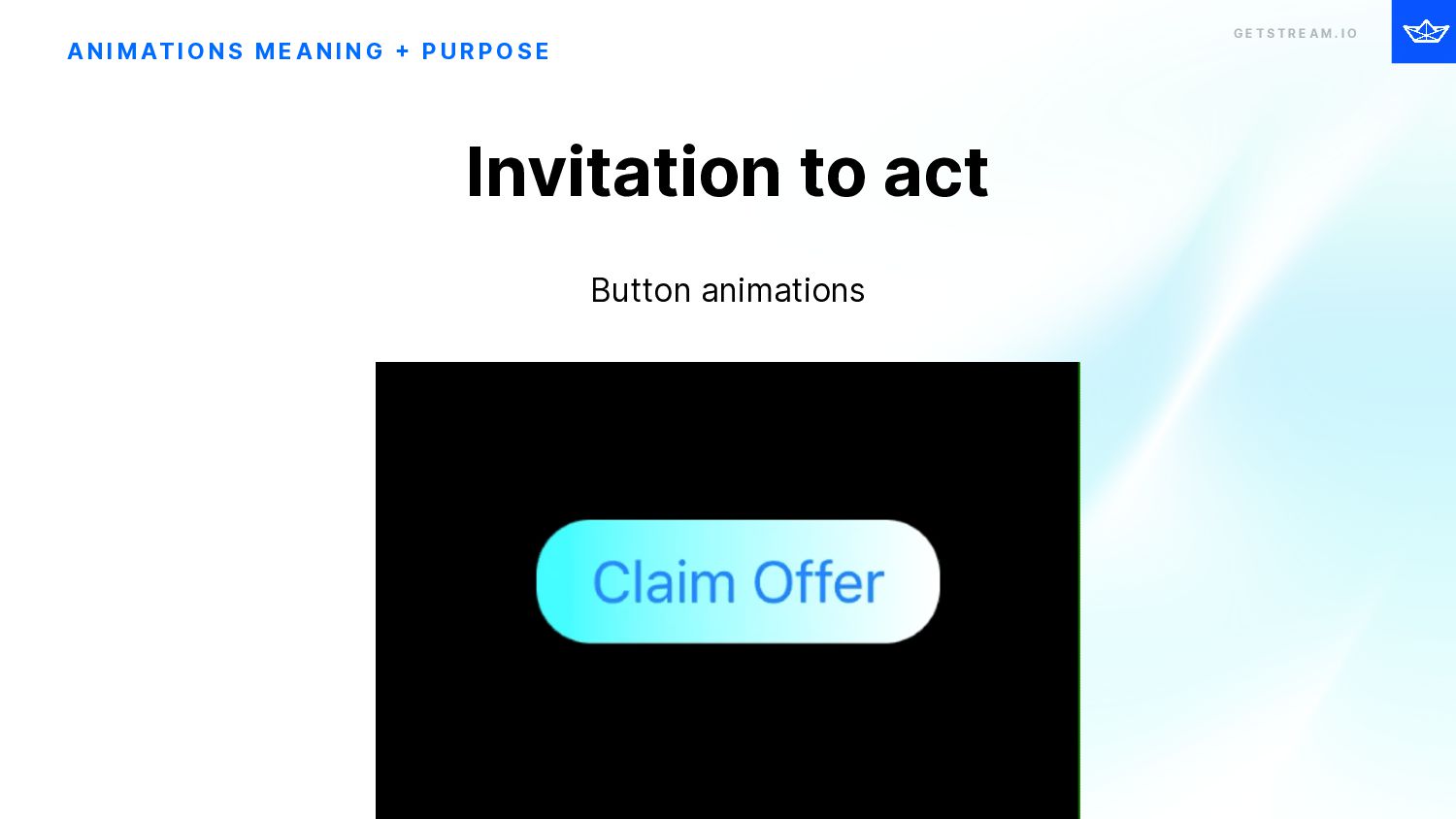
    I O A N I M AT I O N S M E A N I N G + P U R P O S E Button animations Invitation to act
  21. G E T S T R E A M .

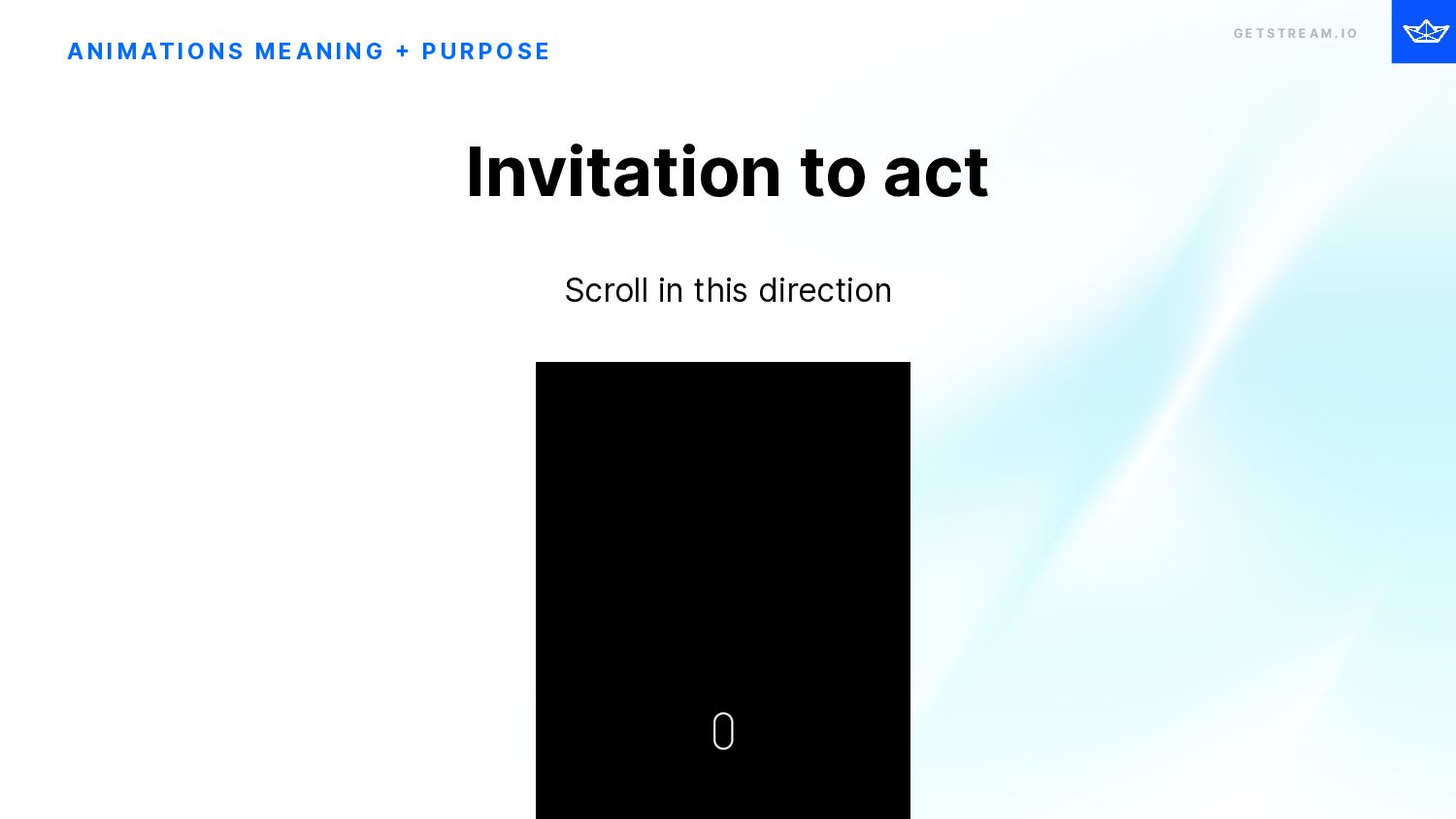
    I O A N I M AT I O N S M E A N I N G + P U R P O S E Scroll in this direction Invitation to act
  22. G E T S T R E A M .

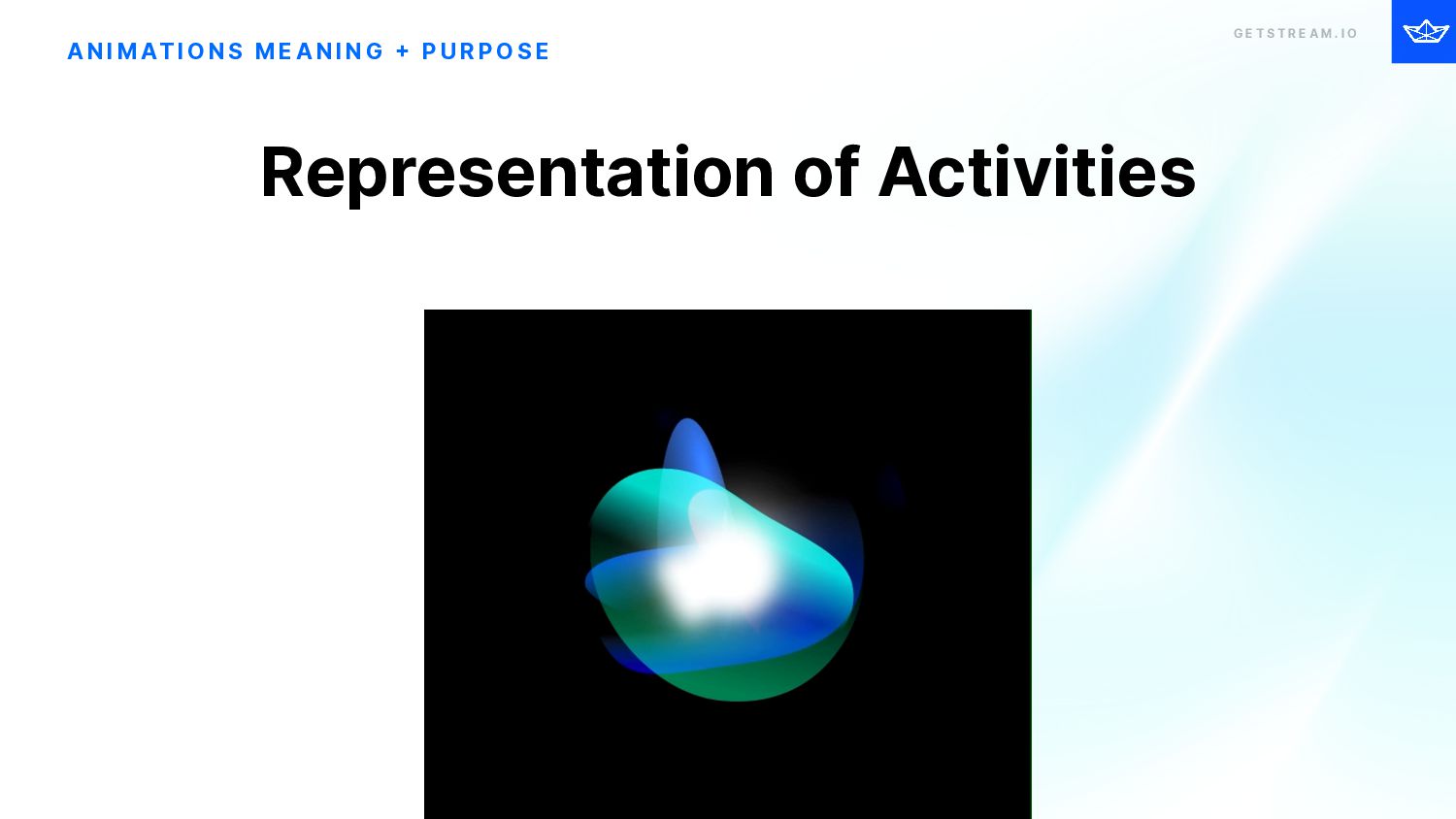
    I O A N I M AT I O N S M E A N I N G + P U R P O S E Representation of Activities
  23. G E T S T R E A M .

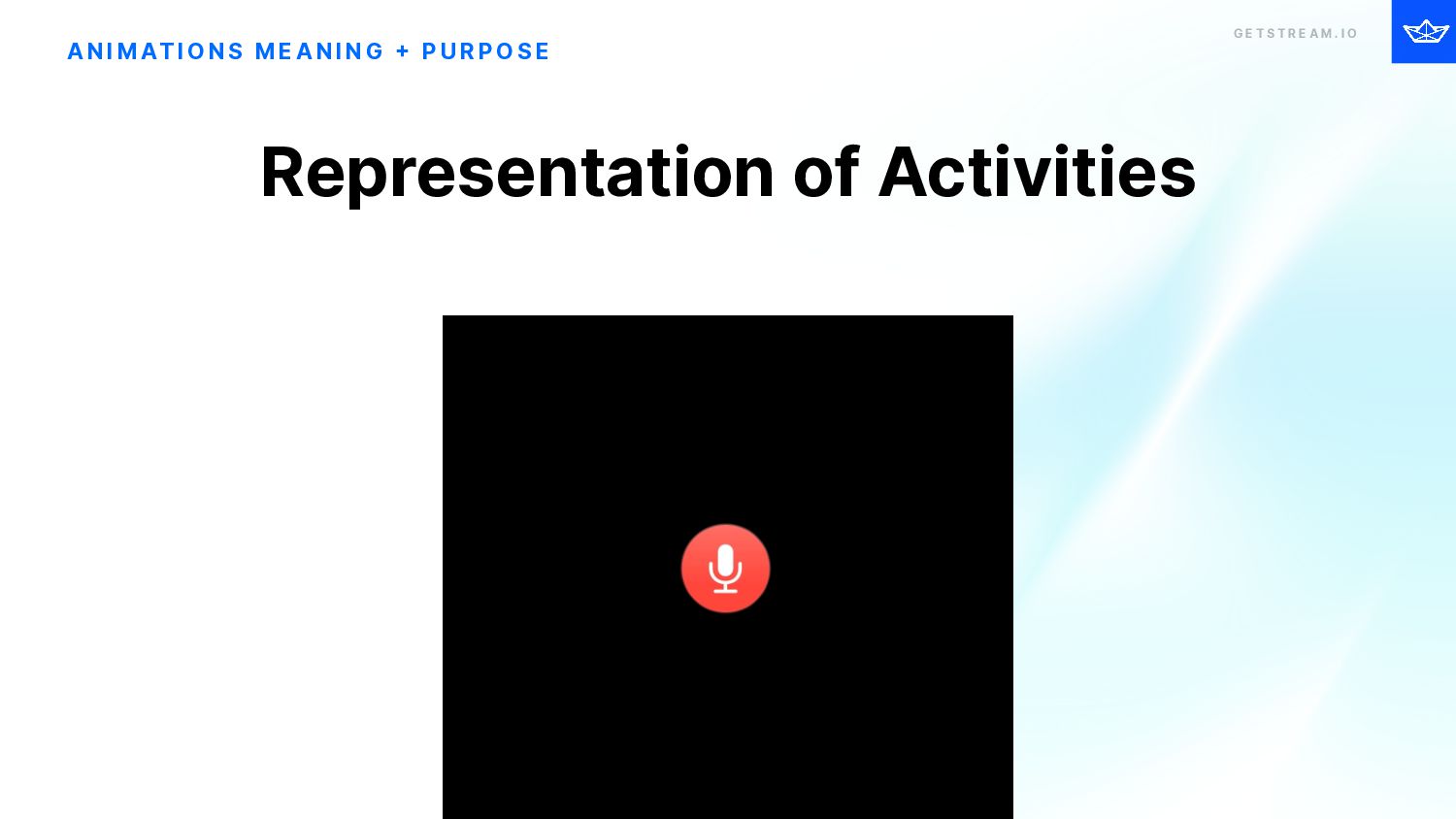
    I O A N I M AT I O N S M E A N I N G + P U R P O S E Representation of Activities
  24. G E T S T R E A M .

    I O Bad Examples A N I M AT I O N S
  25. G E T S T R E A M .

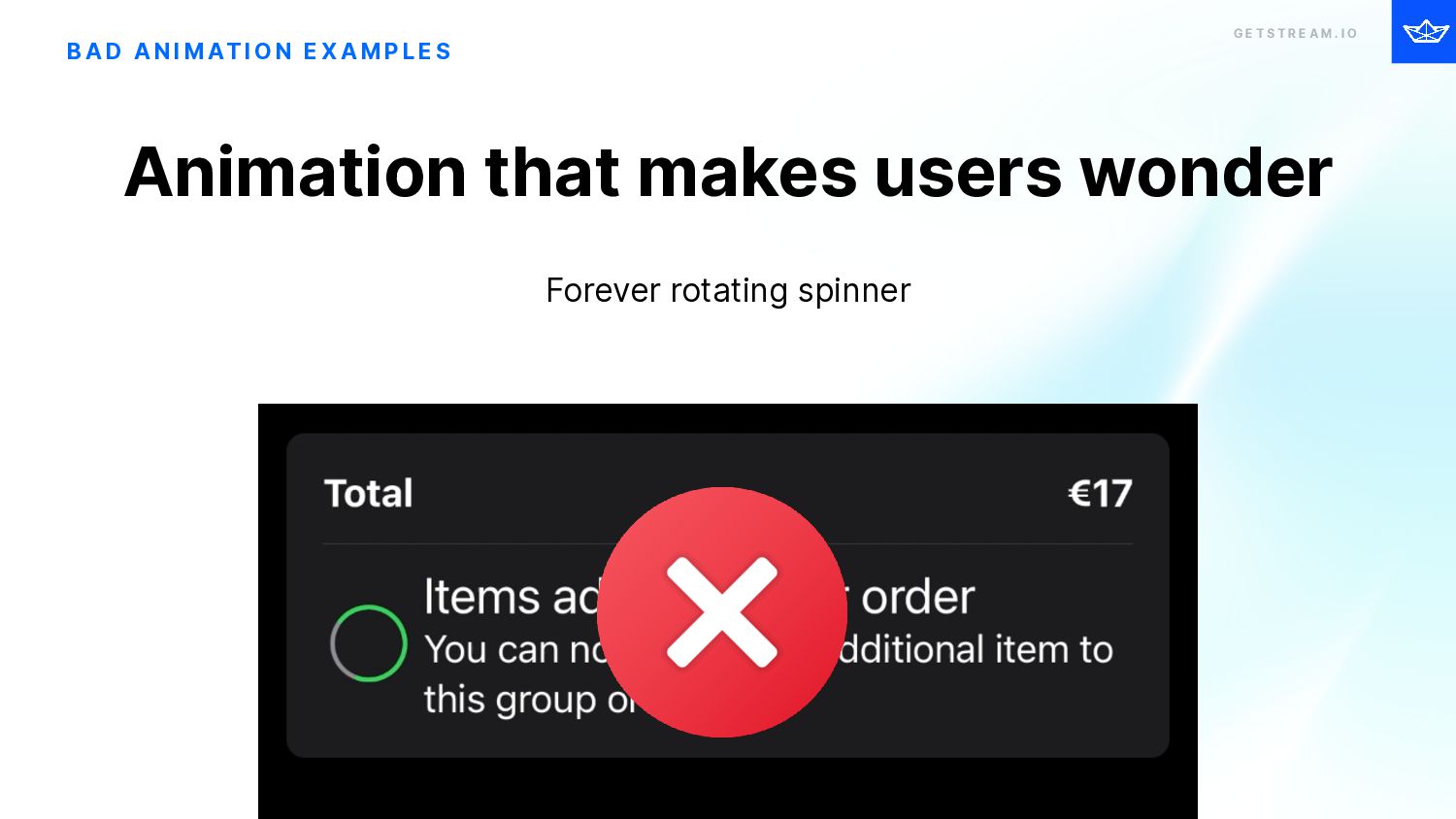
    I O B A D A N I M AT I O N E X A M P L E S Forever rotating spinner Animation that makes users wonder
  26. G E T S T R E A M .

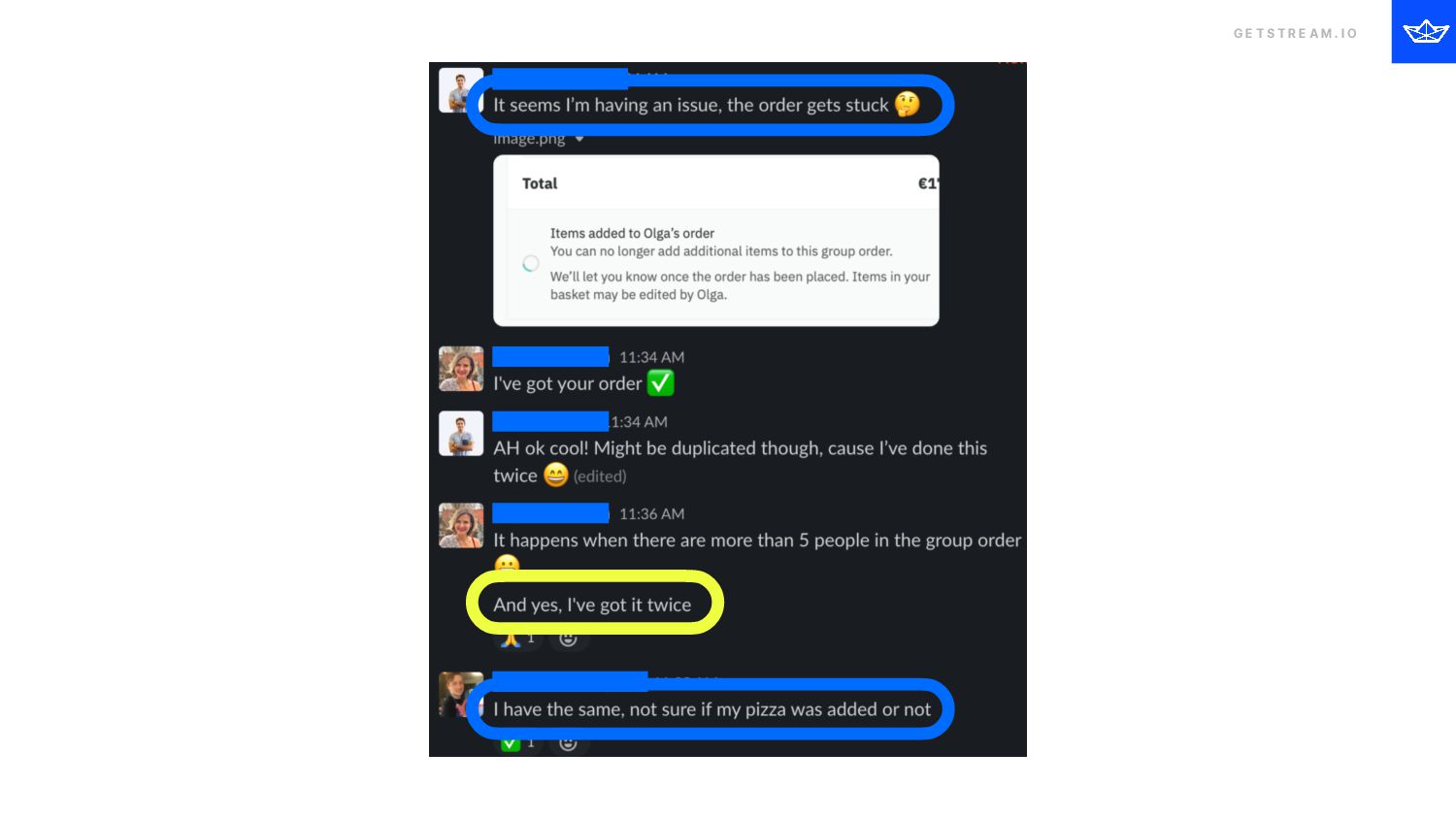
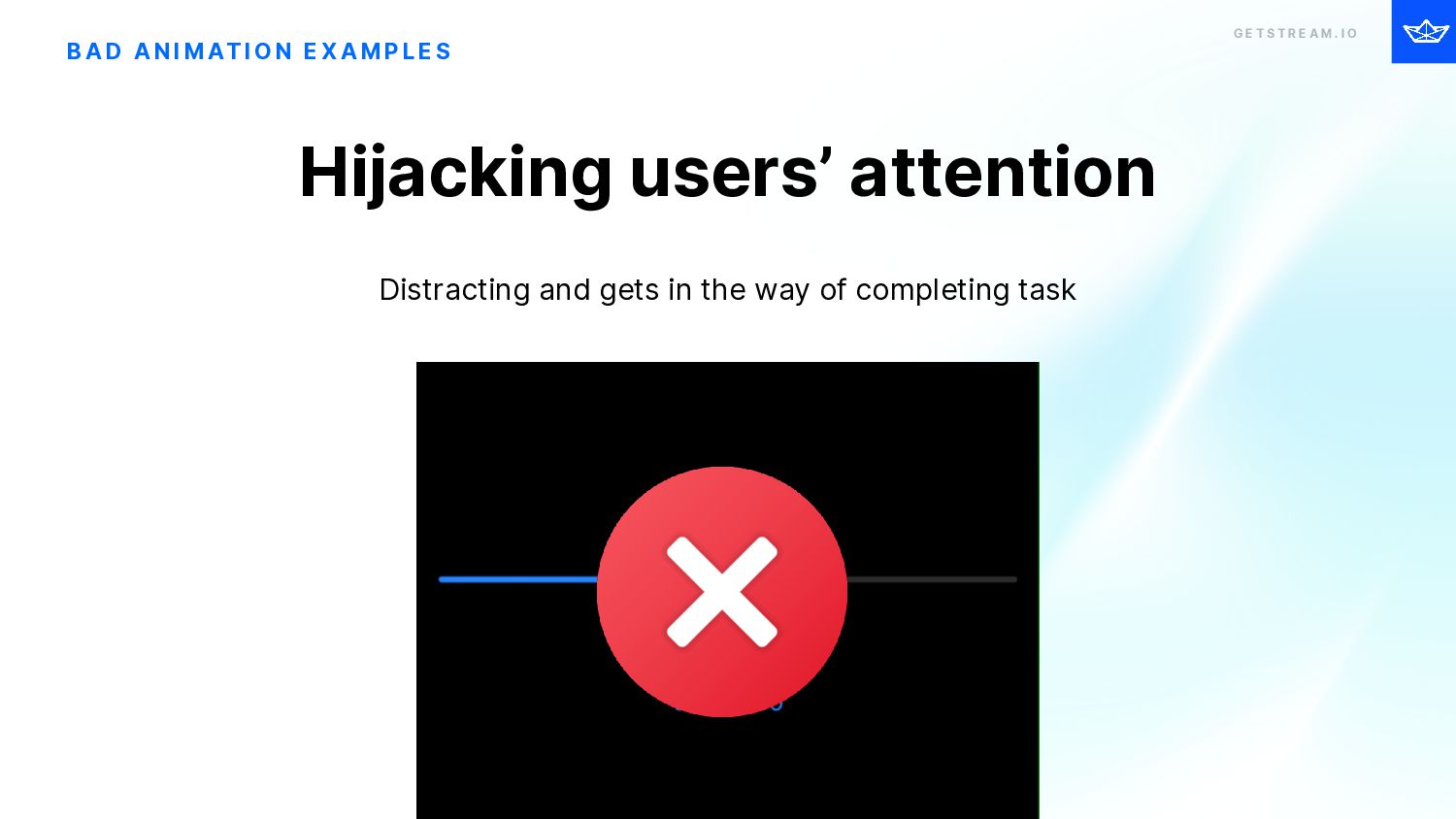
    I O B A D A N I M AT I O N E X A M P L E S Distracting and gets in the way of completing task Hijacking users’ attention
  27. G E T S T R E A M .

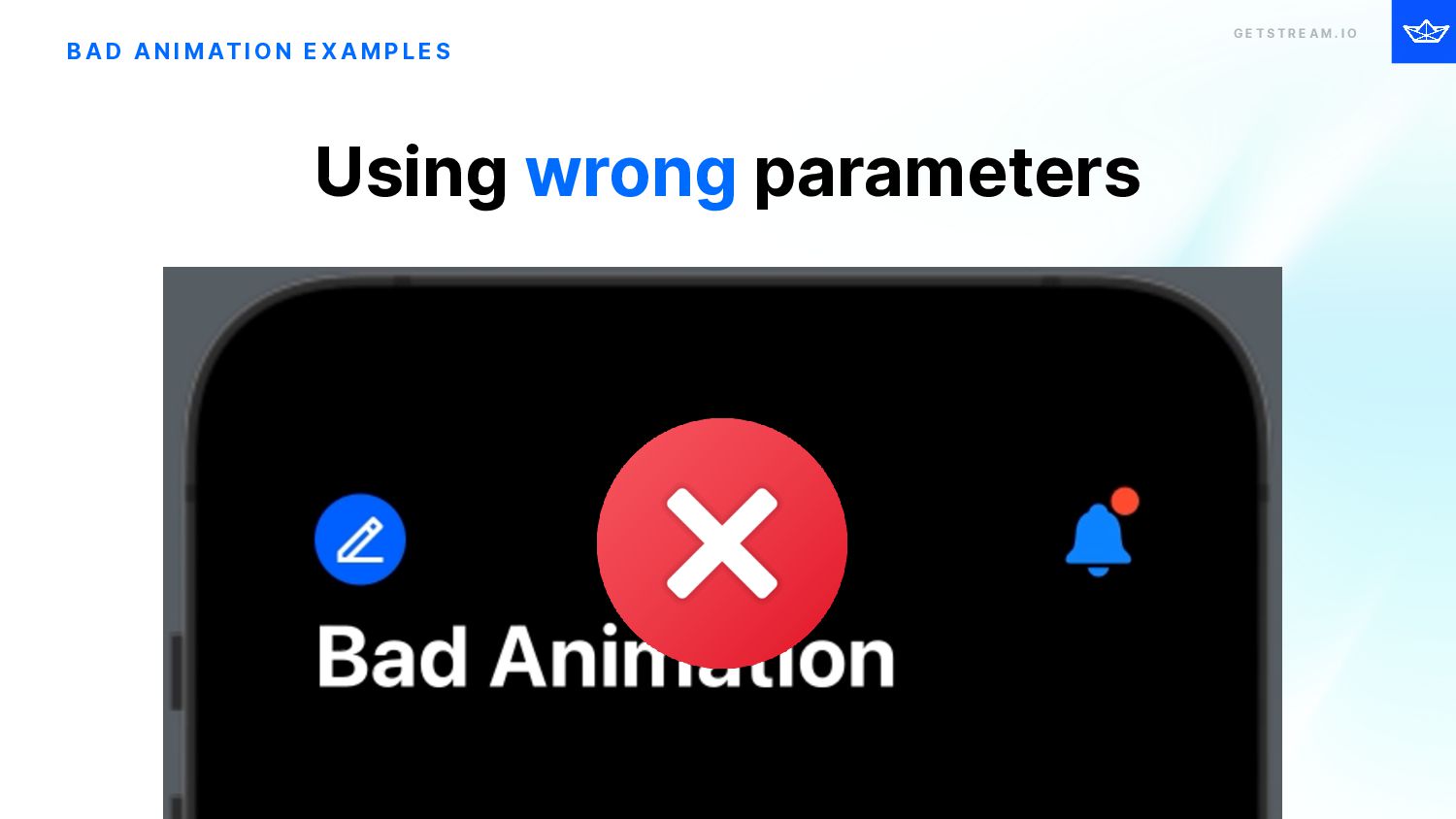
    I O B A D A N I M AT I O N E X A M P L E S Using wrong parameters
  28. G E T S T R E A M .

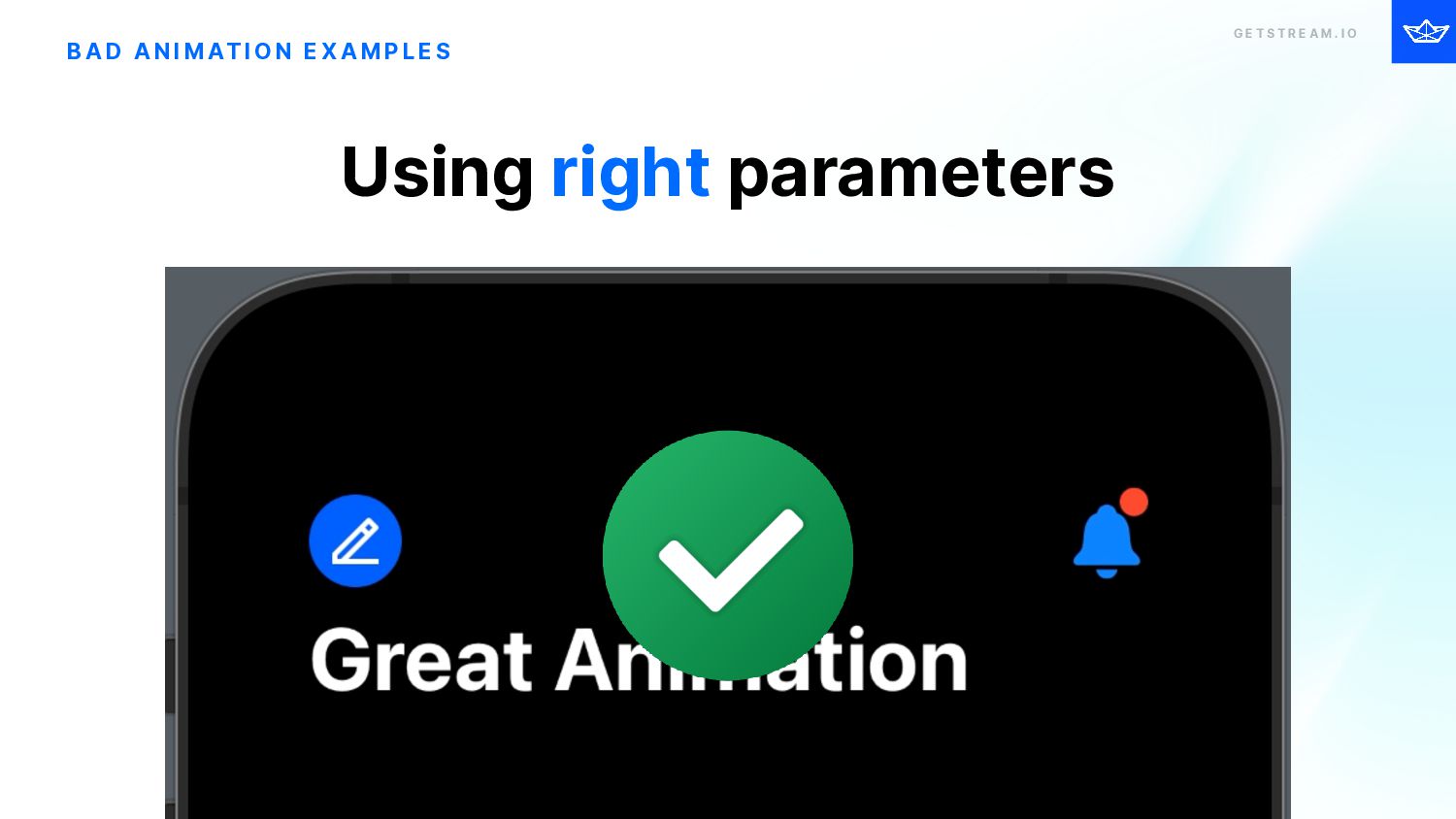
    I O B A D A N I M AT I O N E X A M P L E S Using right parameters
  29. G E T S T R E A M .

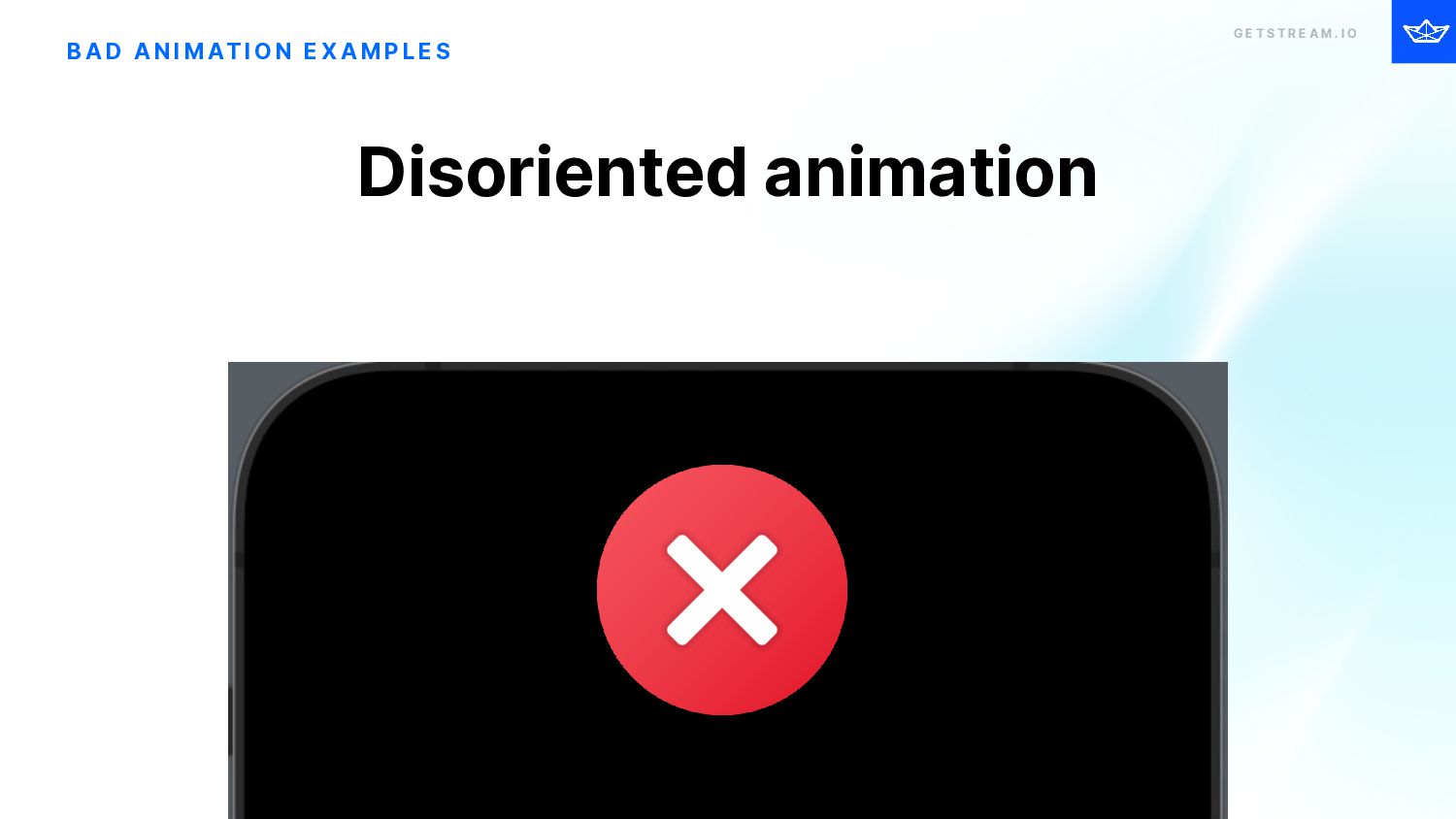
    I O B A D A N I M AT I O N E X A M P L E S Disoriented animation
  30. G E T S T R E A M .

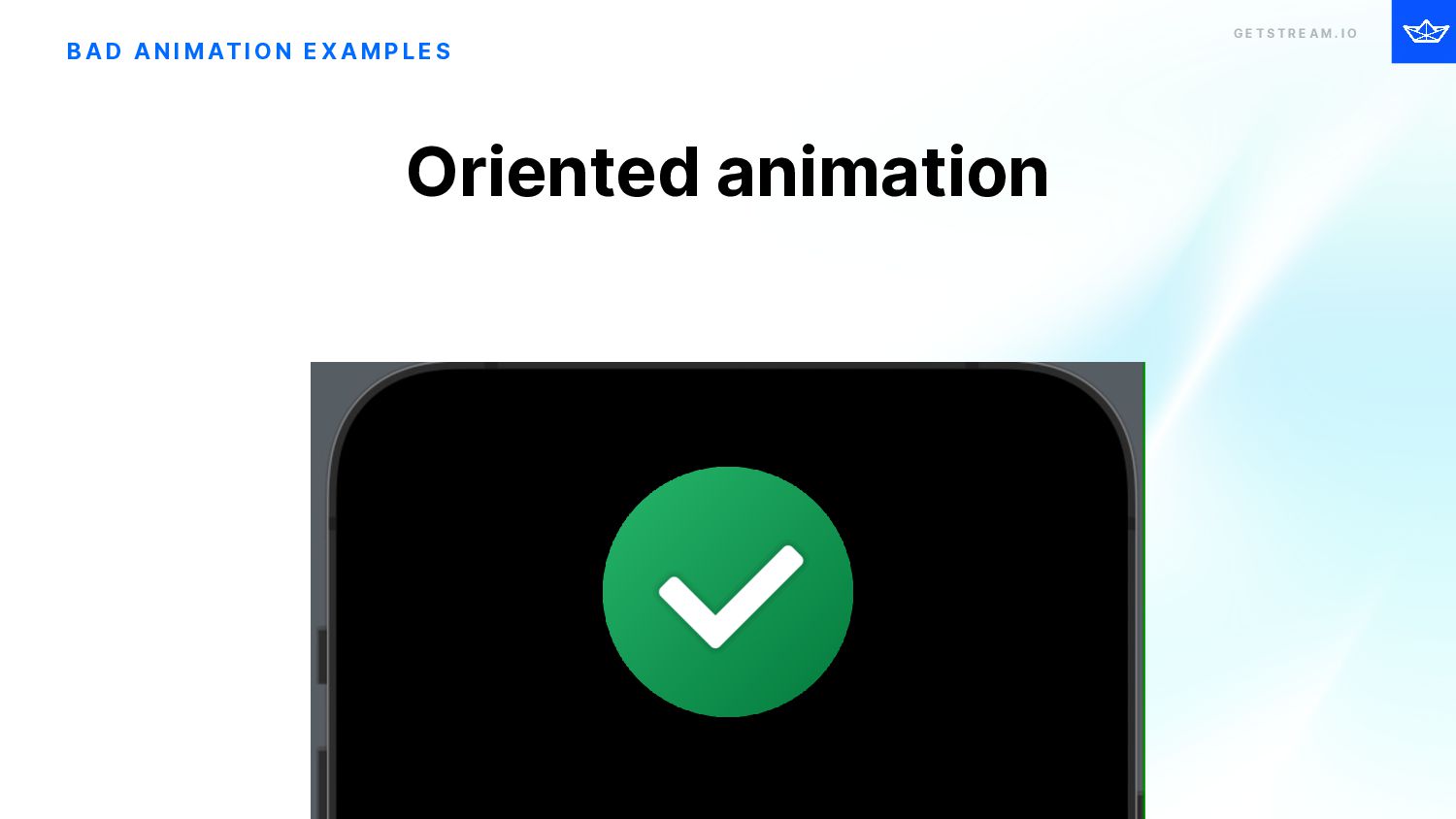
    I O B A D A N I M AT I O N E X A M P L E S Oriented animation
  31. G E T S T R E A M .

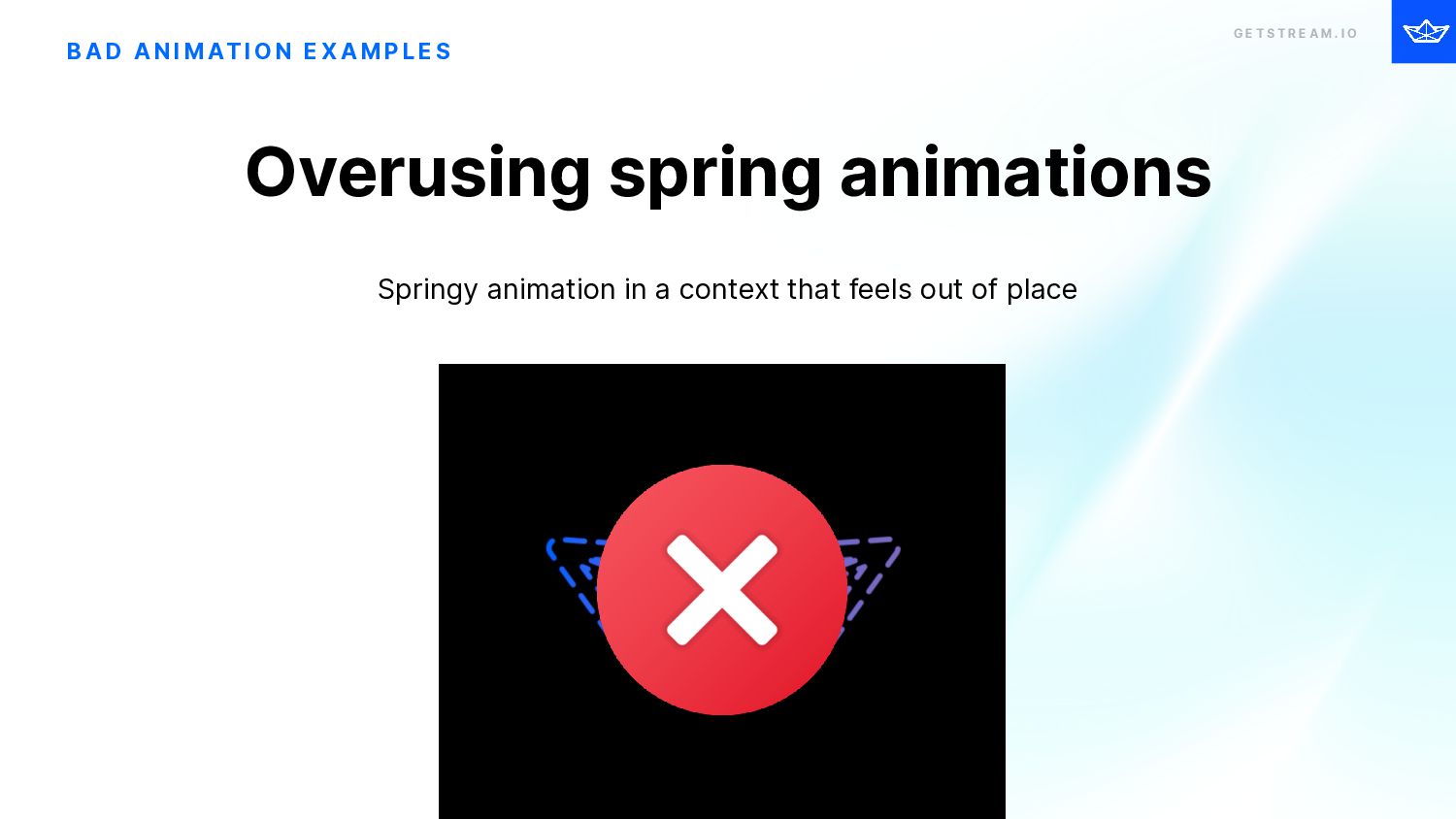
    I O B A D A N I M AT I O N E X A M P L E S Springy animation in a context that feels out of place Overusing spring animations
  32. G E T S T R E A M .

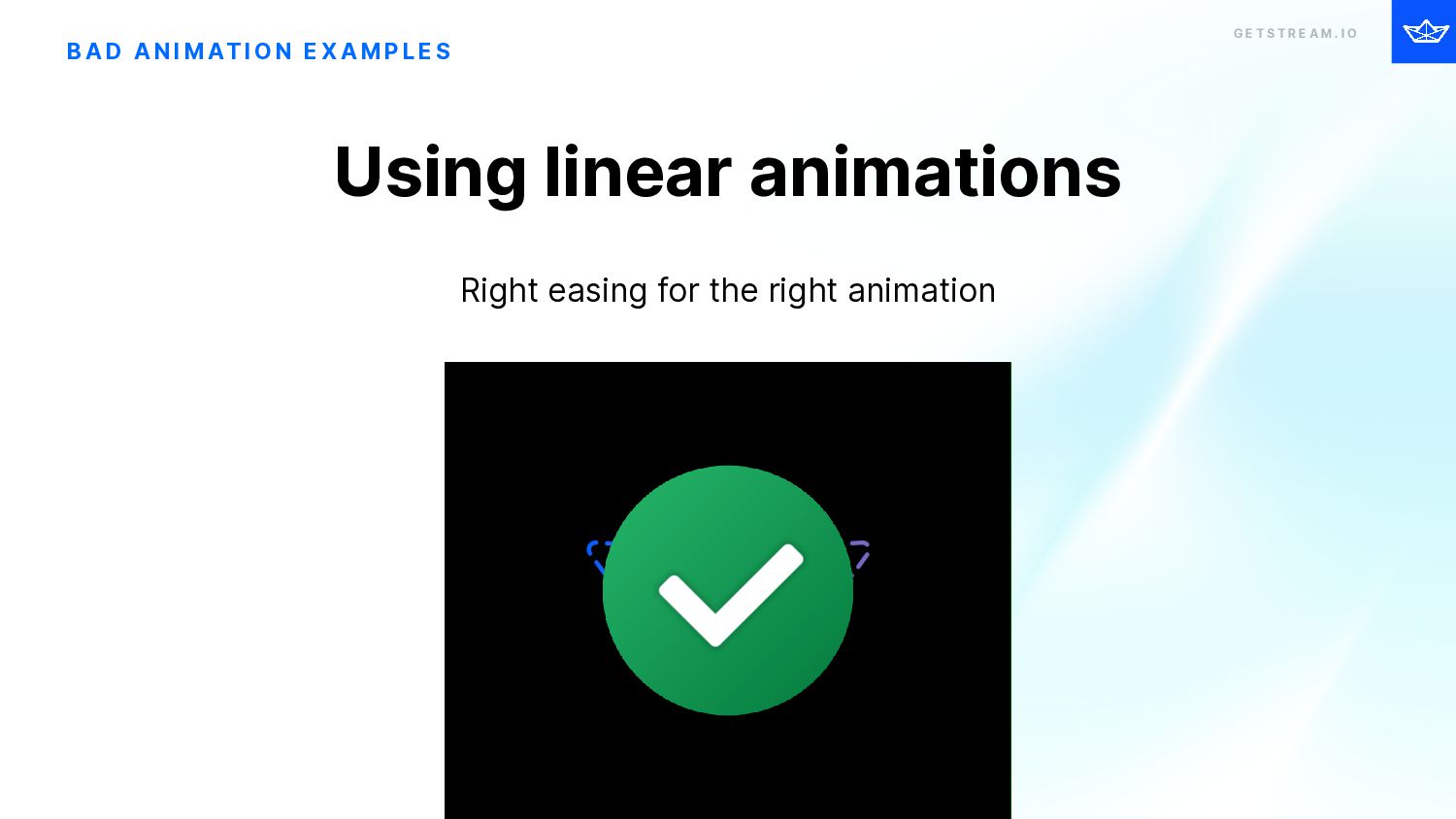
    I O B A D A N I M AT I O N E X A M P L E S Right easing for the right animation Using linear animations
  33. G E T S T R E A M .

    I O Principles of great iOS Animations A N I M AT I O N S
  34. G E T S T R E A M .

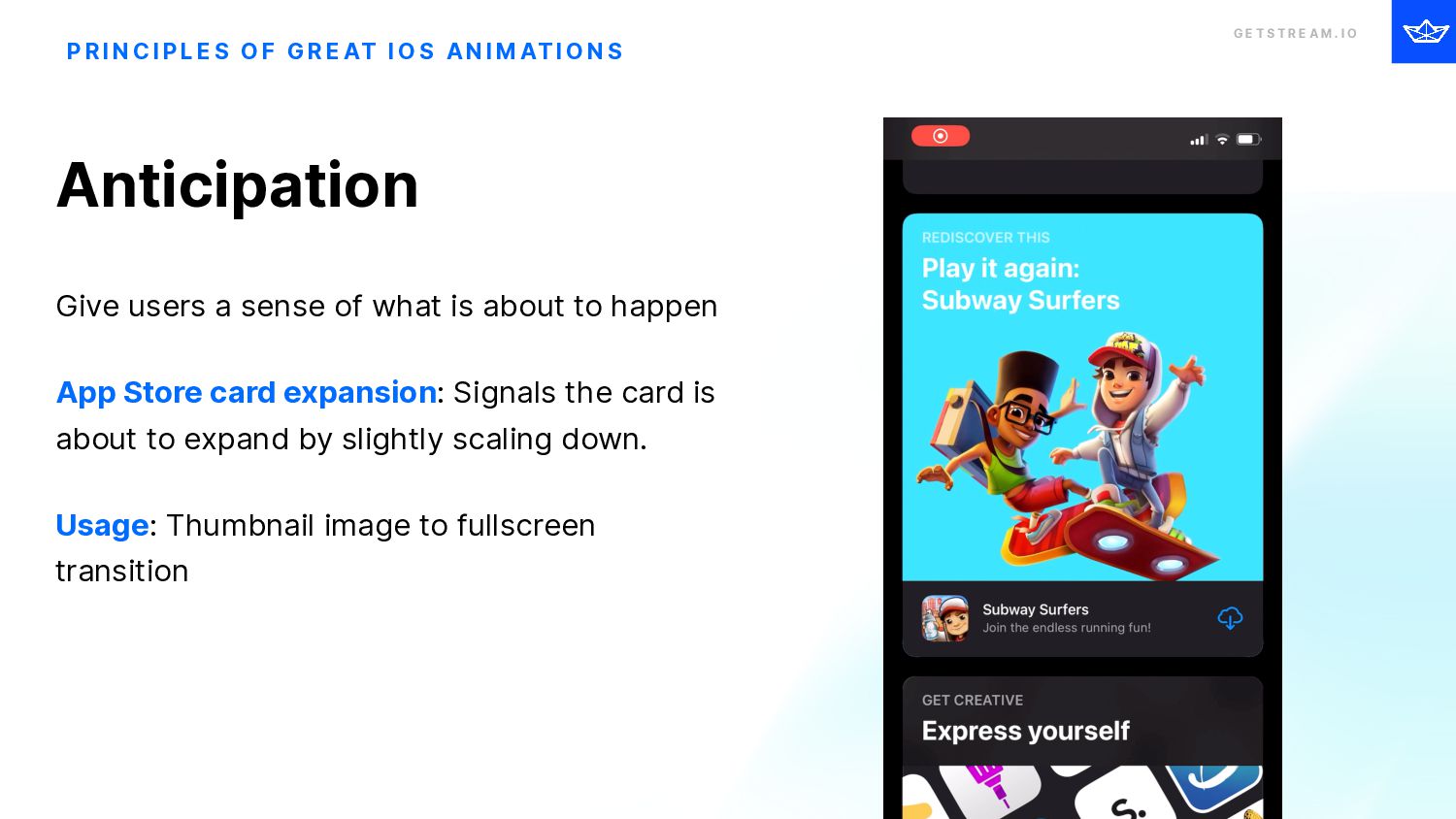
    I O P R I N C I P L E S O F G R E AT I O S A N I M AT I O N S Anticipation Give users a sense of what is about to happen App Store card expansion: Signals the card is about to expand by slightly scaling down. Usage: Thumbnail image to fullscreen transition
  35. G E T S T R E A M .

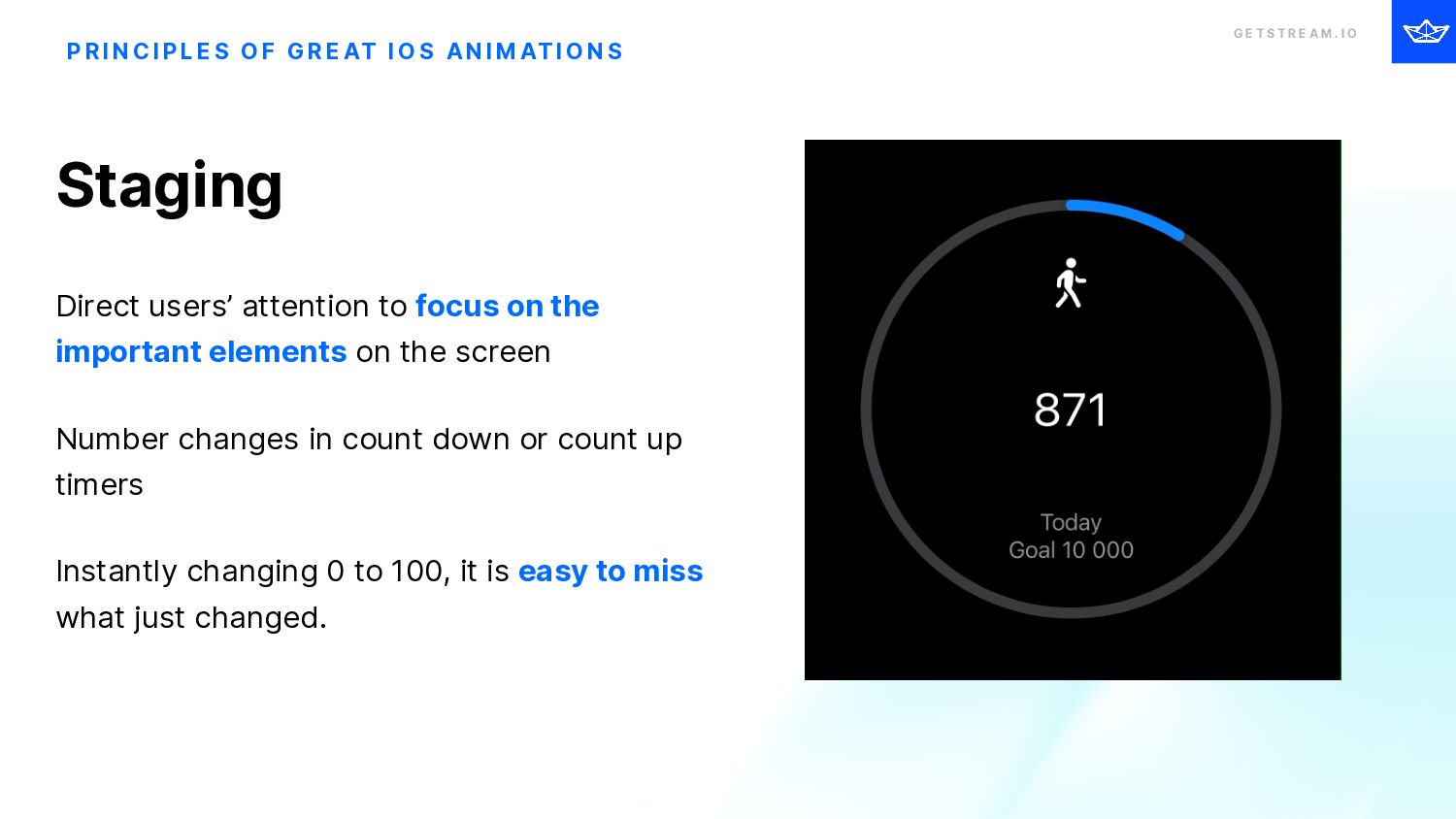
    I O P R I N C I P L E S O F G R E AT I O S A N I M AT I O N S Staging Direct users’ attention to focus on the important elements on the screen Number changes in count down or count up timers Instantly changing 0 to 100, it is easy to miss what just changed.
  36. G E T S T R E A M .

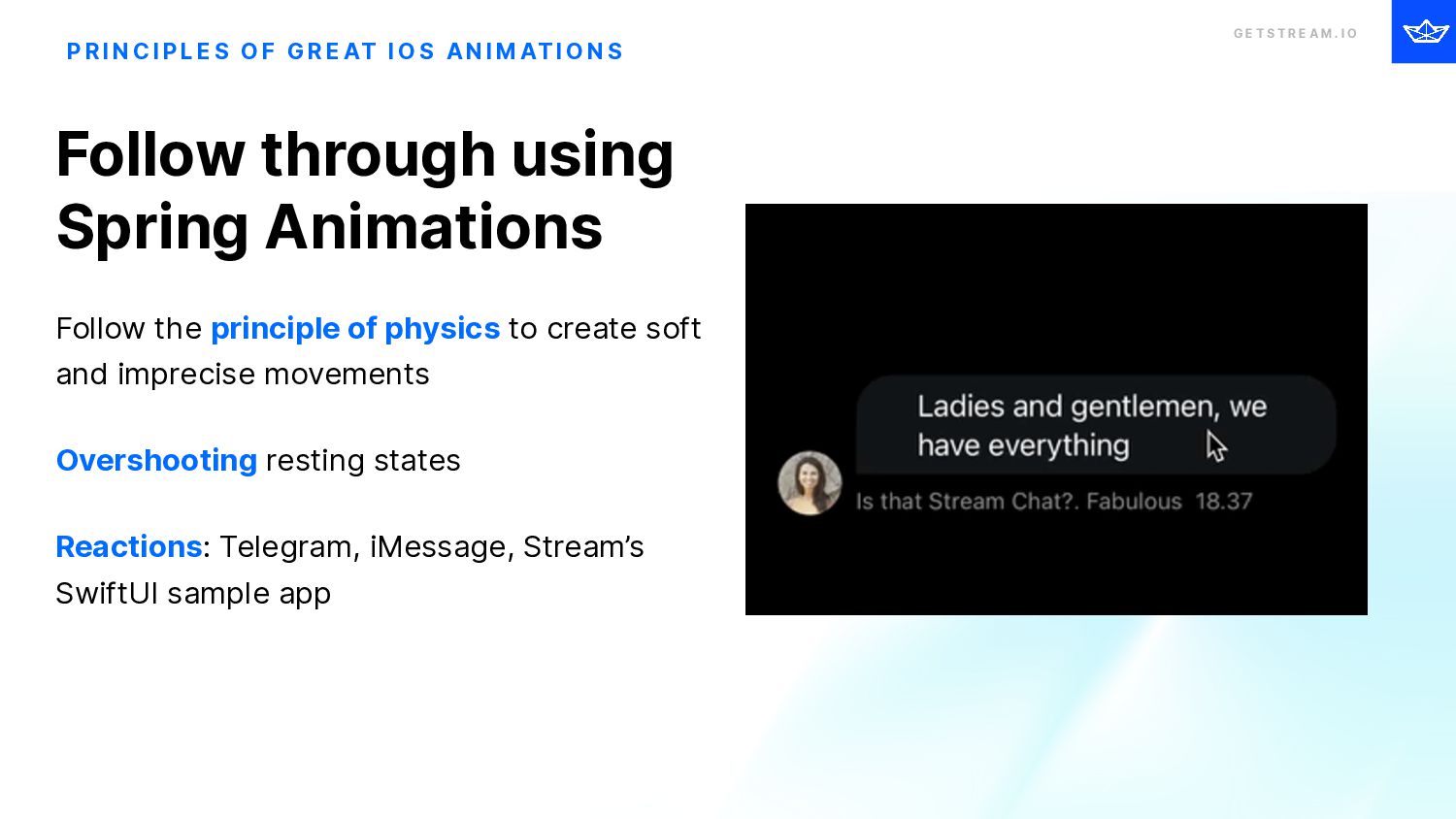
    I O P R I N C I P L E S O F G R E AT I O S A N I M AT I O N S Follow through using Spring Animations Follow the principle of physics to create soft and imprecise movements Overshooting resting states Reactions: Telegram, iMessage, Stream’s SwiftUI sample app
  37. G E T S T R E A M .

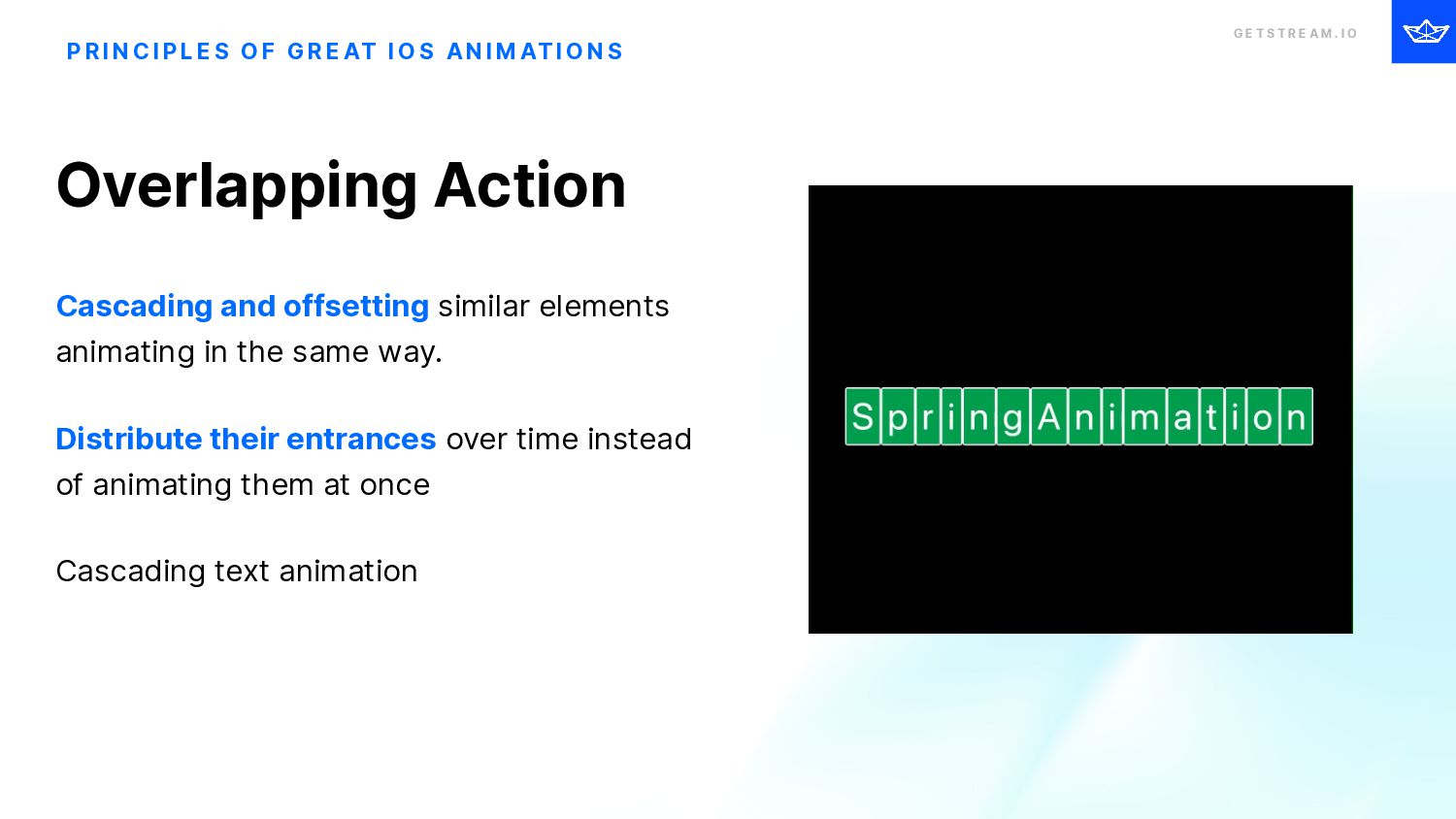
    I O P R I N C I P L E S O F G R E AT I O S A N I M AT I O N S Overlapping Action Cascading and offsetting similar elements animating in the same way. Distribute their entrances over time instead of animating them at once Cascading text animation
  38. G E T S T R E A M .

    I O Easings Meaning + Use-cases
  39. G E T S T R E A M .

    I O Linear EaseIn EaseOut EaseInOut Default Custom Easing
  40. GETSTREAM.IO G E T S T R E A M

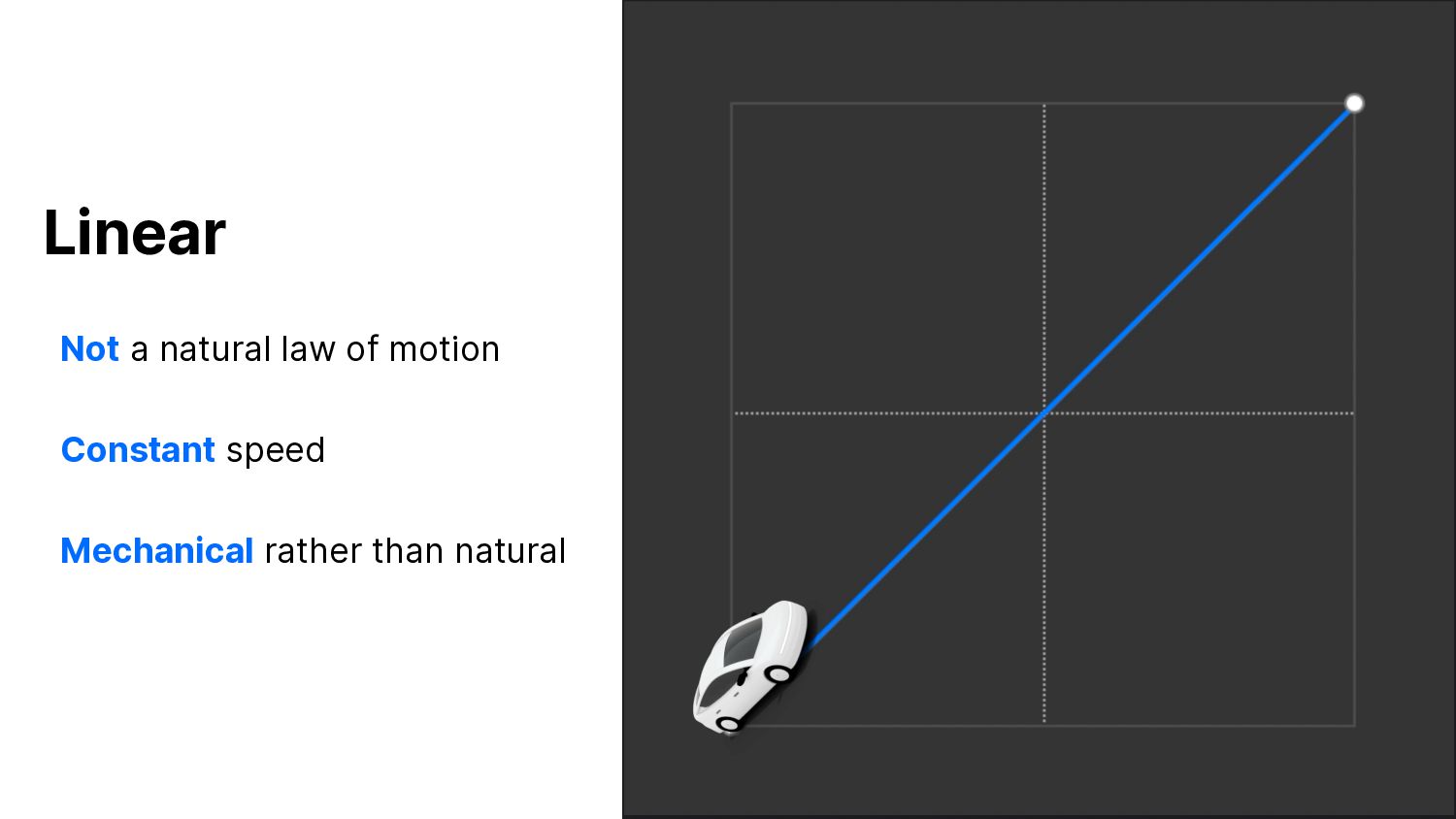
    . I O Linear Not a natural law of motion Constant speed Mechanical rather than natural
  41. G E T S T R E A M .

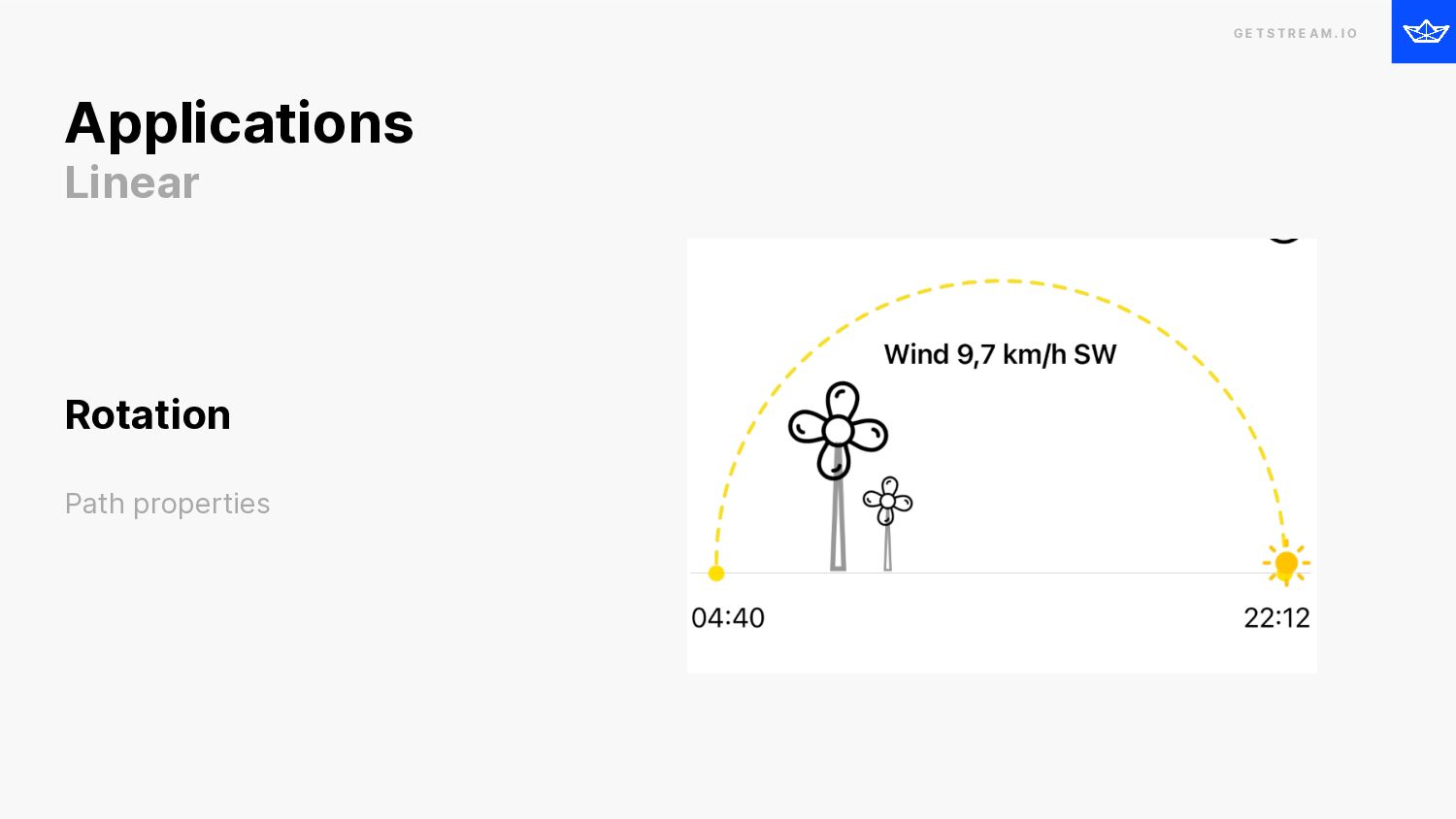
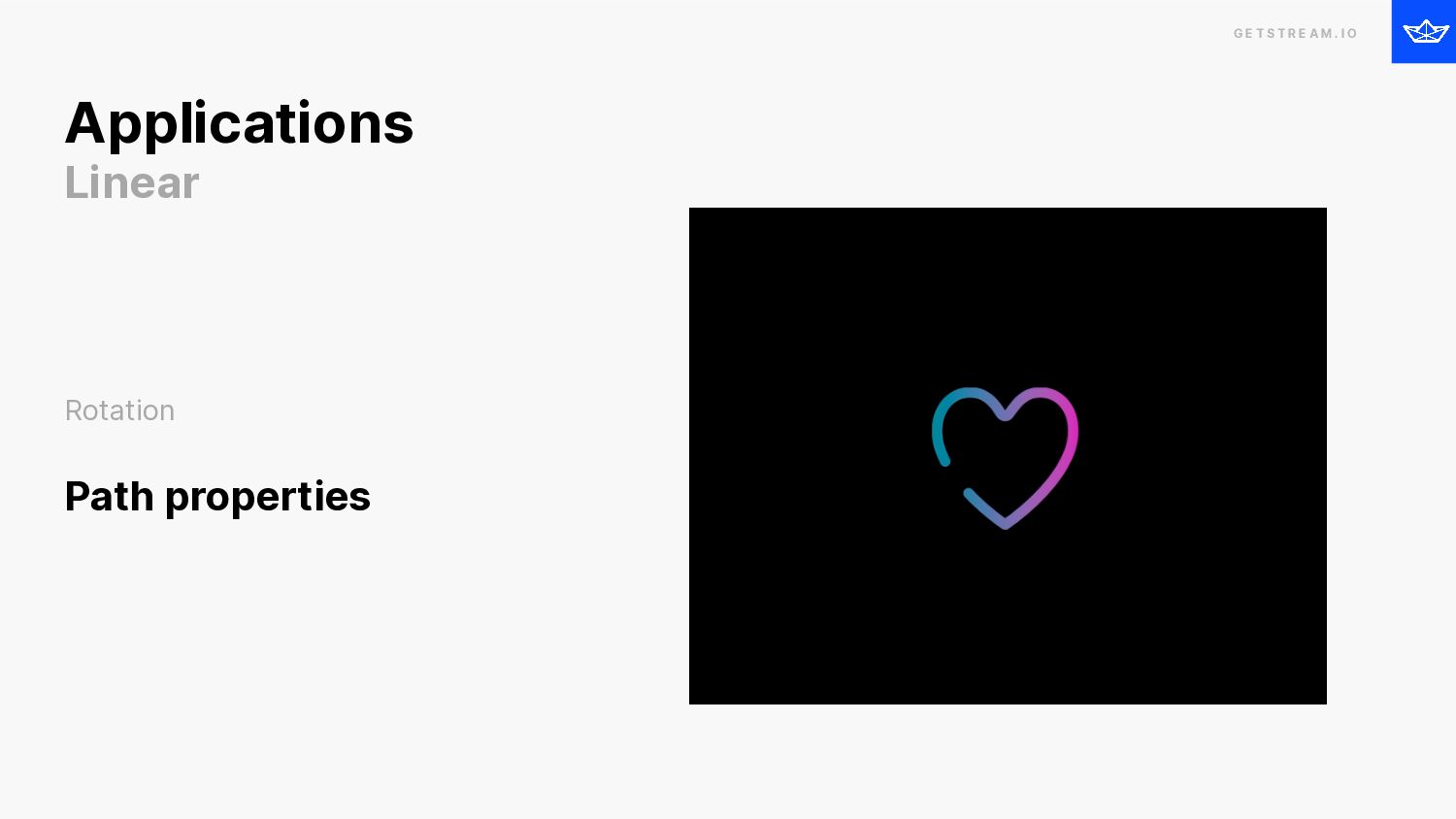
    I O Applications Linear Rotation Path properties
  42. G E T S T R E A M .

    I O Rotation Path properties Applications Linear
  43. G E T S T R E A M .

    I O Timelapse Ken Burns Effect for photos Opacity Color changes Camera effects Applications - More Linear
  44. GETSTREAM.IO G E T S T R E A M

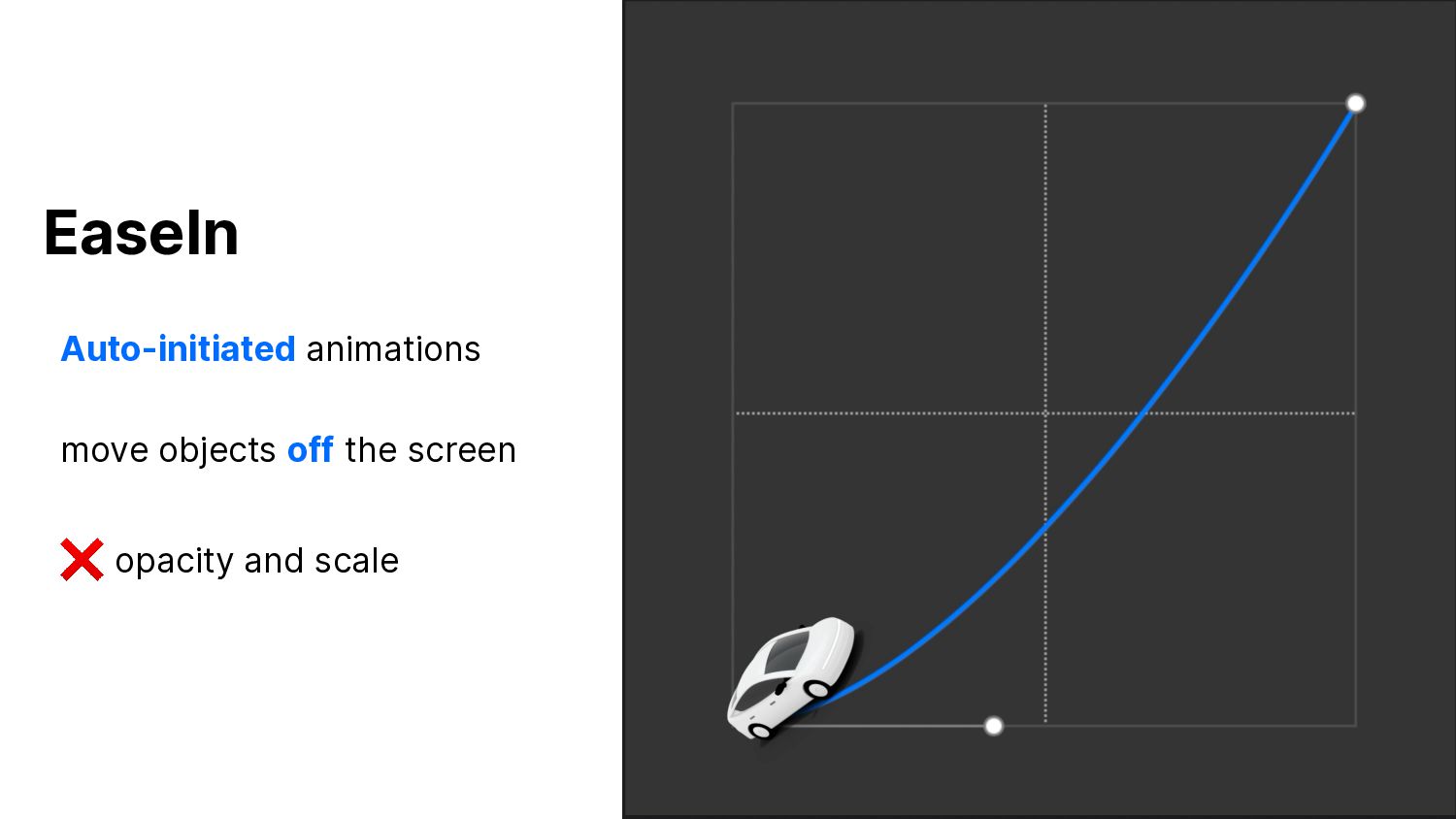
    . I O EaseIn Auto-initiated animations move objects off the screen ❌ opacity and scale
  45. G E T S T R E A M .

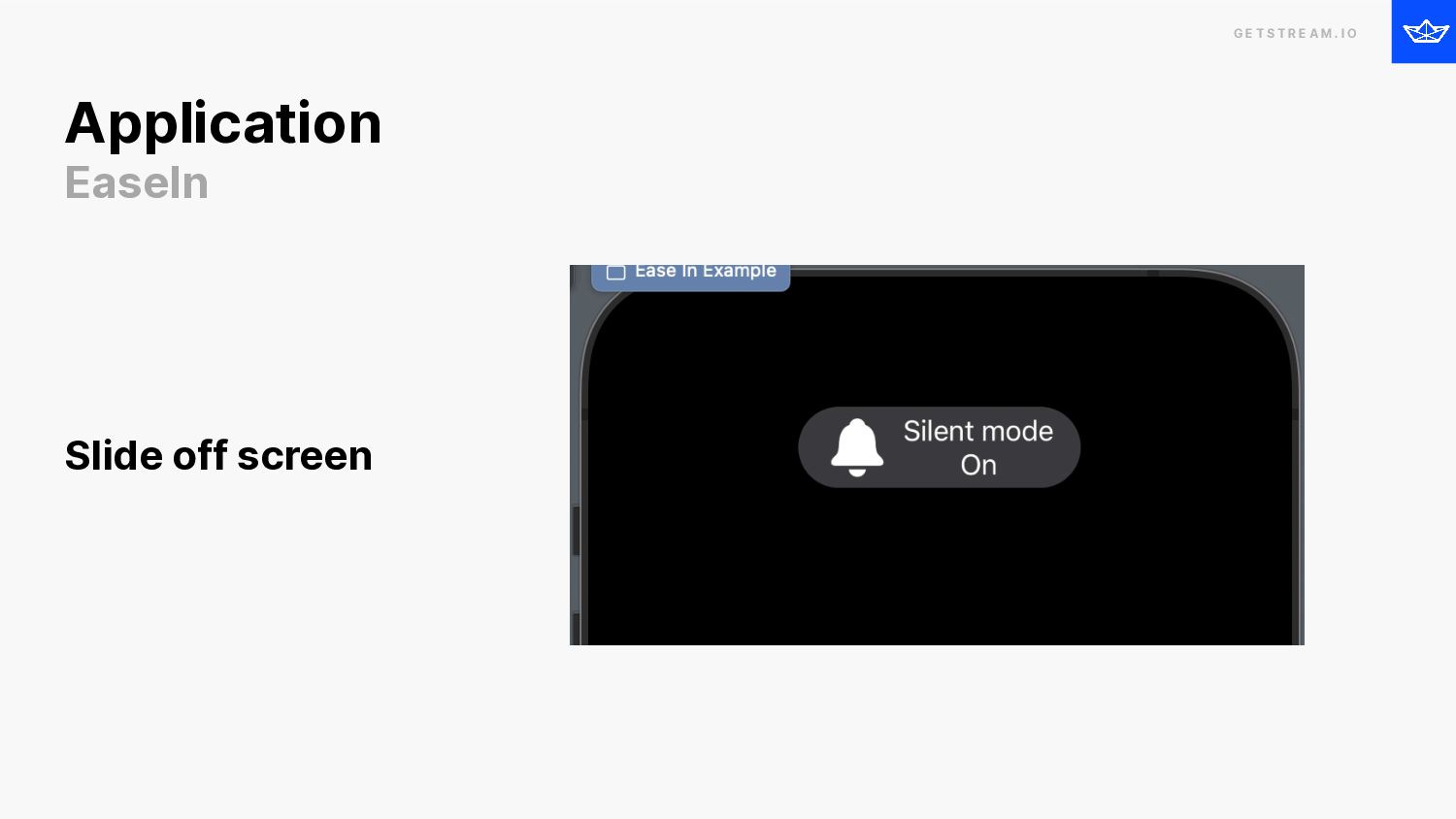
    I O Application EaseIn Slide off screen
  46. GETSTREAM.IO G E T S T R E A M

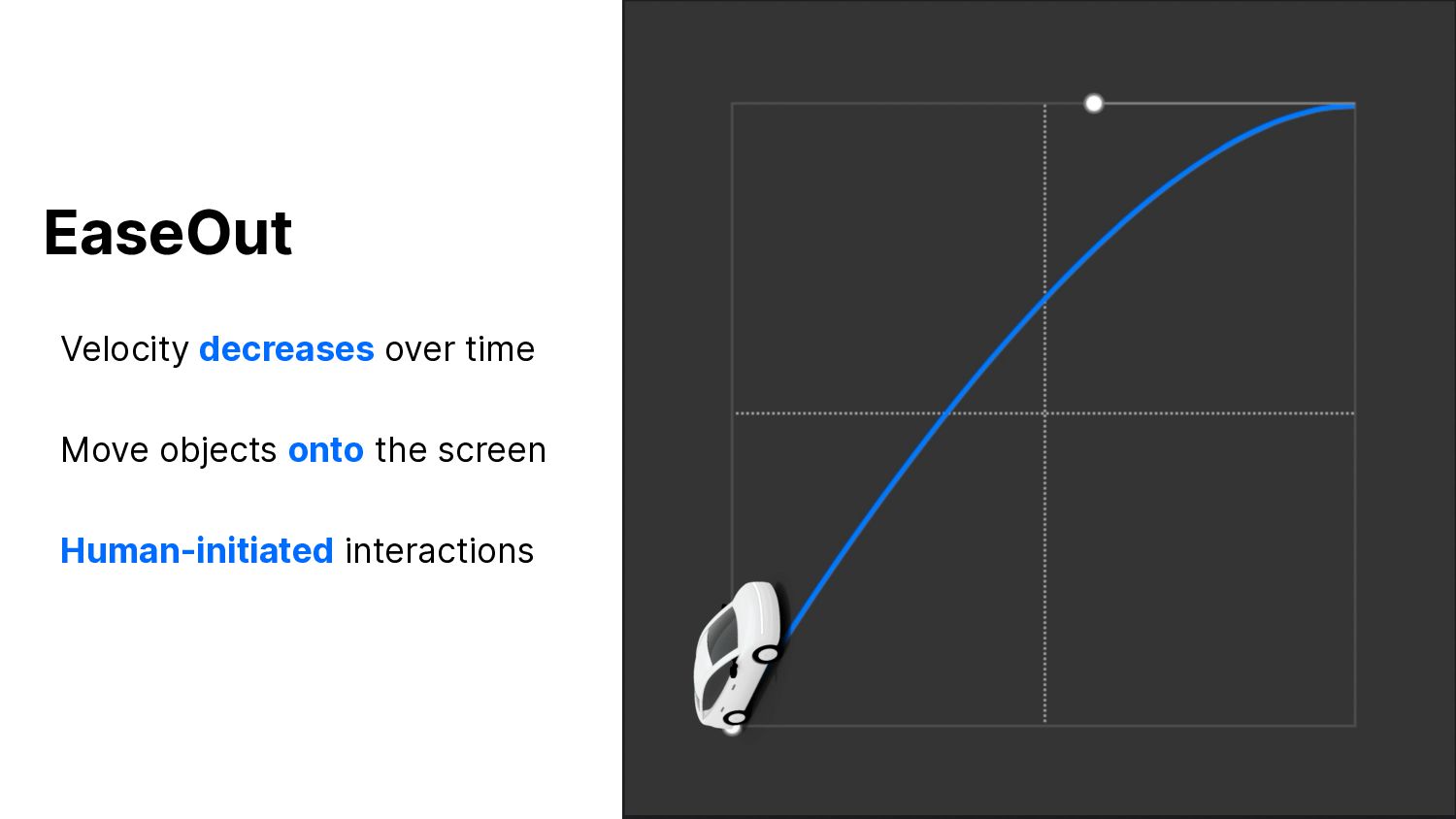
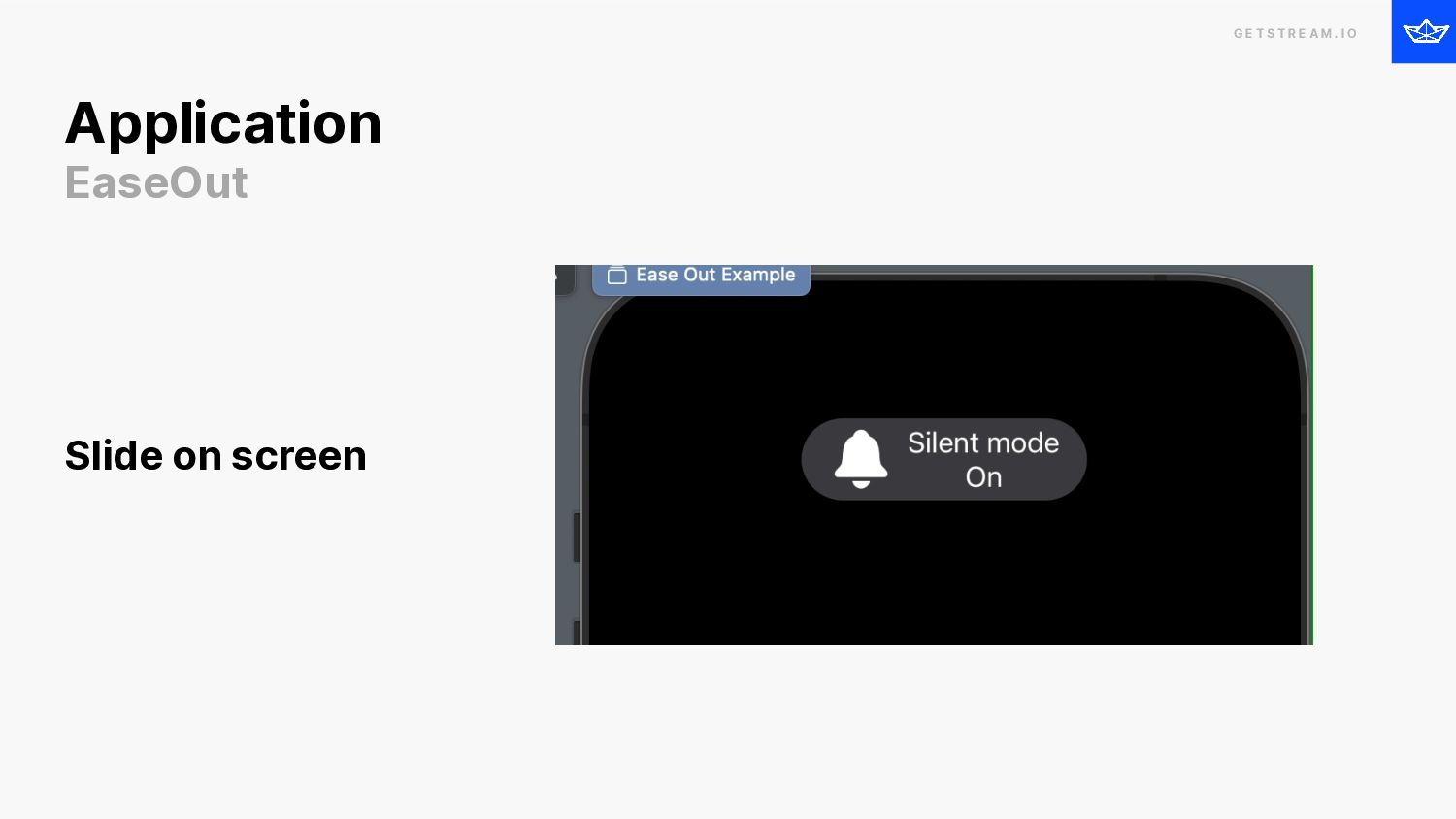
    . I O EaseOut Velocity decreases over time Move objects onto the screen Human-initiated interactions
  47. G E T S T R E A M .

    I O Application EaseOut Slide on screen
  48. G E T S T R E A M .

    I O Button taps Page-to-page transition Applications - More EaseOut
  49. GETSTREAM.IO G E T S T R E A M

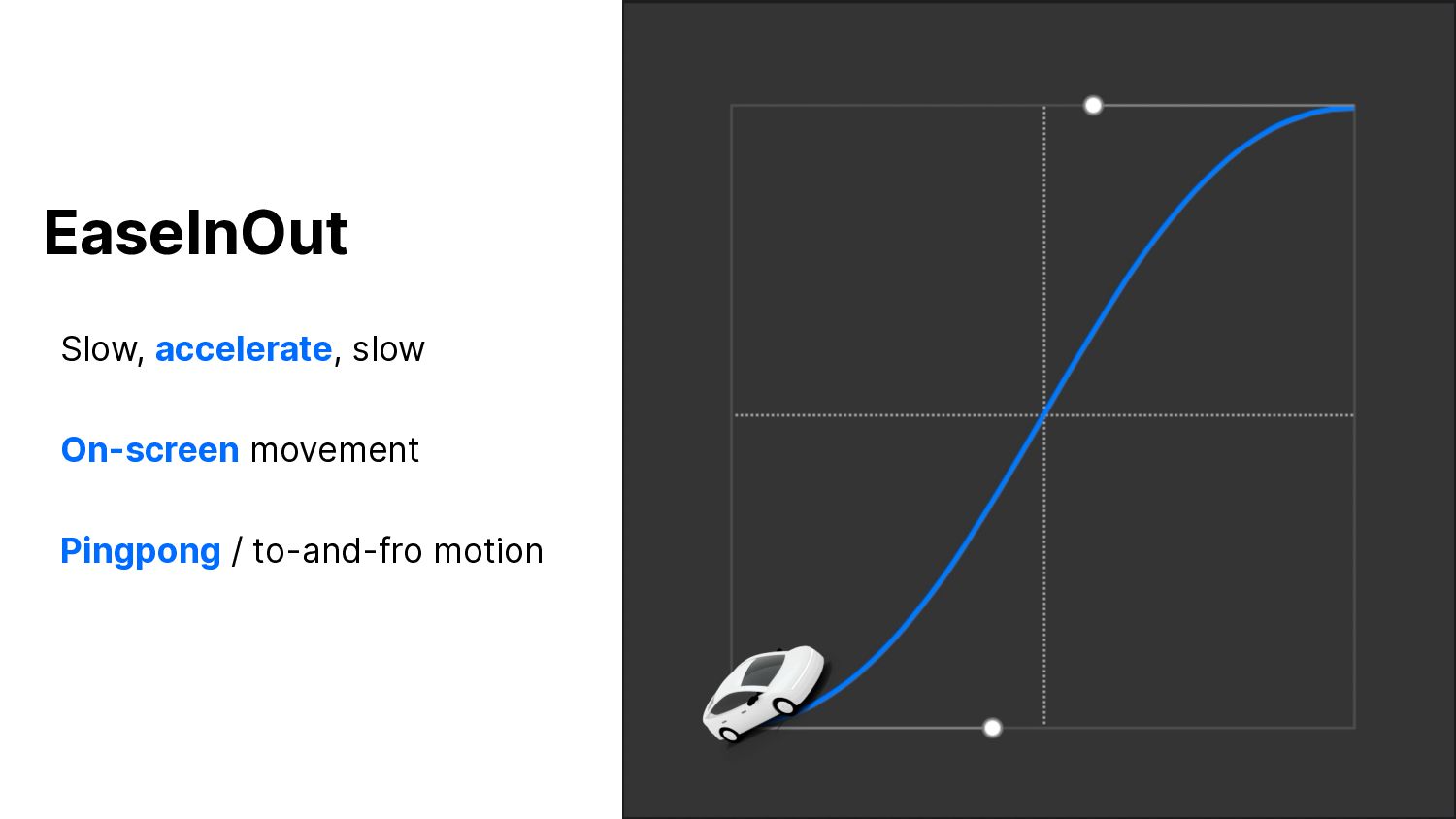
    . I O EaseInOut Slow, accelerate, slow On-screen movement Pingpong / to-and-fro motion
  50. G E T S T R E A M .

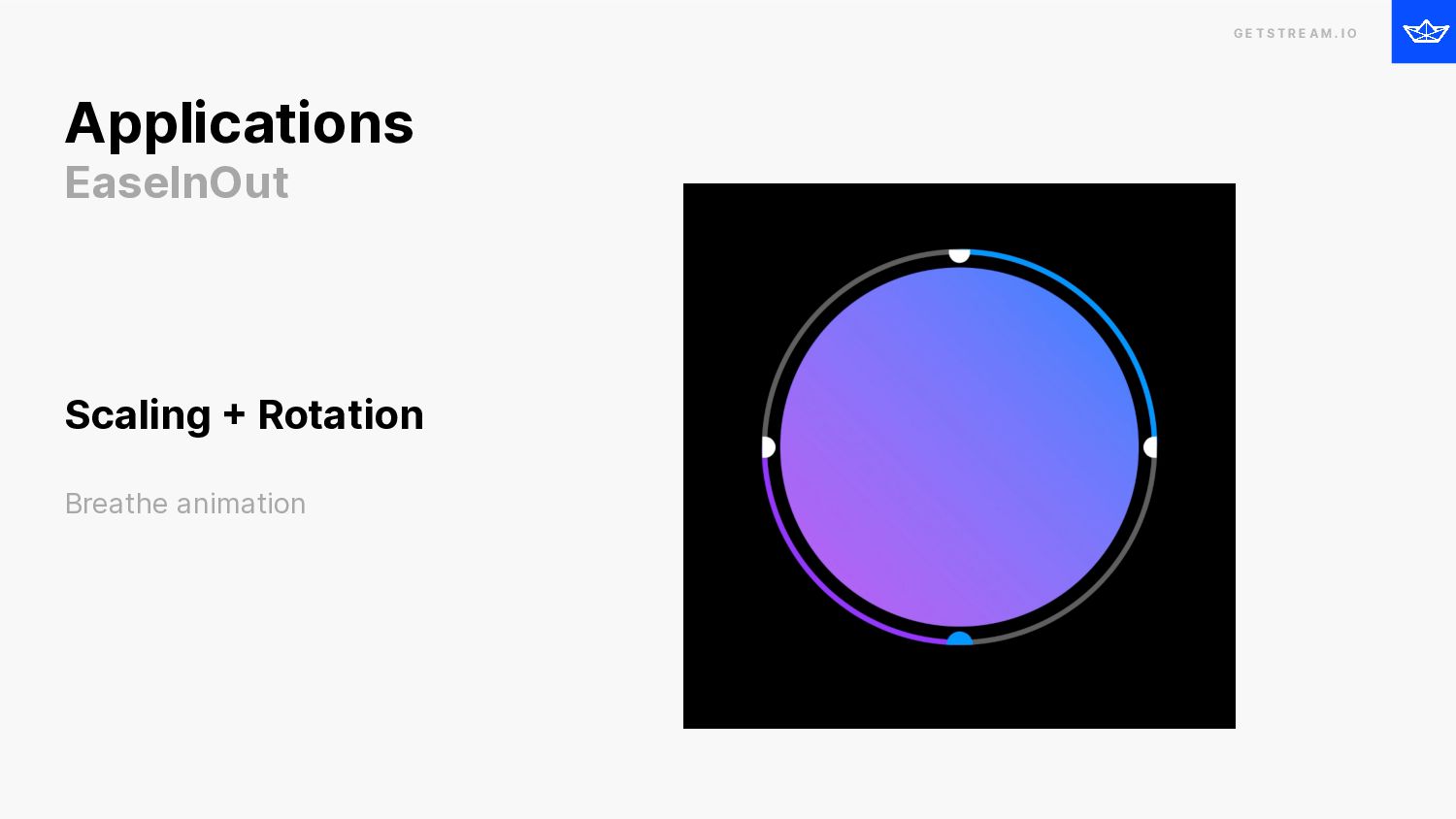
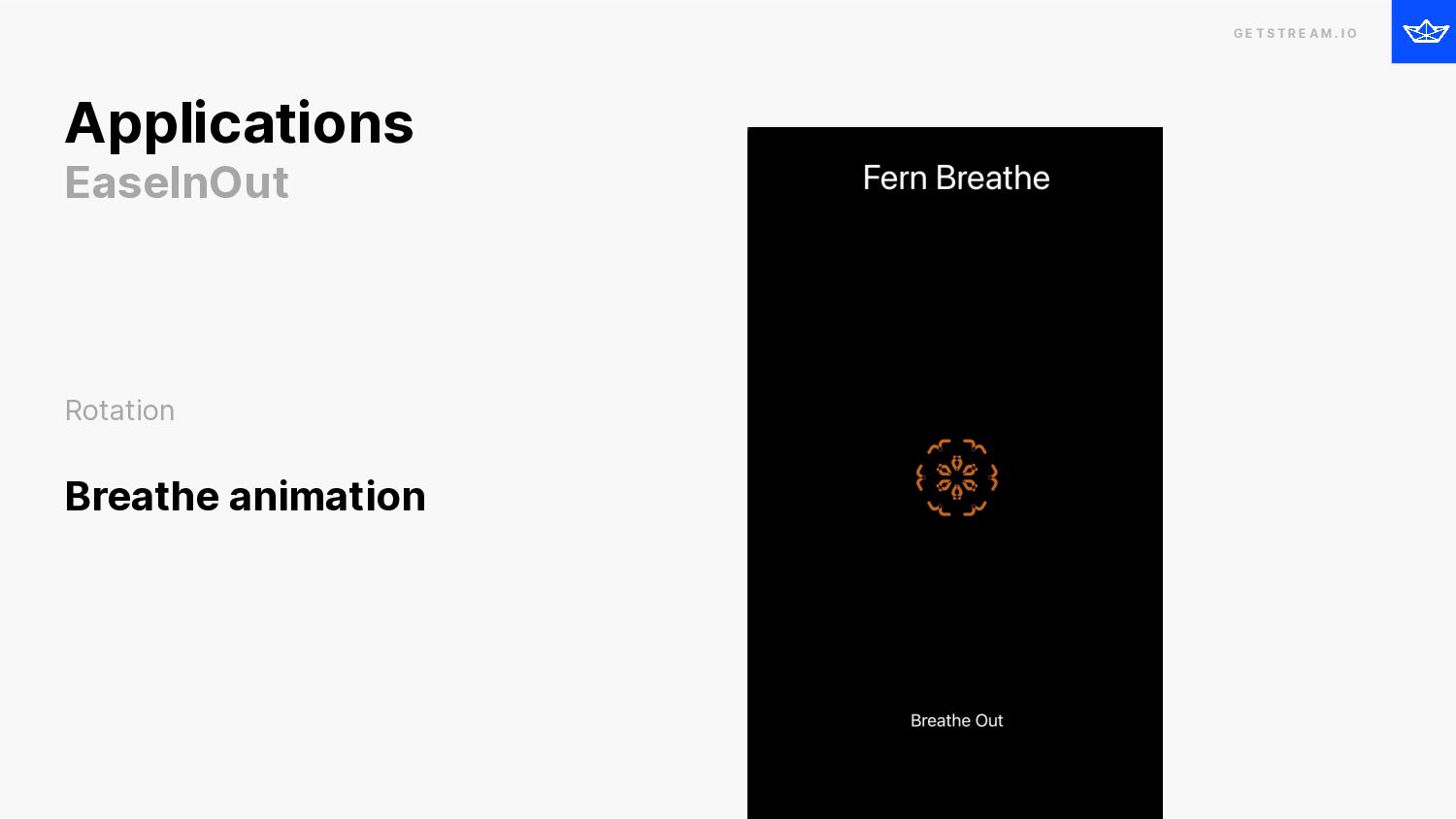
    I O Applications EaseInOut Scaling + Rotation Breathe animation
  51. G E T S T R E A M .

    I O Applications EaseInOut Rotation Breathe animation
  52. GETSTREAM.IO G E T S T R E A M

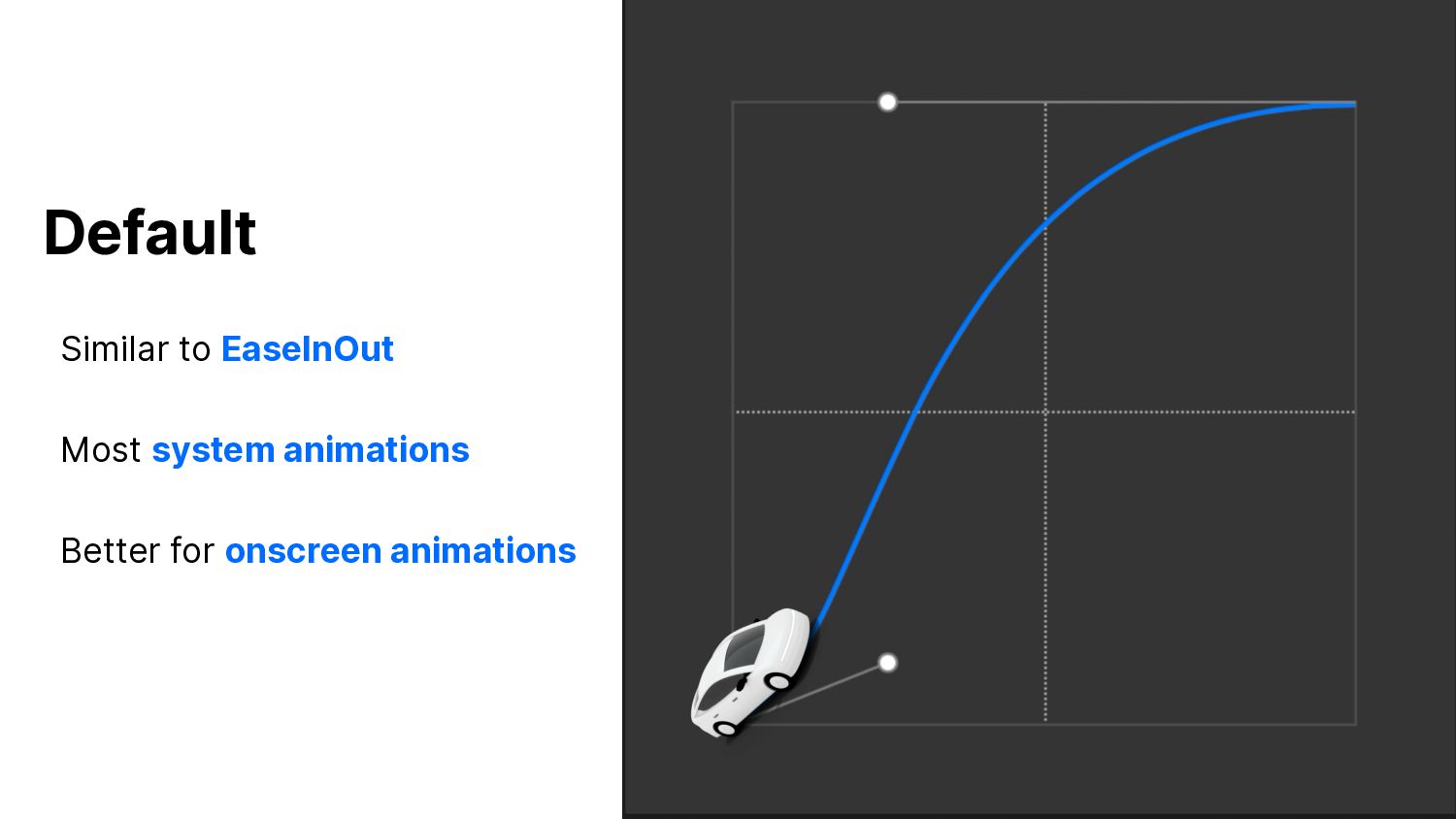
    . I O Default Similar to EaseInOut Most system animations Better for onscreen animations
  53. G E T S T R E A M .

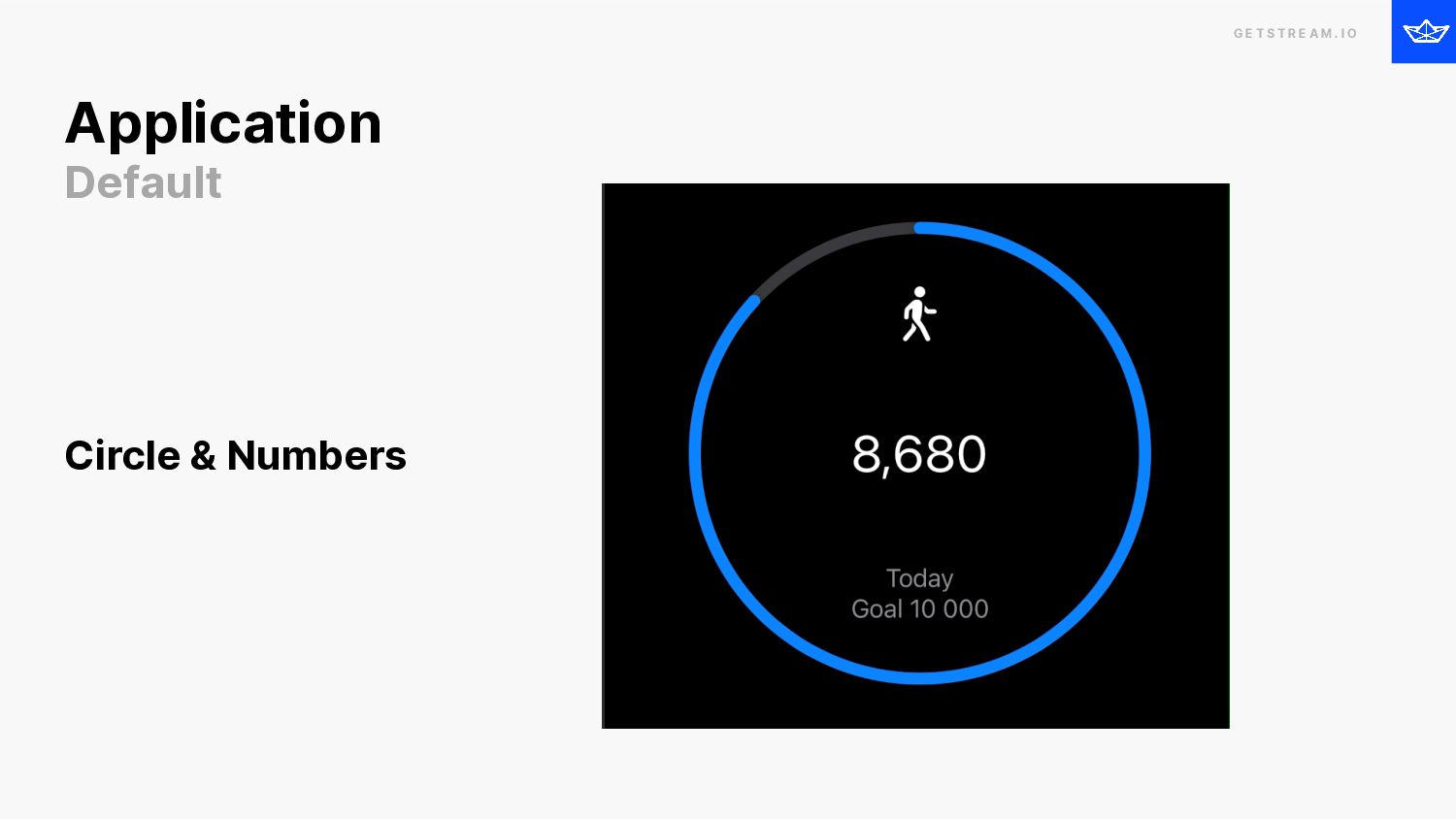
    I O Application Default Circle & Numbers
  54. GETSTREAM.IO G E T S T R E A M

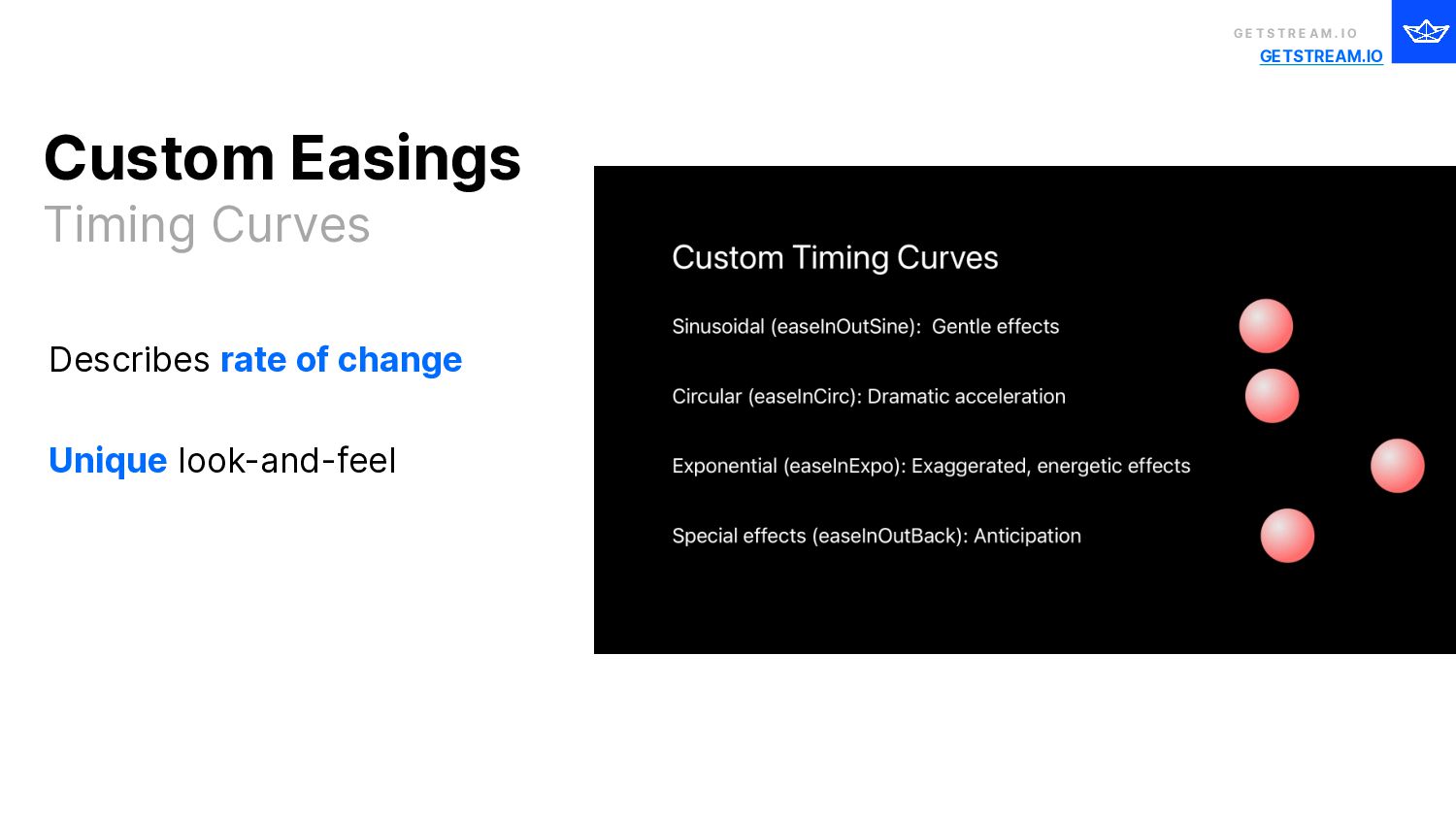
    . I O Describes rate of change Unique look-and-feel Custom Easings Timing Curves
  55. G E T S T R E A M .

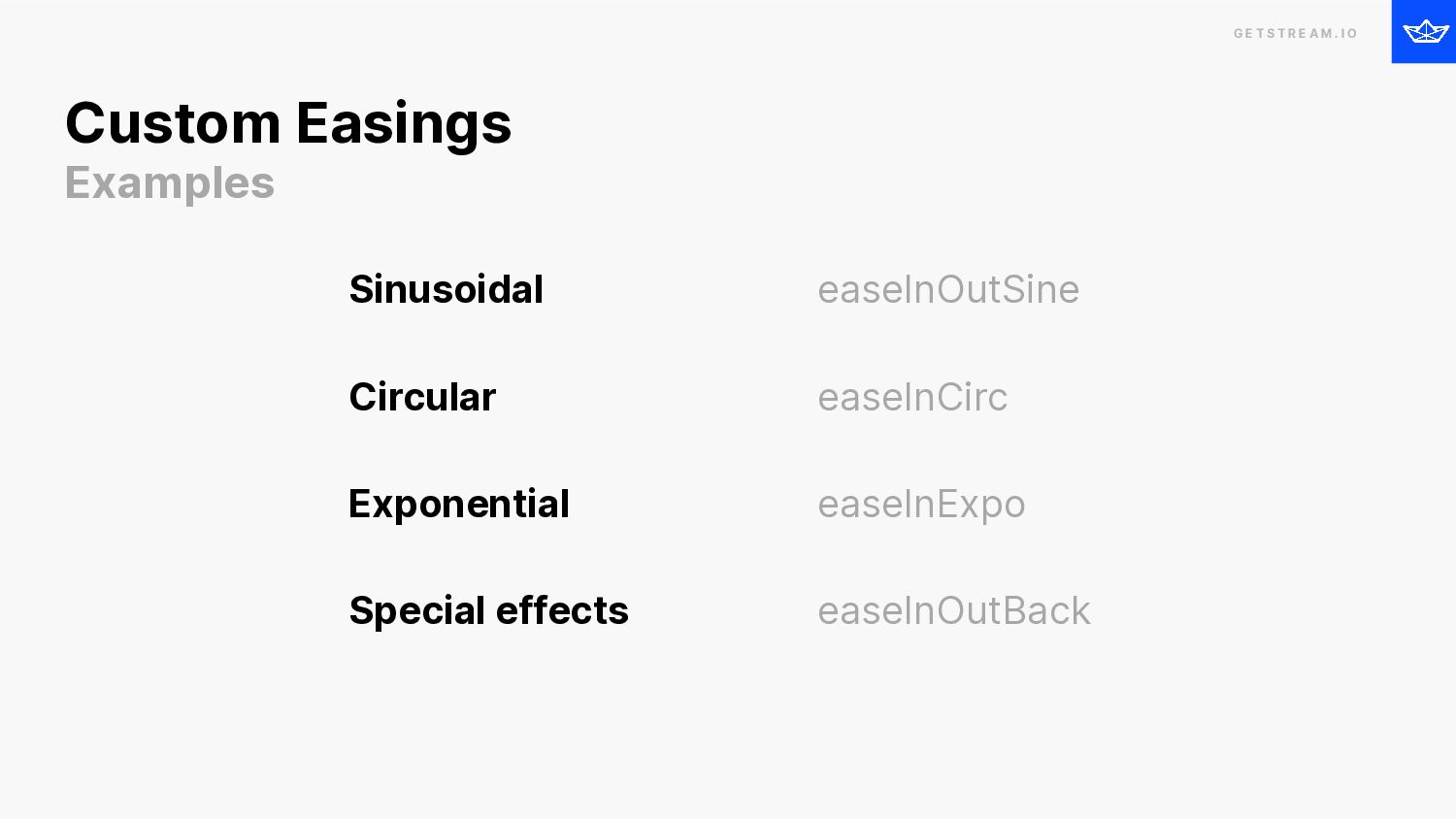
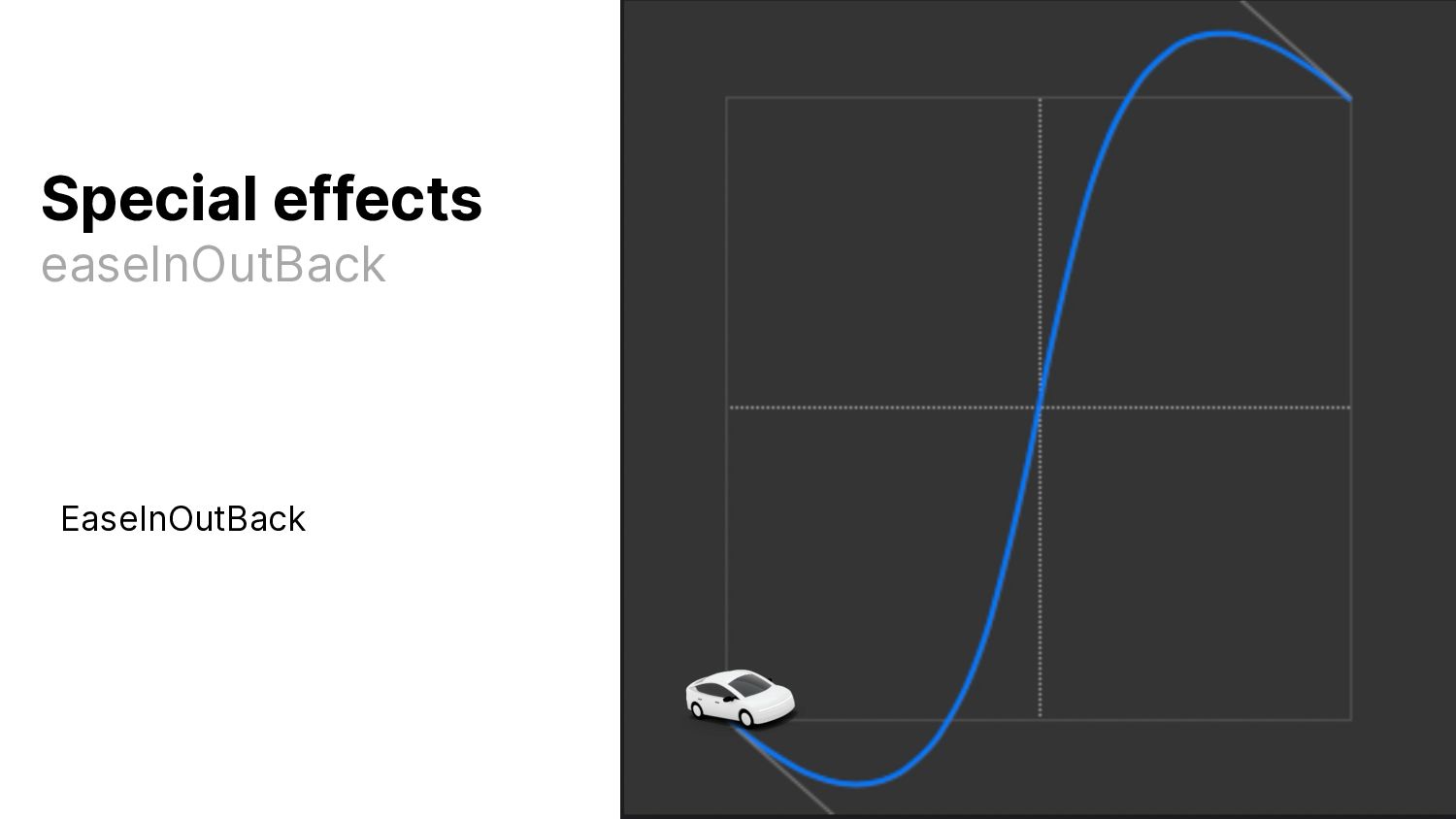
    I O Sinusoidal Circular Exponential Special effects easeInOutSine easeInCirc easeInExpo easeInOutBack Custom Easings Examples
  56. GETSTREAM.IO G E T S T R E A M

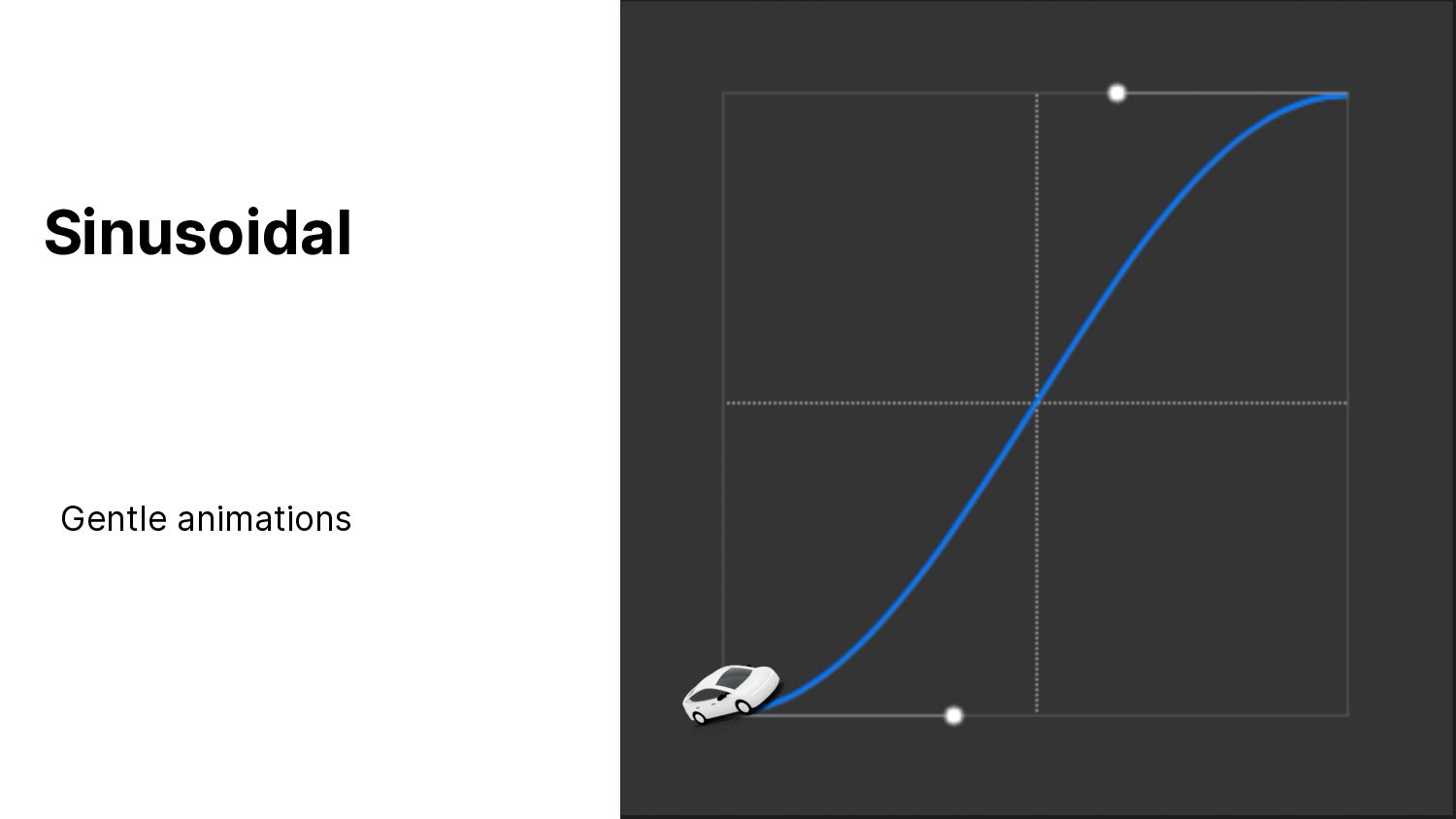
    . I O Sinusoidal Gentle animations
  57. GETSTREAM.IO G E T S T R E A M

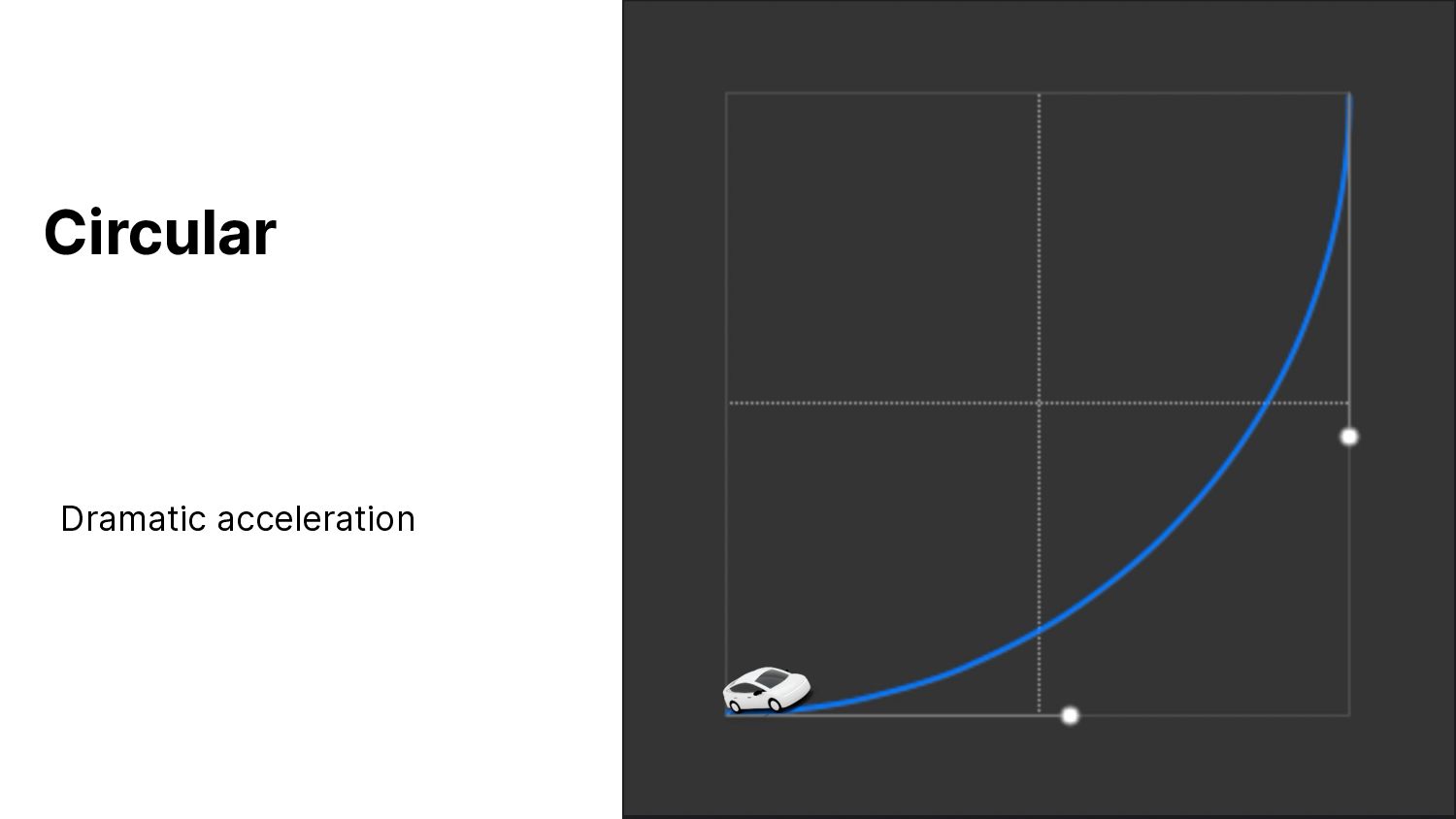
    . I O Circular Dramatic acceleration
  58. GETSTREAM.IO G E T S T R E A M

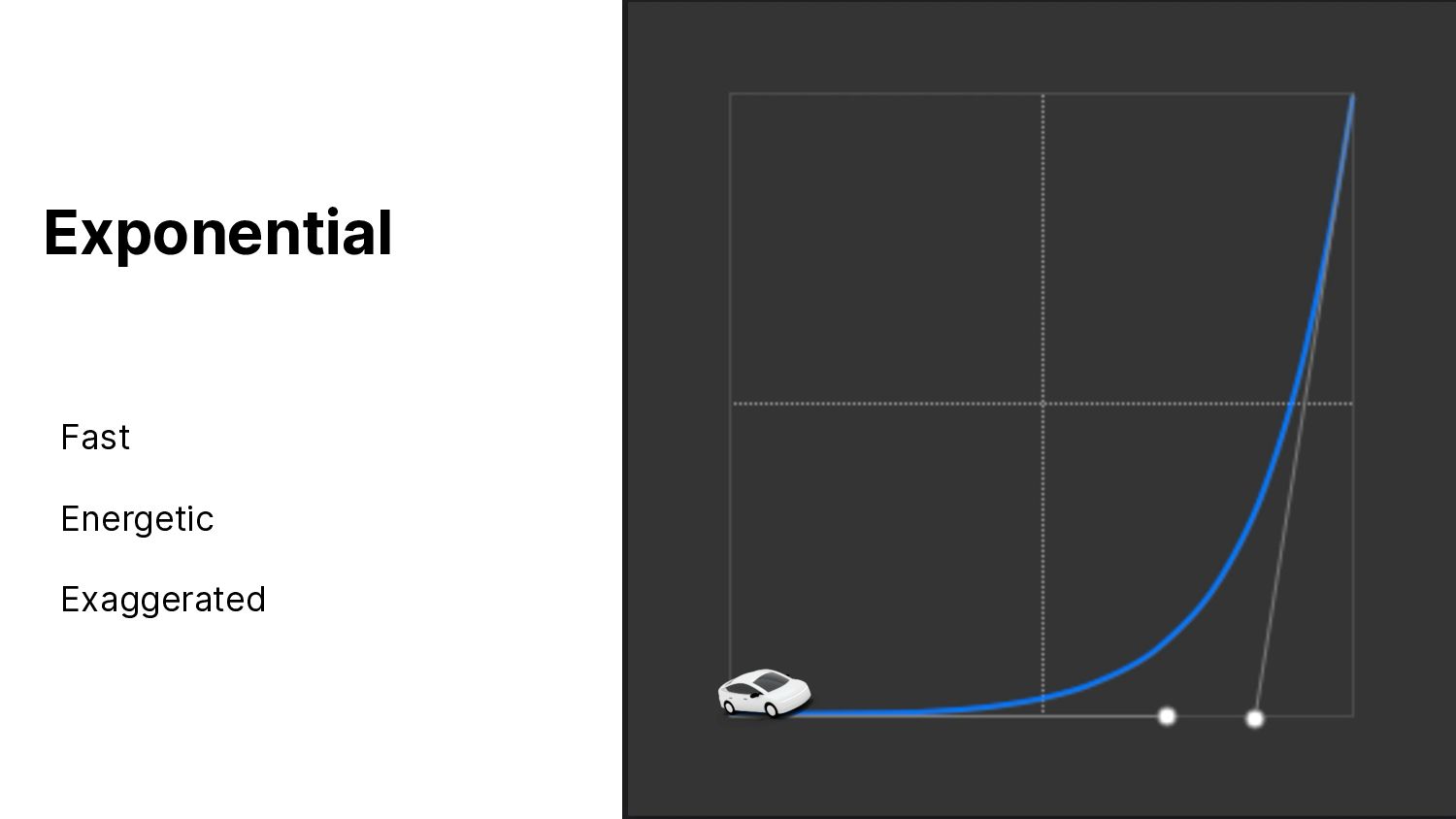
    . I O Exponential Fast Energetic Exaggerated
  59. GETSTREAM.IO G E T S T R E A M

    . I O EaseInOutBack Special effects easeInOutBack
  60. GETSTREAM.IO G E T S T R E A M

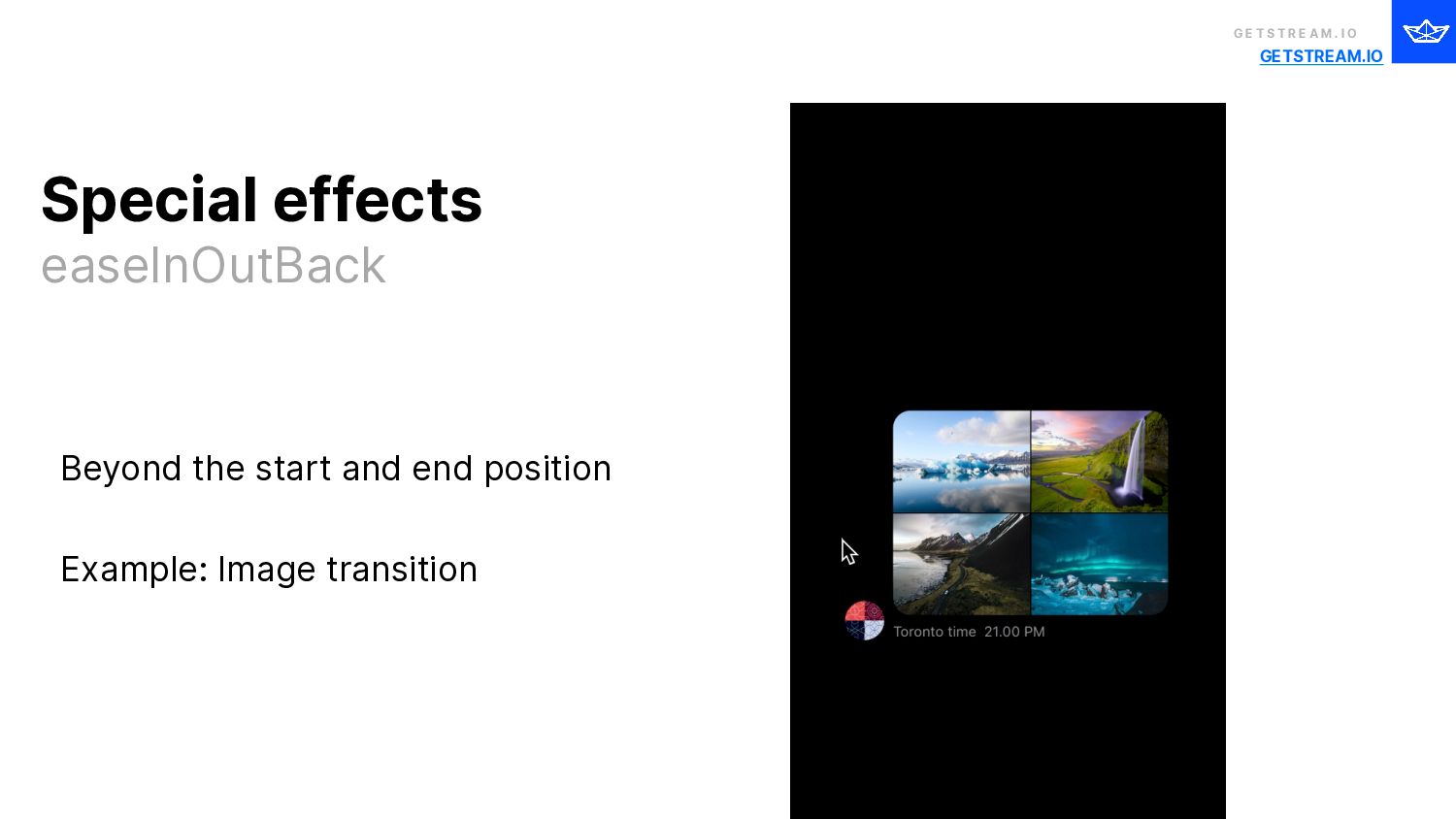
    . I O Beyond the start and end position Example: Image transition Special effects easeInOutBack
  61. G E T S T R E A M .

    I O ⚠ Shameless promo
  62. GETSTREAM.IO G E T S T R E A M

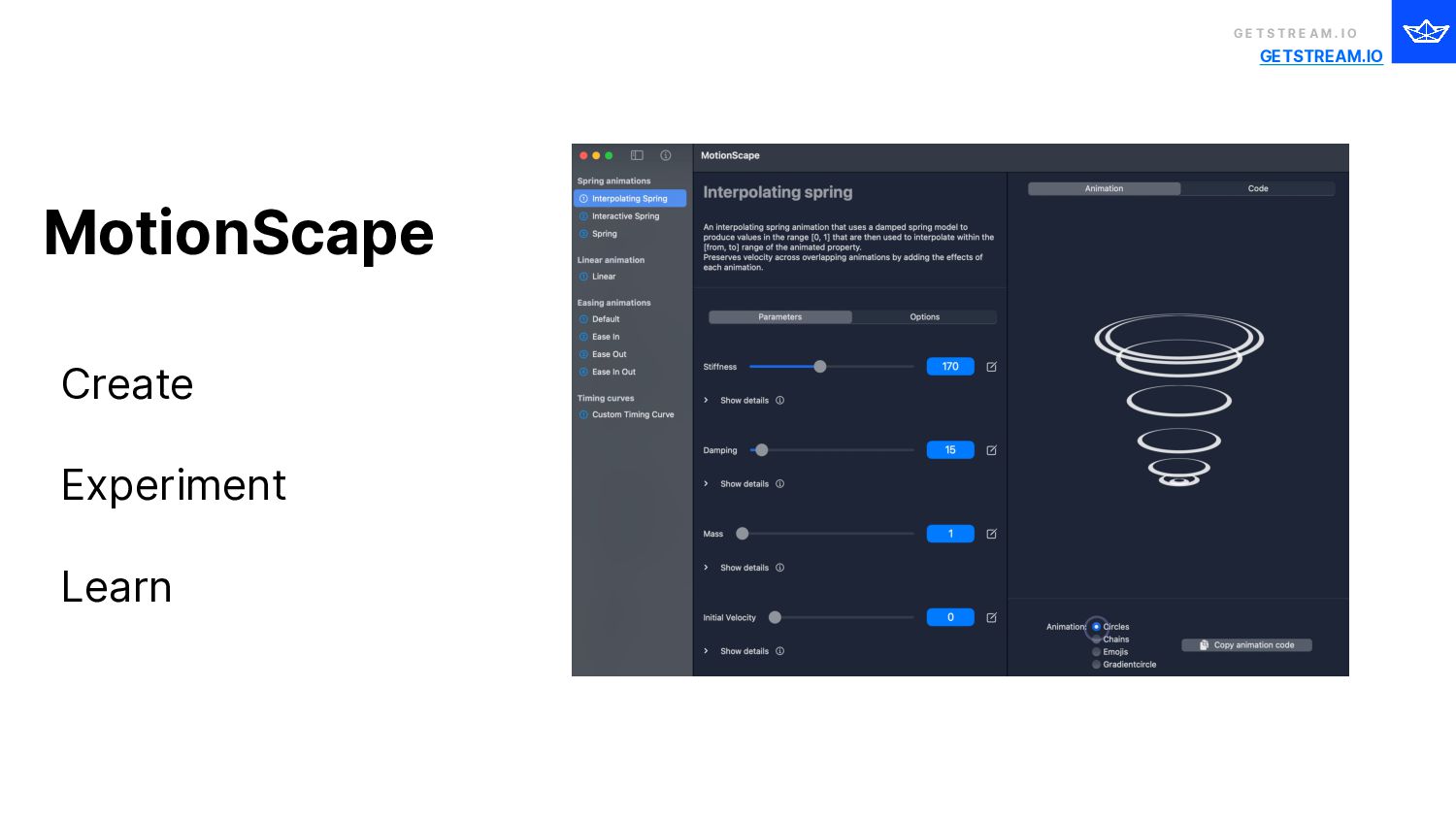
    . I O Create Experiment Learn MotionScape
  63. G E T S T R E A M .

    I O Timing and Pacing Mass and Weight
  64. G E T S T R E A M .

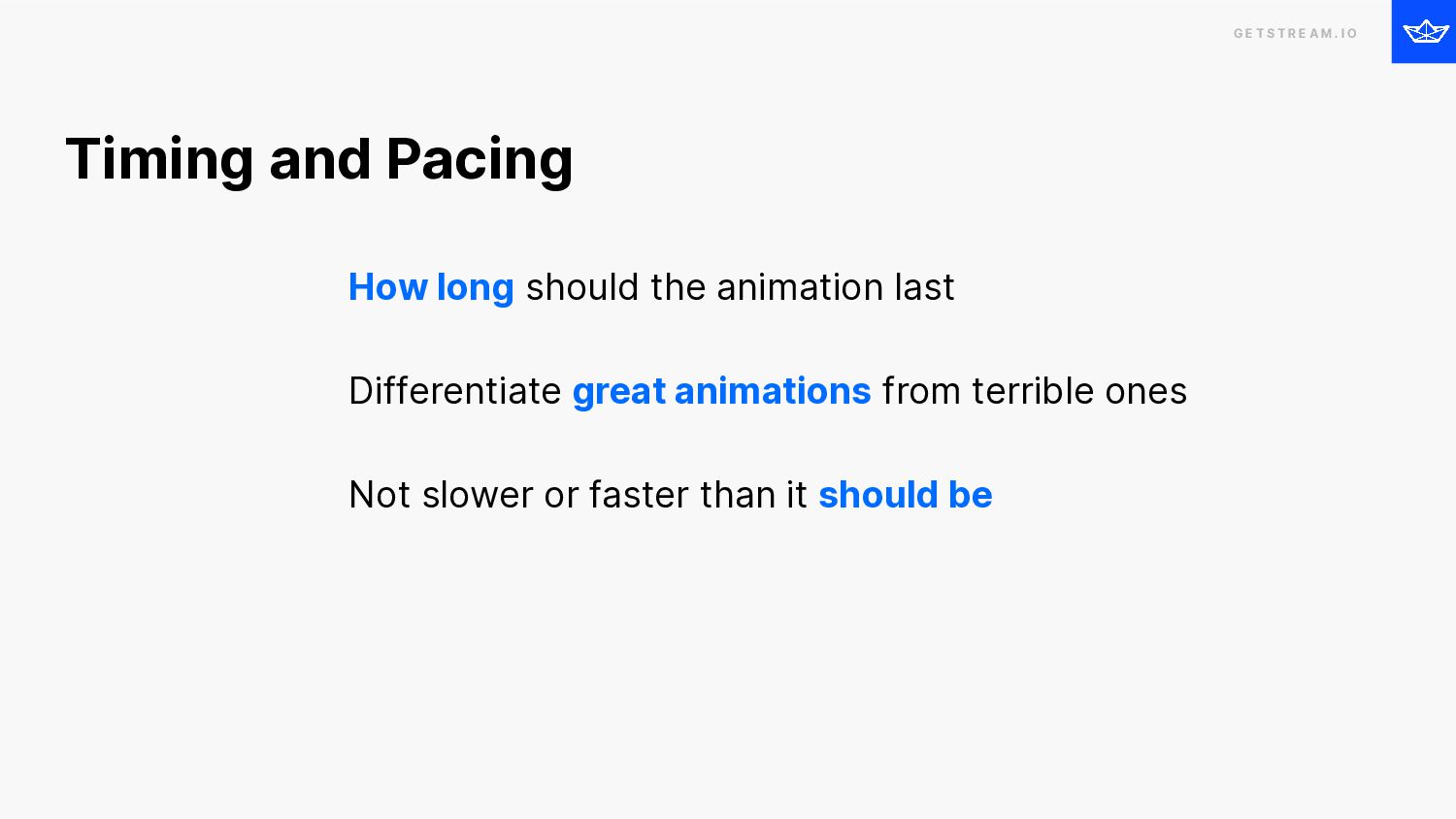
    I O How long should the animation last Differentiate great animations from terrible ones Not slower or faster than it should be Timing and Pacing
  65. G E T S T R E A M .

    I O It depends… 😤
  66. G E T S T R E A M .

    I O It depends…BUT 🥰
  67. GETSTREAM.IO G E T S T R E A M

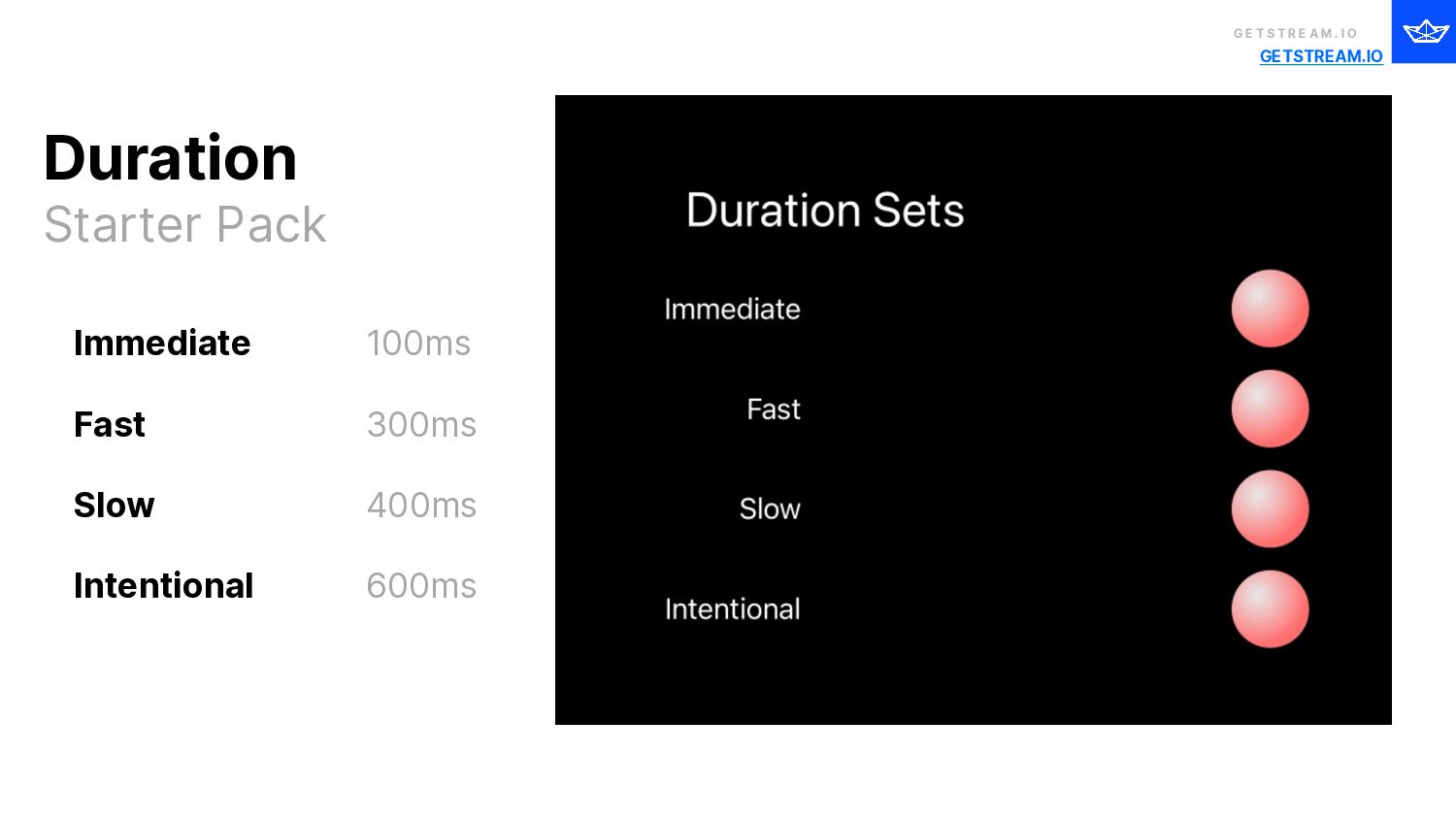
    . I O Immediate Fast Slow Intentional 100ms 300ms 400ms 600ms Duration Starter Pack
  68. G E T S T R E A M .

    I O Timing and Pacing Mass and Weight
  69. G E T S T R E A M .

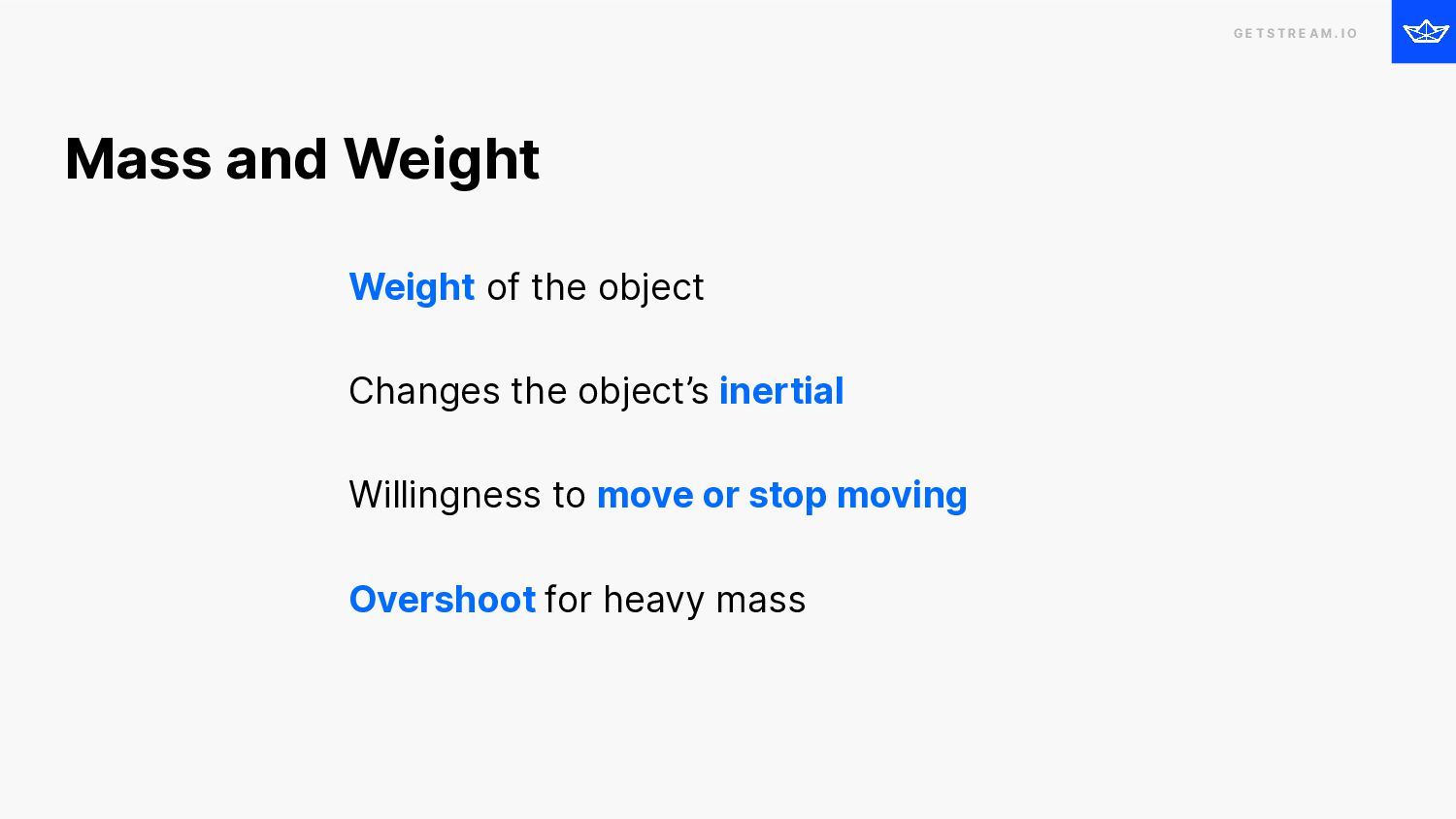
    I O Weight of the object Changes the object’s inertial Willingness to move or stop moving Overshoot for heavy mass Mass and Weight
  70. G E T S T R E A M .

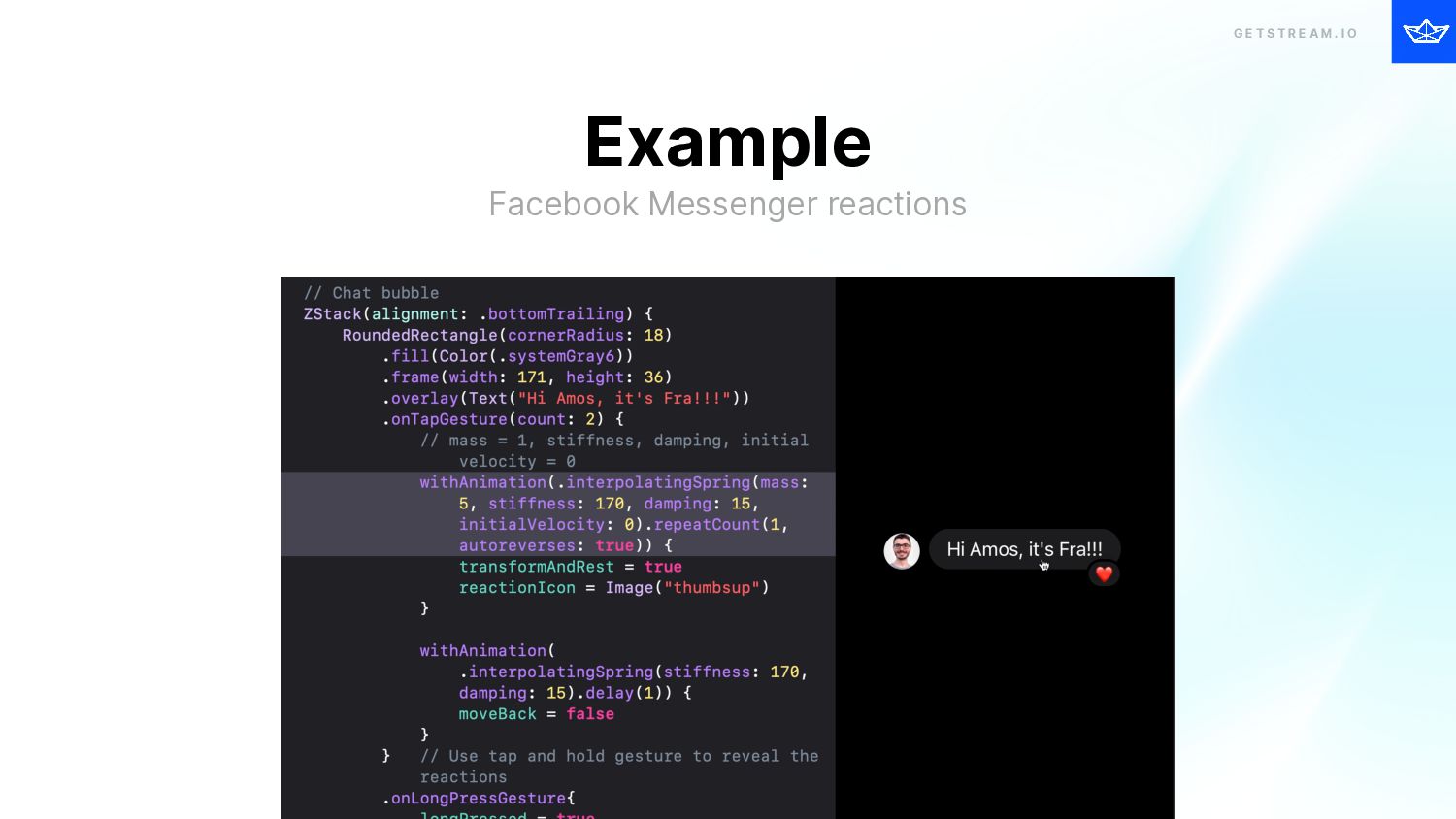
    I O Example Facebook Messenger reactions
  71. G E T S T R E A M .

    I O Best Practices i O S A N I M AT I O N S
  72. G E T S T R E A M .

    I O Nimble and Precise Accessibility Guidelines Reduce motion System Components
  73. G E T S T R E A M .

    I O Convey information more effectively Do not keep users waiting longer Example: Loaders should not run forever Food delivery example Animations should be nimble and precise
  74. G E T S T R E A M .

    I O Screen flashing can cause headache and seizure People may think the app is frozen or sluggish Excessive motion can cause discomfort, dizziness Example: Parallax, sliding animations Follow basic accessibility guidelines
  75. G E T S T R E A M .

    I O Ability to turn off animations and motion effects How it works: Dissolve effect instead of zoom/slide. Disables parallax effects, wallpapers animation, etc Exposed via Environment variable (accessibilityReduceMotion) Reduce motion
  76. G E T S T R E A M .

    I O Excellent Examples iOS Weather app Weather animations disabled when reduce motion is on. iOS Messages app Ability to set full-screen message effects on/off Reduce motion
  77. G E T S T R E A M .

    I O Settings 
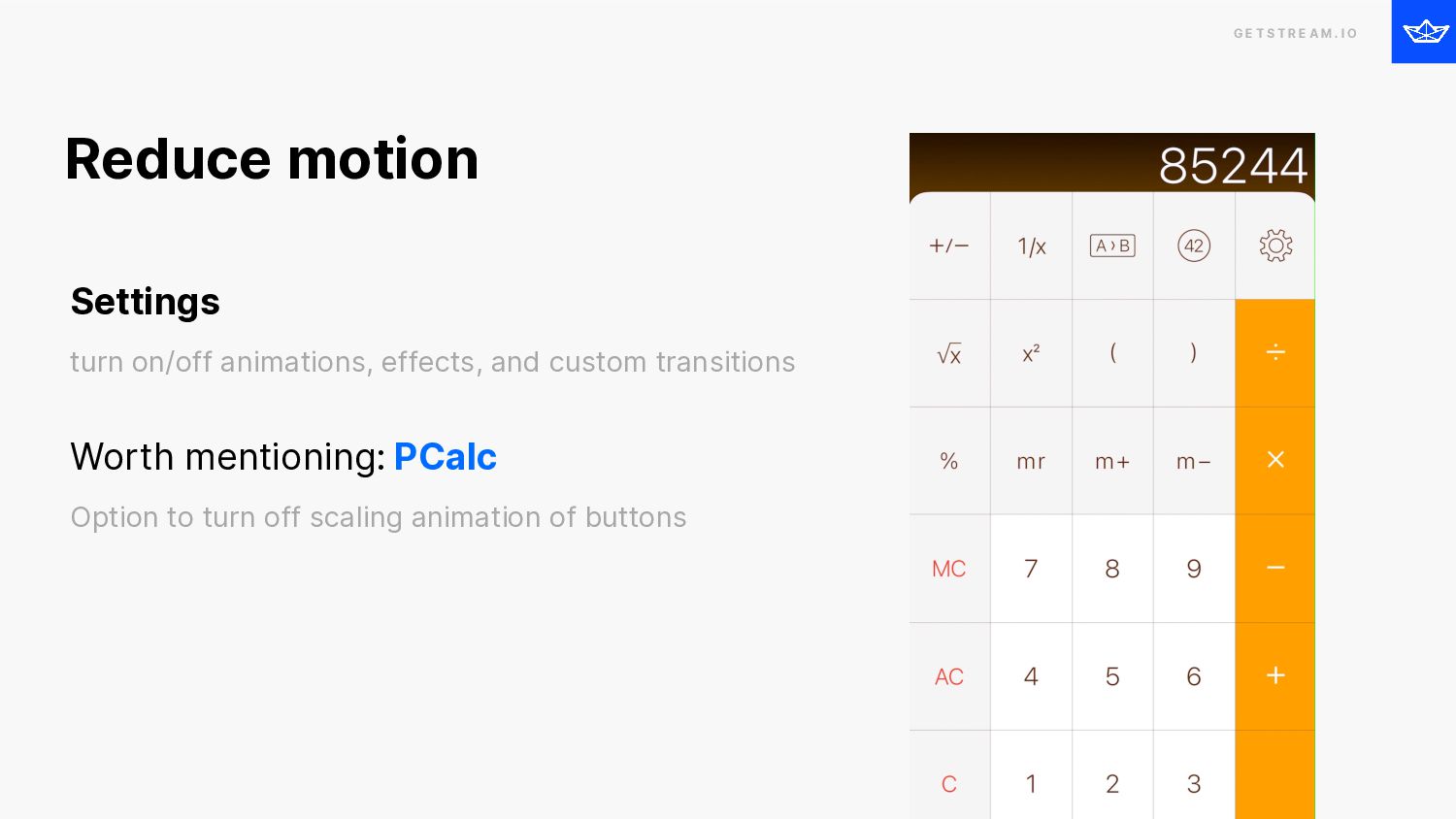
 turn on/off animations, effects, and custom transitions Worth mentioning: PCalc 
 Option to turn off scaling animation of buttons Reduce motion
  78. G E T S T R E A M .

    I O Already include motion Familiar and consistent UX Need custom motion? ❌ overwhelm users 😵💫 keep users oriented 🙋 feedback to user’s actions Use System Components
  79. G E T S T R E A M .

    I O Recap Most important principles i O S A N I M AT I O N S
  80. G E T S T R E A M .

    I O Follow basic accessibility guidelines Reduce Motion 
 Turning off animation and motion effects Recap Accessibility
  81. G E T S T R E A M .

    I O Helps to convey information more effectively ❌ Keep users waiting longer than they should. Recap Nimble and precise animations
  82. G E T S T R E A M .

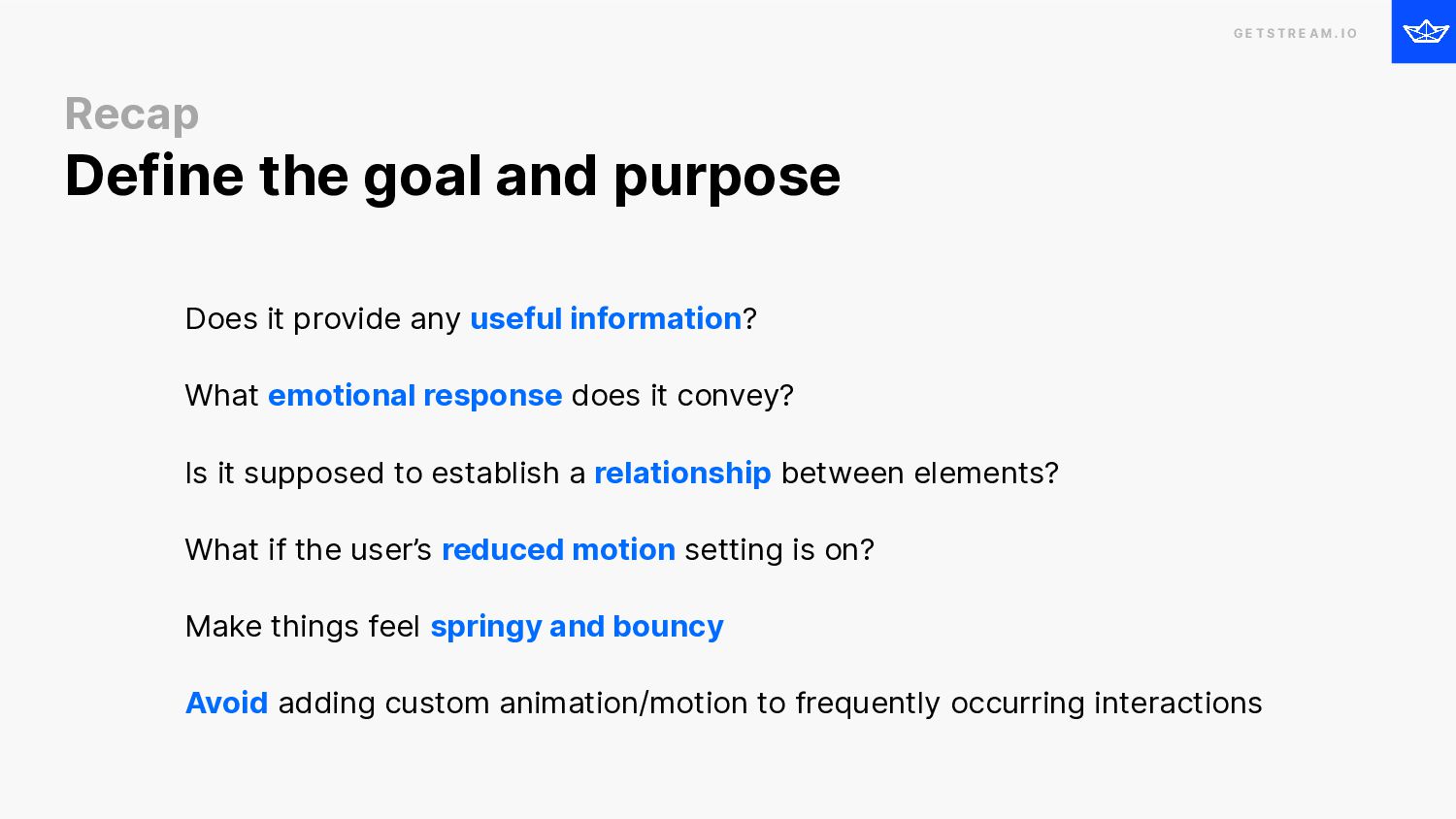
    I O Does it provide any useful information? What emotional response does it convey? Is it supposed to establish a relationship between elements? What if the user’s reduced motion setting is on? Make things feel springy and bouncy Avoid adding custom animation/motion to frequently occurring interactions Recap Define the goal and purpose
  83. G E T S T R E A M .

    I O Think before you animate
  84. G E T S T R E A M .

    I O Where do I go from here? Github repos Purposeful iOS Animations SwiftUI Spring Animations Cheat Sheet Stream SwiftUI Animation SwiftUI Animation Challenges MotionScape
  85. G E T S T R E A M .

    I O References Human Interface Guidelines Principles of motion Animation choreography The Role of Animation and Motion in UX Motion sickness: Nausea Creating usability with motion Understanding the intuition of easing Reduce screen motion on Apple devices Responsive design for motion Easings.net
  86. G E T S T R E A M .

    I O Thank You.