Upgrade to Pro — share decks privately, control downloads, hide ads and more …

Animations for everyone

Animations for everyone

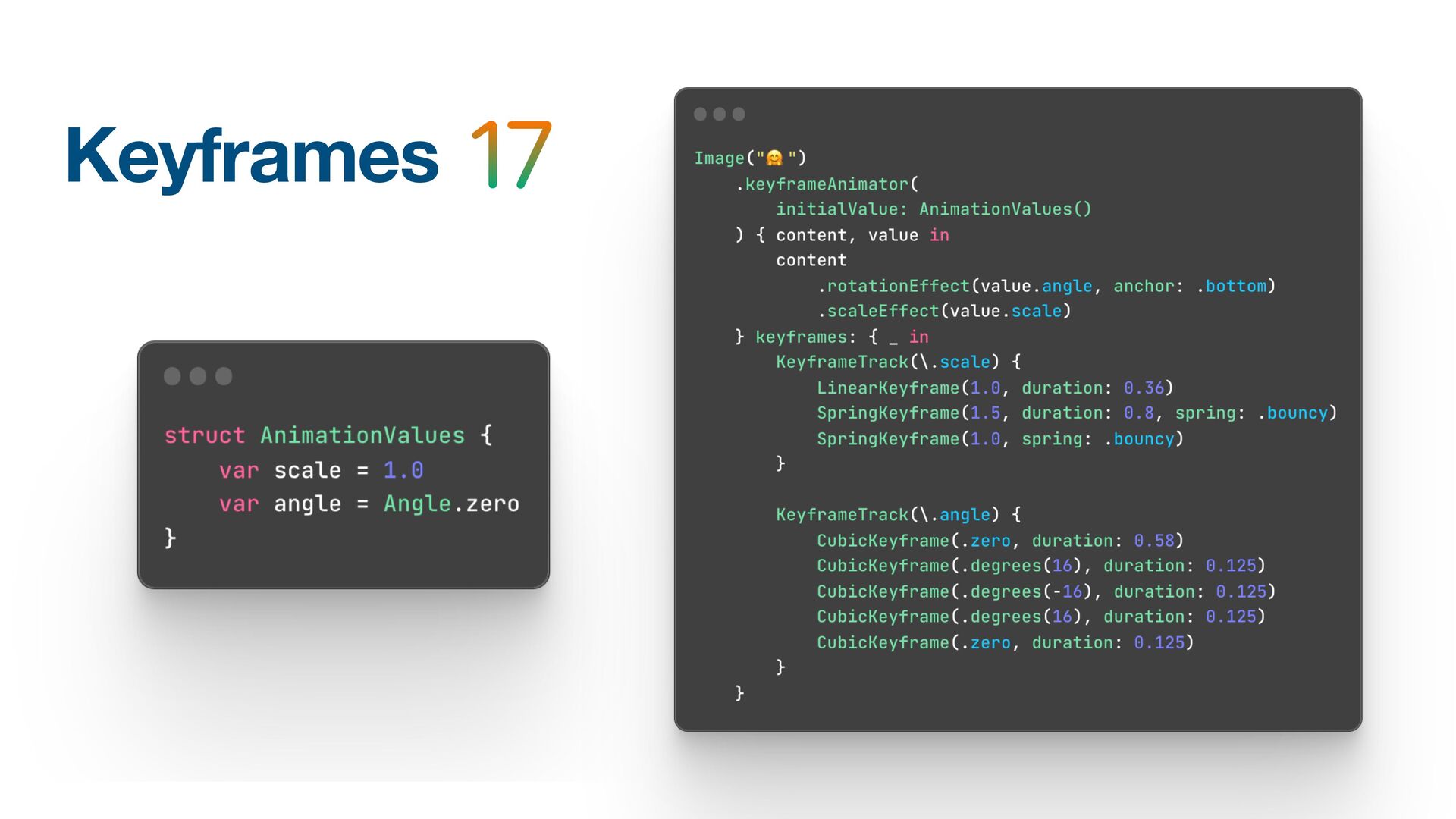
These are the slides for a talk I gave with my friend Amos at the Pragma Conference 2023 in Bologna, Italy.

We want to demonstrate how to perform animations in SwiftUI and simultaneously describe the importance of making them accessible to everyone.

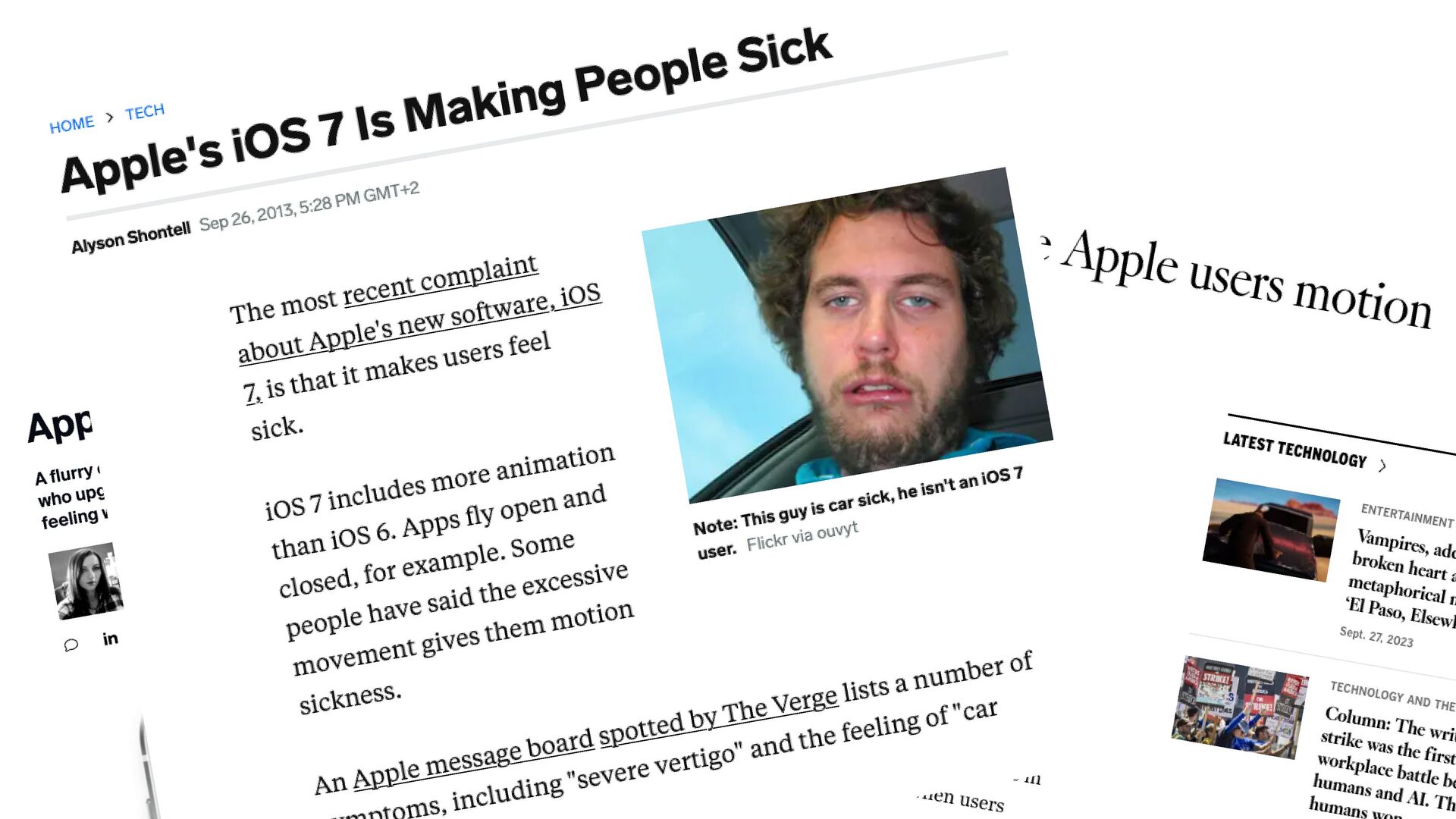
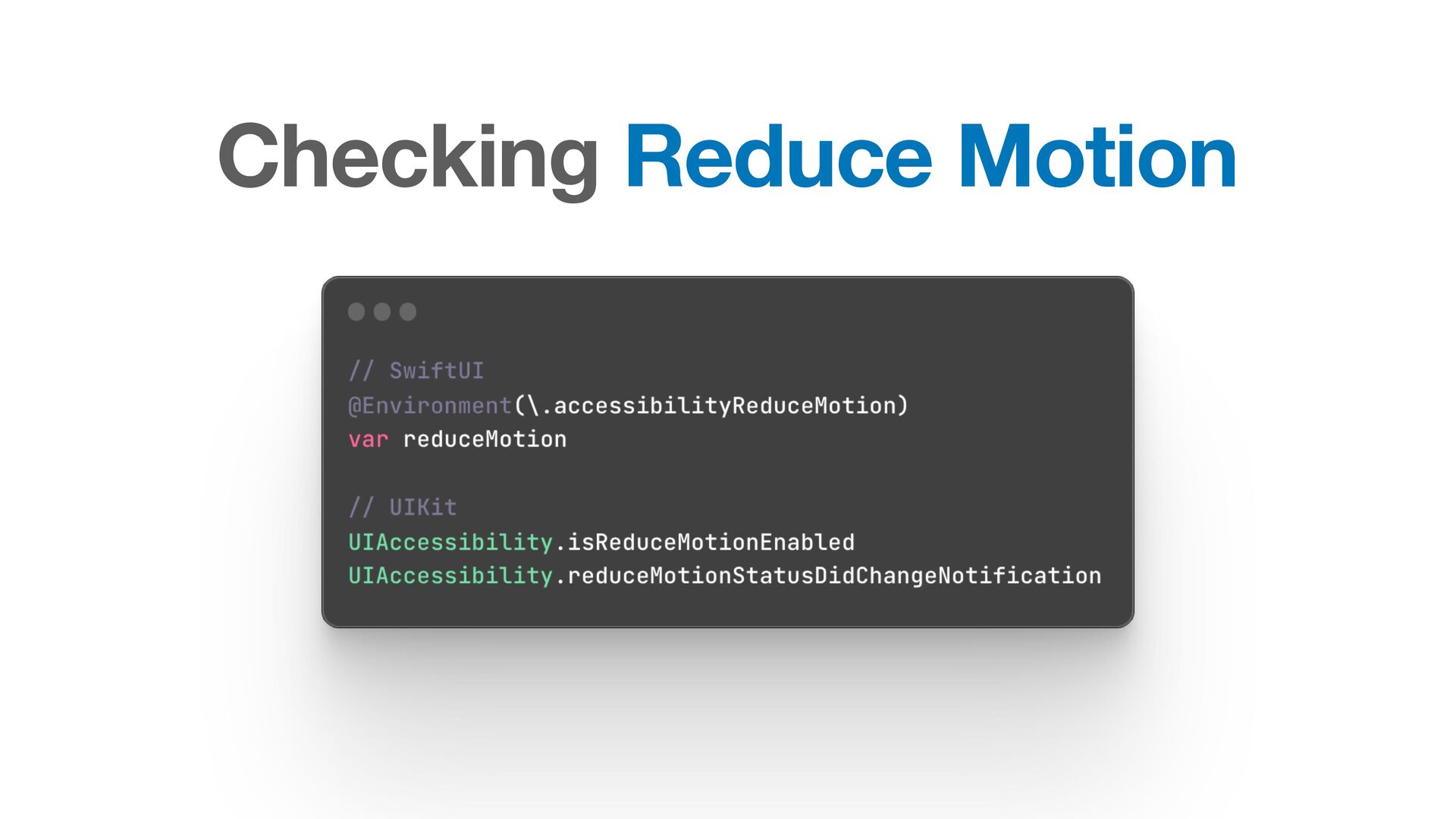
We talk about Motion Sickness and other issues and how we can use tooling like ReduceMotion, VoiceOver, and others to ensure our apps are delightful for everyone.

Avatar for Stefan Blos

Stefan Blos

October 07, 2023

More Decks by Stefan Blos

Other Decks in Programming

Transcript

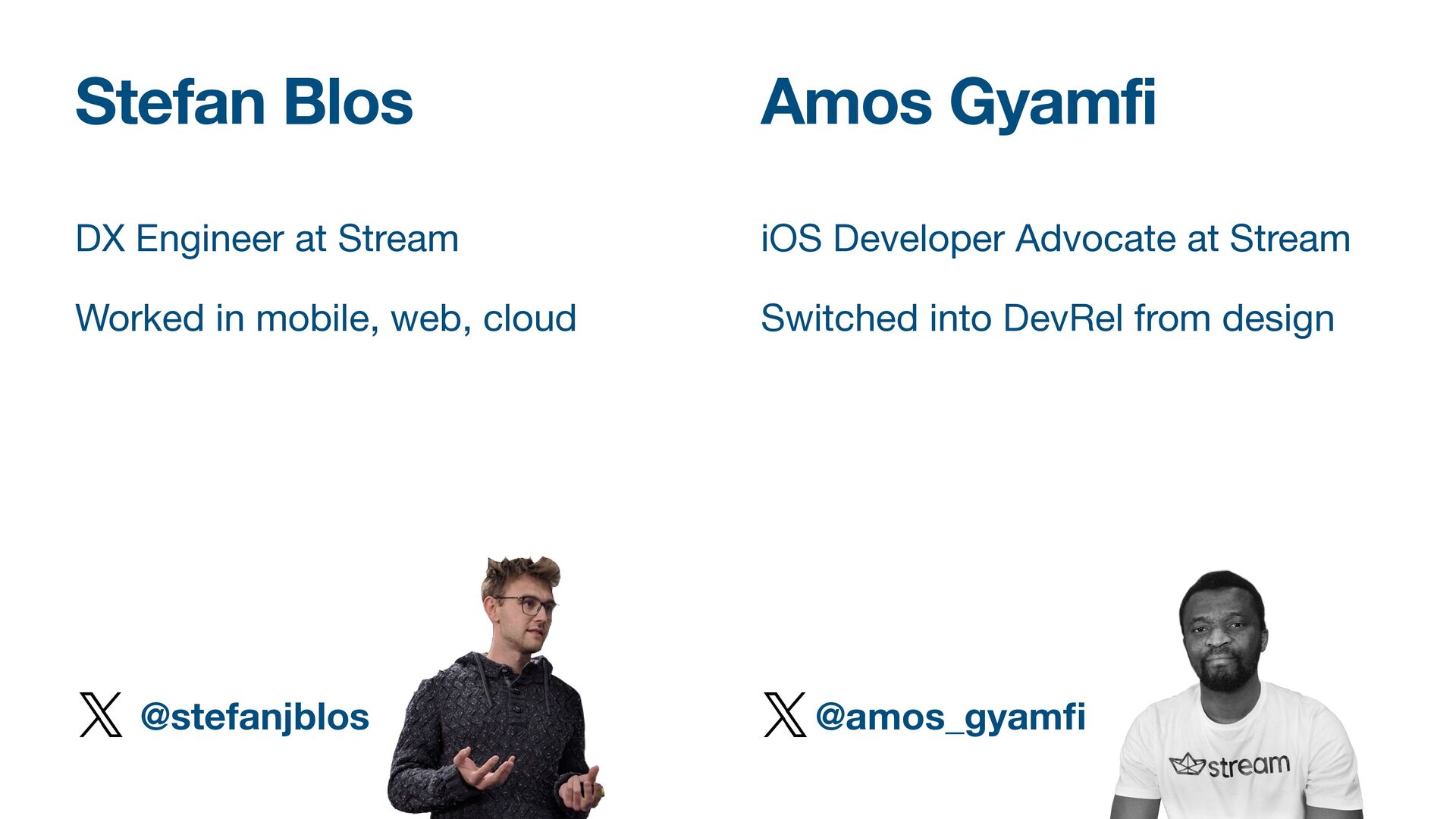
  1. Stefan Blos Amos Gyamfi DX Engineer at Stream Worked in

    mobile, web, cloud @stefanjblos iOS Developer Advocate at Stream Switched into DevRel from design @amos_gyam f
  2. Why are we here? We like nice animations We want

    to give you best practices We’ll talk about Accessibility We’ll show you (a lot of) examples
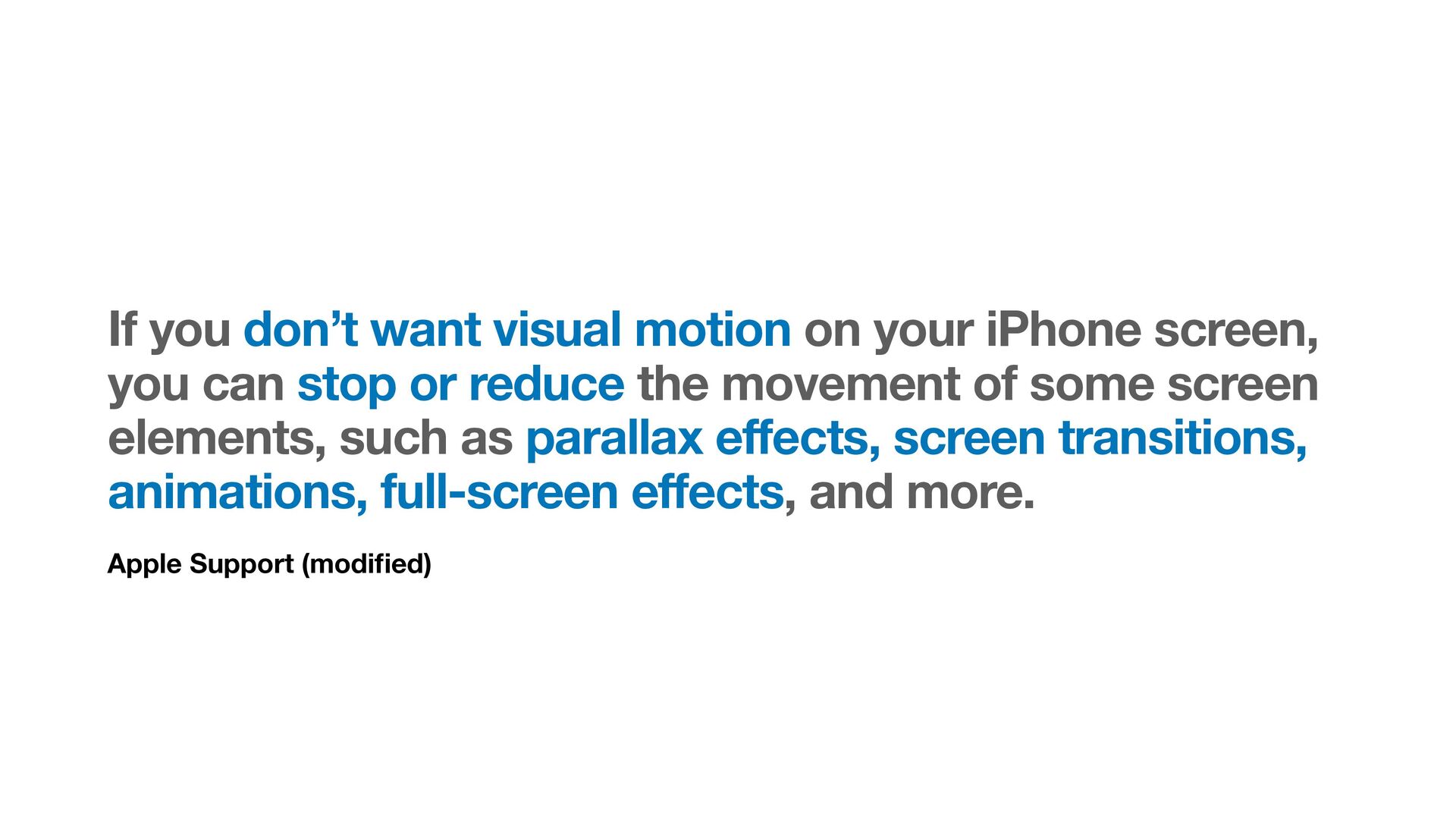
  3. Apple Support (modi fi ed) If you don’t want visual
    motion on your iPhone screen, you can stop or reduce the movement of some screen elements, such as parallax effects, screen transitions, animations, full-screen effects, and more.
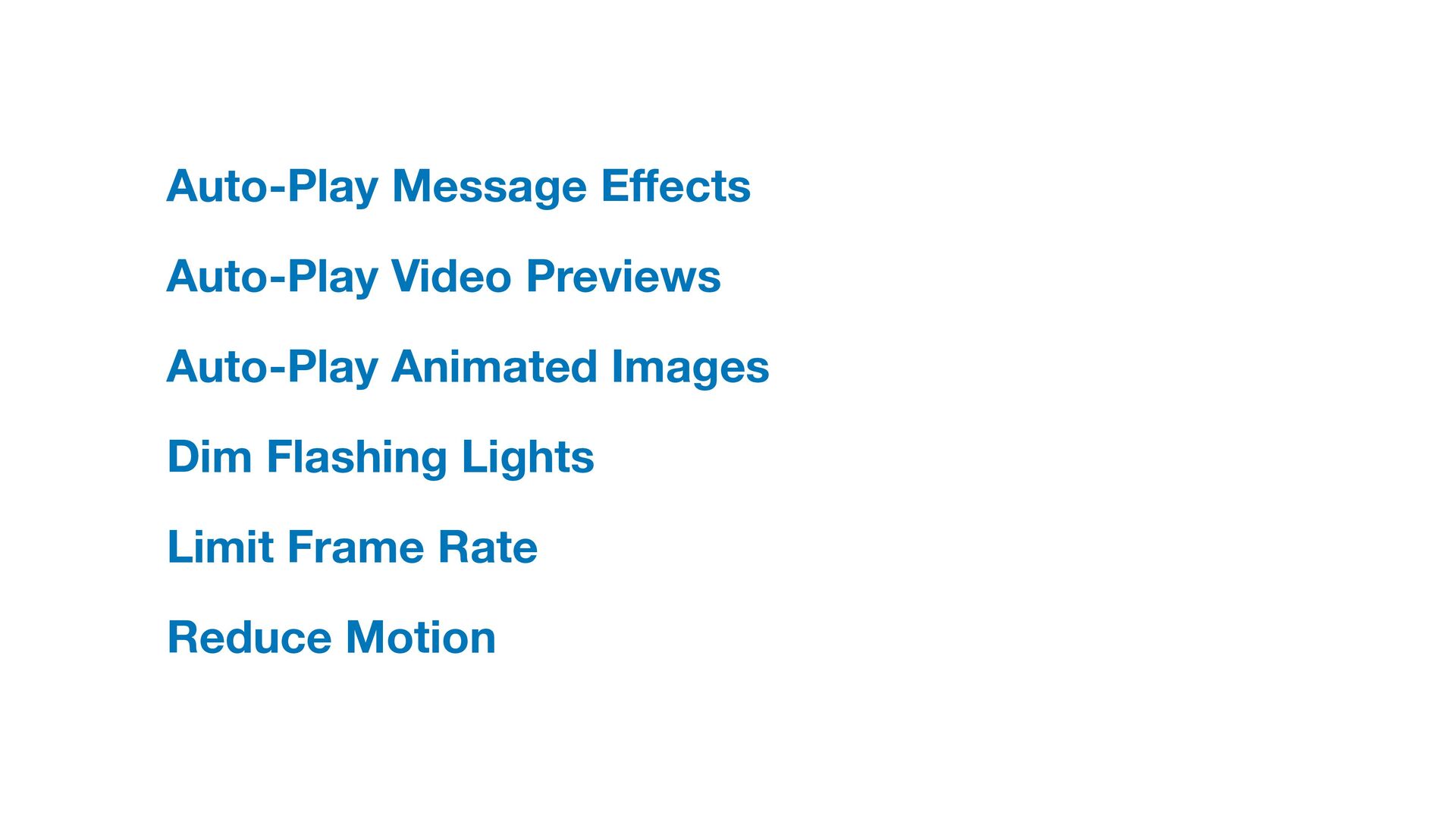
  4. Auto-Play Message E ff ects Auto-Play Video Previews Auto-Play Animated

    Images Dim Flashing Lights Limit Frame Rate Reduce Motion
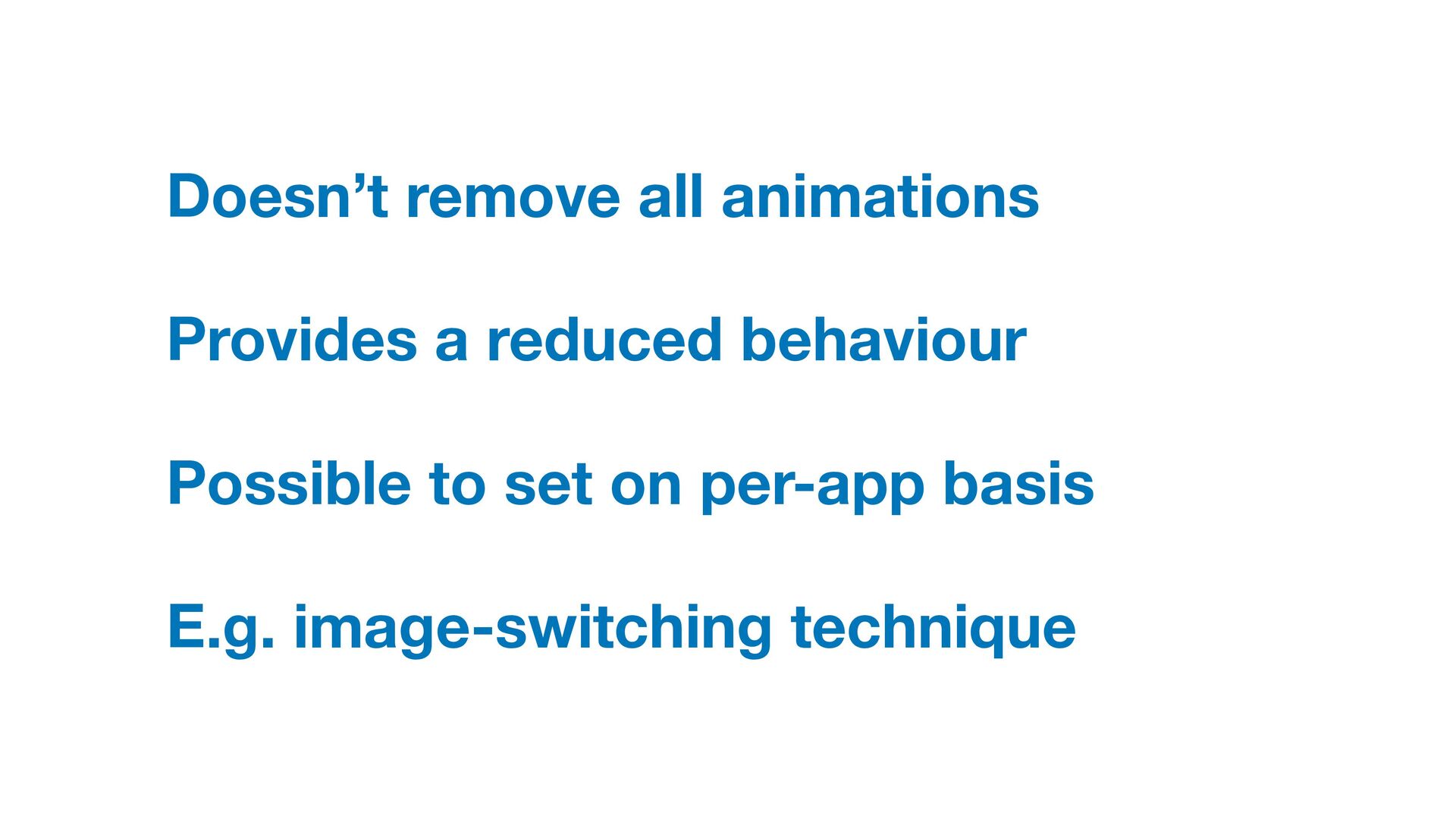
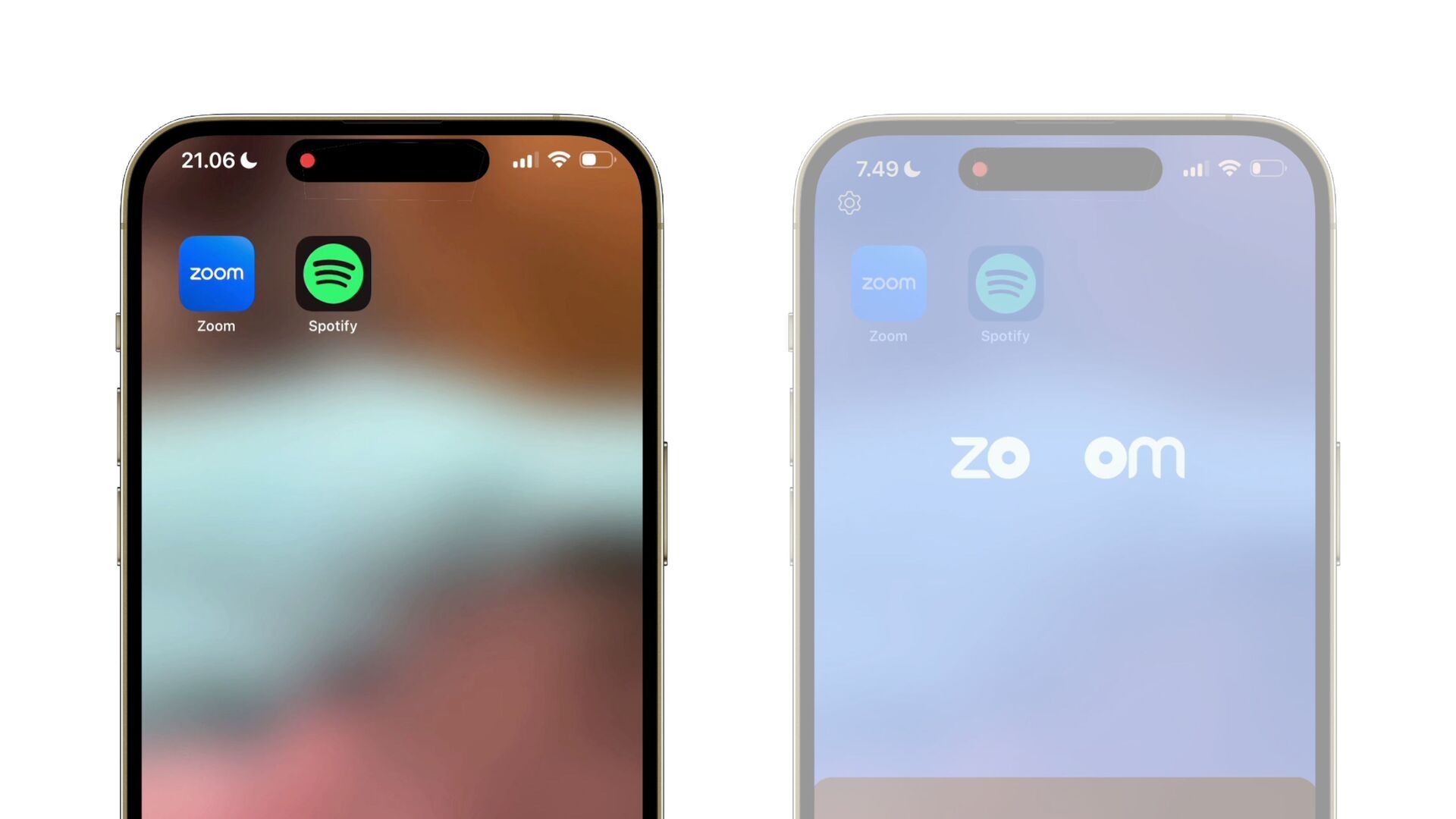
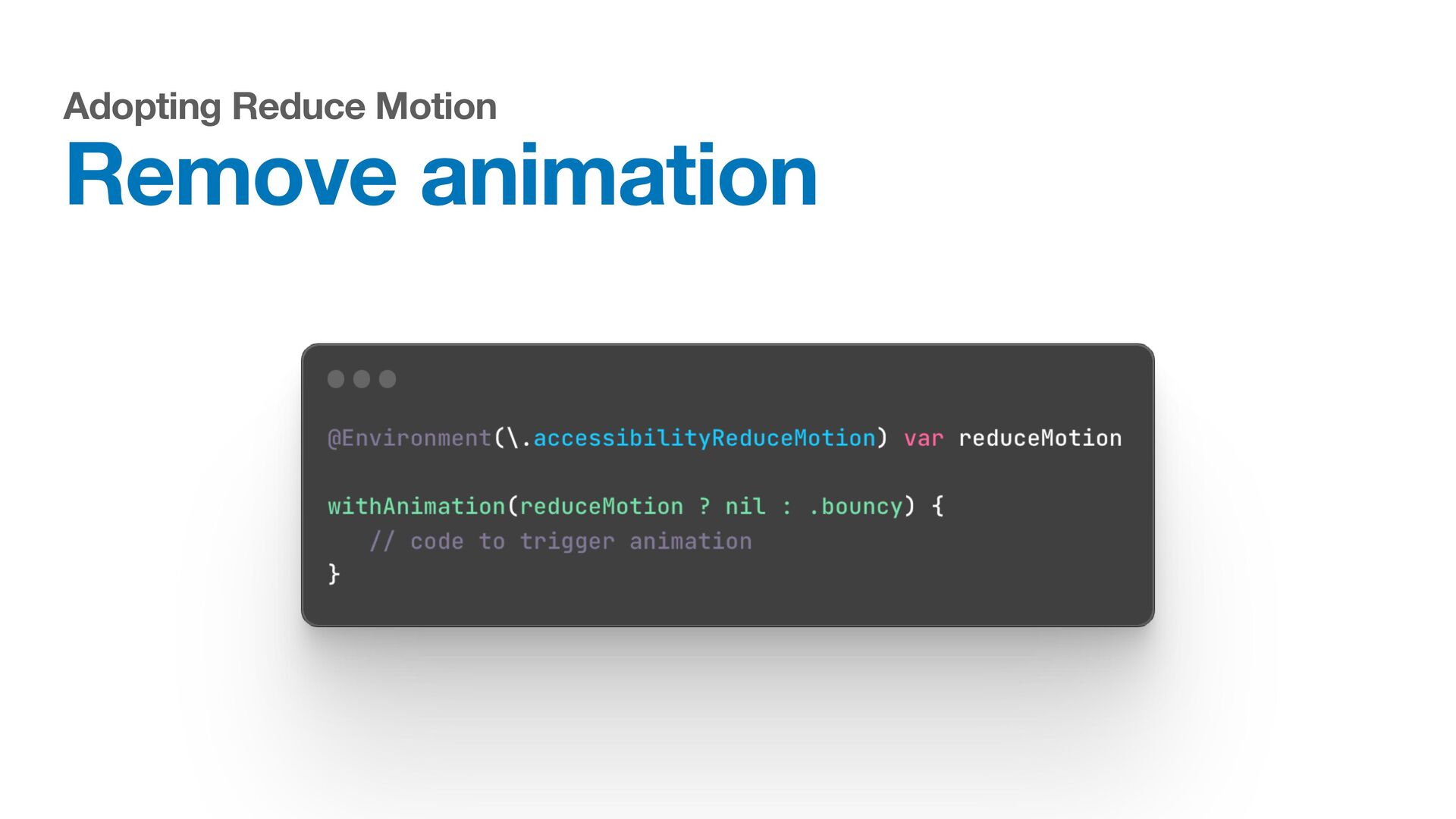
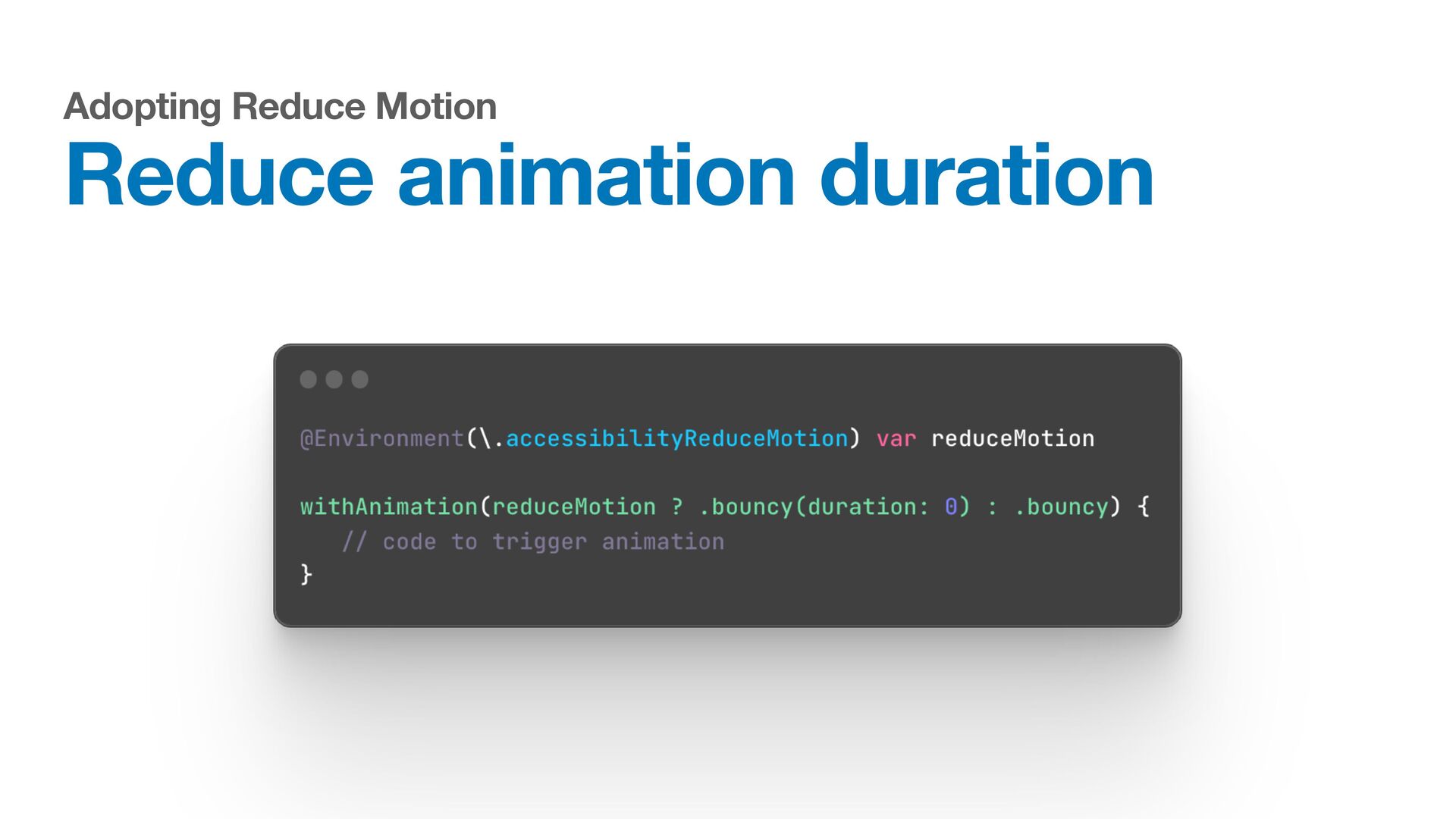
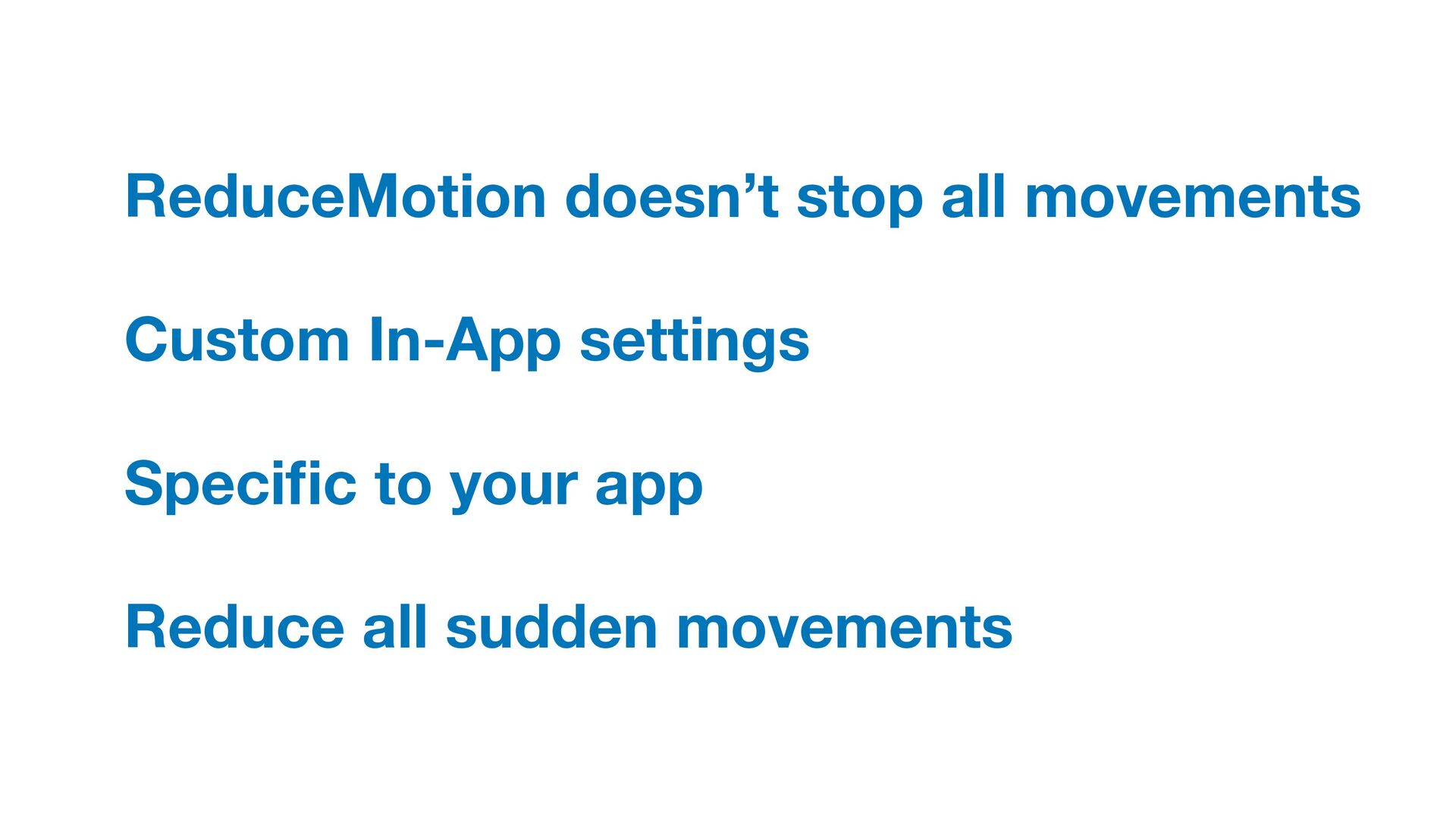
  5. Doesn’t remove all animations Provides a reduced behaviour Possible to
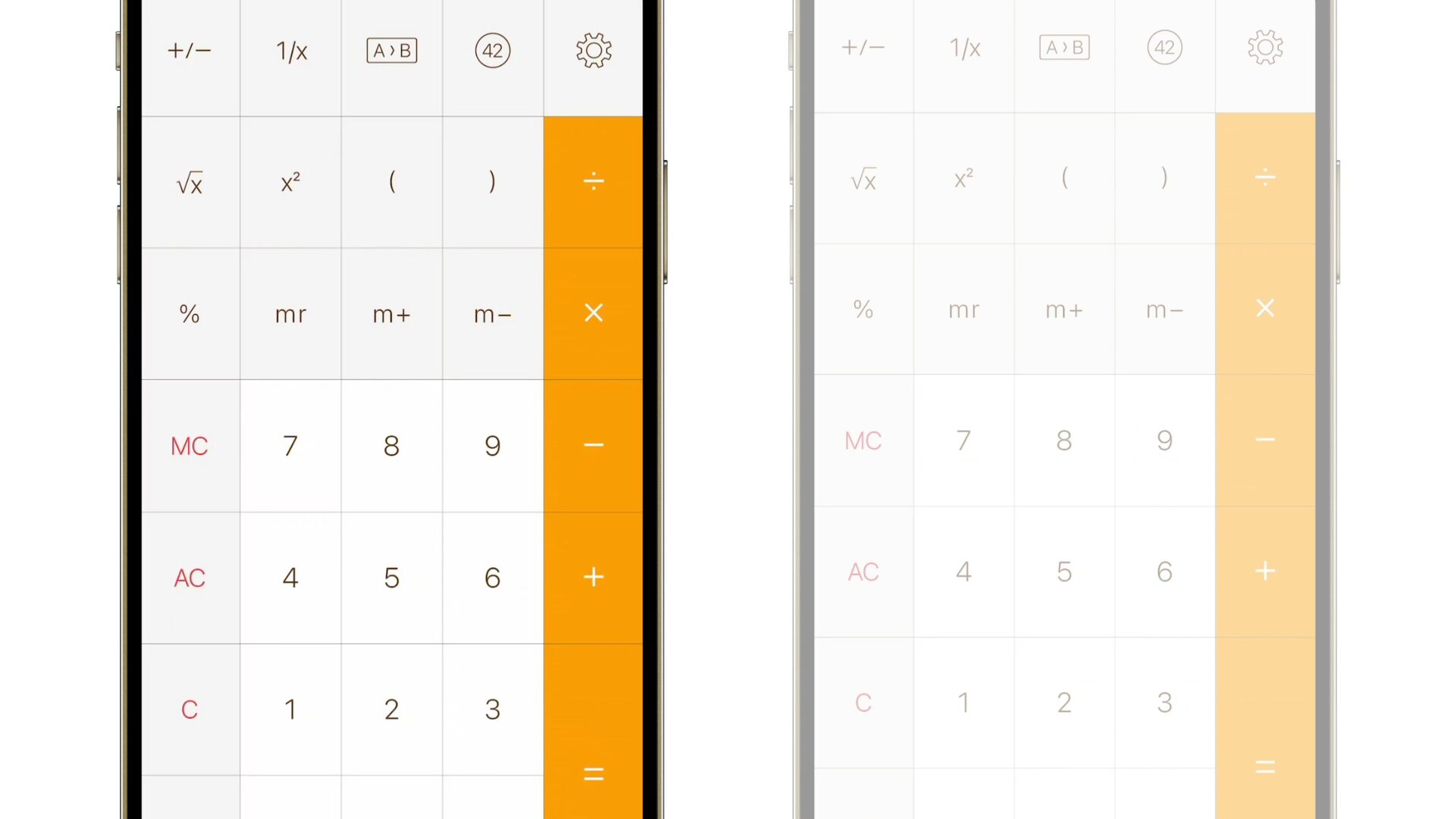
    set on per-app basis E.g. image-switching technique
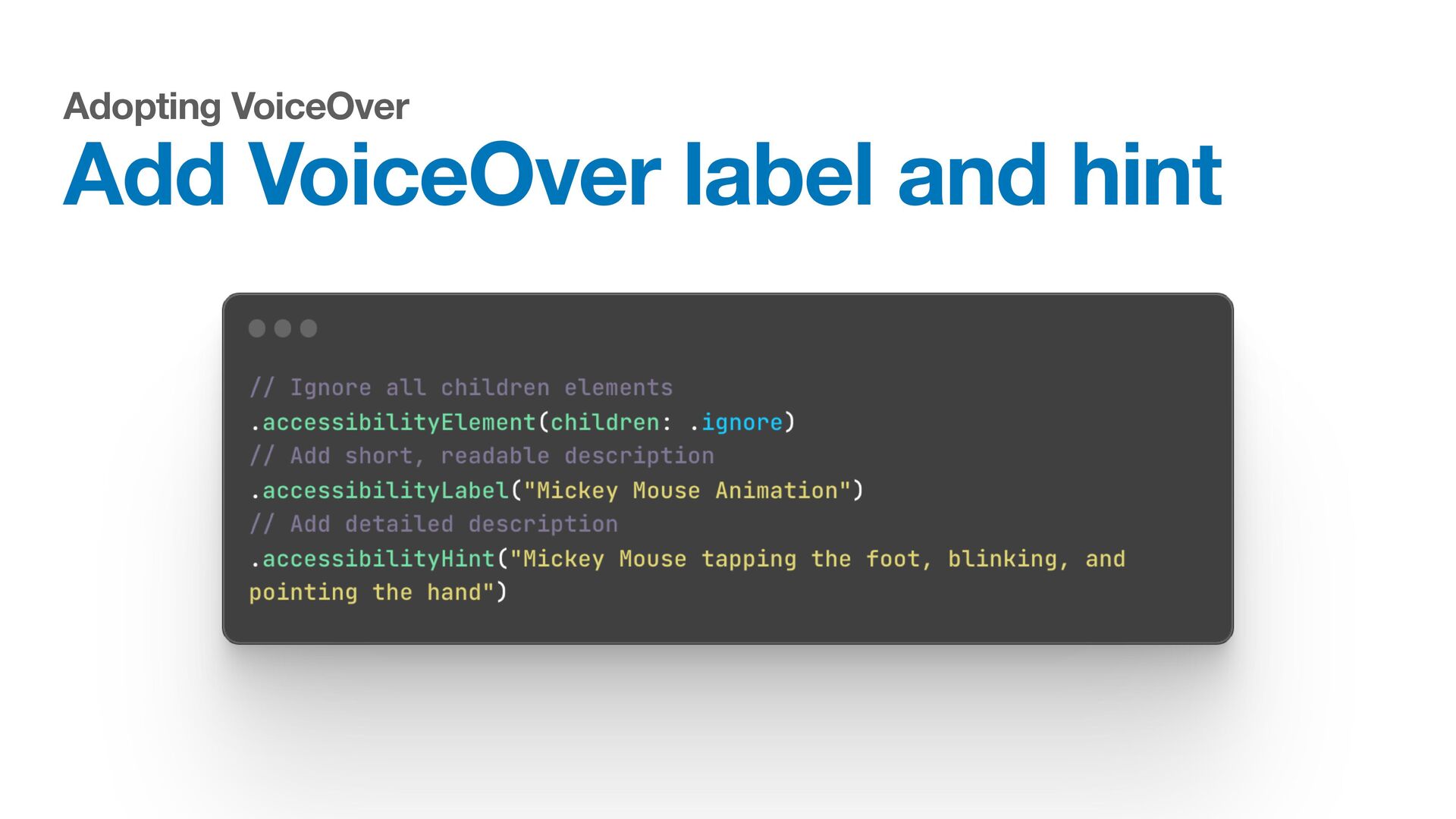
  6. Apple Documentation VoiceOver is a gesture-based screen reader that enables

    people to experience the interface on their devices without having to see the screen.
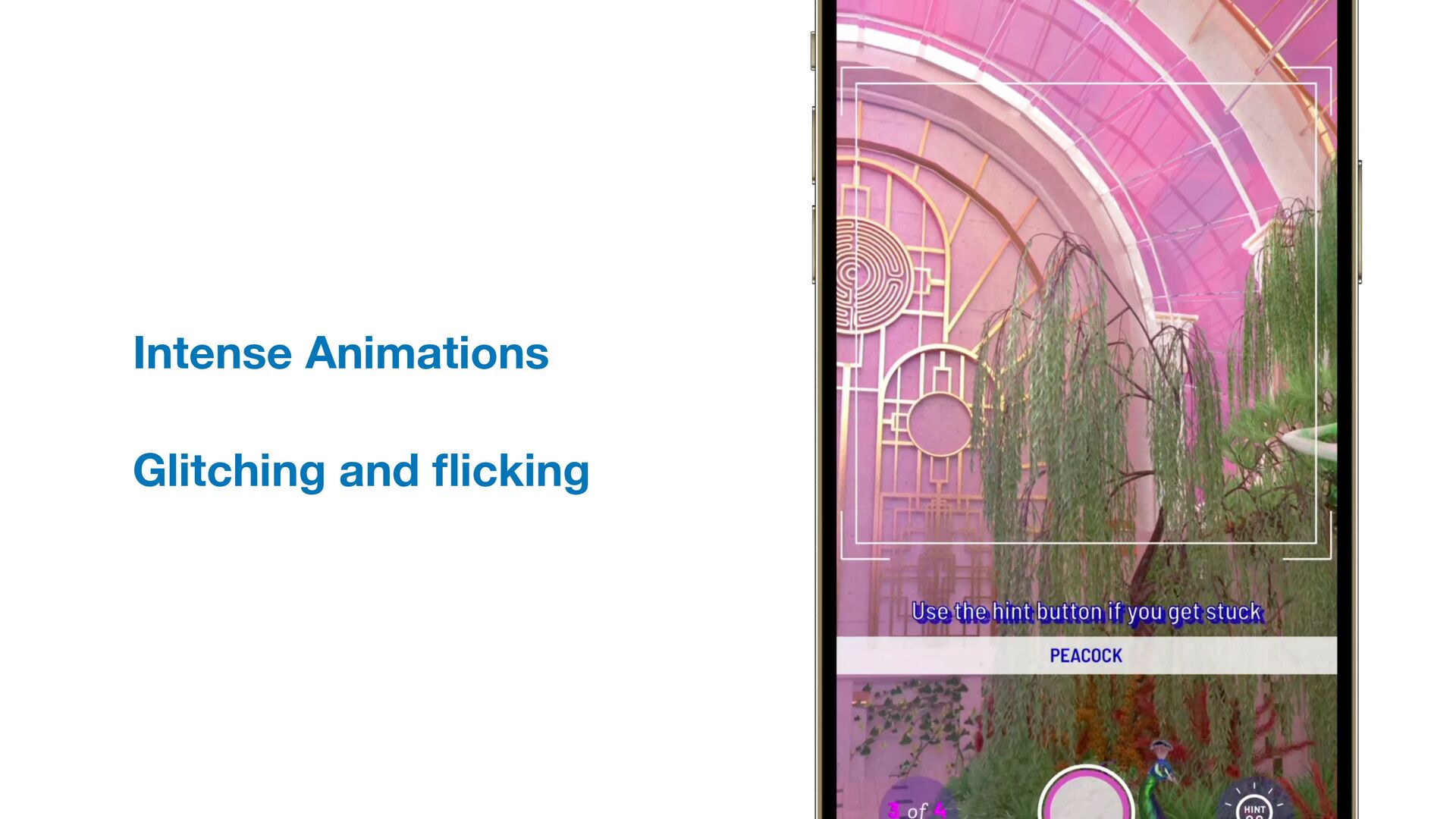
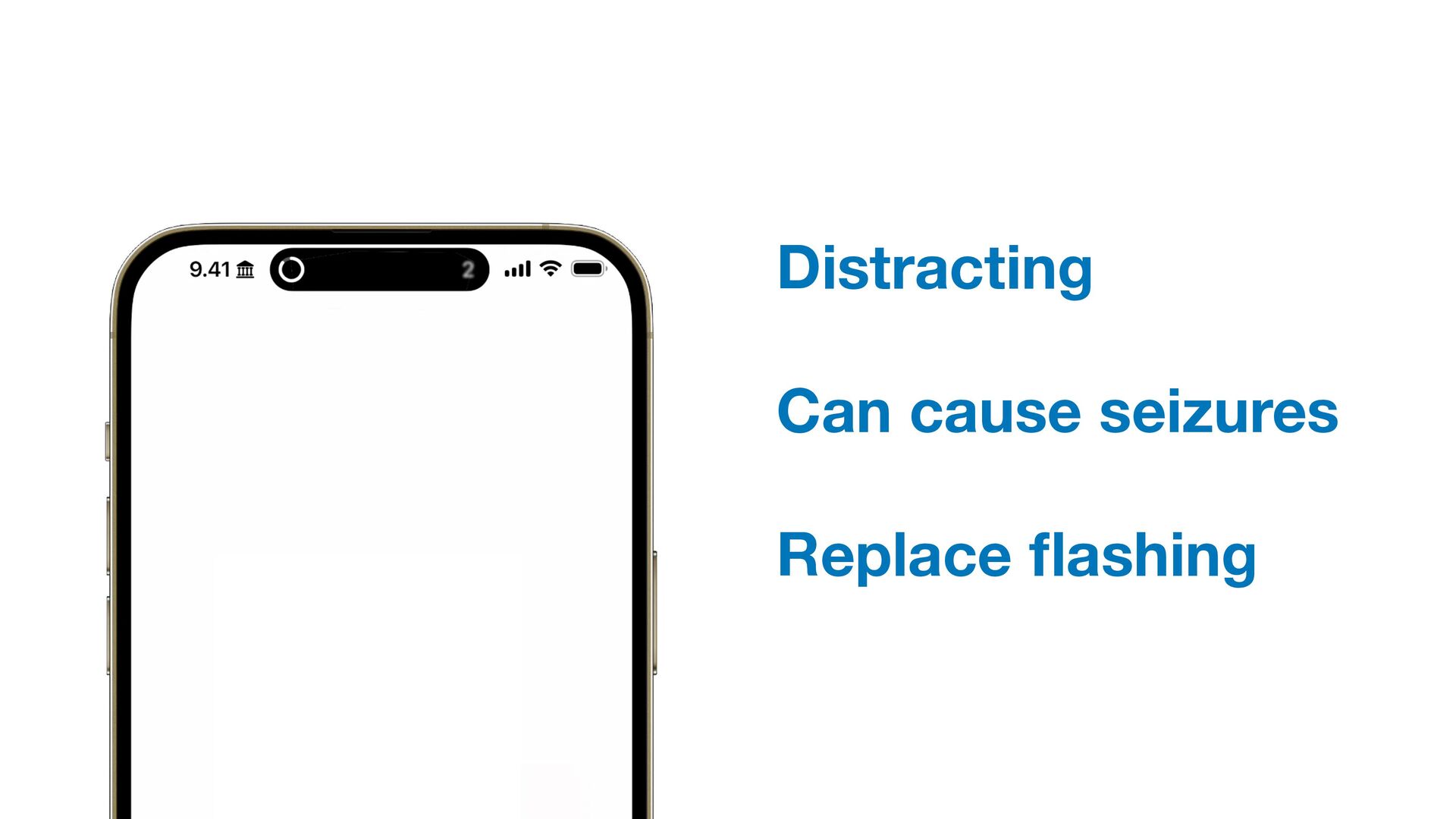
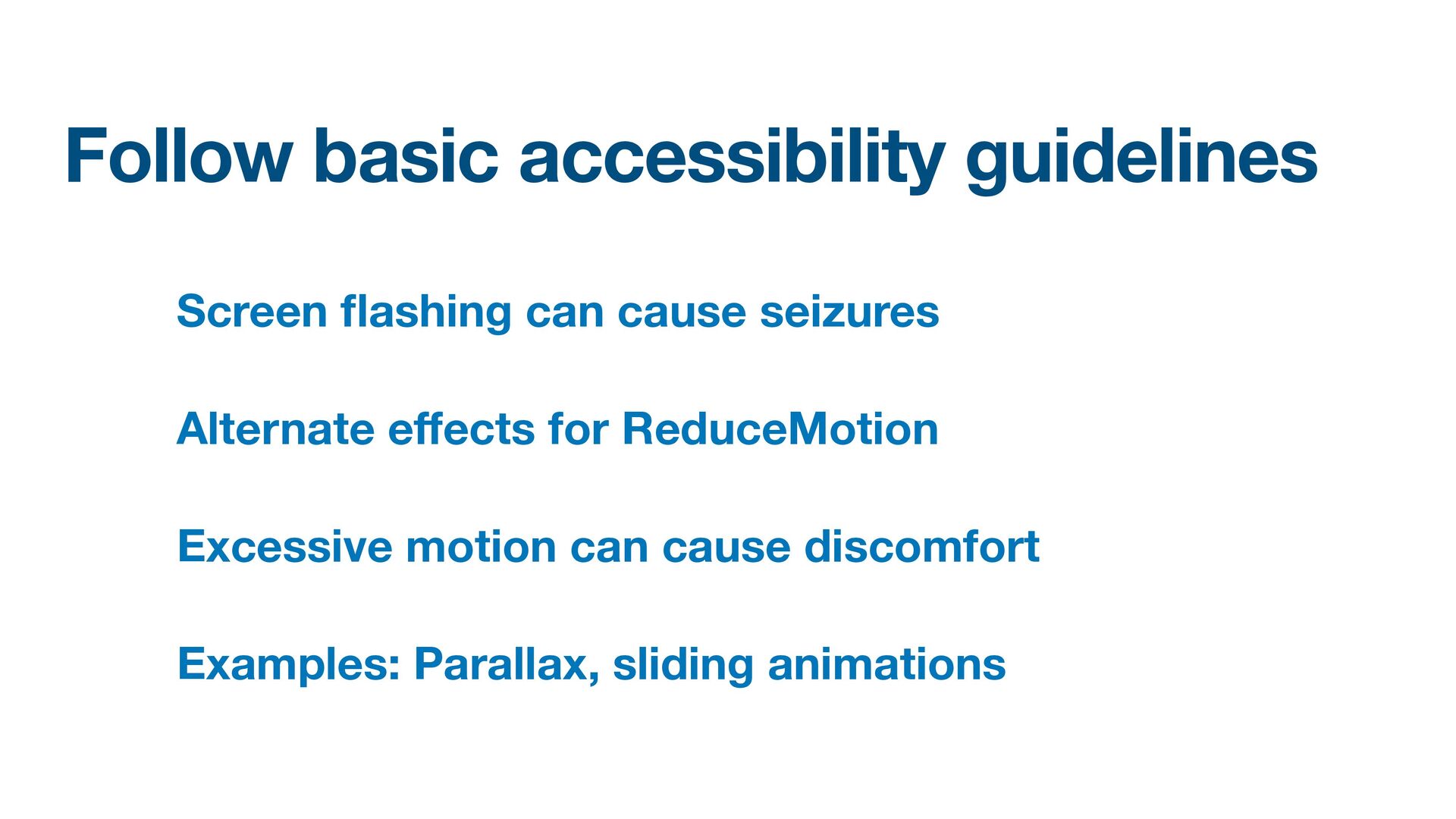
  7. Follow basic accessibility guidelines Screen fl ashing can cause seizures

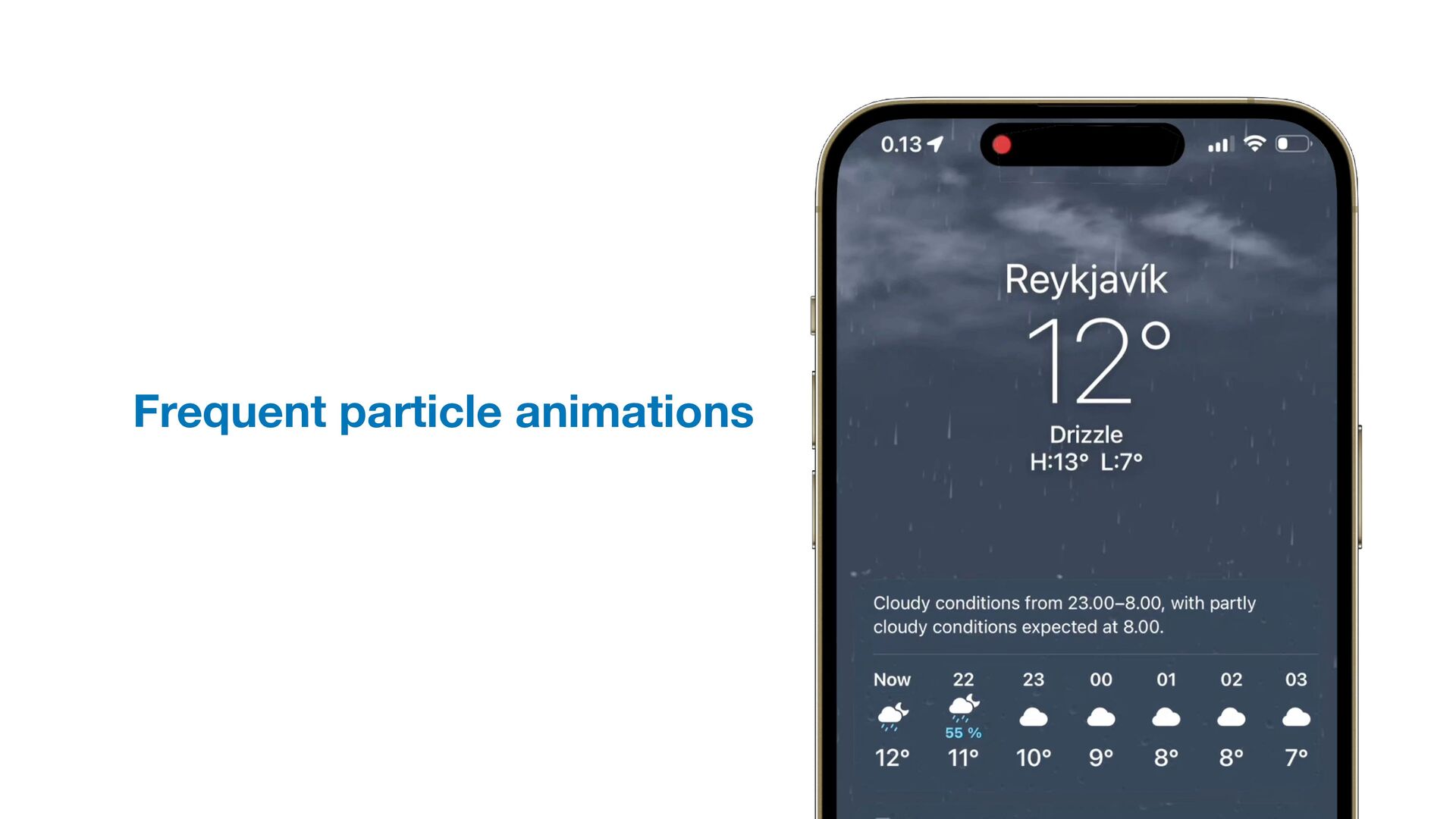
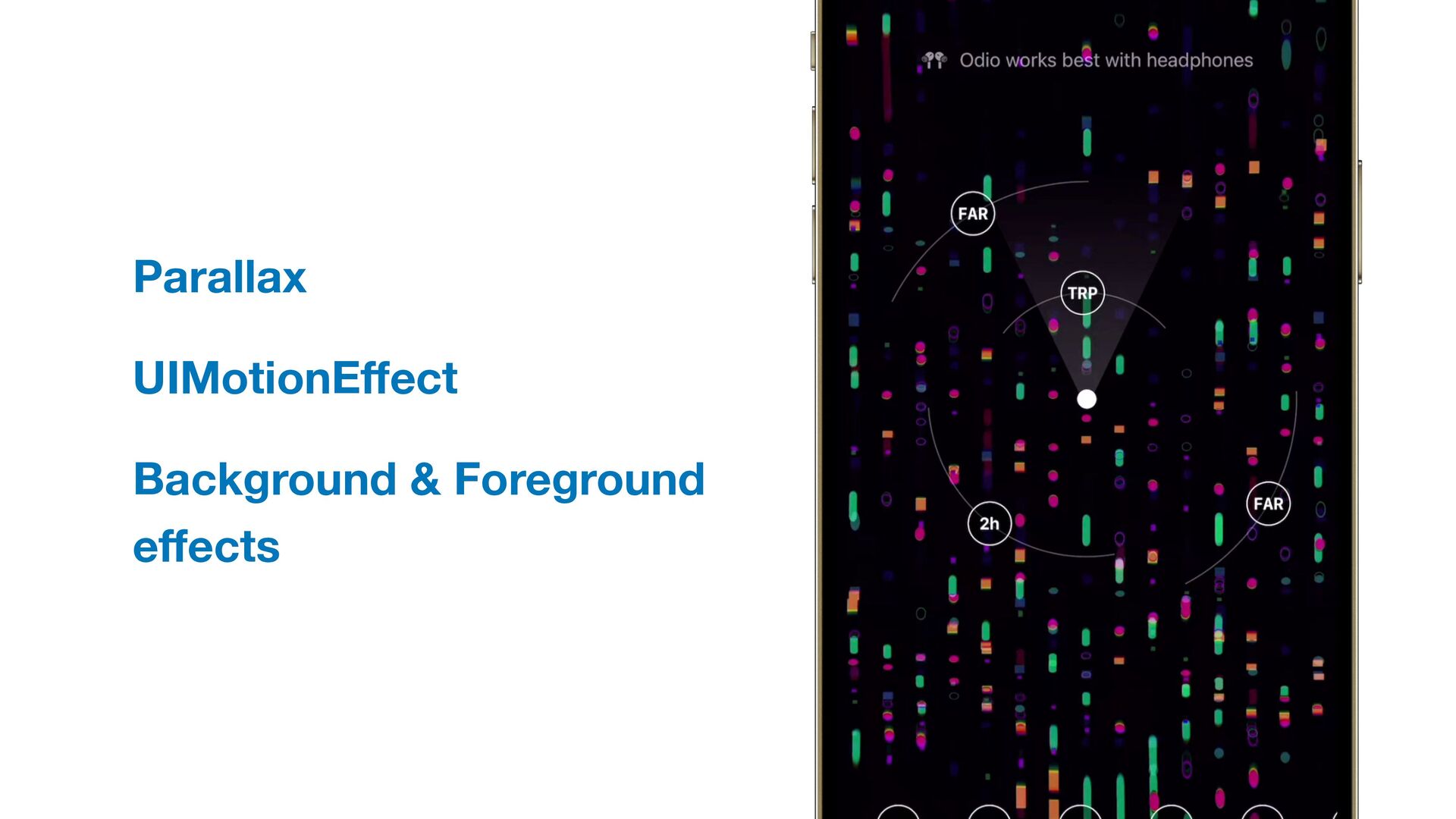
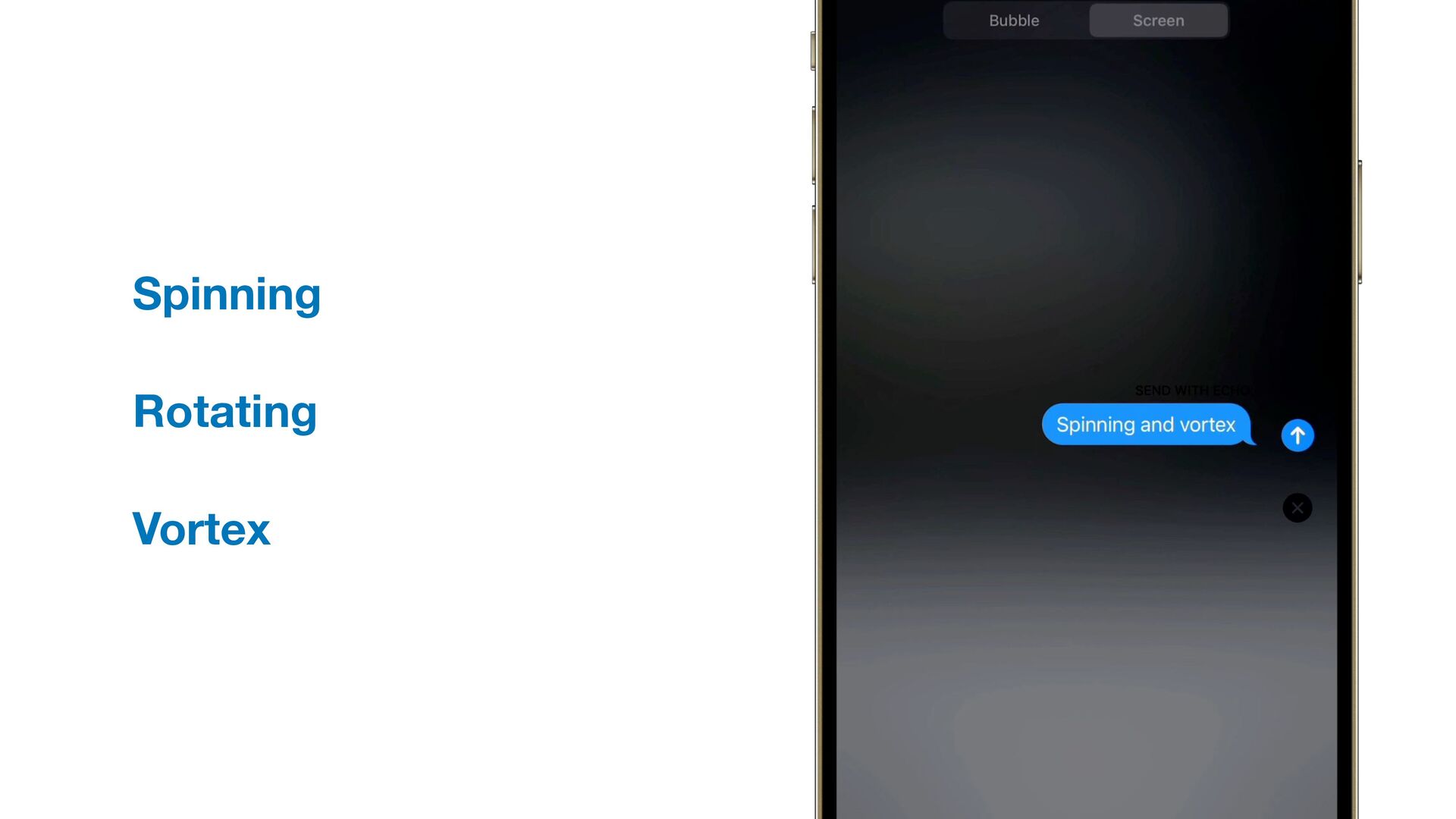
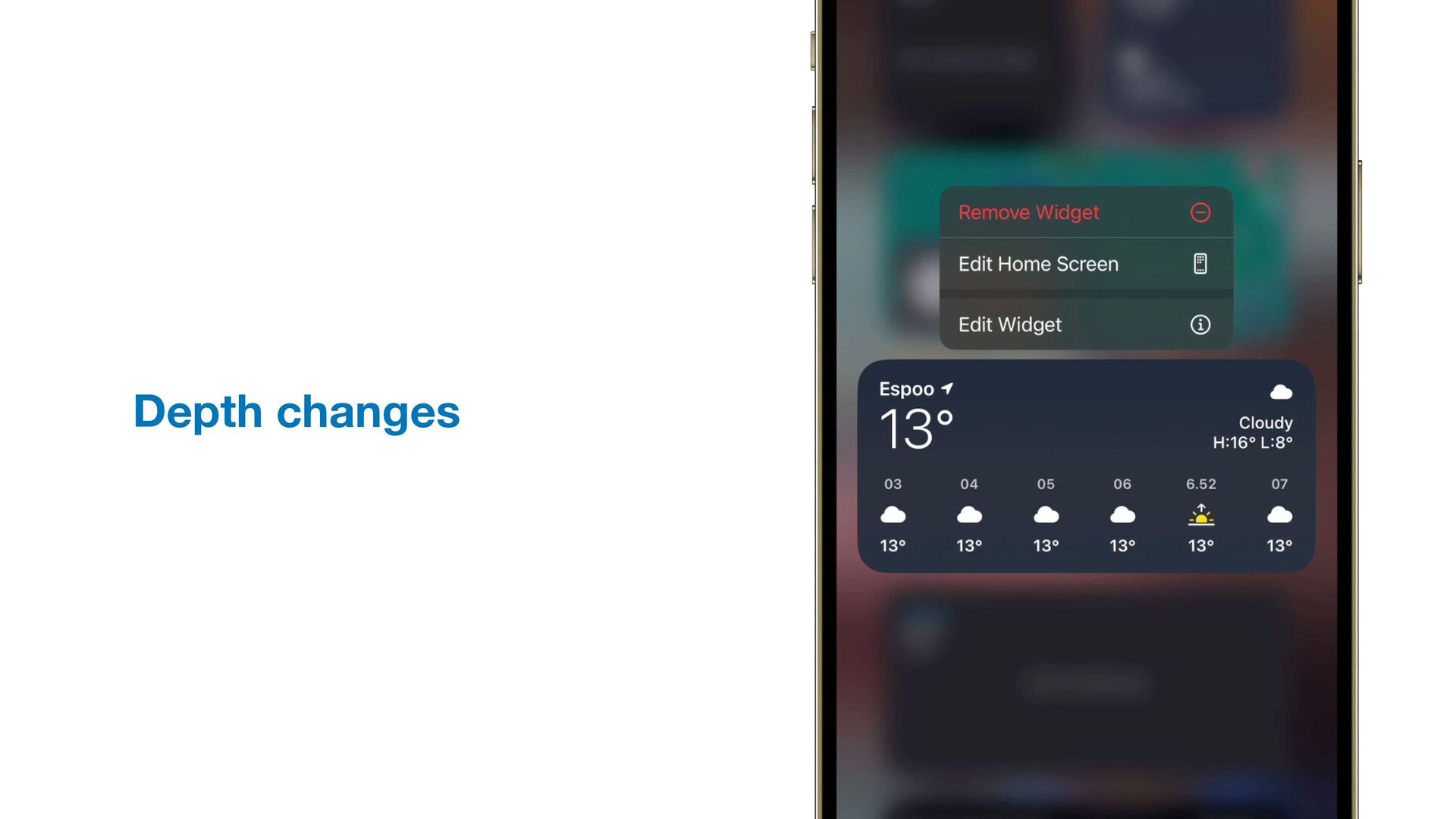
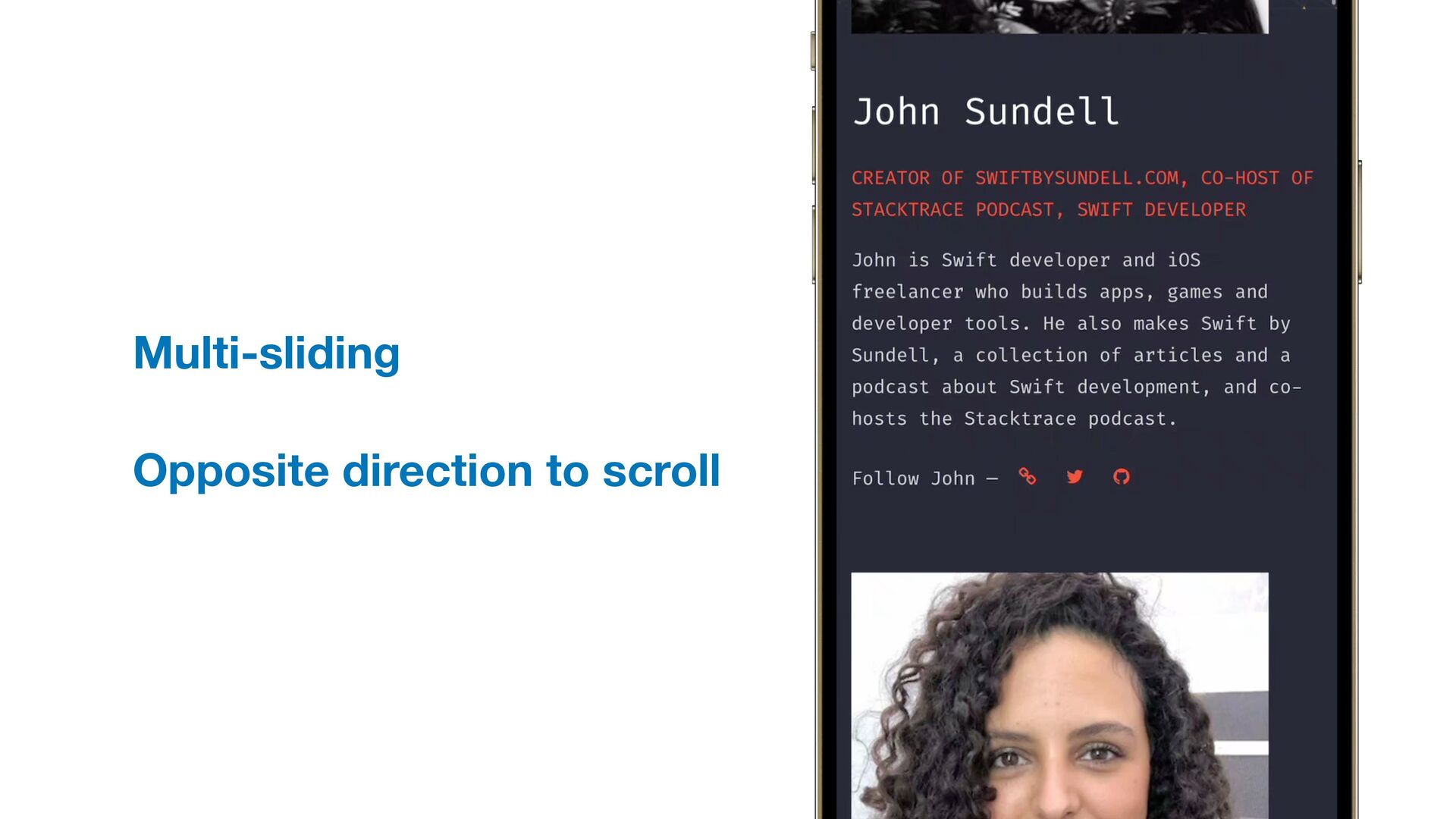
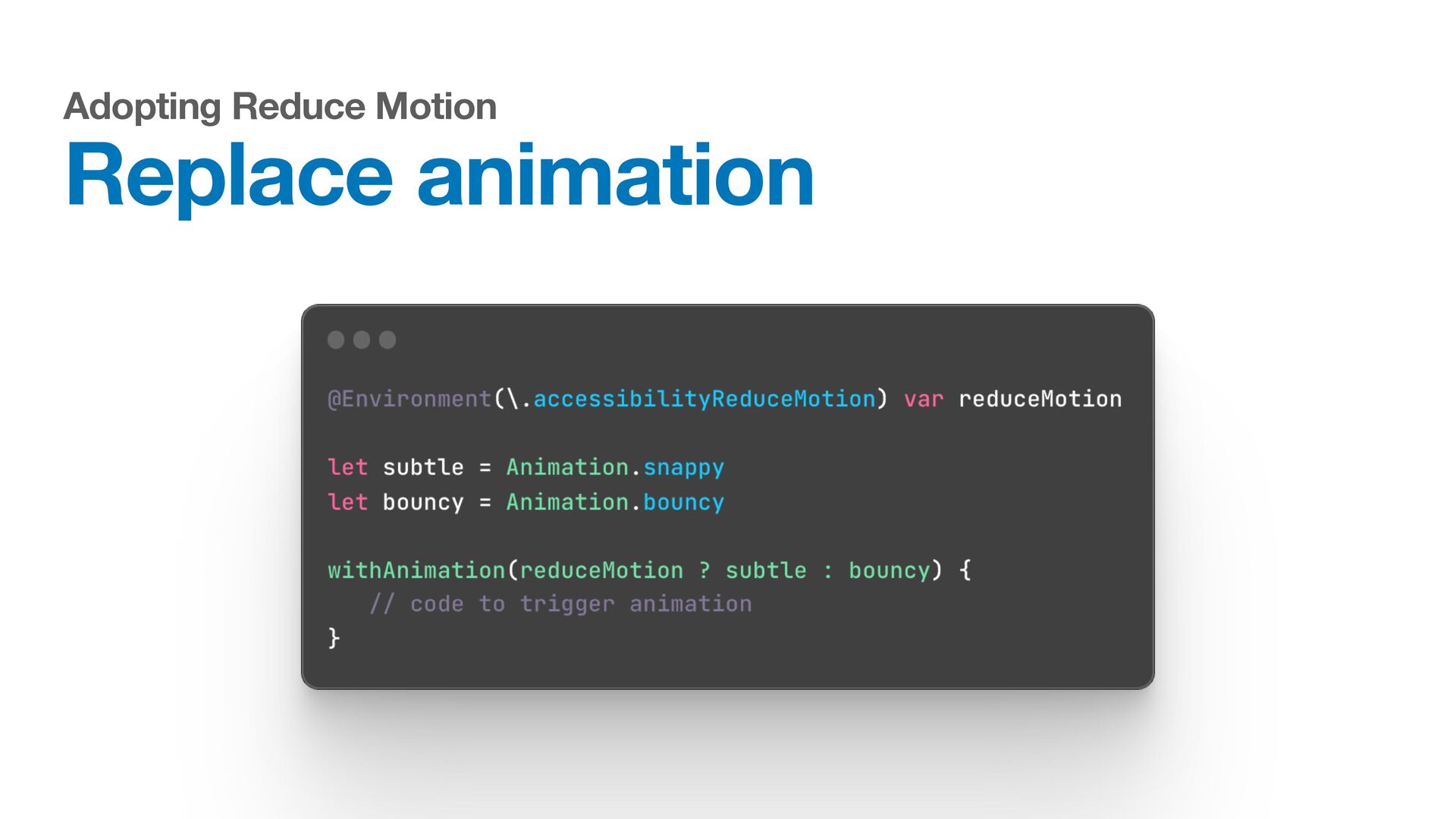
    Alternate e ff ects for ReduceMotion Excessive motion can cause discomfort Examples: Parallax, sliding animations
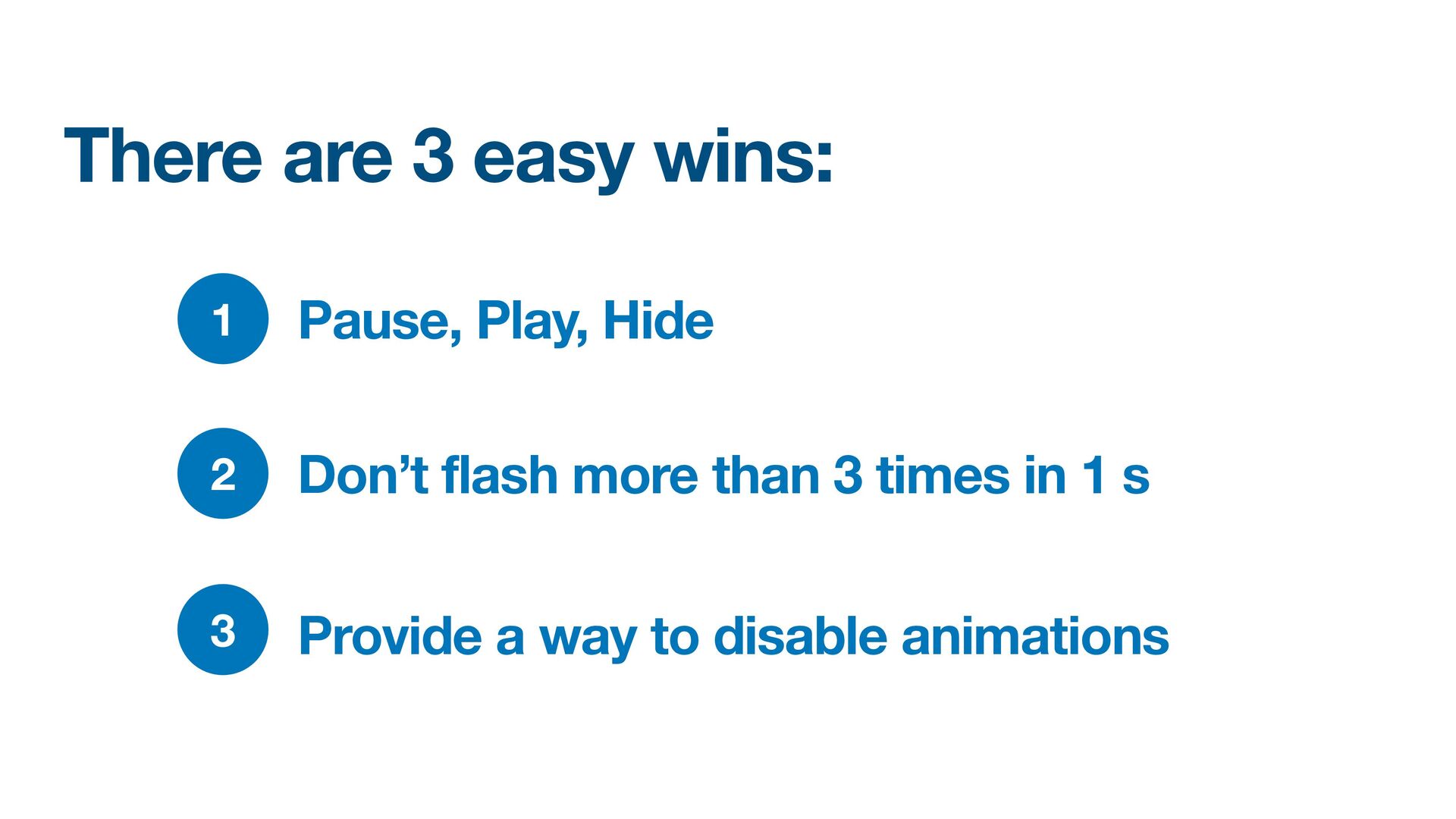
  8. There are 3 easy wins: 1 Pause, Play, Hide 2

    Don’t flash more than 3 times in 1 s 3 Provide a way to disable animations
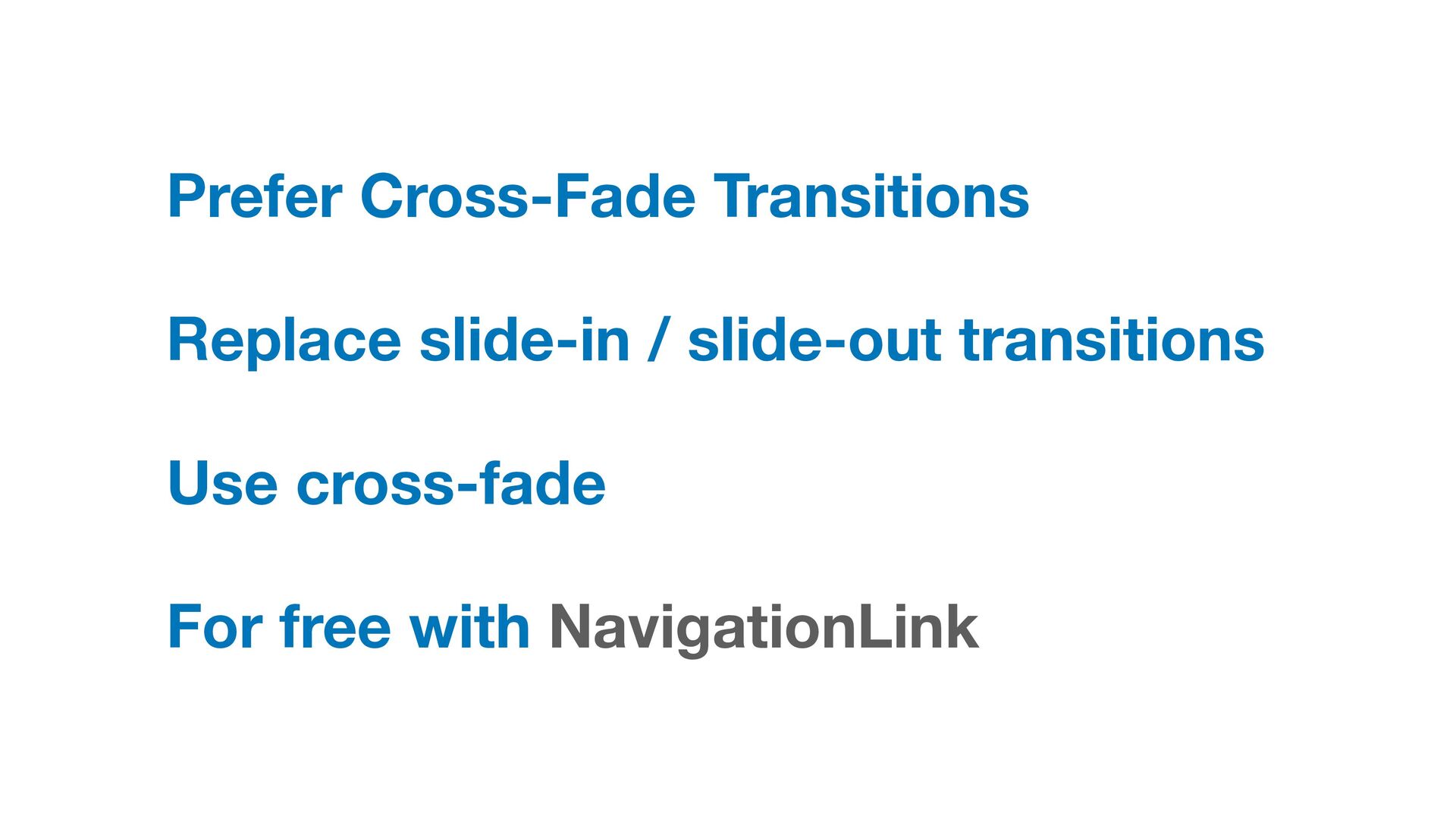
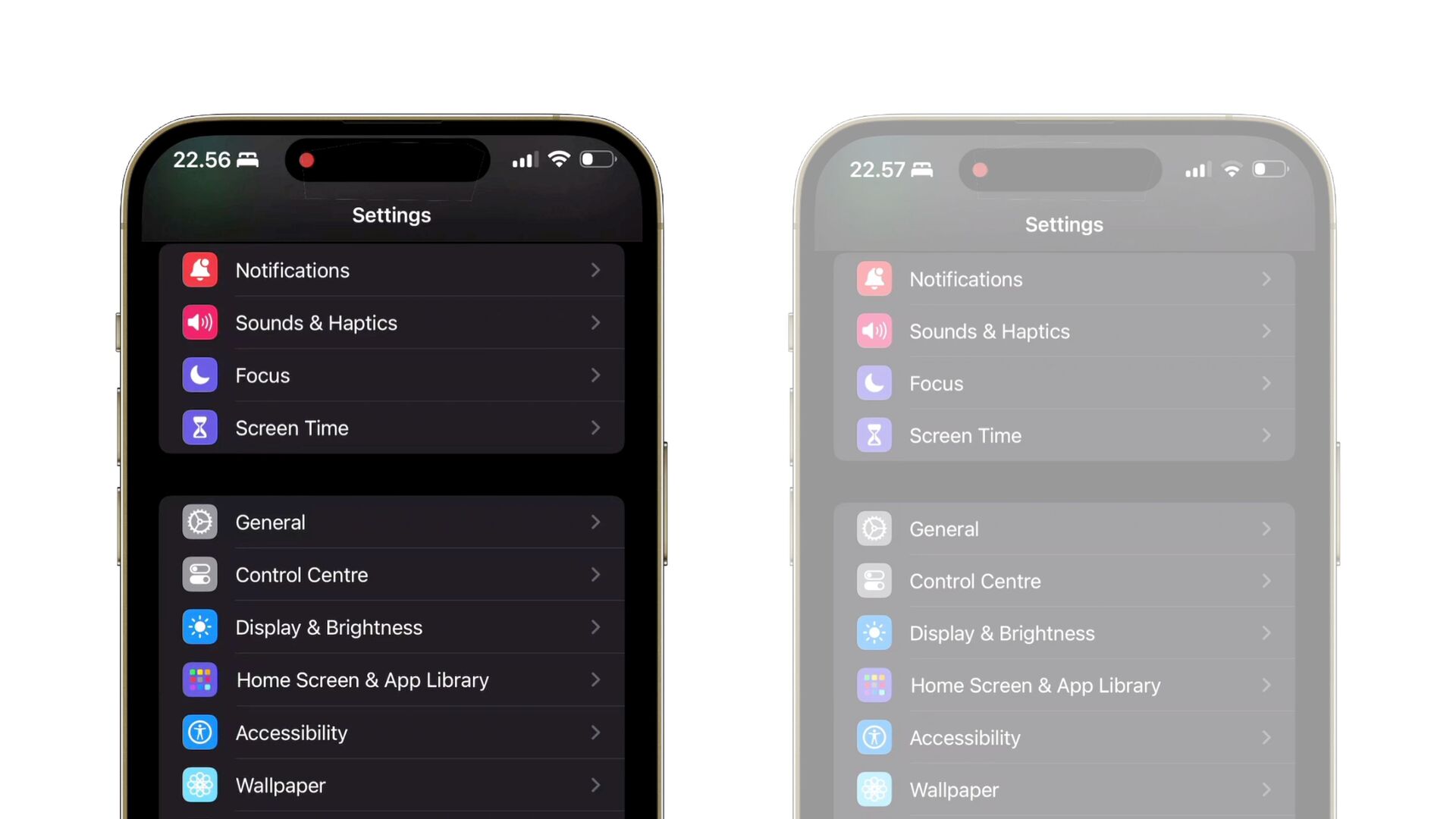
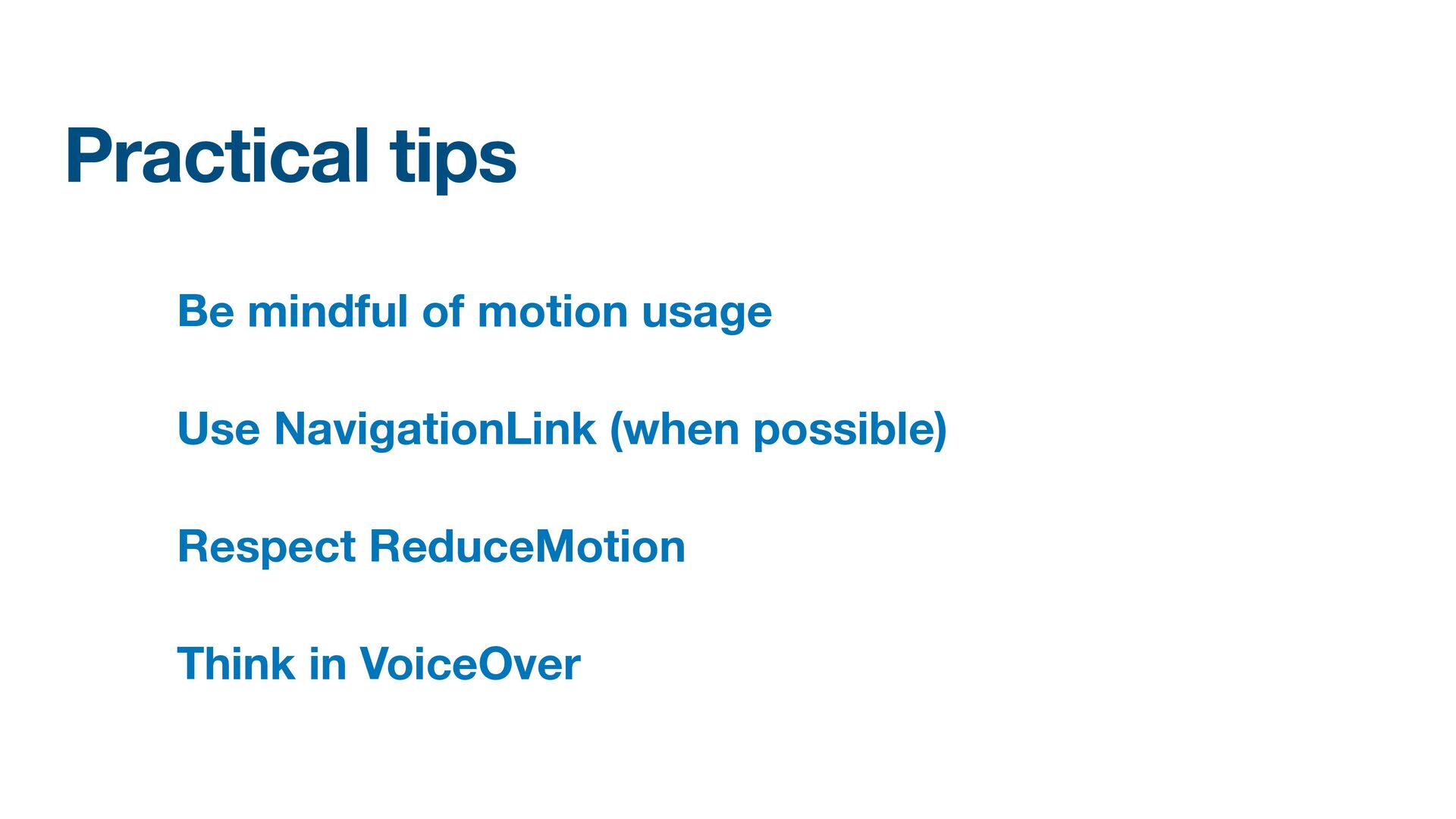
  9. Practical tips Be mindful of motion usage Use NavigationLink (when

    possible) Respect ReduceMotion Think in VoiceOver
  10. Ask yourself these questions Can this animation cause discomfort? Can

    people with motion sensitivities enjoy my app? What if the user’s reduced motion setting is on?
  11. Resources Apple Design Awards: Inclusivity Winners Apple Human Interface: Accessibility

    Apple Developer Videos Responsive Design For Motion Playing Haptics
  12. References Human Interface Guidelines Principles of motion Writing Great Accessibility

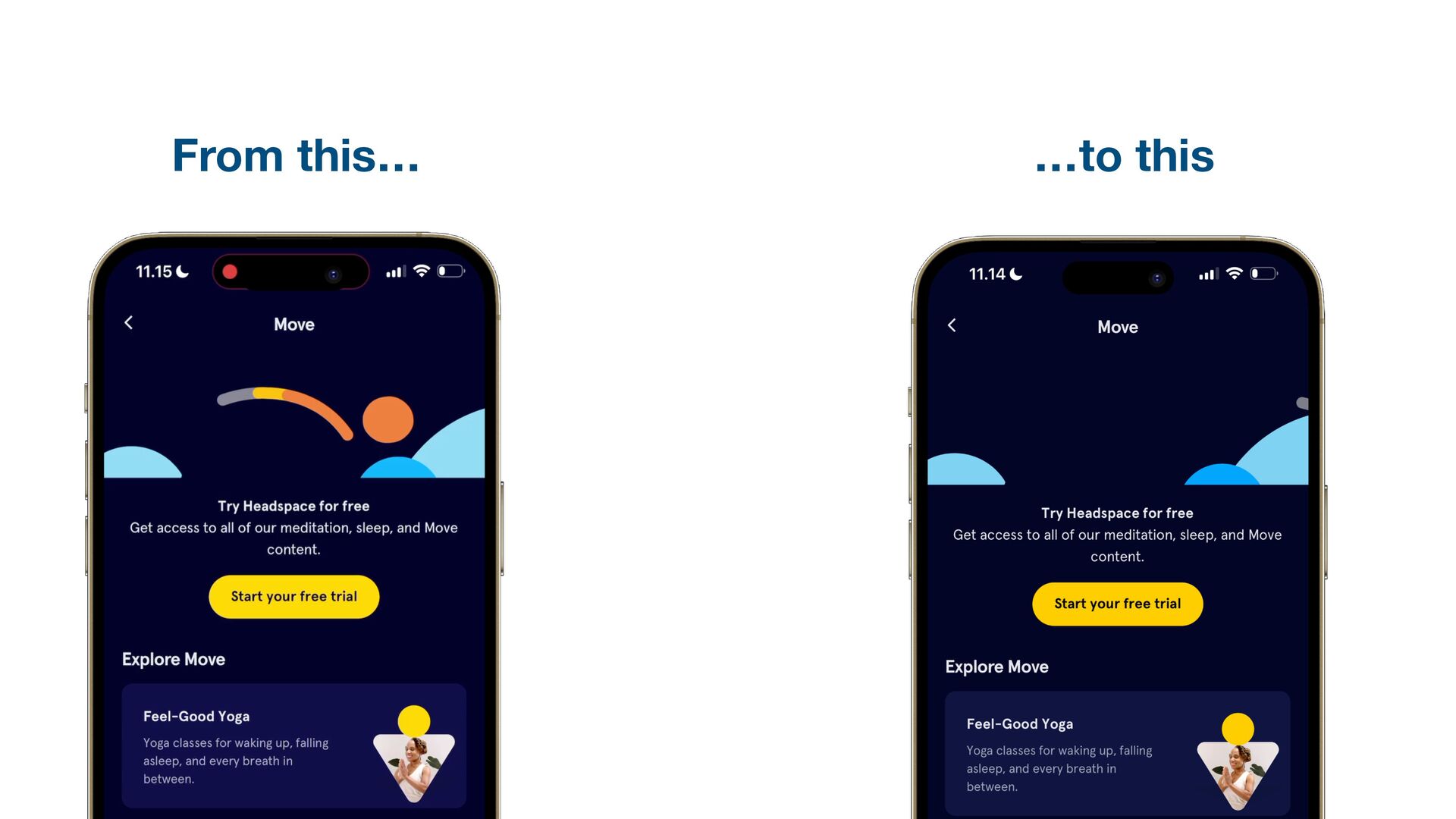
    Labels Supporting VoiceOver in your app Motion sickness: Nausea Creating usability with motion Understanding the intuition of easing Reduce screen motion on Apple devices Responsive design for motion Animations are nice, right?