Upgrade to Pro — share decks privately, control downloads, hide ads and more …

MongoDB: An overview

Avatar for dahotre dahotre
September 13, 2012

MongoDB: An overview

An overview of features in MongoDB including sharding, replica sets, querying, etc. Mostly notes from the book referenced on the last slide.

Avatar for dahotre

dahotre

September 13, 2012

Other Decks in Programming

Transcript

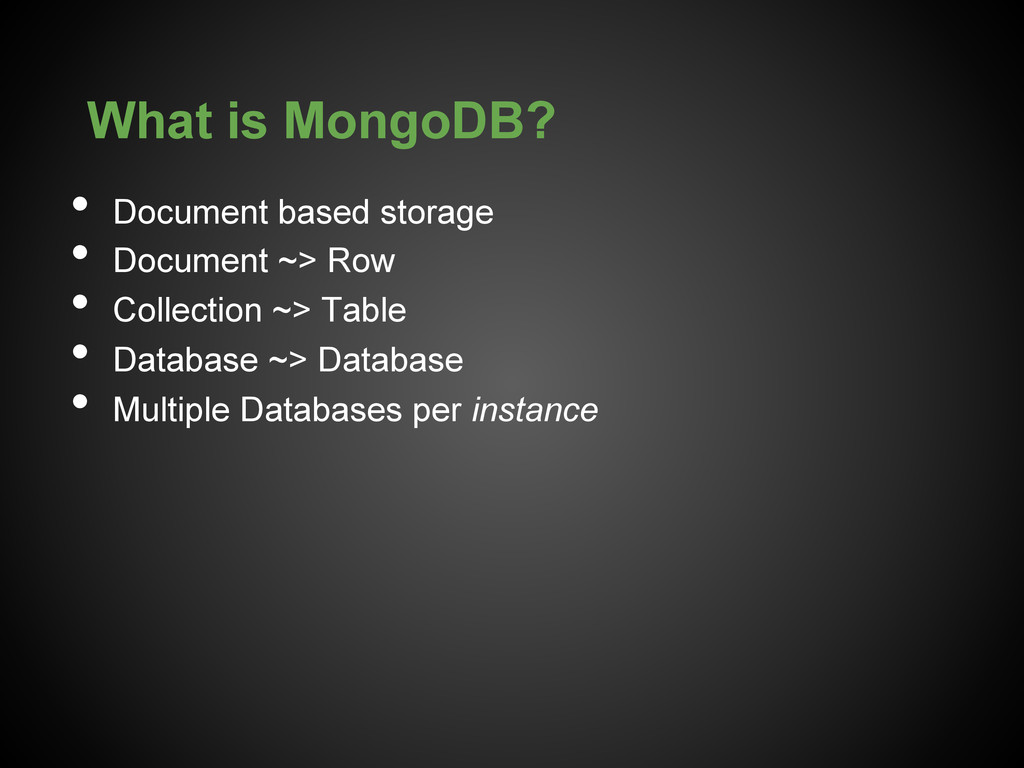
  1. What is MongoDB? •  Document based storage •  Document ~>

    Row •  Collection ~> Table •  Database ~> Database •  Multiple Databases per instance
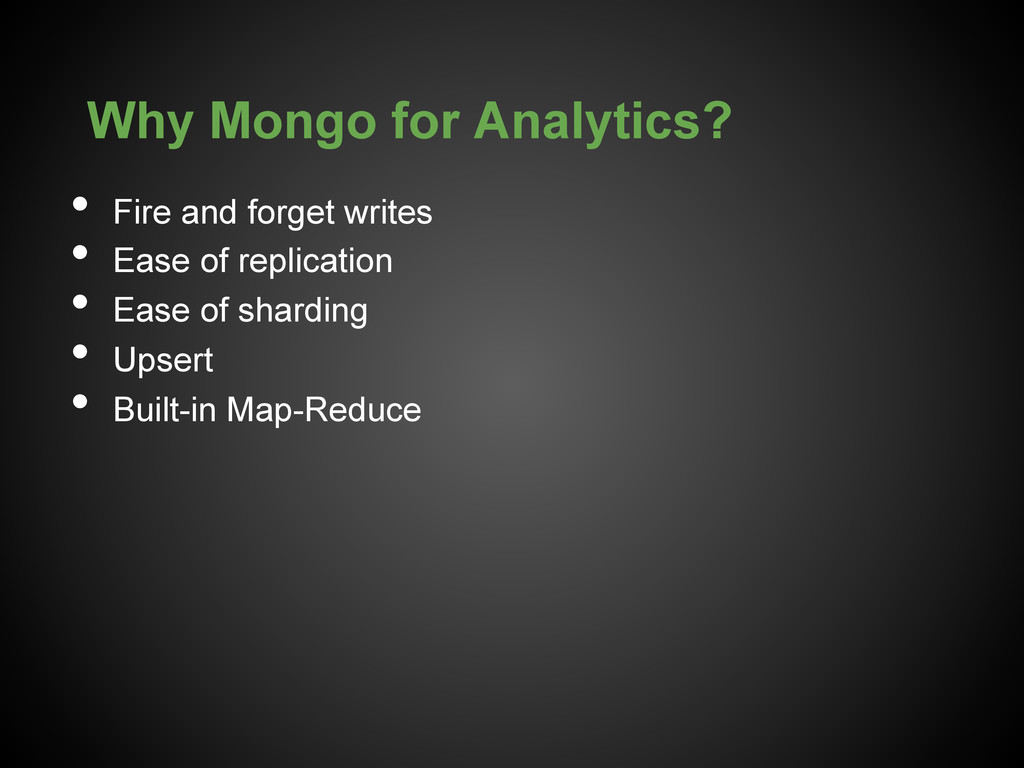
  2. Why Mongo for Analytics? •  Fire and forget writes • 

    Ease of replication •  Ease of sharding •  Upsert •  Built-in Map-Reduce
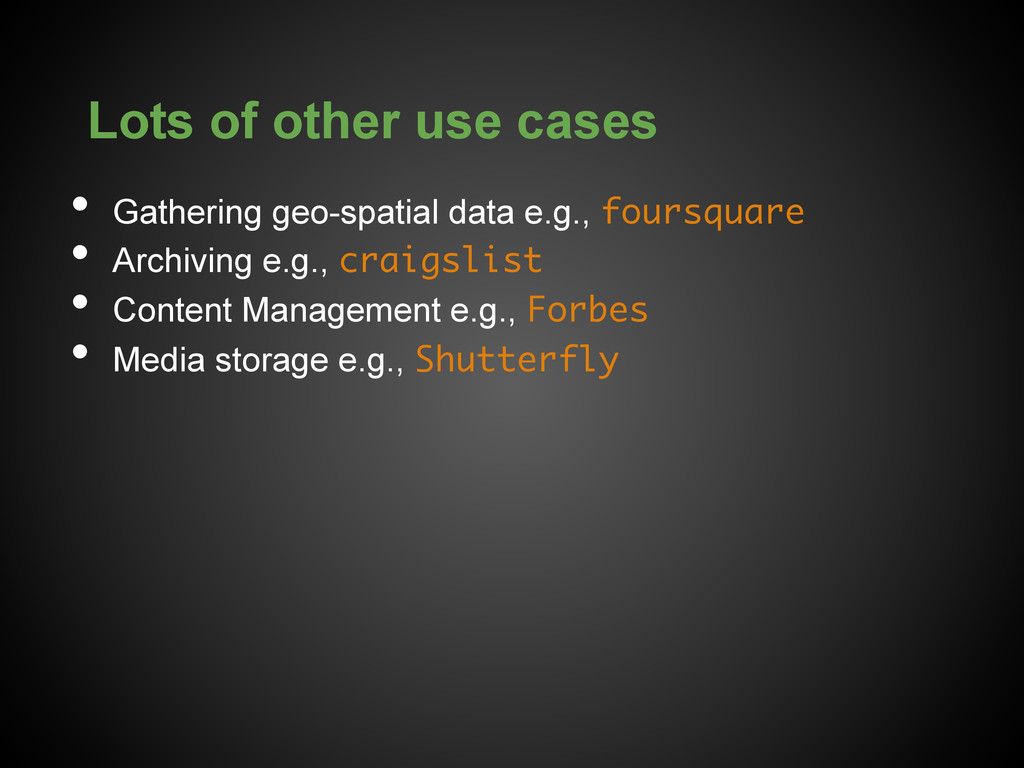
  3. Lots of other use cases •  Gathering geo-spatial data e.g.,

    foursquare •  Archiving e.g., craigslist •  Content Management e.g., Forbes •  Media storage e.g., Shutterfly
  4. Ready to serve? •  Fairly Active community (84% of over

    10k answered questions on SO) •  Commercial Support •  2nd hottest job trend on Indeed.com
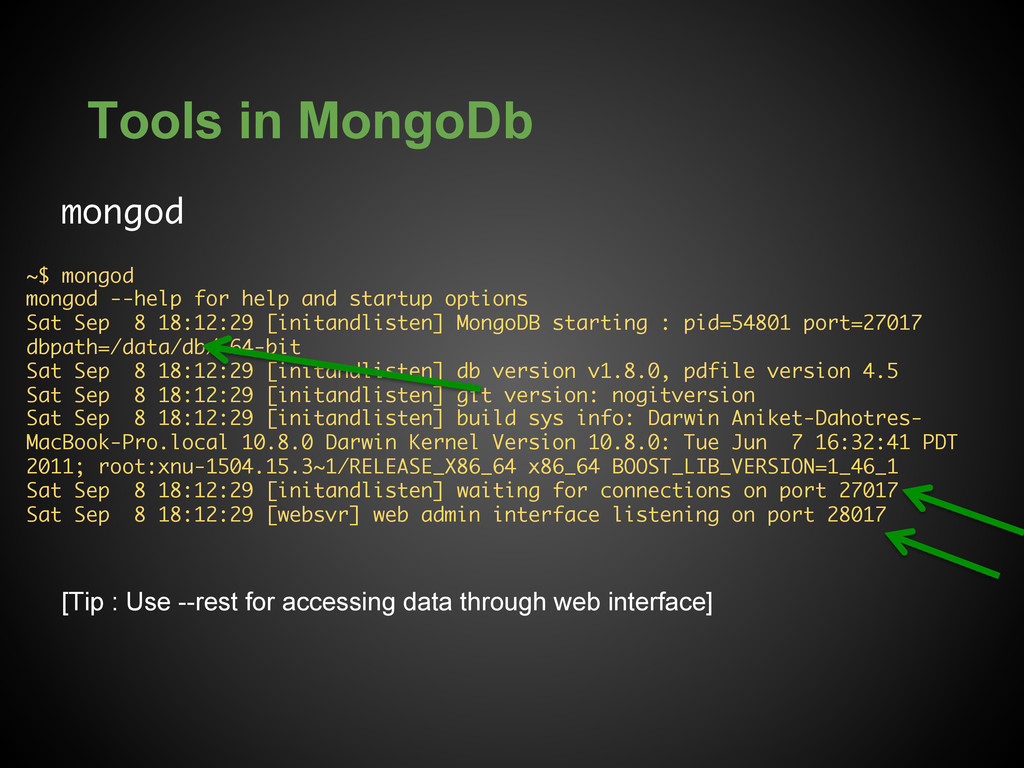
  5. Tools in MongoDb mongod [Tip : Use --rest for accessing

    data through web interface] ~$ mongod mongod --help for help and startup options Sat Sep 8 18:12:29 [initandlisten] MongoDB starting : pid=54801 port=27017 dbpath=/data/db/ 64-bit Sat Sep 8 18:12:29 [initandlisten] db version v1.8.0, pdfile version 4.5 Sat Sep 8 18:12:29 [initandlisten] git version: nogitversion Sat Sep 8 18:12:29 [initandlisten] build sys info: Darwin Aniket-Dahotres- MacBook-Pro.local 10.8.0 Darwin Kernel Version 10.8.0: Tue Jun 7 16:32:41 PDT 2011; root:xnu-1504.15.3~1/RELEASE_X86_64 x86_64 BOOST_LIB_VERSION=1_46_1 Sat Sep 8 18:12:29 [initandlisten] waiting for connections on port 27017 Sat Sep 8 18:12:29 [websvr] web admin interface listening on port 28017
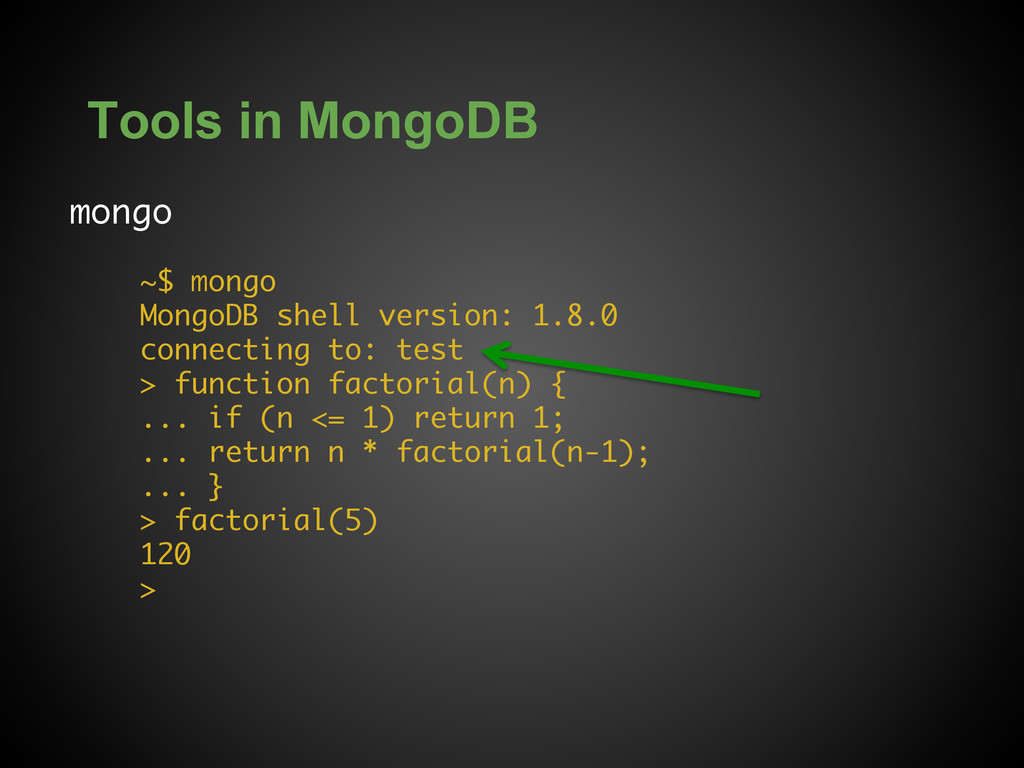
  6. Tools in MongoDB mongo ~$ mongo MongoDB shell version: 1.8.0

    connecting to: test > function factorial(n) { ... if (n <= 1) return 1; ... return n * factorial(n-1); ... } > factorial(5) 120 >
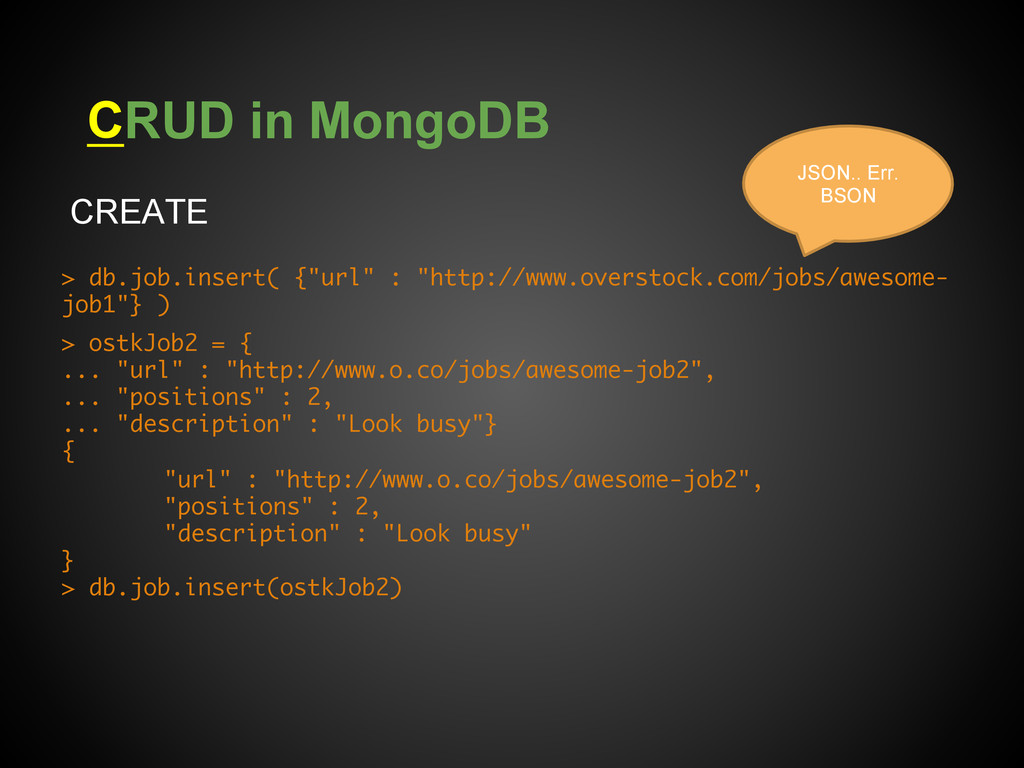
  7. CRUD in MongoDB CREATE > db.job.insert( {"url" : "http://www.overstock.com/jobs/awesome- job1"}

    ) > ostkJob2 = { ... "url" : "http://www.o.co/jobs/awesome-job2", ... "positions" : 2, ... "description" : "Look busy"} { "url" : "http://www.o.co/jobs/awesome-job2", "positions" : 2, "description" : "Look busy" } > db.job.insert(ostkJob2) JSON.. Err. BSON
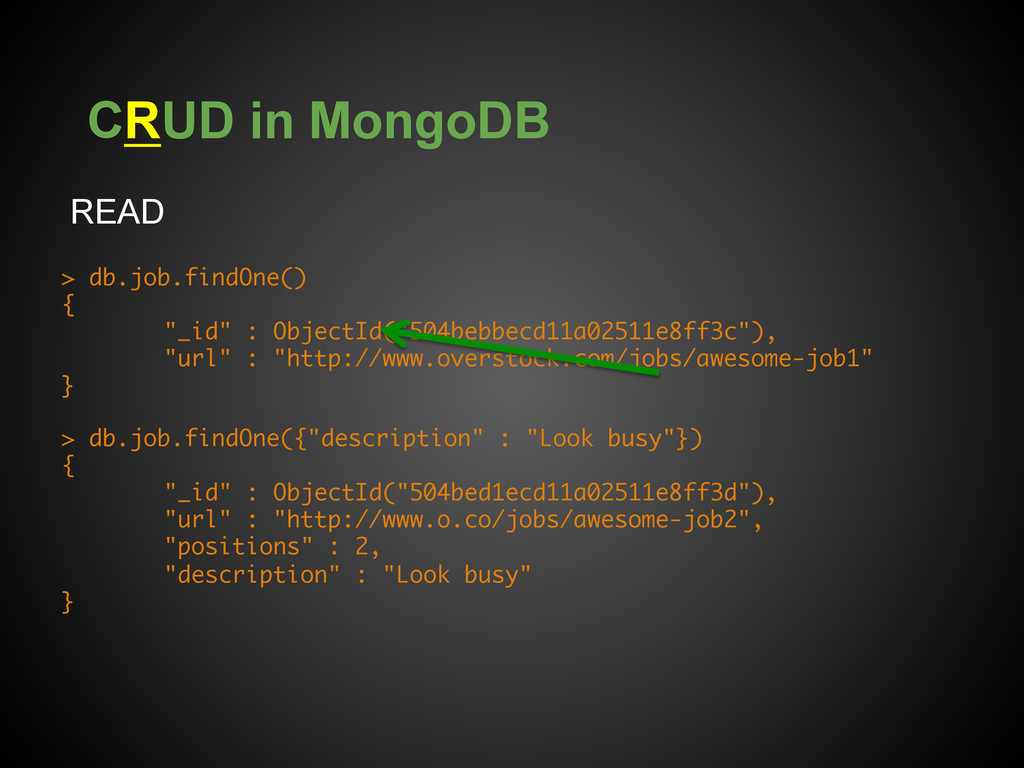
  8. CRUD in MongoDB READ > db.job.findOne() { "_id" : ObjectId("504bebbecd11a02511e8ff3c"),

    "url" : "http://www.overstock.com/jobs/awesome-job1" } > db.job.findOne({"description" : "Look busy"}) { "_id" : ObjectId("504bed1ecd11a02511e8ff3d"), "url" : "http://www.o.co/jobs/awesome-job2", "positions" : 2, "description" : "Look busy" }
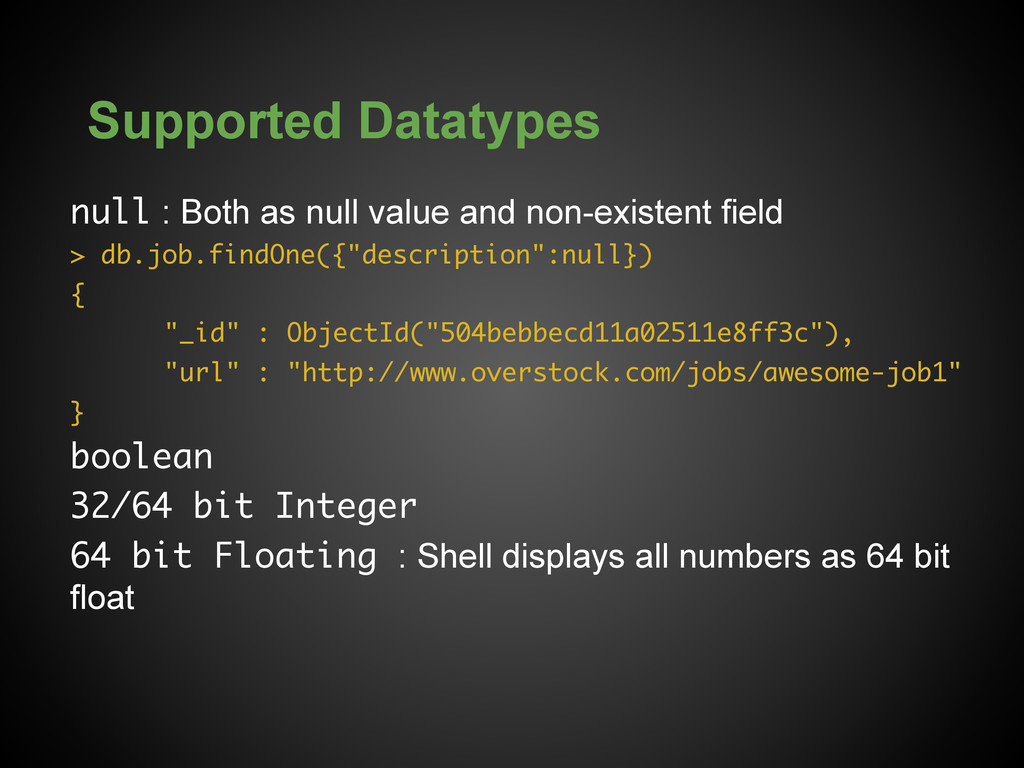
  9. Supported Datatypes null : Both as null value and non-existent

    field > db.job.findOne({"description":null}) { "_id" : ObjectId("504bebbecd11a02511e8ff3c"), "url" : "http://www.overstock.com/jobs/awesome-job1" } boolean 32/64 bit Integer 64 bit Floating : Shell displays all numbers as 64 bit float
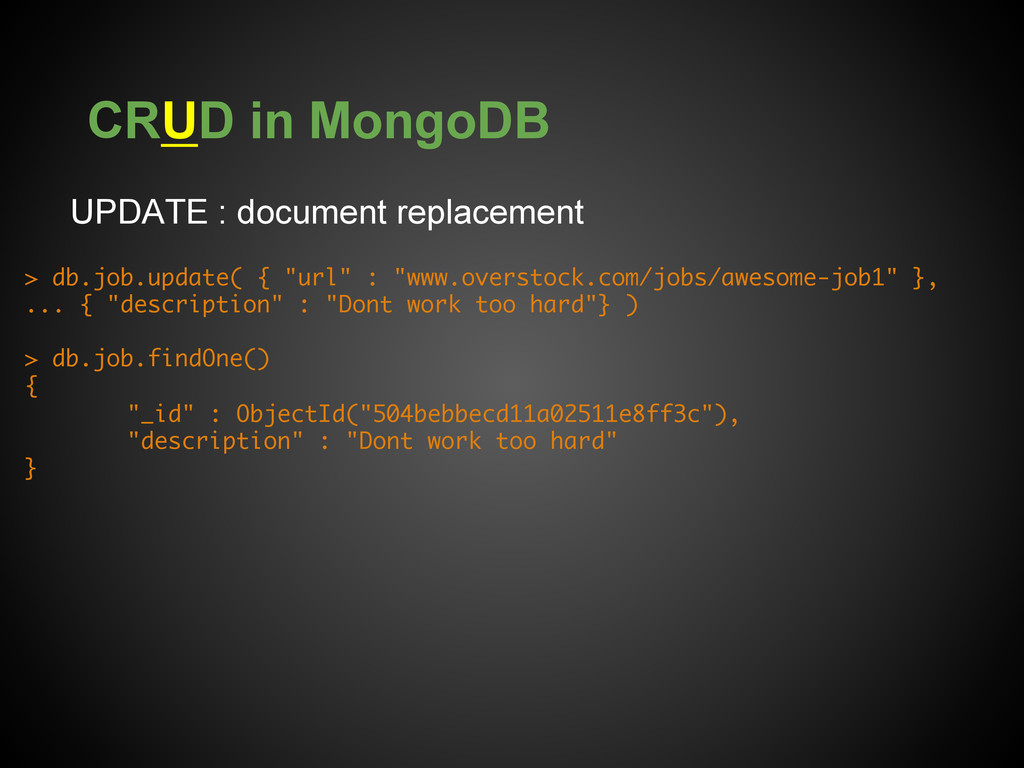
  10. CRUD in MongoDB UPDATE : document replacement > db.job.update( {

    "url" : "www.overstock.com/jobs/awesome-job1" }, ... { "description" : "Dont work too hard"} ) > db.job.findOne() { "_id" : ObjectId("504bebbecd11a02511e8ff3c"), "description" : "Dont work too hard" }
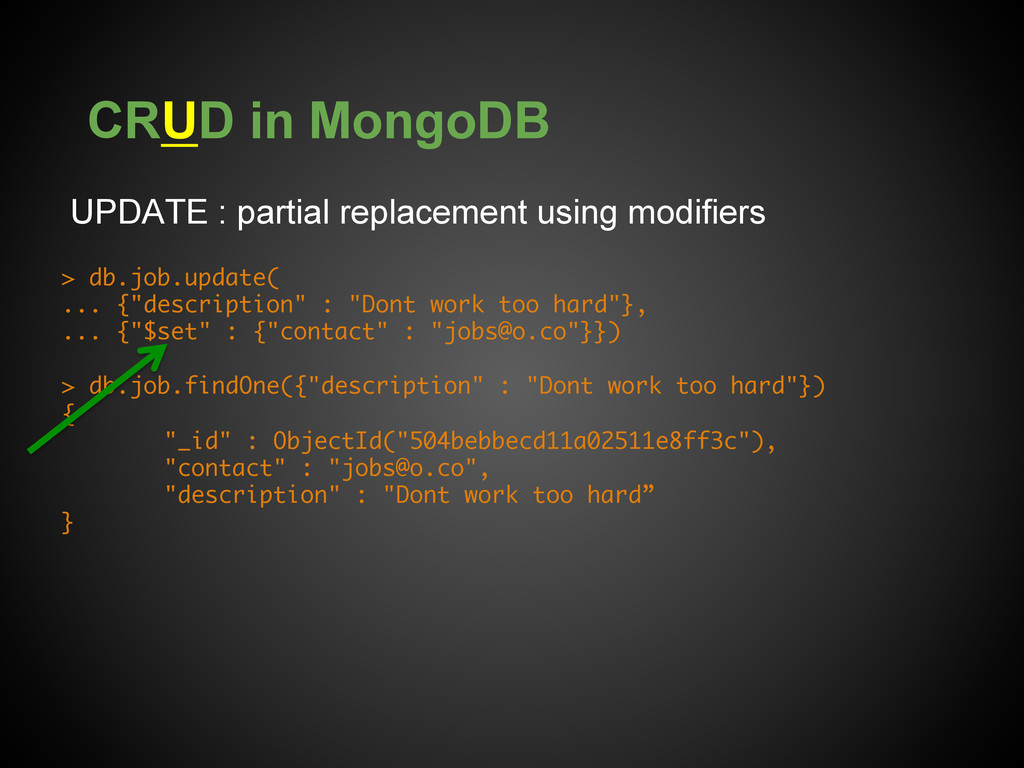
  11. CRUD in MongoDB UPDATE : partial replacement using modifiers >

    db.job.update( ... {"description" : "Dont work too hard"}, ... {"$set" : {"contact" : "[email protected]"}}) > db.job.findOne({"description" : "Dont work too hard"}) { "_id" : ObjectId("504bebbecd11a02511e8ff3c"), "contact" : "[email protected]", "description" : "Dont work too hard” }
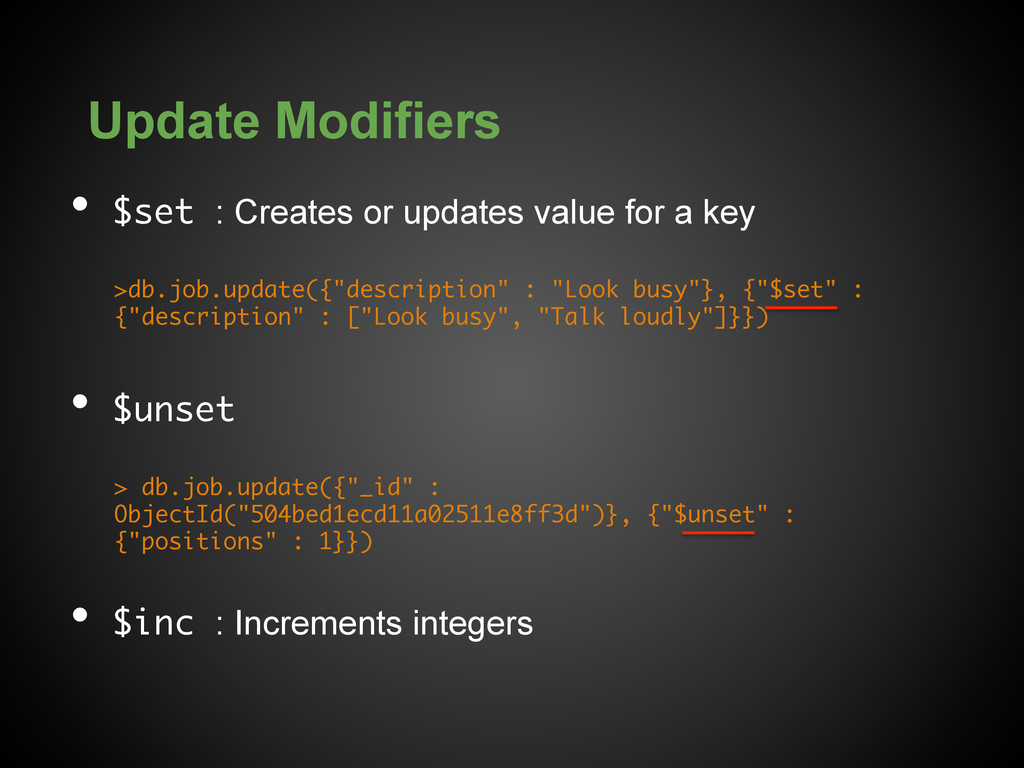
  12. Update Modifiers •  $set : Creates or updates value for

    a key >db.job.update({"description" : "Look busy"}, {"$set" : {"description" : ["Look busy", "Talk loudly"]}}) •  $unset > db.job.update({"_id" : ObjectId("504bed1ecd11a02511e8ff3d")}, {"$unset" : {"positions" : 1}}) •  $inc : Increments integers
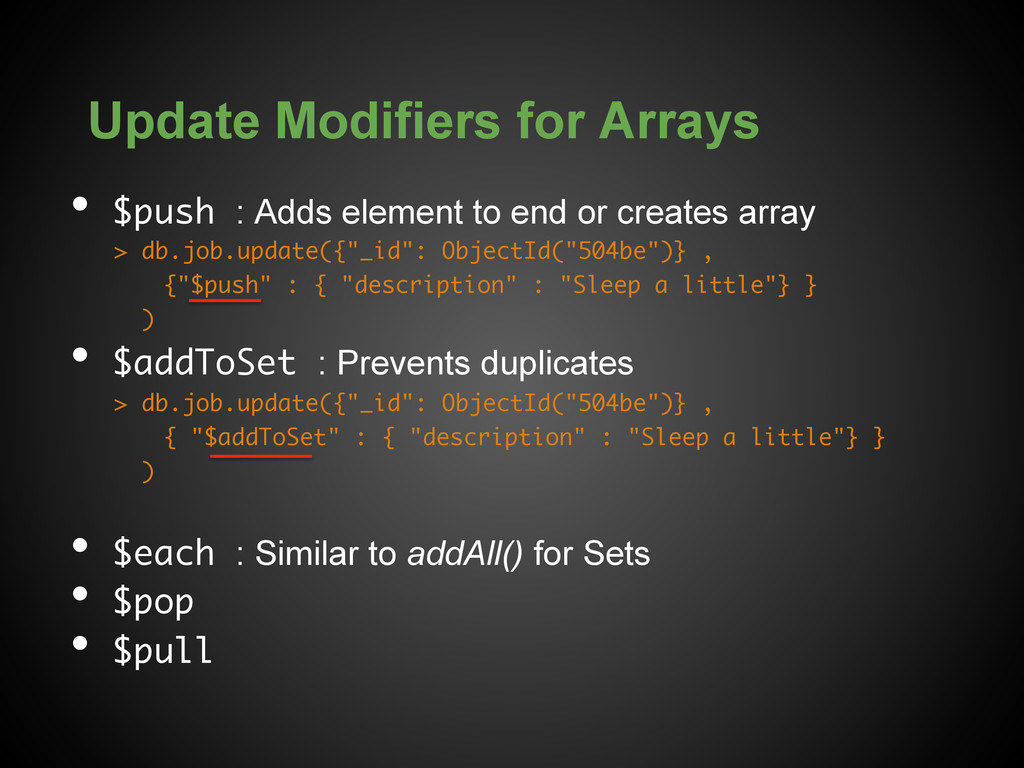
  13. Update Modifiers for Arrays •  $push : Adds element to

    end or creates array > db.job.update({"_id": ObjectId("504be")} , {"$push" : { "description" : "Sleep a little"} } ) •  $addToSet : Prevents duplicates > db.job.update({"_id": ObjectId("504be")} , { "$addToSet" : { "description" : "Sleep a little"} } ) •  $each : Similar to addAll() for Sets •  $pop •  $pull
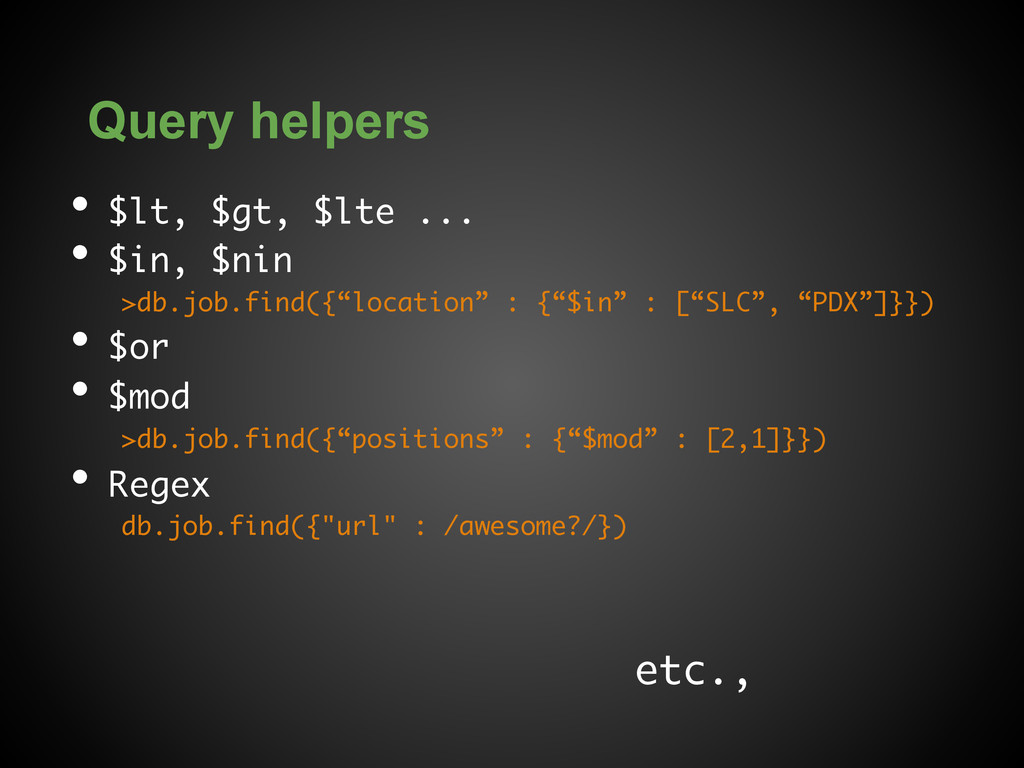
  14. Query helpers •  $lt, $gt, $lte ... •  $in, $nin

    >db.job.find({“location” : {“$in” : [“SLC”, “PDX”]}}) •  $or •  $mod >db.job.find({“positions” : {“$mod” : [2,1]}}) •  Regex db.job.find({"url" : /awesome?/}) etc.,
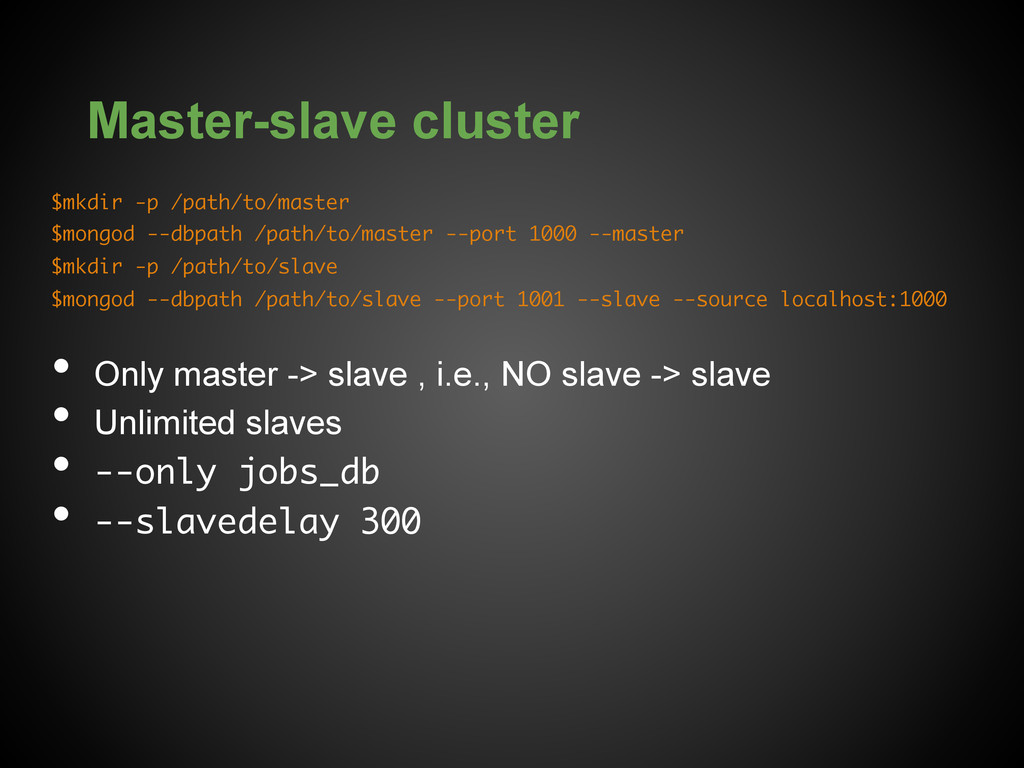
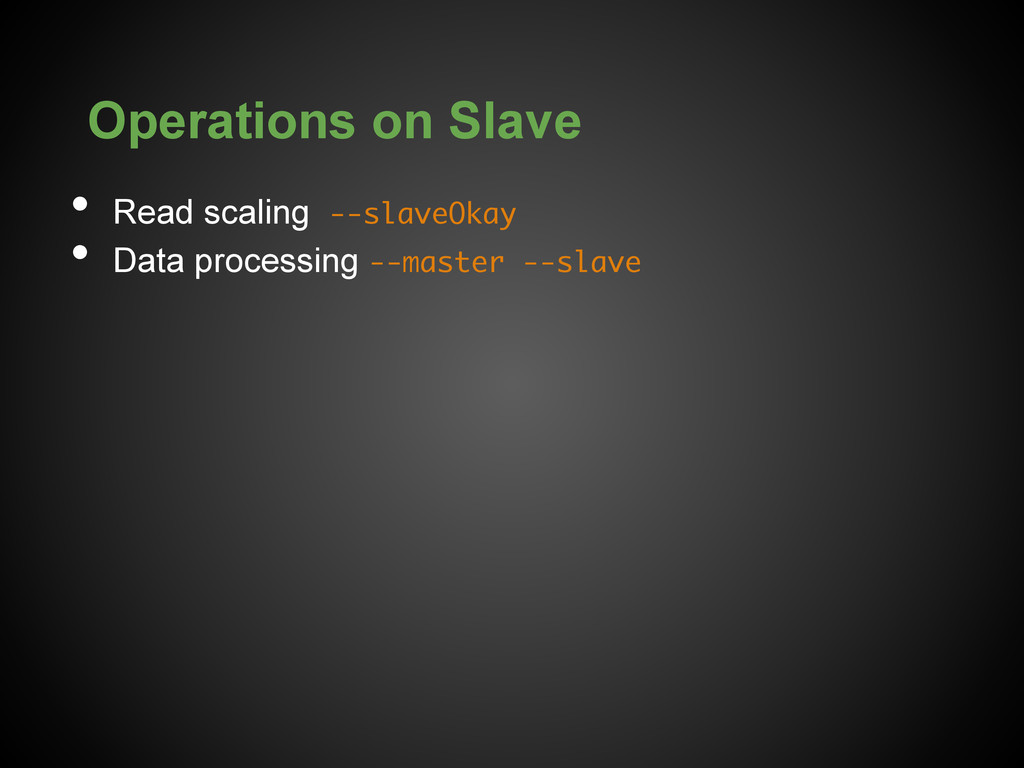
  15. Master-slave cluster $mkdir -p /path/to/master $mongod --dbpath /path/to/master --port 1000

    --master $mkdir -p /path/to/slave $mongod --dbpath /path/to/slave --port 1001 --slave --source localhost:1000 •  Only master -> slave , i.e., NO slave -> slave •  Unlimited slaves •  --only jobs_db •  --slavedelay 300
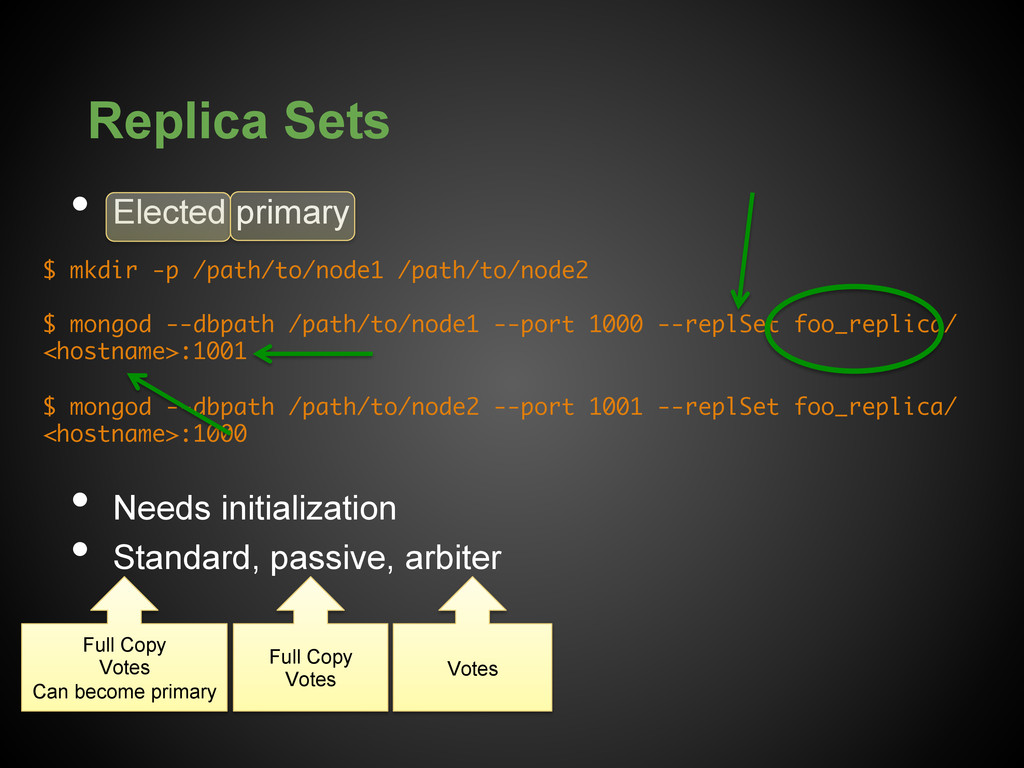
  16. Replica Sets •  Elected primary •  Needs initialization •  Standard,

    passive, arbiter $ mkdir -p /path/to/node1 /path/to/node2 $ mongod --dbpath /path/to/node1 --port 1000 --replSet foo_replica/ <hostname>:1001 $ mongod --dbpath /path/to/node2 --port 1001 --replSet foo_replica/ <hostname>:1000 Full Copy Votes Can become primary Full Copy Votes Votes
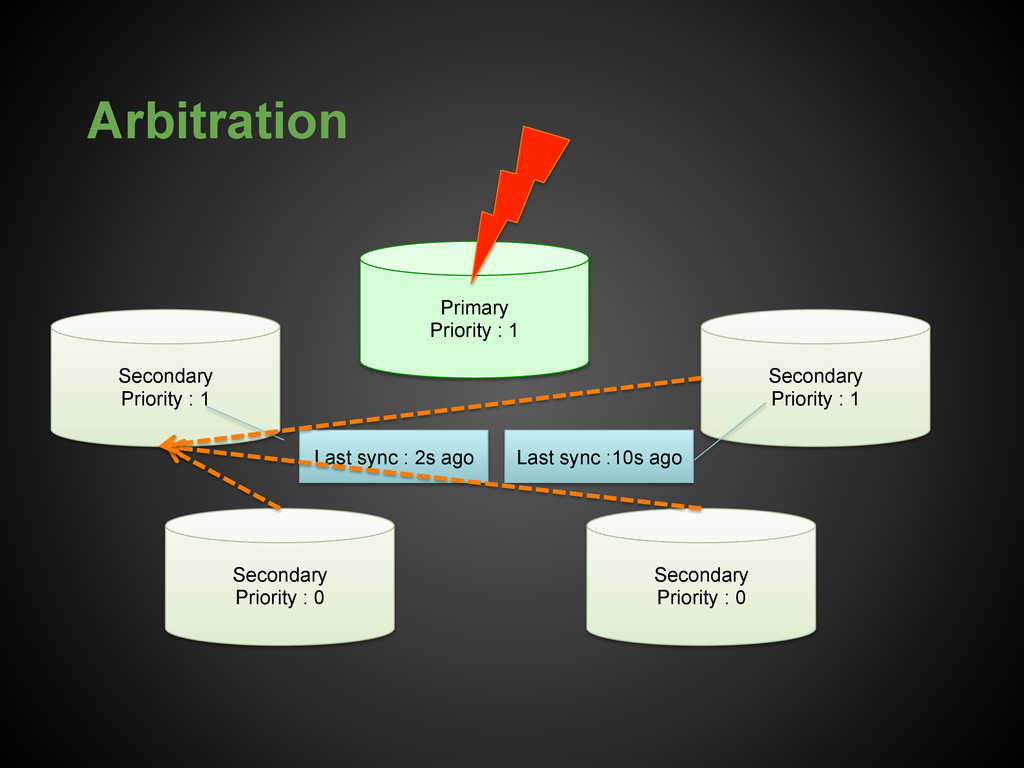
  17. Arbitration Primary Priority : 1 Secondary Priority : 1 Secondary

    Priority : 1 Secondary Priority : 0 Secondary Priority : 0 Last sync : 2s ago Last sync :10s ago
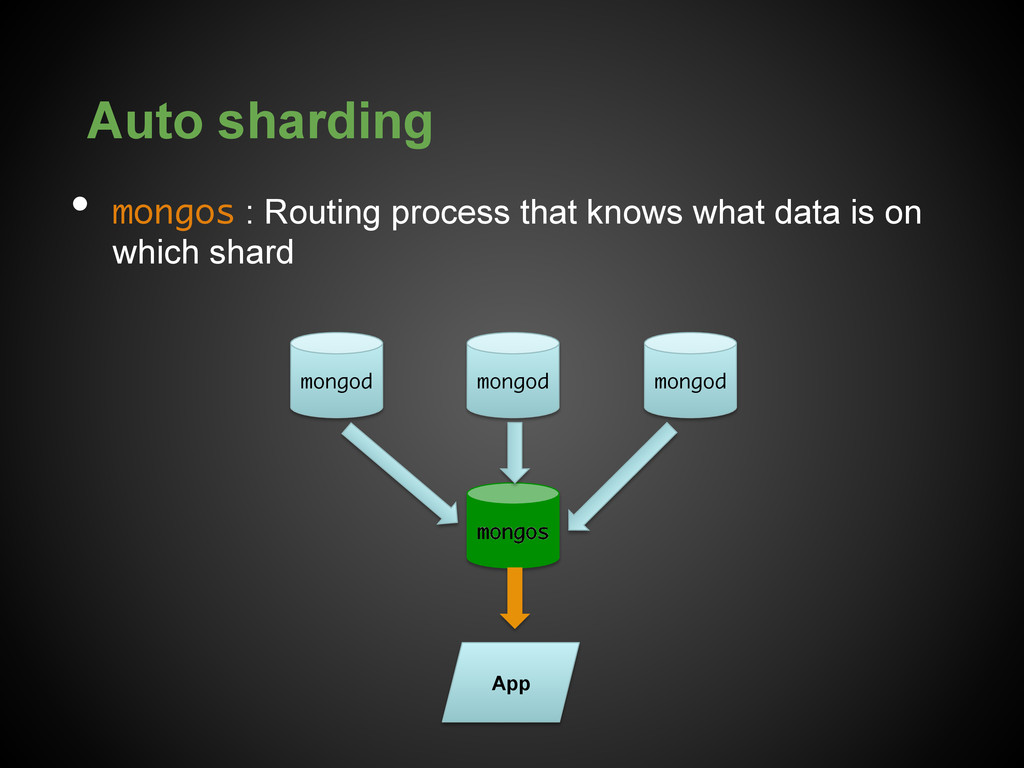
  18. Auto sharding •  mongos : Routing process that knows what

    data is on which shard App mongod mongod mongod mongos
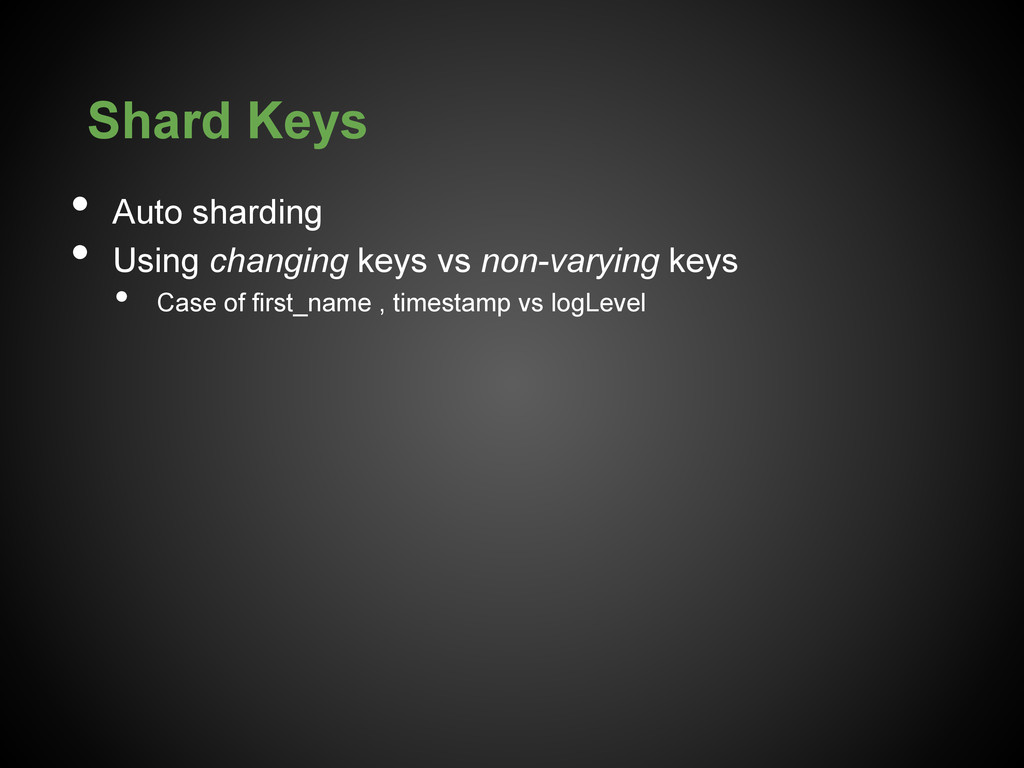
  19. Shard Keys •  Auto sharding •  Using changing keys vs

    non-varying keys •  Case of first_name , timestamp vs logLevel
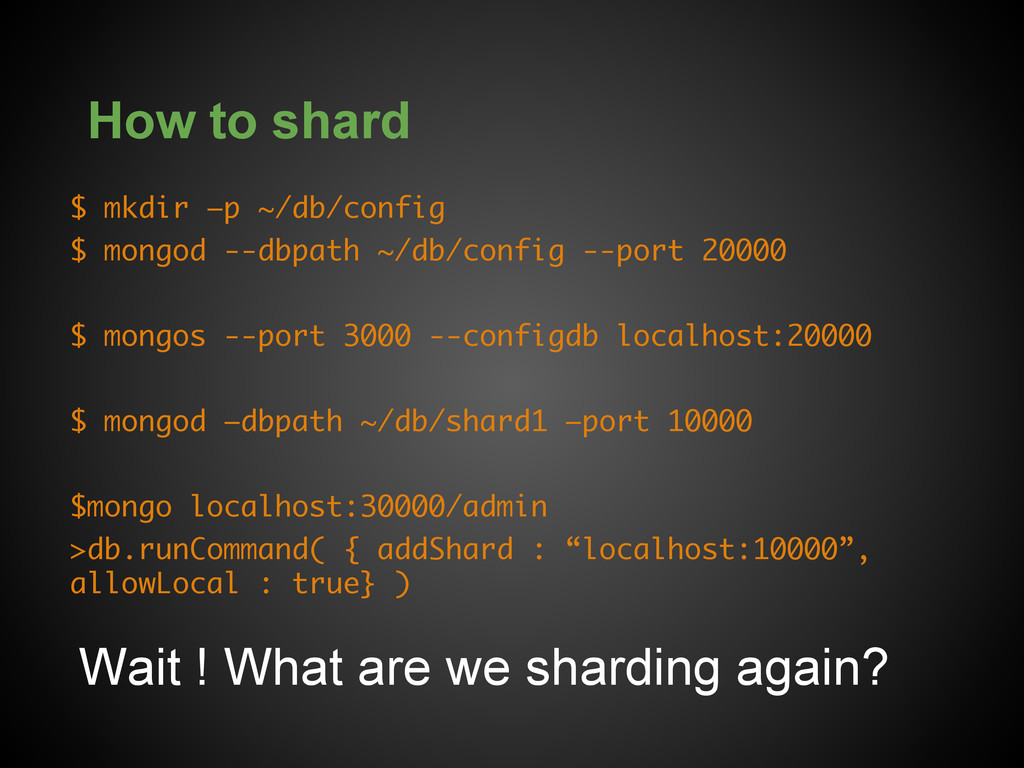
  20. How to shard $ mkdir –p ~/db/config $ mongod --dbpath

    ~/db/config --port 20000 $ mongos --port 3000 --configdb localhost:20000 $ mongod –dbpath ~/db/shard1 –port 10000 $mongo localhost:30000/admin >db.runCommand( { addShard : “localhost:10000”, allowLocal : true} ) Wait ! What are we sharding again?
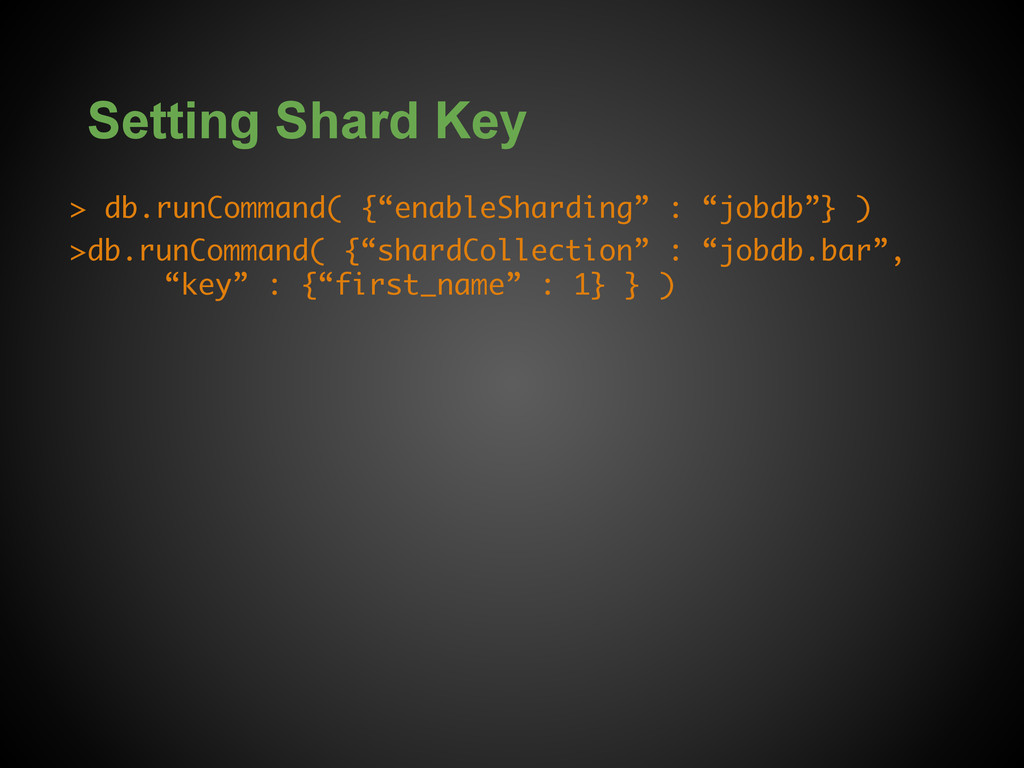
  21. Setting Shard Key > db.runCommand( {“enableSharding” : “jobdb”} ) >db.runCommand(

    {“shardCollection” : “jobdb.bar”, “key” : {“first_name” : 1} } )
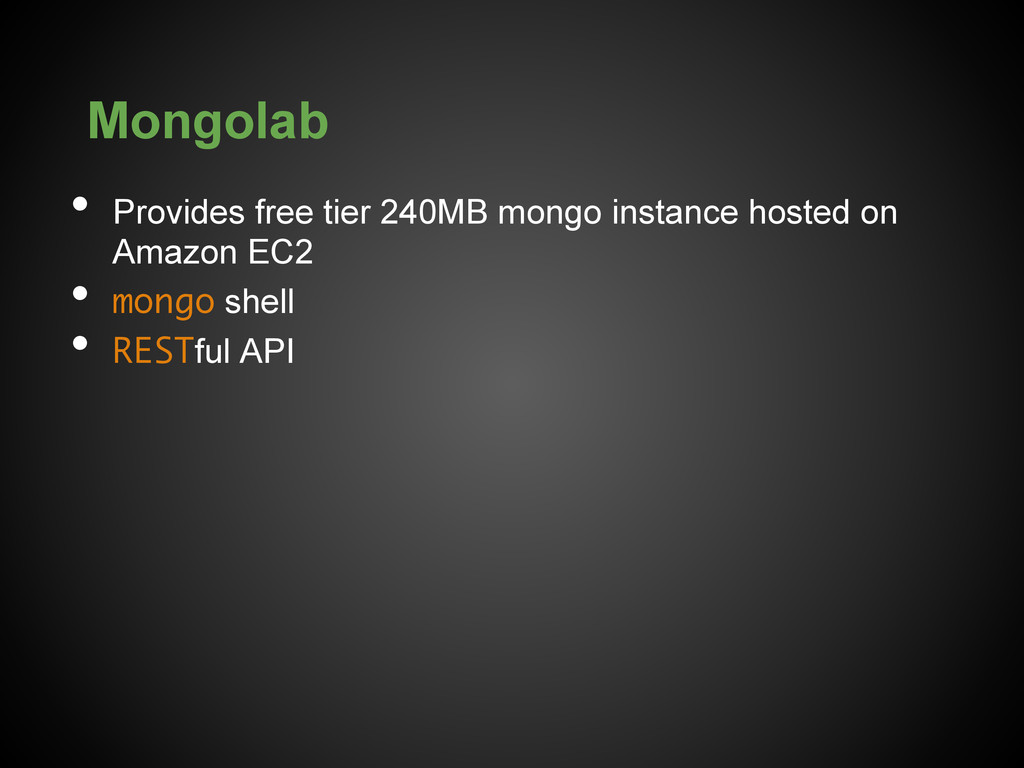
  22. Mongolab •  Provides free tier 240MB mongo instance hosted on

    Amazon EC2 •  mongo shell •  RESTful API
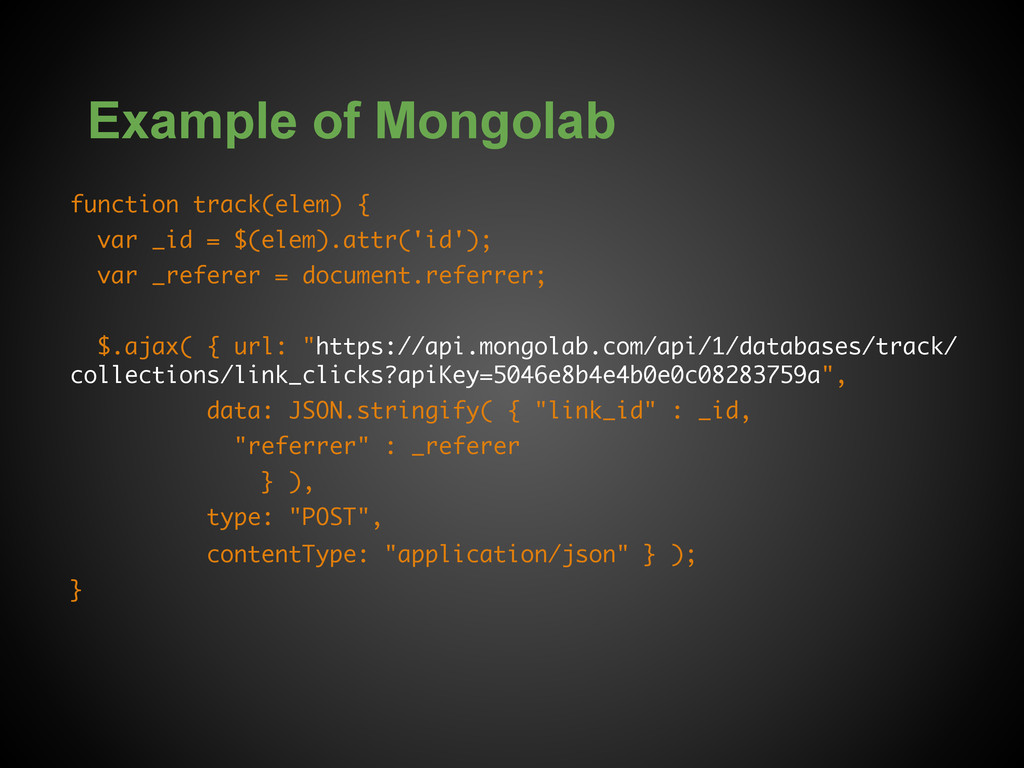
  23. Example of Mongolab function track(elem) { var _id = $(elem).attr('id');

    var _referer = document.referrer; $.ajax( { url: "https://api.mongolab.com/api/1/databases/track/ collections/link_clicks?apiKey=5046e8b4e4b0e0c08283759a", data: JSON.stringify( { "link_id" : _id, "referrer" : _referer } ), type: "POST", contentType: "application/json" } ); }