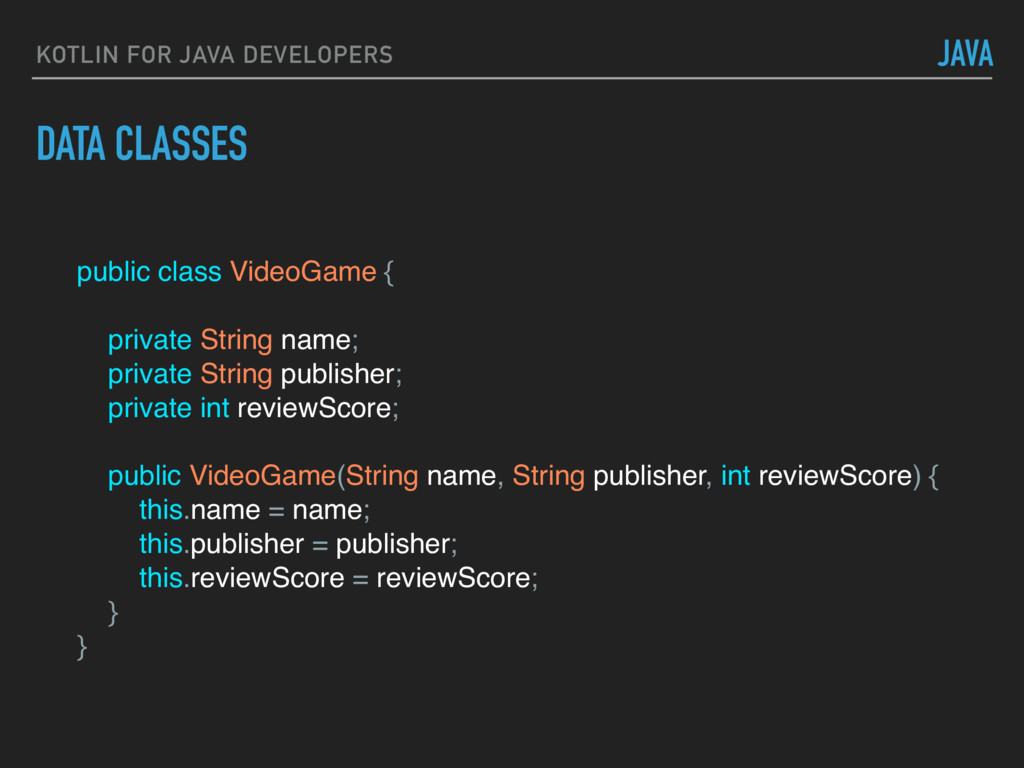
language from JetBrains. ▸ OOP language with functional aspects. ▸ Focuses on safe, concise code while maintaining (and increasing) readability. ▸ First-class tooling support. ▸ Now officially supported by Google. KOTLIN
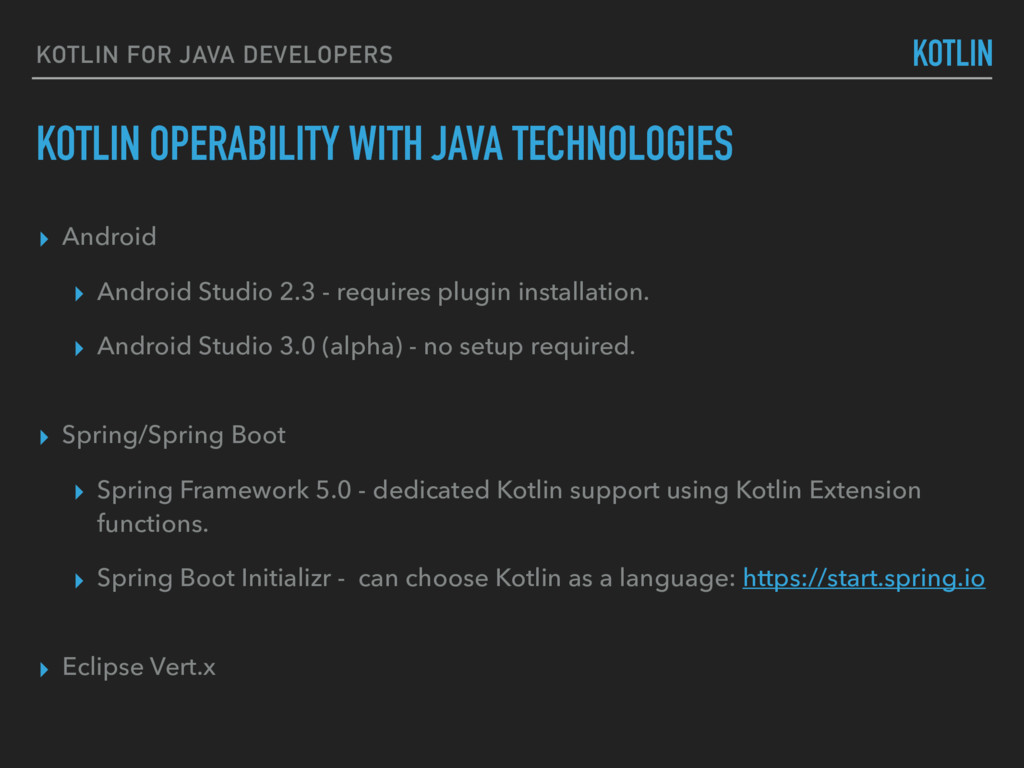
2.3 - requires plugin installation. ▸ Android Studio 3.0 (alpha) - no setup required. ▸ Spring/Spring Boot ▸ Spring Framework 5.0 - dedicated Kotlin support using Kotlin Extension functions. ▸ Spring Boot Initializr - can choose Kotlin as a language: https://start.spring.io ▸ Eclipse Vert.x KOTLIN FOR JAVA DEVELOPERS KOTLIN
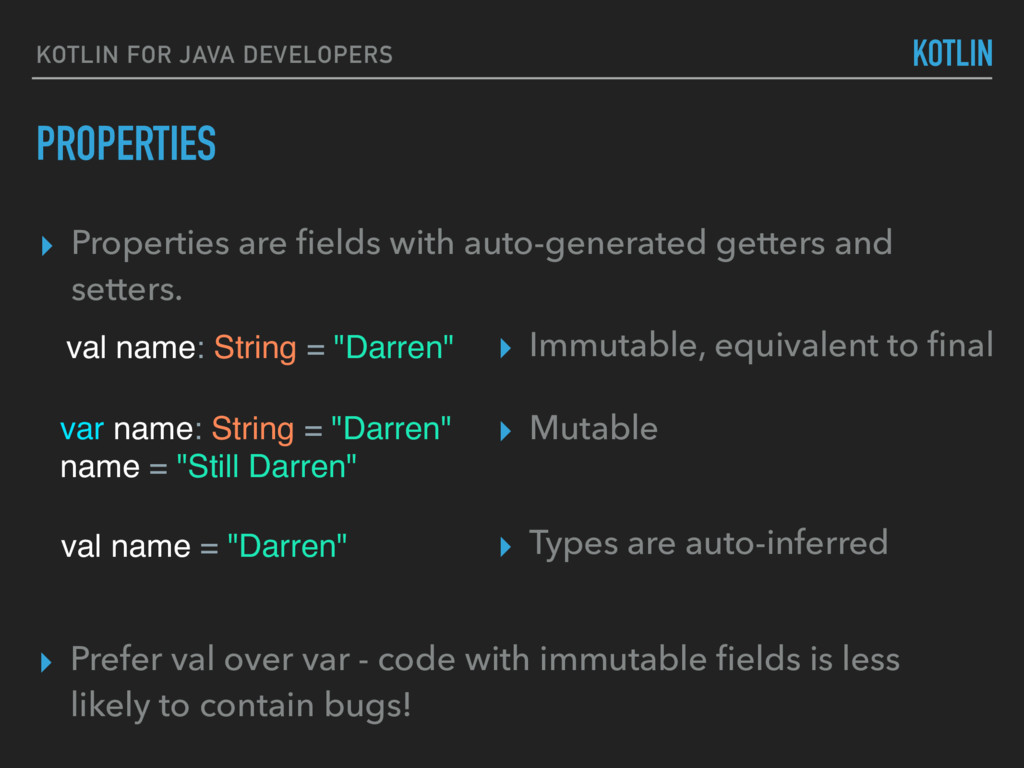
with auto-generated getters and setters. val name: String = "Darren" ▸ Immutable, equivalent to final var name: String = "Darren" name = "Still Darren" ▸ Mutable val name = "Darren" ▸ Types are auto-inferred ▸ Prefer val over var - code with immutable fields is less likely to contain bugs!
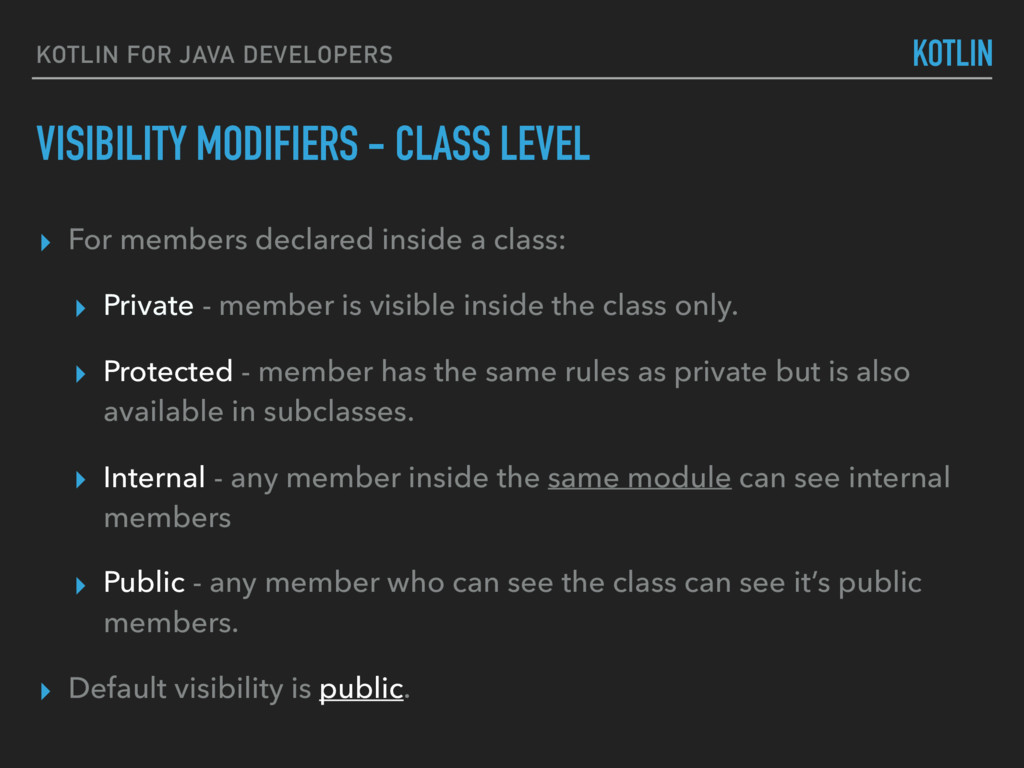
▸ For members declared inside a class: ▸ Private - member is visible inside the class only. ▸ Protected - member has the same rules as private but is also available in subclasses. ▸ Internal - any member inside the same module can see internal members ▸ Public - any member who can see the class can see it’s public members. ▸ Default visibility is public.
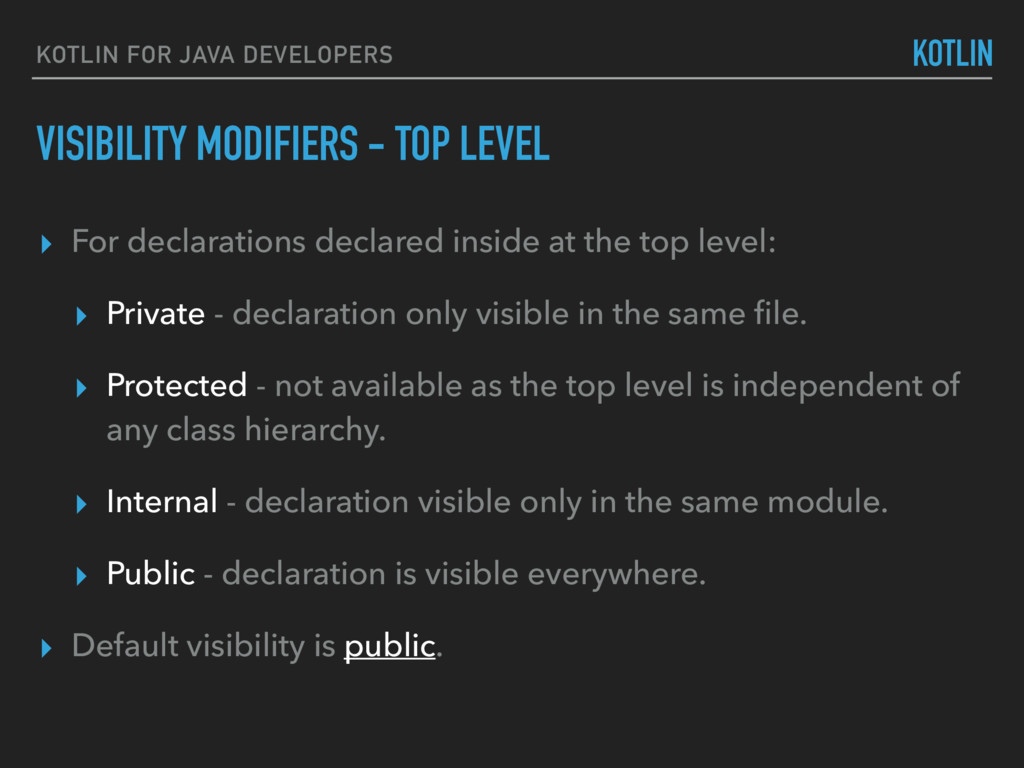
▸ For declarations declared inside at the top level: ▸ Private - declaration only visible in the same file. ▸ Protected - not available as the top level is independent of any class hierarchy. ▸ Internal - declaration visible only in the same module. ▸ Public - declaration is visible everywhere. ▸ Default visibility is public.
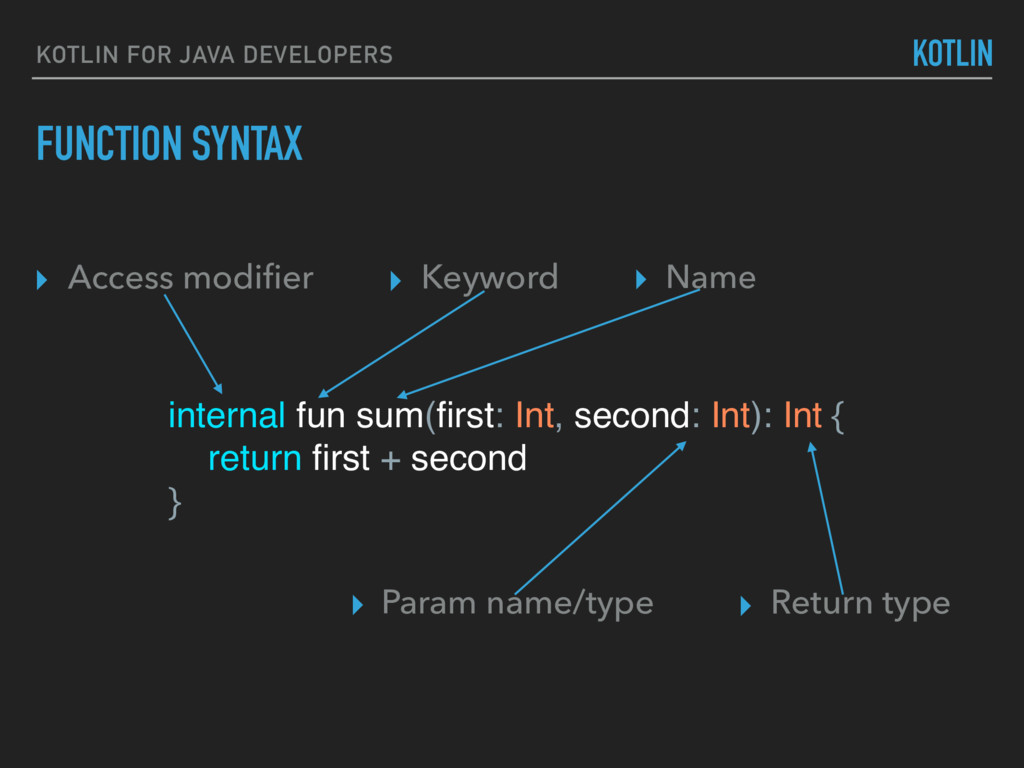
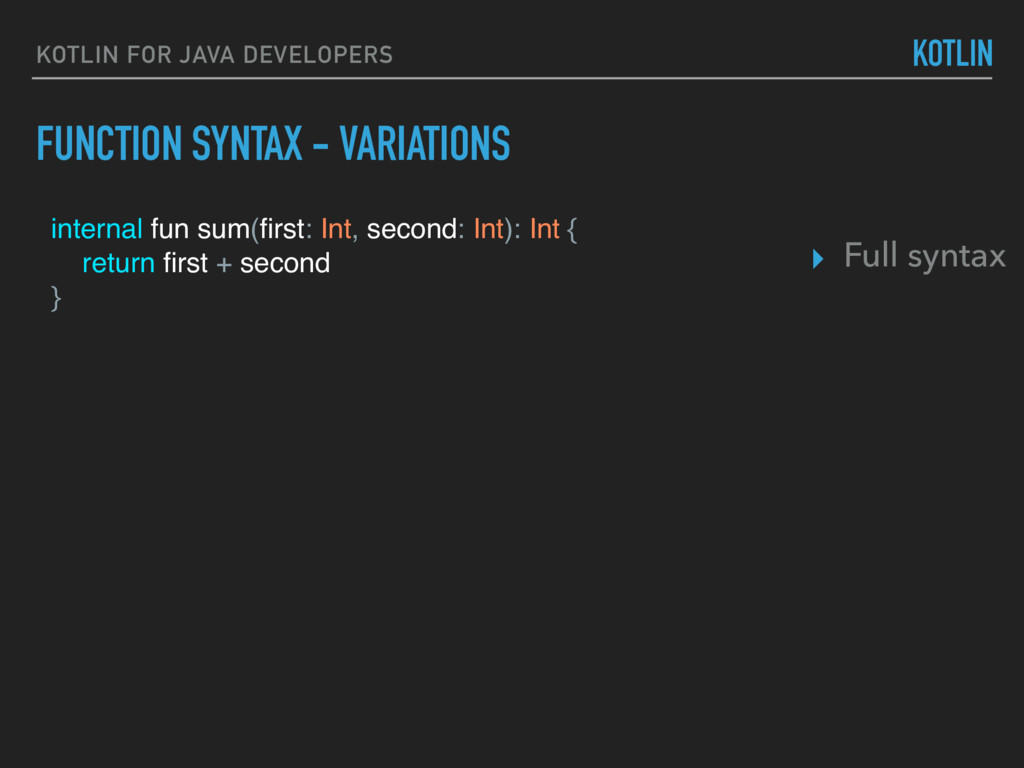
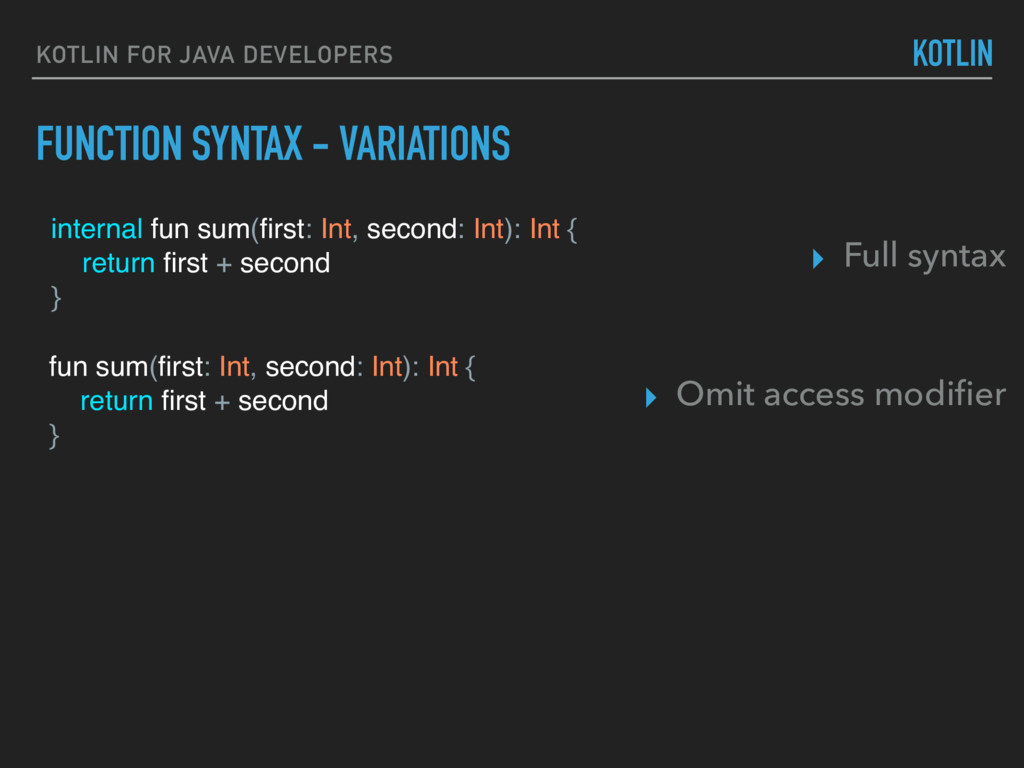
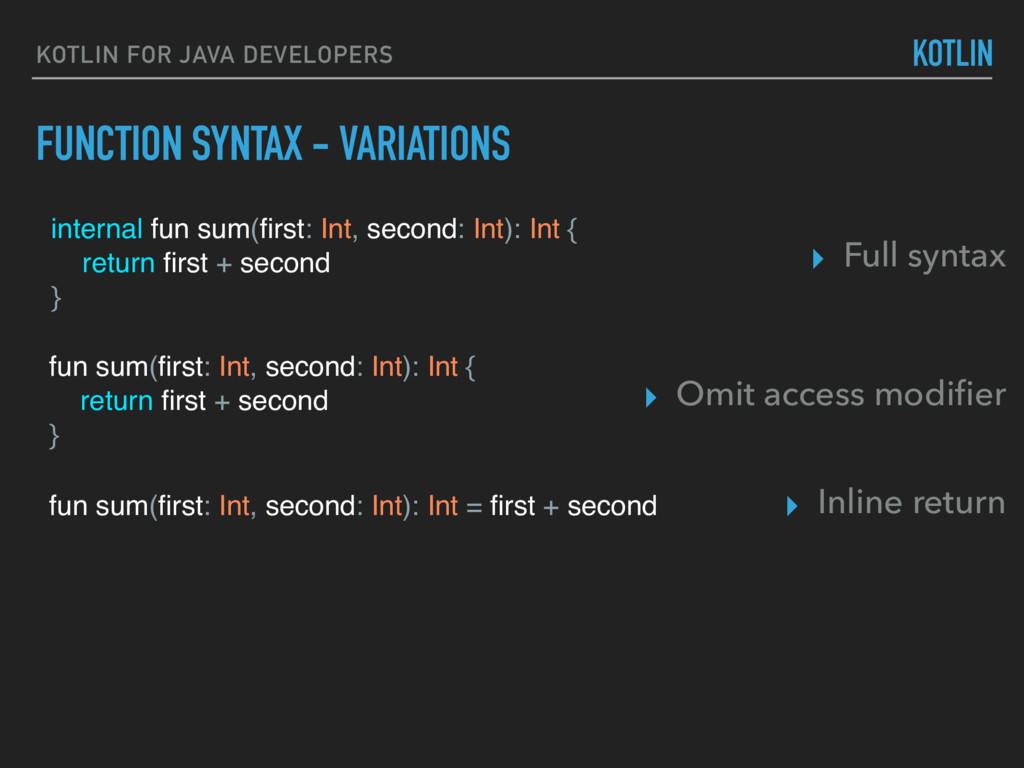
second: Int): Int { return first + second } fun sum(first: Int, second: Int): Int { return first + second } KOTLIN ▸ Full syntax ▸ Omit access modifier FUNCTION SYNTAX - VARIATIONS
second: Int): Int { return first + second } fun sum(first: Int, second: Int): Int { return first + second } fun sum(first: Int, second: Int): Int = first + second KOTLIN ▸ Full syntax ▸ Omit access modifier ▸ Inline return FUNCTION SYNTAX - VARIATIONS
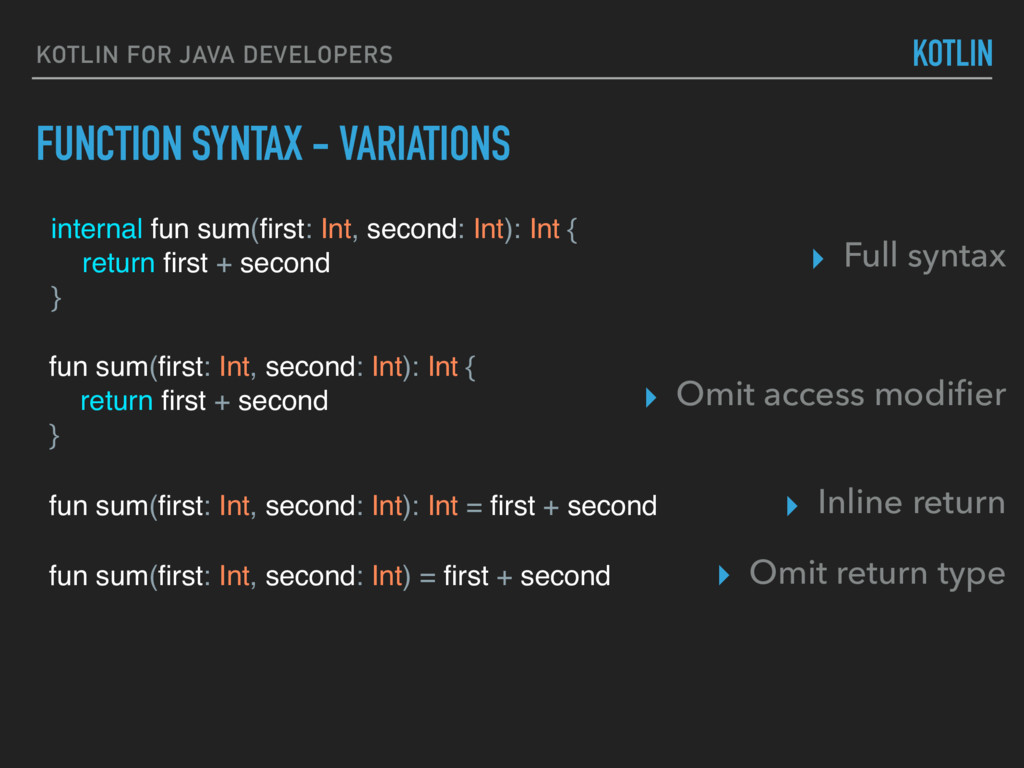
second: Int): Int { return first + second } fun sum(first: Int, second: Int): Int { return first + second } fun sum(first: Int, second: Int): Int = first + second fun sum(first: Int, second: Int) = first + second KOTLIN ▸ Full syntax ▸ Omit access modifier ▸ Inline return ▸ Omit return type FUNCTION SYNTAX - VARIATIONS
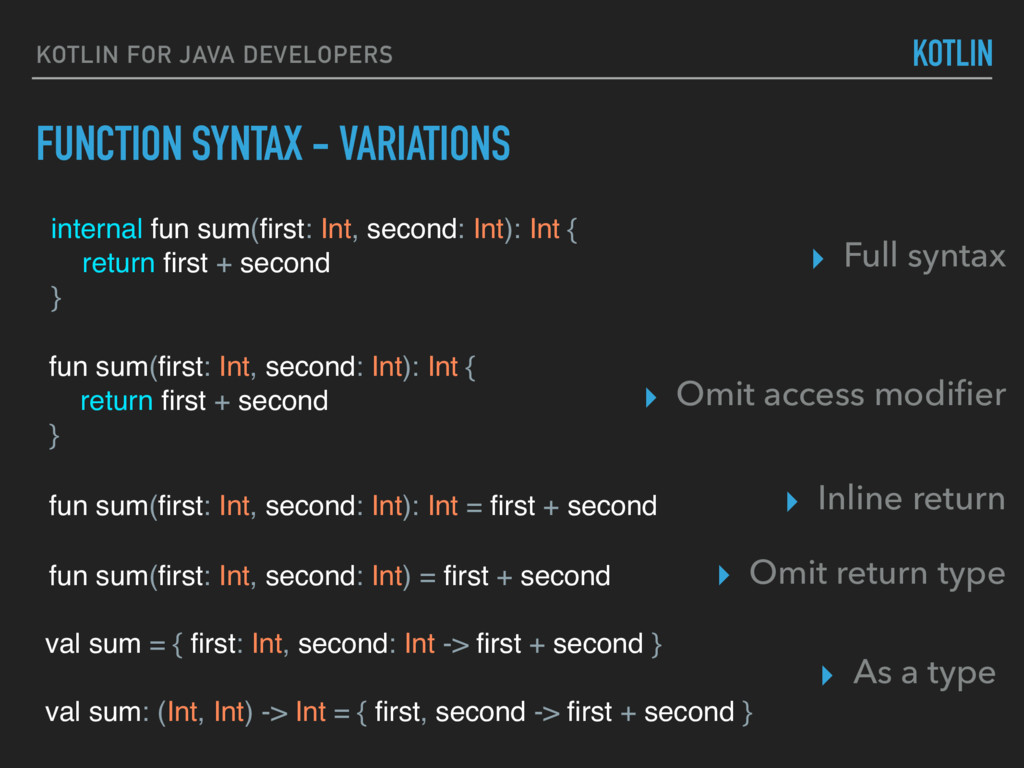
second: Int): Int { return first + second } fun sum(first: Int, second: Int): Int { return first + second } fun sum(first: Int, second: Int): Int = first + second fun sum(first: Int, second: Int) = first + second val sum = { first: Int, second: Int -> first + second } val sum: (Int, Int) -> Int = { first, second -> first + second } KOTLIN ▸ Full syntax ▸ Omit access modifier ▸ Inline return ▸ Omit return type ▸ As a type FUNCTION SYNTAX - VARIATIONS
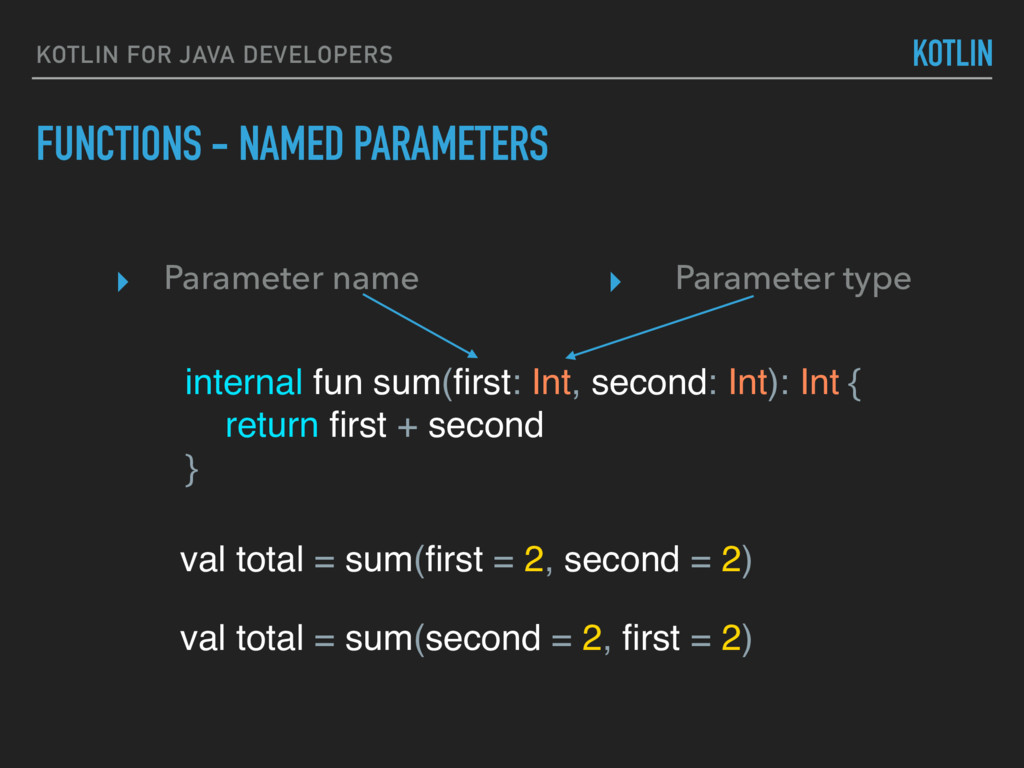
+ second } FUNCTIONS - NAMED PARAMETERS KOTLIN FOR JAVA DEVELOPERS KOTLIN ▸ Parameter name ▸ Parameter type val total = sum(first = 2, second = 2) val total = sum(second = 2, first = 2)
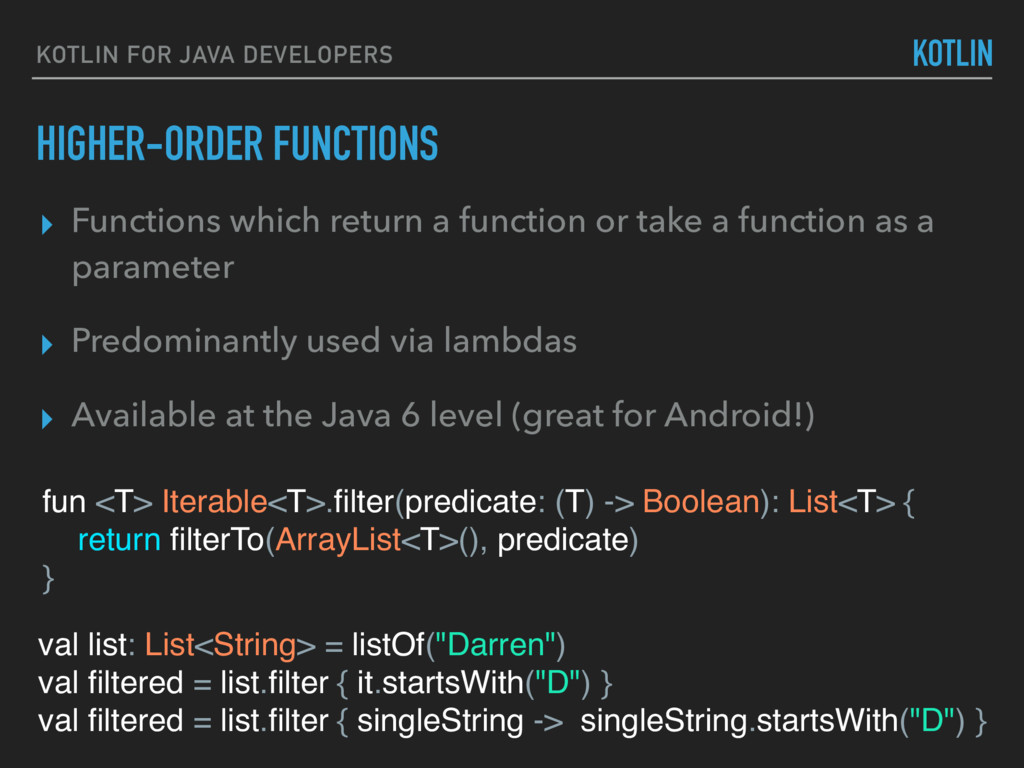
return a function or take a function as a parameter ▸ Predominantly used via lambdas ▸ Available at the Java 6 level (great for Android!) fun <T> Iterable<T>.filter(predicate: (T) -> Boolean): List<T> { return filterTo(ArrayList<T>(), predicate) } val list: List<String> = listOf("Darren") val filtered = list.filter { it.startsWith("D") } val filtered = list.filter { singleString -> singleString.startsWith("D") }
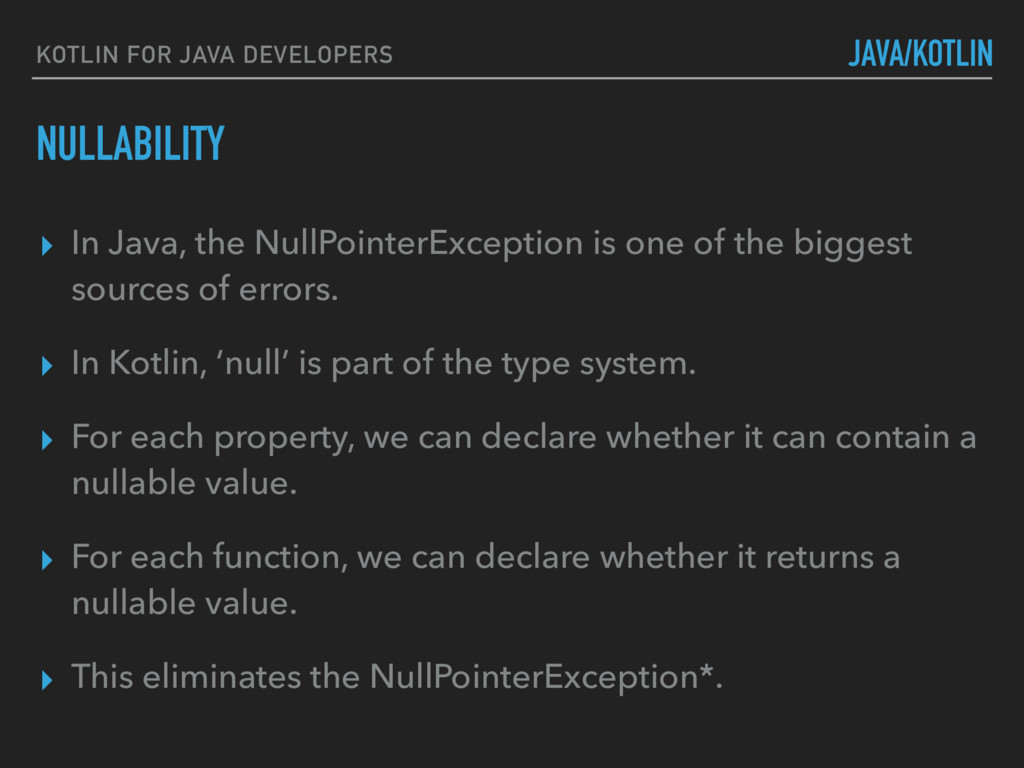
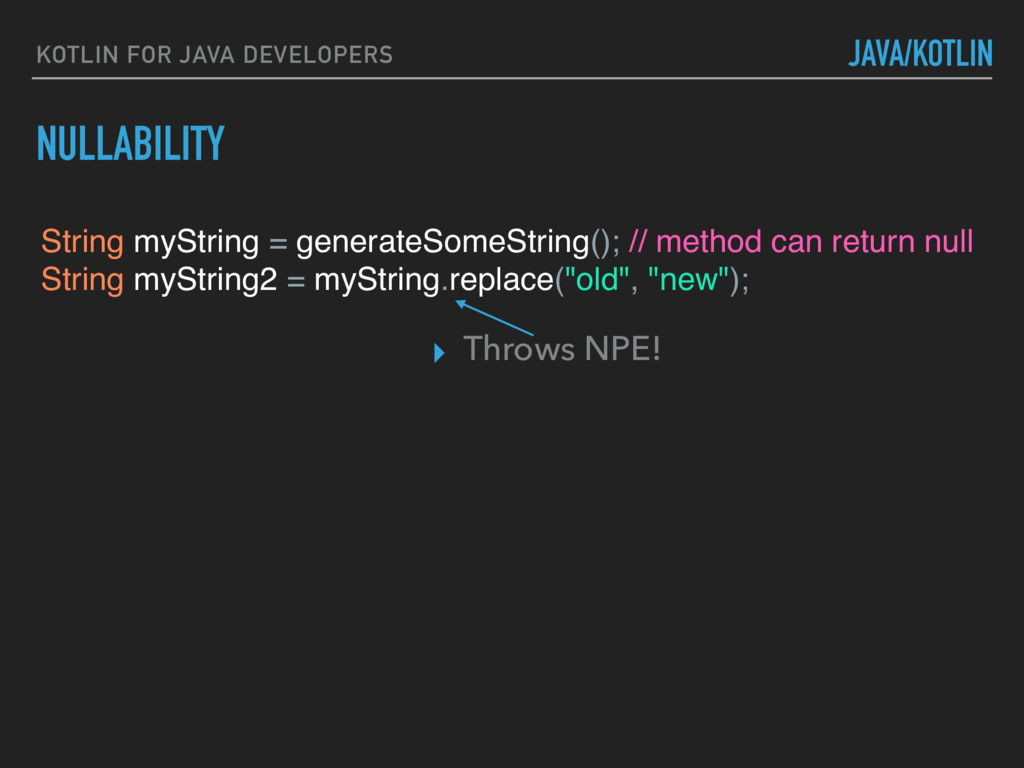
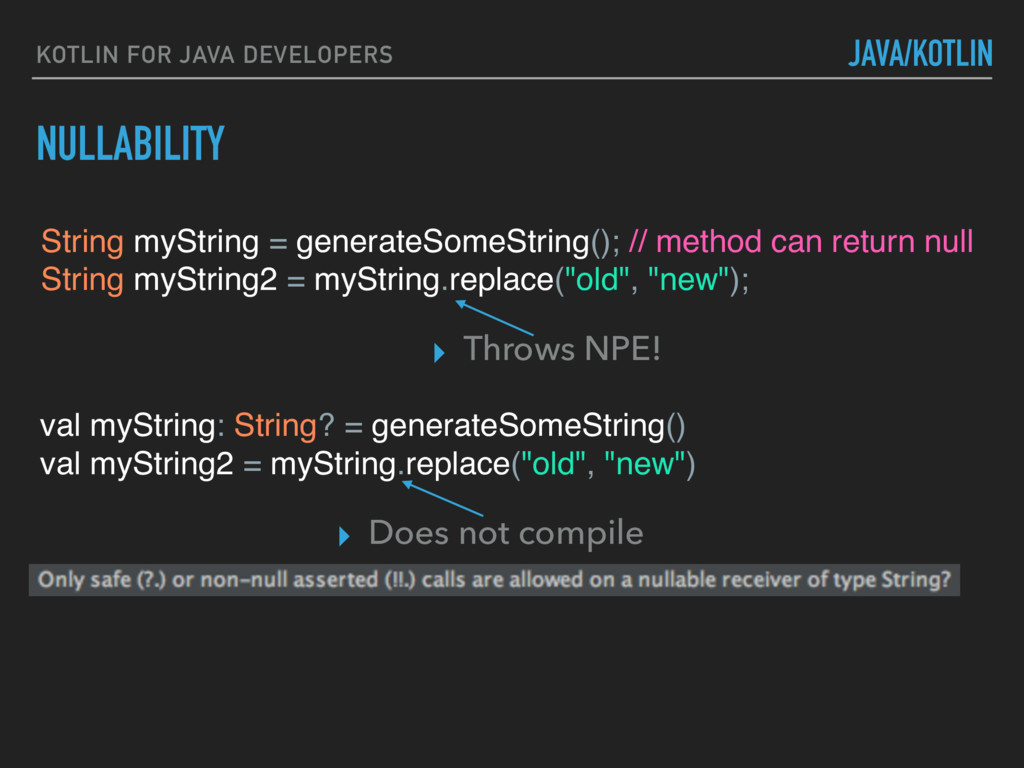
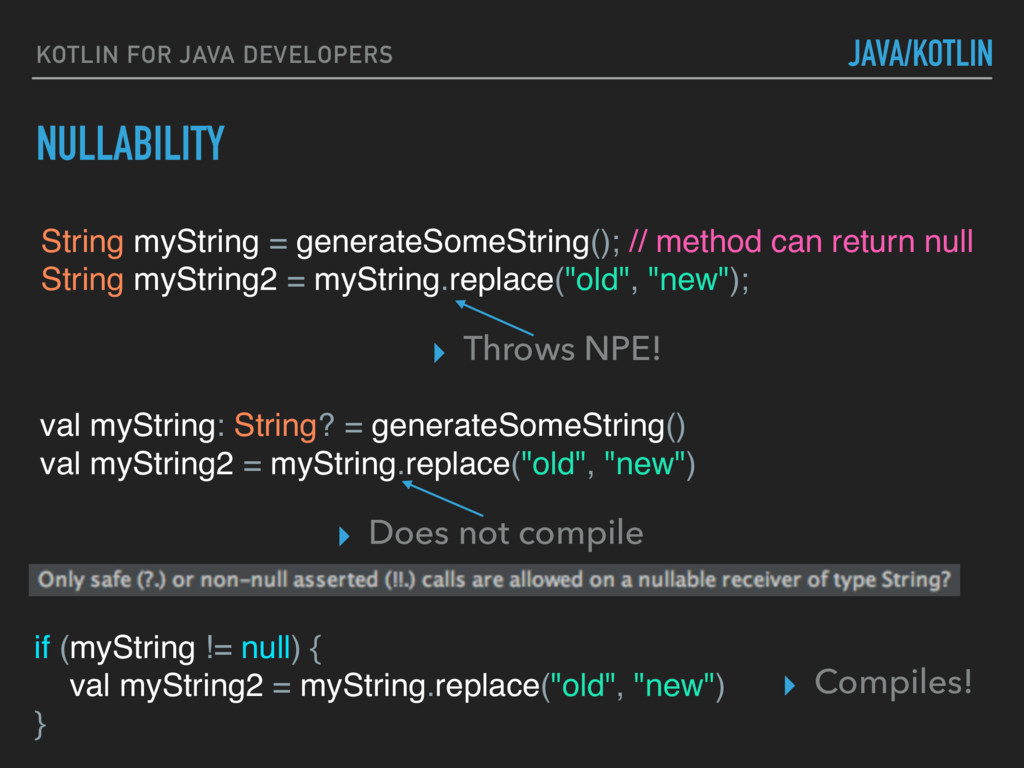
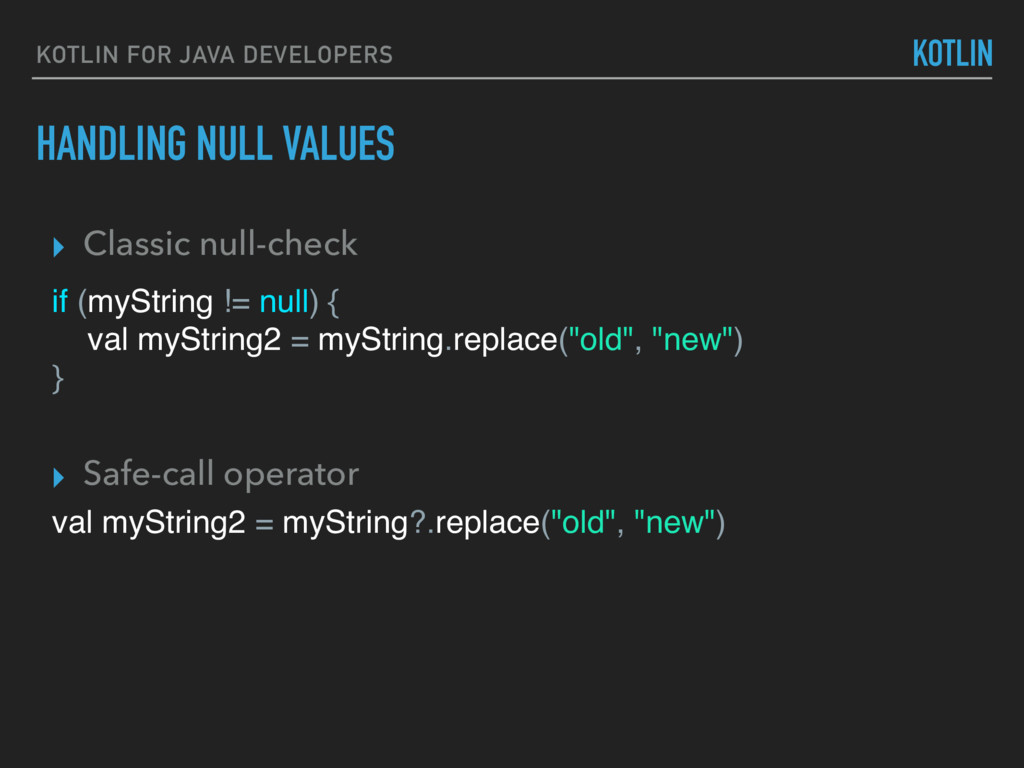
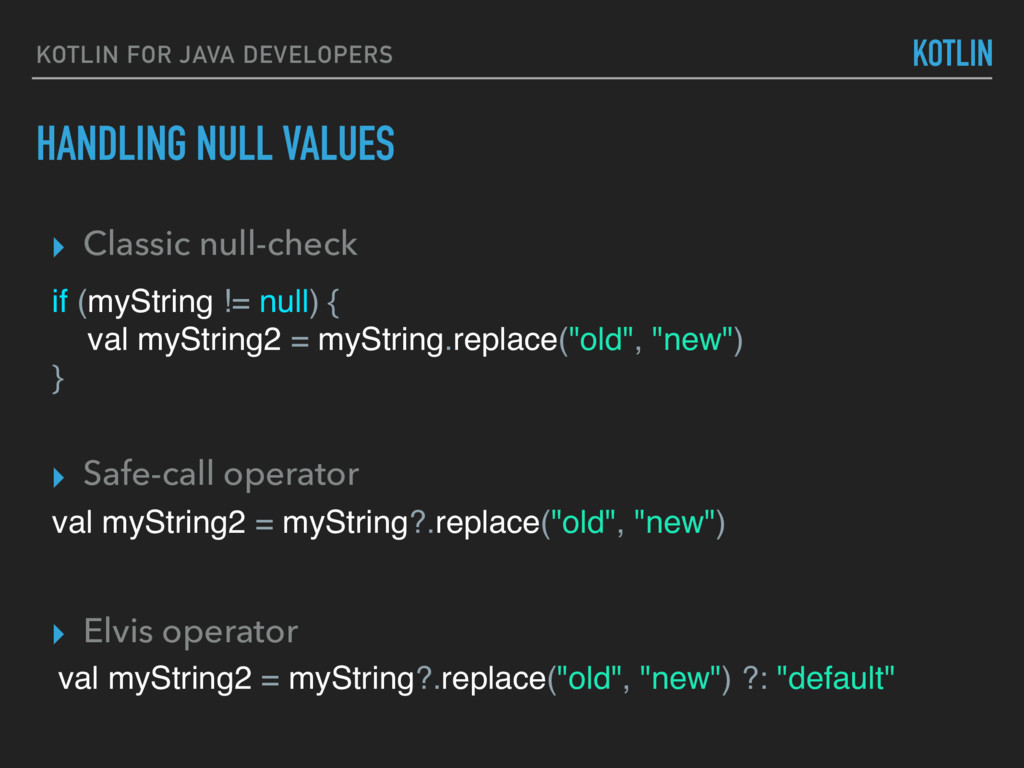
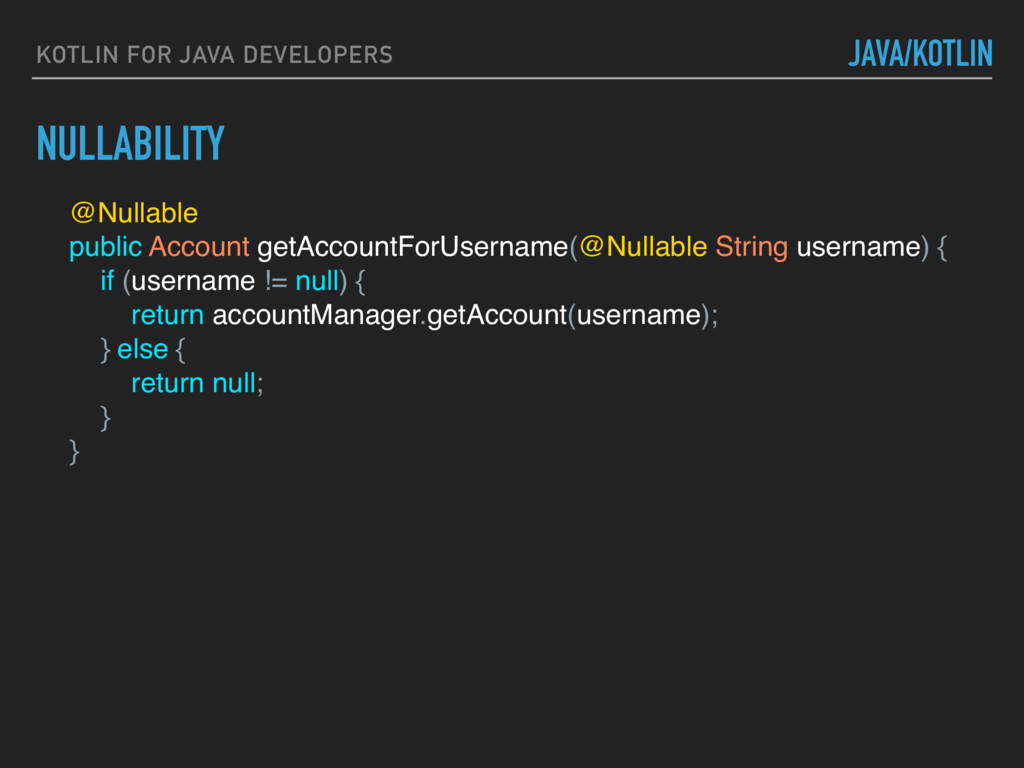
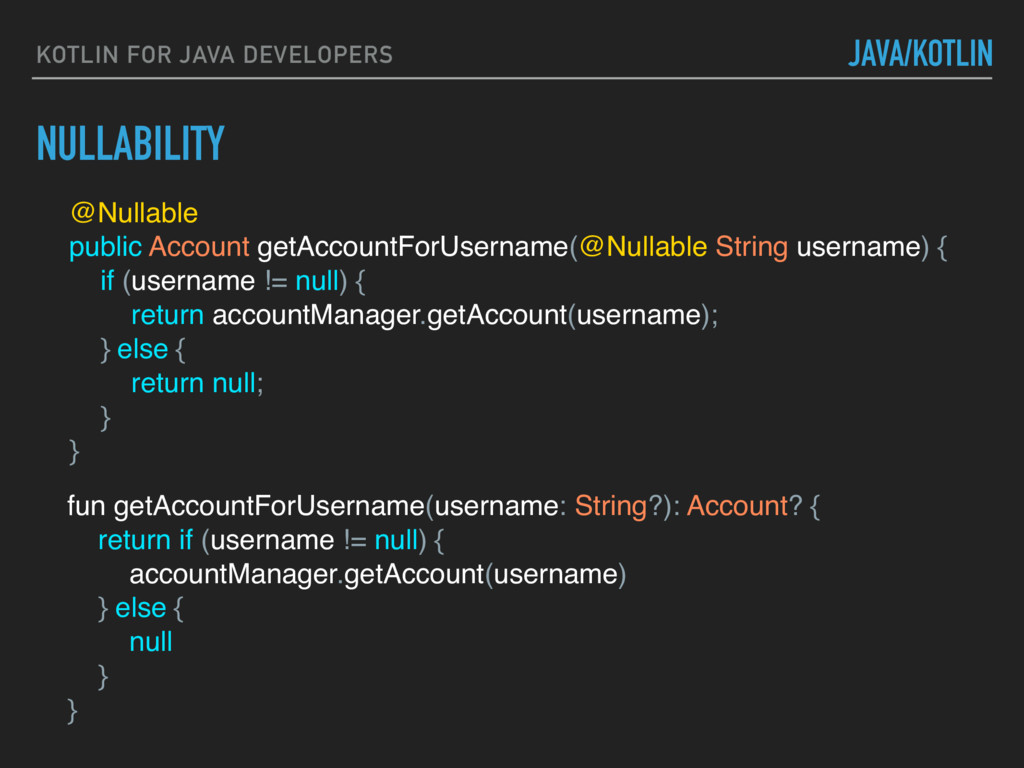
NullPointerException is one of the biggest sources of errors. ▸ In Kotlin, ‘null’ is part of the type system. ▸ For each property, we can declare whether it can contain a nullable value. ▸ For each function, we can declare whether it returns a nullable value. ▸ This eliminates the NullPointerException*.
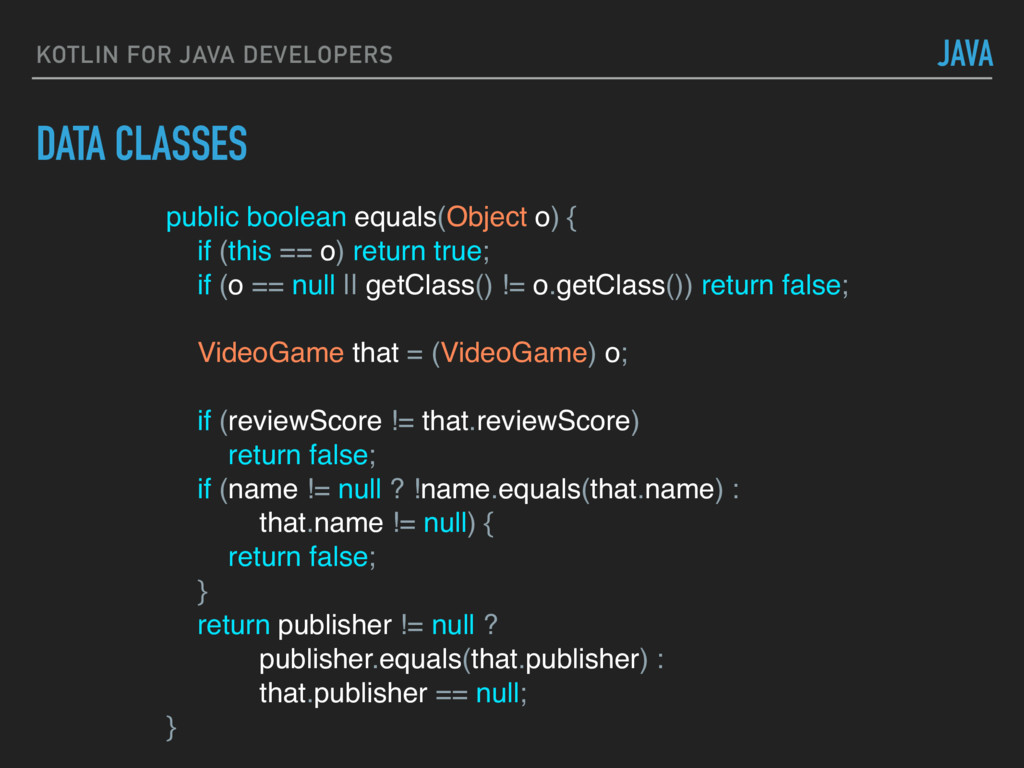
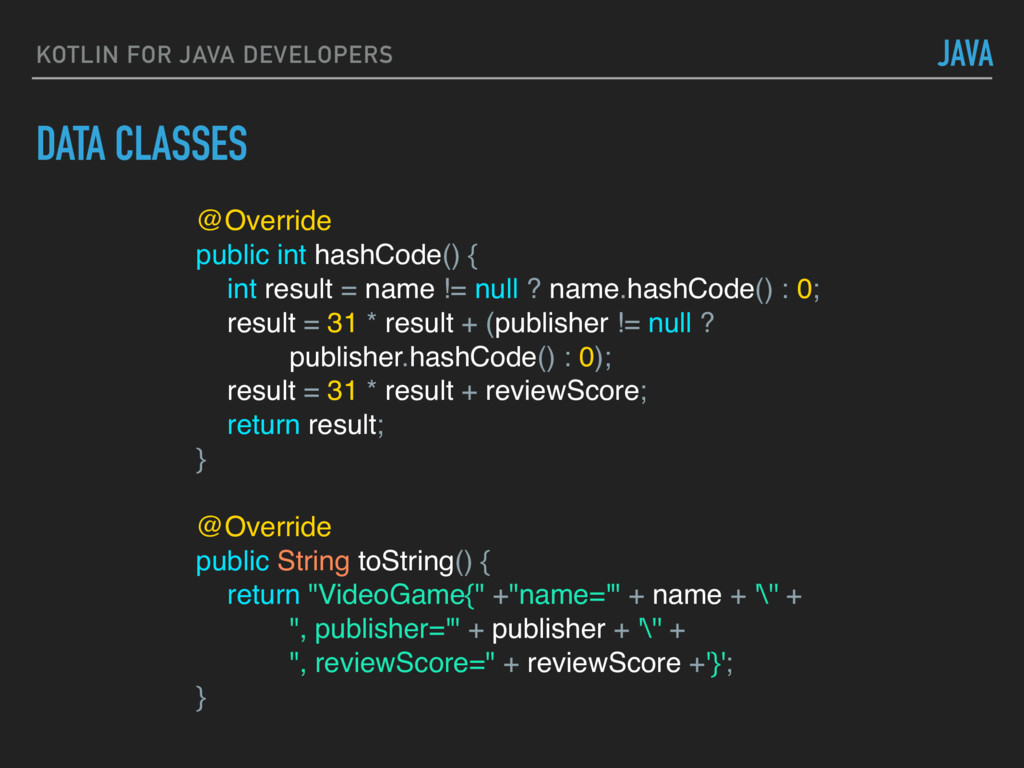
public void setName(String name) {} public String getPublisher() {} public void setPublisher(String publisher) {} public int getReviewScore() {} public void setReviewScore(int reviewScore) {} JAVA
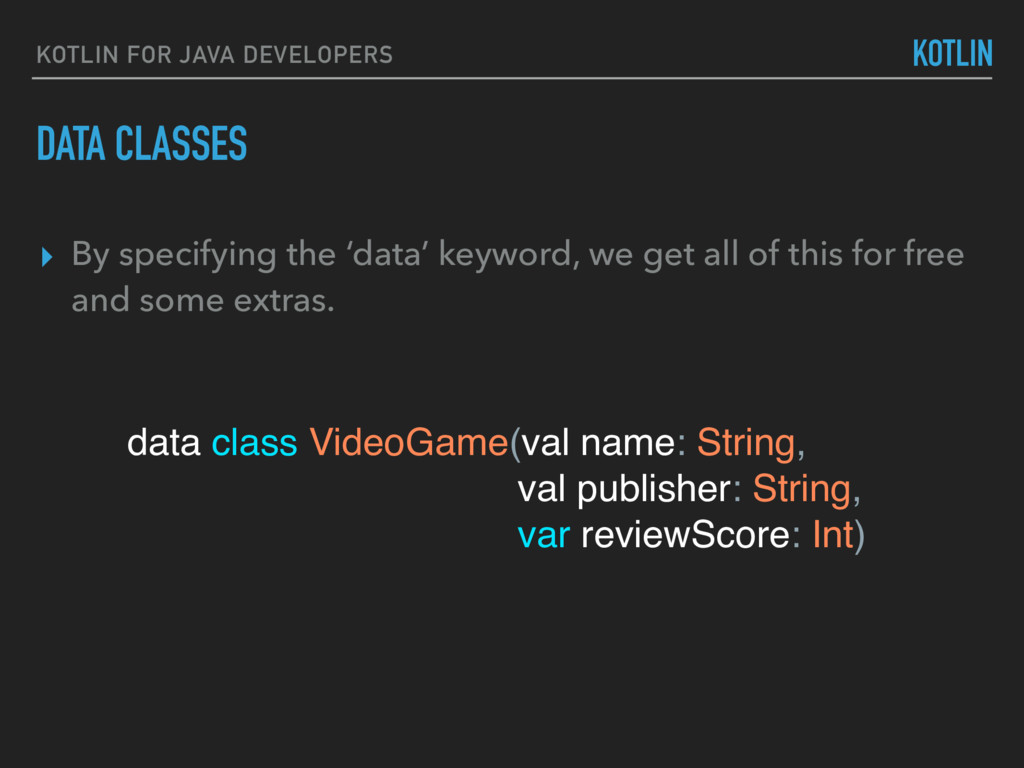
this for free and some extras. DATA CLASSES KOTLIN FOR JAVA DEVELOPERS KOTLIN data class VideoGame(val name: String, val publisher: String, var reviewScore: Int)
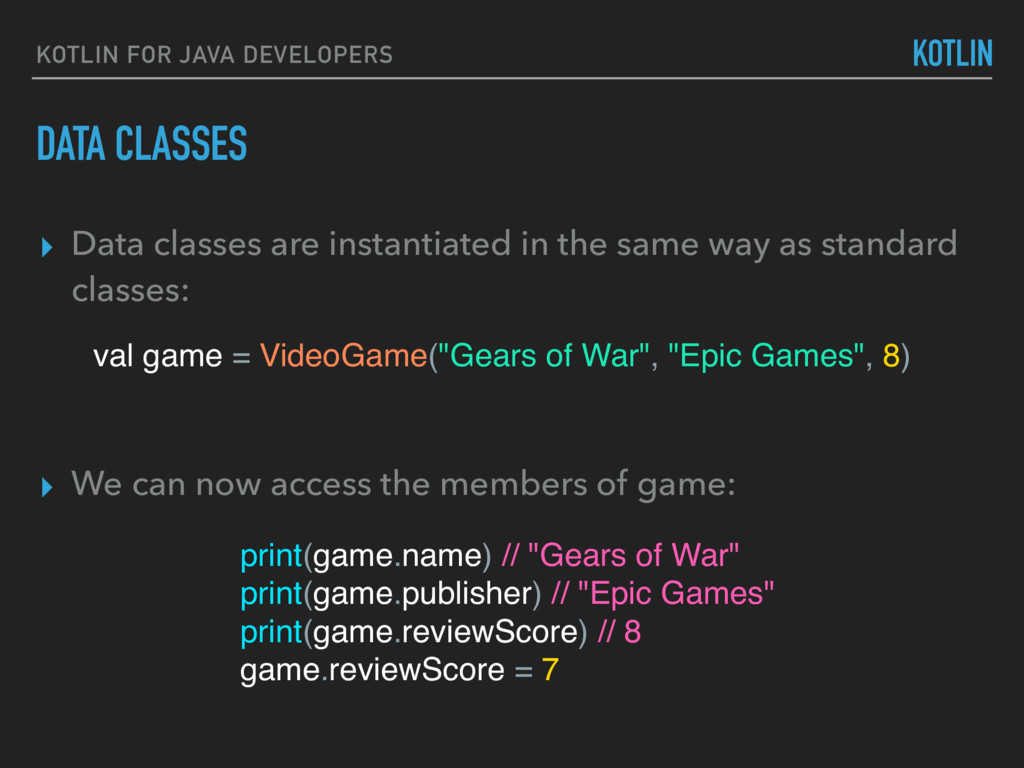
VideoGame("Gears of War", "Epic Games", 8) ▸ Data classes are instantiated in the same way as standard classes: ▸ We can now access the members of game: print(game.name) // "Gears of War" print(game.publisher) // "Epic Games" print(game.reviewScore) // 8 game.reviewScore = 7
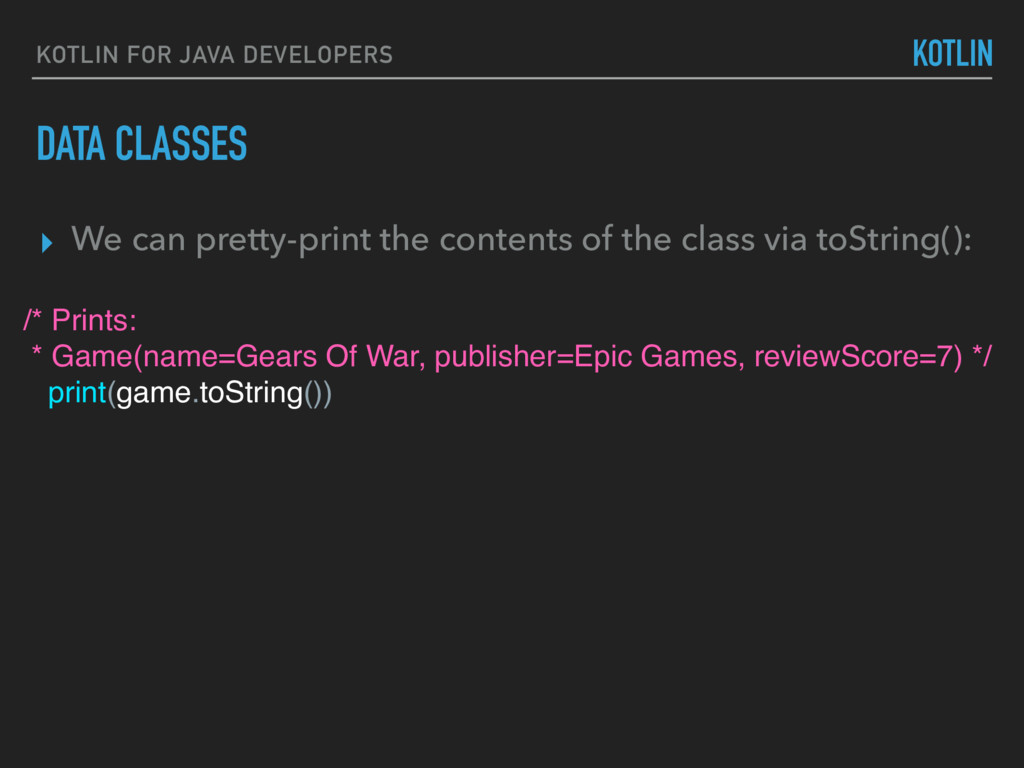
pretty-print the contents of the class via toString(): /* Prints: * Game(name=Gears Of War, publisher=Epic Games, reviewScore=7) */ print(game.toString())
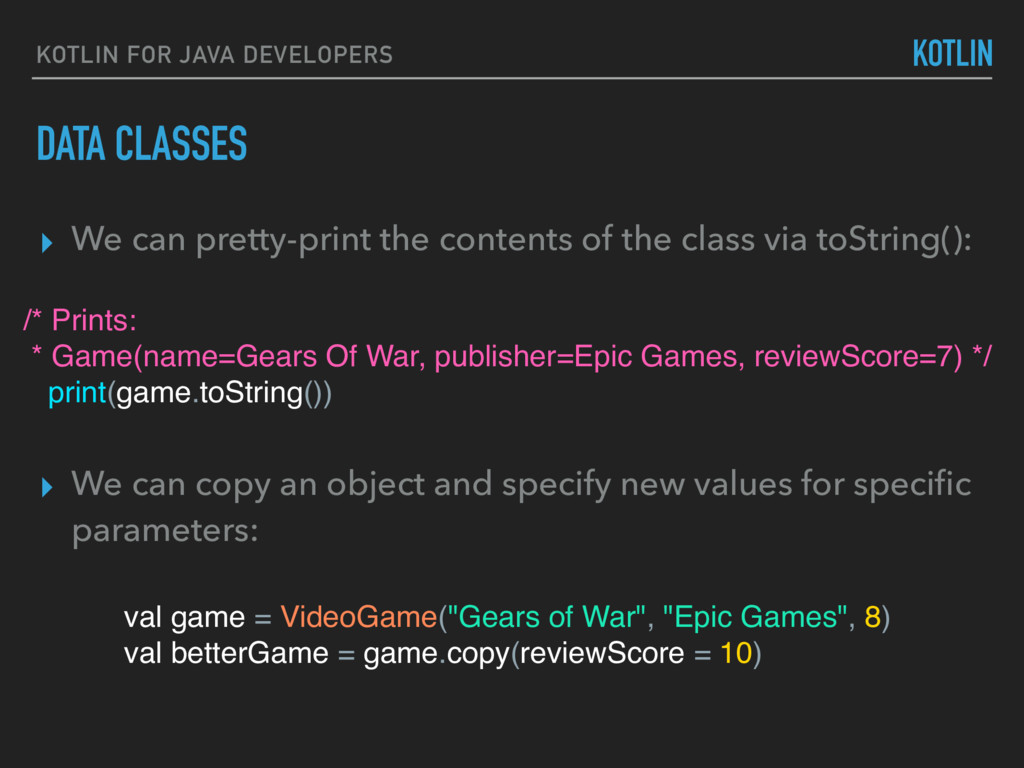
pretty-print the contents of the class via toString(): ▸ We can copy an object and specify new values for specific parameters: /* Prints: * Game(name=Gears Of War, publisher=Epic Games, reviewScore=7) */ print(game.toString()) val game = VideoGame("Gears of War", "Epic Games", 8) val betterGame = game.copy(reviewScore = 10)
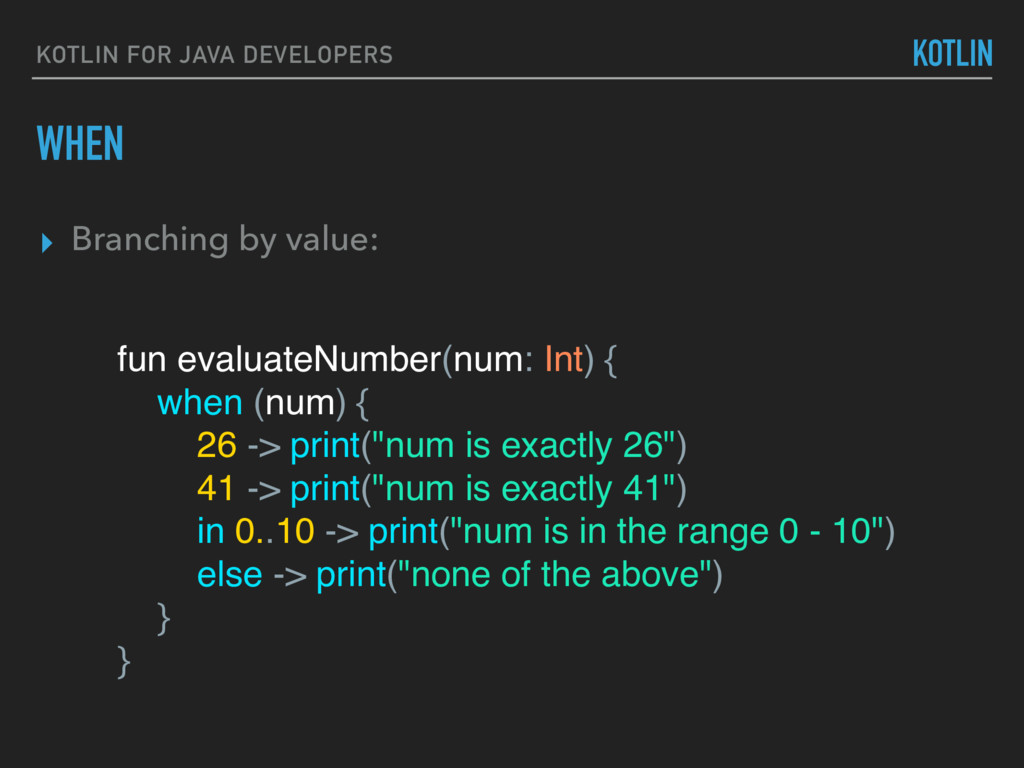
(num) { 26 -> print("num is exactly 26") 41 -> print("num is exactly 41") in 0..10 -> print("num is in the range 0 - 10") else -> print("none of the above") } } KOTLIN ▸ Branching by value:
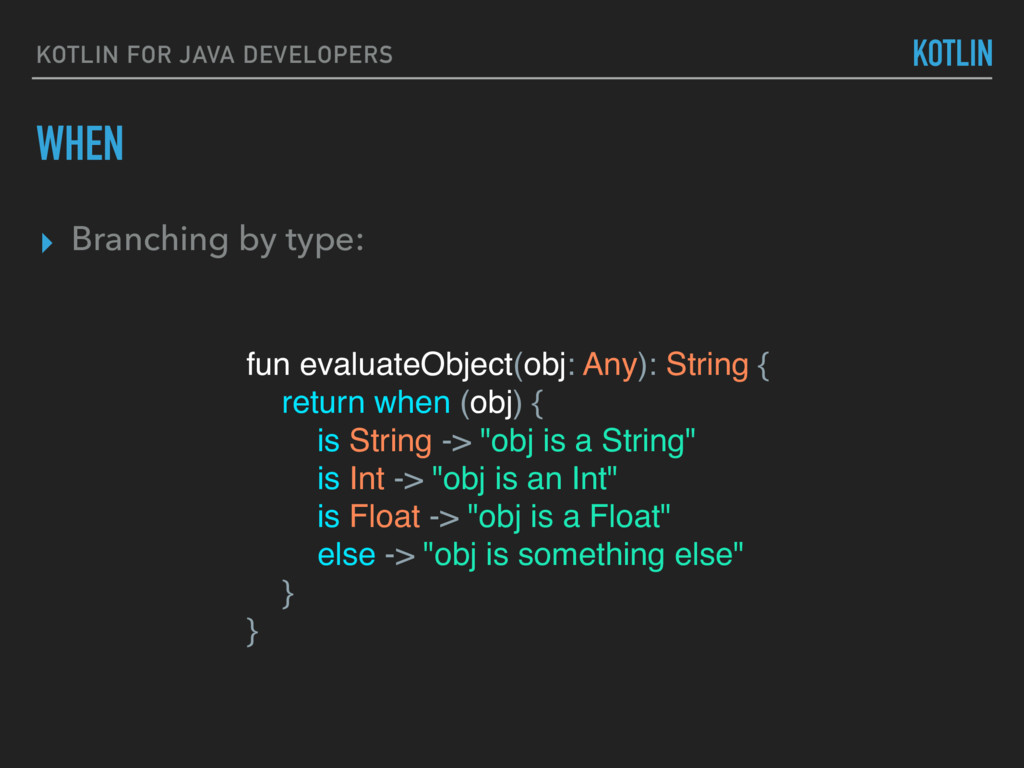
fun evaluateObject(obj: Any): String { return when (obj) { is String -> "obj is a String" is Int -> "obj is an Int" is Float -> "obj is a Float" else -> "obj is something else" } }
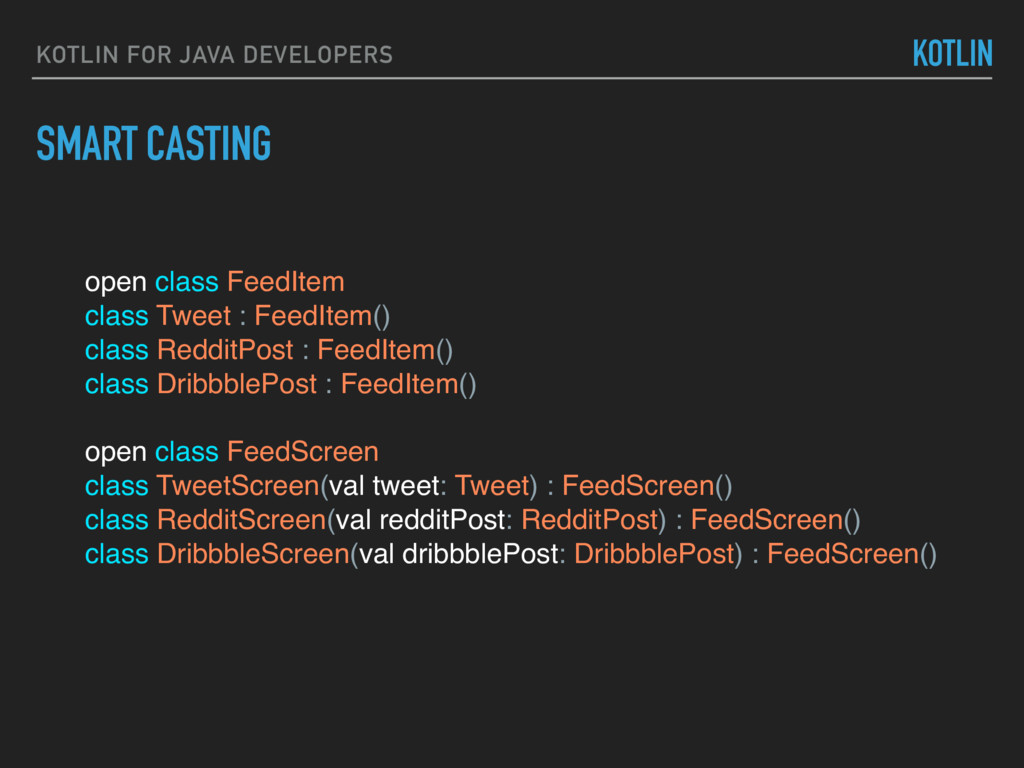
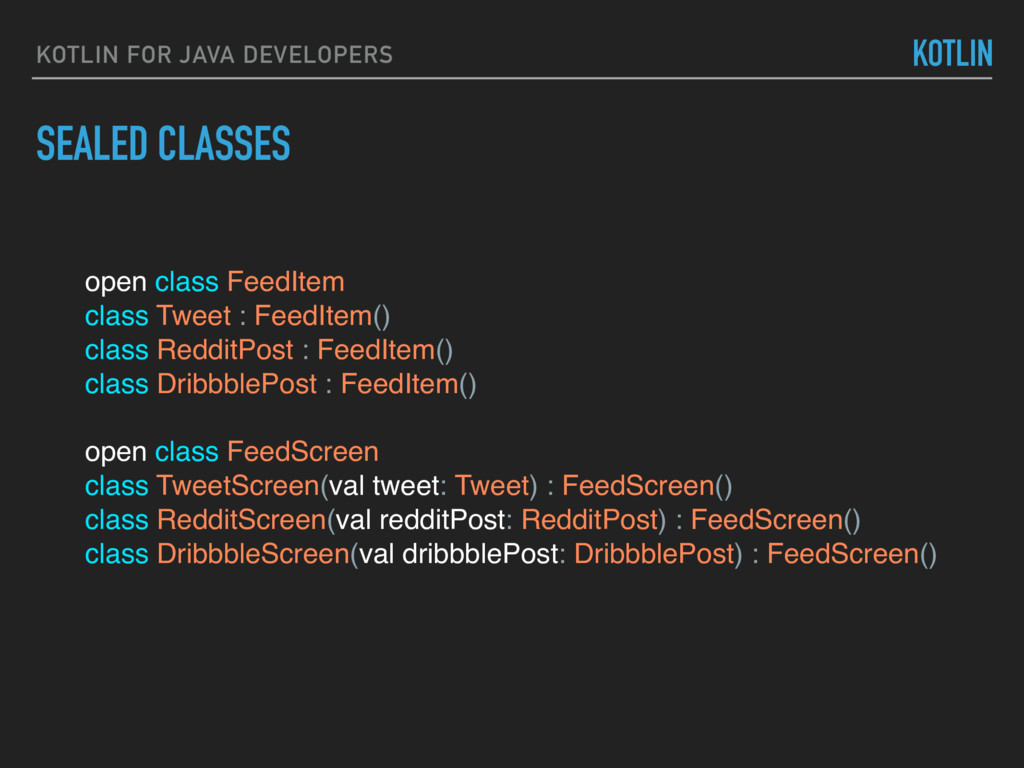
Tweet : FeedItem() class RedditPost : FeedItem() class DribbblePost : FeedItem() open class FeedScreen class TweetScreen(val tweet: Tweet) : FeedScreen() class RedditScreen(val redditPost: RedditPost) : FeedScreen() class DribbbleScreen(val dribbblePost: DribbblePost) : FeedScreen() KOTLIN
Tweet : FeedItem() class RedditPost : FeedItem() class DribbblePost : FeedItem() open class FeedScreen class TweetScreen(val tweet: Tweet) : FeedScreen() class RedditScreen(val redditPost: RedditPost) : FeedScreen() class DribbbleScreen(val dribbblePost: DribbblePost) : FeedScreen() KOTLIN
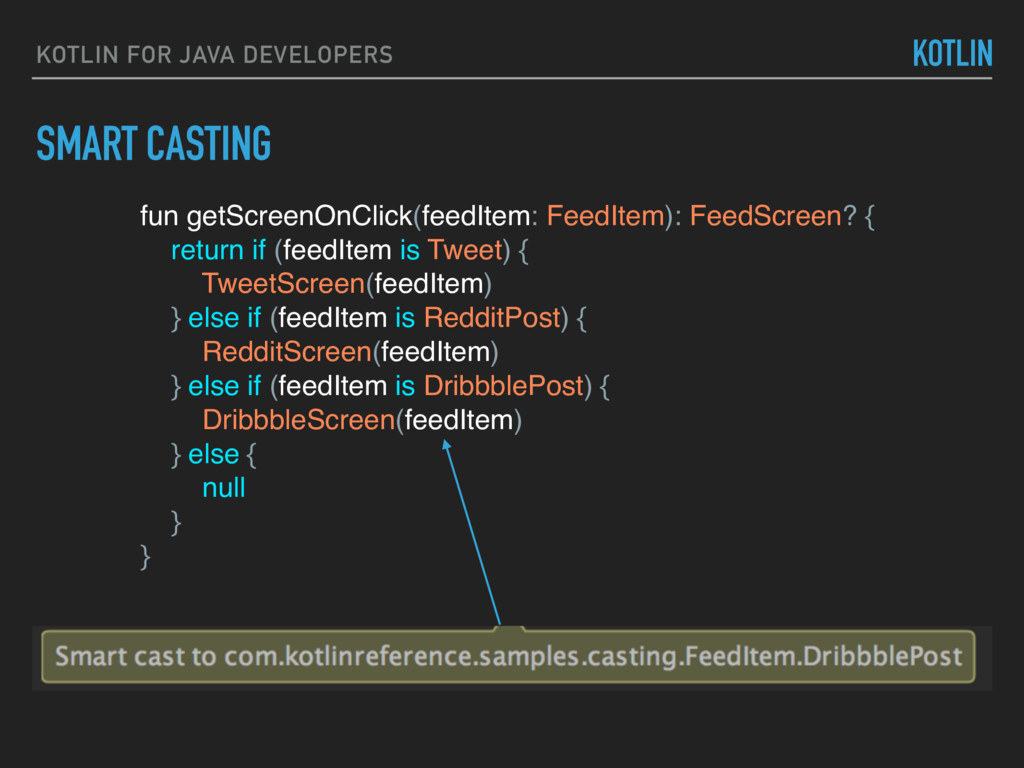
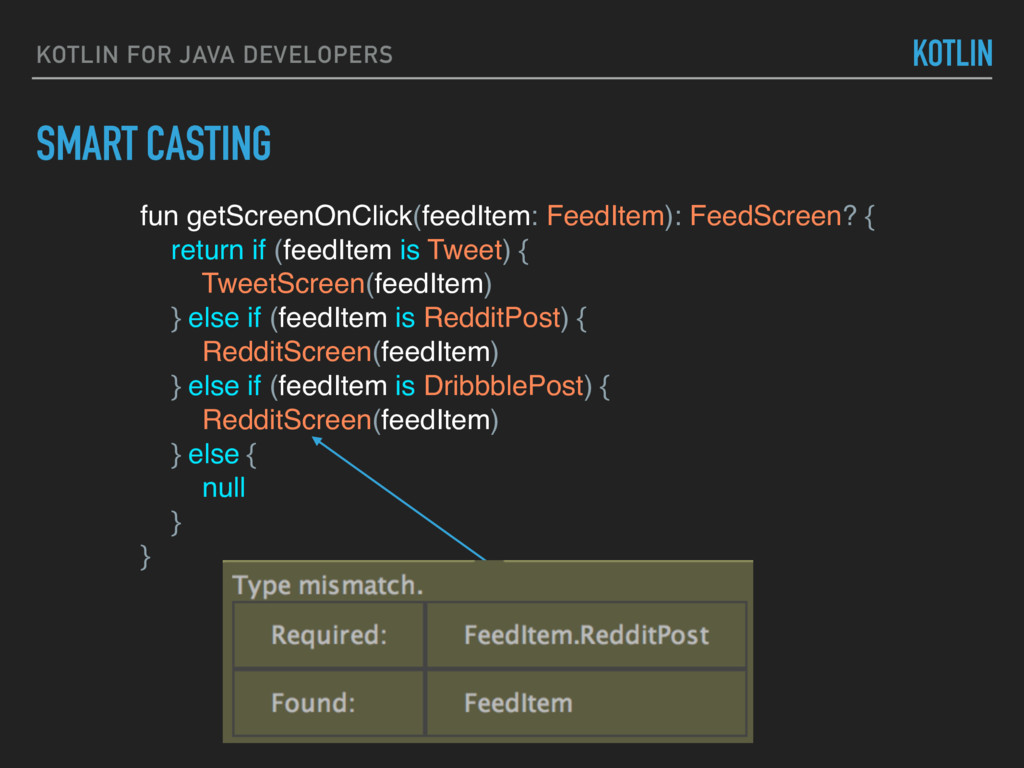
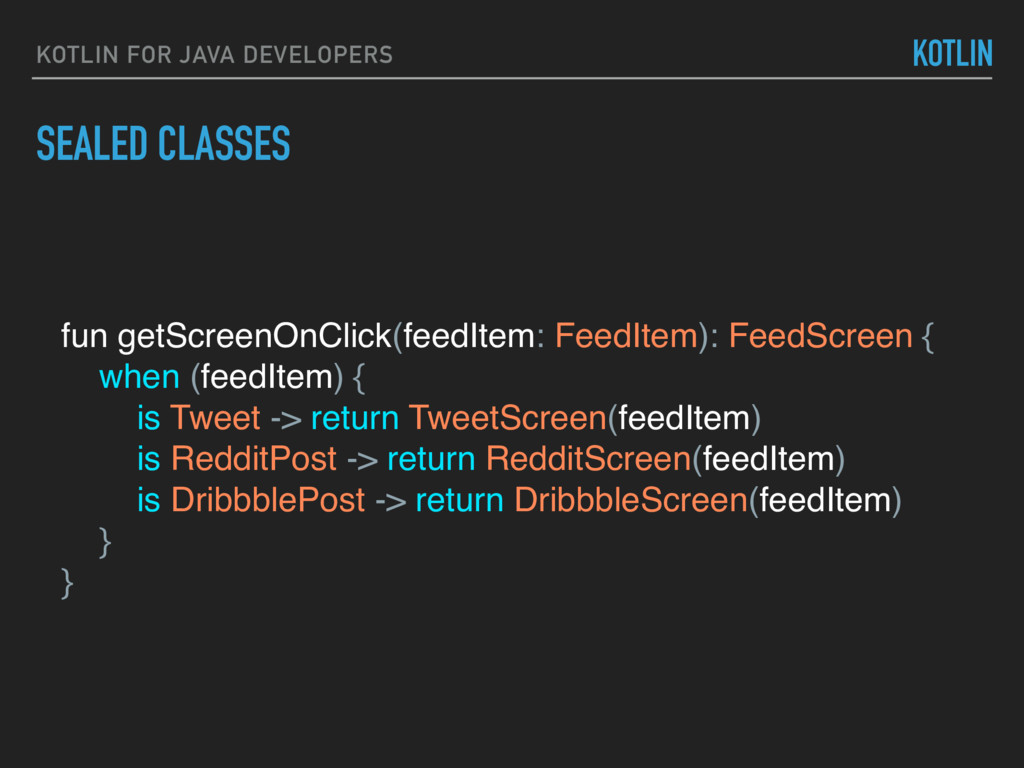
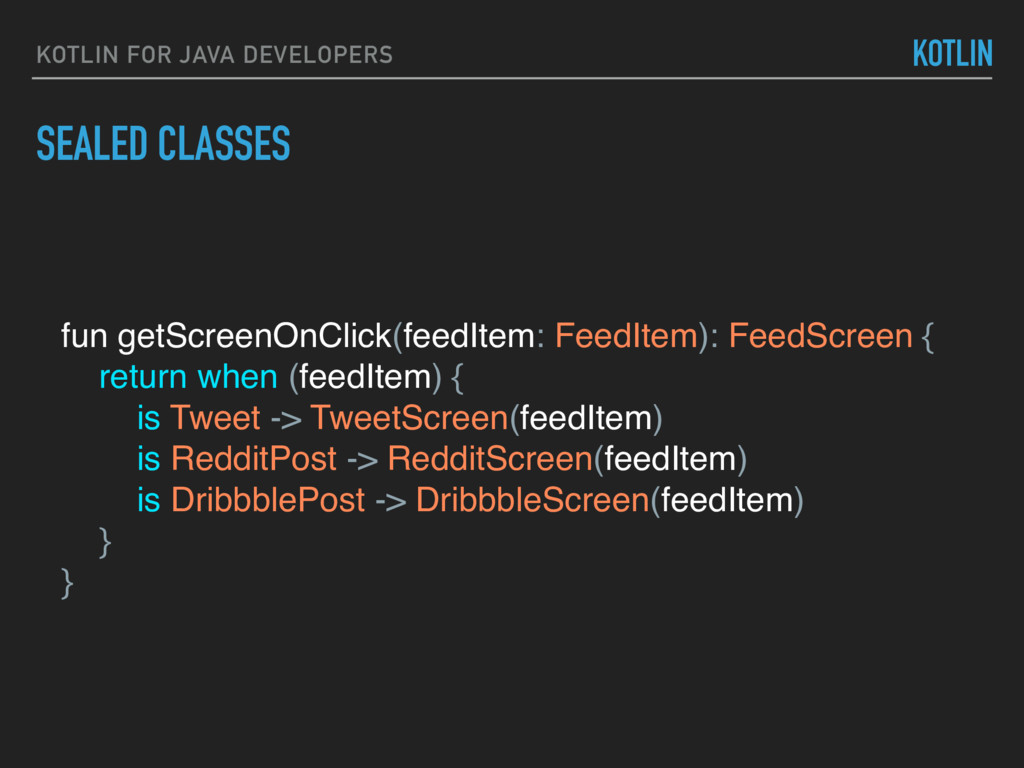
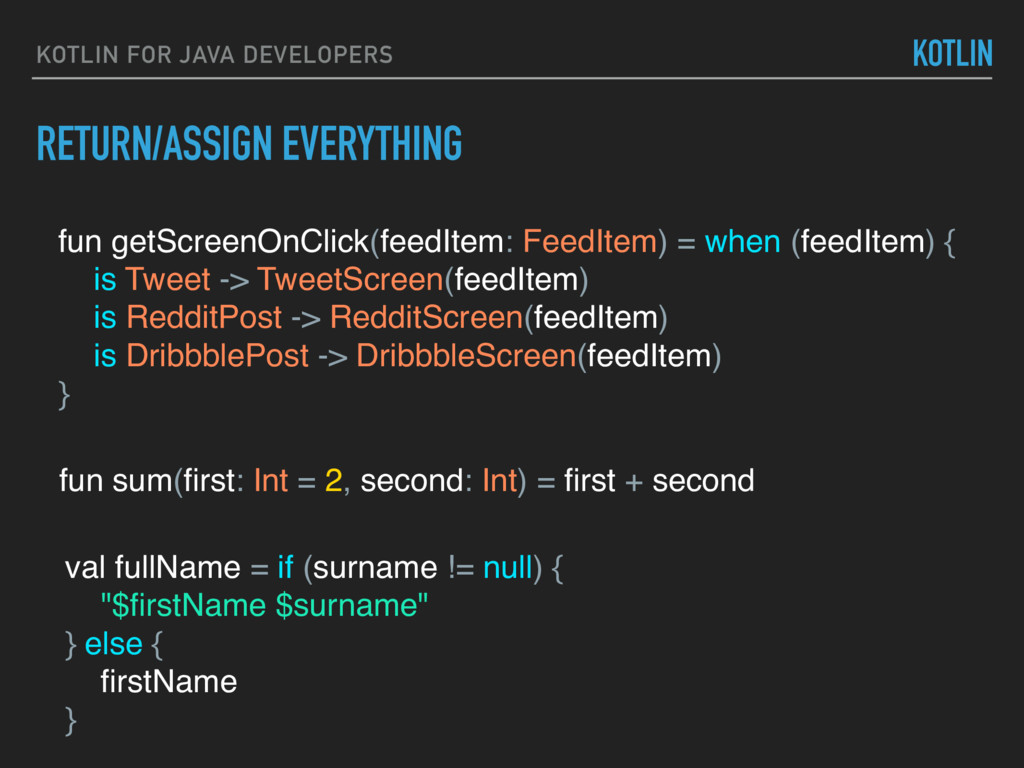
{ return when (feedItem) { is Tweet -> TweetScreen(feedItem) is RedditPost -> RedditScreen(feedItem) is DribbblePost -> DribbbleScreen(feedItem) } } KOTLIN
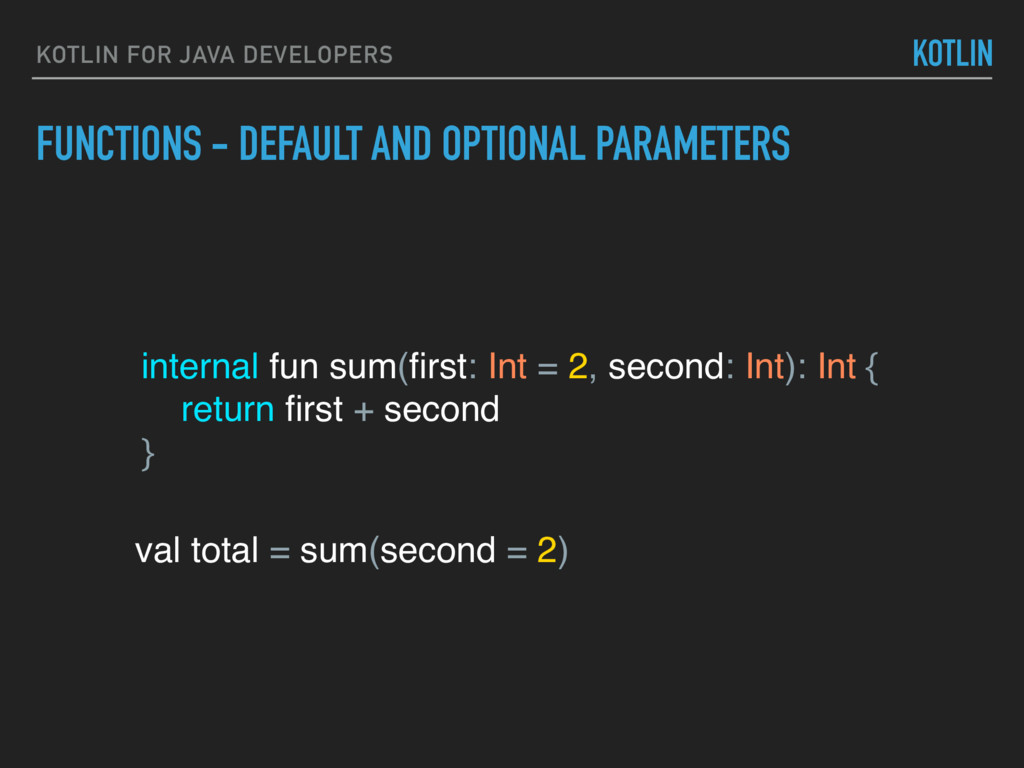
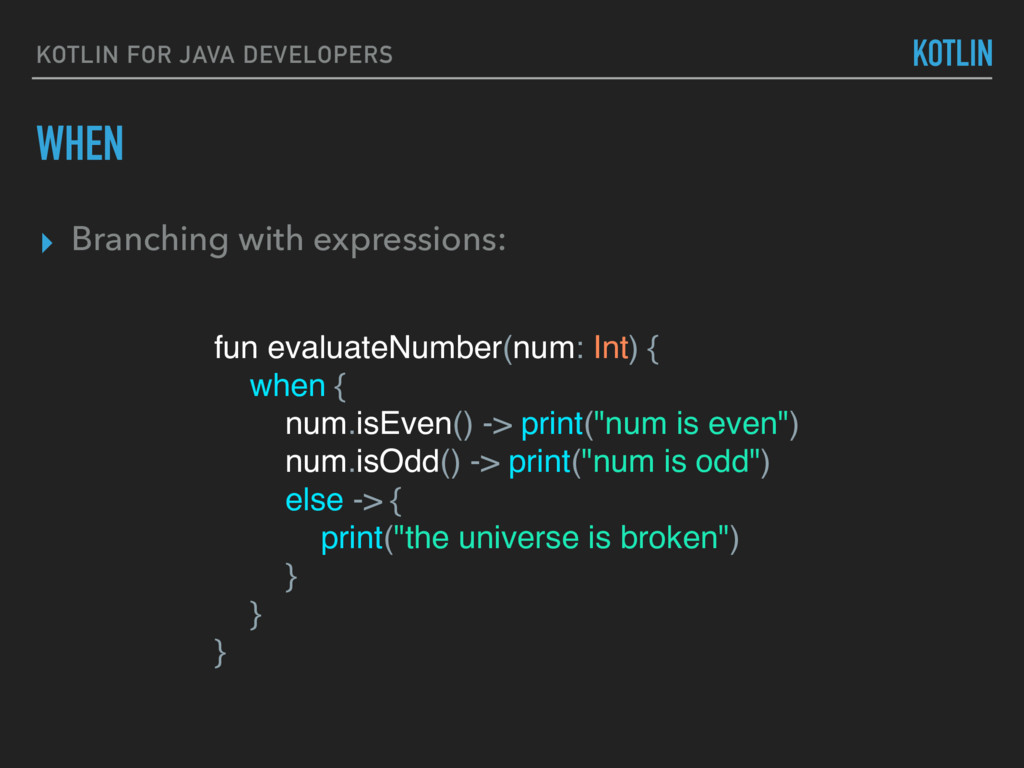
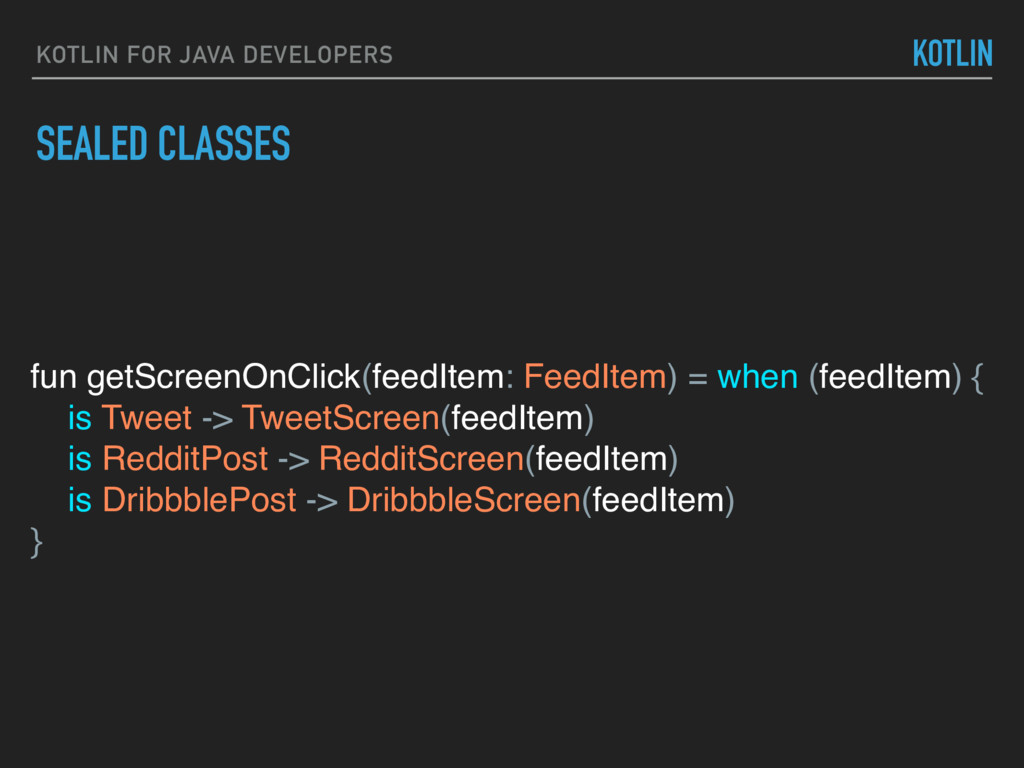
when (feedItem) { is Tweet -> TweetScreen(feedItem) is RedditPost -> RedditScreen(feedItem) is DribbblePost -> DribbbleScreen(feedItem) } KOTLIN fun sum(first: Int = 2, second: Int) = first + second val fullName = if (surname != null) { "$firstName $surname" } else { firstName }
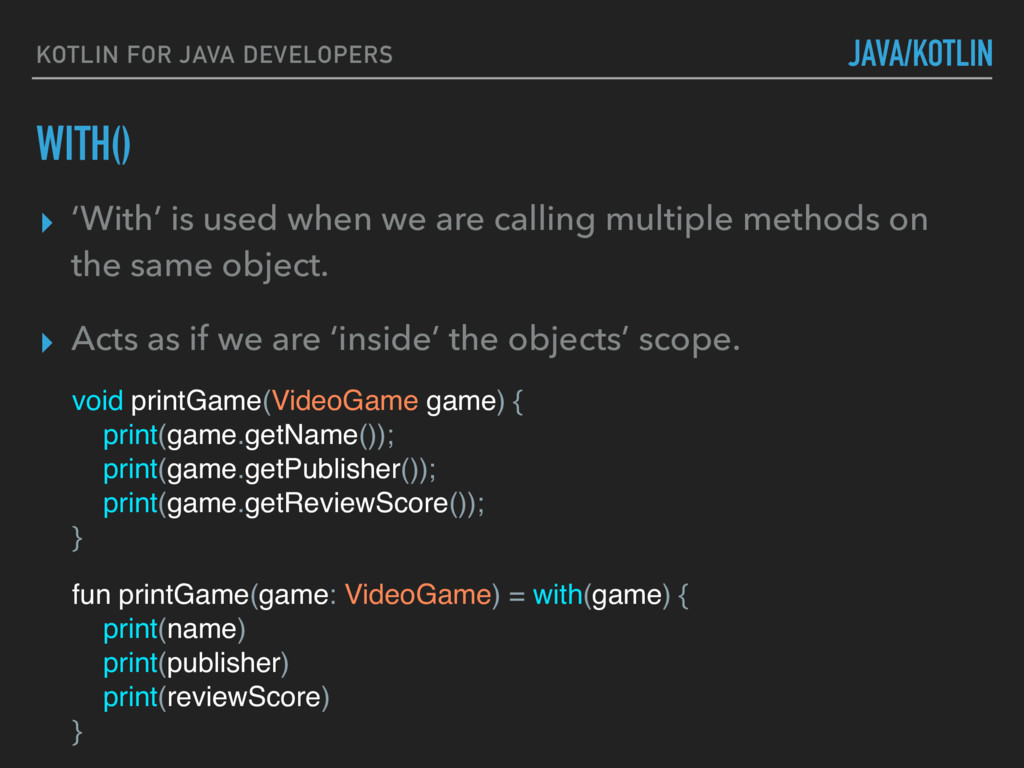
when we are calling multiple methods on the same object. ▸ Acts as if we are ‘inside’ the objects’ scope. void printGame(VideoGame game) { print(game.getName()); print(game.getPublisher()); print(game.getReviewScore()); } fun printGame(game: VideoGame) = with(game) { print(name) print(publisher) print(reviewScore) }
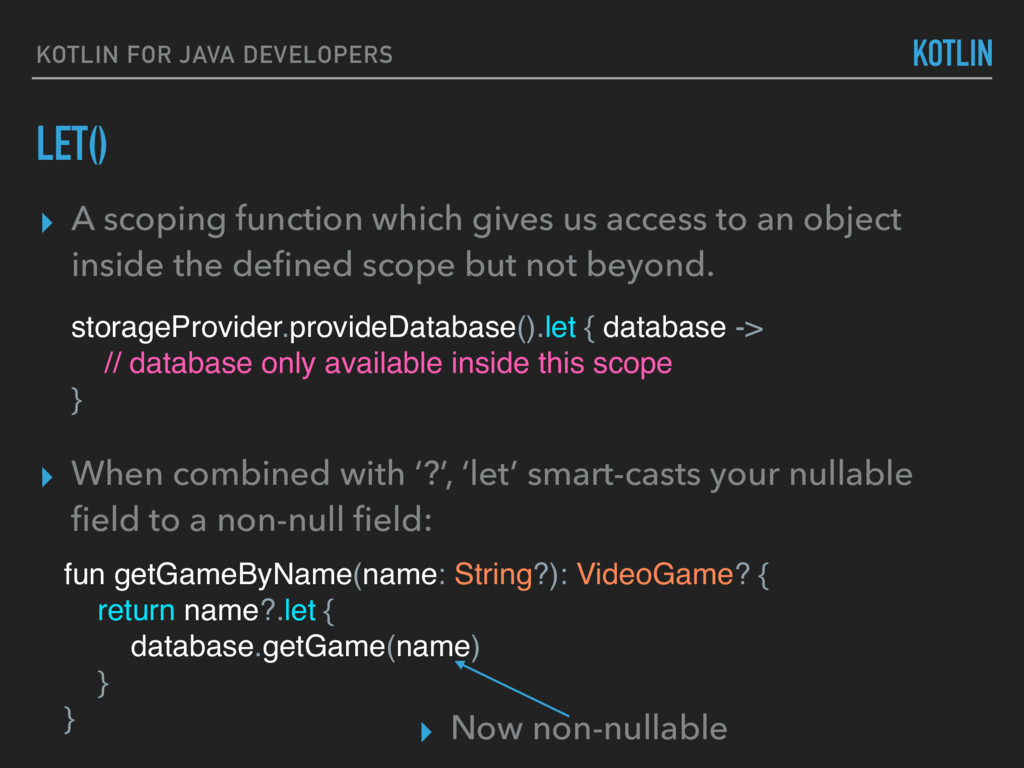
which gives us access to an object inside the defined scope but not beyond. storageProvider.provideDatabase().let { database -> // database only available inside this scope } fun getGameByName(name: String?): VideoGame? { return name?.let { database.getGame(name) } } ▸ When combined with ‘?’, ‘let’ smart-casts your nullable field to a non-null field: ▸ Now non-nullable
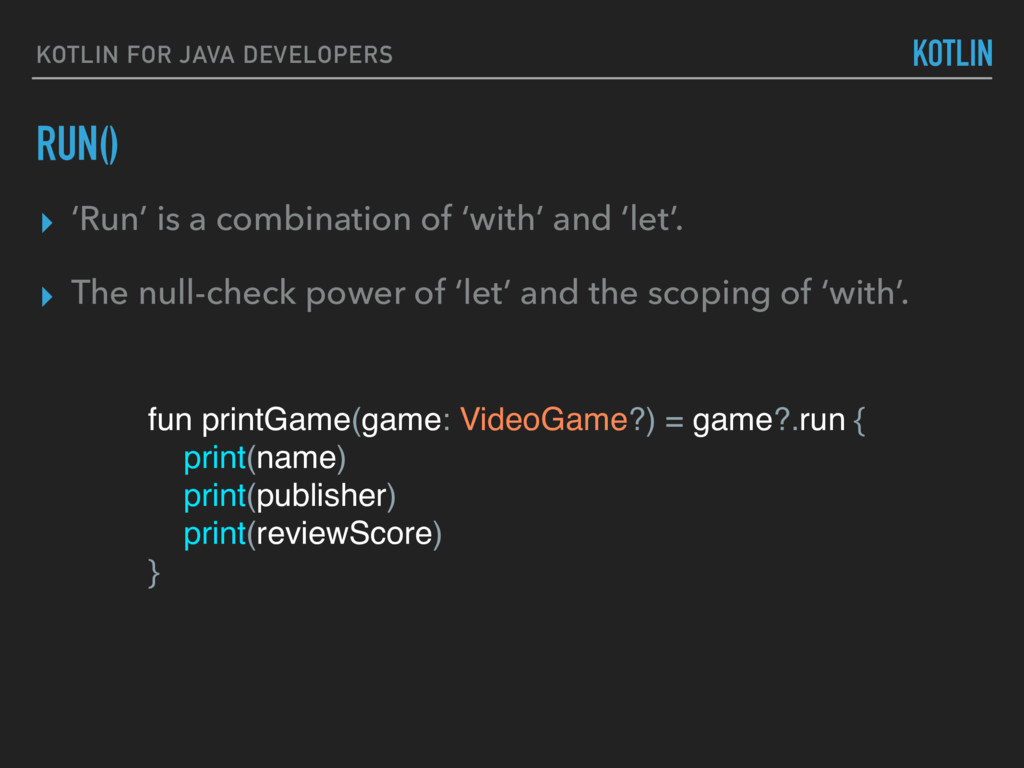
game?.run { print(name) print(publisher) print(reviewScore) } ▸ ‘Run’ is a combination of ‘with’ and ‘let’. ▸ The null-check power of ‘let’ and the scoping of ‘with’.
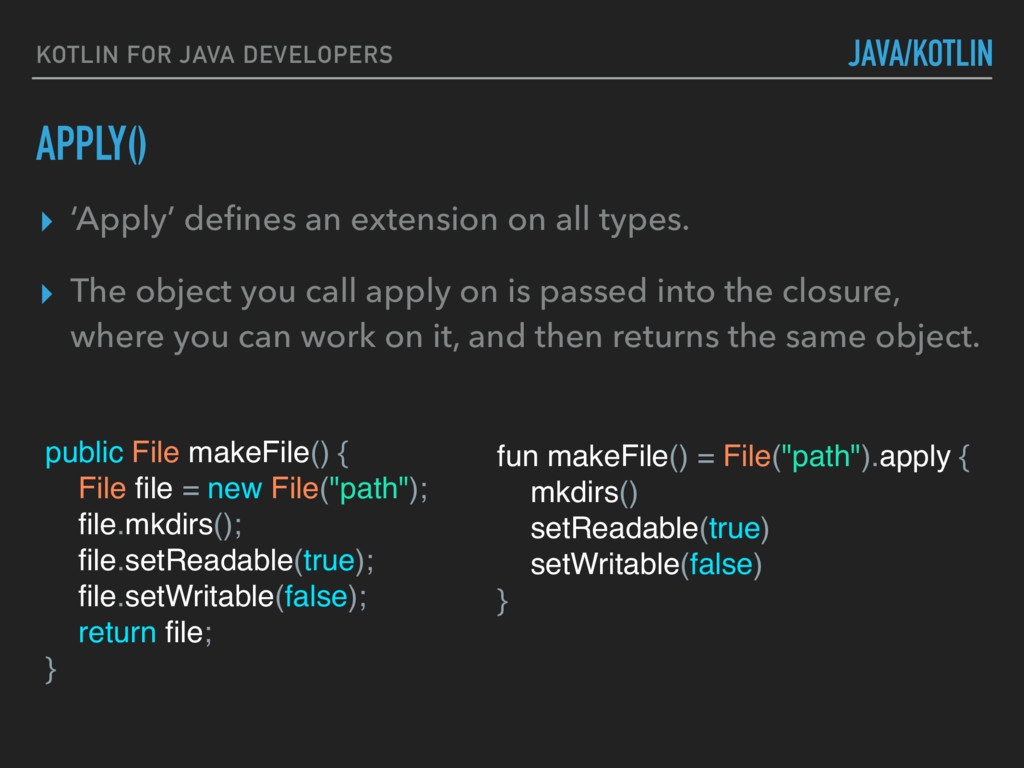
File file = new File("path"); file.mkdirs(); file.setReadable(true); file.setWritable(false); return file; } fun makeFile() = File("path").apply { mkdirs() setReadable(true) setWritable(false) } ▸ ‘Apply’ defines an extension on all types. ▸ The object you call apply on is passed into the closure, where you can work on it, and then returns the same object.
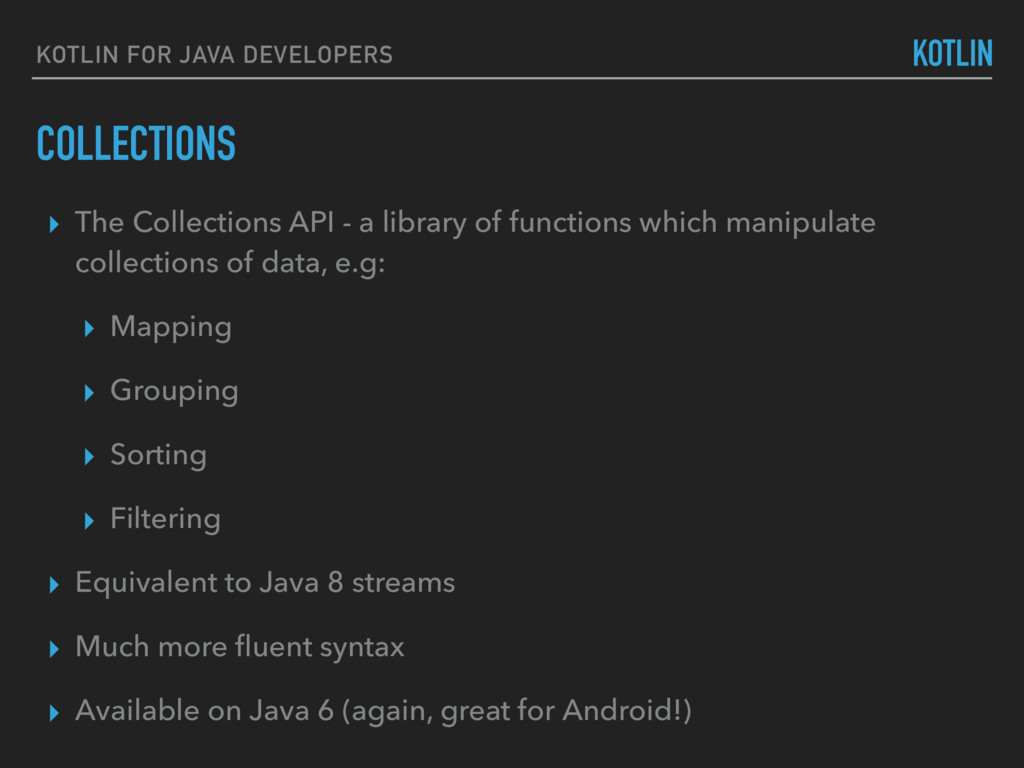
- a library of functions which manipulate collections of data, e.g: ▸ Mapping ▸ Grouping ▸ Sorting ▸ Filtering ▸ Equivalent to Java 8 streams ▸ Much more fluent syntax ▸ Available on Java 6 (again, great for Android!)
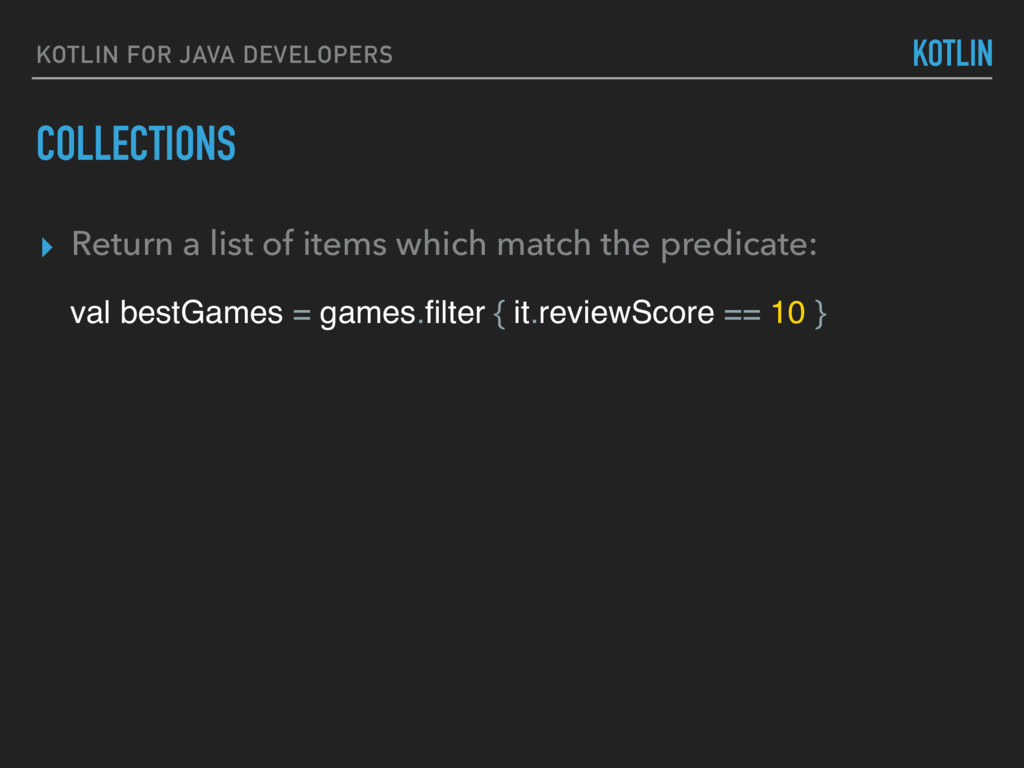
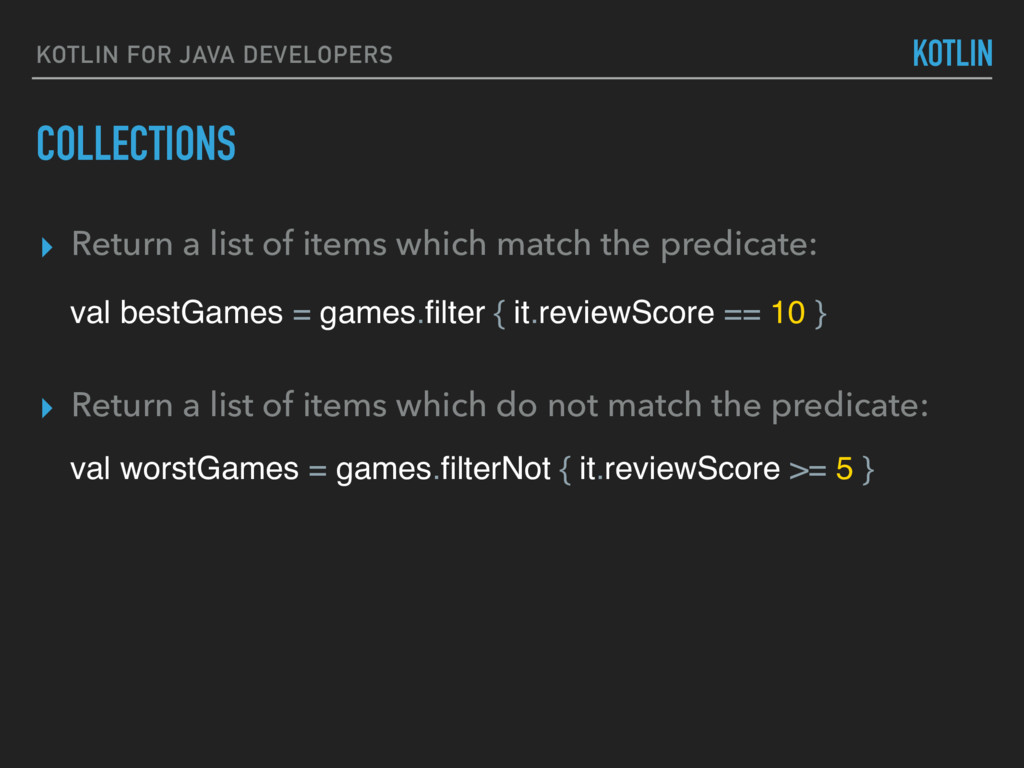
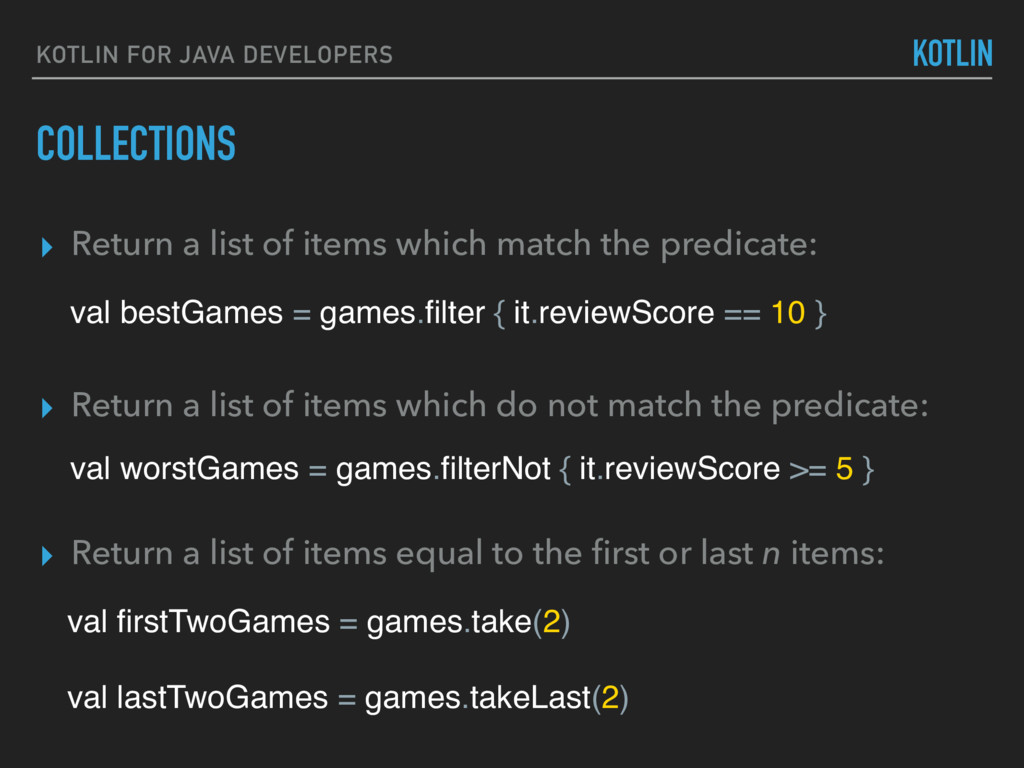
of items which match the predicate: val bestGames = games.filter { it.reviewScore == 10 } ▸ Return a list of items which do not match the predicate: val worstGames = games.filterNot { it.reviewScore >= 5 }
of items which match the predicate: val bestGames = games.filter { it.reviewScore == 10 } ▸ Return a list of items which do not match the predicate: val worstGames = games.filterNot { it.reviewScore >= 5 } ▸ Return a list of items equal to the first or last n items: val firstTwoGames = games.take(2) val lastTwoGames = games.takeLast(2)
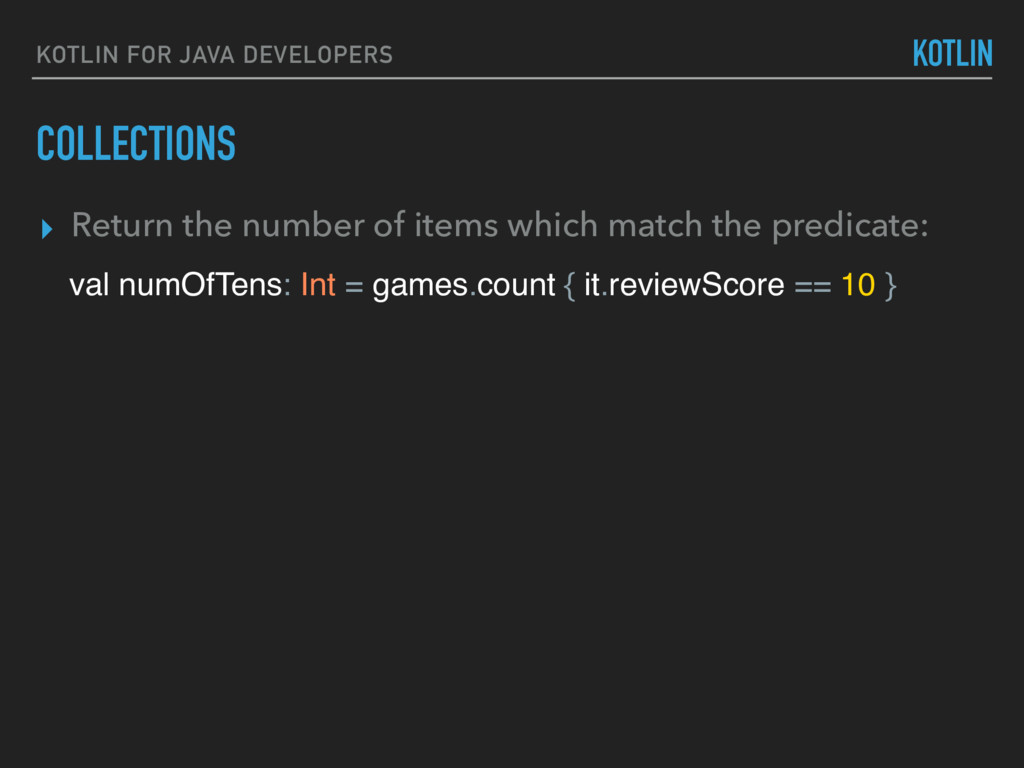
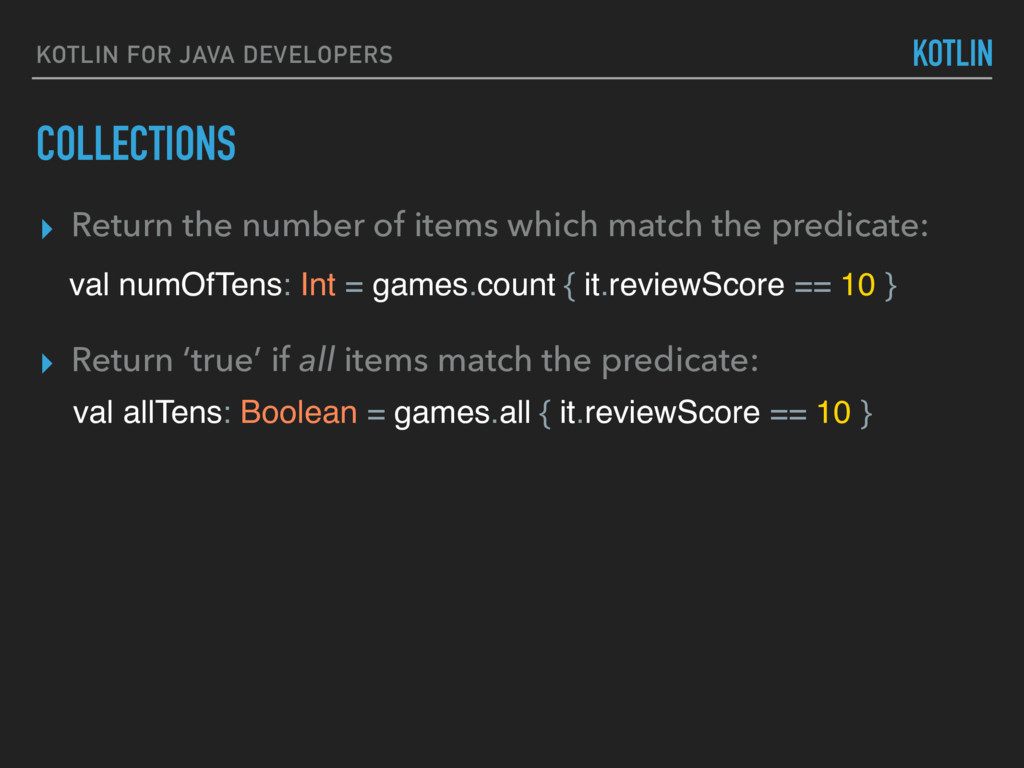
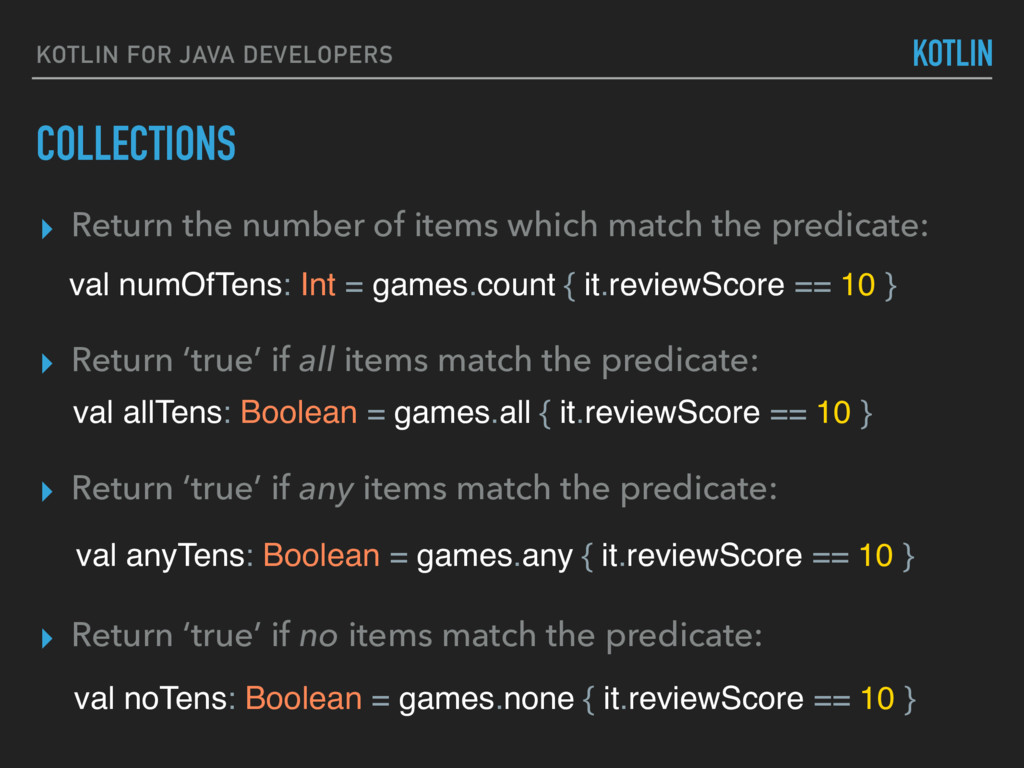
of items which match the predicate: ▸ Return ‘true’ if all items match the predicate: val numOfTens: Int = games.count { it.reviewScore == 10 } val allTens: Boolean = games.all { it.reviewScore == 10 }
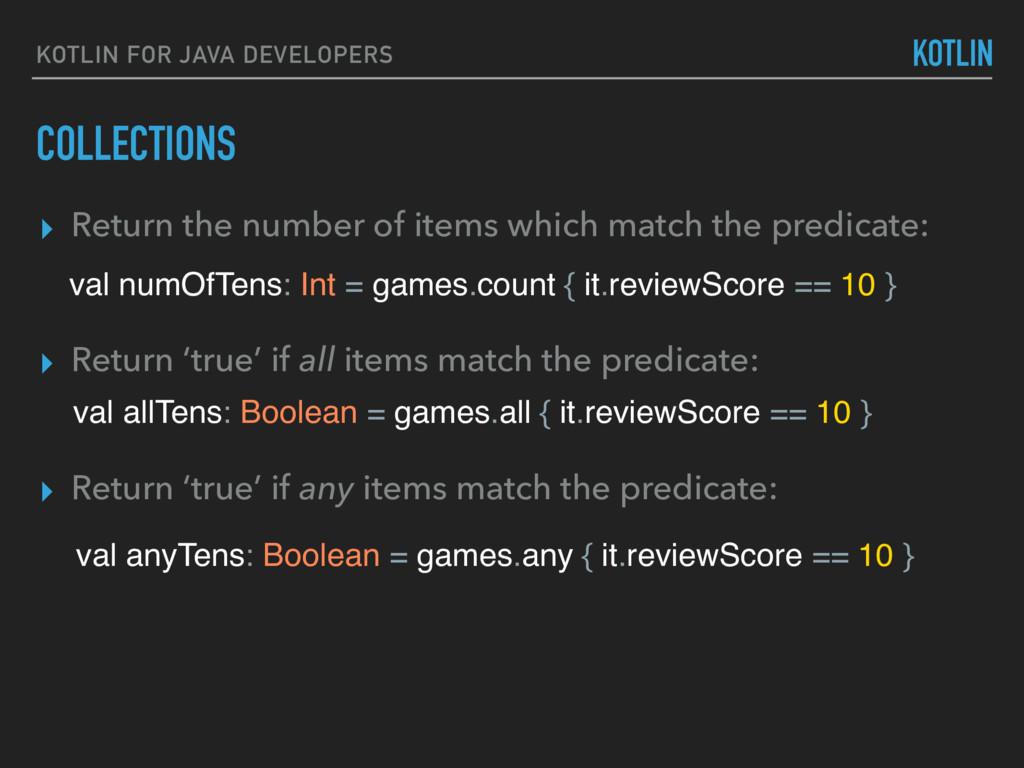
of items which match the predicate: ▸ Return ‘true’ if all items match the predicate: ▸ Return ‘true’ if any items match the predicate: val numOfTens: Int = games.count { it.reviewScore == 10 } val allTens: Boolean = games.all { it.reviewScore == 10 } val anyTens: Boolean = games.any { it.reviewScore == 10 }
of items which match the predicate: ▸ Return ‘true’ if all items match the predicate: ▸ Return ‘true’ if any items match the predicate: val numOfTens: Int = games.count { it.reviewScore == 10 } val allTens: Boolean = games.all { it.reviewScore == 10 } val anyTens: Boolean = games.any { it.reviewScore == 10 } ▸ Return ‘true’ if no items match the predicate: val noTens: Boolean = games.none { it.reviewScore == 10 }
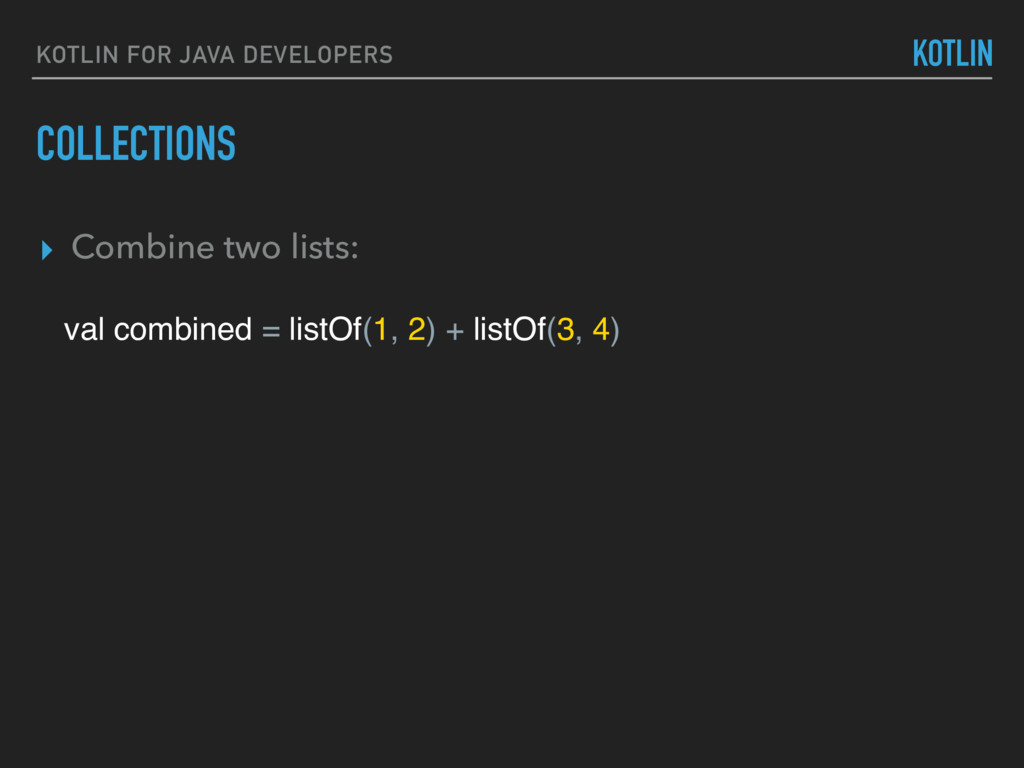
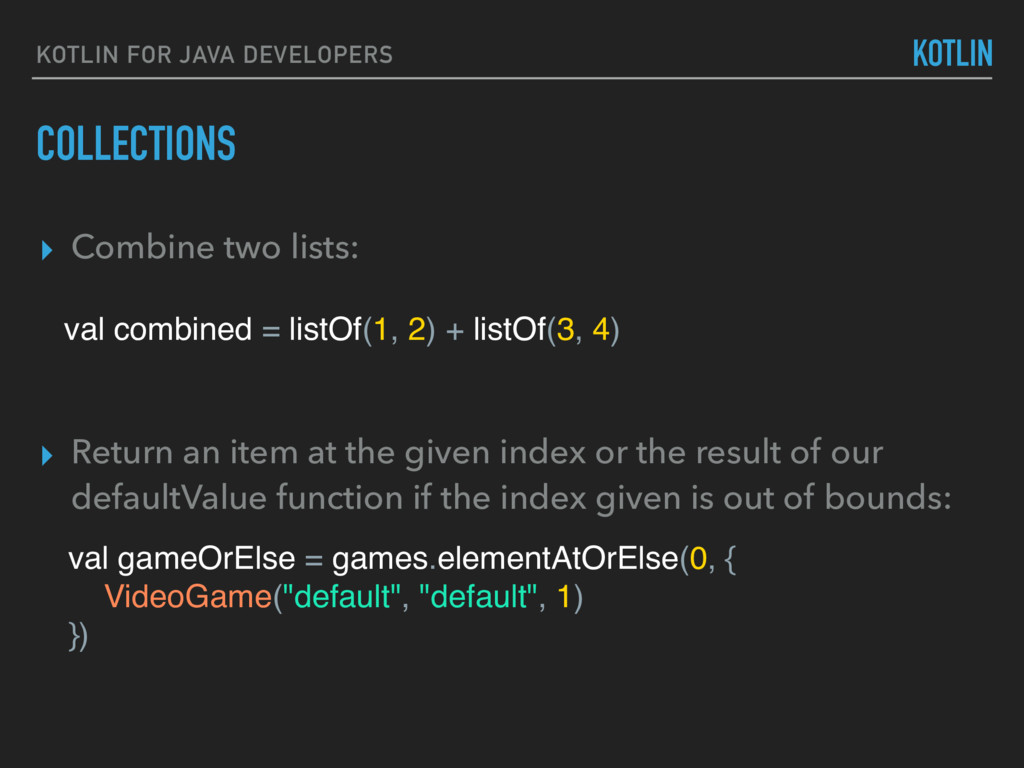
at the given index or the result of our defaultValue function if the index given is out of bounds: val gameOrElse = games.elementAtOrElse(0, { VideoGame("default", "default", 1) }) val combined = listOf(1, 2) + listOf(3, 4) ▸ Combine two lists:
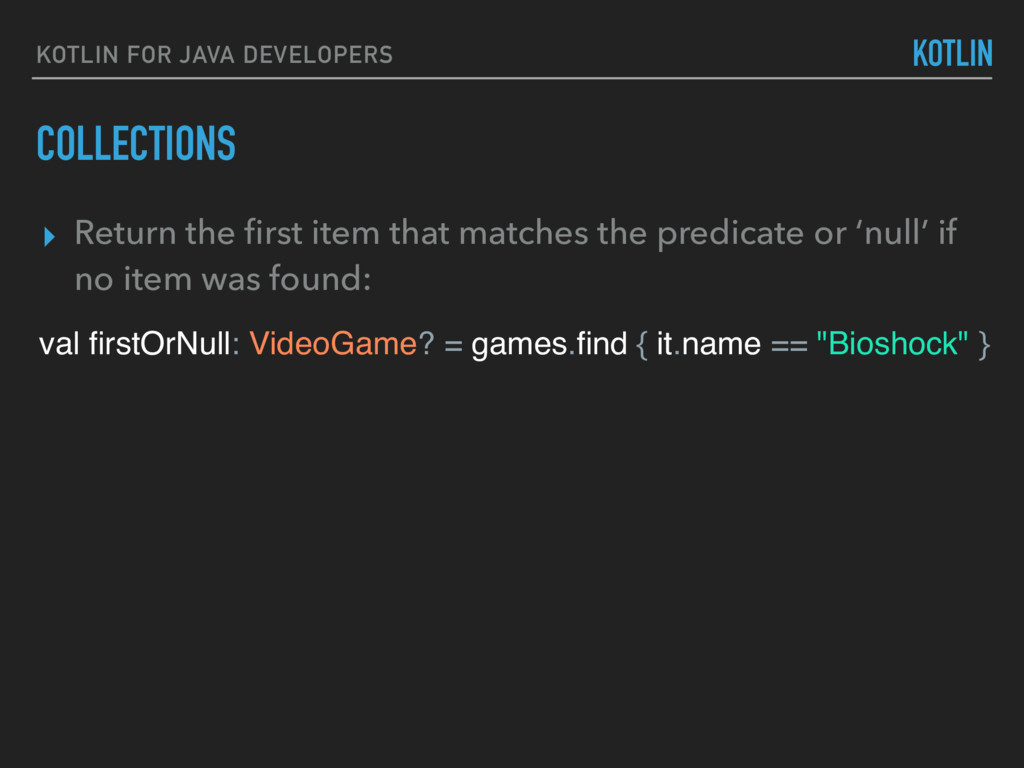
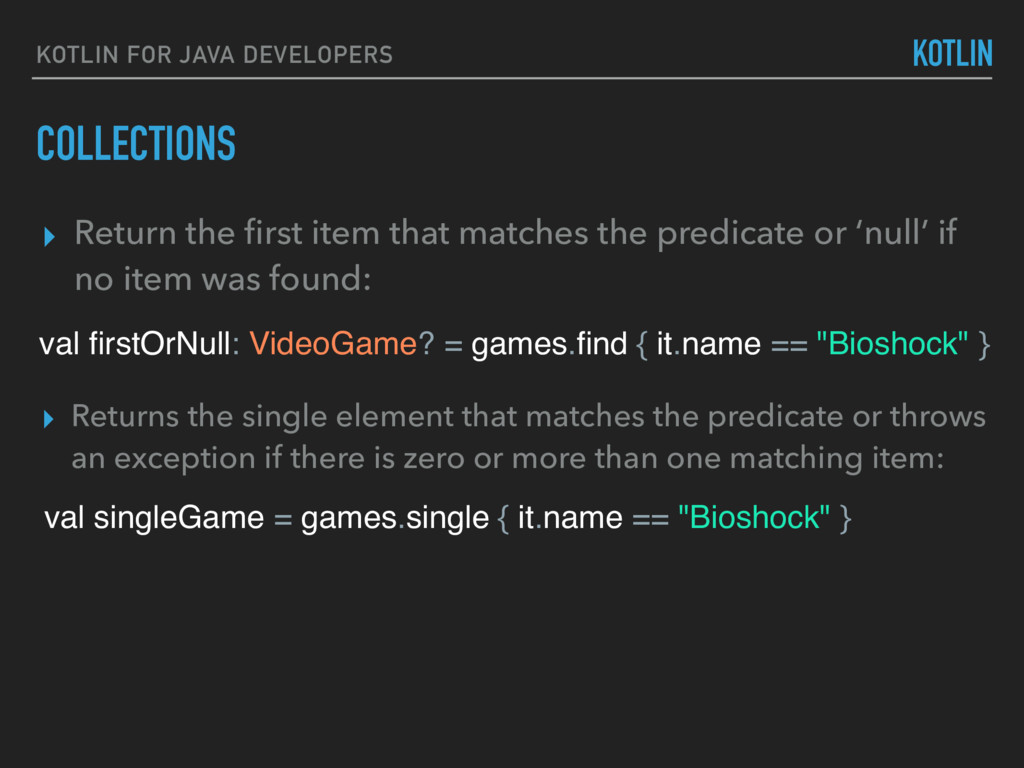
element that matches the predicate or throws an exception if there is zero or more than one matching item: ▸ Return the first item that matches the predicate or ‘null’ if no item was found: val firstOrNull: VideoGame? = games.find { it.name == "Bioshock" } val singleGame = games.single { it.name == "Bioshock" }
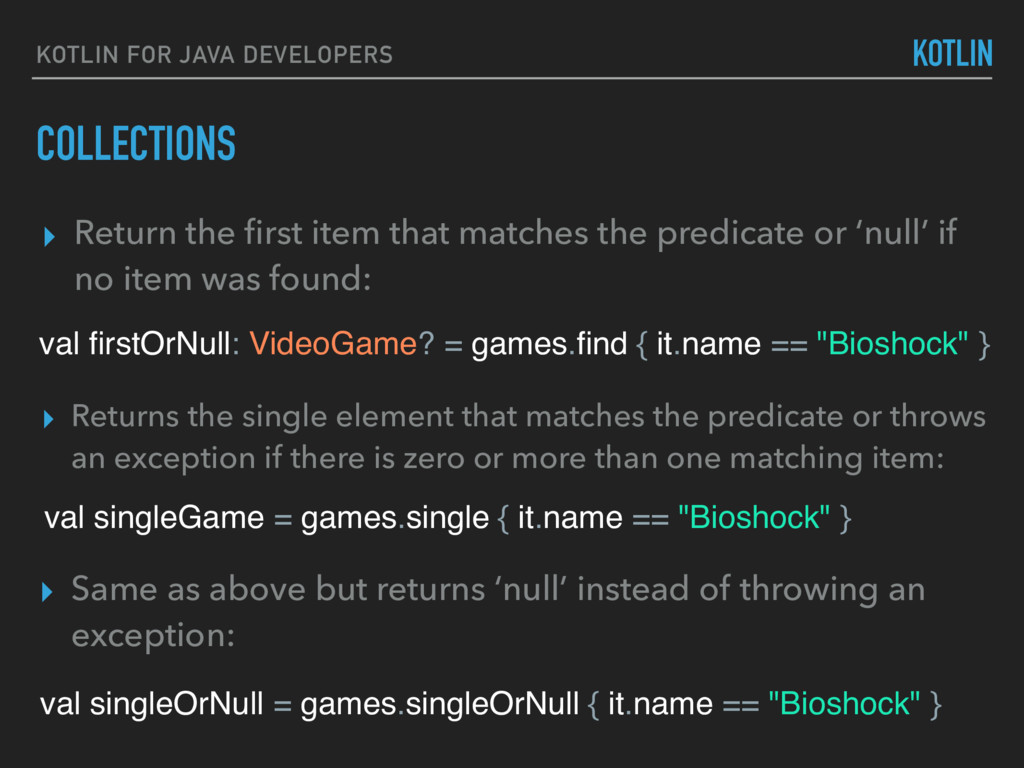
element that matches the predicate or throws an exception if there is zero or more than one matching item: ▸ Return the first item that matches the predicate or ‘null’ if no item was found: val firstOrNull: VideoGame? = games.find { it.name == "Bioshock" } val singleGame = games.single { it.name == "Bioshock" } ▸ Same as above but returns ‘null’ instead of throwing an exception: val singleOrNull = games.singleOrNull { it.name == "Bioshock" }
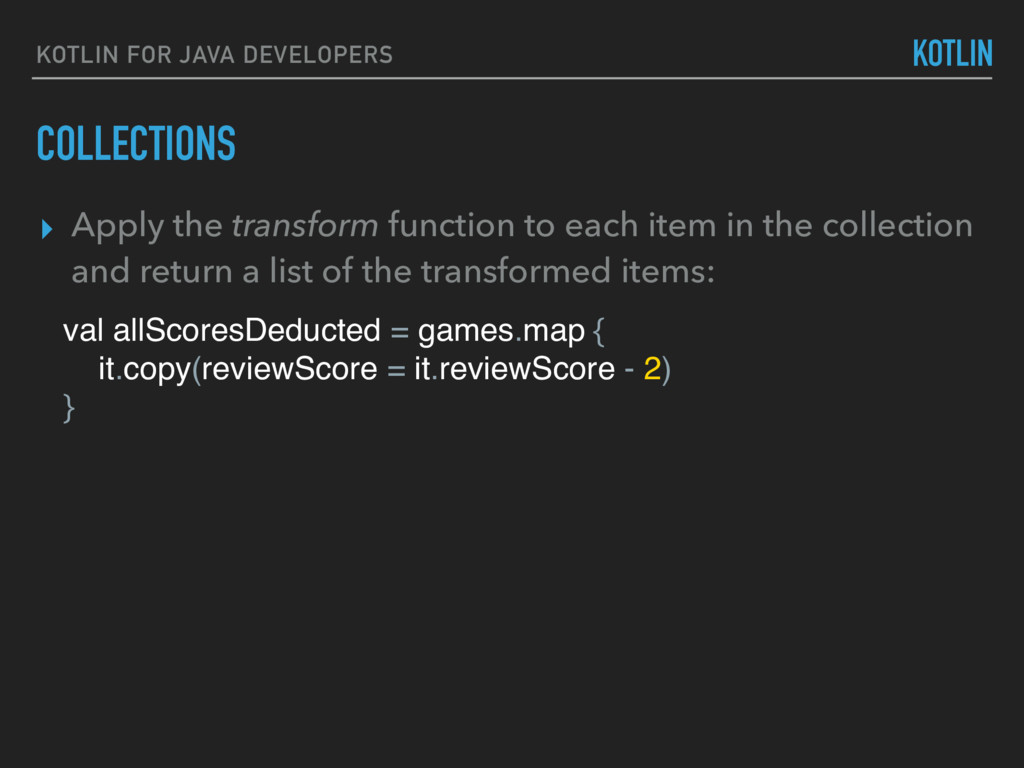
function to each item in the collection and return a list of the transformed items: val allScoresDeducted = games.map { it.copy(reviewScore = it.reviewScore - 2) }
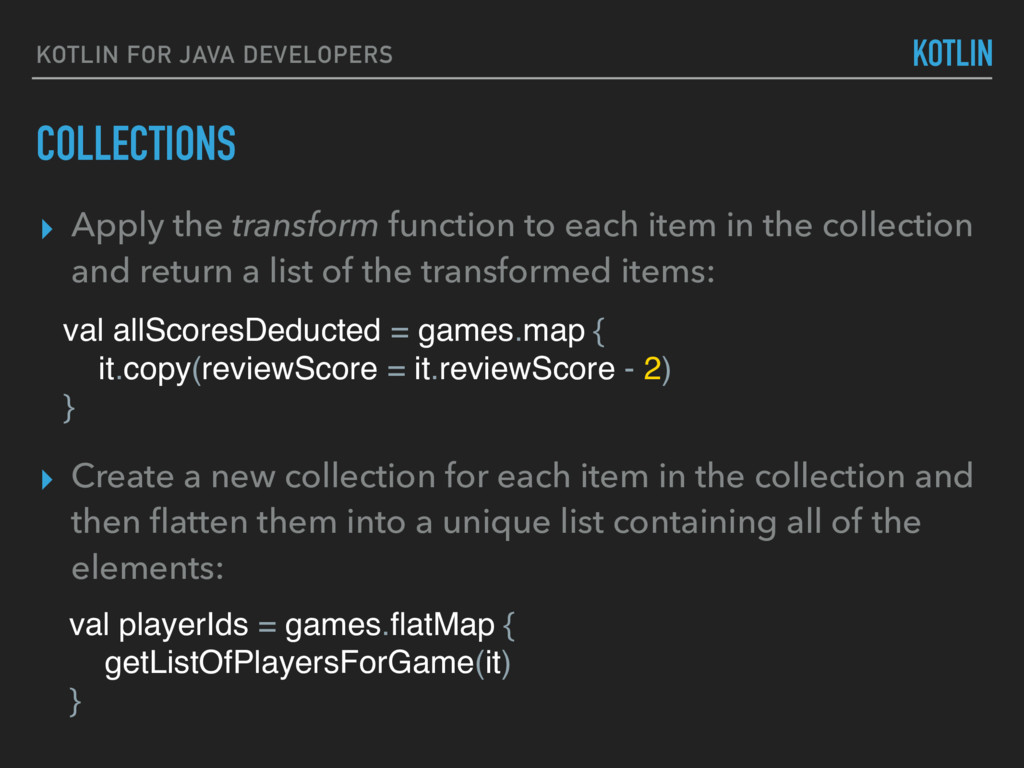
function to each item in the collection and return a list of the transformed items: val allScoresDeducted = games.map { it.copy(reviewScore = it.reviewScore - 2) } ▸ Create a new collection for each item in the collection and then flatten them into a unique list containing all of the elements: val playerIds = games.flatMap { getListOfPlayersForGame(it) }
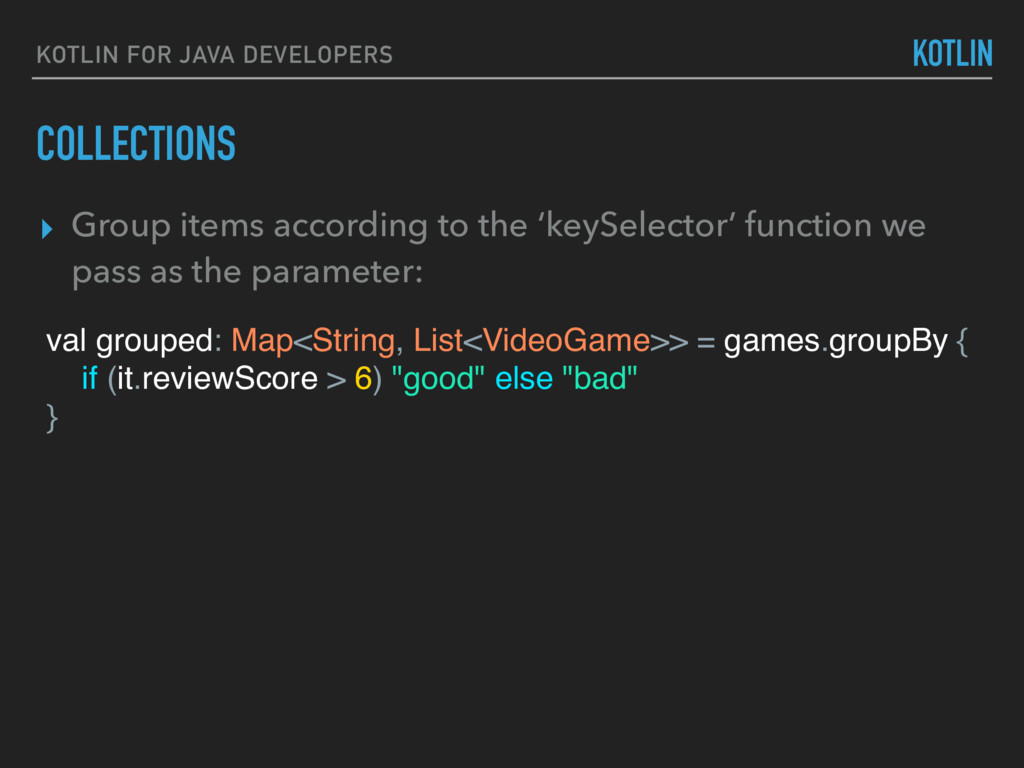
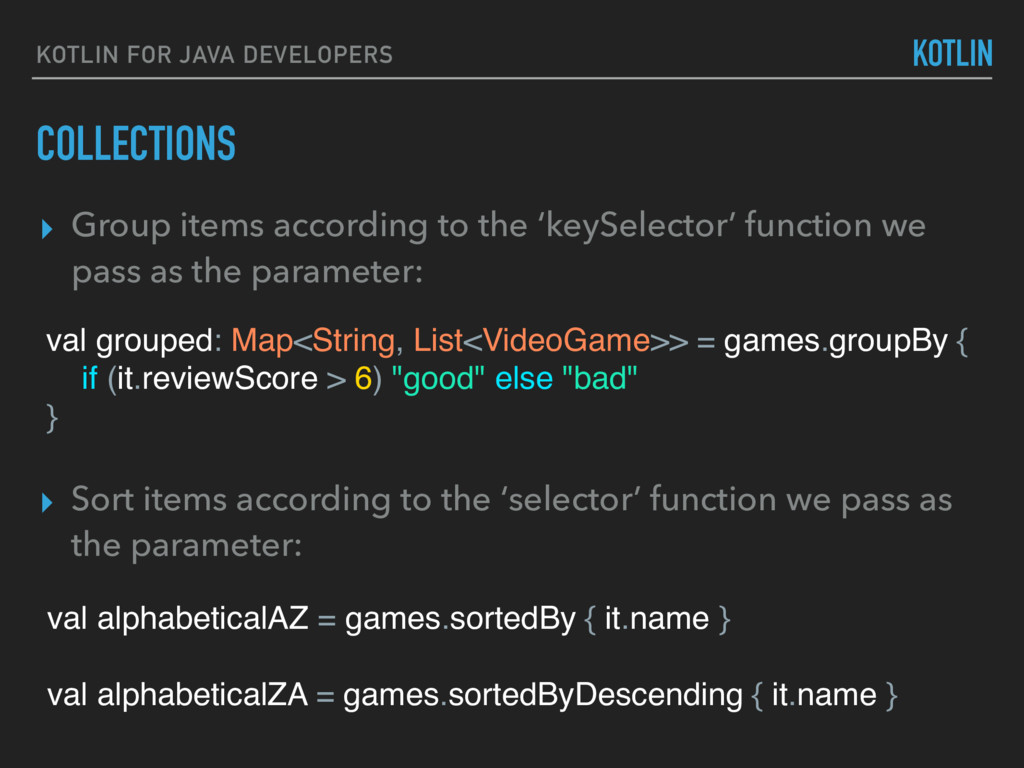
to the ‘keySelector’ function we pass as the parameter: val grouped: Map<String, List<VideoGame>> = games.groupBy { if (it.reviewScore > 6) "good" else "bad" }
to the ‘keySelector’ function we pass as the parameter: val alphabeticalAZ = games.sortedBy { it.name } val alphabeticalZA = games.sortedByDescending { it.name } ▸ Sort items according to the ‘selector’ function we pass as the parameter: val grouped: Map<String, List<VideoGame>> = games.groupBy { if (it.reviewScore > 6) "good" else "bad" }
these transformations ▸ Example: “Take the first 100 games, find which ones start with 'a' or 'b', give them a random review score, sort them by highest review score and show me the top 3.” games.take(100) .filter { it.name.startsWith("a") || it.name.startsWith("b") } .map { it.copy(reviewScore = random.nextInt()) } .sortedByDescending { it.reviewScore } .take(3)
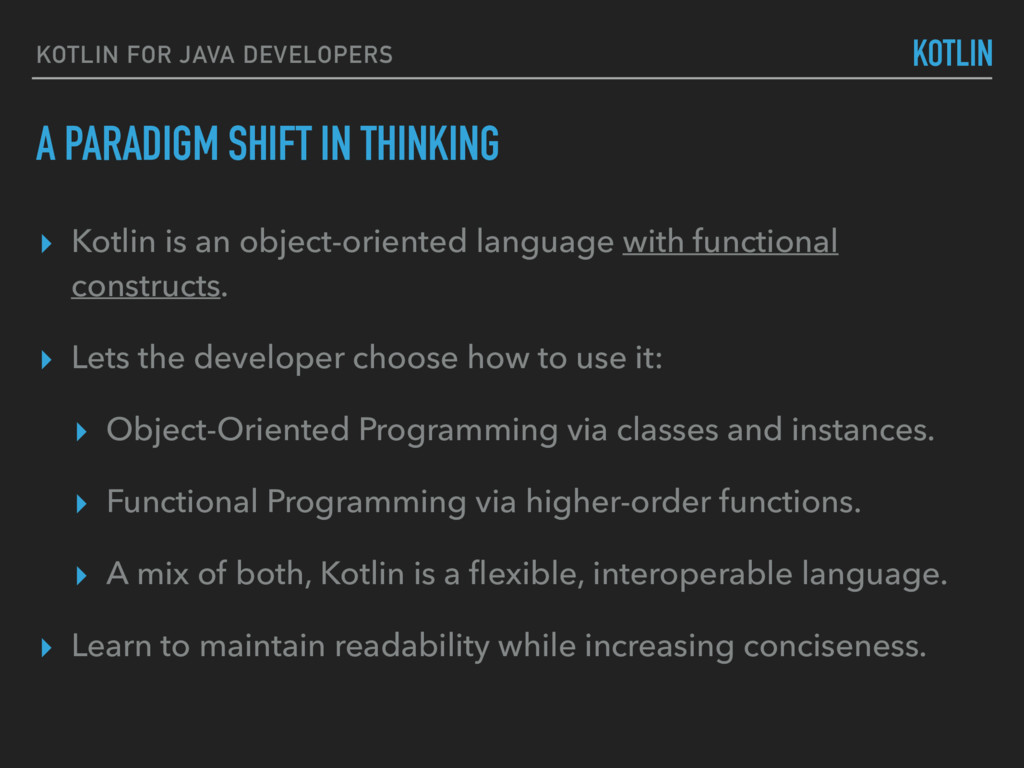
▸ Kotlin is an object-oriented language with functional constructs. ▸ Lets the developer choose how to use it: ▸ Object-Oriented Programming via classes and instances. ▸ Functional Programming via higher-order functions. ▸ A mix of both, Kotlin is a flexible, interoperable language. ▸ Learn to maintain readability while increasing conciseness.
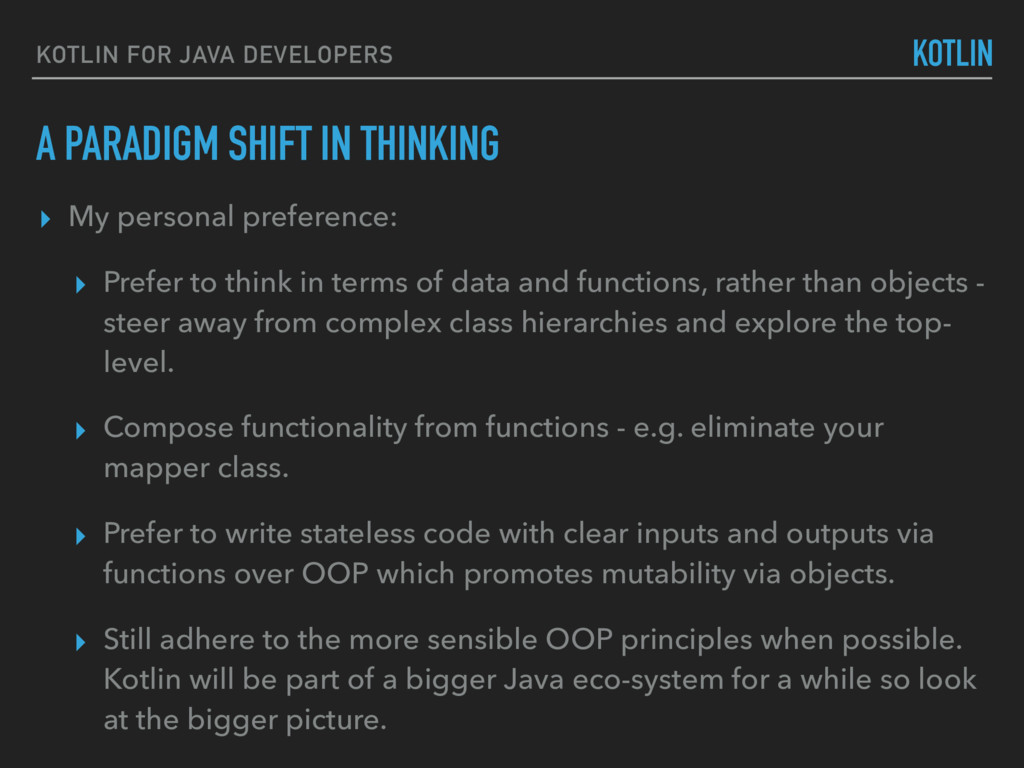
▸ My personal preference: ▸ Prefer to think in terms of data and functions, rather than objects - steer away from complex class hierarchies and explore the top- level. ▸ Compose functionality from functions - e.g. eliminate your mapper class. ▸ Prefer to write stateless code with clear inputs and outputs via functions over OOP which promotes mutability via objects. ▸ Still adhere to the more sensible OOP principles when possible. Kotlin will be part of a bigger Java eco-system for a while so look at the bigger picture.
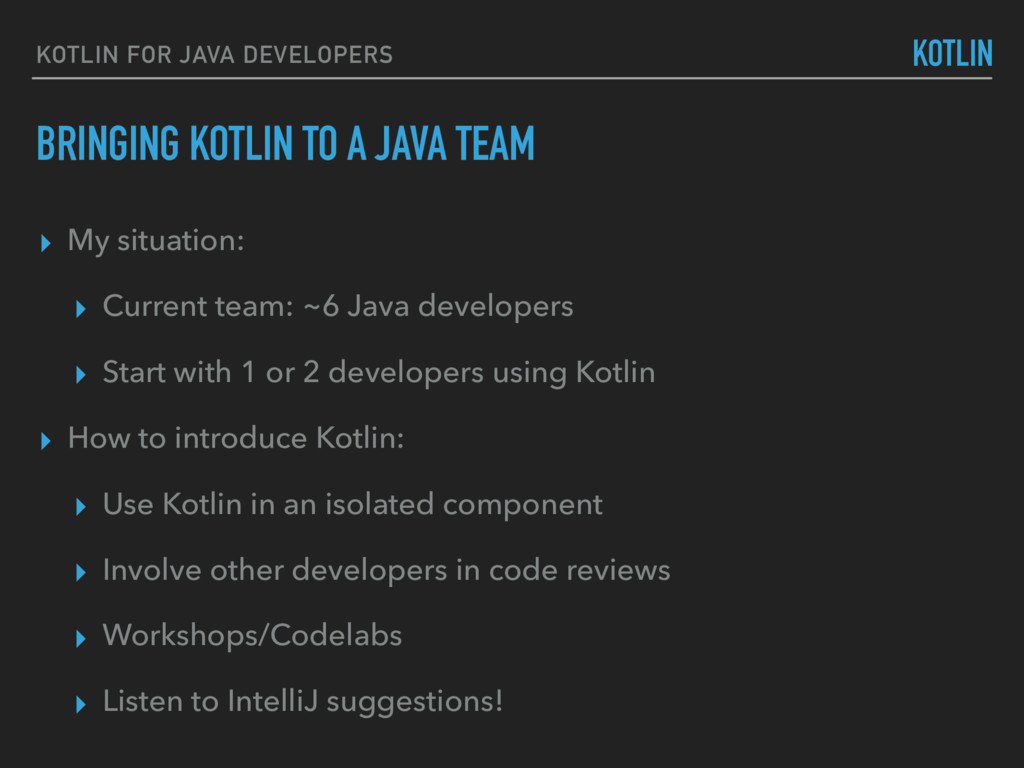
▸ My situation: ▸ Current team: ~6 Java developers ▸ Start with 1 or 2 developers using Kotlin ▸ How to introduce Kotlin: ▸ Use Kotlin in an isolated component ▸ Involve other developers in code reviews ▸ Workshops/Codelabs ▸ Listen to IntelliJ suggestions! KOTLIN
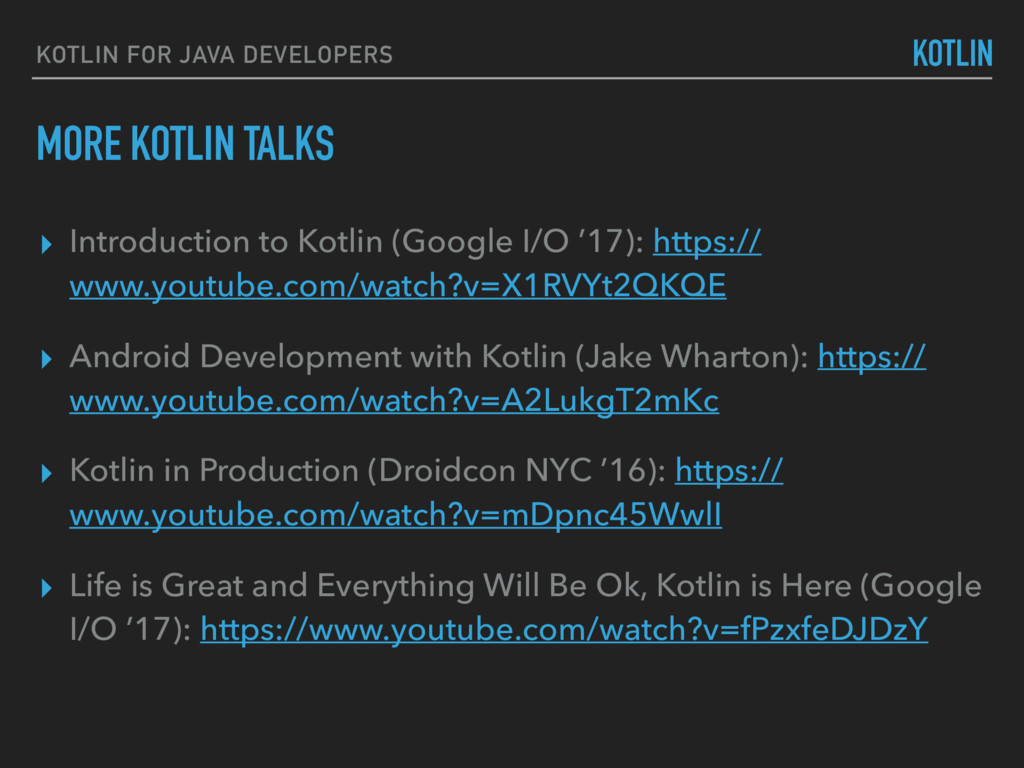
Kotlin (Google I/O ’17): https:// www.youtube.com/watch?v=X1RVYt2QKQE ▸ Android Development with Kotlin (Jake Wharton): https:// www.youtube.com/watch?v=A2LukgT2mKc ▸ Kotlin in Production (Droidcon NYC ’16): https:// www.youtube.com/watch?v=mDpnc45WwlI ▸ Life is Great and Everything Will Be Ok, Kotlin is Here (Google I/O ’17): https://www.youtube.com/watch?v=fPzxfeDJDzY KOTLIN


 darrenatherton
 seike460
 texmeijin
 optim
optim
 gonta
gonta
 satoshi256kbyte
 takai
takai
 kinopeee
 findyinc
 koic
koic
 rollbear
 andpad
 moro
moro
 jakevdp
 brad_frost
 aleyda
 jacobian
 tessaabrams
 tamaranovitovic
 speakerdeck
 axbom
axbom
 addyosmani
 pwiseman
 pauljervisheath
 ipullrank