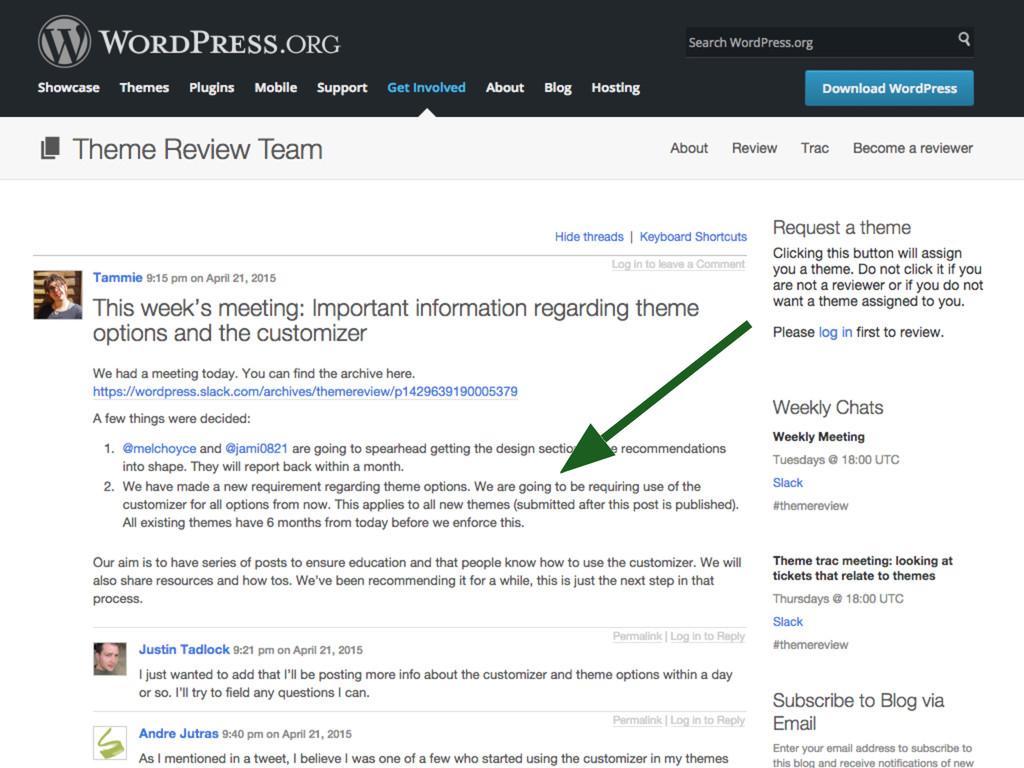
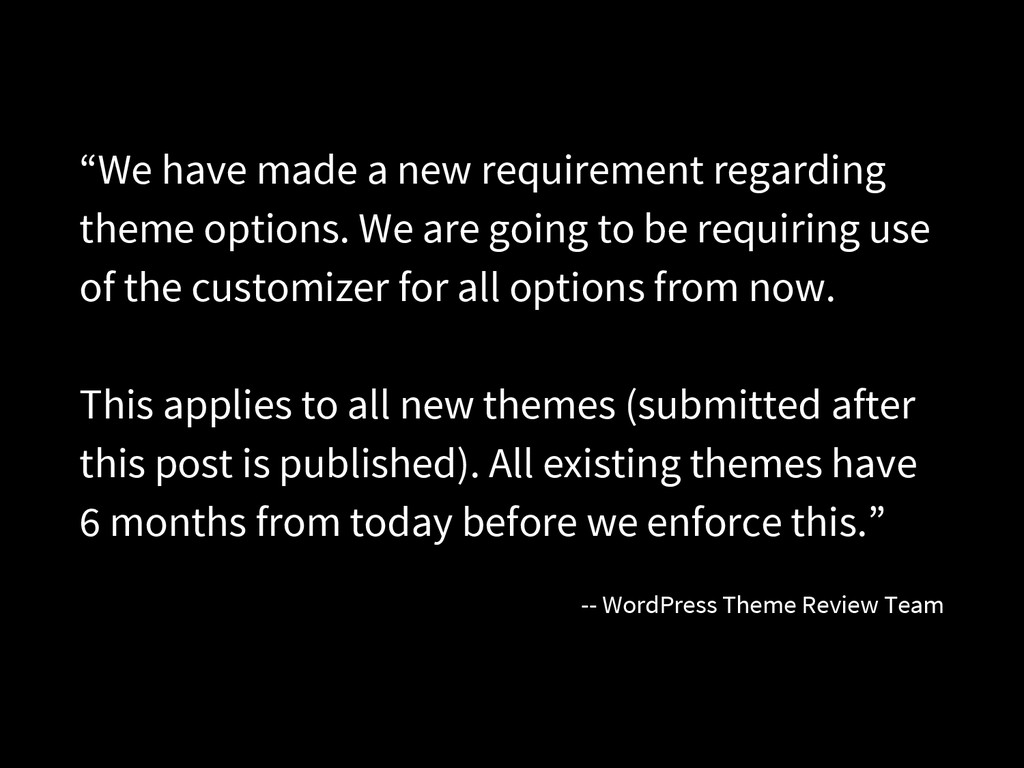
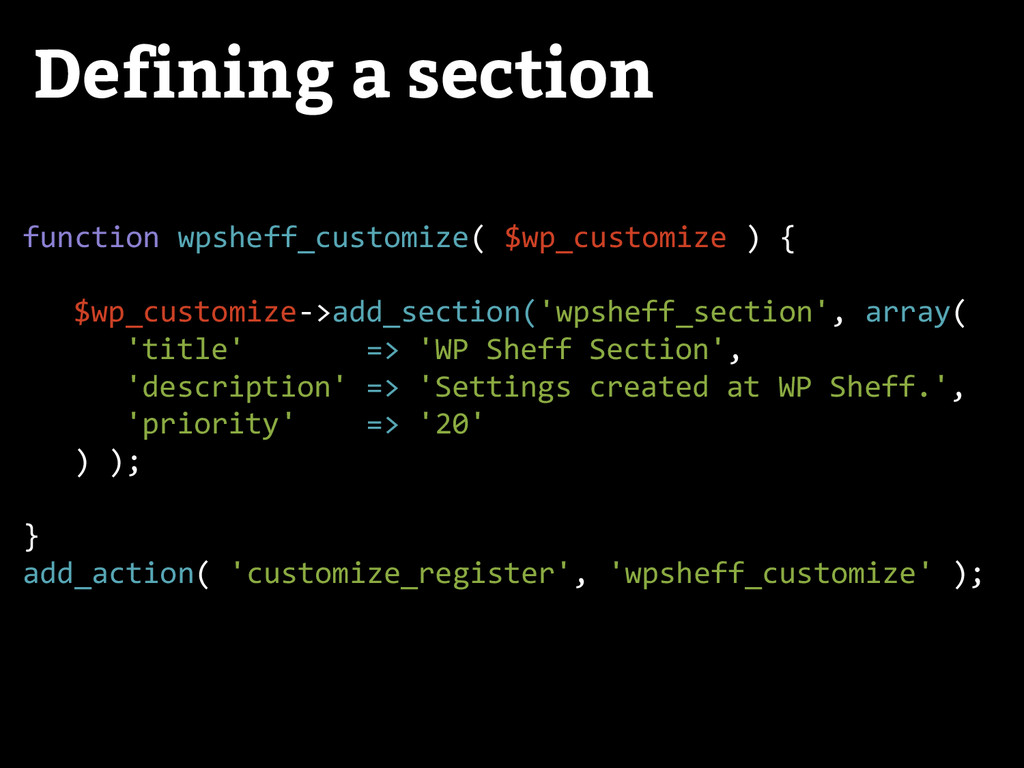
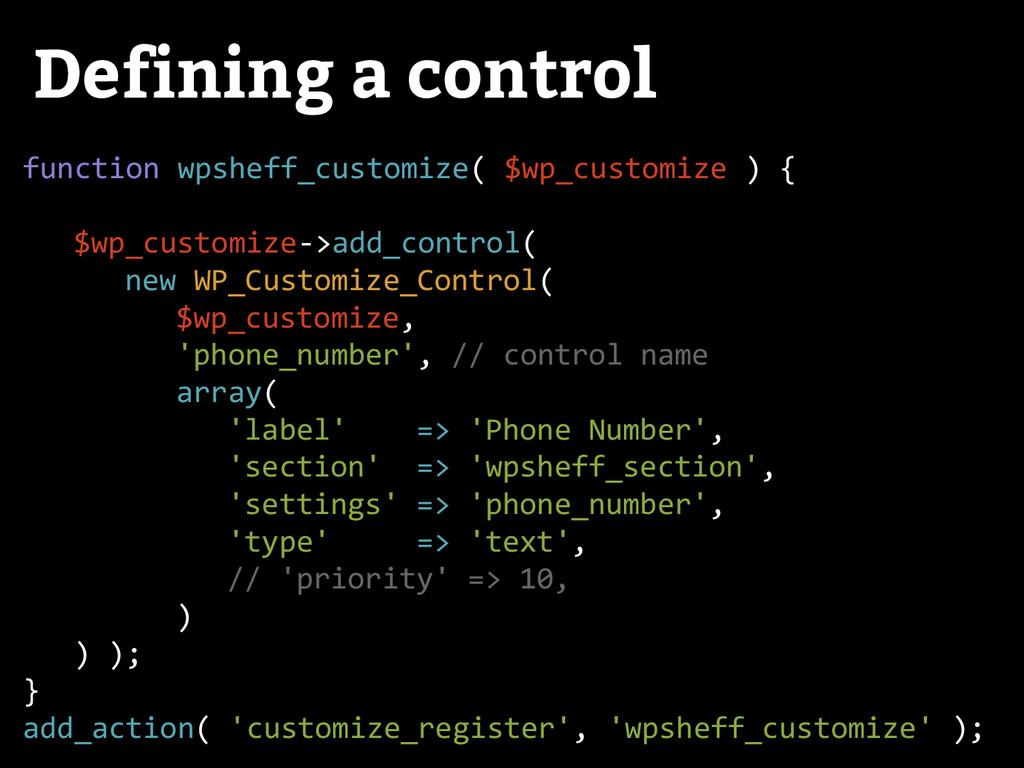
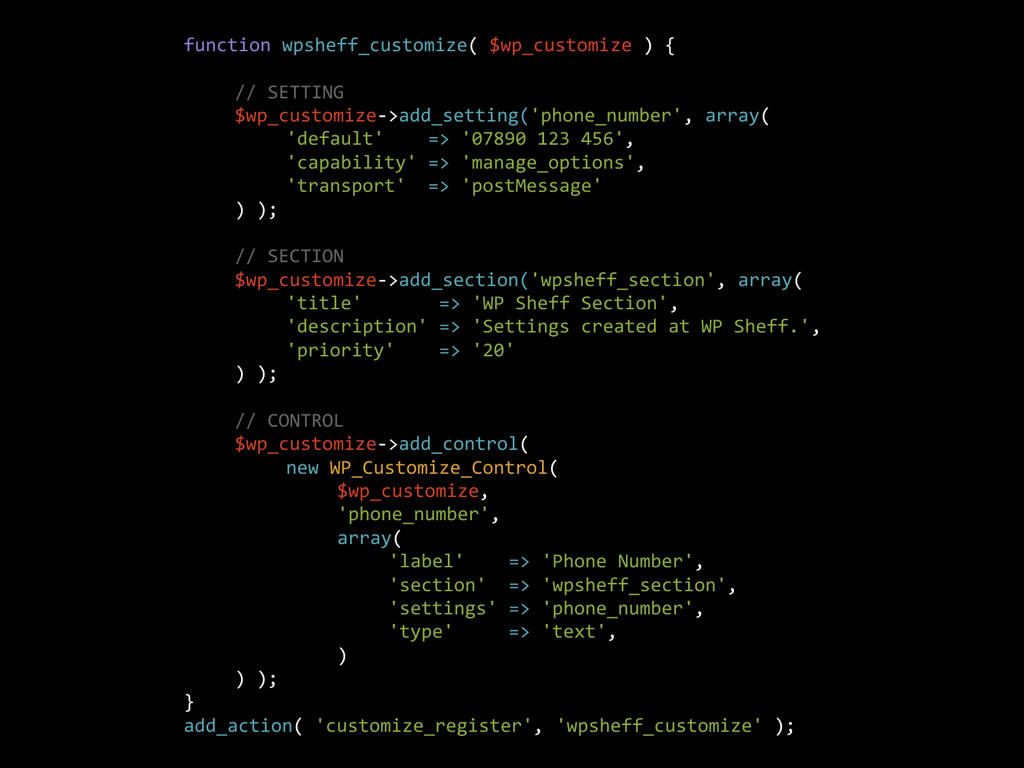
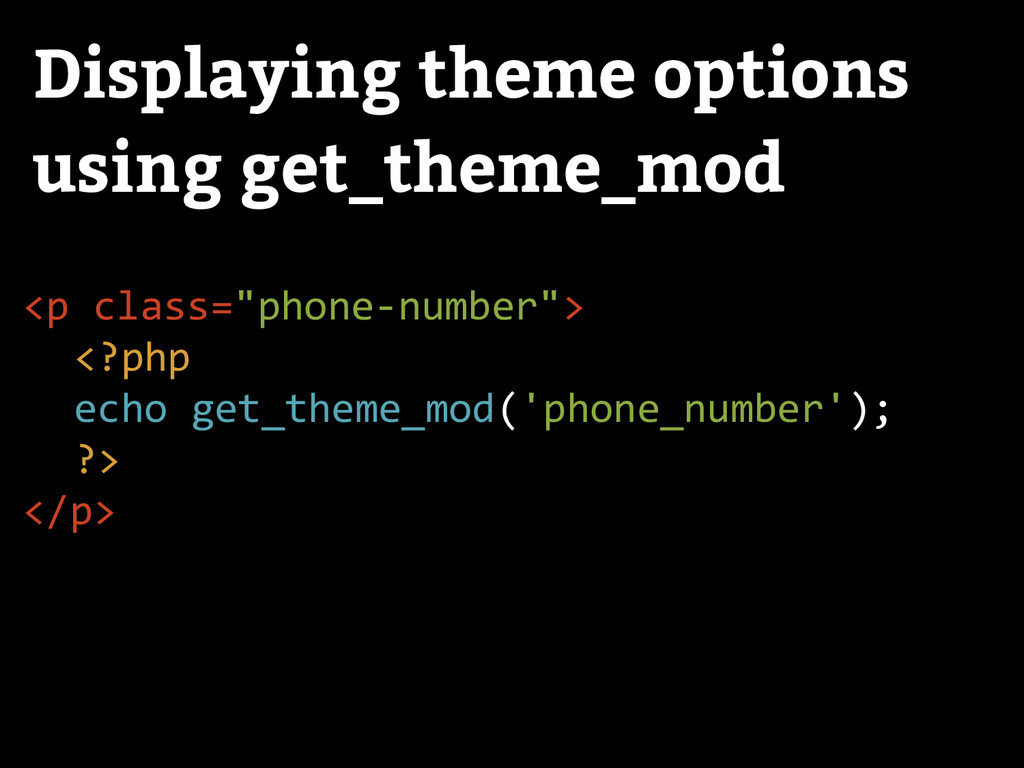
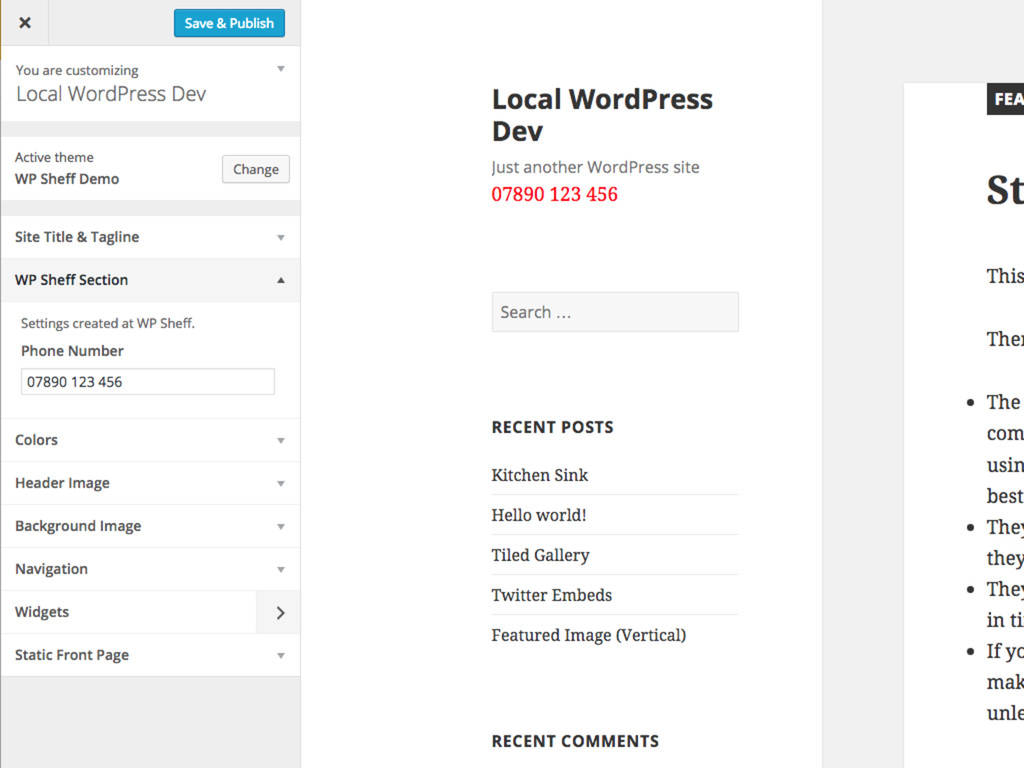
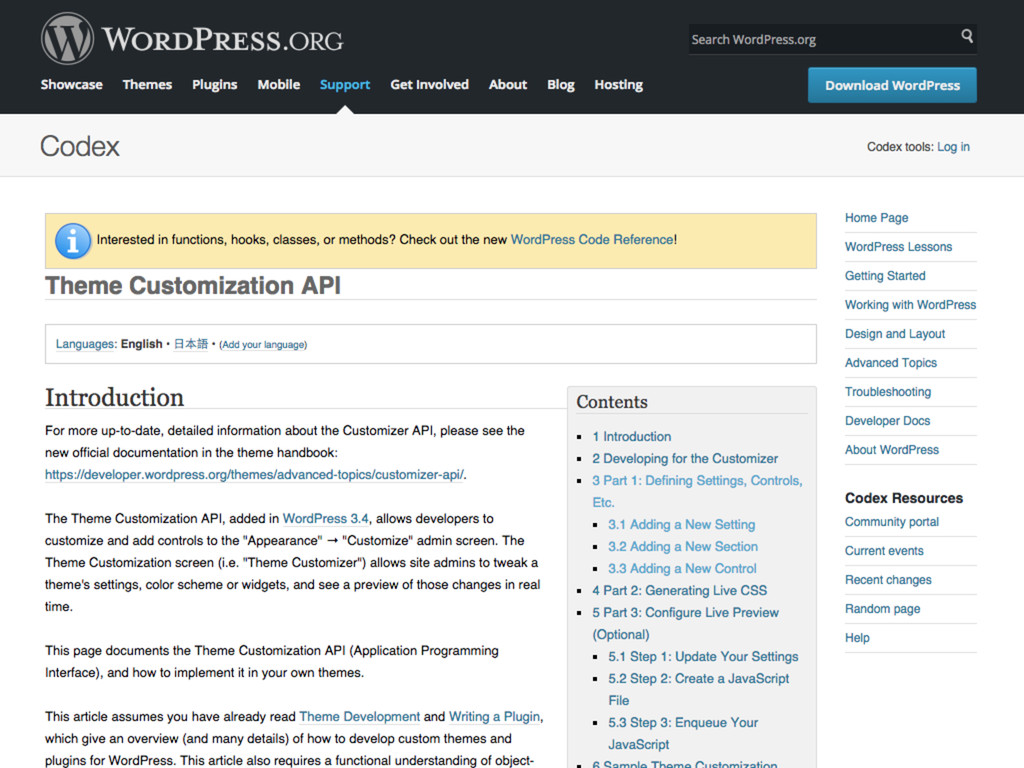
are going to be requiring use of the customizer for all options from now. This applies to all new themes (submitted after this post is published). All existing themes have 6 months from today before we enforce this.” -- WordPress Theme Review Team
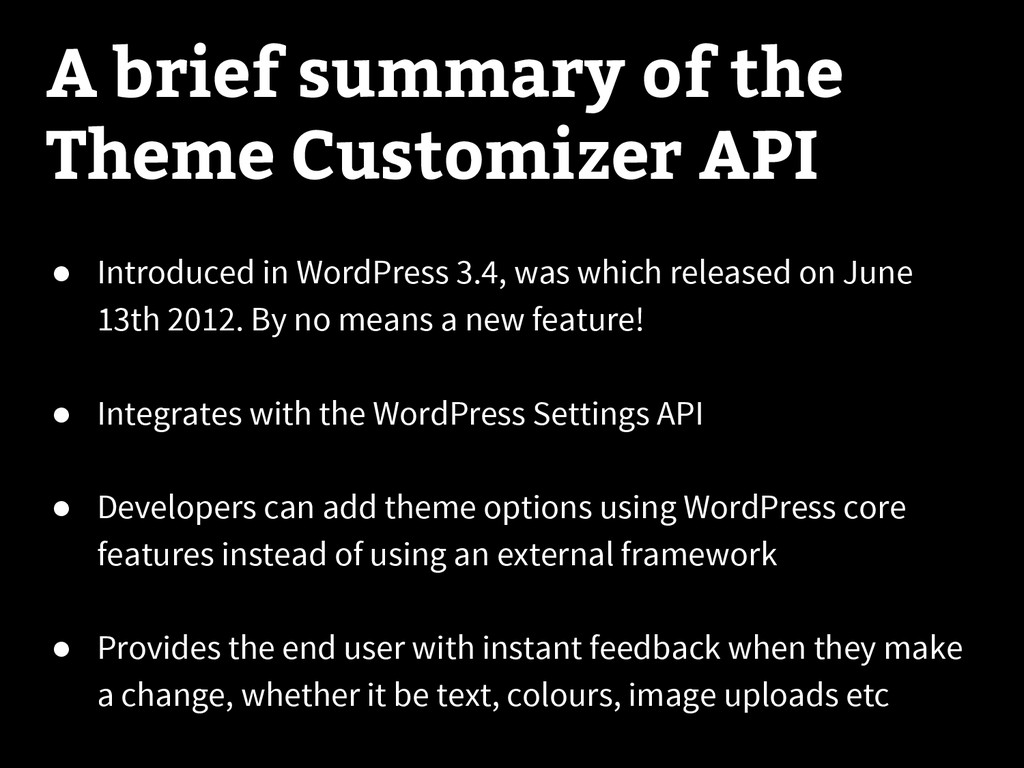
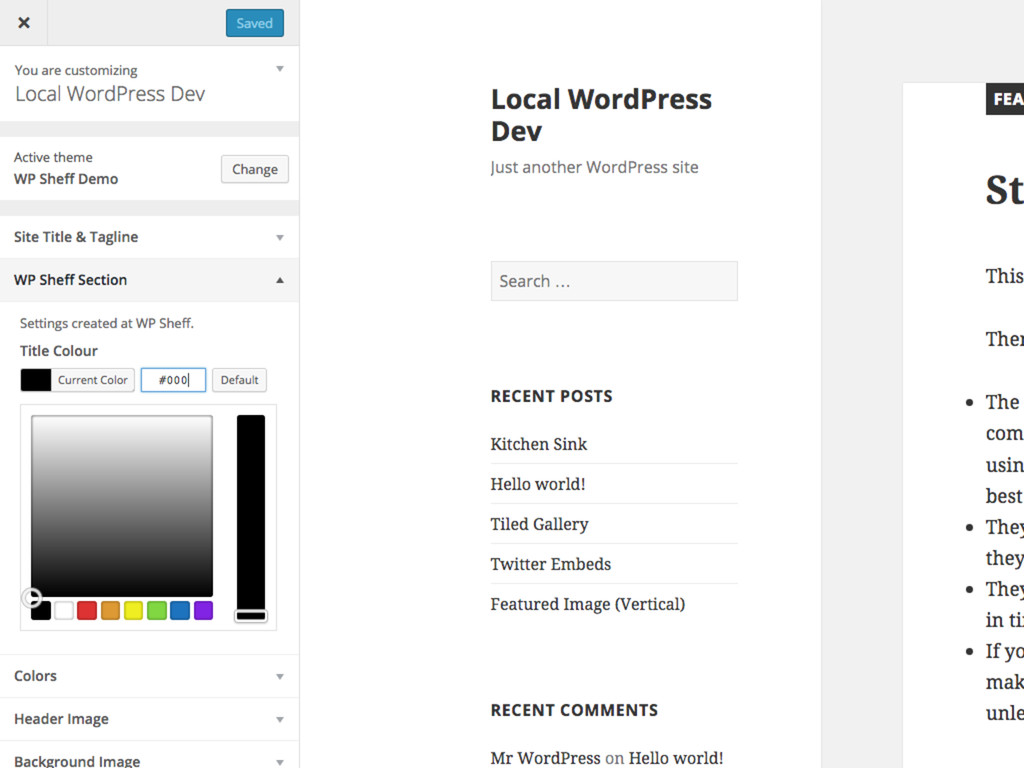
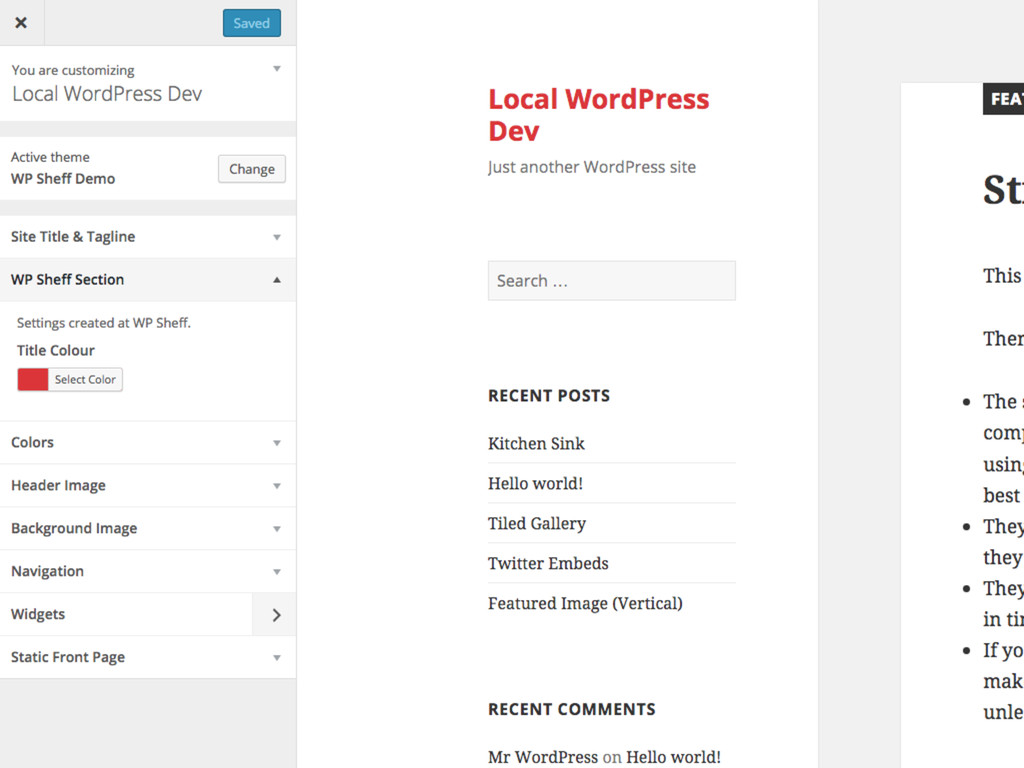
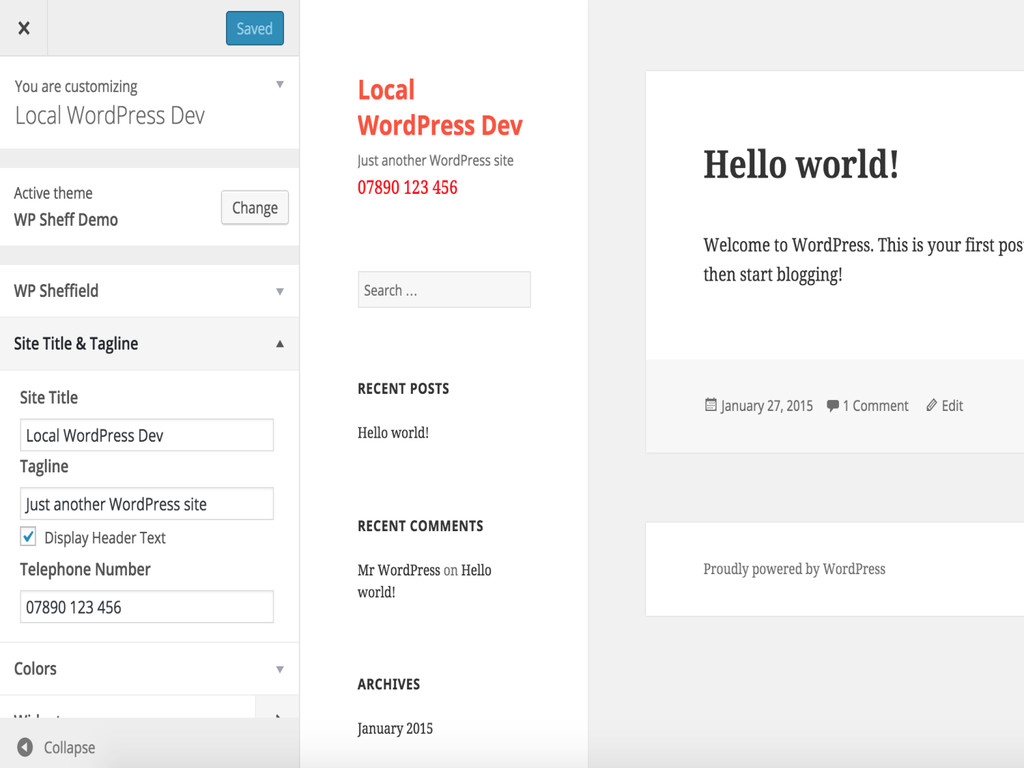
in WordPress 3.4, was which released on June 13th 2012. By no means a new feature! • Integrates with the WordPress Settings API • Developers can add theme options using WordPress core features instead of using an external framework • Provides the end user with instant feedback when they make a change, whether it be text, colours, image uploads etc
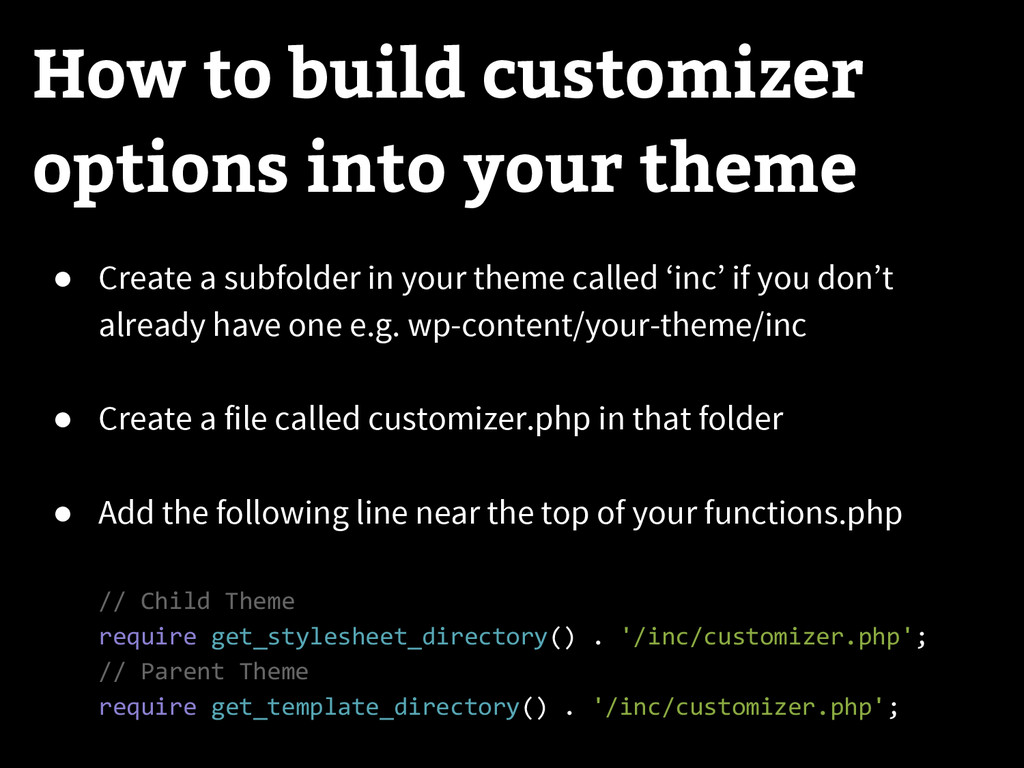
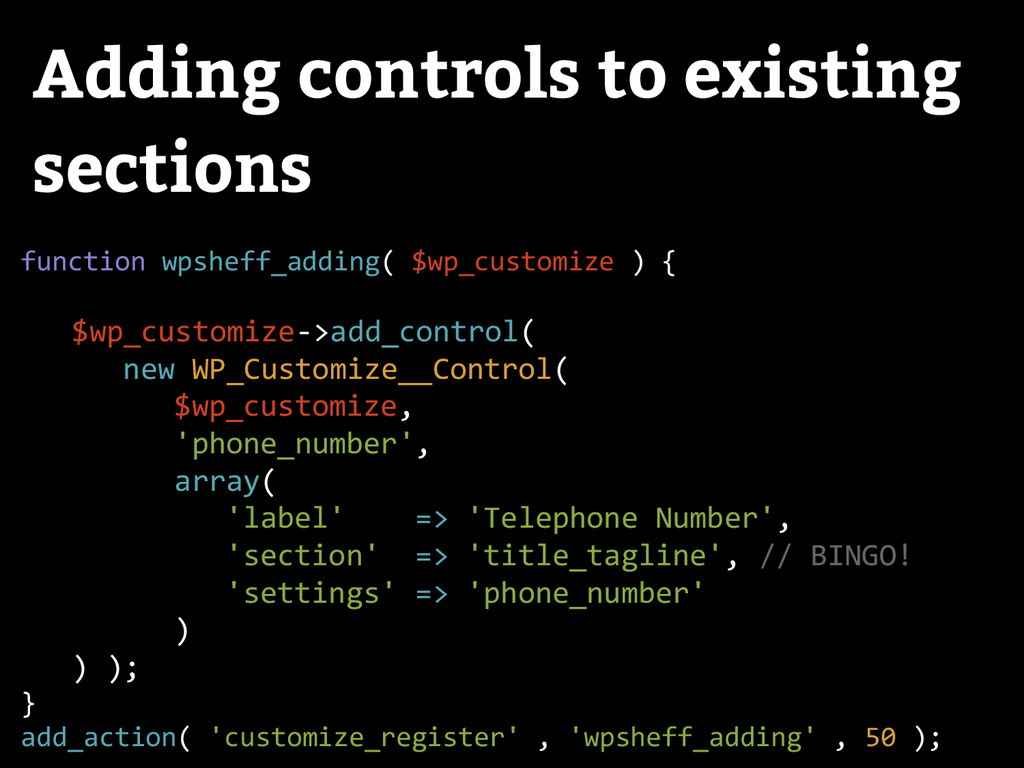
a subfolder in your theme called ‘inc’ if you don’t already have one e.g. wp-content/your-theme/inc • Create a file called customizer.php in that folder • Add the following line near the top of your functions.php // Child Theme require get_stylesheet_directory() . '/inc/customizer.php'; // Parent Theme require get_template_directory() . '/inc/customizer.php';
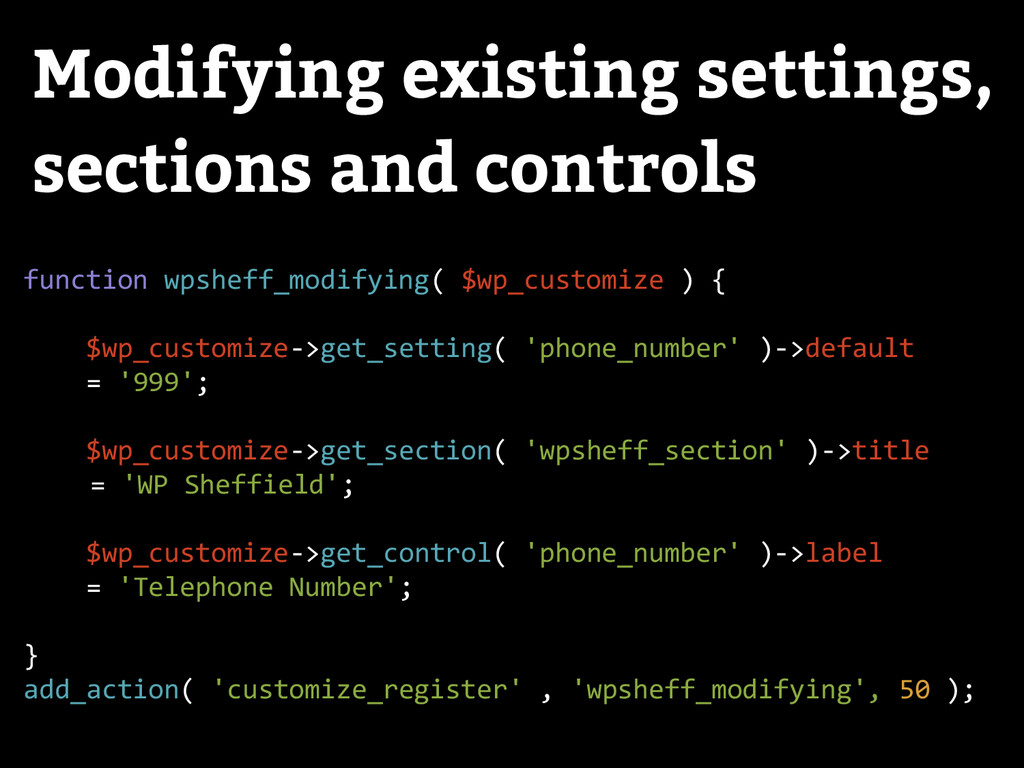
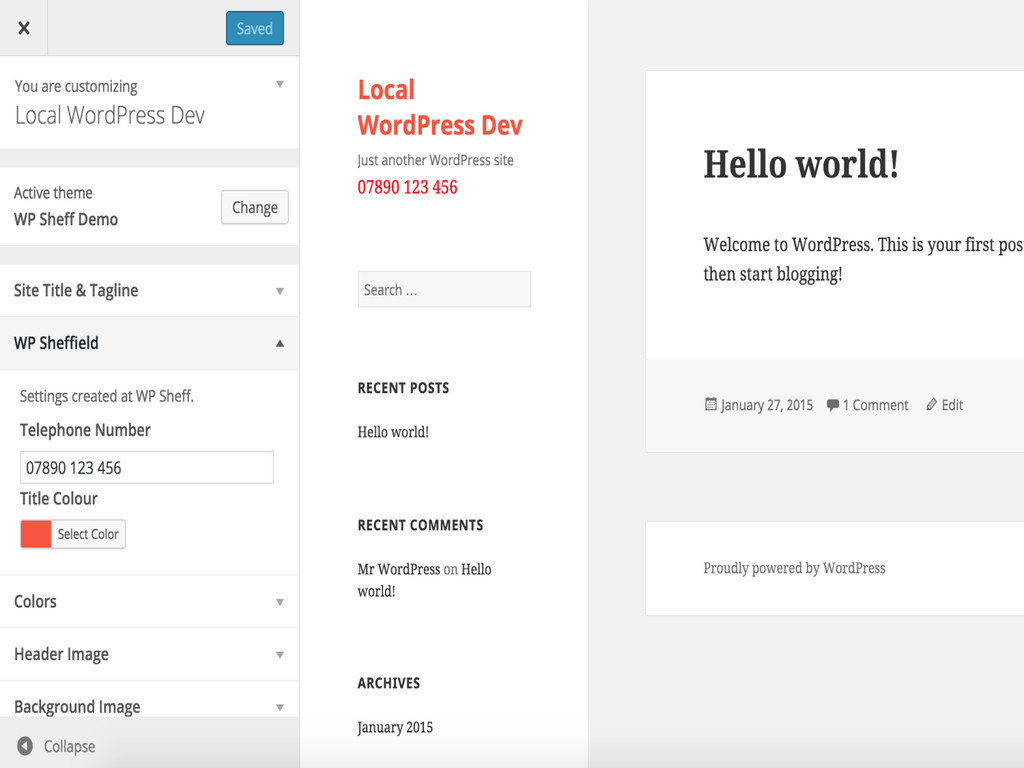
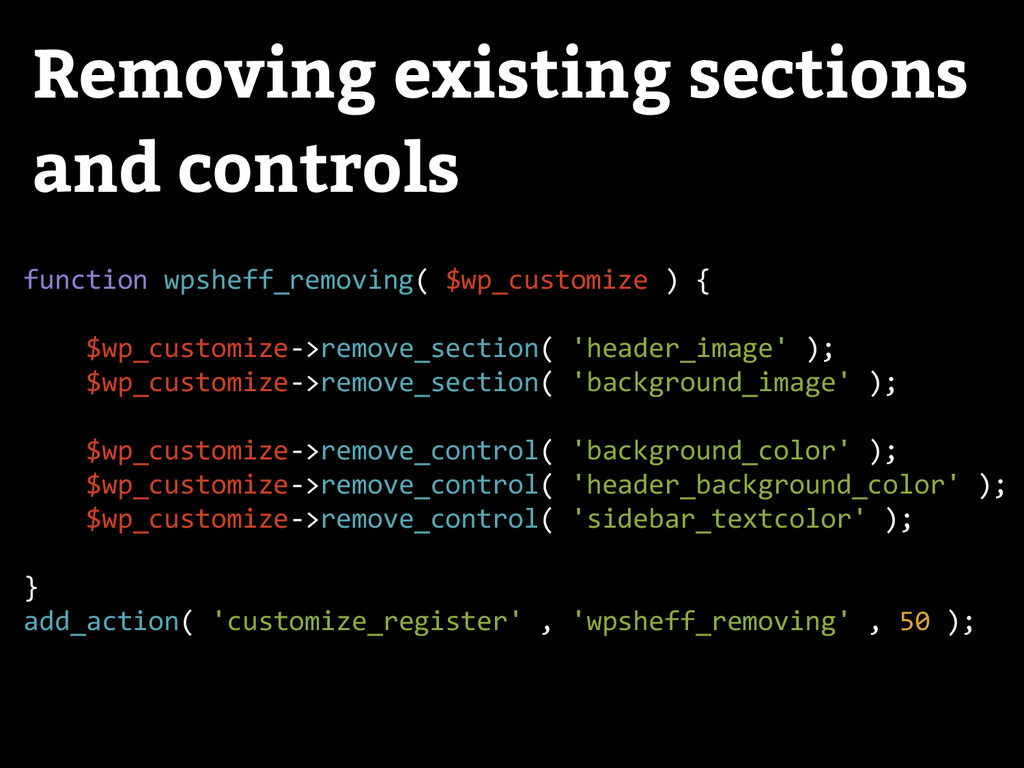
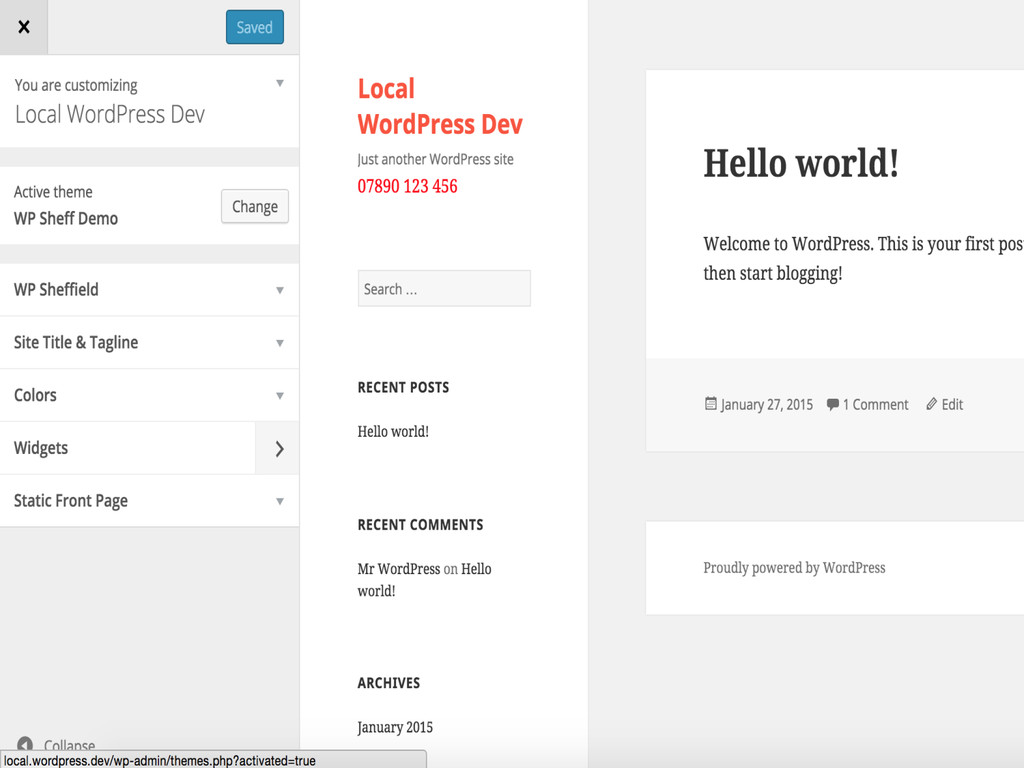
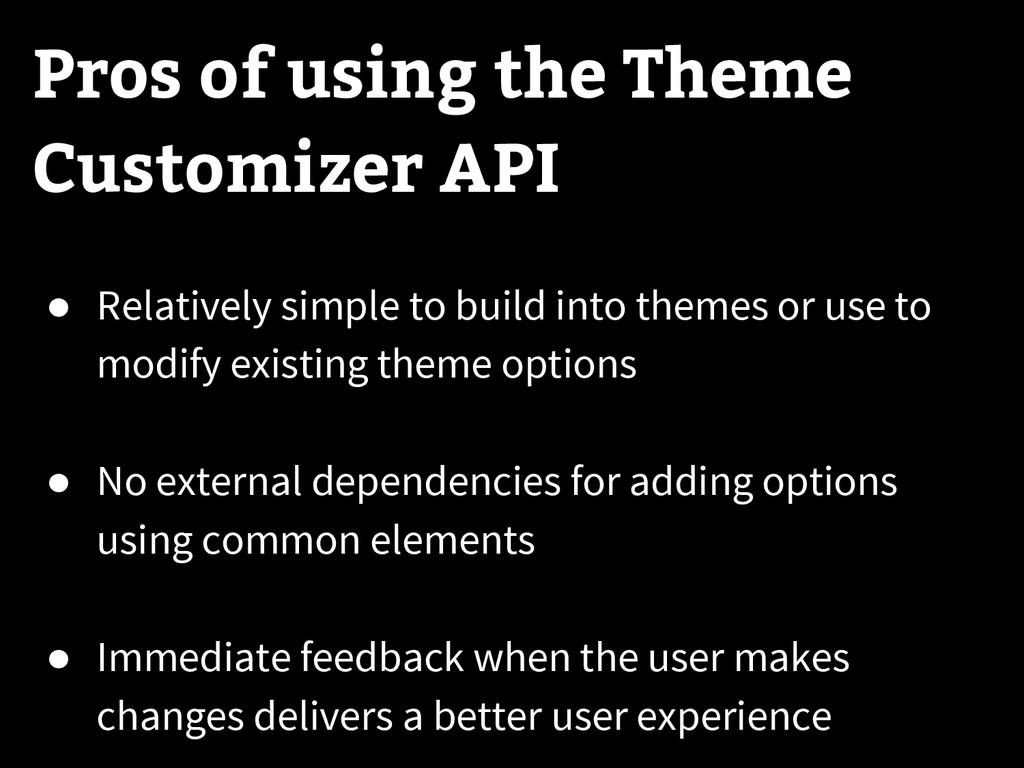
modify existing theme options • No external dependencies for adding options using common elements • Immediate feedback when the user makes changes delivers a better user experience Pros of using the Theme Customizer API
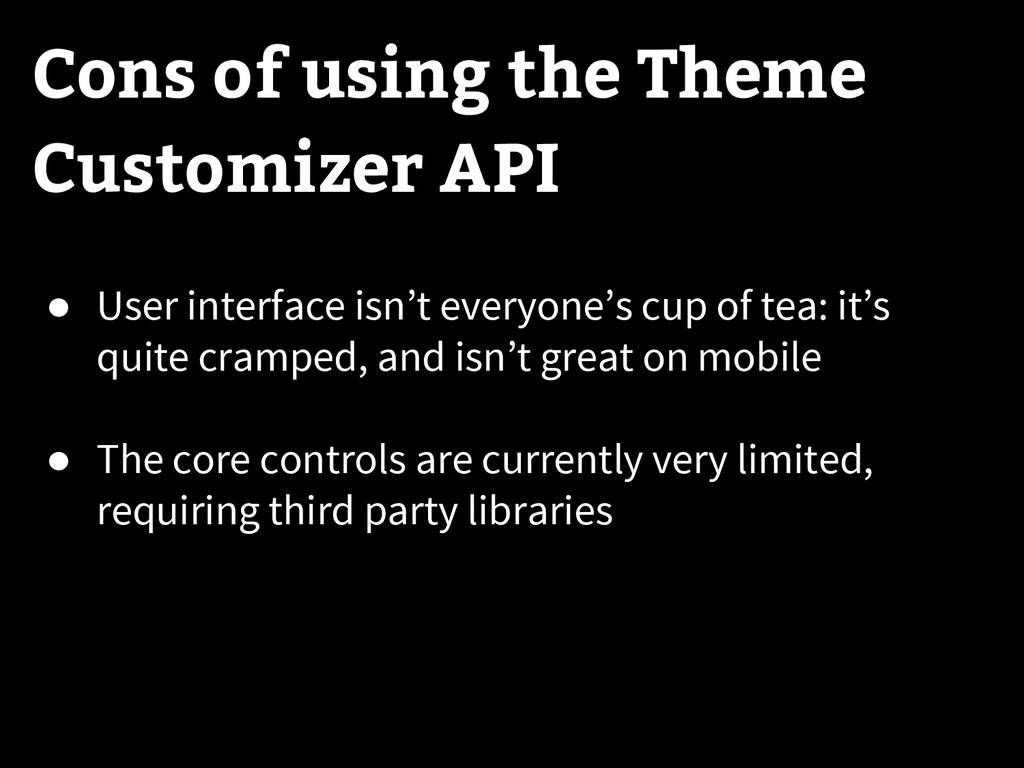
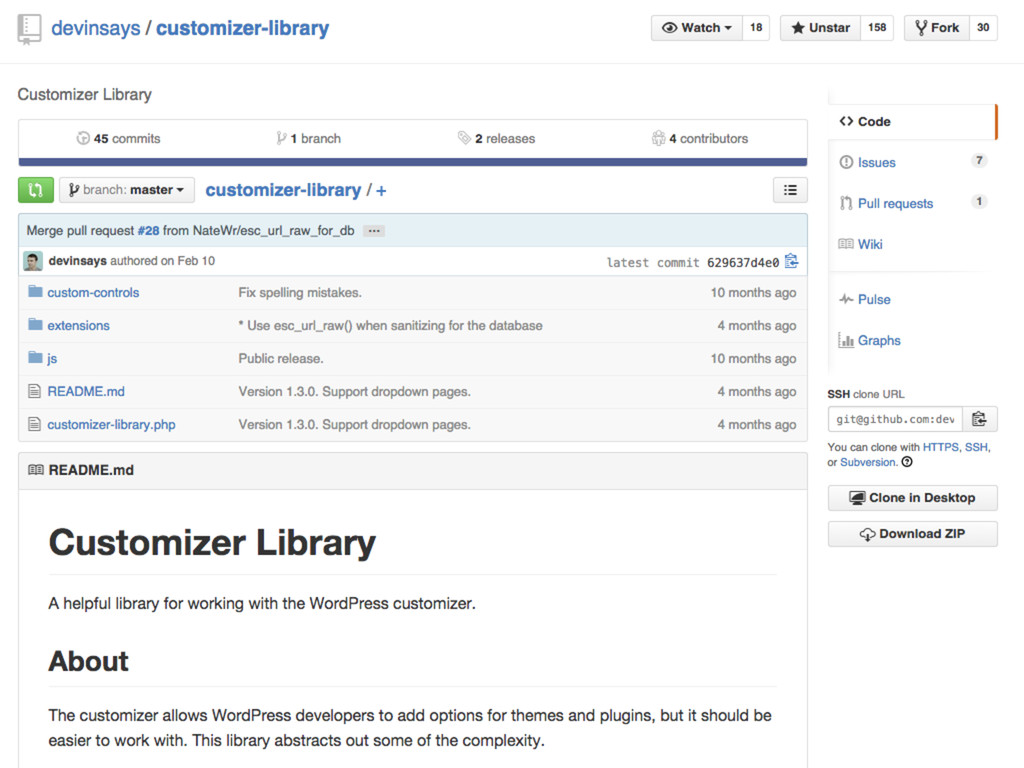
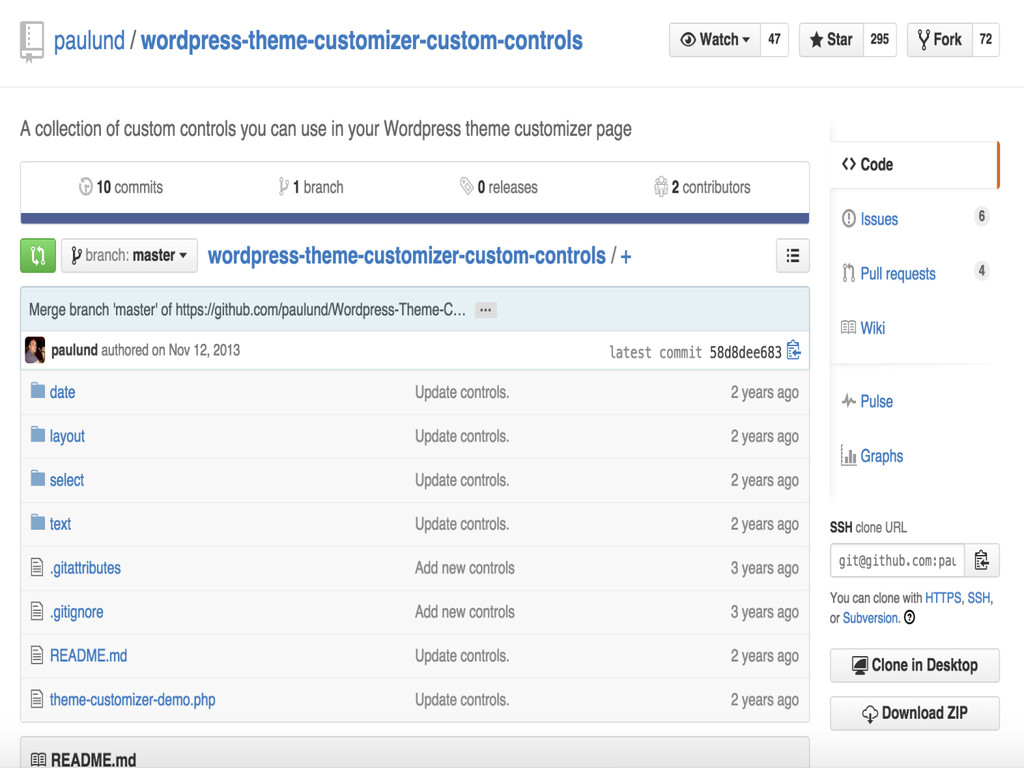
cramped, and isn’t great on mobile • The core controls are currently very limited, requiring third party libraries Cons of using the Theme Customizer API


 akit37
 minodriven
 sylph01
 lynnswap
 dske104
 yuta_onishi_97
 oniak3ibm
 shihochan
 texmeijin
 tanahiro2010
 kawashimo0
 rasagy
 tmiket
 irinanazarova
 jonoalderson
 baasie
 nwiizo
 marktimemedia
 hatefulcrawdad
 iamctodd
 cassininazir
 rmw
rmw