Upgrade to Pro — share decks privately, control downloads, hide ads and more …

DeskTrack Workforce Management Presentation | S...

DeskTrack Workforce Management Presentation | Smart Time Tracking & Employee Productivity

This presentation demonstrates how DeskTrack enables organizations to accurately track work hours, measure employee productivity, optimize team performance, simplify payroll preparation, and gain complete visibility into daily operations. Ideal for HR professionals, business owners, operations managers, and enterprise teams.

Avatar for shreya smith

shreya smith

July 09, 2026

Other Decks in Technology

Transcript

  1. 1. DeskTrack Time Tracking Software Track Time. Improve Productivity. Empower

    Teams. Smarter Time Tracking for Modern Businesses DeskTrack is an automated employee time tracking and productivity monitoring software designed to help businesses gain complete visibility into employee work activities, optimize workflows, and improve operational efficiency.
  2. 2. About DeskTrack What is DeskTrack? DeskTrack is an intelligent

    employee time tracking and workforce analytics solution that automatically records employee work hours, application usage, website activity, file usage, and project time without requiring manual timesheets. The software helps organizations improve productivity, enhance accountability, simplify payroll processing, and make informed business decisions through real-time insights and comprehensive reports.
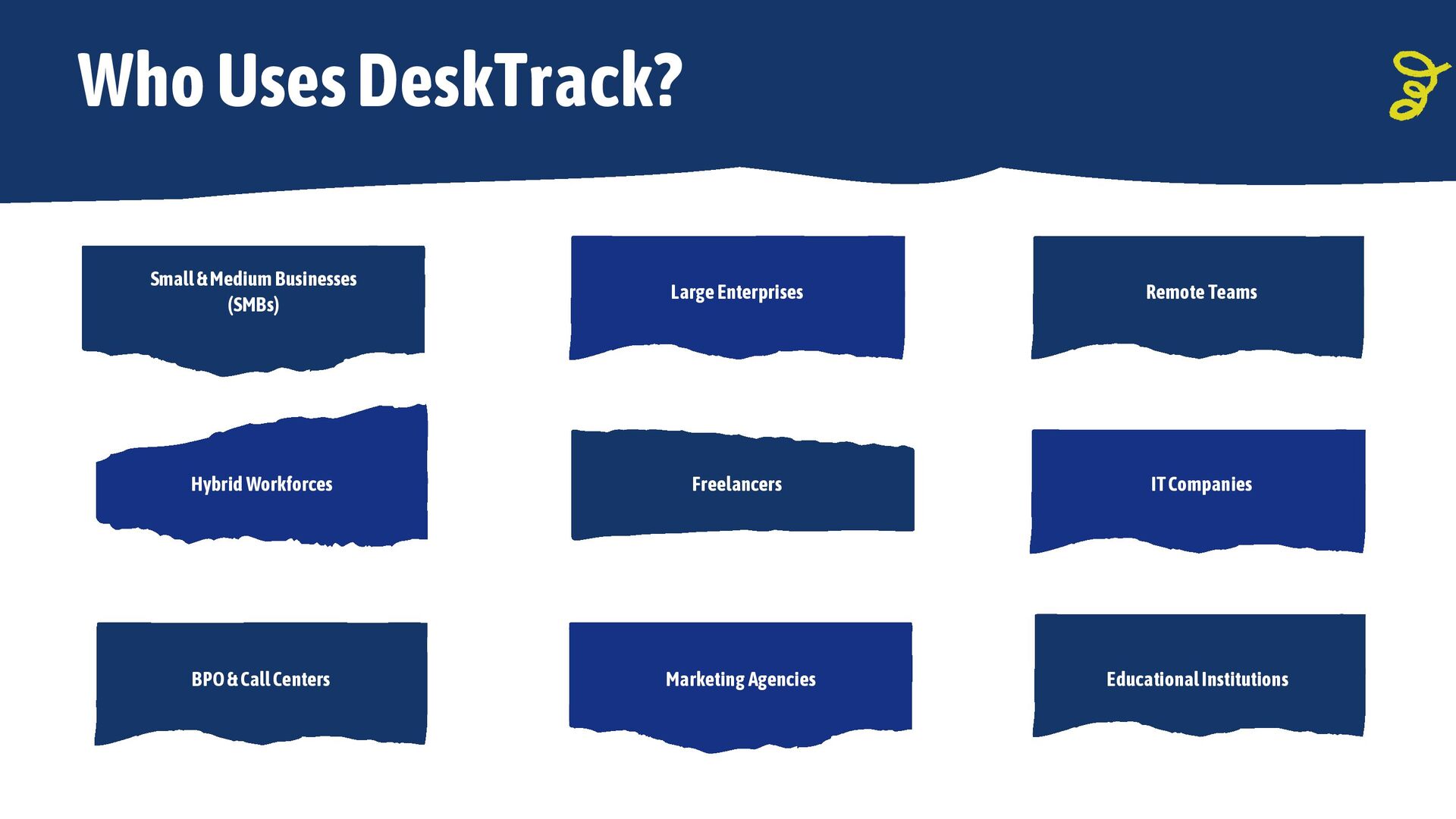
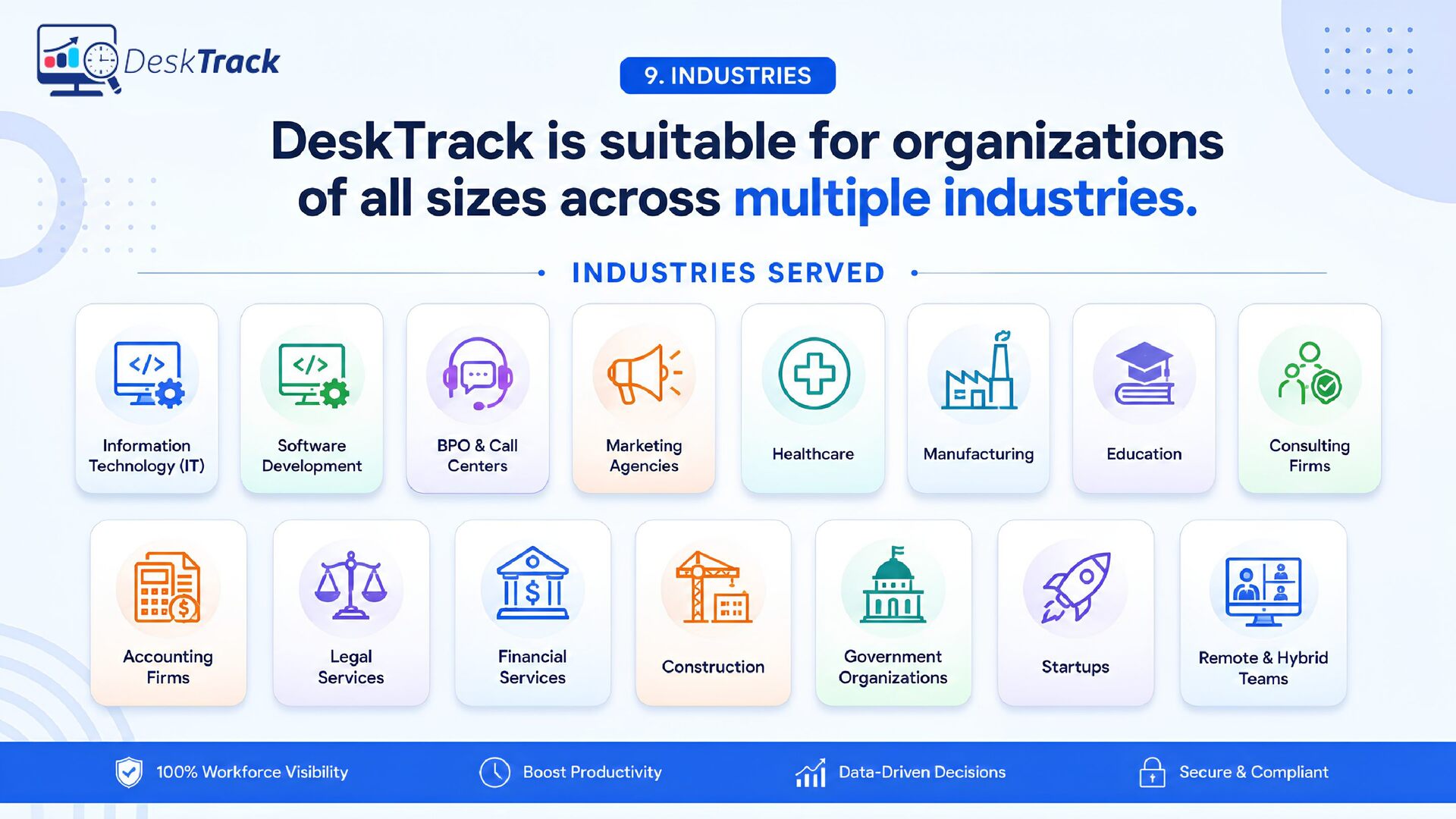
  3. Freelancers Remote Teams Hybrid Workforces Large Enterprises IT Companies Marketing

    Agencies BPO & Call Centers Small & Medium Businesses (SMBs) Who Uses DeskTrack? Educational Institutions
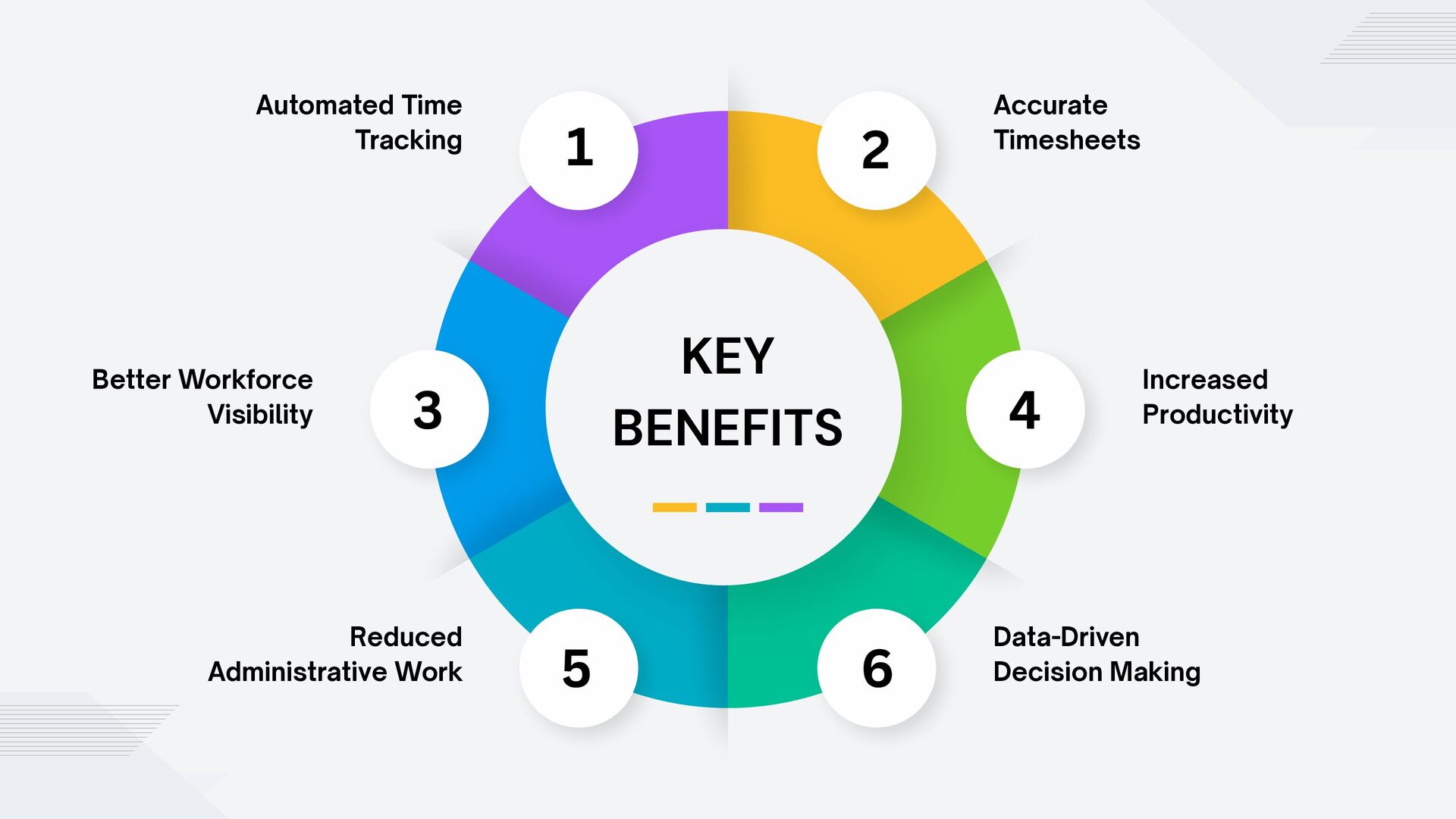
  4. Reduced Administrative Work KEY BENEFITS Better Workforce Visibility Automated Time

    Tracking Accurate Timesheets Increased Productivity Data-Driven Decision Making 1 2 3 4 5 6
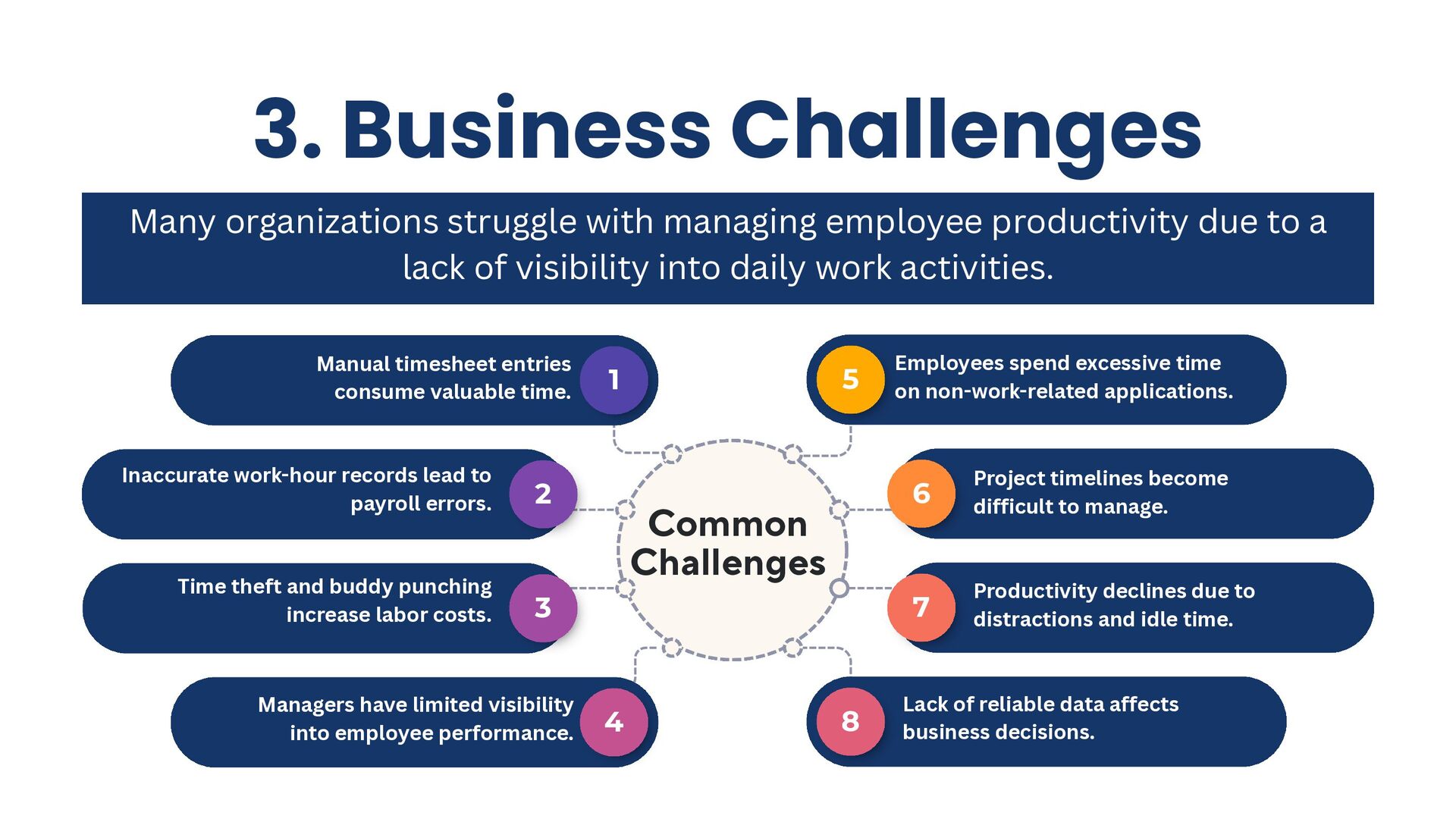
  5. 3. Business Challenges 1 Manual timesheet entries consume valuable time.

    5 Employees spend excessive time on non-work-related applications. 4 Managers have limited visibility into employee performance. 8 Lack of reliable data affects business decisions. 3 Time theft and buddy punching increase labor costs. 7 Productivity declines due to distractions and idle time. 2 Inaccurate work-hour records lead to payroll errors. 6 Project timelines become difficult to manage. Common Challenges Many organizations struggle with managing employee productivity due to a lack of visibility into daily work activities.
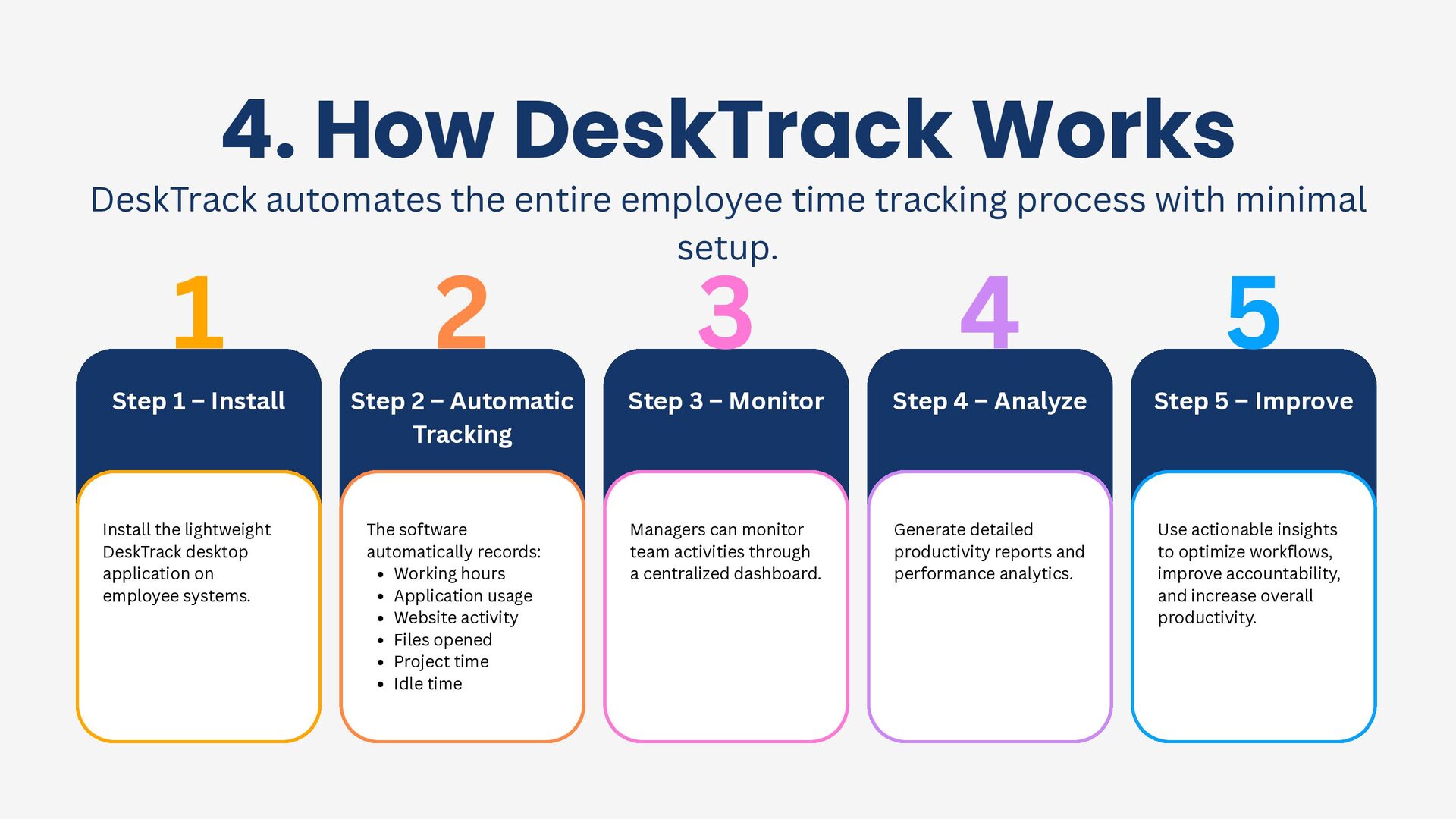
  6. 5 1 2 Step 1 – Install Step 2 –

    Automatic Tracking 3 Step 3 – Monitor 4 Step 4 – Analyze Step 5 – Improve Install the lightweight DeskTrack desktop application on employee systems. The software automatically records: Working hours Application usage Website activity Files opened Project time Idle time Managers can monitor team activities through a centralized dashboard. Generate detailed productivity reports and performance analytics. Use actionable insights to optimize workflows, improve accountability, and increase overall productivity. 4. How DeskTrack Works DeskTrack automates the entire employee time tracking process with minimal setup.
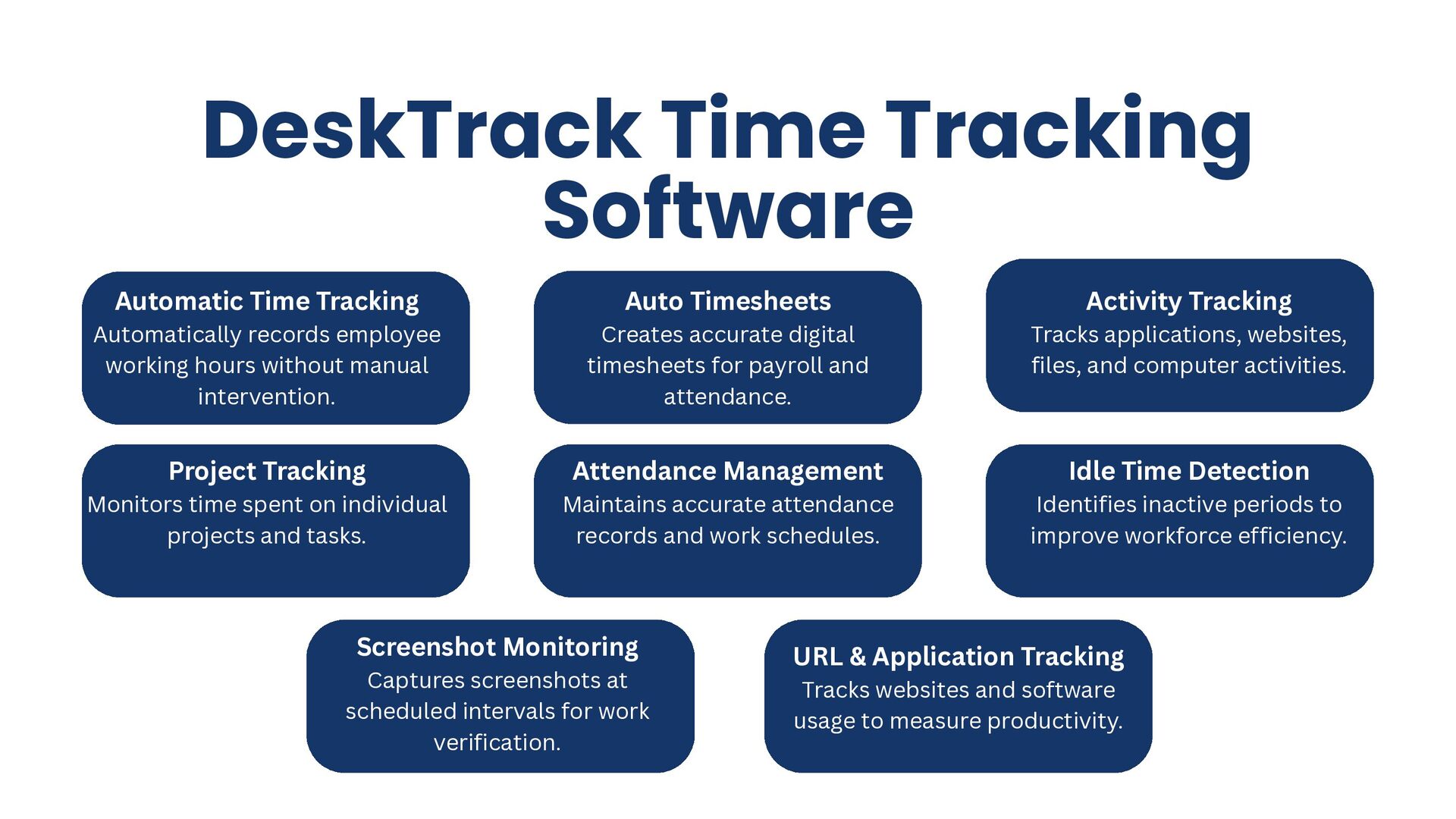
  7. DeskTrack Time Tracking Software Automatic Time Tracking Automatically records employee

    working hours without manual intervention. Auto Timesheets Creates accurate digital timesheets for payroll and attendance. Project Tracking Monitors time spent on individual projects and tasks. Attendance Management Maintains accurate attendance records and work schedules. Idle Time Detection Identifies inactive periods to improve workforce efficiency. Screenshot Monitoring Captures screenshots at scheduled intervals for work verification. URL & Application Tracking Tracks websites and software usage to measure productivity. Activity Tracking Tracks applications, websites, files, and computer activities.
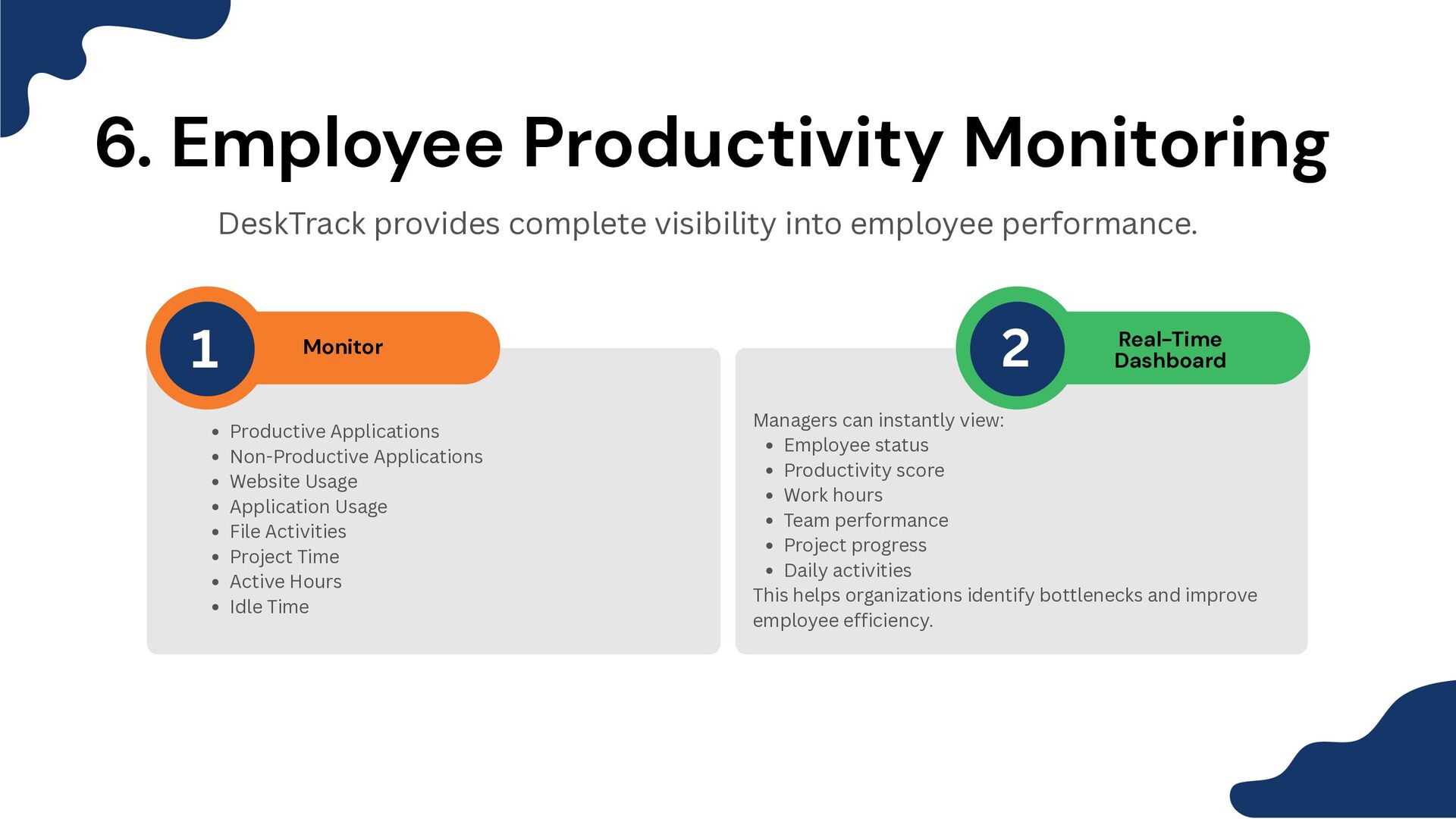
  8. 6. Employee Productivity Monitoring DeskTrack provides complete visibility into employee

    performance. Monitor Real-Time Dashboard Productive Applications Non-Productive Applications Website Usage Application Usage File Activities Project Time Active Hours Idle Time Managers can instantly view: Employee status Productivity score Work hours Team performance Project progress Daily activities This helps organizations identify bottlenecks and improve employee efficiency. 1 2
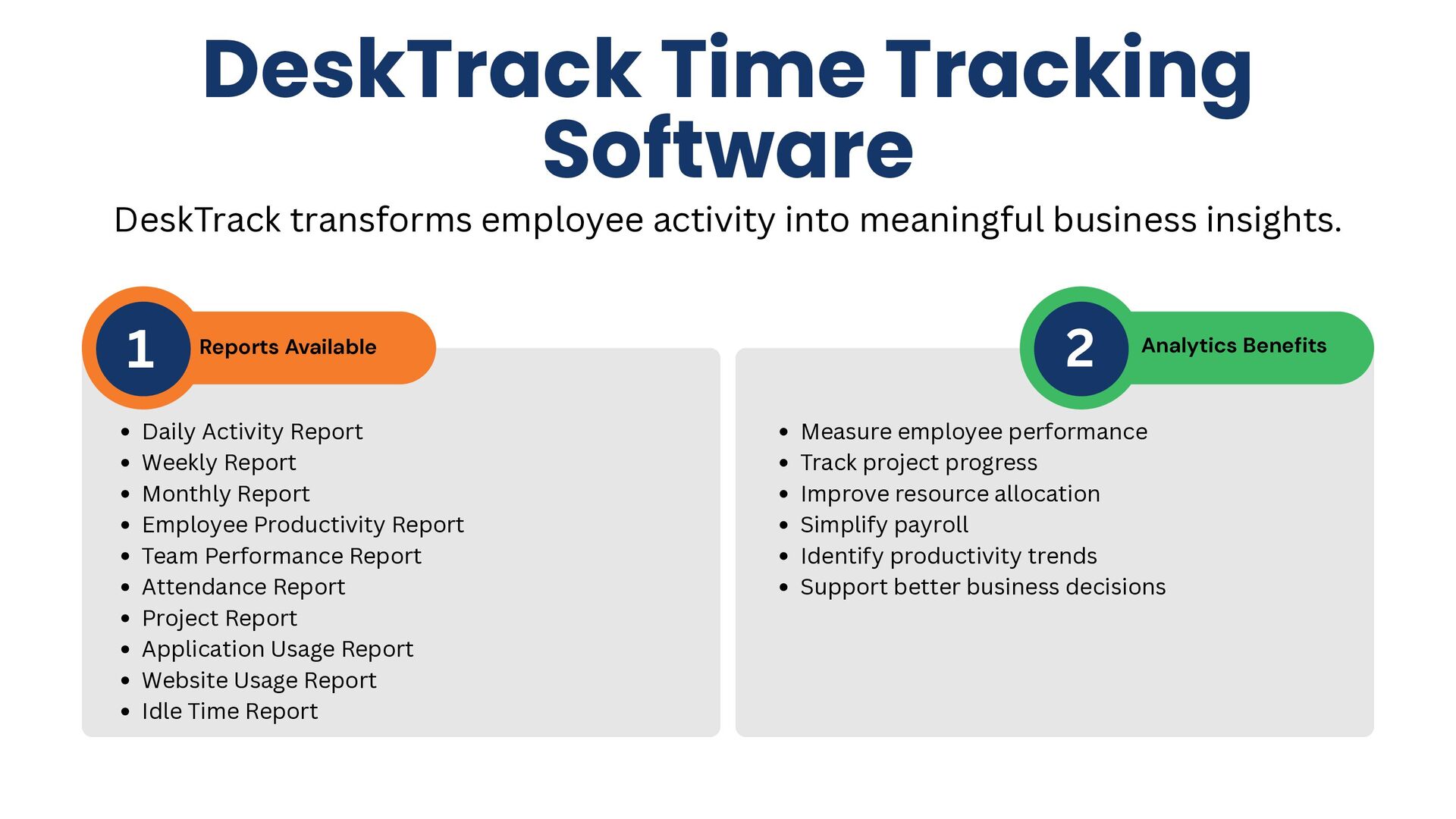
  9. DeskTrack Time Tracking Software Reports Available Analytics Benefits 1 2

    DeskTrack transforms employee activity into meaningful business insights. Daily Activity Report Weekly Report Monthly Report Employee Productivity Report Team Performance Report Attendance Report Project Report Application Usage Report Website Usage Report Idle Time Report Measure employee performance Track project progress Improve resource allocation Simplify payroll Identify productivity trends Support better business decisions
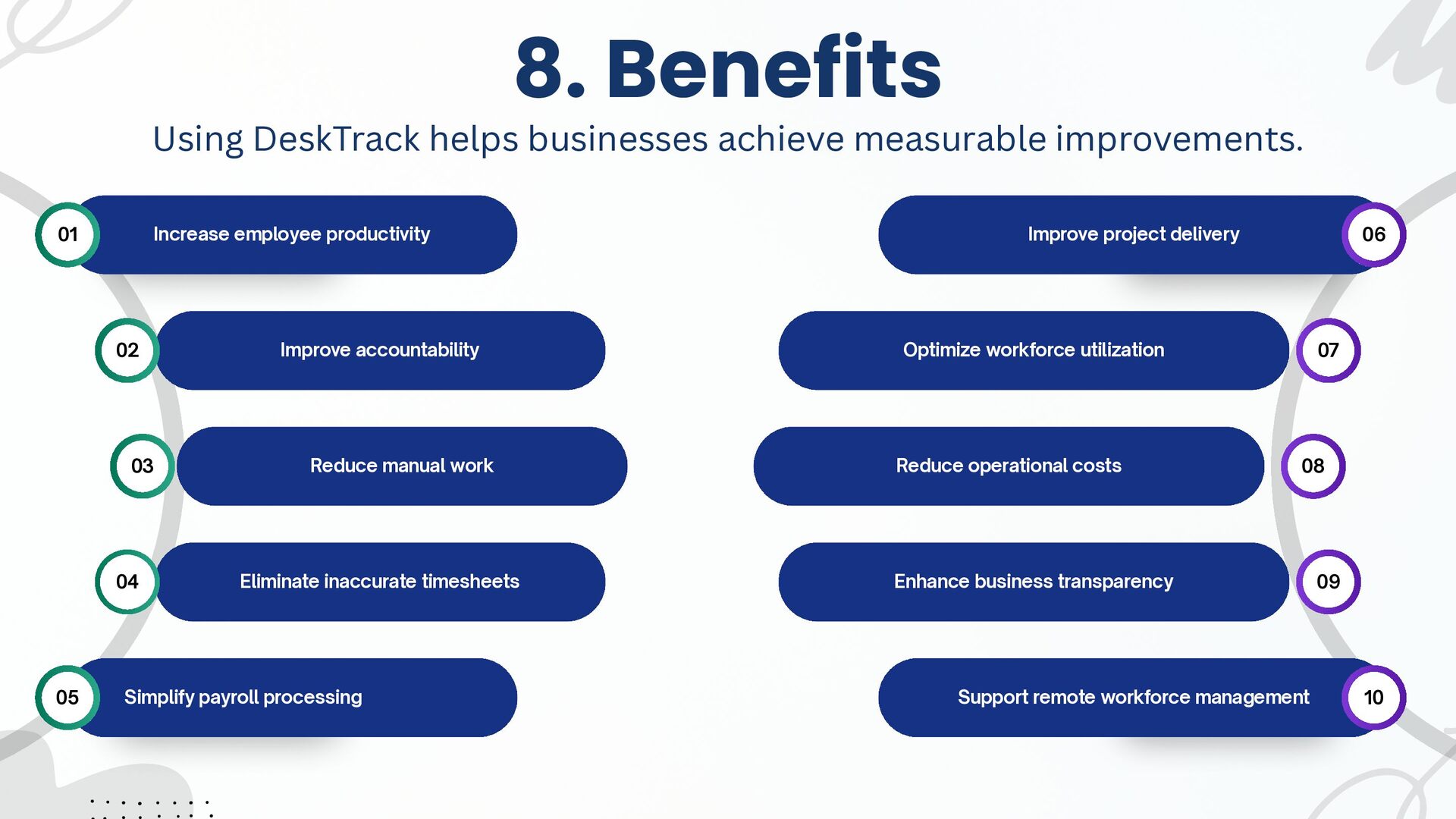
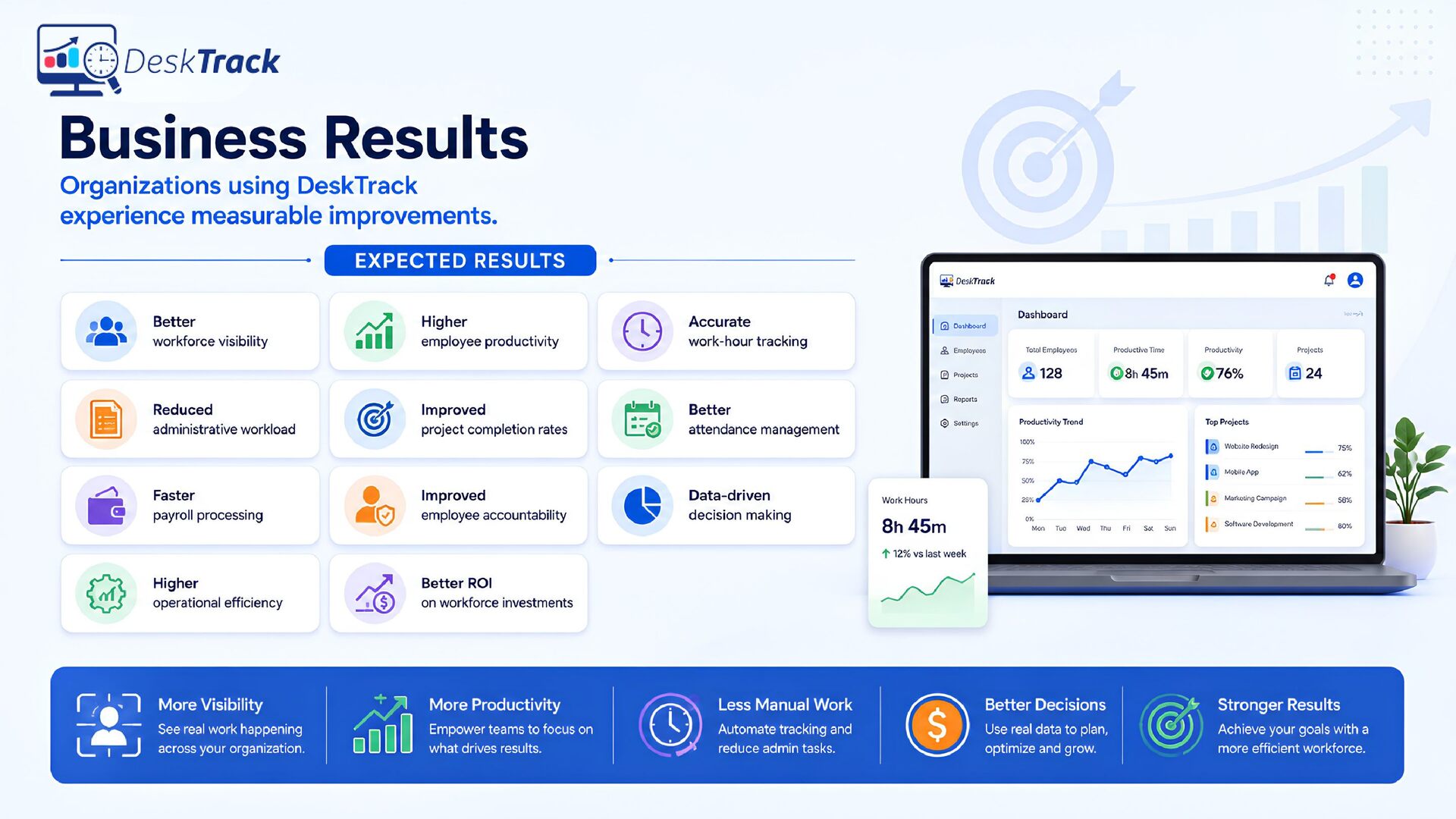
  10. Increase employee productivity Improve project delivery Improve accountability Optimize workforce

    utilization Reduce manual work Reduce operational costs Eliminate inaccurate timesheets Enhance business transparency Simplify payroll processing Support remote workforce management 01 06 07 09 08 10 02 03 04 05 8. Benefits Using DeskTrack helps businesses achieve measurable improvements.