Lock in $30 Savings on PRO—Offer Ends Soon! ⏳

Mission to Mars: Exploring New Worlds with AWS ...

Mission to Mars: Exploring New Worlds with AWS IoT – Jeroen Resoort

Would you like to explore new worlds with your connected devices? In this presentation we will build a simple robot and connect to it remotely, receiving data and sending instructions over the internet. Just like the Pathfinder spacecraft and it’s Sojourner Mars rover, our little robot will boldly travel into uncharted territory. In a live demo, our robot will explore the session room and transmit all kinds of sensor data. We will visualise that data in a web UI. With the Mars robot use case, we explore the capabilities of the Amazon IoT platform. AWS IoT comes with easy to use APIs and arranges secure communication with our robot. It also provides neat features like a rules engine and ‘device shadow’. Even when our robot is offline, device shadow makes it very easy to retrieve its latest status. And last but not least, for small scale use, AWS IoT is free for 1 year. Are you curious about how to connect your devices to the cloud? Take this journey and find out if this mission will lead to new discoveries.

Avatar for DevMotion Meetup

DevMotion Meetup

July 06, 2016
Tweet

More Decks by DevMotion Meetup

Other Decks in Technology

Transcript

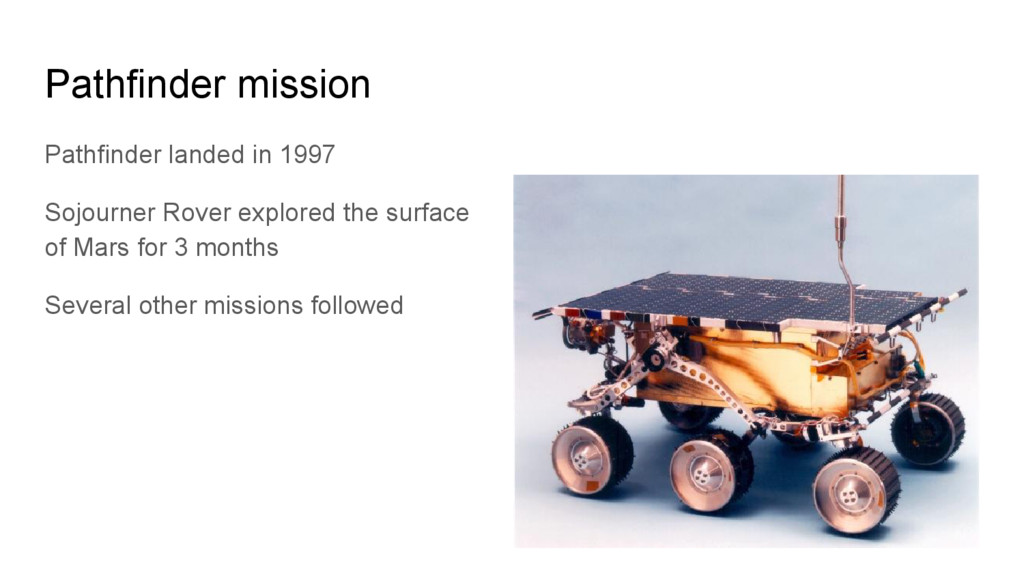
  1. Pathfinder mission Pathfinder landed in 1997 Sojourner Rover explored the

    surface of Mars for 3 months Several other missions followed
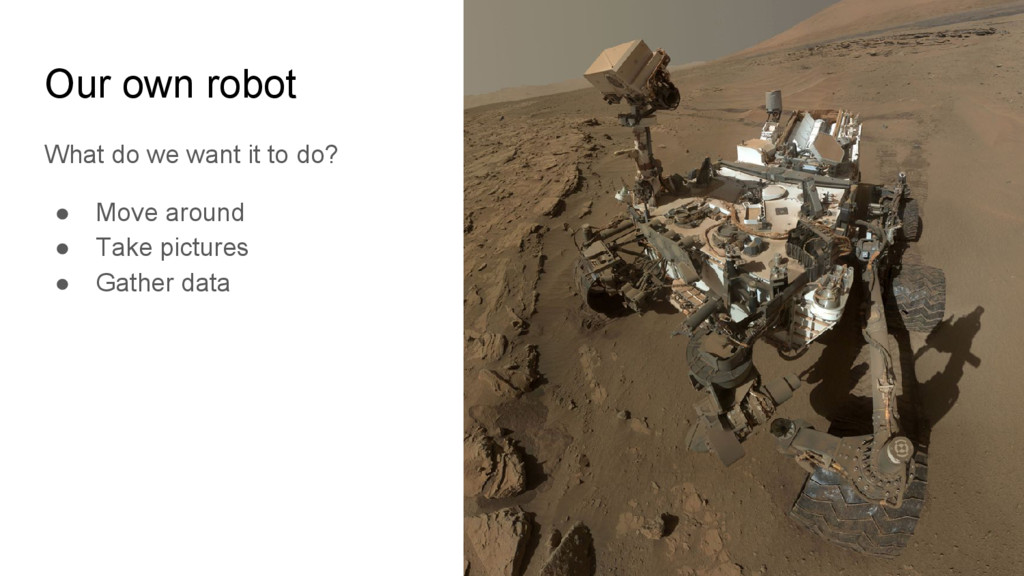
  2. Our own robot What do we want it to do?

    • Move around • Take pictures • Gather data
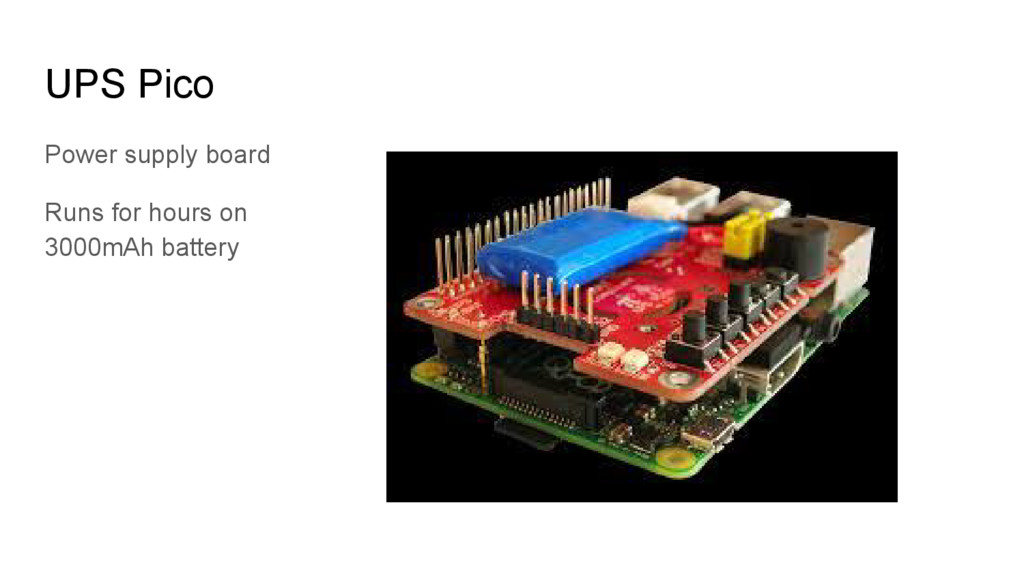
  3. Our own robot What does our robot need? • Power

    supply • Connectivity (internet) • Camera • Sensors
  4. Our own robot A lot of robots available KickStarter project

    called ‘mBot’ Funded within 24 hours
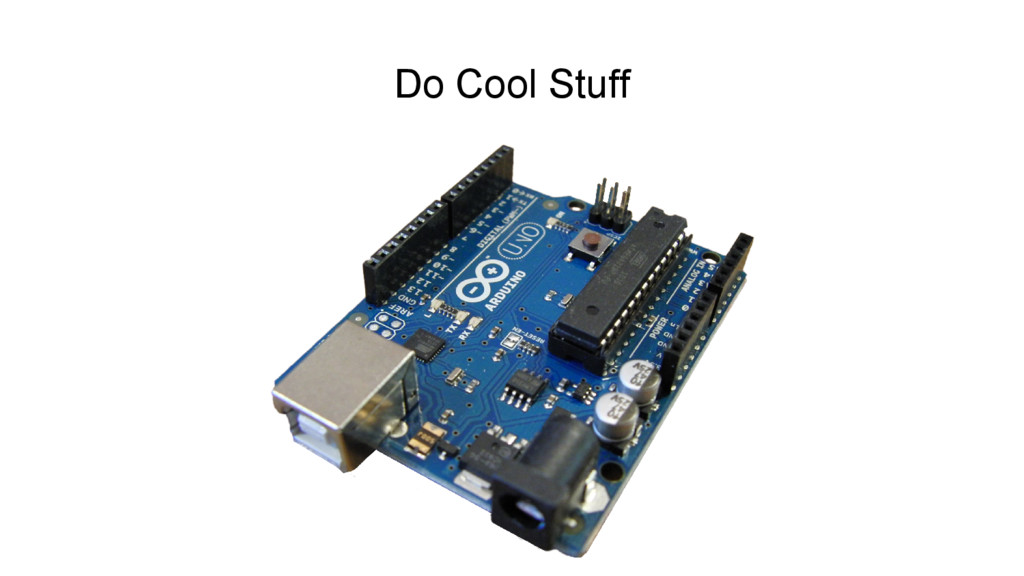
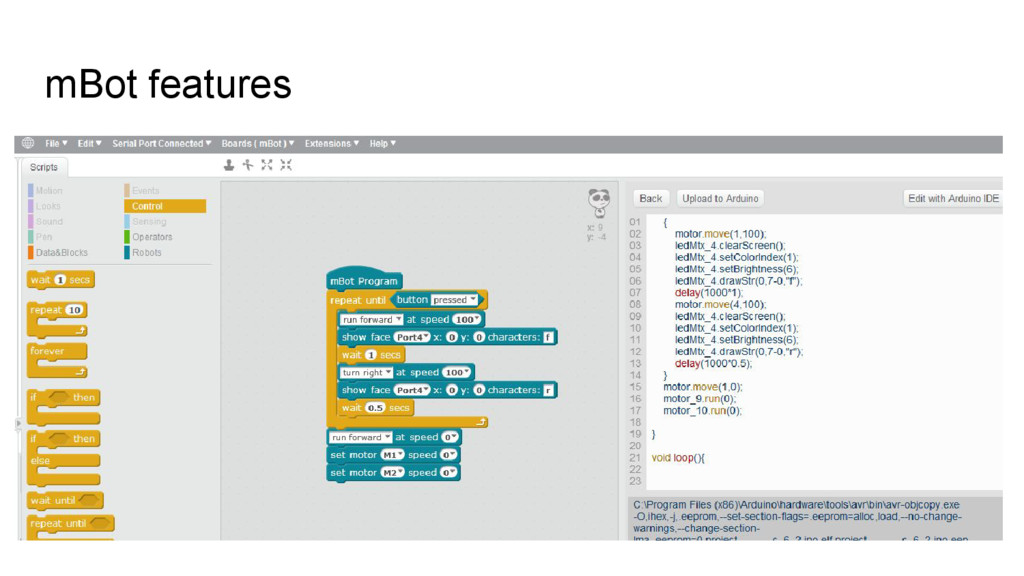
  5. mBot features • Easy to build • Based on arduino
    • Comes with Bluetooth or 2.4GHz, infrared remote control, light sensor, leds, buttons, buzzer, line follower, ultrasonic • Powered by AA batteries or 3.7V lithium battery
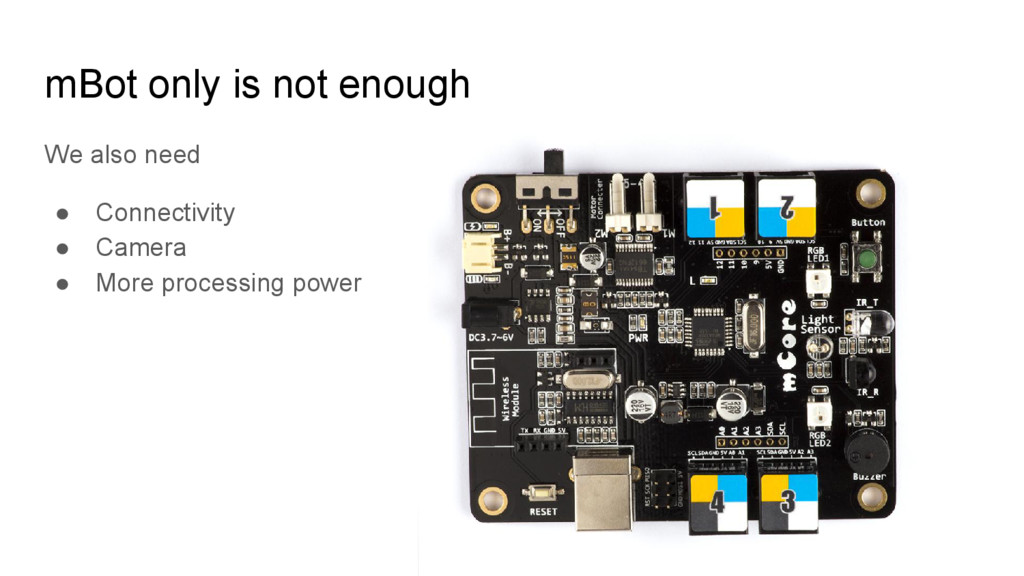
  6. mBot only is not enough We also need • Connectivity

    • Camera • More processing power
  7. Raspberry Pi Pi 3 has built in WiFi Camera interface

    Way more powerful Easy to extend through GPIO header
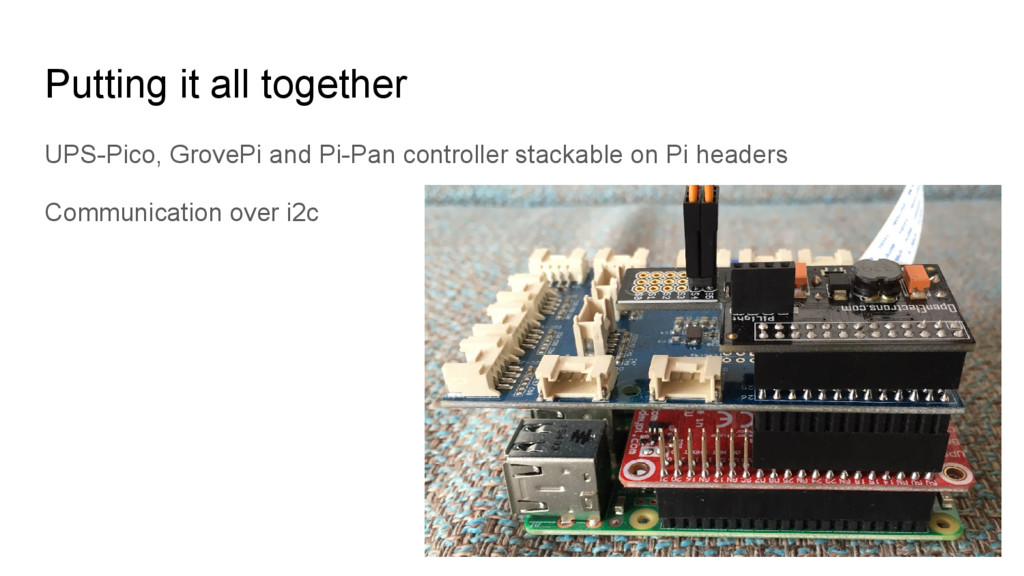
  8. Putting it all together Raspberry Pi connects to mBot through

    USB Mbot is powered through USB USB Serial communication with mBot
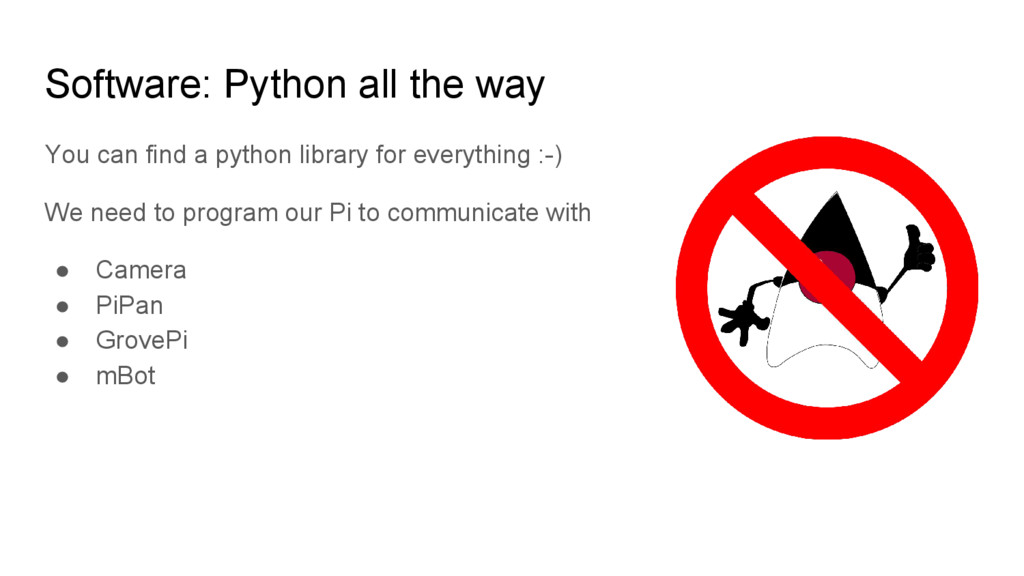
  9. Software: Python all the way You can find a python

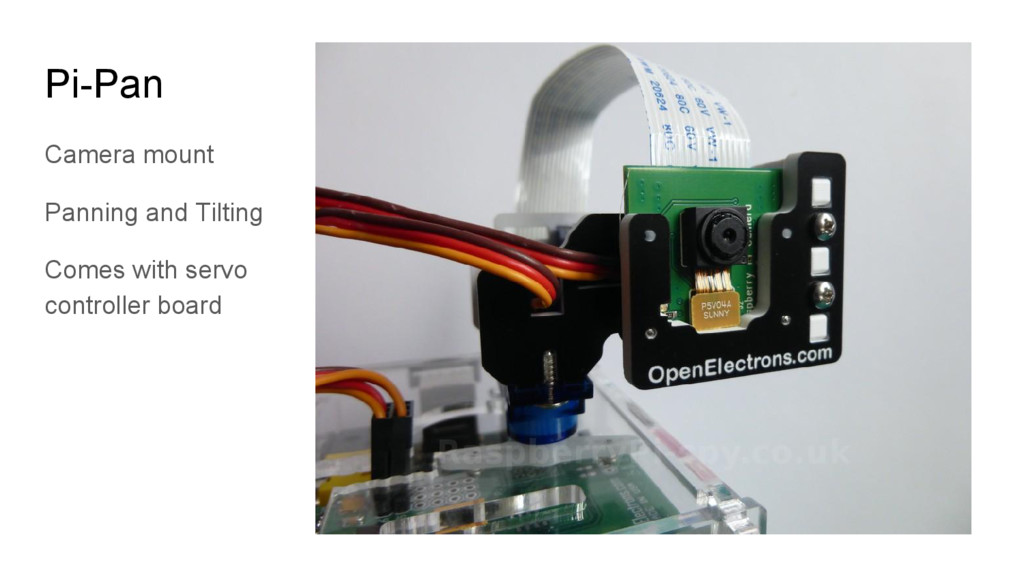
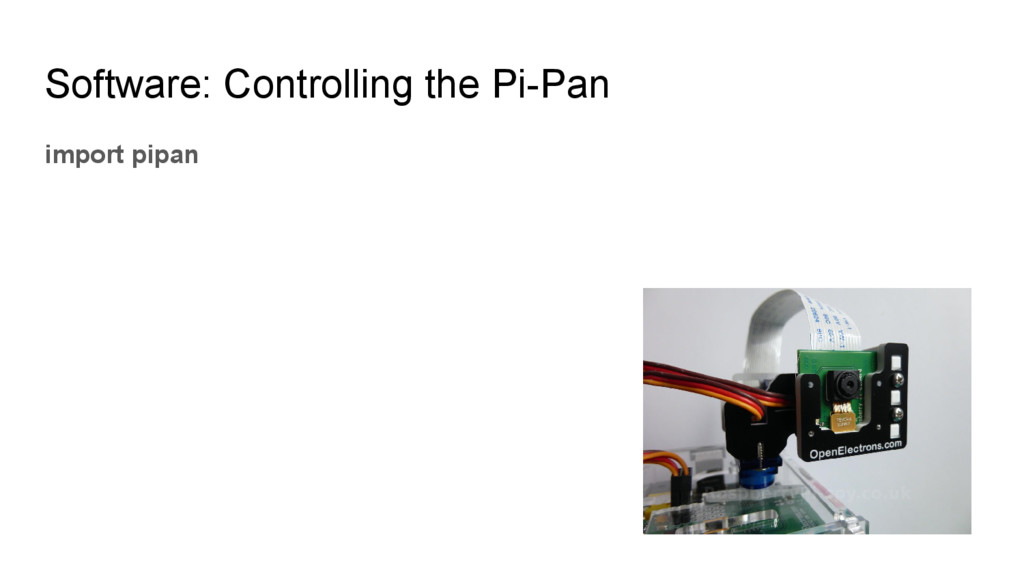
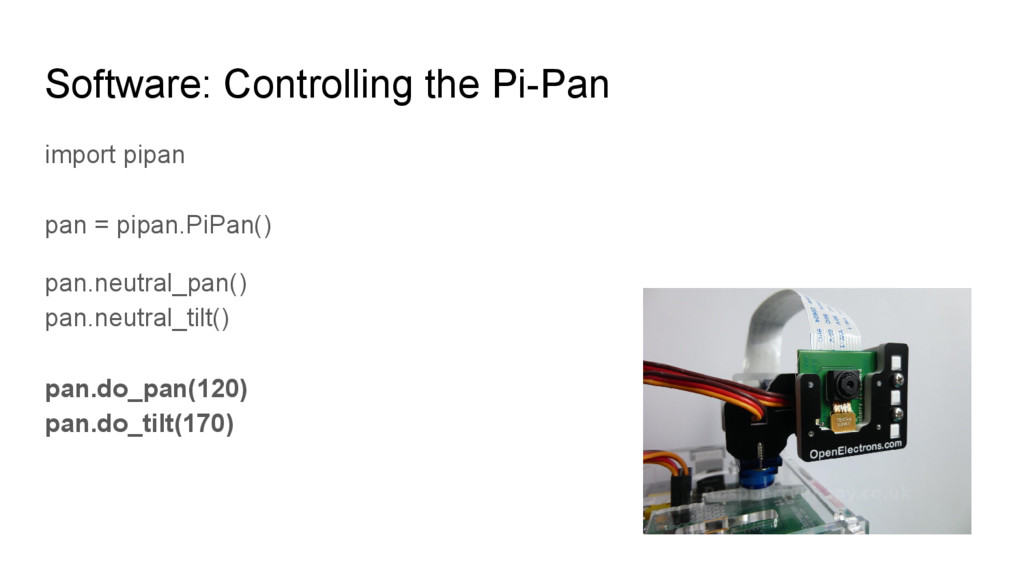
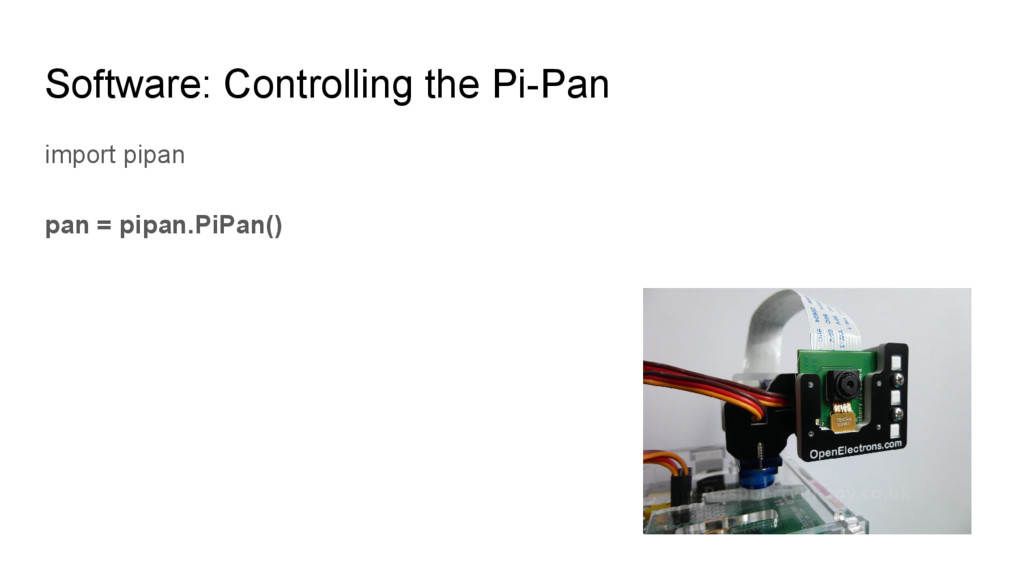
    library for everything :-) We need to program our Pi to communicate with • Camera • PiPan • GrovePi • mBot
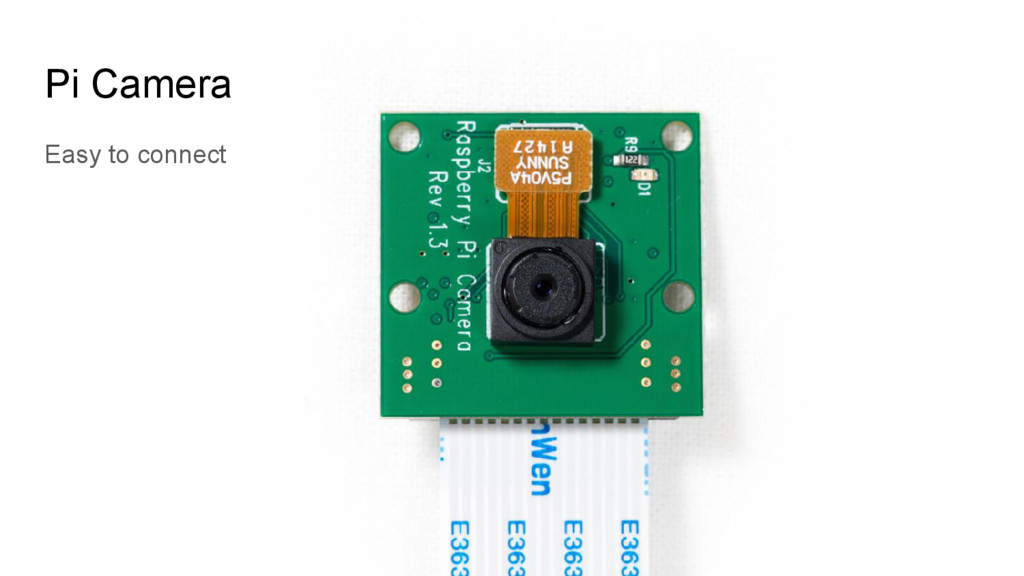
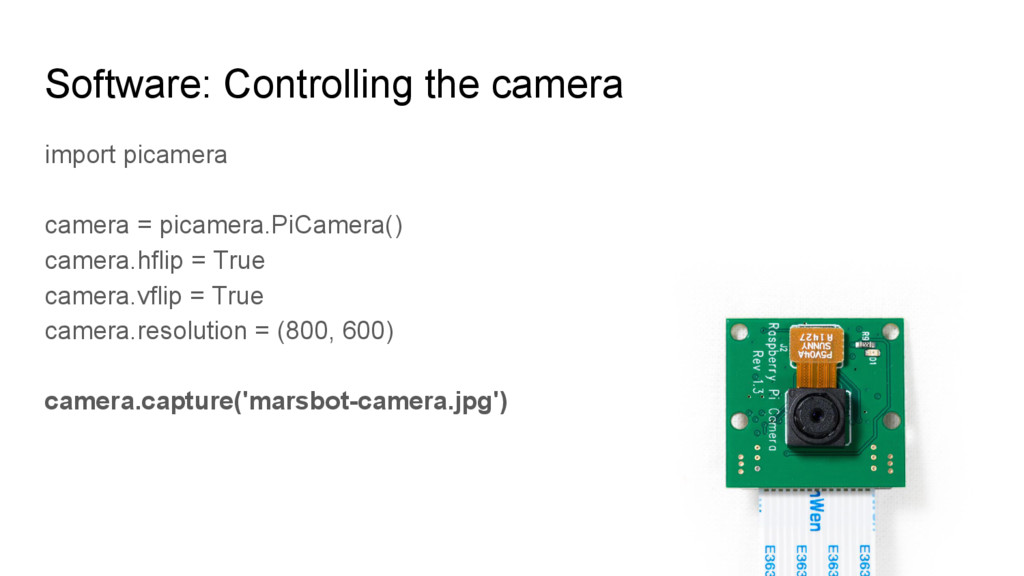
  10. Software: Controlling the camera import picamera camera = picamera.PiCamera() camera.hflip

    = True camera.vflip = True camera.resolution = (800, 600)
  11. Software: Controlling the camera import picamera camera = picamera.PiCamera() camera.hflip

    = True camera.vflip = True camera.resolution = (800, 600) camera.capture('marsbot-camera.jpg')
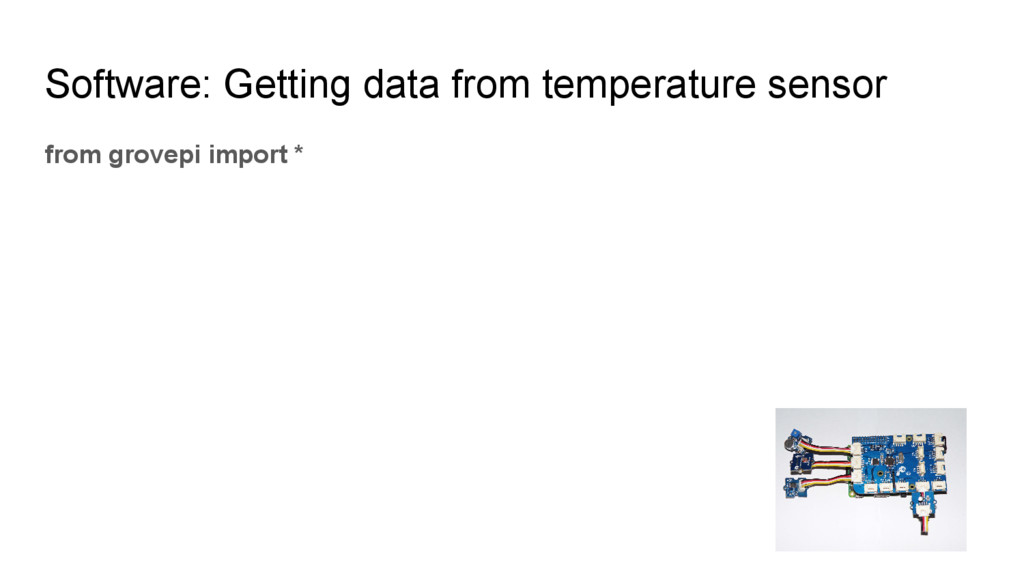
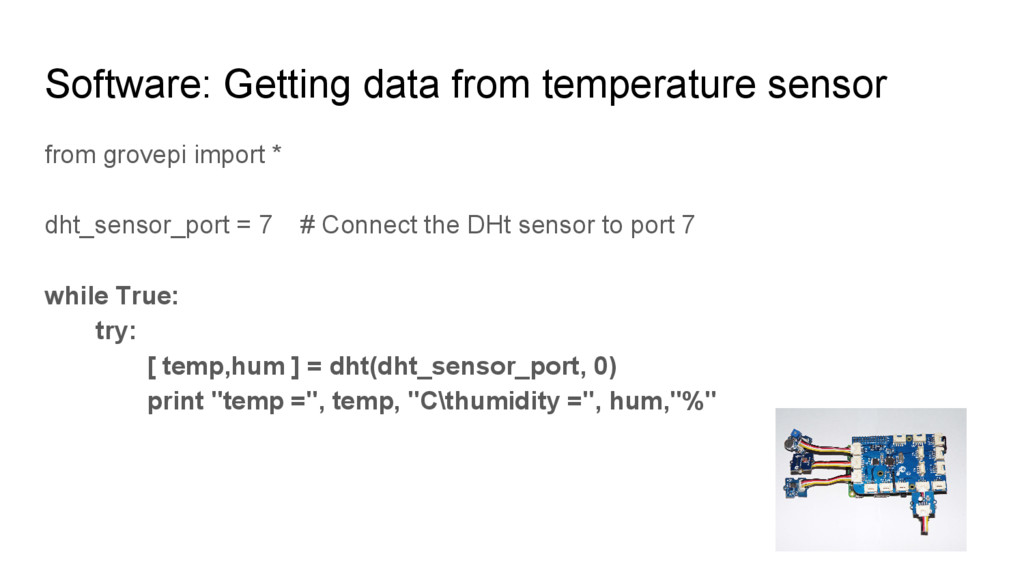
  12. Software: Getting data from temperature sensor from grovepi import *

    dht_sensor_port = 7 # Connect the DHt sensor to port 7
  13. Software: Getting data from temperature sensor from grovepi import *

    dht_sensor_port = 7 # Connect the DHt sensor to port 7 while True: try: [ temp,hum ] = dht(dht_sensor_port, 0) print "temp =", temp, "C\thumidity =", hum,"%"
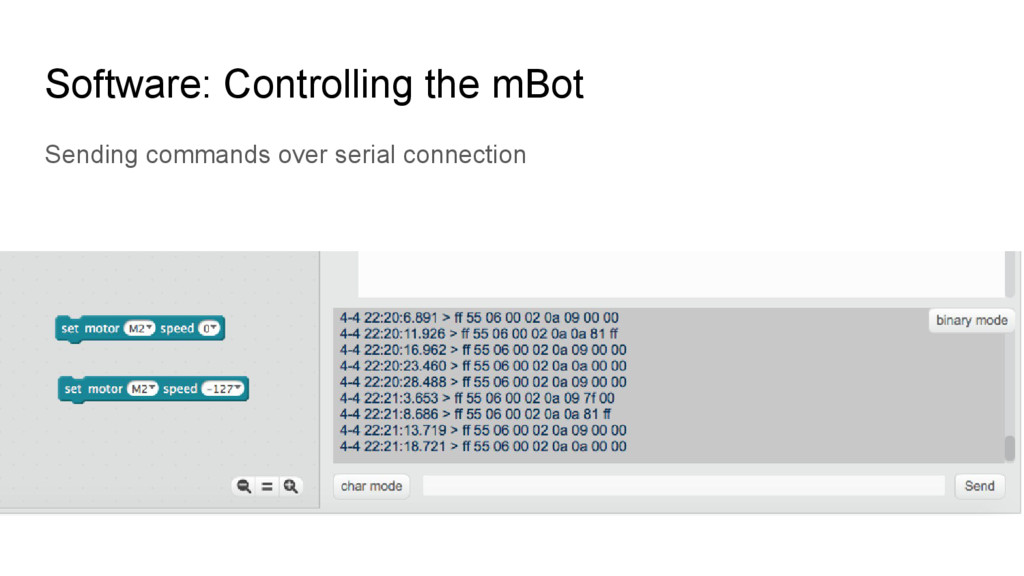
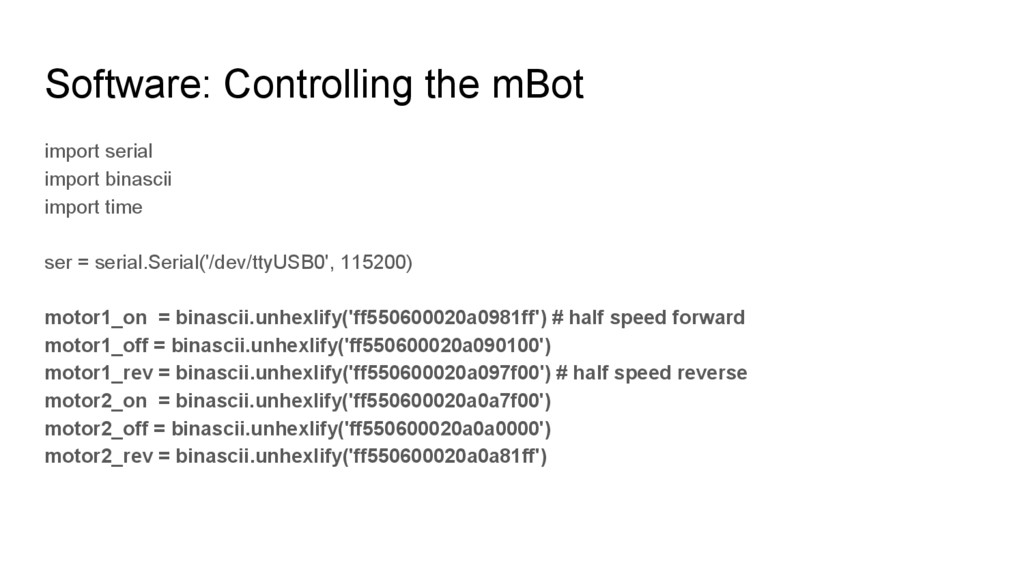
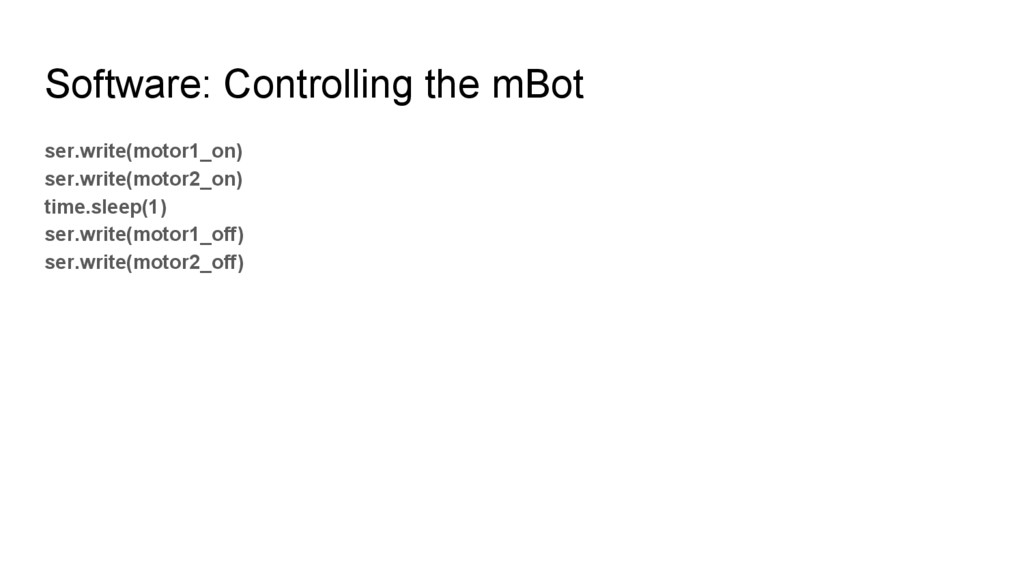
  14. Software: Controlling the mBot import serial import binascii import time

    ser = serial.Serial('/dev/ttyUSB0', 115200) motor1_on = binascii.unhexlify('ff550600020a0981ff') # half speed forward motor1_off = binascii.unhexlify('ff550600020a090100') motor1_rev = binascii.unhexlify('ff550600020a097f00') # half speed reverse motor2_on = binascii.unhexlify('ff550600020a0a7f00') motor2_off = binascii.unhexlify('ff550600020a0a0000') motor2_rev = binascii.unhexlify('ff550600020a0a81ff')
  15. Now we have • a robot • software running on

    the robot But we need more...
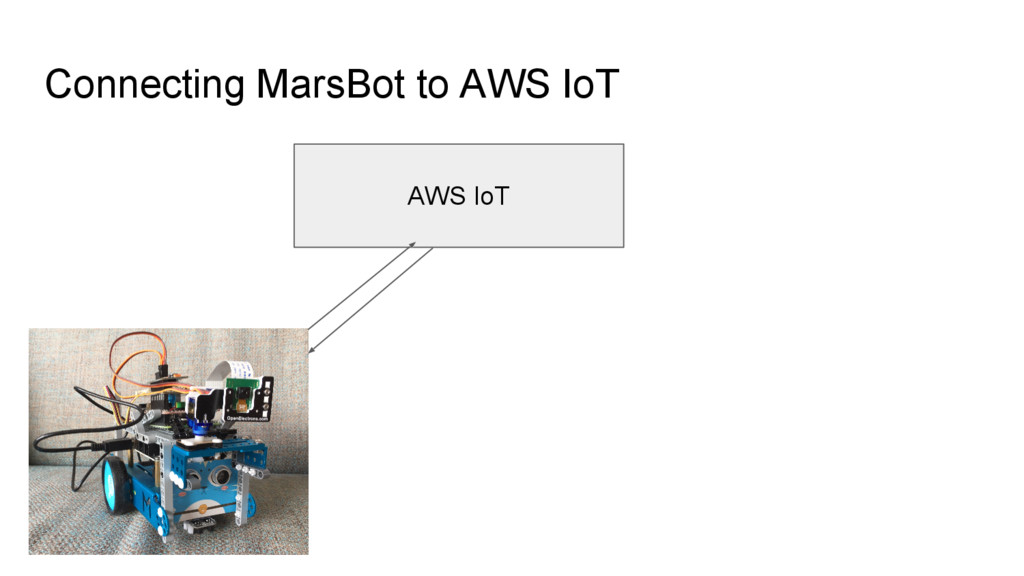
  16. Amazon Web Services One of the biggest cloud services providers

    Huge number of cloud services AWS IoT as a messaging platform for your IoT devices Connect AWS IoT to other Amazon services
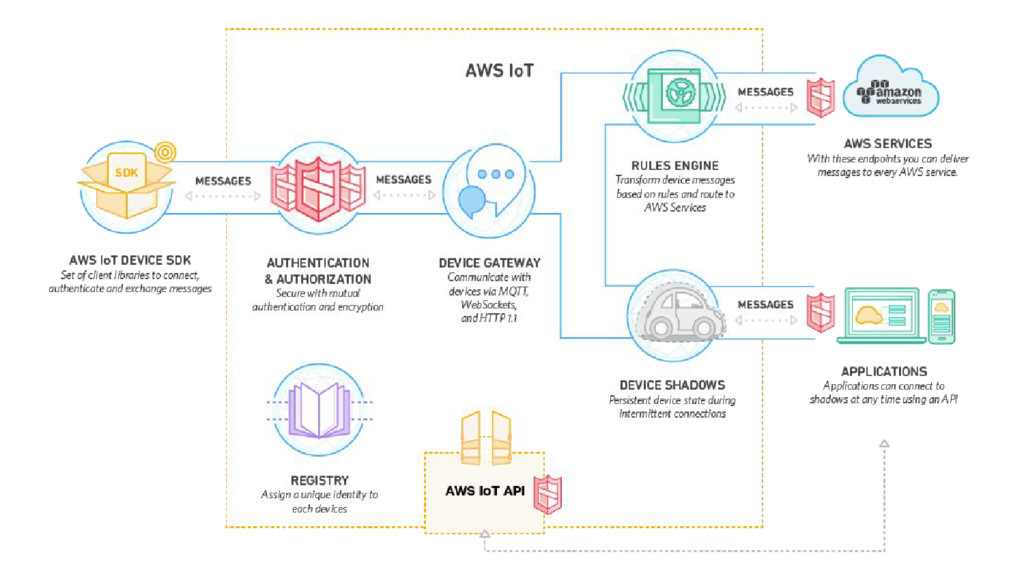
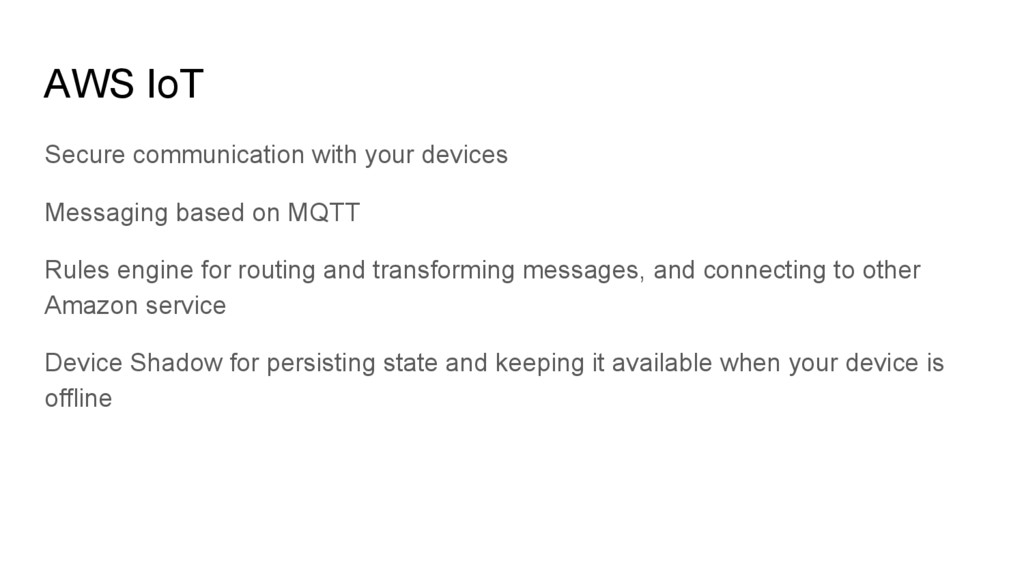
  17. AWS IoT Secure communication with your devices Messaging based on

    MQTT Rules engine for routing and transforming messages, and connecting to other Amazon service Device Shadow for persisting state and keeping it available when your device is offline
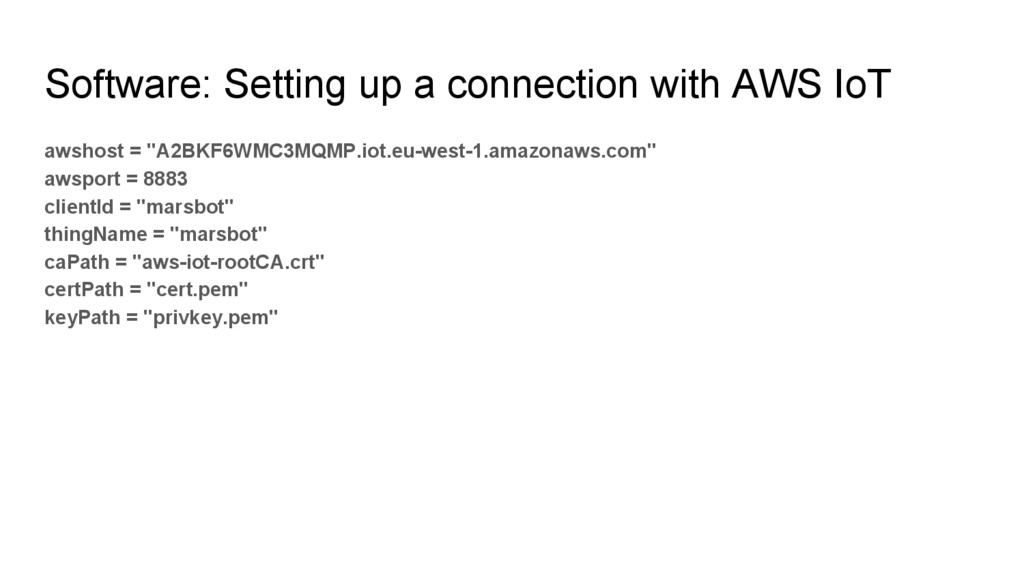
  18. Software: Setting up a connection with AWS IoT awshost =

    "A2BKF6WMC3MQMP.iot.eu-west-1.amazonaws.com" awsport = 8883 clientId = "marsbot" thingName = "marsbot" caPath = "aws-iot-rootCA.crt" certPath = "cert.pem" keyPath = "privkey.pem"
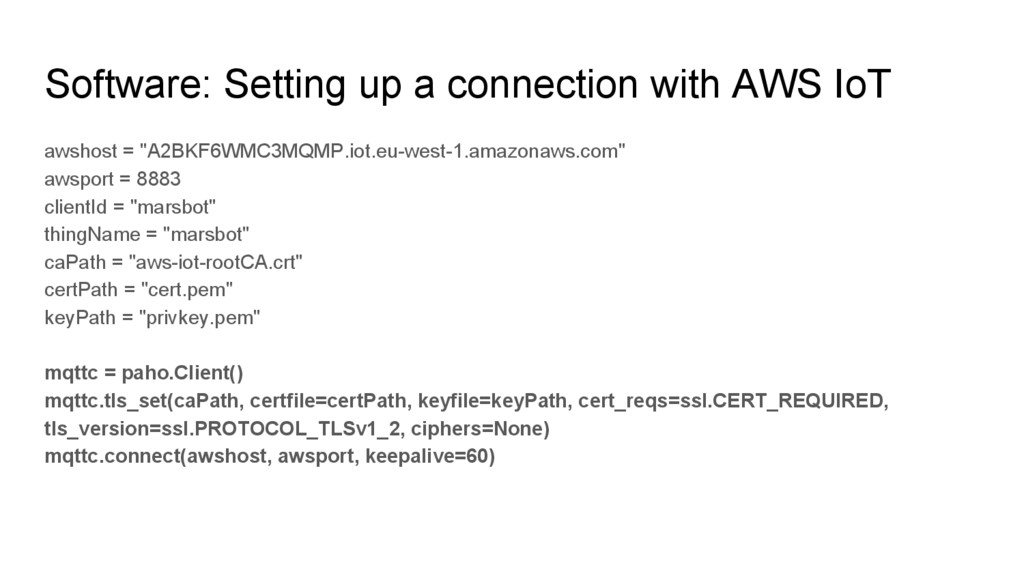
  19. Software: Setting up a connection with AWS IoT awshost =

    "A2BKF6WMC3MQMP.iot.eu-west-1.amazonaws.com" awsport = 8883 clientId = "marsbot" thingName = "marsbot" caPath = "aws-iot-rootCA.crt" certPath = "cert.pem" keyPath = "privkey.pem" mqttc = paho.Client() mqttc.tls_set(caPath, certfile=certPath, keyfile=keyPath, cert_reqs=ssl.CERT_REQUIRED, tls_version=ssl.PROTOCOL_TLSv1_2, ciphers=None) mqttc.connect(awshost, awsport, keepalive=60)
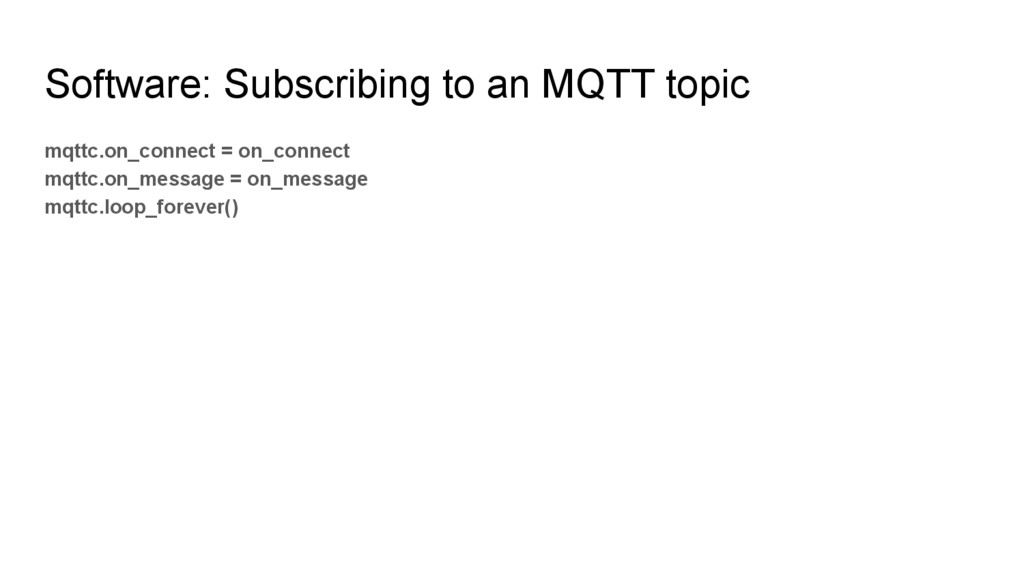
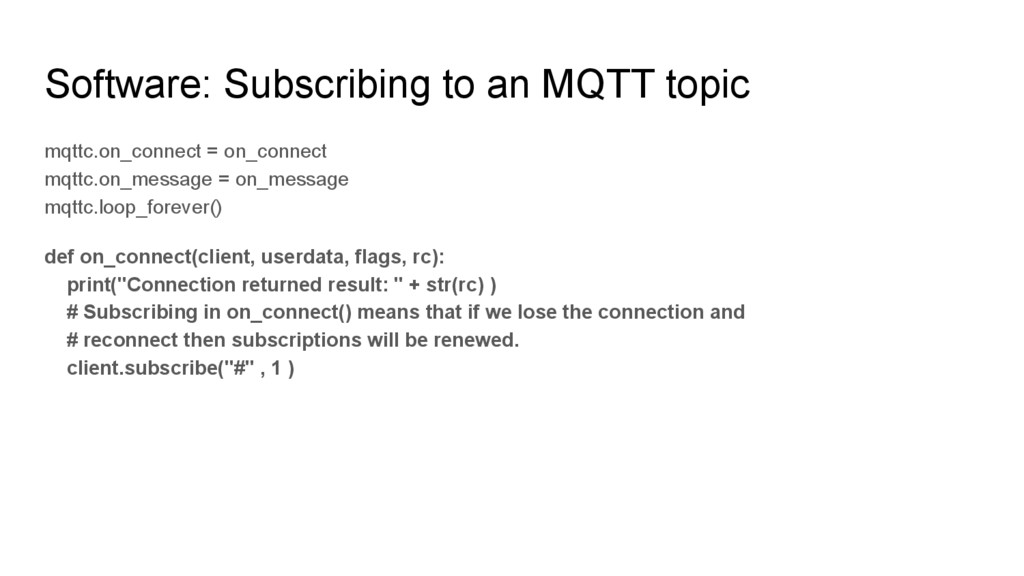
  20. Software: Subscribing to an MQTT topic mqttc.on_connect = on_connect mqttc.on_message

    = on_message mqttc.loop_forever() def on_connect(client, userdata, flags, rc): print("Connection returned result: " + str(rc) ) # Subscribing in on_connect() means that if we lose the connection and # reconnect then subscriptions will be renewed. client.subscribe("#" , 1 )
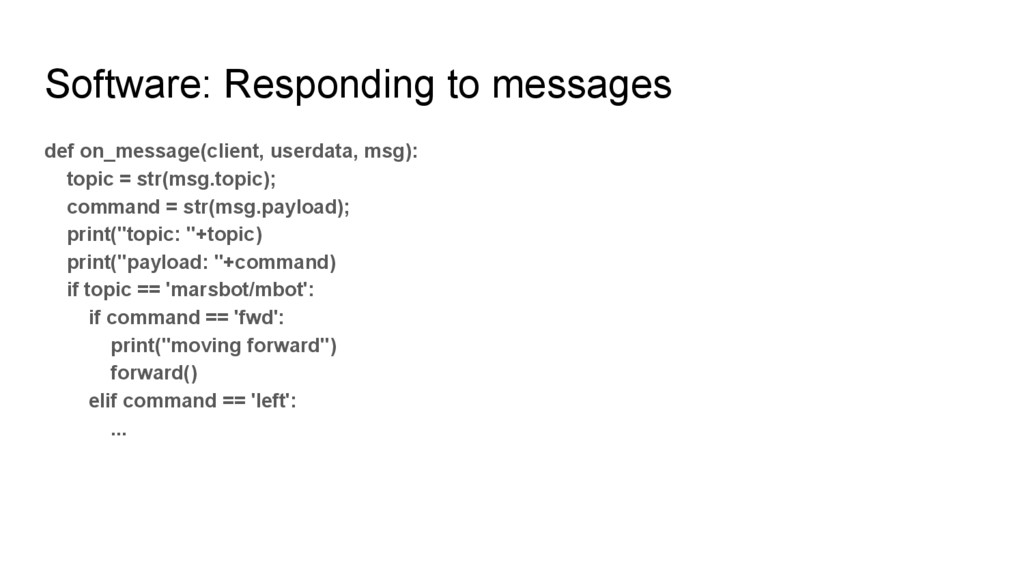
  21. Software: Responding to messages def on_message(client, userdata, msg): topic =

    str(msg.topic); command = str(msg.payload); print("topic: "+topic) print("payload: "+command) if topic == 'marsbot/mbot': if command == 'fwd': print("moving forward") forward() elif command == 'left': ...
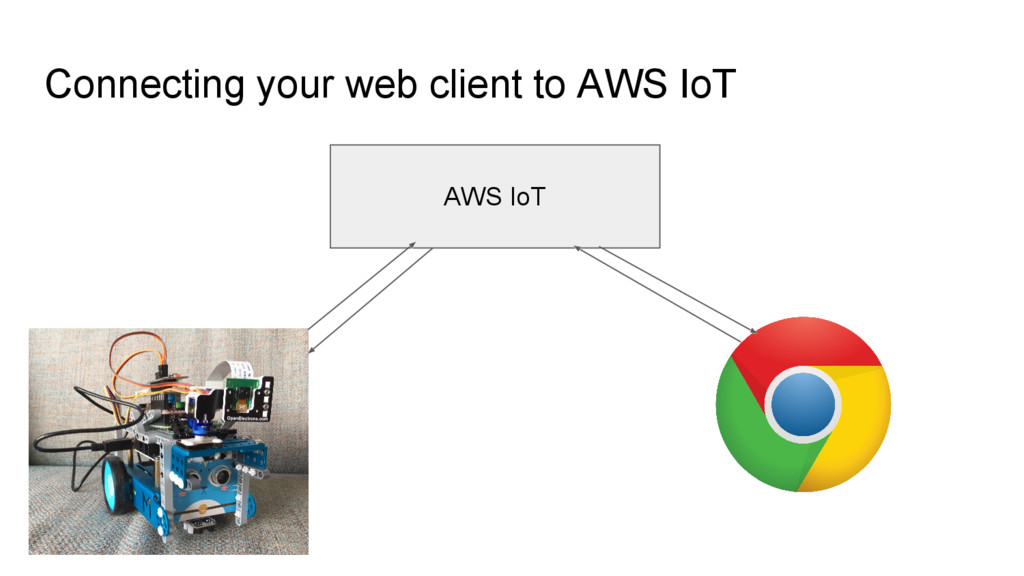
  22. Connecting your web client to AWS IoT Sending and receive

    MQTT messages Using Eclipse Paho javascript client Using Websockets
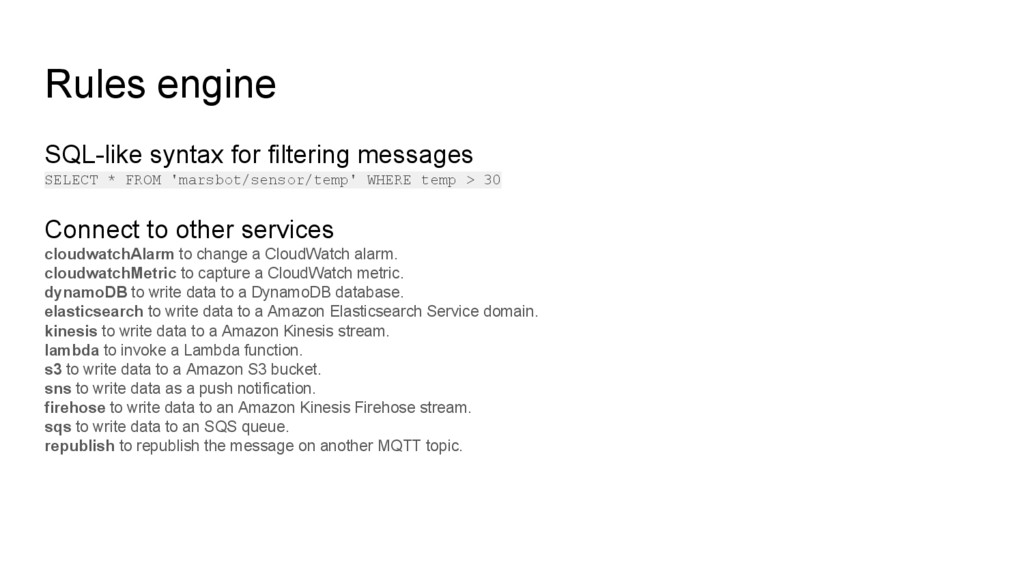
  23. Rules engine SQL-like syntax for filtering messages SELECT * FROM

    'marsbot/sensor/temp' WHERE temp > 30 Connect to other services cloudwatchAlarm to change a CloudWatch alarm. cloudwatchMetric to capture a CloudWatch metric. dynamoDB to write data to a DynamoDB database. elasticsearch to write data to a Amazon Elasticsearch Service domain. kinesis to write data to a Amazon Kinesis stream. lambda to invoke a Lambda function. s3 to write data to a Amazon S3 bucket. sns to write data as a push notification. firehose to write data to an Amazon Kinesis Firehose stream. sqs to write data to an SQS queue. republish to republish the message on another MQTT topic.
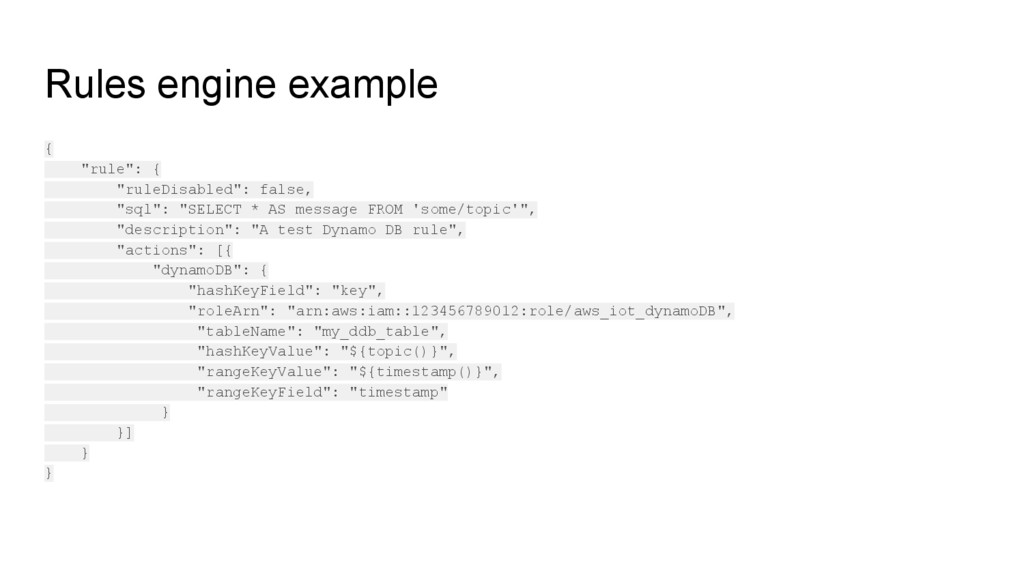
  24. Rules engine example { "rule": { "ruleDisabled": false, "sql": "SELECT

    * AS message FROM 'some/topic'", "description": "A test Dynamo DB rule", "actions": [{ "dynamoDB": { "hashKeyField": "key", "roleArn": "arn:aws:iam::123456789012:role/aws_iot_dynamoDB", "tableName": "my_ddb_table", "hashKeyValue": "${topic()}", "rangeKeyValue": "${timestamp()}", "rangeKeyField": "timestamp" } }] } }
  25. Recap Robots are cool mBot is a great platform to

    start with A Raspberry Pi has all the capabilities you need Writing Python code is easy, grabbing it from internet is even more easy Amazons IoT platform enables you to get started with IoT without running your own server