Lock in $30 Savings on PRO—Offer Ends Soon! ⏳

Top 5 Android Apps to Hide Applications on Your...

Top 5 Android Apps to Hide Applications on Your Phone

Discover the top 5 Android apps that help you hide applications on your phone with ease. From secure vaults to privacy-focused launchers, these tools protect your sensitive data, keep your home screen clean, and enhance overall privacy. Perfect for users who want more control over their digital security and personal information.

Avatar for Devstringx Technologies

Devstringx Technologies

November 14, 2025
Tweet

Other Decks in Programming

Transcript

  1. www.devstringx.com Introduction In our digital lives, protecting privacy has become

    more important than ever. One simple way to keep things under wraps is by hiding apps—so no one casually browsing your phone sees what you’d rather keep private. There are several Android apps designed for exactly that. Below are five of the best choices to help you securely hide apps, lock sensitive data, and keep your device tidy.
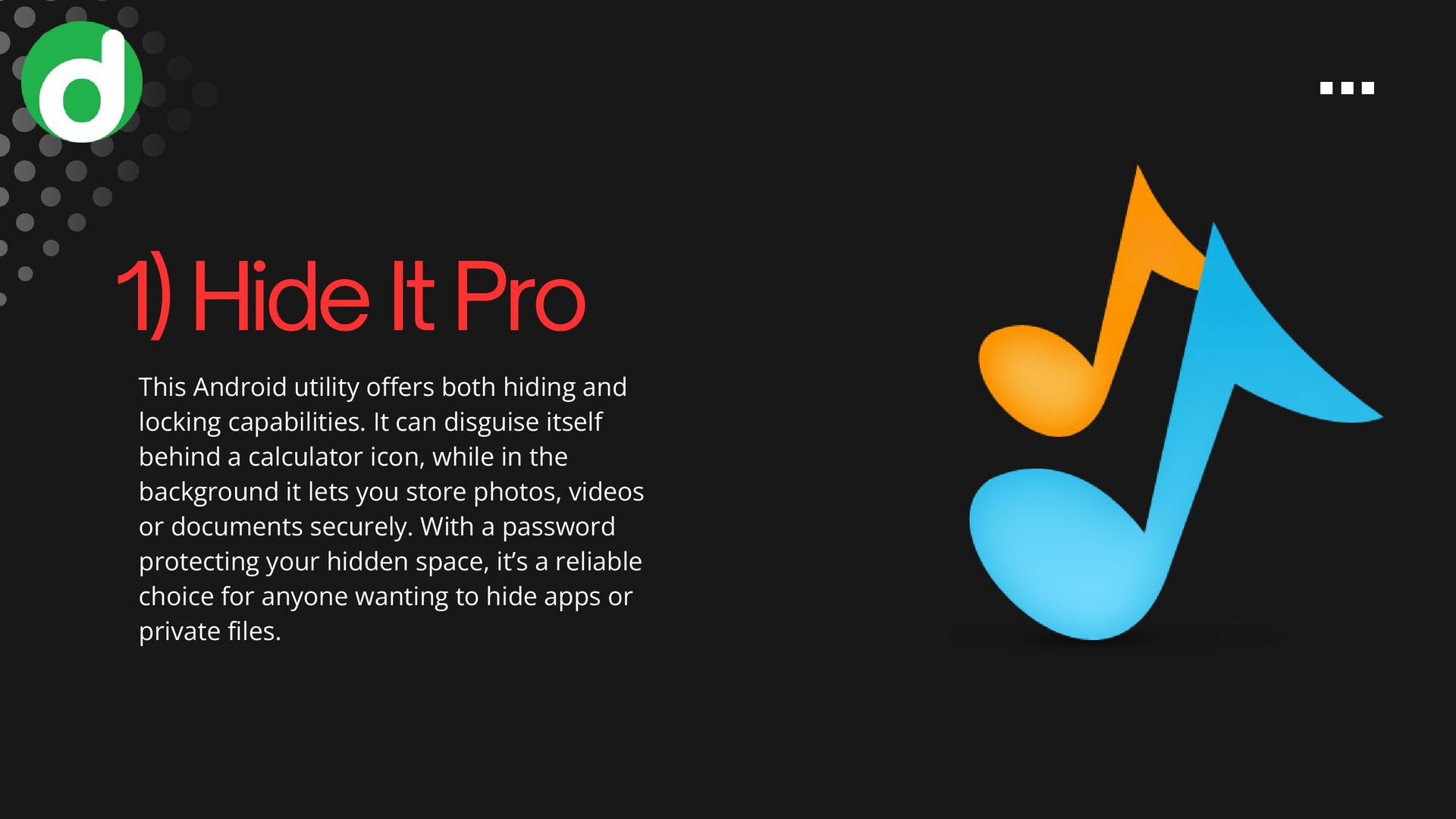
  2. This Android utility offers both hiding and locking capabilities. It

    can disguise itself behind a calculator icon, while in the background it lets you store photos, videos or documents securely. With a password protecting your hidden space, it’s a reliable choice for anyone wanting to hide apps or private files. 1) Hide It Pro
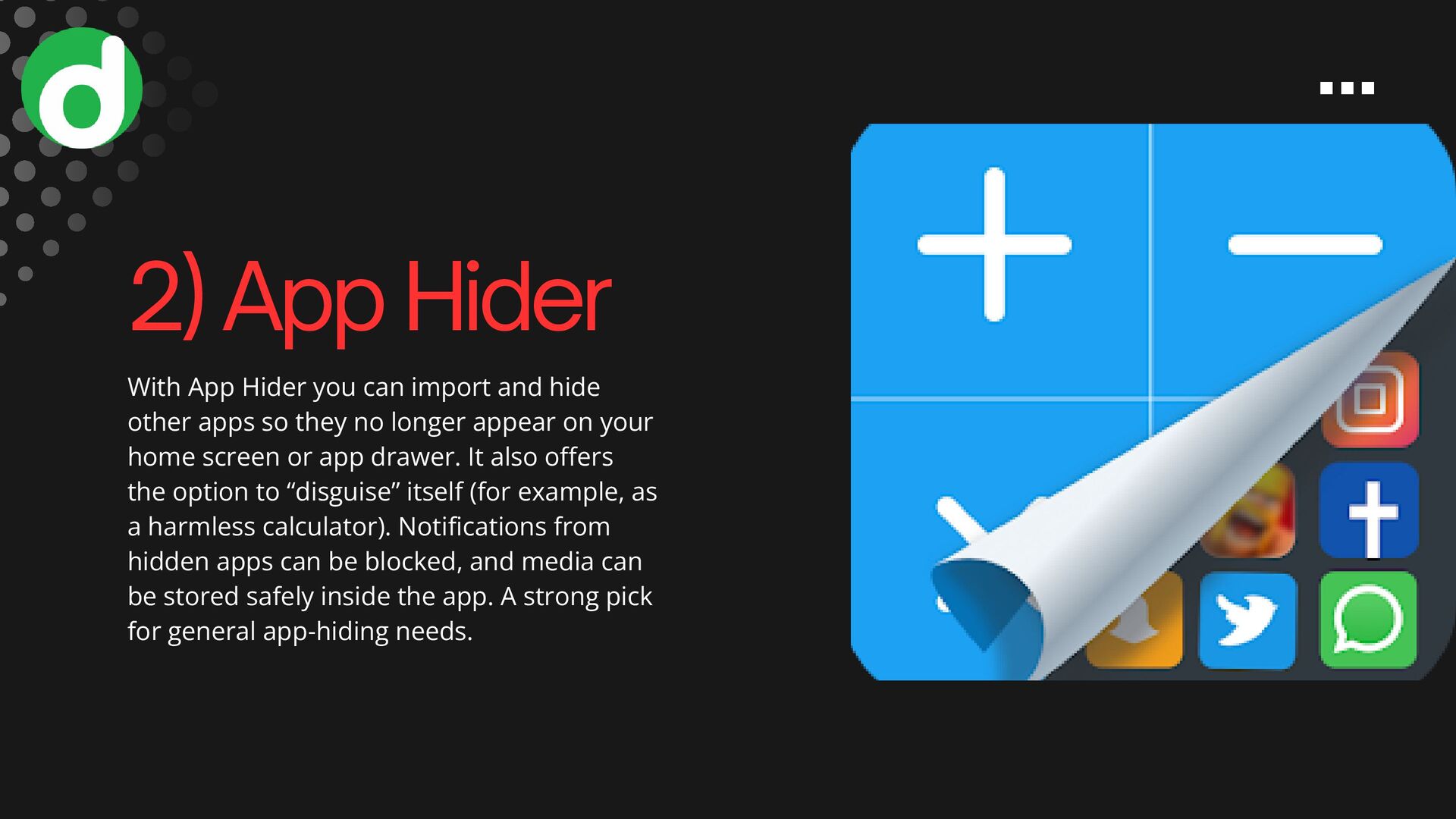
  3. With App Hider you can import and hide other apps

    so they no longer appear on your home screen or app drawer. It also offers the option to “disguise” itself (for example, as a harmless calculator). Notifications from hidden apps can be blocked, and media can be stored safely inside the app. A strong pick for general app-hiding needs. 2) App Hider
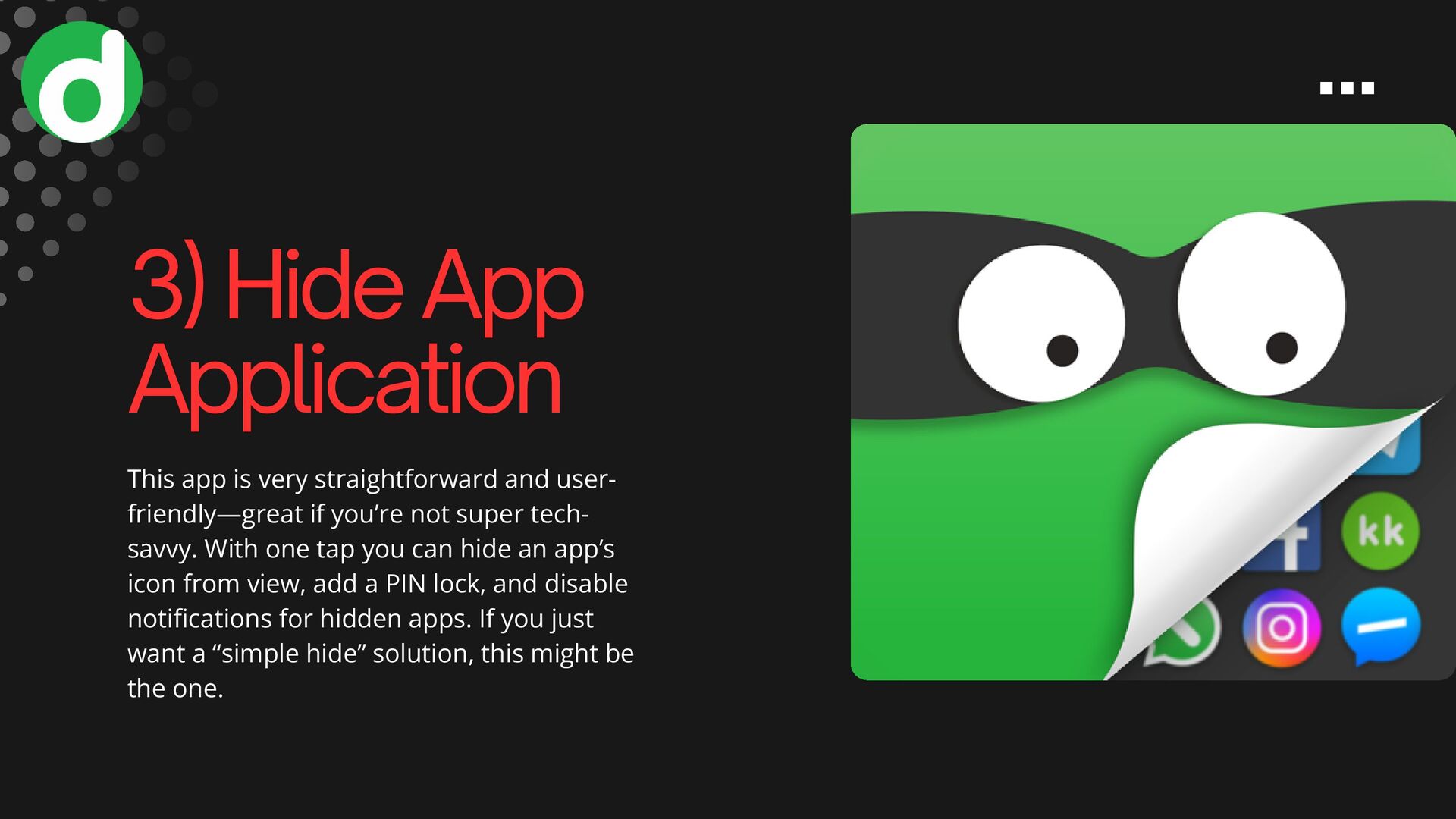
  4. This app is very straightforward and user- friendly—great if you’re

    not super tech- savvy. With one tap you can hide an app’s icon from view, add a PIN lock, and disable notifications for hidden apps. If you just want a “simple hide” solution, this might be the one. 3) Hide App Application
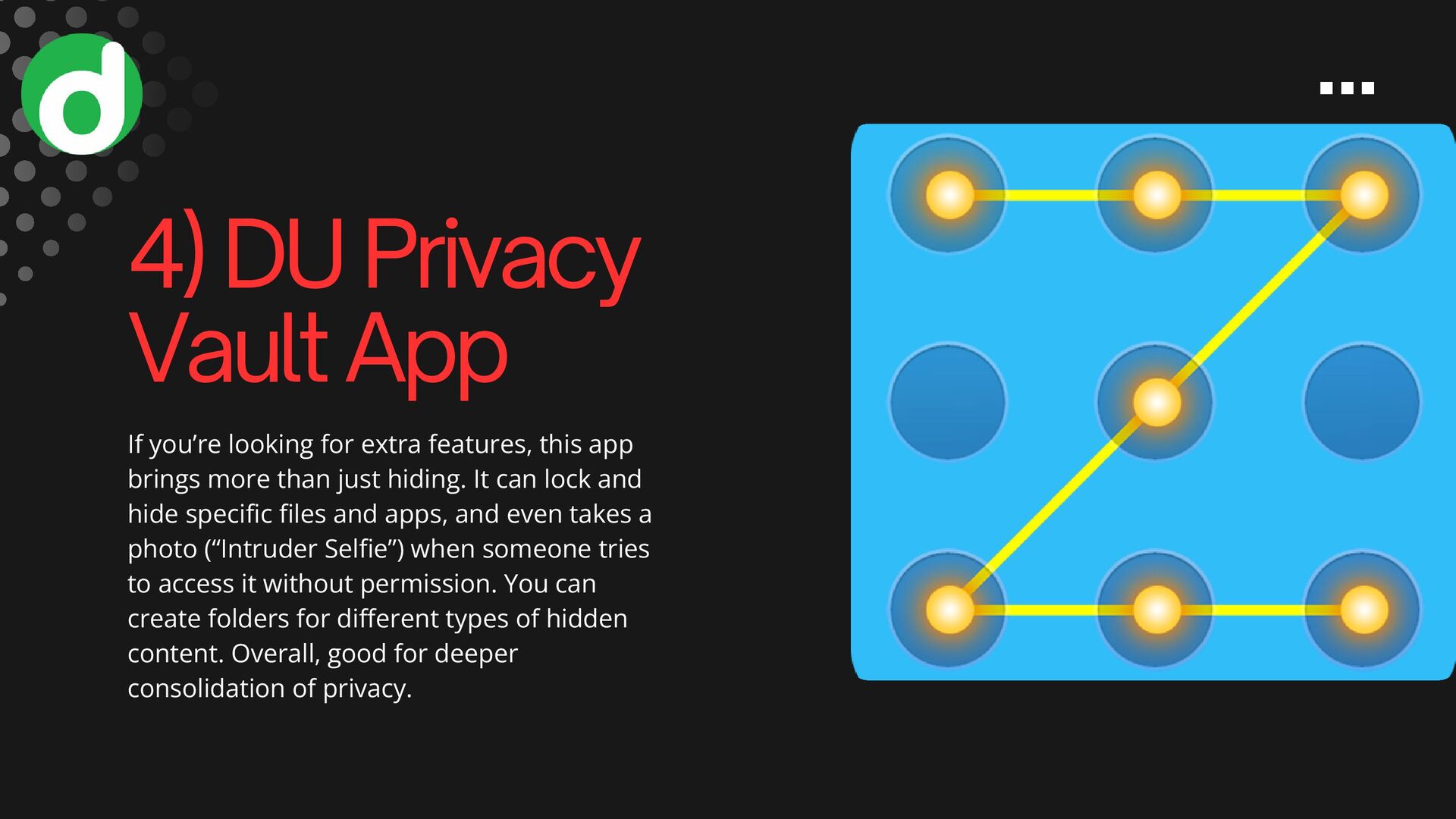
  5. If you’re looking for extra features, this app brings more

    than just hiding. It can lock and hide specific files and apps, and even takes a photo (“Intruder Selfie”) when someone tries to access it without permission. You can create folders for different types of hidden content. Overall, good for deeper consolidation of privacy. 4) DU Privacy Vault App
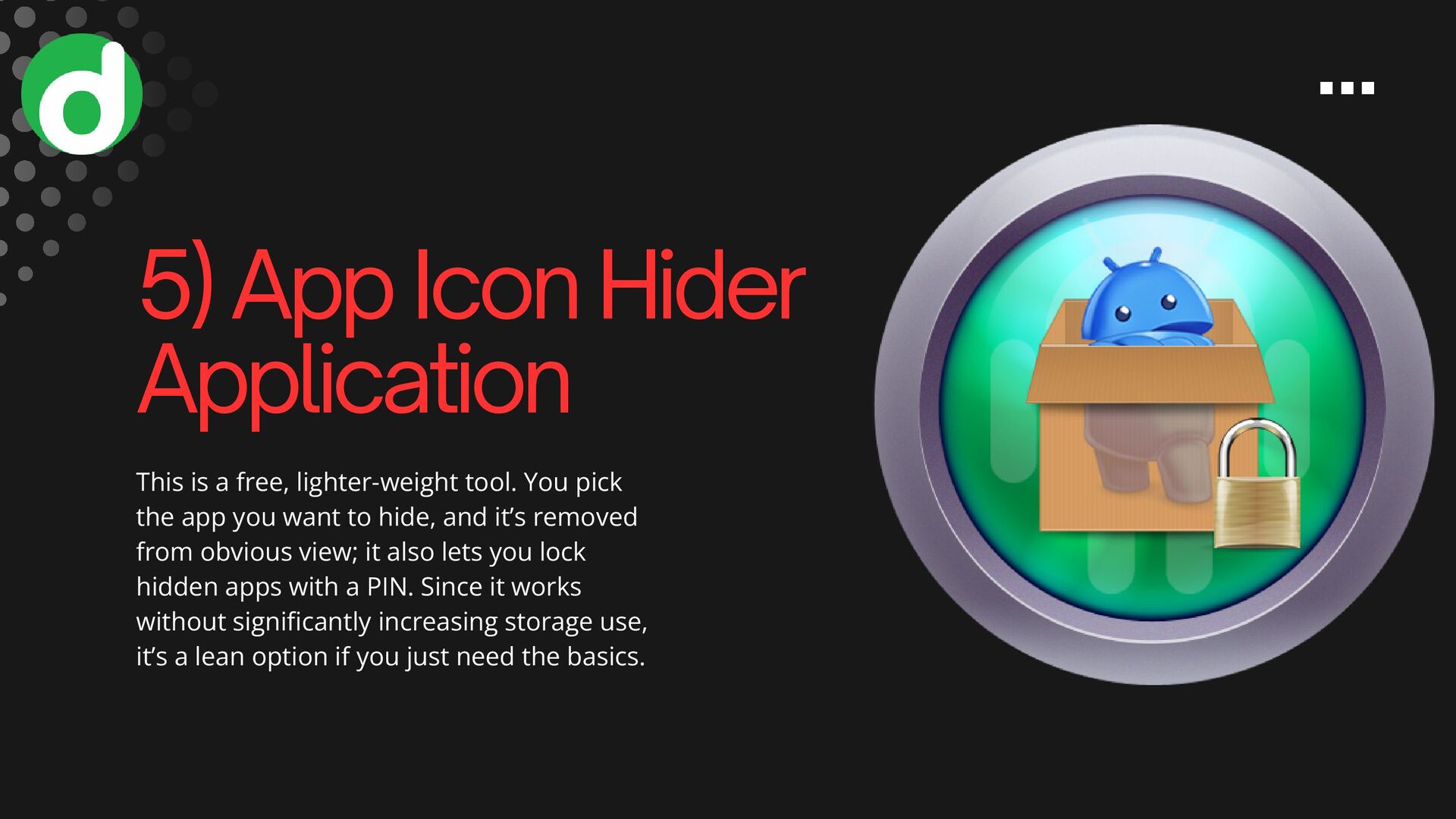
  6. 5) App Icon Hider Application This is a free, lighter-weight

    tool. You pick the app you want to hide, and it’s removed from obvious view; it also lets you lock hidden apps with a PIN. Since it works without significantly increasing storage use, it’s a lean option if you just need the basics.
  7. Conclusion Hiding apps on Android can help protect your privacy

    and declutter your device’s visible interface. Whether you use one of the five apps above (Hide It Pro, App Hider, Hide App Application, DU Privacy Vault, App Icon Hider) or rely on built-in tools, you’ll gain more control over what others see when they browse your phone. https://www.devstringx.com/mobile-apps-to-hide- applications-on-android-phone
  8. @[email protected] www.devstringx.com Noida: Magnus Tower, Plot No 6, floor 3rd

    & 4th, Sector 73, Noida, Uttar Pradesh 201307 (INDIA) Bangalore: 24th Main Rd, Agara Village, 1st Sector, HSR Layout, Bengaluru, Karnataka 560102 13140 Coit Road, Dallas, TX 75240, USA (USA) Contact US EMAIL: WEBSITE: LOCATION: CONTACT: +91 981 814 7186 (INDIA) +1 (945)-212-2550 (USA)