A well-designed gaming table can completely change the way you enjoy games at home. Whether you play PC games, tabletop RPGs, board games, or competitive card games, having a dedicated surface makes it easier to organize equipment and create a comfortable environment. A DIY gaming table is particularly useful because you can choose the dimensions, materials, storage options, lighting, and accessories based on your available space and gaming habits.
For people who enjoy working on their own projects, building a gaming table can also be more rewarding than purchasing a ready-made desk. With a few basic tools, suitable materials, and some planning, you can create a practical gaming station without needing advanced woodworking experience. This guide explains how to plan and build a DIY gaming table while covering design ideas that can make the finished setup more functional.
Planning Your DIY Gaming Table
The first step is deciding what you actually need from the table. A gaming table used for a desktop computer may require space for one or two monitors, a keyboard, mouse, speakers, and a PC tower. A tabletop gaming table may instead need a large central playing area, cup holders, storage compartments, or recessed sections for boards and cards.
Measure the room before buying materials. A table that looks ideal in a workshop may become difficult to use if it takes up too much floor space. Leave enough room for your chair and make sure drawers, doors, and other furniture can still be accessed comfortably.
Consider the height as well. A standard desk height can work for many PC gaming setups, but players may prefer a different height for tabletop games. If several people will use the table, adjustable legs can provide additional flexibility.
Choose the Right Tabletop Material
The tabletop is one of the most important components of a DIY gaming table. Medium-density fibreboard, plywood, solid wood, and laminated panels are common choices. Each material has different advantages.
Plywood is relatively strong and can be easier to handle than thick solid wood. MDF provides a smooth surface and is convenient for painting, while solid wood offers a traditional appearance and can last for many years when properly finished.
If you plan to mount monitor arms, clamps, or other equipment, select a material thick enough to support the hardware securely. A sturdy tabletop also reduces vibration when gaming or moving equipment.
Determine the Table Size
Gaming tables come in many sizes, so there is no single perfect dimension. A compact table may be suitable for a bedroom or small office, while a larger design can accommodate multiple players and accessories.
For PC gaming, think about how much space your monitors and peripherals require. If you use three monitors, for example, a narrow desk may feel restrictive. Tabletop gamers should consider the number of players and the size of the games they normally play.
It is often better to create a simple paper or cardboard template before cutting expensive materials. Mark the intended dimensions on the floor and place a chair nearby. This gives you a realistic idea of how the table will fit into the room.
Building the Gaming Table
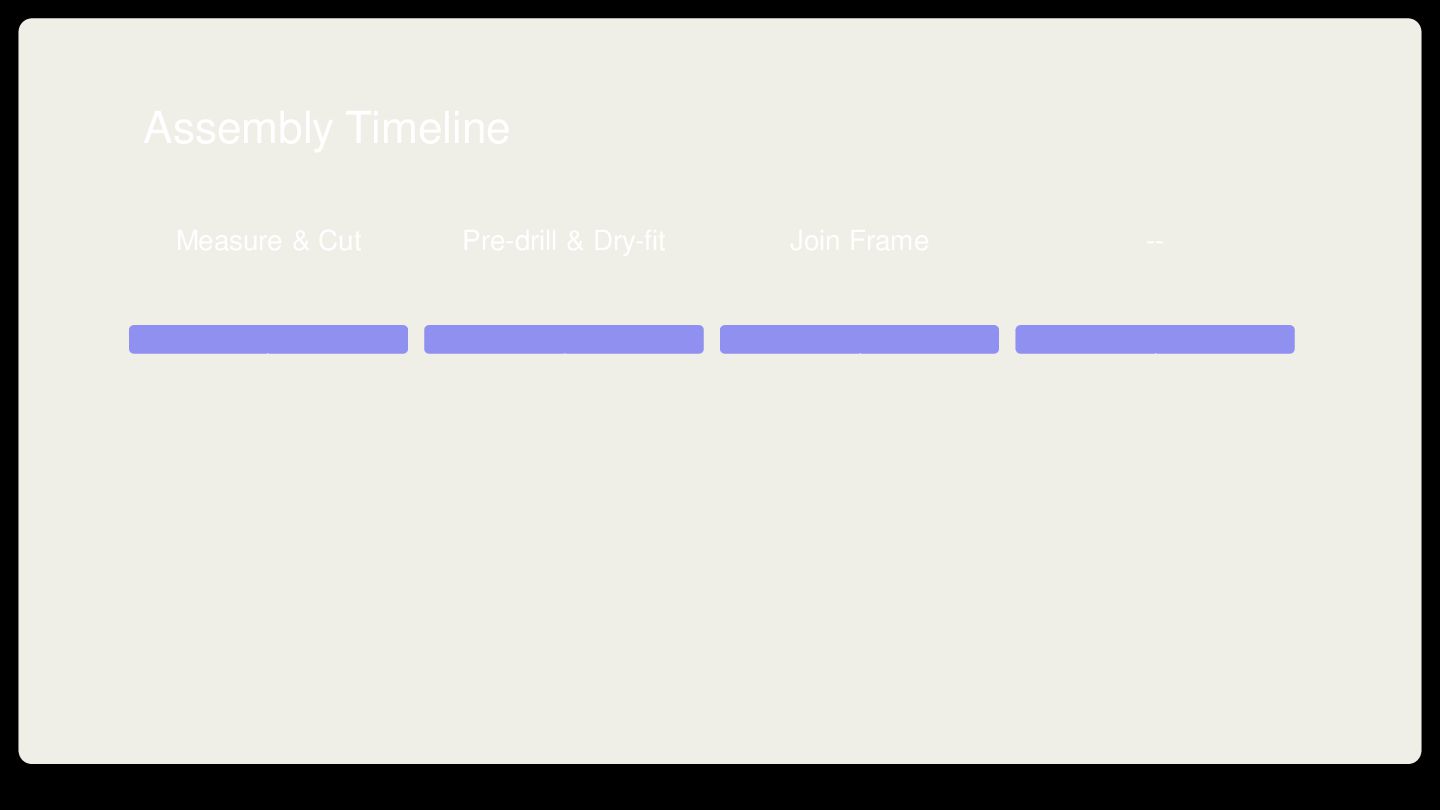
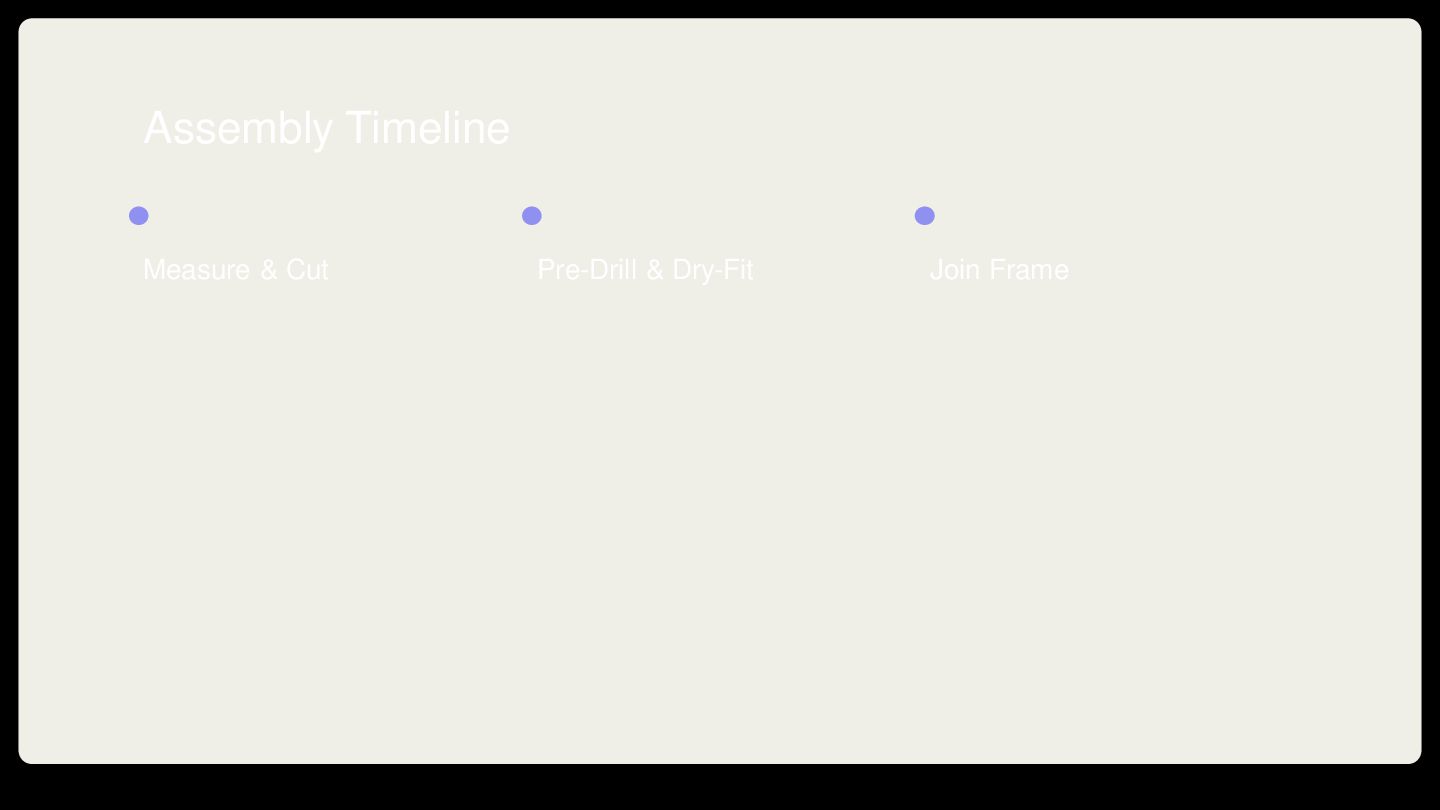
Once the design has been finalized, construction can begin. Start by preparing the tabletop and frame separately. A basic frame can be made from wooden boards, while prefabricated metal or adjustable table legs can simplify the process.
Build a Strong Frame
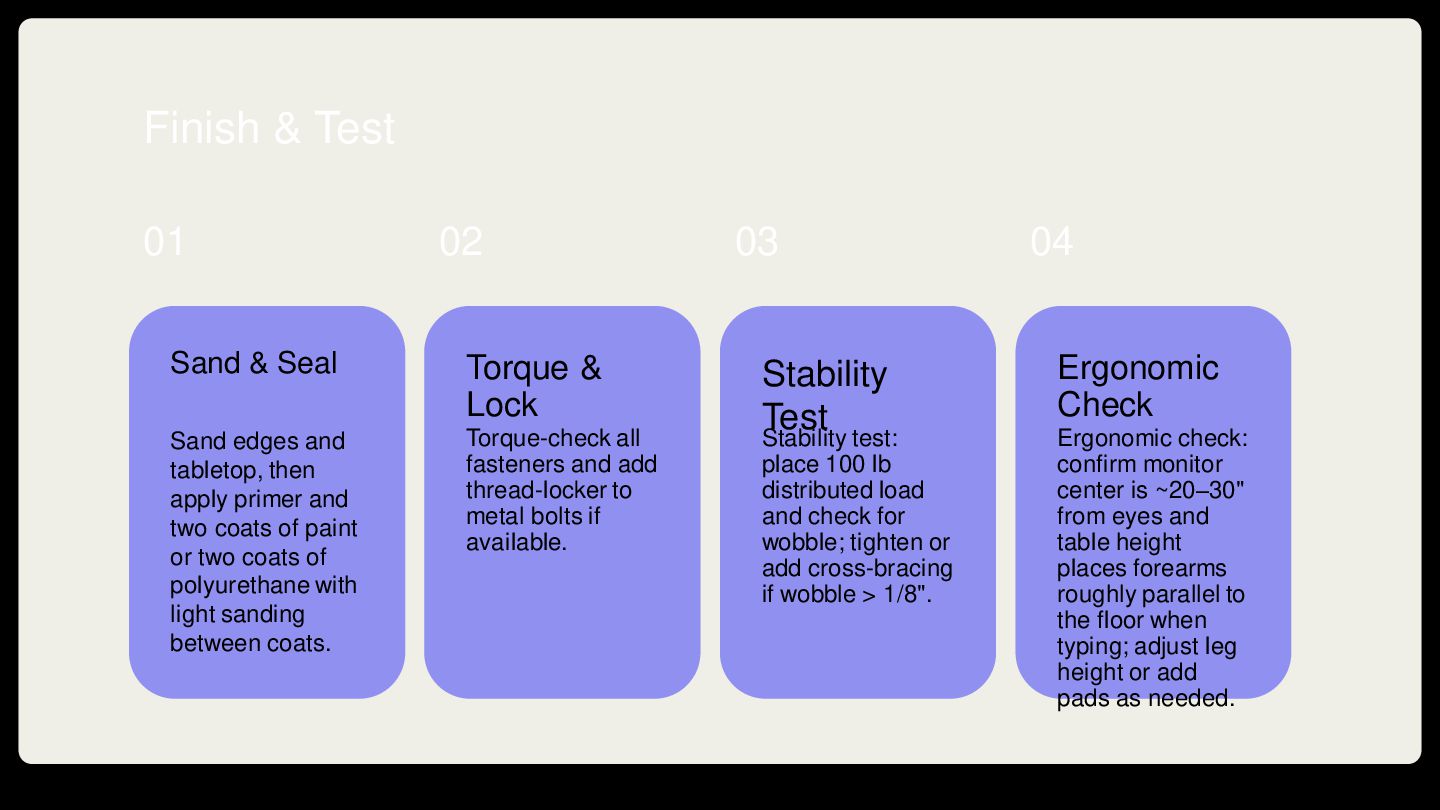
The frame should support the tabletop without excessive movement. Measure each component carefully and check that corners are square before permanently attaching them.
For larger gaming tables, adding a central support or additional cross braces can improve stability. This is especially important when the table will hold multiple monitors, gaming consoles, speakers, or other heavy equipment.
Use appropriate screws and hardware for the selected material. Pre-drilling holes can help prevent wood from splitting, particularly when working close to an edge.
Create a Recessed Gaming Area
One popular DIY gaming table idea is a recessed central section. Instead of having one completely flat surface, the middle of the table can sit slightly below the surrounding edge.
This design is particularly useful for tabletop games because cards, dice, miniatures, and boards can remain inside the recessed area. A removable cover can also transform the gaming section into a normal table when the space is needed for another purpose.
Creating a recessed area requires more careful cutting and construction than a basic flat table. Measure the opening several times before cutting, and make sure the surrounding frame remains strong enough to support the tabletop.
Add Cable Management
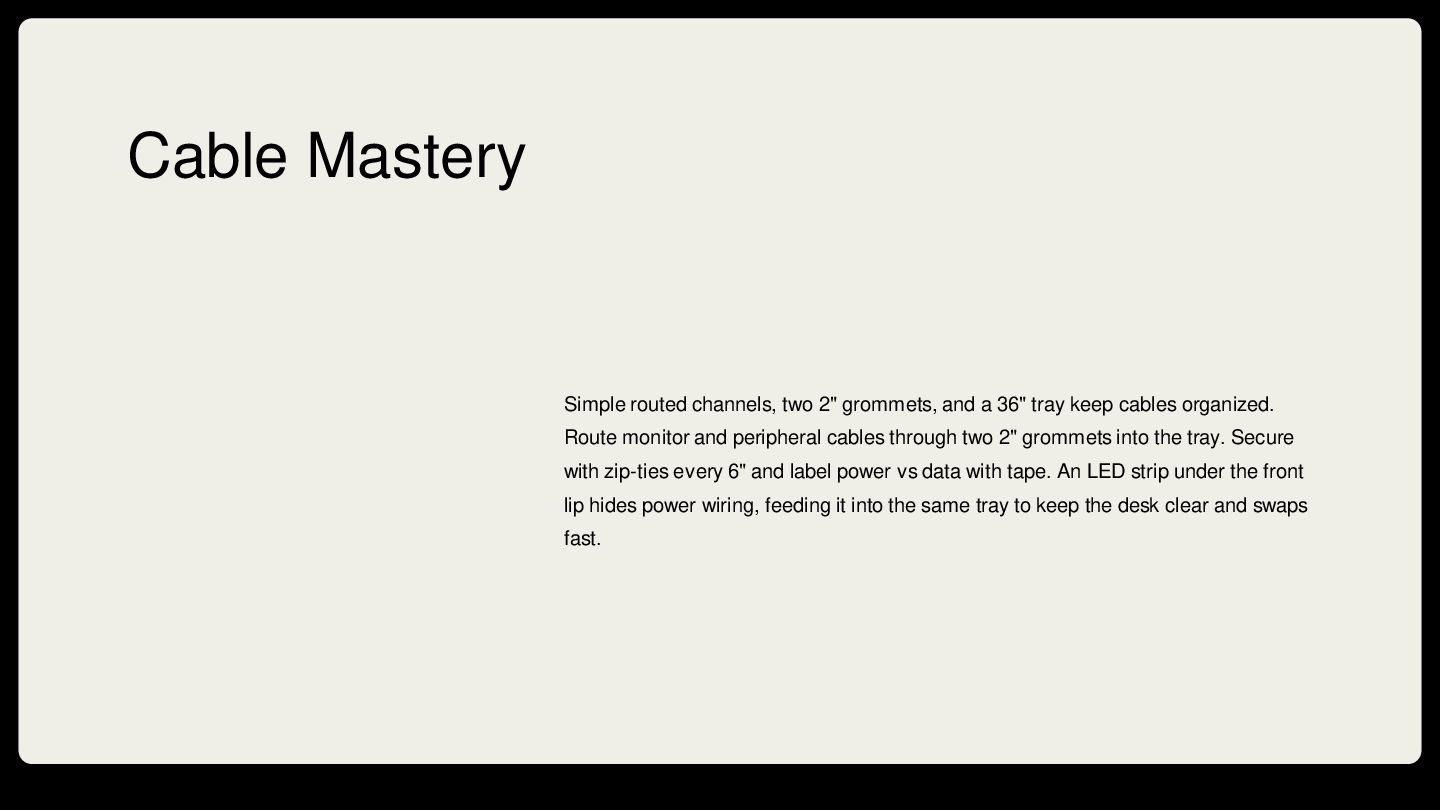
Cable management is one of the easiest ways to make a DIY gaming table look professional. Gaming setups can quickly become cluttered because of power cables, display cables, USB connections, headphone wires, and network cables.
Consider installing cable trays underneath the tabletop. Cable clips can keep individual wires in place, while a small cable-management box can hide power strips and adapters.
You can also create cable openings in the rear portion of the tabletop. These openings allow monitor and peripheral cables to pass underneath the desk without hanging over the front edge.
Install Storage Features
Storage can make a gaming table much more useful. Shelves underneath the table can hold controllers, headphones, books, board games, and other accessories.
Drawers are another option for smaller items such as cables, memory cards, controllers, dice, and gaming accessories. If you want a minimalist appearance, consider hidden storage compartments instead of large external cabinets.
Tabletop gamers can also incorporate narrow storage sections along the sides of the table for cards, rulebooks, tokens, and miniature cases.
Choose a Comfortable Surface
The surface finish depends on the type of gaming you enjoy. A smooth laminated surface can work well for PC gaming and general use. Tabletop players may prefer a fabric-covered playing area that reduces noise from dice and provides a softer surface for cards and components.
If you use fabric, stretch it evenly before attaching it underneath the tabletop. Avoid excessive folds because uneven areas can affect cards and game pieces.
Lighting and Accessories
Lighting can be added after the main construction is complete. LED strips placed underneath the tabletop or along the rear edge can provide ambient lighting without taking up desk space.
Monitor arms can free up valuable surface area, while a headphone hook keeps headphones within easy reach. A controller stand can also help keep accessories organized.
For tabletop gaming, accessories such as cup holders, dice trays, removable player panels, and miniature storage can be incorporated into the design.
DIY Gaming Table Design Ideas
There are many ways to customize a gaming table. A minimalist design may use a simple wooden top with black or neutral legs. A more elaborate design could include built-in lighting, storage compartments, a recessed play area, and removable panels.
Compact Gaming Table
A compact design is ideal for apartments, bedrooms, and smaller offices. Keep the tabletop narrow and use wall-mounted shelves to compensate for limited storage space.
Multiplayer Gaming Table
If you regularly play board games or tabletop RPGs with friends, a larger rectangular table may be more appropriate. A wide central playing area gives everyone enough room for cards, miniatures, character sheets, and other equipment.
Convertible Gaming Table
A convertible table provides two functions in one piece of furniture. A removable gaming surface can reveal a normal tabletop underneath, making the table suitable for dining, studying, or other activities when gaming is finished.
Budget Gaming Table
You do not need expensive materials to build an effective gaming table. A basic tabletop, sturdy legs, cable clips, and a few storage solutions can create a functional setup. Reusing an existing desk frame or tabletop can further reduce the project cost.
Common DIY Gaming Table Mistakes
One common mistake is designing the table without considering the chair and surrounding space. Always test the planned dimensions before construction.
Another mistake is ignoring cable management until the end. Planning cable routes during construction can produce a much cleaner result than trying to hide wires afterward.
Some DIY builders also focus heavily on appearance while overlooking structural strength. Decorative features are useful, but the frame and tabletop should remain the priority.
Finally, avoid adding too many accessories. A gaming table should improve organization rather than become crowded with unnecessary equipment.
Final Thoughts
Building a DIY gaming table gives you complete control over the size, shape, materials, storage, and features. The best design is not necessarily the most complicated one. A simple table with strong construction, comfortable dimensions, effective cable management, and useful storage can provide an excellent gaming environment.
Before starting, create a basic plan, measure your available space, choose appropriate materials, and consider how you will use the table several years from now. Whether you want a compact PC gaming desk, a large tabletop gaming station, or a convertible design, careful planning can turn a simple DIY project into a long-lasting centerpiece for your gaming room.
For readers who also explore related lifestyle and hobby products online, a prefilled pod kits UK shop may be another type of specialized online store worth researching, depending on personal preferences and applicable local regulations.
Likewise, those researching UK-based specialist retailers can visit the best vape store UK for additional information.


 tanakamasayuki
 takeofuture
 awsjcpm
 n0bisuke2
 nanimonodemonai
 camel_404
 takasumasakazu
 punipuni_mint
 hirashun
 rinkei
 rabernat
 baasie
 asonas
 inesmontani
 eileencodes
 marcduiker
 coloredviolet
 trallard
 codingconduct
 bkeepers
 sabderemane
 marcoroth

![Thanks! P l Do you have any questions? e [email protected]](https://files.speakerdeck.com/presentations/d15063b4cf5346e59944f85deefa2265/slide_10.jpg)