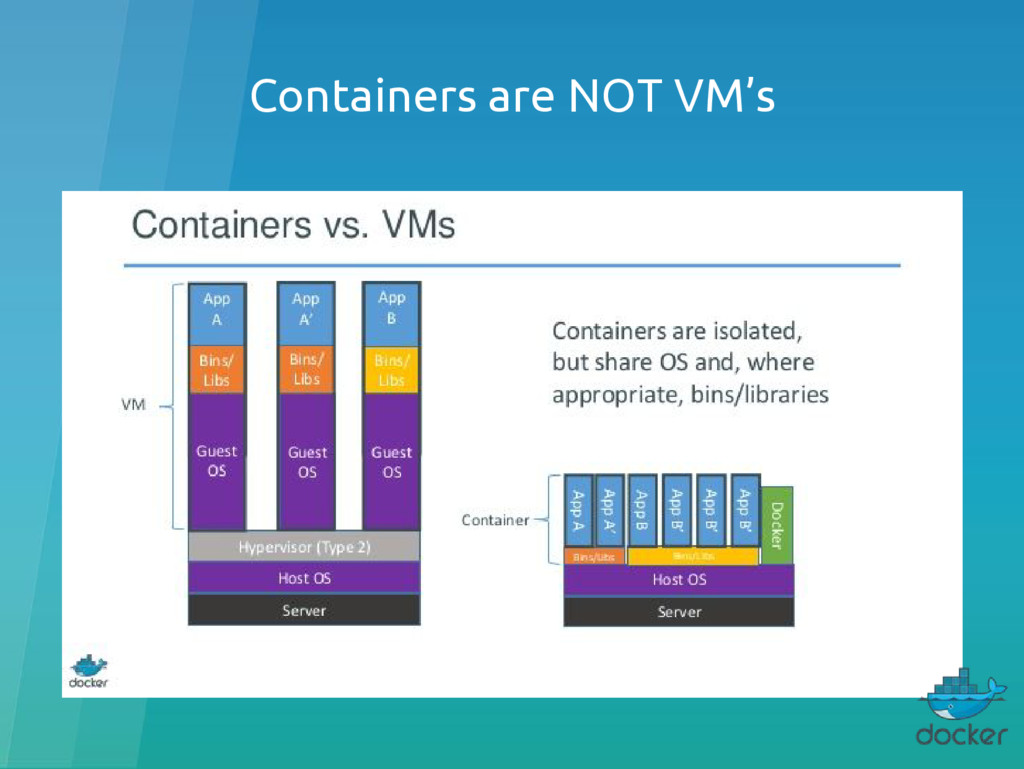
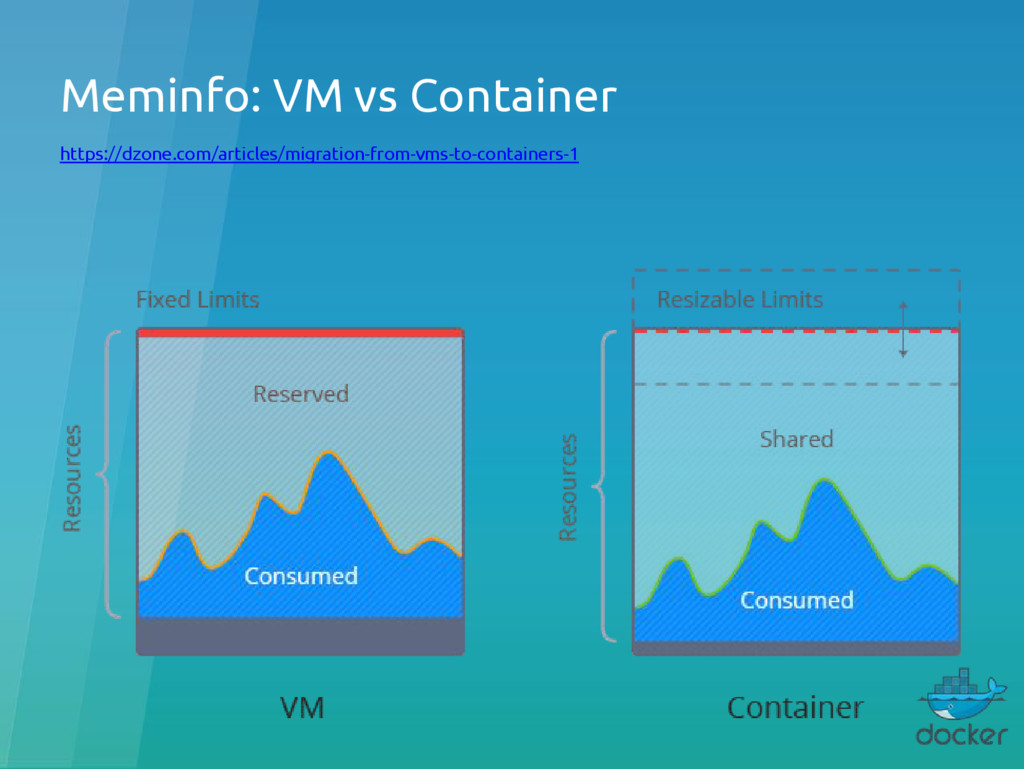
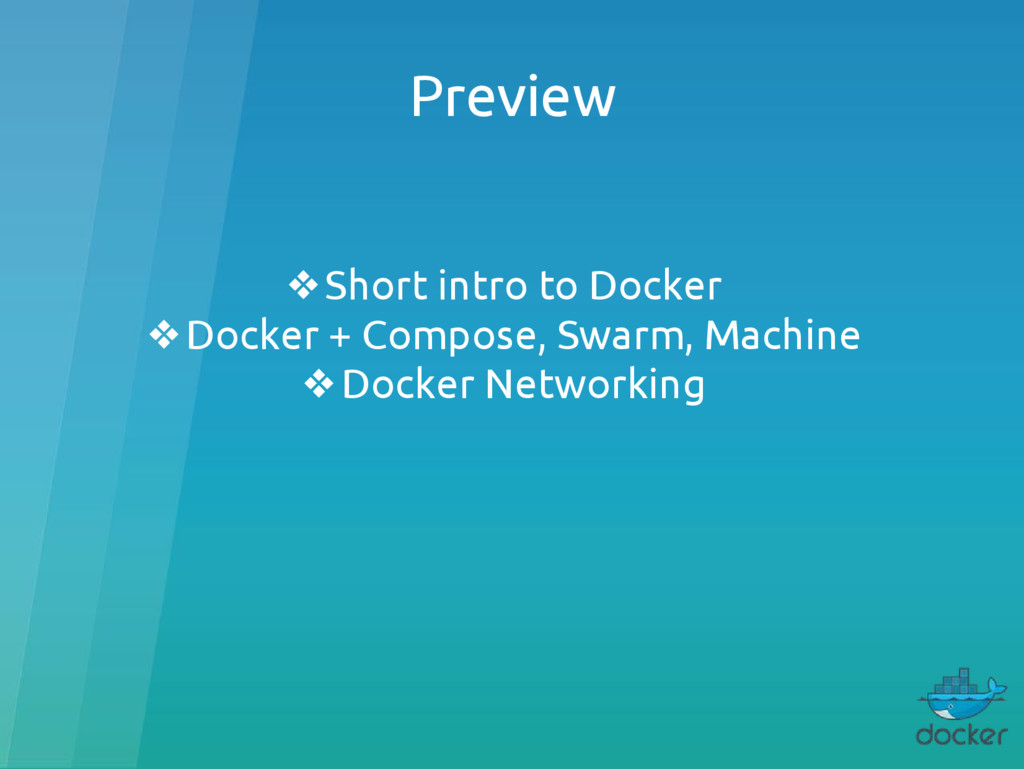
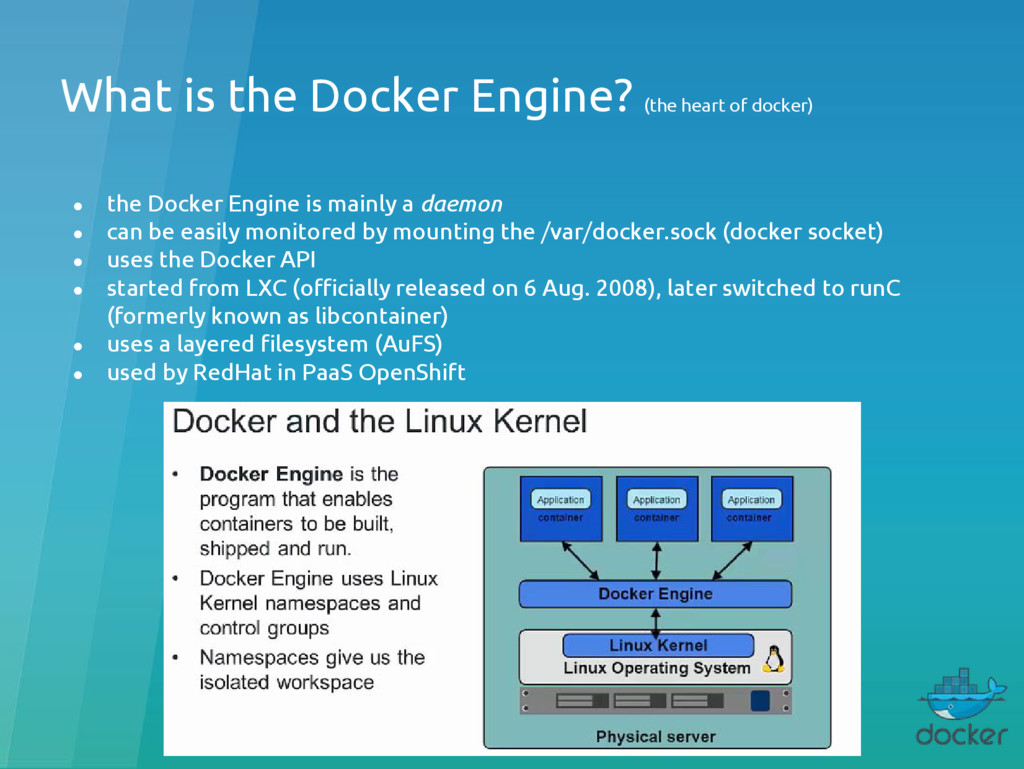
the Docker Engine is mainly a daemon • can be easily monitored by mounting the /var/docker.sock (docker socket) • uses the Docker API • started from LXC (officially released on 6 Aug. 2008), later switched to runC (formerly known as libcontainer) • uses a layered filesystem (AuFS) • used by RedHat in PaaS OpenShift
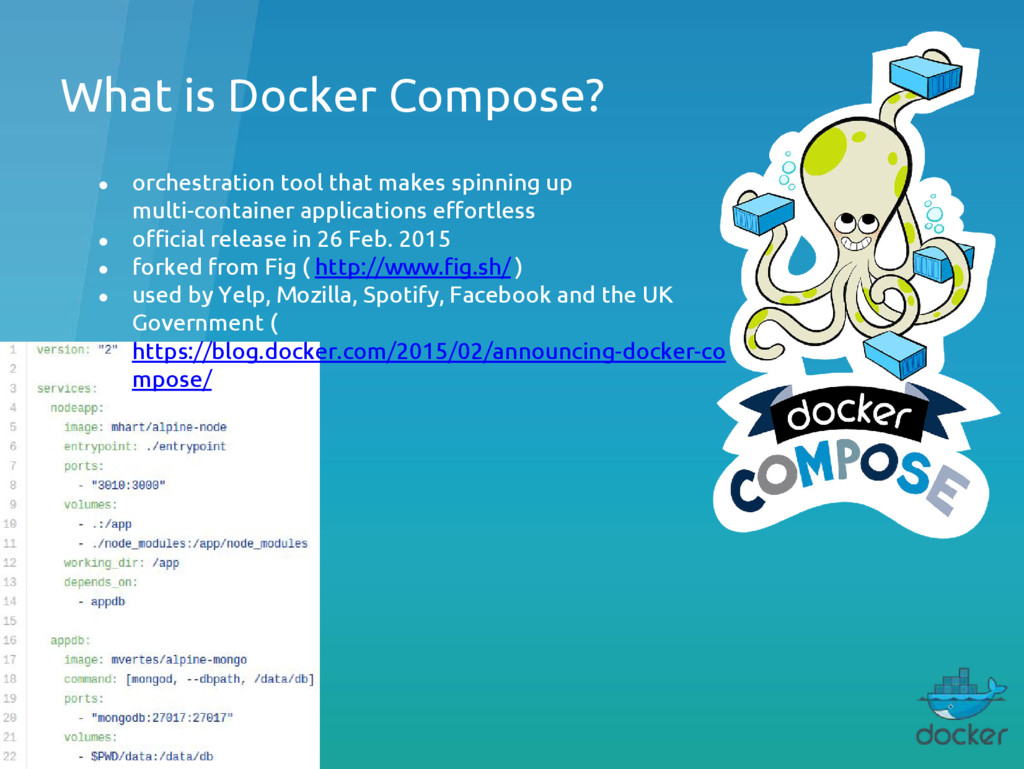
up multi-container applications effortless • official release in 26 Feb. 2015 • forked from Fig ( http://www.fig.sh/ ) • used by Yelp, Mozilla, Spotify, Facebook and the UK Government ( https://blog.docker.com/2015/02/announcing-docker-co mpose/ )
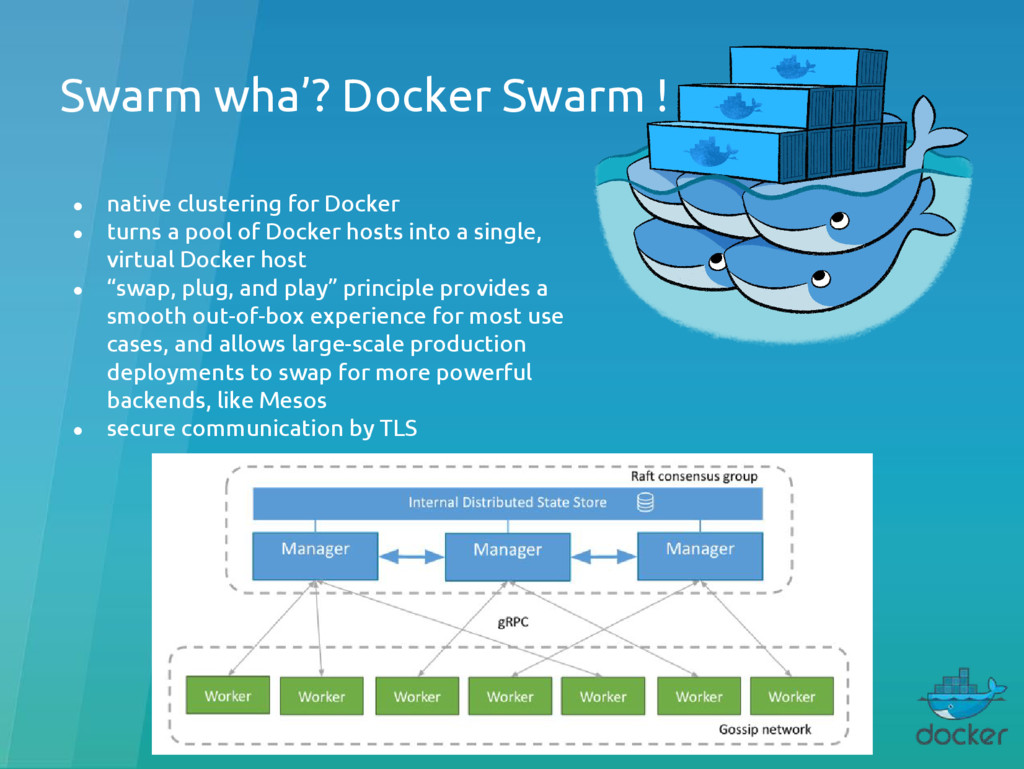
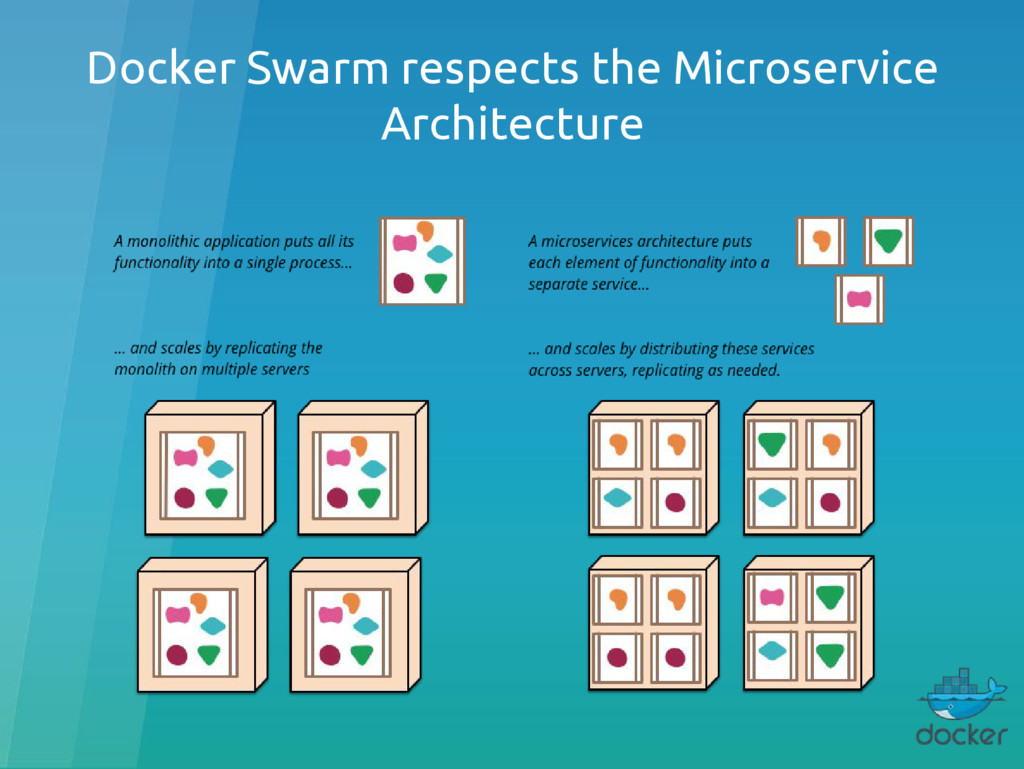
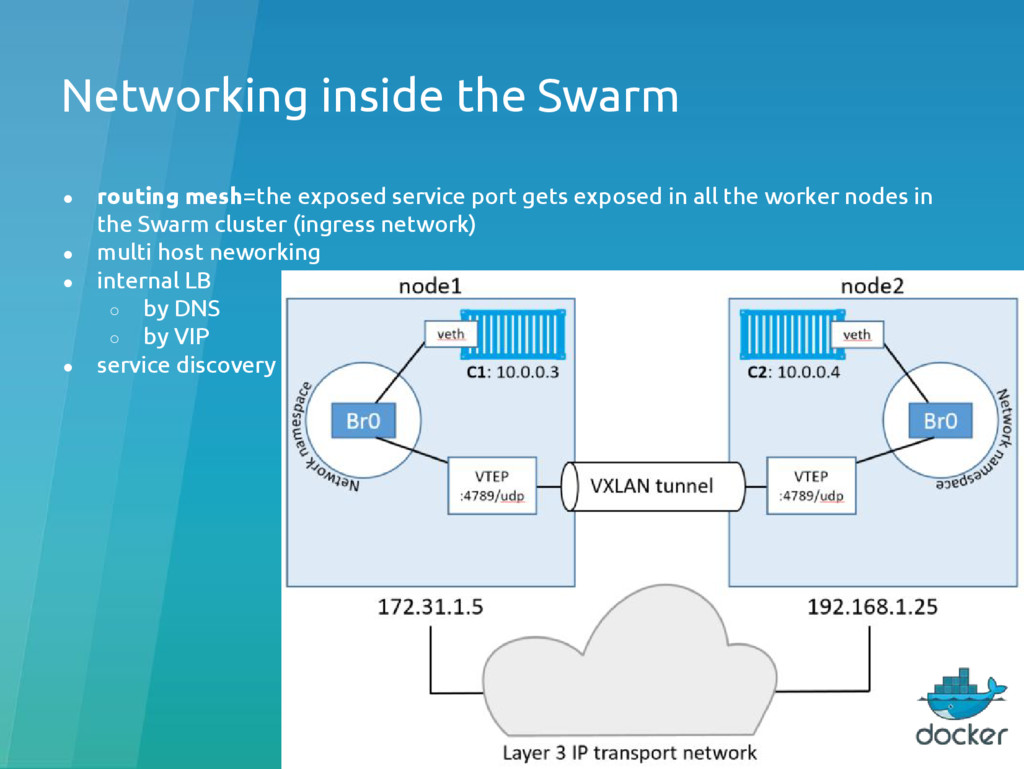
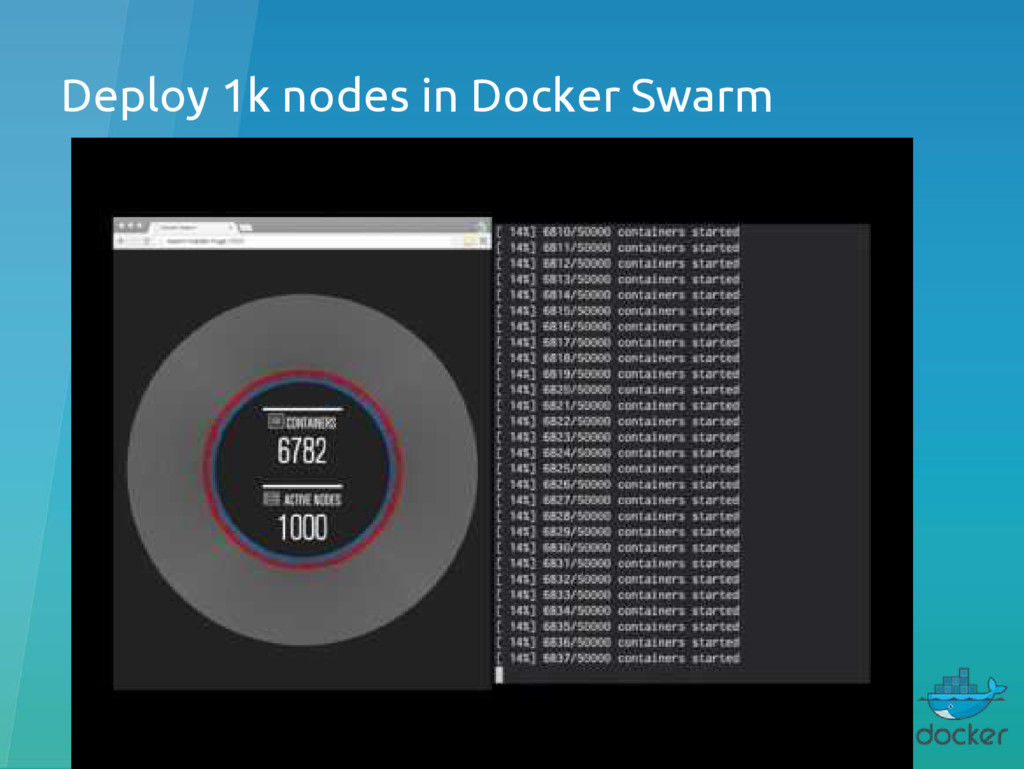
• turns a pool of Docker hosts into a single, virtual Docker host • “swap, plug, and play” principle provides a smooth out-of-box experience for most use cases, and allows large-scale production deployments to swap for more powerful backends, like Mesos • secure communication by TLS
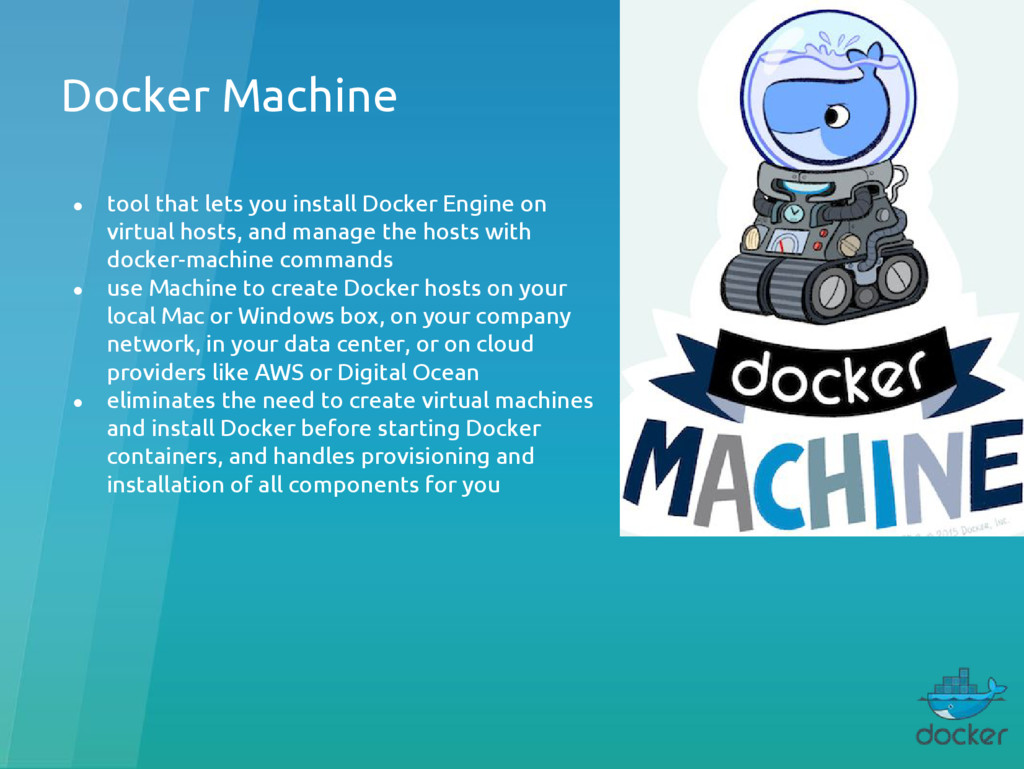
on virtual hosts, and manage the hosts with docker-machine commands • use Machine to create Docker hosts on your local Mac or Windows box, on your company network, in your data center, or on cloud providers like AWS or Digital Ocean • eliminates the need to create virtual machines and install Docker before starting Docker containers, and handles provisioning and installation of all components for you
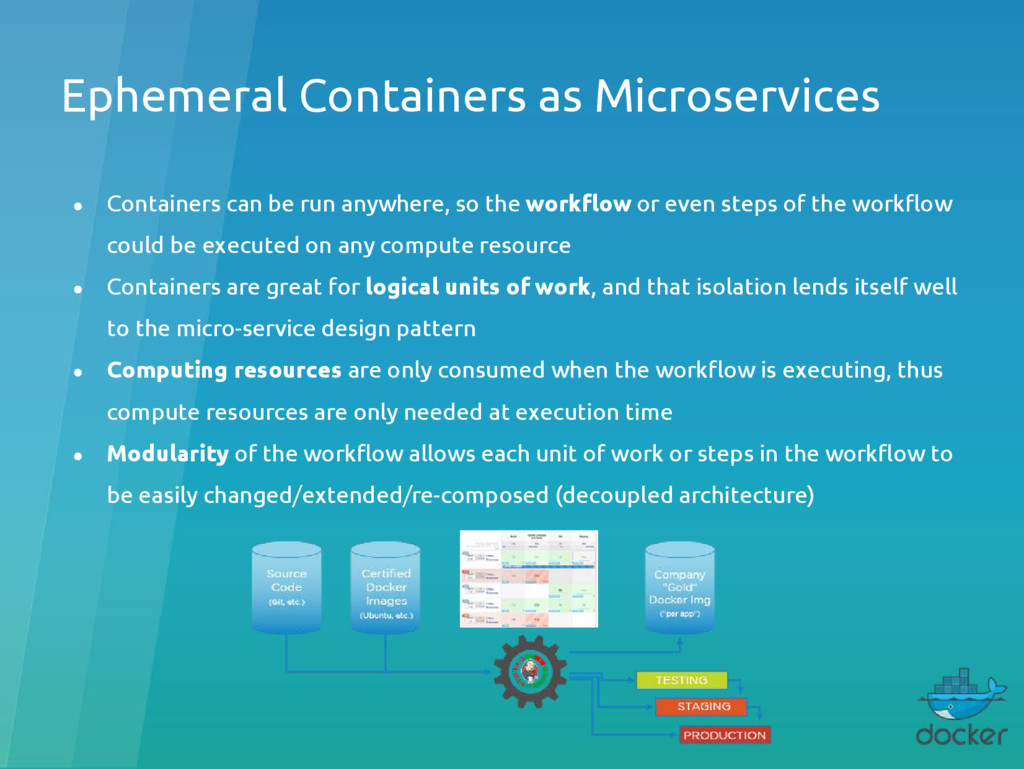
so the workflow or even steps of the workflow could be executed on any compute resource • Containers are great for logical units of work, and that isolation lends itself well to the micro-service design pattern • Computing resources are only consumed when the workflow is executing, thus compute resources are only needed at execution time • Modularity of the workflow allows each unit of work or steps in the workflow to be easily changed/extended/re-composed (decoupled architecture)
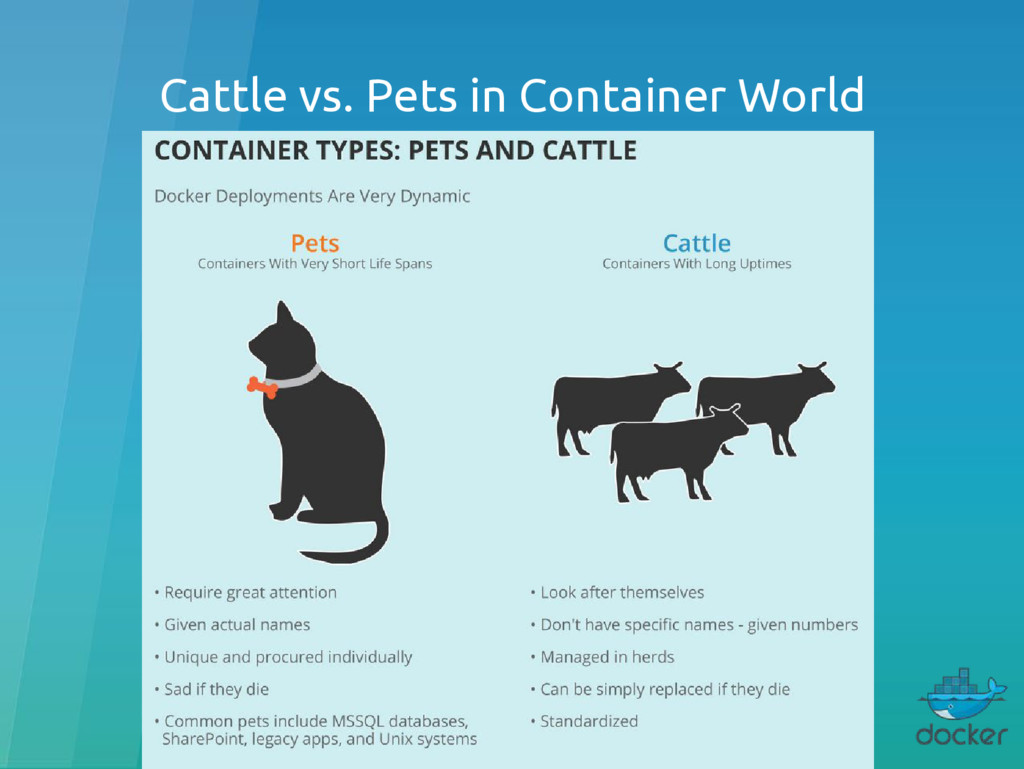
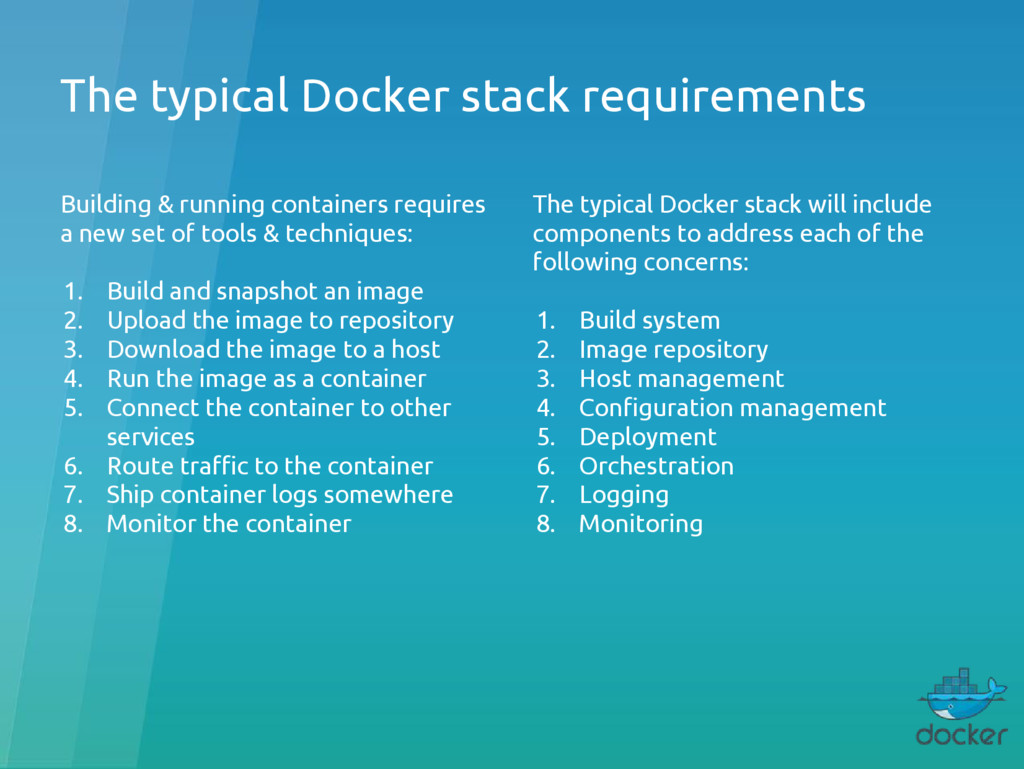
a new set of tools & techniques: 1. Build and snapshot an image 2. Upload the image to repository 3. Download the image to a host 4. Run the image as a container 5. Connect the container to other services 6. Route traffic to the container 7. Ship container logs somewhere 8. Monitor the container The typical Docker stack will include components to address each of the following concerns: 1. Build system 2. Image repository 3. Host management 4. Configuration management 5. Deployment 6. Orchestration 7. Logging 8. Monitoring
Clocks do not have a namespace) • Docker Swarm Overlay network does not support multicast (due to vxlan) • garbage collector required: ◦ old containers need to be deleted, as they start eating HDD/SSD ◦ old & unused docker images need also to be deleted • no built-in orchestration tool for Docker Swarm (such as docker-compose), although they’re working on it (check DAB - Distributed Application Bundles) • more containers = more management (adds complexity)


 yahonda
 ezaki
ezaki
 glaforge
 greenmidori
 jtakeda
 camiha
 kaminashi
 mohab1
 occhi
occhi
 pfn
pfn
 bitkey
 maimyyym
 katarinadahlin
.png) helenjbeal
helenjbeal
 garrettdimon
 lara
lara
 jakevdp
 bcantrill
 marktimemedia
 tammyeverts
 reverentgeek
 tessaabrams