Upgrade to Pro
— share decks privately, control downloads, hide ads and more …
Speaker Deck
Sign up for free
Menu
Search
Features
All features
Private URLs
Password Protection
Custom URLS
Scheduled publishing
Remove Branding
Restrict embedding
Deck Collections
Notes
Features
All features
Private URLs
Password Protection
Custom URLS
Scheduled publishing
Remove Branding
Restrict embedding
Deck Collections
Notes
Explore
Featured decks
Featured speakers
Programming
Technology
Storyboards
Explore
Featured decks
Featured speakers
Programming
Technology
Storyboards
Pricing
Search
Sign in
Sign up for free
Vim & tmux 分享
Search
Sponsored
·
SiteGround - Reliable hosting with speed, security, and support you can count on.
→
Dotslash Lu
November 23, 2016
Programming
67
0
Share
Embed
Copy iframe code
Copy JS code
Copy link
Start on current slide
Vim & tmux 分享
Vim和tmux以及Vimscript简介
Dotslash Lu
November 23, 2016
Other Decks in Programming
See All in Programming
AI時代のコードレビューは人に向けるな、仕組みに向けろ
texmeijin
5
3.7k
Agents on Rails - Rails at Scale 2026
irinanazarova
0
560
JAWS-UG 東京支部が始める、JAWS-UG支部コラボ / JAWS-UG lunchtime LT Collaboration
y0hgi
0
270
なぜCTOを降りてFDEを選んだのか?〜なぜプロダクト企業がFDEで顧客の現場に踏み込むのか〜
gonta
1
210
golang-bob.pdf
iwatsukayura
0
130
When benchmarks go bad - what I learned from measuring performance wrong
hollycummins
0
220
カツオ、ご期待ください
suneo3476
0
190
SalesForceを内製化!? ~ HR事業を支える顧客管理基盤のインフラを大公開 ~
oku053
0
180
KiroのSpecで「五目並べ」を作ってみる
satoshi256kbyte
1
380
re:Inventに行く前に知っておきたい現地参加のノウハウ
nokomoro3
0
420
Domain-Driven Transformation
hschwentner
2
2.3k
ActionController meets Protocol Buffers
sorah
0
520
Featured
See All Featured
30 Presentation Tips
portentint
PRO
1
430
We Are The Robots
honzajavorek
0
400
brightonSEO & MeasureFest 2025 - Winning Strategies for Black Friday CRO & PPC - Christian Goodrich
cargoodrich
3
870
Gemini Prompt Engineering: Practical Techniques for Tangible AI Outcomes
mfonobong
2
590
Noah Learner - AI + Me: how we built a GSC Bulk Export data pipeline
techseoconnect
PRO
0
460
How to build an LLM SEO readiness audit: a practical framework
nmsamuel
2
950
Darren the Foodie - Storyboard
khoart
PRO
4
4k
How STYLIGHT went responsive
nonsquared
100
6.3k
Between Models and Reality
mayunak
4
500
How To Stay Up To Date on Web Technology
chriscoyier
790
250k
Keith and Marios Guide to Fast Websites
keithpitt
413
23k
Utilizing Notion as your number one productivity tool
mfonobong
4
620
Transcript
Vim & tmux Let’s go into the dark side
⾃自我介绍
Why Vim
Why Vim • (vi)很旧,这是优点,各个发⾏行行版上都有预装 • 强⼤大 • ⾼高效
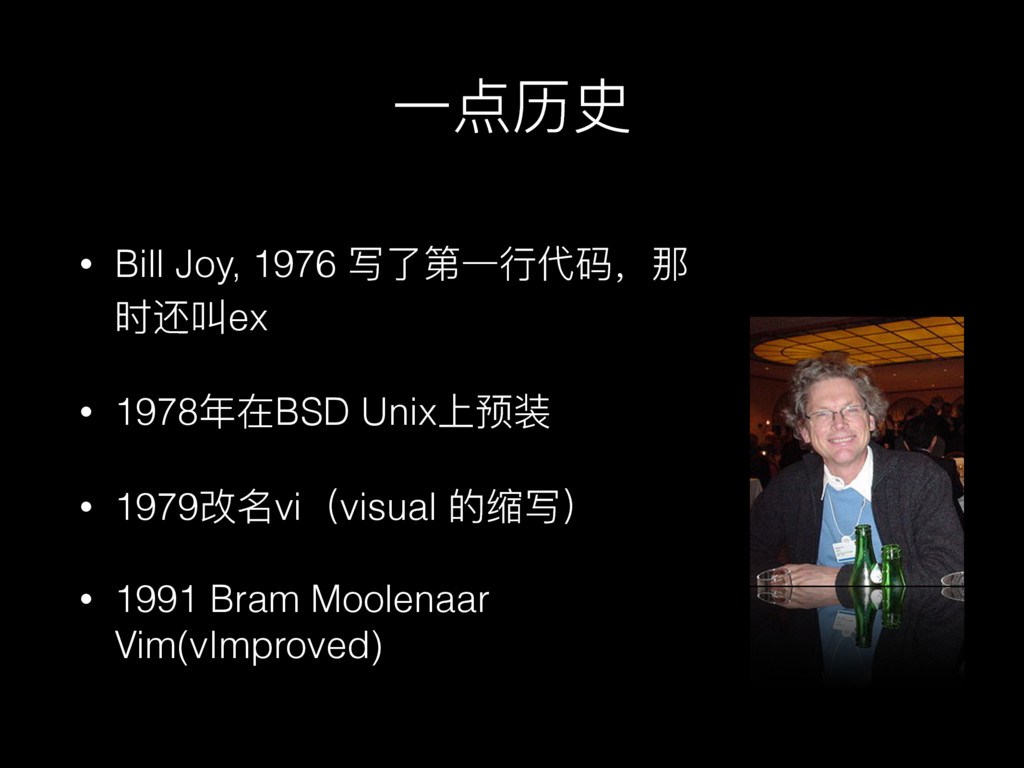
• Bill Joy, 1976 写了了第⼀一⾏行行代码,那 时还叫ex • 1978年年在BSD Unix上预装 •
1979改名vi(visual 的缩写) • 1991 Bram Moolenaar Vim(vImproved) ⼀一点历史
基础知识
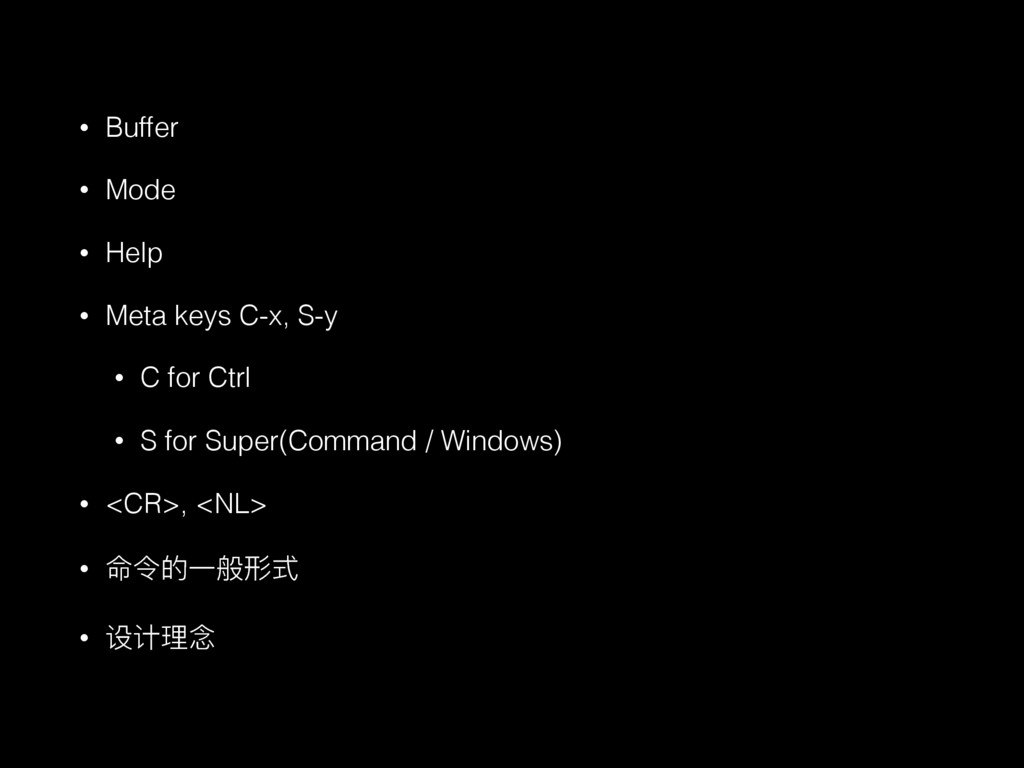
• Buffer • Mode • Help • Meta keys C-x,
S-y • C for Ctrl • S for Super(Command / Windows) • <CR>, <NL> • 命令的⼀一般形式 • 设计理理念
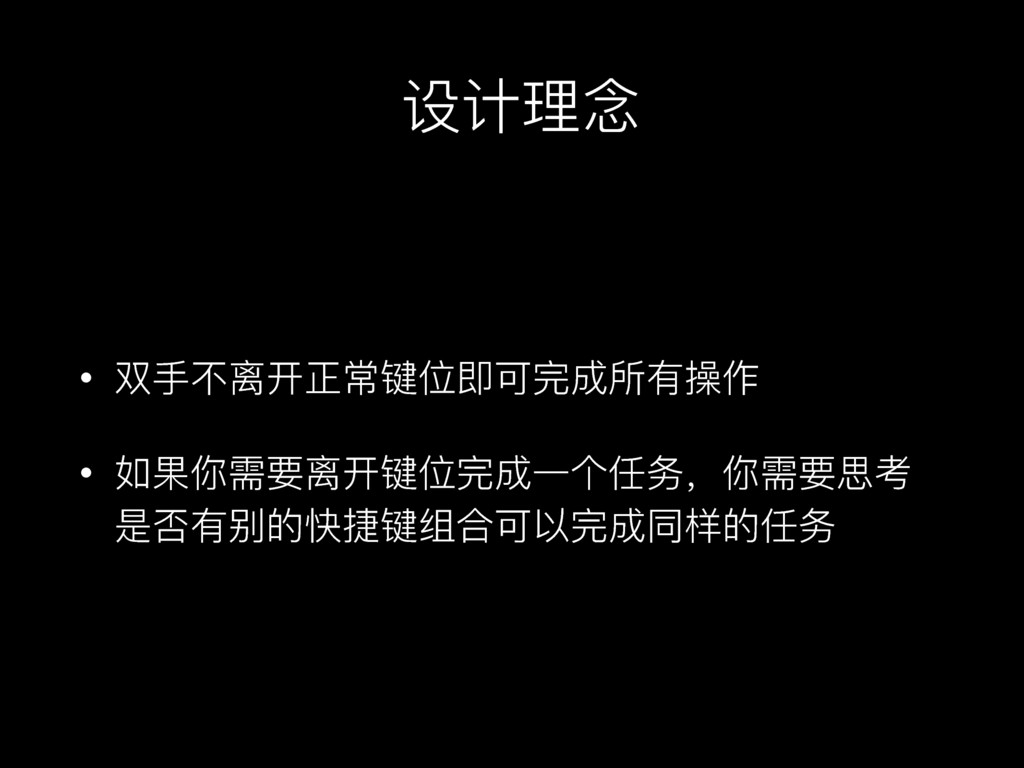
设计理理念 • 双⼿手不不离开正常键位即可完成所有操作 • 如果你需要离开键位完成⼀一个任务,你需要思考 是否有别的快捷键组合可以完成同样的任务
Tab, Window, Buffer
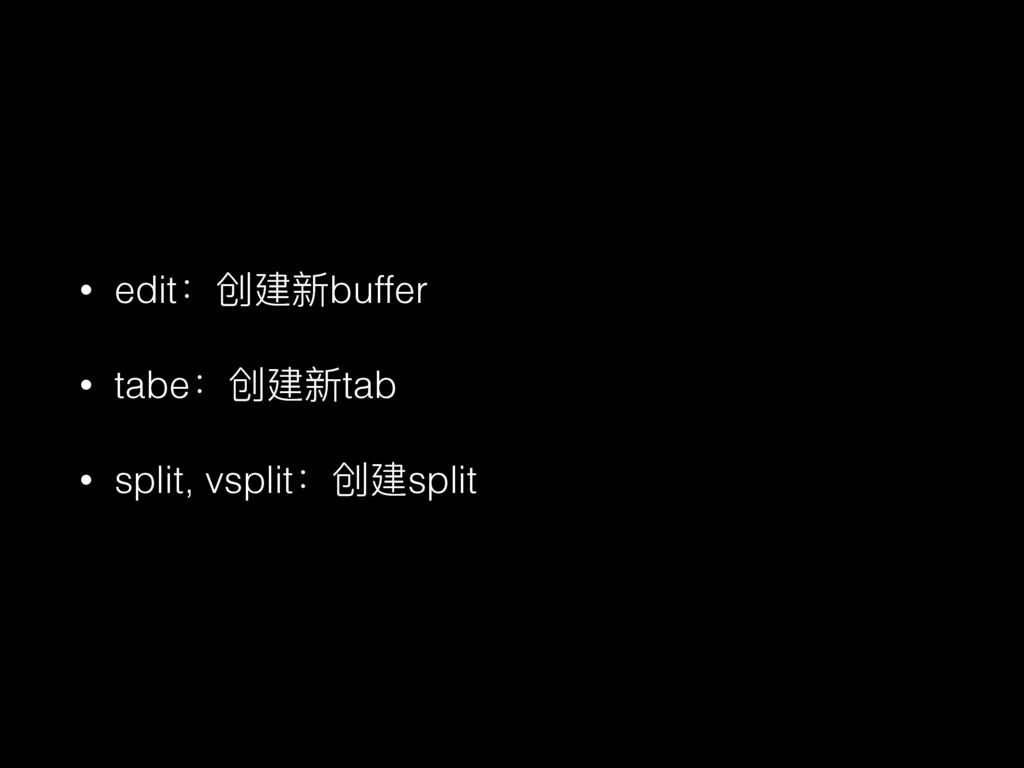
• edit:创建新buffer • tabe:创建新tab • split, vsplit:创建split
Demo
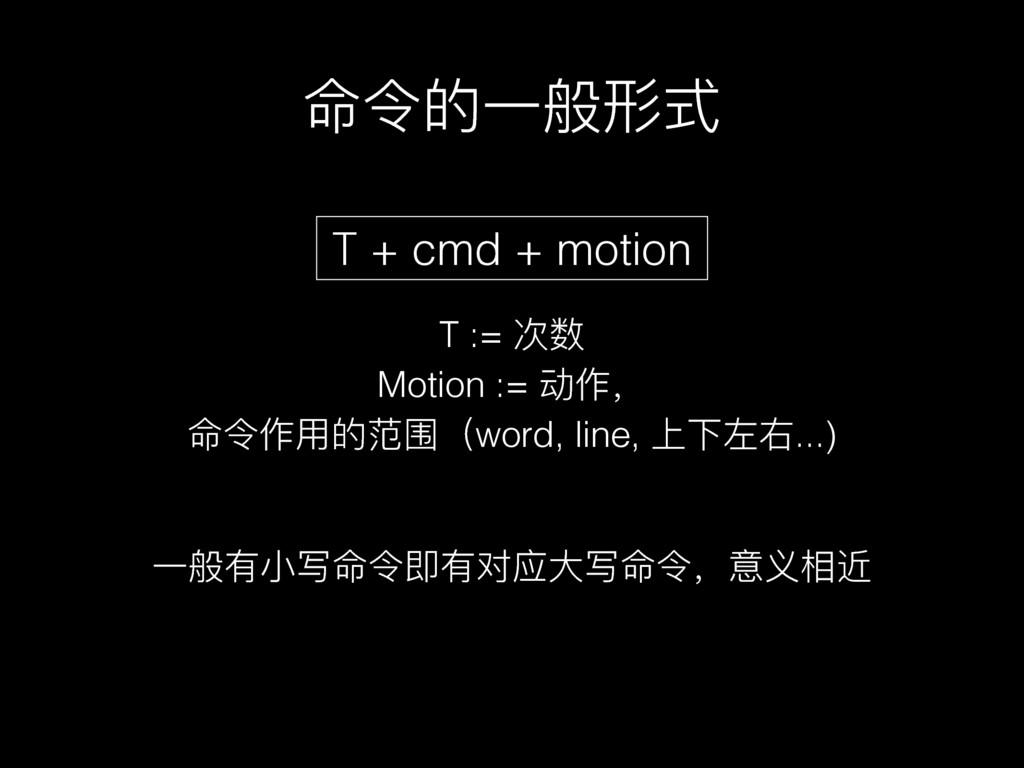
命令的⼀一般形式 T := 次数 Motion := 动作, 命令作⽤用的范围(word, line, 上下左右...)
T + cmd + motion ⼀一般有⼩小写命令即有对应⼤大写命令,意义相近
Mode
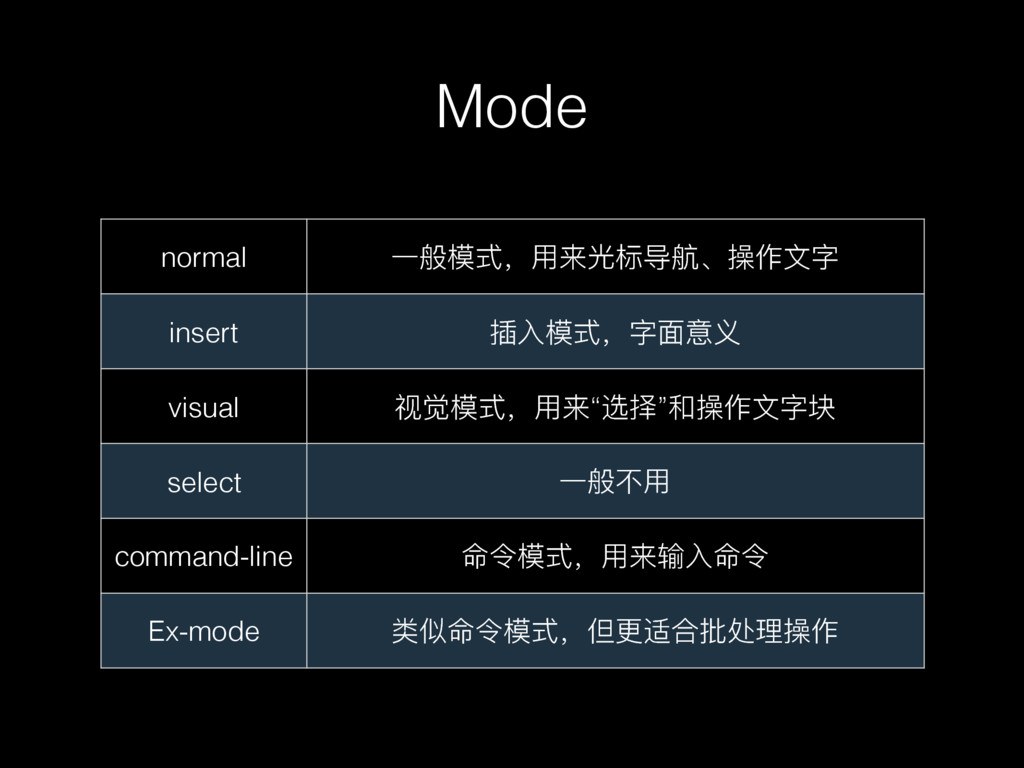
Mode normal ⼀一般模式,⽤用来光标导航、操作⽂文字 insert 插⼊入模式,字⾯面意义 visual 视觉模式,⽤用来“选择”和操作⽂文字块 select ⼀一般不不⽤用 command-line
命令模式,⽤用来输⼊入命令 Ex-mode 类似命令模式,但更更适合批处理理操作
返回normal模式 我的苹果设备没有Esc咋办?
Demo
光标导航(motion)
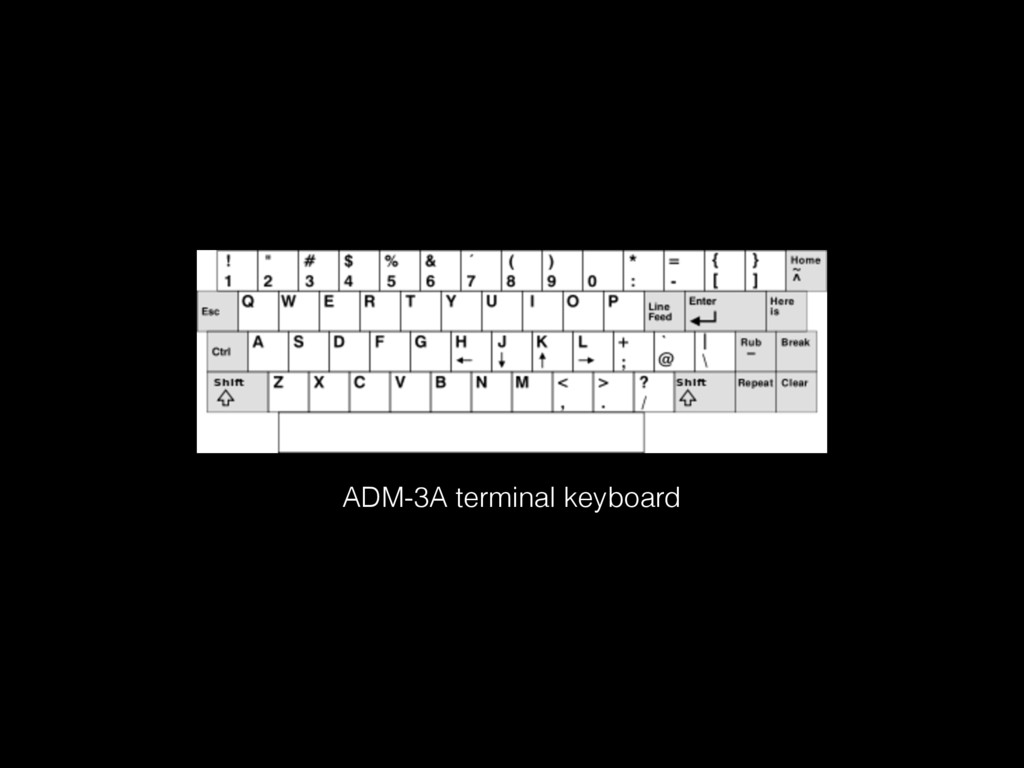
hjkl 什什么⻤鬼,滚键盘吗?
ADM-3A terminal keyboard
诀窍
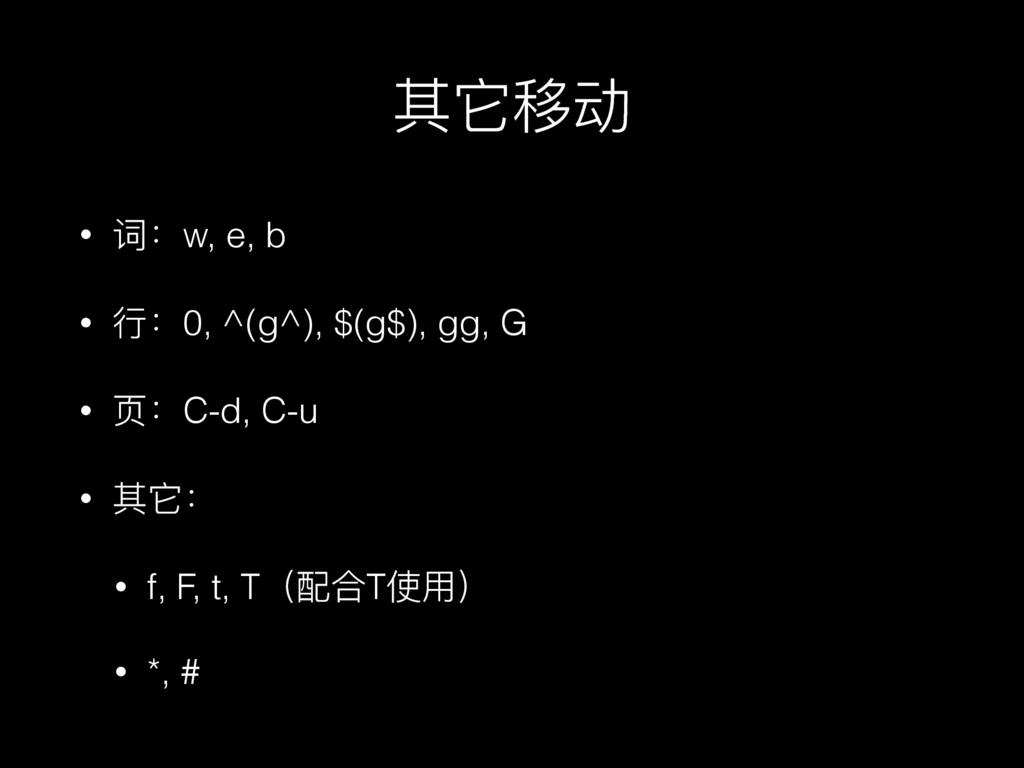
其它移动 • 词:w, e, b • ⾏行行:0, ^(g^), $(g$), gg,
G • ⻚页:C-d, C-u • 其它: • f, F, t, T(配合T使⽤用) • *, #
Demo
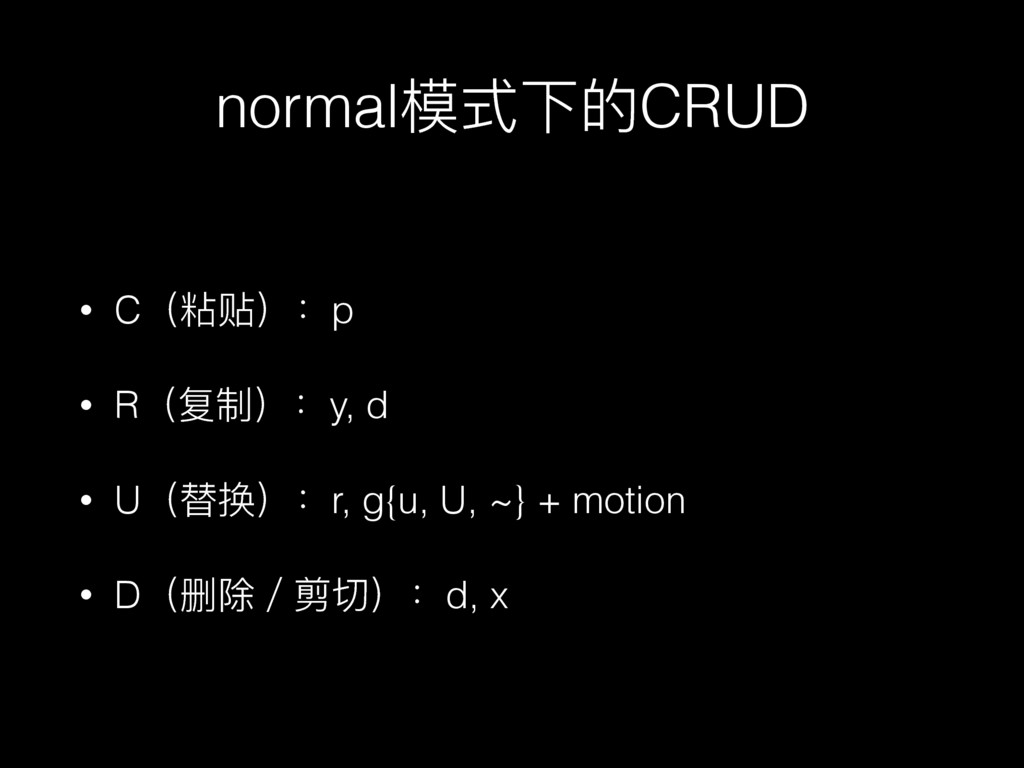
normal模式下的CRUD • C(粘贴):p • R(复制):y, d • U(替换):r, g{u, U,
~} + motion • D(删除/剪切):d, x
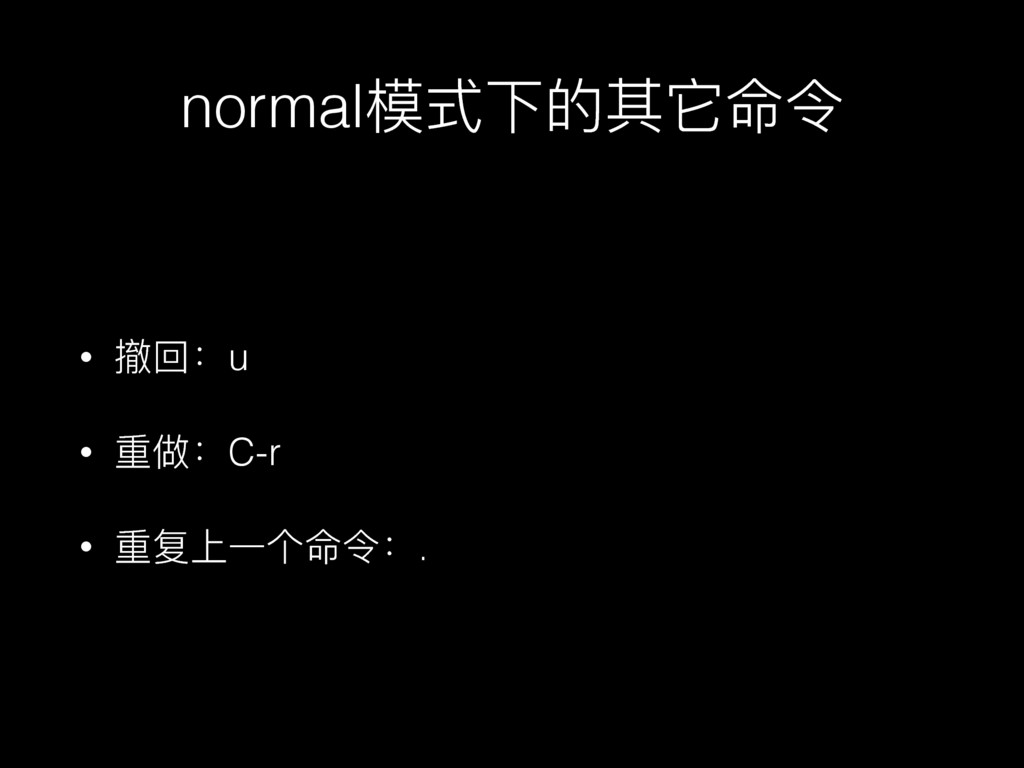
normal模式下的其它命令 • 撤回:u • 重做:C-r • 重复上⼀一个命令:.
Demo
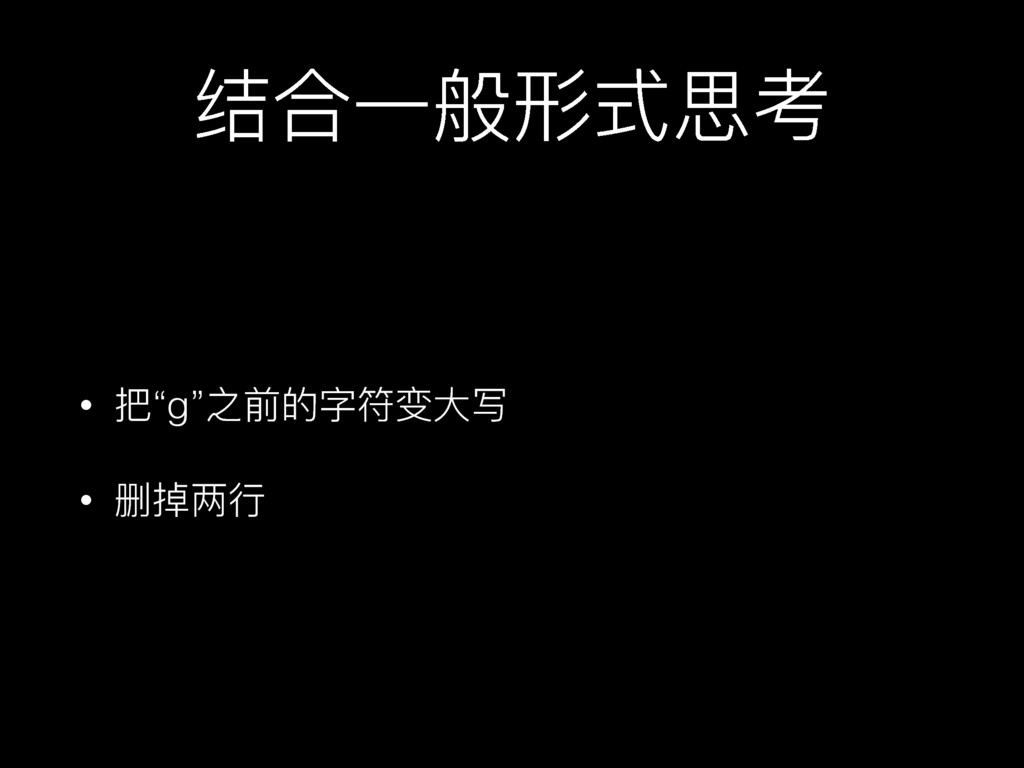
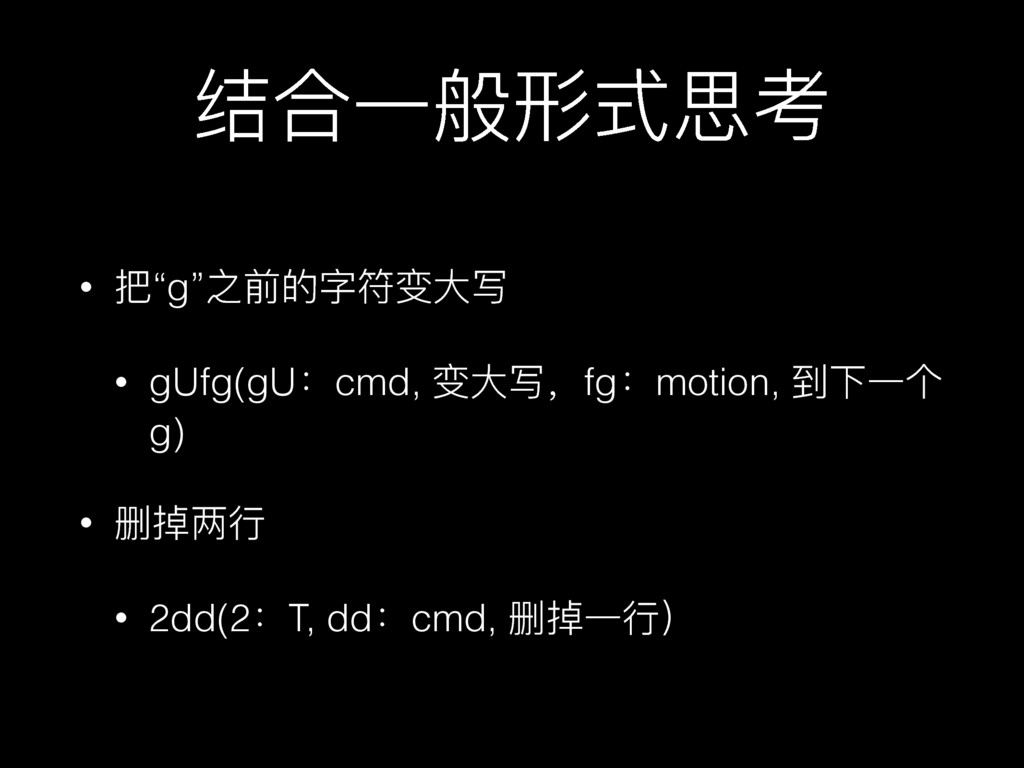
结合⼀一般形式思考 • 把“g”之前的字符变⼤大写 • 删掉两⾏行行
结合⼀一般形式思考 • 把“g”之前的字符变⼤大写 • gUfg(gU:cmd, 变⼤大写,fg:motion, 到下⼀一个 g) • 删掉两⾏行行
• 2dd(2:T, dd:cmd, 删掉⼀一⾏行行)
插⼊入模式
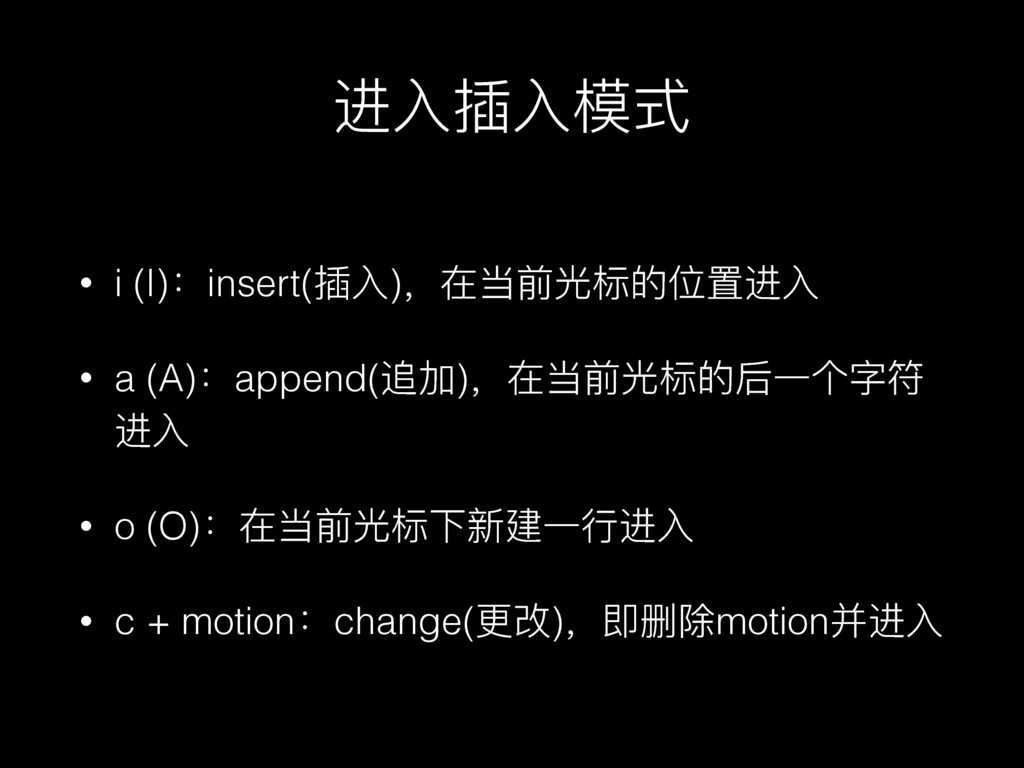
进⼊入插⼊入模式 • i (I):insert(插⼊入),在当前光标的位置进⼊入 • a (A):append(追加),在当前光标的后⼀一个字符 进⼊入 • o
(O):在当前光标下新建⼀一⾏行行进⼊入 • c + motion:change(更更改),即删除motion并进⼊入
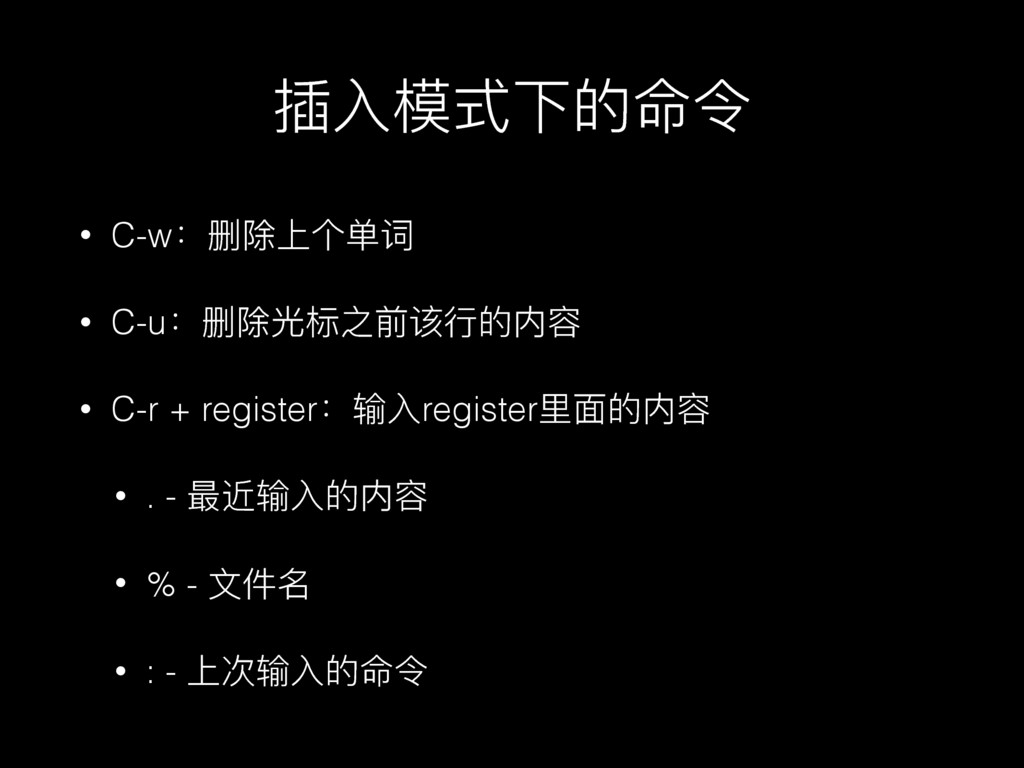
插⼊入模式下的命令 • C-w:删除上个单词 • C-u:删除光标之前该⾏行行的内容 • C-r + register:输⼊入register⾥里里⾯面的内容 •
. - 最近输⼊入的内容 • % - ⽂文件名 • : - 上次输⼊入的命令
Demo
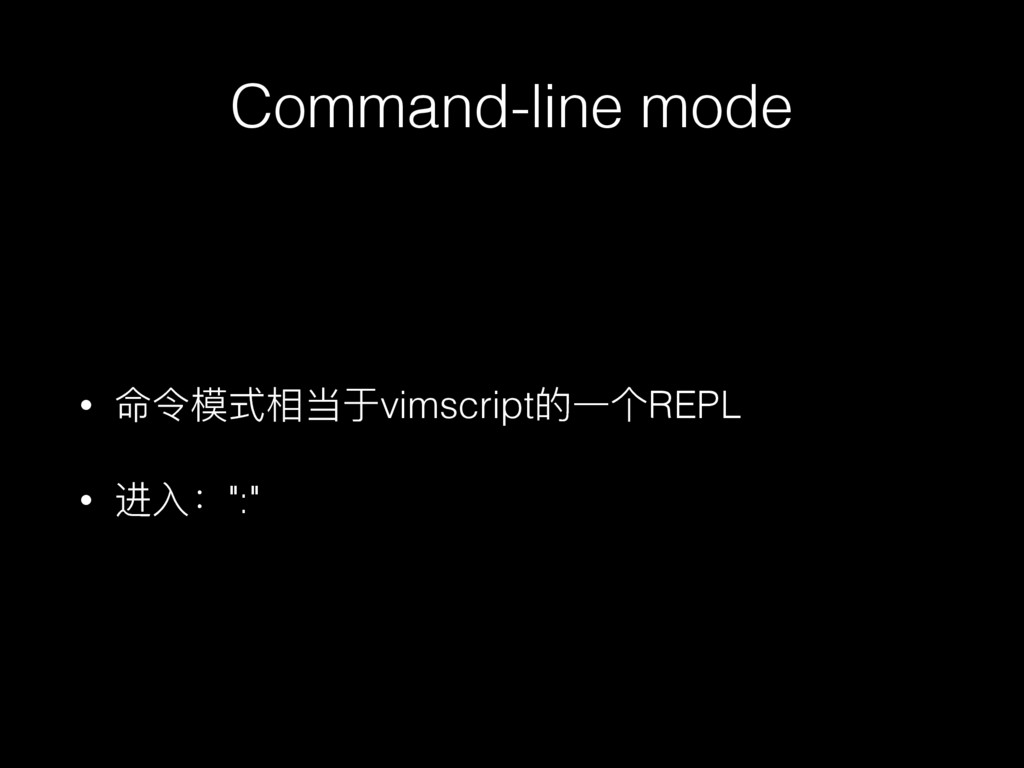
Command-line mode
Command-line mode • 命令模式相当于vimscript的⼀一个REPL • 进⼊入:":"
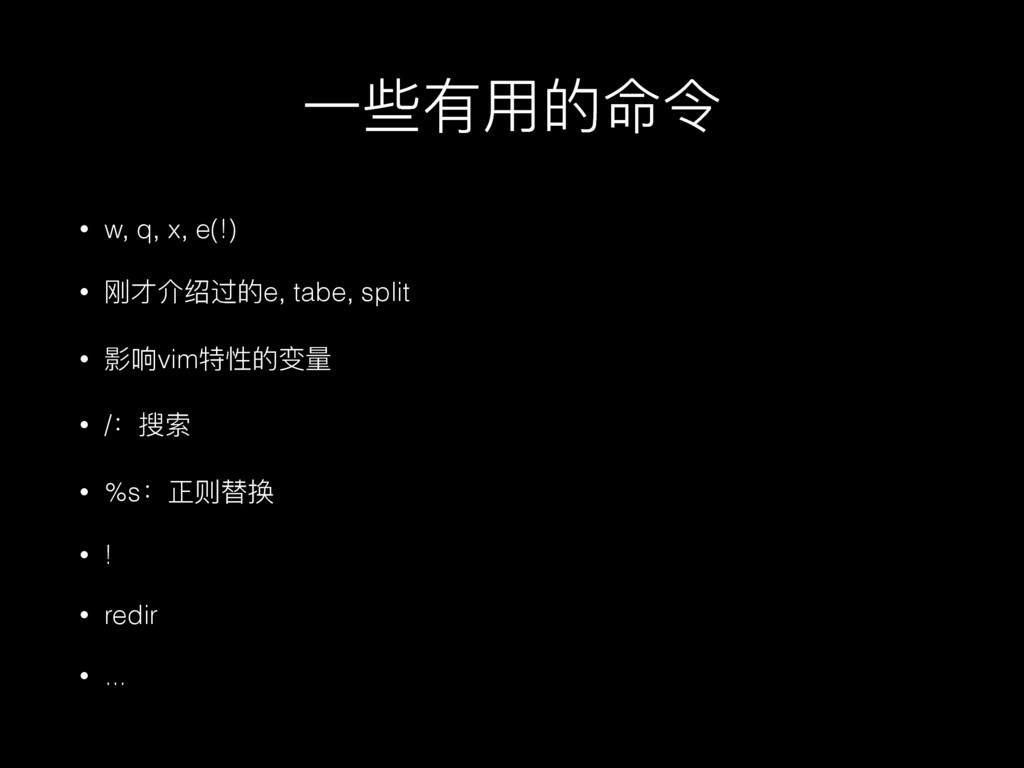
⼀一些有⽤用的命令 • w, q, x, e(!) • 刚才介绍过的e, tabe, split
• 影响vim特性的变量量 • /:搜索 • %s:正则替换 • ! • redir • ...
Visual模式
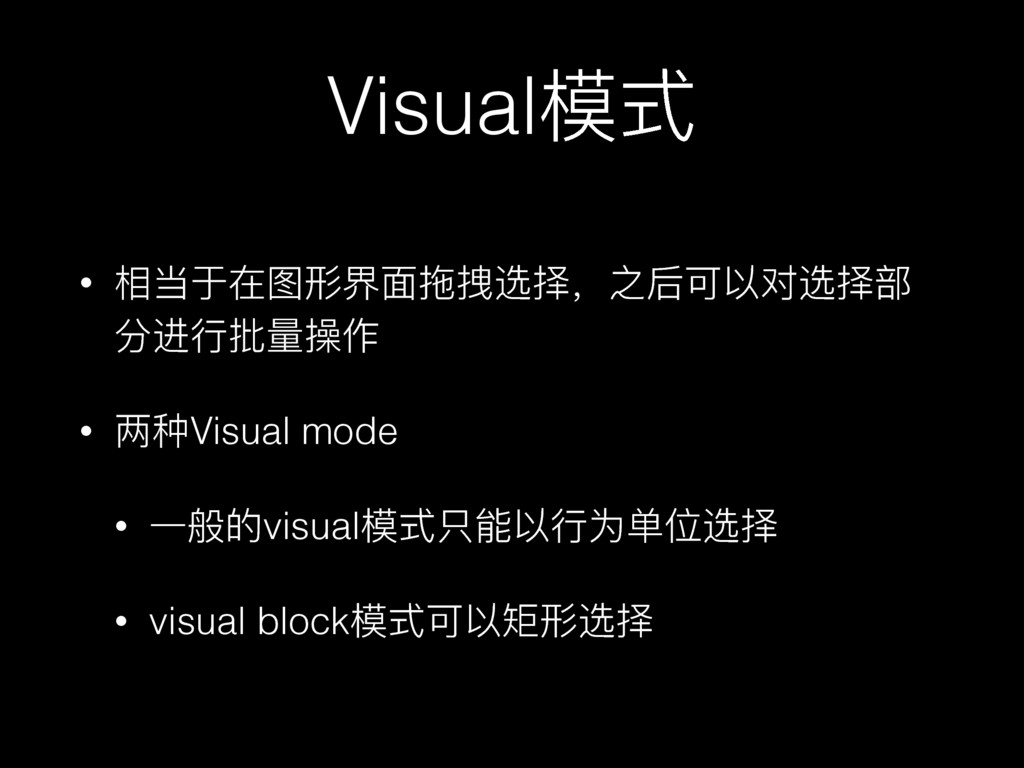
Visual模式 • 相当于在图形界⾯面拖拽选择,之后可以对选择部 分进⾏行行批量量操作 • 两种Visual mode • ⼀一般的visual模式只能以⾏行行为单位选择 •
visual block模式可以矩形选择
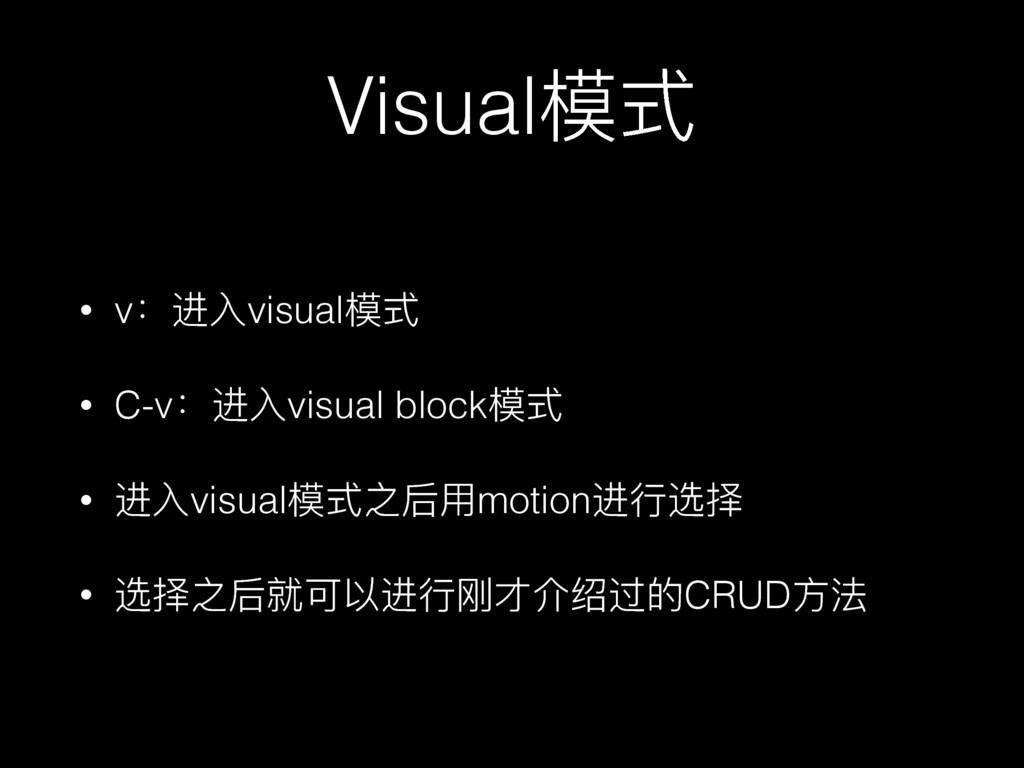
Visual模式 • v:进⼊入visual模式 • C-v:进⼊入visual block模式 • 进⼊入visual模式之后⽤用motion进⾏行行选择 • 选择之后就可以进⾏行行刚才介绍过的CRUD⽅方法
Demo
Recording
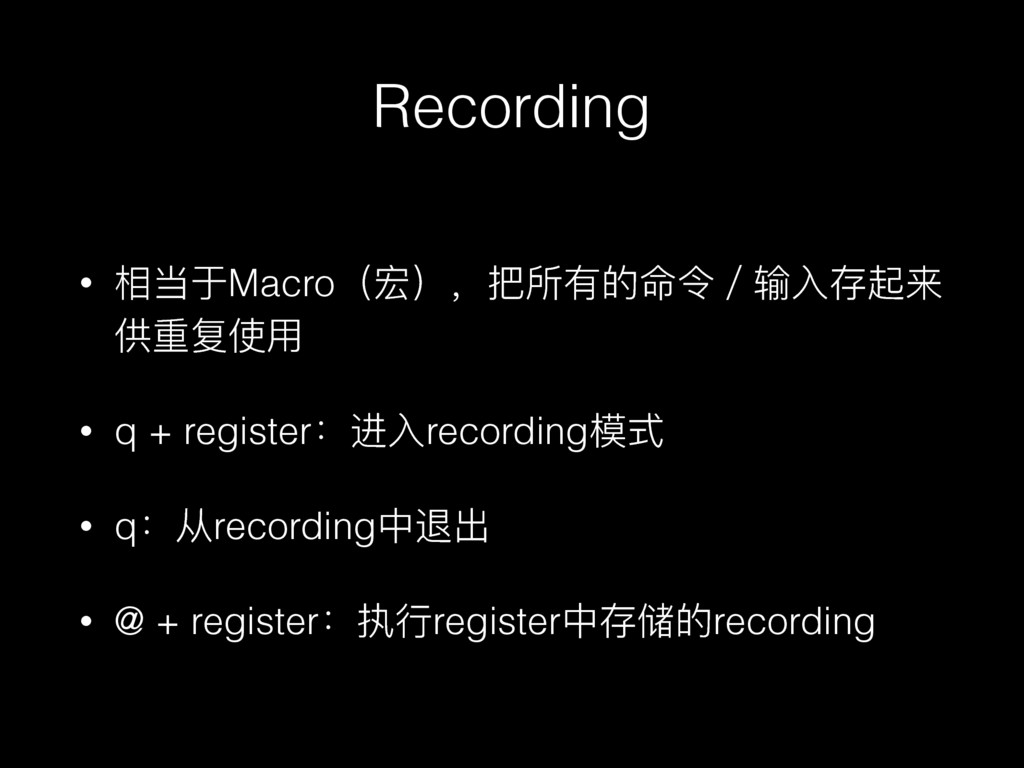
Recording • 相当于Macro(宏),把所有的命令/输⼊入存起来 供重复使⽤用 • q + register:进⼊入recording模式 • q:从recording中退出
• @ + register:执⾏行行register中存储的recording
Demo
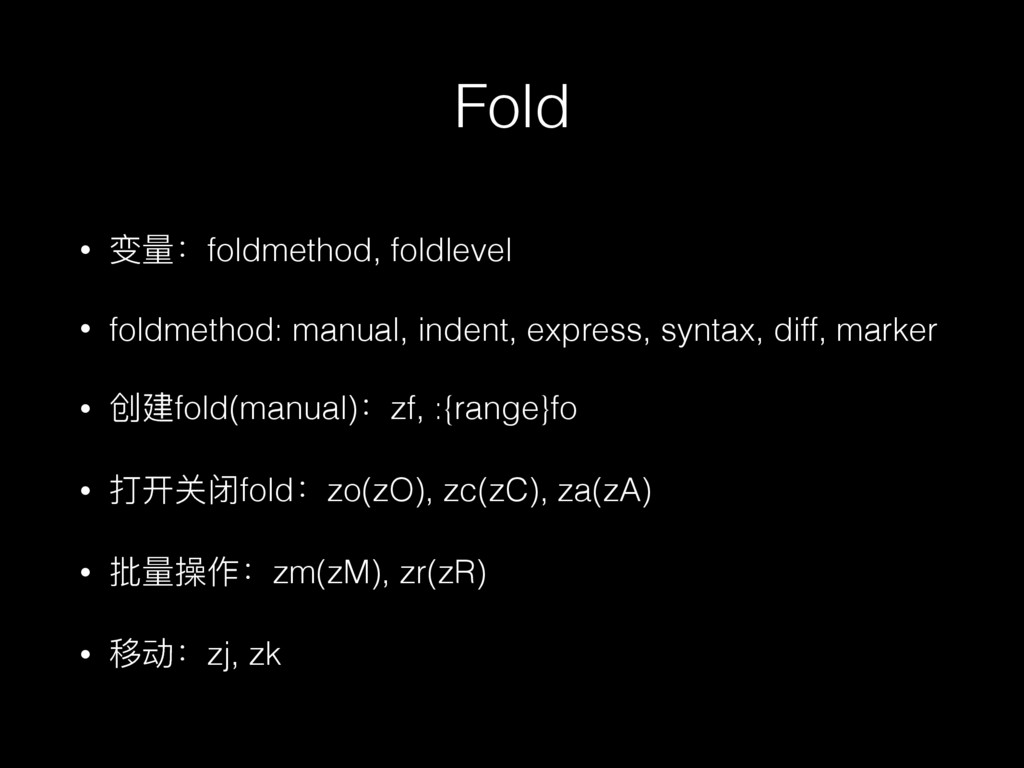
Fold
Fold • 变量量:foldmethod, foldlevel • foldmethod: manual, indent, express, syntax,
diff, marker • 创建fold(manual):zf, :{range}fo • 打开关闭fold:zo(zO), zc(zC), za(zA) • 批量量操作:zm(zM), zr(zR) • 移动:zj, zk
Demo
定制化和vimscript
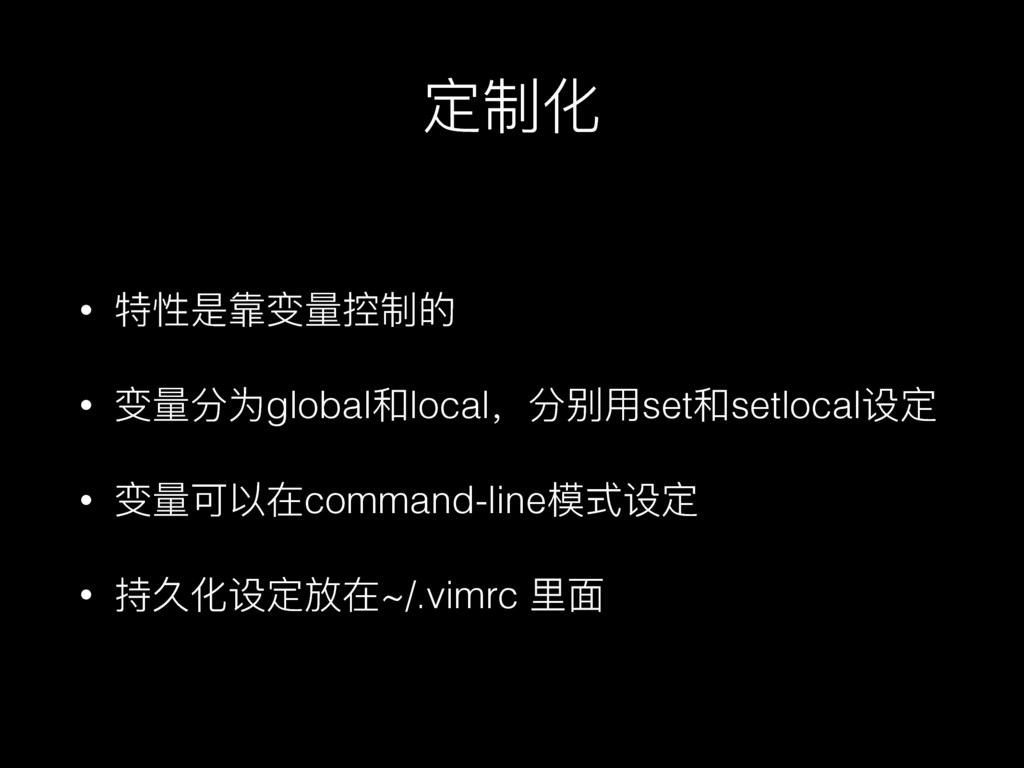
定制化 • 特性是靠变量量控制的 • 变量量分为global和local,分别⽤用set和setlocal设定 • 变量量可以在command-line模式设定 • 持久化设定放在~/.vimrc ⾥里里⾯面
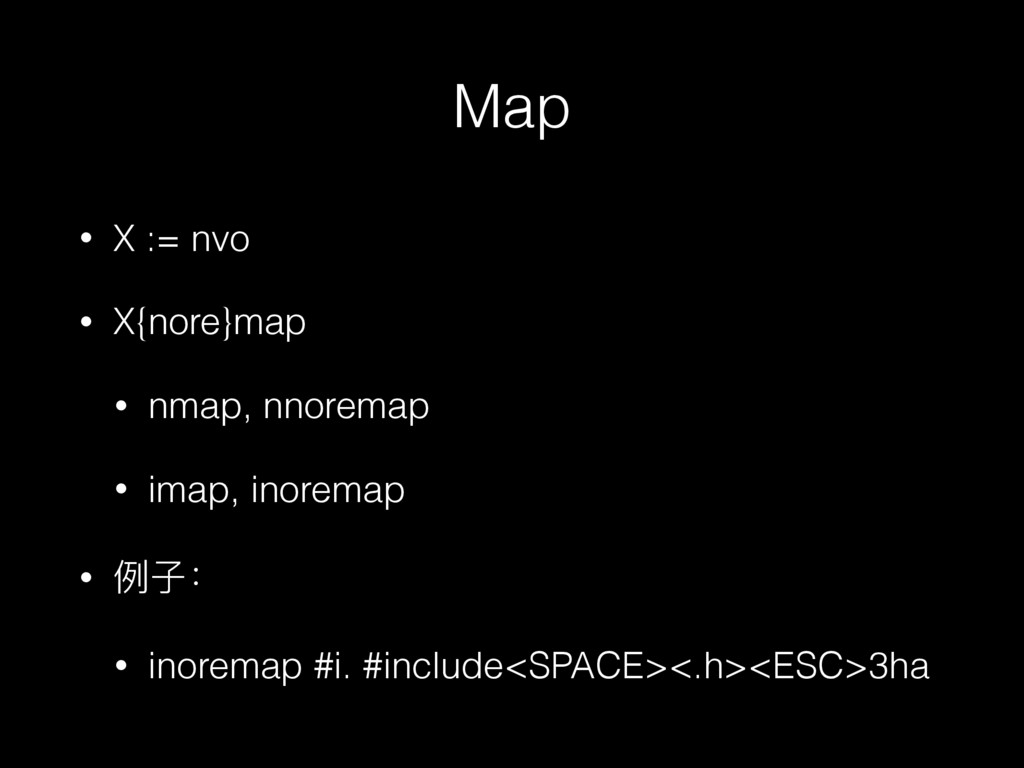
Map • X := nvo • X{nore}map • nmap, nnoremap
• imap, inoremap • 例例⼦子: • inoremap #i. #include<SPACE><.h><ESC>3ha
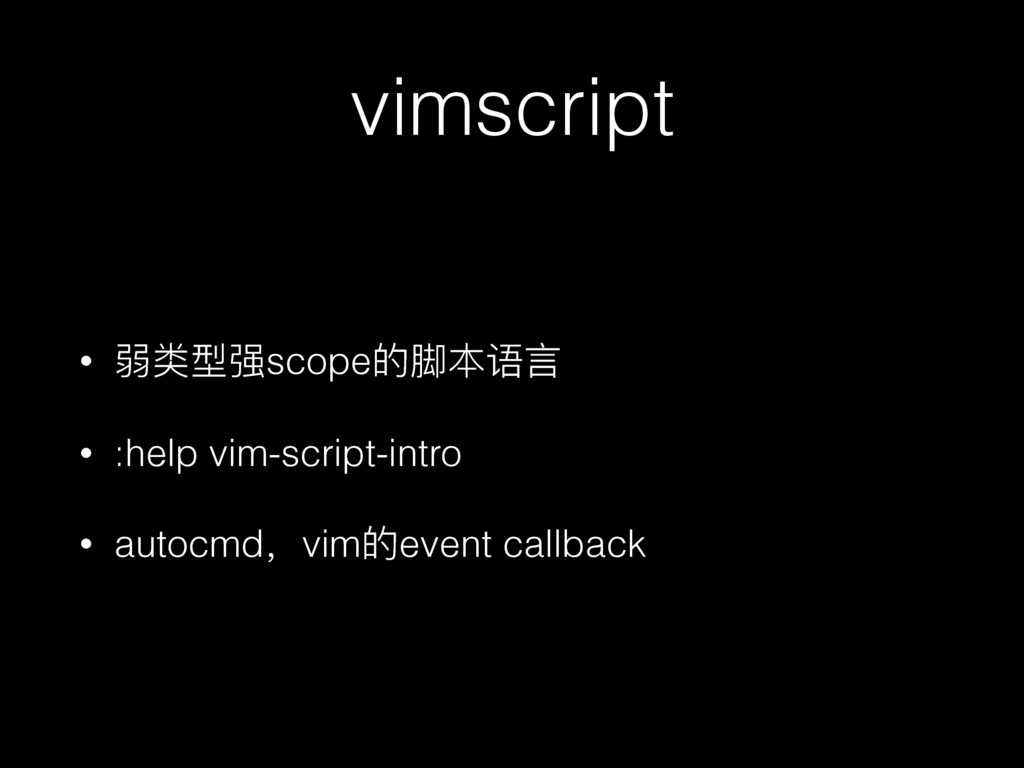
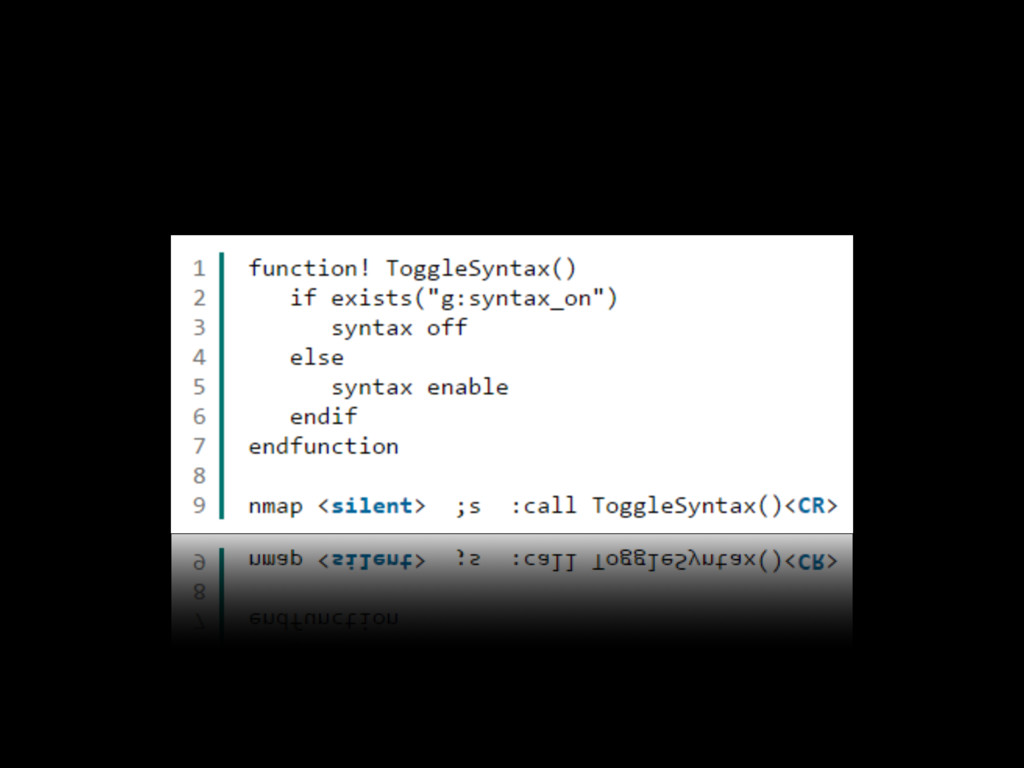
vimscript • 弱类型强scope的脚本语⾔言 • :help vim-script-intro • autocmd,vim的event callback
None
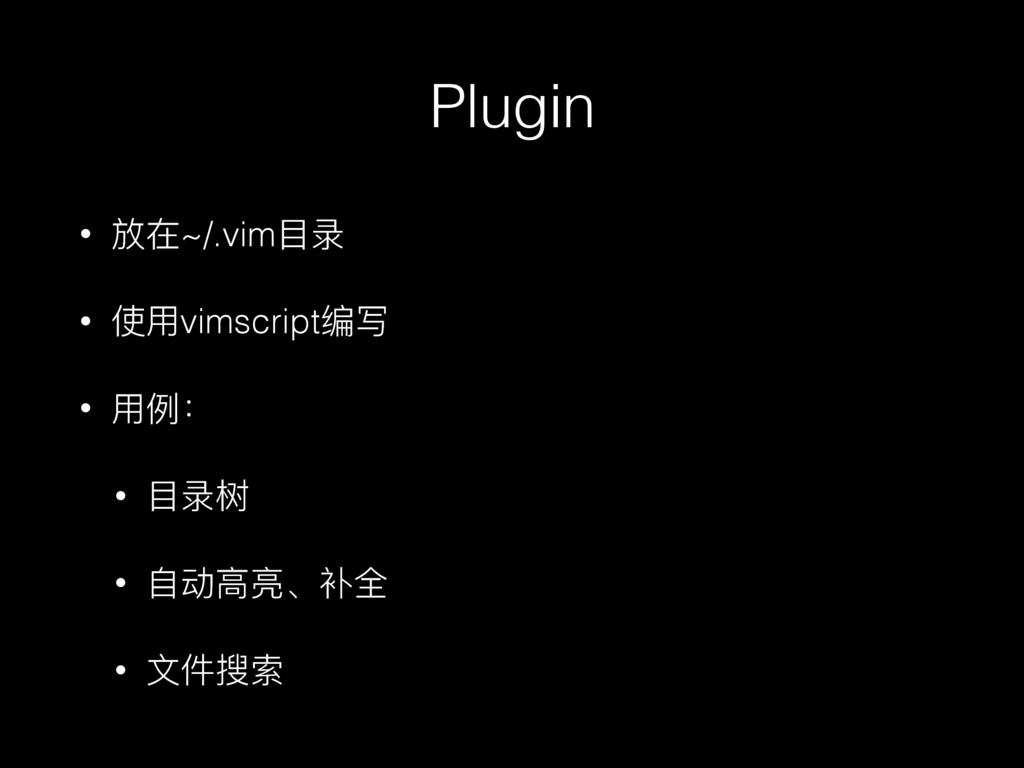
Plugin
Plugin • 放在~/.vim⽬目录 • 使⽤用vimscript编写 • ⽤用例例: • ⽬目录树 •
⾃自动⾼高亮、补全 • ⽂文件搜索
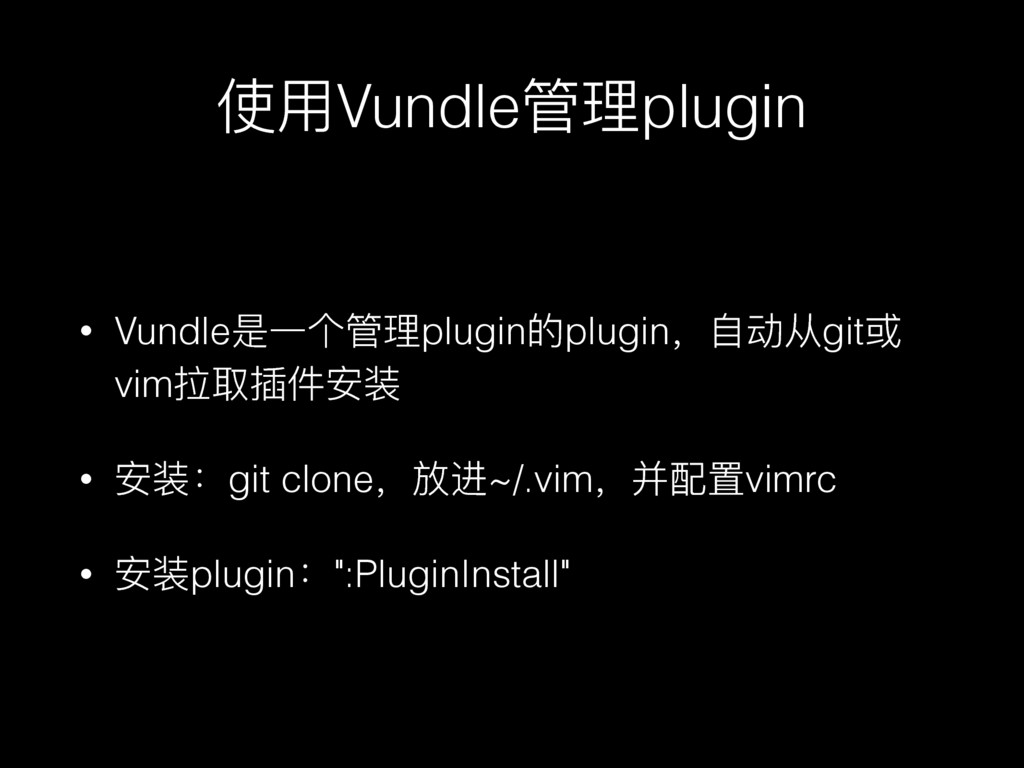
使⽤用Vundle管理理plugin • Vundle是⼀一个管理理plugin的plugin,⾃自动从git或 vim拉取插件安装 • 安装:git clone,放进~/.vim,并配置vimrc • 安装plugin:":PluginInstall"
Demo
周边
周边 • ctags - “⻜飞来⻜飞去" • ⽤用ctags索引⼀一个项⽬目 • ⽤用 C+]
⻜飞到⼀一个symbol的定义 • ⽤用 C+t 返回 • Chrome插件 Vimium • f:follow link,打开⼀一个链接 • Sublime-text vim-mode
tmux
tmux == Terminal Multiplexer
什什么是Terminal? 和Console 有什什么区别?
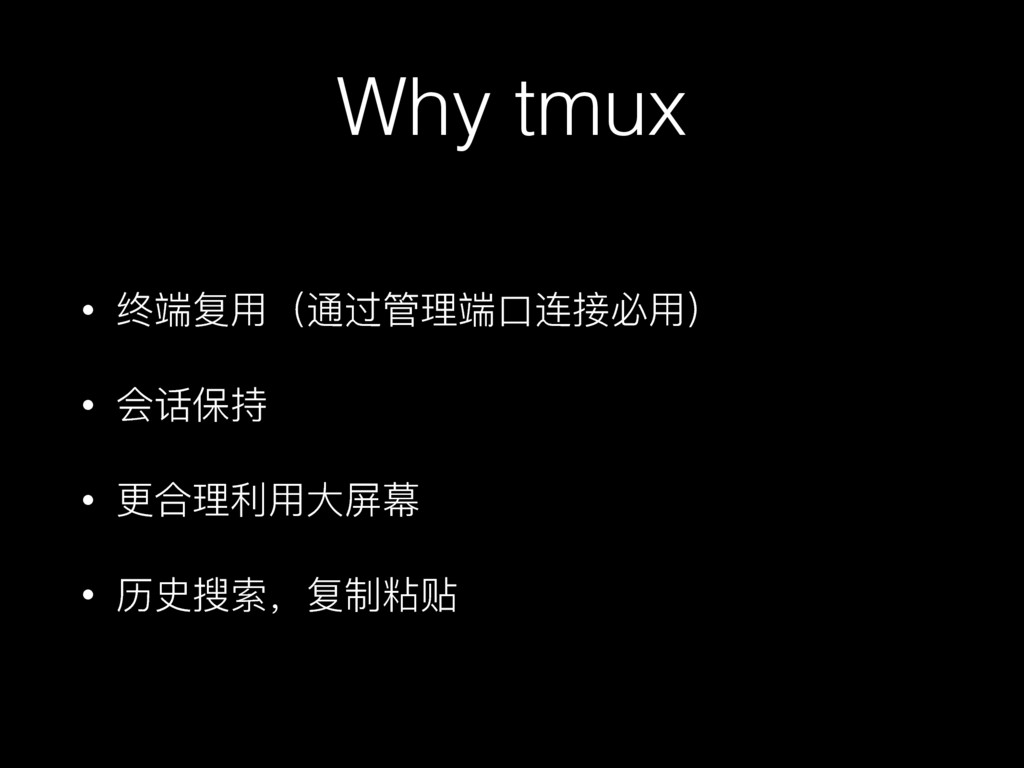
Why tmux
Why tmux • 终端复⽤用(通过管理理端⼝口连接必⽤用) • 会话保持 • 更更合理理利利⽤用⼤大屏幕 • 历史搜索,复制粘贴
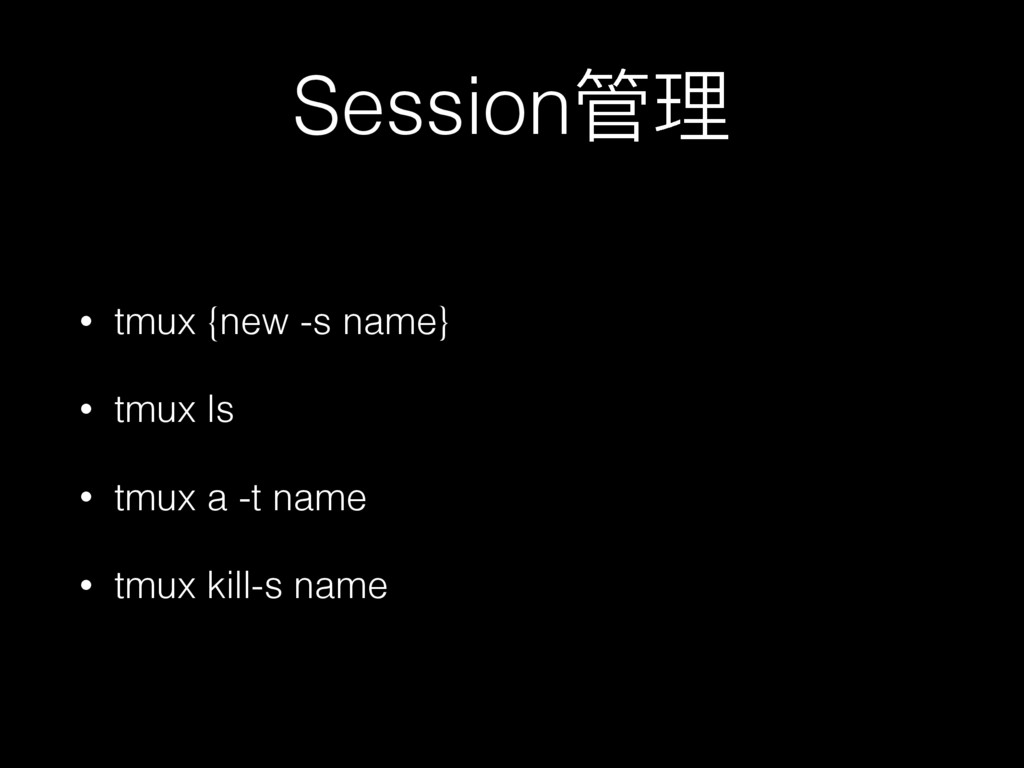
Session管理理 • tmux {new -s name} • tmux ls •
tmux a -t name • tmux kill-s name
Demo
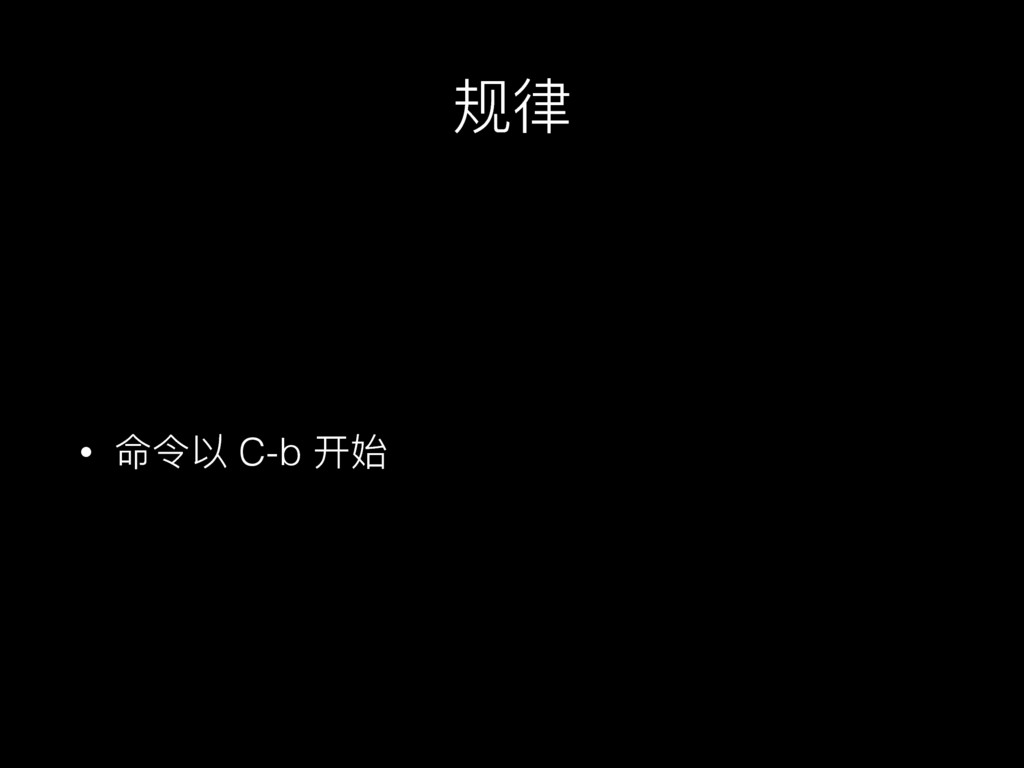
规律律 • 命令以 C-b 开始
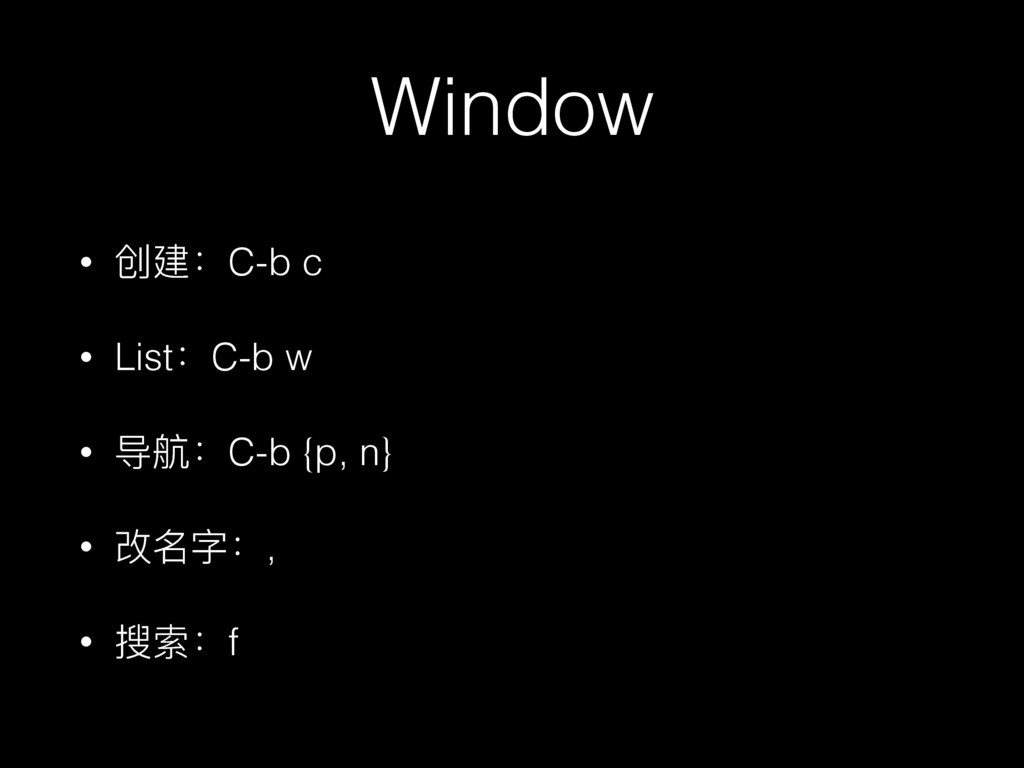
Window • 创建:C-b c • List:C-b w • 导航:C-b {p,
n} • 改名字:, • 搜索:f
Demo
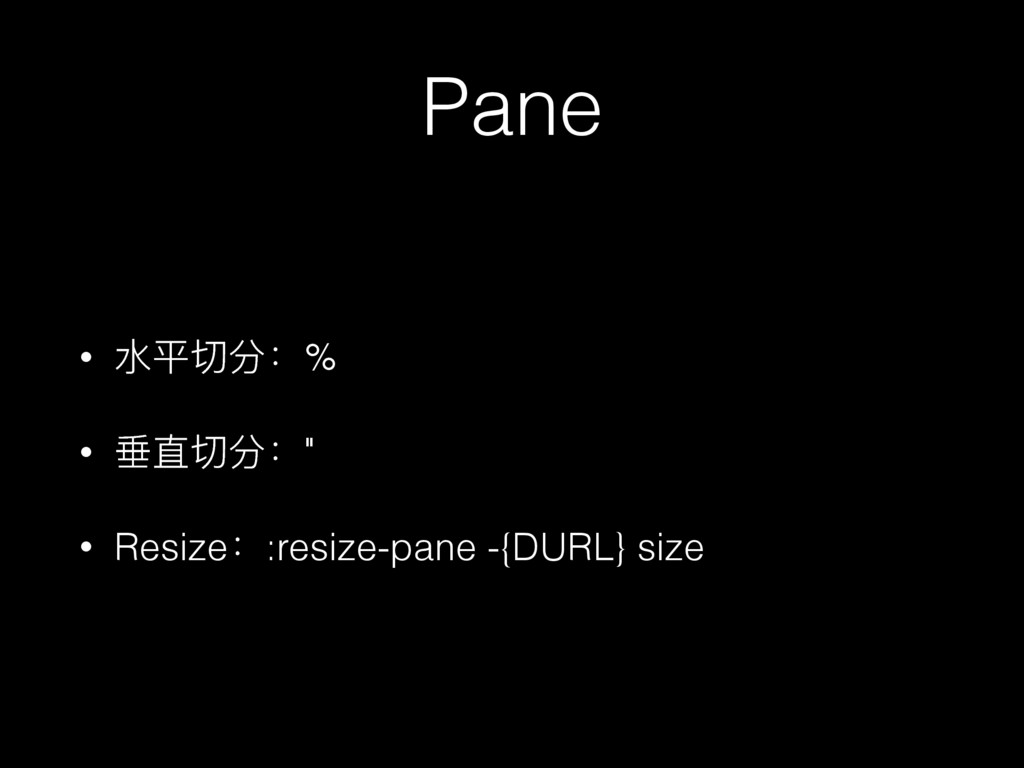
Pane • ⽔水平切分:% • 垂直切分:" • Resize::resize-pane -{DURL} size
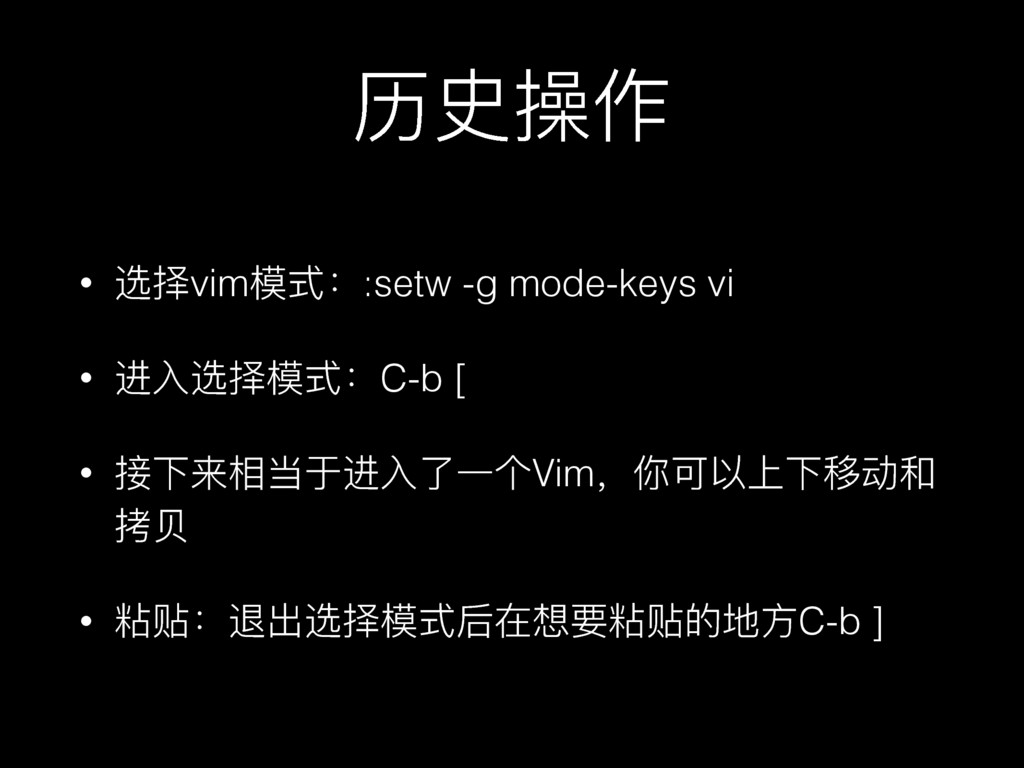
历史操作 • 选择vim模式::setw -g mode-keys vi • 进⼊入选择模式:C-b [ •
接下来相当于进⼊入了了⼀一个Vim,你可以上下移动和 拷⻉贝 • 粘贴:退出选择模式后在想要粘贴的地⽅方C-b ]
Demo
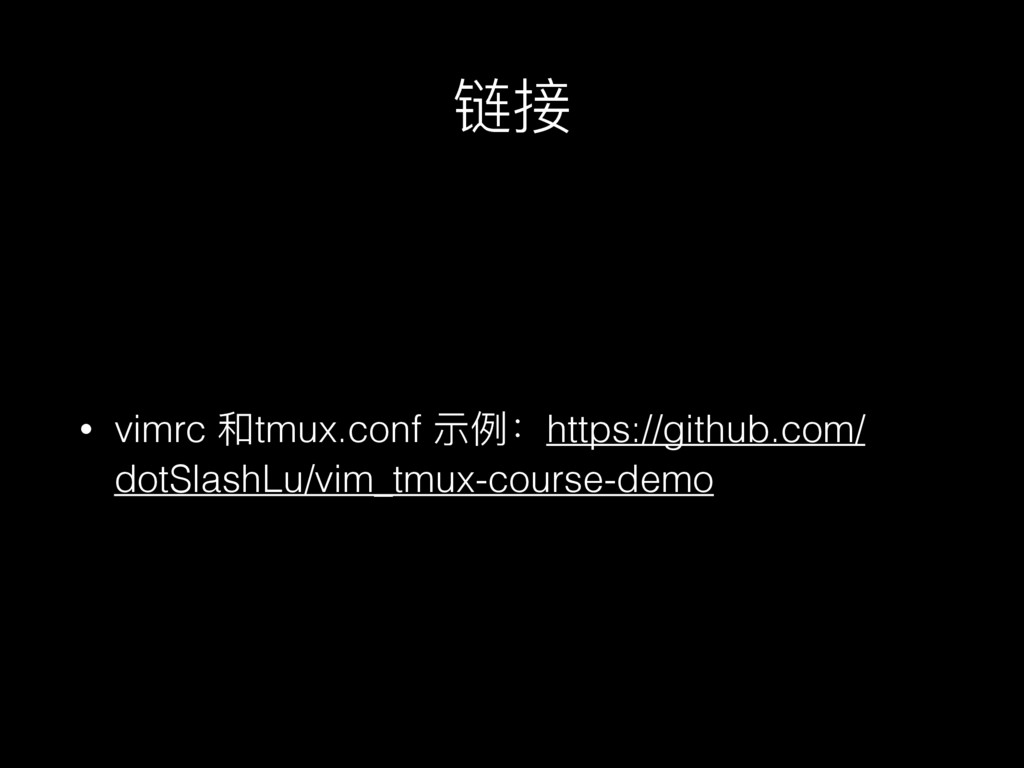
链接 • vimrc 和tmux.conf 示例例:https://github.com/ dotSlashLu/vim_tmux-course-demo


 texmeijin
 irinanazarova
 y0hgi
y0hgi
 gonta
gonta
 iwatsukayura
 hollycummins
 suneo3476
 oku053
 satoshi256kbyte
 nokomoro3
 hschwentner
 sorah
sorah
 portentint
 honzajavorek
.jpg) cargoodrich
cargoodrich
 mfonobong
 techseoconnect
 nmsamuel
 khoart
 nonsquared
 mayunak
 chriscoyier
 keithpitt
![周边 • ctags - “⻜飞来⻜飞去" • ⽤用ctags索引⼀一个项⽬目 • ⽤用 C+]](https://files.speakerdeck.com/presentations/69e54334254c4f1abe16dfd5e56ce451/slide_54.jpg)