Upgrade to Pro
— share decks privately, control downloads, hide ads and more …
Speaker Deck
Sign up for free
Menu
Search
Features
All features
Private URLs
Password Protection
Custom URLS
Scheduled publishing
Remove Branding
Restrict embedding
Deck Collections
Notes
Features
All features
Private URLs
Password Protection
Custom URLS
Scheduled publishing
Remove Branding
Restrict embedding
Deck Collections
Notes
Explore
Featured decks
Featured speakers
Programming
Technology
Storyboards
Explore
Featured decks
Featured speakers
Programming
Technology
Storyboards
Pricing
Search
Sign in
Sign up for free
Introduction to JavaScript and JQuery
Search
Sponsored
·
Ship Features Fearlessly
Turn features on and off without deploys. Used by thousands of Ruby developers.
→
Dan Pickett
April 07, 2012
Programming
190
2
Share
Embed
Copy iframe code
Copy JS code
Copy link
Start on current slide
Introduction to JavaScript and JQuery
A quick, 30 minute crash course exploring JavaScript and JQuery
Dan Pickett
April 07, 2012
More Decks by Dan Pickett
See All by Dan Pickett
5 Favorite Gems
dpickett
2
77
The Rails Engine That Could
dpickett
2
610
Other Decks in Programming
See All in Programming
ジョジョの世界をXRで再現する
mofurune
0
160
ソニーのクラウド共通基盤の変遷と AI時代の開発スタイルに合わせた進化 / The Journey of Sony’s Common Cloud Platform and Its Evolution for AI-Native Development
kenjiyoneyama
0
270
コードレビューのボトルネックを"する側"と"される側"の両面から解消する
yub0n
2
1.6k
Workers Cache を知る
syumai
0
360
Simple Storage Service(S3) is not simple
iwatsukayura
0
290
Long Living Tokens, Die, Die, Die! (or: The One Ring is Banned in Modern)
sylph01
0
310
sbt 2.0: takeoff
eed3si9n
0
160
Unity6 URPによる海底をテーマにしたVJシステムの解説 | Unity Shader 完全に理解した 勉強会
gam0022
0
370
Compiling a real-world CLI tool to native with Static Hermes
tmikov2023
0
120
TechTown - Creating Composable Callables in Contemporary C++
rollbear
0
130
AI時代のコードレビューは人に向けるな、仕組みに向けろ
texmeijin
5
3.7k
Web Framework Benchmark Battle 2026, Any%
a_matsuda
2
2.1k
Featured
See All Featured
Between Models and Reality
mayunak
4
500
Technical Leadership for Architectural Decision Making
baasie
3
600
Refactoring Trust on Your Teams (GOTO; Chicago 2020)
rmw
35
3.8k
Un-Boring Meetings
codingconduct
0
460
Winning Ecommerce Organic Search in an AI Era - #searchnstuff2025
aleyda
2
2.2k
[RailsConf 2023] Rails as a piece of cake
palkan
59
7.1k
Making the Leap to Tech Lead
cromwellryan
135
10k
SEO in 2025: How to Prepare for the Future of Search
ipullrank
3
3.9k
Paper Plane (Part 1)
katiecoart
PRO
2
12k
So, you think you're a good person
axbom
PRO
2
2.2k
AI Search: Where Are We & What Can We Do About It?
aleyda
0
8.1k
The Cult of Friendly URLs
andyhume
79
7k
Transcript
Intro to JavaScript and JQuery
Hi! dpickett on Twitter LaunchWare.com on the InterTubes
Enough about me... to learn JavaScript!
Our Chat Today • Where is JavaScript? • Great uses
of JavaScript • The Basics of JavaScript • An Intro to JQuery
Where’s JavaScript? • Most popularly used for client side behaviors
on web pages • Made popular on the server side with NodeJS • Start with the client side
A Note on Accessibility • Great web developers develop with
accessibility in mind • Make your web pages work great without JavaScript using progressive enhancement (more on this later)
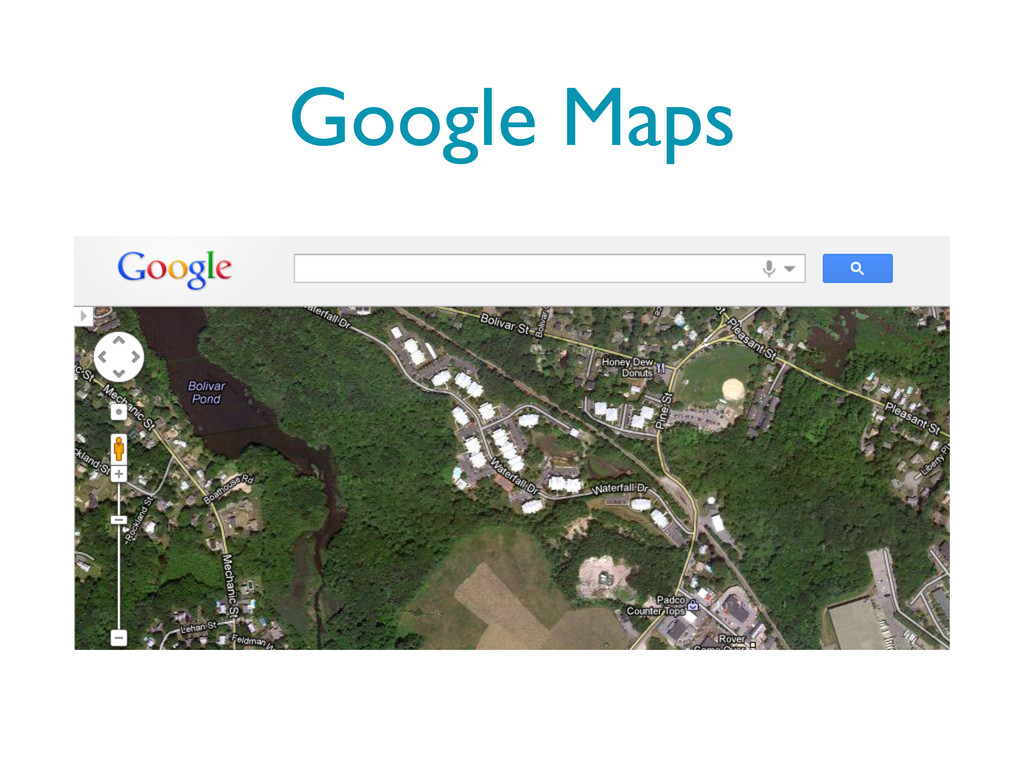
Google Maps
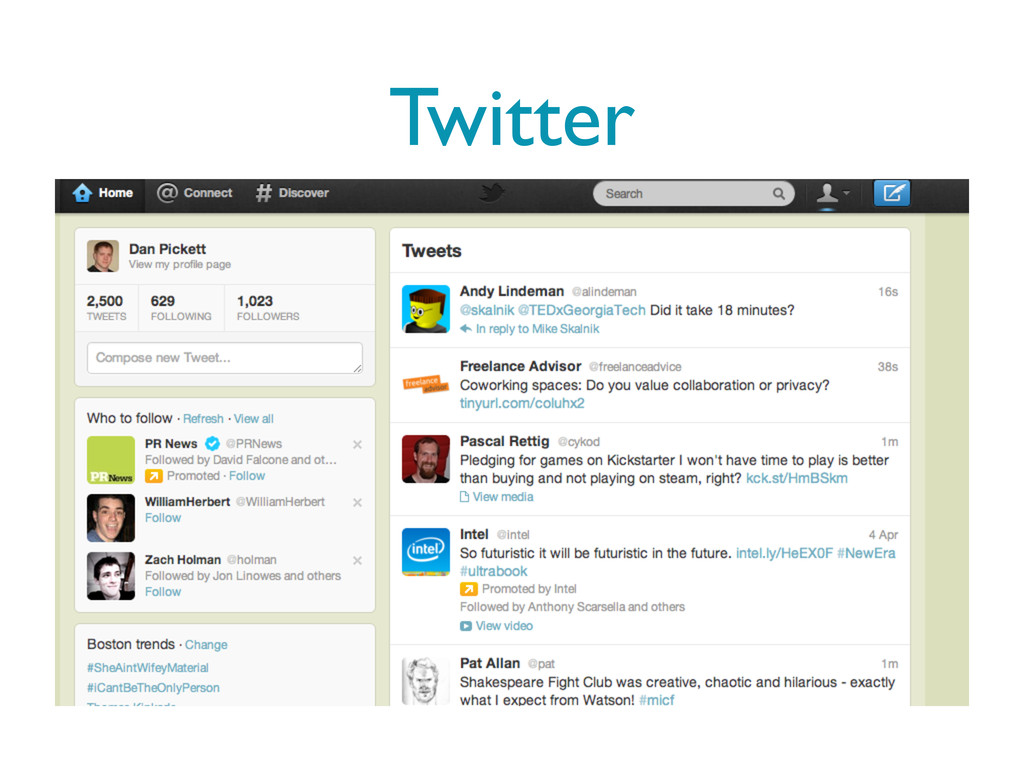
Twitter
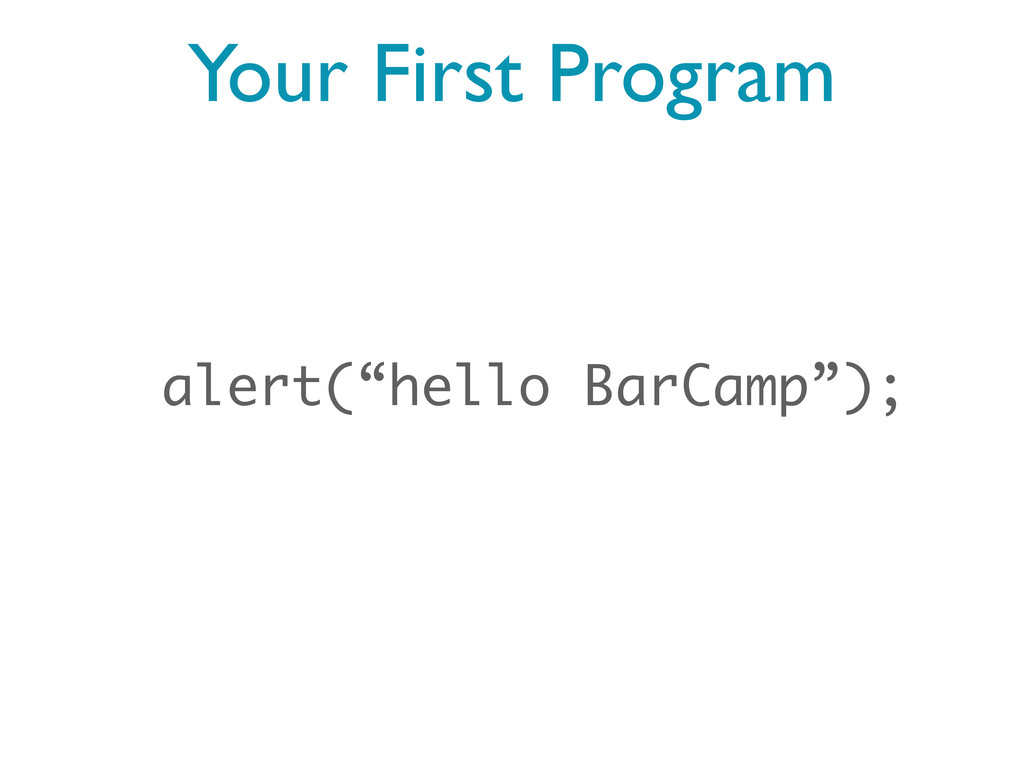
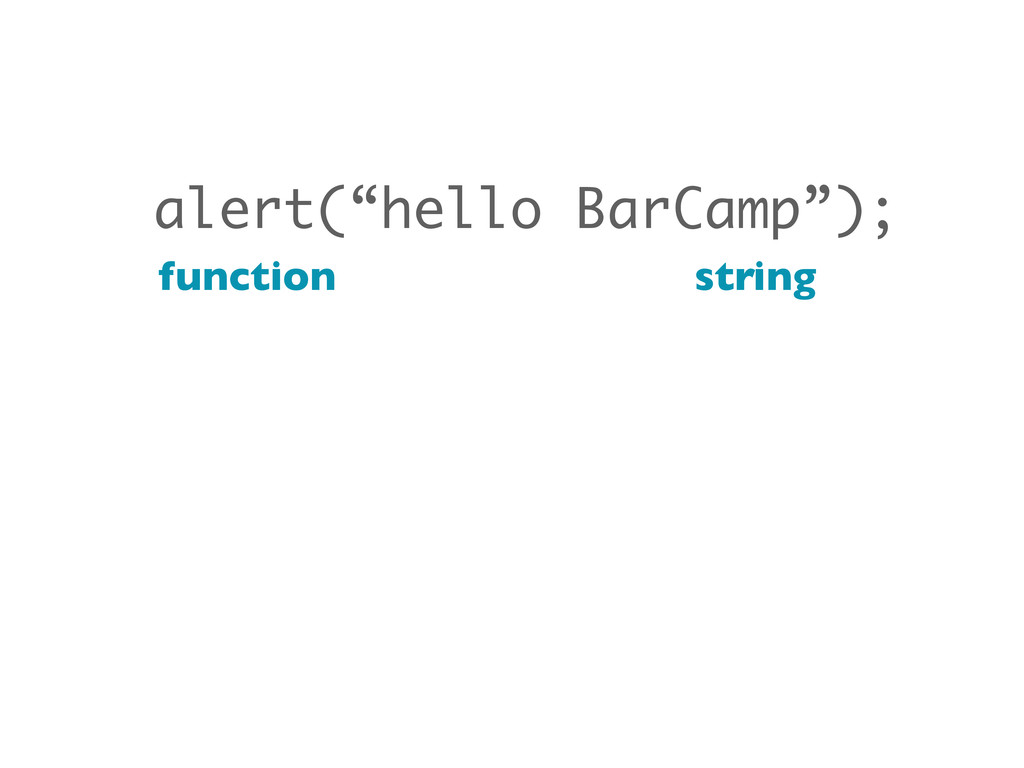
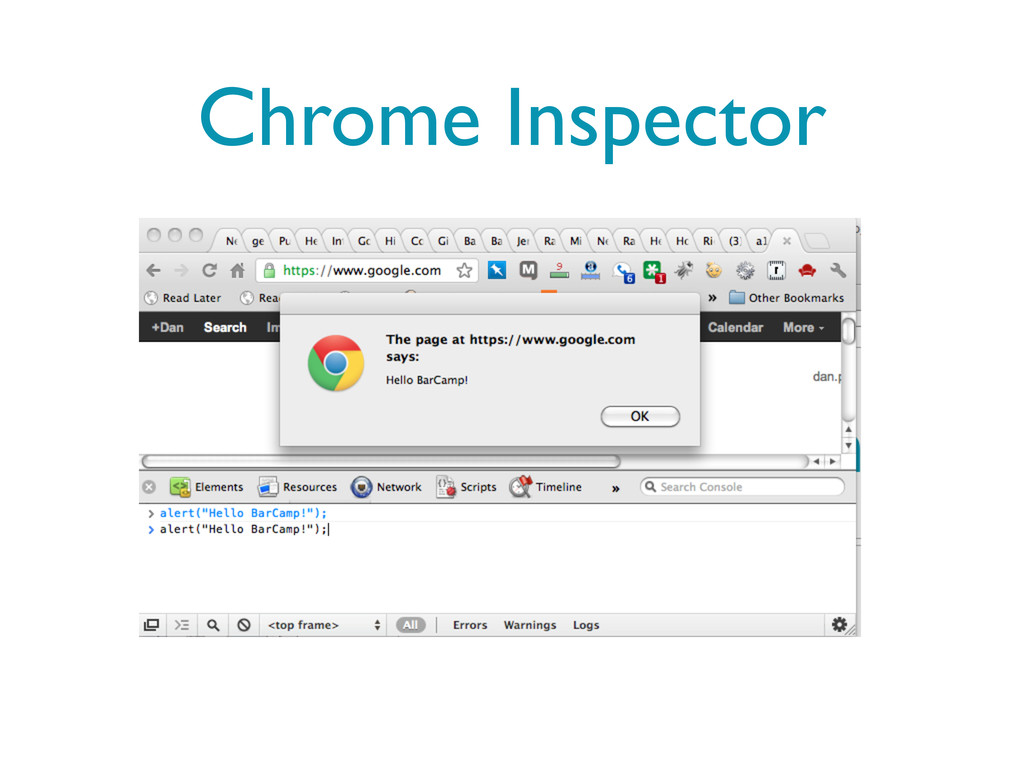
Your First Program alert(“hello BarCamp”);
alert(“hello BarCamp”); function string
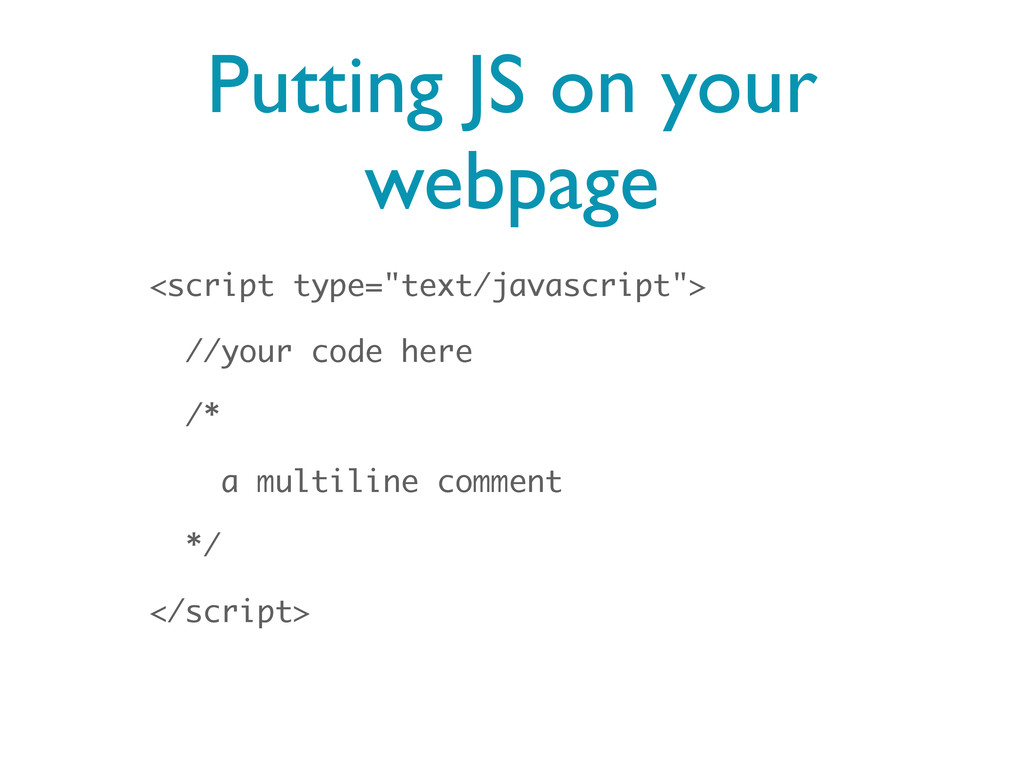
Putting JS on your webpage <script type="text/javascript"> //your code here
/* a multiline comment */ </script>
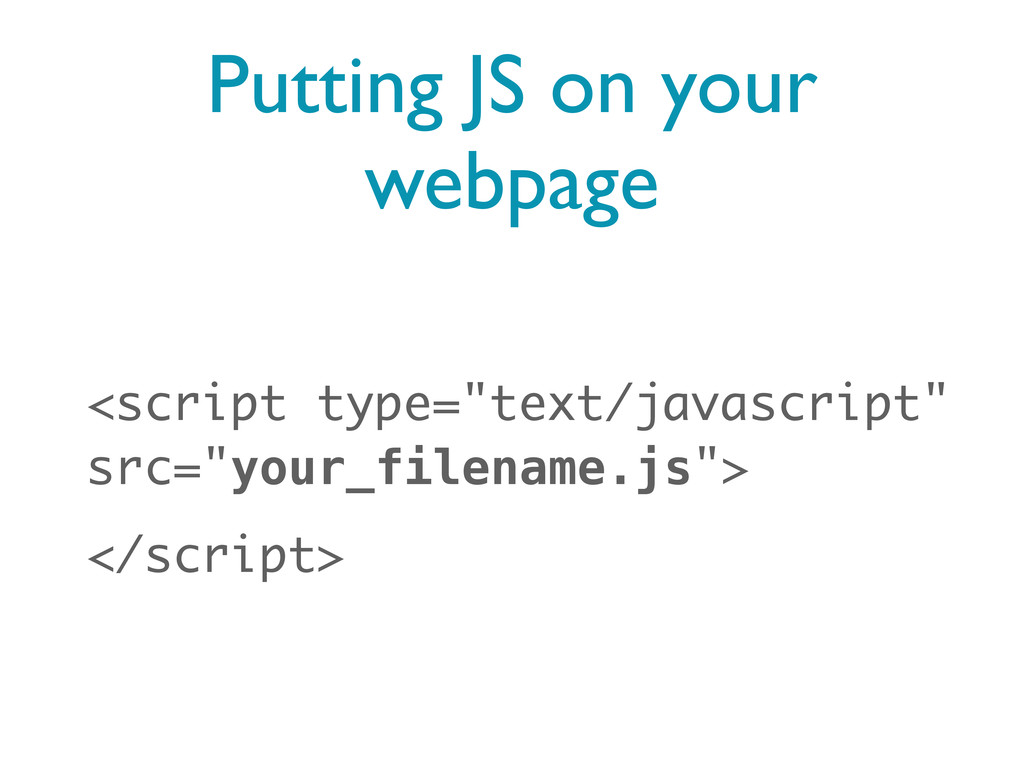
Putting JS on your webpage <script type="text/javascript" src="your_filename.js"> </script>
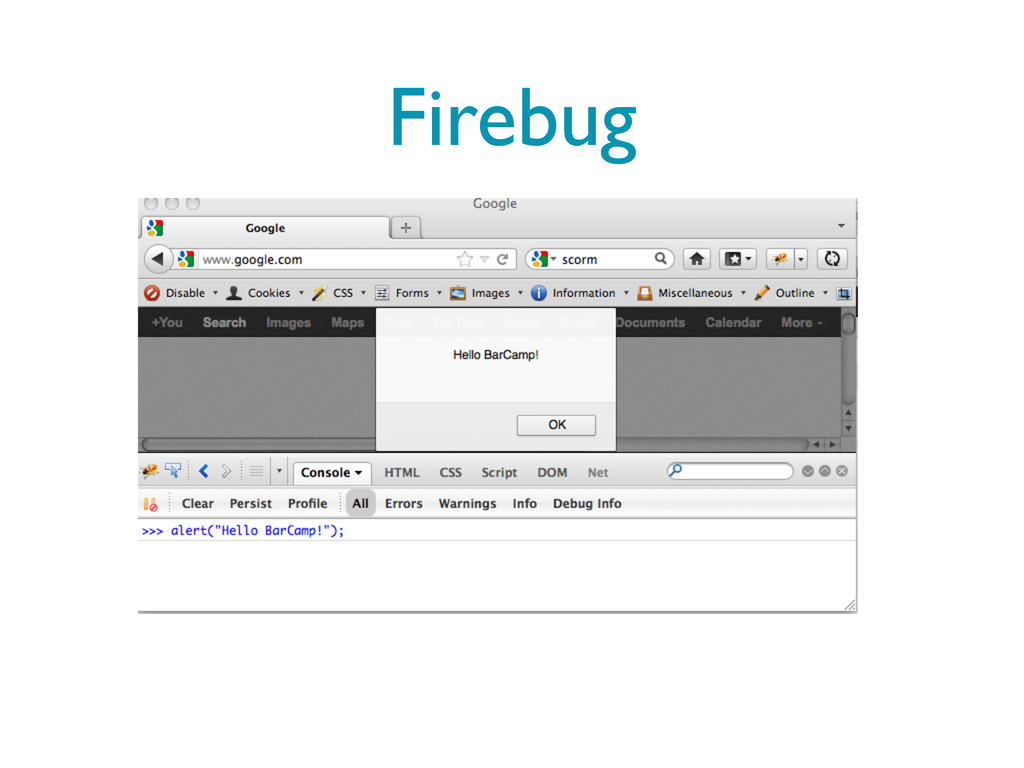
Firebug
Chrome Inspector
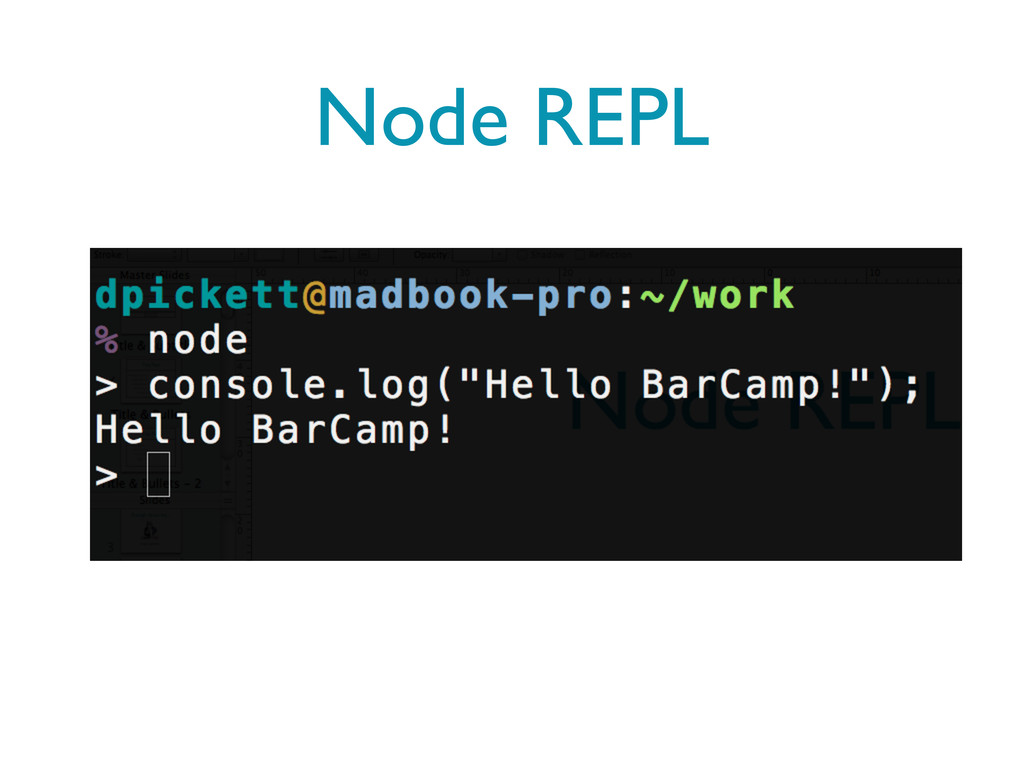
Node REPL
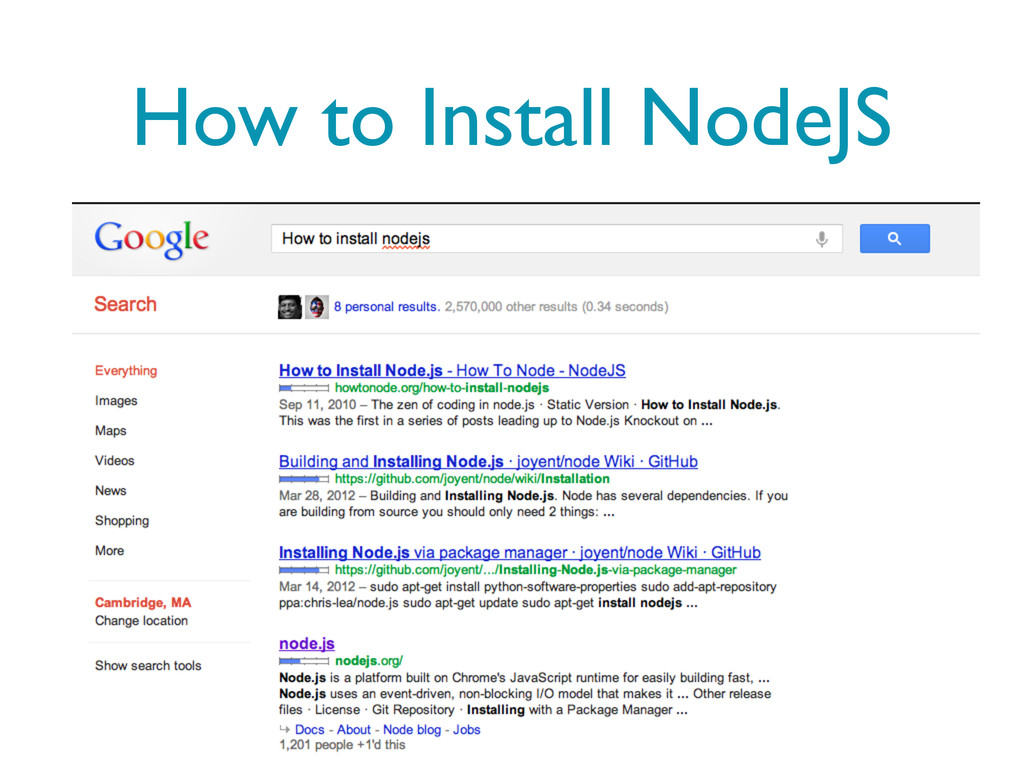
How to Install NodeJS
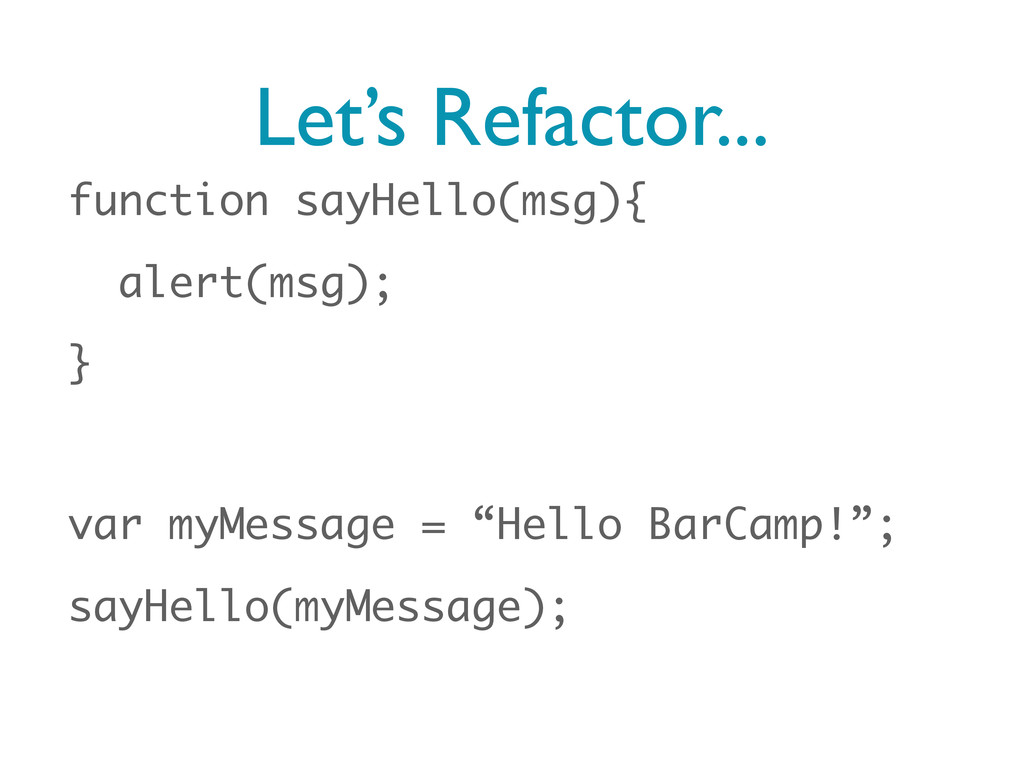
Let’s Refactor... function sayHello(msg){ alert(msg); } var myMessage = “Hello
BarCamp!”; sayHello(myMessage);
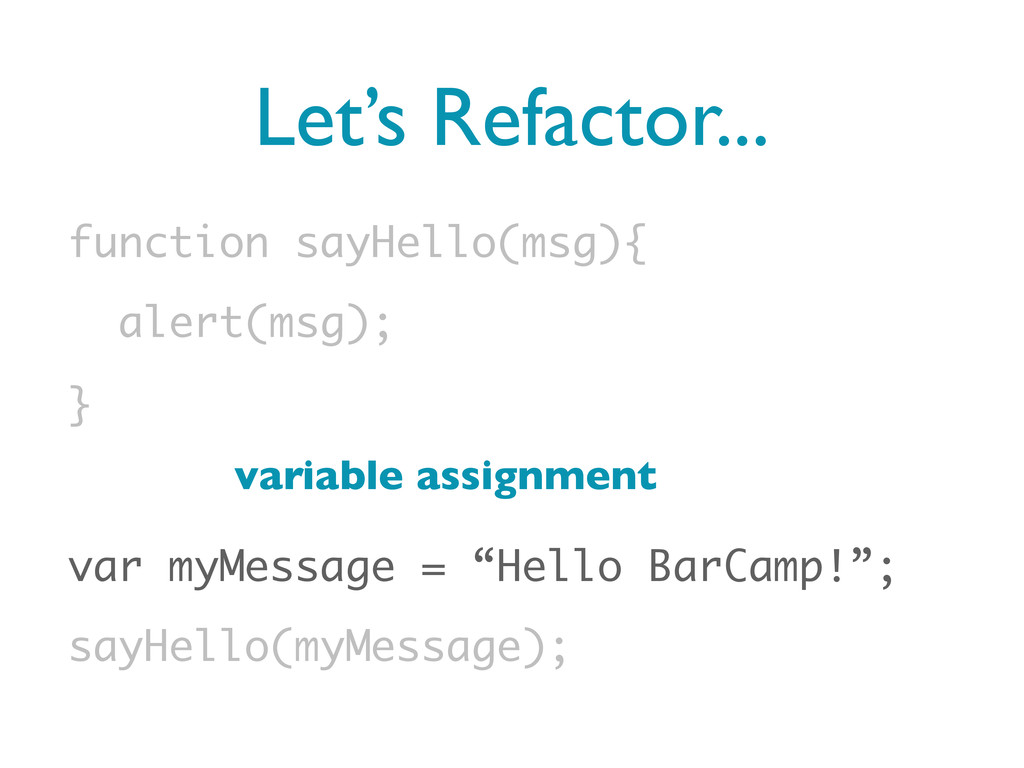
Let’s Refactor... function sayHello(msg){ alert(msg); } var myMessage = “Hello
BarCamp!”; sayHello(myMessage); variable assignment
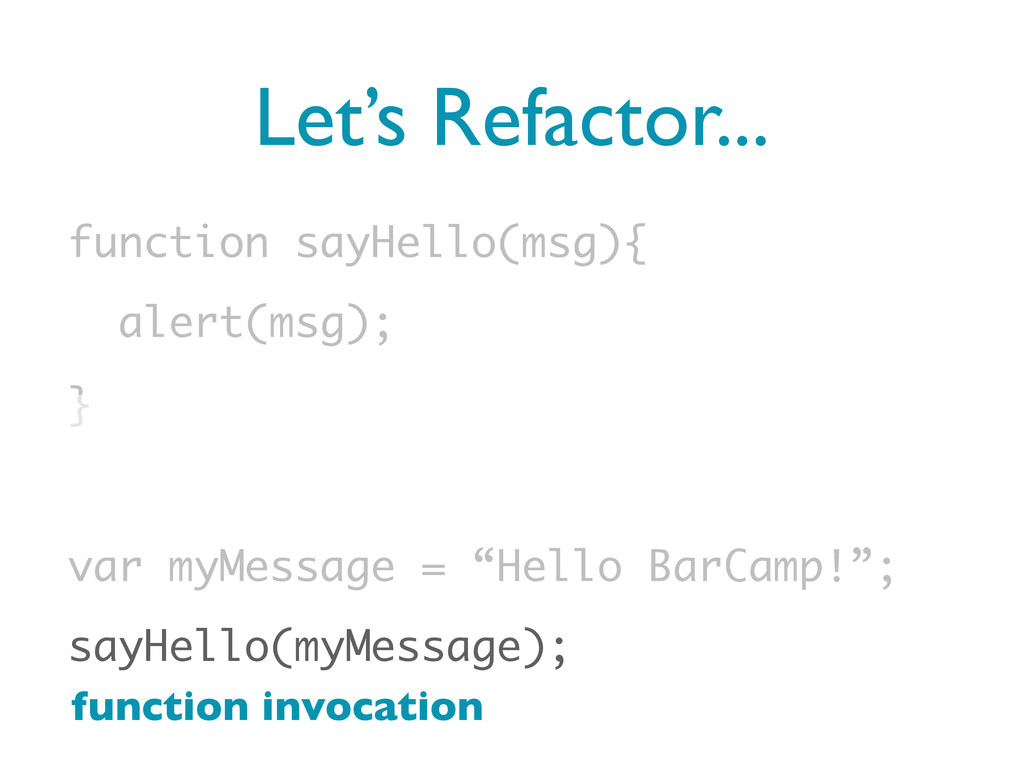
Let’s Refactor... function sayHello(msg){ alert(msg); } var myMessage = “Hello
BarCamp!”; sayHello(myMessage); function invocation
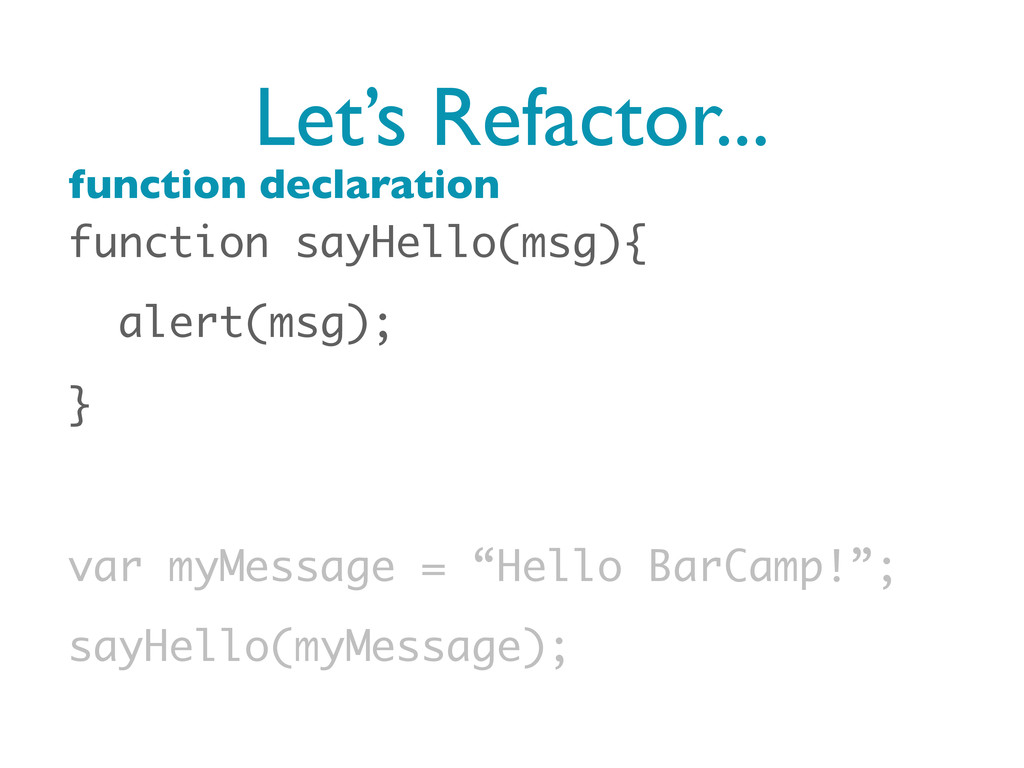
Let’s Refactor... function sayHello(msg){ alert(msg); } var myMessage = “Hello
BarCamp!”; sayHello(myMessage); function declaration
Let’s Refactor... function sayHello(msg){ alert(msg); } var myMessage = “Hello
BarCamp!”; sayHello(myMessage); argument
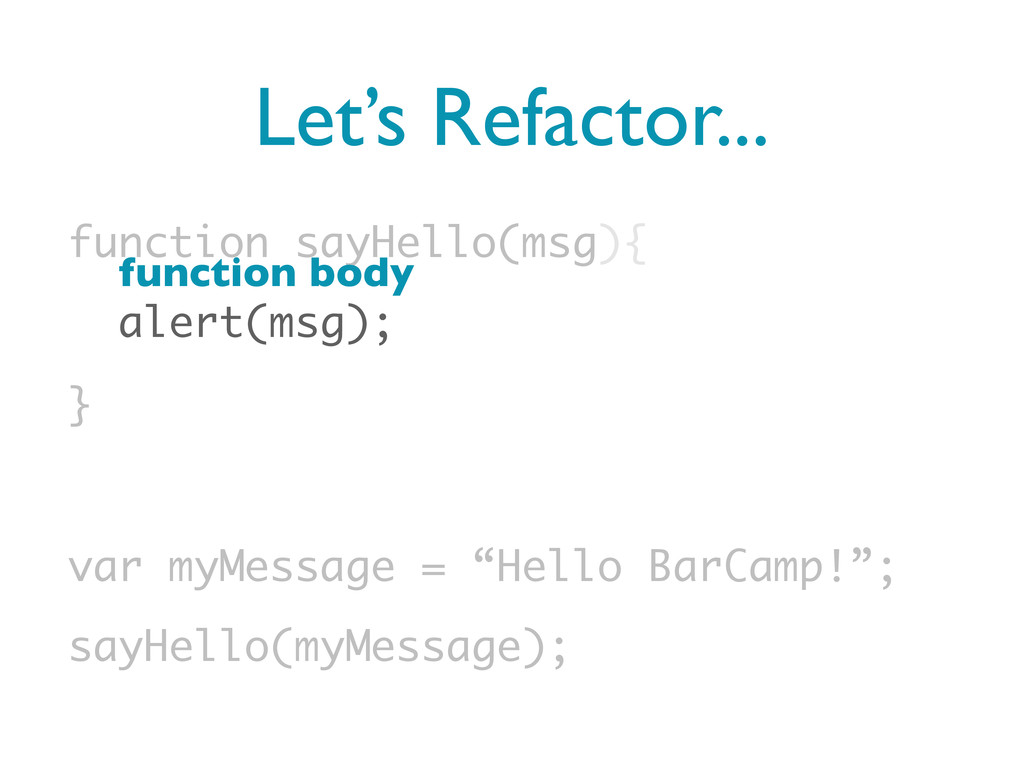
Let’s Refactor... function sayHello(msg){ alert(msg); } var myMessage = “Hello
BarCamp!”; sayHello(myMessage); function body
For Optimal Page Performance Put your scripts at the end
of your body
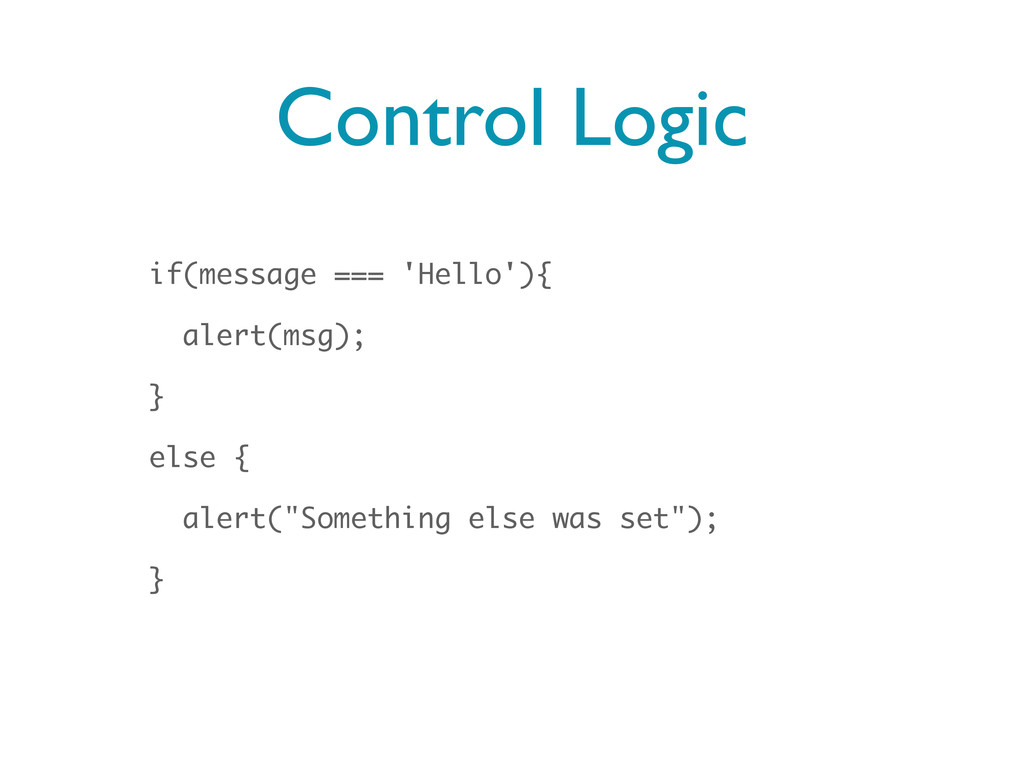
Control Logic if(message === 'Hello'){ alert(msg); } else { alert("Something
else was set"); }
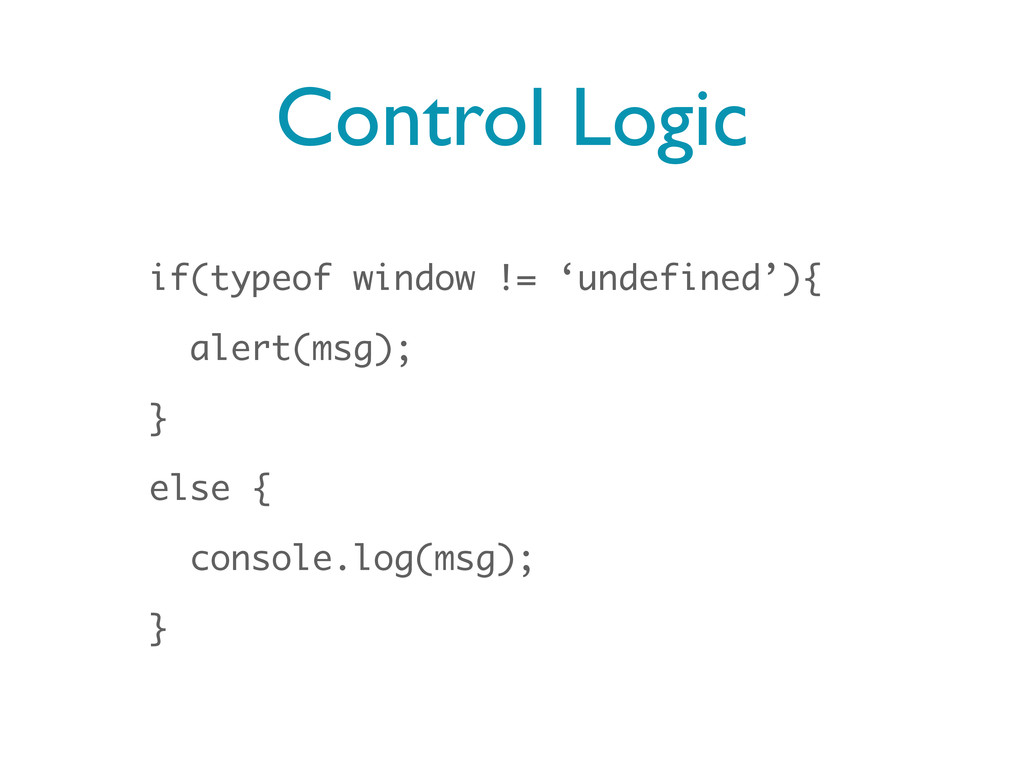
Control Logic if(typeof window != ‘undefined’){ alert(msg); } else {
console.log(msg); }
So Much More... • Regular Expressions • Loops and Iteration
• Arrays • Objects
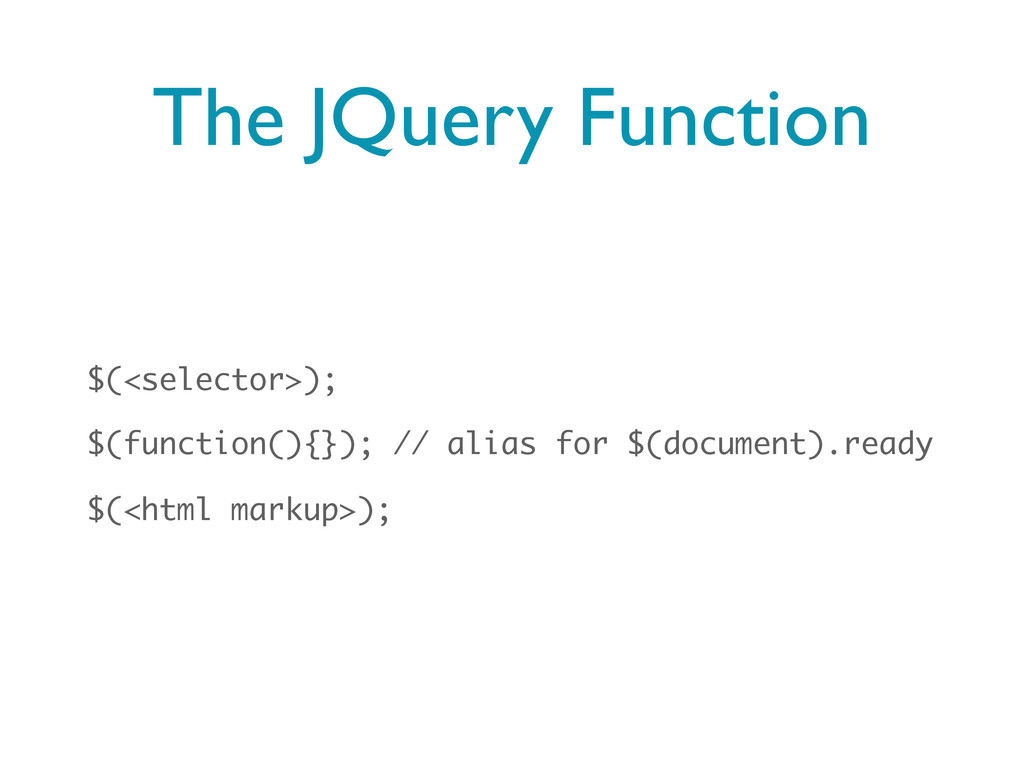
JQuery • A JavaScript Framework with roots in Boston (John
Resig) • Removes the friction of cross-browser behaviors for animation, event handling, AJAX, and DOM manipulation
The JQuery Function $(<selector>); $(function(){}); // alias for $(document).ready $(<html
markup>);
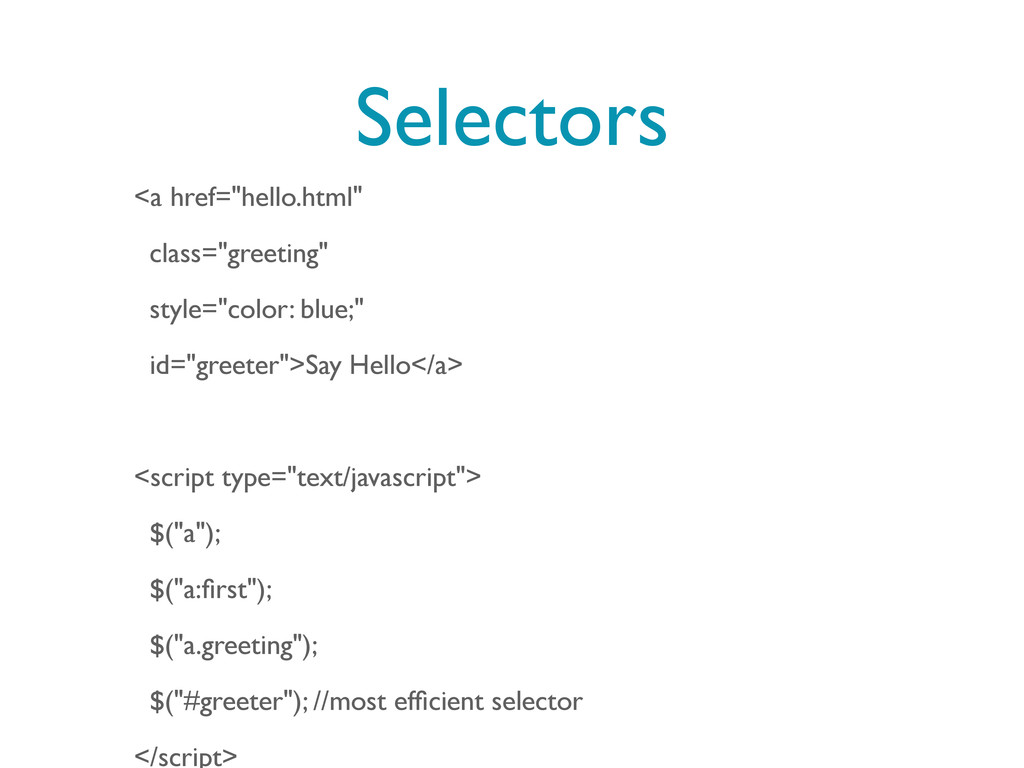
Selectors <a href="hello.html" class="greeting" style="color: blue;" id="greeter">Say Hello</a> <script type="text/javascript">
$("a"); $("a:first"); $("a.greeting"); $("#greeter"); //most efficient selector </script>
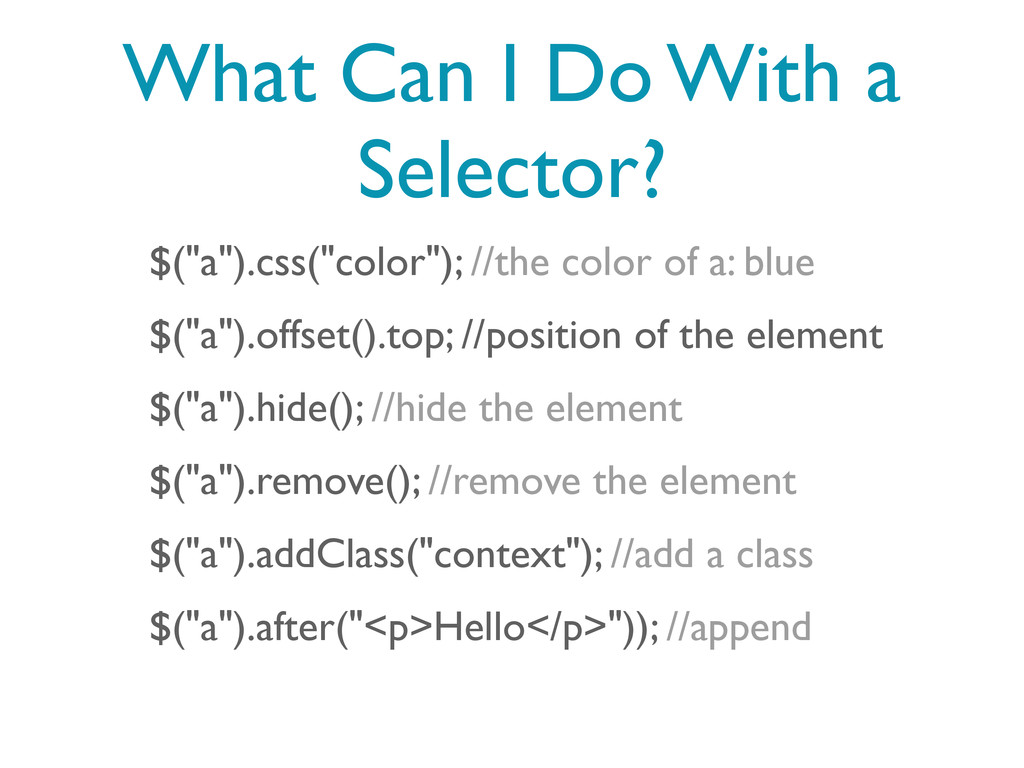
What Can I Do With a Selector? $("a").css("color"); //the color
of a: blue $("a").offset().top; //position of the element $("a").hide(); //hide the element $("a").remove(); //remove the element $("a").addClass("context"); //add a class $("a").after("<p>Hello</p>")); //append
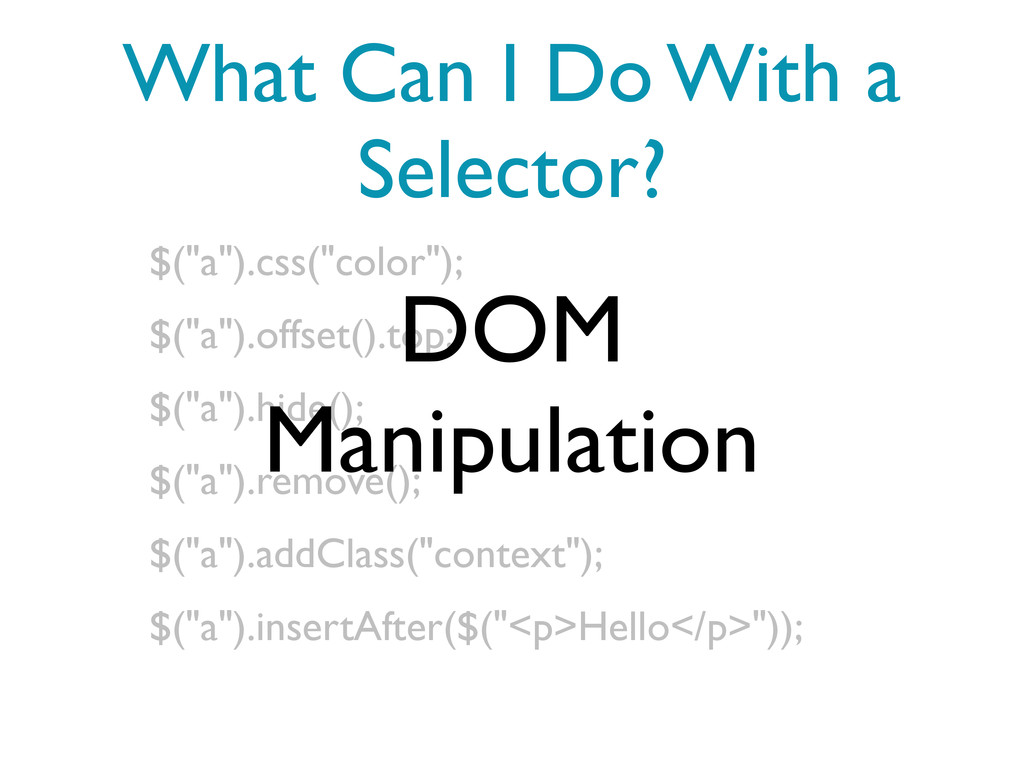
What Can I Do With a Selector? $("a").css("color"); $("a").offset().top; $("a").hide();
$("a").remove(); $("a").addClass("context"); $("a").insertAfter($("<p>Hello</p>")); DOM Manipulation
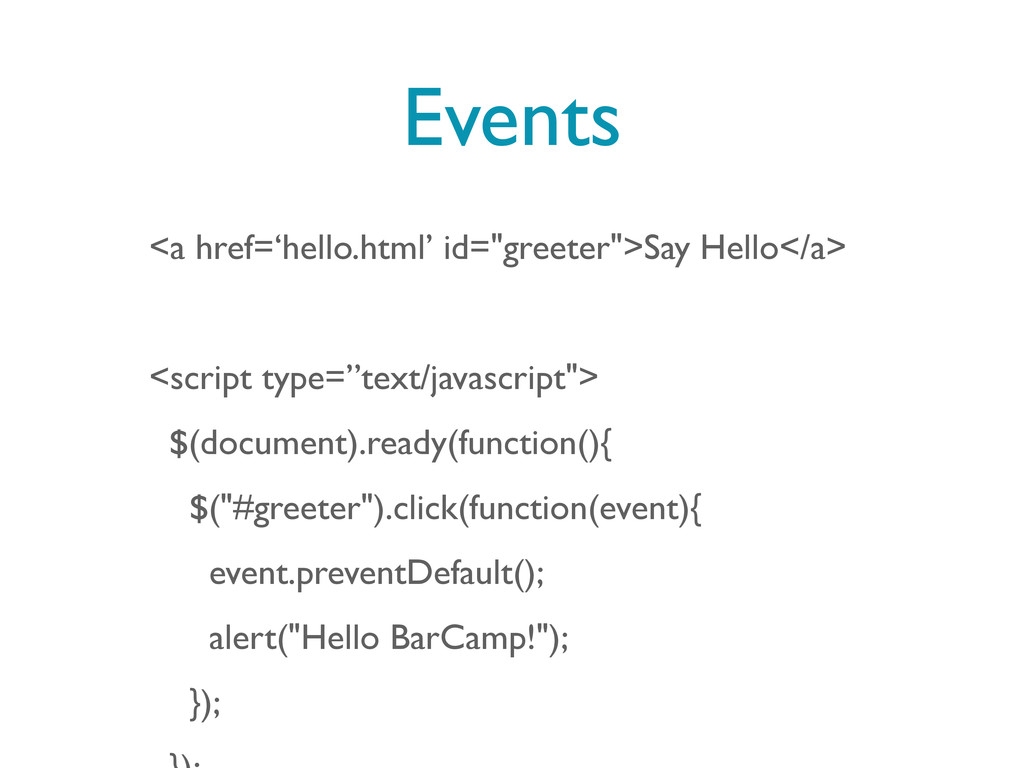
Events <a href=‘hello.html’ id="greeter">Say Hello</a> <script type=”text/javascript"> $(document).ready(function(){ $("#greeter").click(function(event){ event.preventDefault();
alert("Hello BarCamp!"); });
Events <a href=‘hello.html’ id="greeter">Say Hello</a> <script type=”text/javascript"> $(document).ready(function(){ console.log('The Page
Has Completely Loaded'); }); </script>
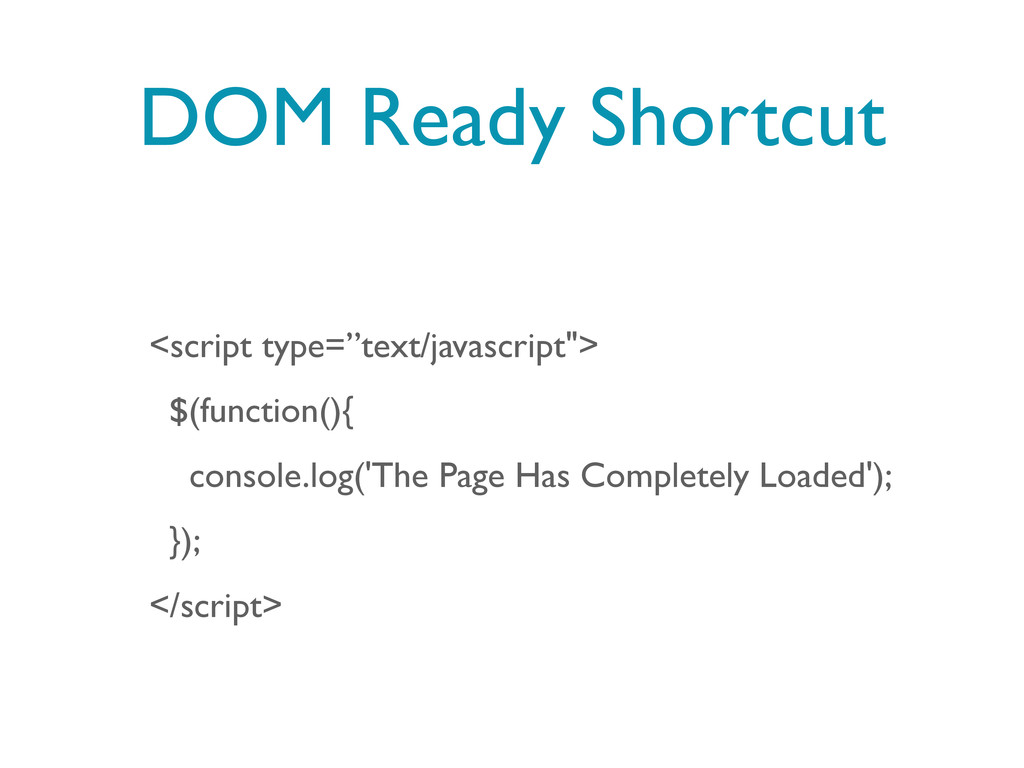
DOM Ready Shortcut <script type=”text/javascript"> $(function(){ console.log('The Page Has Completely
Loaded'); }); </script>
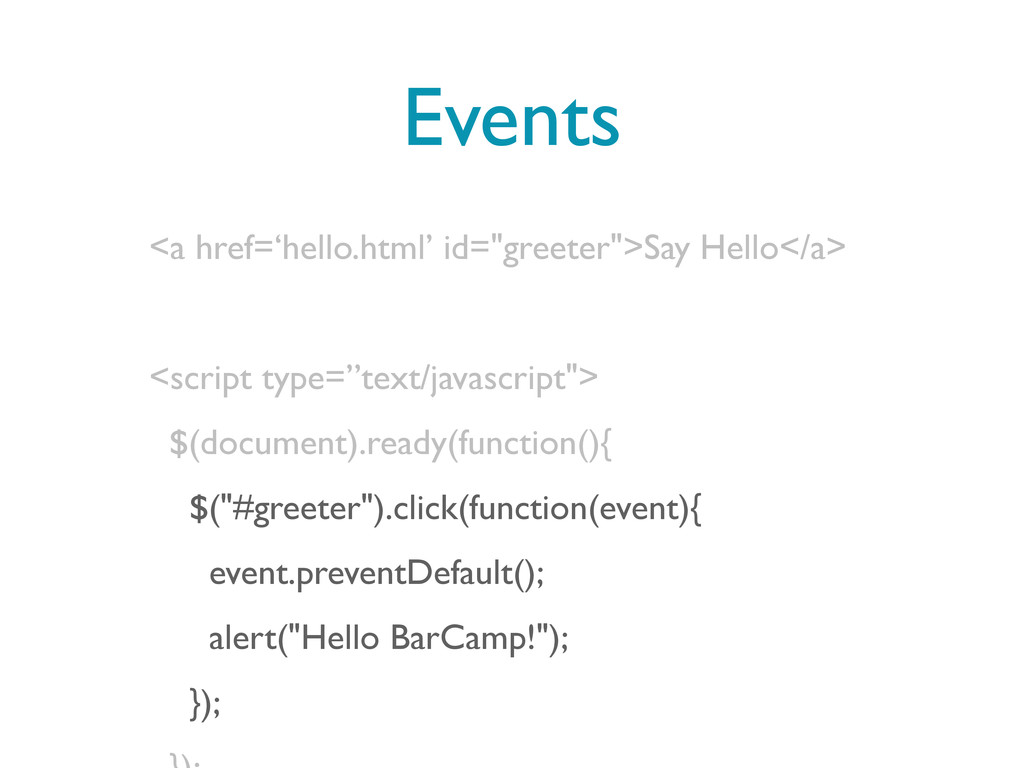
Events <a href=‘hello.html’ id="greeter">Say Hello</a> <script type=”text/javascript"> $(document).ready(function(){ $("#greeter").click(function(event){ event.preventDefault();
alert("Hello BarCamp!"); });
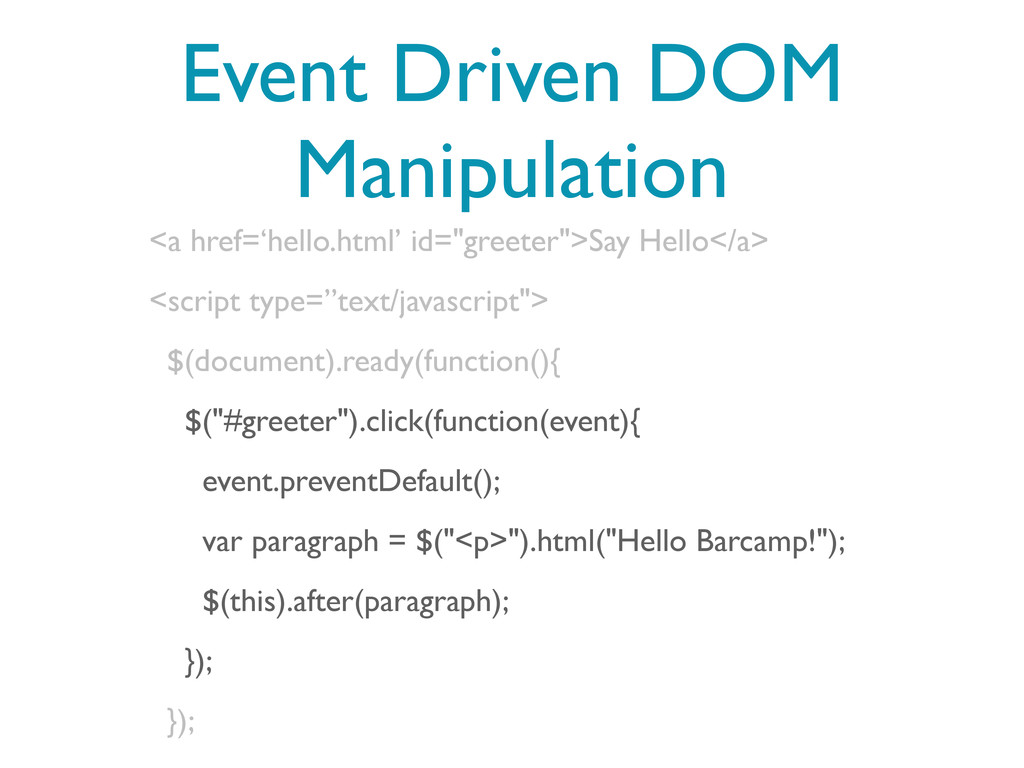
Event Driven DOM Manipulation <a href=‘hello.html’ id="greeter">Say Hello</a> <script type=”text/javascript">
$(document).ready(function(){ $("#greeter").click(function(event){ event.preventDefault(); var paragraph = $("<p>").html("Hello Barcamp!"); $(this).after(paragraph); }); });
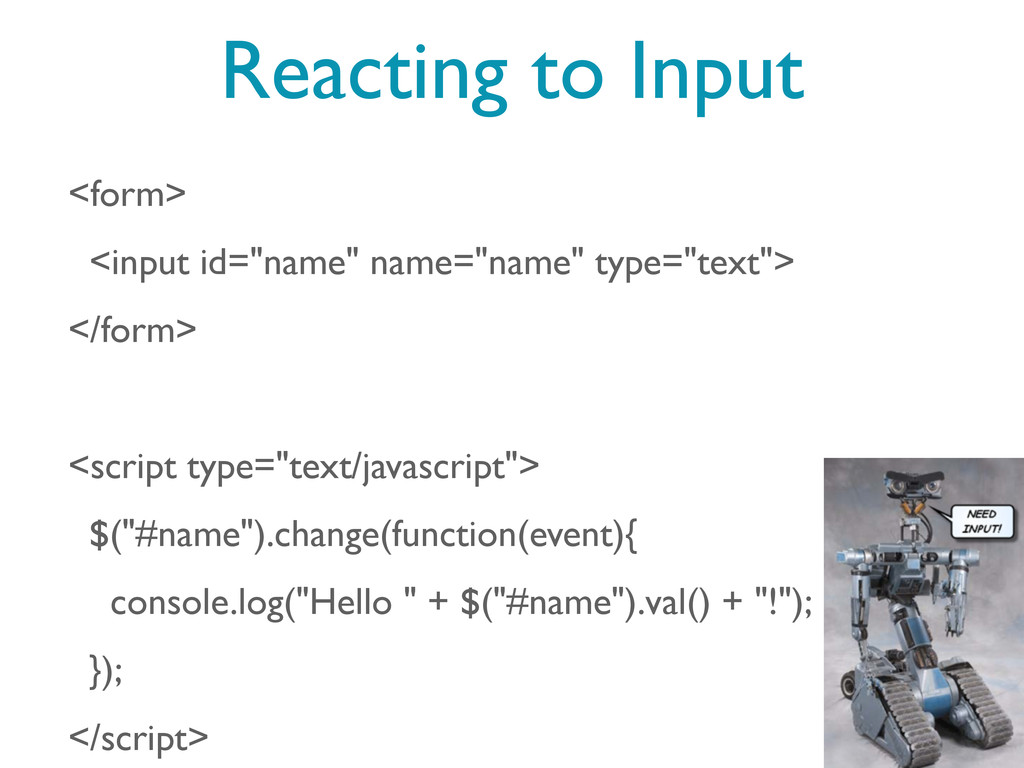
Reacting to Input <form> <input id="name" name="name" type="text"> </form> <script
type="text/javascript"> $("#name").change(function(event){ console.log("Hello " + $("#name").val() + "!"); }); </script>
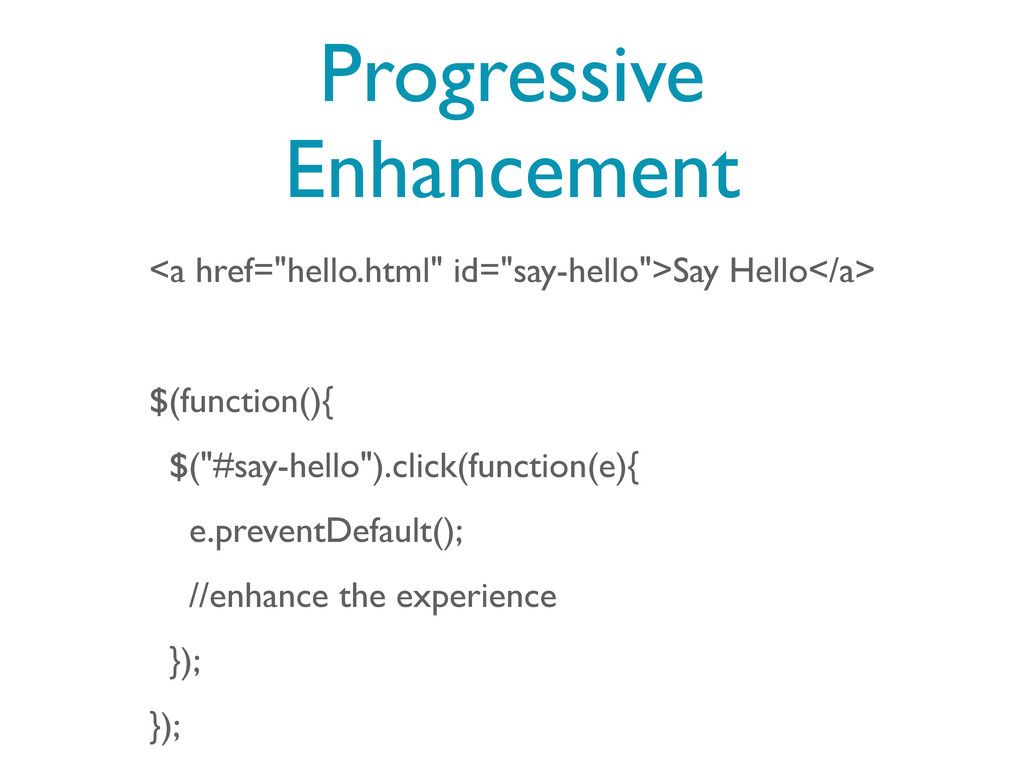
Progressive Enhancement <a href="hello.html" id="say-hello">Say Hello</a> $(function(){ $("#say-hello").click(function(e){ e.preventDefault(); //enhance
the experience }); });
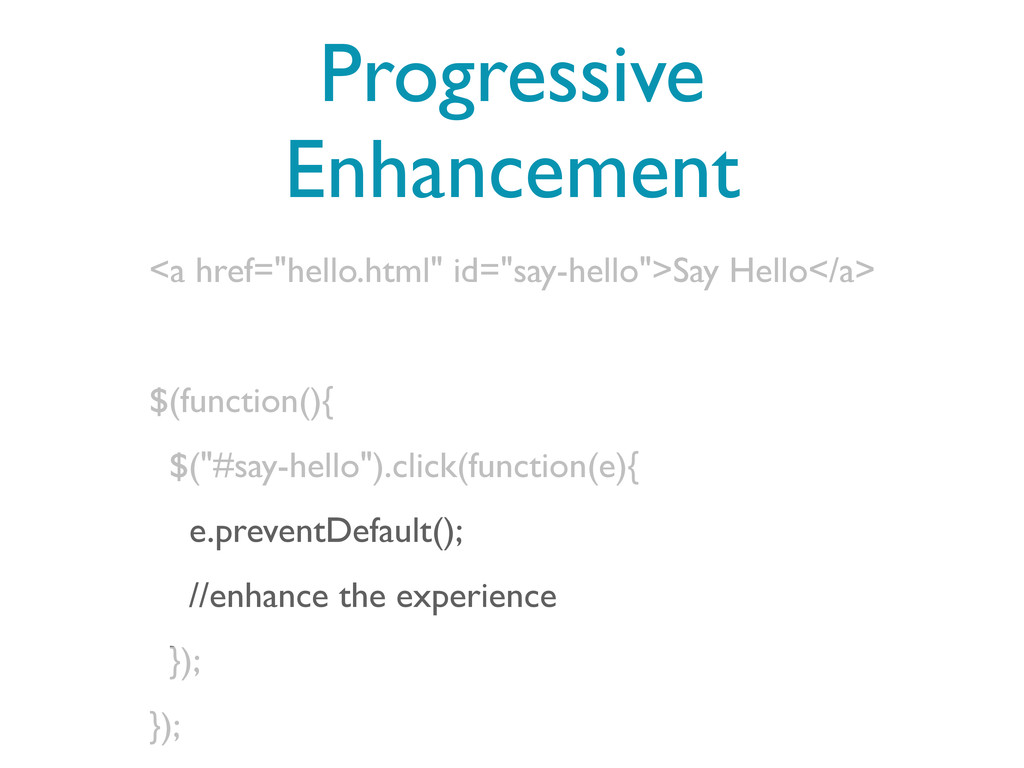
Progressive Enhancement <a href="hello.html" id="say-hello">Say Hello</a> $(function(){ $("#say-hello").click(function(e){ e.preventDefault(); //enhance
the experience }); });
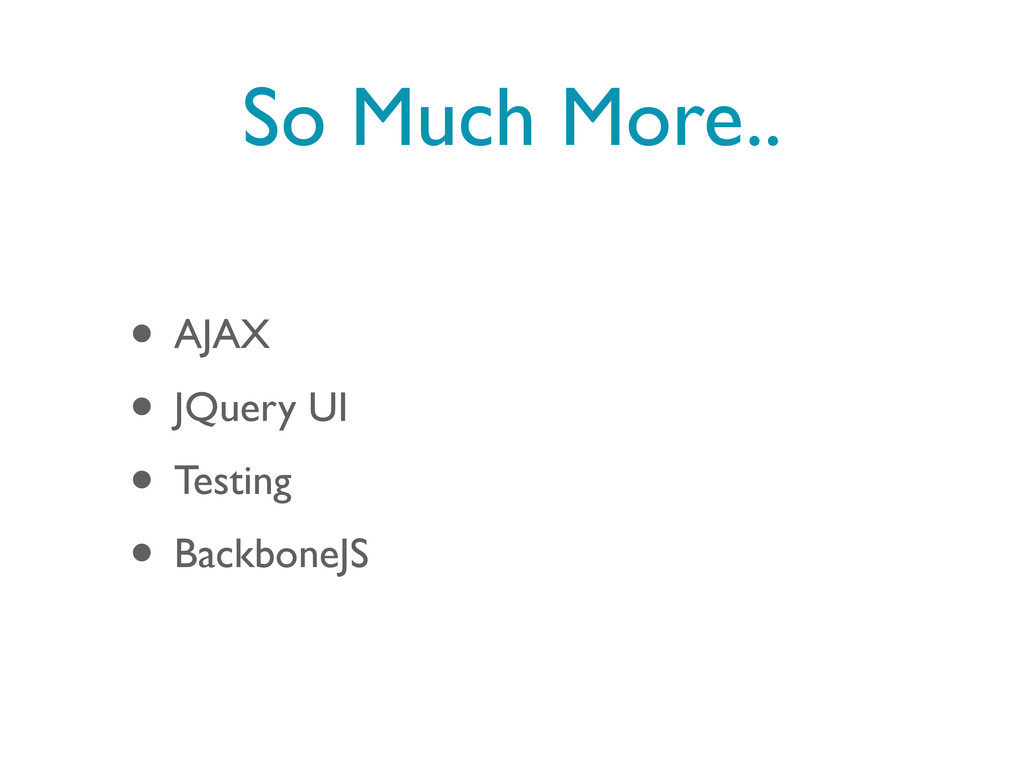
So Much More.. • AJAX • JQuery UI • Testing
• BackboneJS
More Lengthy Intro to JS Free, 4 hour session coming
this summer!
Thanks! • Follow me on twitter @dpickett and give me
a shout! • Email me at
[email protected]
• Chat with me after the talk


 dpickett
 mofurune
 kenjiyoneyama
 yub0n
yub0n
 syumai
 iwatsukayura
 sylph01
 eed3si9n
 gam0022
 tmikov2023
 rollbear
 texmeijin
 a_matsuda
 mayunak
 baasie
 rmw
rmw
 codingconduct
 aleyda
 palkan
 cromwellryan
 ipullrank
 katiecoart
 axbom
axbom
 andyhume