Share
Embed
Transcript
37 slides
-
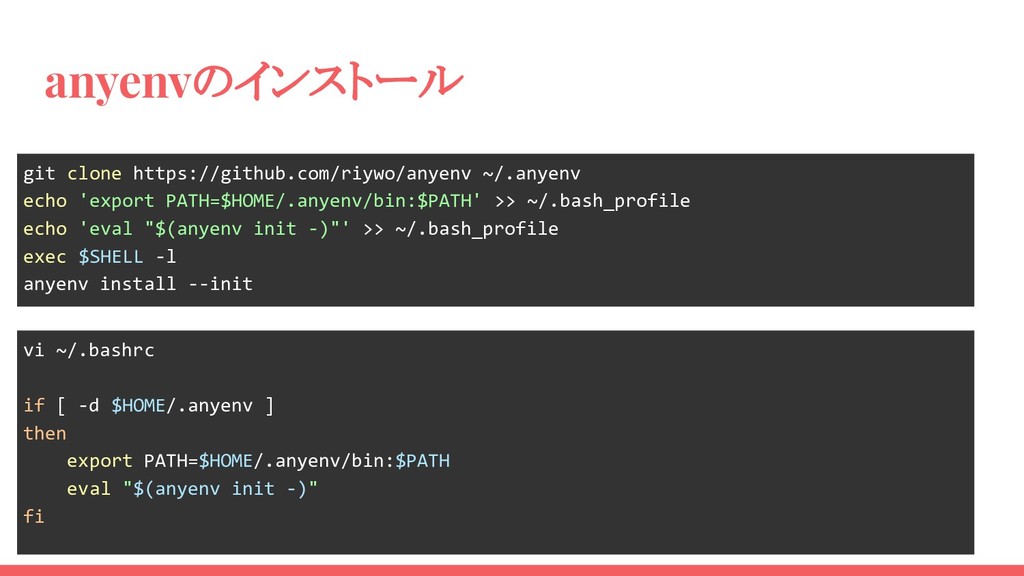
anyenvのインストール git clone https://github.com/riywo/anyenv ~/.anyenv echo 'export PATH=$HOME/.anyenv/bin:$PATH' >> ~/.bash_profile
echo 'eval "$(anyenv init -)"' >> ~/.bash_profile exec $SHELL -l anyenv install --init vi ~/.bashrc if [ -d $HOME/.anyenv ] then export PATH=$HOME/.anyenv/bin:$PATH eval "$(anyenv init -)" fi -
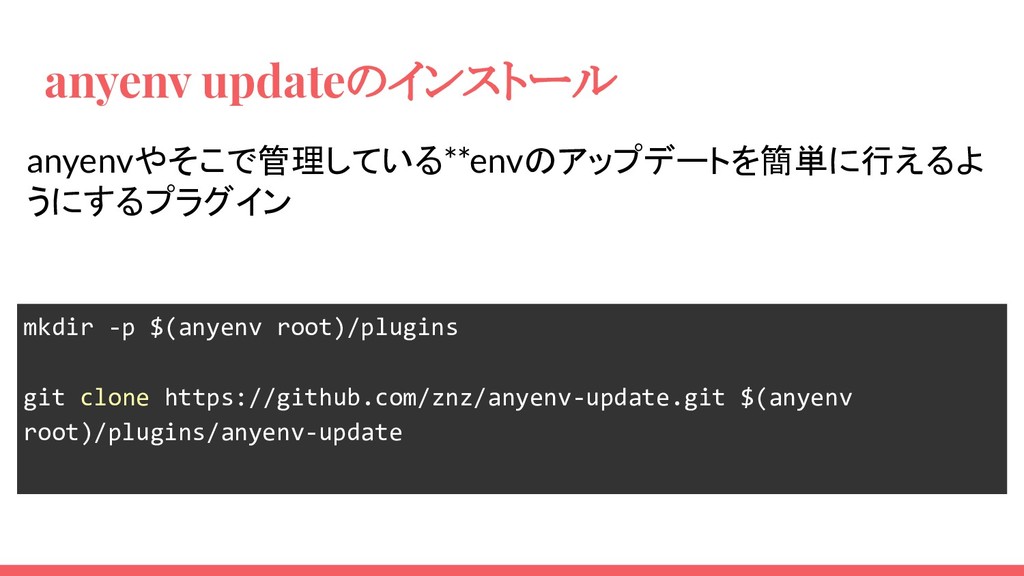
anyenv updateのインストール mkdir -p $(anyenv root)/plugins git clone https://github.com/znz/anyenv-update.git $(anyenv
root)/plugins/anyenv-update anyenvやそこで管理している**envのアップデートを簡単に行えるよ うにするプラグイン -
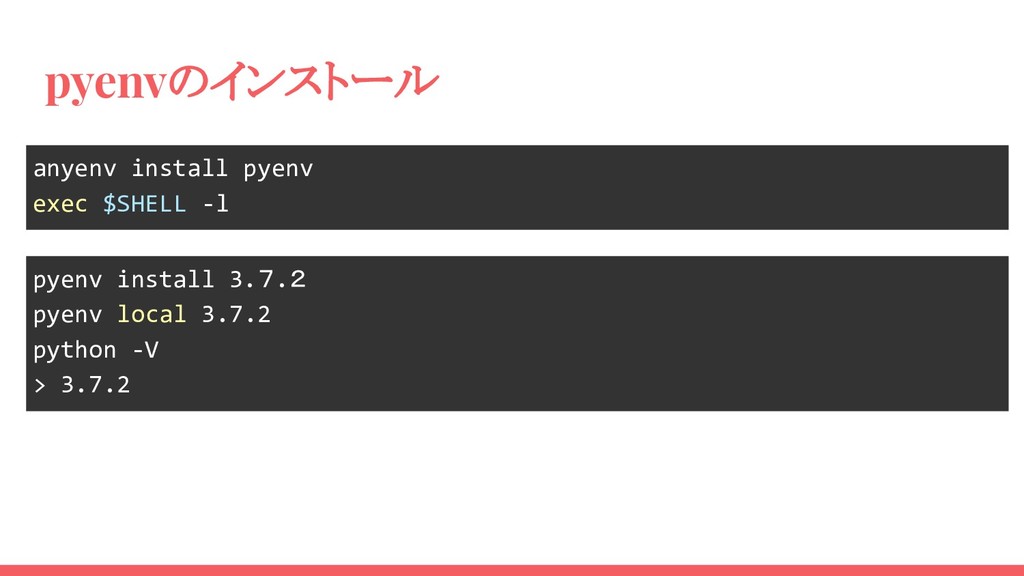
pyenvのインストール anyenv install pyenv exec $SHELL -l pyenv install 3.7.2
pyenv local 3.7.2 python -V > 3.7.2 -
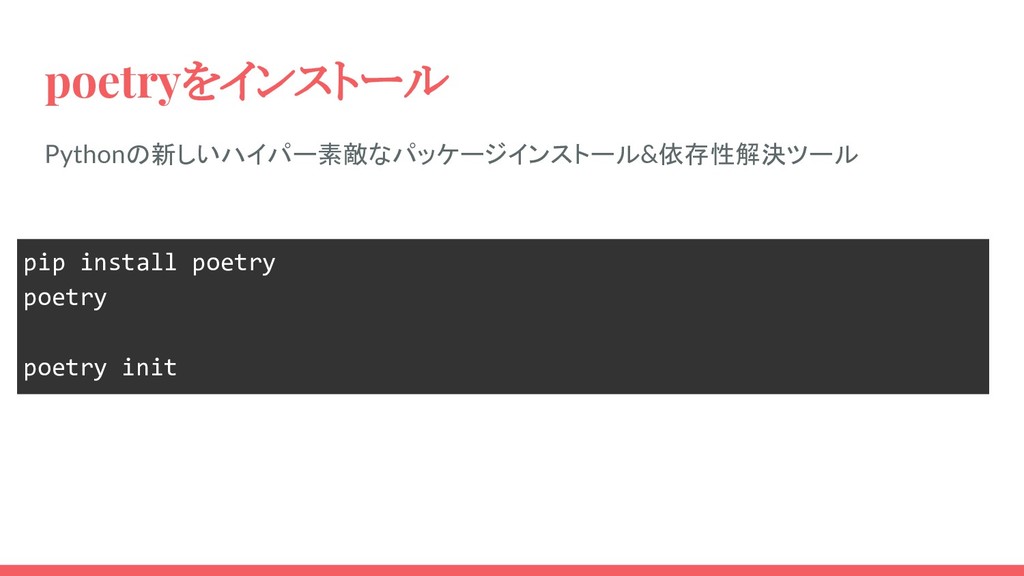
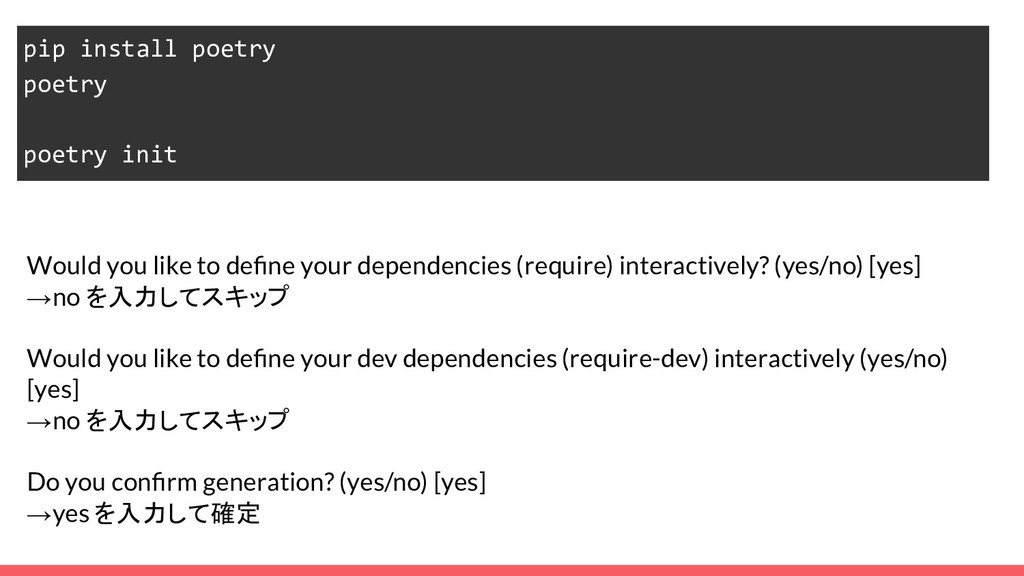
pip install poetry poetry poetry init Would you like to
define your dependencies (require) interactively? (yes/no) [yes] →no を入力してスキップ Would you like to define your dev dependencies (require-dev) interactively (yes/no) [yes] →no を入力してスキップ Do you confirm generation? (yes/no) [yes] →yes を入力して確定 -
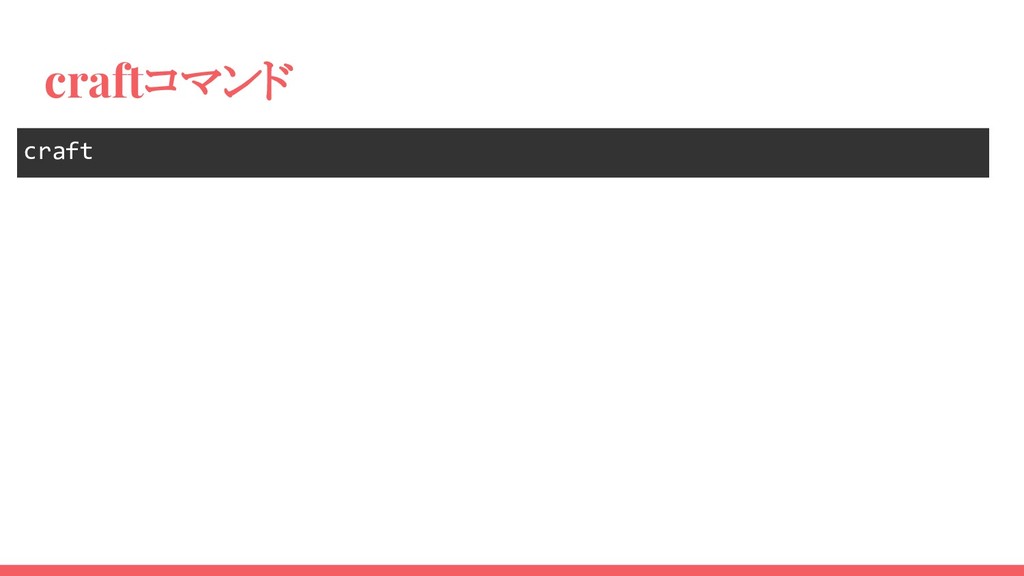
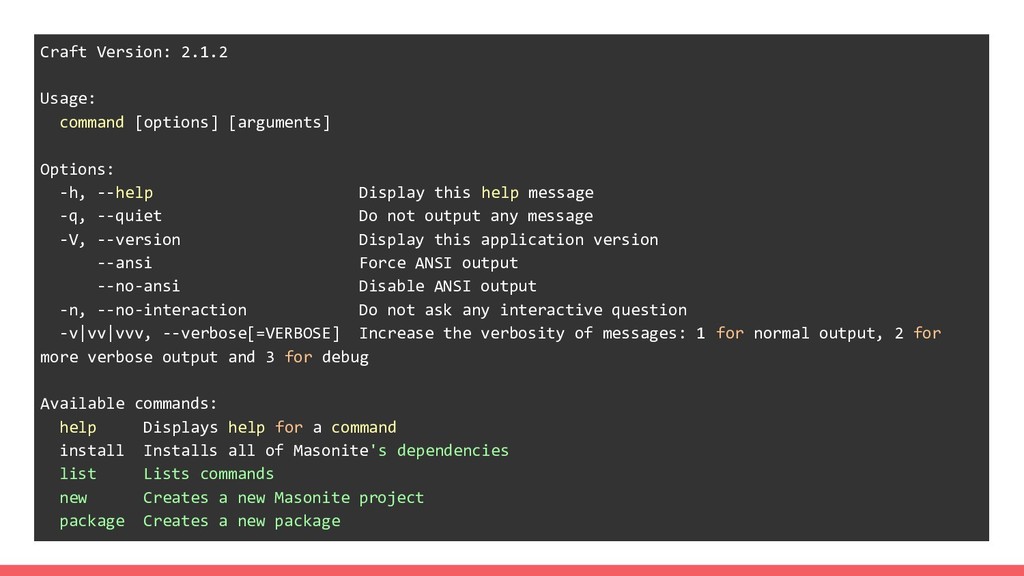
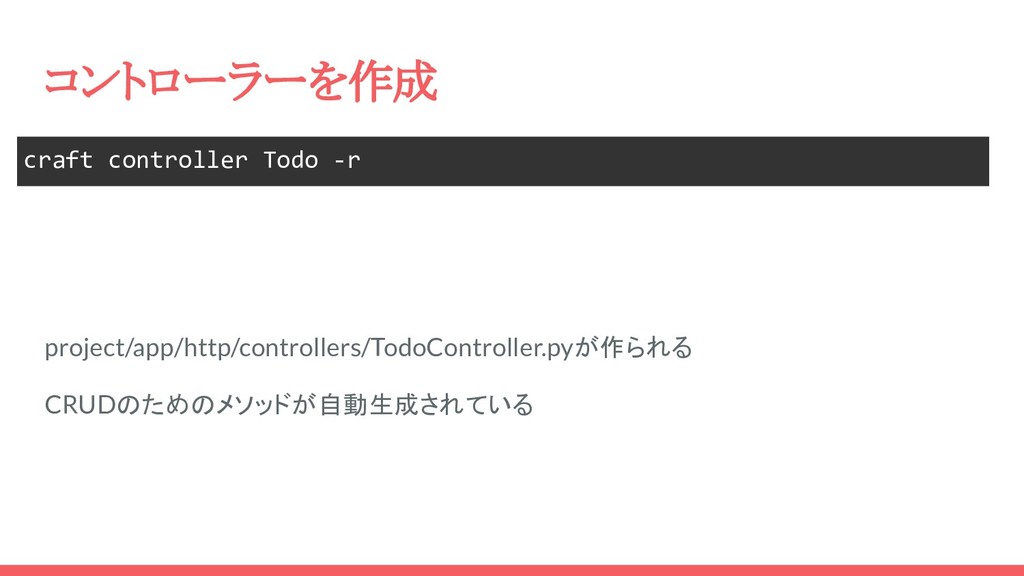
Craft Version: 2.1.2 Usage: command [options] [arguments] Options: -h, --help
Display this help message -q, --quiet Do not output any message -V, --version Display this application version --ansi Force ANSI output --no-ansi Disable ANSI output -n, --no-interaction Do not ask any interactive question -v|vv|vvv, --verbose[=VERBOSE] Increase the verbosity of messages: 1 for normal output, 2 for more verbose output and 3 for debug Available commands: help Displays help for a command install Installs all of Masonite's dependencies list Lists commands new Creates a new Masonite project package Creates a new package -
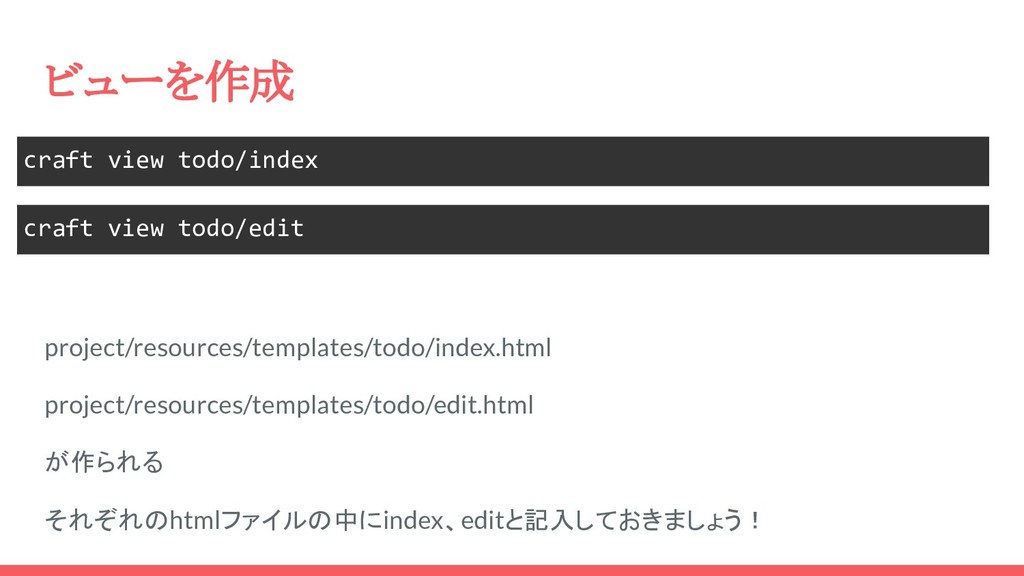
ビューを作成 craft view todo/index craft view todo/edit project/resources/templates/todo/index.html project/resources/templates/todo/edit.html が作られる
それぞれのhtmlファイルの中にindex、editと記入しておきましょう! -
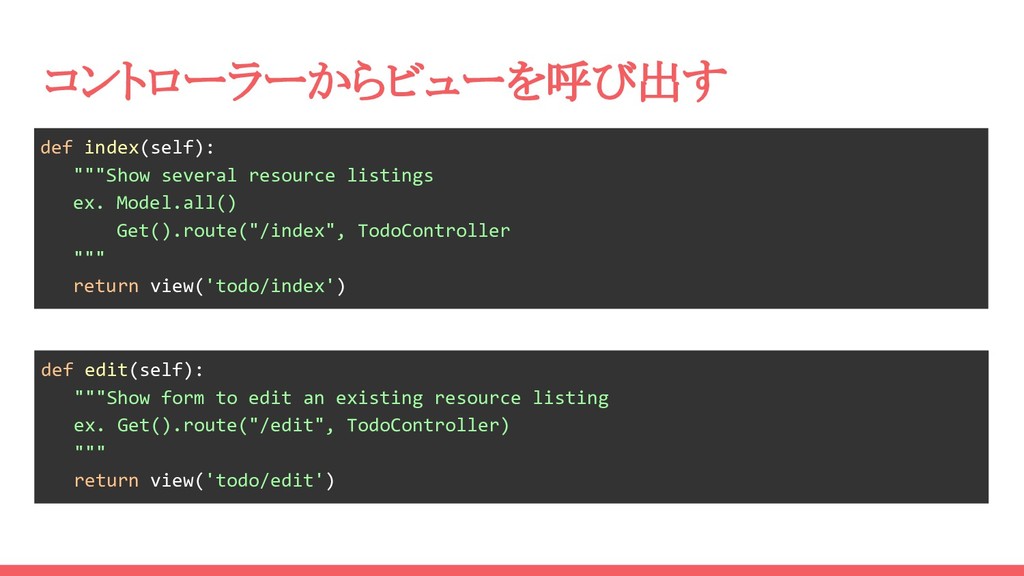
コントローラーからビューを呼び出す def index(self): """Show several resource listings ex. Model.all() Get().route("/index",
TodoController """ return view('todo/index') def edit(self): """Show form to edit an existing resource listing ex. Get().route("/edit", TodoController) """ return view('todo/edit') -
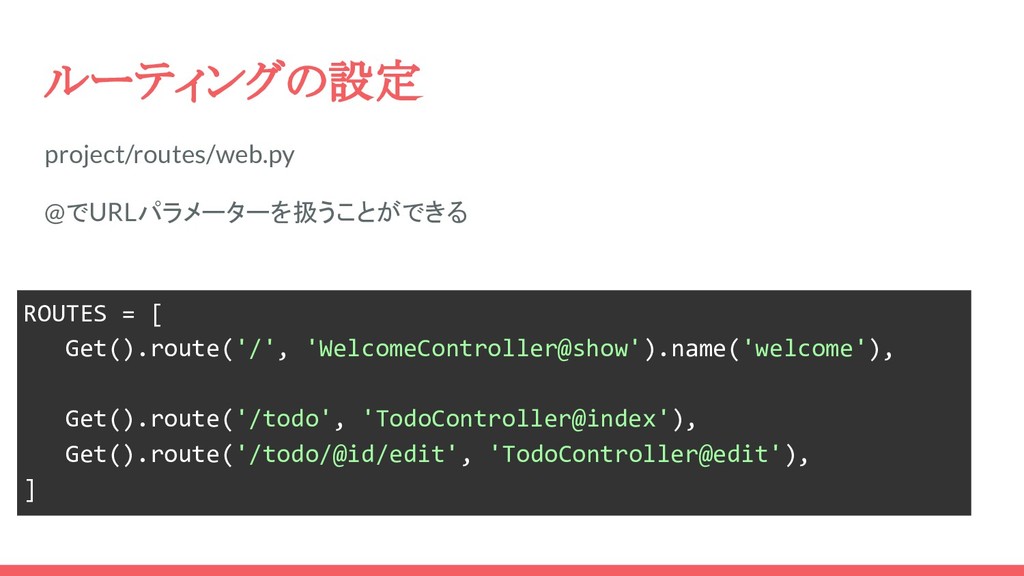
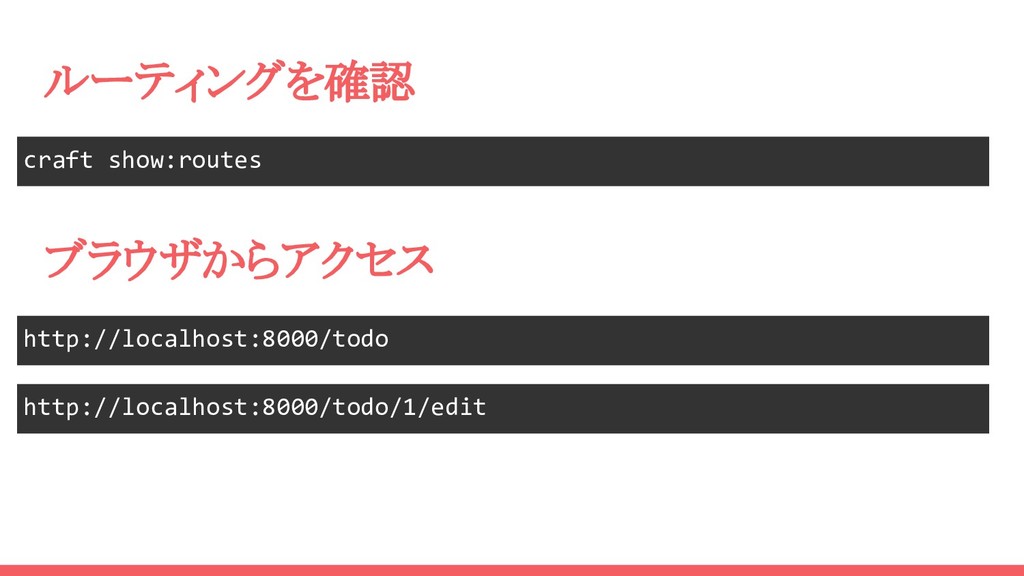
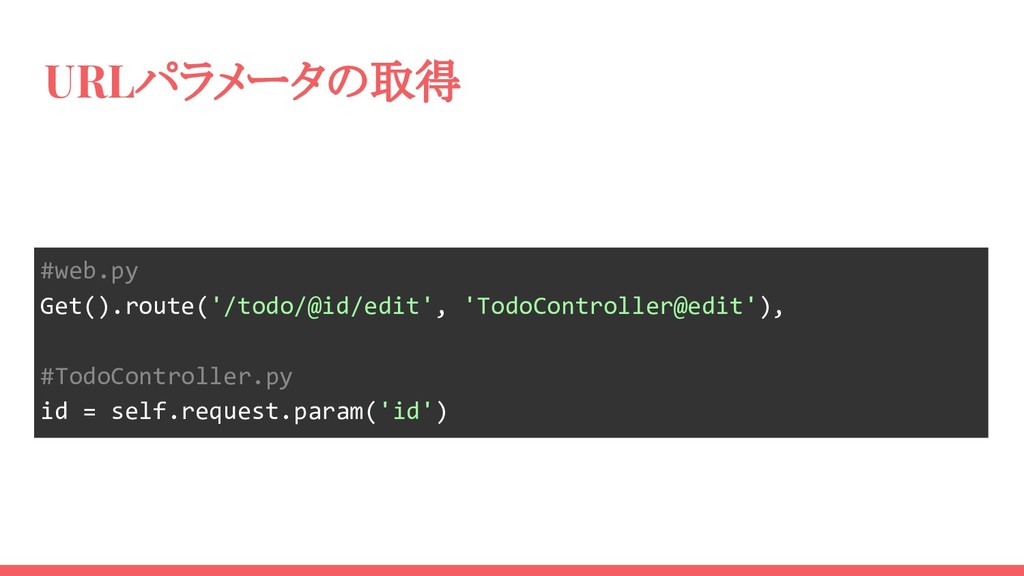
ルーティングの設定 project/routes/web.py @でURLパラメーターを扱うことができる ROUTES = [ Get().route('/', 'WelcomeController@show').name('welcome'), Get().route('/todo', 'TodoController@index'),
Get().route('/todo/@id/edit', 'TodoController@edit'), ] -
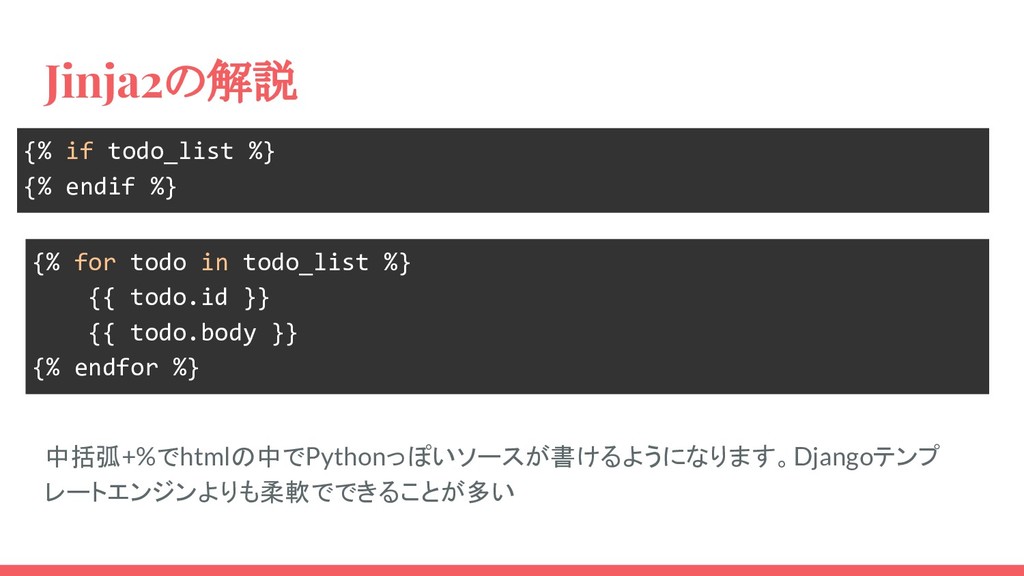
Jinja2の解説 中括弧+%でhtmlの中でPythonっぽいソースが書けるようになります。Djangoテンプ レートエンジンよりも柔軟でできることが多い {% if todo_list %} {% endif %}
{% for todo in todo_list %} {{ todo.id }} {{ todo.body }} {% endfor %} -
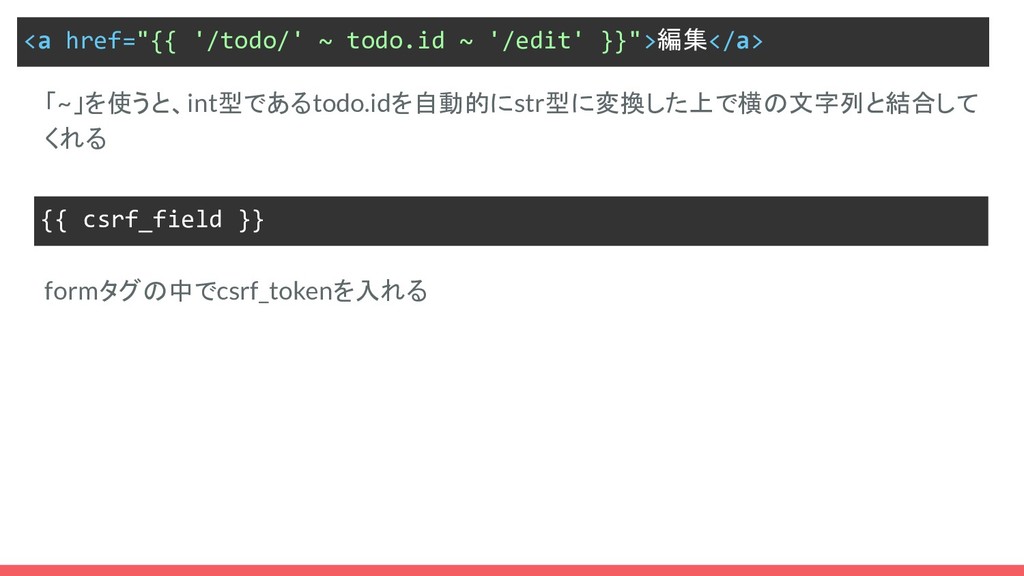
「~」を使うと、int型であるtodo.idを自動的にstr型に変換した上で横の文字列と結合して くれる <a href="{{ '/todo/' ~ todo.id ~ '/edit' }}">編集</a>
{{ csrf_field }} formタグの中でcsrf_tokenを入れる -
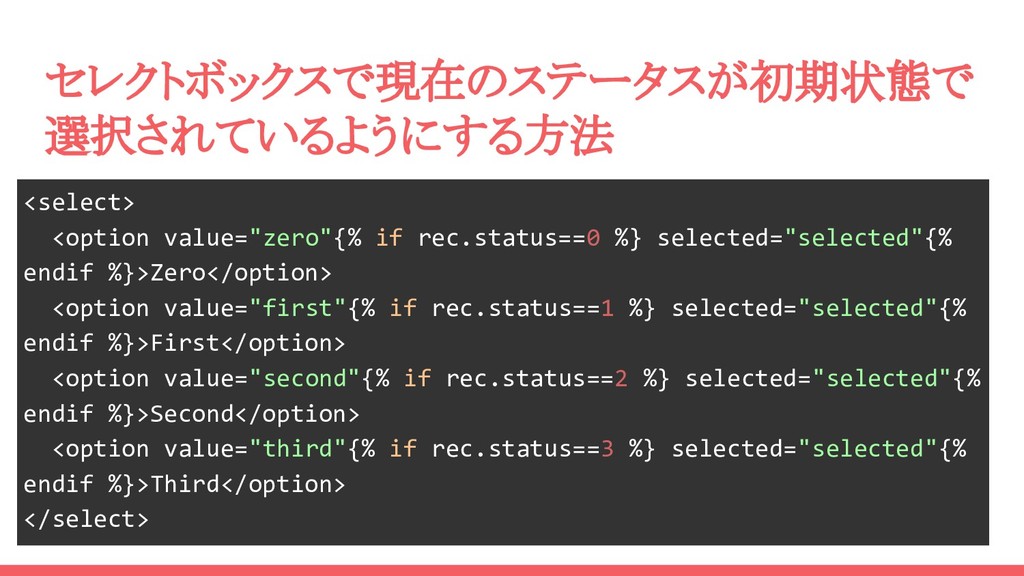
セレクトボックスで現在のステータスが初期状態で 選択されているようにする方法 <select> <option value="zero"{% if rec.status==0 %} selected="selected"{% endif
%}>Zero</option> <option value="first"{% if rec.status==1 %} selected="selected"{% endif %}>First</option> <option value="second"{% if rec.status==2 %} selected="selected"{% endif %}>Second</option> <option value="third"{% if rec.status==3 %} selected="selected"{% endif %}>Third</option> </select> -
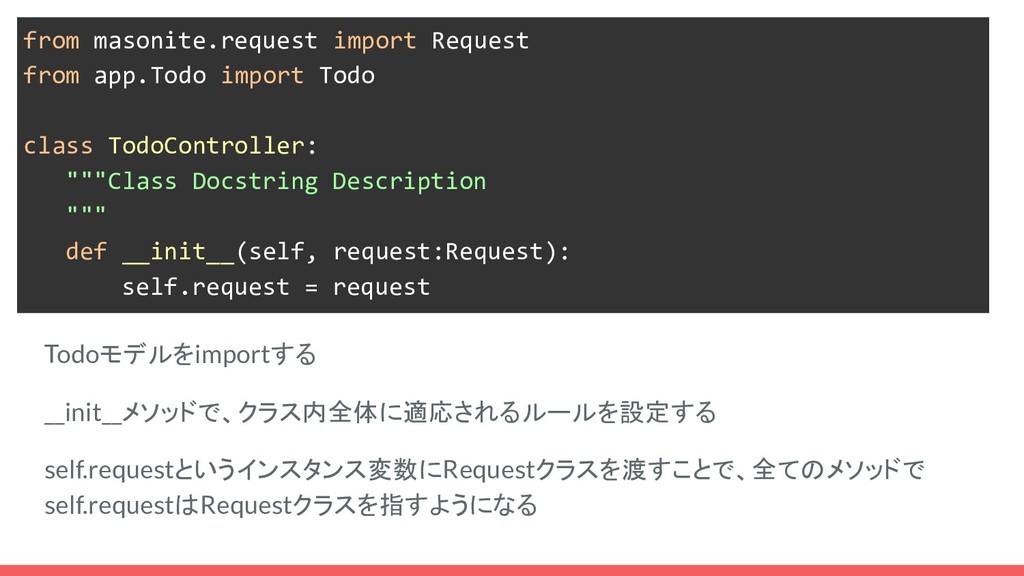
Todoモデルをimportする __init__メソッドで、クラス内全体に適応されるルールを設定する self.requestというインスタンス変数にRequestクラスを渡すことで、全てのメソッドで self.requestはRequestクラスを指すようになる from masonite.request import Request from app.Todo
import Todo class TodoController: """Class Docstring Description """ def __init__(self, request:Request): self.request = request -
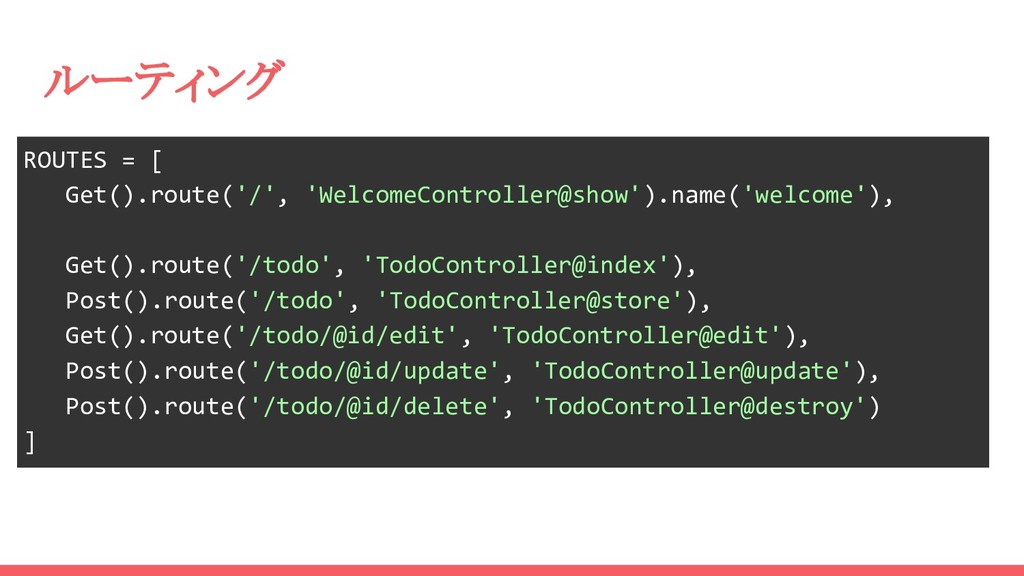
ルーティング ROUTES = [ Get().route('/', 'WelcomeController@show').name('welcome'), Get().route('/todo', 'TodoController@index'), Post().route('/todo', 'TodoController@store'),
Get().route('/todo/@id/edit', 'TodoController@edit'), Post().route('/todo/@id/update', 'TodoController@update'), Post().route('/todo/@id/delete', 'TodoController@destroy') ] -
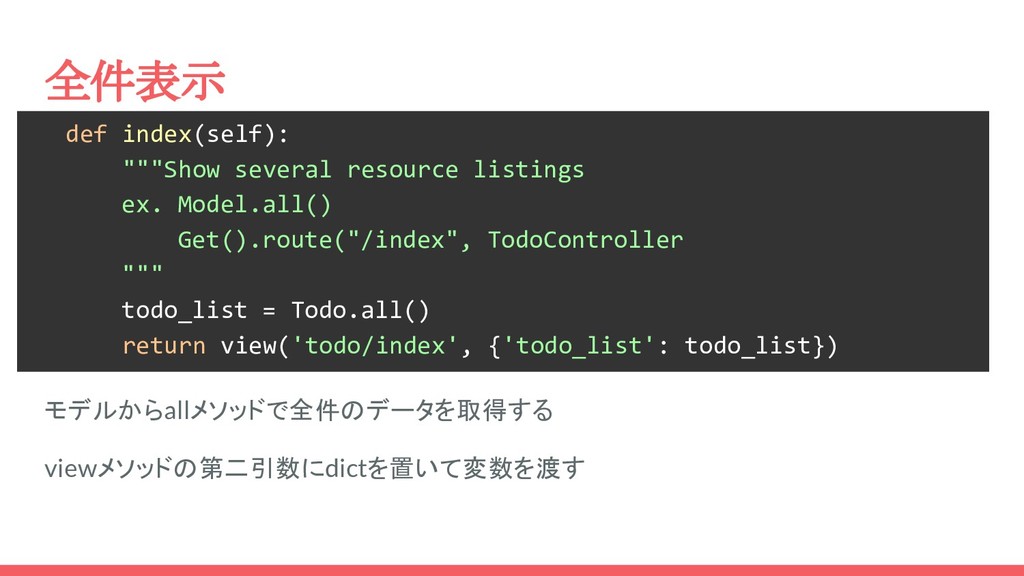
全件表示 モデルからallメソッドで全件のデータを取得する viewメソッドの第二引数にdictを置いて変数を渡す def index(self): """Show several resource listings ex.
Model.all() Get().route("/index", TodoController """ todo_list = Todo.all() return view('todo/index', {'todo_list': todo_list})