Upgrade to Pro — share decks privately, control downloads, hide ads and more …

Making data conversational - Building MCP Serve...

Avatar for Ed G Ed G
January 10, 2026

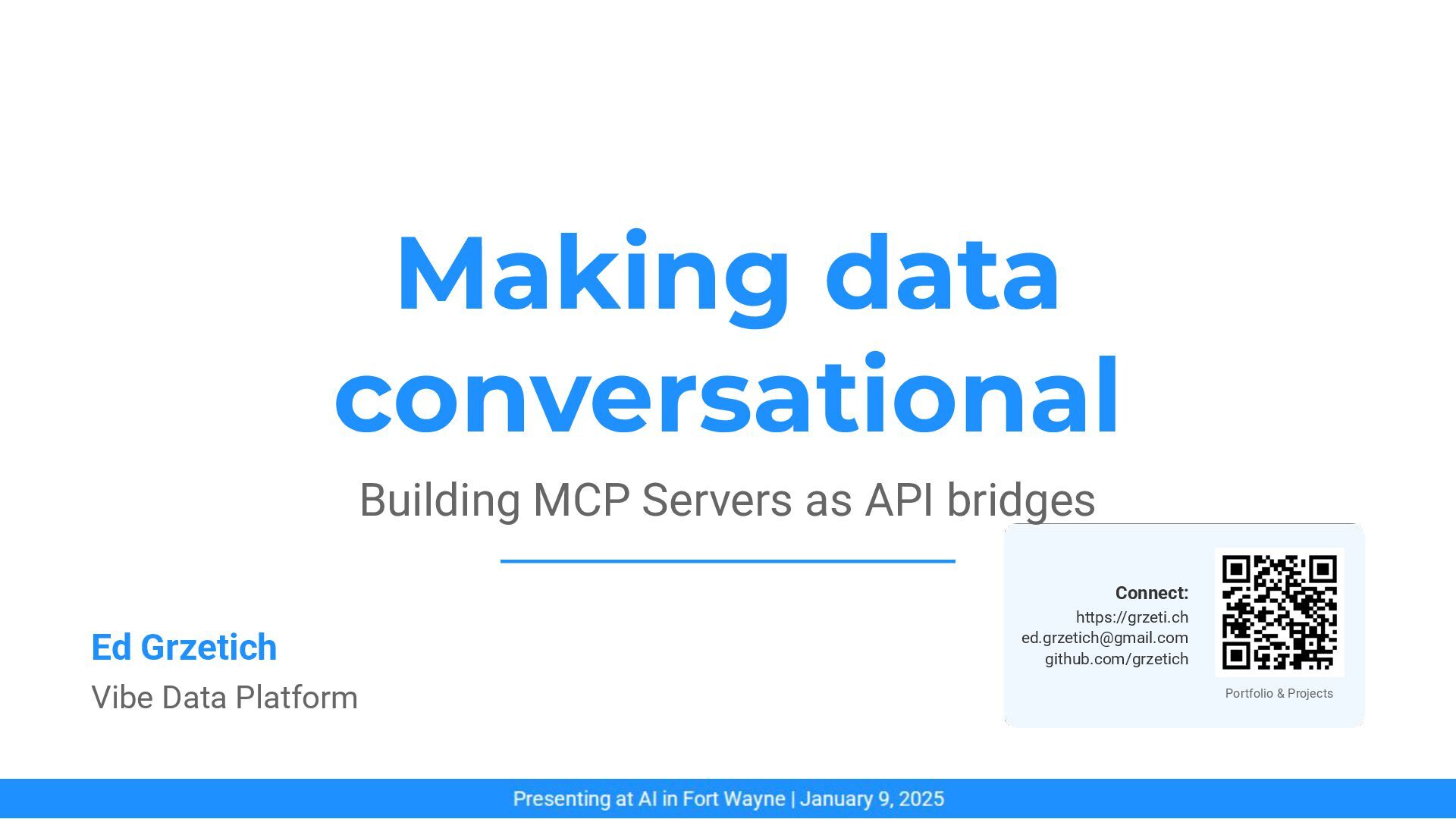
Making data conversational - Building MCP Servers as API bridges

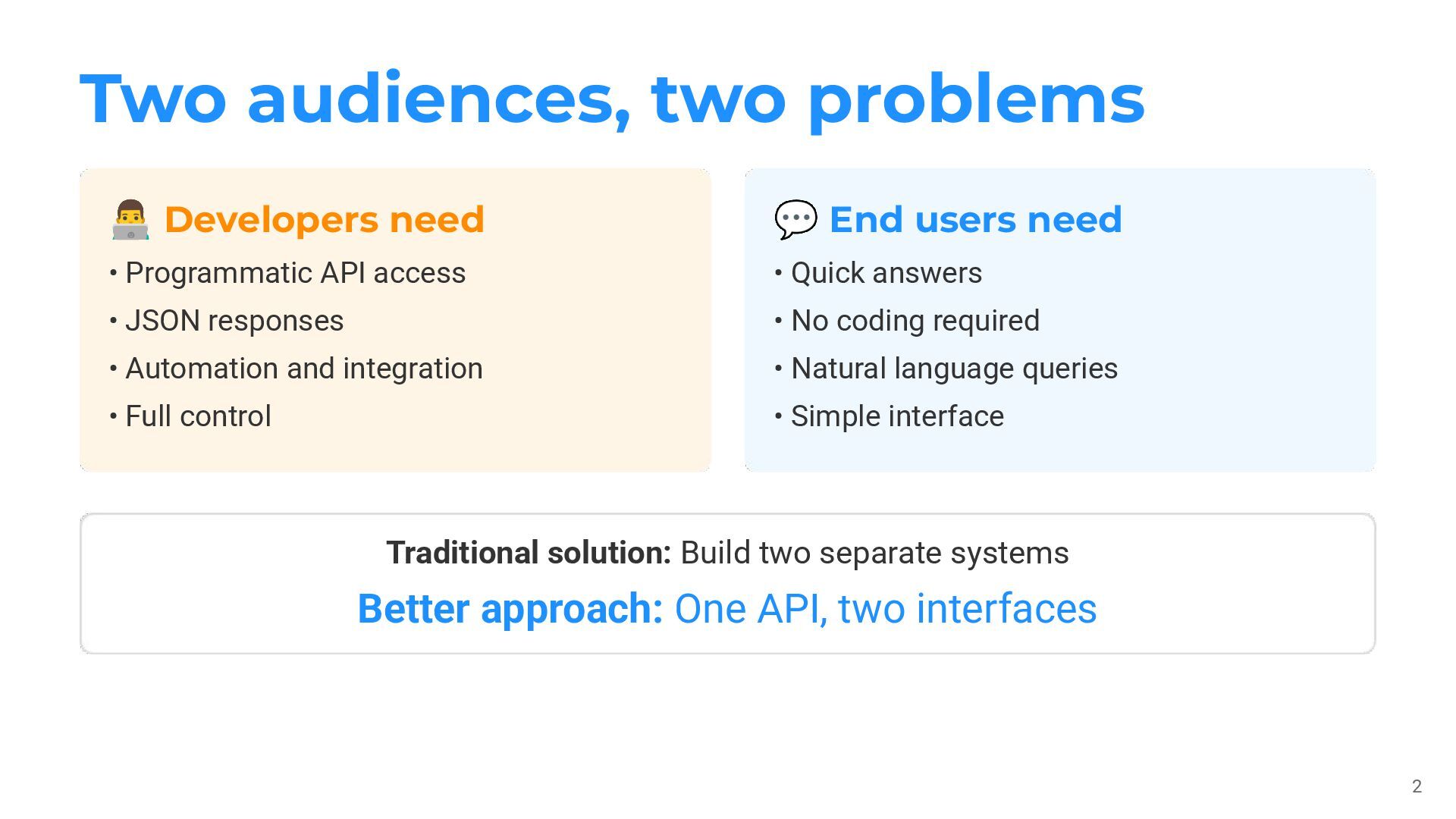
When you're building a data platform, you inevitably face a challenge: different users need different interfaces.

Developers want:
- Programmatic API access
- JSON they can transform
- Full control for automation
- Integration with their tools

End users want:
- Quick answers to questions
- No coding required
- Natural language queries
- Simple, intuitive interfaces

The traditional approach is to build two separate systems: a REST API for developers and a custom dashboard for end users. But this creates maintenance overhead, duplicate business logic, and architectural complexity.

The Solution: MCP as an API Bridge

Avatar for Ed G

Ed G

January 10, 2026
Tweet

Other Decks in Programming

Transcript

  1. Making data conversational Building MCP Servers as API bridges Ed

    Grzetich Vibe Data Platform Connect: https://grzeti.ch [email protected] github.com/grzetich Portfolio & Projects
  2. Two audiences, two problems 2 Traditional solution: Build two separate

    systems Better approach: One API, two interfaces 󰞵 Developers need 💬 End users need • Programmatic API access • JSON responses • Automation and integration • Full control • Quick answers • No coding required • Natural language queries • Simple interface
  3. The solution: MCP as an API bridge 3 MCP Server

    = conversational layer on top of REST API Same data. Different interface. Demo Uses Sample Data to Show the Pattern
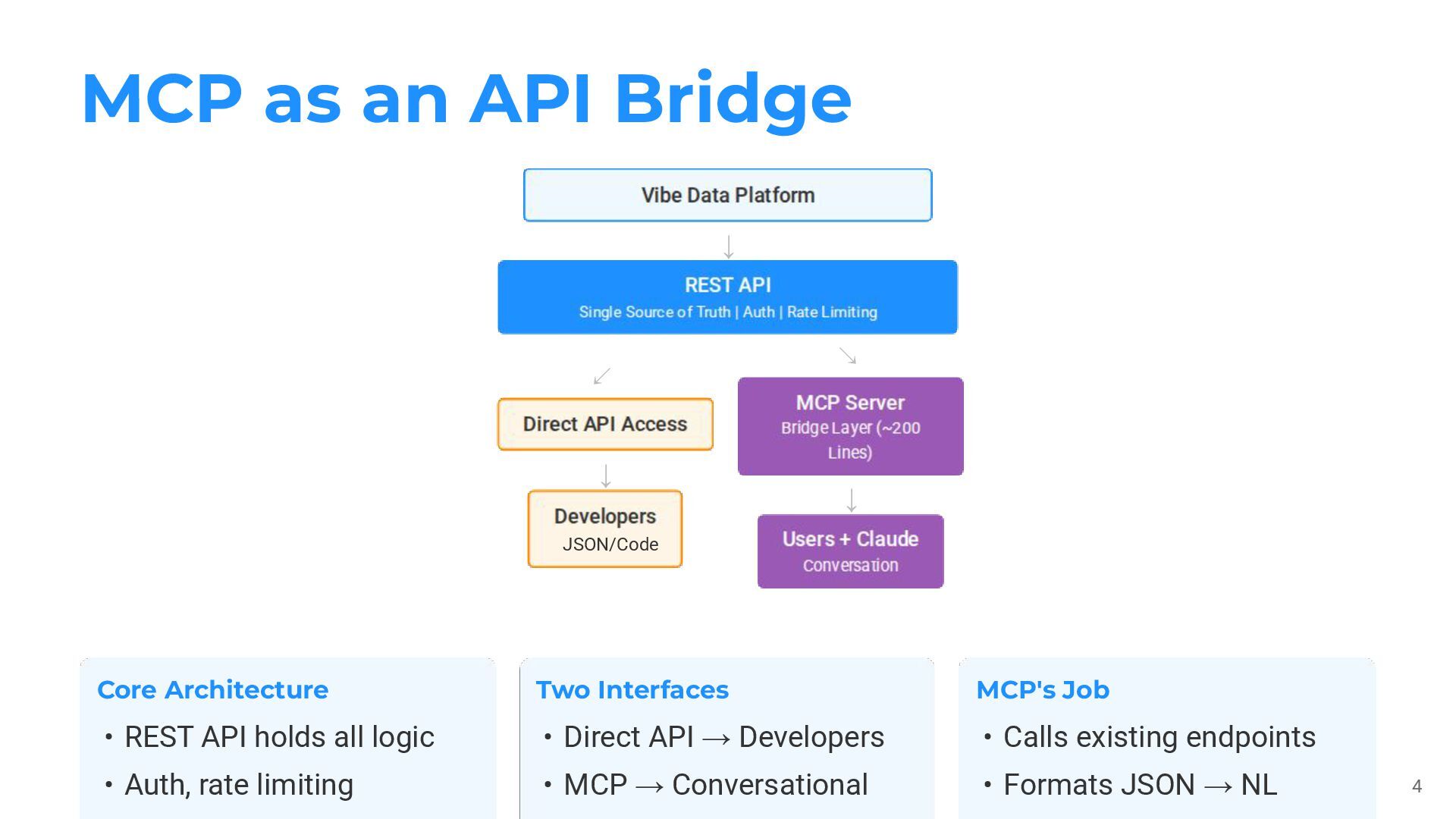
  4. MCP as an API Bridge 4 ↓ Core Architecture Two

    Interfaces MCP's Job ↙ ↓ ↘ ↓ • REST API holds all logic • Auth, rate limiting • Direct API → Developers • MCP → Conversational • Calls existing endpoints • Formats JSON → NL JSON/Code
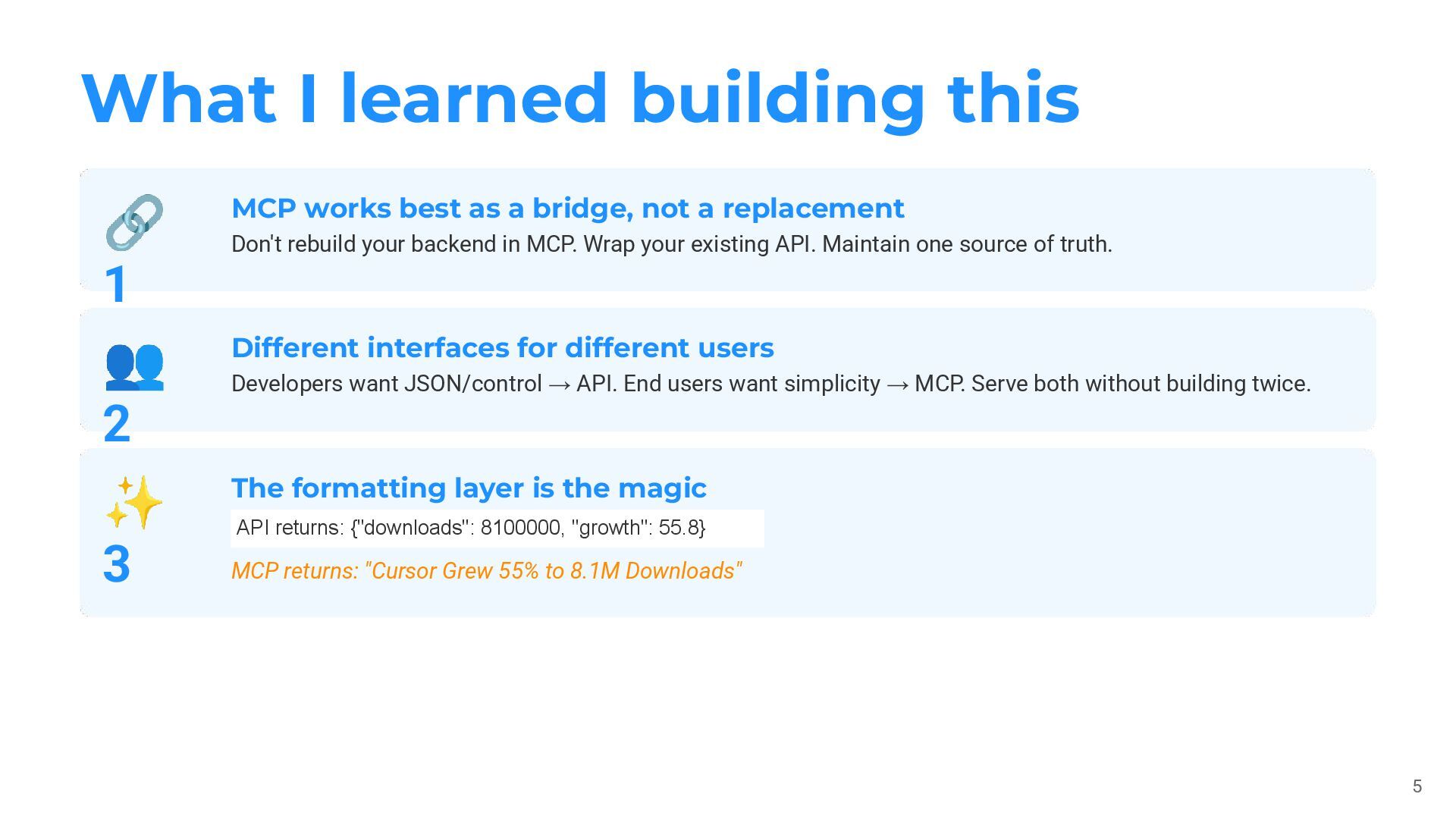
  5. What I learned building this 5 🔗 1 👥 2

    ✨ 3 MCP works best as a bridge, not a replacement Don't rebuild your backend in MCP. Wrap your existing API. Maintain one source of truth. Different interfaces for different users Developers want JSON/control → API. End users want simplicity → MCP. Serve both without building twice. The formatting layer is the magic API returns: {"downloads": 8100000, "growth": 55.8} MCP returns: "Cursor Grew 55% to 8.1M Downloads"
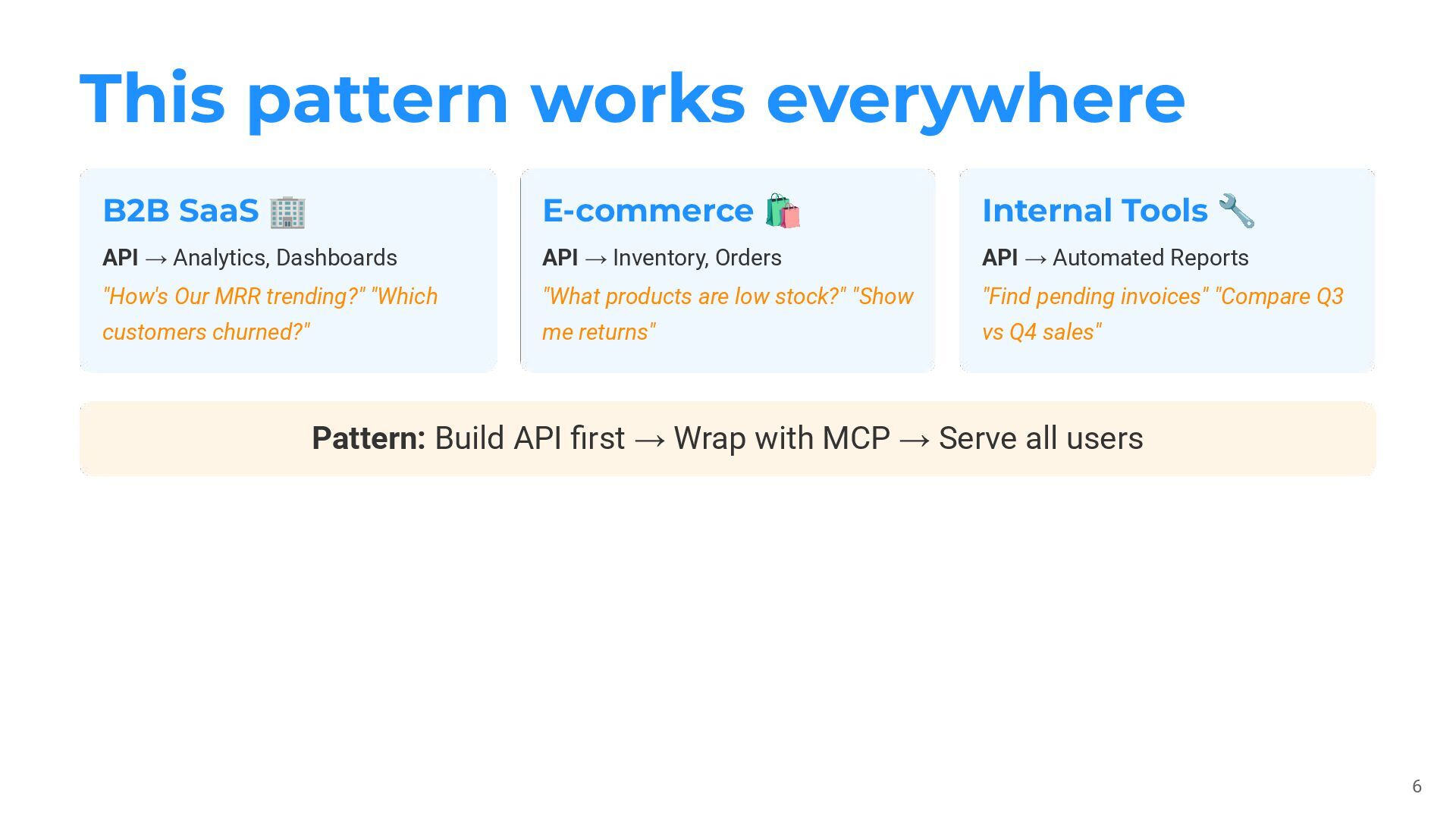
  6. This pattern works everywhere 6 Pattern: Build API first →

    Wrap with MCP → Serve all users B2B SaaS 🏢 API → Analytics, Dashboards "How's Our MRR trending?" "Which customers churned?" E-commerce 🛍 API → Inventory, Orders "What products are low stock?" "Show me returns" Internal Tools 🔧 API → Automated Reports "Find pending invoices" "Compare Q3 vs Q4 sales"
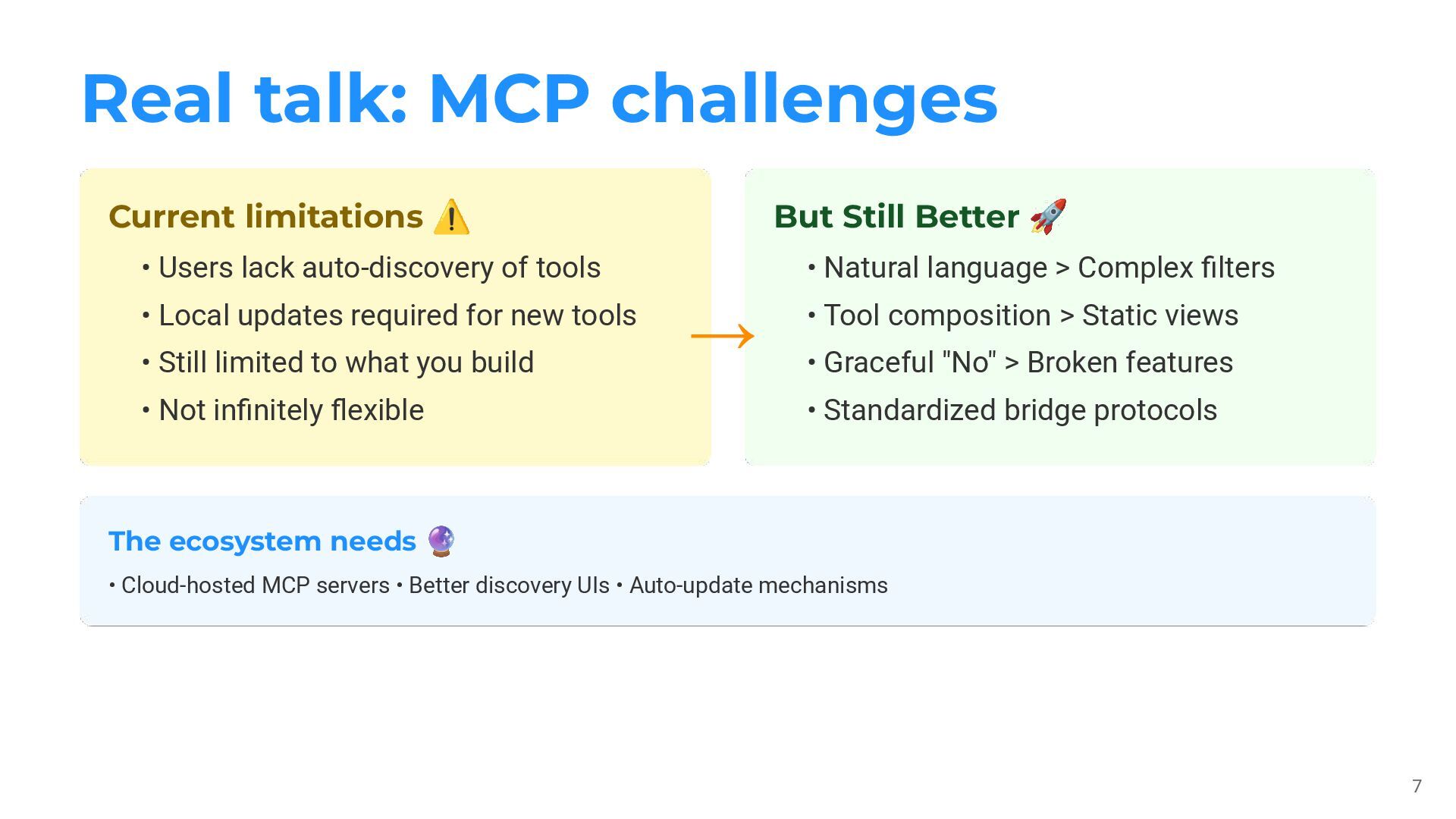
  7. Real talk: MCP challenges 7 The ecosystem needs 🔮 •

    Cloud-hosted MCP servers • Better discovery UIs • Auto-update mechanisms Current limitations ⚠ → But Still Better 🚀 • Users lack auto-discovery of tools • Local updates required for new tools • Still limited to what you build • Not infinitely flexible • Natural language > Complex filters • Tool composition > Static views • Graceful "No" > Broken features • Standardized bridge protocols
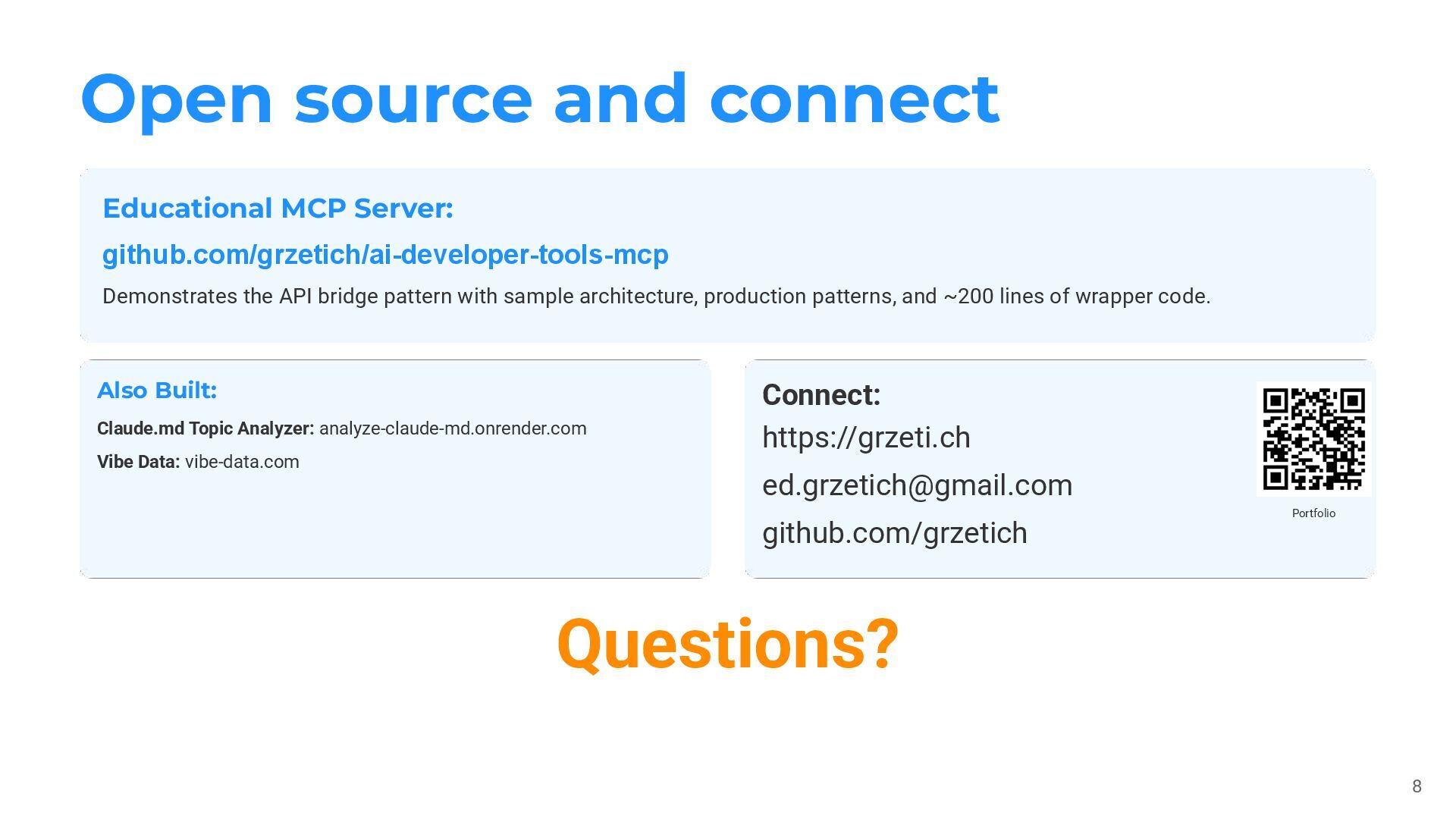
  8. Open source and connect 8 Questions? Educational MCP Server: github.com/grzetich/ai-developer-tools-mcp

    Demonstrates the API bridge pattern with sample architecture, production patterns, and ~200 lines of wrapper code. Also Built: Claude.md Topic Analyzer: analyze-claude-md.onrender.com Vibe Data: vibe-data.com Connect: https://grzeti.ch [email protected] github.com/grzetich Portfolio
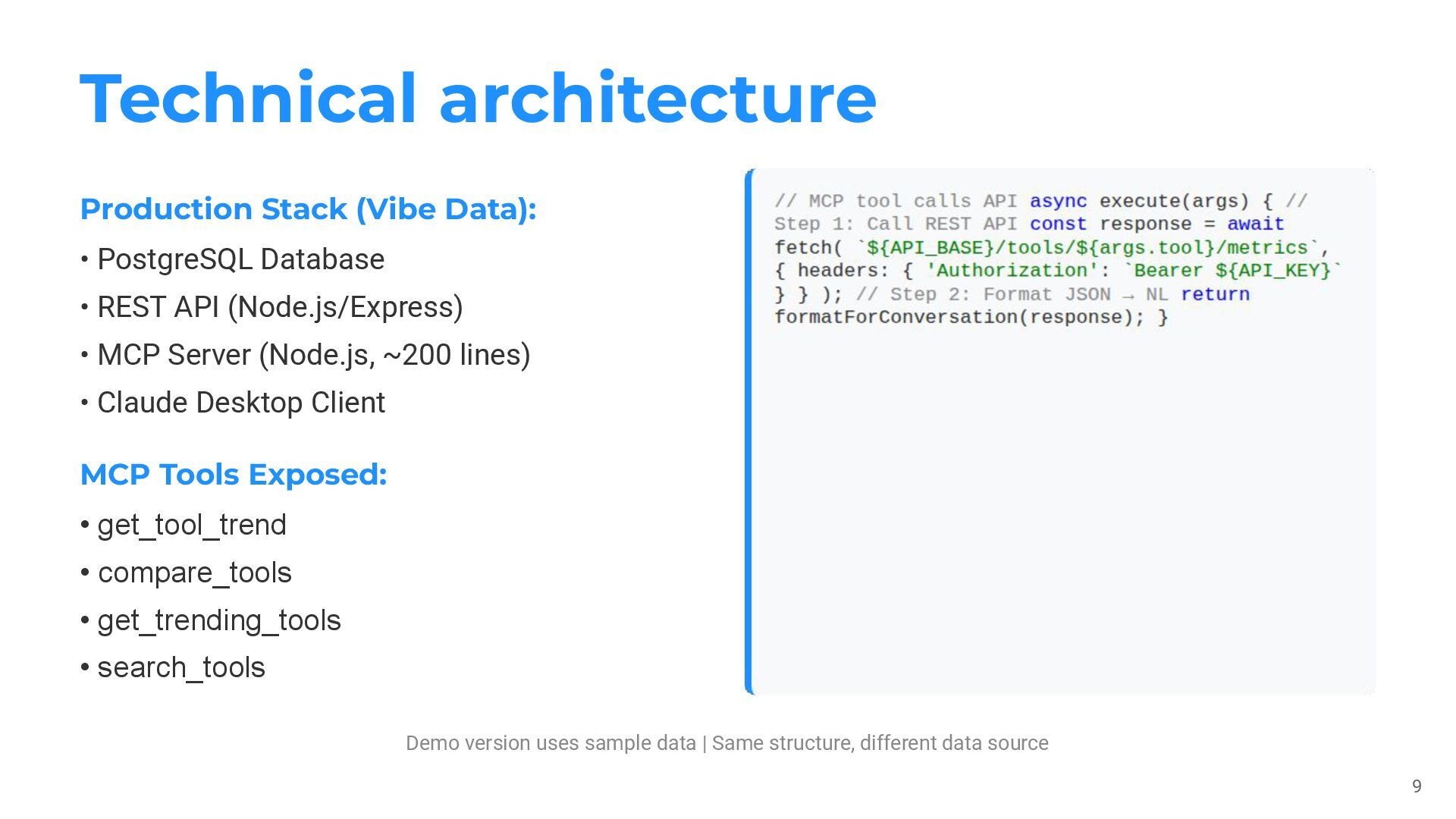
  9. Technical architecture 9 Demo version uses sample data | Same

    structure, different data source Production Stack (Vibe Data): MCP Tools Exposed: • PostgreSQL Database • REST API (Node.js/Express) • MCP Server (Node.js, ~200 lines) • Claude Desktop Client • get_tool_trend • compare_tools • get_trending_tools • search_tools