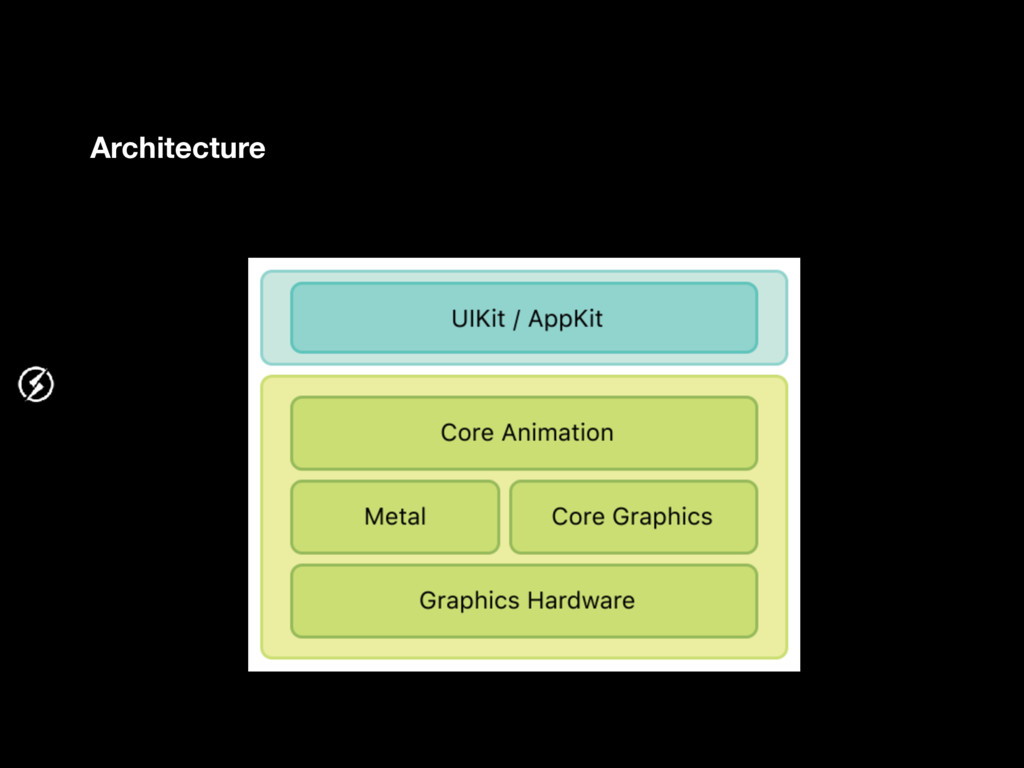
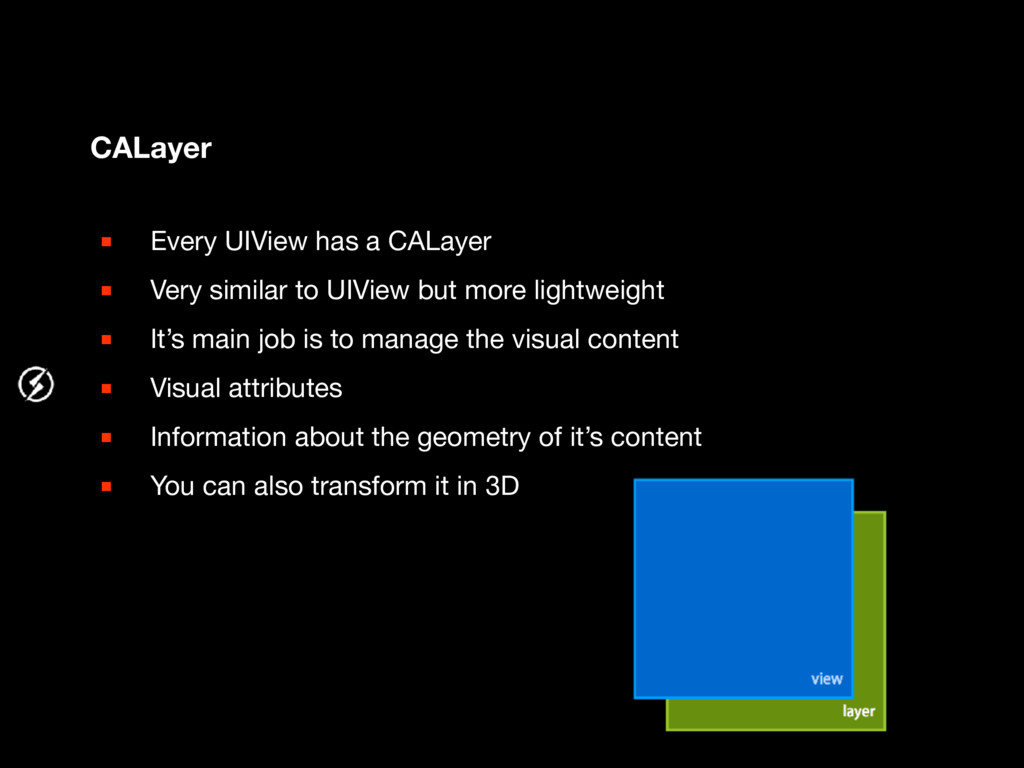
to UIView but more lightweight ▪ It’s main job is to manage the visual content ▪ Visual attributes ▪ Information about the geometry of it’s content ▪ You can also transform it in 3D
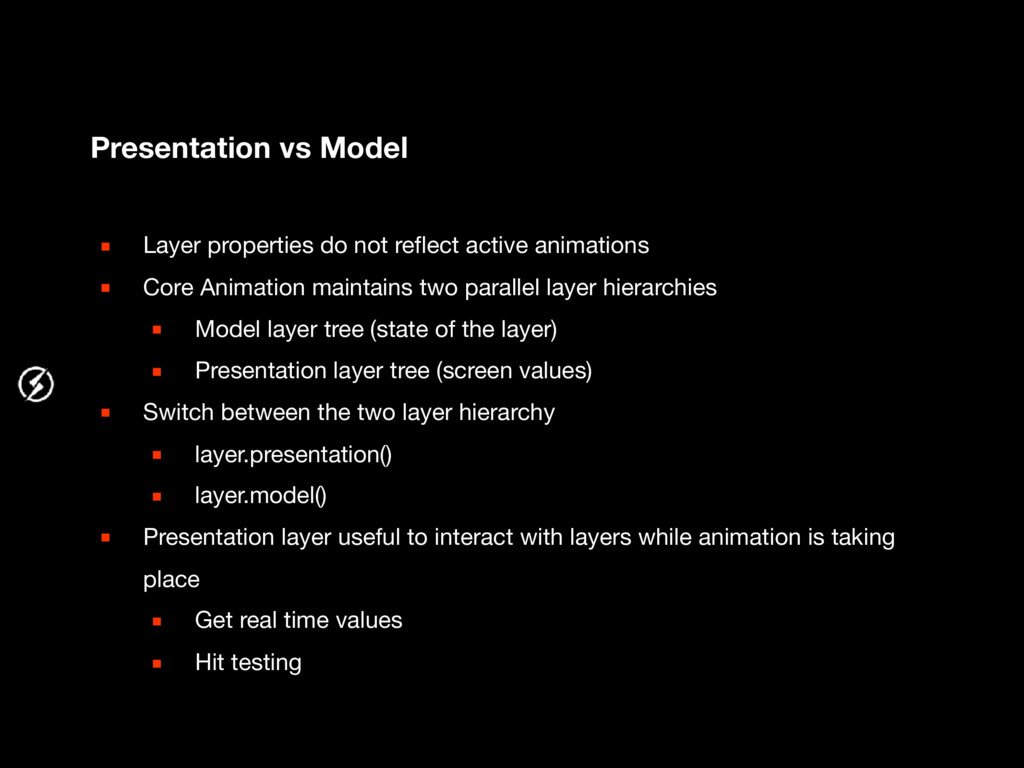
animations ▪ Core Animation maintains two parallel layer hierarchies ▪ Model layer tree (state of the layer) ▪ Presentation layer tree (screen values) ▪ Switch between the two layer hierarchy ▪ layer.presentation() ▪ layer.model() ▪ Presentation layer useful to interact with layers while animation is taking place ▪ Get real time values ▪ Hit testing
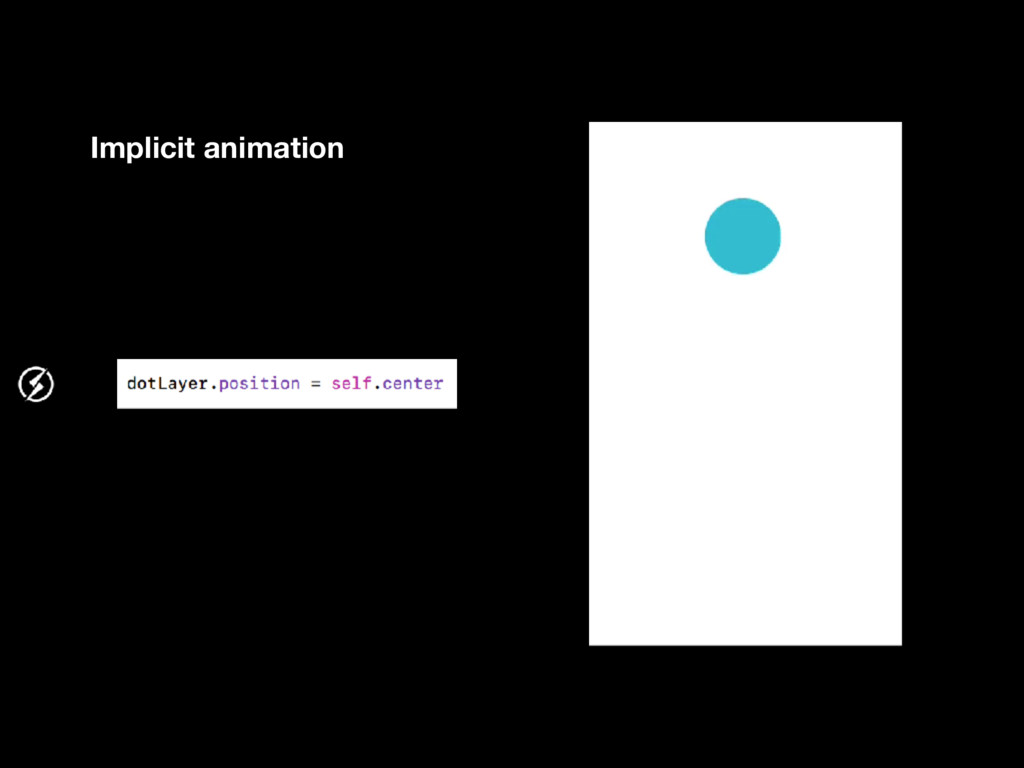
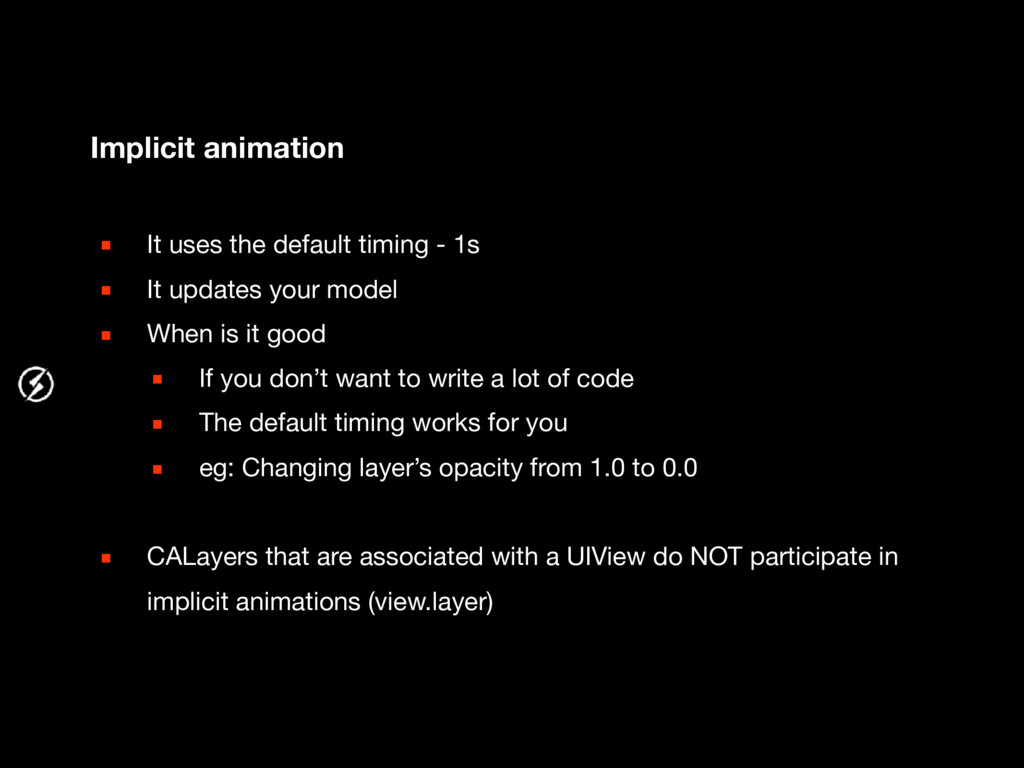
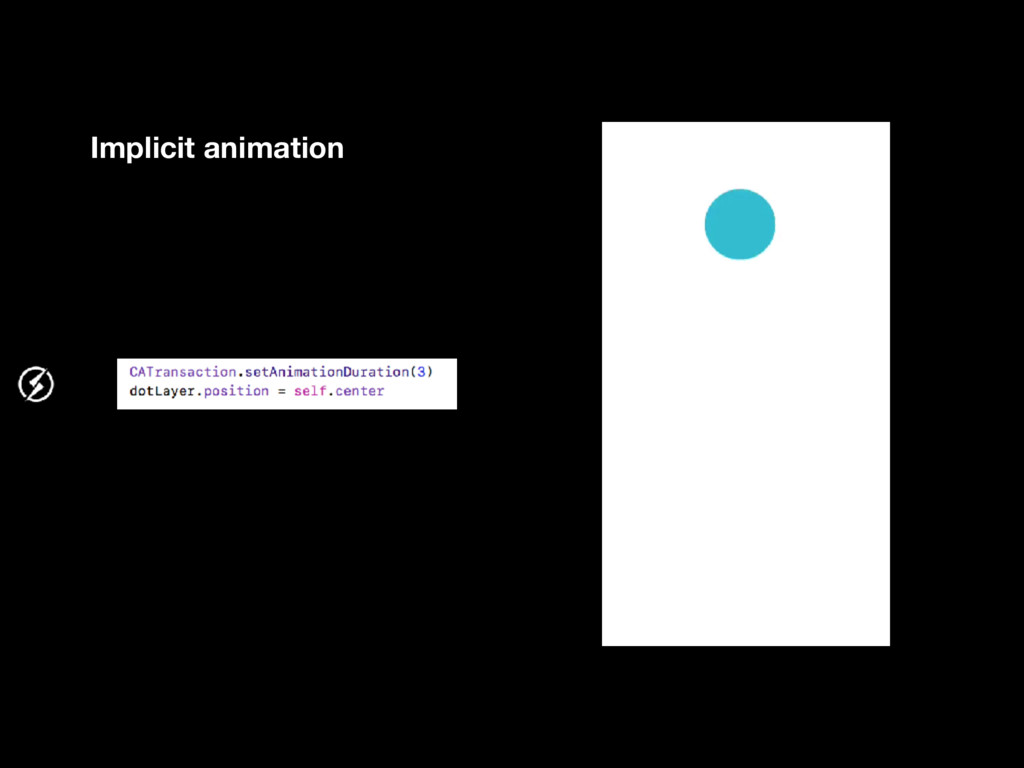
▪ It updates your model ▪ When is it good ▪ If you don’t want to write a lot of code ▪ The default timing works for you ▪ eg: Changing layer’s opacity from 1.0 to 0.0 ▪ CALayers that are associated with a UIView do NOT participate in implicit animations (view.layer)
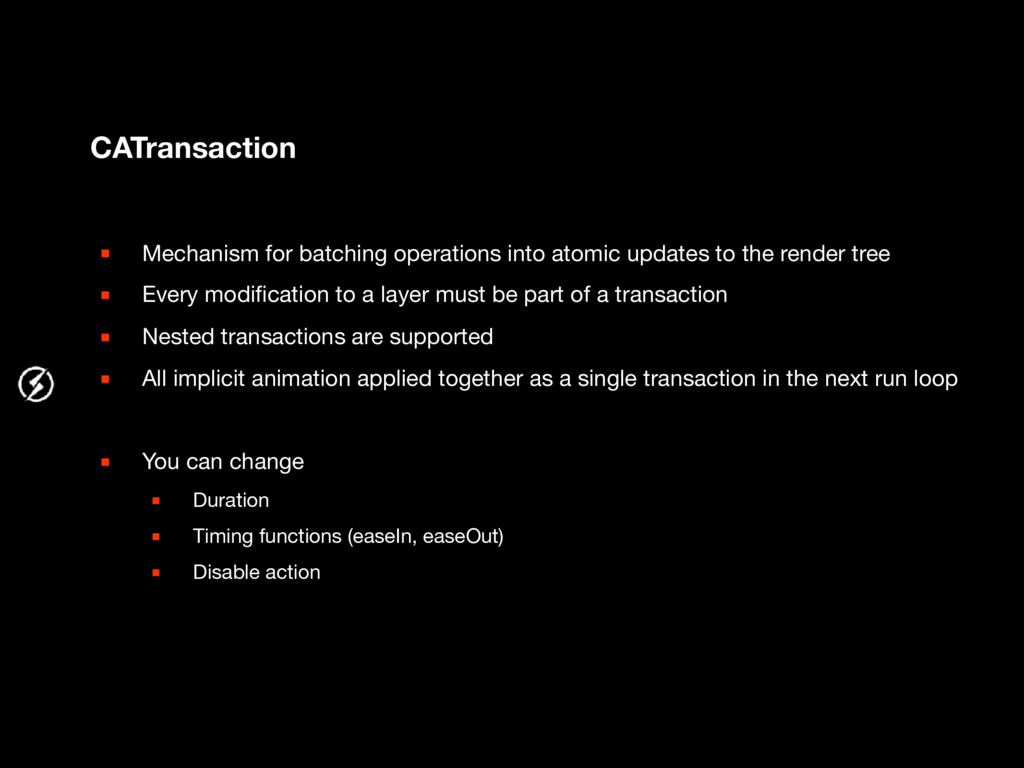
the render tree ▪ Every modification to a layer must be part of a transaction ▪ Nested transactions are supported ▪ All implicit animation applied together as a single transaction in the next run loop ▪ You can change ▪ Duration ▪ Timing functions (easeIn, easeOut) ▪ Disable action


 egyes
egyes
 a_matsuda
 marcoroth
 andpad
 teyamagu
 uyuki234
 koic
koic
 florets1
 texmeijin
 taiseiue
 rshindo
 panda728
 hschwentner
 destraynor
 addyosmani
 inesmontani
 jnunemaker
 afnizarnur
 konakalab
 iamctodd
 aleyda
 wjessup
 soysaucechin
 brad_frost
 hatefulcrawdad




![thank you for your attention. David Horvath [email protected]](https://files.speakerdeck.com/presentations/e88d0f3ef05444ac899a5985838dff6c/slide_37.jpg)