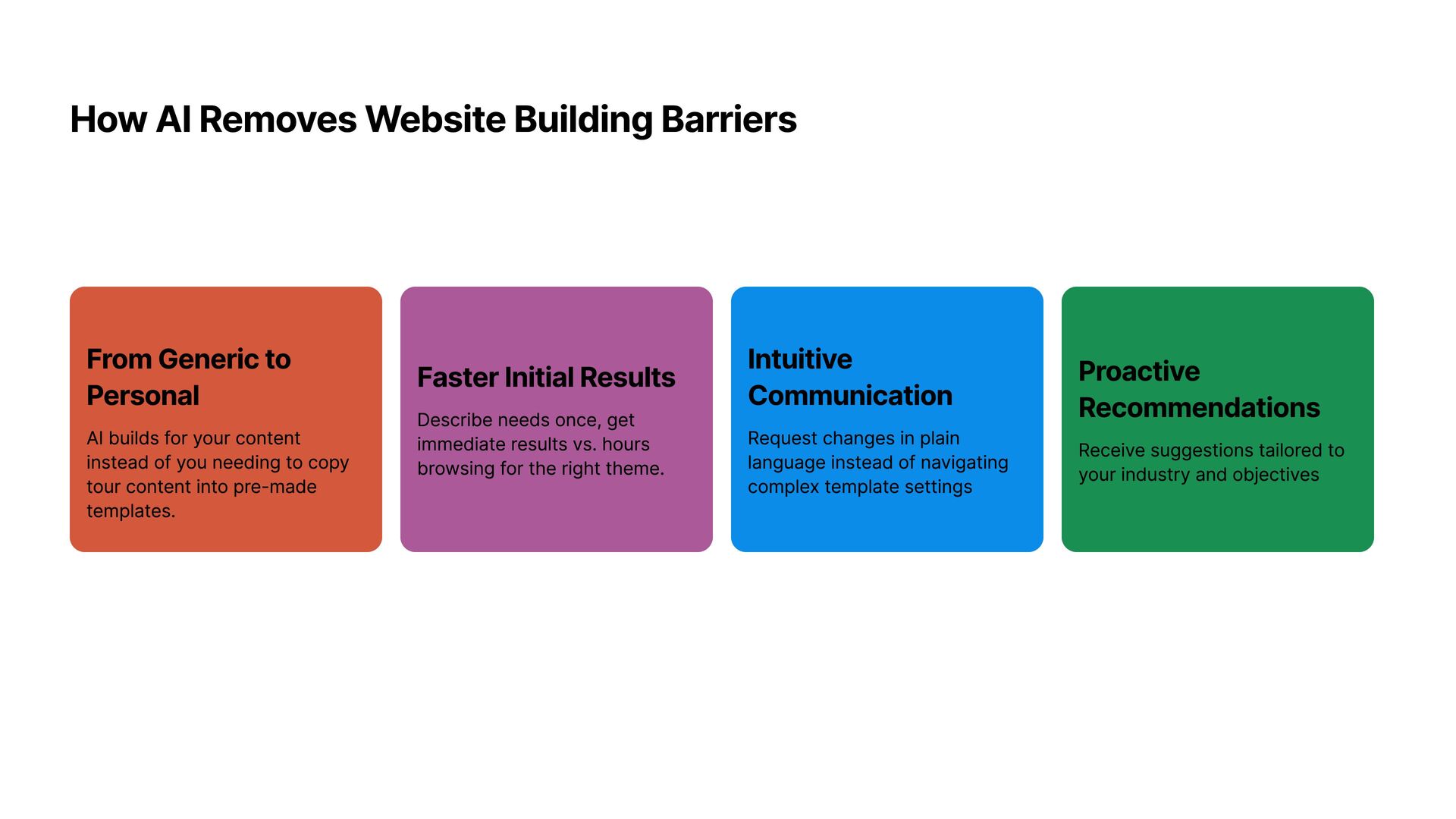
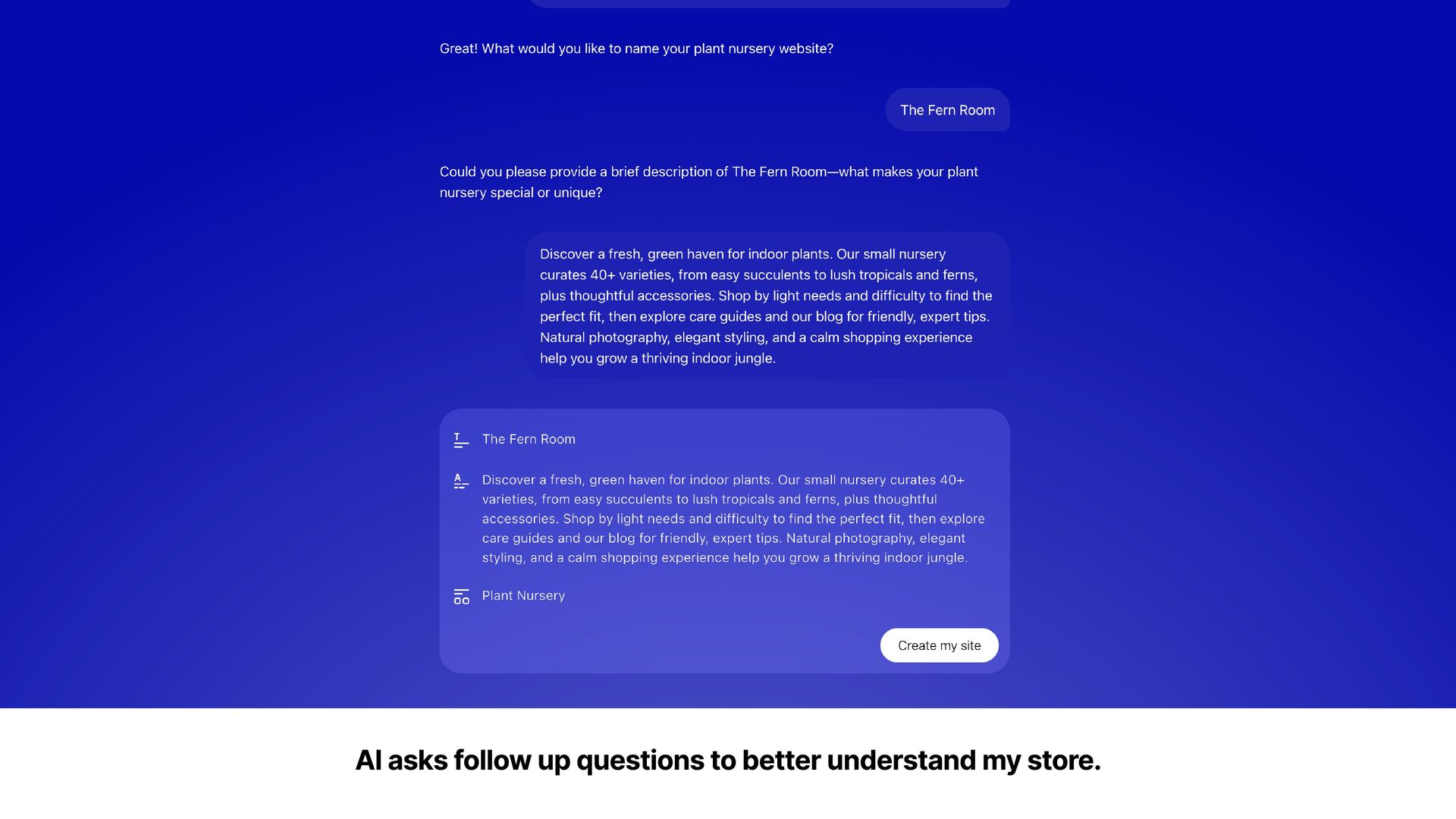
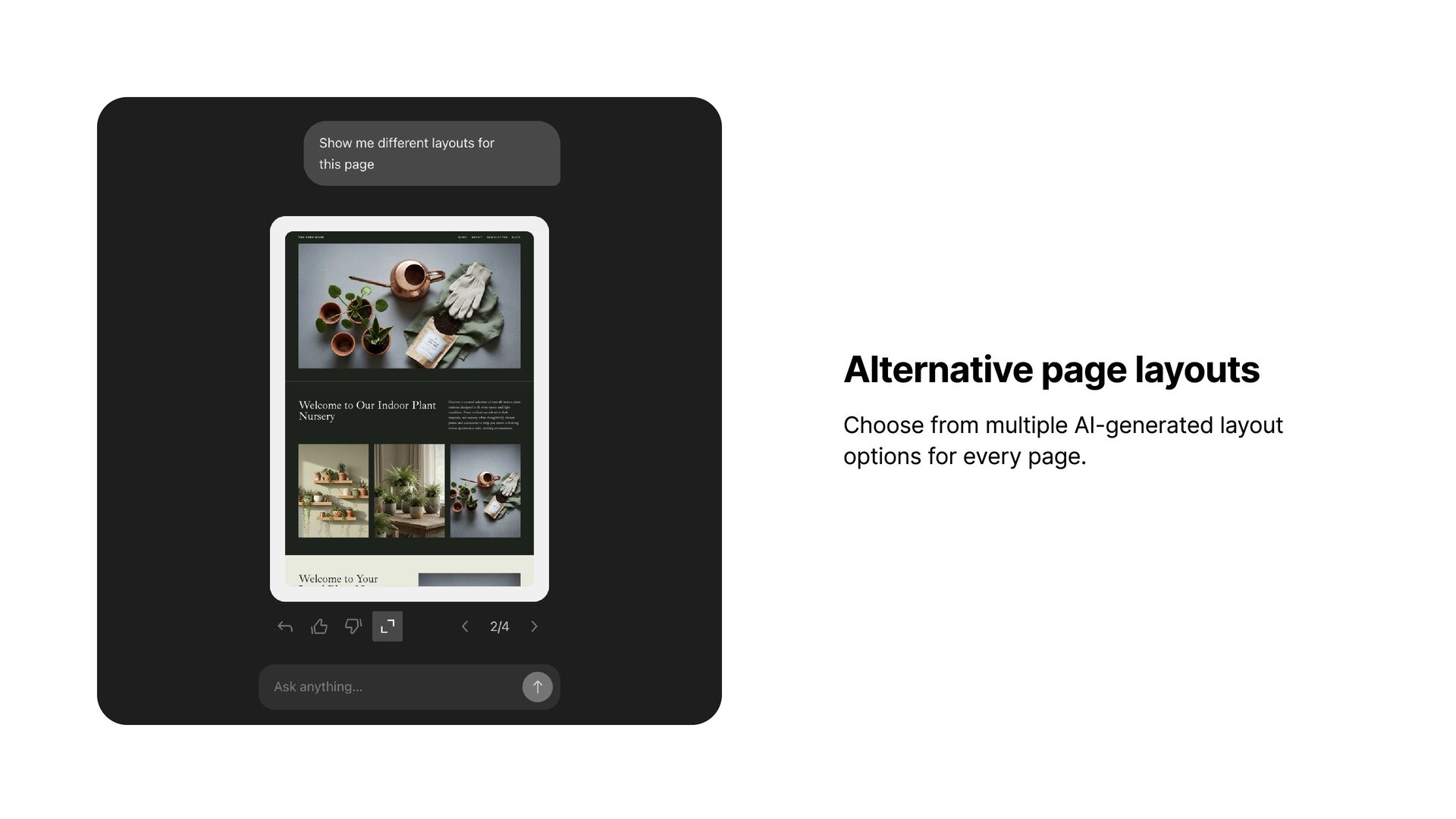
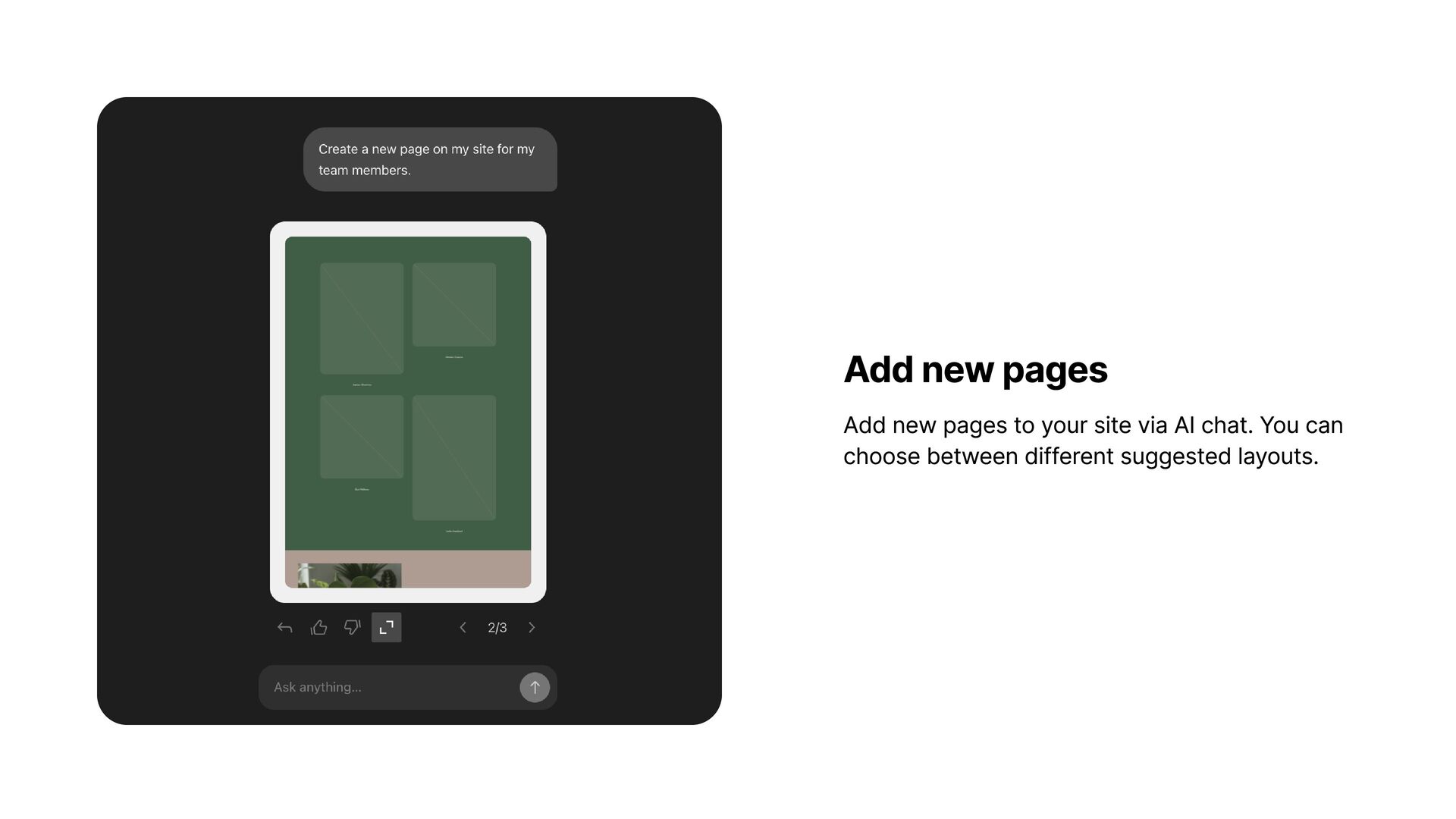
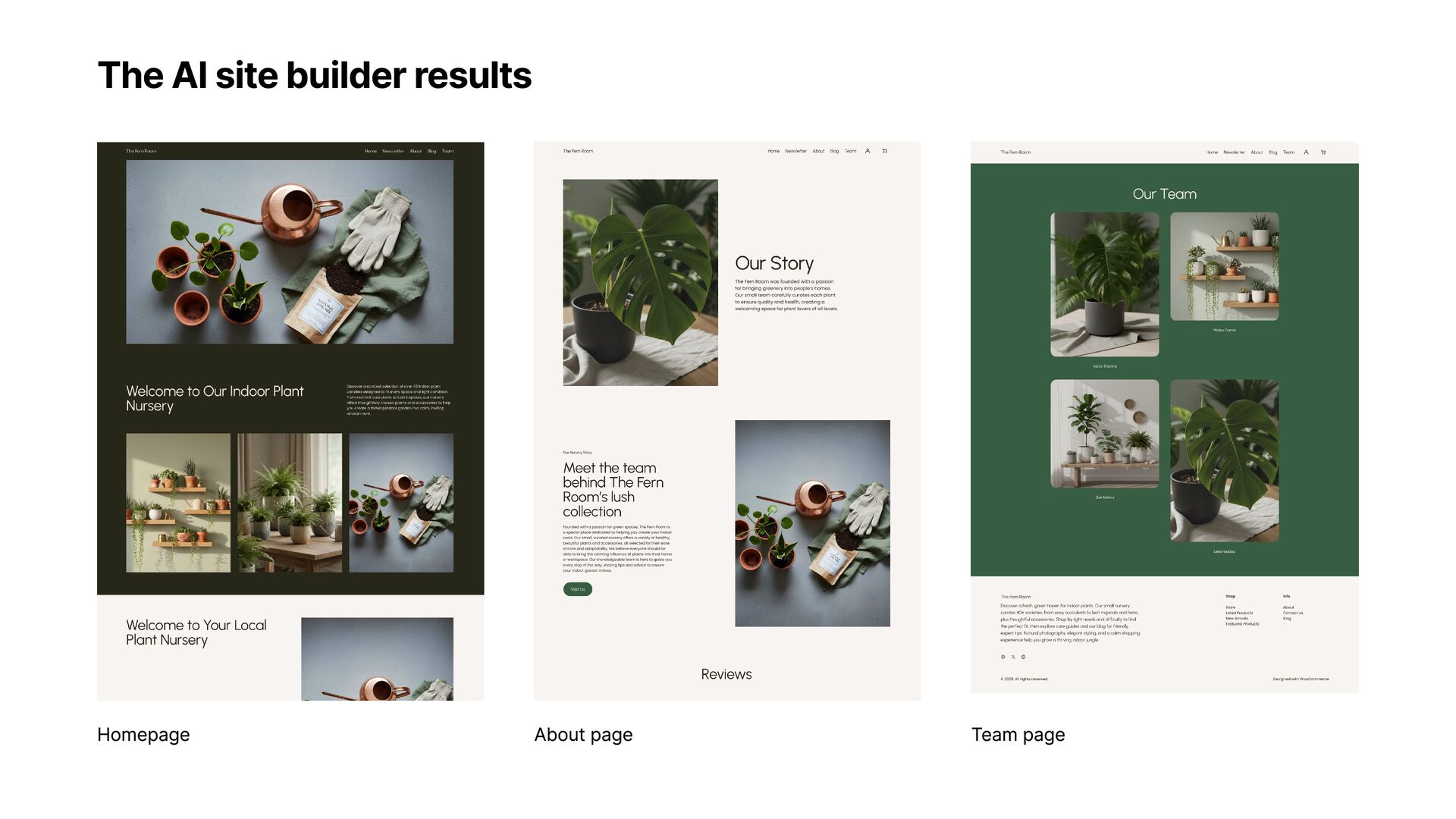
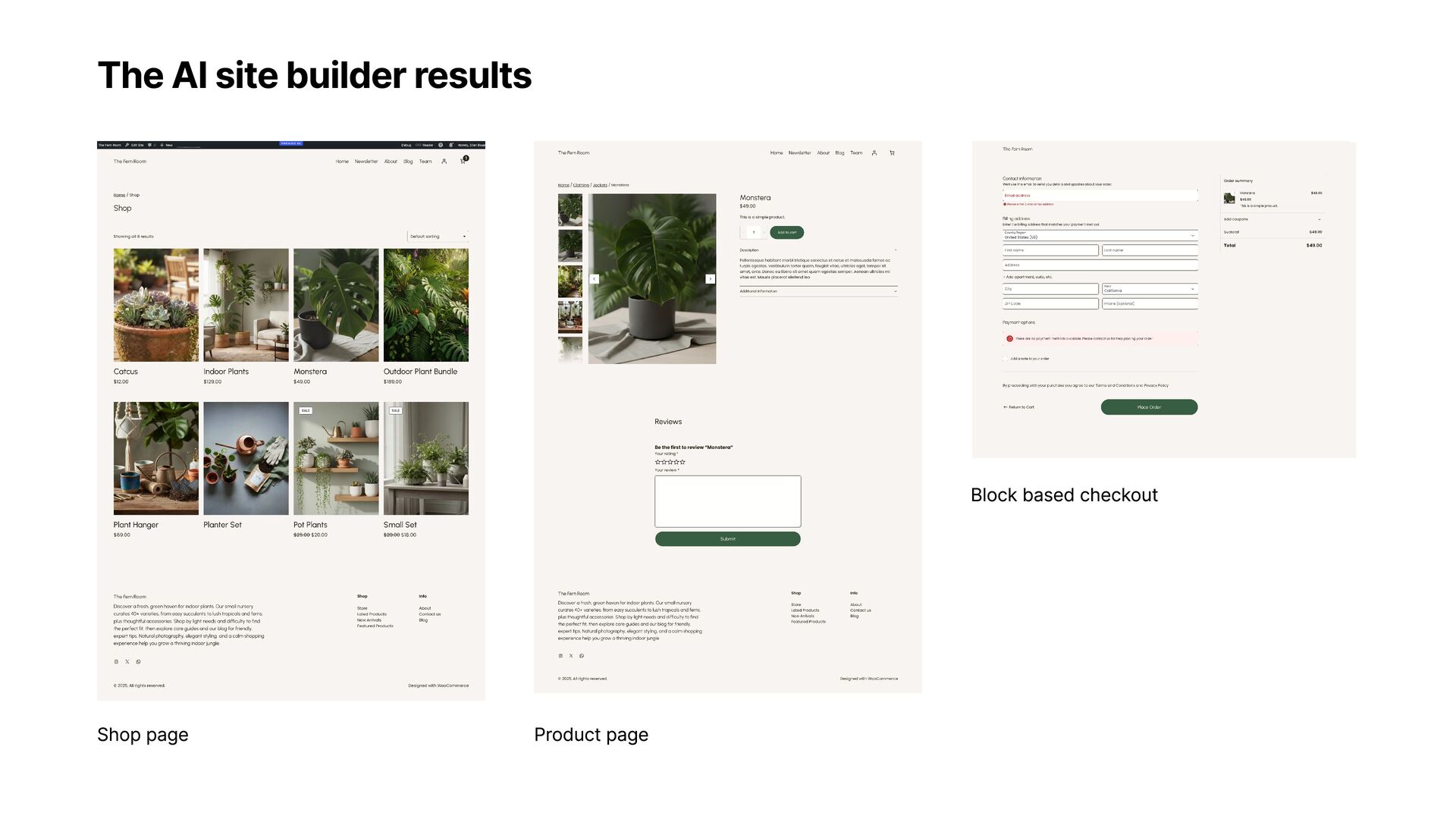
needs once, get immediate results vs. hours browsing for the right theme. From Generic to Personal AI builds for your content instead of you needing to copy tour content into pre-made templates. Intuitive Communication Request changes in plain language instead of navigating complex template settings Proactive Recommendations Receive suggestions tailored to your industry and objectives
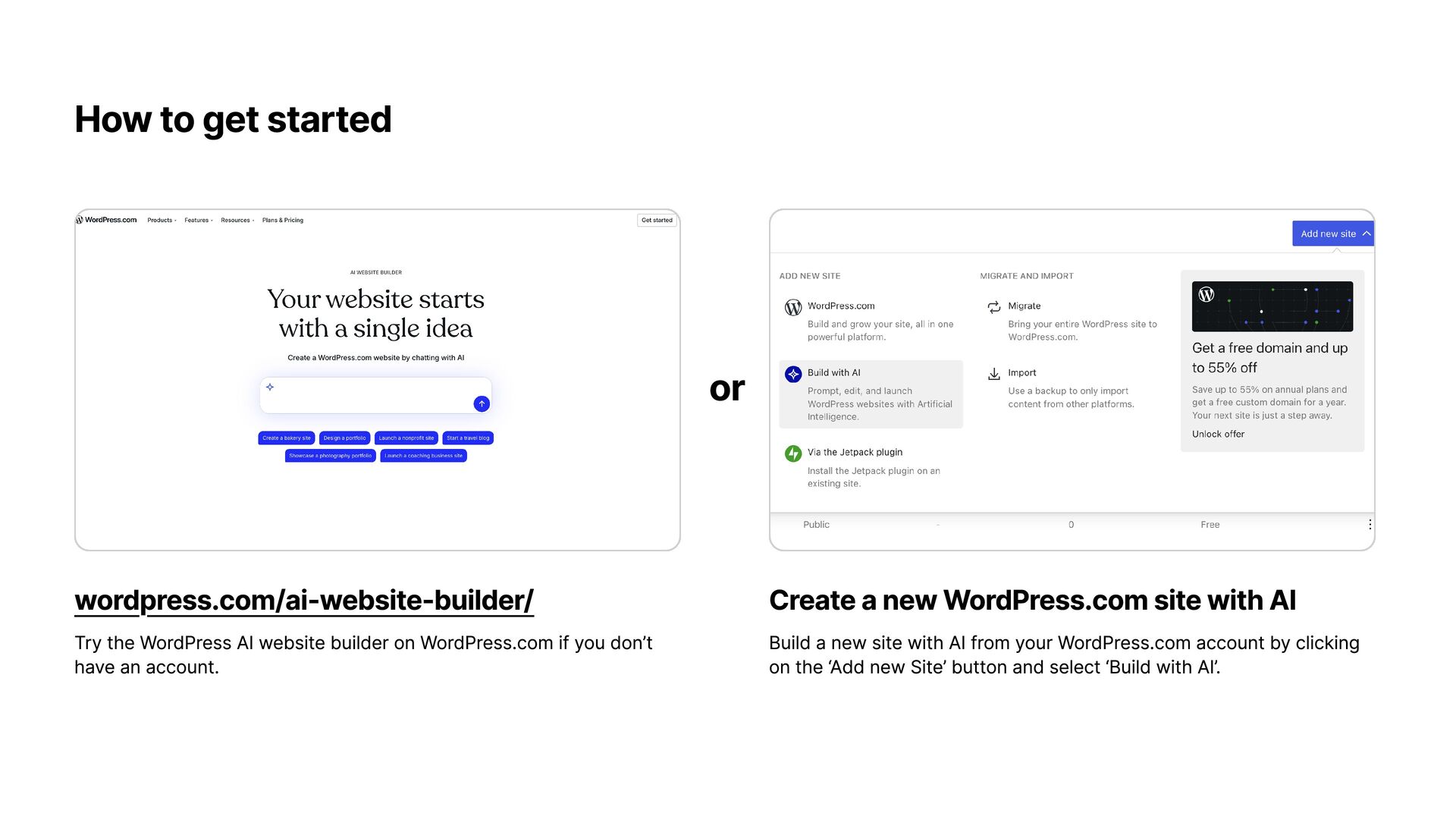
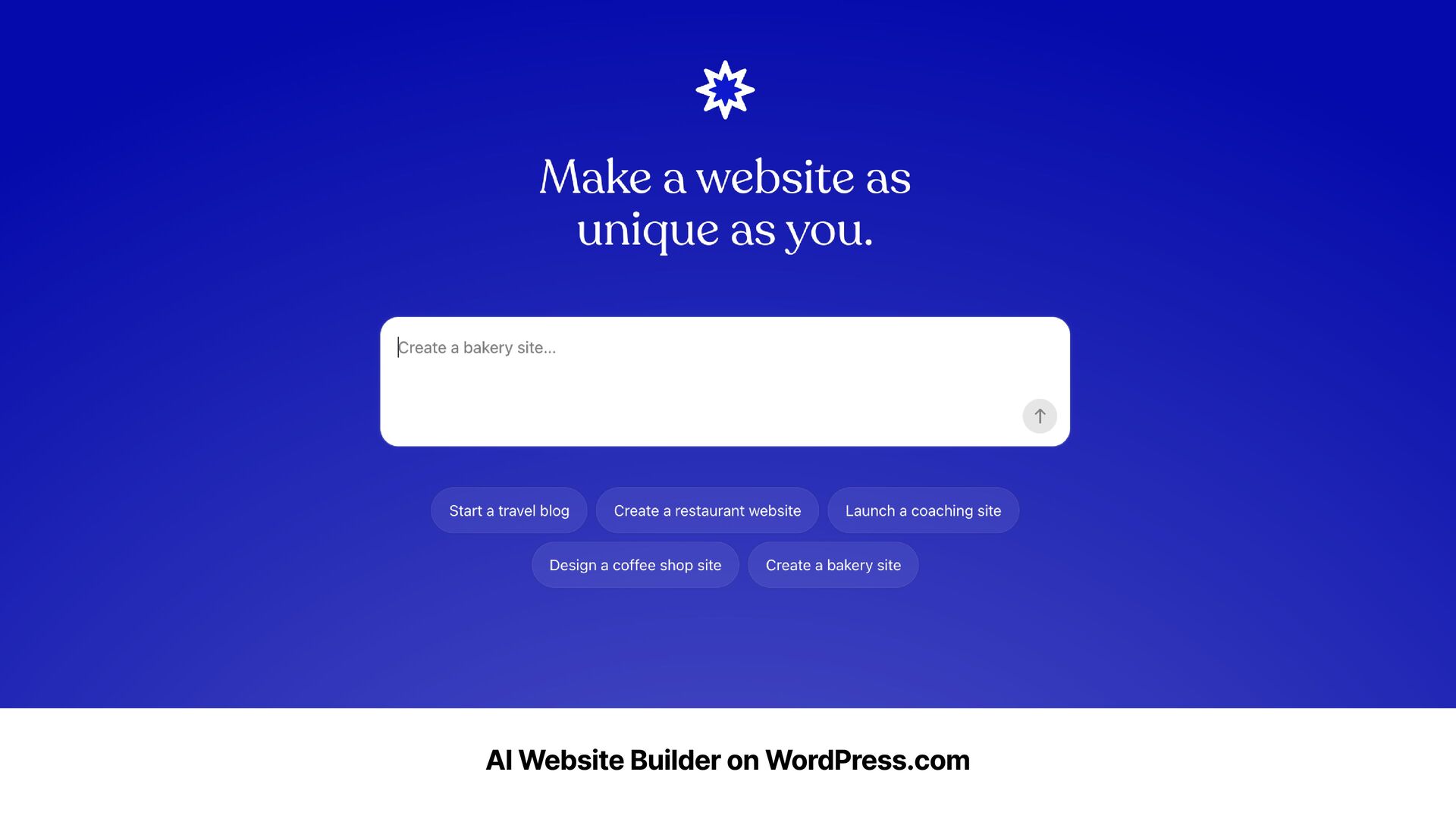
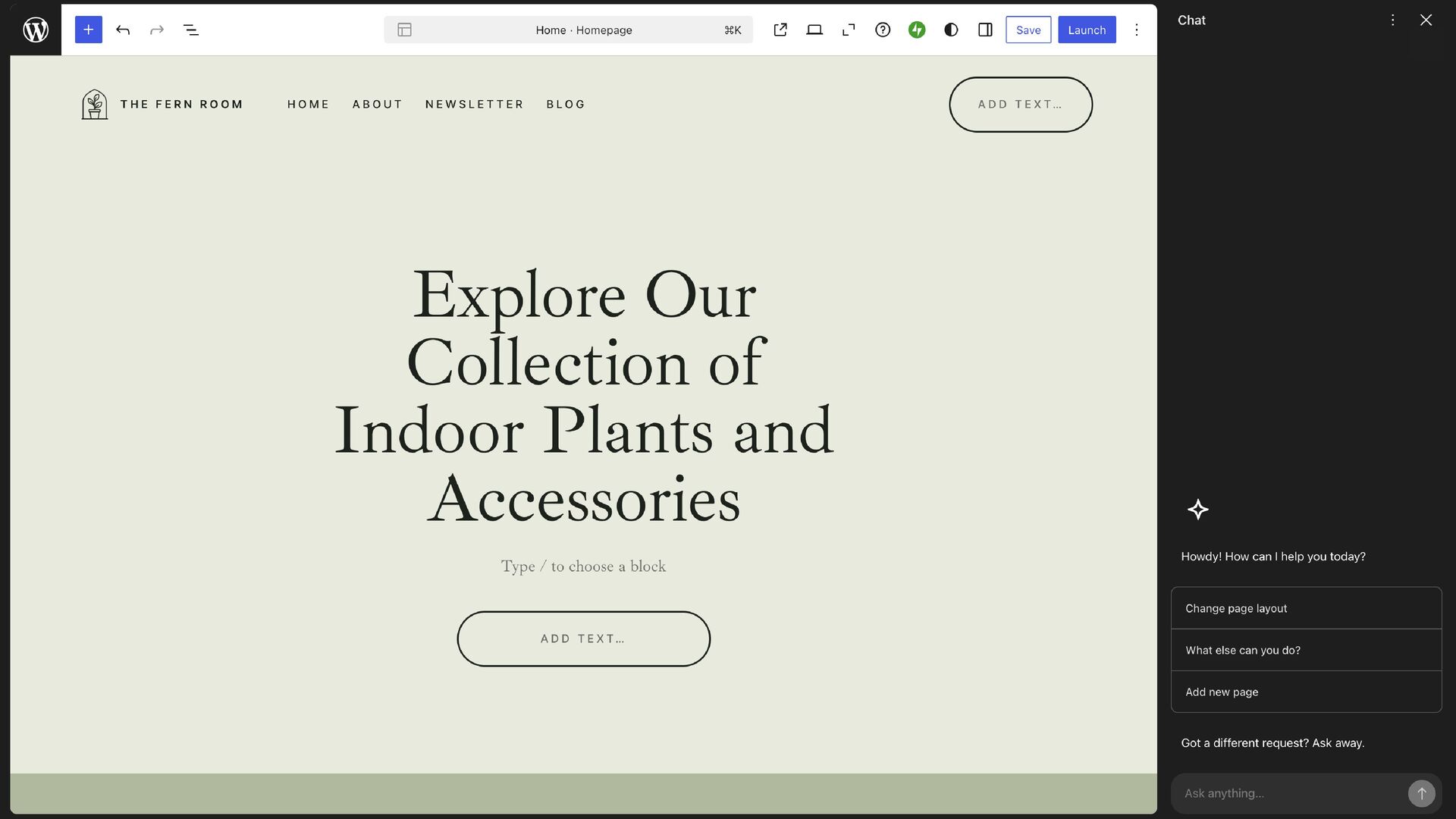
website builder on WordPress.com if you don’t have an account. Create a new WordPress.com site with AI Build a new site with AI from your WordPress.com account by clicking on the ‘Add new Site’ button and select ‘Build with AI’.
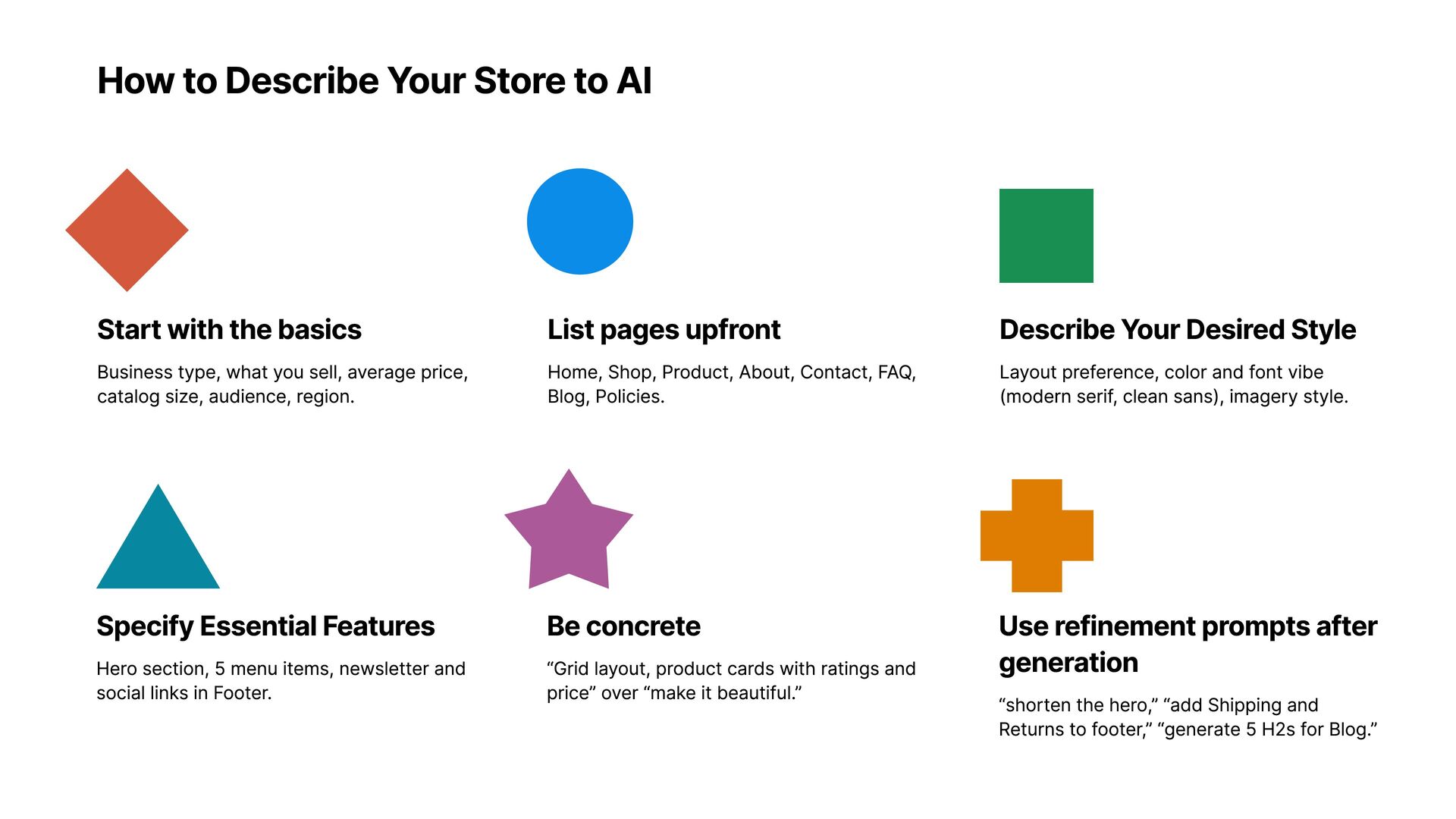
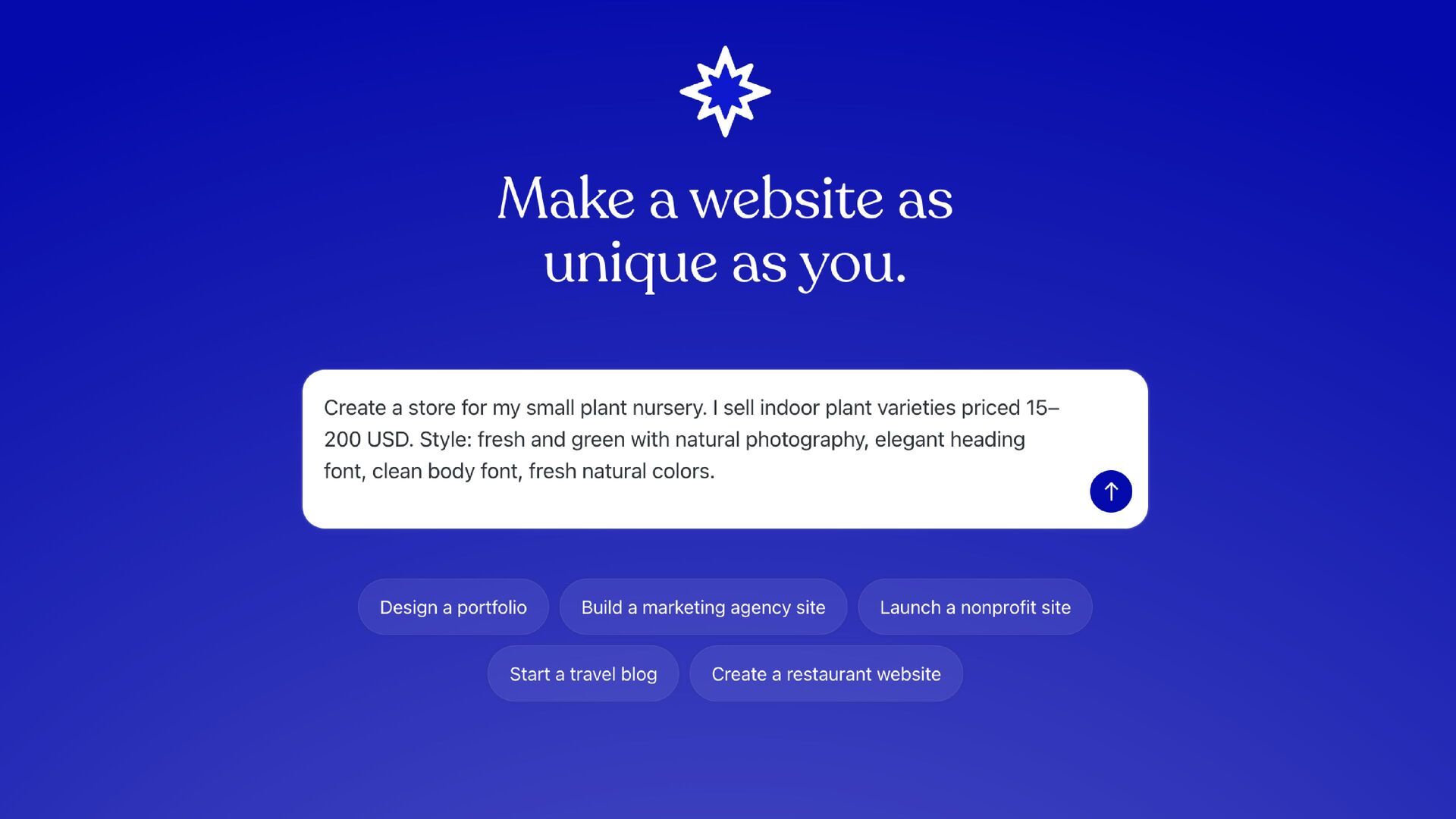
the basics Business type, what you sell, average price, catalog size, audience, region. Specify Essential Features Hero section, 5 menu items, newsletter and social links in Footer. List pages upfront Home, Shop, Product, About, Contact, FAQ, Blog, Policies. Be concrete “Grid layout, product cards with ratings and price” over “make it beautiful.” Describe Y our Desired Style Layout preference, color and font vibe (modern serif, clean sans), imagery style. Use refinement prompts after generation “shorten the hero,” “add Shipping and Returns to footer,” “generate 5 H2s for Blog.”
style of buttons or other design elements on your site. Add forms and social links Add contact forms or newsletter sections to your site and link to your social profiles.
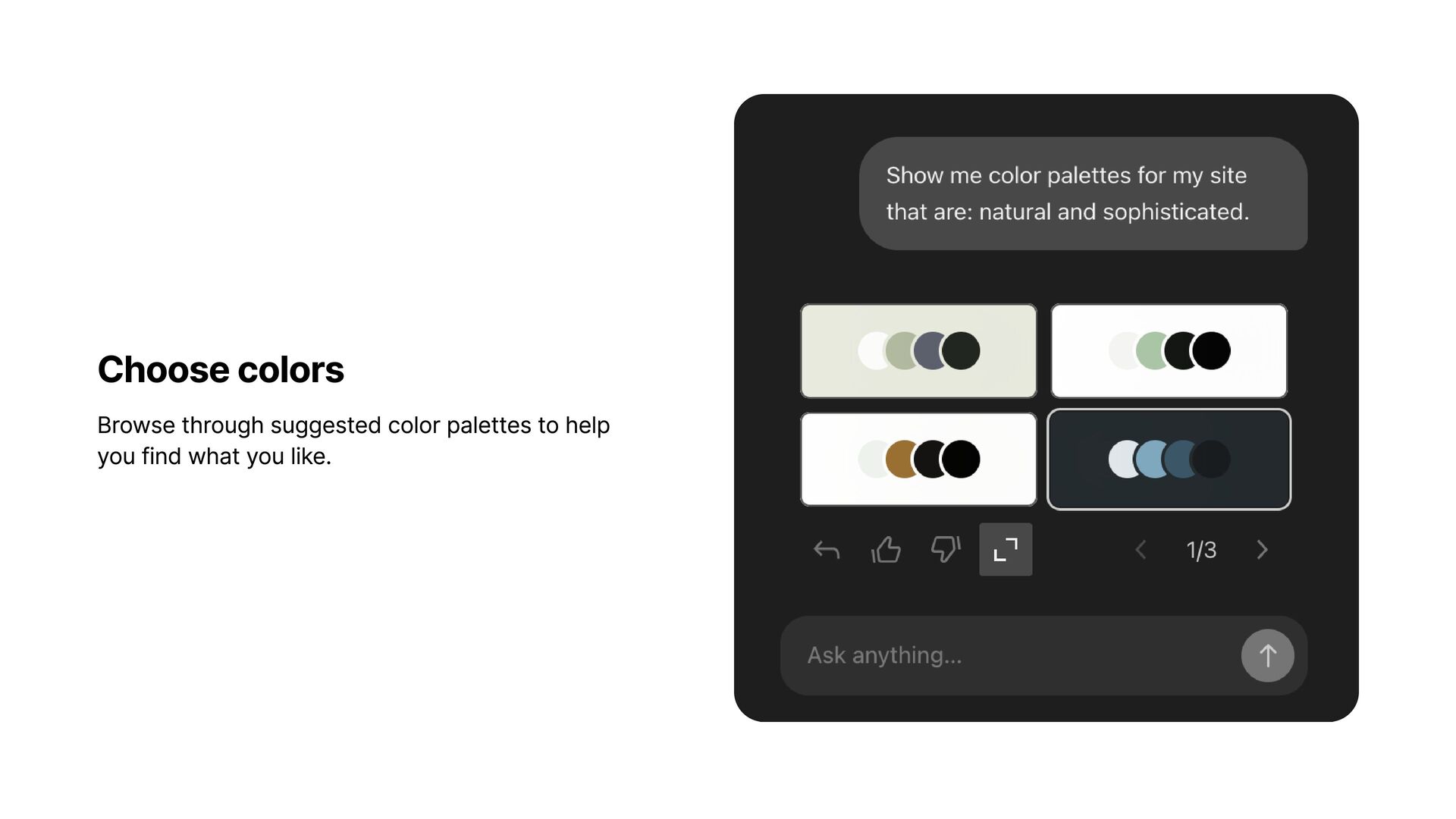
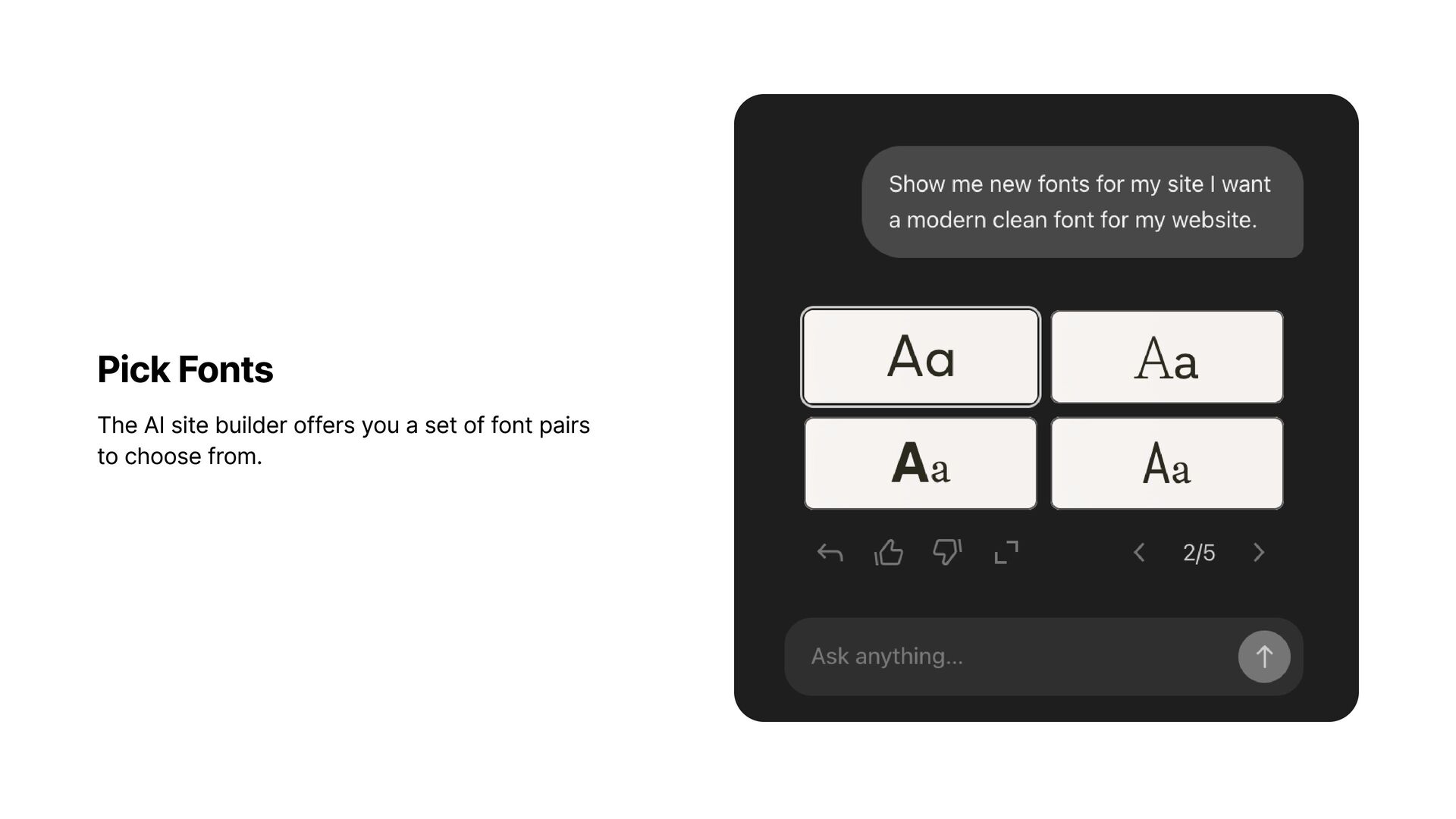
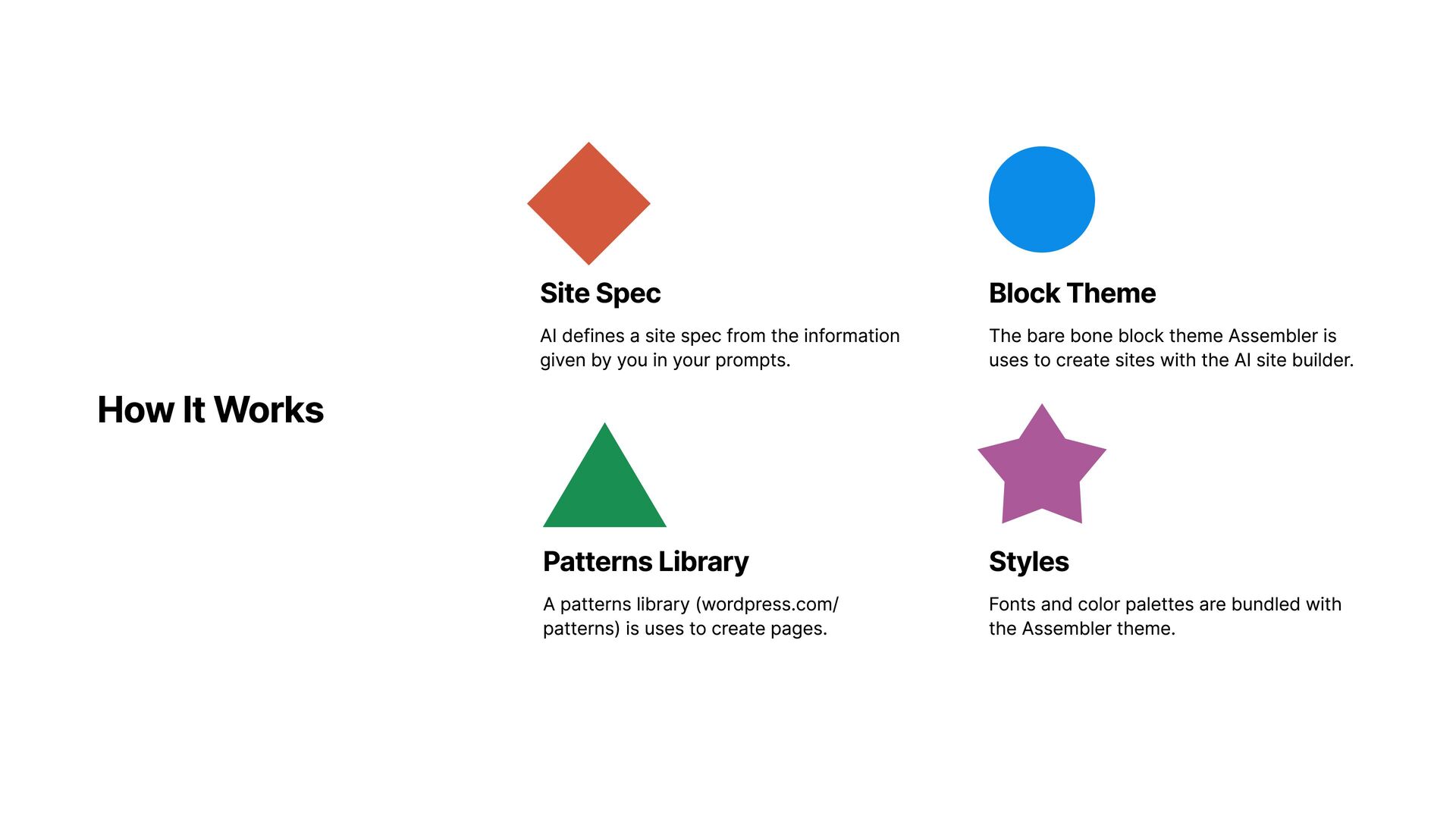
from the information given by you in your prompts. Patterns Library A patterns library (wordpress.com/ patterns) is uses to create pages. Block Theme The bare bone block theme Assembler is uses to create sites with the AI site builder. Styles Fonts and color palettes are bundled with the Assembler theme.


 glaforge
 bgpat
bgpat
 ufried
 sansantech
 470715
 codmoninc
 philipz
 pfn
pfn
 fespinoza
 jozono
 tokuty
 munakata
 tammyeverts
 tamaranovitovic
 marktimemedia
 wjessup
 nikkihalliwell
 rakko
rakko
 aki_iinuma
 jonoalderson
 philnash
 aarron
 mza
mza
 matthewcrist