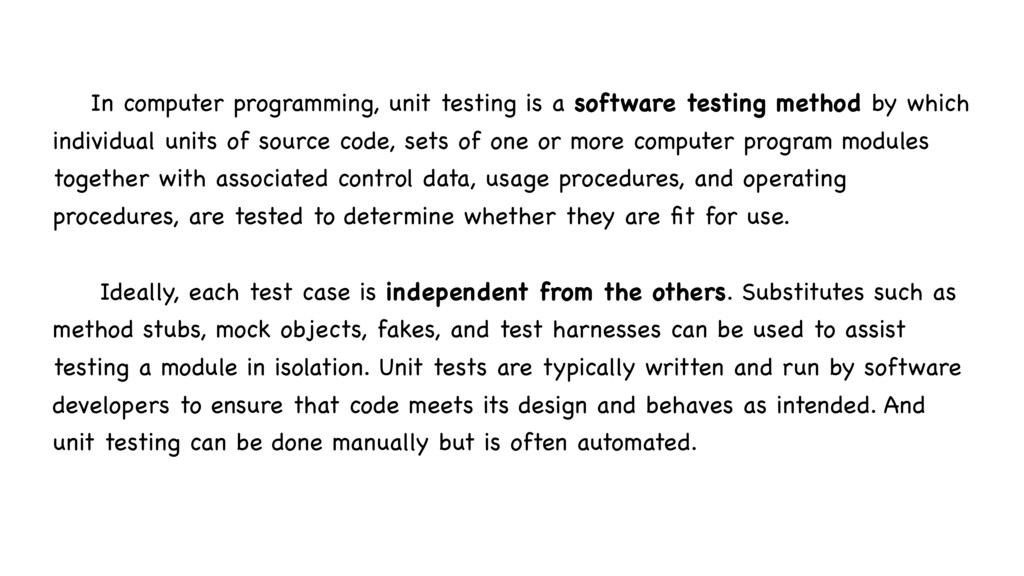
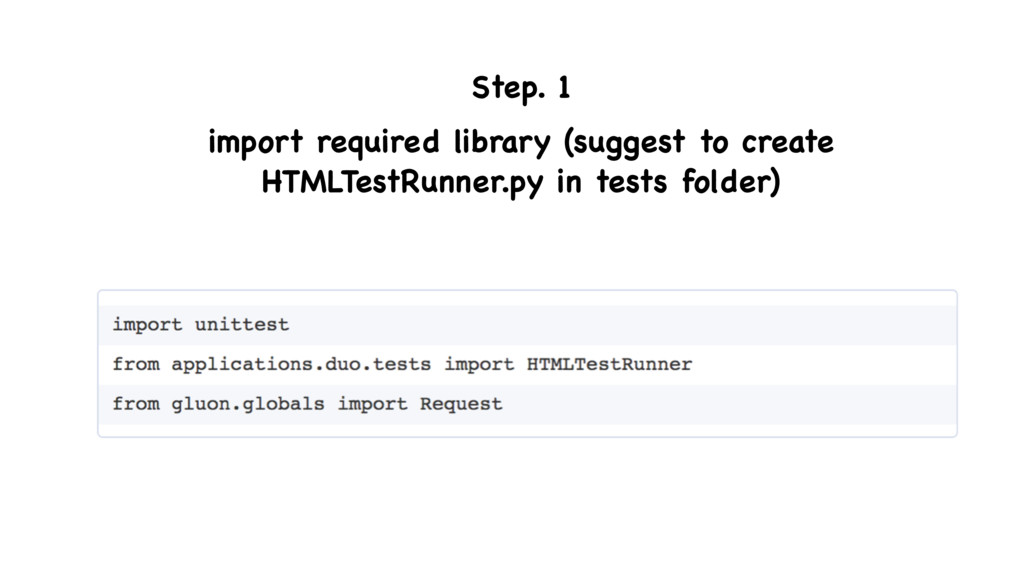
by which individual units of source code, sets of one or more computer program modules together with associated control data, usage procedures, and operating procedures, are tested to determine whether they are fit for use. Ideally, each test case is independent from the others. Substitutes such as method stubs, mock objects, fakes, and test harnesses can be used to assist testing a module in isolation. Unit tests are typically written and run by software developers to ensure that code meets its design and behaves as intended. And unit testing can be done manually but is often automated.
easier to debug when there's a problem. Let our test functionality which is either not exposed or not easily accessible from the program's external interfaces, for example error handling and functionality which has no UX yet. Provides a cheap way to ensure we haven't broken any major existing functionality across the system when we make cross- component changes. Provides a way for people unfamiliar with our code to verify they haven't broken it when they are working with it. And, for them to see how it works.
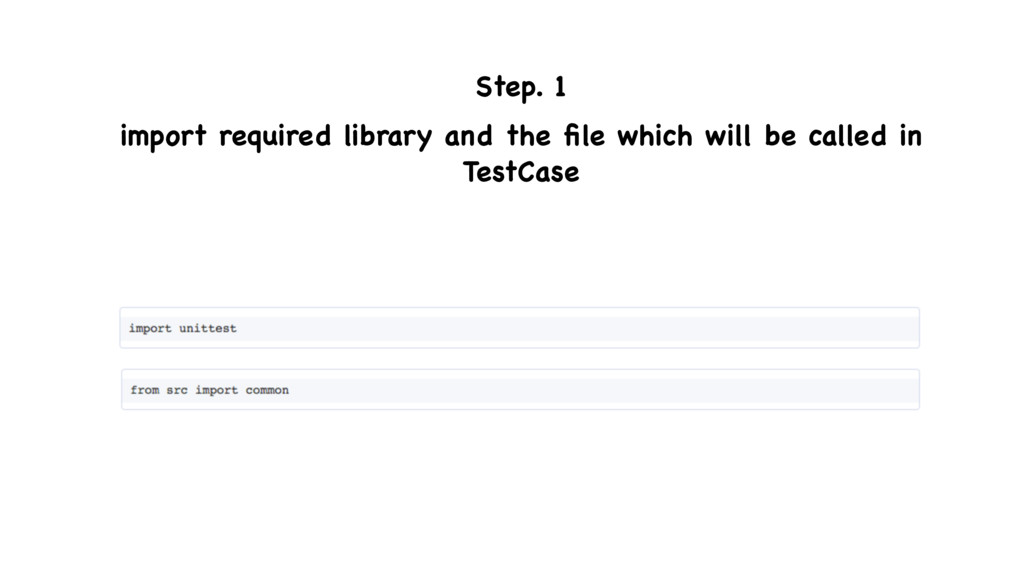
is a python standard library unittest. unittest supports test automation, sharing of setup and shutdown code for tests, aggregation of tests into collections, and independence of the tests from the reporting framework. The unittest module provides classes that make it easy to support these qualities for a set of tests. https:/ /docs.python.org/2/library/unittest.html
A test case is the smallest unit of testing. It checks for a specific response to a particular set of inputs. unittest provides a base class, TestCase, which may be used to create new test cases. test suite A test suite is a collection of test cases, test suites, or both. It is used to aggregate tests that should be executed together.
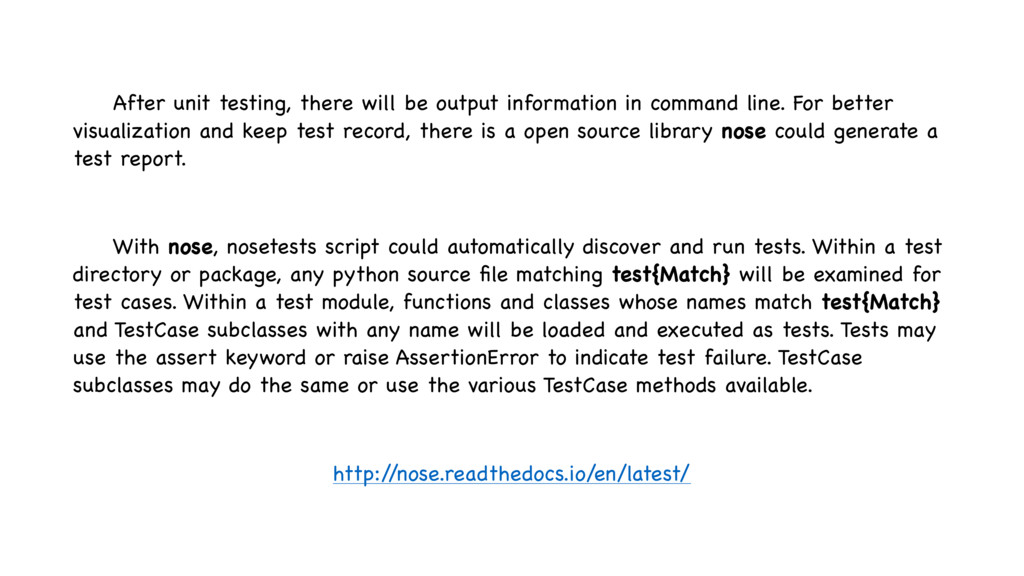
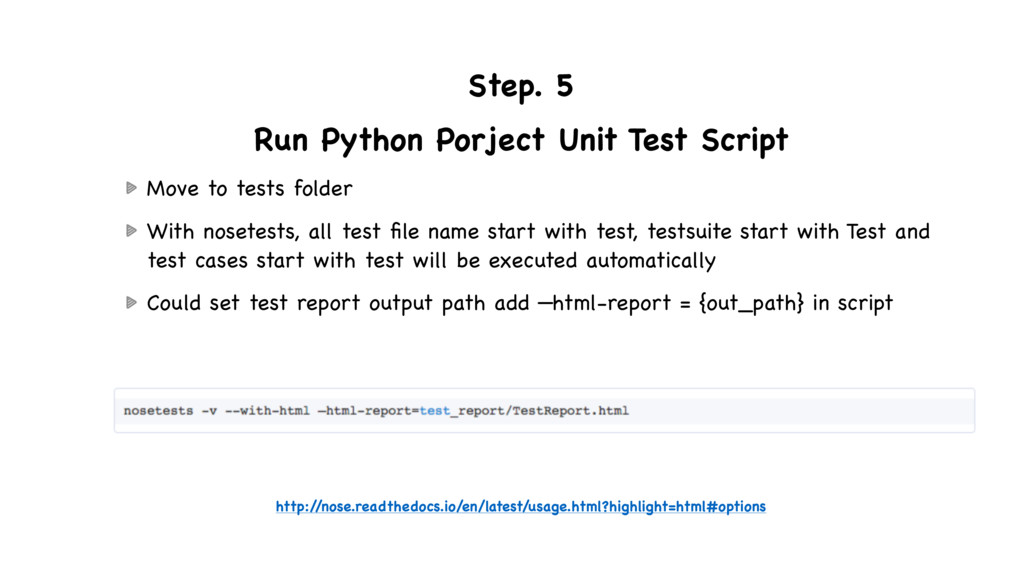
line. For better visualization and keep test record, there is a open source library nose could generate a test report. With nose, nosetests script could automatically discover and run tests. Within a test directory or package, any python source file matching test{Match} will be examined for test cases. Within a test module, functions and classes whose names match test{Match} and TestCase subclasses with any name will be loaded and executed as tests. Tests may use the assert keyword or raise AssertionError to indicate test failure. TestCase subclasses may do the same or use the various TestCase methods available. http:/ /nose.readthedocs.io/en/latest/
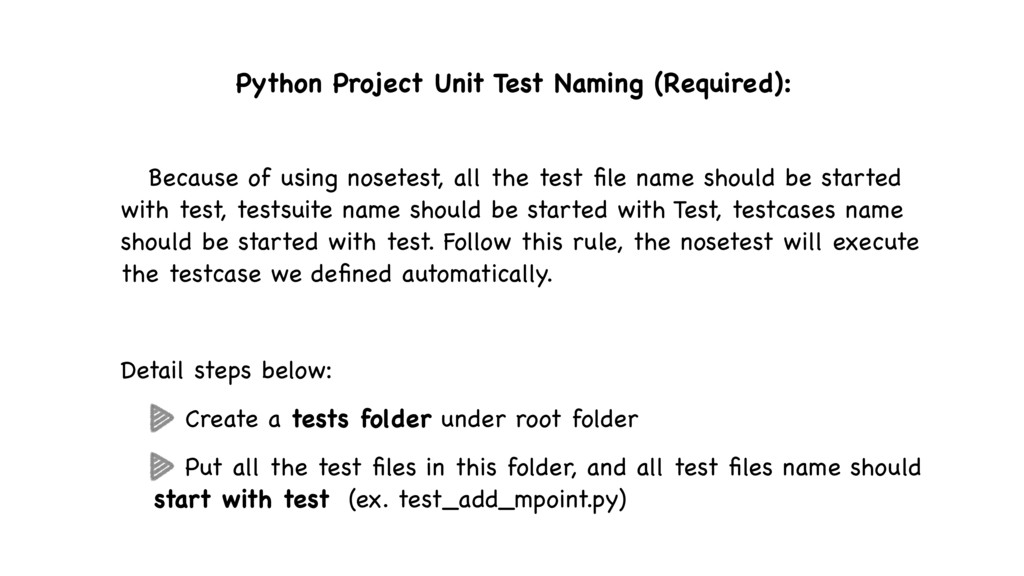
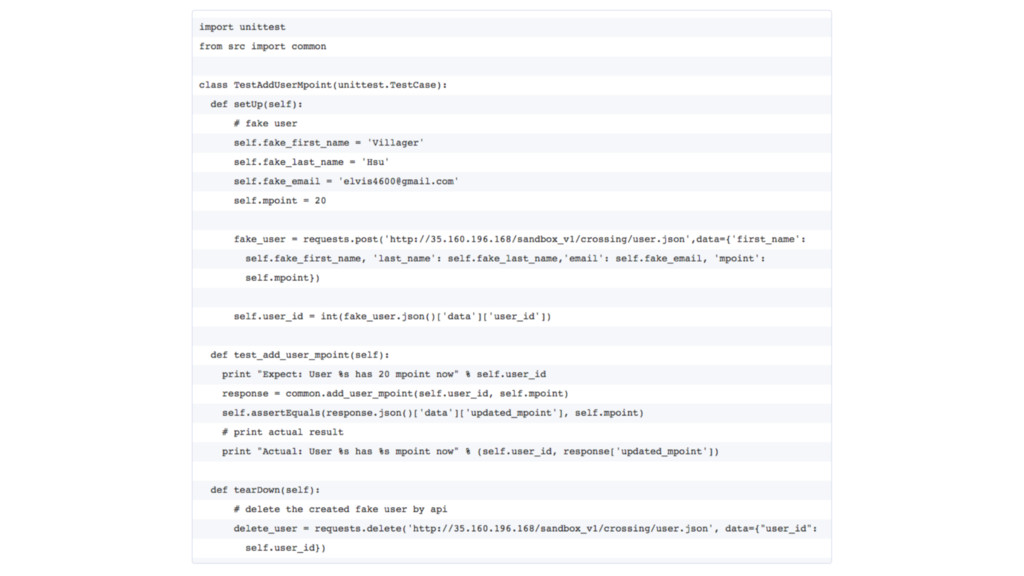
all the test file name should be started with test, testsuite name should be started with Test, testcases name should be started with test. Follow this rule, the nosetest will execute the testcase we defined automatically. Detail steps below: Create a tests folder under root folder Put all the test files in this folder, and all test files name should start with test (ex. test_add_mpoint.py)
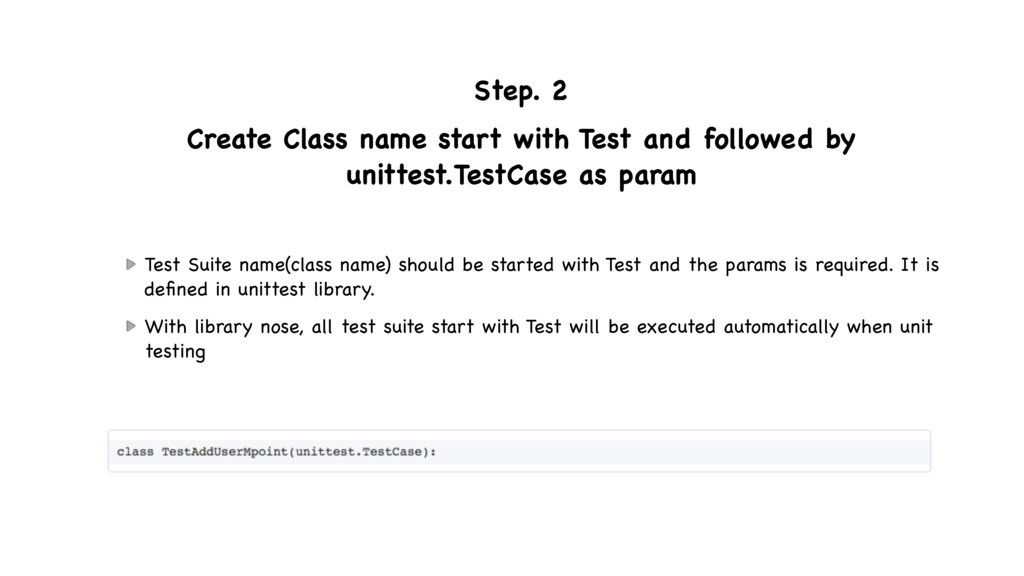
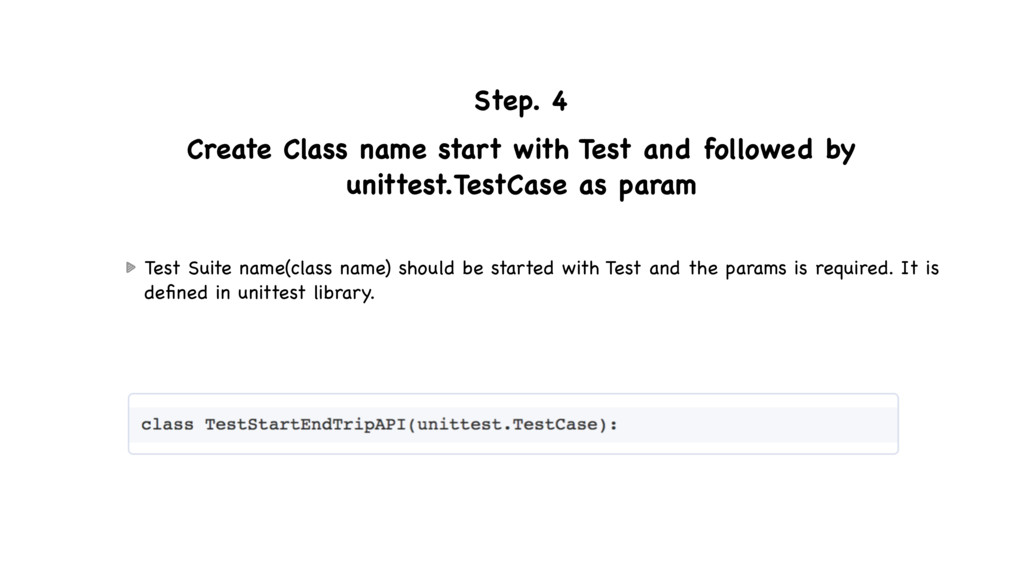
by unittest.TestCase as param Test Suite name(class name) should be started with Test and the params is required. It is defined in unittest library. With library nose, all test suite start with Test will be executed automatically when unit testing
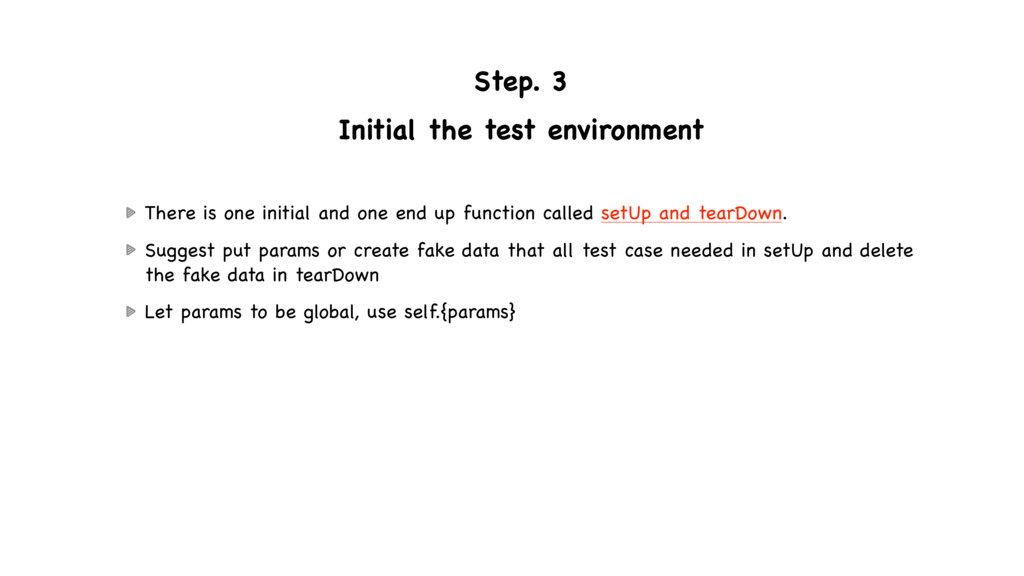
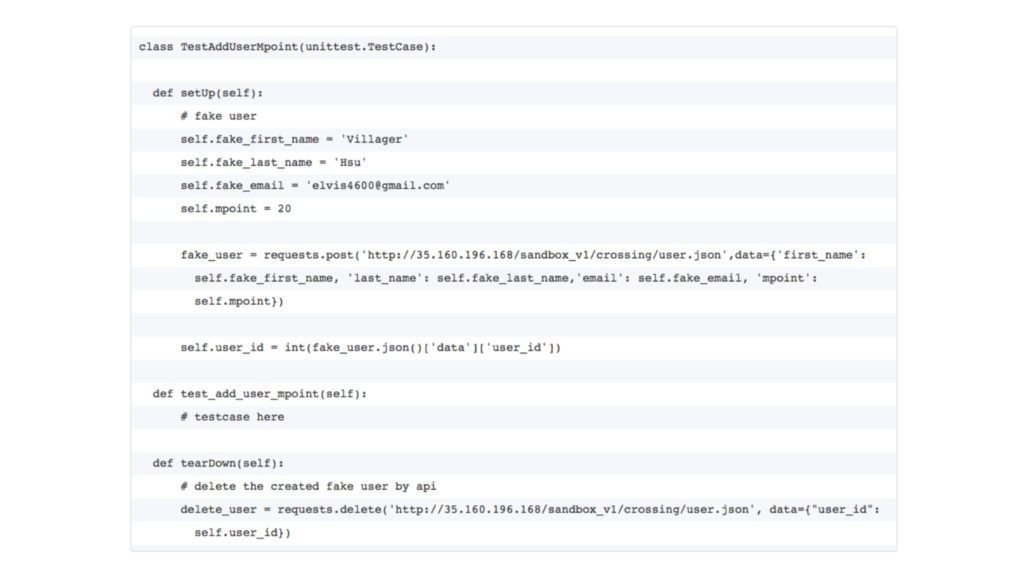
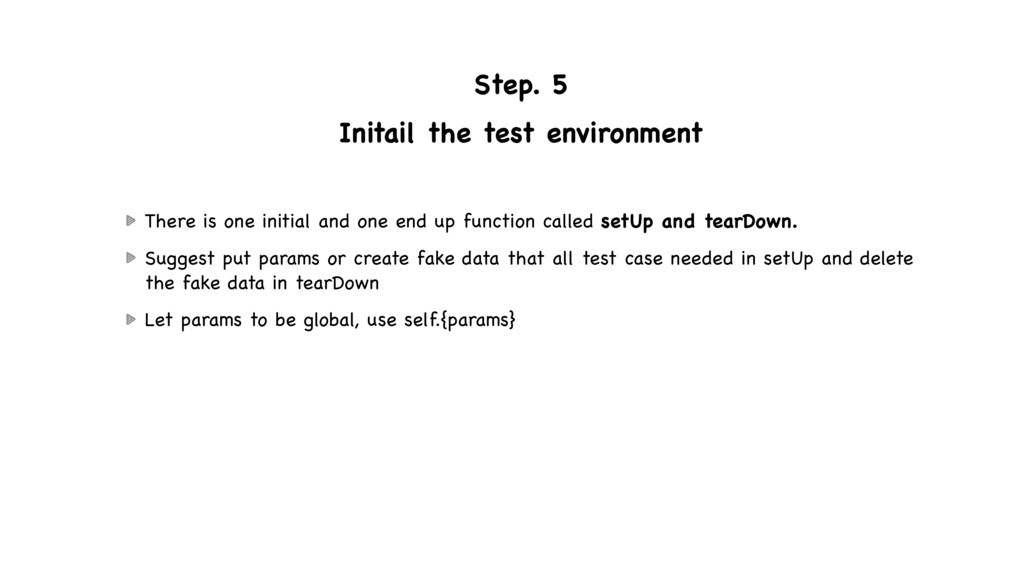
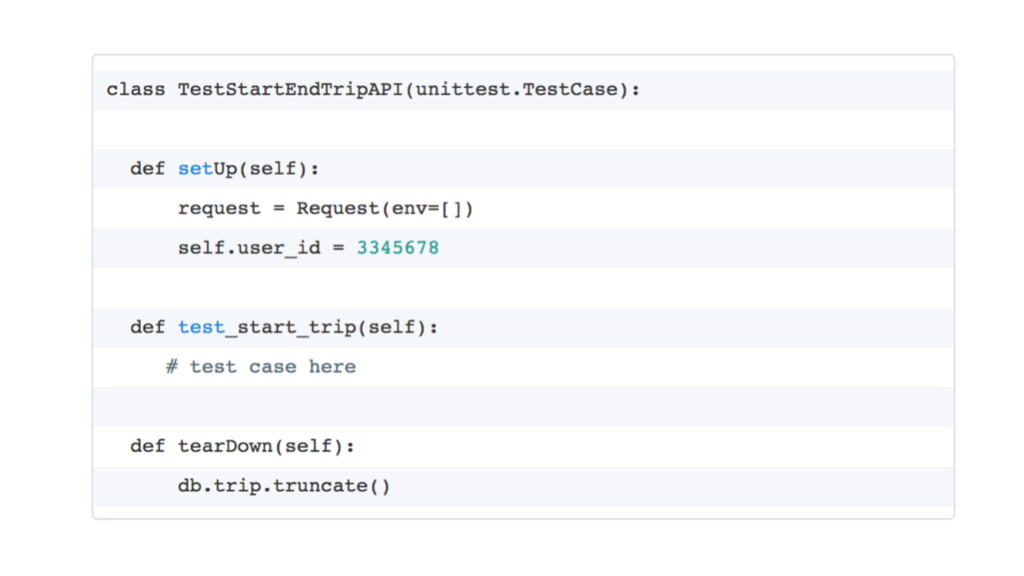
and one end up function called setUp and tearDown. Suggest put params or create fake data that all test case needed in setUp and delete the fake data in tearDown Let params to be global, use self.{params}
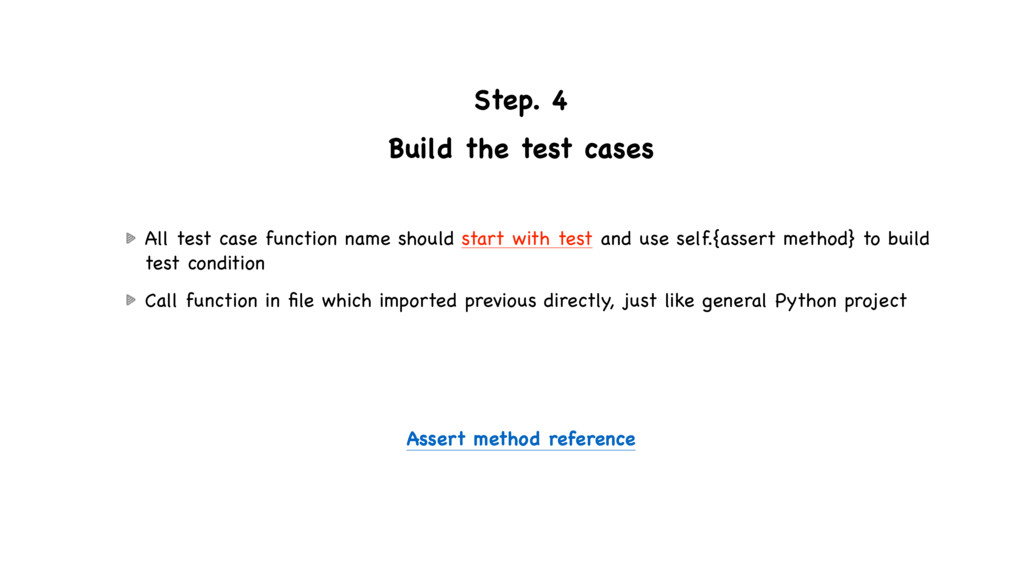
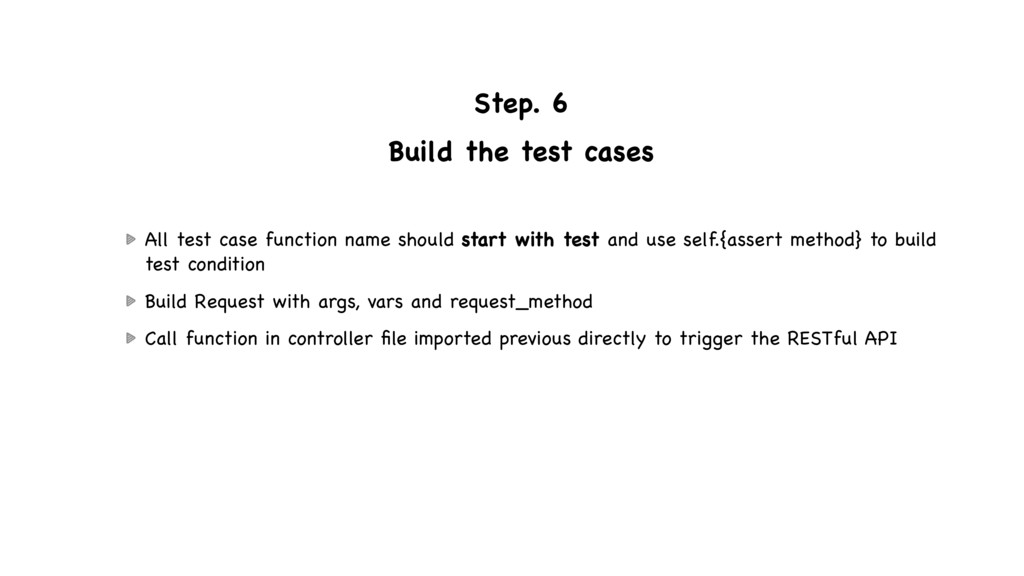
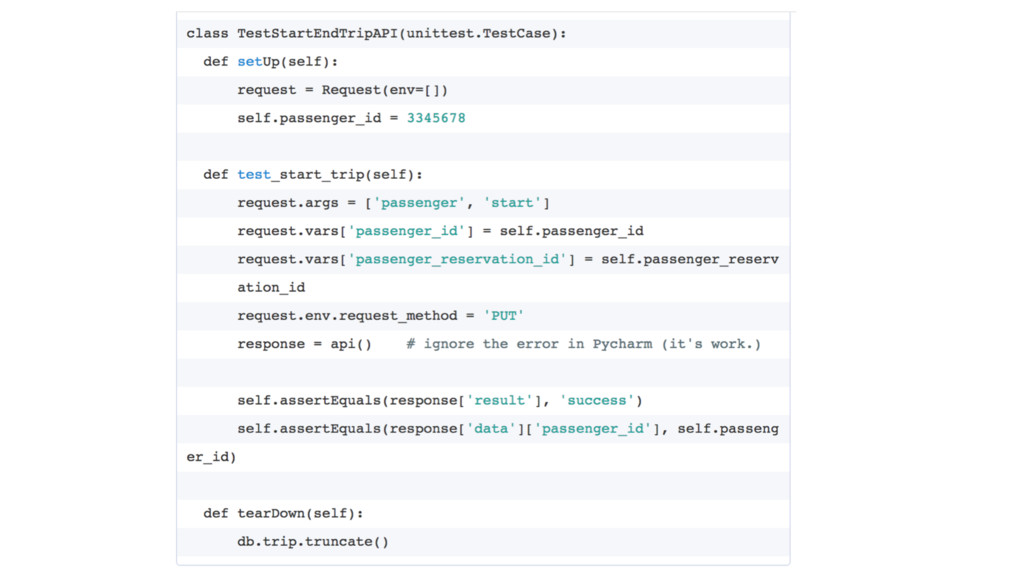
name should start with test and use self.{assert method} to build test condition Call function in file which imported previous directly, just like general Python project Assert method reference
tests folder With nosetests, all test file name start with test, testsuite start with Test and test cases start with test will be executed automatically Could set test report output path add —html-report = {out_path} in script http:/ /nose.readthedocs.io/en/latest/usage.html?highlight=html#options
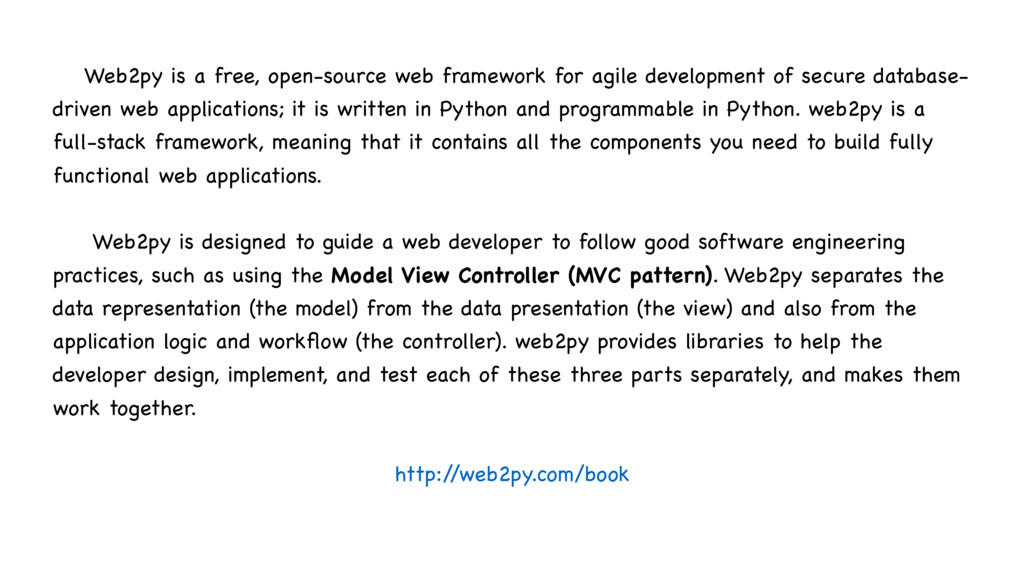
of secure database- driven web applications; it is written in Python and programmable in Python. web2py is a full-stack framework, meaning that it contains all the components you need to build fully functional web applications. Web2py is designed to guide a web developer to follow good software engineering practices, such as using the Model View Controller (MVC pattern). Web2py separates the data representation (the model) from the data presentation (the view) and also from the application logic and workflow (the controller). web2py provides libraries to help the developer design, implement, and test each of these three parts separately, and makes them work together. http:/ /web2py.com/book
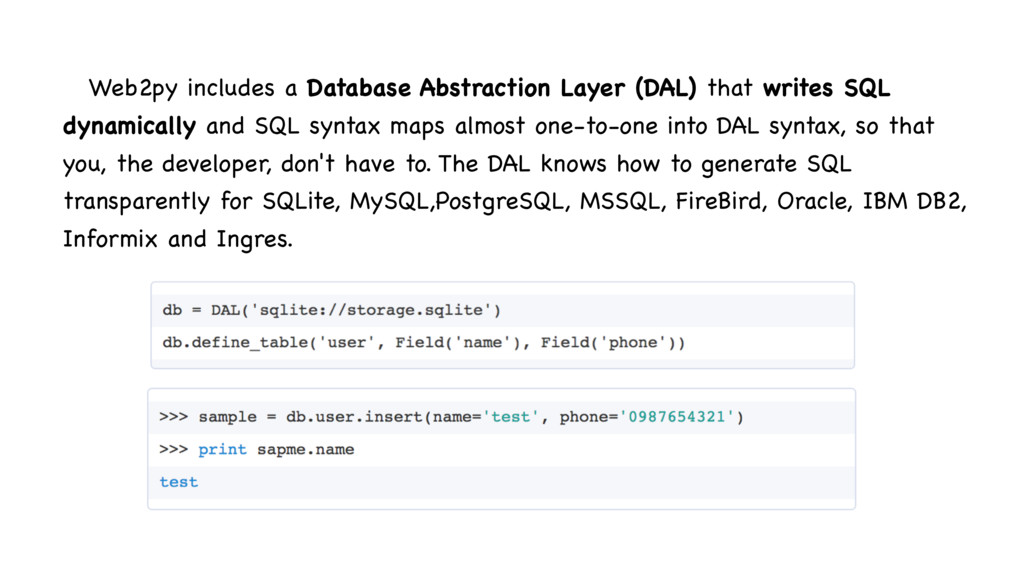
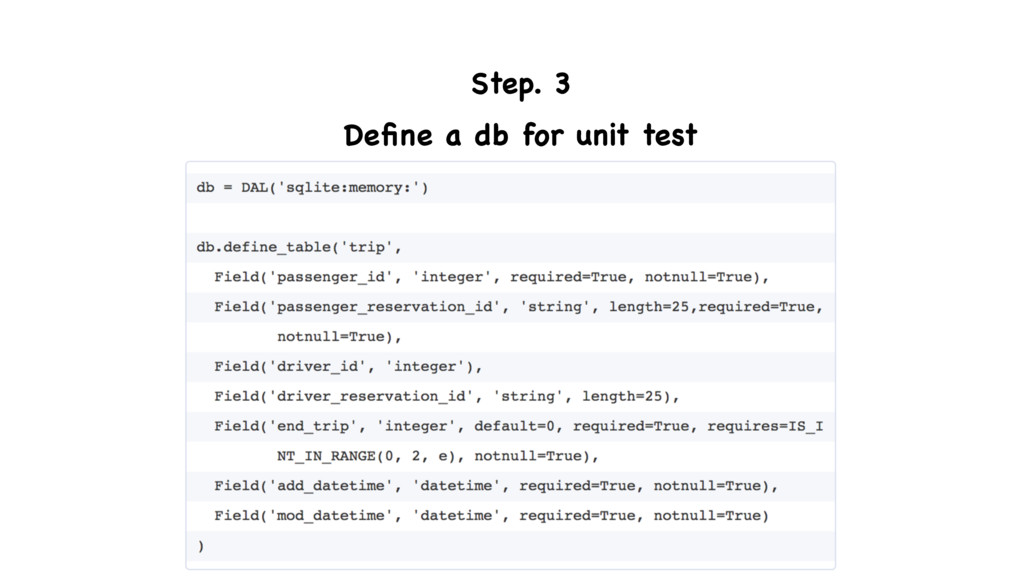
dynamically and SQL syntax maps almost one-to-one into DAL syntax, so that you, the developer, don't have to. The DAL knows how to generate SQL transparently for SQLite, MySQL,PostgreSQL, MSSQL, FireBird, Oracle, IBM DB2, Informix and Ingres.
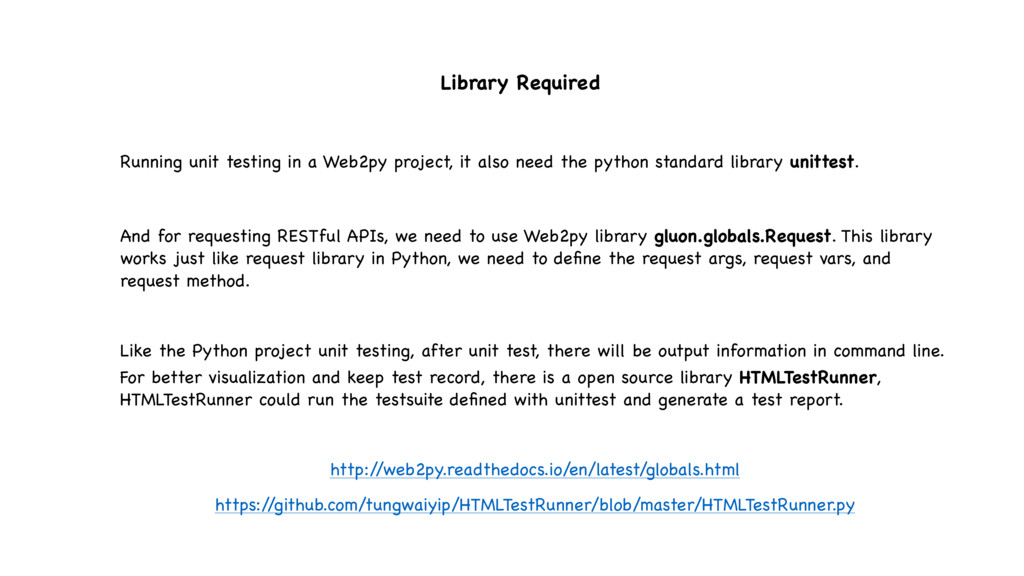
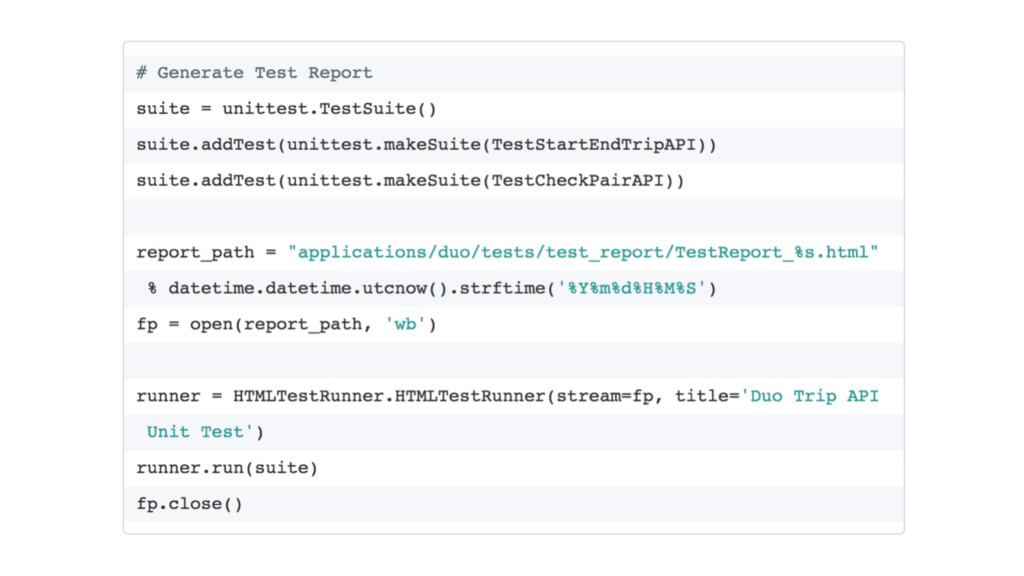
also need the python standard library unittest. And for requesting RESTful APIs, we need to use Web2py library gluon.globals.Request. This library works just like request library in Python, we need to define the request args, request vars, and request method. Like the Python project unit testing, after unit test, there will be output information in command line. For better visualization and keep test record, there is a open source library HTMLTestRunner, HTMLTestRunner could run the testsuite defined with unittest and generate a test report. http:/ /web2py.readthedocs.io/en/latest/globals.html https:/ /github.com/tungwaiyip/HTMLTestRunner/blob/master/HTMLTestRunner.py
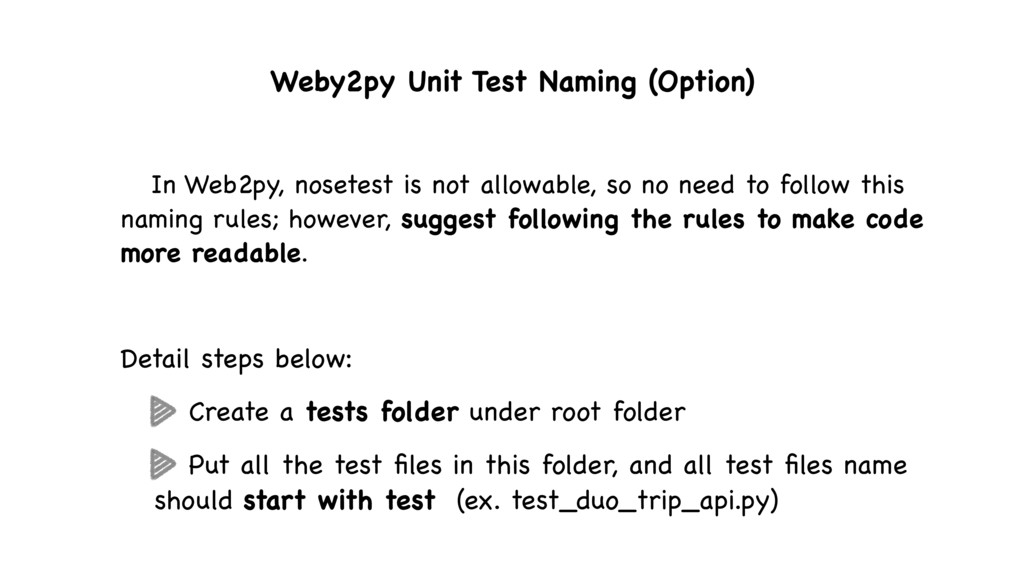
allowable, so no need to follow this naming rules; however, suggest following the rules to make code more readable. Detail steps below: Create a tests folder under root folder Put all the test files in this folder, and all test files name should start with test (ex. test_duo_trip_api.py)
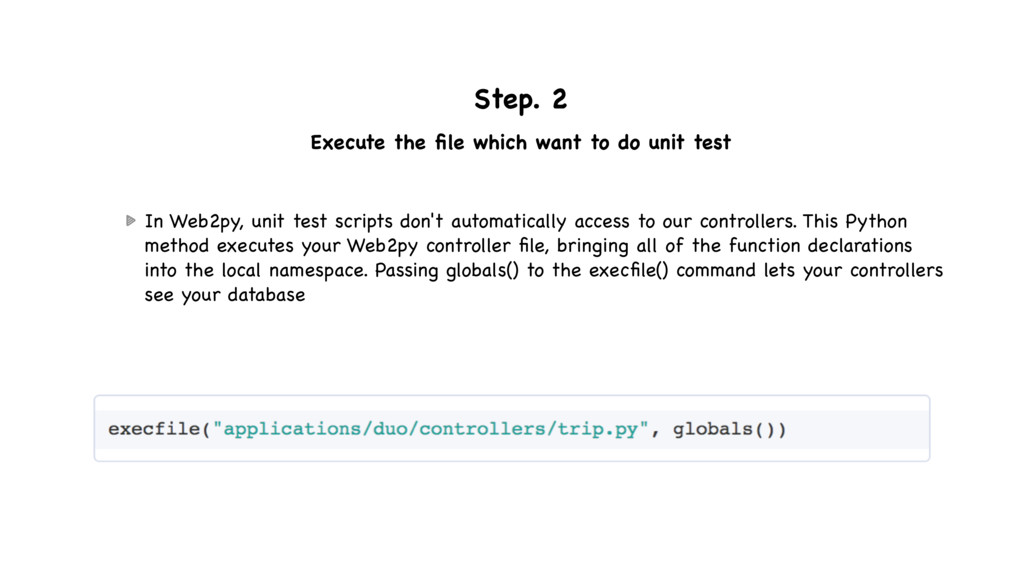
test In Web2py, unit test scripts don't automatically access to our controllers. This Python method executes your Web2py controller file, bringing all of the function declarations into the local namespace. Passing globals() to the execfile() command lets your controllers see your database
and one end up function called setUp and tearDown. Suggest put params or create fake data that all test case needed in setUp and delete the fake data in tearDown Let params to be global, use self.{params}
name should start with test and use self.{assert method} to build test condition Build Request with args, vars and request_method Call function in controller file imported previous directly to trigger the RESTful API
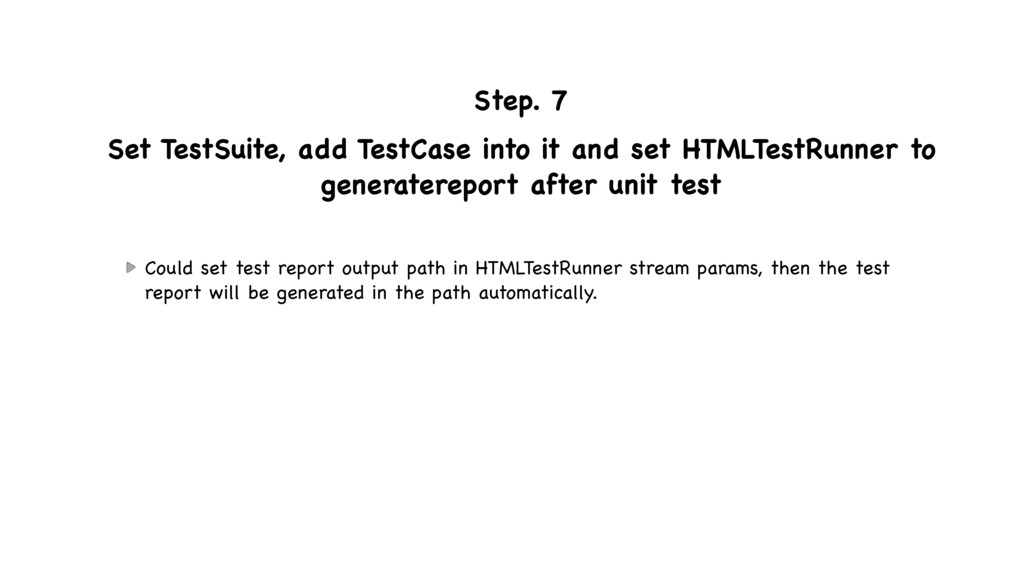
HTMLTestRunner to generatereport after unit test Could set test report output path in HTMLTestRunner stream params, then the test report will be generated in the path automatically.
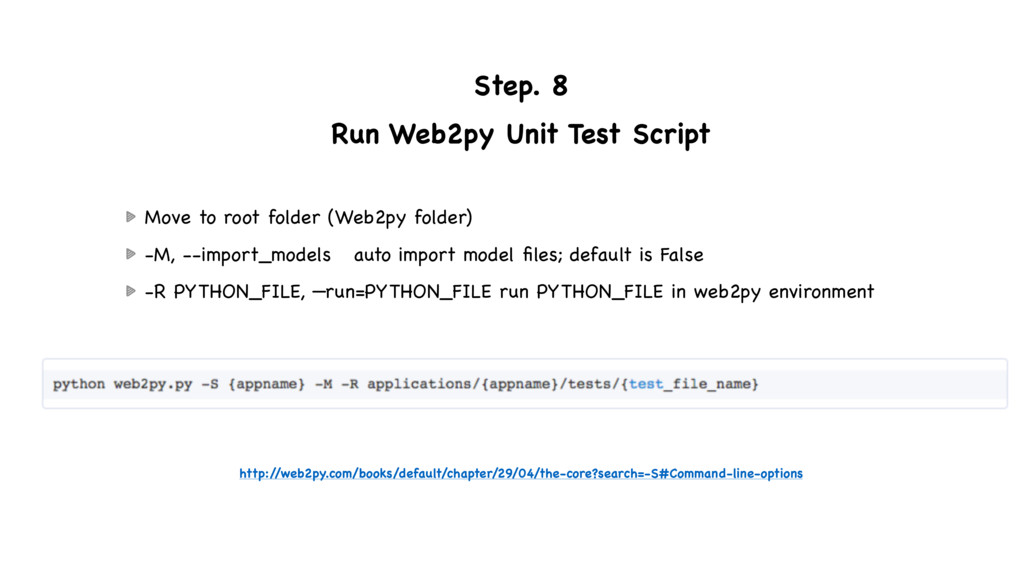
folder (Web2py folder) -M, --import_models auto import model files; default is False -R PYTHON_FILE, —run=PYTHON_FILE run PYTHON_FILE in web2py environment http:/ /web2py.com/books/default/chapter/29/04/the-core?search=-S#Command-line-options

 SiteGround - Reliable hosting with speed, security, and support you can count on.


 seike460
 gonta
gonta
 tosite
 eed3si9n
 florets1
 steliosf
 kasacchiful
 iwatsukayura
 kenjiyoneyama
 tmikov2023
 prota
prota
 hollycummins
 sabderemane
 speakerdeck
 stuffmc
 jonoalderson
 rasagy
 yeseniaperezcruz
 wjessup
 addyosmani
 lynnandtonic
 aki_iinuma
 tammyeverts
 jonyablonski