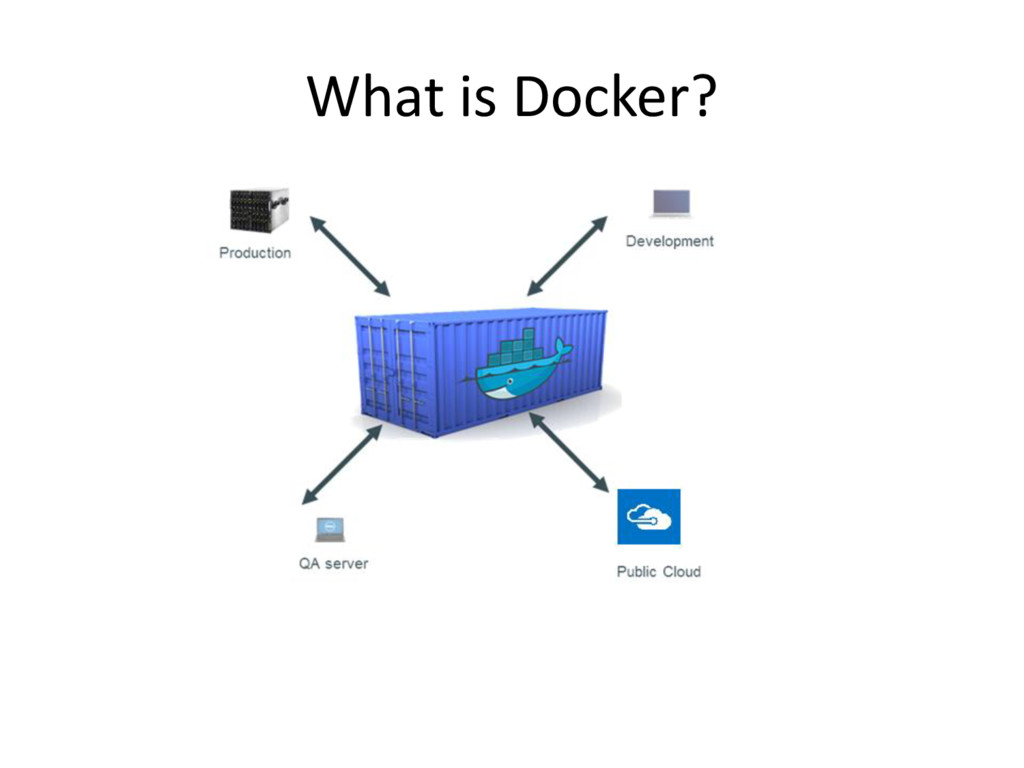
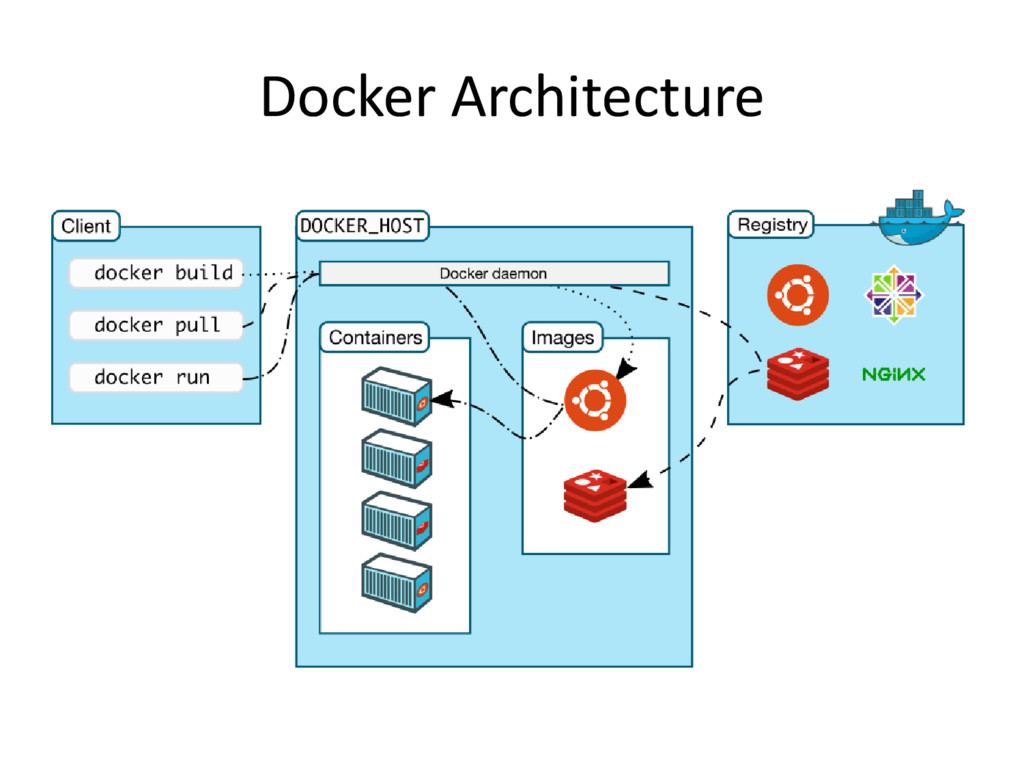
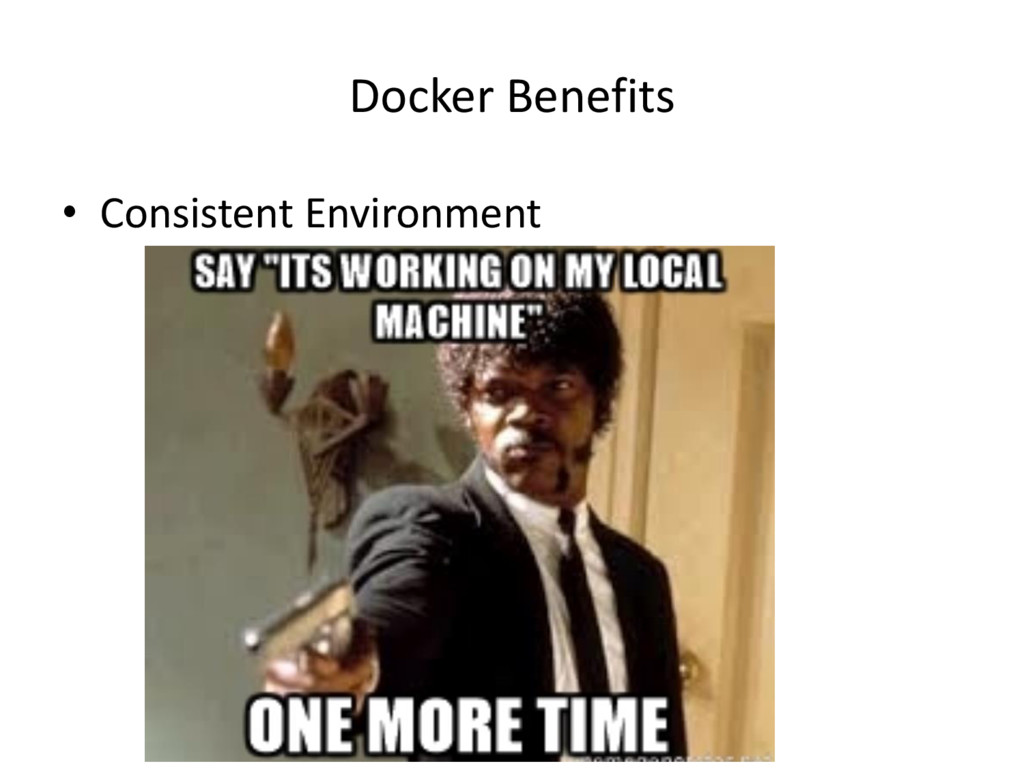
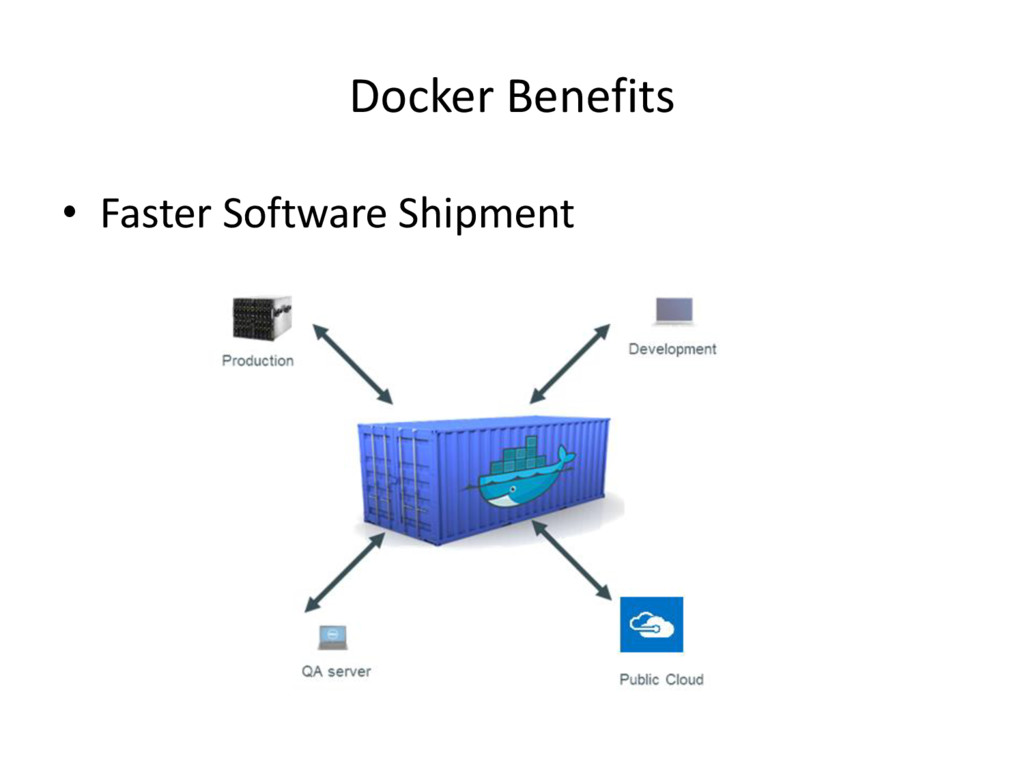
software in a complete filesystem that contains everything needed to run: code, runtime, system tools, system libraries – anything that can be installed on a server. This guarantees that the software will always run the same, regardless of its environment.
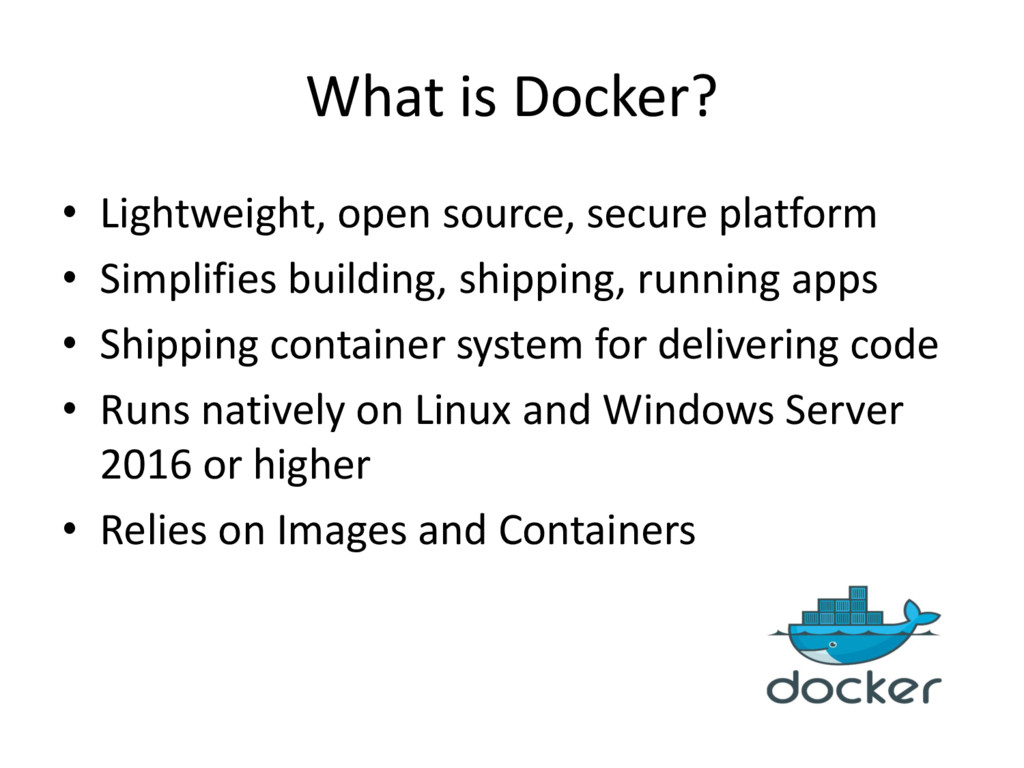
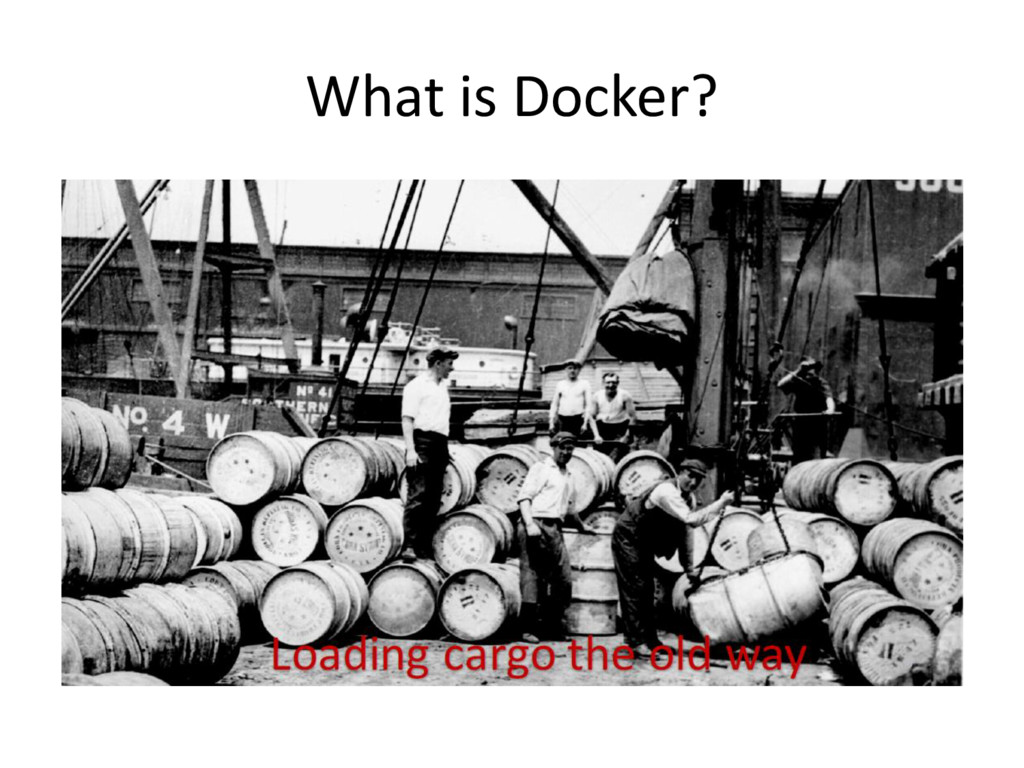
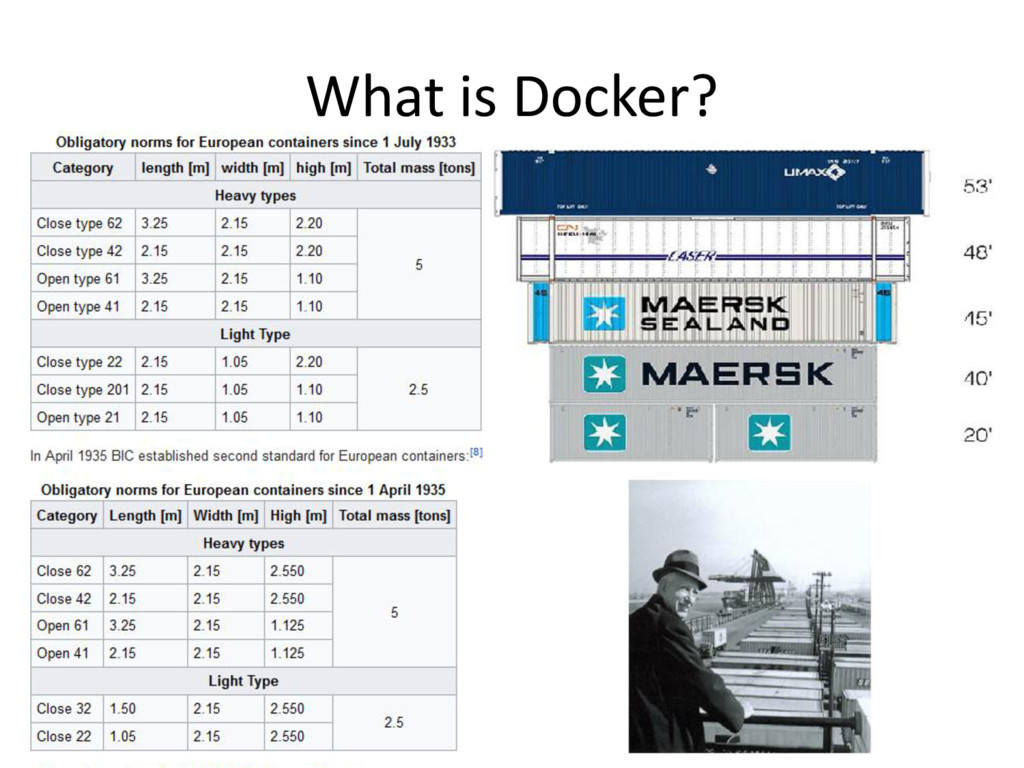
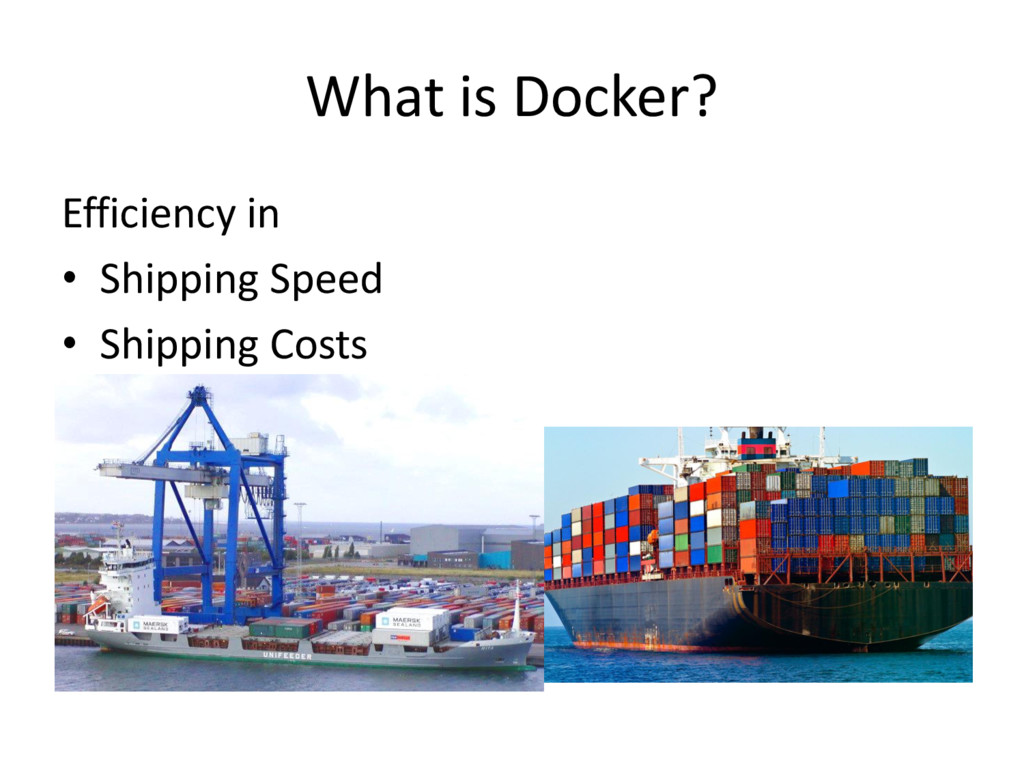
Simplifies building, shipping, running apps • Shipping container system for delivering code • Runs natively on Linux and Windows Server 2016 or higher • Relies on Images and Containers
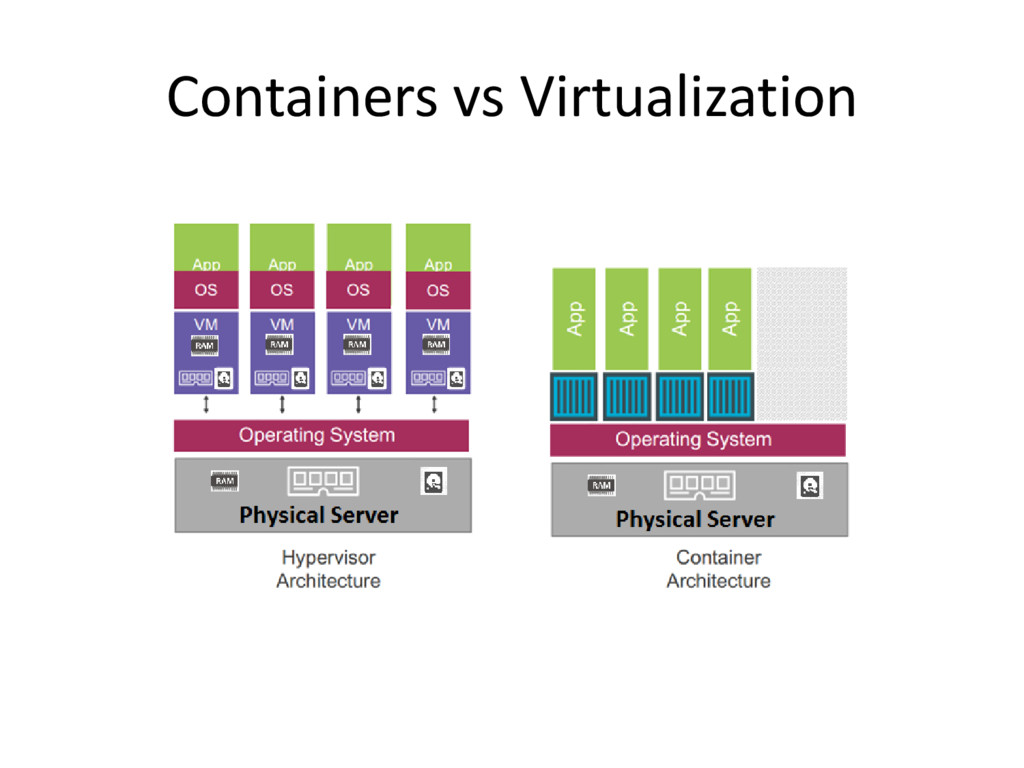
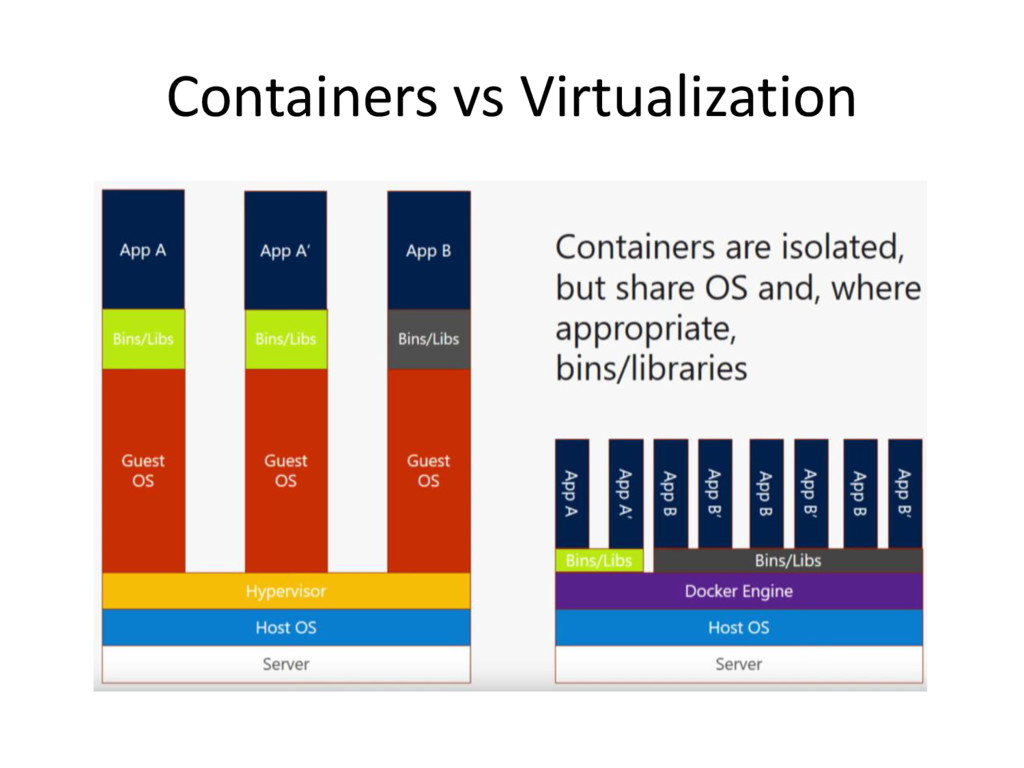
for n applications – These vm are slices of physical hardware, e.g. allocating 25% of cpu power, 25% memory, 25% disk space – These vm are slices of real resources in the physical server – Each of these vms needs a dedicated OS and each of which uses cpu, memory, and disk – So far it is just OS and there is no application yet – Each OS needs license $$$$ – Each OS needs admin e.g. patching, anti-virus
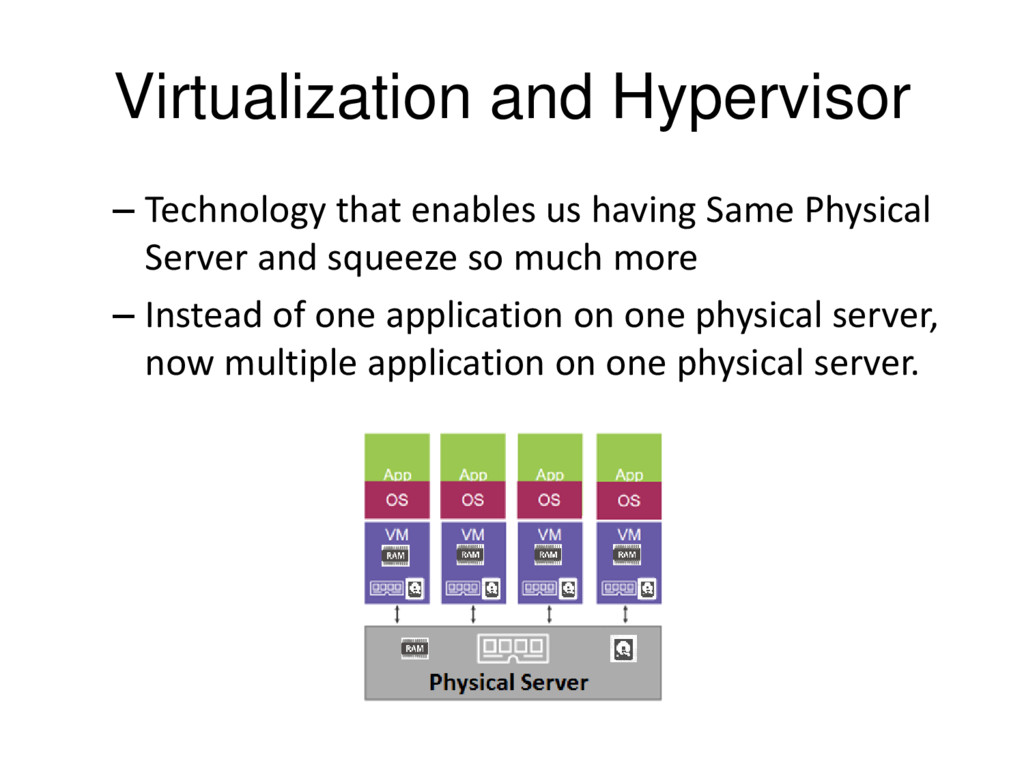
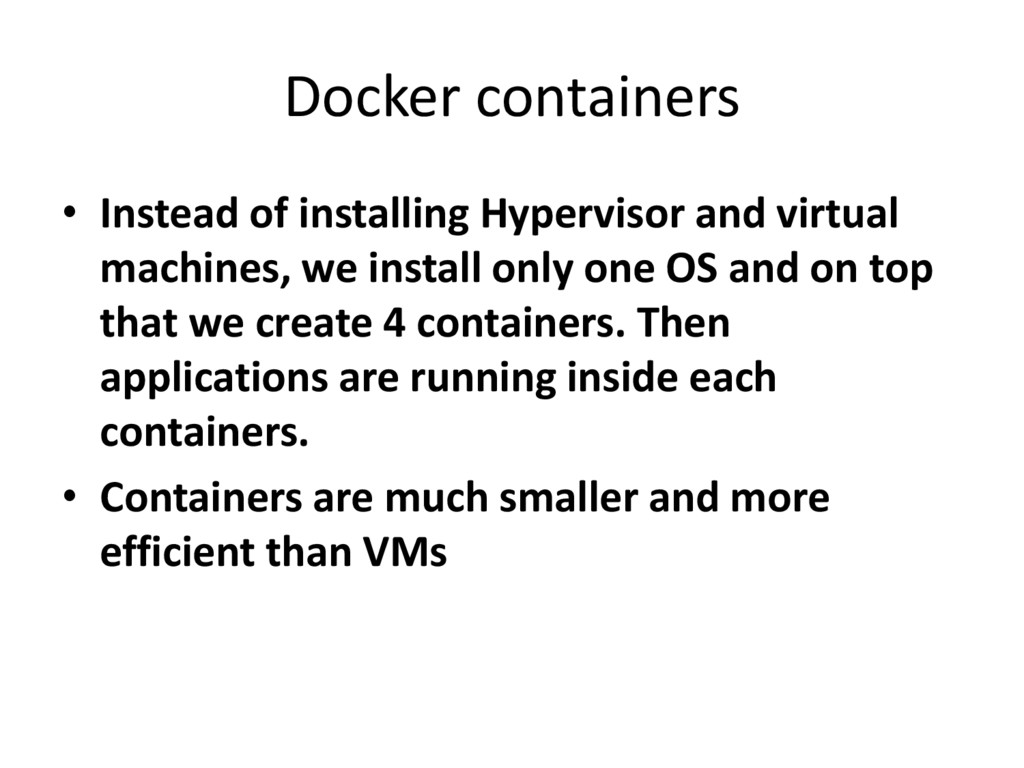
we install only one OS and on top that we create 4 containers. Then applications are running inside each containers. • Containers are much smaller and more efficient than VMs
applications inside software containers • Docker is the containers What Vmwares is to the Hypervisor • Docker Inc.(the company) • Docker project: container engine plus Docker tools e.g. Docker client, Docker compose… • github Repository
the Docker open source project. • Tech Starter based on SF • Originally it was dotCloud (platform as a service) and the idea behind that business was to offer the developer platform on top of amazon web service • Docker Inc. Website • Docker Inc has over 120 employees
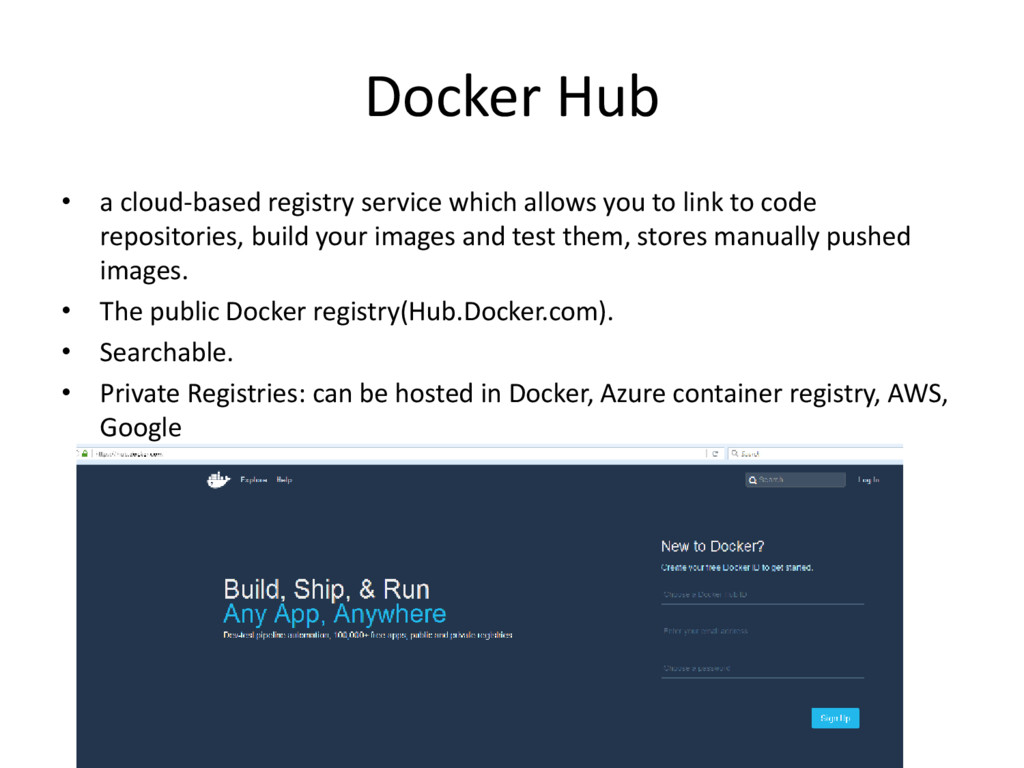
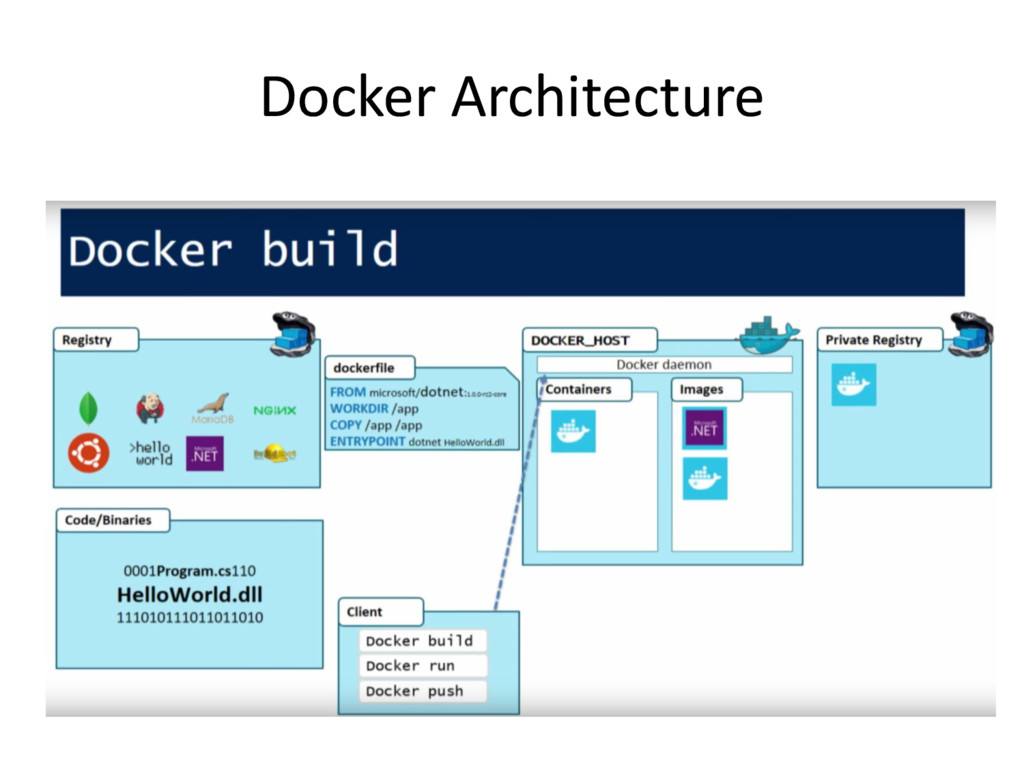
to link to code repositories, build your images and test them, stores manually pushed images. • The public Docker registry(Hub.Docker.com). • Searchable. • Private Registries: can be hosted in Docker, Azure container registry, AWS, Google
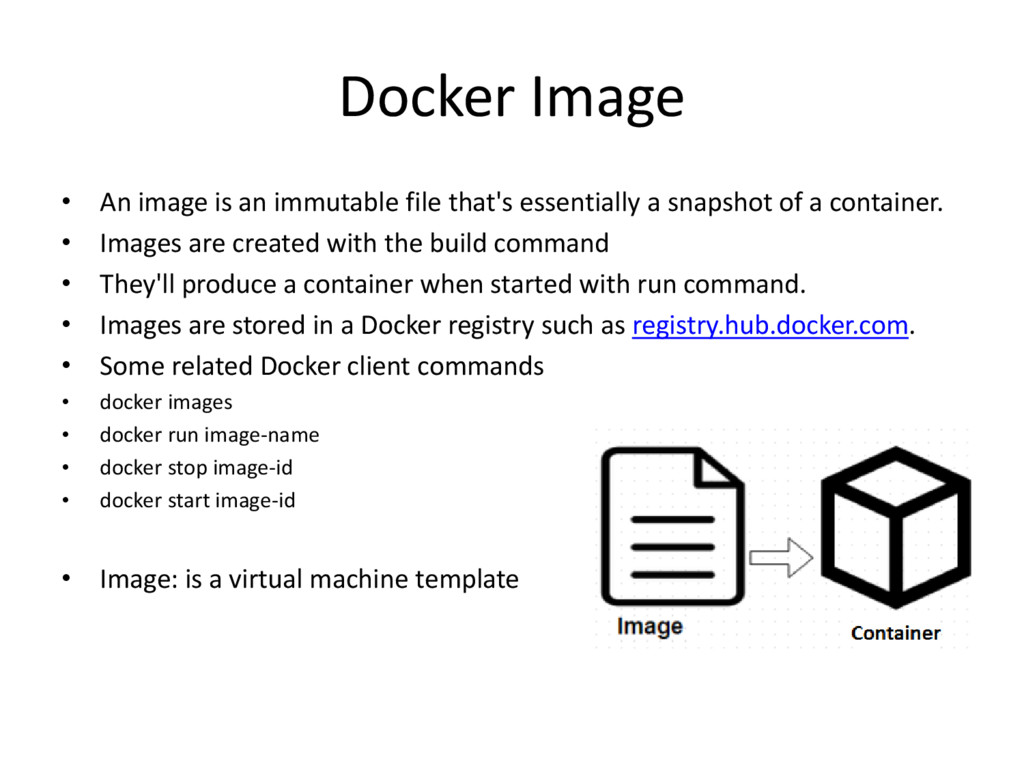
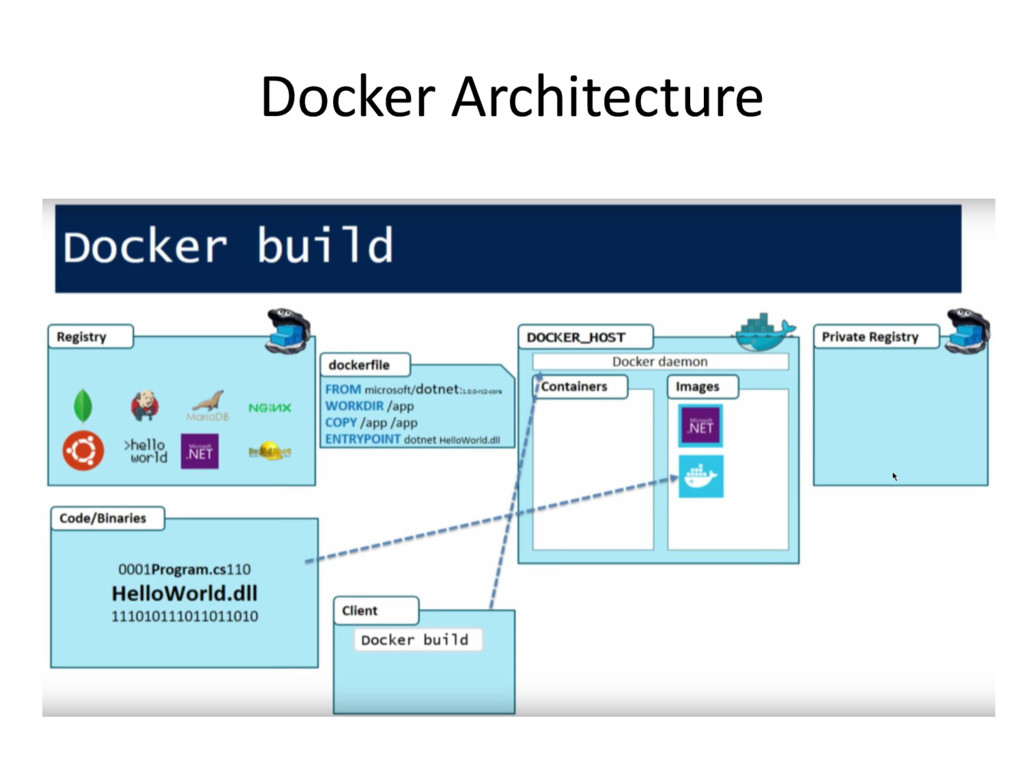
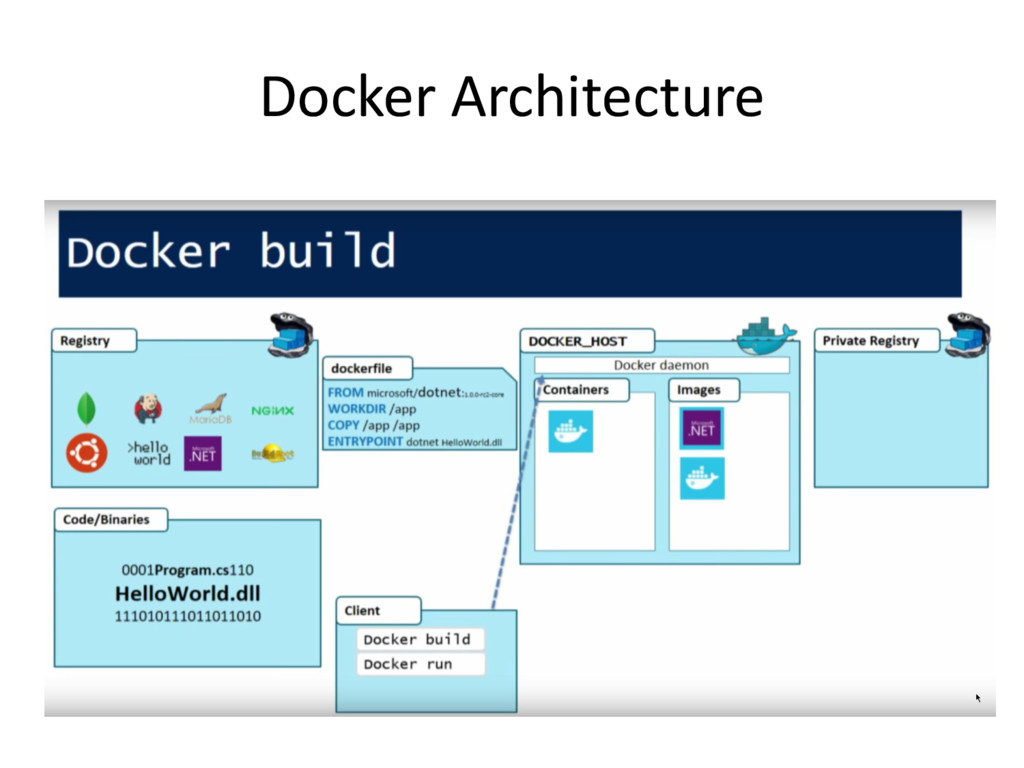
essentially a snapshot of a container. • Images are created with the build command • They'll produce a container when started with run command. • Images are stored in a Docker registry such as registry.hub.docker.com. • Some related Docker client commands • docker images • docker run image-name • docker stop image-id • docker start image-id • Image: is a virtual machine template
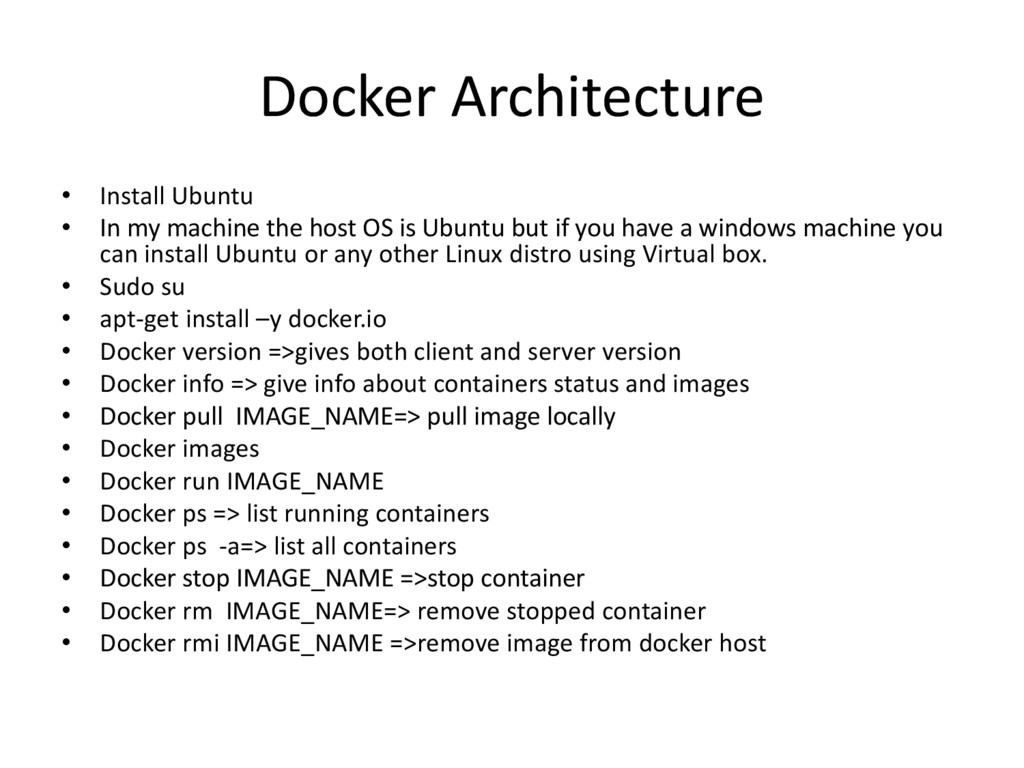
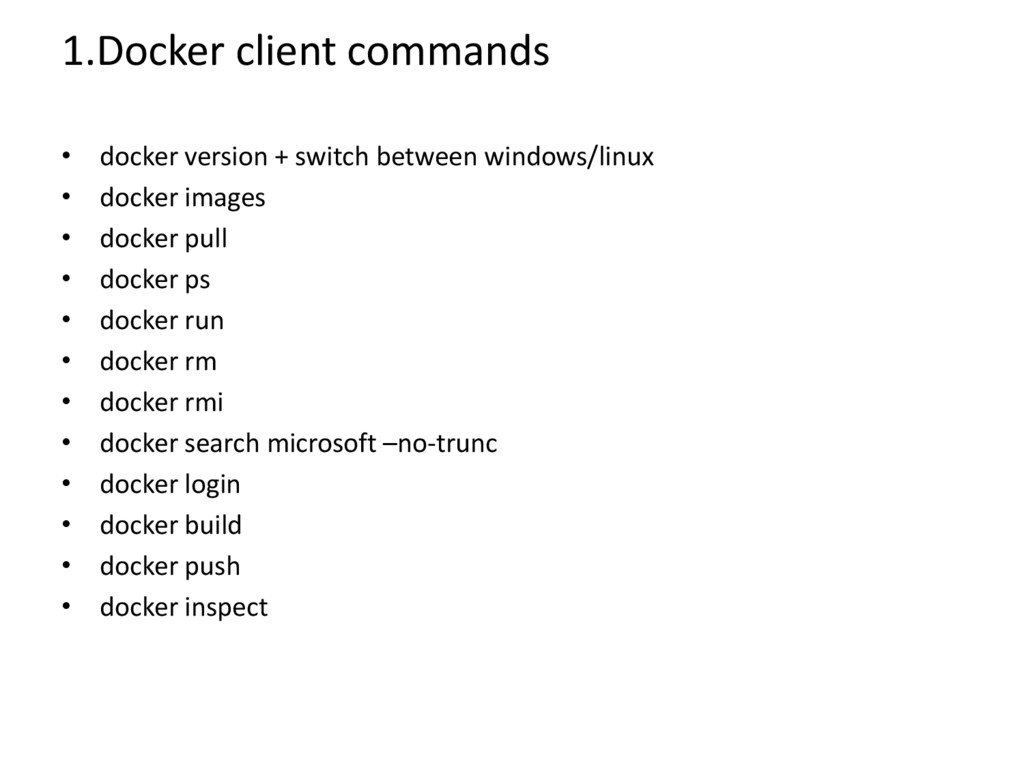
host OS is Ubuntu but if you have a windows machine you can install Ubuntu or any other Linux distro using Virtual box. • Sudo su • apt-get install –y docker.io • Docker version =>gives both client and server version • Docker info => give info about containers status and images • Docker pull IMAGE_NAME=> pull image locally • Docker images • Docker run IMAGE_NAME • Docker ps => list running containers • Docker ps -a=> list all containers • Docker stop IMAGE_NAME =>stop container • Docker rm IMAGE_NAME=> remove stopped container • Docker rmi IMAGE_NAME =>remove image from docker host
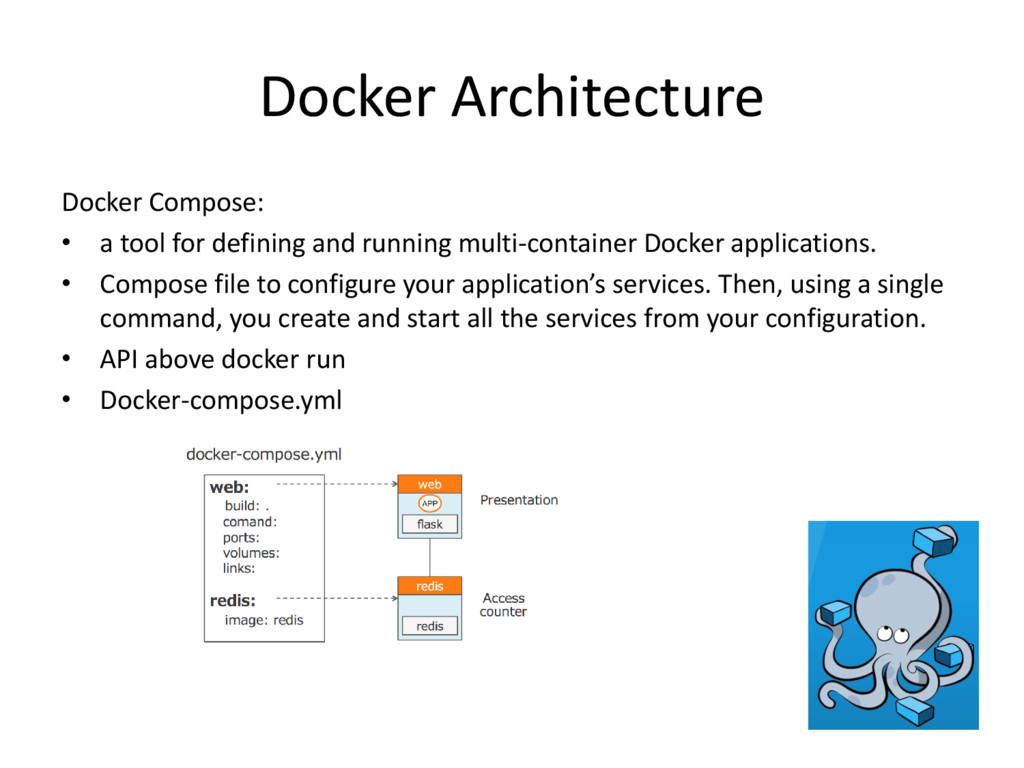
running multi-container Docker applications. • Compose file to configure your application’s services. Then, using a single command, you create and start all the services from your configuration. • API above docker run • Docker-compose.yml
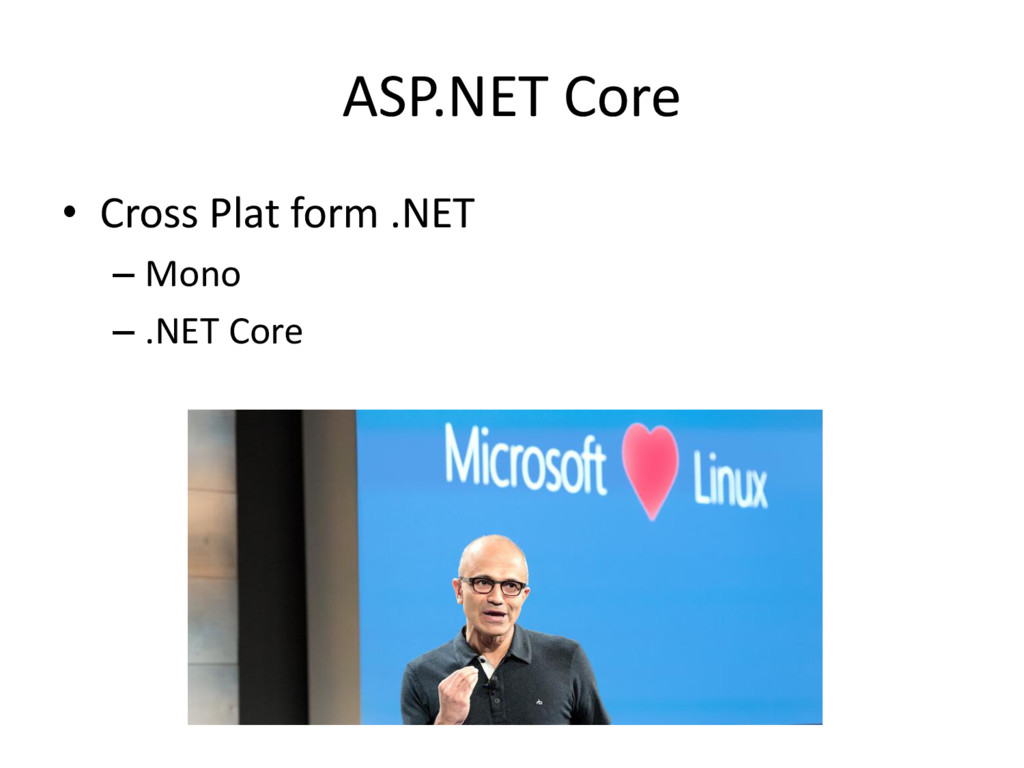
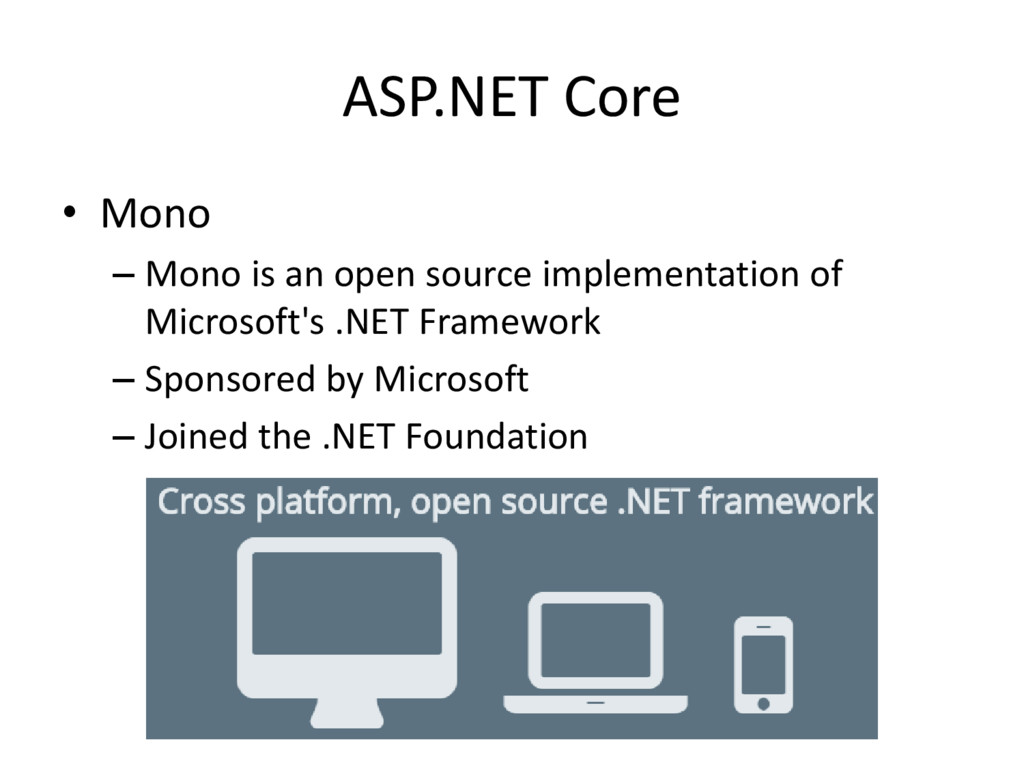
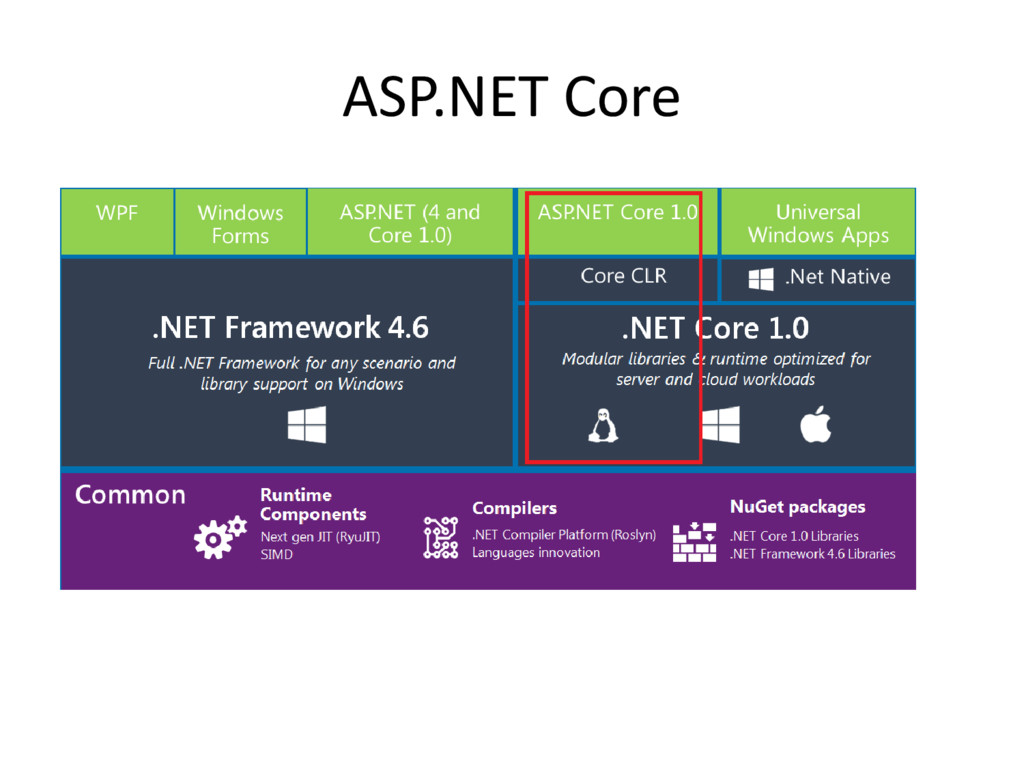
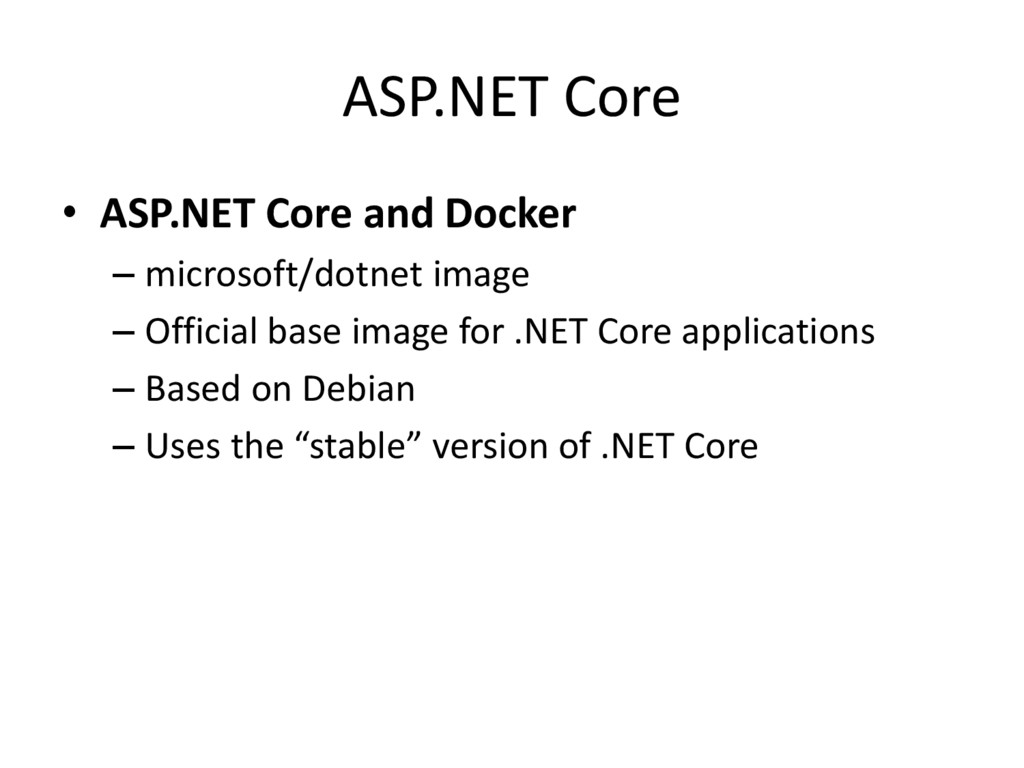
framework for building web and cloud applications. • Fully open source and available on GitHub • Formerly ASP.NET 5 • Runs on .NET Framework and .NET Core • Available on Windows, Mac, and Linux
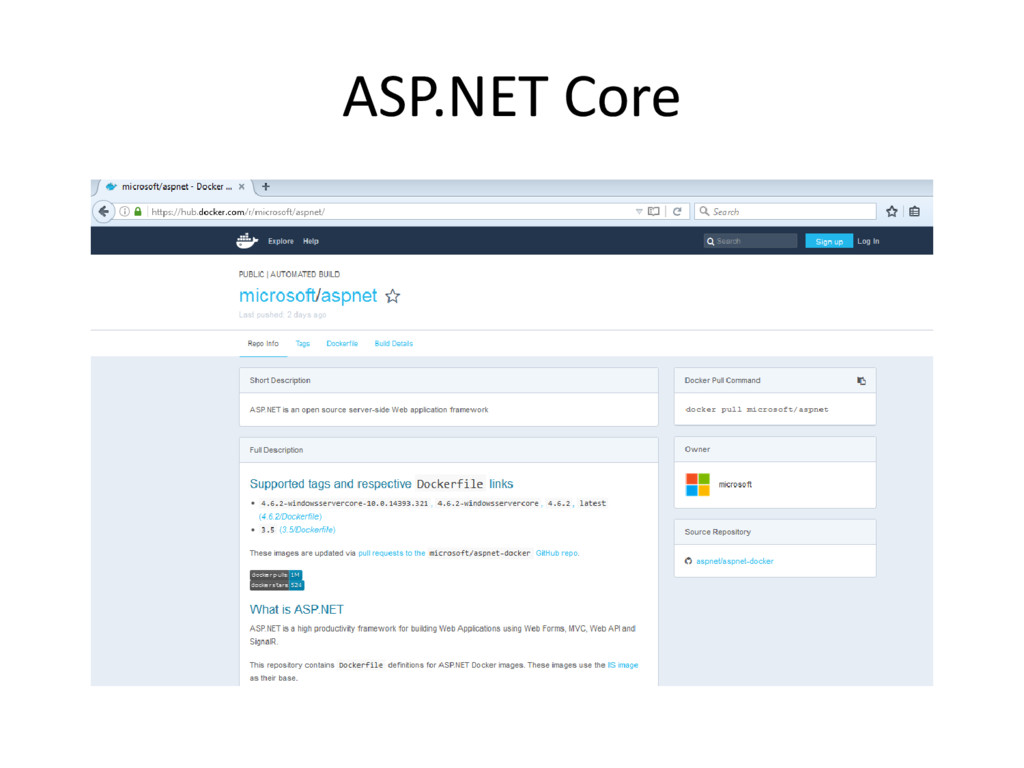
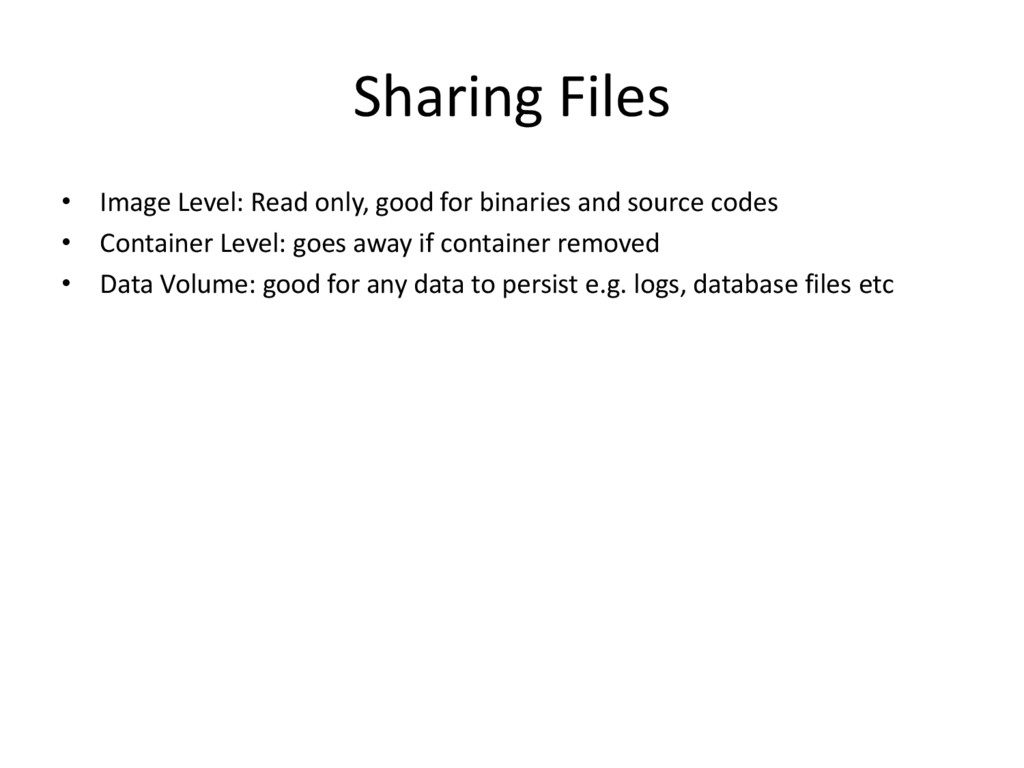
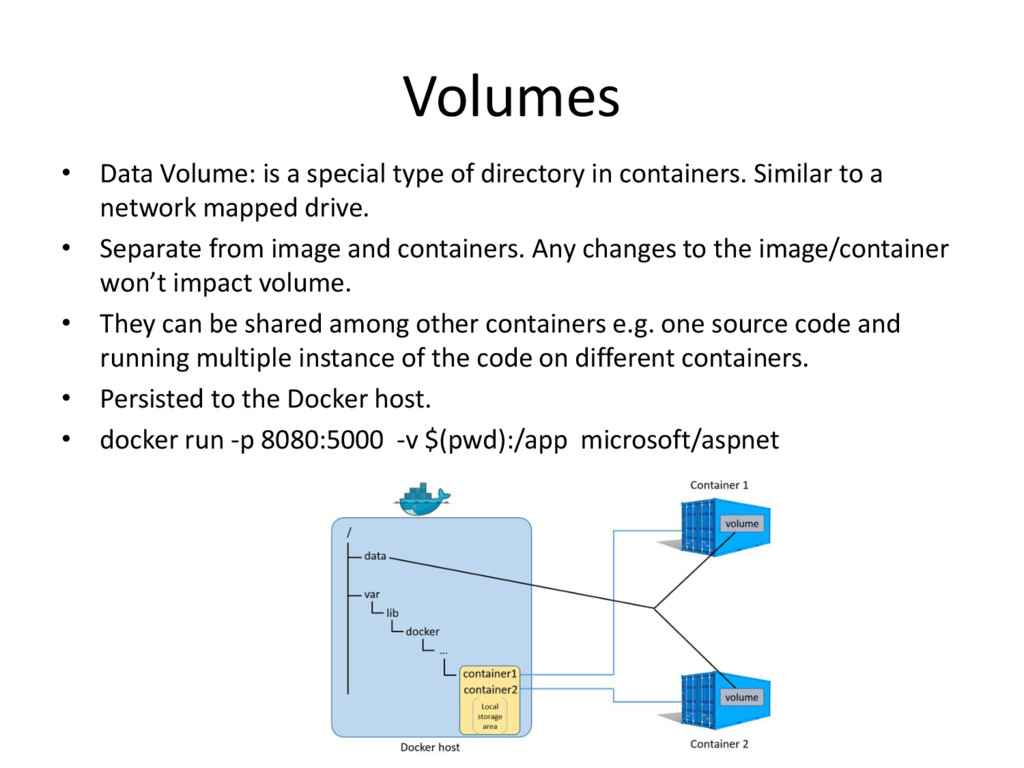
in containers. Similar to a network mapped drive. • Separate from image and containers. Any changes to the image/container won’t impact volume. • They can be shared among other containers e.g. one source code and running multiple instance of the code on different containers. • Persisted to the Docker host. • docker run -p 8080:5000 -v $(pwd):/app microsoft/aspnet
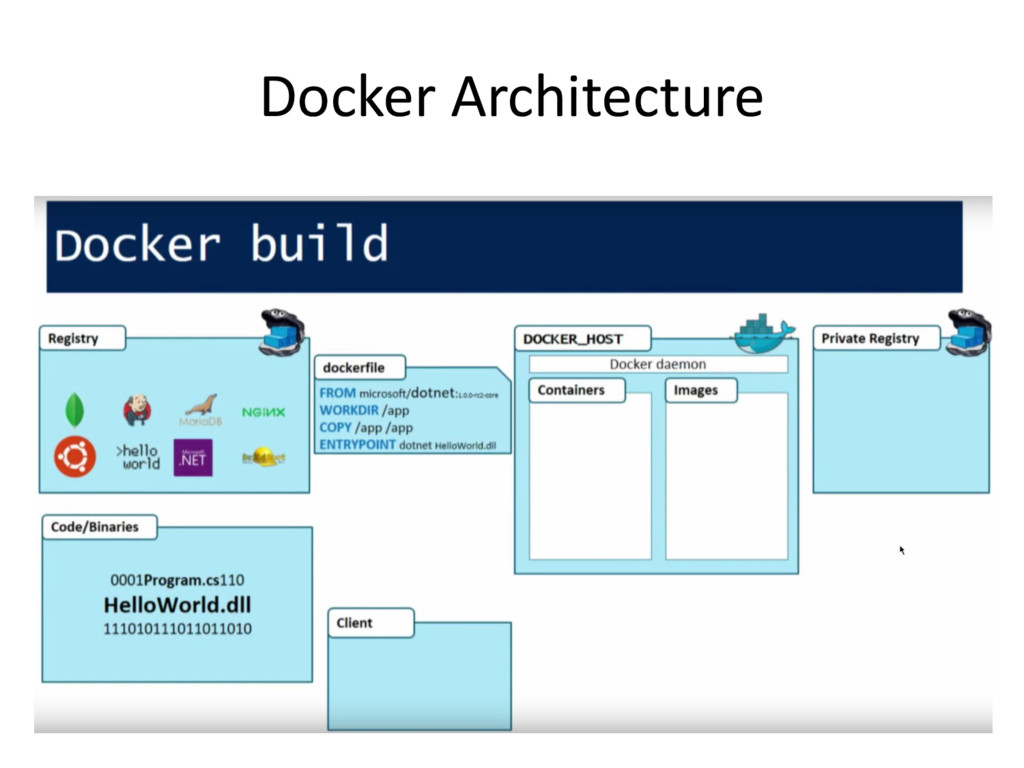
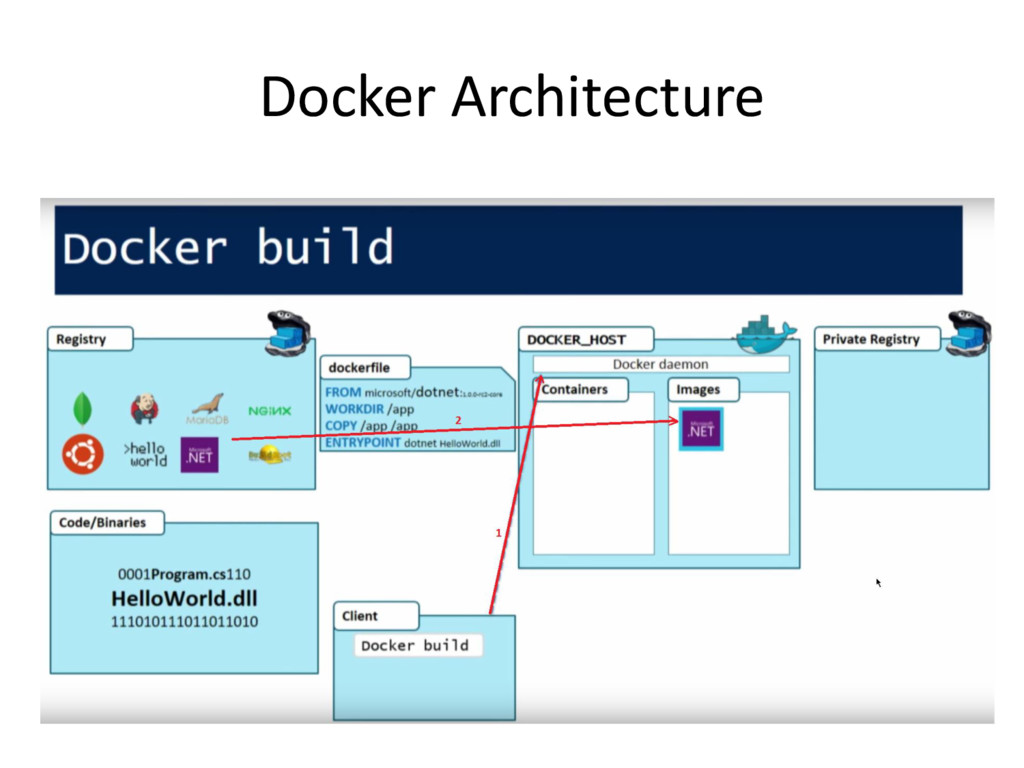
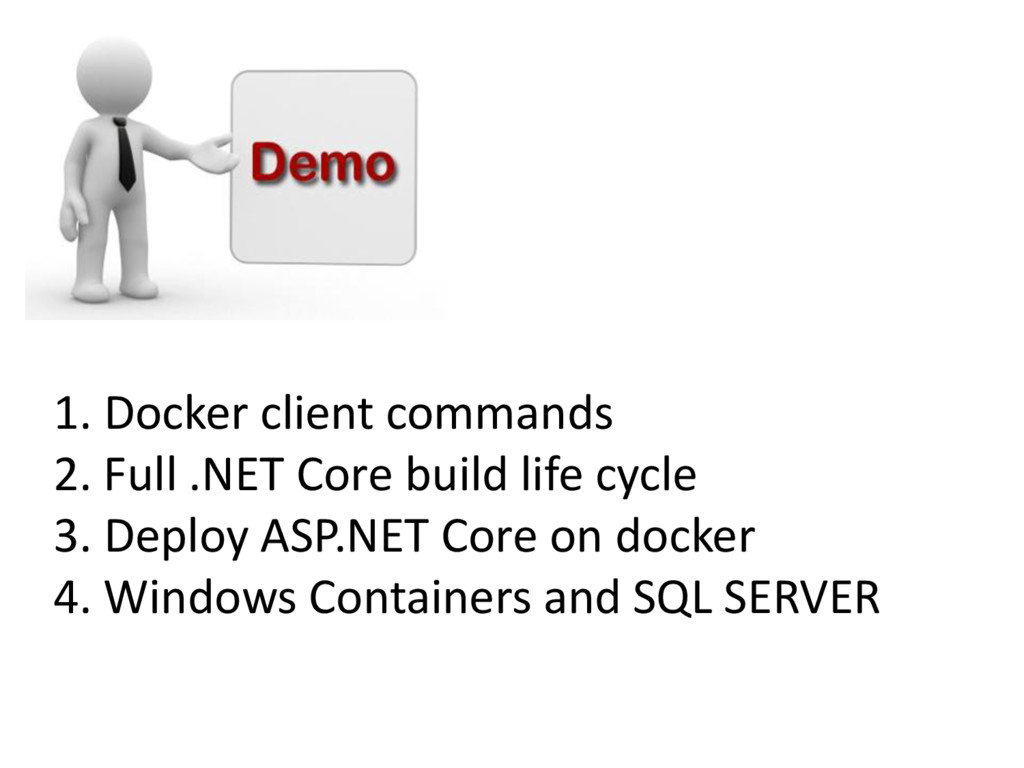
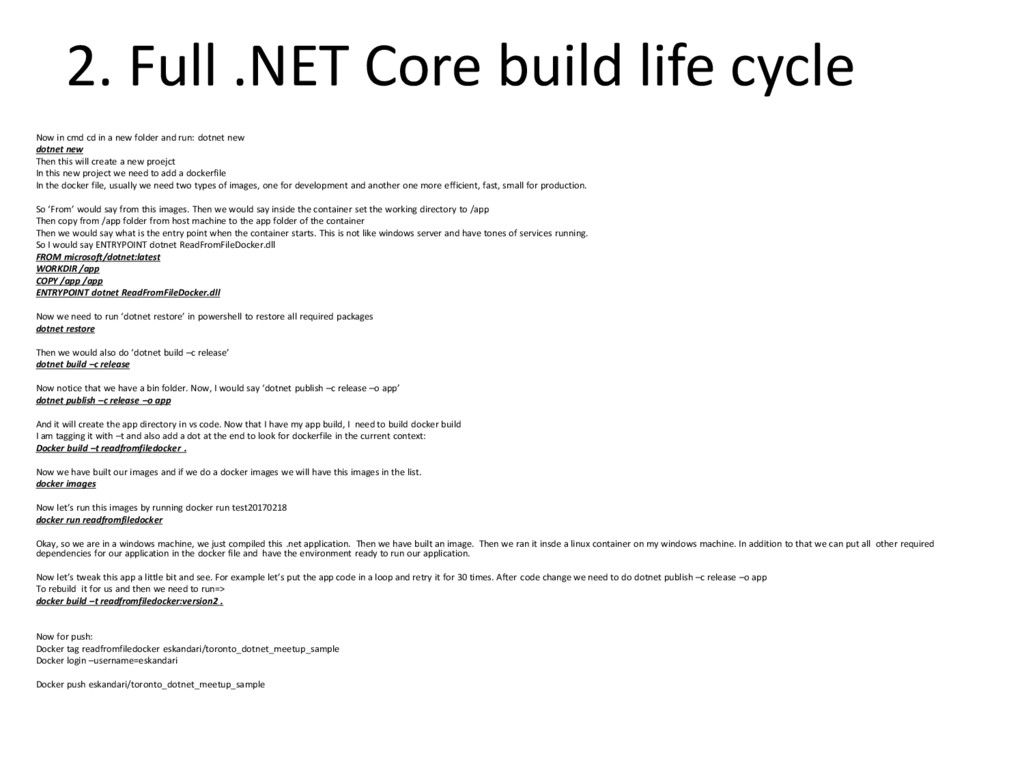
cd in a new folder and run: dotnet new dotnet new Then this will create a new proejct In this new project we need to add a dockerfile In the docker file, usually we need two types of images, one for development and another one more efficient, fast, small for production. So ‘From’ would say from this images. Then we would say inside the container set the working directory to /app Then copy from /app folder from host machine to the app folder of the container Then we would say what is the entry point when the container starts. This is not like windows server and have tones of services running. So I would say ENTRYPOINT dotnet ReadFromFileDocker.dll FROM microsoft/dotnet:latest WORKDIR /app COPY /app /app ENTRYPOINT dotnet ReadFromFileDocker.dll Now we need to run ‘dotnet restore’ in powershell to restore all required packages dotnet restore Then we would also do ‘dotnet build –c release’ dotnet build –c release Now notice that we have a bin folder. Now, I would say ‘dotnet publish –c release –o app’ dotnet publish –c release –o app And it will create the app directory in vs code. Now that I have my app build, I need to build docker build I am tagging it with –t and also add a dot at the end to look for dockerfile in the current context: Docker build –t readfromfiledocker . Now we have built our images and if we do a docker images we will have this images in the list. docker images Now let’s run this images by running docker run test20170218 docker run readfromfiledocker Okay, so we are in a windows machine, we just compiled this .net application. Then we have built an image. Then we ran it insde a linux container on my windows machine. In addition to that we can put all other required dependencies for our application in the docker file and have the environment ready to run our application. Now let’s tweak this app a little bit and see. For example let’s put the app code in a loop and retry it for 30 times. After code change we need to do dotnet publish –c release –o app To rebuild it for us and then we need to run=> docker build –t readfromfiledocker:version2 . Now for push: Docker tag readfromfiledocker eskandari/toronto_dotnet_meetup_sample Docker login –username=eskandari Docker push eskandari/toronto_dotnet_meetup_sample
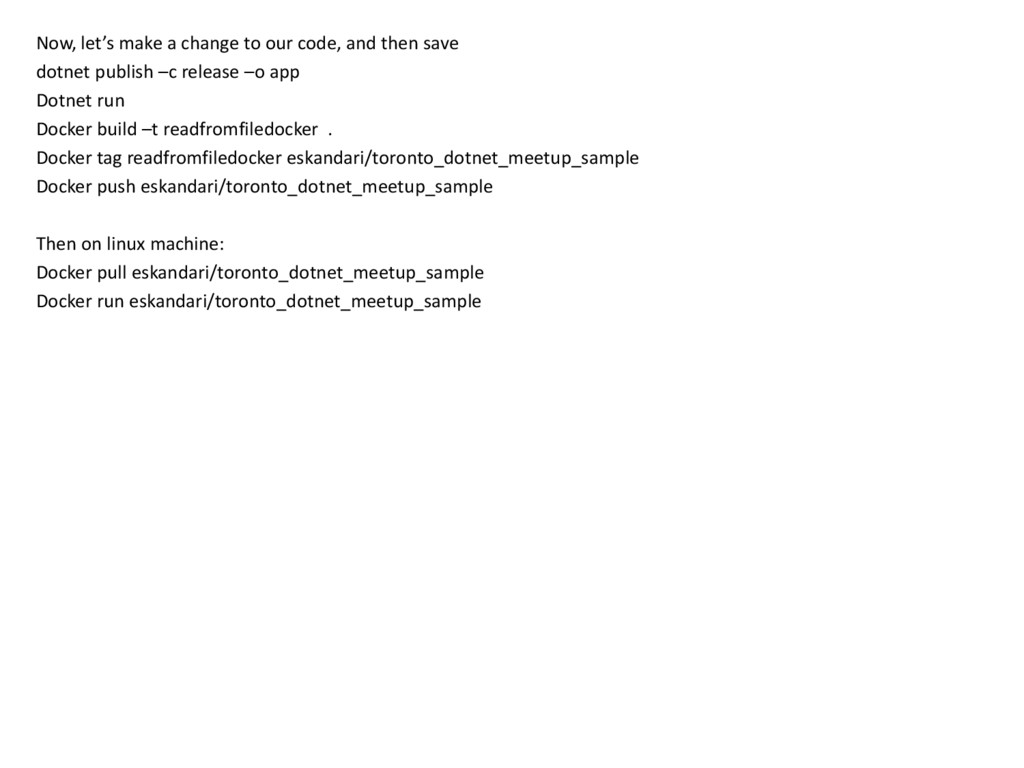
save dotnet publish –c release –o app Dotnet run Docker build –t readfromfiledocker . Docker tag readfromfiledocker eskandari/toronto_dotnet_meetup_sample Docker push eskandari/toronto_dotnet_meetup_sample Then on linux machine: Docker pull eskandari/toronto_dotnet_meetup_sample Docker run eskandari/toronto_dotnet_meetup_sample
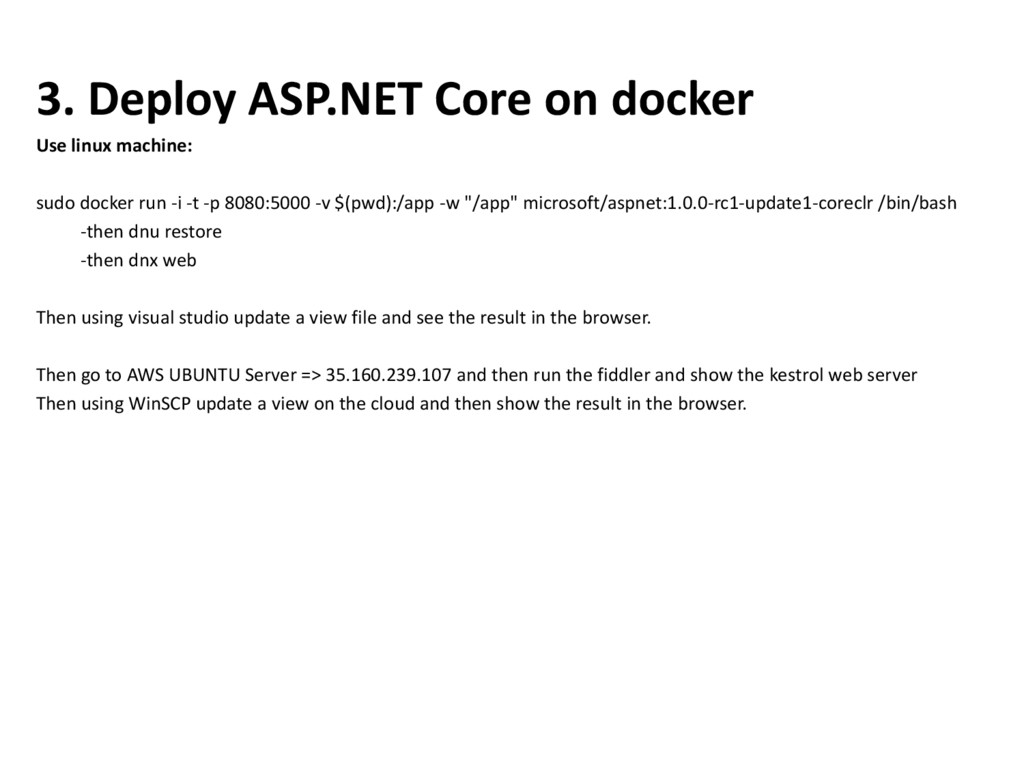
docker run -i -t -p 8080:5000 -v $(pwd):/app -w "/app" microsoft/aspnet:1.0.0-rc1-update1-coreclr /bin/bash -then dnu restore -then dnx web Then using visual studio update a view file and see the result in the browser. Then go to AWS UBUNTU Server => 35.160.239.107 and then run the fiddler and show the kestrol web server Then using WinSCP update a view on the cloud and then show the result in the browser.
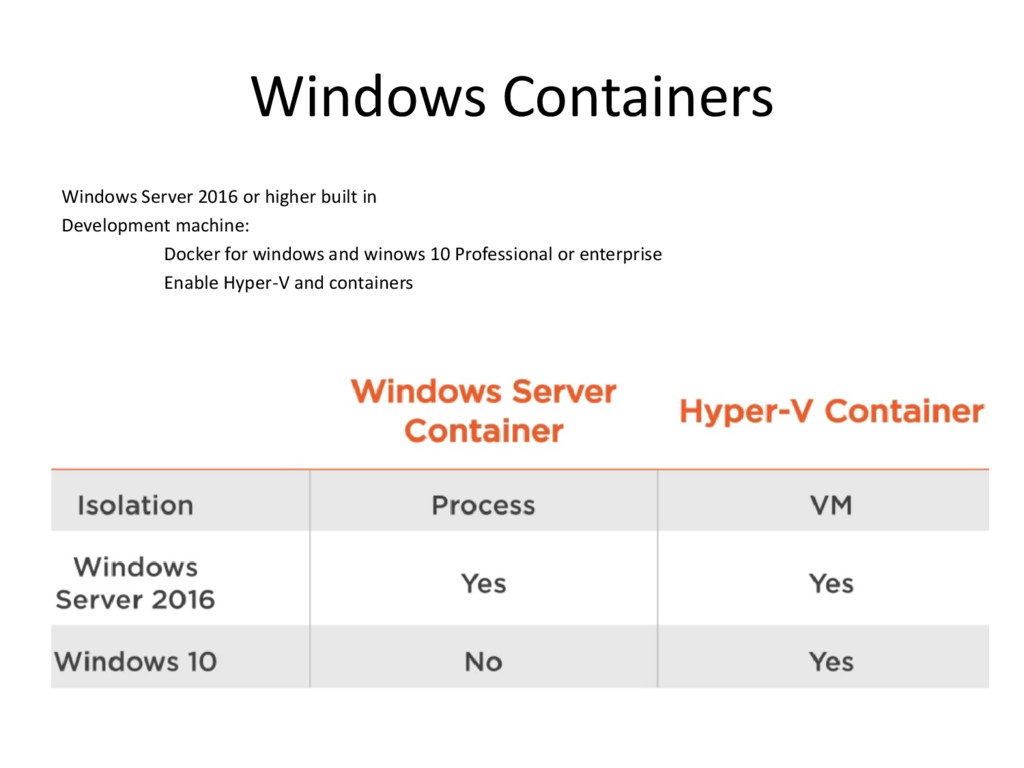
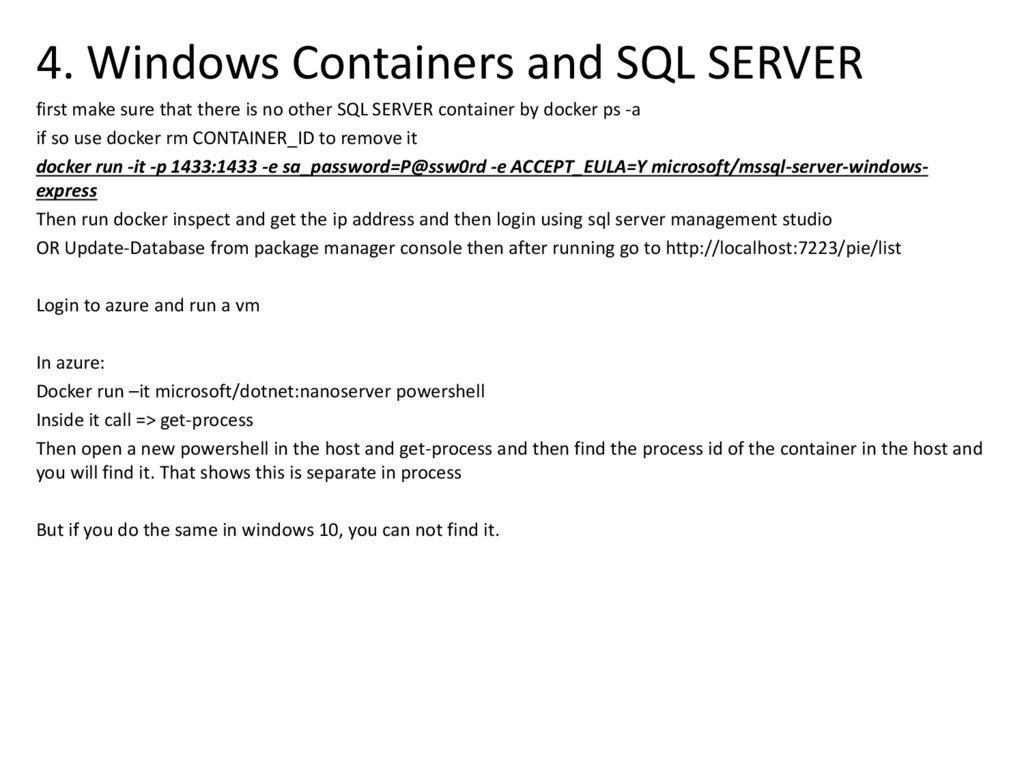
there is no other SQL SERVER container by docker ps -a if so use docker rm CONTAINER_ID to remove it docker run -it -p 1433:1433 -e sa_password=P@ssw0rd -e ACCEPT_EULA=Y microsoft/mssql-server-windows- express Then run docker inspect and get the ip address and then login using sql server management studio OR Update-Database from package manager console then after running go to http://localhost:7223/pie/list Login to azure and run a vm In azure: Docker run –it microsoft/dotnet:nanoserver powershell Inside it call => get-process Then open a new powershell in the host and get-process and then find the process id of the container in the host and you will find it. That shows this is separate in process But if you do the same in windows 10, you can not find it.


 eskandari
 onk
onk
 riyaamemiya
 kentapapa
 y0hgi
y0hgi
 makocchi
 tokuty
 mohab1
 jozono
 ueponx
 glaforge
 camiha
 codmoninc
 tamaranovitovic
 productmarketing
 leimatthew05
 jonoalderson
 keathley
 lara
lara
 jct
jct
 addyosmani
 sferik
 nikkihalliwell
 mclloyd
 tapps
tapps