Upgrade to Pro — share decks privately, control downloads, hide ads and more …

[Wir Sind Ohana 2026] How we handle Profiles an...

Sponsored · Ship Features Fearlessly Turn features on and off without deploys. Used by thousands of Ruby developers.

[Wir Sind Ohana 2026] How we handle Profiles and User Access deployment

You’ve heard that you should ditch Profiles and move to Permission Set ? Great. And then you start doing and you discover that all these nice theoretical blog articles only cover a part of a real life implementation. How to actually migrate ? Retrieve and deploy what’s still only on Profiles ? Create new Profiles with just the needed rights ? Clean Profiles from access that are now on Permission Set ? Come and see how we handle these.

Avatar for Fabien Taillon

Fabien Taillon

May 08, 2026

More Decks by Fabien Taillon

Other Decks in Technology

Transcript

  1. Permission Set + Profiles Permission Sets are working fine BUT

    Profiles are still needed • Page Layout Assignments • Default Record Types • Default Custom App… And no one tells you how to handle that part
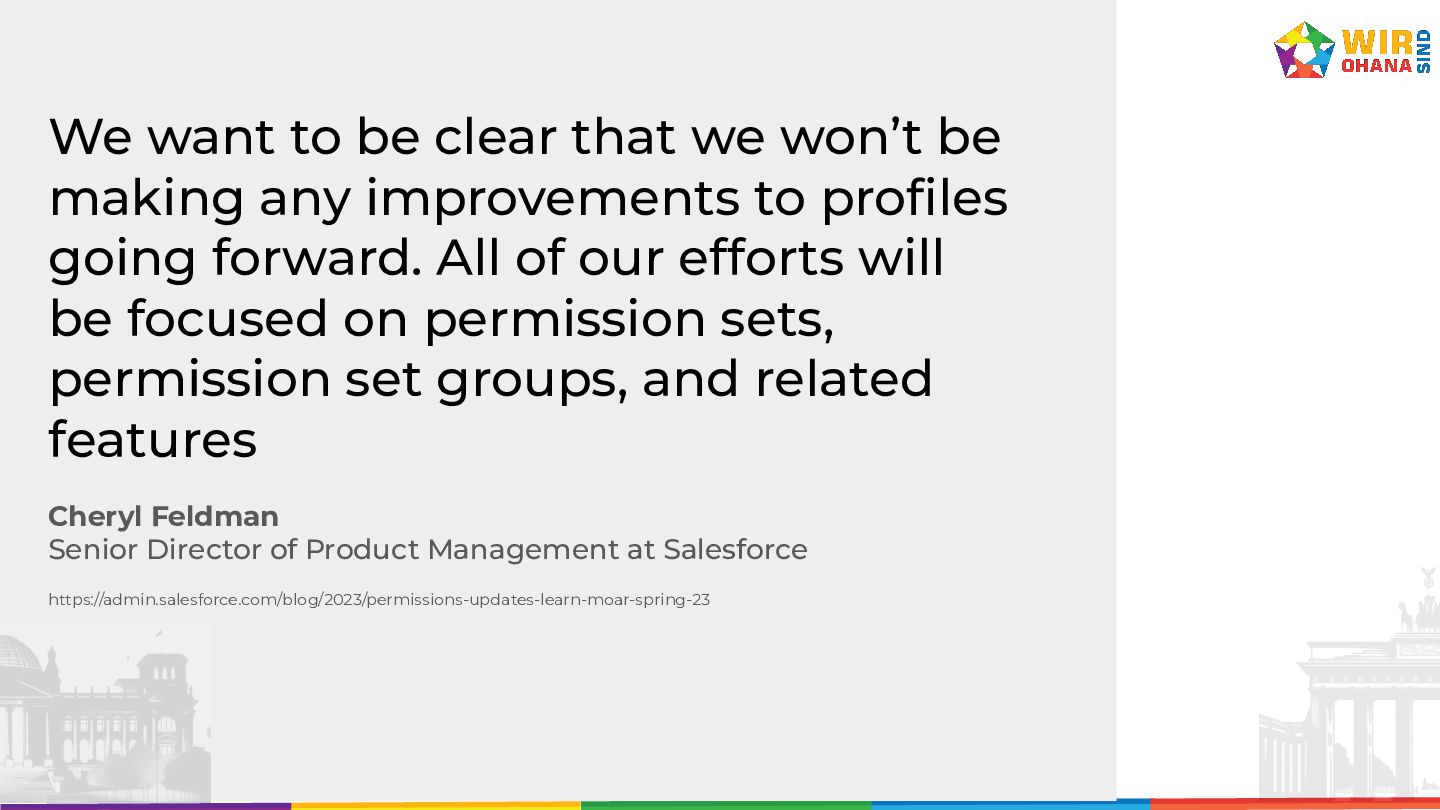
  2. We want to be clear that we won’t be making

    any improvements to profiles going forward. All of our efforts will be focused on permission sets, permission set groups, and related features Cheryl Feldman Senior Director of Product Management at Salesforce https://admin.salesforce.com/blog/2023/permissions-updates-learn-moar-spring-23
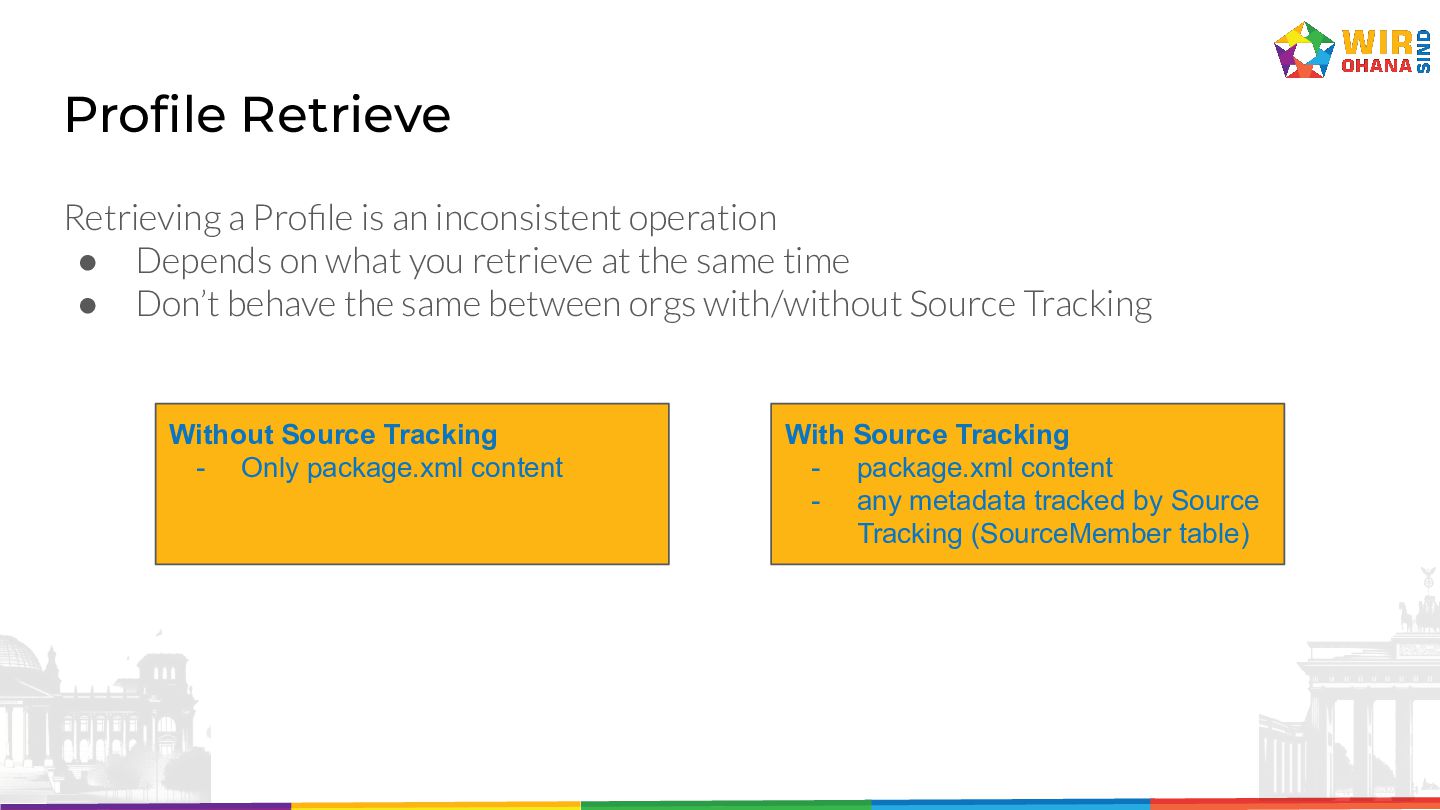
  3. Profile Retrieve Retrieving a Profile is an inconsistent operation •

    Depends on what you retrieve at the same time • Don’t behave the same between orgs with/without Source Tracking Without Source Tracking - Only package.xml content With Source Tracking - package.xml content - any metadata tracked by Source Tracking (SourceMember table)
  4. <?xml version="1.0" encoding="UTF-8"?> <Package xmlns="http://soap.sforce.com/2006/04/metadata"> <types> <members>Account.MyFirstField__c</members> <name>CustomField</name> </types> <types>

    <members>My Profile</members> <name>Profile</name> </types> <version>66.0</version> </Package> <?xml version="1.0" encoding="UTF-8"?> <Profile xmlns="http://soap.sforce.com/2006/04/metadata"> <custom>true</custom> <fieldPermissions> <editable>true</editable> <field>Account.MyFirstField__c</field> <readable>true</readable> </fieldPermissions> </Profile> package.xml retrieved profile Profile Retrieve
  5. <?xml version="1.0" encoding="UTF-8"?> <Package xmlns="http://soap.sforce.com/2006/04/metadata"> <types> <members>Account.MySecondField__c</members> <name>CustomField</name> </types> <types>

    <members>My Profile</members> <name>Profile</name> </types> <version>66.0</version> </Package> <?xml version="1.0" encoding="UTF-8"?> <Profile xmlns="http://soap.sforce.com/2006/04/metadata"> <custom>true</custom> <fieldPermissions> <editable>true</editable> <field>Account.MySecondField__c</field> <readable>true</readable> </fieldPermissions> </Profile> package.xml retrieved profile Profile Retrieve • MyFirstField__c is not there anymore • Different behavior for Source Tracking
  6. Deploying an empty Profile on creation gives a few extra

    access rights <?xml version="1.0" encoding="UTF-8"?> <Profile xmlns="http://soap.sforce.com/2006/04/metadata"> <custom>true</custom> <userLicense>Salesforce</userLicense> <userPermissions> <enabled>true</enabled> <name>ActivitiesAccess</name> </userPermissions> <userPermissions> <enabled>true</enabled> <name>AllowViewKnowledge</name> </userPermissions> <userPermissions> <enabled>true</enabled> <name>ChatterInternalUser</name> </userPermissions> <userPermissions> <enabled>true</enabled> <name>LightningConsoleAllowedForUser</name> </userPermissions> <userPermissions> <enabled>true</enabled> <name>ViewHelpLink</name> </userPermissions> </Profile> Still, much much better than before cf. https://texei.com/conseils/create-empty-profiles-automatically-to-fearlessly-deploy-all-your-access-rights-in-salesforce/ Profile Deployment - creation
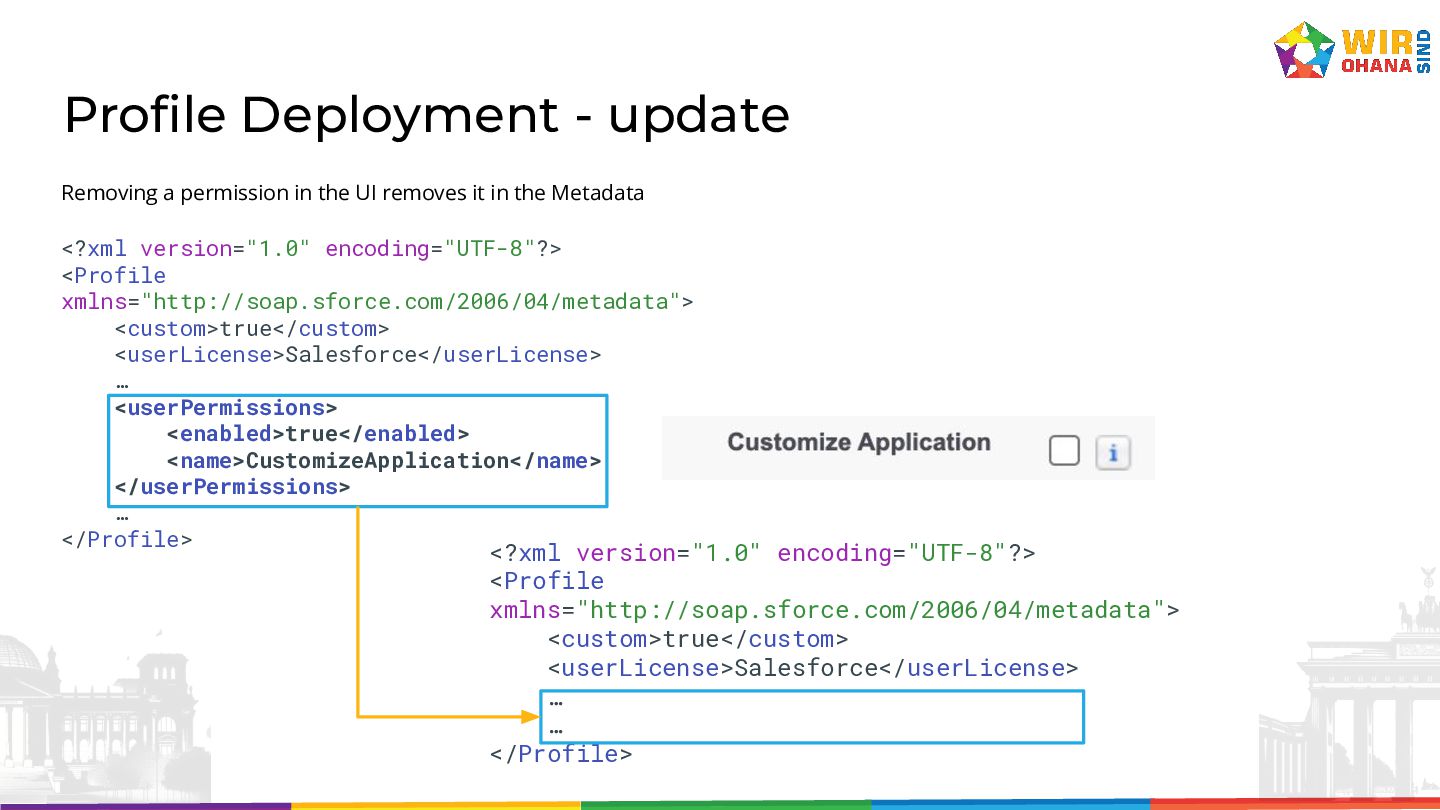
  7. <?xml version="1.0" encoding="UTF-8"?> <Profile xmlns="http://soap.sforce.com/2006/04/metadata"> <custom>true</custom> <userLicense>Salesforce</userLicense> … <userPermissions> <enabled>true</enabled>

    <name>CustomizeApplication</name> </userPermissions> … </Profile> <?xml version="1.0" encoding="UTF-8"?> <Profile xmlns="http://soap.sforce.com/2006/04/metadata"> <custom>true</custom> <userLicense>Salesforce</userLicense> … … </Profile> Removing a permission in the UI removes it in the Metadata Profile Deployment - update
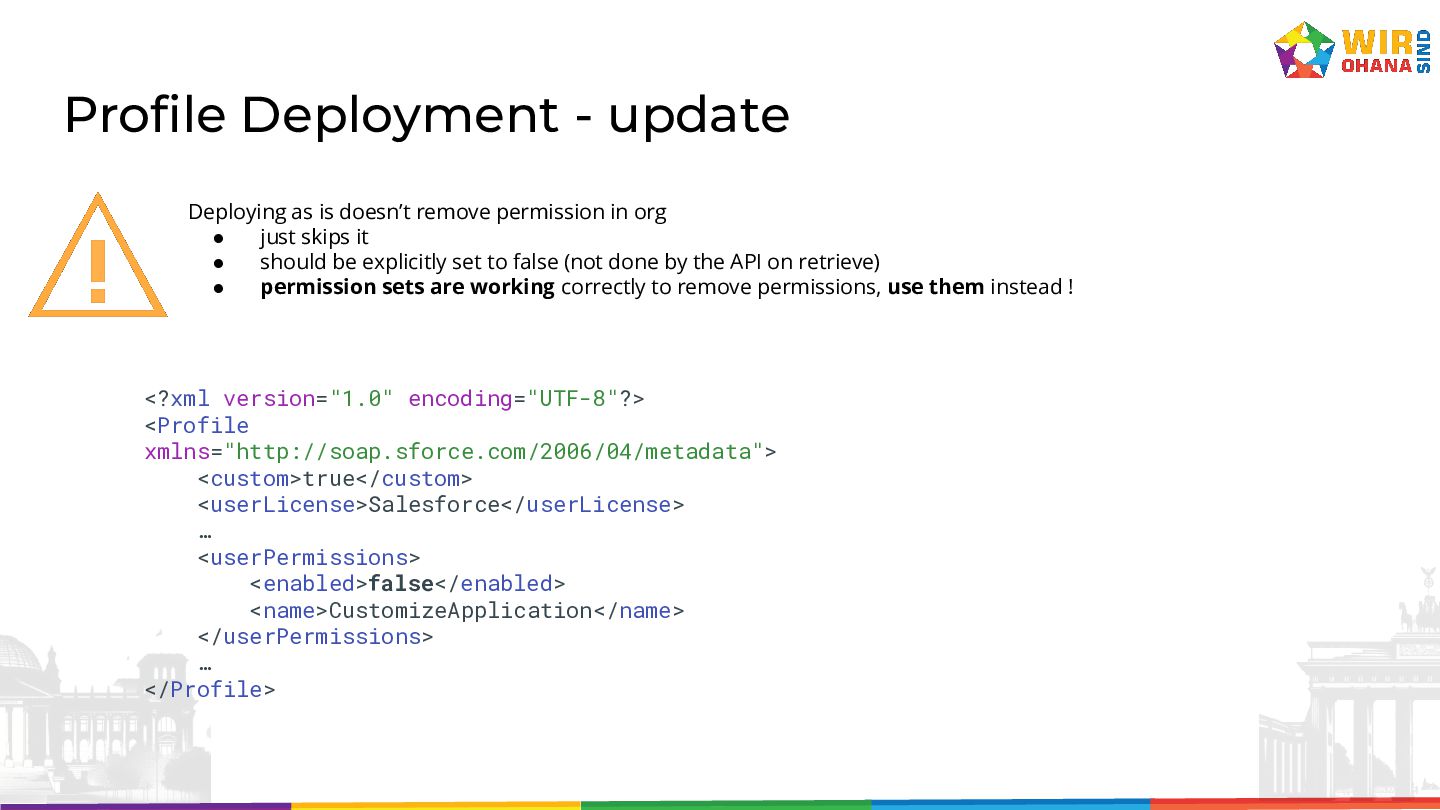
  8. <?xml version="1.0" encoding="UTF-8"?> <Profile xmlns="http://soap.sforce.com/2006/04/metadata"> <custom>true</custom> <userLicense>Salesforce</userLicense> … <userPermissions> <enabled>false</enabled>

    <name>CustomizeApplication</name> </userPermissions> … </Profile> Deploying as is doesn’t remove permission in org • just skips it • should be explicitly set to false (not done by the API on retrieve) • permission sets are working correctly to remove permissions, use them instead ! Profile Deployment - update
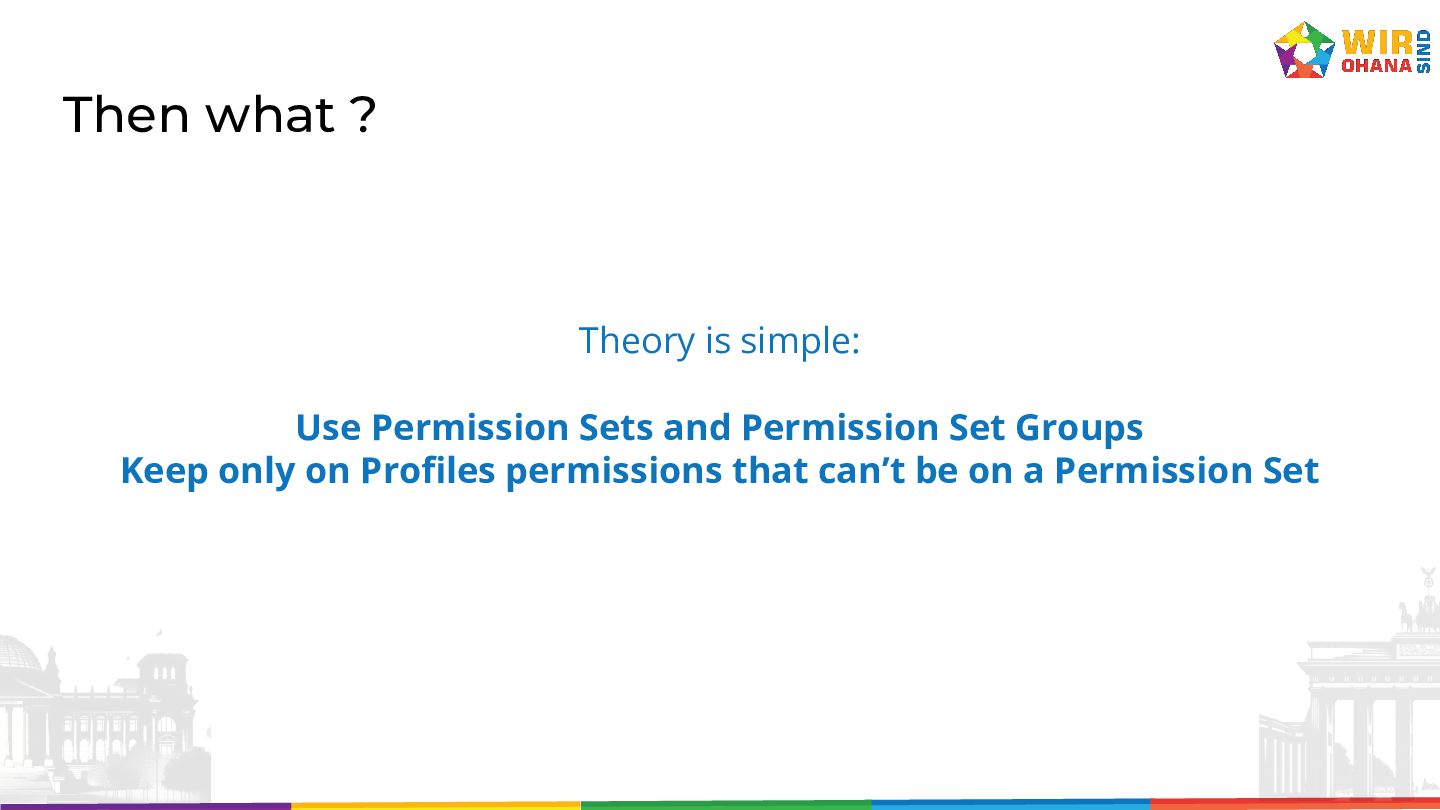
  9. Theory is simple: Use Permission Sets and Permission Set Groups

    Keep only on Profiles permissions that can’t be on a Permission Set Then what ?
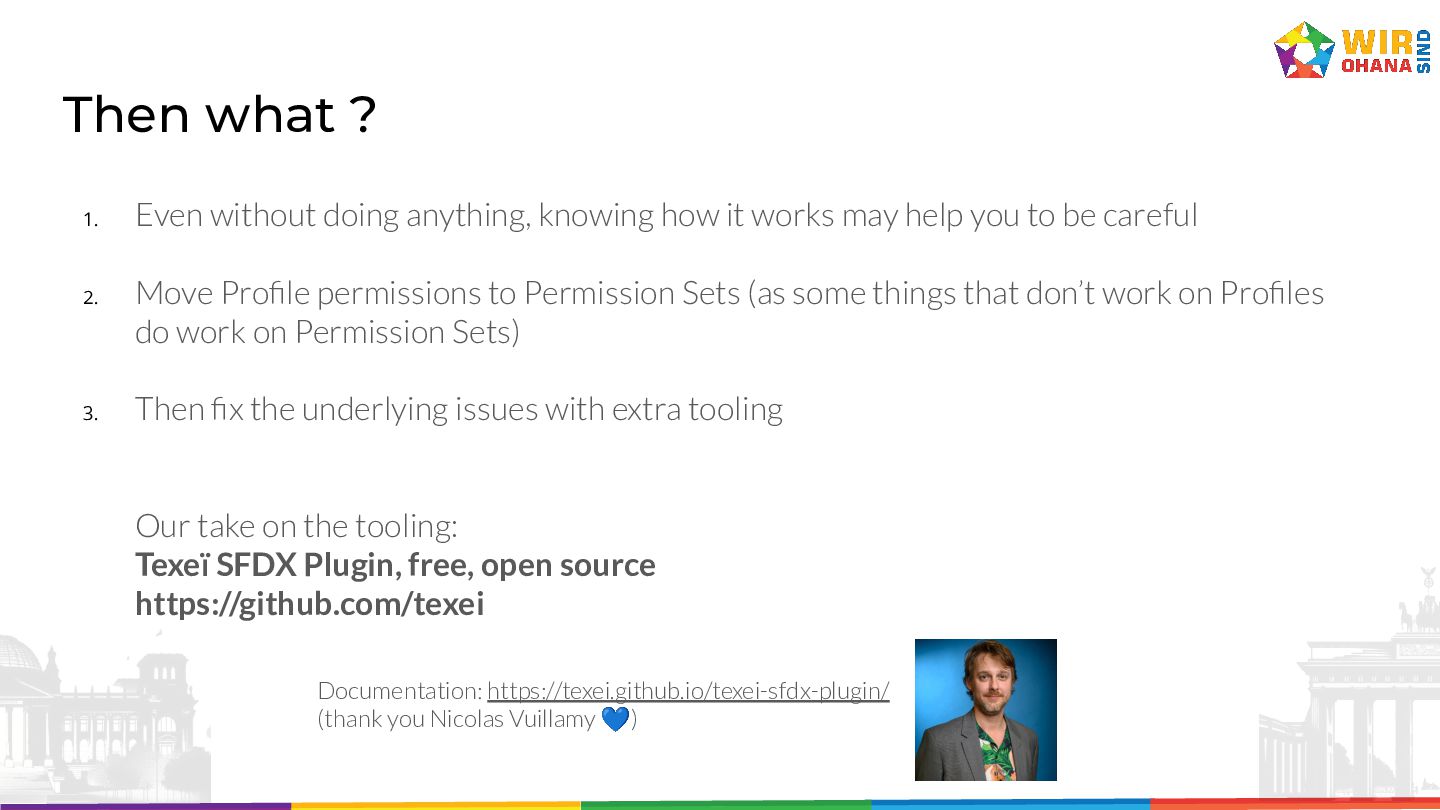
  10. 1. Even without doing anything, knowing how it works may

    help you to be careful 2. Move Profile permissions to Permission Sets (as some things that don’t work on Profiles do work on Permission Sets) 3. Then fix the underlying issues with extra tooling Our take on the tooling: Texeï SFDX Plugin, free, open source https://github.com/texei Then what ? Documentation: https://texei.github.io/texei-sfdx-plugin/ (thank you Nicolas Vuillamy 💙)
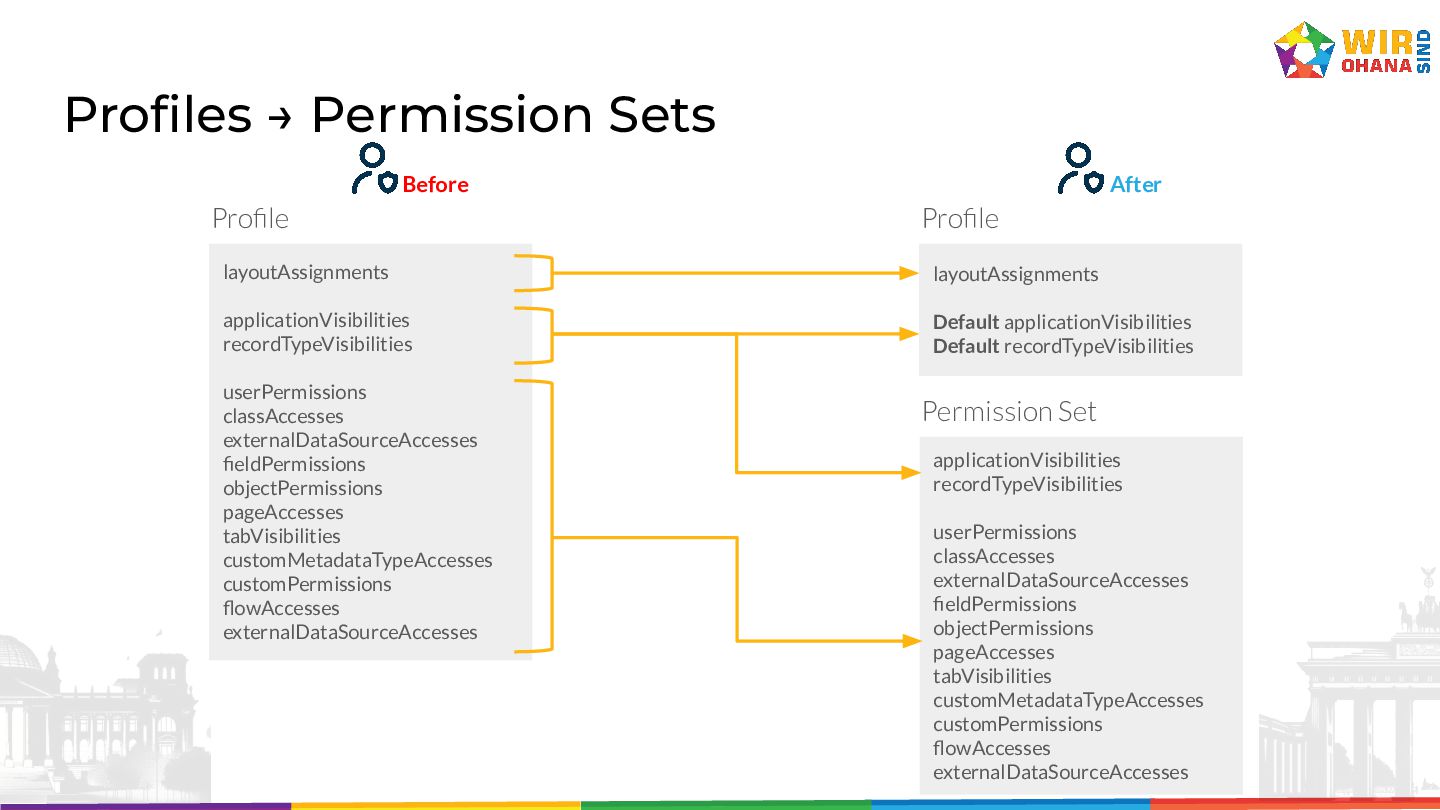
  11. layoutAssignments applicationVisibilities recordTypeVisibilities userPermissions classAccesses externalDataSourceAccesses fieldPermissions objectPermissions pageAccesses tabVisibilities

    customMetadataTypeAccesses customPermissions flowAccesses externalDataSourceAccesses Profile layoutAssignments Default applicationVisibilities Default recordTypeVisibilities Profile applicationVisibilities recordTypeVisibilities userPermissions classAccesses externalDataSourceAccesses fieldPermissions objectPermissions pageAccesses tabVisibilities customMetadataTypeAccesses customPermissions flowAccesses externalDataSourceAccesses Permission Set Before After Profiles → Permission Sets
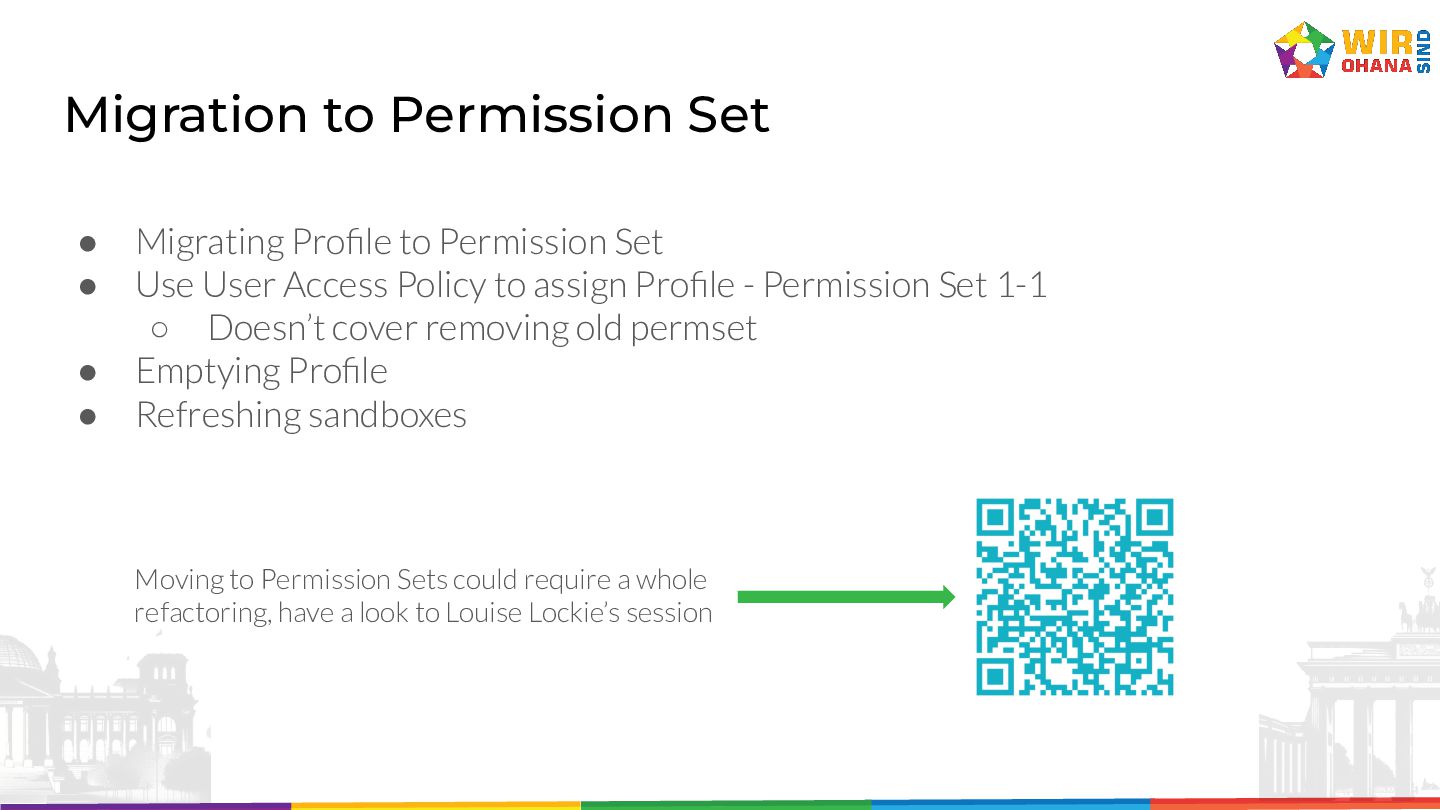
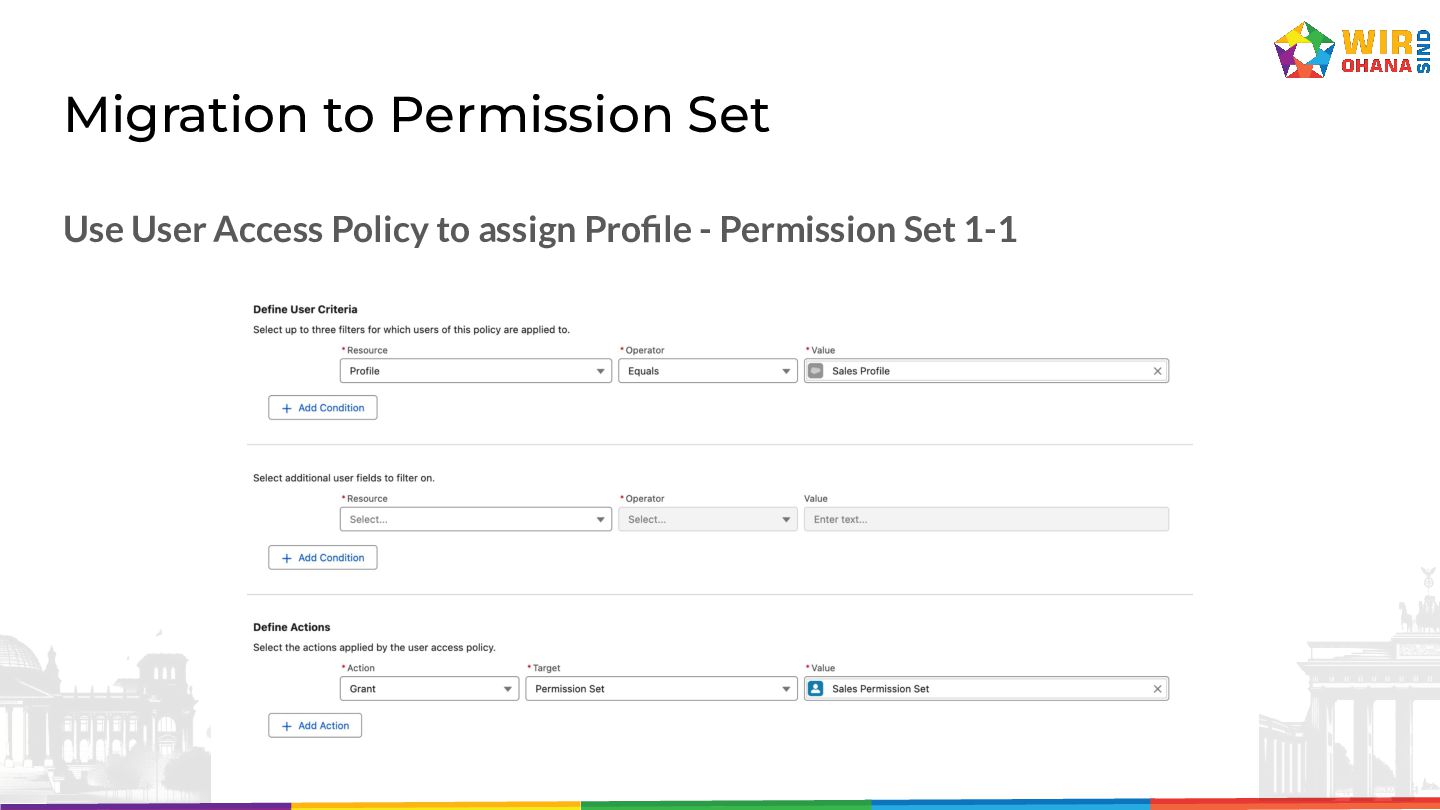
  12. • Migrating Profile to Permission Set • Use User Access

    Policy to assign Profile - Permission Set 1-1 ◦ Doesn’t cover removing old permset • Emptying Profile • Refreshing sandboxes Migration to Permission Set Moving to Permission Sets could require a whole refactoring, have a look to Louise Lockie’s session
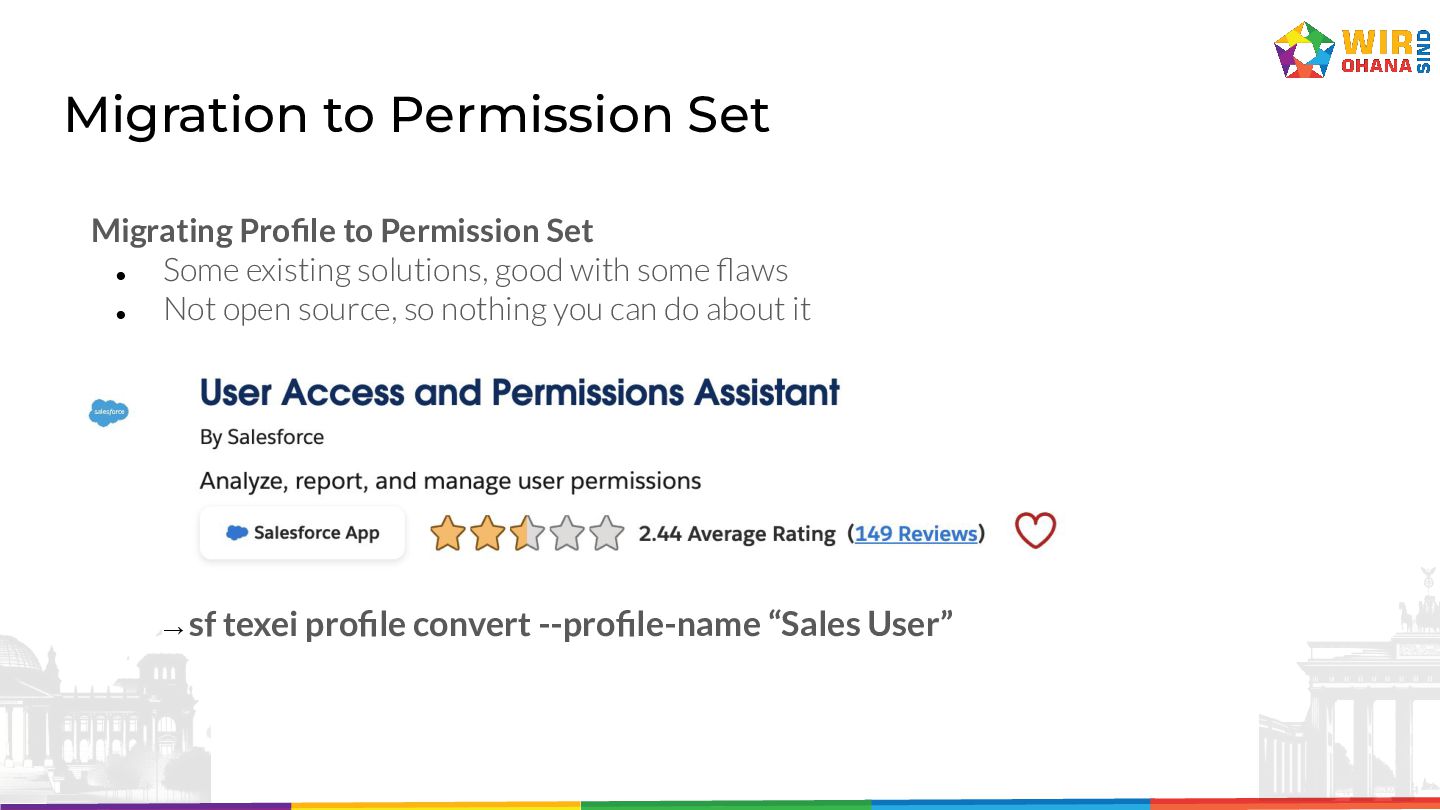
  13. Migrating Profile to Permission Set • Some existing solutions, good

    with some flaws • Not open source, so nothing you can do about it → sf texei profile convert --profile-name “Sales User” Migration to Permission Set
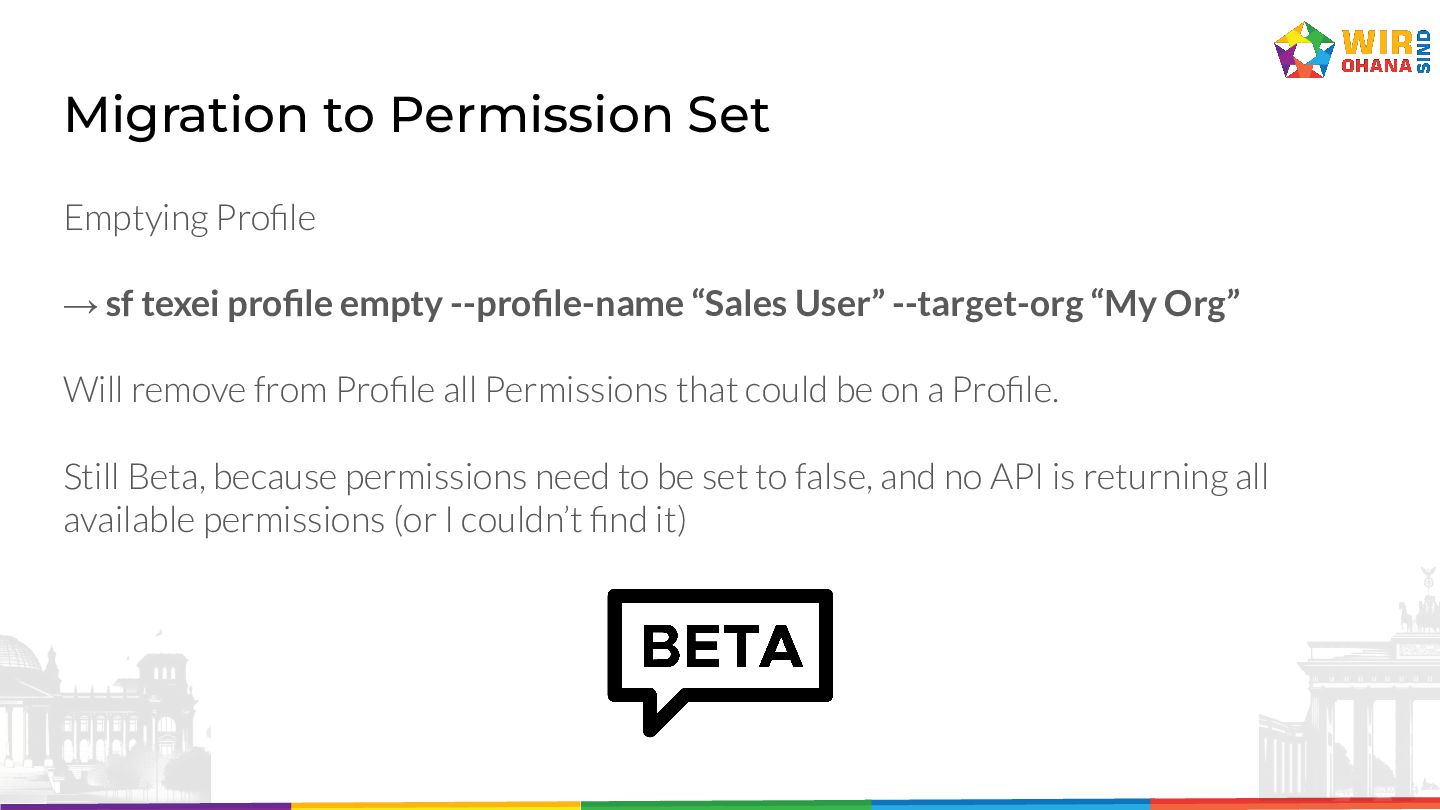
  14. Emptying Profile → sf texei profile empty --profile-name “Sales User”

    --target-org “My Org” Will remove from Profile all Permissions that could be on a Profile. Still Beta, because permissions need to be set to false, and no API is returning all available permissions (or I couldn’t find it) Migration to Permission Set
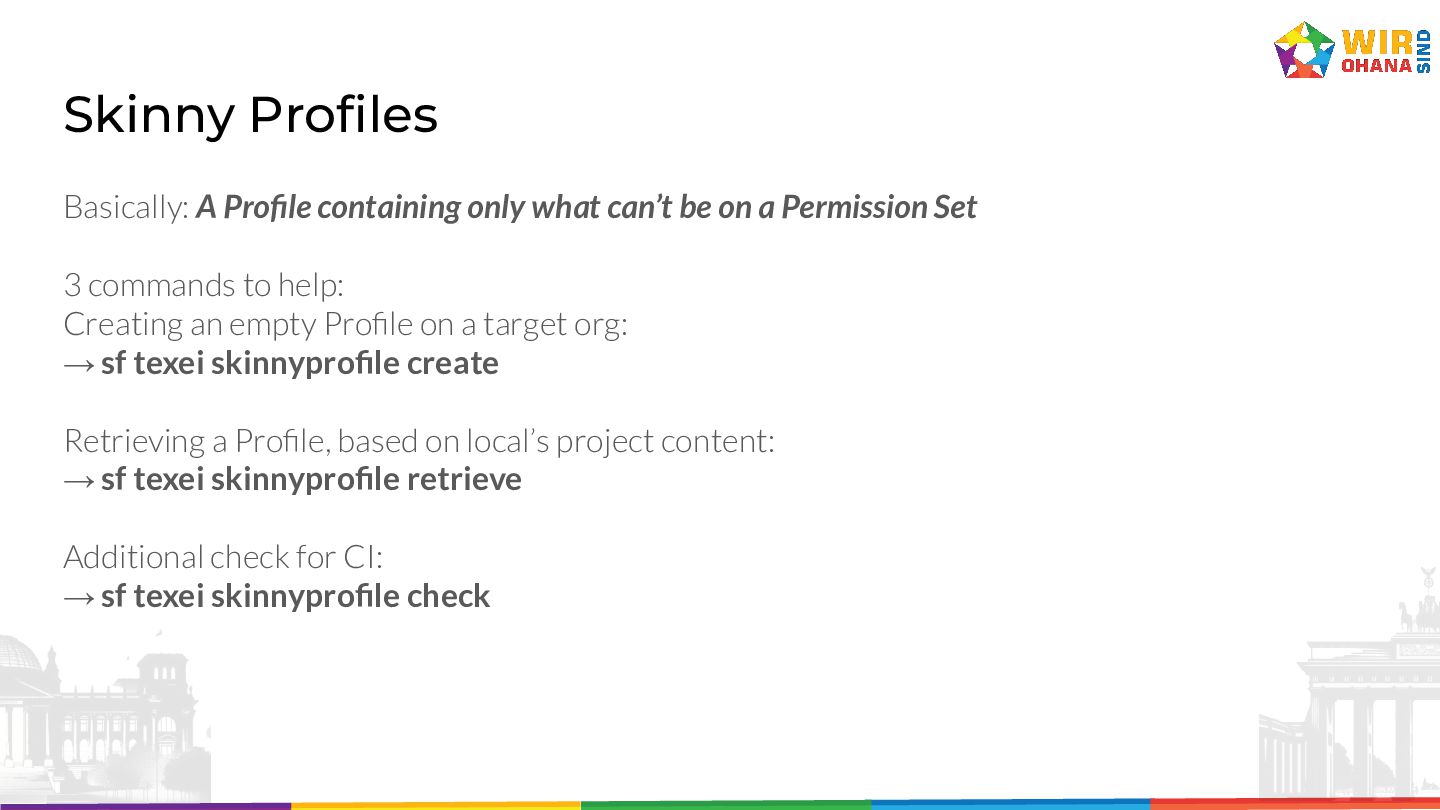
  15. Basically: A Profile containing only what can’t be on a

    Permission Set 3 commands to help: Creating an empty Profile on a target org: → sf texei skinnyprofile create Retrieving a Profile, based on local’s project content: → sf texei skinnyprofile retrieve Additional check for CI: → sf texei skinnyprofile check Skinny Profiles
  16. Q&A