Upgrade to Pro — share decks privately, control downloads, hide ads and more …

Fix Your Shopify Google Shopping Feed: 6 Checks

Fix Your Shopify Google Shopping Feed: 6 Checks

Shopping ads have no keywords, so your product feed decides which searches your Shopify products show for. Six checks: keep stock and prices in sync, clear Merchant Center issues first, write titles from real search queries, send only valid GTIN barcodes, and never change or recycle product IDs. Each check shows how FeedShine handles it.

FeedShine builds Google Shopping, Meta and TikTok feeds from your Shopify catalogue in about a minute. Prices and stock stay in sync. Free for 10 products.

https://feedshine.app/
Full guide: https://feedshine.app/help/optimize-your-google-shopping-feed

FeedShine

November 02, 2026

Transcript

10 slides
  1. FEEDSHINE Fix your Shopify Google Shopping feed Six checks that

    get your products in front of the right searches, and how FeedShine handles each one. FeedShine: product feeds for Shopify feedshine.app
  2. WHY THE FEED MATTERS Shopping ads have no keywords. The

    feed is your keywords. Google reads your feed to decide which searches your products show for. Complete, accurate data gets each product in front of more relevant searches, so you can bid less for the same reach. Fix your Shopify Google Shopping feed feedshine.app · 2
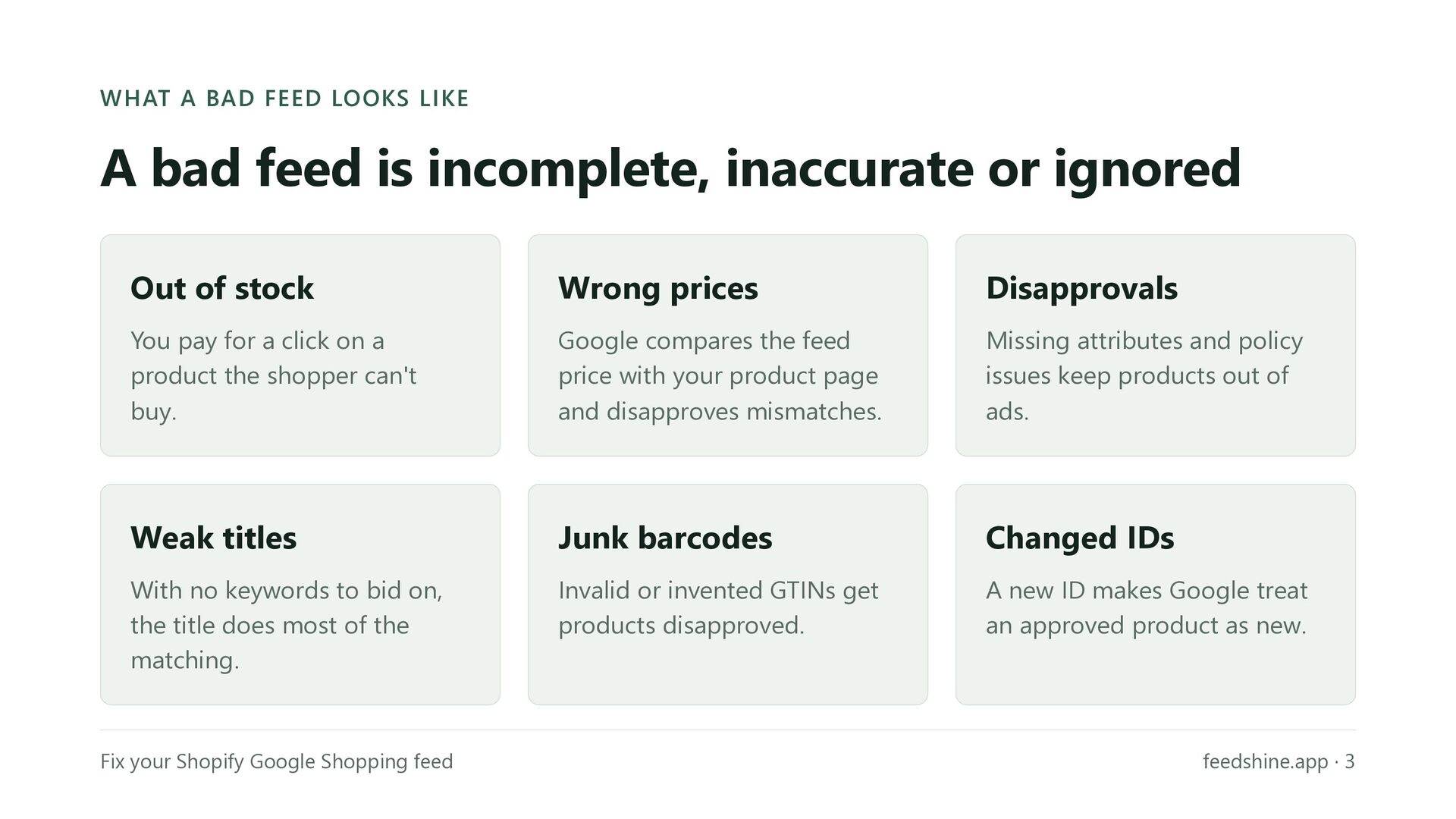
  3. WHAT A BAD FEED LOOKS LIKE A bad feed is

    incomplete, inaccurate or ignored Out of stock Wrong prices Disapprovals You pay for a click on a product the shopper can't buy. Google compares the feed price with your product page and disapproves mismatches. Missing attributes and policy issues keep products out of ads. Weak titles Junk barcodes Changed IDs With no keywords to bid on, the title does most of the matching. Invalid or invented GTINs get products disapproved. A new ID makes Google treat an approved product as new. Fix your Shopify Google Shopping feed feedshine.app · 3
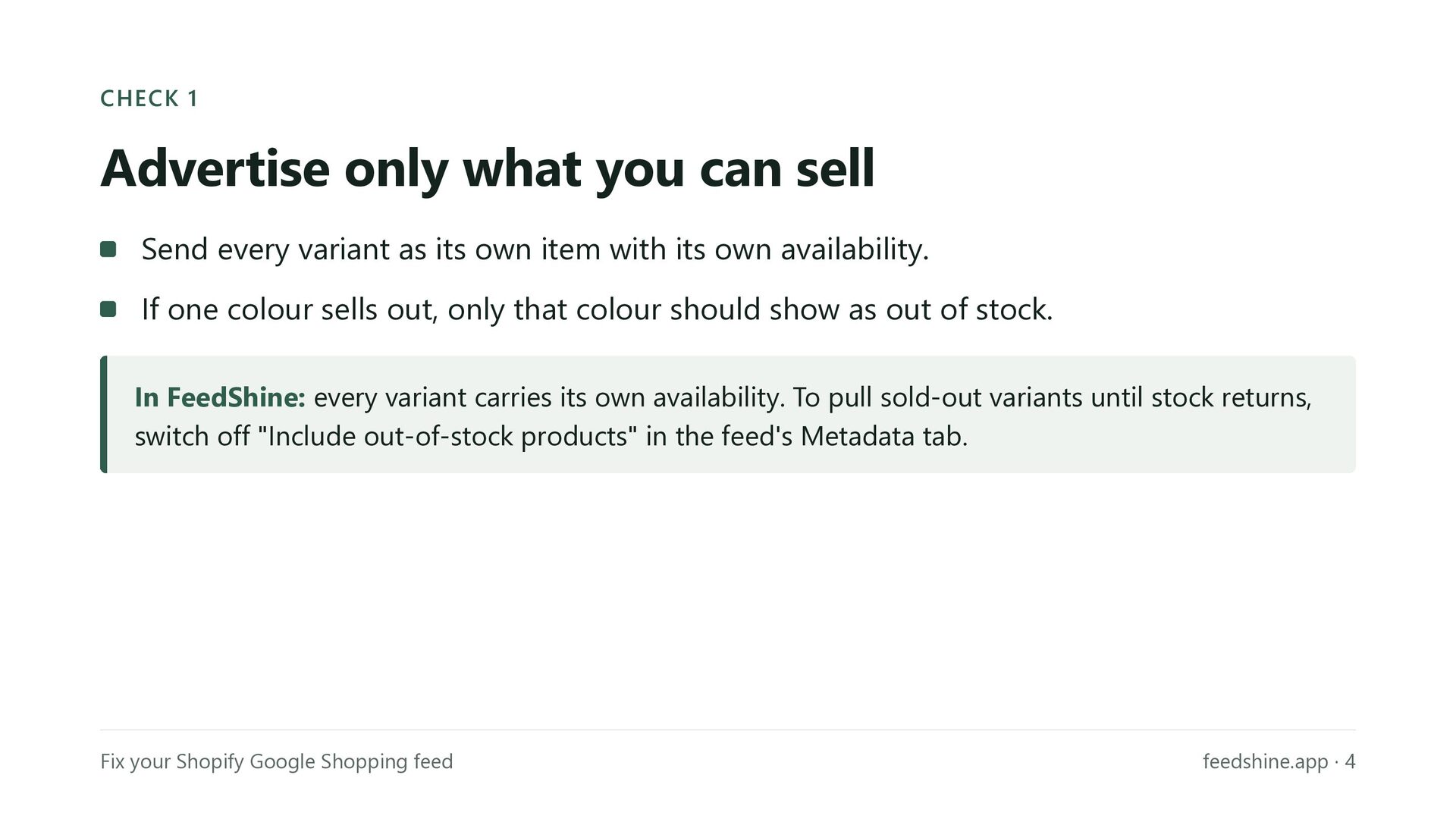
  4. CHECK 1 Advertise only what you can sell Send every

    variant as its own item with its own availability. If one colour sells out, only that colour should show as out of stock. In FeedShine: every variant carries its own availability. To pull sold-out variants until stock returns, switch off "Include out-of-stock products" in the feed's Metadata tab. Fix your Shopify Google Shopping feed feedshine.app · 4
  5. CHECK 2 Keep prices in step with the store Google

    compares your feed price with the product page. A mismatch means a disapproval. The usual cause is a sale: the store price changes and the feed doesn't. In FeedShine: every feed updates itself as prices and stock change in Shopify. Market feeds send each Shopify market its own local prices. Fix your Shopify Google Shopping feed feedshine.app · 5
  6. CHECK 3 Clear Merchant Center issues first Disapprovals tend to

    arrive the moment campaigns go live. Fix account problems and disapprovals before you optimise anything else. In FeedShine: the Optimization page pulls issues from Merchant Center every night and lists them worst first, with the products affected. Fix your Shopify Google Shopping feed feedshine.app · 6
  7. CHECK 4 Write titles for the search, not the shelf

    Front-load the most important words, because titles get cut off in the shopping carousel. Use the words shoppers actually type to find your products. In FeedShine: connect Search Console and it lists the products whose top search query is missing from the title, highest impressions first. Nothing changes until you approve it. Fix your Shopify Google Shopping feed feedshine.app · 7
  8. CHECK 5 Send only real barcodes A GTIN is 8,

    12, 13 or 14 digits: UPC, EAN, JAN and ISBN are all GTINs. Never invent one. Google checks against the GS1 registry and disapproves fakes. In FeedShine: every barcode is checksummed and only valid GTINs are sent. Placeholders are skipped, and identifier_exists is set to no automatically when a product has no identifiers. Fix your Shopify Google Shopping feed feedshine.app · 8
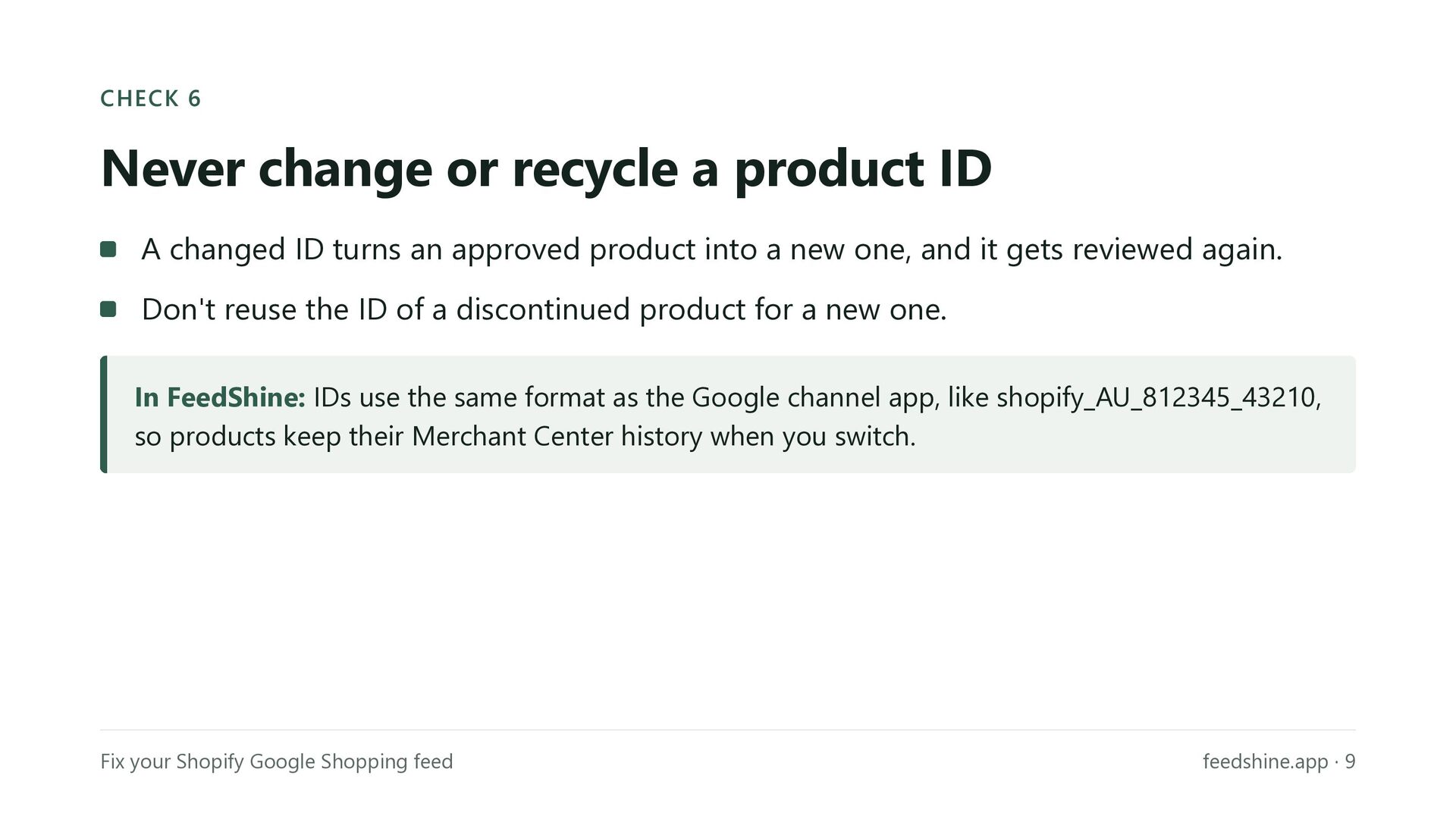
  9. CHECK 6 Never change or recycle a product ID A

    changed ID turns an approved product into a new one, and it gets reviewed again. Don't reuse the ID of a discontinued product for a new one. In FeedShine: IDs use the same format as the Google channel app, like shopify_AU_812345_43210, so products keep their Merchant Center history when you switch. Fix your Shopify Google Shopping feed feedshine.app · 9
  10. FEEDSHINE Product feeds for Shopify you can change by asking

    Feeds for Google Shopping, Meta, Microsoft, Pinterest, TikTok and more from one Shopify catalogue. Free for 10 products. feedshine.app The full guide to optimising your Google feed: feedshine.app/help/optimize-your-google-shopping-feed FeedShine: product feeds for Shopify 10

More Decks by FeedShine

Other Decks in Marketing & SEO