Upgrade to Pro — share decks privately, control downloads, hide ads and more …

Advanced Flow Controllers

Sponsored · SiteGround - Reliable hosting with speed, security, and support you can count on.

Advanced Flow Controllers

Avatar for Frank Courville

Frank Courville

November 11, 2014
Tweet

Other Decks in Programming

Transcript

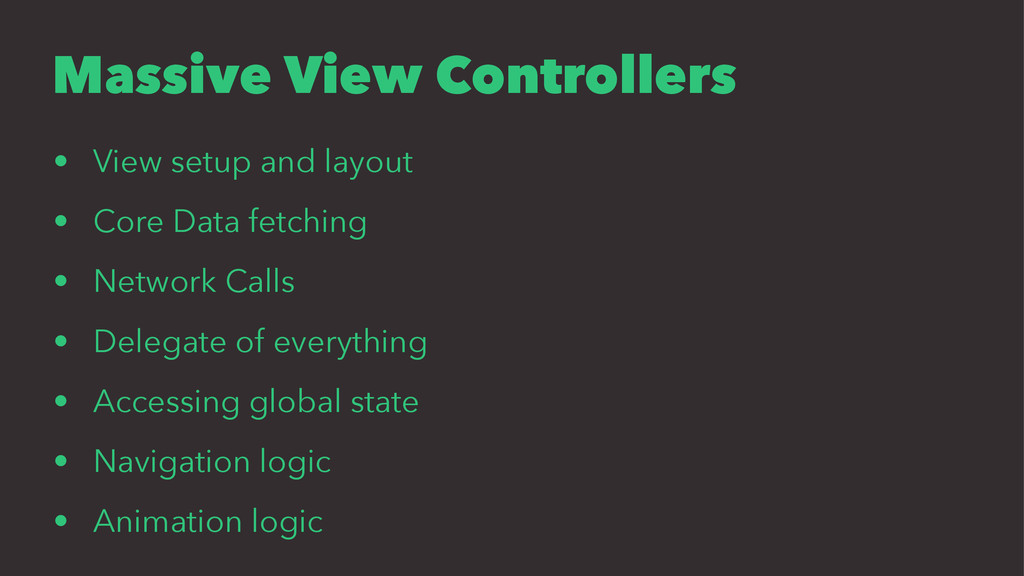
  1. Massive View Controllers • View setup and layout • Core

    Data fetching • Network Calls • Delegate of everything • Accessing global state • Navigation logic • Animation logic
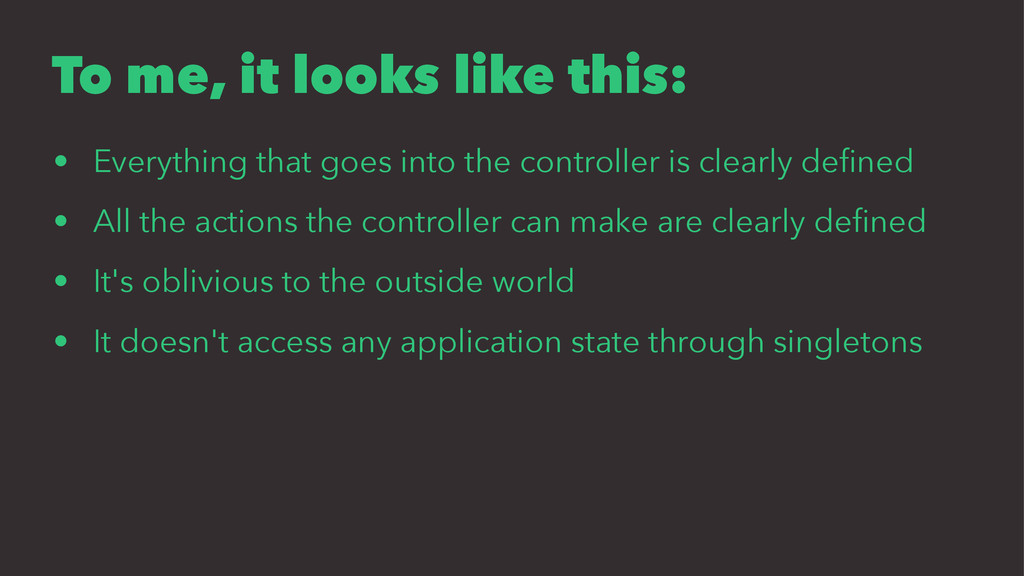
  2. To me, it looks like this: • Everything that goes

    into the controller is clearly defined • All the actions the controller can make are clearly defined • It's oblivious to the outside world • It doesn't access any application state through singletons
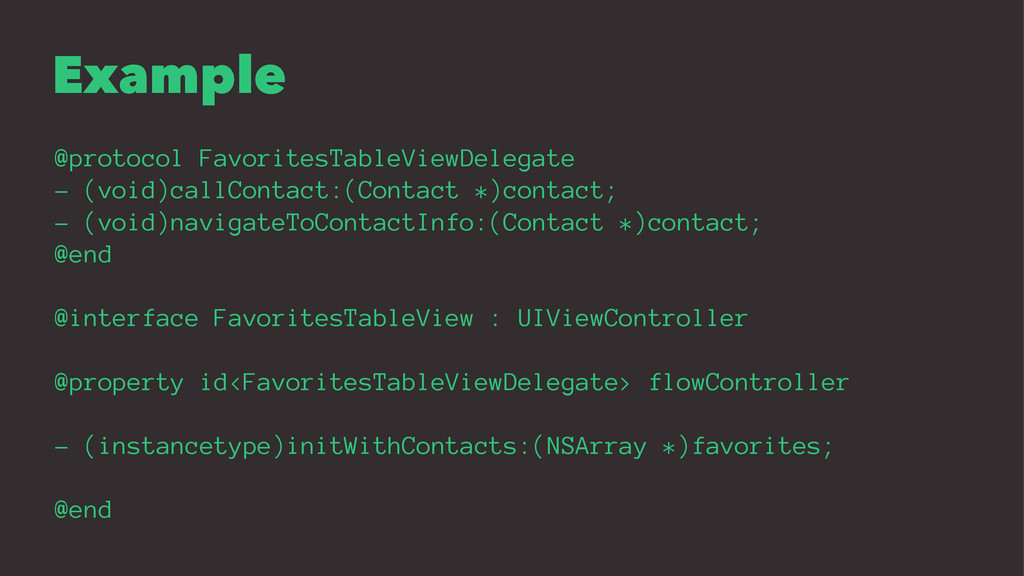
  3. Example @protocol FavoritesTableViewDelegate - (void)callContact:(Contact *)contact; - (void)navigateToContactInfo:(Contact *)contact; @end

    @interface FavoritesTableView : UIViewController @property id<FavoritesTableViewDelegate> flowController - (instancetype)initWithContacts:(NSArray *)favorites; @end
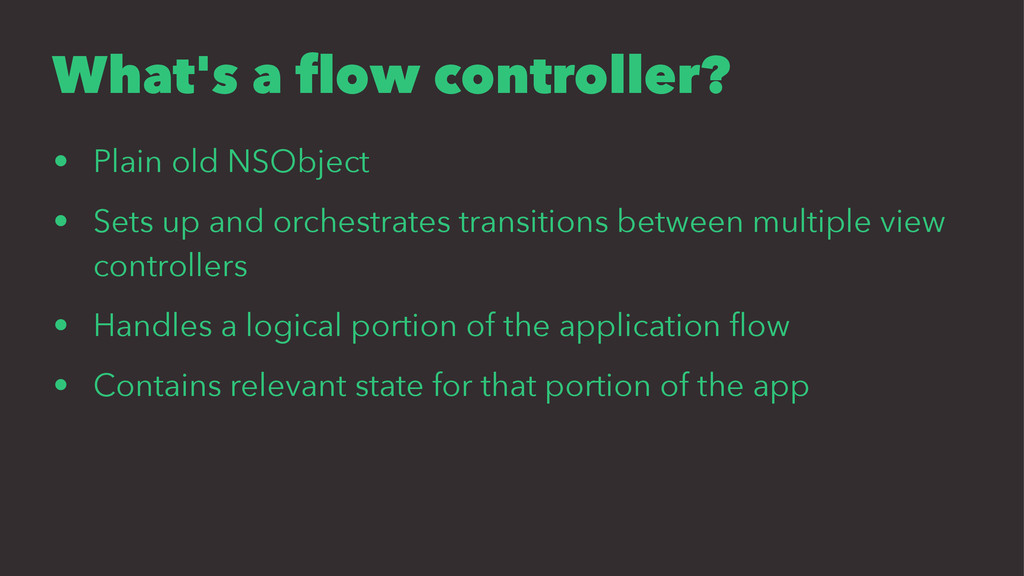
  4. What's a flow controller? • Plain old NSObject • Sets

    up and orchestrates transitions between multiple view controllers • Handles a logical portion of the application flow • Contains relevant state for that portion of the app
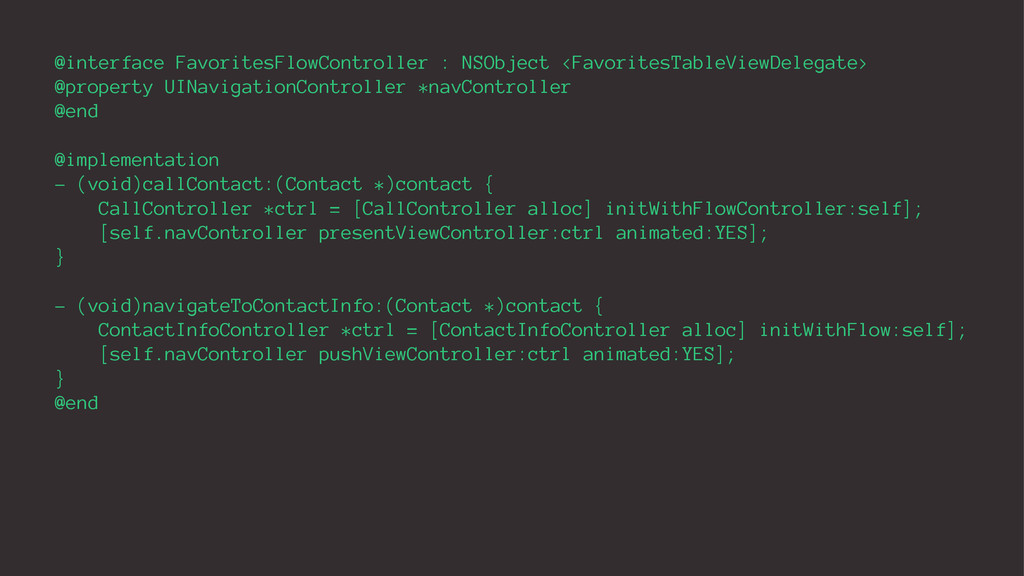
  5. @interface FavoritesFlowController : NSObject <FavoritesTableViewDelegate> @property UINavigationController *navController @end @implementation

    - (void)callContact:(Contact *)contact { CallController *ctrl = [CallController alloc] initWithFlowController:self]; [self.navController presentViewController:ctrl animated:YES]; } - (void)navigateToContactInfo:(Contact *)contact { ContactInfoController *ctrl = [ContactInfoController alloc] initWithFlow:self]; [self.navController pushViewController:ctrl animated:YES]; } @end
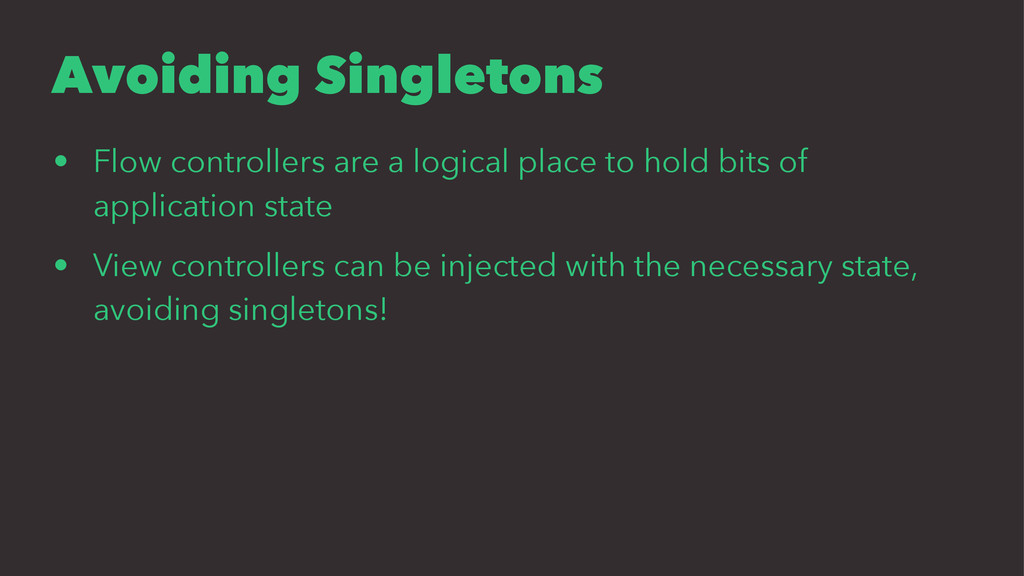
  6. Avoiding Singletons • Flow controllers are a logical place to

    hold bits of application state • View controllers can be injected with the necessary state, avoiding singletons!
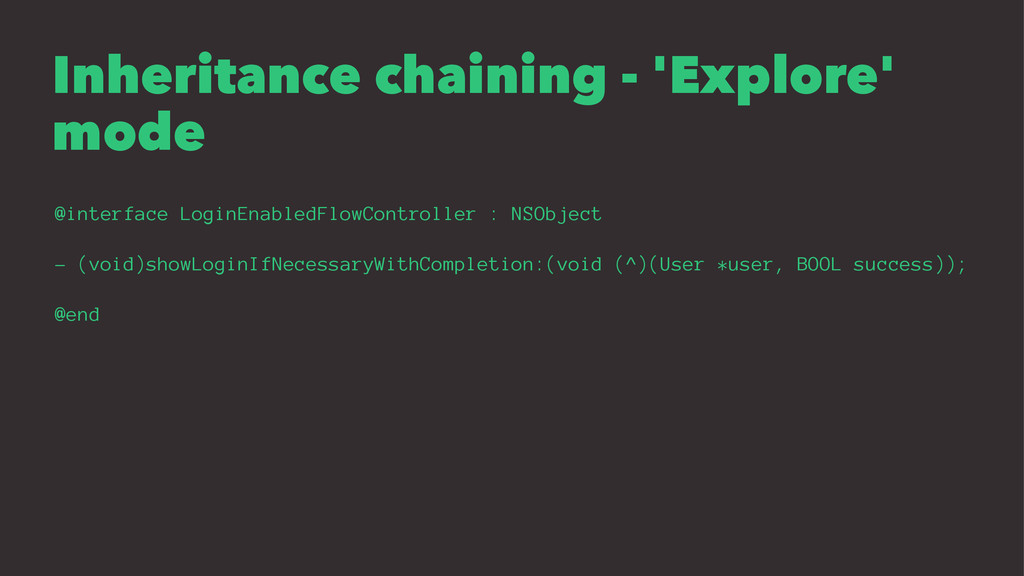
  7. Inheritance chaining - 'Explore' mode @interface LoginEnabledFlowController : NSObject -

    (void)showLoginIfNecessaryWithCompletion:(void (^)(User *user, BOOL success)); @end
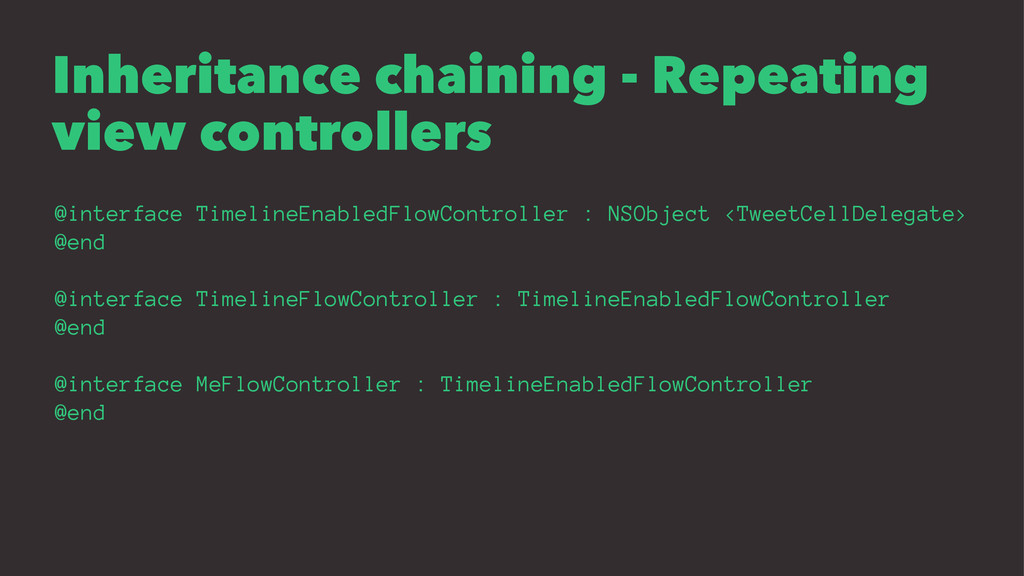
  8. Inheritance chaining - Repeating view controllers @interface TimelineEnabledFlowController : NSObject

    <TweetCellDelegate> @end @interface TimelineFlowController : TimelineEnabledFlowController @end @interface MeFlowController : TimelineEnabledFlowController @end
  9. Unit test your View Controllers! • You know what needs

    to go in and come out • Mocking dependencies is easy