Upgrade to Pro — share decks privately, control downloads, hide ads and more …

A rich text editor with React

Avatar for Peter Balazs Peter Balazs
November 19, 2014

A rich text editor with React

Avatar for Peter Balazs

Peter Balazs

November 19, 2014

Other Decks in Programming

Transcript

  1. HTML contenteditable HTML Editing API - https://dvcs.w3.org/hg/editing/raw- file/tip/editing.html Why contenteditable

    is terrible by Nick Santos - https: //medium.com/medium-eng/why-contenteditable-is-terrible- 122d8a40e480 Browser inconsistencies - https://github. com/guardian/scribe/blob/master/BROWSERINCONSISTE NCIES.md
  2. Current implementations - CKEditor - www.ckeditor.com - MediumJs - http://jakiestfu.github.io/Medium.js

    - Redactor - http://imperavi.com/redactor/ - Scribe - http://guardian.github.io/scribe/ - TinyMCE - www.tinymce.com - wysihtml5 - http://xing.github.io/wysihtml5/ - ZenPen - http://www.zenpen.io/
  3. Why another one? - HTML + React widgets - React

    page with other js components
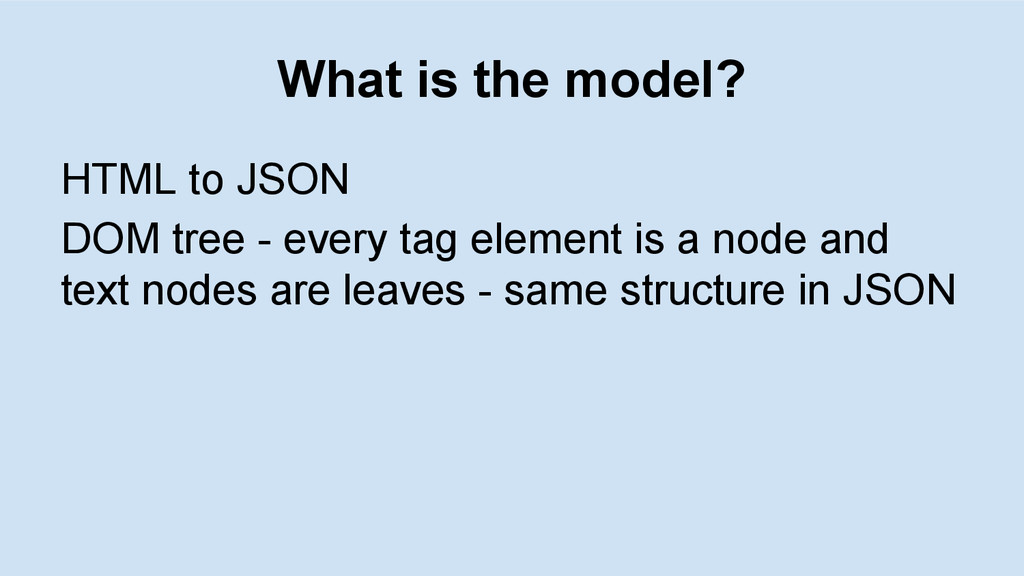
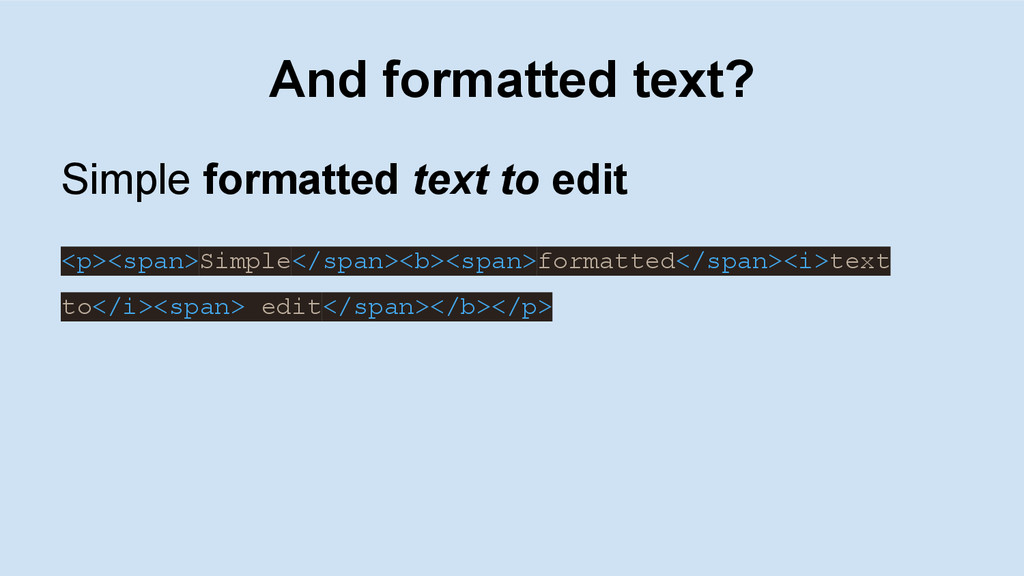
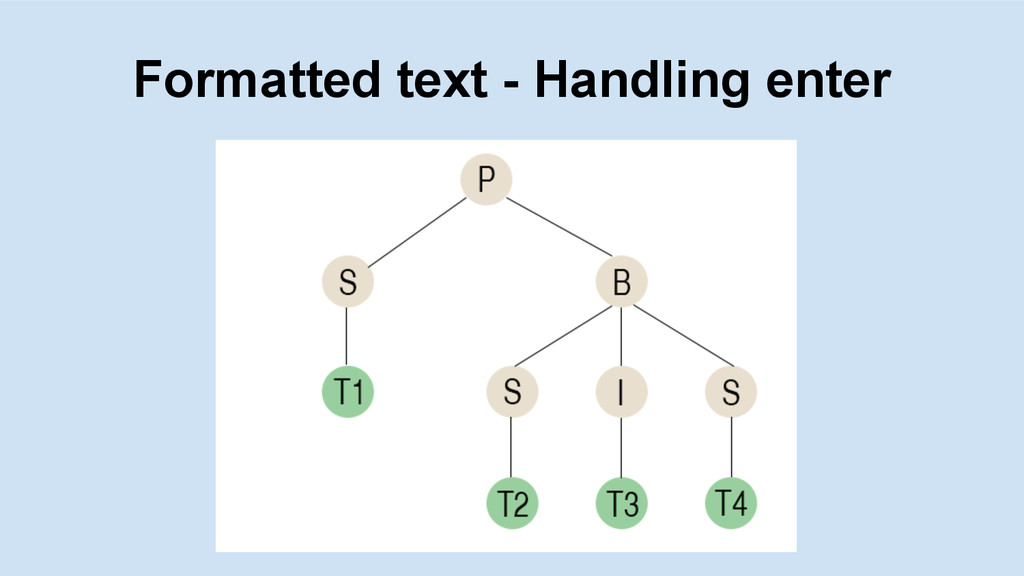
  4. What is the model? HTML to JSON DOM tree -

    every tag element is a node and text nodes are leaves - same structure in JSON
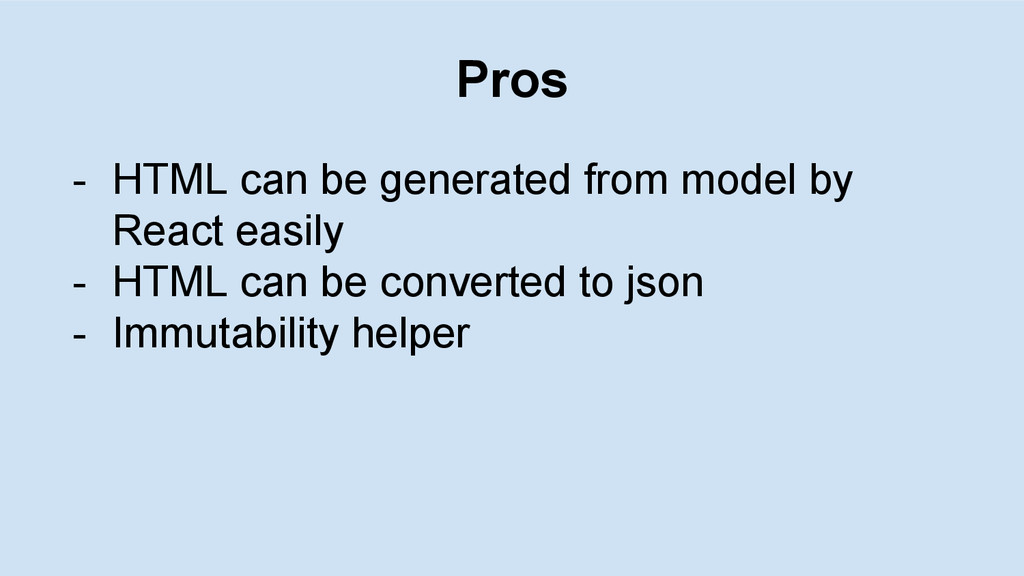
  5. Pros - HTML can be generated from model by React

    easily - HTML can be converted to json - Immutability helper
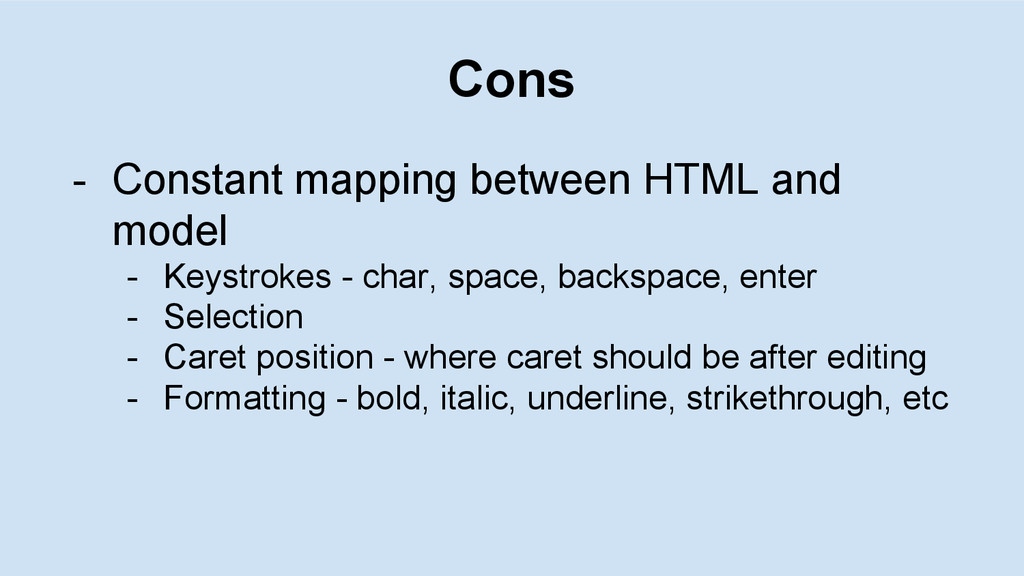
  6. Cons - Constant mapping between HTML and model - Keystrokes

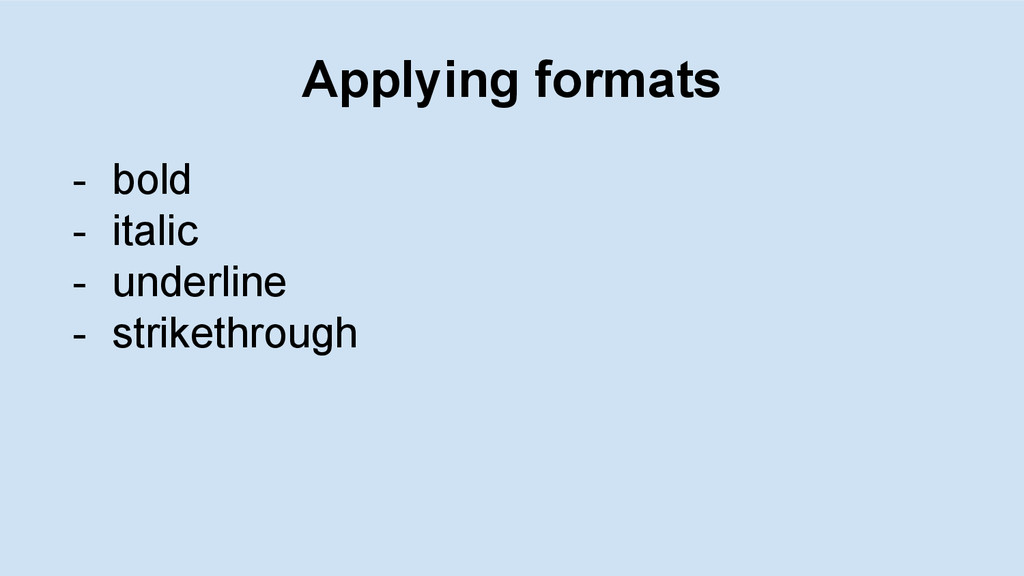
    - char, space, backspace, enter - Selection - Caret position - where caret should be after editing - Formatting - bold, italic, underline, strikethrough, etc
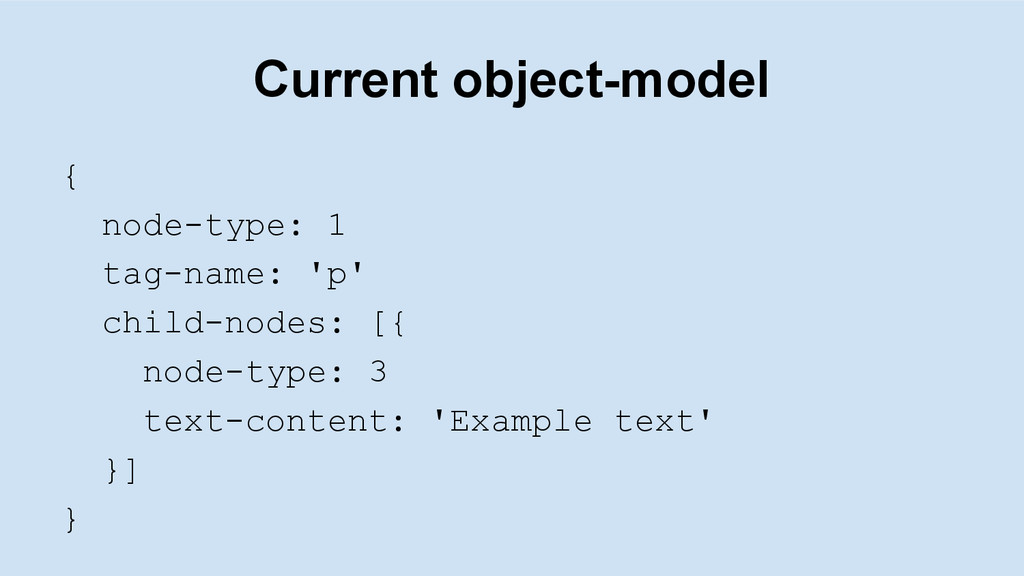
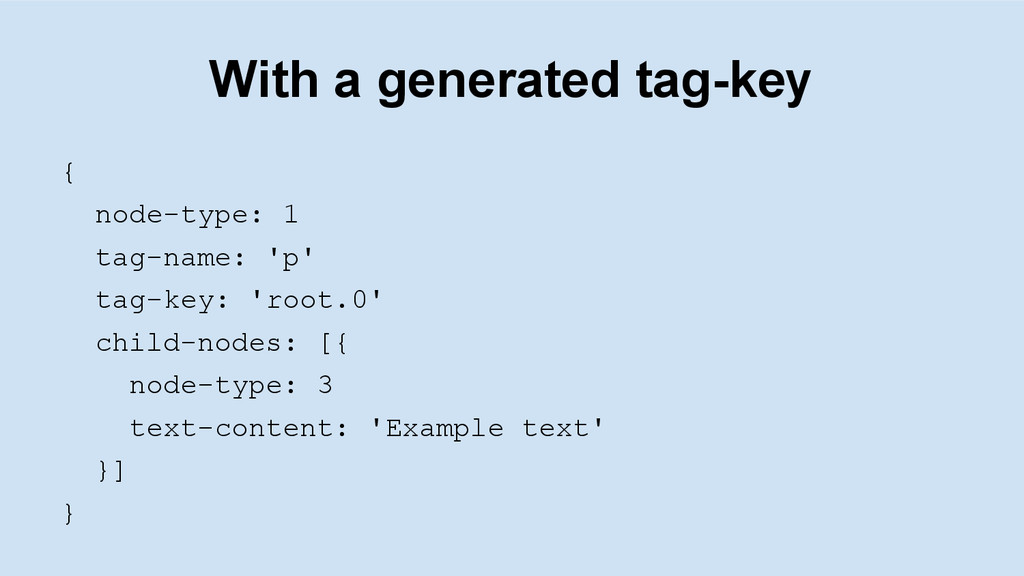
  7. With a generated tag-key { node-type: 1 tag-name: 'p' tag-key:

    'root.0' child-nodes: [{ node-type: 3 text-content: 'Example text' }] }
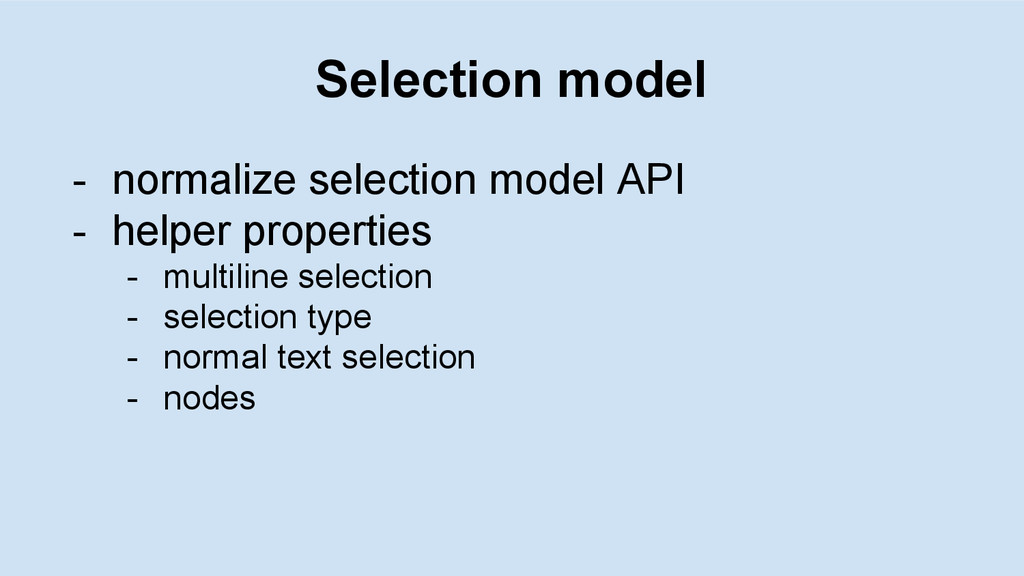
  8. Selection model - normalize selection model API - helper properties

    - multiline selection - selection type - normal text selection - nodes
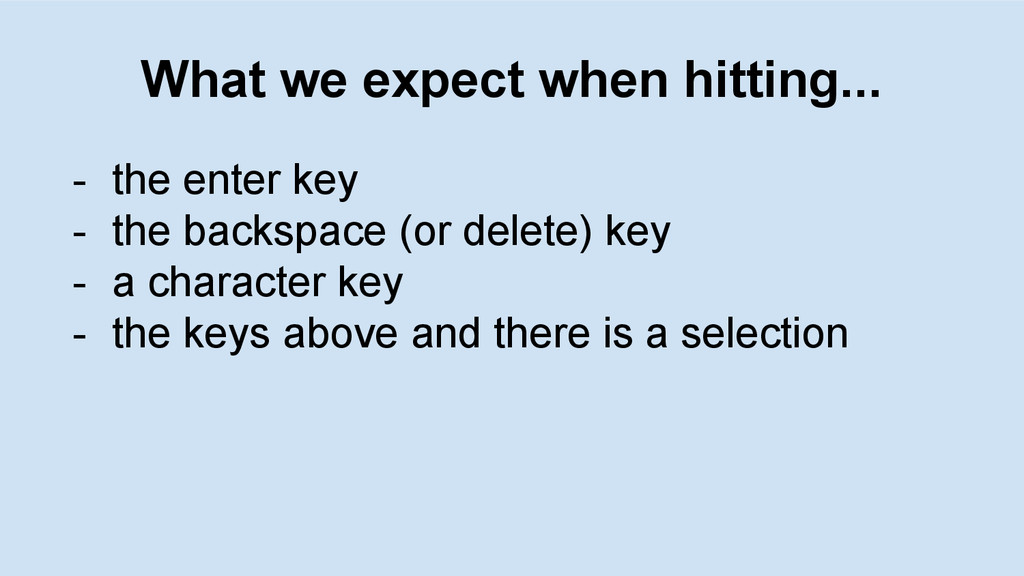
  9. What we expect when hitting... - the enter key -

    the backspace (or delete) key - a character key - the keys above and there is a selection
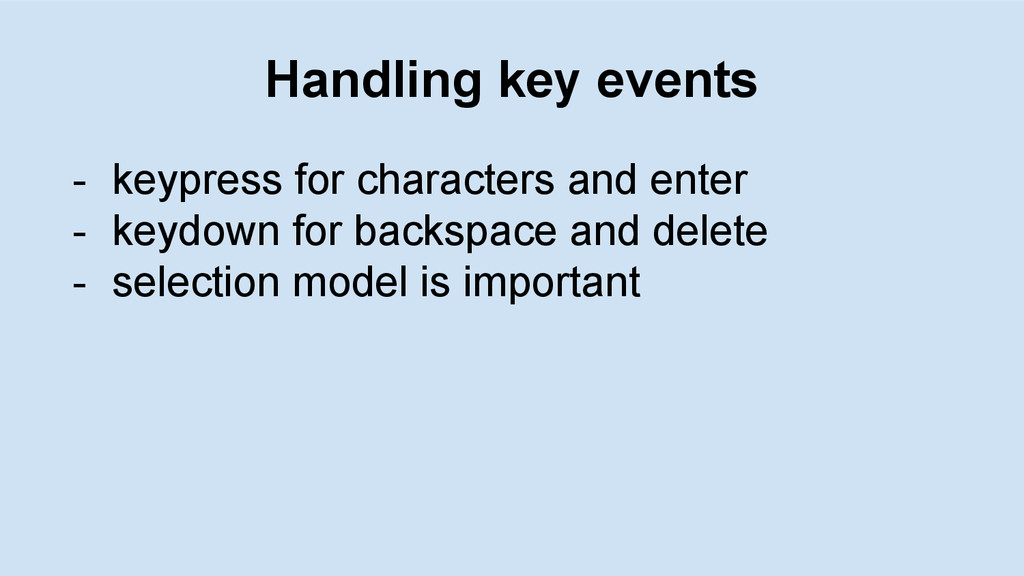
  10. Handling key events - keypress for characters and enter -

    keydown for backspace and delete - selection model is important
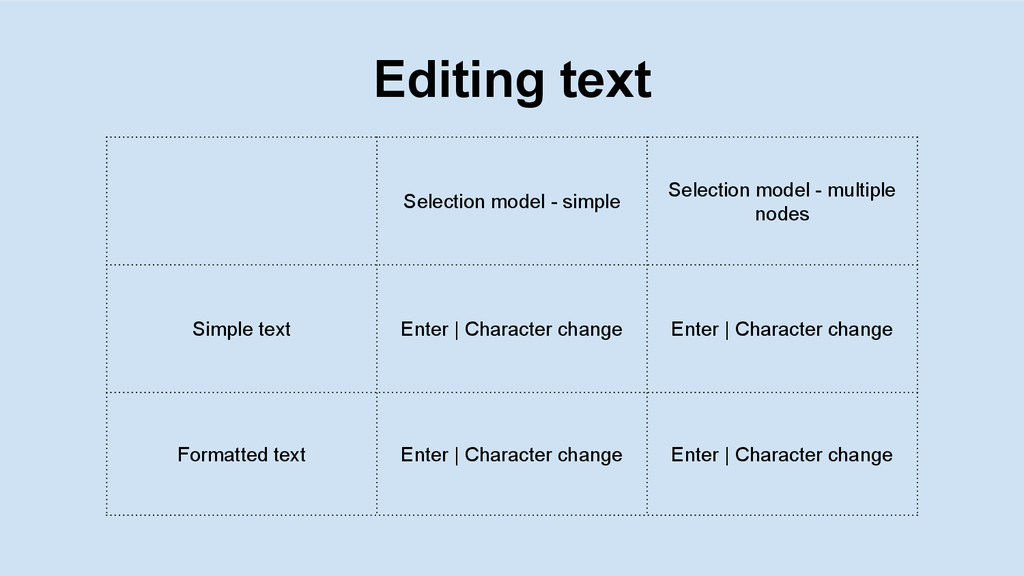
  11. Editing text Selection model - simple Selection model - multiple

    nodes Simple text Enter | Character change Enter | Character change Formatted text Enter | Character change Enter | Character change
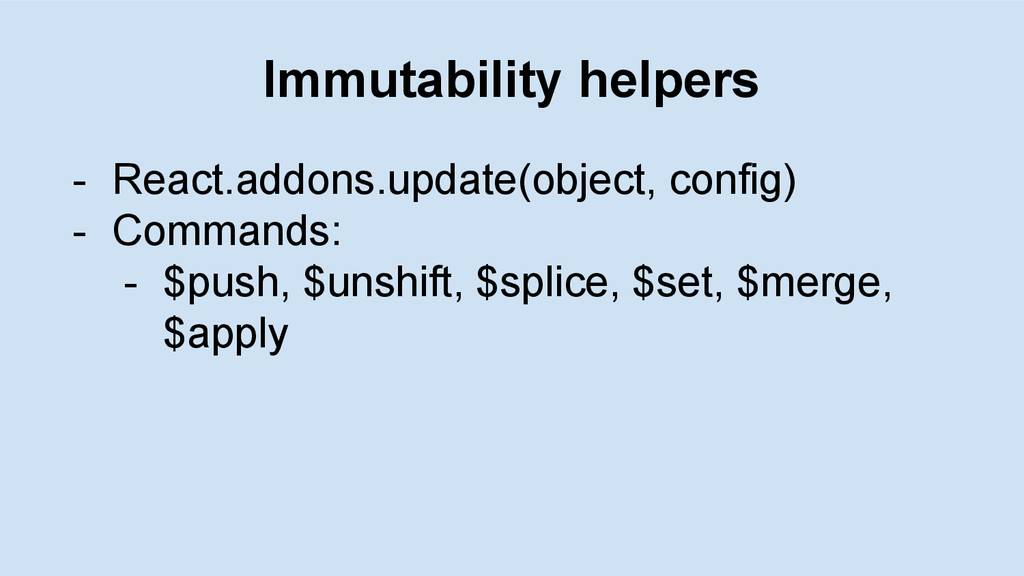
  12. Examples $push var initialArray = [1, 2, 3]; var newArray

    = update(initialArray, {$push : [4]}); // => [1, 2, 3, 4] $splice var collection = [1, 2, {a: [12, 17, 15]}]; var newCollection = update(collection, { 2: {a: {$splice: [[1, 1, 13, 14]]}}}); // => [1, 2, {a: [12, 13, 14, 15]}] $apply and $set var obj = {a: 5, b: 3}; var newObj = update(obj, {b : {$apply: function(x) {return x * 2;}}}); // => {a: 5, b: 6} // This is equivalent, but gets verbose for deeply nested collections: var newObj2 = update(obj, {b : {$set: obj.b * 2}});
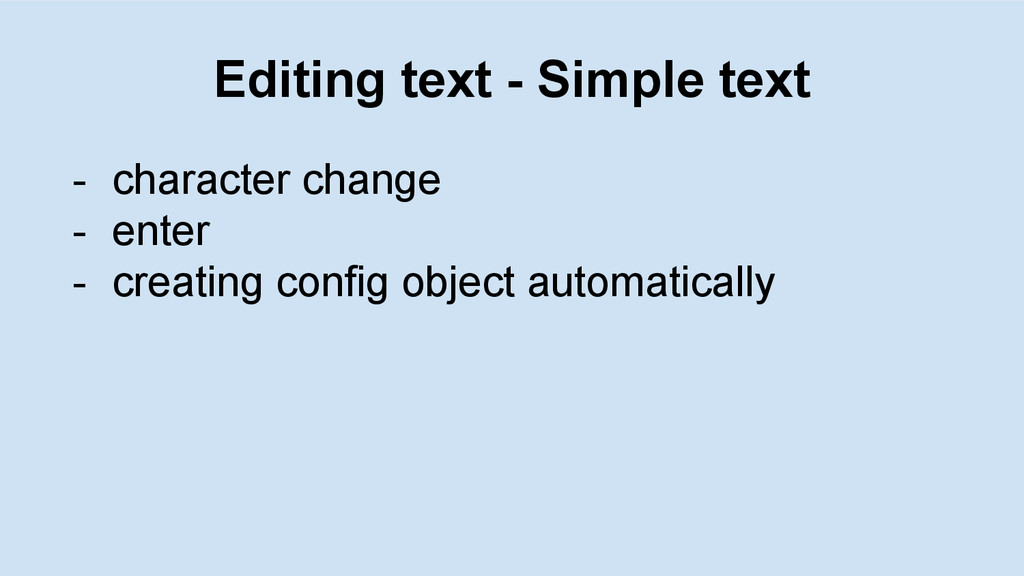
  13. Editing text - Simple text - character change - enter

    - creating config object automatically
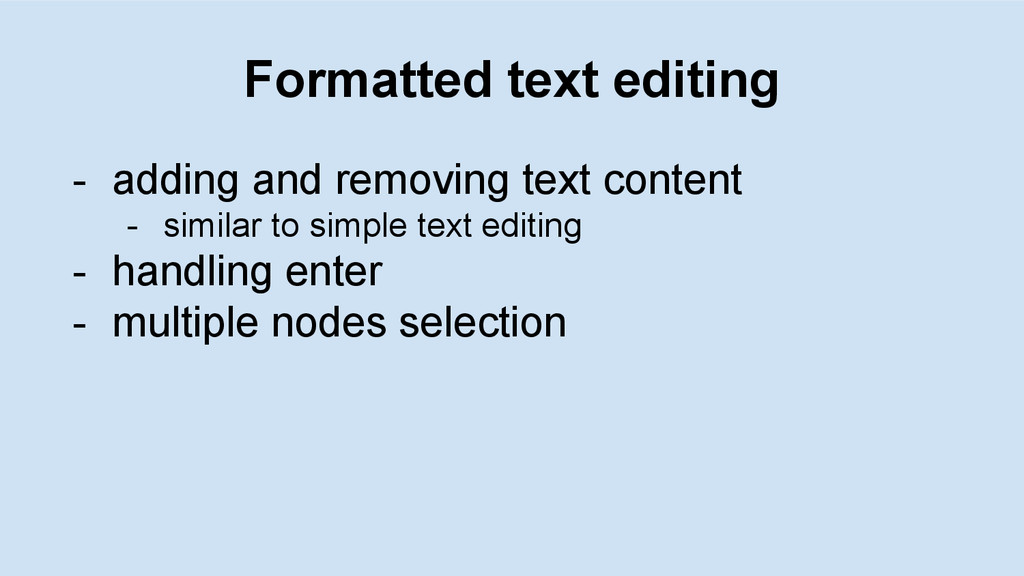
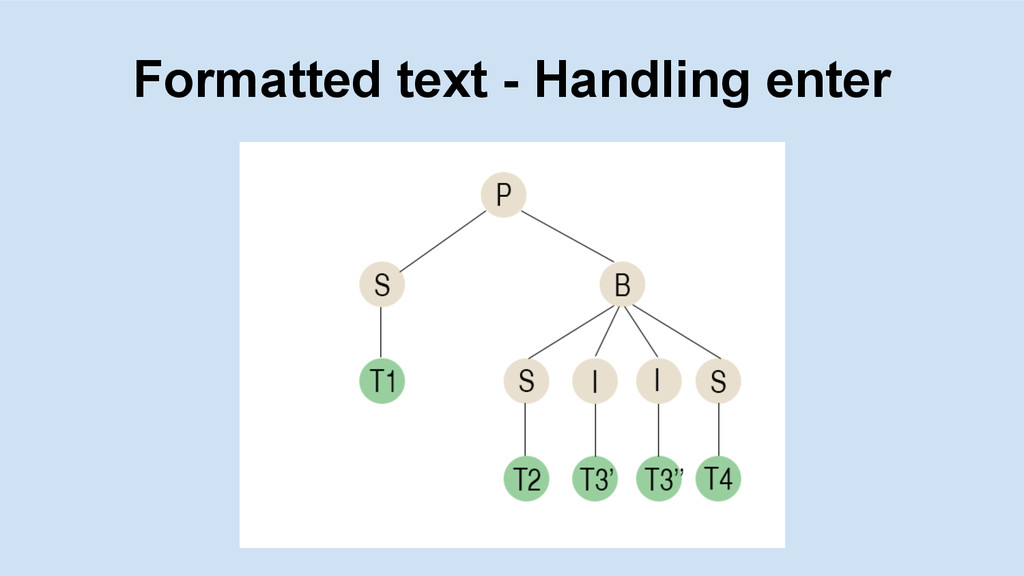
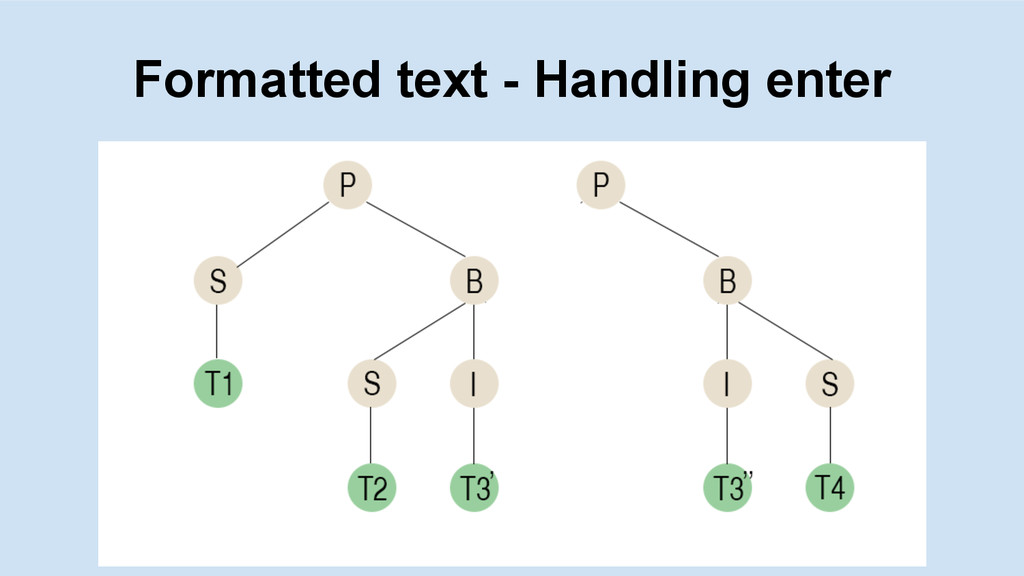
  14. Formatted text editing - adding and removing text content -

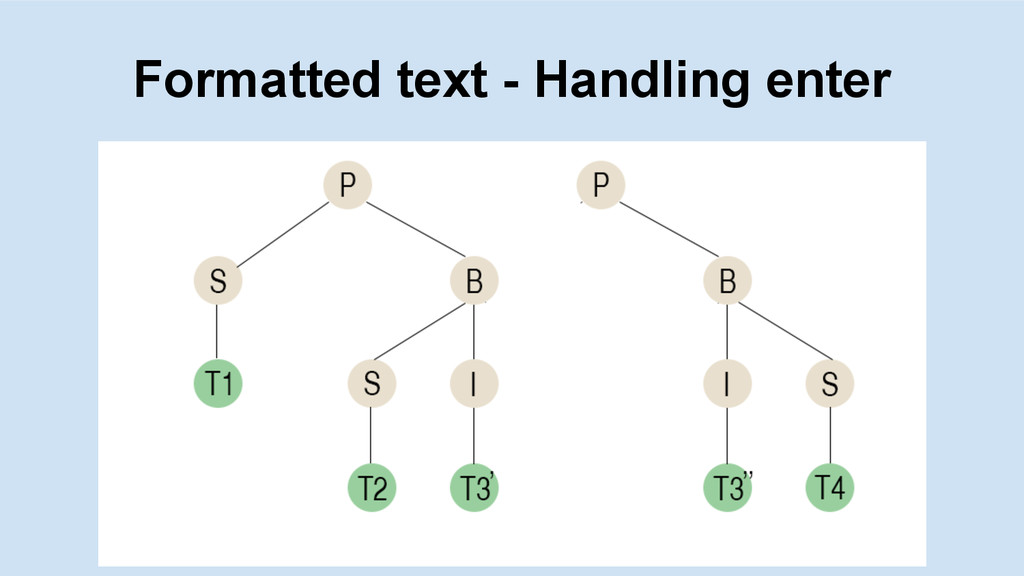
    similar to simple text editing - handling enter - multiple nodes selection
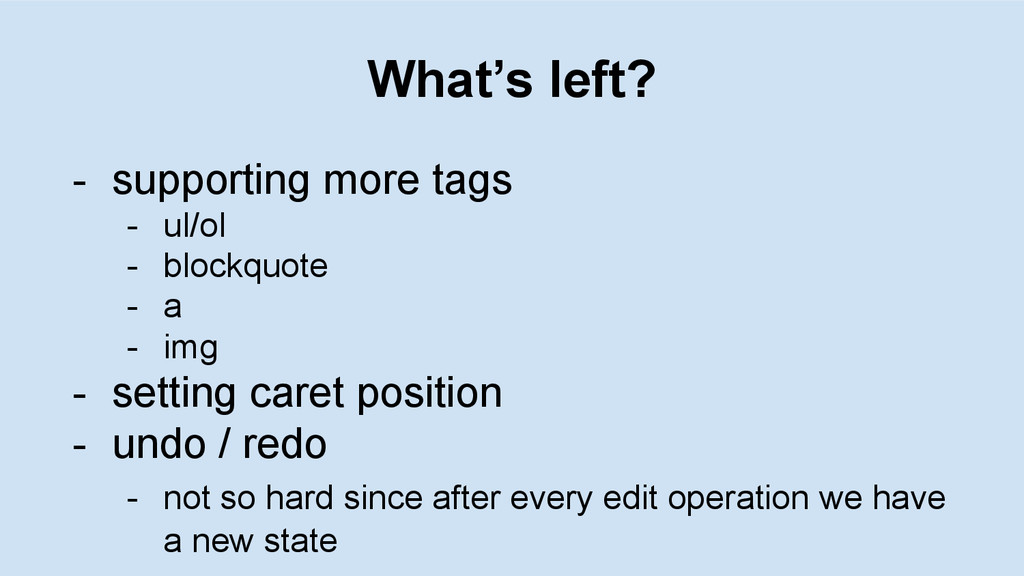
  15. What’s left? - supporting more tags - ul/ol - blockquote

    - a - img - setting caret position - undo / redo - not so hard since after every edit operation we have a new state