Upgrade to Pro — share decks privately, control downloads, hide ads and more …

DevFest2024-Embracing 16 KB Page Sizes in Andro...

DevFest2024-Embracing 16 KB Page Sizes in Android - Boosting Performance

Enhance app performance by adopting 16 KB page sizes introduced in Android 15, mandatory for Google Play uploads starting in 2025. In this session, I will cover the why and how behind 16 KB page size modifications through four parts: (1) Performance Boosts: Speed up app boot and launch times with 16 KB page size, (2) Impact Assessment: Evaluate how the 16 KB page size will affect your app, (3) Code Alignment: Align your code and binaries with the 16 KB page size requirement, and (4) Testing Strategies: Test and ensure your app is compliant with specific techniques. Get ahead of the curve by learning to adapt your app to the 16 KB page size requirement, ensuring superior performance and compliance ahead of the 2025 mandate.
Speaker: Chrystian Vieyra Cortes

Avatar for GDG Philadelphia

GDG Philadelphia

January 23, 2025
Tweet

More Decks by GDG Philadelphia

Other Decks in Technology

Transcript

  1. Embracing 16 KB Page Sizes in Android: Boosting Performance CHRYSTIAN

    VIEYRA CORTÉS SENIOR ENGINEERING MANAGER Comcast 1
  2. The Problem 5 • Android 15 introduces support for 16

    KB page sizes, apps that rely on NDK libraries must be rebuilt. Without this, apps will crash on future 16 KB-only devices. 1. Background
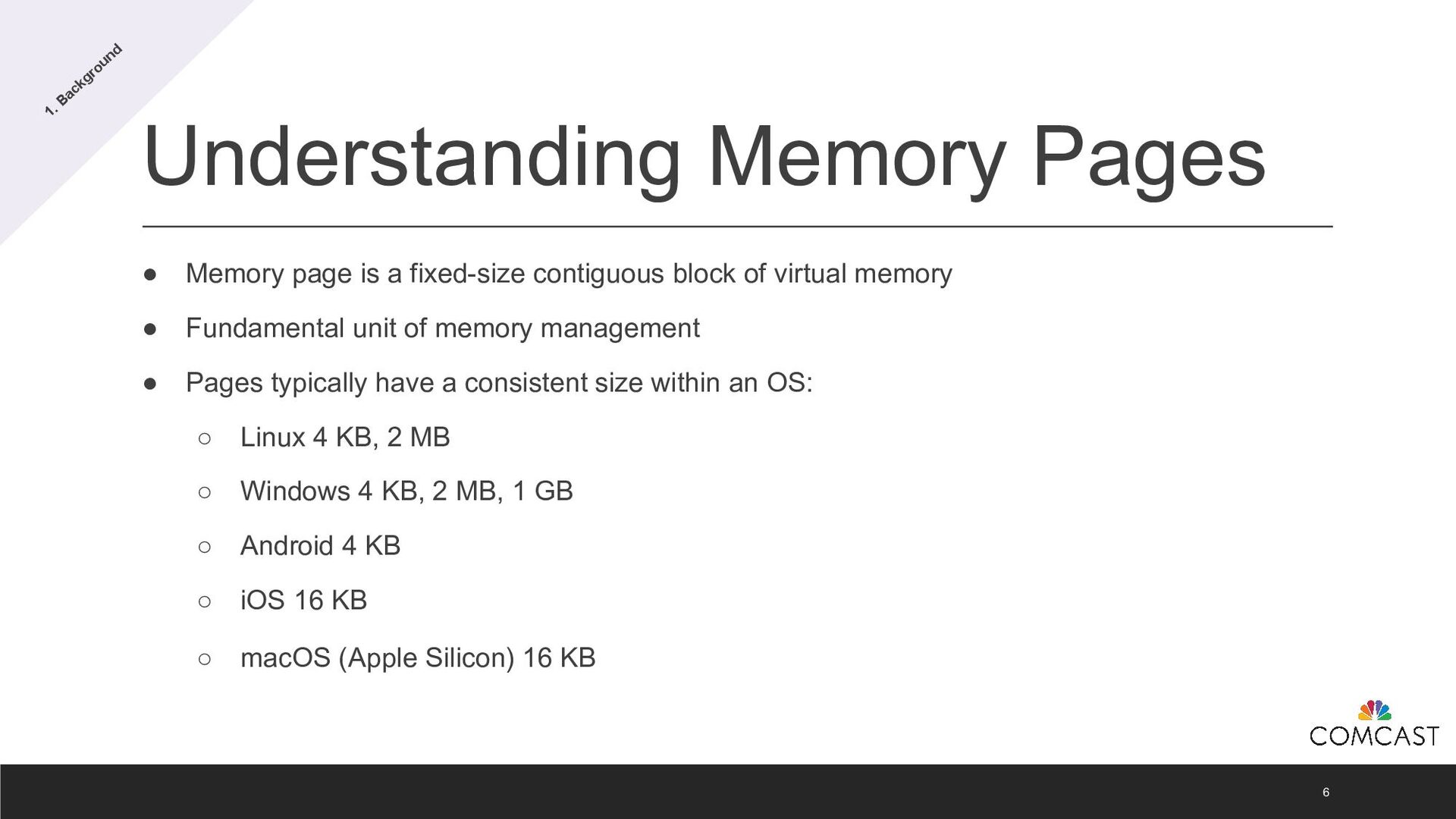
  3. Understanding Memory Pages 6 • Memory page is a fixed-size

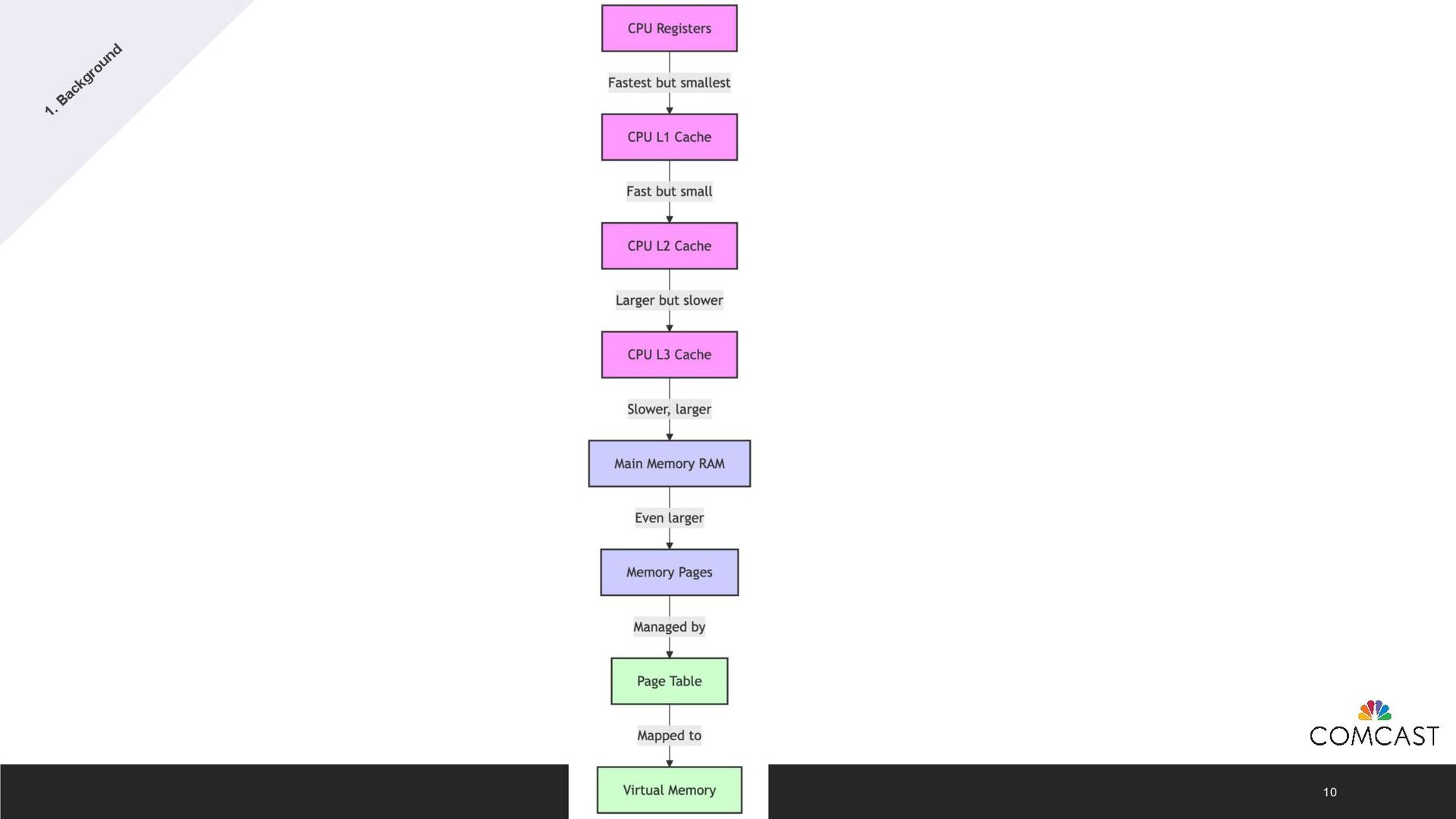
    contiguous block of virtual memory • Fundamental unit of memory management • Pages typically have a consistent size within an OS: ◦ Linux 4 KB, 2 MB ◦ Windows 4 KB, 2 MB, 1 GB ◦ Android 4 KB ◦ iOS 16 KB ◦ macOS (Apple Silicon) 16 KB 1. Background
  4. Android Page Size Evolution 7 • Android has always supported

    4 KB memory page sizes. • Android 15 introduces support for 16 KB memory page sizes. • Larger page sizes improve performance, especially on devices with high RAM capacity. 1. Background
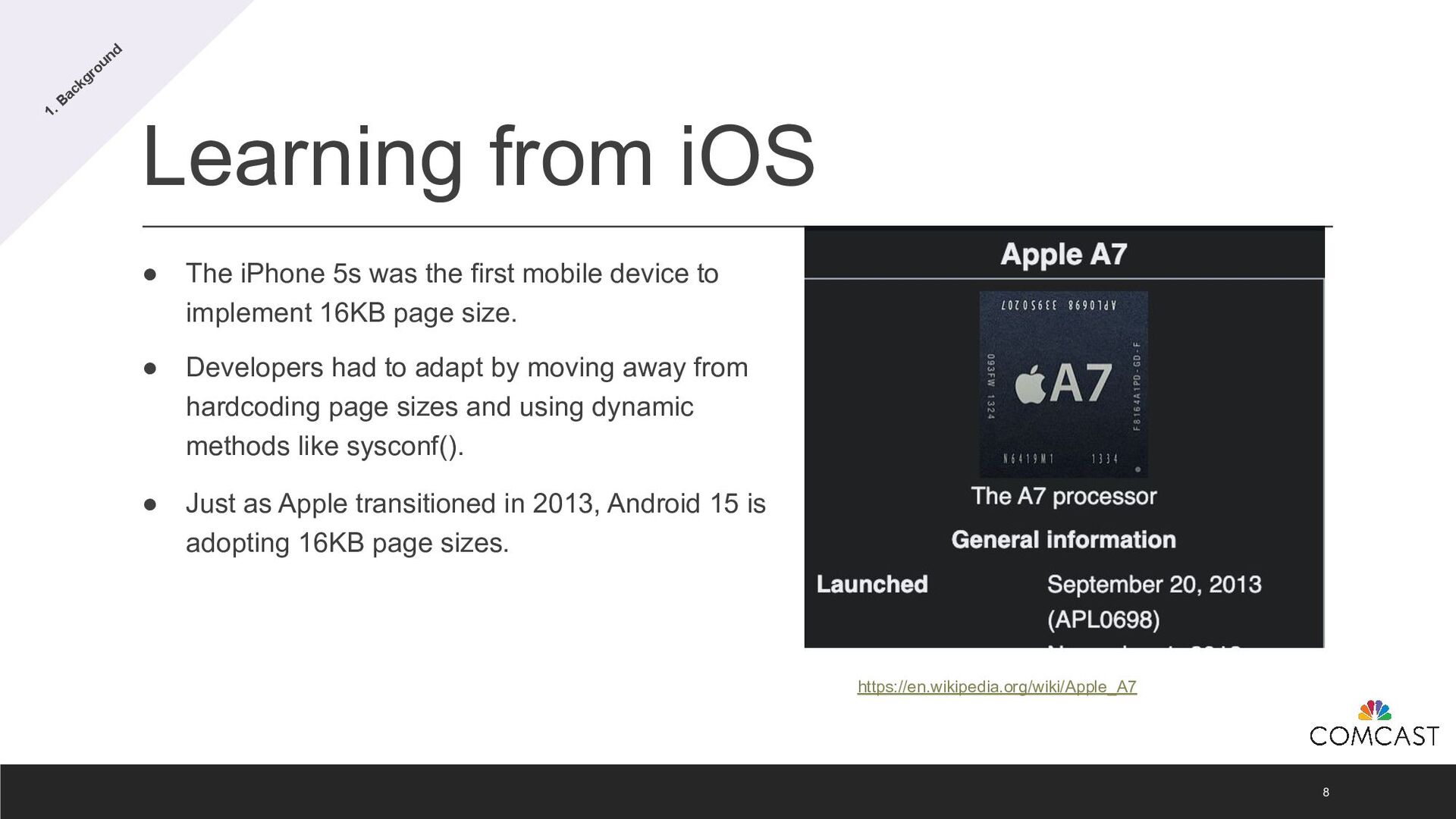
  5. Learning from iOS 8 • The iPhone 5s was the

    first mobile device to implement 16KB page size. • Developers had to adapt by moving away from hardcoding page sizes and using dynamic methods like sysconf(). • Just as Apple transitioned in 2013, Android 15 is adopting 16KB page sizes. 1. Background https://en.wikipedia.org/wiki/Apple_A7
  6. What Can 16KB Hold? 9 • Empty Class Instance: ~16

    bytes Fit 1,024 empty class instances into 16KB. • Int: 4 bytes Fit 4,096 Int values into 16KB. • Double: 8 bytes Fit 2,048 Double values into 16KB. • String ("Hello"): ~40–48 bytes Fit around 340 to 400 small strings like "Hello" into 16KB. 1. Background
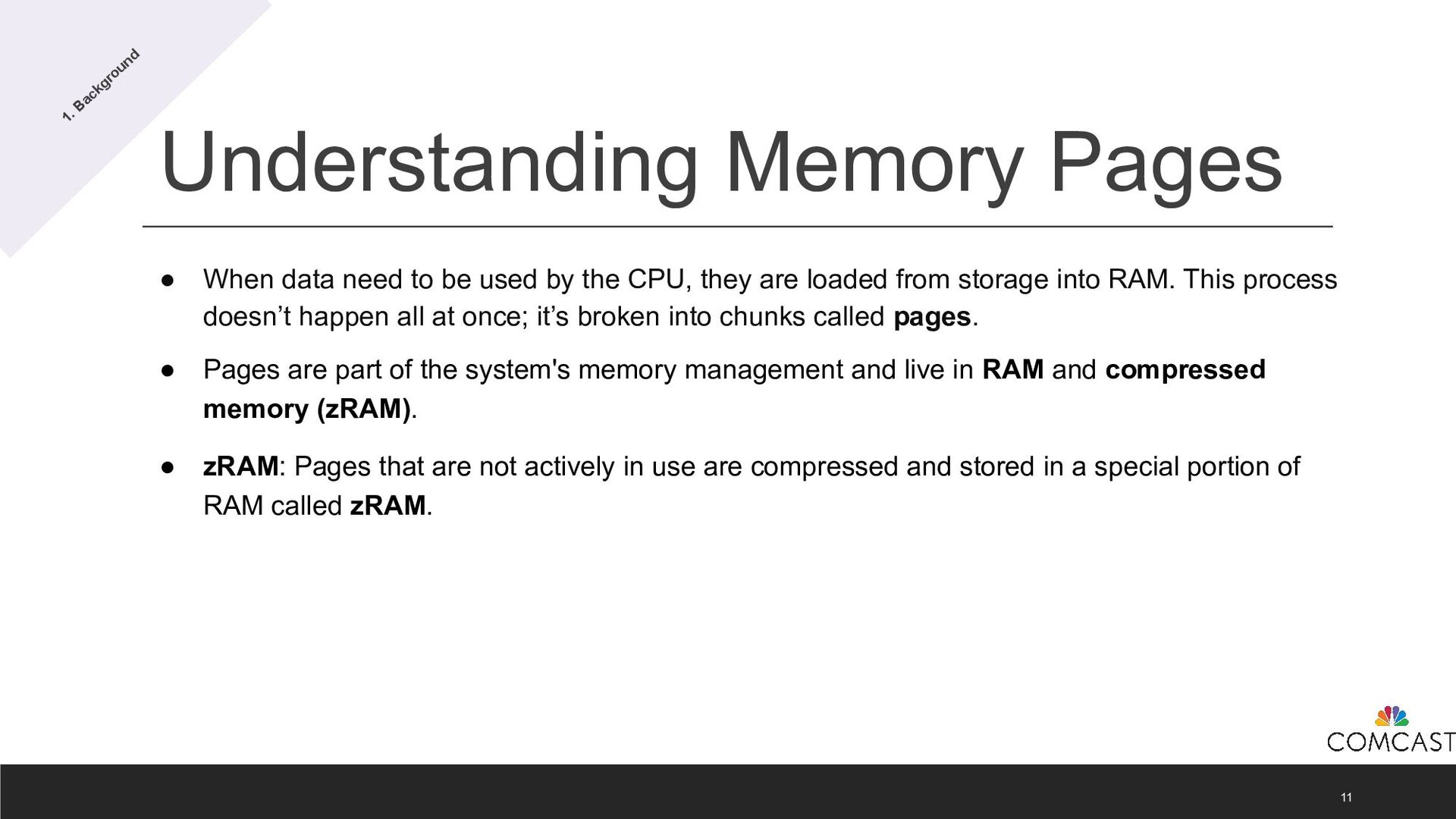
  7. Understanding Memory Pages 11 • When data need to be

    used by the CPU, they are loaded from storage into RAM. This process doesn’t happen all at once; it’s broken into chunks called pages. • Pages are part of the system's memory management and live in RAM and compressed memory (zRAM). • zRAM: Pages that are not actively in use are compressed and stored in a special portion of RAM called zRAM. 1. Background
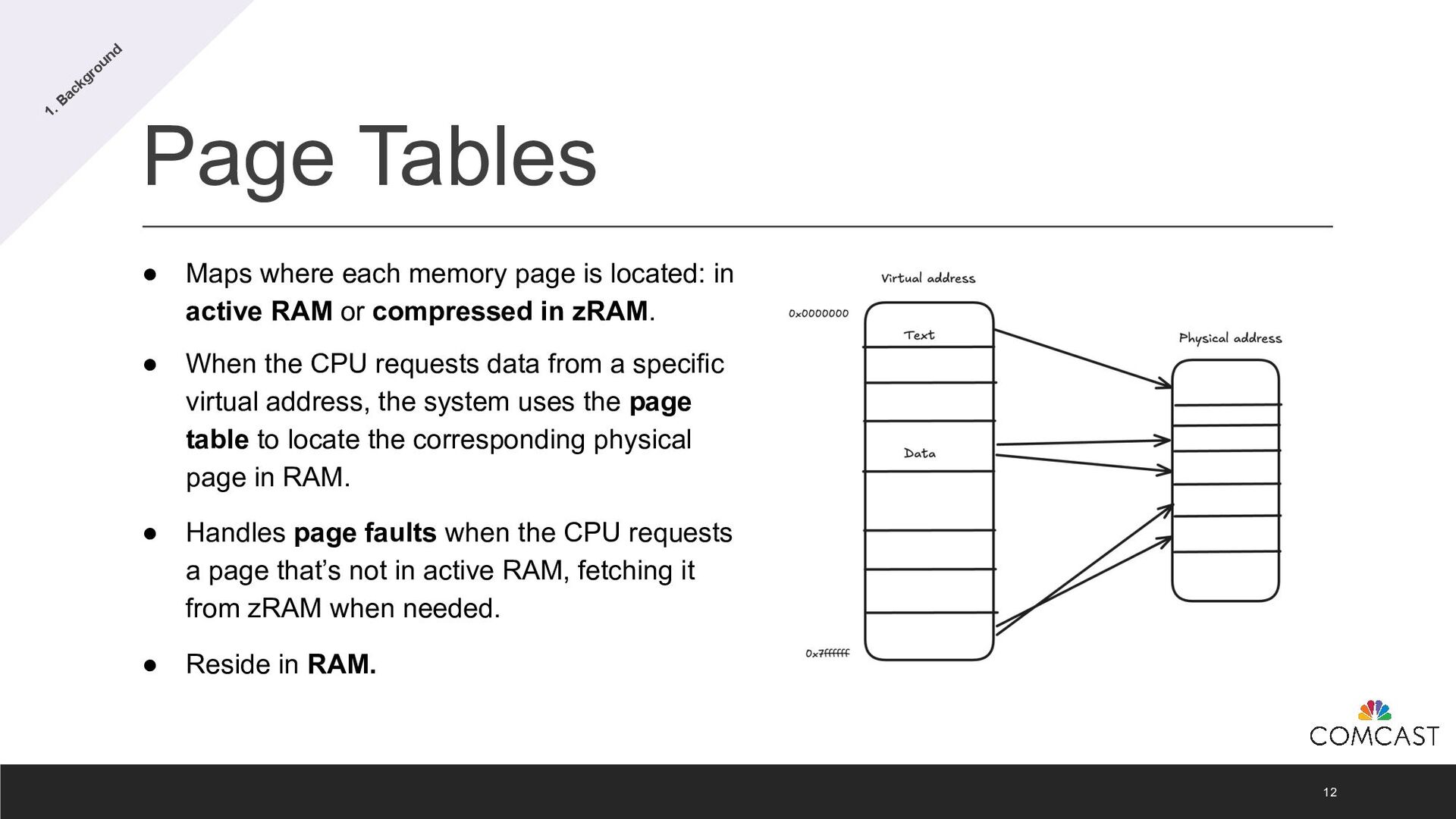
  8. Page Tables 12 • Maps where each memory page is

    located: in active RAM or compressed in zRAM. • When the CPU requests data from a specific virtual address, the system uses the page table to locate the corresponding physical page in RAM. • Handles page faults when the CPU requests a page that’s not in active RAM, fetching it from zRAM when needed. • Reside in RAM. 1. Background
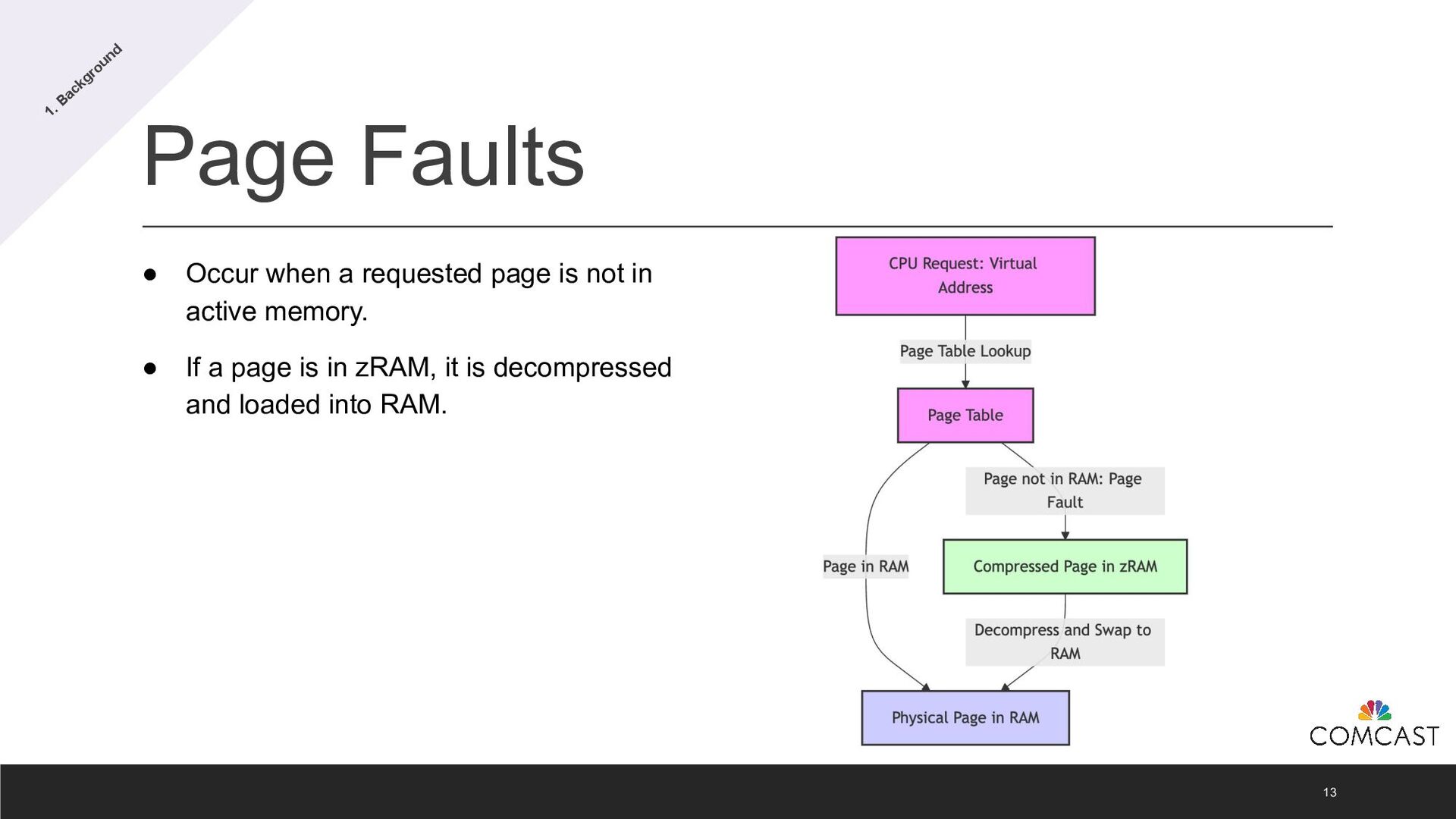
  9. Page Faults 13 • Occur when a requested page is

    not in active memory. • If a page is in zRAM, it is decompressed and loaded into RAM. 1. Background
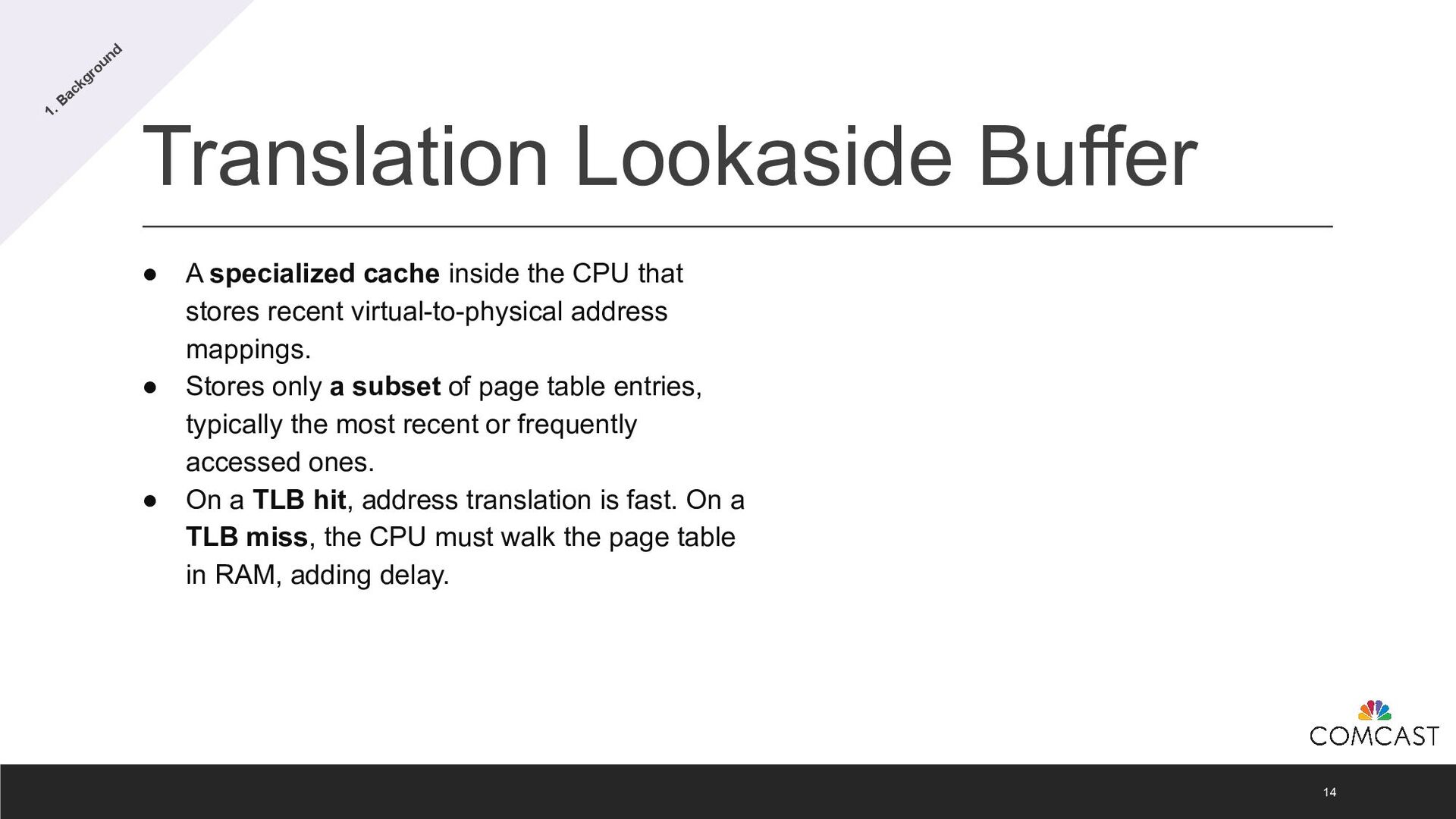
  10. Translation Lookaside Buffer 14 • A specialized cache inside the

    CPU that stores recent virtual-to-physical address mappings. • Stores only a subset of page table entries, typically the most recent or frequently accessed ones. • On a TLB hit, address translation is fast. On a TLB miss, the CPU must walk the page table in RAM, adding delay. 1. Background
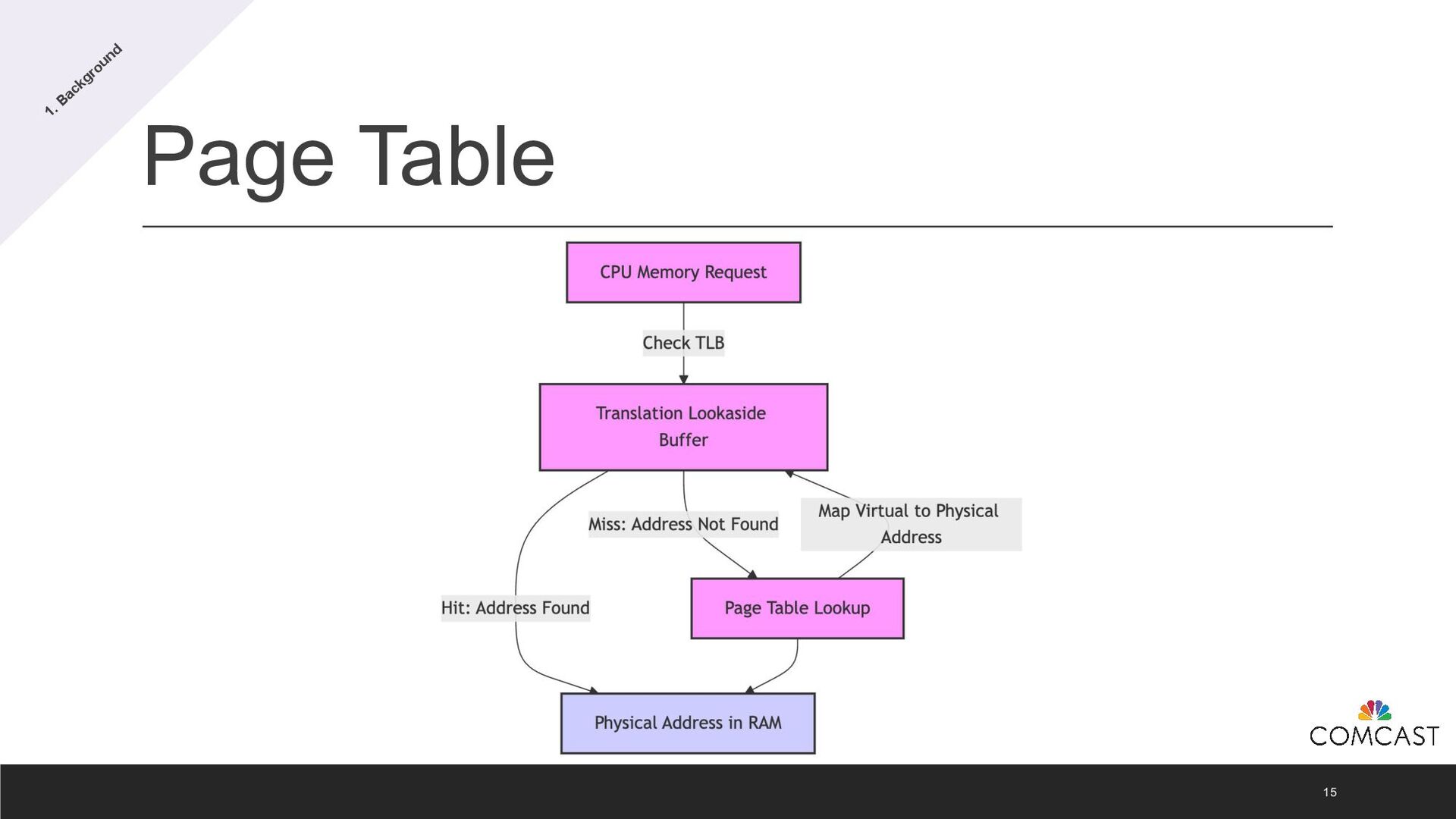
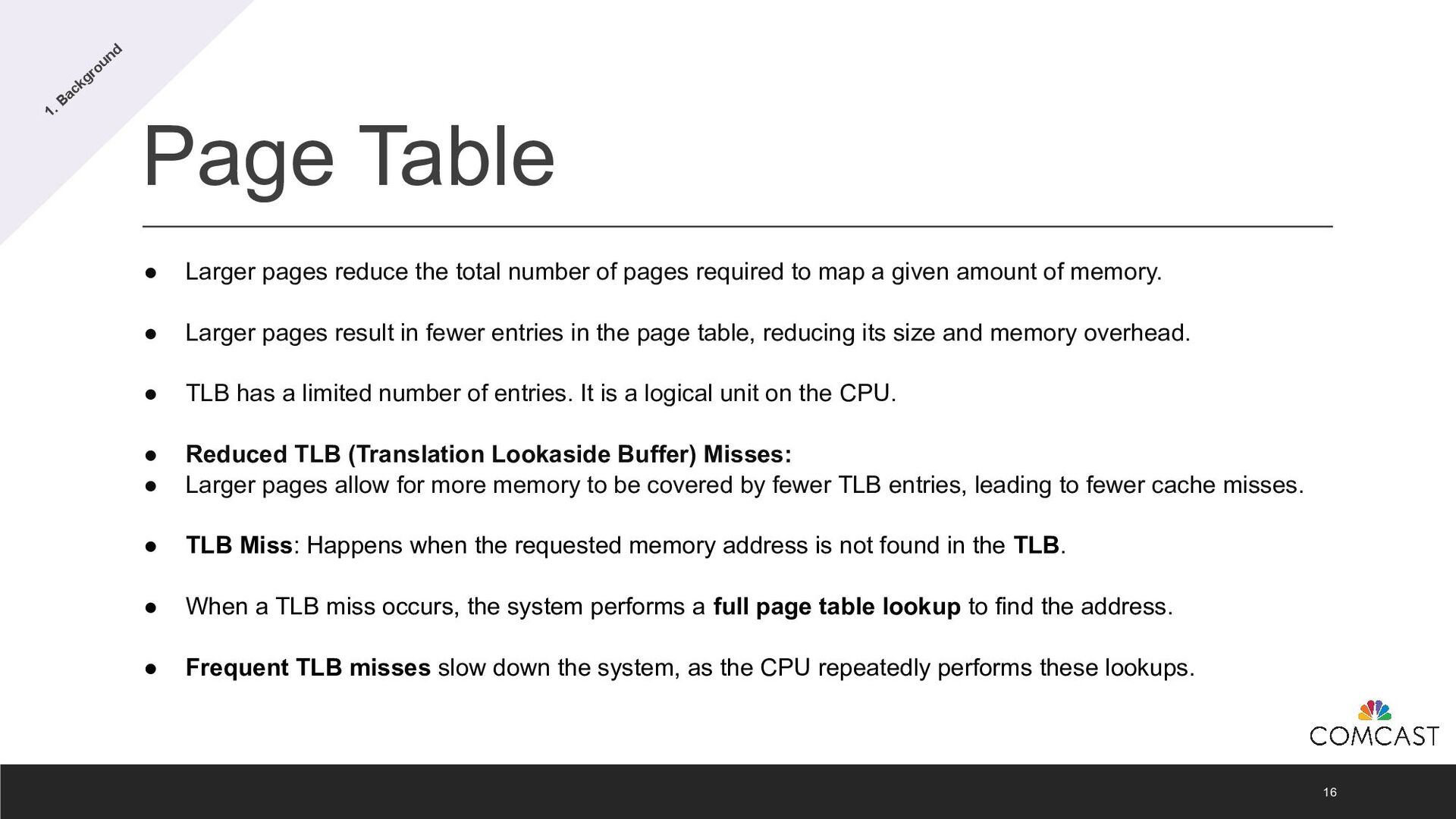
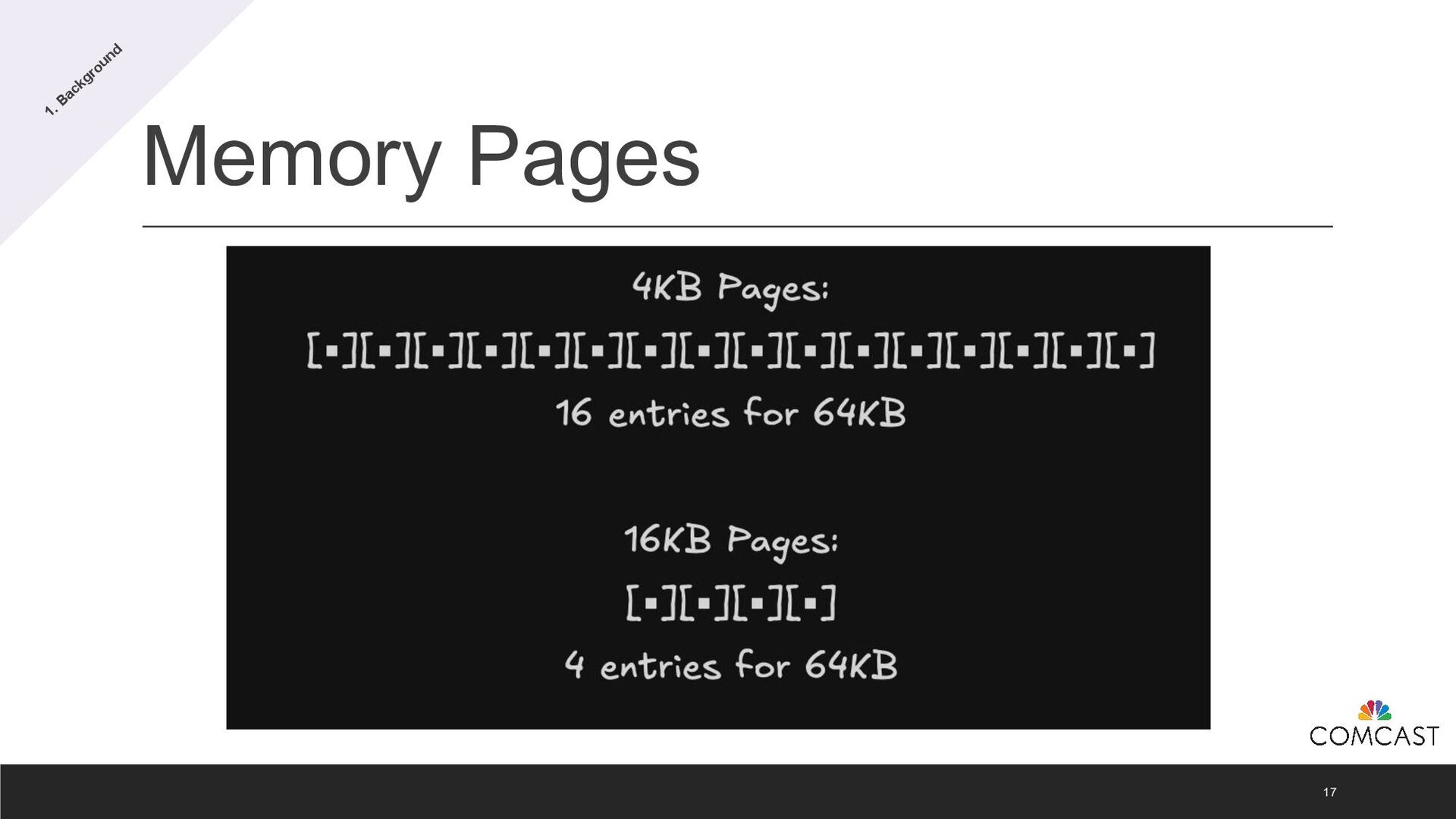
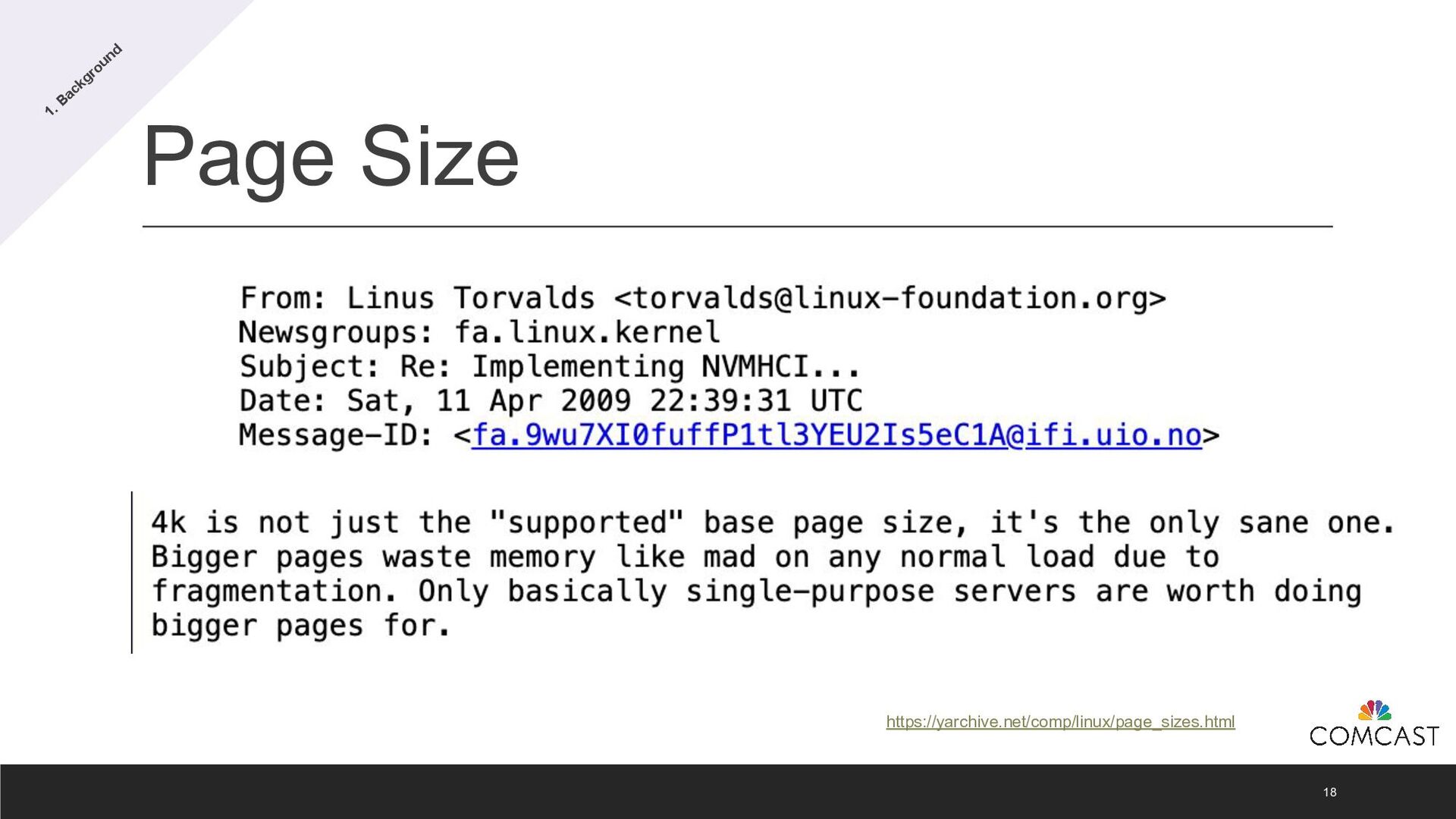
  11. Page Table 16 • Larger pages reduce the total number

    of pages required to map a given amount of memory. • Larger pages result in fewer entries in the page table, reducing its size and memory overhead. • TLB has a limited number of entries. It is a logical unit on the CPU. • Reduced TLB (Translation Lookaside Buffer) Misses: • Larger pages allow for more memory to be covered by fewer TLB entries, leading to fewer cache misses. • TLB Miss: Happens when the requested memory address is not found in the TLB. • When a TLB miss occurs, the system performs a full page table lookup to find the address. • Frequent TLB misses slow down the system, as the CPU repeatedly performs these lookups. 1. Background
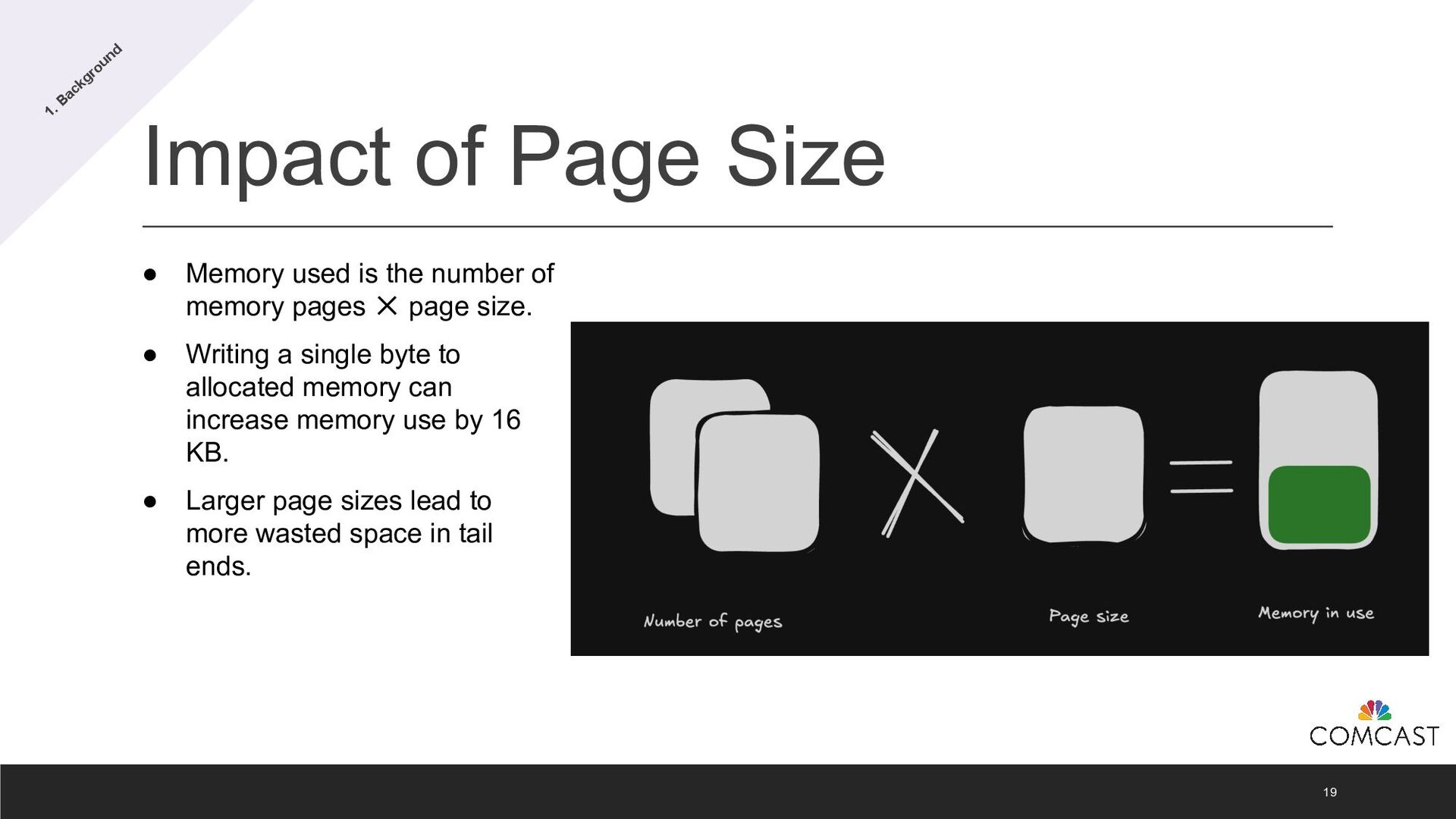
  12. Impact of Page Size 19 • Memory used is the

    number of memory pages ✕ page size. • Writing a single byte to allocated memory can increase memory use by 16 KB. • Larger page sizes lead to more wasted space in tail ends. 1. Background
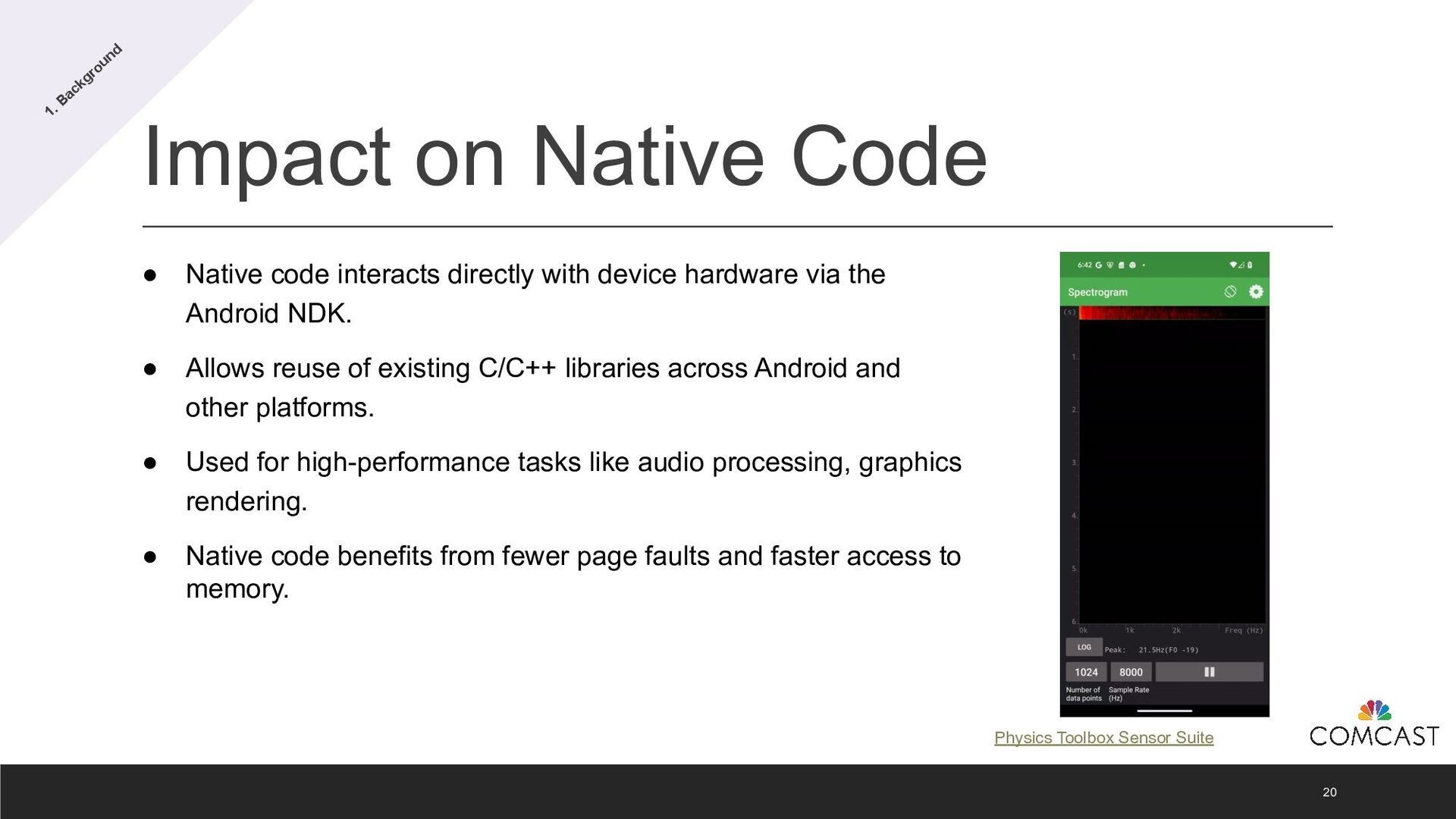
  13. Impact on Native Code 20 • Native code interacts directly

    with device hardware via the Android NDK. • Allows reuse of existing C/C++ libraries across Android and other platforms. • Used for high-performance tasks like audio processing, graphics rendering. • Native code benefits from fewer page faults and faster access to memory. 1. Background Physics Toolbox Sensor Suite
  14. Why is all of this important? 21 • The switch

    to 16 KB page sizes in Android 15 brings measurable improvements in memory management and native code execution. • Fewer page faults and faster memory access means apps optimized for this page size will run more efficiently, especially those relying on native code. • But how much better is the performance? 1. Background
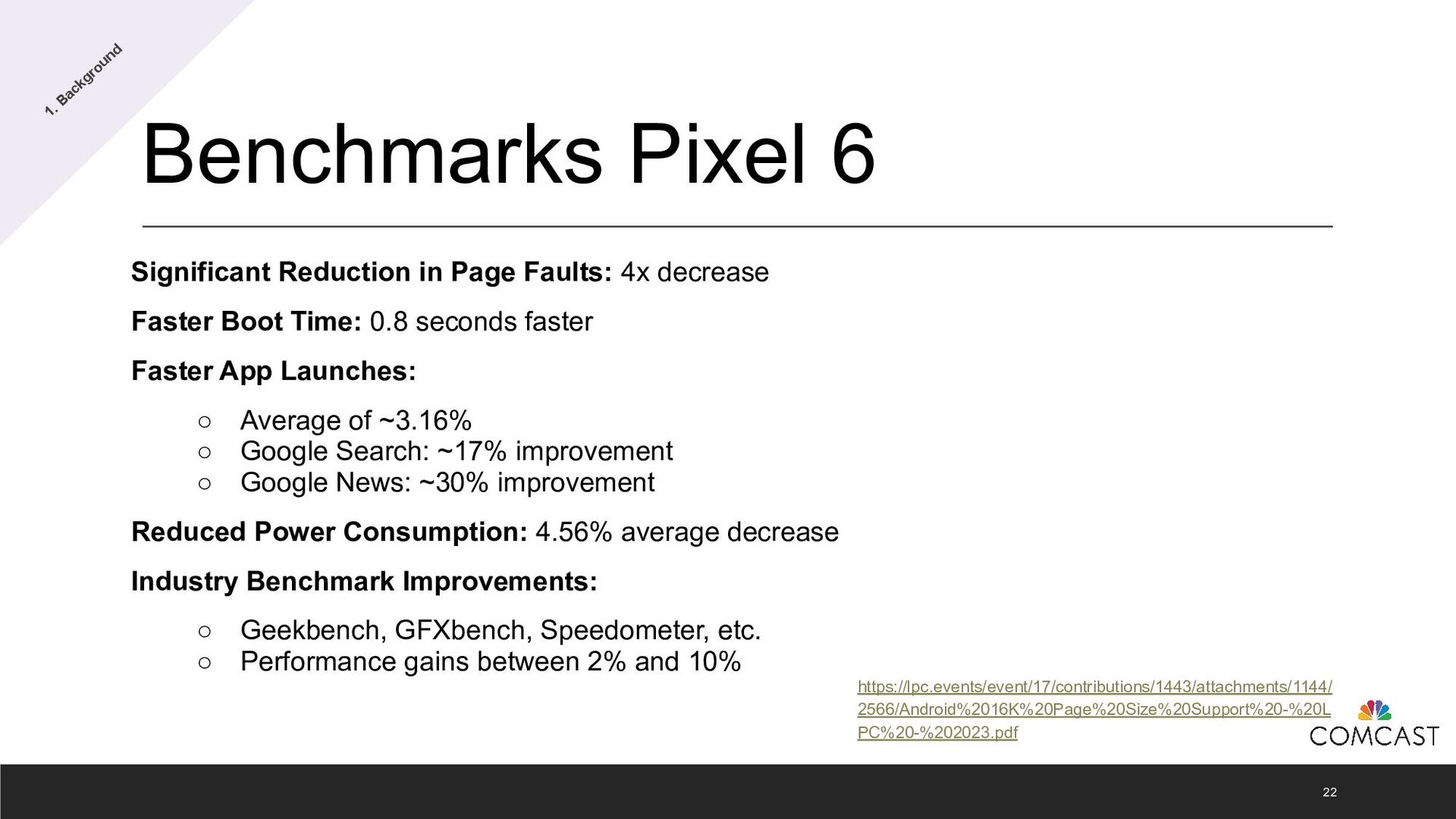
  15. Benchmarks Pixel 6 Significant Reduction in Page Faults: 4x decrease

    Faster Boot Time: 0.8 seconds faster Faster App Launches: ◦ Average of ~3.16% ◦ Google Search: ~17% improvement ◦ Google News: ~30% improvement Reduced Power Consumption: 4.56% average decrease Industry Benchmark Improvements: ◦ Geekbench, GFXbench, Speedometer, etc. ◦ Performance gains between 2% and 10% 22 https://lpc.events/event/17/contributions/1443/attachments/1144/ 2566/Android%2016K%20Page%20Size%20Support%20-%20L PC%20-%202023.pdf 1. Background
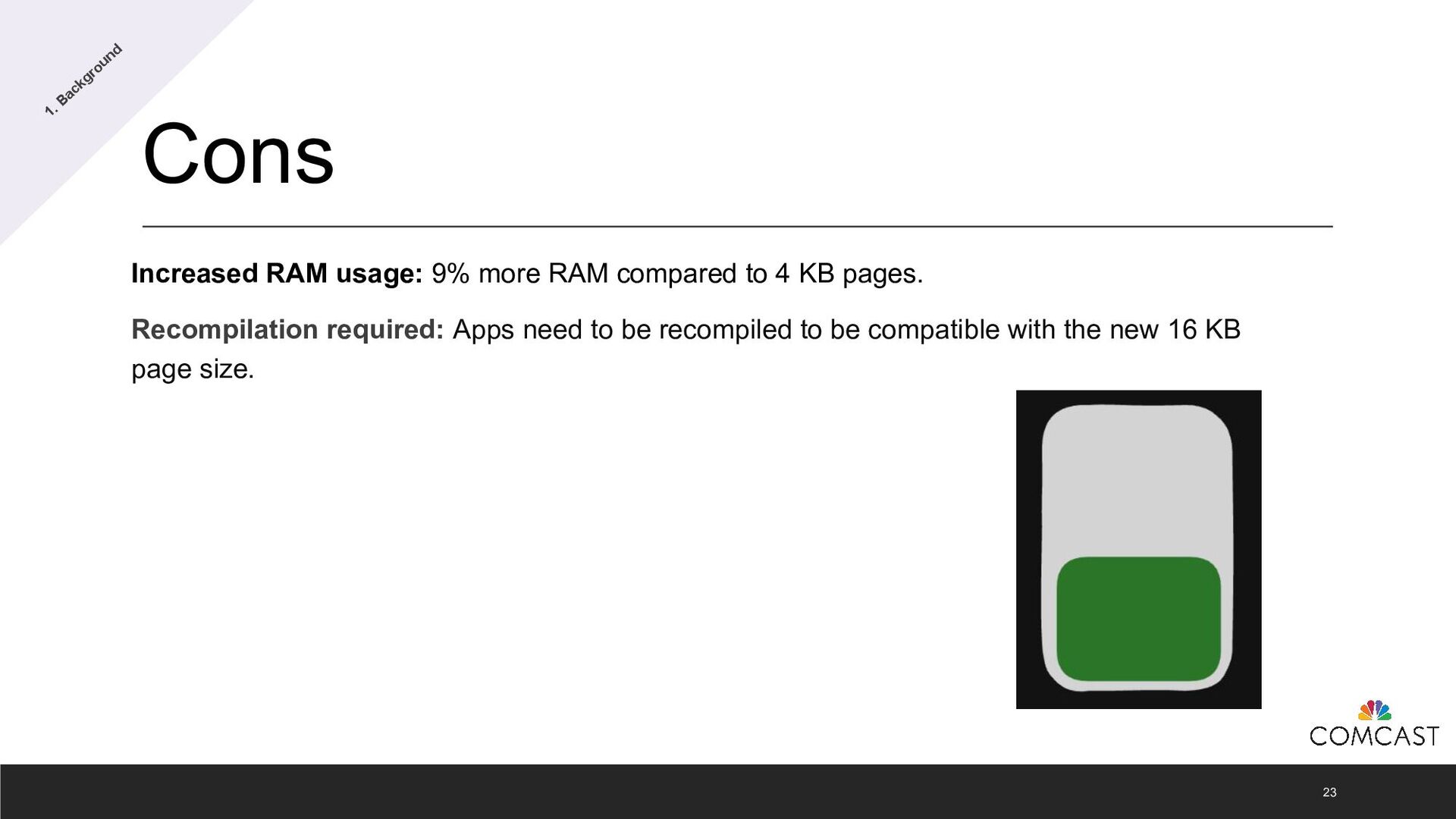
  16. Cons Increased RAM usage: 9% more RAM compared to 4

    KB pages. Recompilation required: Apps need to be recompiled to be compatible with the new 16 KB page size. 23 1. Background
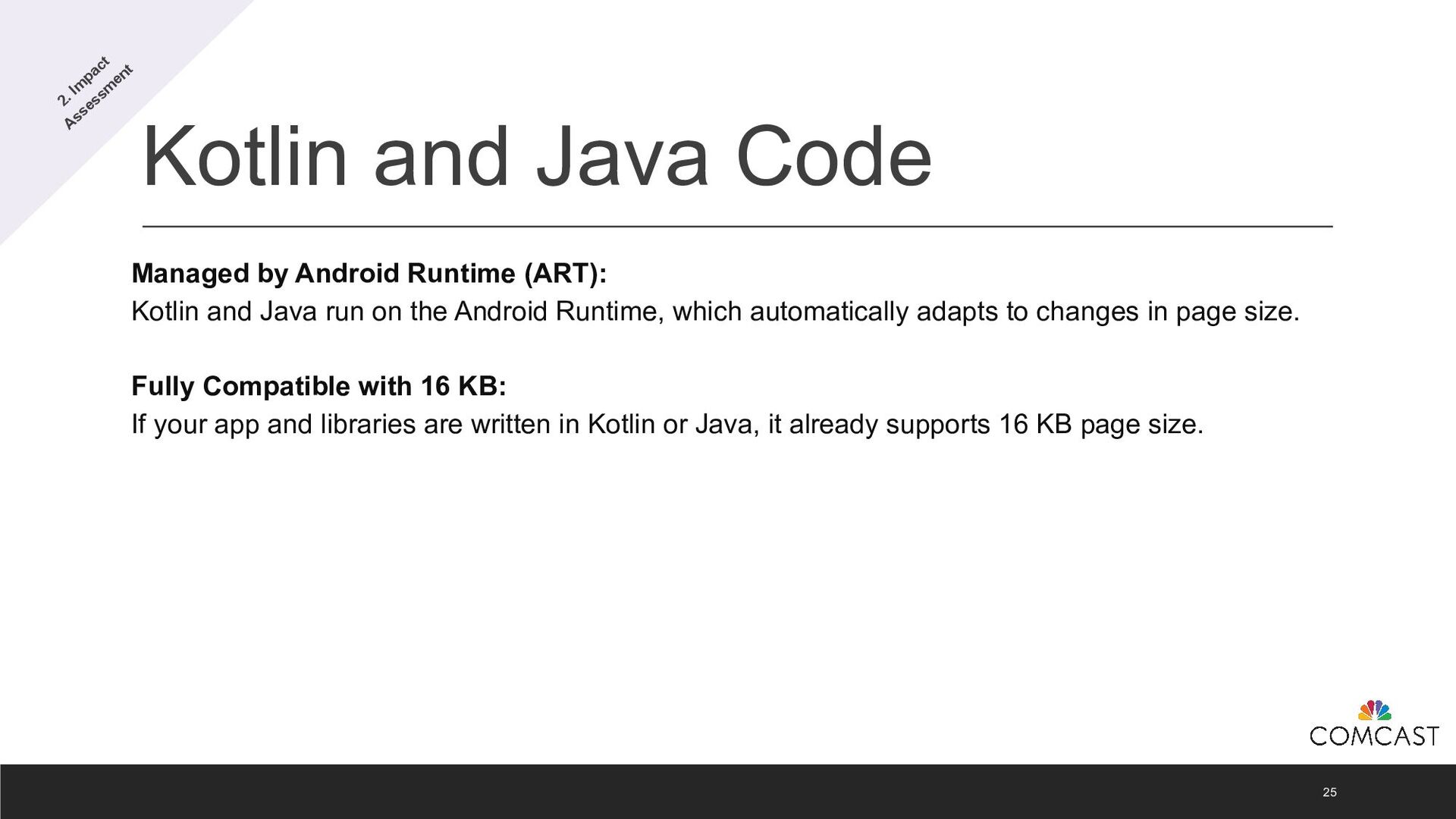
  17. Kotlin and Java Code 25 Managed by Android Runtime (ART):

    Kotlin and Java run on the Android Runtime, which automatically adapts to changes in page size. Fully Compatible with 16 KB: If your app and libraries are written in Kotlin or Java, it already supports 16 KB page size. 2. Im pact Assessm ent
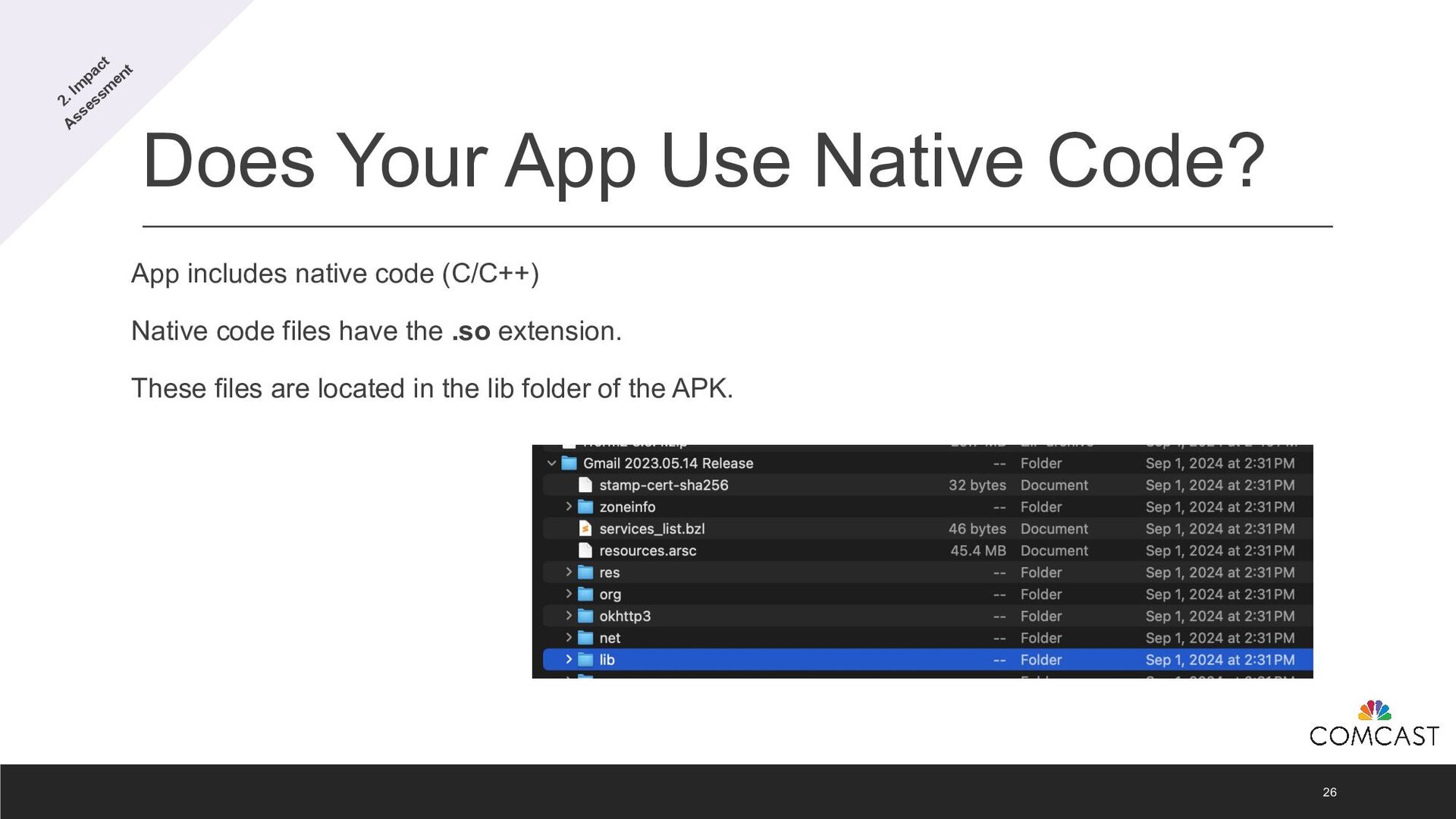
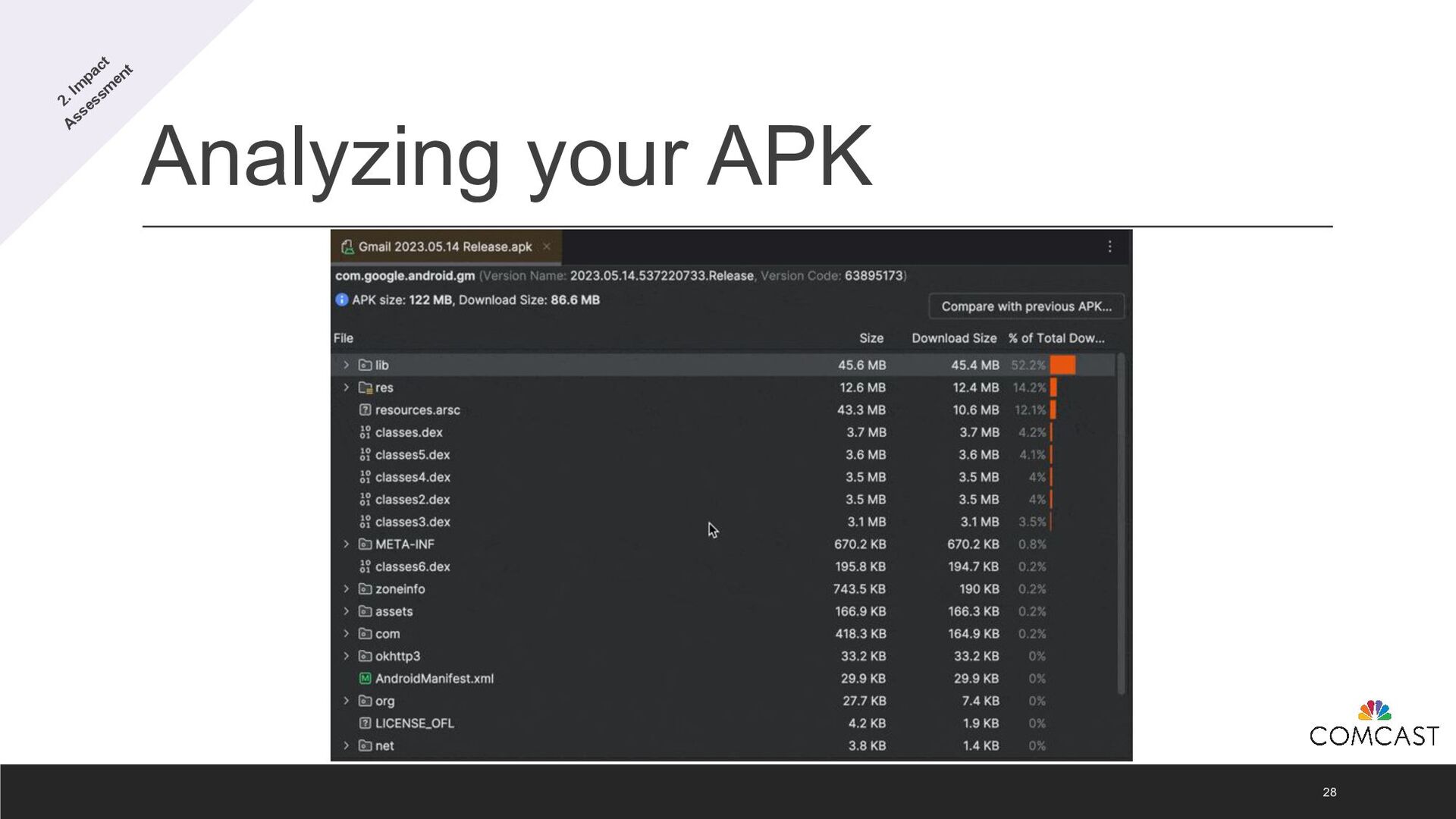
  18. Does Your App Use Native Code? 26 App includes native

    code (C/C++) Native code files have the .so extension. These files are located in the lib folder of the APK. 2. Im pact Assessm ent
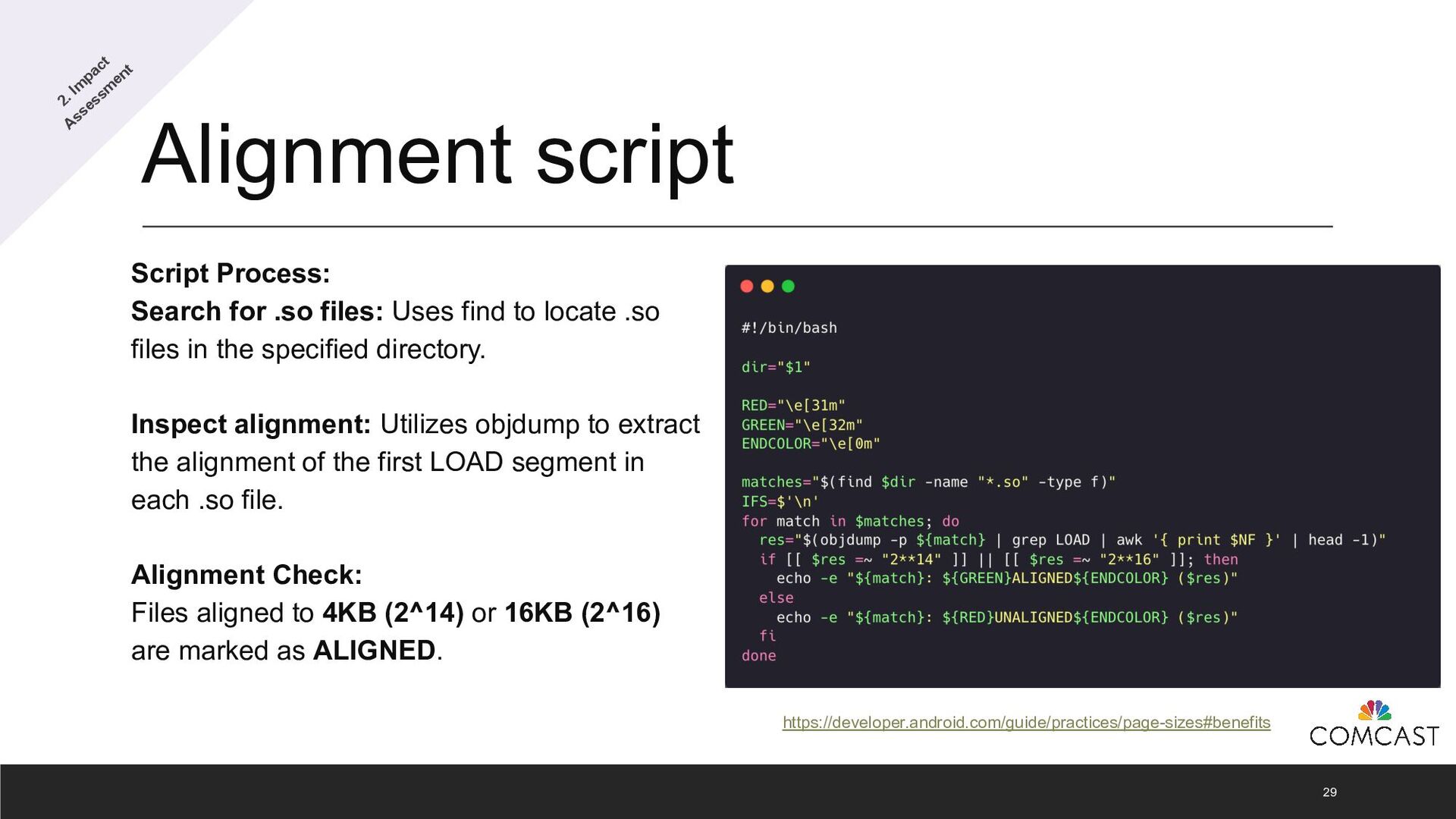
  19. Alignment script 29 Script Process: Search for .so files: Uses

    find to locate .so files in the specified directory. Inspect alignment: Utilizes objdump to extract the alignment of the first LOAD segment in each .so file. Alignment Check: Files aligned to 4KB (2^14) or 16KB (2^16) are marked as ALIGNED. https://developer.android.com/guide/practices/page-sizes#benefits 2. Im pact Assessm ent
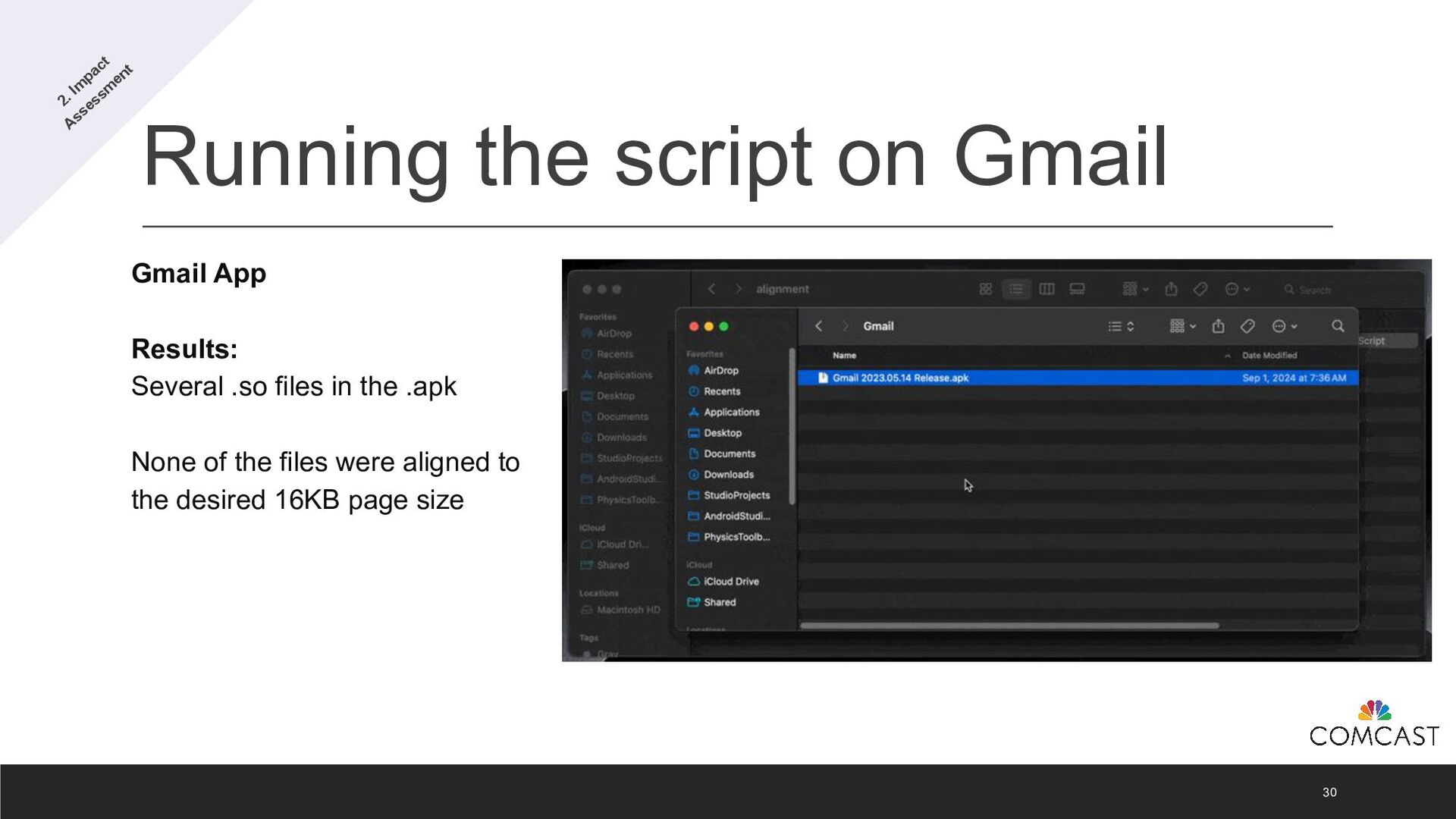
  20. Running the script on Gmail 30 Gmail App Results: Several

    .so files in the .apk None of the files were aligned to the desired 16KB page size 2. Im pact Assessm ent
  21. Where do .so files come from? 31 Native Code: .so

    files compiled from your app’s native C/C++ code via the Android NDK. Third-Party Libraries: Precompiled .so files bundled with external libraries like OpenSSL or SQLite. Transitive Dependencies: Indirectly included .so files from libraries your app relies on through other dependencies. 2. Im pact Assessm ent
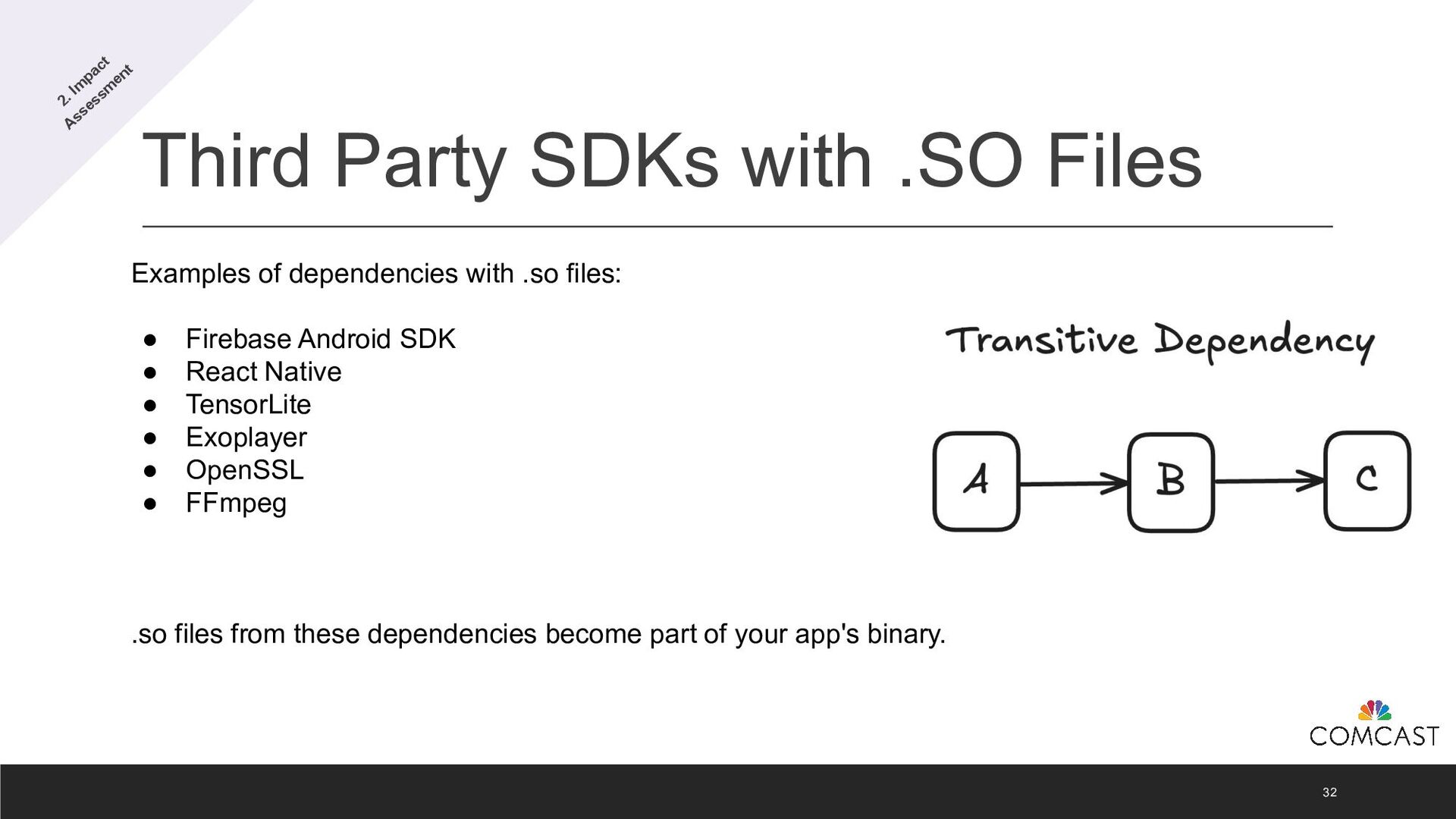
  22. Third Party SDKs with .SO Files 32 Examples of dependencies

    with .so files: • Firebase Android SDK • React Native • TensorLite • Exoplayer • OpenSSL • FFmpeg .so files from these dependencies become part of your app's binary. 2. Im pact Assessm ent
  23. Finding the Source 33 Imagine your Android app uses 30+

    external libraries. You encounter an .so file that is not aligned to 16KB. How do you pinpoint which library is responsible? 2. Im pact Assessm ent
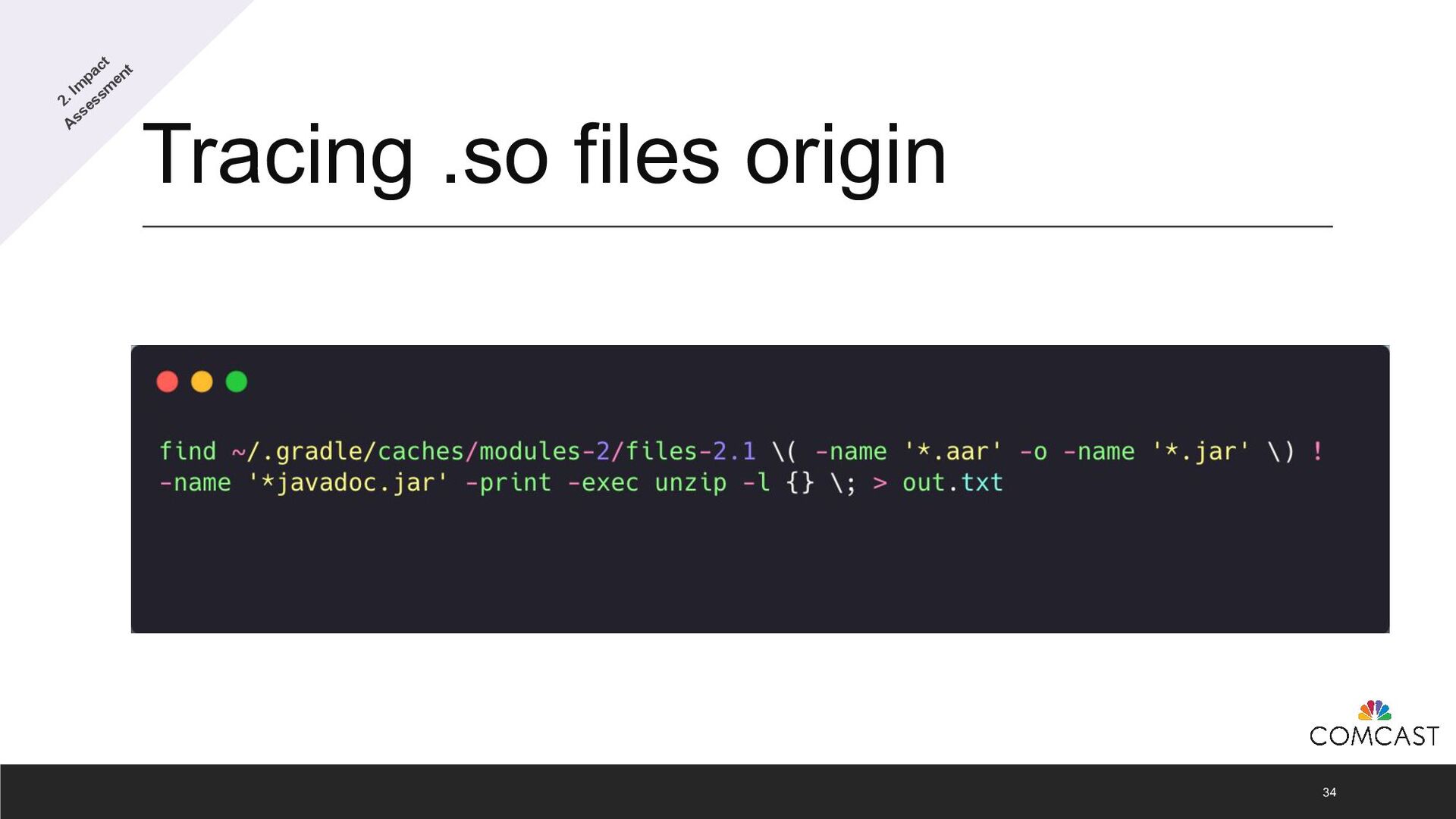
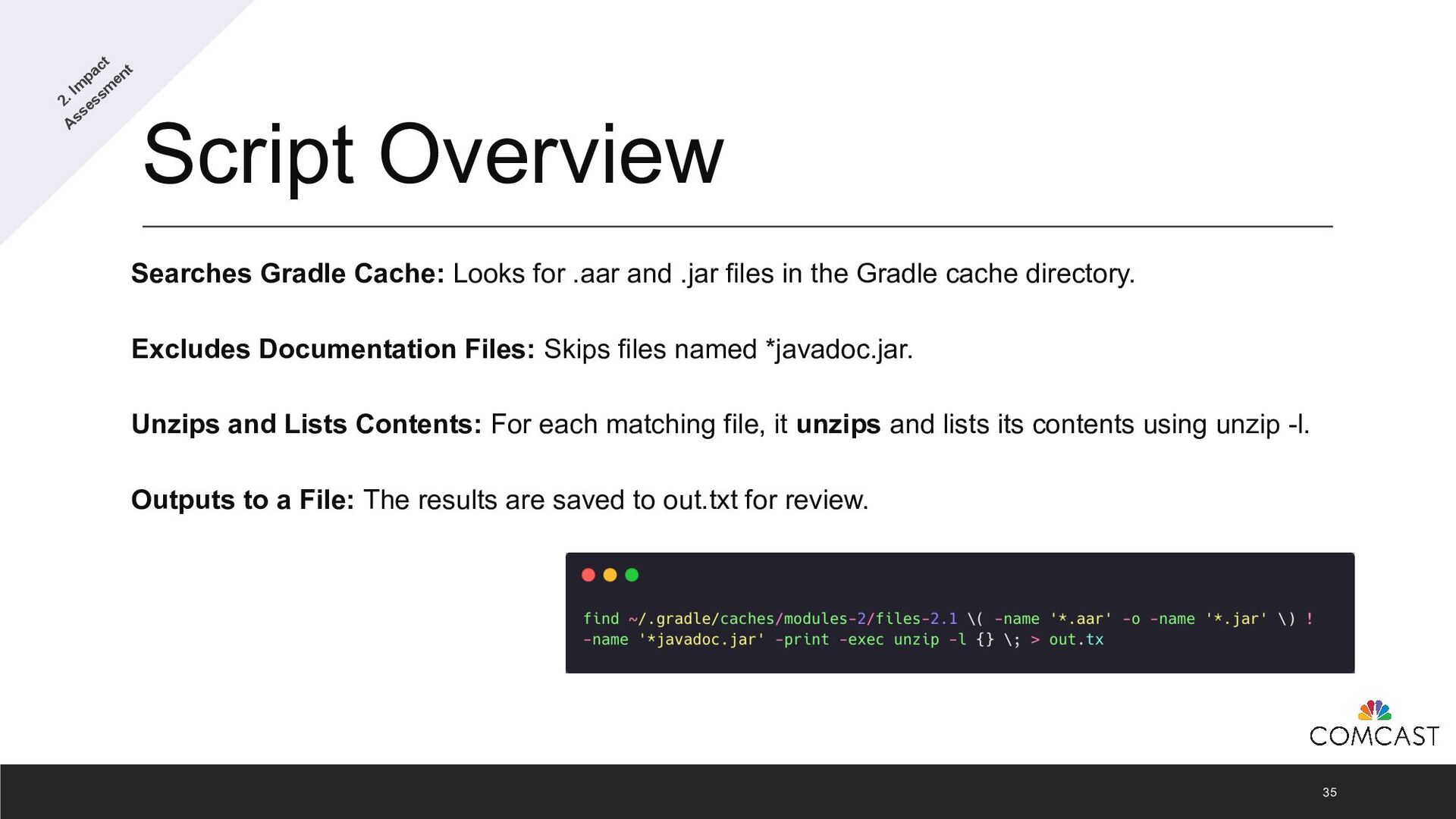
  24. Script Overview 35 Searches Gradle Cache: Looks for .aar and

    .jar files in the Gradle cache directory. Excludes Documentation Files: Skips files named *javadoc.jar. Unzips and Lists Contents: For each matching file, it unzips and lists its contents using unzip -l. Outputs to a File: The results are saved to out.txt for review. 2. Im pact Assessm ent
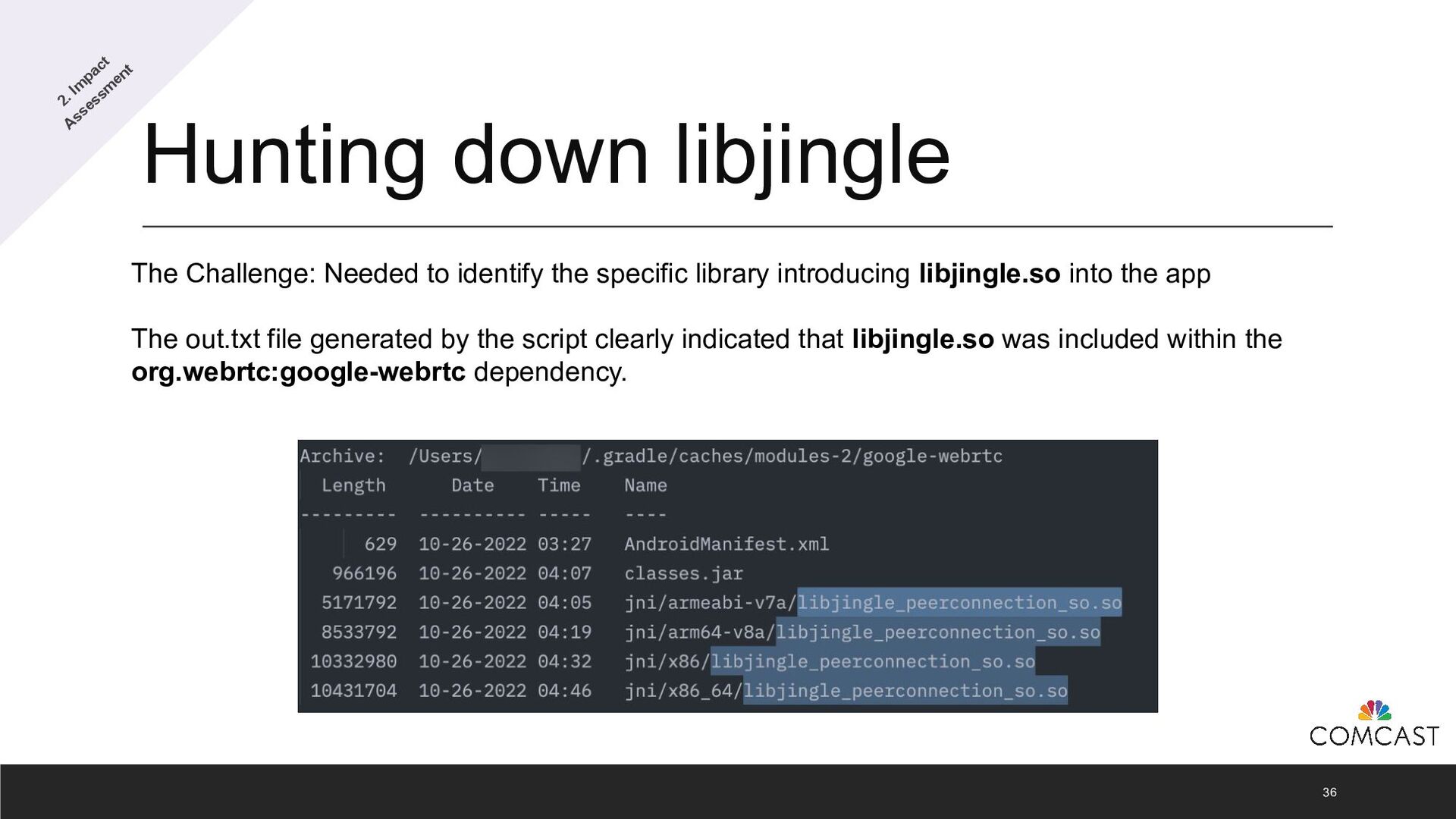
  25. Hunting down libjingle 36 The Challenge: Needed to identify the

    specific library introducing libjingle.so into the app The out.txt file generated by the script clearly indicated that libjingle.so was included within the org.webrtc:google-webrtc dependency. 2. Im pact Assessm ent
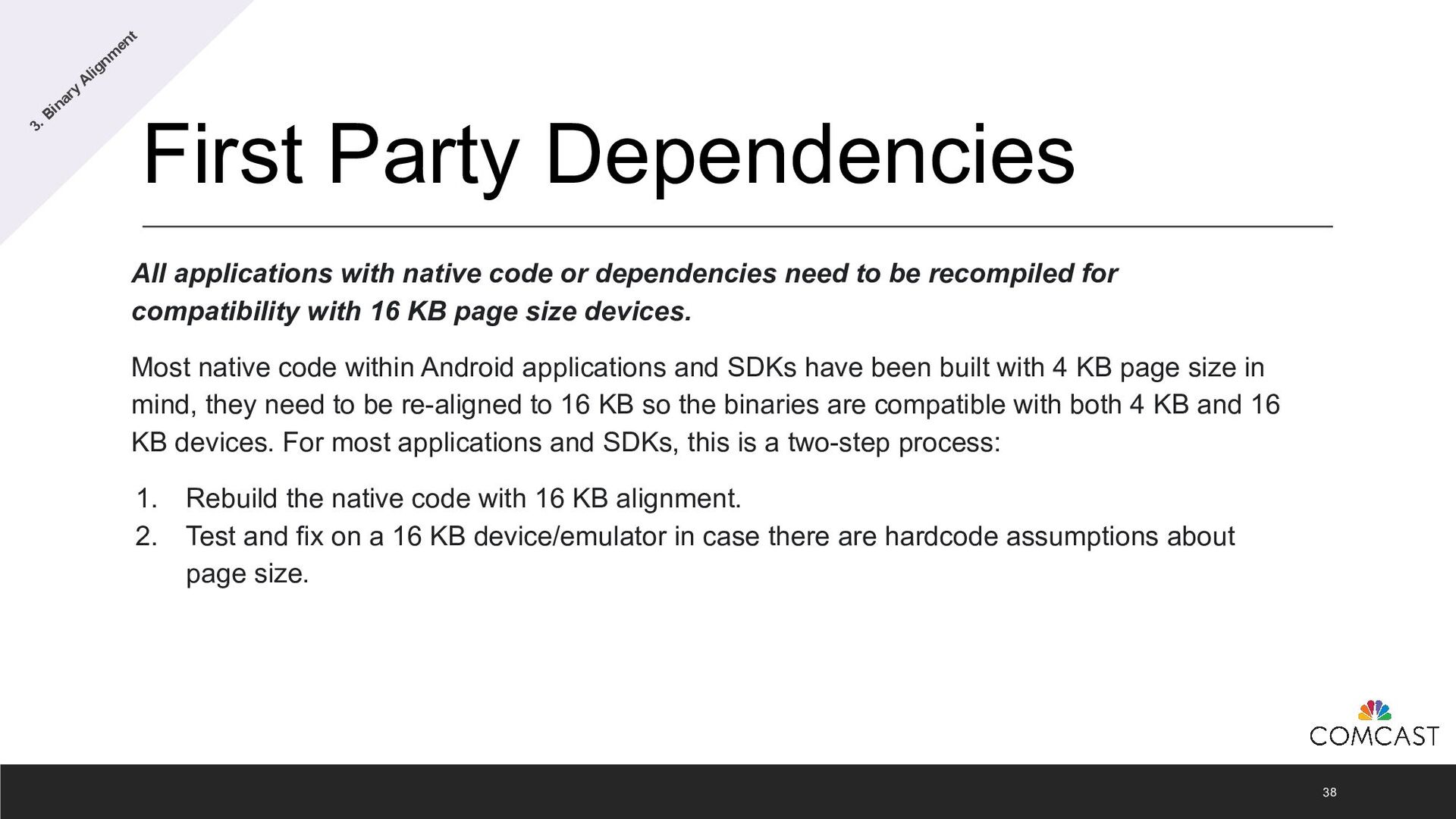
  26. First Party Dependencies All applications with native code or dependencies

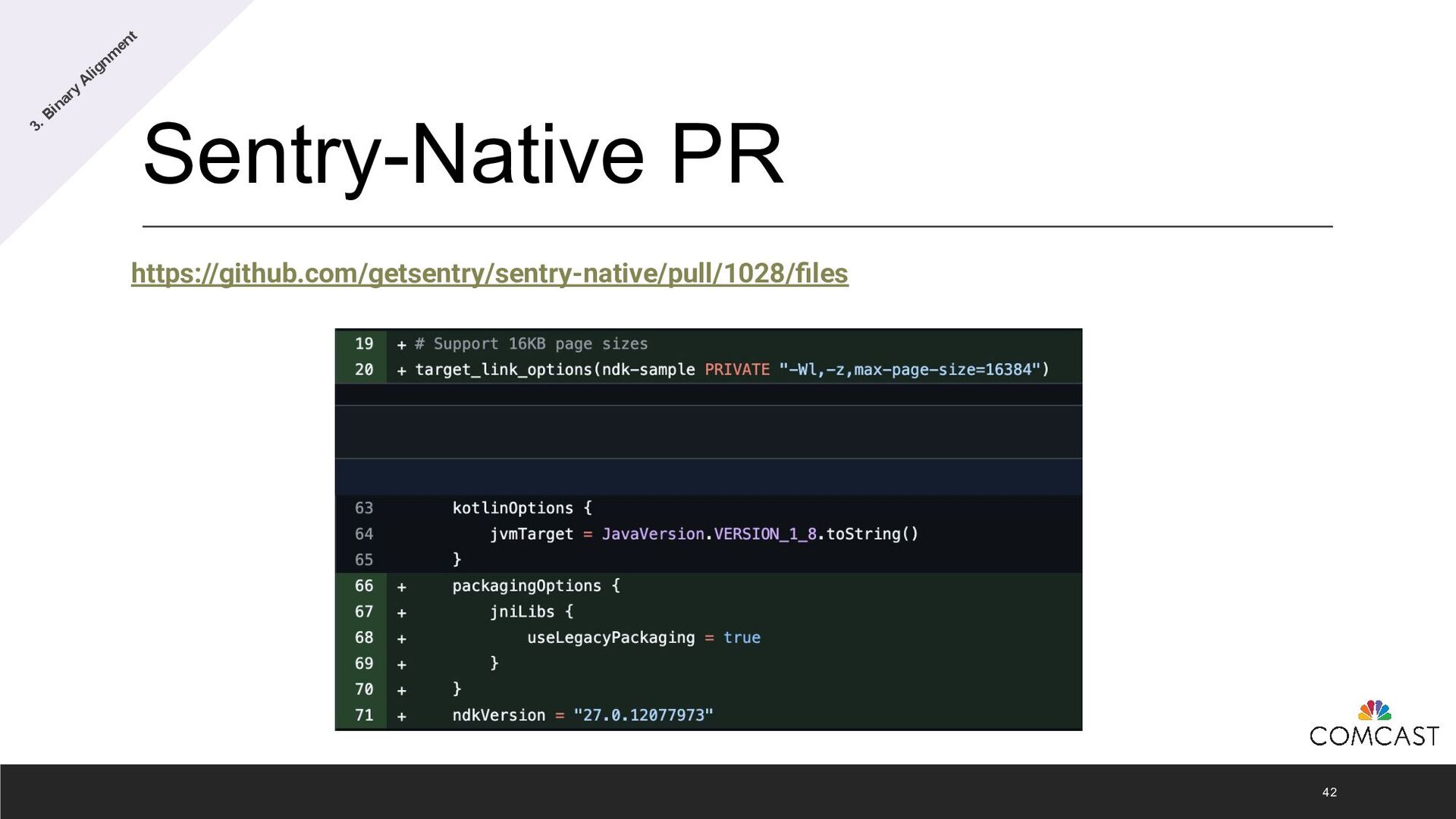
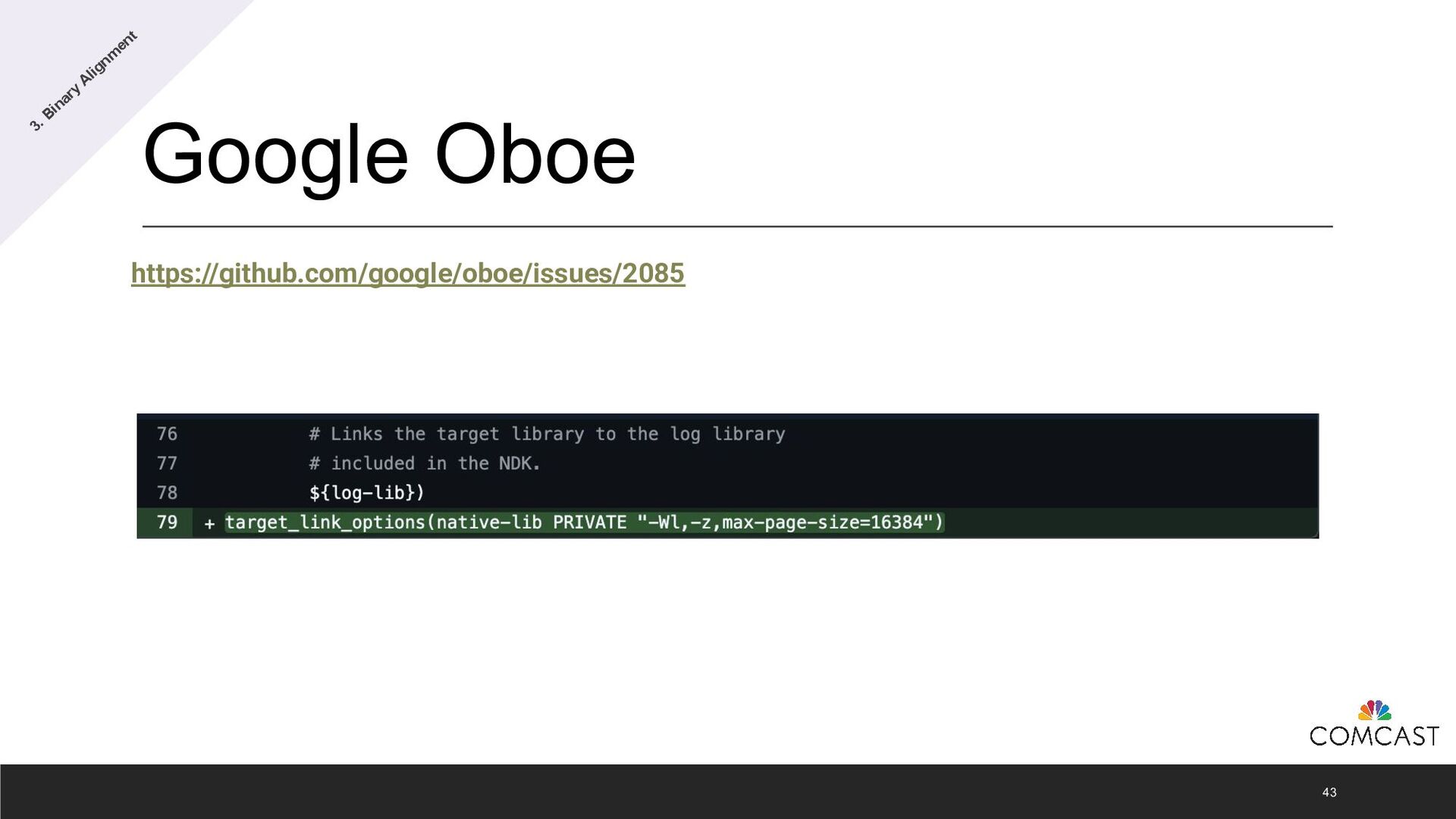
    need to be recompiled for compatibility with 16 KB page size devices. Most native code within Android applications and SDKs have been built with 4 KB page size in mind, they need to be re-aligned to 16 KB so the binaries are compatible with both 4 KB and 16 KB devices. For most applications and SDKs, this is a two-step process: 1. Rebuild the native code with 16 KB alignment. 2. Test and fix on a 16 KB device/emulator in case there are hardcode assumptions about page size. 38 3. Binary Alignm ent
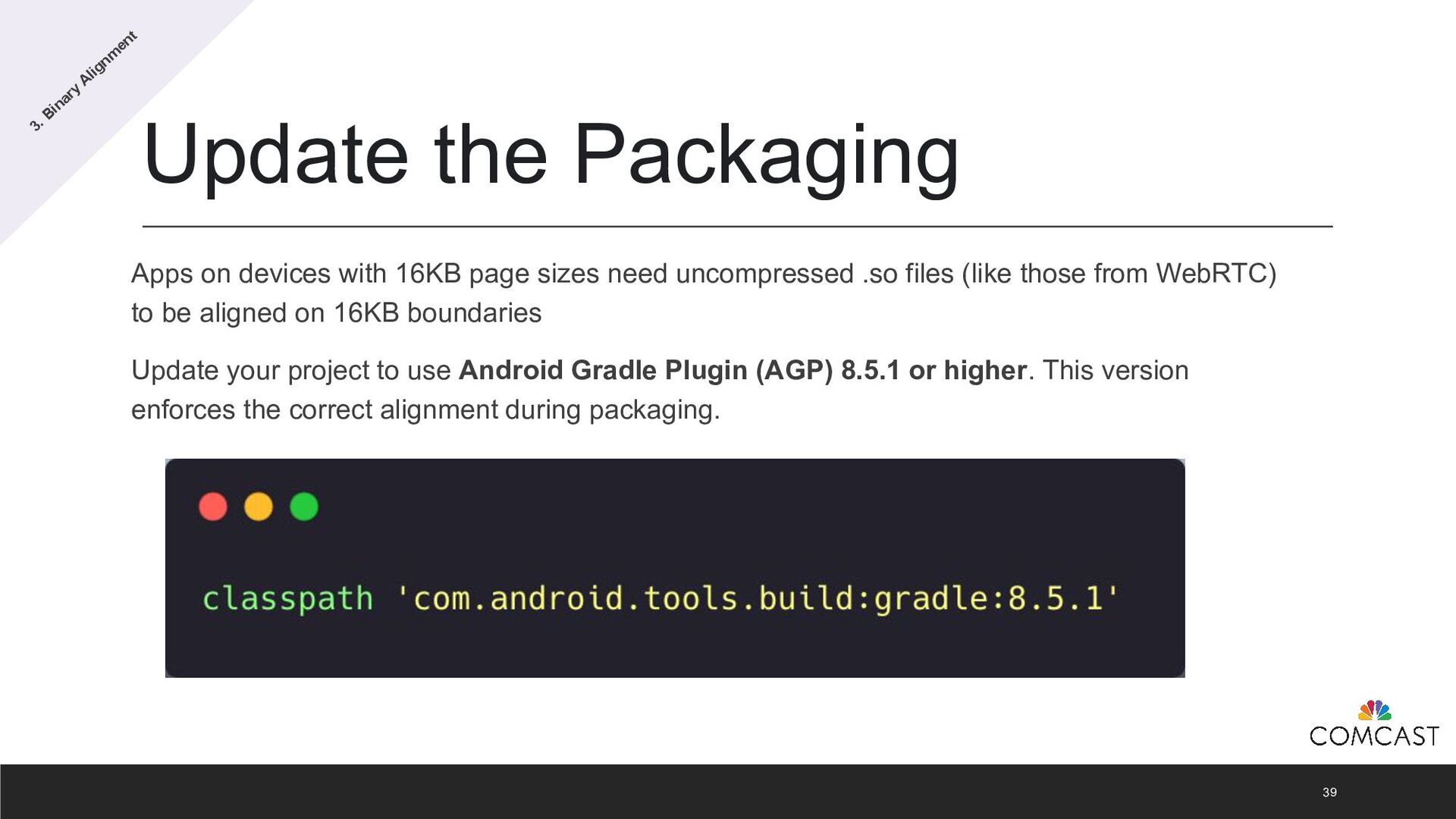
  27. Update the Packaging Apps on devices with 16KB page sizes

    need uncompressed .so files (like those from WebRTC) to be aligned on 16KB boundaries Update your project to use Android Gradle Plugin (AGP) 8.5.1 or higher. This version enforces the correct alignment during packaging. 39 3. Binary Alignm ent
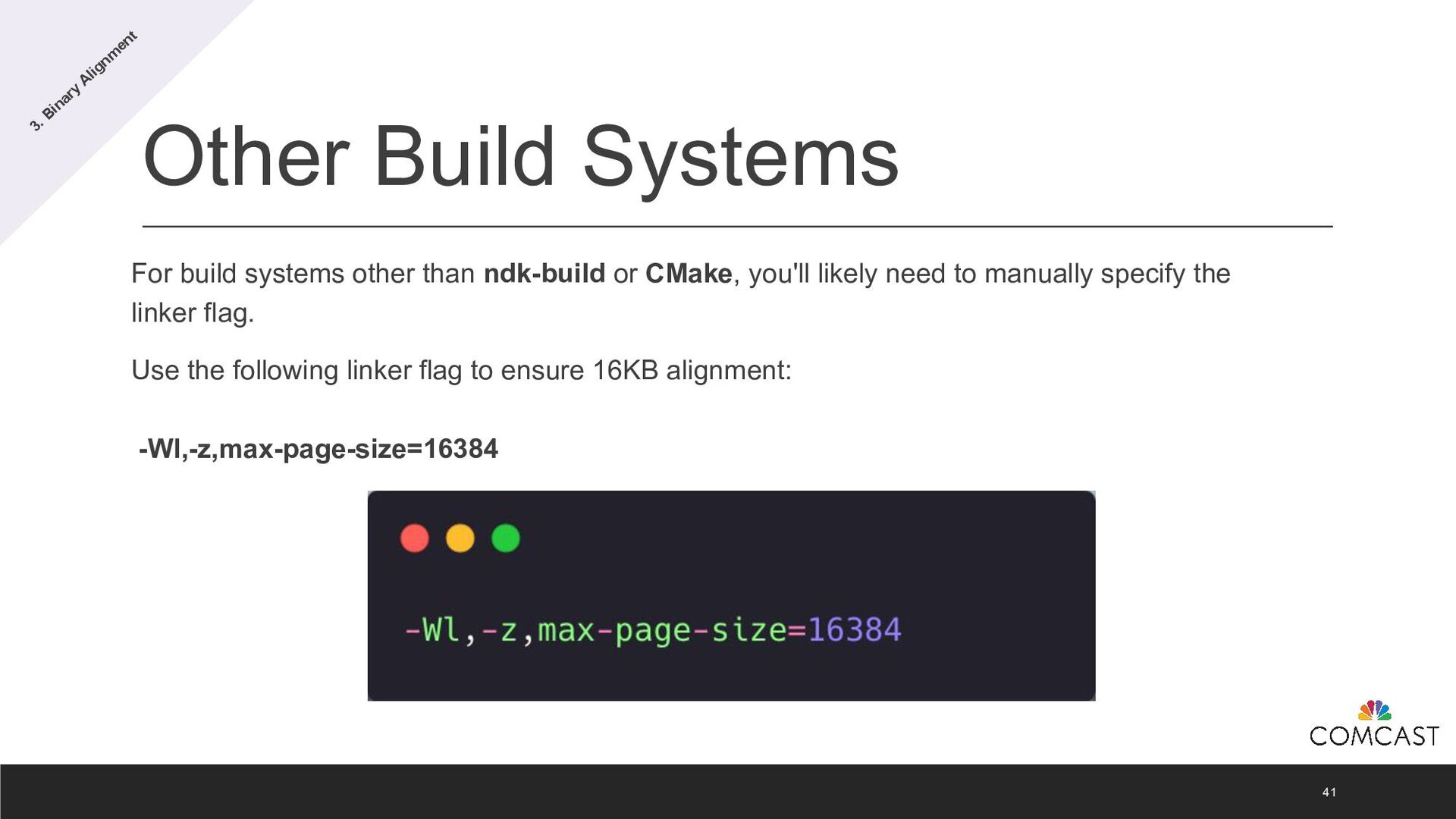
  28. Other Build Systems For build systems other than ndk-build or

    CMake, you'll likely need to manually specify the linker flag. Use the following linker flag to ensure 16KB alignment: -Wl,-z,max-page-size=16384 41 3. Binary Alignm ent
  29. Best Practices Even if your app is aligned to 16KB

    pages, it may still run into issues if parts of your code assume a fixed page size for the device. 44 3. Binary Alignm ent
  30. Best Practices Avoid Hard-Coded Page Sizes: Remove dependencies on the

    PAGE_SIZE constant or any assumptions that the page size is 4KB (4096). Use Dynamic Page Size Queries: Replace hard-coded values with getpagesize() or sysconf(_SC_PAGESIZE) to dynamically retrieve the device’s page size. Handle mmap() and Page-Aligned APIs: Check for mmap() and other APIs requiring page-aligned arguments. Replace them with alternatives or adjust for flexible page sizes. 45 3. Binary Alignm ent
  31. Third Party Dependencies You'll need new library releases from your

    vendors. Contact your vendors proactively. Major dependencies already support 16 KB page sizes, such as: • Firebase • WebRTC • AWS 46 3. Binary Alignm ent
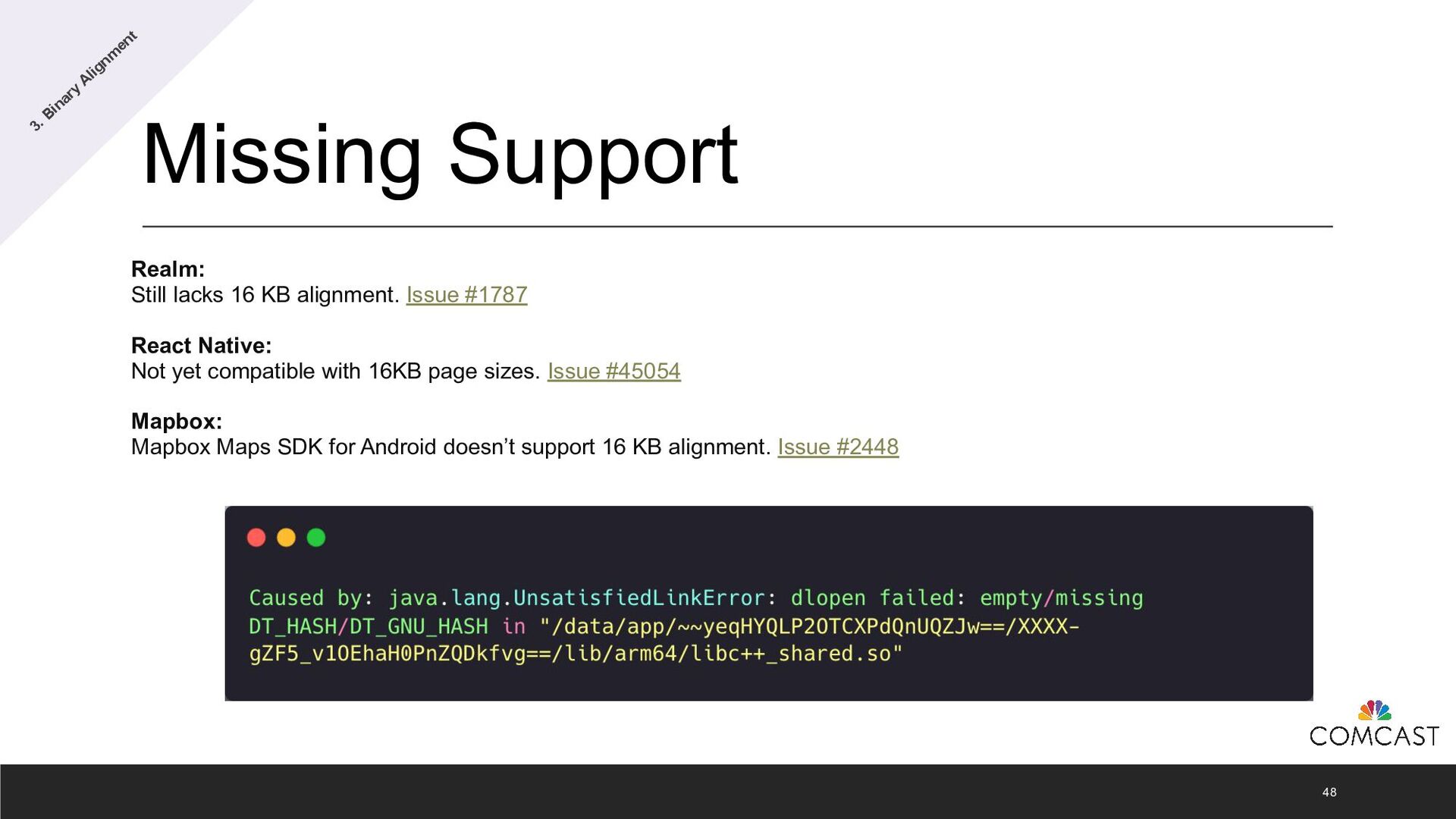
  32. Missing Support Realm: Still lacks 16 KB alignment. Issue #1787

    React Native: Not yet compatible with 16KB page sizes. Issue #45054 Mapbox: Mapbox Maps SDK for Android doesn’t support 16 KB alignment. Issue #2448 48 3. Binary Alignm ent
  33. Device Support Status There are no production Android devices available

    today or expected for the Android 15 release that support a 16 KB page size. 50 https://android-developers.googleblog.com/2024/08/adding-16-kb-page-size-to-android.html 4. Testing
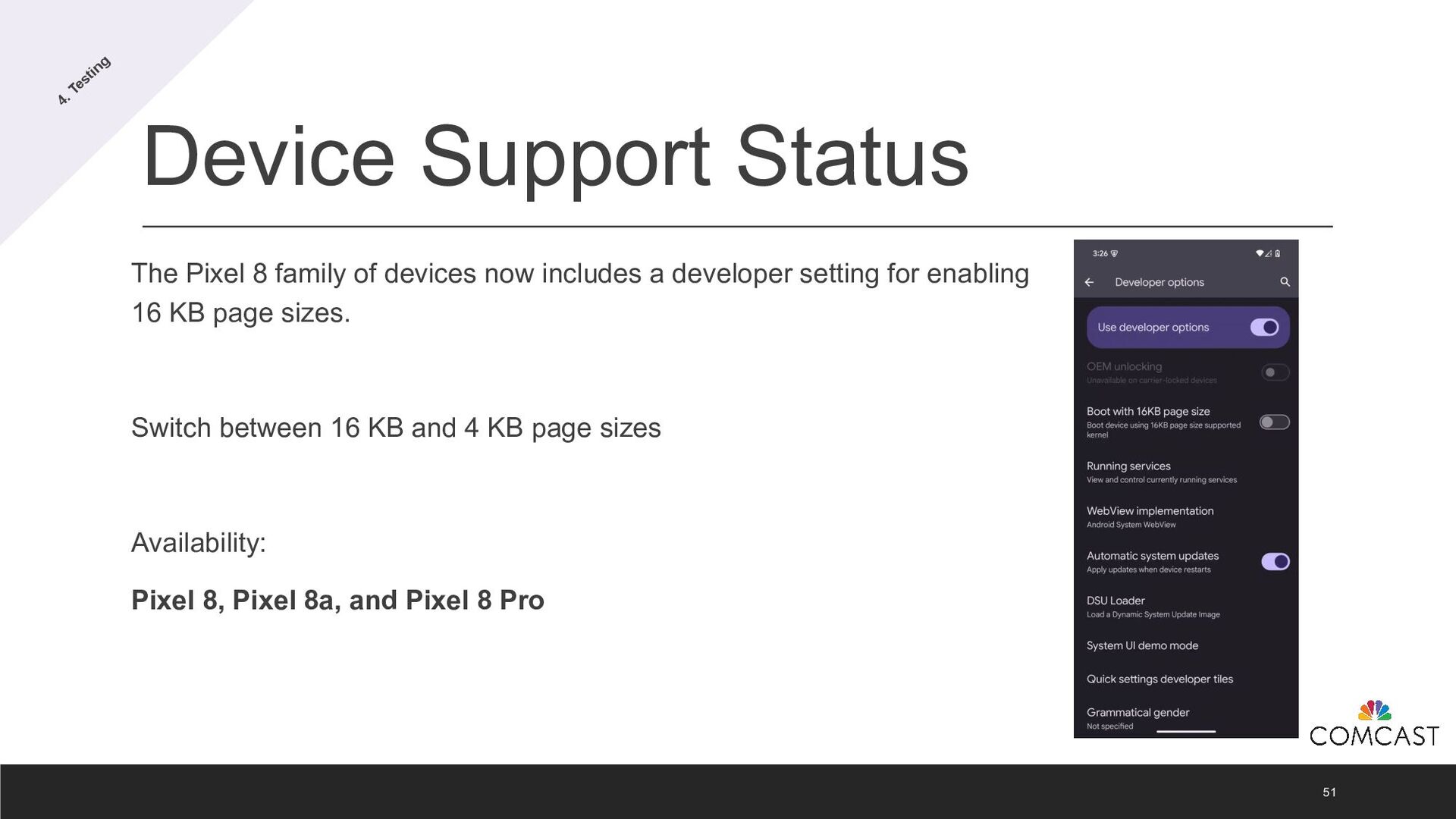
  34. Device Support Status The Pixel 8 family of devices now

    includes a developer setting for enabling 16 KB page sizes. Switch between 16 KB and 4 KB page sizes Availability: Pixel 8, Pixel 8a, and Pixel 8 Pro 51 4. Testing
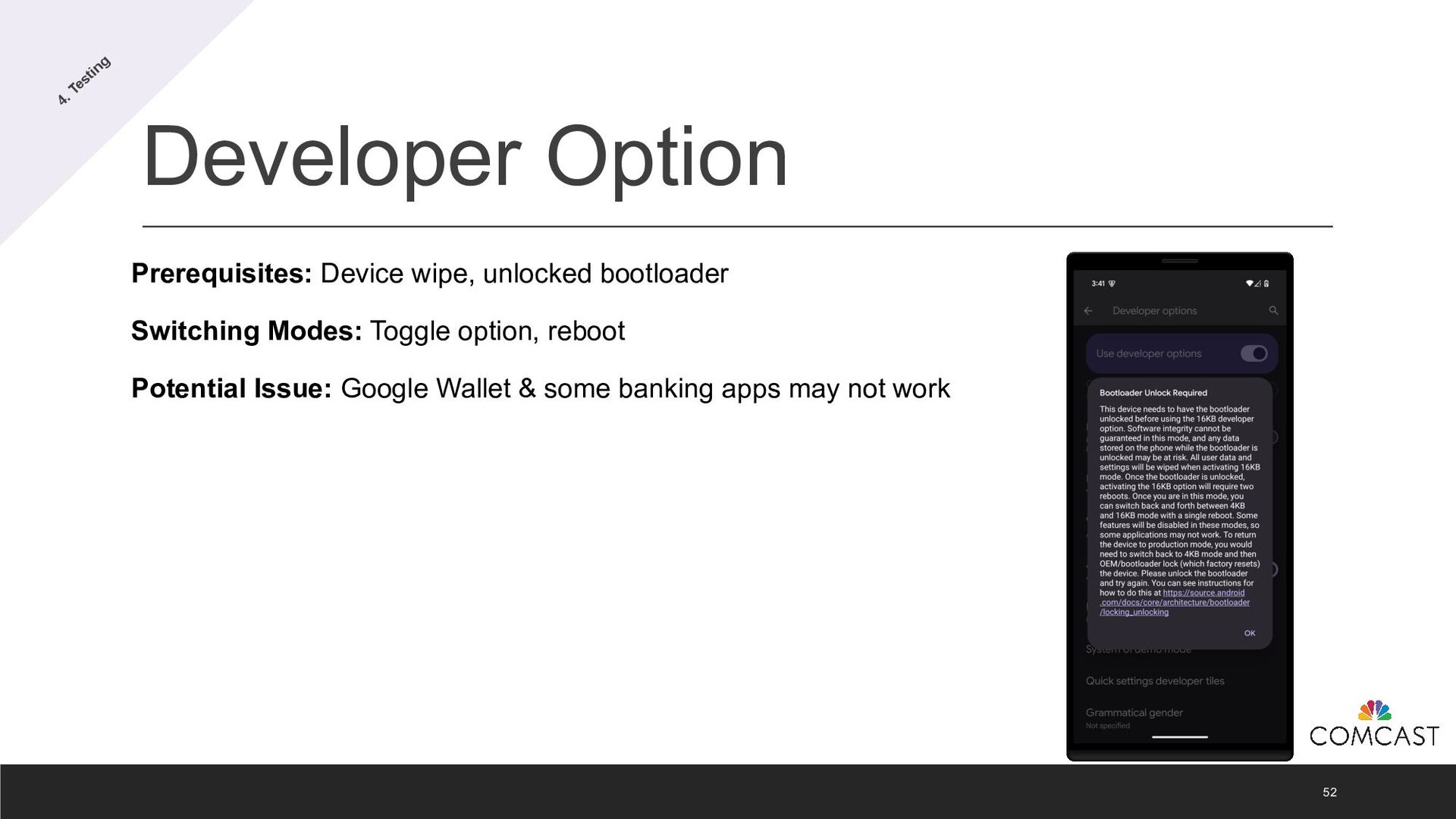
  35. Developer Option 52 Prerequisites: Device wipe, unlocked bootloader Switching Modes:

    Toggle option, reboot Potential Issue: Google Wallet & some banking apps may not work 4. Testing
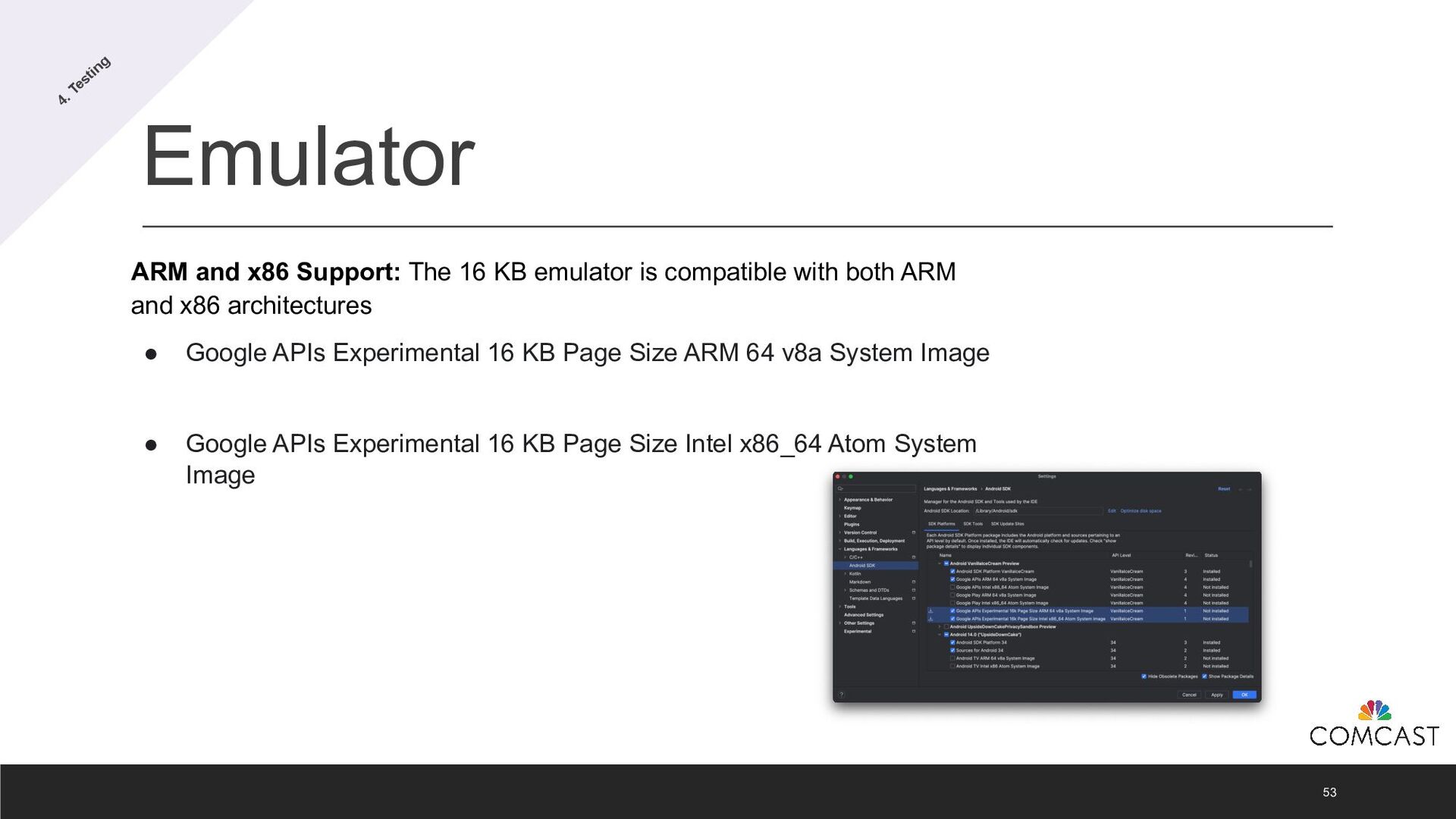
  36. Emulator 53 ARM and x86 Support: The 16 KB emulator

    is compatible with both ARM and x86 architectures • Google APIs Experimental 16 KB Page Size ARM 64 v8a System Image • Google APIs Experimental 16 KB Page Size Intel x86_64 Atom System Image 4. Testing
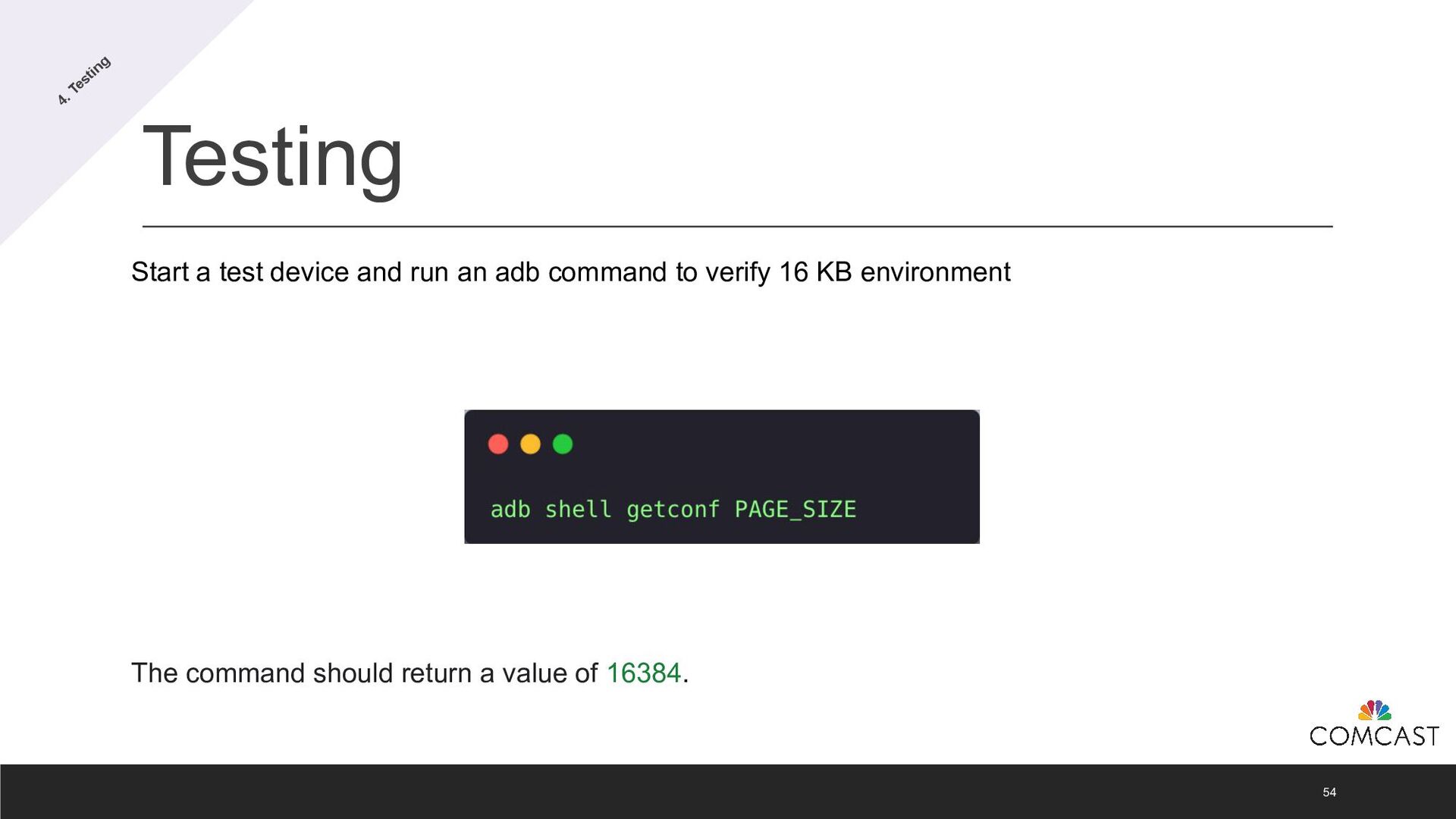
  37. Testing 54 Start a test device and run an adb

    command to verify 16 KB environment The command should return a value of 16384. 4. Testing
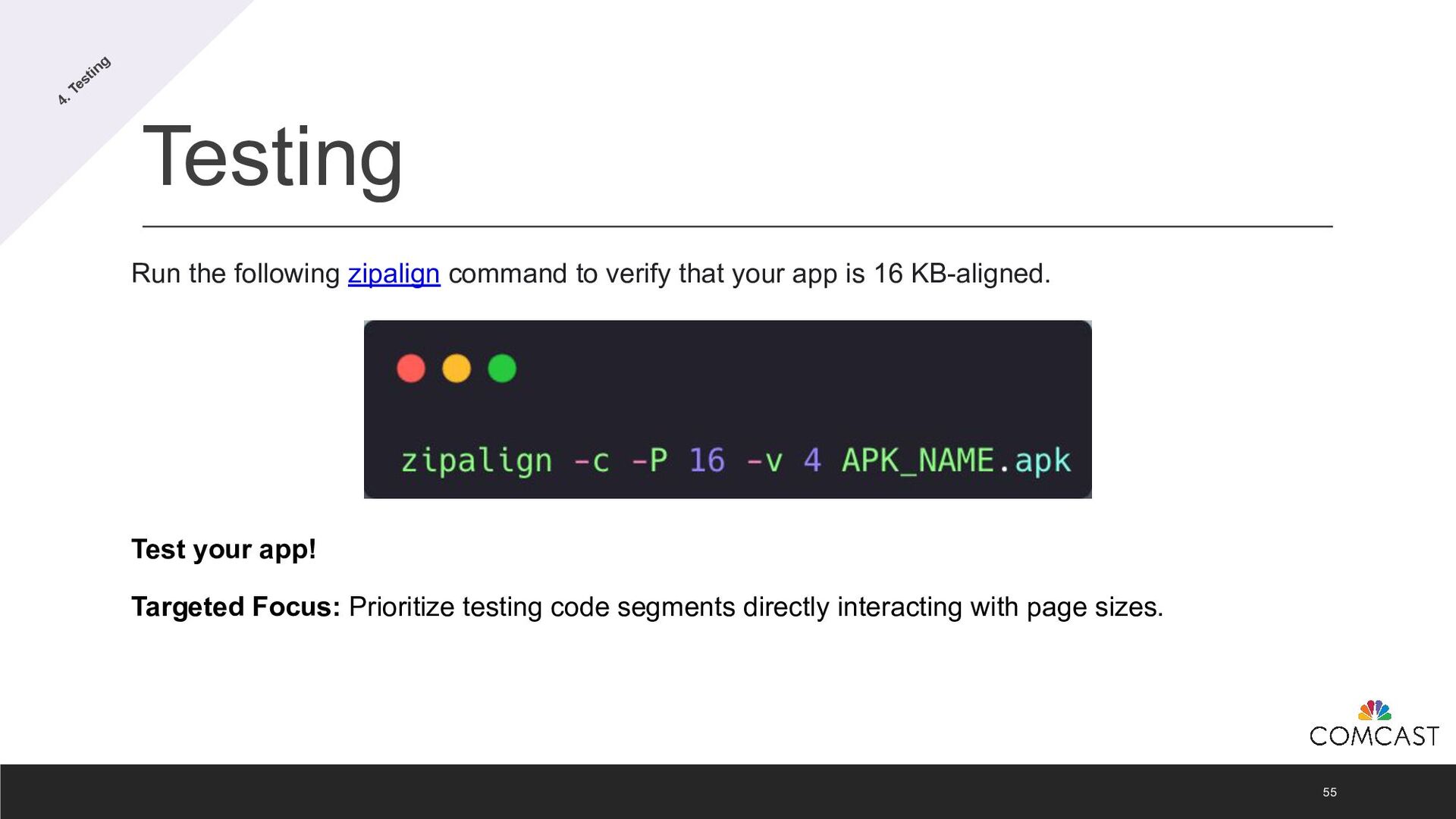
  38. Testing 55 Run the following zipalign command to verify that

    your app is 16 KB-aligned. Test your app! Targeted Focus: Prioritize testing code segments directly interacting with page sizes. 4. Testing
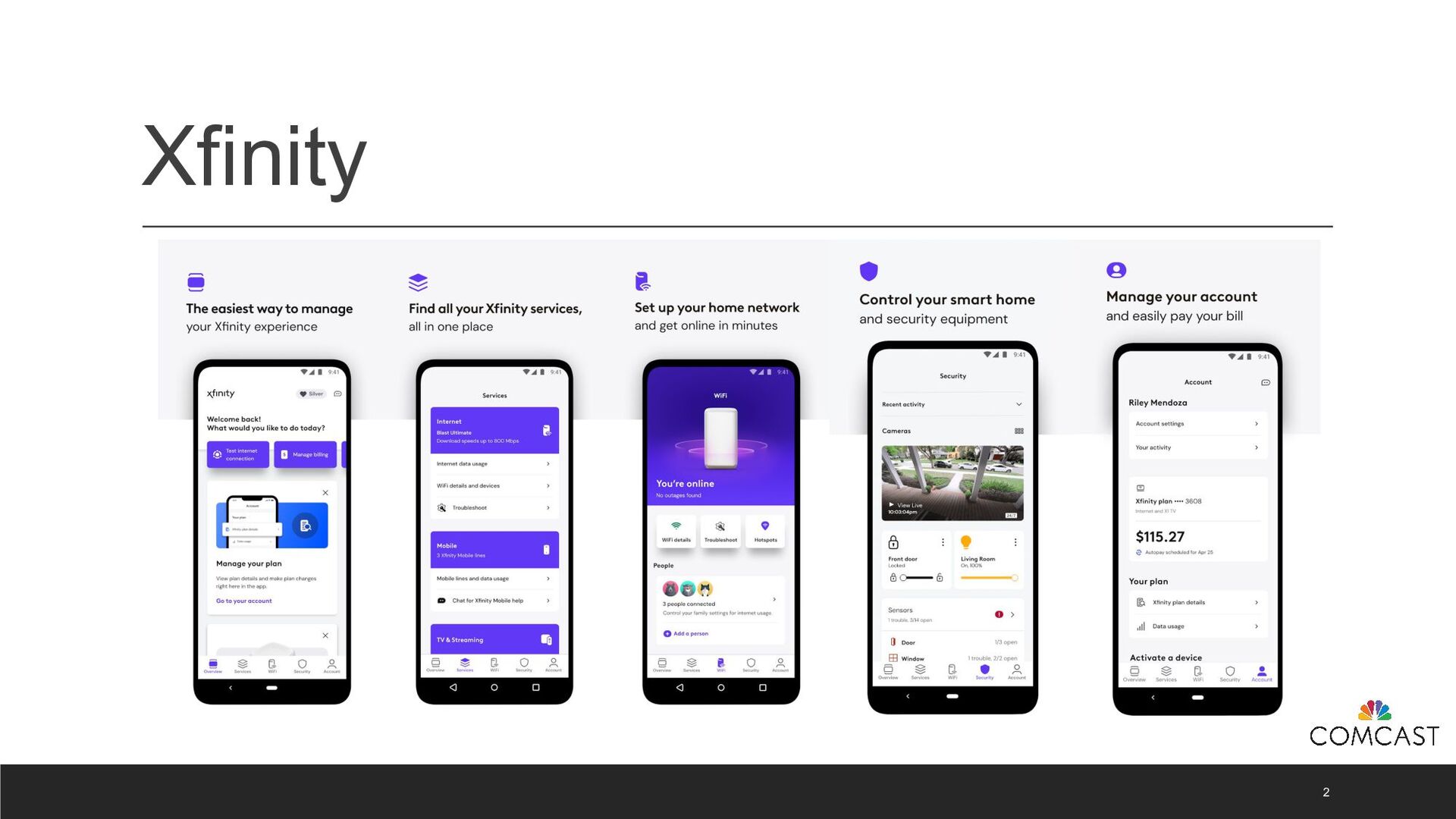
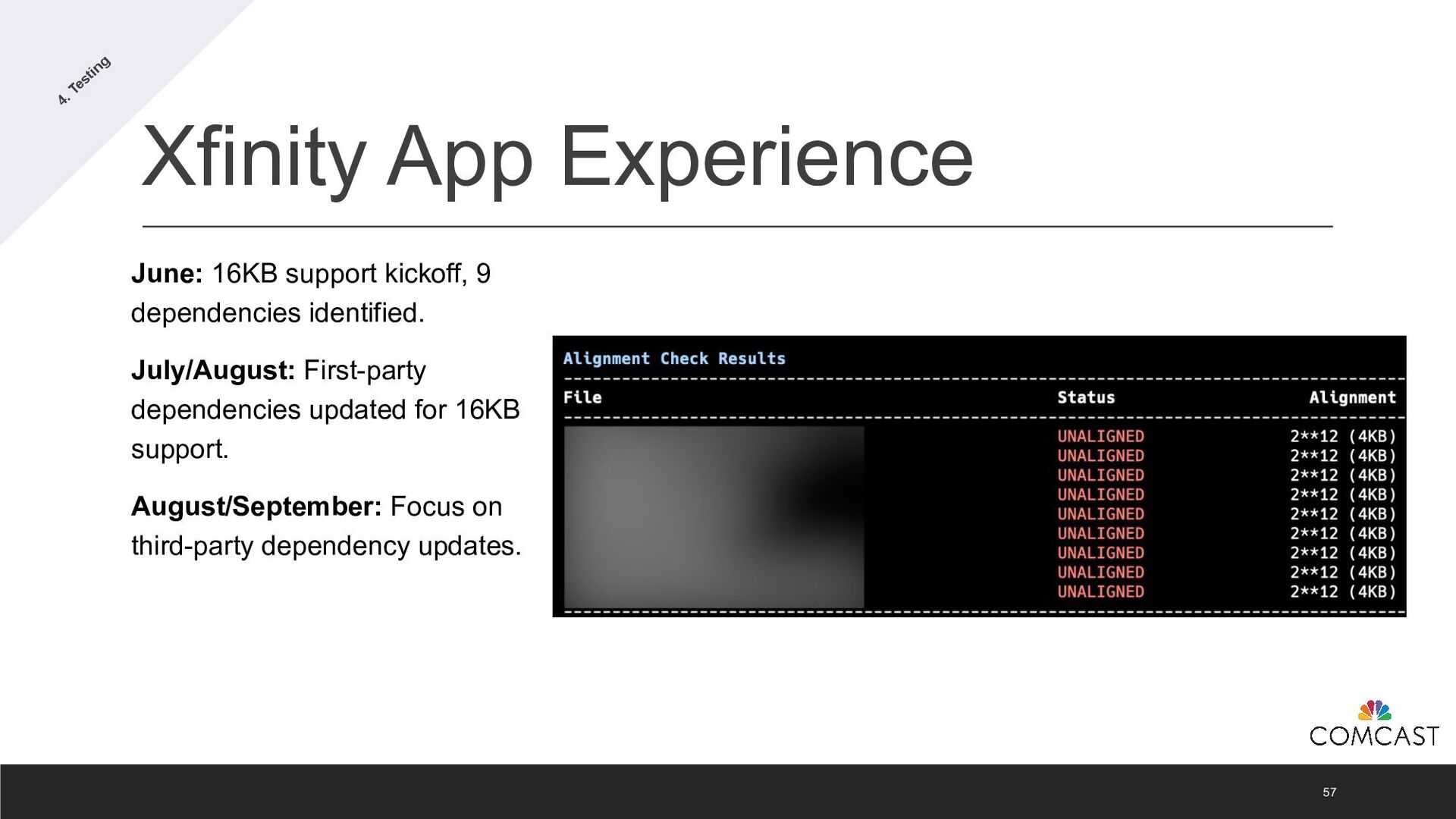
  39. Xfinity App Experience 57 June: 16KB support kickoff, 9 dependencies

    identified. July/August: First-party dependencies updated for 16KB support. August/September: Focus on third-party dependency updates. 4. Testing
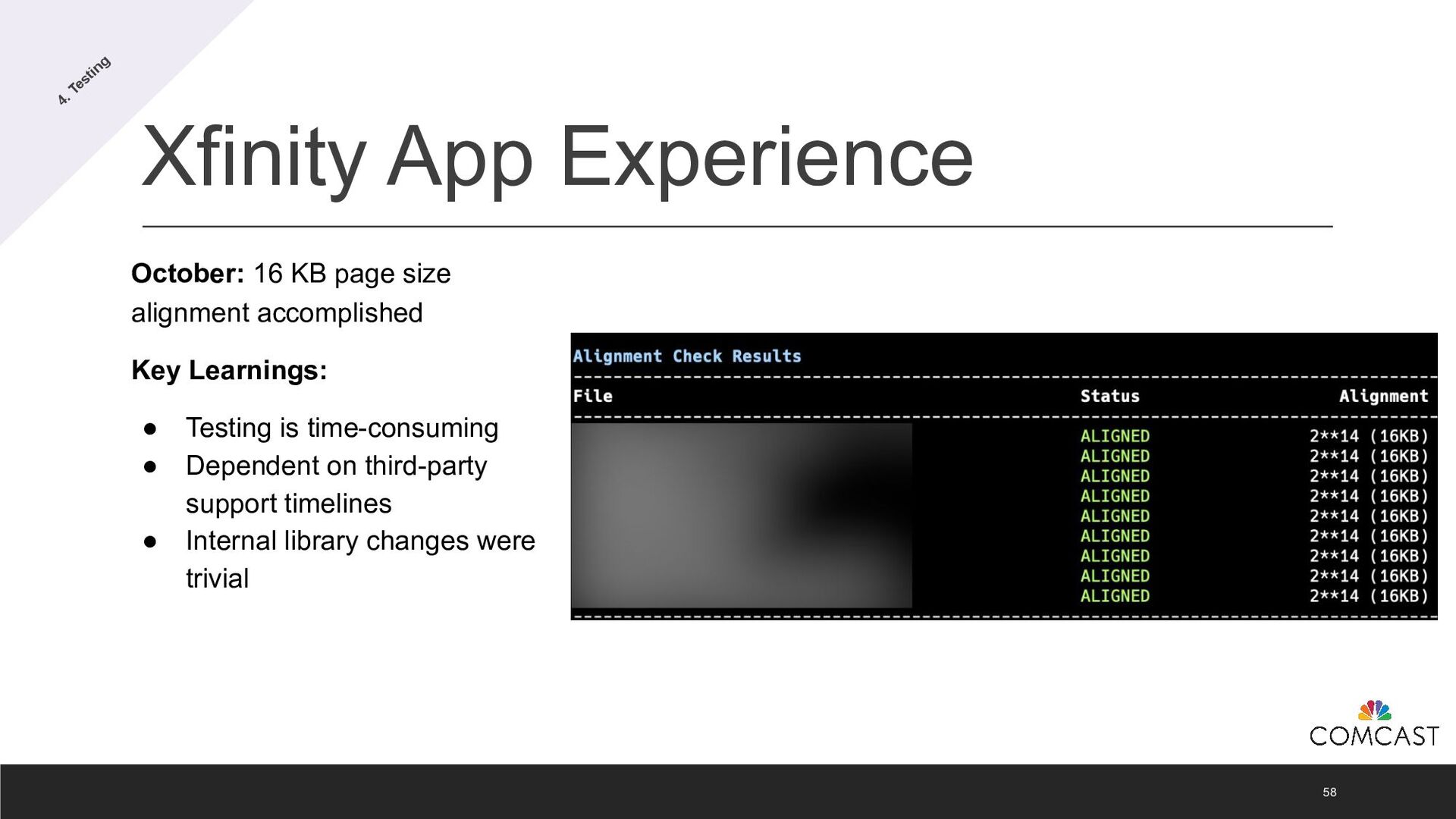
  40. Xfinity App Experience 58 October: 16 KB page size alignment

    accomplished Key Learnings: • Testing is time-consuming • Dependent on third-party support timelines • Internal library changes were trivial 4. Testing
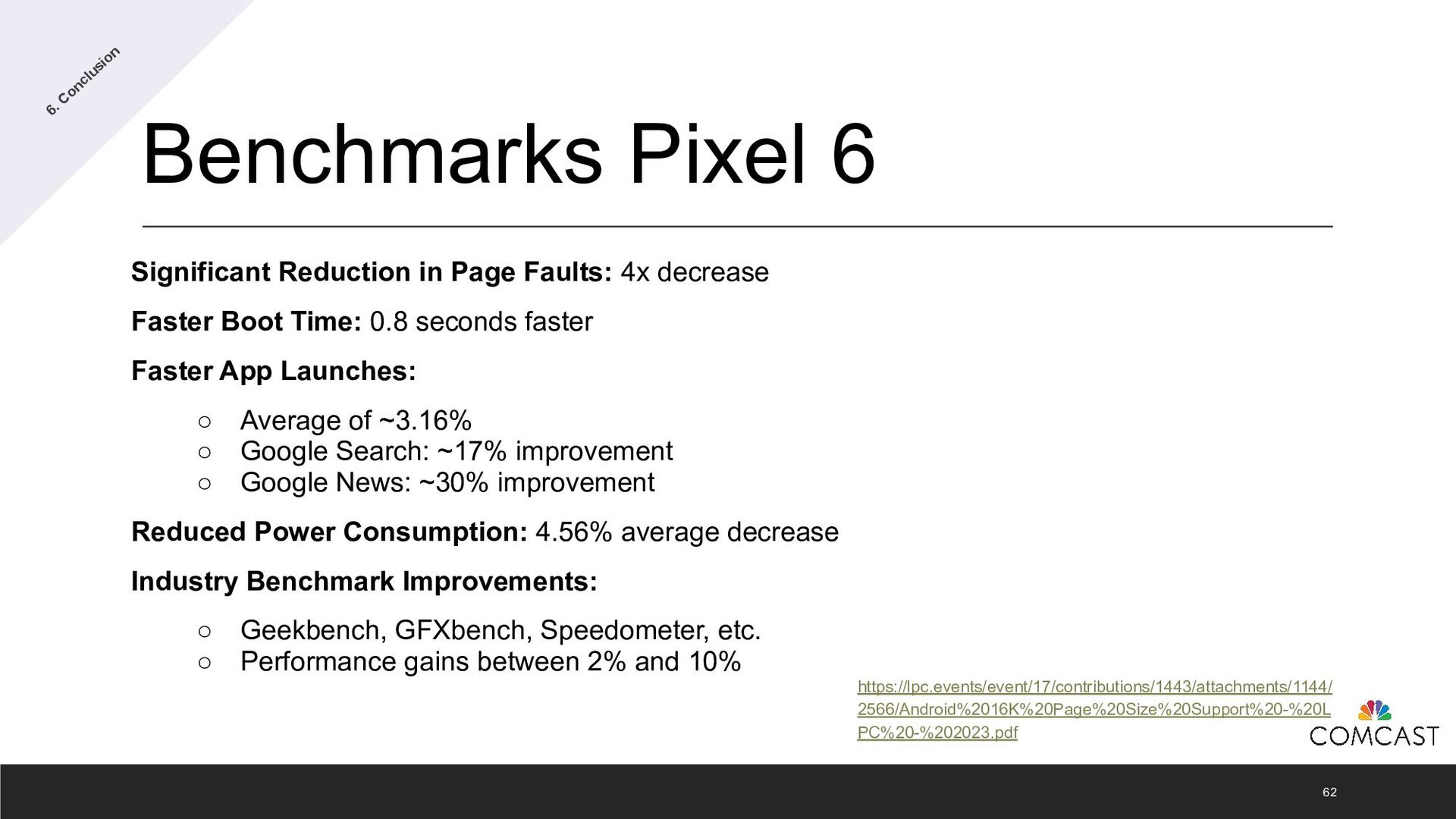
  41. Benchmarks Pixel 6 Significant Reduction in Page Faults: 4x decrease

    Faster Boot Time: 0.8 seconds faster Faster App Launches: ◦ Average of ~3.16% ◦ Google Search: ~17% improvement ◦ Google News: ~30% improvement Reduced Power Consumption: 4.56% average decrease Industry Benchmark Improvements: ◦ Geekbench, GFXbench, Speedometer, etc. ◦ Performance gains between 2% and 10% 62 https://lpc.events/event/17/contributions/1443/attachments/1144/ 2566/Android%2016K%20Page%20Size%20Support%20-%20L PC%20-%202023.pdf 6. Conclusion
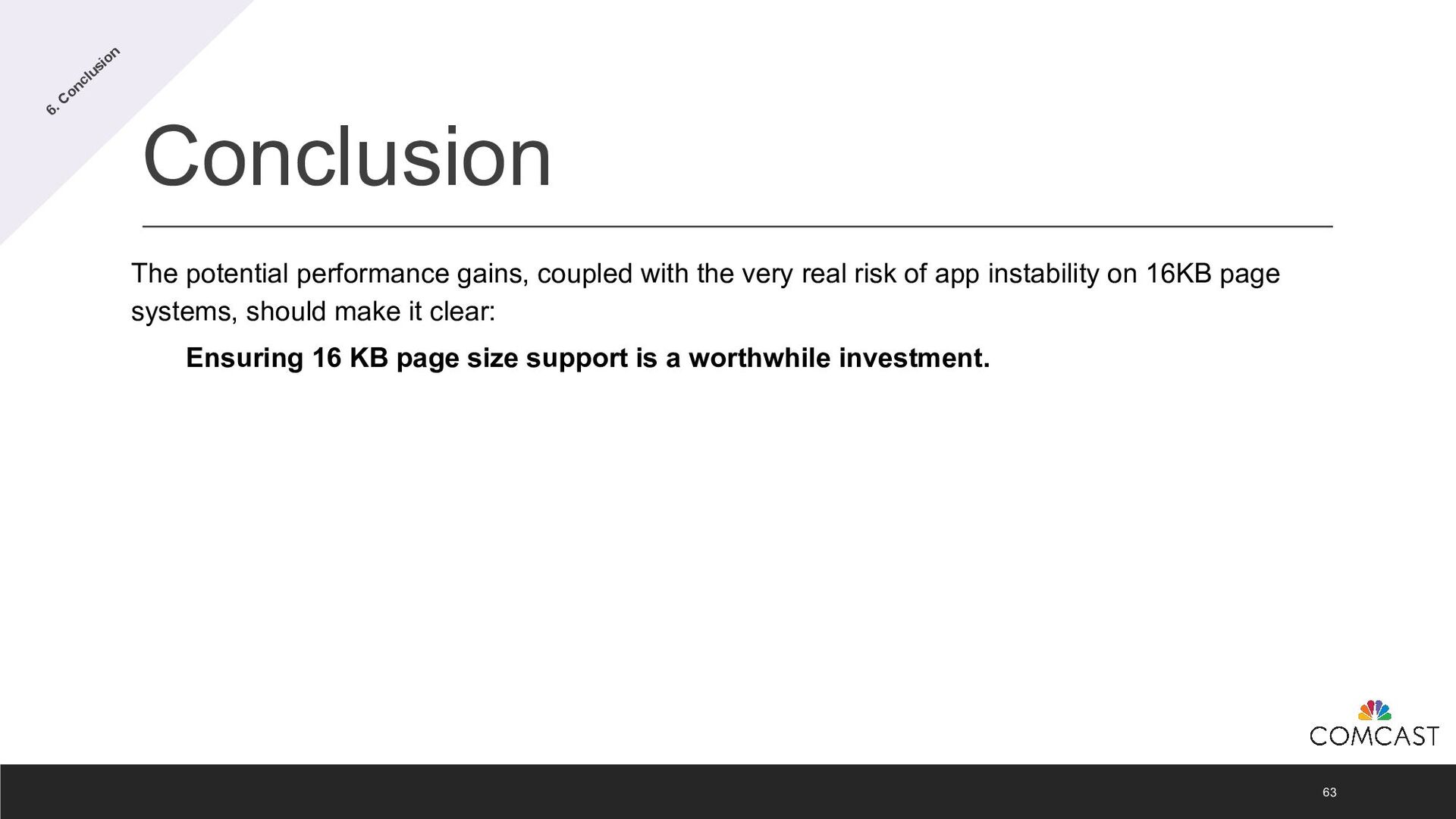
  42. Conclusion 63 The potential performance gains, coupled with the very

    real risk of app instability on 16KB page systems, should make it clear: Ensuring 16 KB page size support is a worthwhile investment. 6. Conclusion