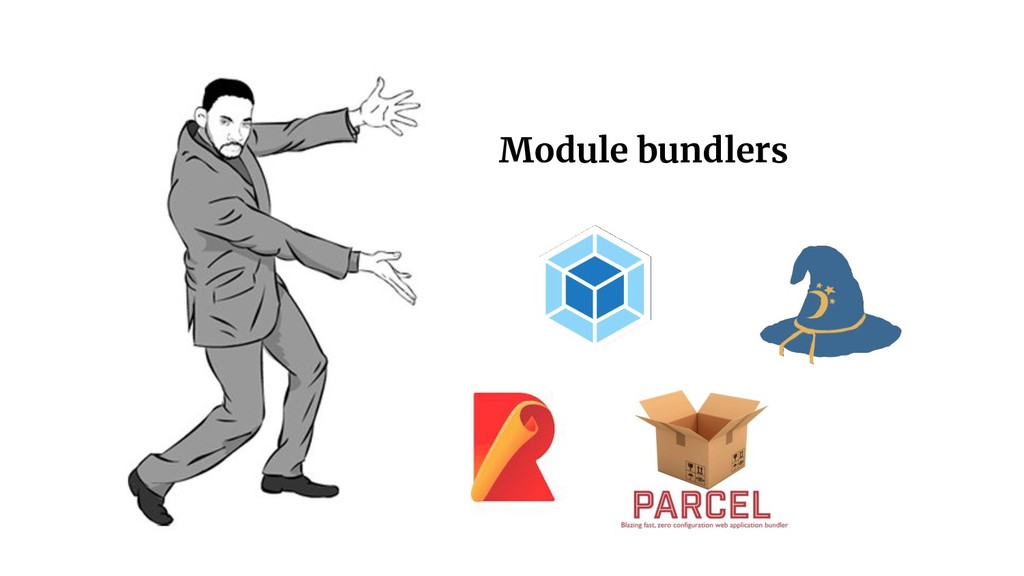
As of July 2018, Webpack is becoming the most popular module bundler tool. It includes a bunch of features tailored for app performance. I have talked about some like Treeshaking, code splitting and support for plugins.
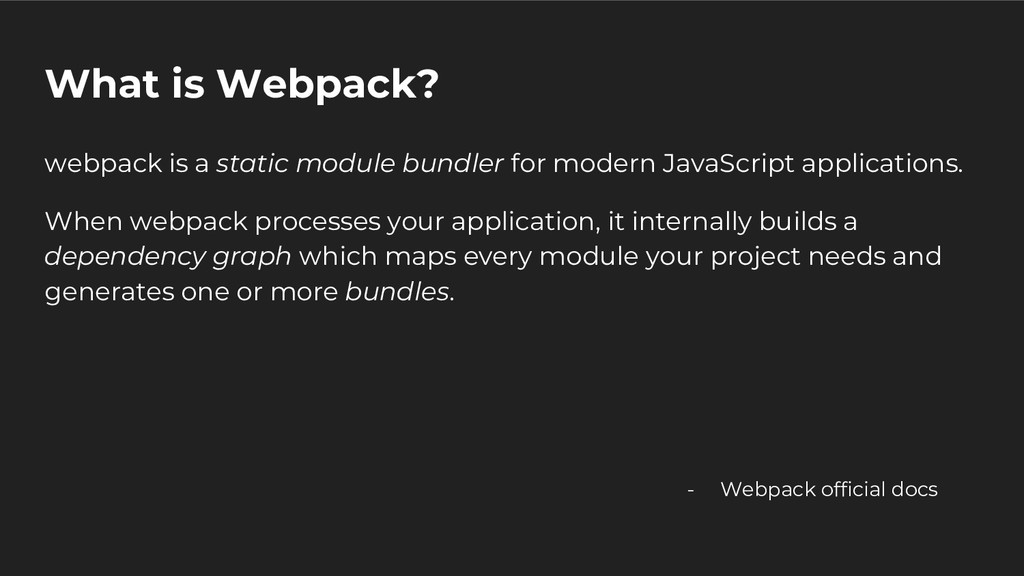
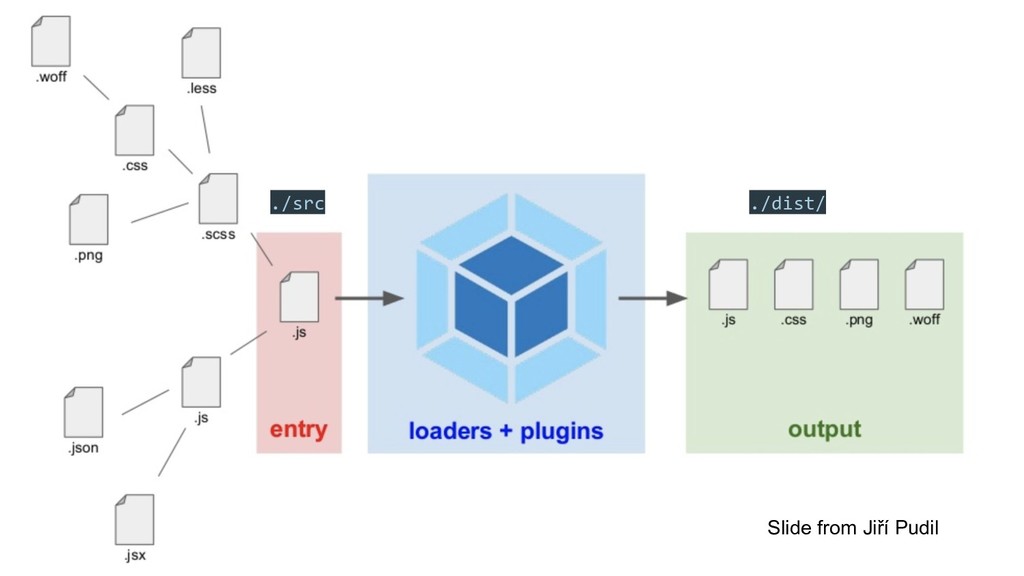
modern JavaScript applications. When webpack processes your application, it internally builds a dependency graph which maps every module your project needs and generates one or more bundles. - Webpack official docs
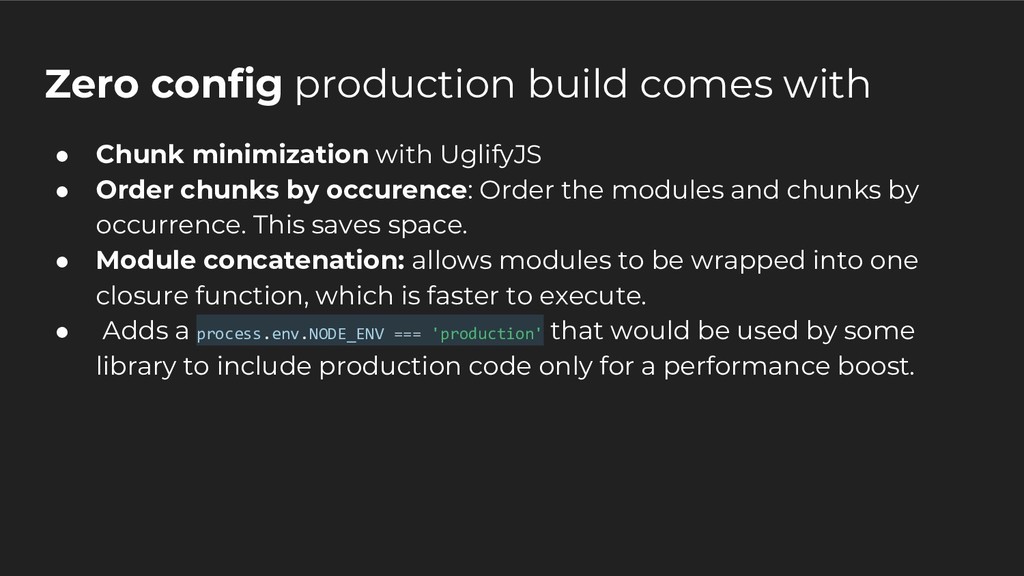
UglifyJS • Order chunks by occurence: Order the modules and chunks by occurrence. This saves space. • Module concatenation: allows modules to be wrapped into one closure function, which is faster to execute. • Adds a process.env.NODE_ENV === 'production' that would be used by some library to include production code only for a performance boost.
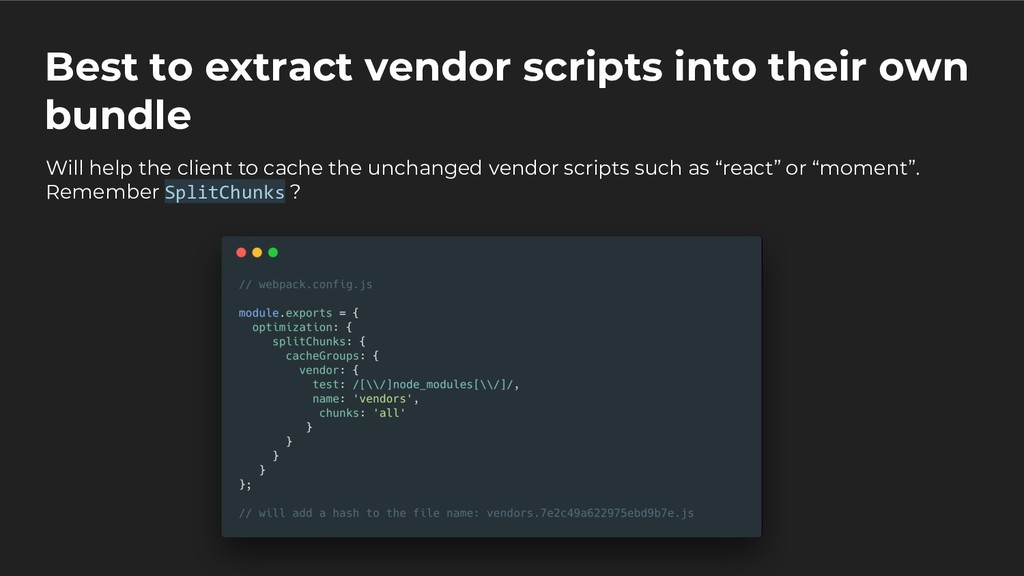
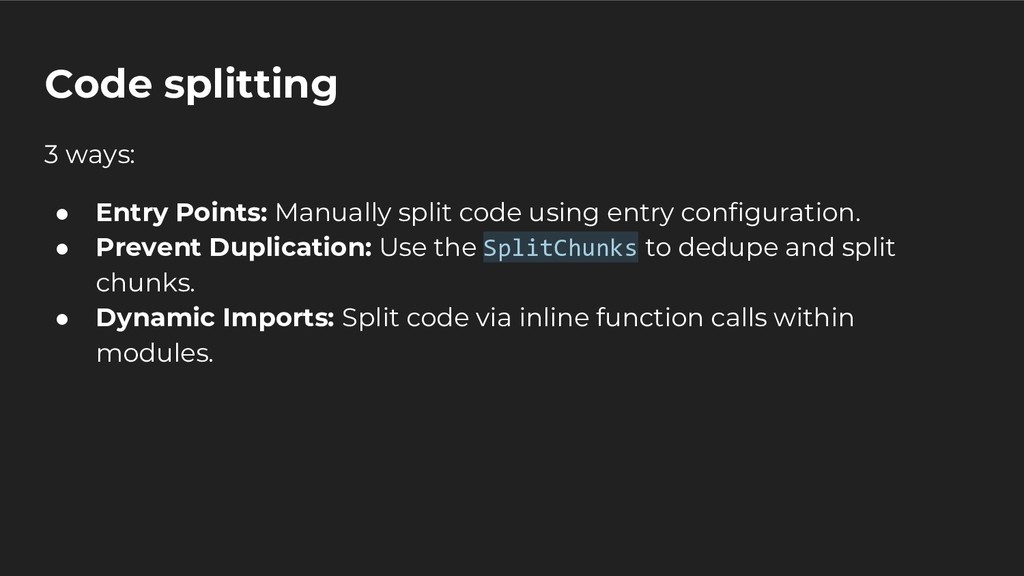
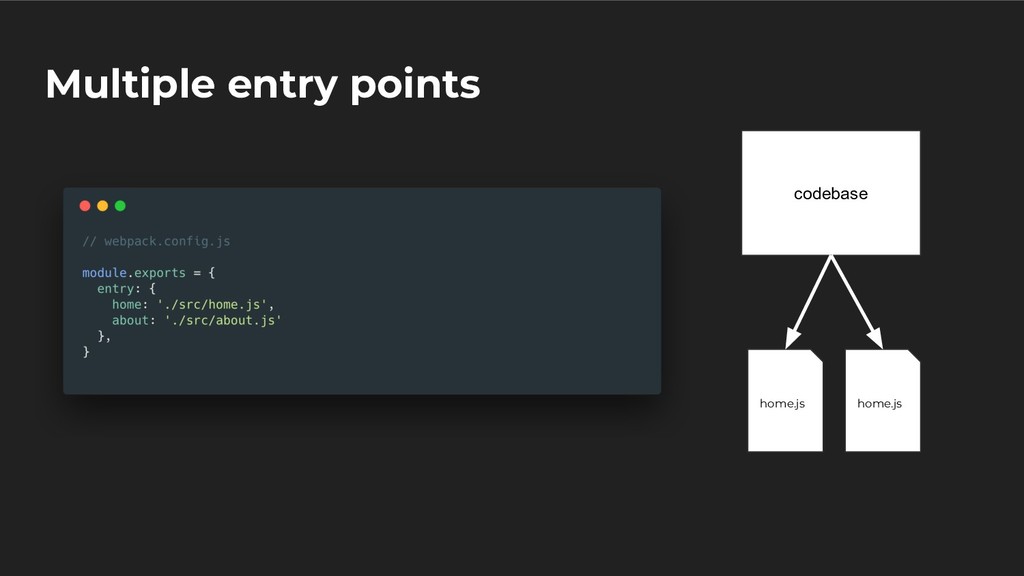
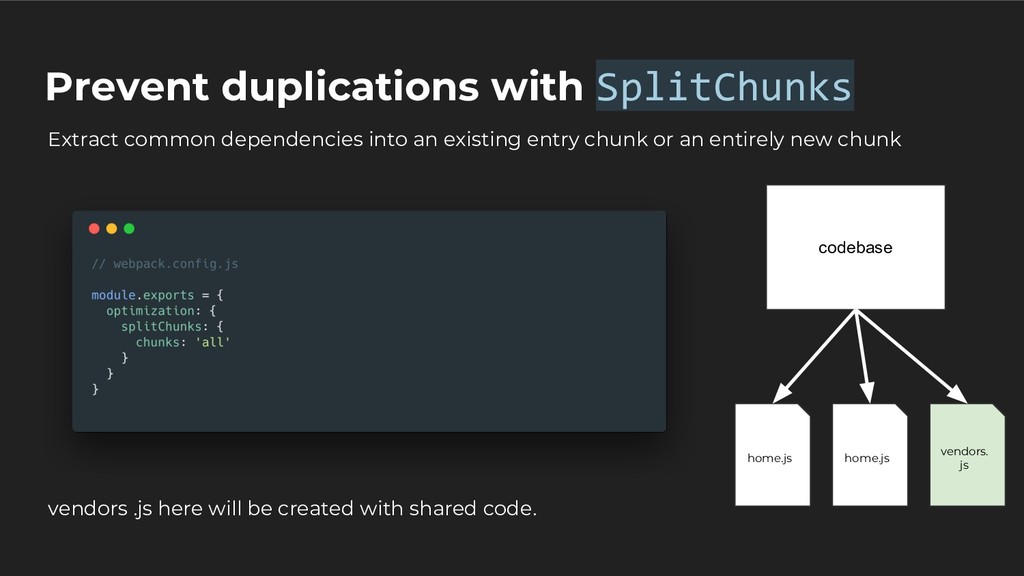
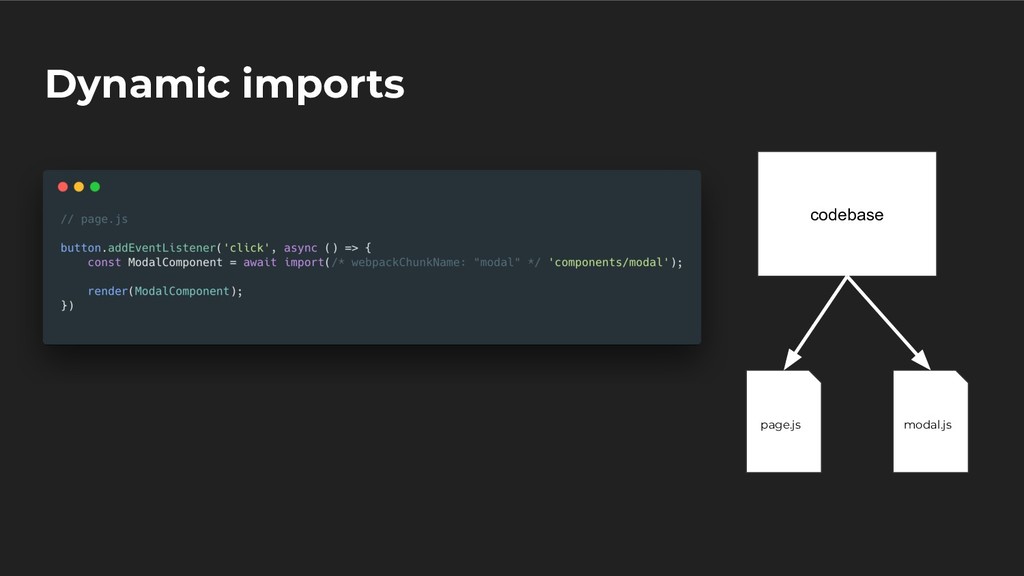
using entry configuration. • Prevent Duplication: Use the SplitChunks to dedupe and split chunks. • Dynamic Imports: Split code via inline function calls within modules.
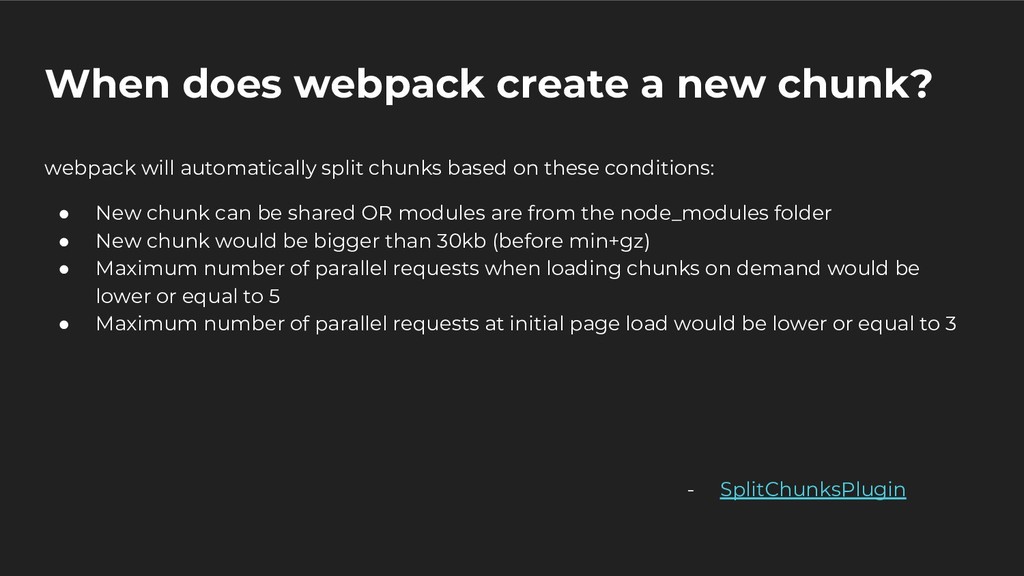
split chunks based on these conditions: • New chunk can be shared OR modules are from the node_modules folder • New chunk would be bigger than 30kb (before min+gz) • Maximum number of parallel requests when loading chunks on demand would be lower or equal to 5 • Maximum number of parallel requests at initial page load would be lower or equal to 3 - SplitChunksPlugin
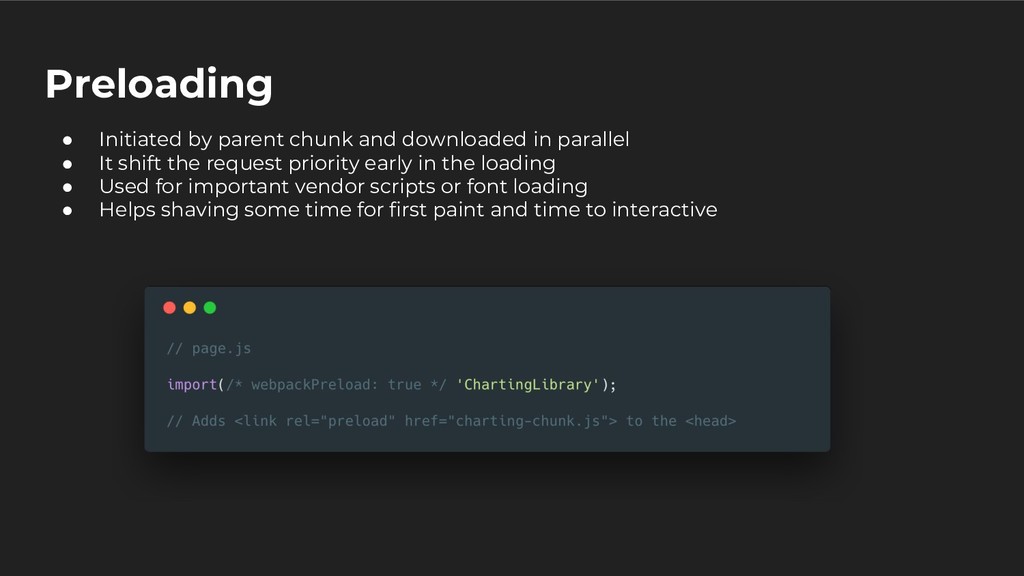
• It shift the request priority early in the loading • Used for important vendor scripts or font loading • Helps shaving some time for first paint and time to interactive
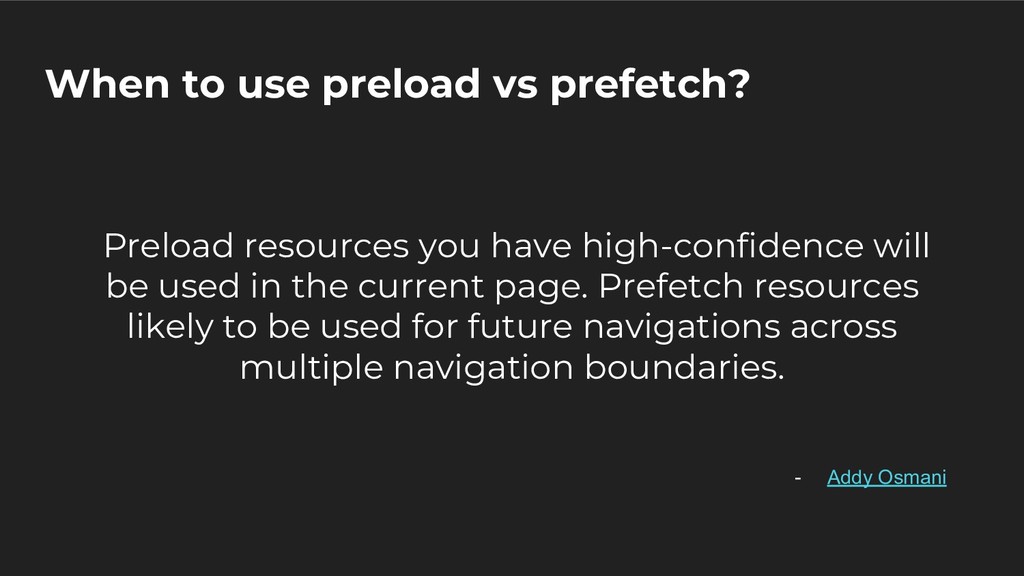
high-confidence will be used in the current page. Prefetch resources likely to be used for future navigations across multiple navigation boundaries. - Addy Osmani
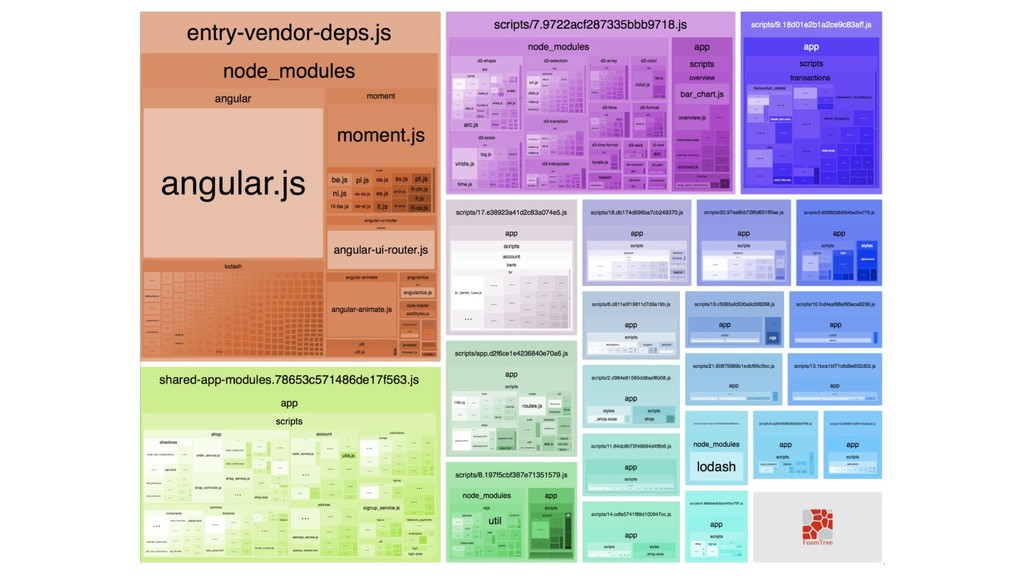
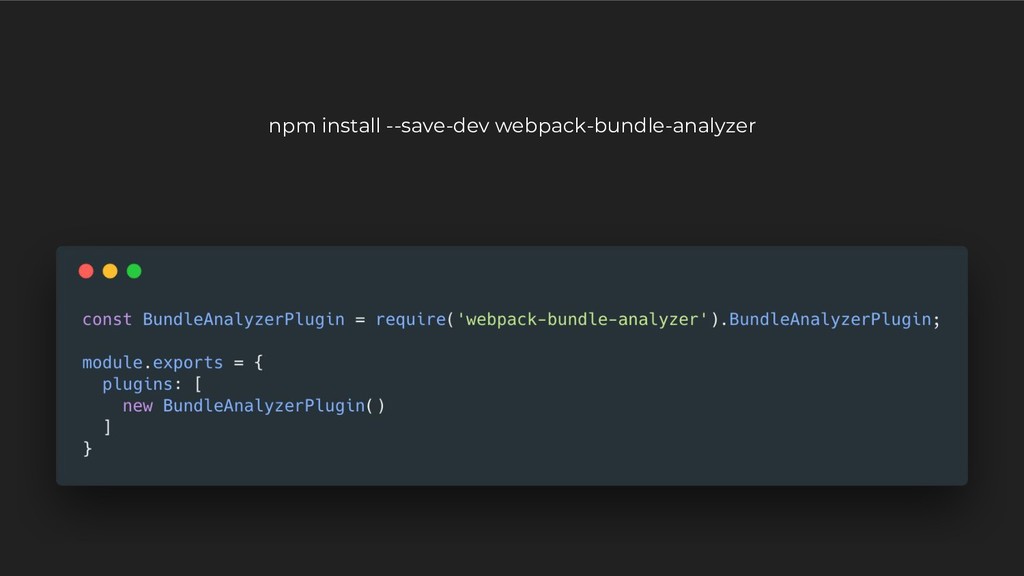
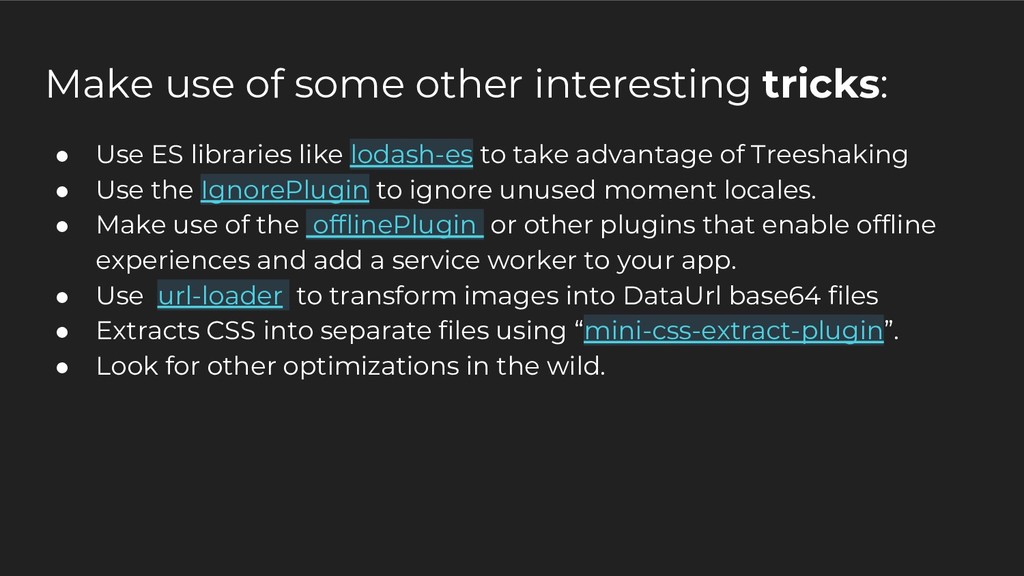
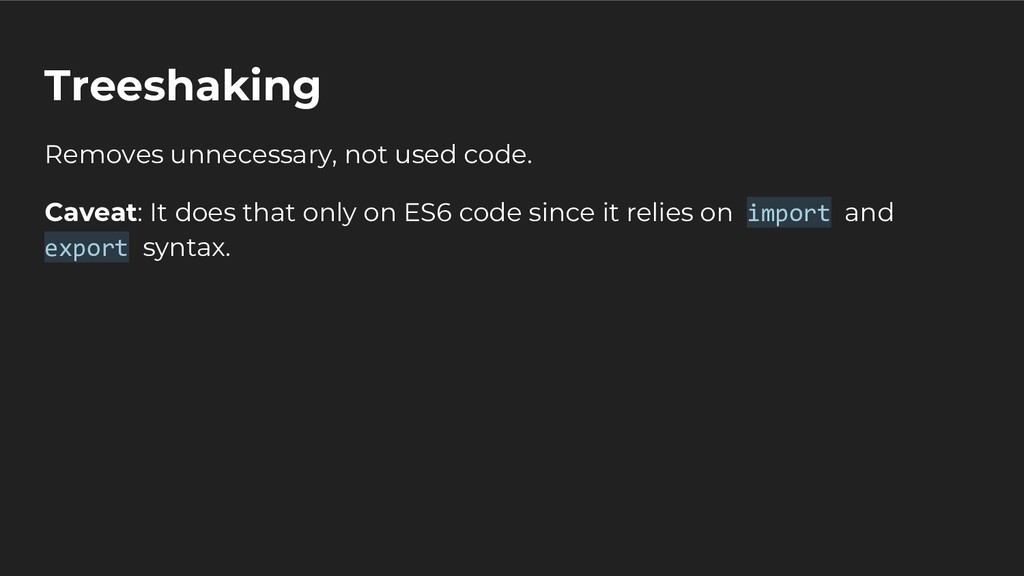
libraries like lodash-es to take advantage of Treeshaking • Use the IgnorePlugin to ignore unused moment locales. • Make use of the offlinePlugin or other plugins that enable offline experiences and add a service worker to your app. • Use url-loader to transform images into DataUrl base64 files • Extracts CSS into separate files using “mini-css-extract-plugin”. • Look for other optimizations in the wild.
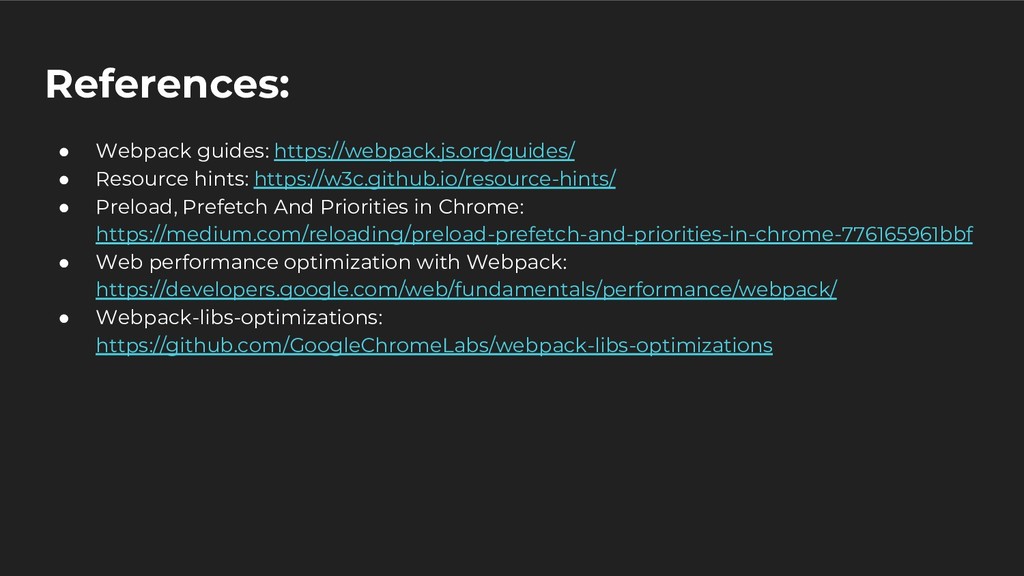
Preload, Prefetch And Priorities in Chrome: https://medium.com/reloading/preload-prefetch-and-priorities-in-chrome-776165961bbf • Web performance optimization with Webpack: https://developers.google.com/web/fundamentals/performance/webpack/ • Webpack-libs-optimizations: https://github.com/GoogleChromeLabs/webpack-libs-optimizations


 hakimelek
 carta_engineering
 taketakekaho
 moznion
 odashi
 teamlab
 jyouryuusui
 keeg
keeg
 mohab1
 sudoakiy
 terapyon
 ivry_presentationmaterials
 oikon48
 kimpetersen
 keithpitt
 marcduiker
 lynnandtonic
 minecr
 kneath
 smashingmag
 rocio
rocio
 quramy
 csswizardry
 baasie
 notwaldorf




![Automatically generate a unique file name Add .[chunkhash] to the](https://files.speakerdeck.com/presentations/9b8dbb11ea9847fdad0635b8886ab82b/slide_21.jpg)