Upgrade to Pro — share decks privately, control downloads, hide ads and more …

Quick Prototyping with VulcanJS

Avatar for Malek Hakim Malek Hakim
November 07, 2017

Quick Prototyping with VulcanJS

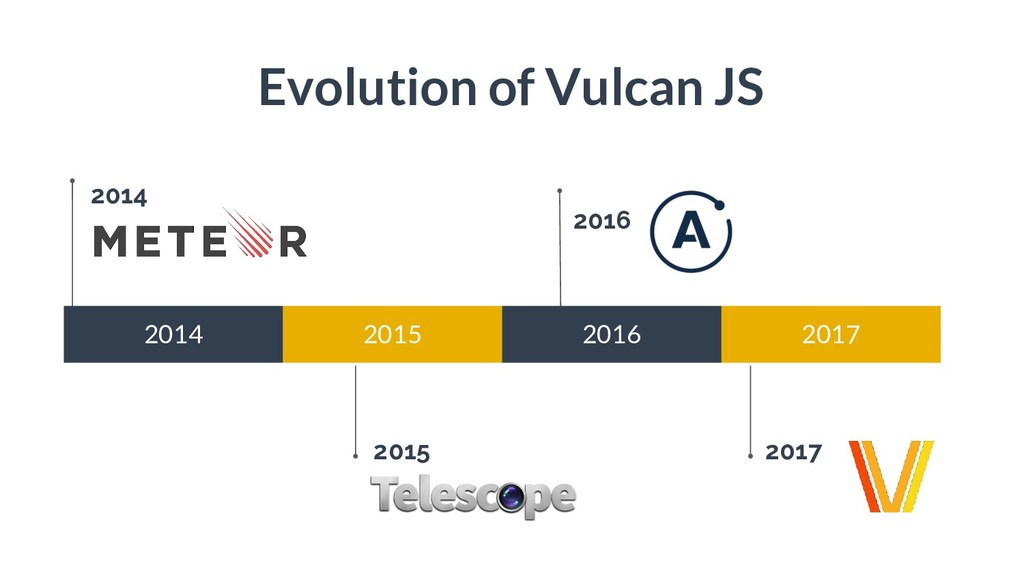
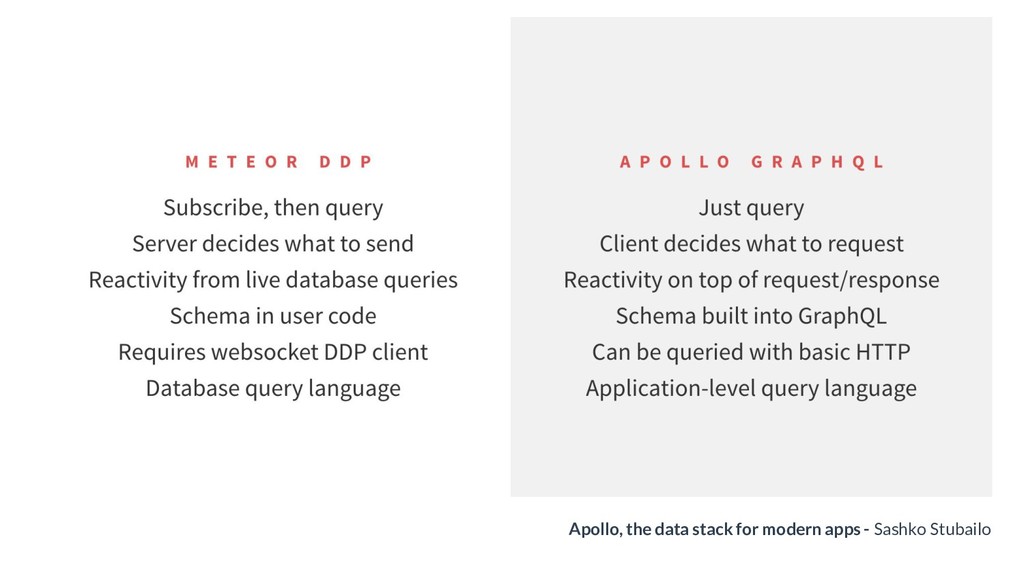
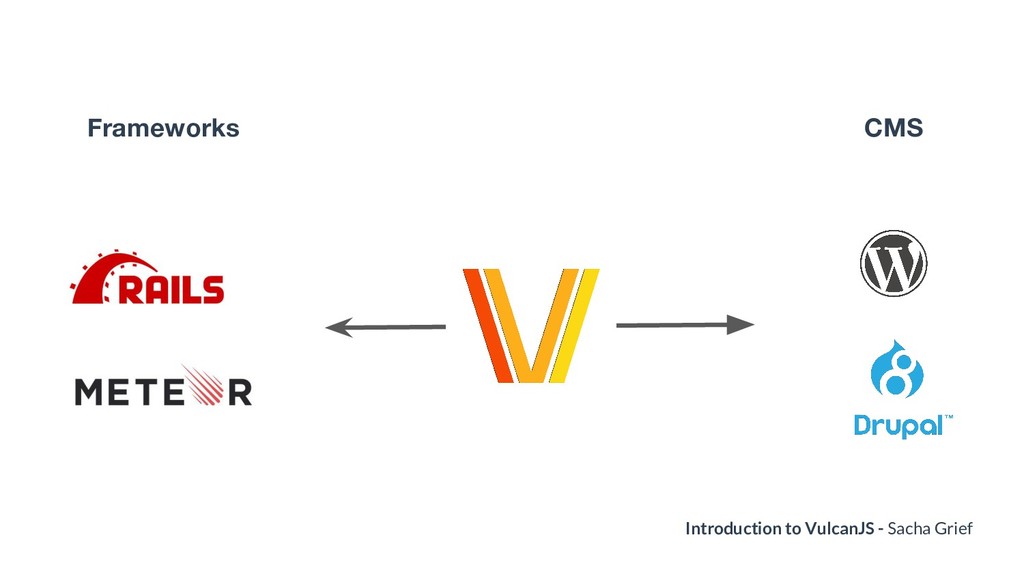
VulcanJS is a Javascript framework to build React and GraphQL apps. I have talked how it evolved from MeteorJS and Apollo GraphQL. I have also explored its basic features for how to build an app that include logging as well CRUD operations.

Avatar for Malek Hakim

Malek Hakim

November 07, 2017
Tweet

More Decks by Malek Hakim

Other Decks in Technology

Transcript

  1. Quick Prototyping with VulcanJS Nov 7th, 2017 - GraphQL NY

    Malek Hakim Software Engineer @Priceline.com
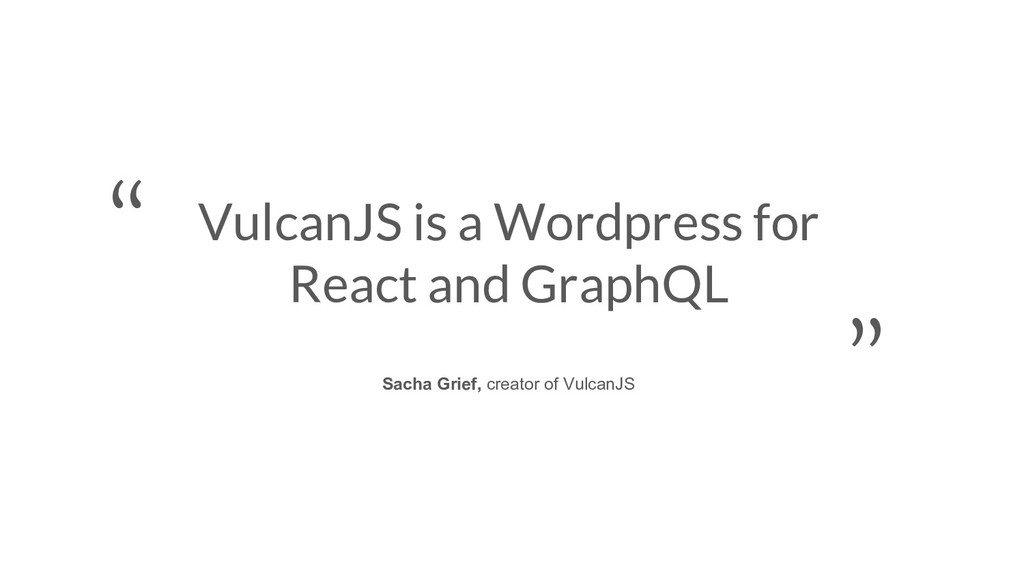
  2. VulcanJS is a new full-stack framework that aims to make

    building React/GraphQL apps much easier by taking care of common tasks like handling forms, loading data, groups & permissions, and much more. - Official Vulcan docs
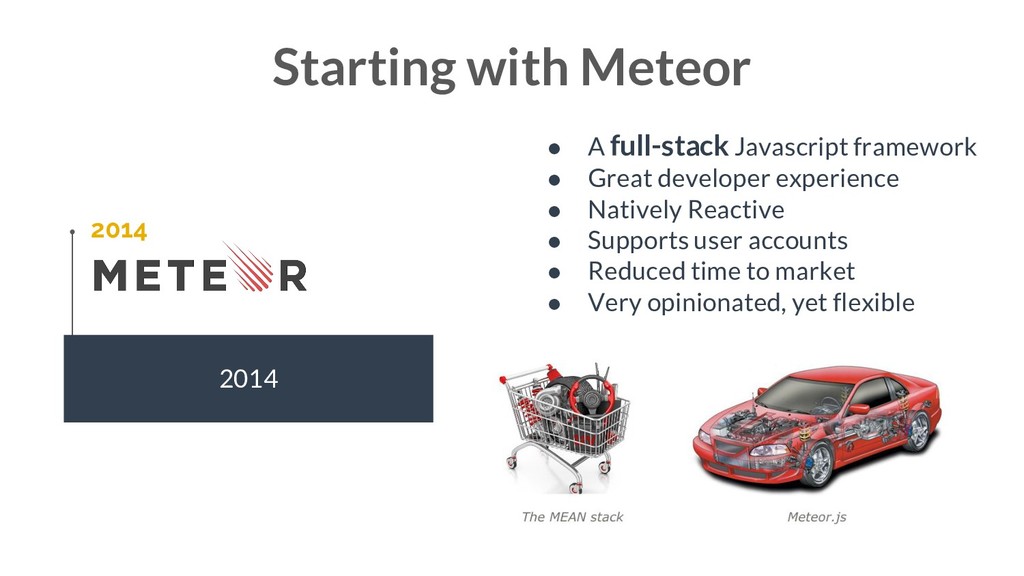
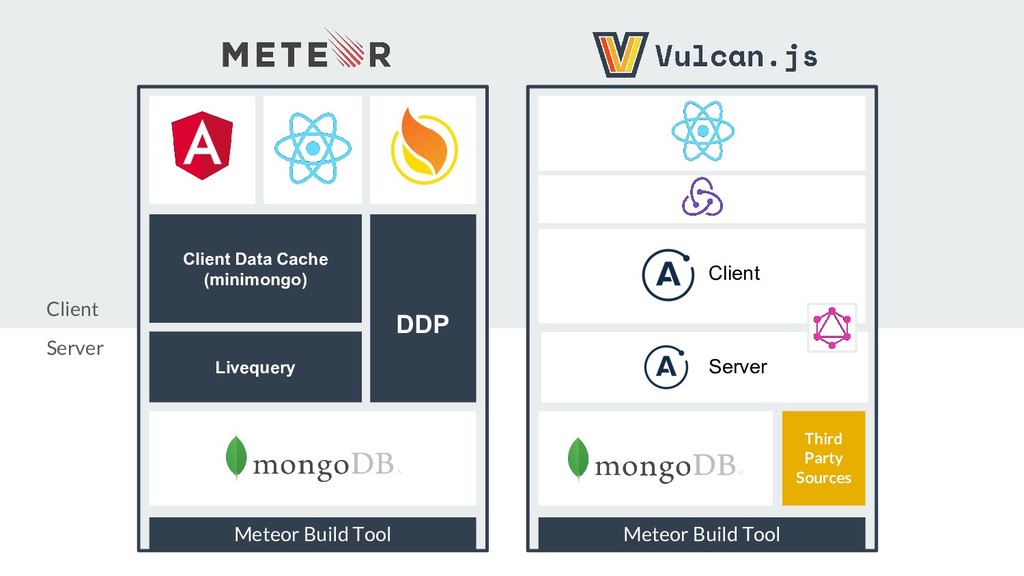
  3. 2014 Starting with Meteor 2014 • A full-stack Javascript framework

    • Great developer experience • Natively Reactive • Supports user accounts • Reduced time to market • Very opinionated, yet flexible
  4. Angular Client Data Cache (minimongo) DDP Livequery Meteor Build Tool

    React Blaze Third Party Sources Meteor Build Tool React React React React Client Server Client Server
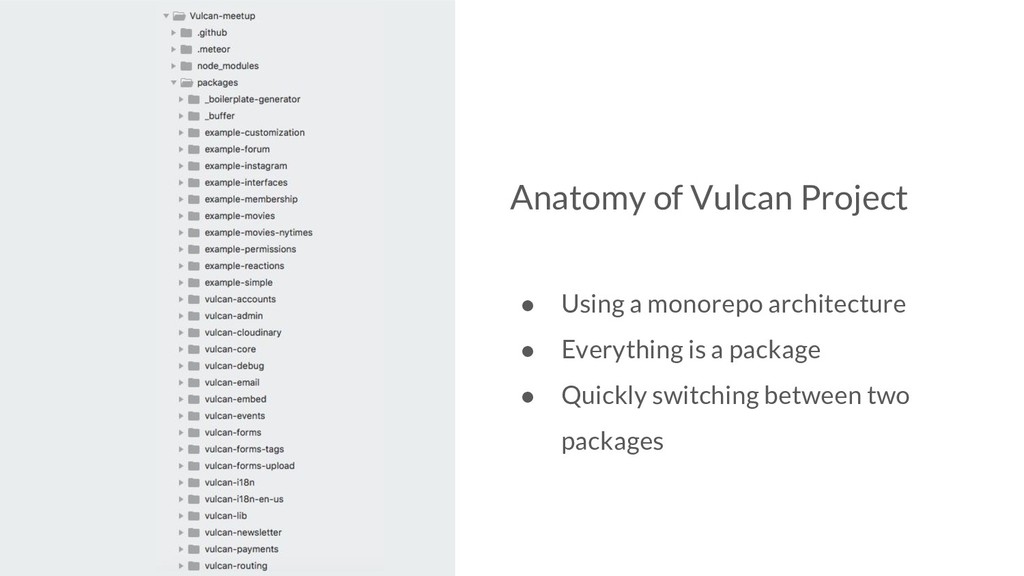
  5. Anatomy of Vulcan Project • Using a monorepo architecture •

    Everything is a package • Quickly switching between two packages
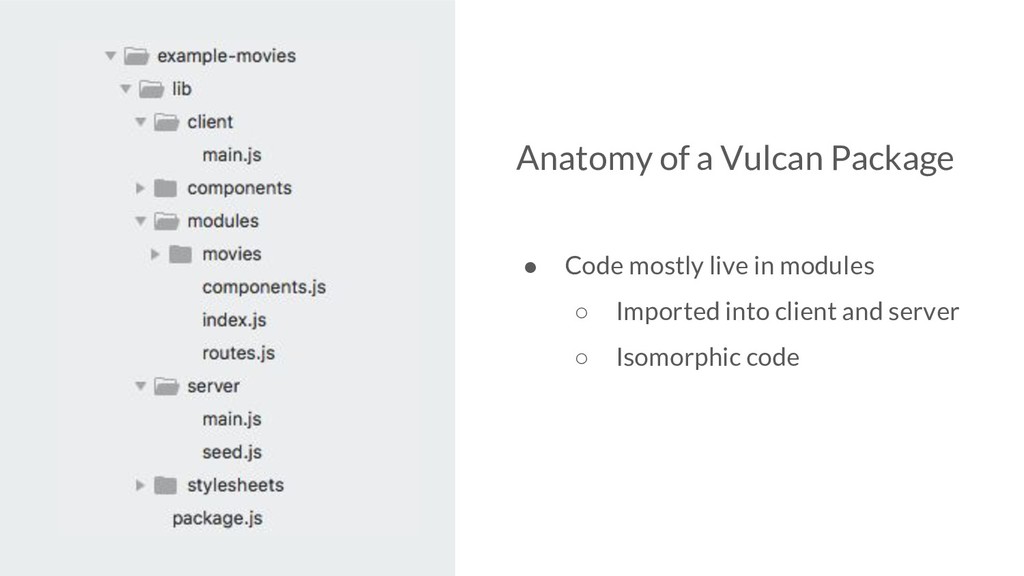
  6. Anatomy of a Vulcan Package • Code mostly live in

    modules ◦ Imported into client and server ◦ Isomorphic code
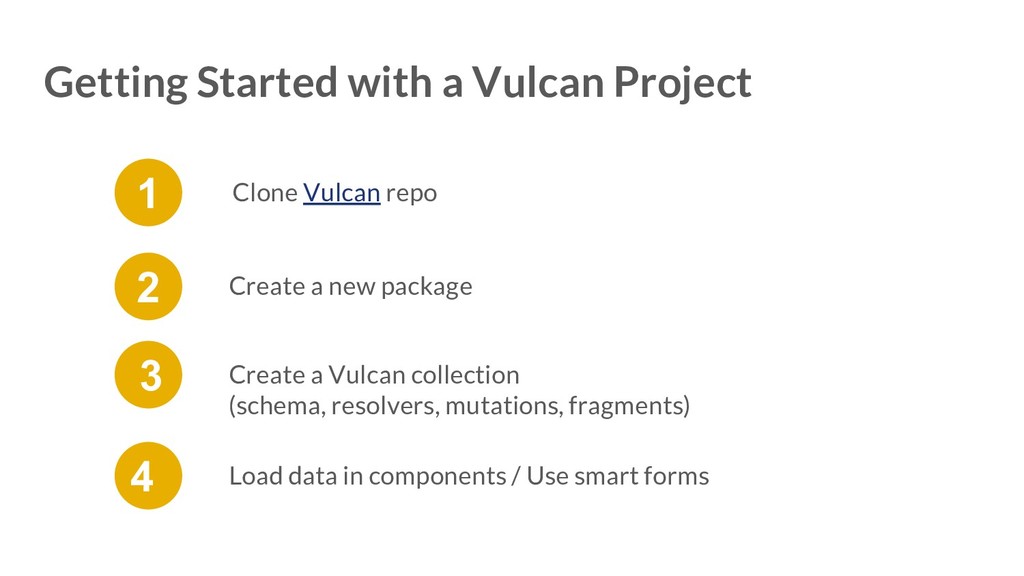
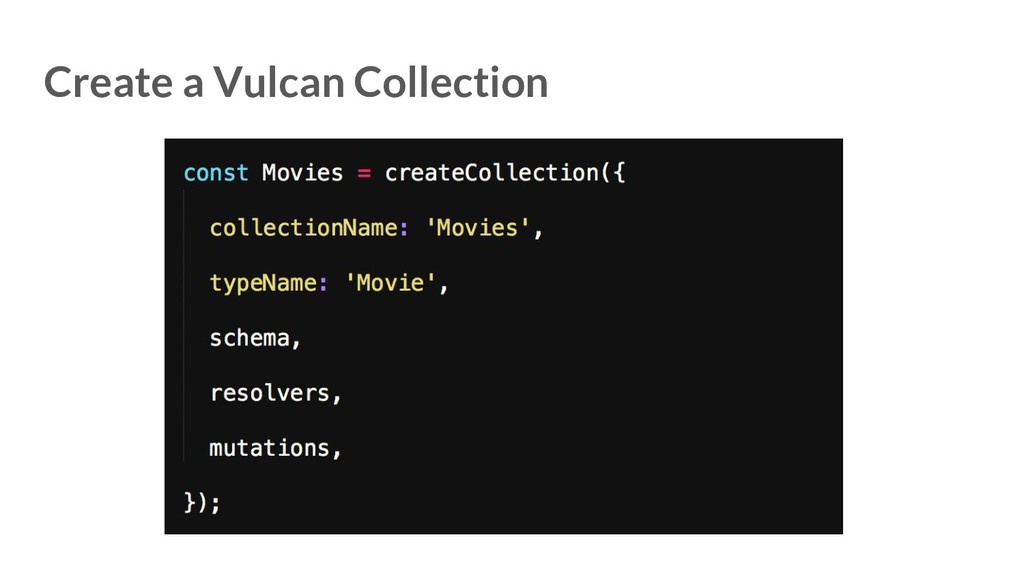
  7. Create a new package 2 Create a Vulcan collection (schema,

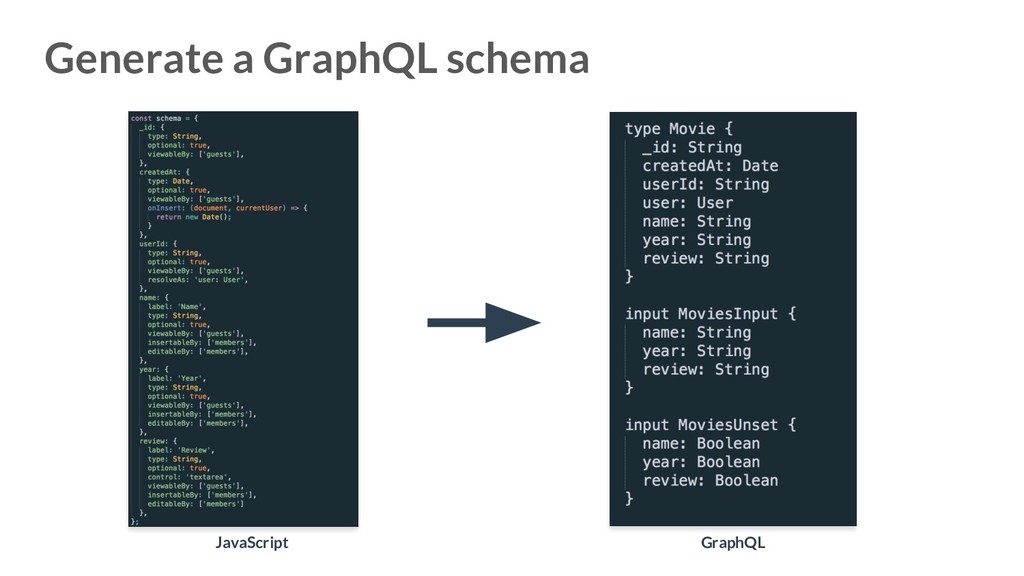
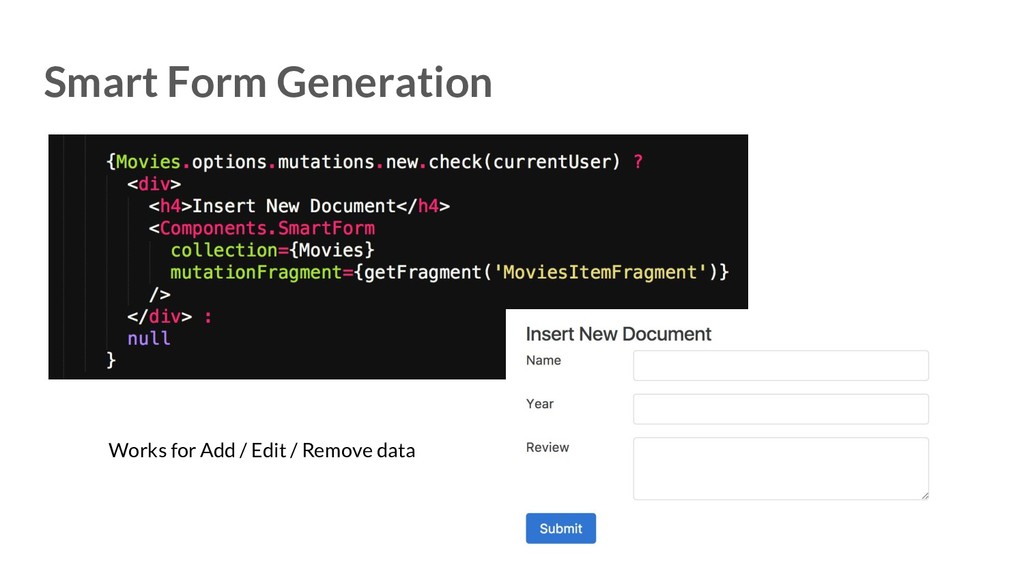
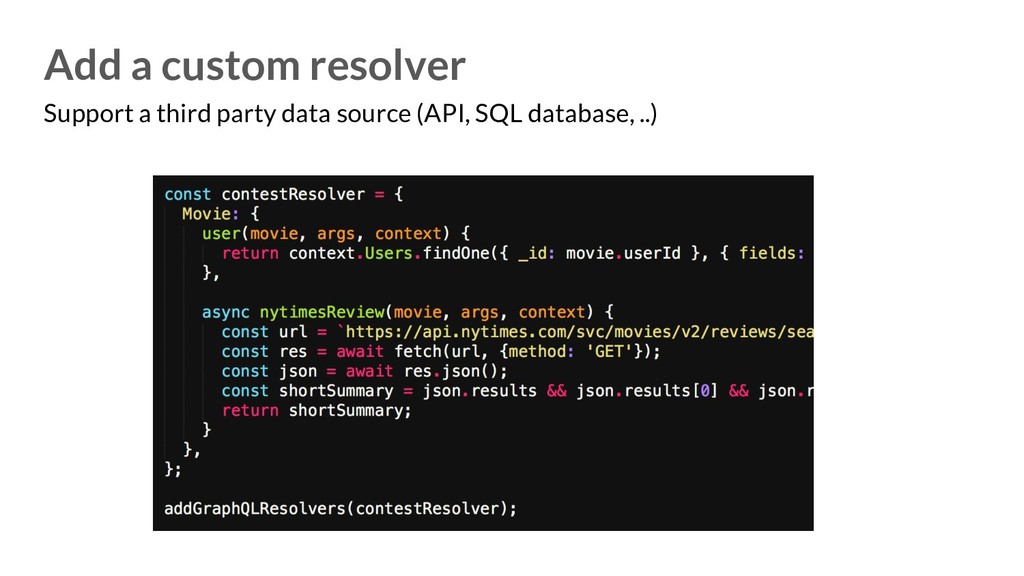
    resolvers, mutations, fragments) 3 Load data in components / Use smart forms 4 Clone Vulcan repo 1 Getting Started with a Vulcan Project
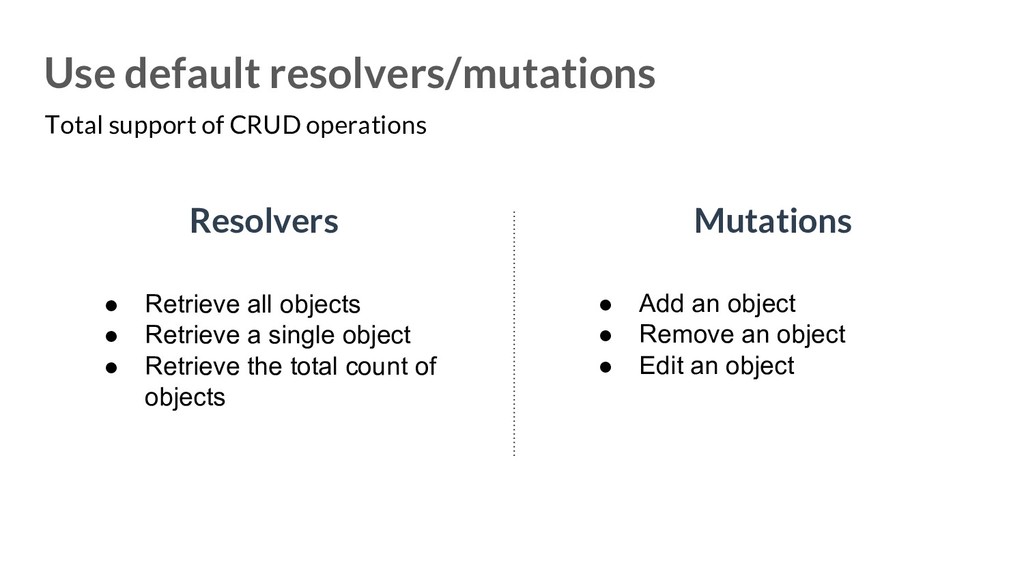
  8. Use default resolvers/mutations Resolvers Mutations • Retrieve all objects •

    Retrieve a single object • Retrieve the total count of objects • Add an object • Remove an object • Edit an object Total support of CRUD operations
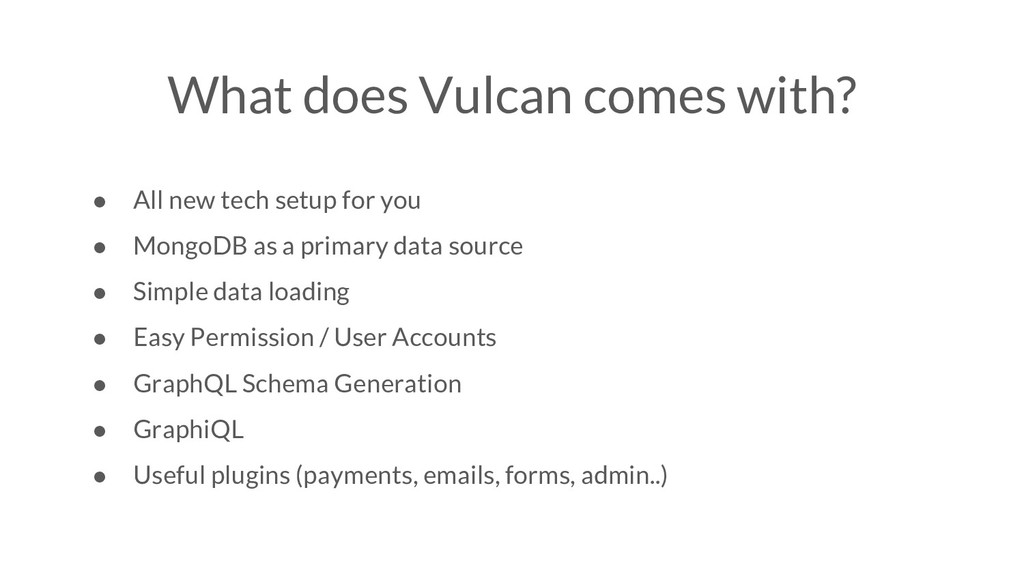
  9. What does Vulcan comes with? • All new tech setup

    for you • MongoDB as a primary data source • Simple data loading • Easy Permission / User Accounts • GraphQL Schema Generation • GraphiQL • Useful plugins (payments, emails, forms, admin..)