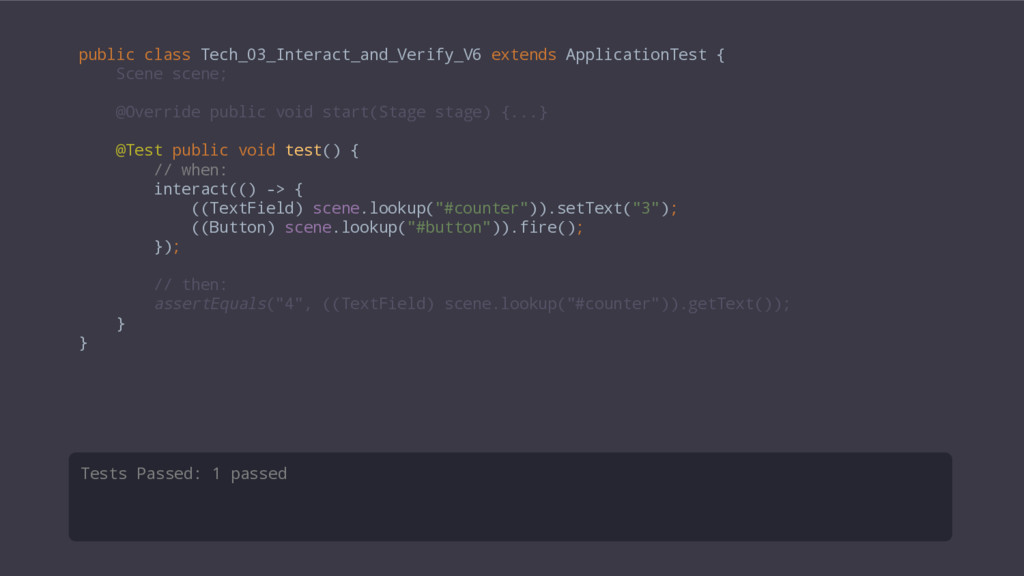
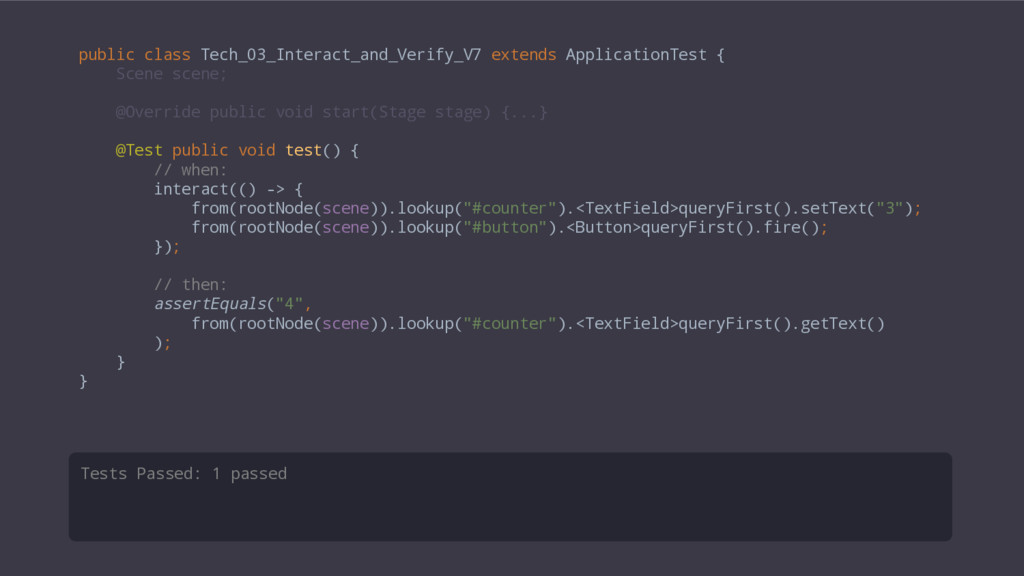
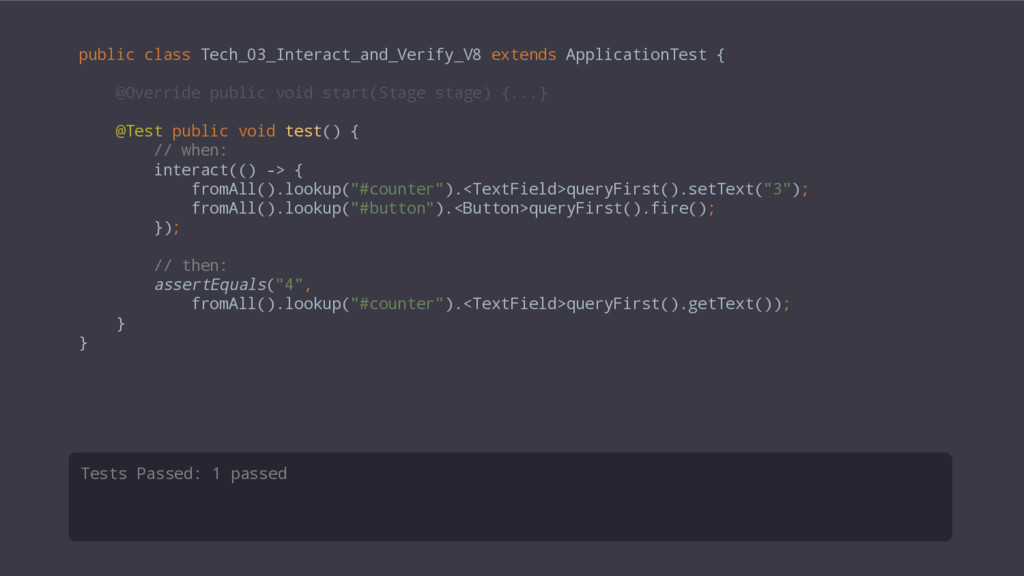
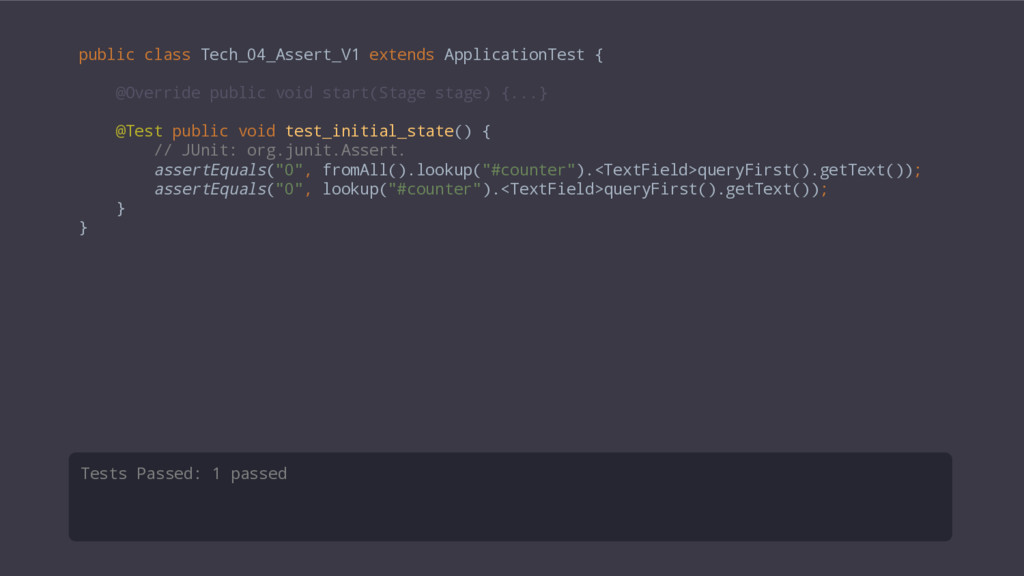
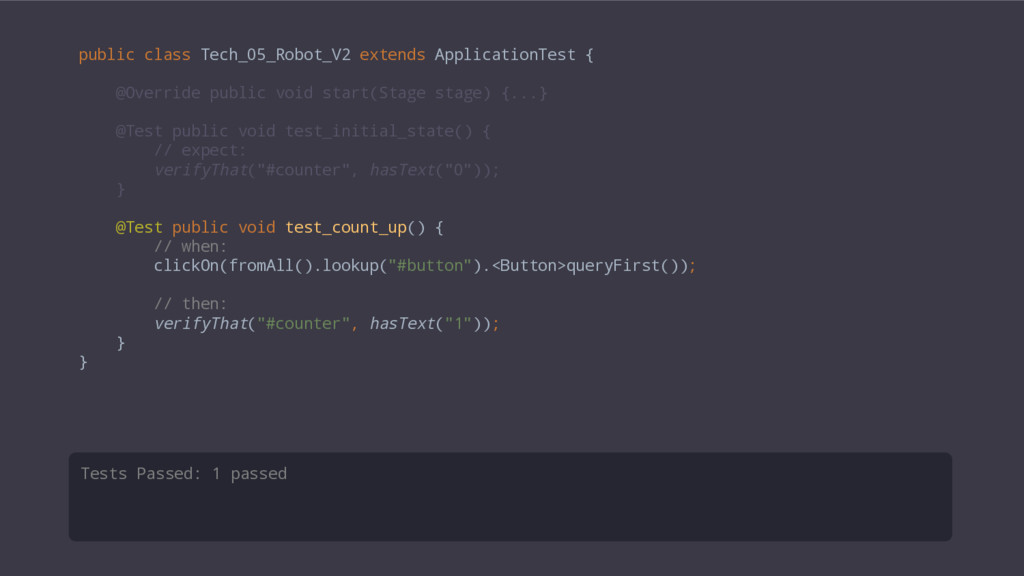
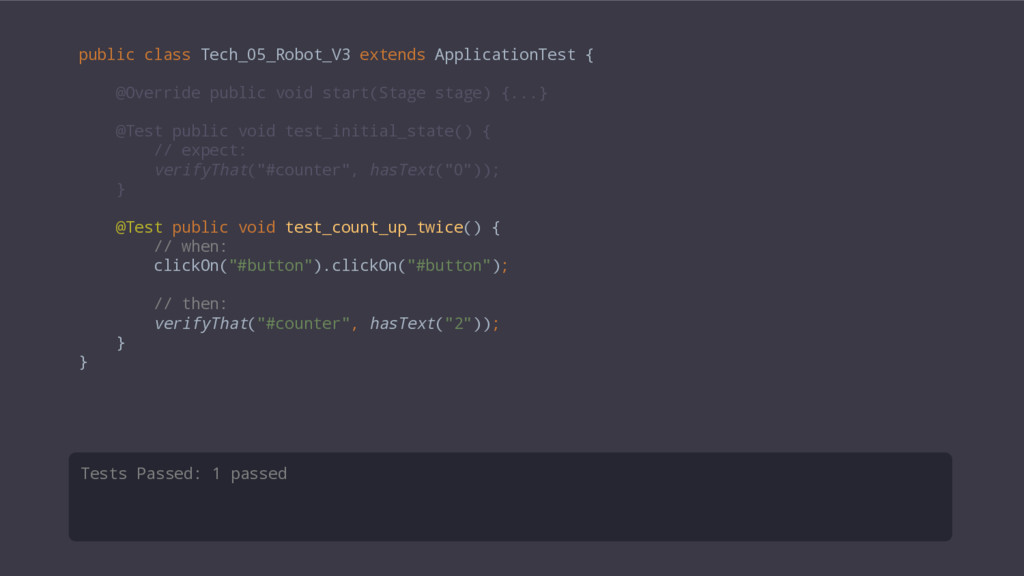
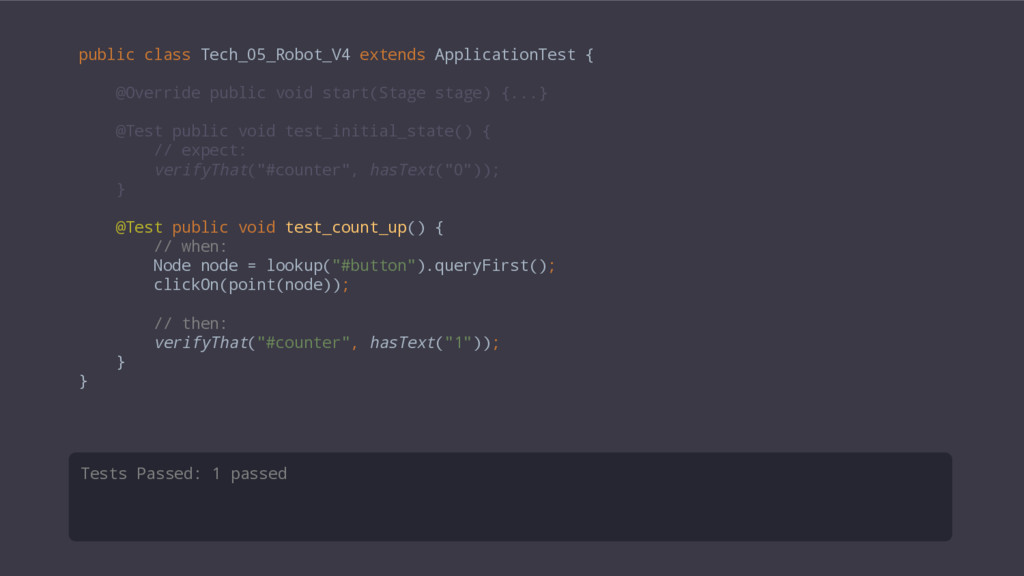
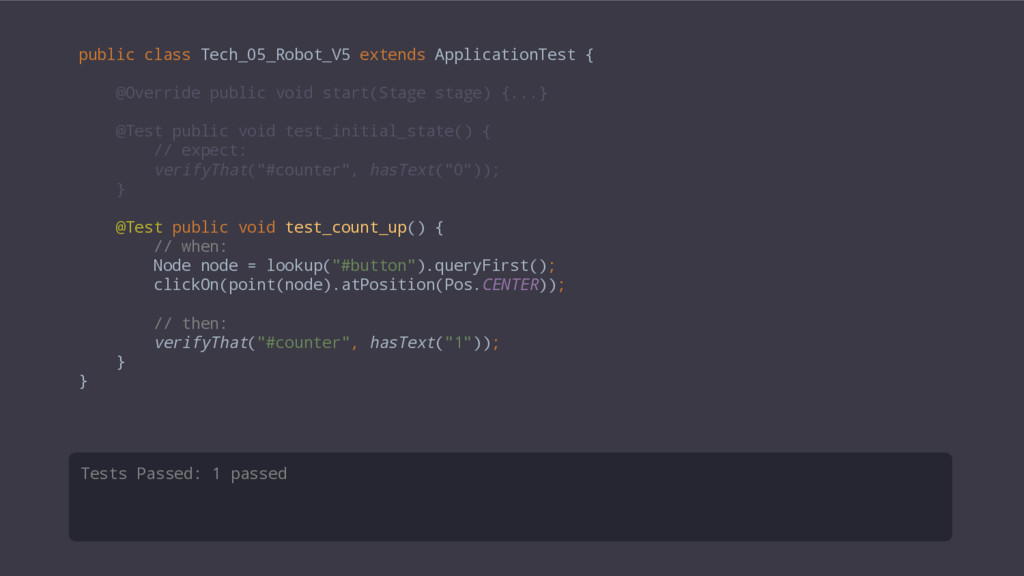
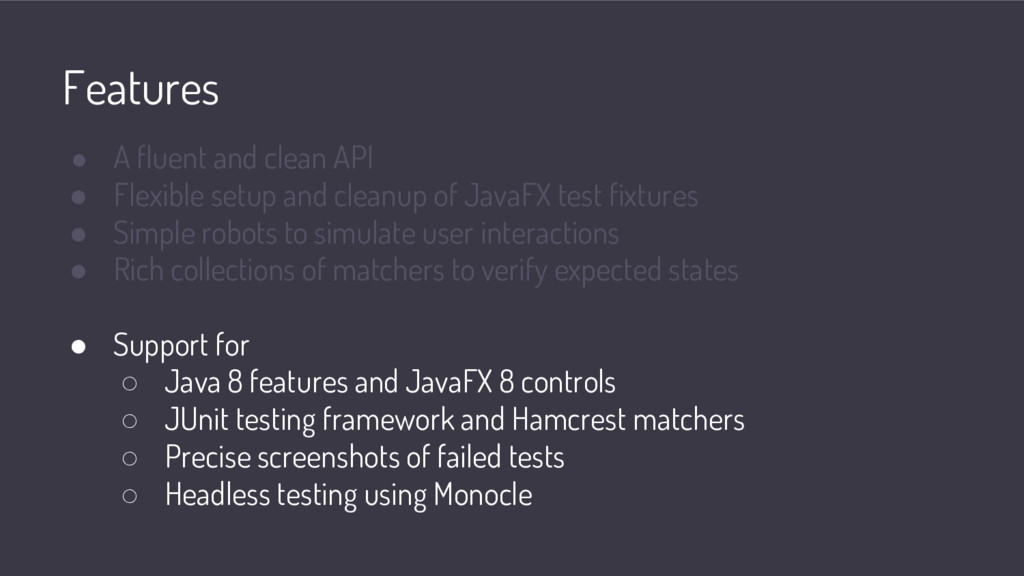
and cleanup of JavaFX test fixtures • Simple robots to simulate user interactions • Rich collections of matchers to verify expected states • Support for ◦ Java 8 features and JavaFX 8 controls ◦ JUnit testing framework and Hamcrest matchers ◦ Precise screenshots of failed tests ◦ Headless testing using Monocle
and cleanup of JavaFX test fixtures • Simple robots to simulate user interactions • Rich collections of matchers to verify expected states • Support for ◦ Java 8 features and JavaFX 8 controls ◦ JUnit testing framework and Hamcrest matchers ◦ Precise screenshots of failed tests ◦ Headless testing using Monocle
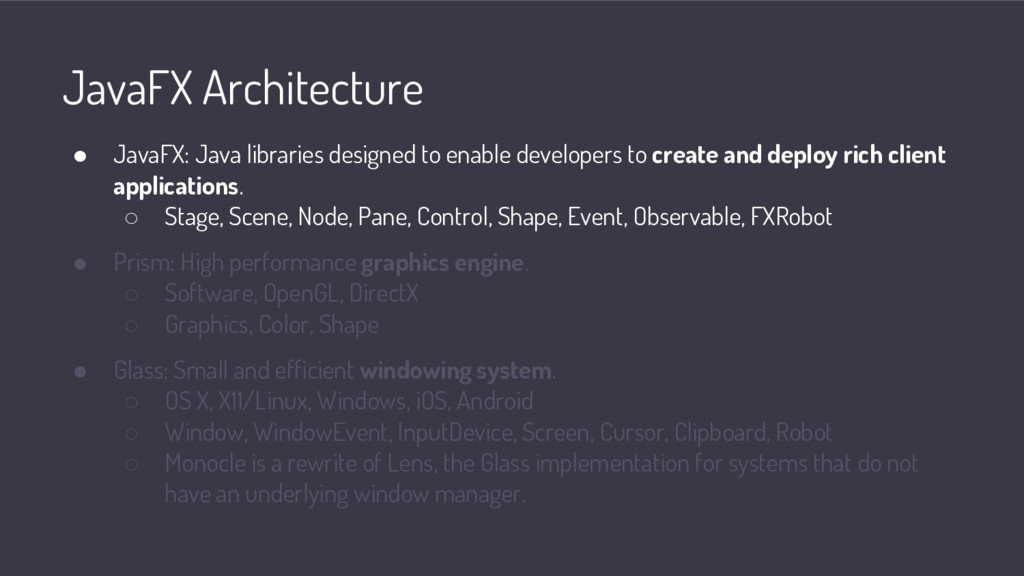
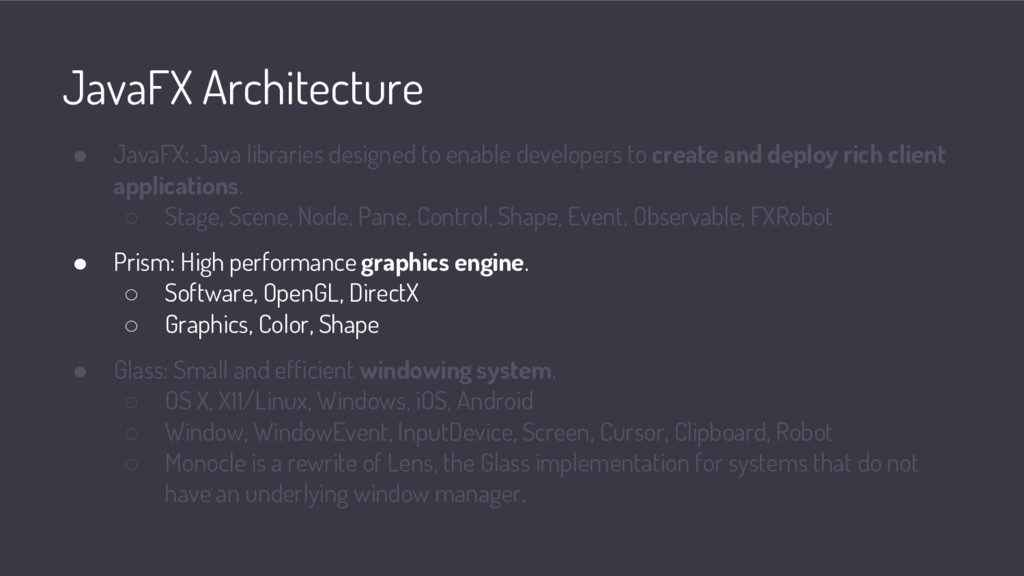
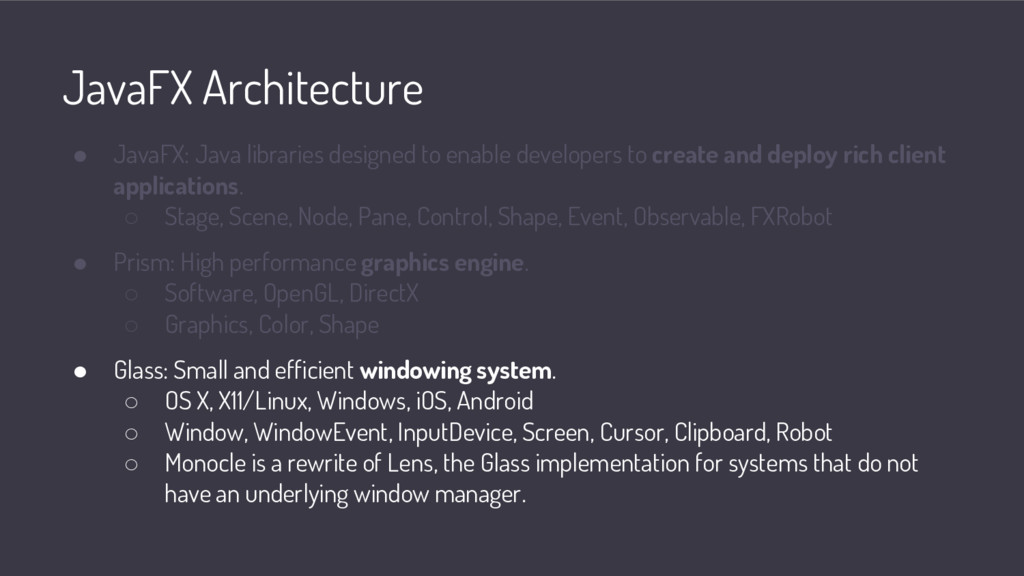
to create and deploy rich client applications. ◦ Stage, Scene, Node, Pane, Control, Shape, Event, Observable, FXRobot • Prism: High performance graphics engine. ◦ Software, OpenGL, DirectX ◦ Graphics, Color, Shape • Glass: Small and efficient windowing system. ◦ OS X, X11/Linux, Windows, iOS, Android ◦ Window, WindowEvent, InputDevice, Screen, Cursor, Clipboard, Robot ◦ Monocle is a rewrite of Lens, the Glass implementation for systems that do not have an underlying window manager.
to create and deploy rich client applications. ◦ Stage, Scene, Node, Pane, Control, Shape, Event, Observable, FXRobot • Prism: High performance graphics engine. ◦ Software, OpenGL, DirectX ◦ Graphics, Color, Shape • Glass: Small and efficient windowing system. ◦ OS X, X11/Linux, Windows, iOS, Android ◦ Window, WindowEvent, InputDevice, Screen, Cursor, Clipboard, Robot ◦ Monocle is a rewrite of Lens, the Glass implementation for systems that do not have an underlying window manager.
to create and deploy rich client applications. ◦ Stage, Scene, Node, Pane, Control, Shape, Event, Observable, FXRobot • Prism: High performance graphics engine. ◦ Software, OpenGL, DirectX ◦ Graphics, Color, Shape • Glass: Small and efficient windowing system. ◦ OS X, X11/Linux, Windows, iOS, Android ◦ Window, WindowEvent, InputDevice, Screen, Cursor, Clipboard, Robot ◦ Monocle is a rewrite of Lens, the Glass implementation for systems that do not have an underlying window manager.
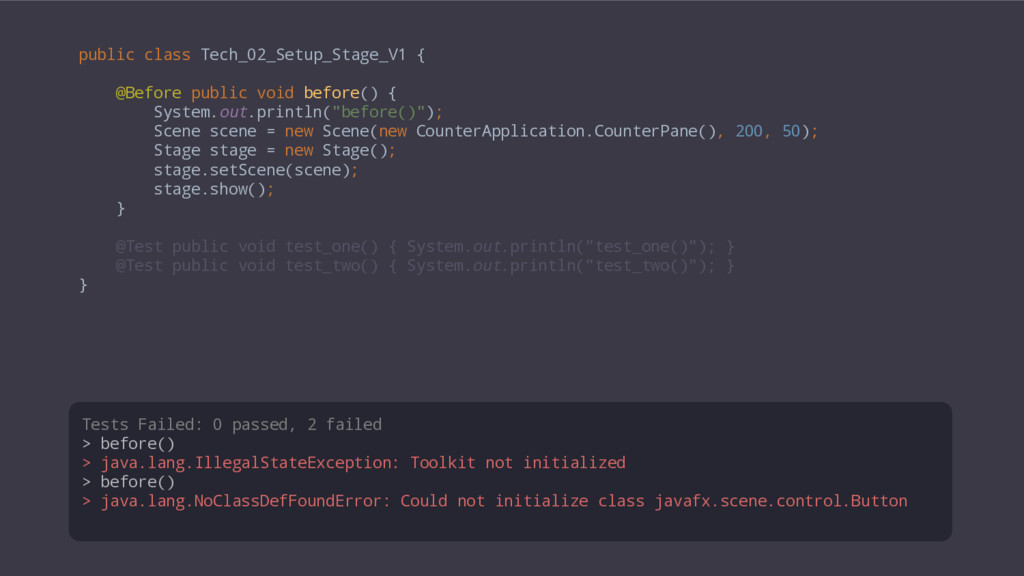
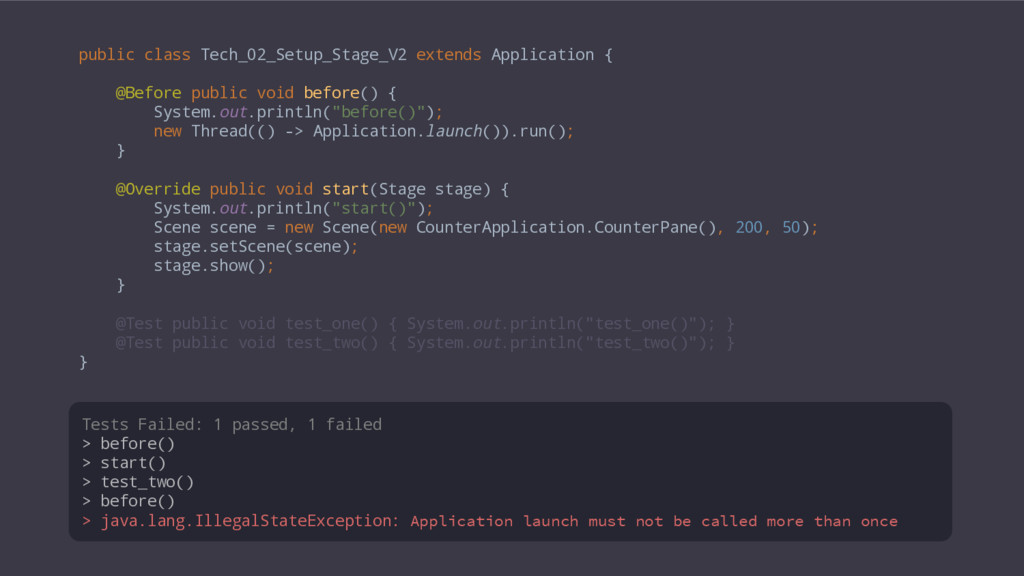
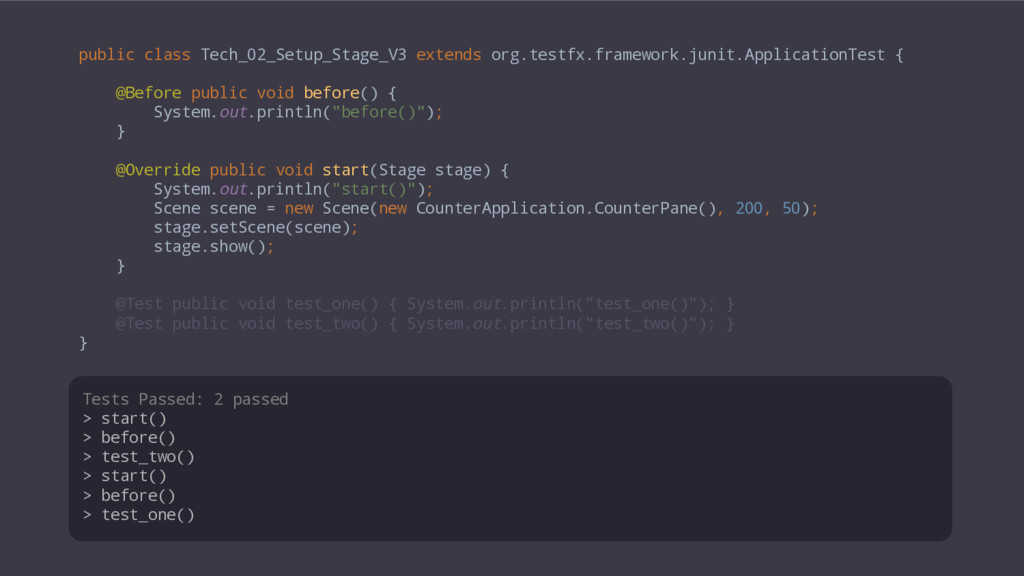
{ System.out.println("before()"); new Thread(() -> Application.launch()).run(); } @Override public void start(Stage stage) { System.out.println("start()"); Scene scene = new Scene(new CounterApplication.CounterPane(), 200, 50); stage.setScene(scene); stage.show(); } @Test public void test_one() { System.out.println("test_one()"); } @Test public void test_two() { System.out.println("test_two()"); } } Tests Failed: 1 passed, 1 failed > before() > start() > test_two() > before() > java.lang.IllegalStateException: Application launch must not be called more than once


 mofurune
 timakin
 rshindo
 tmikov2023
 dske104
 marcoroth
 drumath2237
 kasacchiful
 suneo3476
 takai
takai
 oniak3ibm
 florets1
 philnash
 eileencodes
 kimpetersen
 inesmontani
 chriscoyier
 jcasabona
 nikkihalliwell
 stephaniewalter
 dugsong
 minecr
 speakerdeck
 tamaranovitovic


![public class CounterApplication extends Application { public static void main(String[]](https://files.speakerdeck.com/presentations/c45d87fbf7da4e26b3c4a9998d46607e/slide_15.jpg)
![public class CounterApplication extends Application { public static void main(String[]](https://files.speakerdeck.com/presentations/c45d87fbf7da4e26b3c4a9998d46607e/slide_16.jpg)