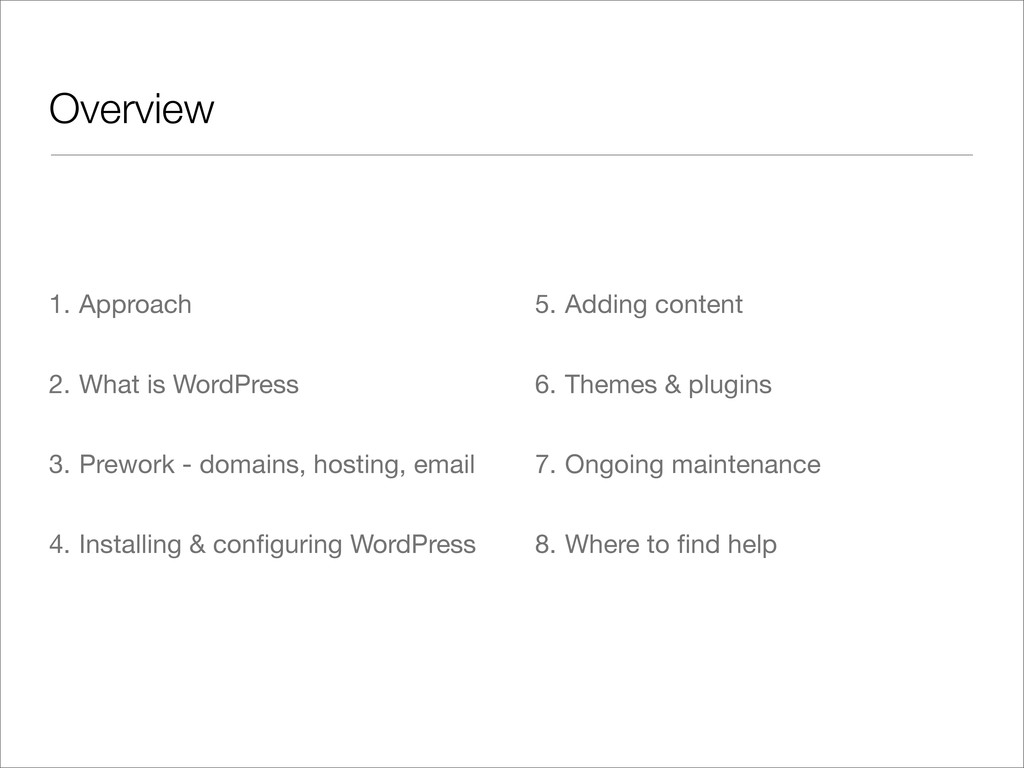
This presentation is meant for WordPress beginners and will cover what WordPress is, how to set up and maintain a WordPress site, an overview of themes and plugins, and where to go for ongoing learning & support.
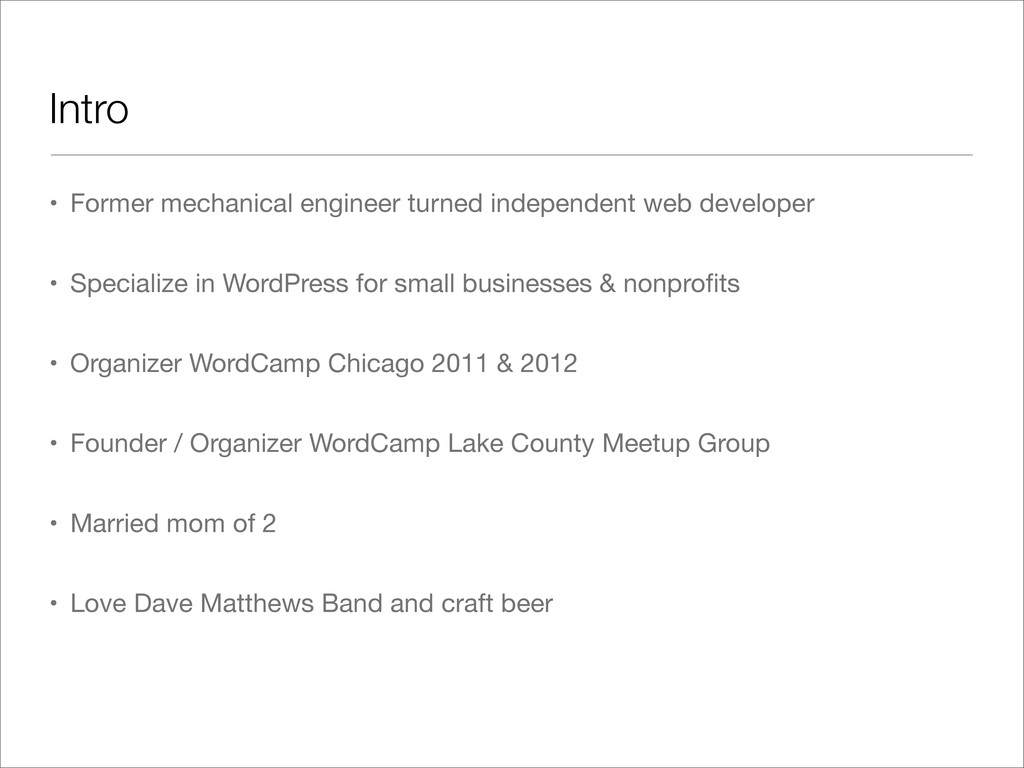
Specialize in WordPress for small businesses & nonprofits • Organizer WordCamp Chicago 2011 & 2012 • Founder / Organizer WordCamp Lake County Meetup Group • Married mom of 2 • Love Dave Matthews Band and craft beer
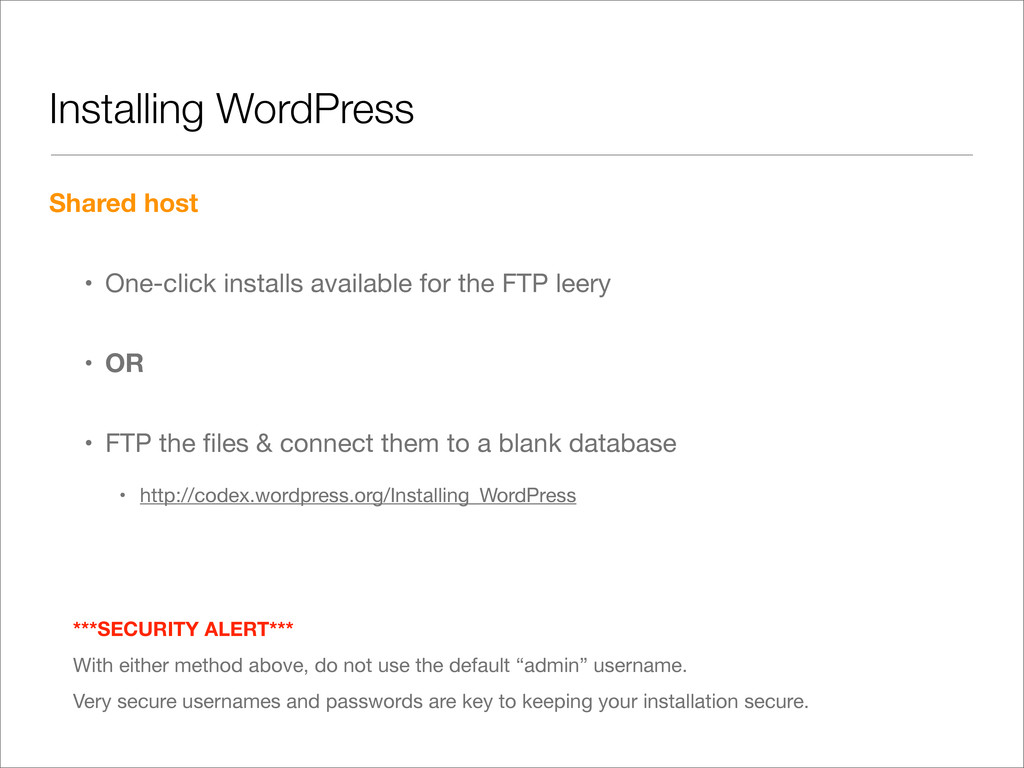
FTP leery • OR • FTP the files & connect them to a blank database • http://codex.wordpress.org/Installing_WordPress ***SECURITY ALERT*** With either method above, do not use the default “admin” username. Very secure usernames and passwords are key to keeping your installation secure.
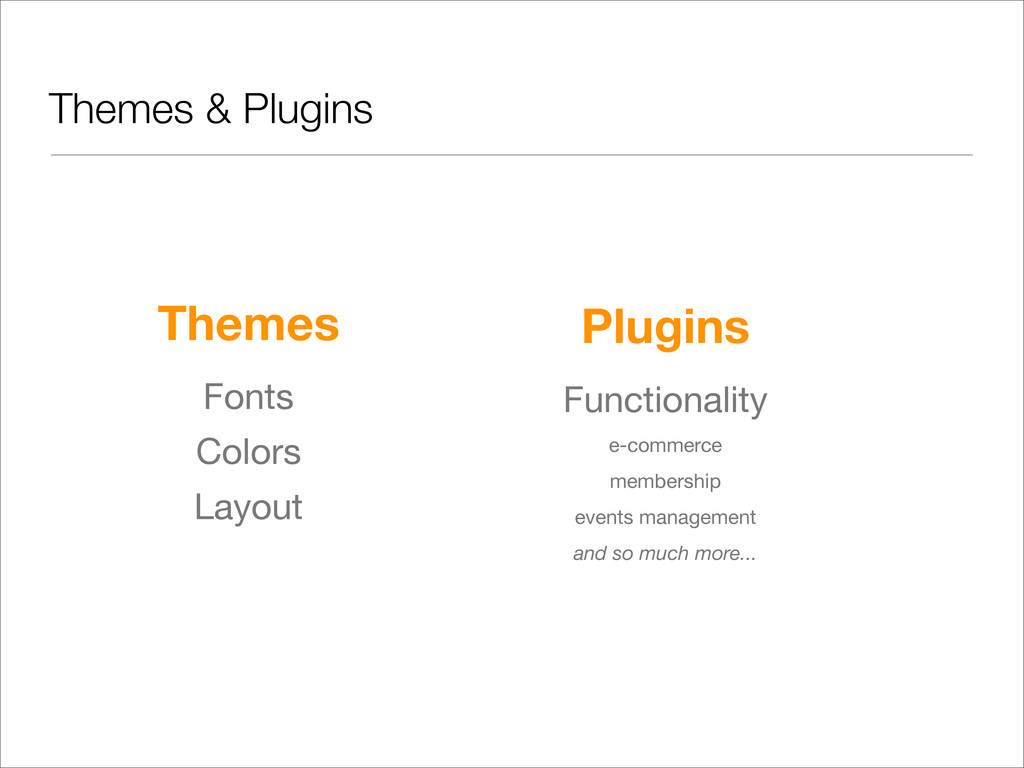
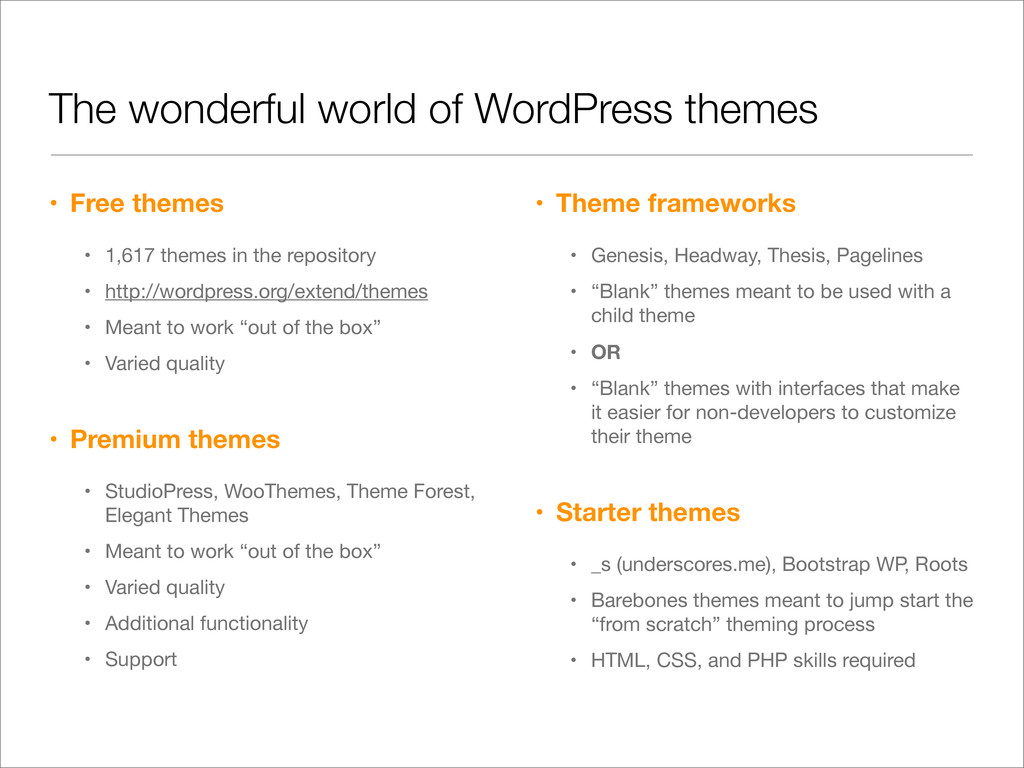
1,617 themes in the repository • http://wordpress.org/extend/themes • Meant to work “out of the box” • Varied quality • Premium themes • StudioPress, WooThemes, Theme Forest, Elegant Themes • Meant to work “out of the box” • Varied quality • Additional functionality • Support • Theme frameworks • Genesis, Headway, Thesis, Pagelines • “Blank” themes meant to be used with a child theme • OR • “Blank” themes with interfaces that make it easier for non-developers to customize their theme • Starter themes • _s (underscores.me), Bootstrap WP, Roots • Barebones themes meant to jump start the “from scratch” theming process • HTML, CSS, and PHP skills required
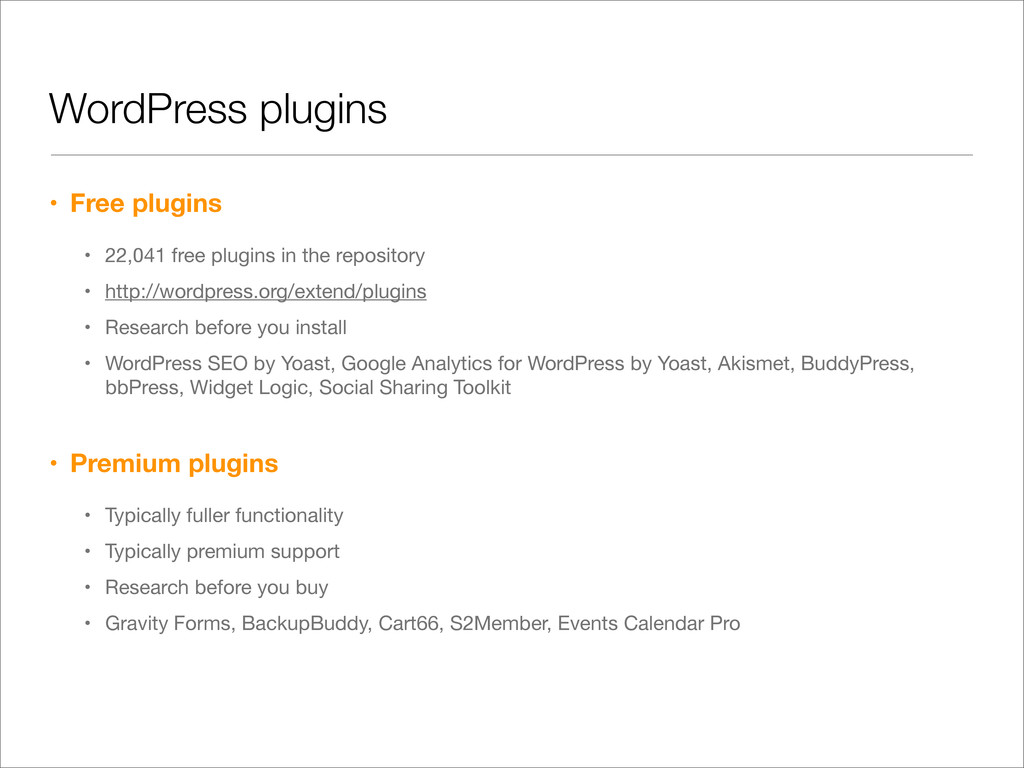
the repository • http://wordpress.org/extend/plugins • Research before you install • WordPress SEO by Yoast, Google Analytics for WordPress by Yoast, Akismet, BuddyPress, bbPress, Widget Logic, Social Sharing Toolkit • Premium plugins • Typically fuller functionality • Typically premium support • Research before you buy • Gravity Forms, BackupBuddy, Cart66, S2Member, Events Calendar Pro


 heatheracton
 y0hgi
y0hgi
 curekoshimizu
 hollycummins
 irinanazarova
 gam0022
 deka_morita
 andpad
 econanringo
 kinopeee
 teyamagu
 timakin
 hatsu38
 reverentgeek
 techseoconnect
 rocio
rocio
 denniskardys
 skoyamalab
 caitiem20
 sstephenson
 stuffmc
 badams
 andyhume
 chriscoyier