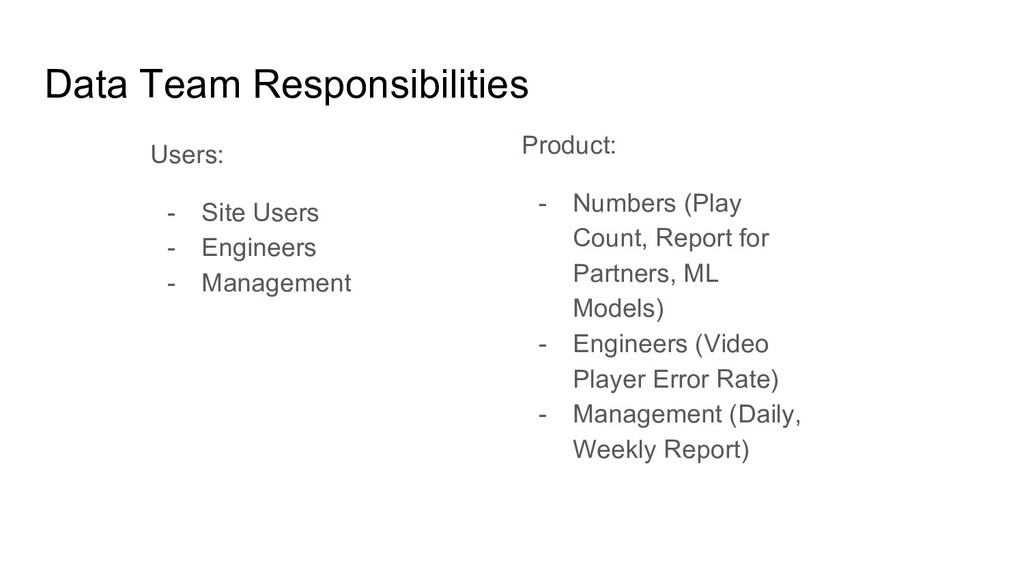
- Everything change so fast - We need more feedback A.S.A.P from our system - We have complex problem We need to be productive in Data Environment because the value of data is to give an amount of feedback for users (either it was a system / people), and given time to fulfill the needs.
minutes, there will be a popular soccer game, a lot of people will access our site: vidio.com and come to see their favorite team. <insert play-count on vidio site here>
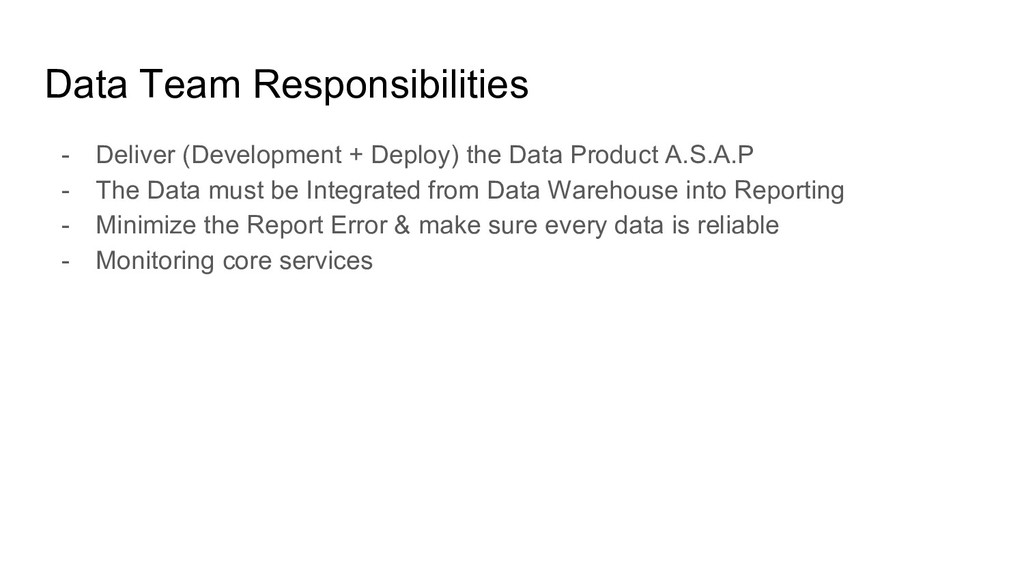
Product A.S.A.P - The Data must be Integrated from Data Warehouse into Reporting - Minimize the Report Error & make sure every data is reliable - Monitoring core services
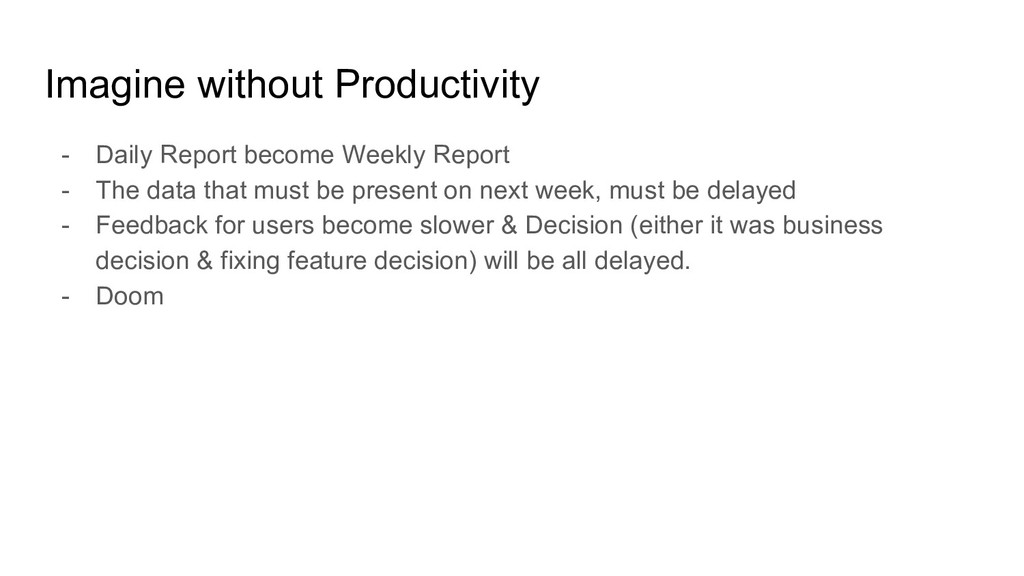
The data that must be present on next week, must be delayed - Feedback for users become slower & Decision (either it was business decision & fixing feature decision) will be all delayed. - Doom
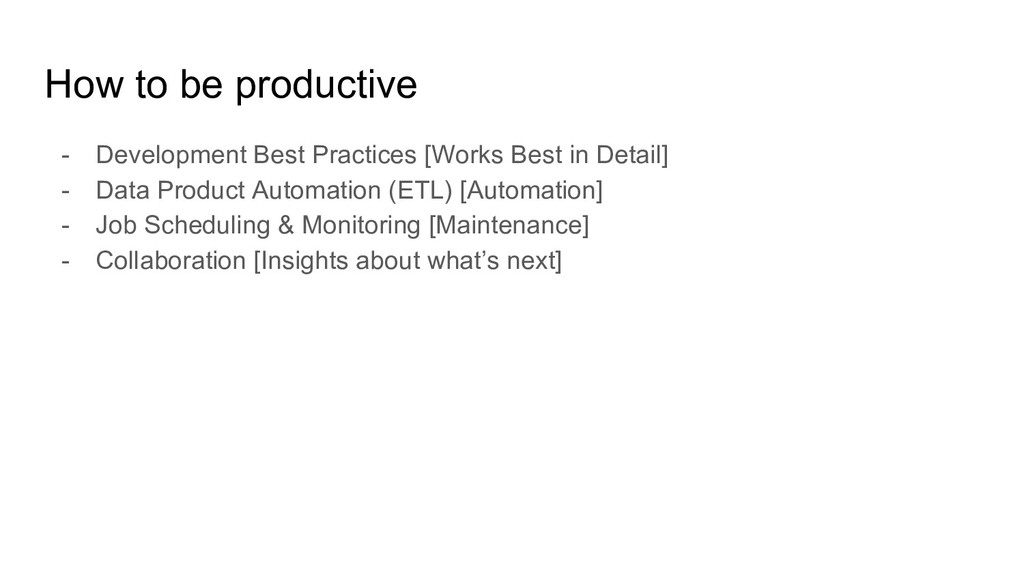
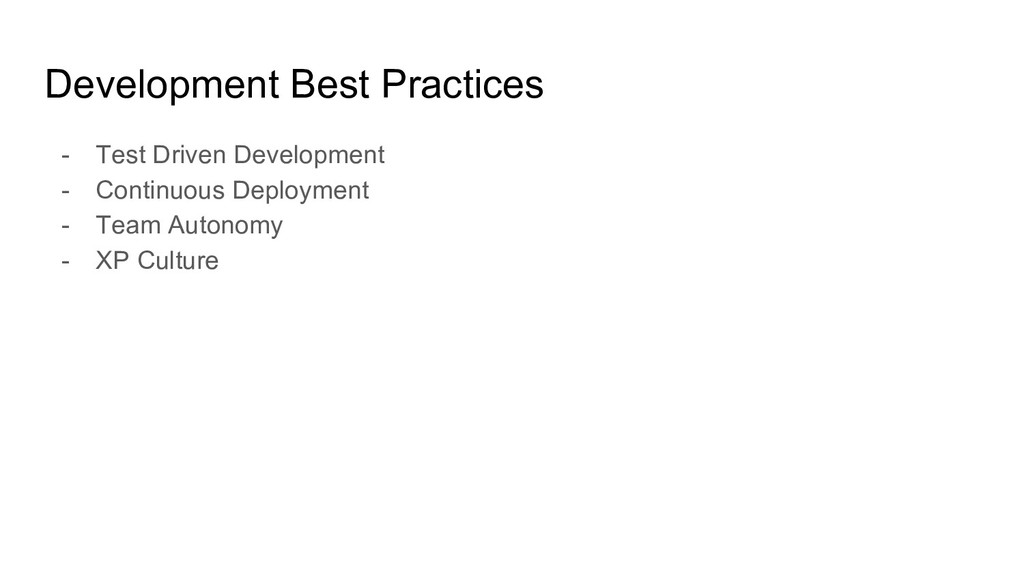
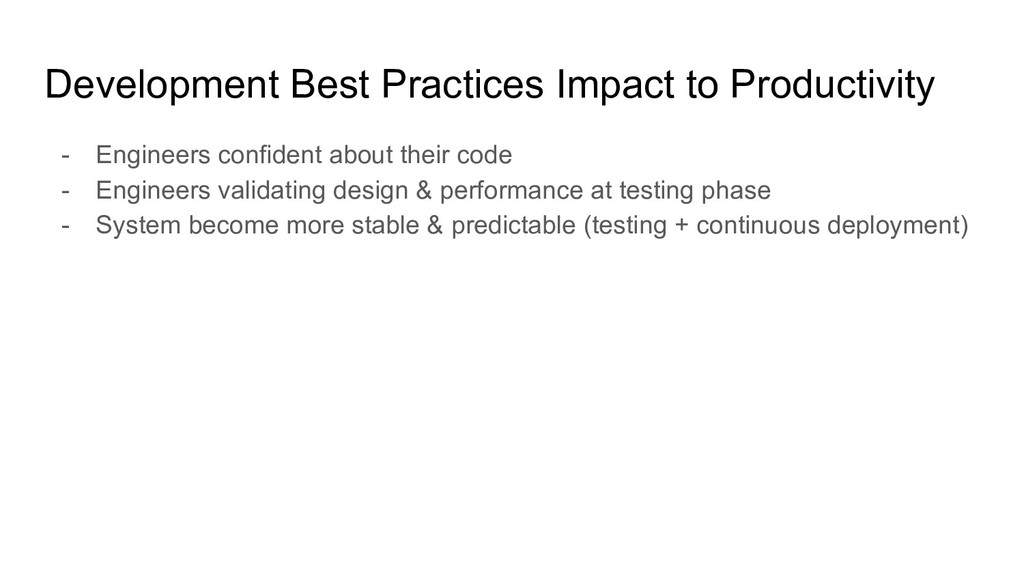
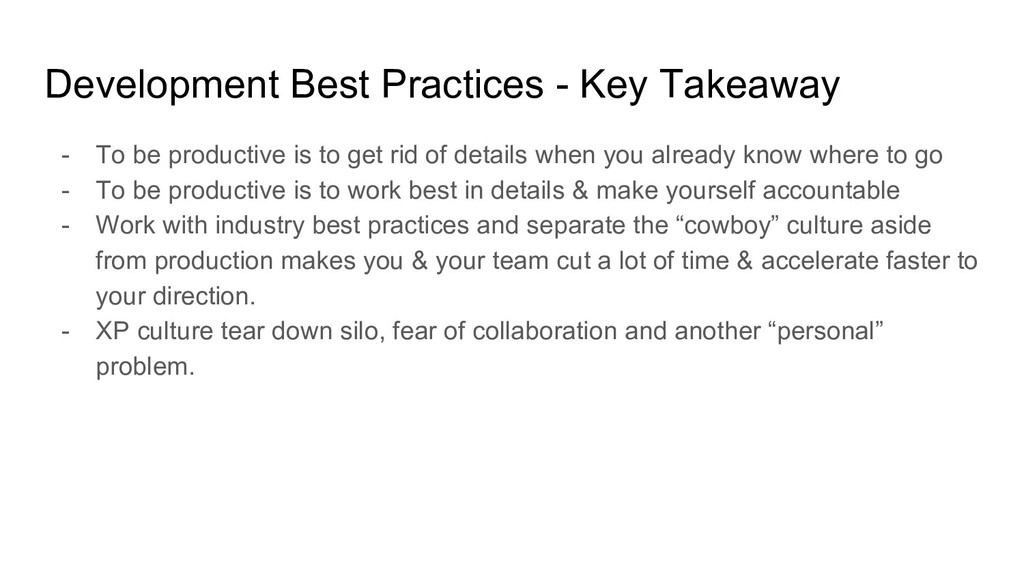
is to get rid of details when you already know where to go - To be productive is to work best in details & make yourself accountable - Work with industry best practices and separate the “cowboy” culture aside from production makes you & your team cut a lot of time & accelerate faster to your direction. - XP culture tear down silo, fear of collaboration and another “personal” problem.
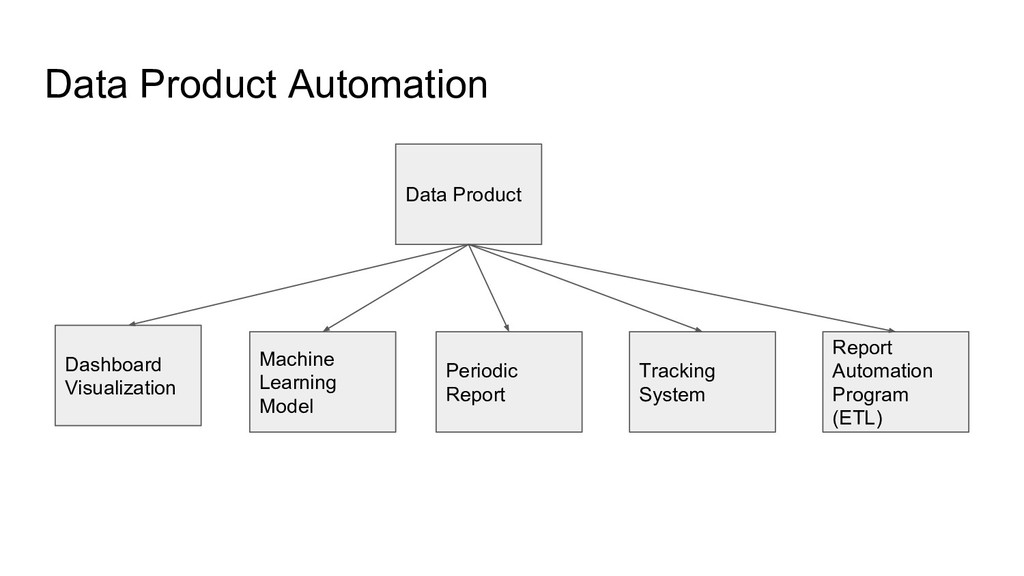
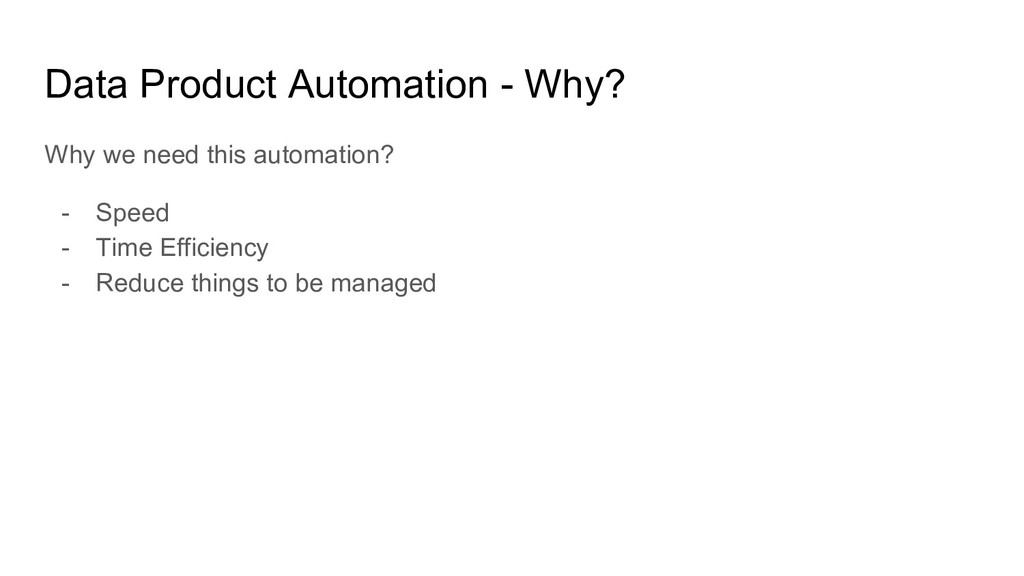
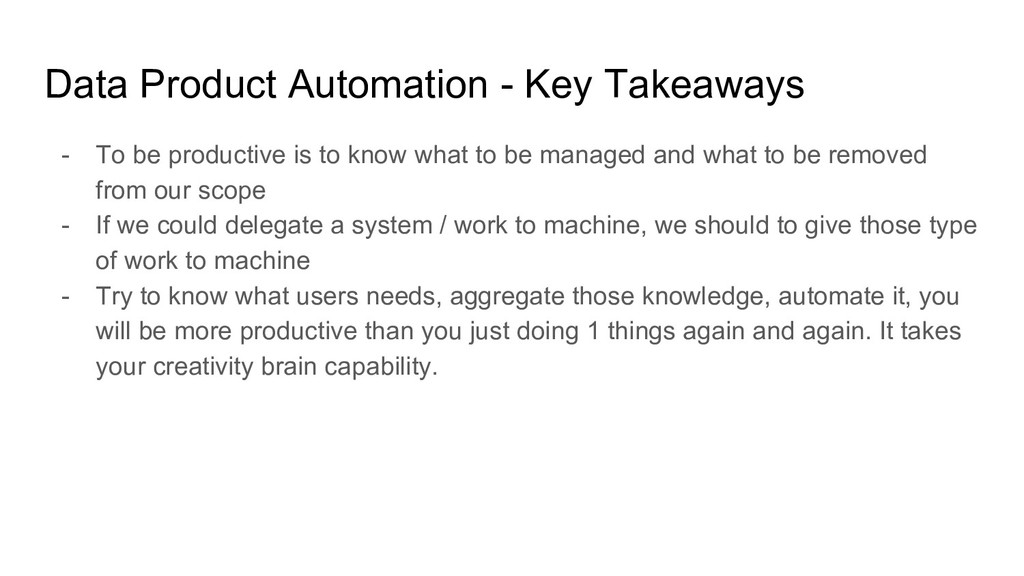
is to know what to be managed and what to be removed from our scope - If we could delegate a system / work to machine, we should to give those type of work to machine - Try to know what users needs, aggregate those knowledge, automate it, you will be more productive than you just doing 1 things again and again. It takes your creativity brain capability.
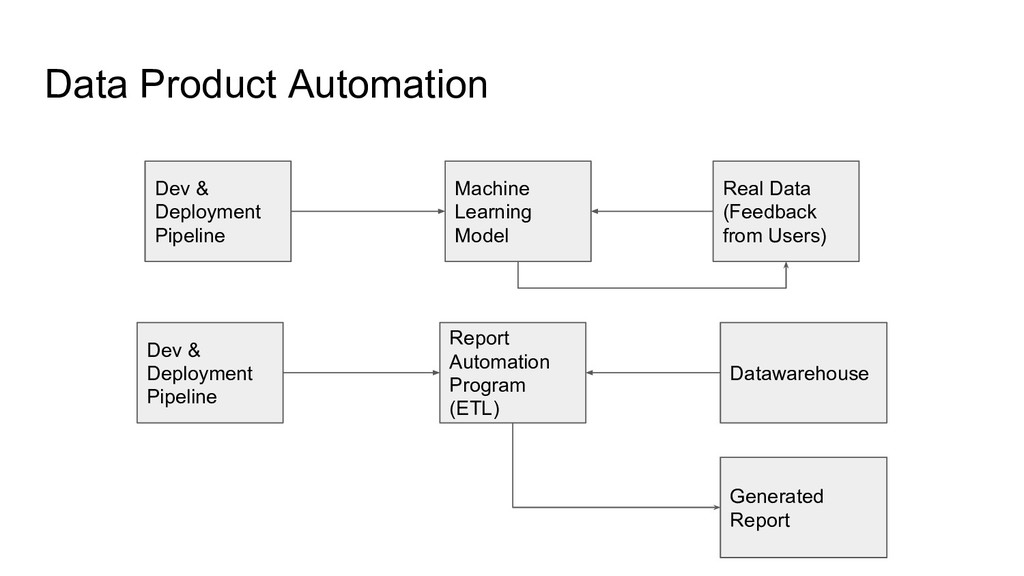
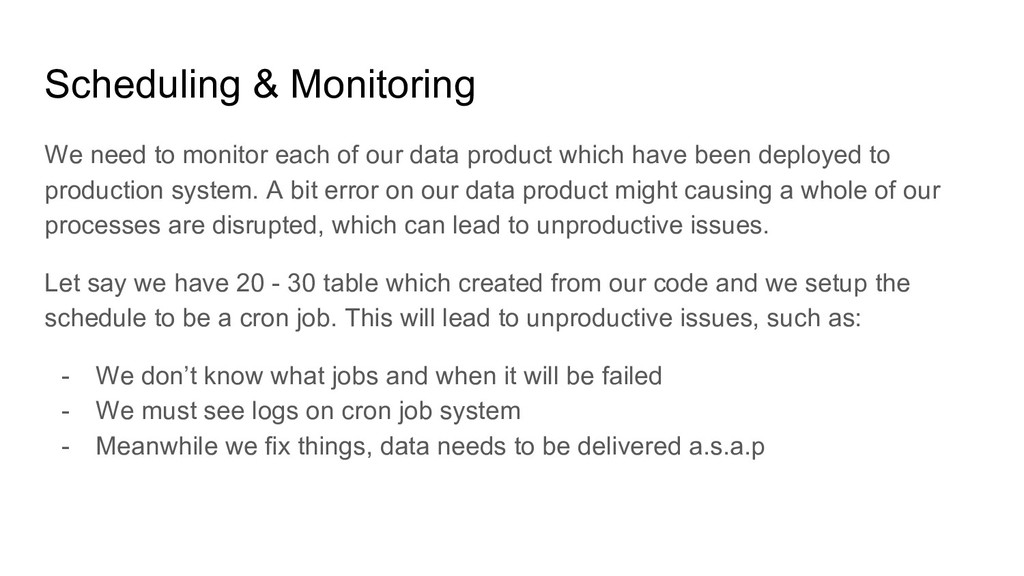
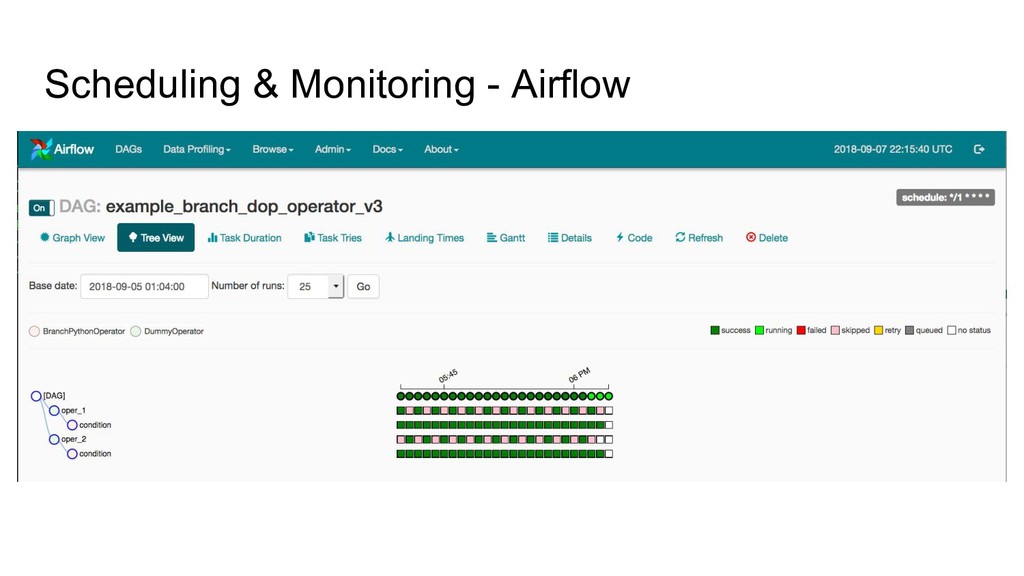
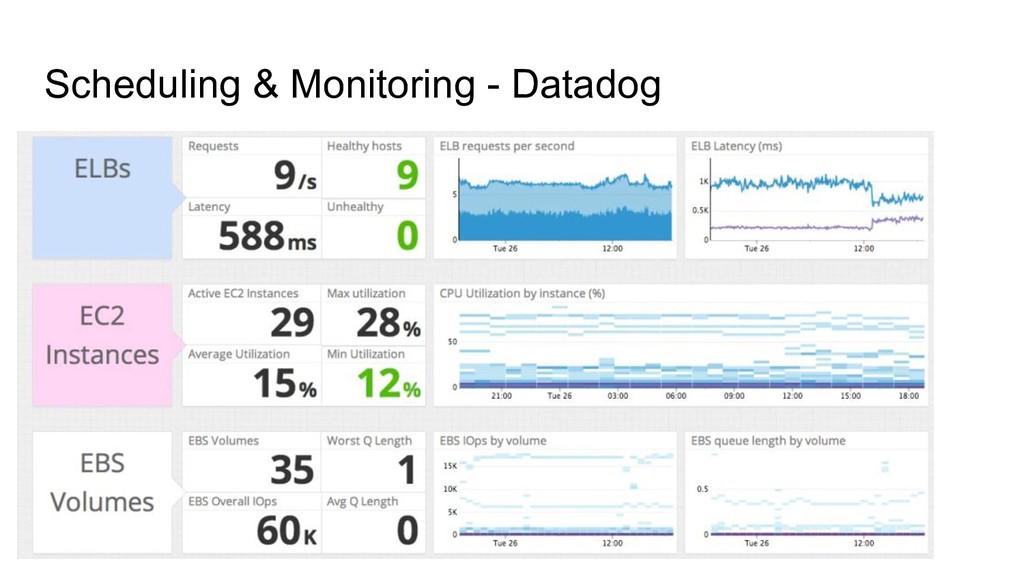
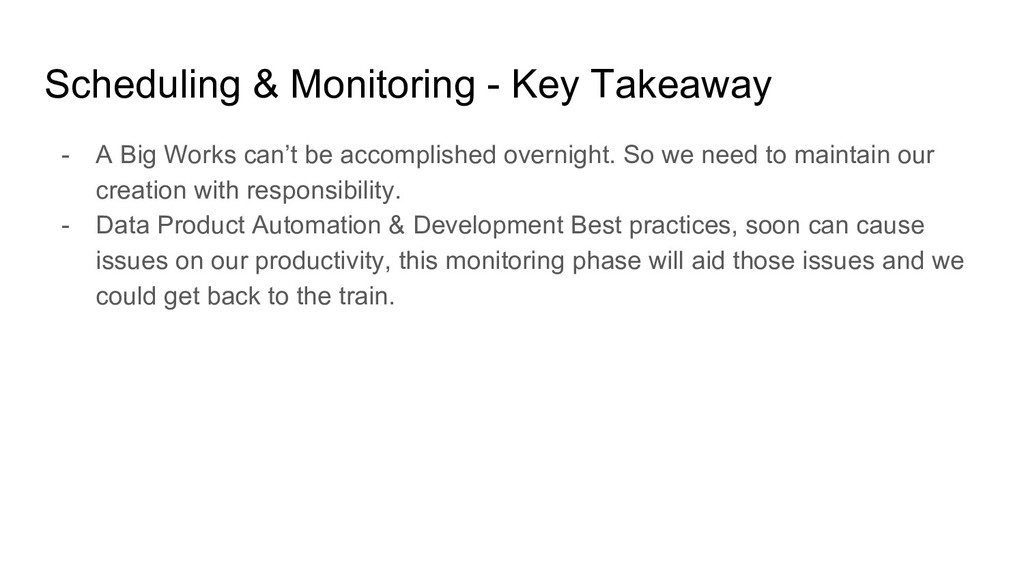
data product which have been deployed to production system. A bit error on our data product might causing a whole of our processes are disrupted, which can lead to unproductive issues. Let say we have 20 - 30 table which created from our code and we setup the schedule to be a cron job. This will lead to unproductive issues, such as: - We don’t know what jobs and when it will be failed - We must see logs on cron job system - Meanwhile we fix things, data needs to be delivered a.s.a.p
can’t be accomplished overnight. So we need to maintain our creation with responsibility. - Data Product Automation & Development Best practices, soon can cause issues on our productivity, this monitoring phase will aid those issues and we could get back to the train.
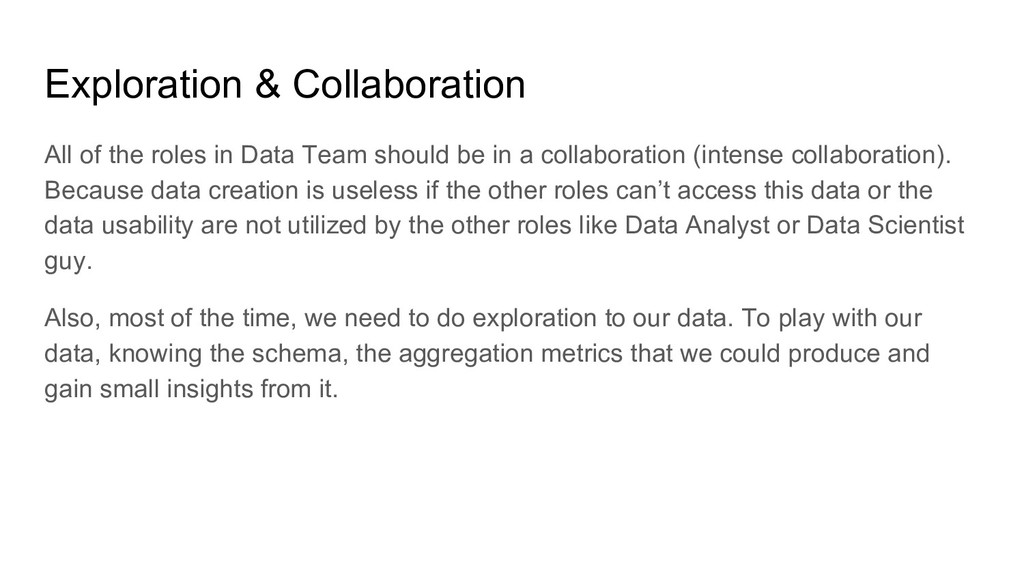
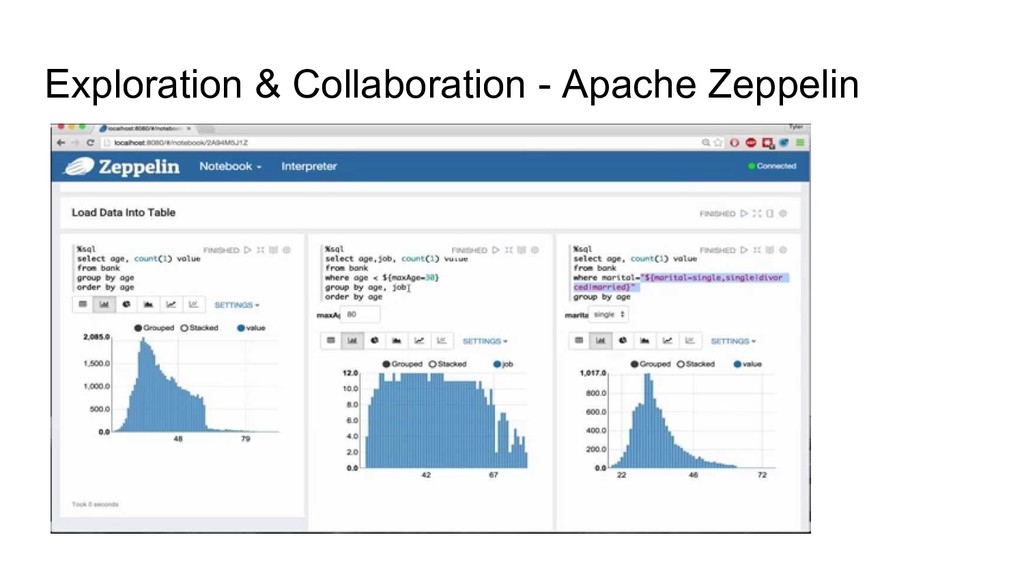
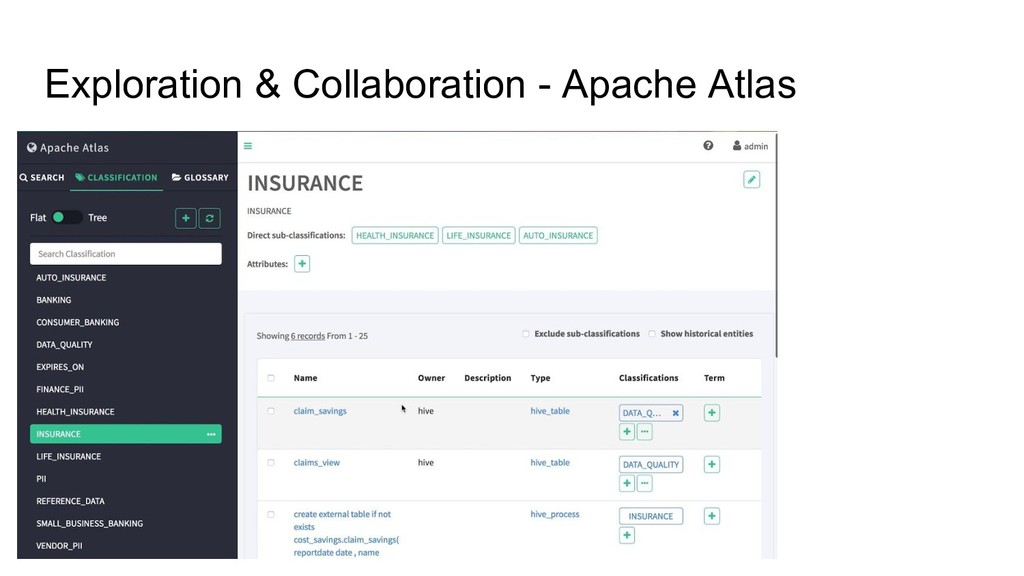
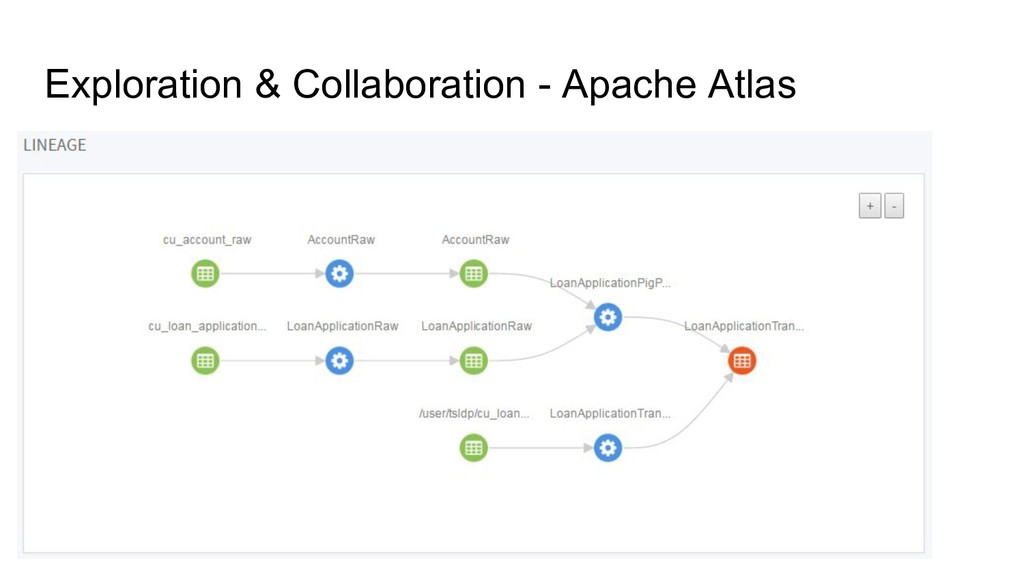
should be in a collaboration (intense collaboration). Because data creation is useless if the other roles can’t access this data or the data usability are not utilized by the other roles like Data Analyst or Data Scientist guy. Also, most of the time, we need to do exploration to our data. To play with our data, knowing the schema, the aggregation metrics that we could produce and gain small insights from it.
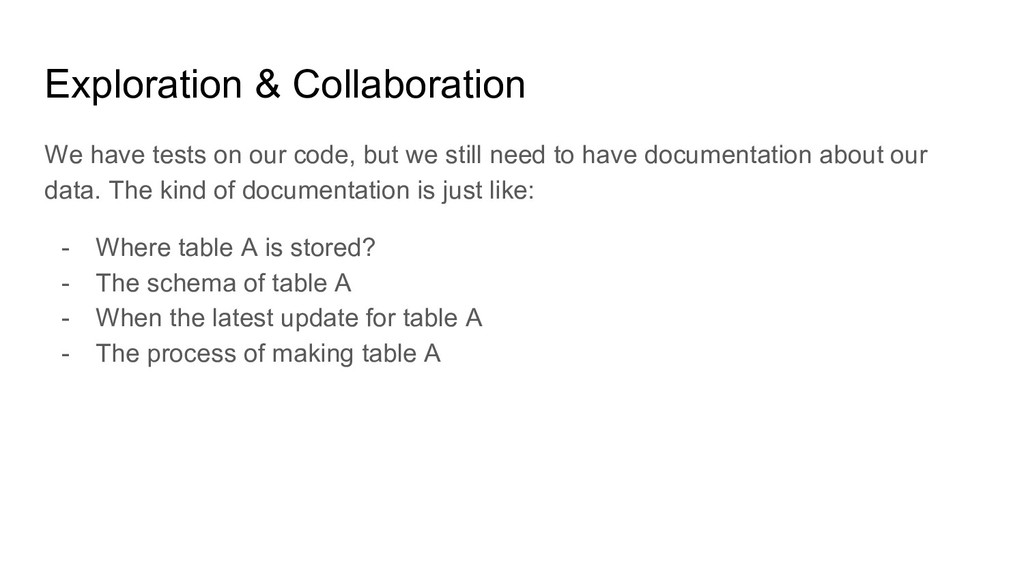
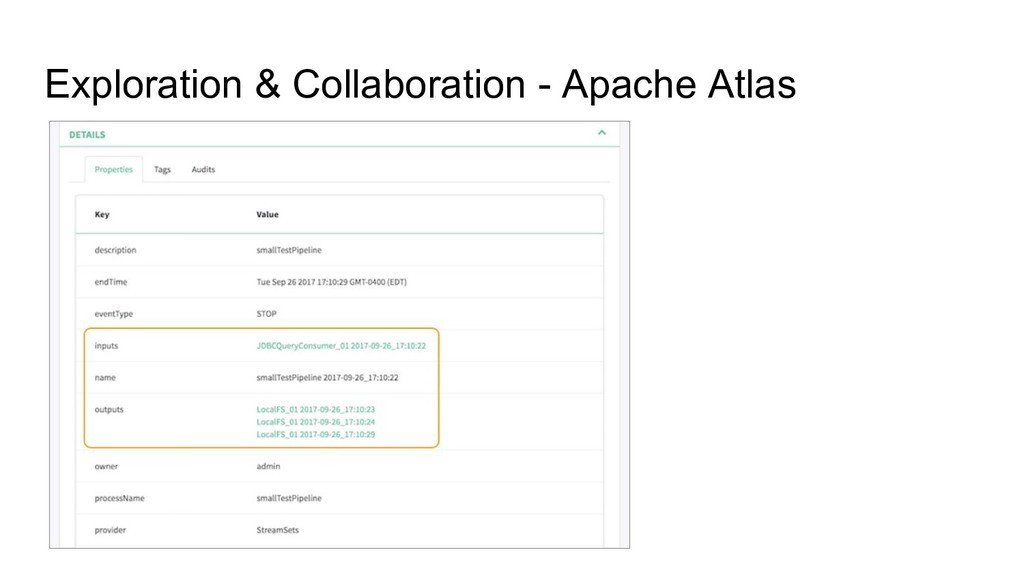
we still need to have documentation about our data. The kind of documentation is just like: - Where table A is stored? - The schema of table A - When the latest update for table A - The process of making table A
things that you should done and the things that will be the next innovation. Separate research & daily routine, to get the optimum productivity level. - Collaboration is a must, to complete our perspective about problem that we currently tackle.
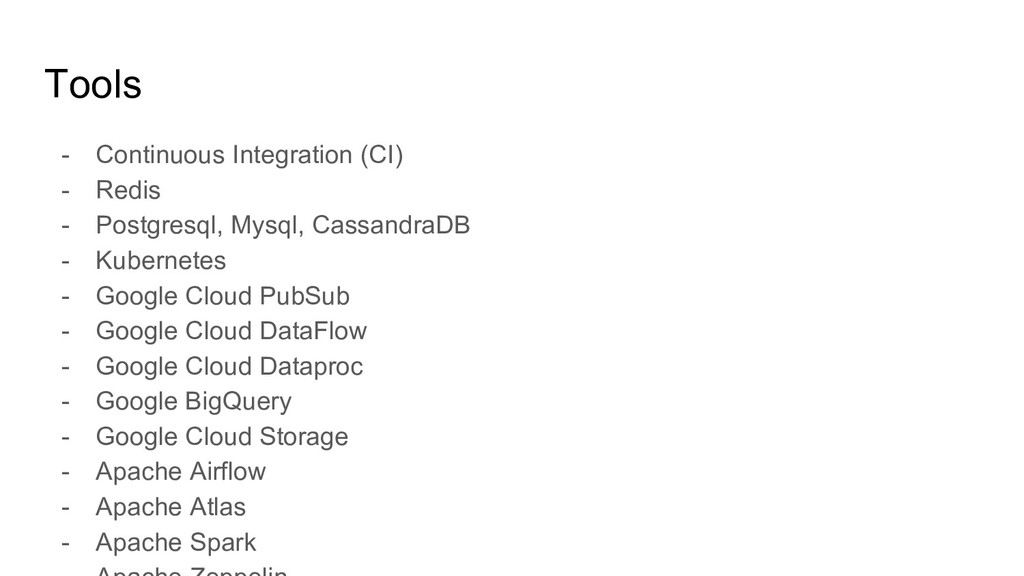
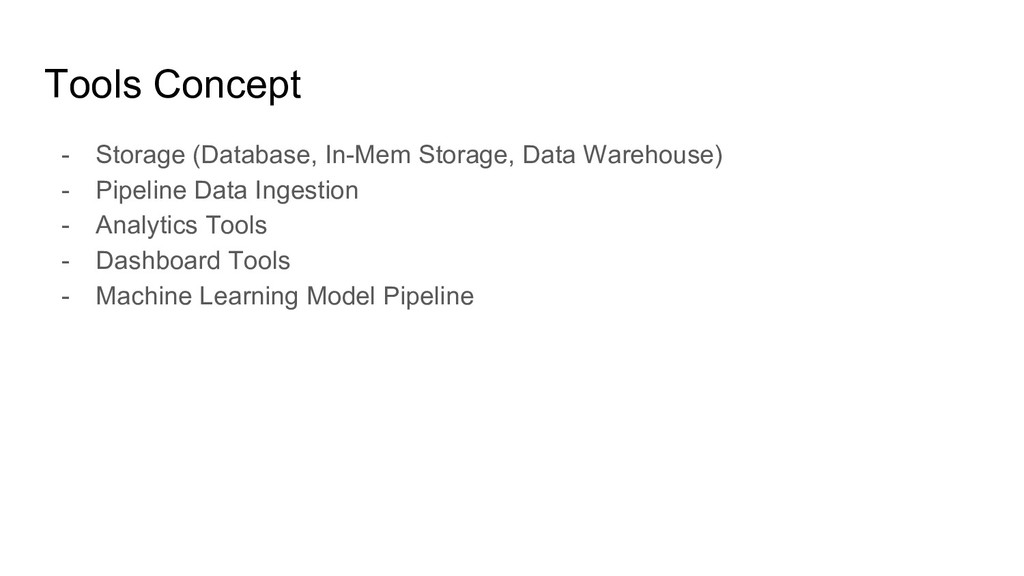
(Realtime/Batch) 2. Services based on Data (Spam Filtering, Recommendation Engine) 3. Scheduling 4. Performance 5. Data Management 6. Data Exploration (Analytics Platform) 7. Programming Culture


 helloproclub
 demaecan
 inariku
 akuwano
 okiyuki99
 toru_kubota
 bulbulpaul
 yama3133
 kota2and3kan
 ham0215
 birgitta410
 bermonpainter
 techseoconnect
 eileencodes
 skipperchong
 tmiket
 nonsquared
 greggifford
 reverentgeek
 helenjbeal
 jdejongh
 smashingmag
 jct